

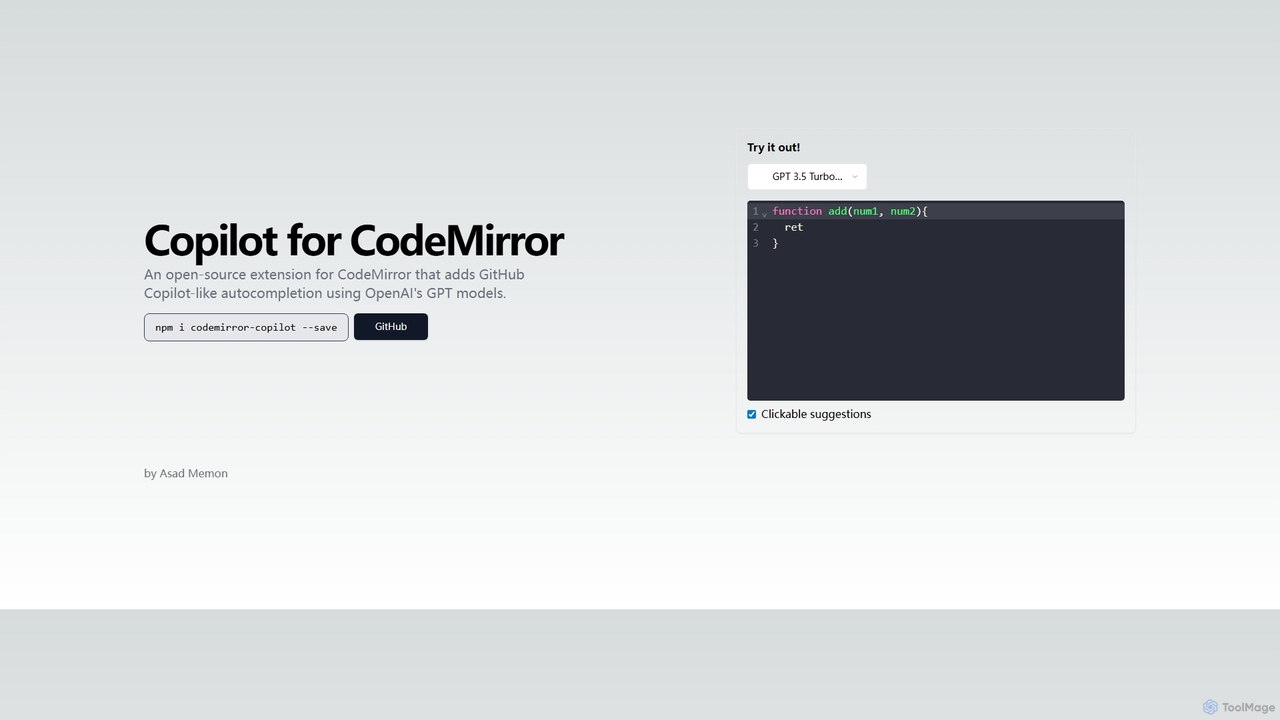
Copilot for CodeMirror Overview
Copilot for CodeMirror is a powerful, open-source JavaScript library that brings the intelligent code completion capabilities of GitHub Copilot directly into the CodeMirror editor environment. Developed for seamless integration, this extension allows developers to embed AI-powered pair programming features into their web-based IDEs, documentation platforms, and educational tools. By leveraging the advanced natural language and code generation abilities of OpenAI's GPT models (such as GPT-3.5 Turbo and GPT-4), it analyzes the existing code context to provide highly relevant and accurate suggestions, from single-line completions to entire function blocks.
This tool is designed to significantly boost developer productivity by reducing repetitive typing and helping to solve complex coding problems faster. As you write code, Copilot for CodeMirror proactively offers suggestions that you can accept with a single click or keystroke. It understands various programming languages and frameworks, making it a versatile assistant for front-end and back-end development. Because it's open-source, developers have full transparency and the ability to customize or contribute to the project, ensuring it adapts to the evolving needs of the community.
How to use Copilot for CodeMirror
Integrating Copilot for CodeMirror into a project is straightforward for any developer familiar with JavaScript and npm. The process typically involves the following steps:
- Installation: Add the extension to your project using a package manager like npm. The command is simple:
npm i codemirror-copilot --save. - Configuration: Import the extension into your application's code where you initialize CodeMirror. You will need to configure it with your own OpenAI API key, as the extension sends requests to the OpenAI API to generate code suggestions.
- Initialization: When setting up your CodeMirror instance, include the Copilot for CodeMirror extension in your list of extensions. This will activate the AI-powered autocompletion feature within the editor.
- Usage: Once integrated, simply start typing code in the CodeMirror editor. The extension will automatically analyze the context and display relevant code suggestions as you type. Suggestions are often presented as ghost text or in a dropdown, which can be accepted using a designated key (like Tab) or by clicking on them.
Core Features of Copilot for CodeMirror
- AI-Powered Code Completion: Generates context-aware code suggestions, from simple variable names to complex algorithms and functions, directly in the editor.
- Powered by OpenAI GPT Models: Utilizes state-of-the-art models like GPT-3.5 Turbo and GPT-4 for high-quality, human-like code generation.
- Seamless CodeMirror Integration: Designed as a native extension for CodeMirror 6, ensuring a smooth and performant user experience without disrupting the editor's core functionality.
- Open-Source and Customizable: The entire codebase is available on GitHub, allowing for community contributions, custom forks, and complete transparency in its operation.
- Multi-Language Support: Thanks to the underlying GPT models, it can provide assistance for a wide array of programming languages, including JavaScript, TypeScript, Python, HTML, CSS, and more.
- Interactive Suggestions: Offers clickable and keyboard-navigable suggestions, making it easy to review and accept the generated code.
Use Cases for Copilot for CodeMirror
This extension is ideal for any web application that incorporates a code editor for users:
- Online IDEs and Code Playgrounds: Enhance platforms like CodeSandbox, JSFiddle, or custom-built web IDEs with intelligent AI assistance.
- Educational and E-Learning Platforms: Help students learn to code by providing real-time guidance and examples, reducing frustration and accelerating the learning curve.
- Technical Documentation: Create interactive code examples within documentation pages, allowing users to experiment with code and see AI suggestions in action.
- Content Management Systems (CMS): Empower developers and content creators who work with code snippets (e.g., HTML, CSS, JavaScript) directly within a CMS.
- Internal Developer Tools: Build powerful internal tools for your team that require code editing, streamlining workflows and improving efficiency.
Advantages of Copilot for CodeMirror
The primary advantage of this tool is its ability to democratize AI-powered coding assistance. It allows any developer or organization to add advanced Copilot-like features to their own web applications without having to build the technology from scratch. Its open-source nature fosters trust and flexibility, while its reliance on powerful OpenAI models ensures the suggestions are of high quality. This leads to faster development cycles, reduced errors, and a more enjoyable coding experience for end-users.
Pricing and Plans
Copilot for CodeMirror is an open-source library and is completely free to use, download, and integrate into your projects. However, it functions by making API calls to OpenAI's GPT models. Therefore, users are required to obtain their own OpenAI API key and will be responsible for the costs associated with their API usage. OpenAI's pricing is typically based on the number of tokens processed, so the cost will depend on how extensively the autocompletion feature is used within your application.
Copilot for CodeMirror Alternatives

Aider
Aider is an AI-powered pair programmer that operates directly in your terminal. It intelligently maps your entire codebase, providing full project context for complex tasks. Seamlessly integrated with Git, it automates commits and allows you to manage AI-driven changes with familiar tools. Aider supports over 100 programming languages, connects to leading cloud and local LLMs, and even accepts voice and image inputs, making it a versatile and powerful assistant for any developer seeking to accelerate their workflow and improve code quality.
Programming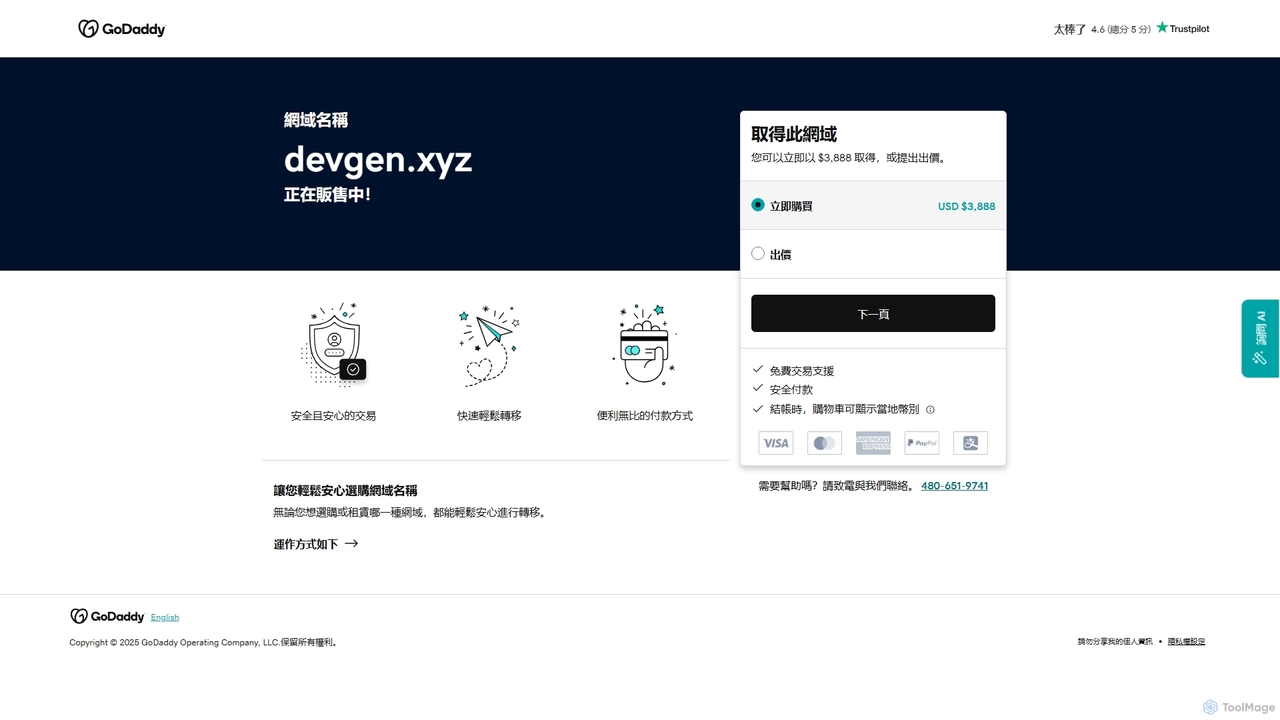
Devgen
Devgen is an AI-powered coding assistant designed to accelerate the software development lifecycle. It helps developers write better code faster by providing intelligent code generation, completion, refactoring, and automated testing, directly within their IDE.
Code Assistant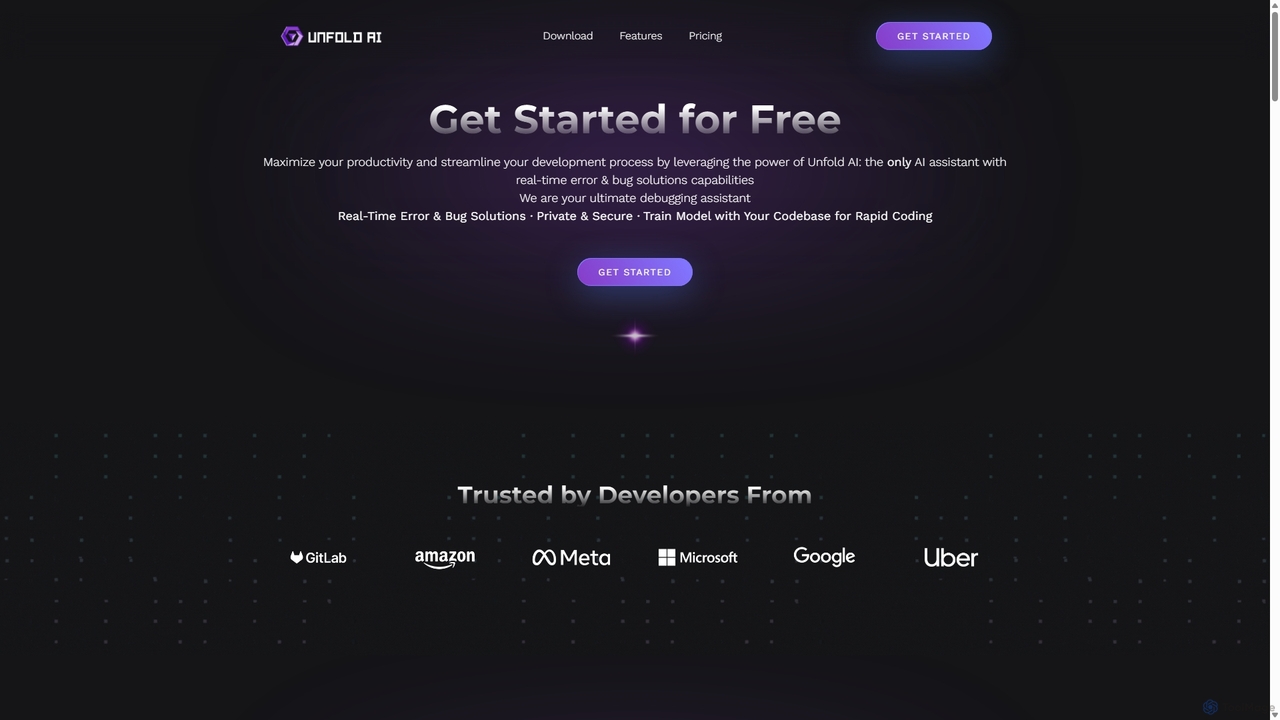
Unfold AI
Unfold AI is an all-in-one AI coding assistant designed for developers. It integrates into your IDE to provide real-time error and bug solutions, generate code from natural language, and complete code snippets. A key feature is its ability to be trained on your private codebase for highly customized and accurate assistance across 20+ programming languages.
Code Assistant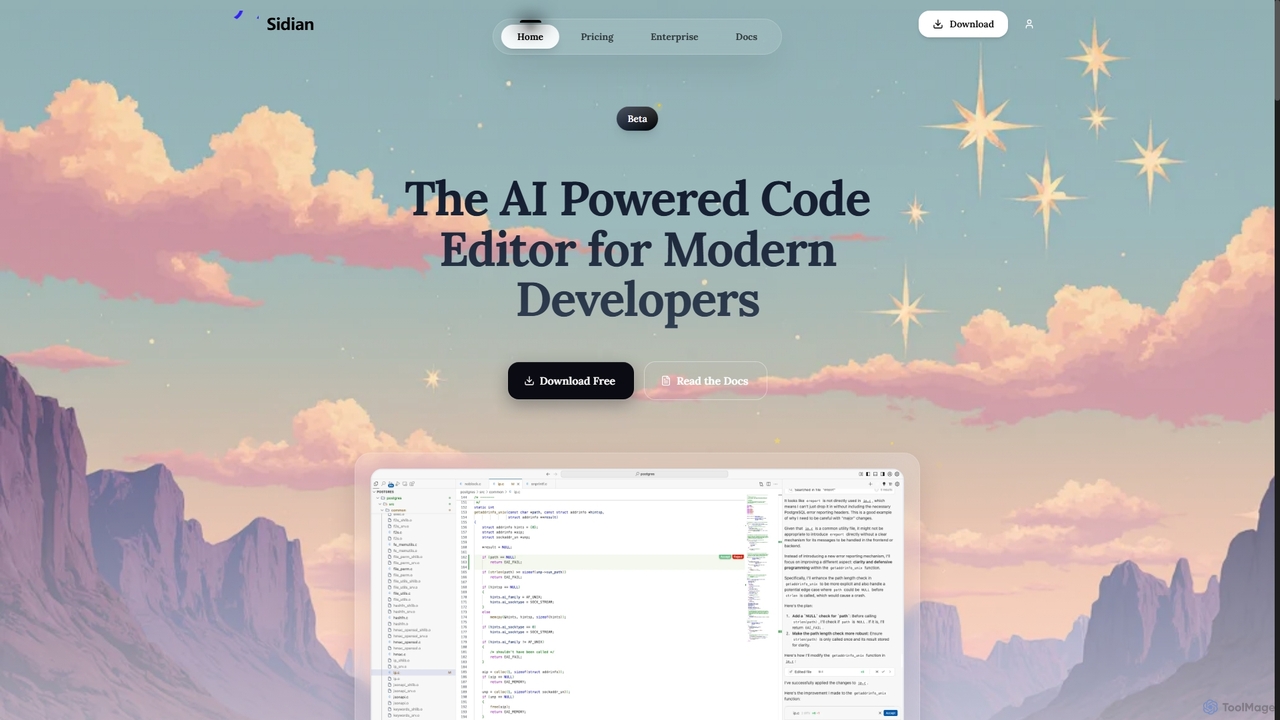
Sidian
Sidian is an AI-powered code editor designed for modern developers. It features a sophisticated context engine that rapidly understands complex codebases, integrates with major AI providers like OpenAI and Google, and supports local models for enhanced privacy and flexibility.
Code Generation
Enso
Enso is an AI-powered development environment designed for developers to parallelize intelligence across multiple AI agents within a single project. It integrates advanced Git control, a robust code editor, and AI-driven code review, offering a seamless workflow with persistent AI sessions for each branch.
DevelopmentCopilot for CodeMirror Categories
Copilot for CodeMirror Jobs
Copilot for CodeMirror Embed Widget
Copy this embed code to place the badge on your blog, article, or product site and send readers directly to this ToolMage detail page.

Related AI tools
Aider
Aider is an AI-powered pair programmer that operates directly in your terminal. It intelligently maps your entire codebase, providing full project context for complex tasks. Seamlessly integrated with Git, it automates commits and allows you to manage AI-driven changes with familiar tools. Aider supports over 100 programming languages, connects to leading cloud and local LLMs, and even accepts voice and image inputs, making it a versatile and powerful assistant for any developer seeking to accelerate their workflow and improve code quality.
ProgrammingDevgen
Devgen is an AI-powered coding assistant designed to accelerate the software development lifecycle. It helps developers write better code faster by providing intelligent code generation, completion, refactoring, and automated testing, directly within their IDE.
Code AssistantSidian
Sidian is an AI-powered code editor designed for modern developers. It features a sophisticated context engine that rapidly understands complex codebases, integrates with major AI providers like OpenAI and Google, and supports local models for enhanced privacy and flexibility.
Code GenerationUnfold AI
Unfold AI is an all-in-one AI coding assistant designed for developers. It integrates into your IDE to provide real-time error and bug solutions, generate code from natural language, and complete code snippets. A key feature is its ability to be trained on your private codebase for highly customized and accurate assistance across 20+ programming languages.
Code Assistant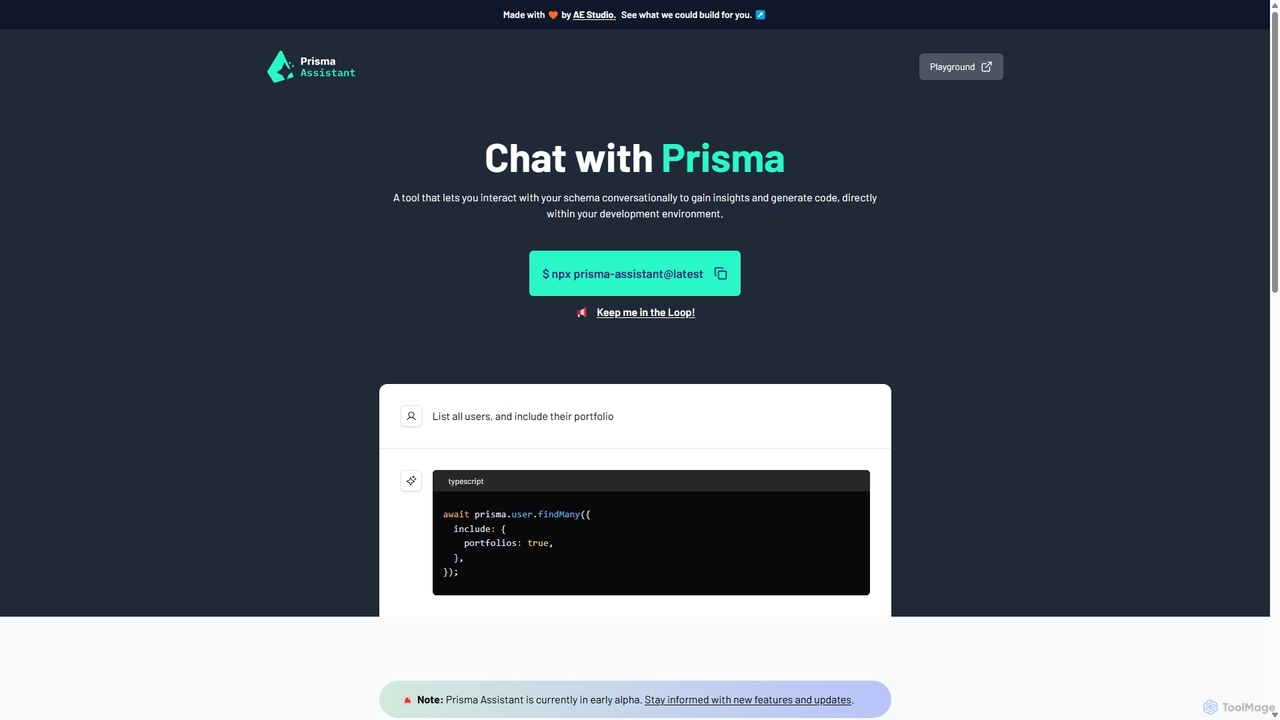
Prisma Assistant
Prisma Assistant is an AI-powered tool for developers that enables conversational interaction with your Prisma schema. Run it locally to gain insights, ask questions in natural language, and automatically generate Prisma queries and mutations, significantly speeding up your backend development workflow.
Ai Coding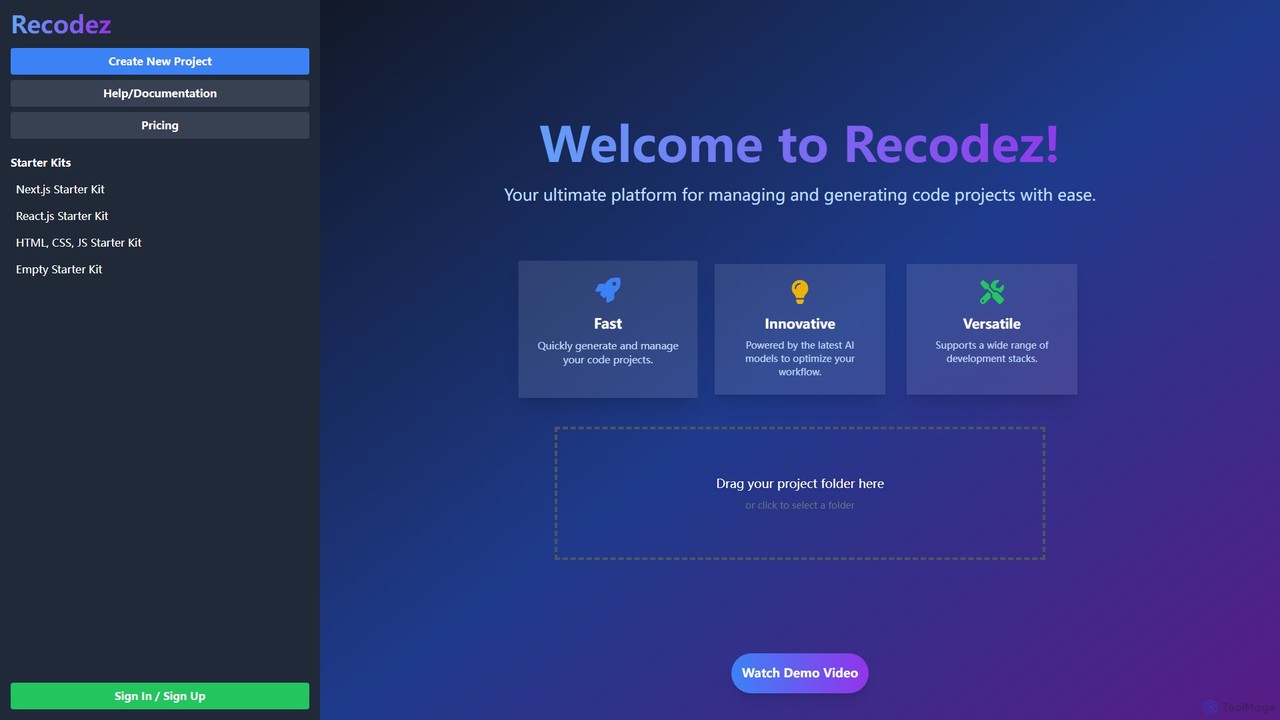
Recodez
Recodez is an AI-powered platform designed to streamline software development. It enables developers to generate, manage, and refactor code projects with ease, supporting various frameworks like Next.js and React. By leveraging advanced AI models, Recodez accelerates the entire development lifecycle, from project scaffolding to code optimization.
Code Assistant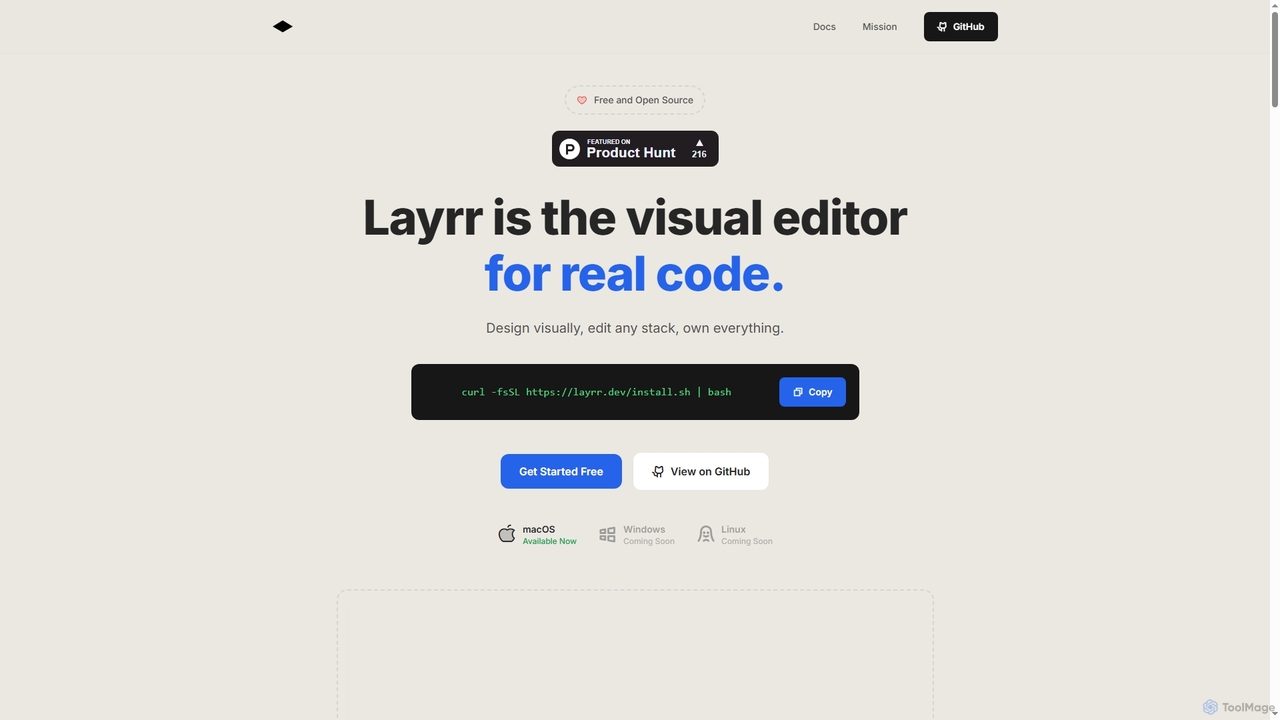
Layrr
Layrr is a free and open-source visual editor that allows developers and designers to create and edit real code directly. It combines the intuitive drag-and-drop interface of design tools like Figma with the flexibility and ownership of traditional coding, supporting any tech stack and leveraging AI for design-to-code conversion and natural language interface generation.
Code Generation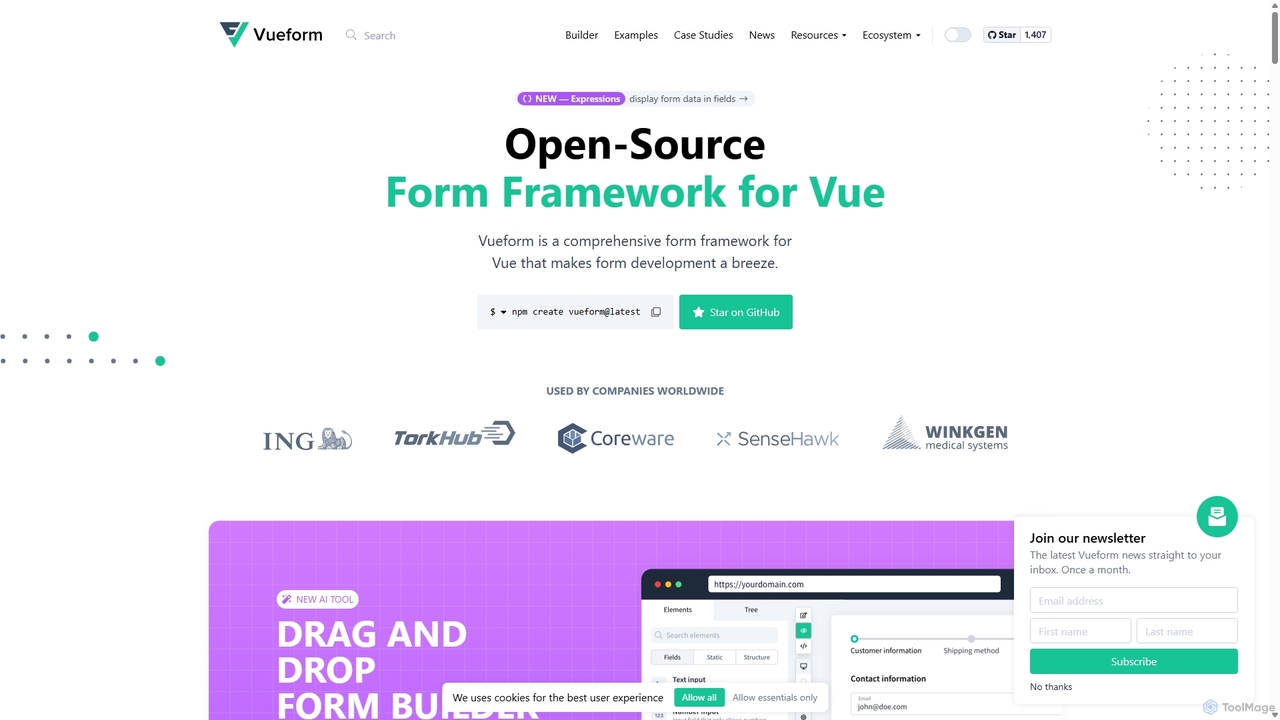
Vueform
Vueform is an open-source form framework for Vue.js, designed to streamline form development. It features a drag-and-drop builder, an AI Assistant for instant form generation, over 50 validation rules, complex conditional logic, and extensive pre-built elements. It simplifies handling nested data, multi-step wizards, and internationalization, making it a comprehensive solution for any Vue application.
Libraries & Frameworks
Codeium
Codeium is an AI-powered code acceleration toolkit that provides free, ultra-fast code completion, in-editor chat, and other intelligent features. It supports over 70 programming languages and integrates seamlessly with more than 40 popular IDEs to help developers code faster and more efficiently.
Code Assistant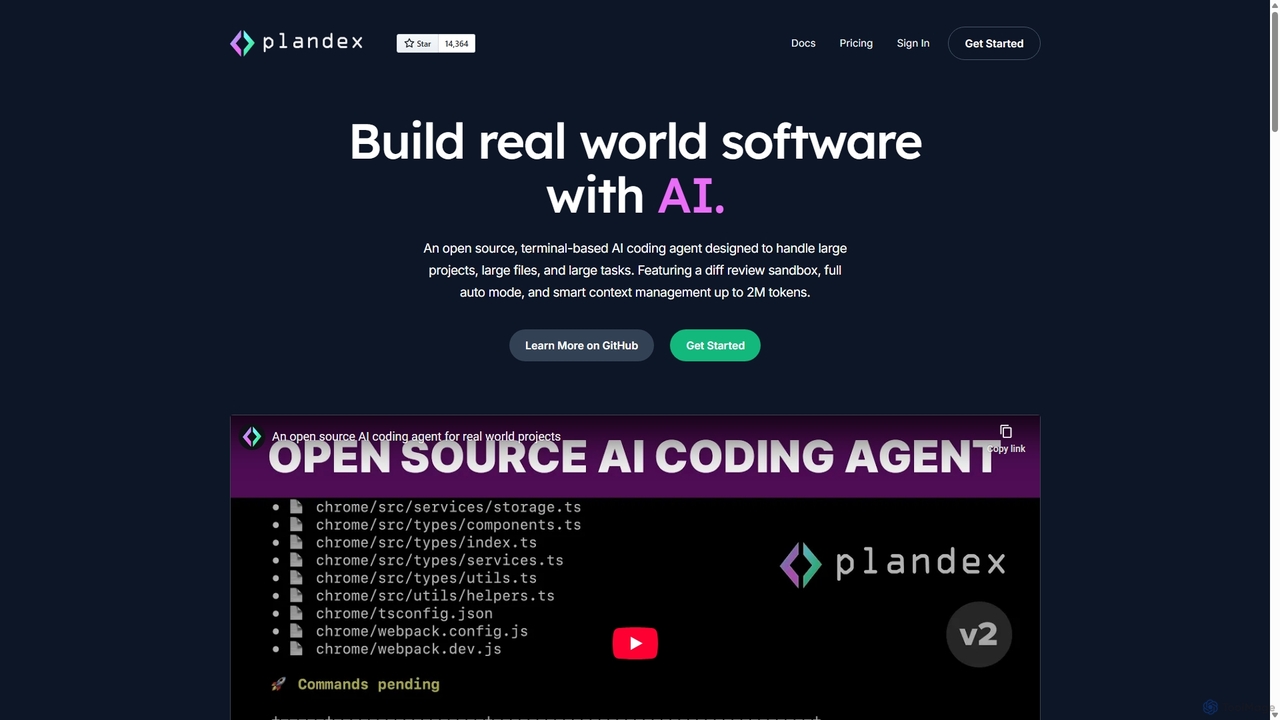
Plandex
Plandex is an open-source, terminal-based AI coding agent designed for complex, large-scale software development tasks. It excels at handling large projects and files with its 2M token context window. Featuring a diff review sandbox, configurable autonomy, and multi-model support, Plandex empowers developers to build, debug, and refactor entire applications with AI assistance, ensuring control and productivity in a dev-friendly workflow.
Code Generation
Cascade
Cascade is a creative development environment for modern web development. It allows users to visually explore parallel versions of their projects, manage branches, and rapidly build new iterations with the help of an integrated AI assistant. Experiment freely and commit your best work.
Prototyping
CodeWiz
CodeWiz is an AI-powered coding assistant designed to accelerate software development. It integrates into your IDE to provide intelligent code completion, real-time debugging, code explanation, and automated test generation, helping developers write better code faster and with fewer errors.
Code Assistant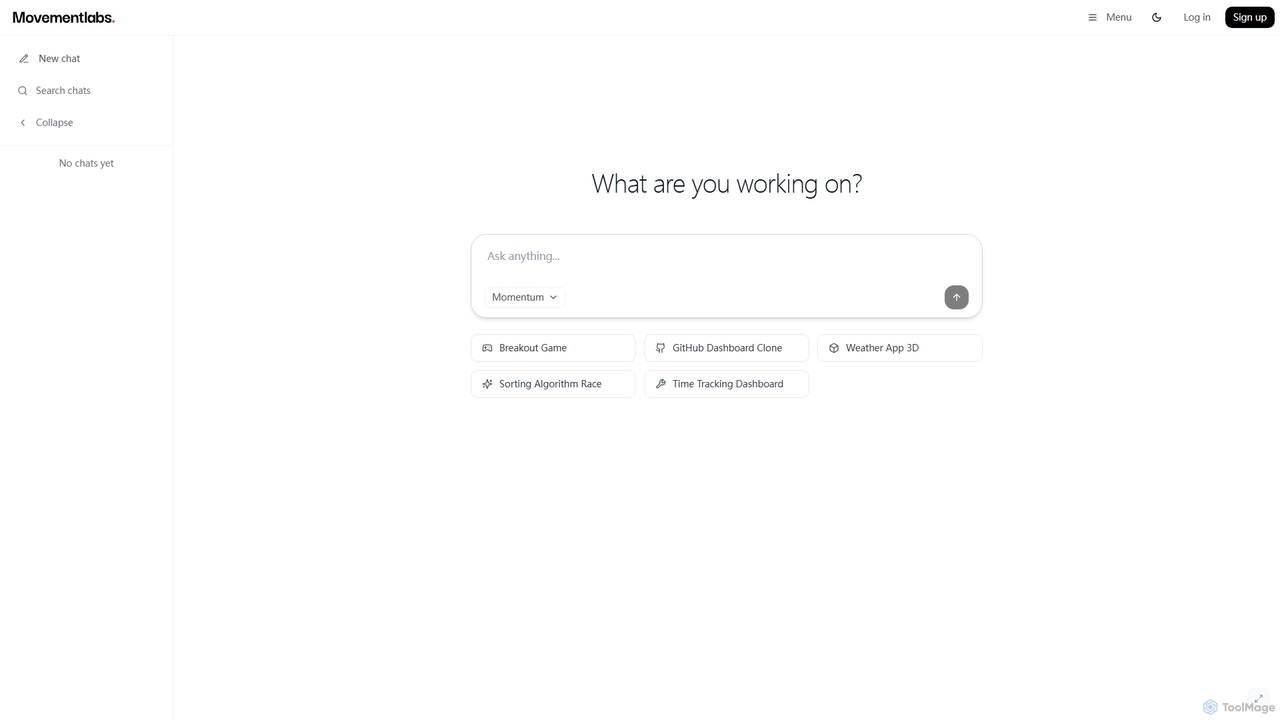
Momentum AI
Momentum AI, developed by Movement Labs, is a high-performance artificial intelligence platform renowned for its ultra-fast inference speeds, up to 20 times faster than competitors. Powered by the exclusive Movement Processing Unit (MPU), it delivers benchmark-leading performance for real-time AI applications, including advanced reasoning, code generation, and natural conversations, designed to serve humanity's long-term well-being.
Inference Optimization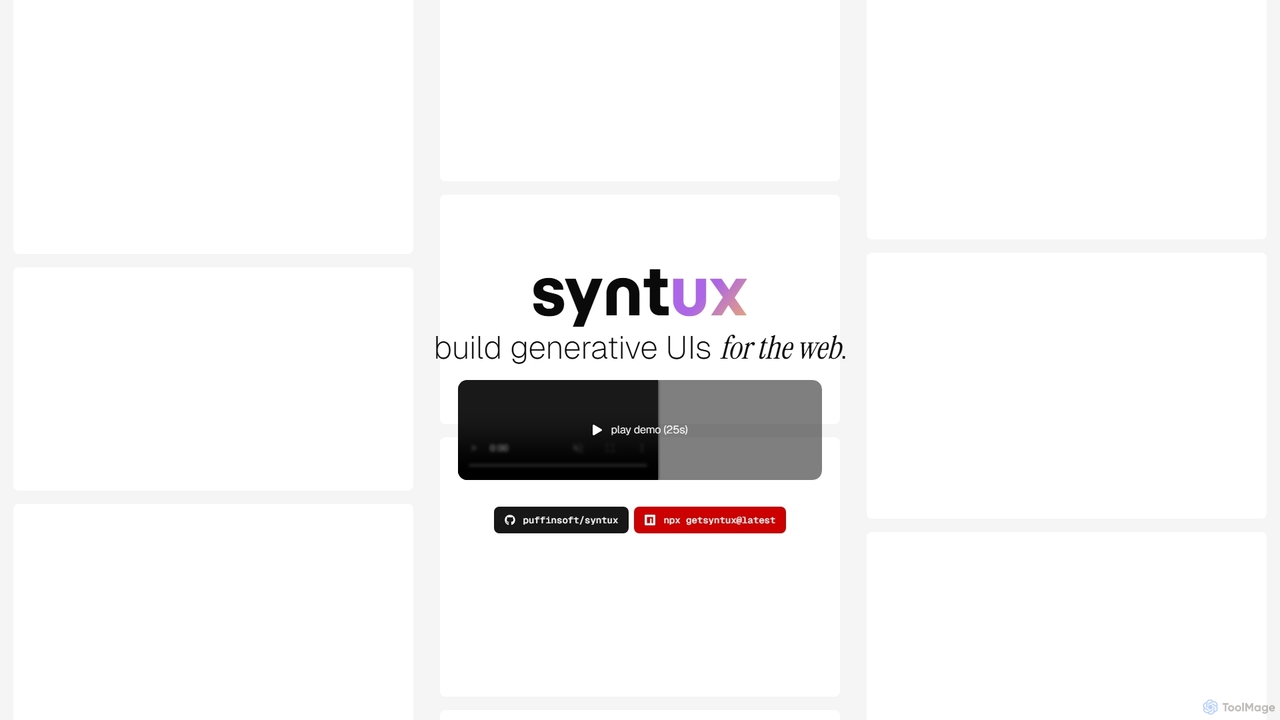
Syntux
Syntux is an innovative AI-powered developer tool designed to build generative user interfaces for the web. It empowers developers to rapidly create dynamic and customizable UI components and layouts through programmatic commands, streamlining the front-end development workflow and accelerating prototyping.
Generative Ui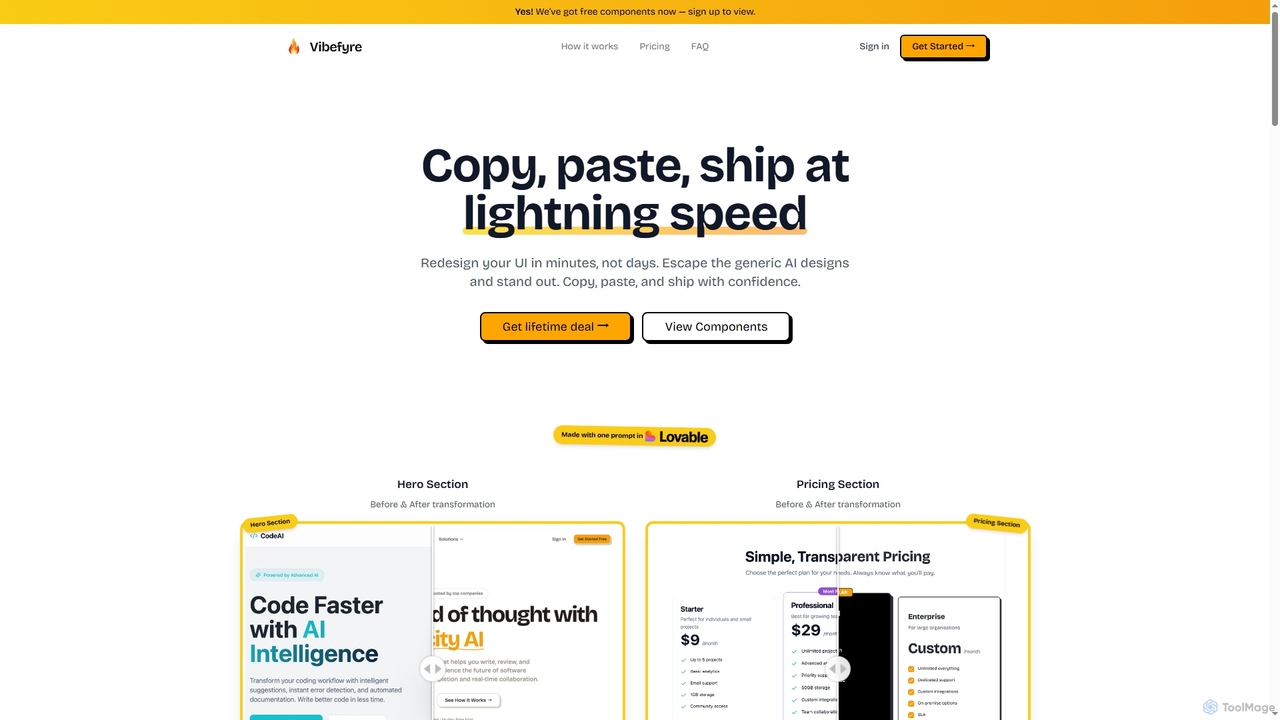
Vibefyre
Vibefyre is an AI-powered UI kit designed to accelerate web development by providing high-quality, pre-designed components and prompts. It enables developers to quickly generate unique and consistent user interfaces using their favorite AI coding tools, significantly reducing design and development time for React/TSX applications.
Web Design
Copilot for CodeMirror Comments (0)
Sign in to comment.
Sign inNo comments yet.