


Cascade Overview
Cascade is an innovative creative development environment tailored for modern web development workflows. It empowers developers and designers to explore multiple parallel versions of their product ideas and efficiently build the chosen direction. By offering a visual tree representation of all project branches, Cascade simplifies complex version control, making it intuitive to navigate and understand project evolution. It's currently in Beta, indicating active development and continuous improvement.
How to use Cascade
To use Cascade, first download and open the application. You begin by opening any local project, which Cascade then visualizes as a tree of all your existing branches. For building new features or exploring design changes, you can instruct the integrated AI assistant, Claude, on what to build. This involves selecting elements directly from the browser, tagging relevant files, or uploading images to guide the AI. The environment encourages free experimentation: if you like a particular state, you can commit it. If you wish to try a different approach, simply drag from any point in your project's history to clone that state and explore new possibilities without affecting your main development line.
Core Features of Cascade
- Visual Branch Management: Displays all local project branches as an intuitive visual tree.
- AI-Assisted Building: Utilizes an AI assistant (Claude) to help build features by selecting browser elements, tagging files, or uploading images.
- Parallel Version Exploration: Enables users to explore and develop multiple versions of a product simultaneously.
- Free Experimentation: Allows cloning project states from any point in history to experiment without commitment.
- Commit Workflow: Provides a straightforward mechanism to commit desired project states.
- Designed for Modern Web Development: Specifically built to enhance contemporary web development practices.
Use Cases for Cascade
Cascade is ideal for web developers, UI/UX designers, and product teams who need to rapidly prototype, iterate, and manage complex web projects. It's particularly useful for:
- Rapid Prototyping: Quickly spinning up and testing different design or feature variations.
- A/B Testing Development: Creating and managing parallel versions of a website or component for A/B testing.
- Feature Branching & Merging: Visually managing numerous feature branches and understanding their relationships before merging.
- Design Exploration: Allowing designers to experiment with various UI/UX concepts in a live development environment.
- Collaborative Development: Providing a clear visual overview for teams working on different aspects of a project.
Advantages of Cascade
The primary advantages of Cascade include its visual approach to version control, which significantly reduces complexity and improves understanding of project history. The integration of an AI assistant streamlines the building process, allowing for faster iteration and development. Its emphasis on free experimentation fosters creativity and reduces the fear of breaking existing code, as new ideas can be explored in isolated, clonable environments. This leads to more efficient workflows and a higher quality final product.
Cascade FAQ
Cascade Alternatives
Vueform
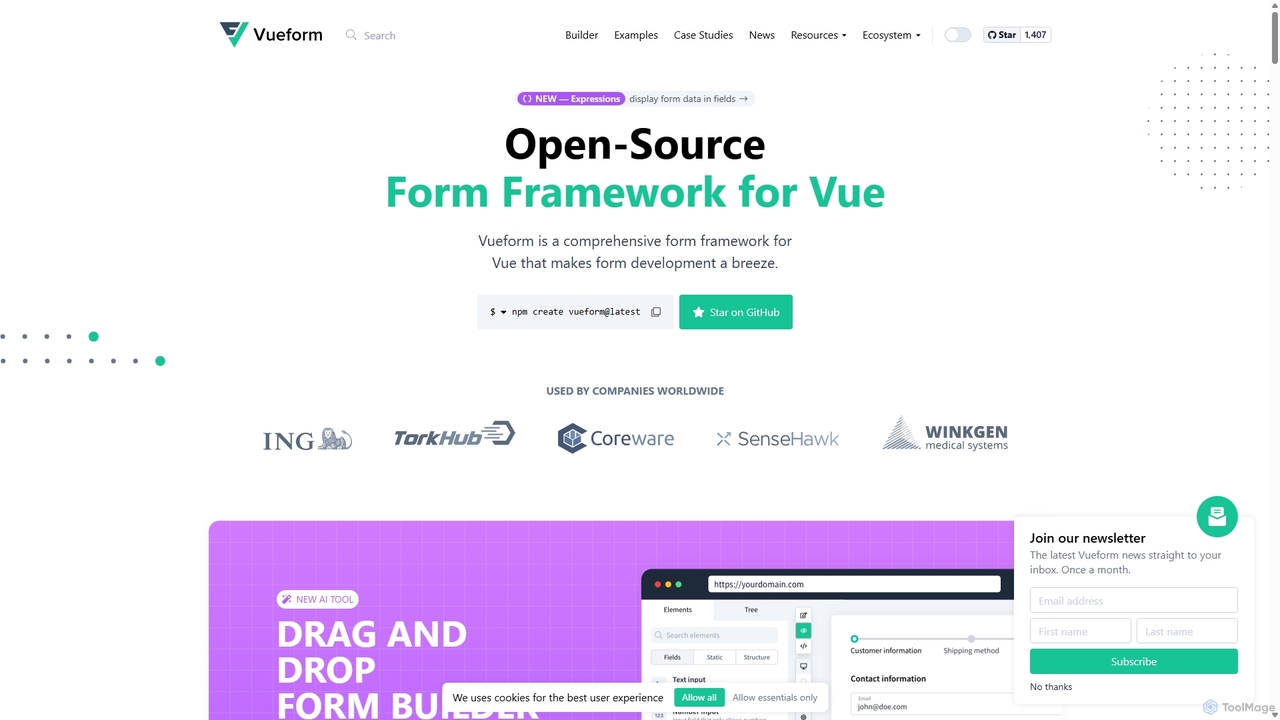
Vueform is an open-source form framework for Vue.js, designed to streamline form development. It features a drag-and-drop builder, an AI Assistant for instant form generation, over 50 validation rules, complex conditional logic, and extensive pre-built elements. It simplifies handling nested data, multi-step wizards, and internationalization, making it a comprehensive solution for any Vue application.
Libraries & Frameworks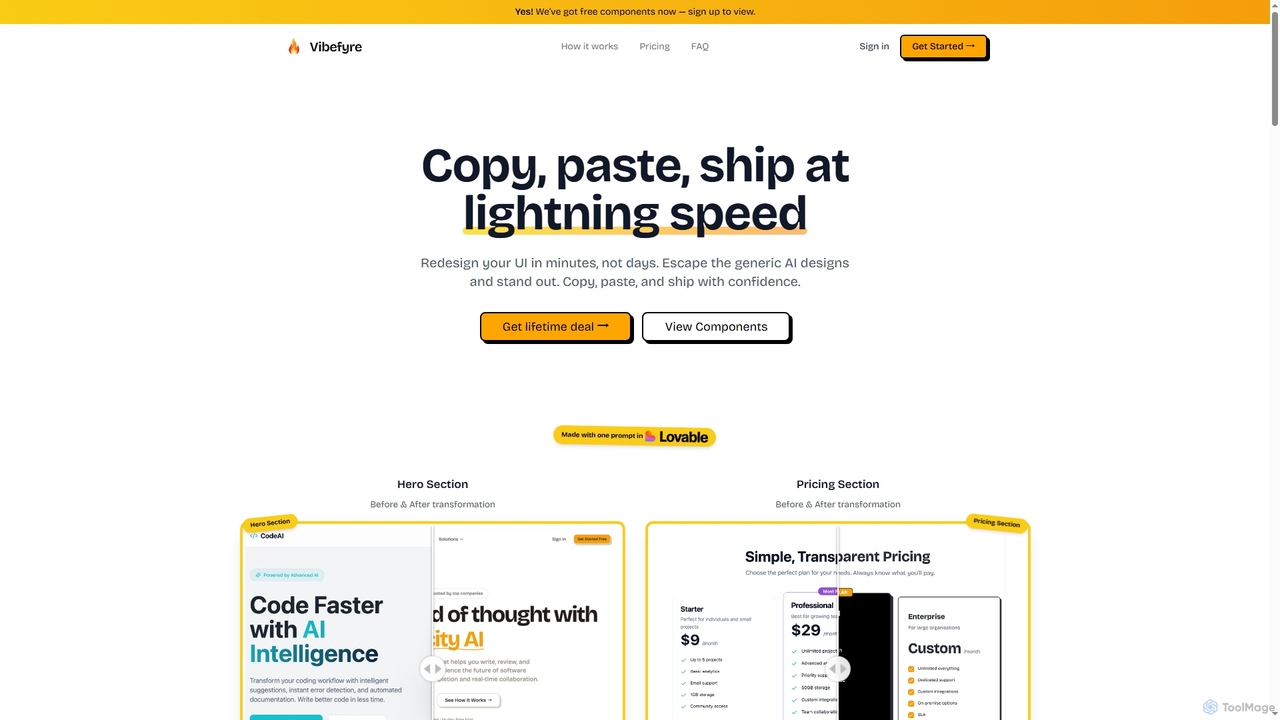
Vibefyre
Vibefyre is an AI-powered UI kit designed to accelerate web development by providing high-quality, pre-designed components and prompts. It enables developers to quickly generate unique and consistent user interfaces using their favorite AI coding tools, significantly reducing design and development time for React/TSX applications.
Web Design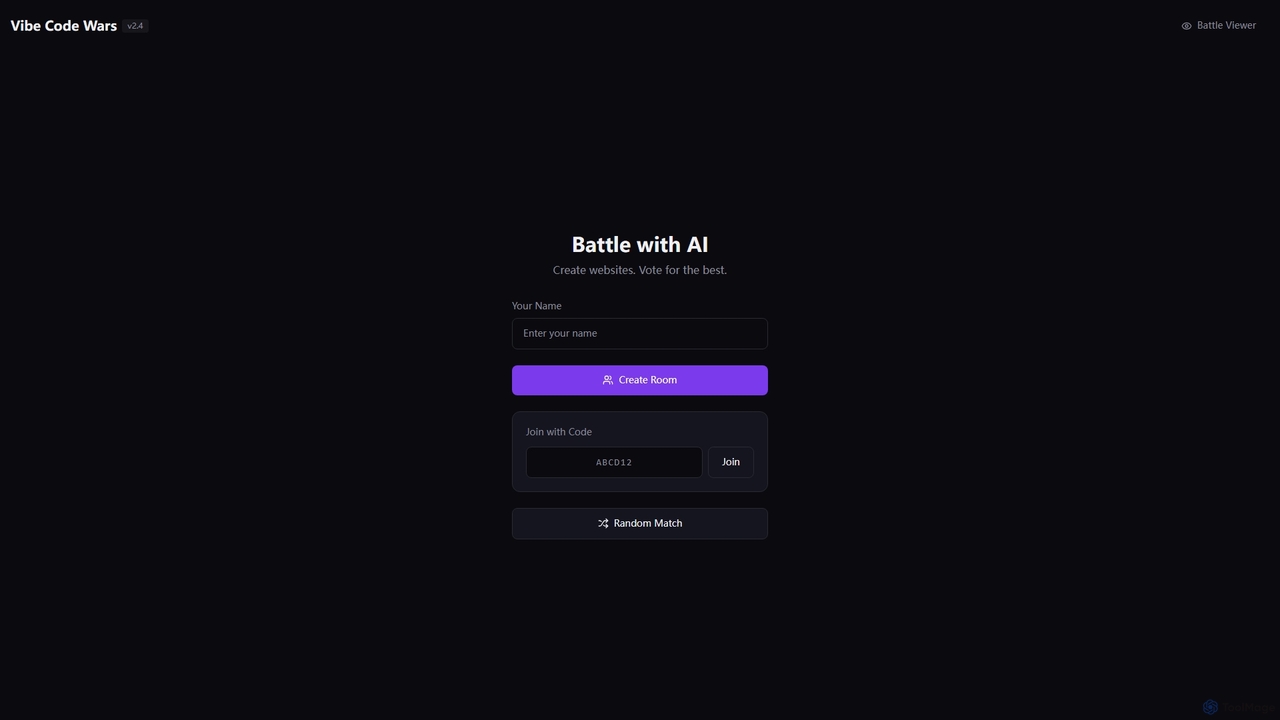
Vibe Code Wars
Vibe Code Wars is an innovative online platform where developers engage in real-time coding battles, specifically focused on website creation. Users can challenge an AI opponent, participate in competitive rooms, or join random matches to showcase their web development skills and vote on the best creations. It's designed for competitive learning and skill demonstration in a fun, interactive environment.
Web Development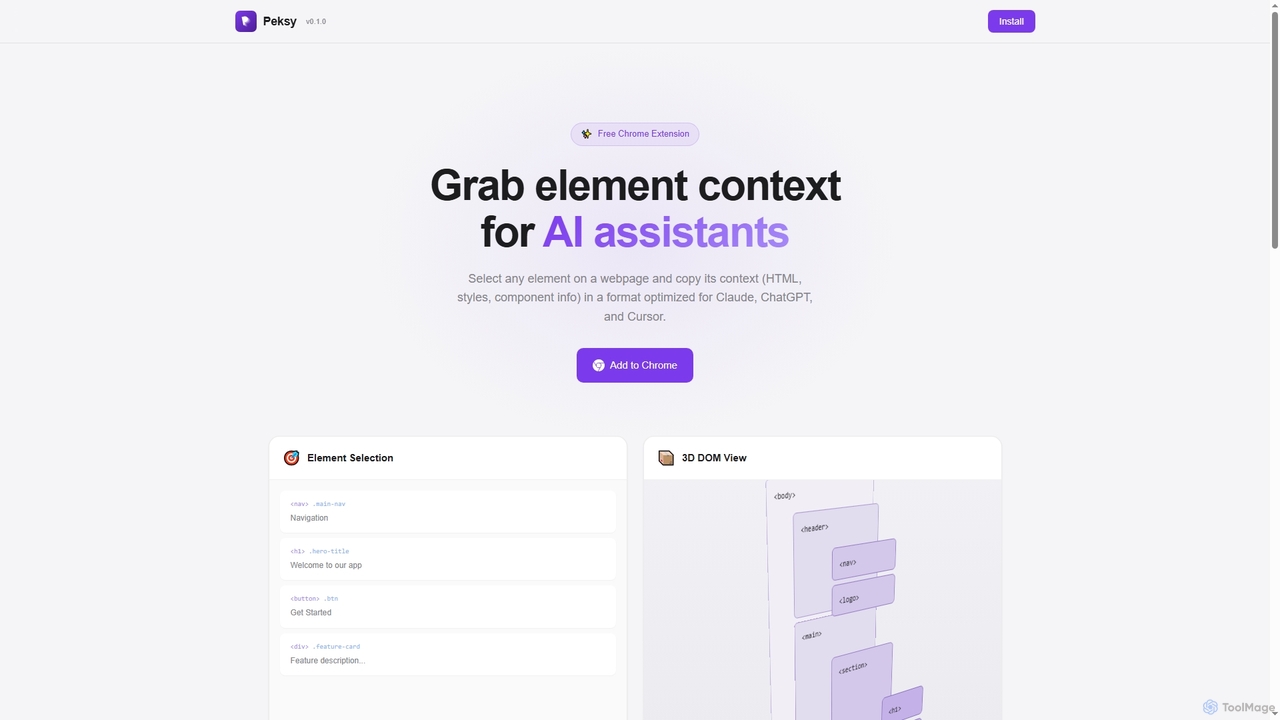
Peksy
Peksy is a free Chrome extension for developers. It lets you select any web element and instantly copy its context—including HTML, CSS, and component info—in a Markdown format optimized for AI coding assistants like ChatGPT, Claude, and Cursor.
Chrome Extensions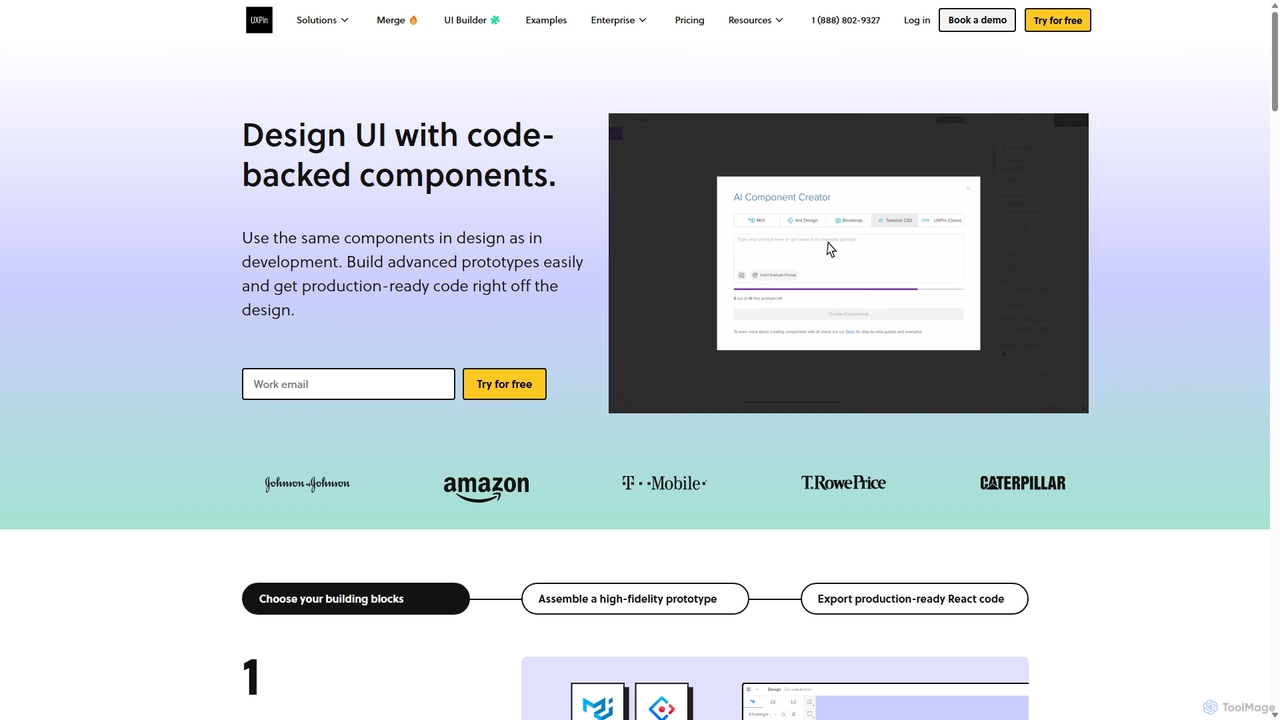
UXPin
UXPin is a code-based design and prototyping tool that bridges the gap between design and engineering. It enables teams to create high-fidelity, interactive prototypes using real code components, ensuring consistency and dramatically speeding up the product development lifecycle from concept to launch.
PrototypingCascade Categories
Cascade Jobs
Cascade Embed Widget
Copy this embed code to place the badge on your blog, article, or product site and send readers directly to this ToolMage detail page.

Related AI tools
Vibefyre
Vibefyre is an AI-powered UI kit designed to accelerate web development by providing high-quality, pre-designed components and prompts. It enables developers to quickly generate unique and consistent user interfaces using their favorite AI coding tools, significantly reducing design and development time for React/TSX applications.
Web DesignPeksy
Peksy is a free Chrome extension for developers. It lets you select any web element and instantly copy its context—including HTML, CSS, and component info—in a Markdown format optimized for AI coding assistants like ChatGPT, Claude, and Cursor.
Chrome Extensions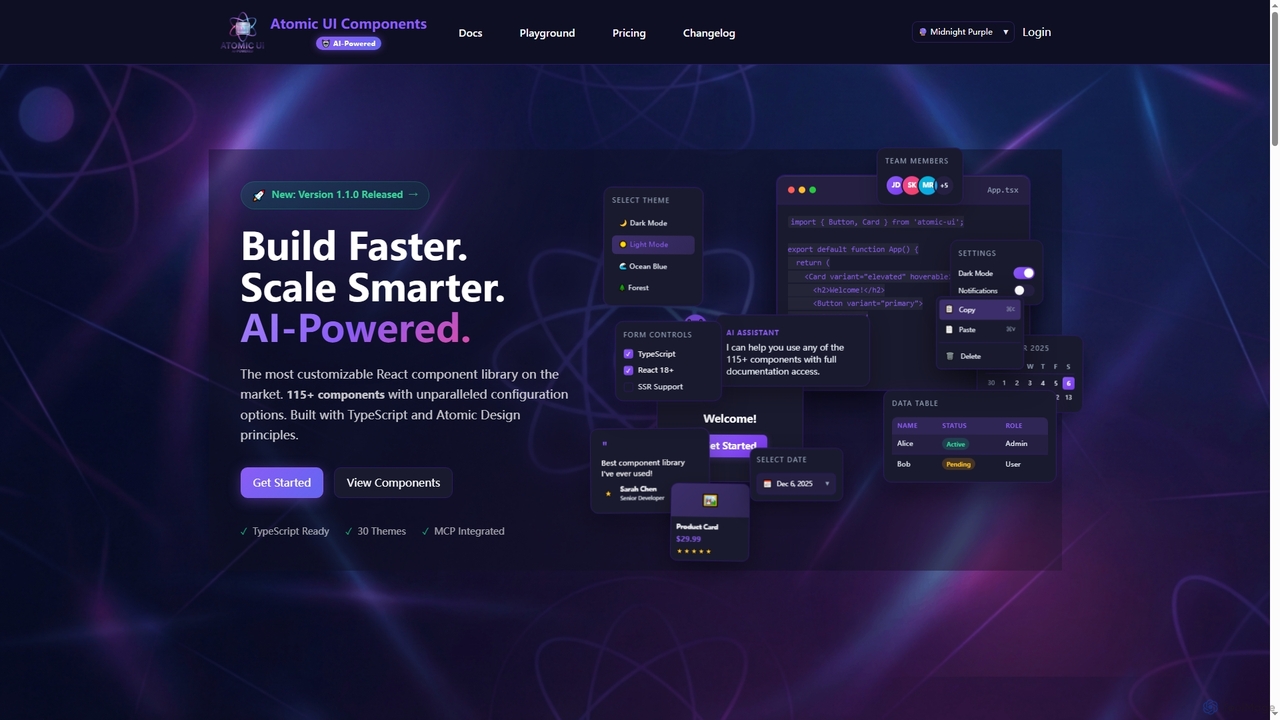
AtomicComponents
AtomicComponents is an AI-powered React component library designed for building modern, scalable, and accessible user interfaces faster. It offers over 115 highly customizable components, 30 built-in themes, and seamless integration with AI assistants like Claude and GitHub Copilot via its Model Context Protocol (MCP) server.
Design Systems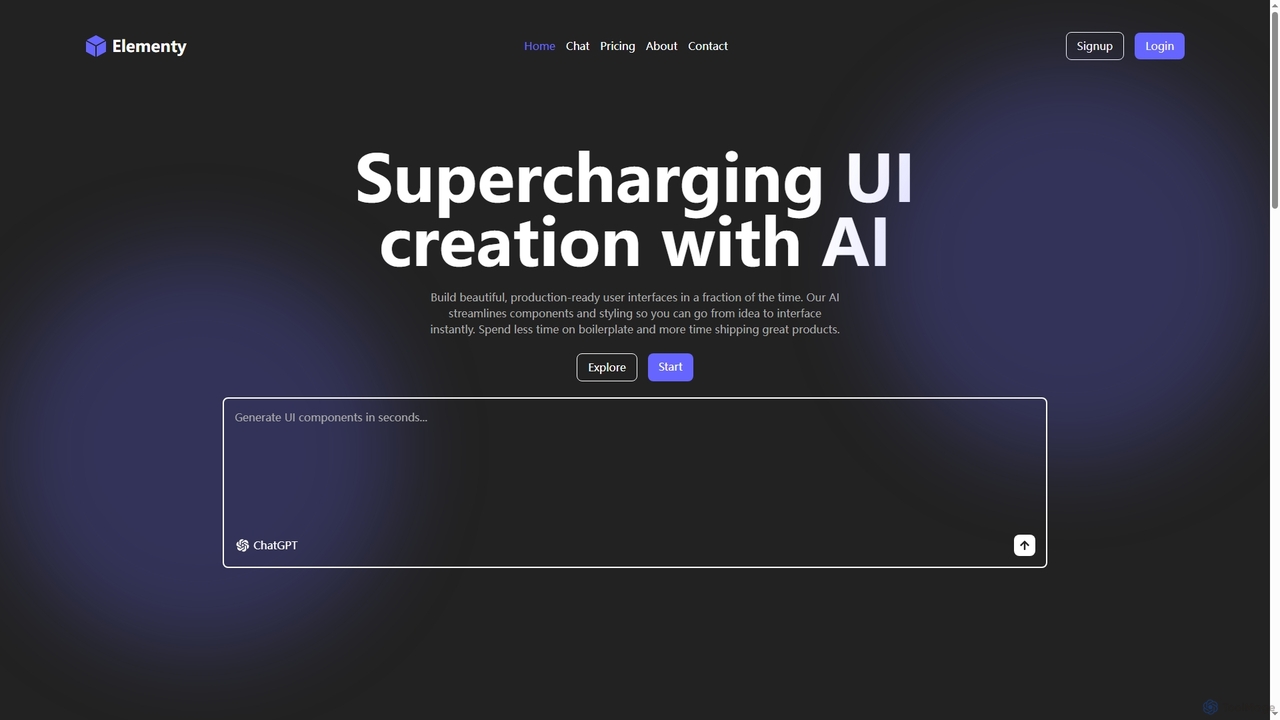
Elementy
Elementy is an AI-powered tool that accelerates UI development by instantly generating production-ready, customizable, and modern user interface components from plain language descriptions. It helps developers ship faster by eliminating boilerplate and repetitive styling work, allowing them to focus on core product logic.
Front End Development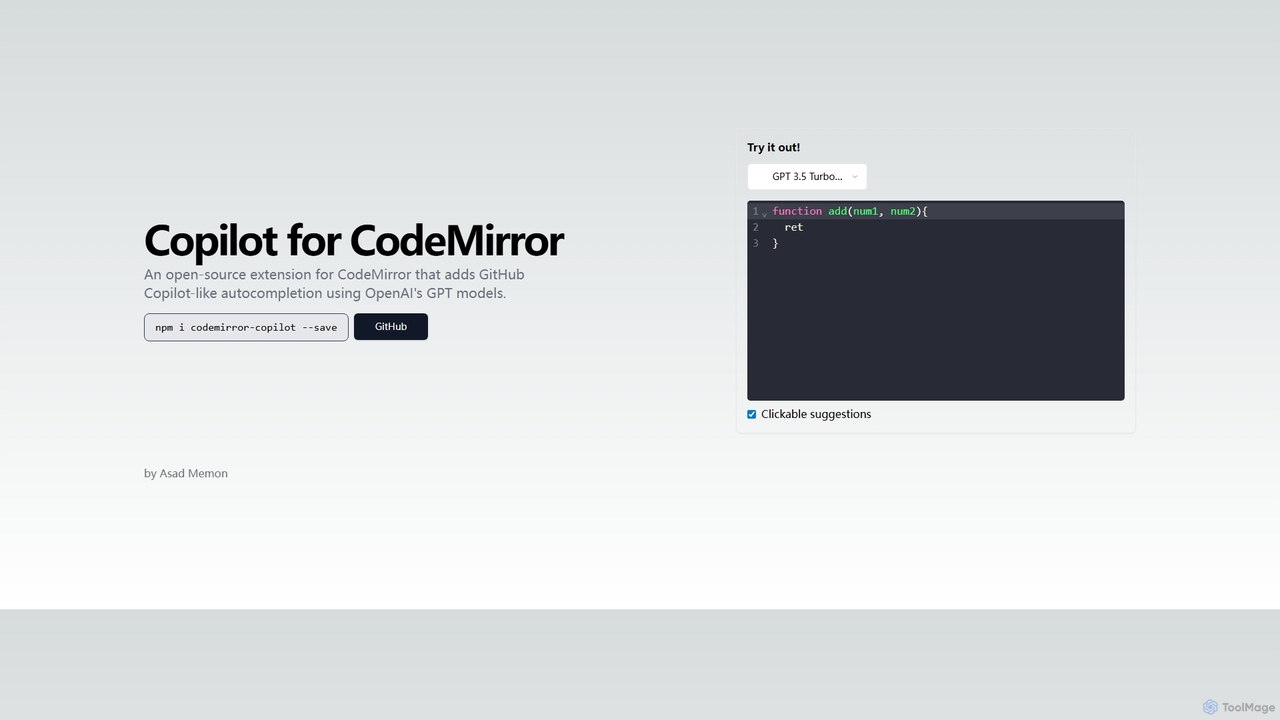
Copilot for CodeMirror
An open-source extension that integrates GitHub Copilot-like AI-powered autocompletion into the CodeMirror editor. Powered by OpenAI's GPT models, it provides intelligent, context-aware code suggestions to accelerate web development and enhance productivity within any application using CodeMirror.
Code Assistant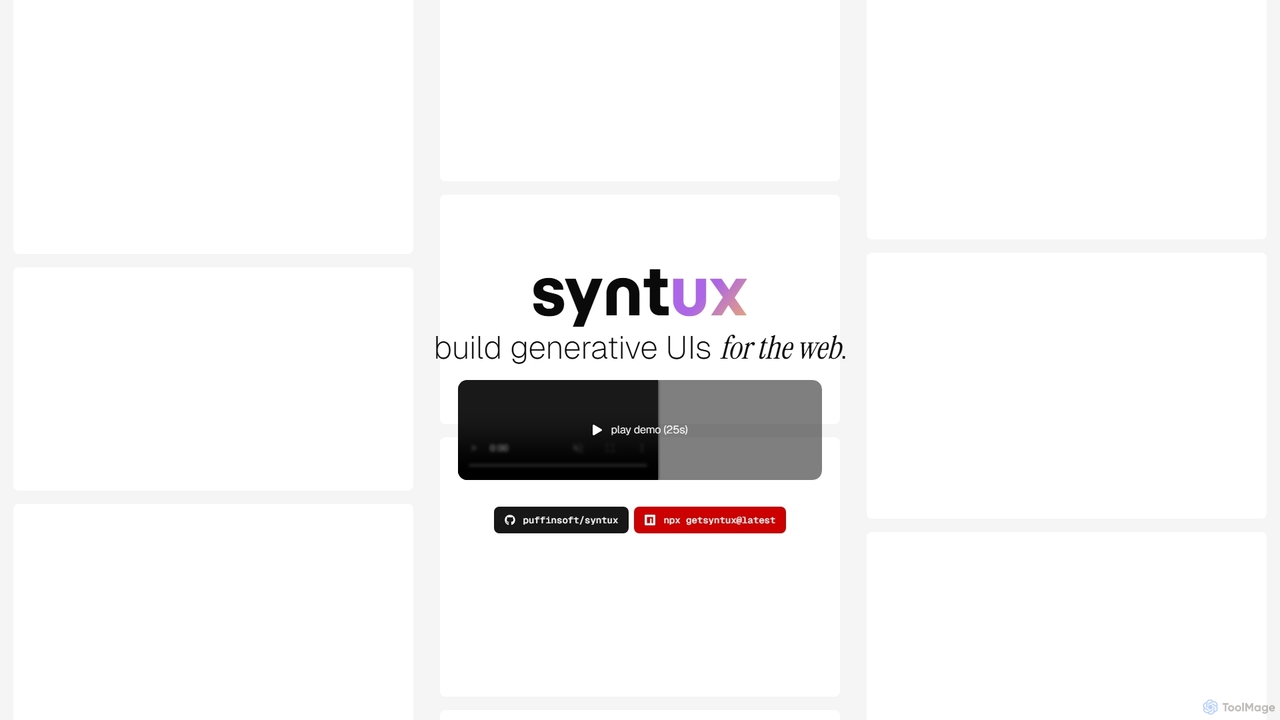
Syntux
Syntux is an innovative AI-powered developer tool designed to build generative user interfaces for the web. It empowers developers to rapidly create dynamic and customizable UI components and layouts through programmatic commands, streamlining the front-end development workflow and accelerating prototyping.
Generative UiVueform
Vueform is an open-source form framework for Vue.js, designed to streamline form development. It features a drag-and-drop builder, an AI Assistant for instant form generation, over 50 validation rules, complex conditional logic, and extensive pre-built elements. It simplifies handling nested data, multi-step wizards, and internationalization, making it a comprehensive solution for any Vue application.
Libraries & FrameworksVibe Code Wars
Vibe Code Wars is an innovative online platform where developers engage in real-time coding battles, specifically focused on website creation. Users can challenge an AI opponent, participate in competitive rooms, or join random matches to showcase their web development skills and vote on the best creations. It's designed for competitive learning and skill demonstration in a fun, interactive environment.
Web Development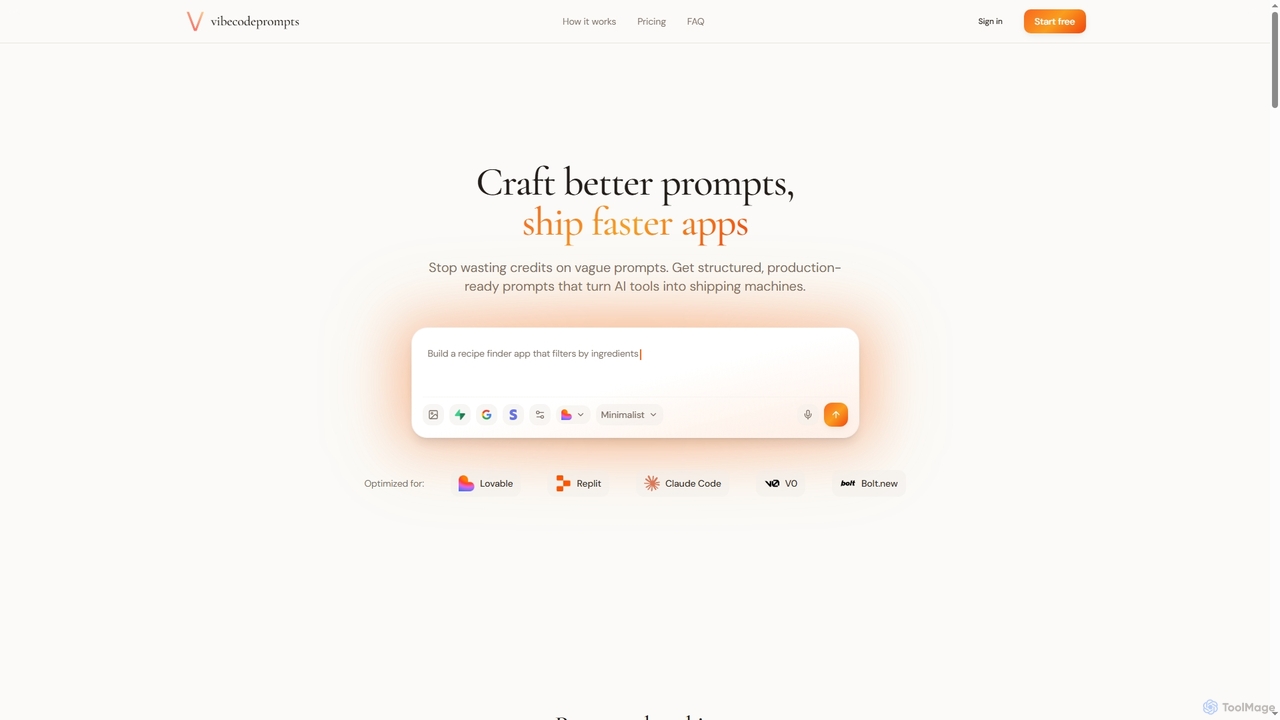
Vibecodeprompts
Vibecodeprompts is an AI-powered tool designed to transform your ideas into structured, production-ready prompts for various AI coding assistants. It helps developers and builders ship applications faster by generating optimized prompts tailored for specific tools like Lovable, Replit, Claude Code, V0, and Bolt.new, saving time and resources.
Code Generation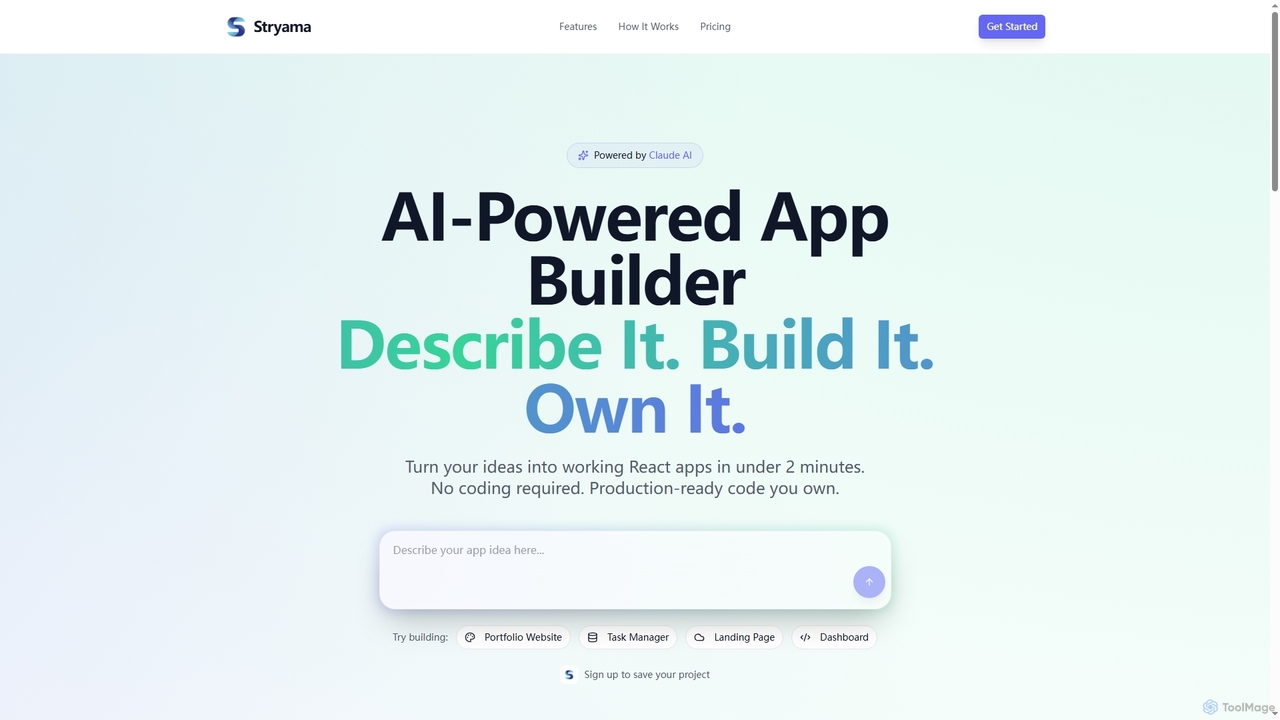
Stryama
Stryama is an AI-powered app builder that transforms your ideas into functional React applications in minutes, requiring no coding. It generates production-ready code that you fully own, enabling rapid development and deployment for various web projects.
App Development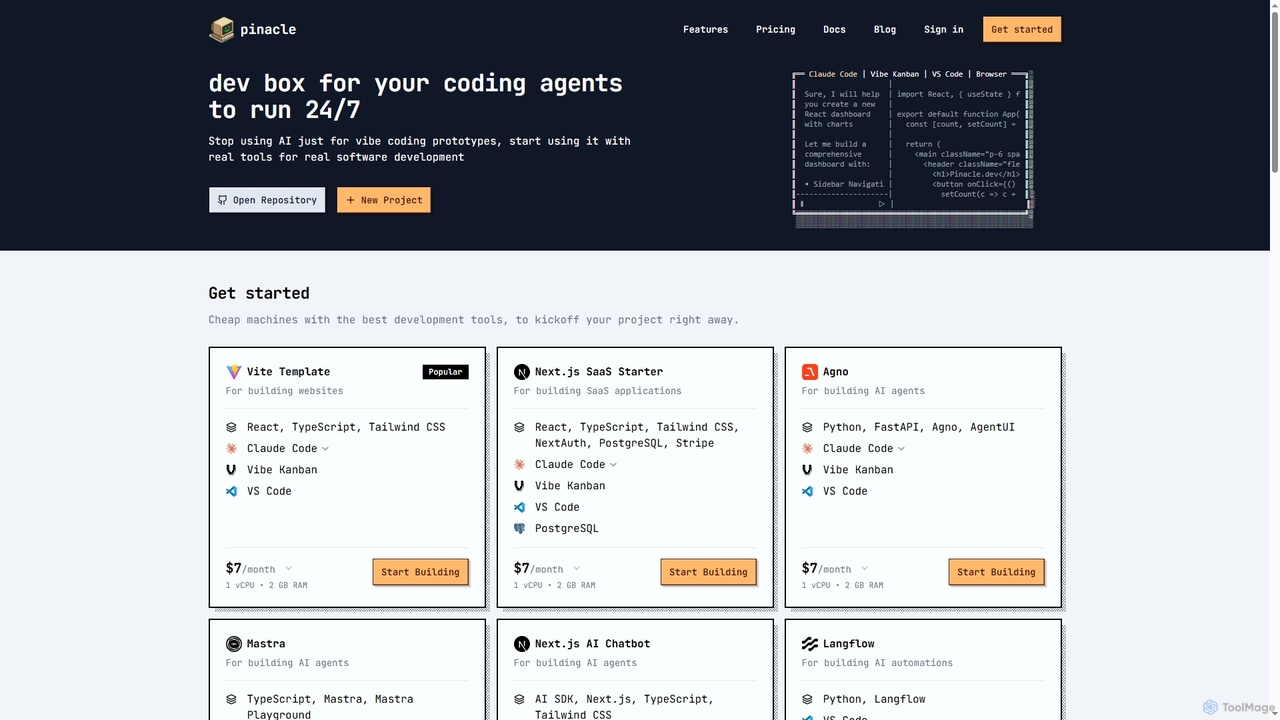
Pinacle
Pinacle provides instant, browser-based cloud development environments (VMs) designed for real software development and 24/7 AI agent operations. It offers pre-configured stacks, root access, and integrates popular tools like VS Code, enabling developers to build, test, and deploy projects without local setup complexities.
Code Collaboration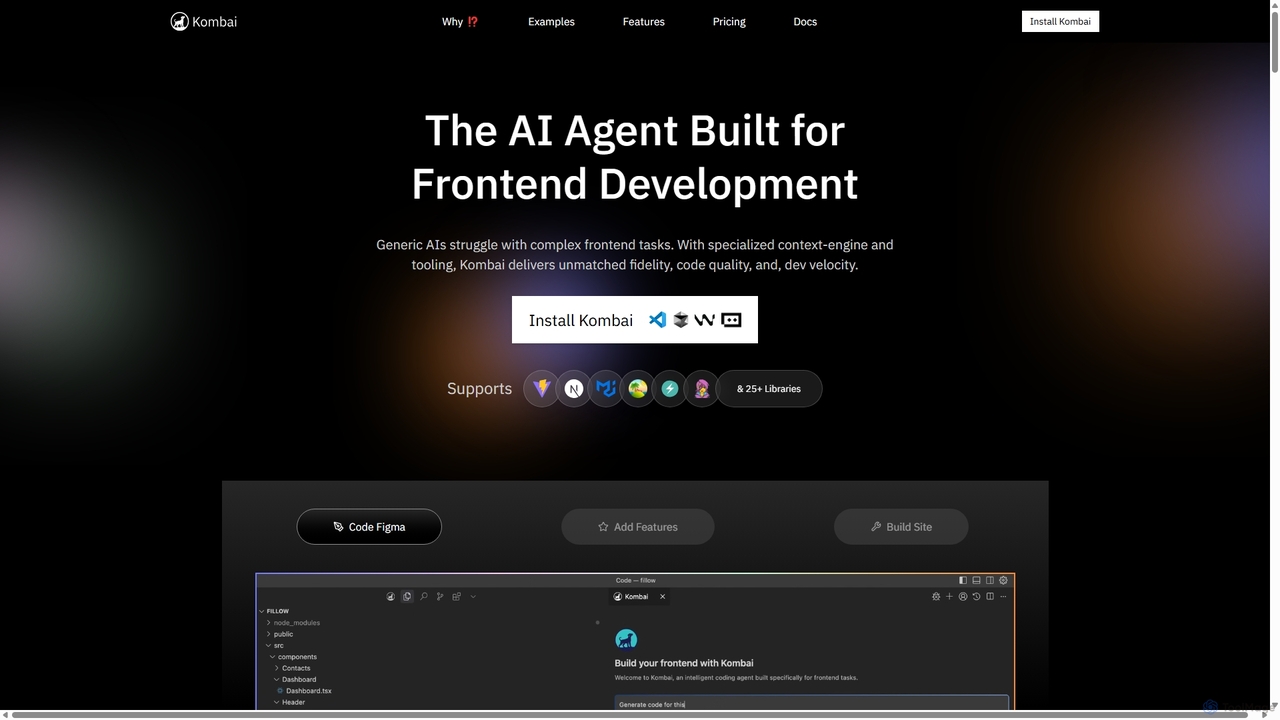
Kombai
Kombai is a specialized AI agent for frontend development that transforms Figma designs, images, and text prompts into high-fidelity, production-ready code. It understands your existing codebase, supports 25+ libraries, and integrates directly into your IDE to accelerate development velocity.
Code Generation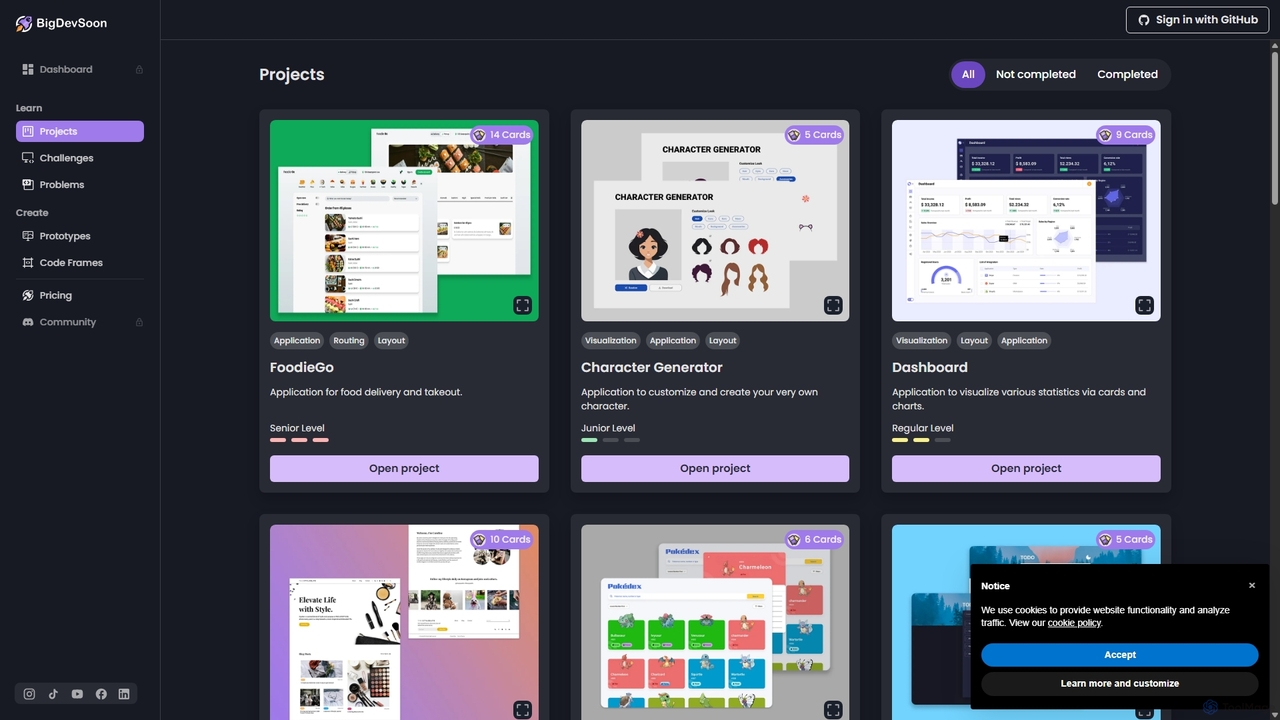
BigDevSoon
BigDevSoon is an AI-powered platform for developers to enhance coding skills and build a strong portfolio. It offers real-world projects, daily challenges, and algorithmic problems, supported by an AI coding assistant, AI-generated solutions, and professional Figma designs to accelerate learning and job readiness.
Code Learning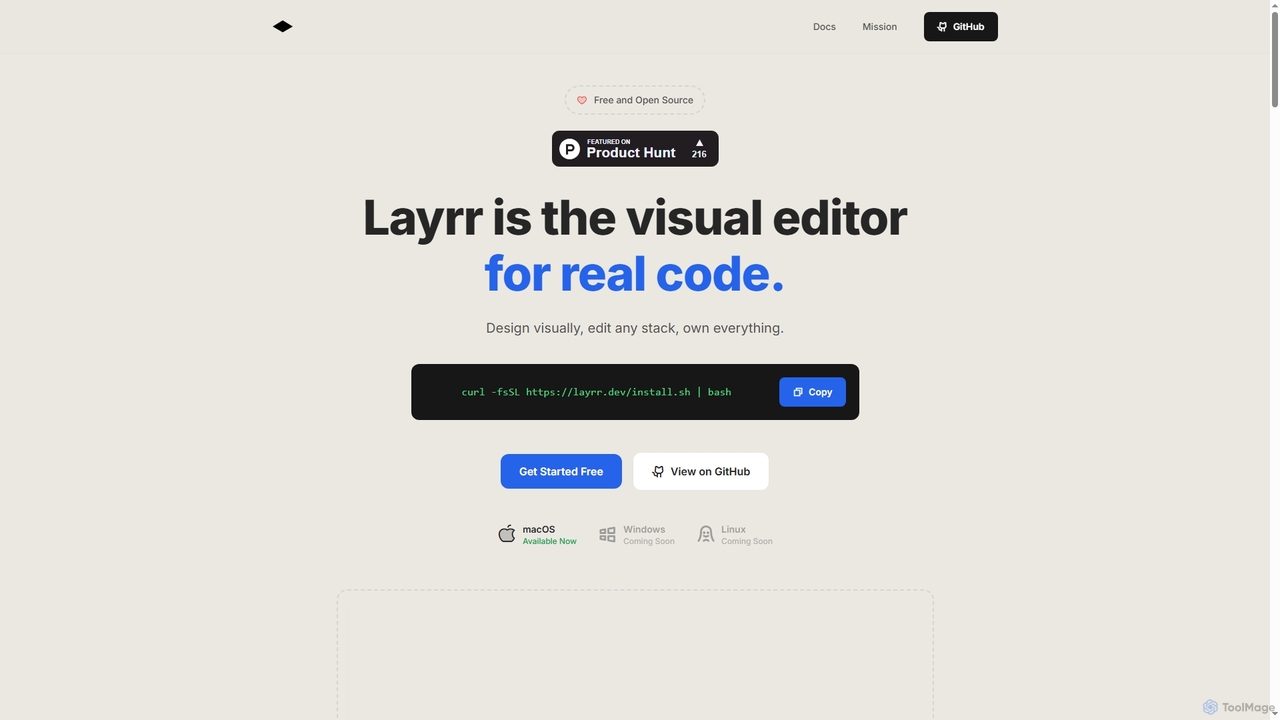
Layrr
Layrr is a free and open-source visual editor that allows developers and designers to create and edit real code directly. It combines the intuitive drag-and-drop interface of design tools like Figma with the flexibility and ownership of traditional coding, supporting any tech stack and leveraging AI for design-to-code conversion and natural language interface generation.
Code Generation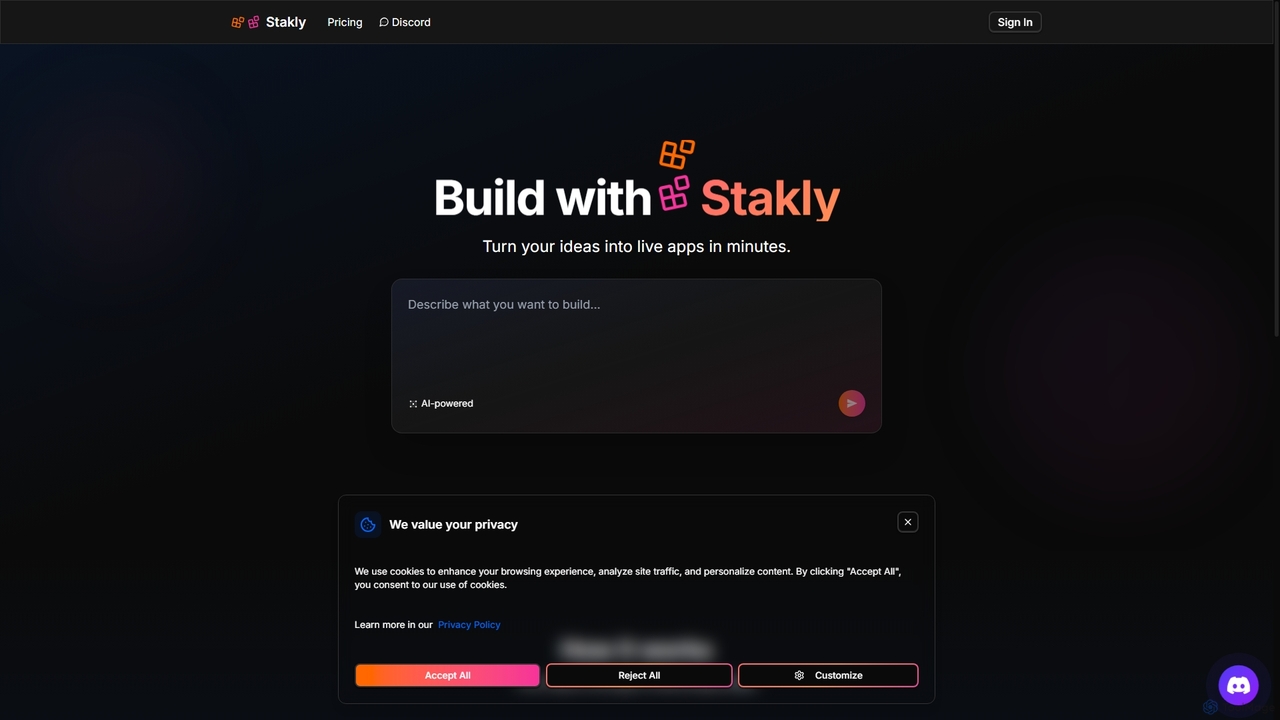
Stakly
Stakly is an AI-powered development platform that transforms natural language prompts into production-ready, full-stack web applications in minutes. Describe your idea, and the AI generates clean code, which you can deploy with one click or export to own completely. It supports modern frameworks like React, Next.js, and Python, making it ideal for rapid prototyping and development.
Code Assistant
Cascade Comments (0)
Sign in to comment.
Sign inNo comments yet.