

Peksy Overview
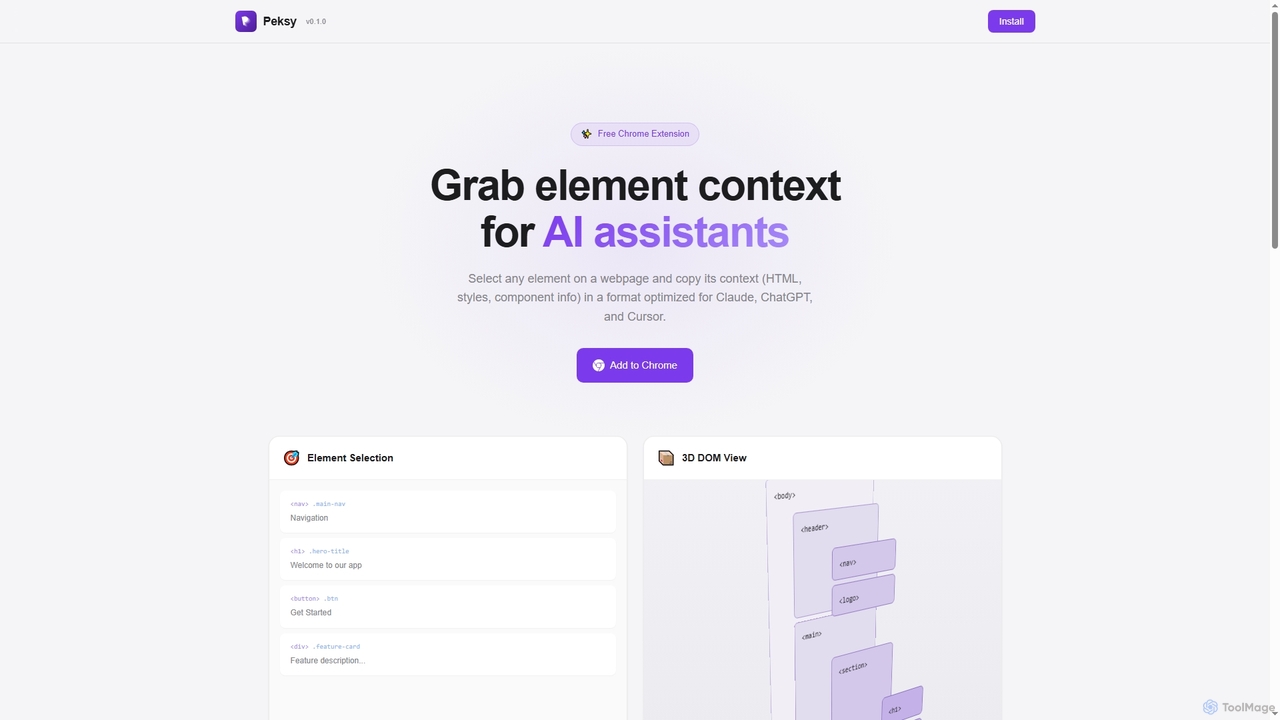
Peksy is a powerful and free Chrome extension that streamlines the workflow for developers using AI coding assistants. It acts as an element context grabber, allowing users to select any element on a webpage and instantly copy its complete context. This includes the element's HTML structure, computed CSS styles, and even component information for frameworks like React and Vue. The copied context is automatically formatted into clean Markdown, ready to be pasted directly into AI chats like Claude, ChatGPT, or Cursor, leading to more accurate and relevant responses from the AI.
How to use Peksy
Using Peksy is a simple three-step process:
1. Activate: Press and hold the shortcut keys (e.g., ⌘⇧, configurable) to enter selection mode. Your cursor will turn into a crosshair.
2. Select: Click on a single element or drag to select multiple elements on the webpage. A tooltip will show you a preview of the element's information.
3. Paste: The element's context is automatically copied to your clipboard in Markdown format. Simply paste it into your preferred AI assistant's chat window.
Core Features of Peksy
- Smart Element Selection: Features a crosshair cursor with real-time element highlighting and a tooltip preview for precise selection.
- 3D DOM Visualization: Toggle a 3D view of the page's DOM structure (using Ctrl+Shift+3) to easily debug z-index and stacking issues.
- React & Vue Support: Automatically detects and extracts component names, props, and source file locations for projects built with React or Vue.
- Computed Styles Capture: Copies all relevant computed styles, including layout, spacing, typography, and visual properties.
- Customizable Shortcuts: Allows users to configure their own preferred modifier key combinations in the extension's settings.
- One-Click Copy: Instantly copies the formatted Markdown context to the clipboard upon selection, requiring no extra steps.
Use Cases for Peksy
Peksy is ideal for front-end developers, web designers, and QA engineers. It can be used for debugging complex CSS issues by providing the AI with the exact styles of an element. It's also useful for generating boilerplate code, refactoring existing components, or simply asking the AI to explain a specific part of the user interface with full context.
Advantages of Peksy
The main advantage of Peksy is the significant improvement in the quality and accuracy of AI-generated responses for web development tasks. It saves developers time by eliminating the manual process of inspecting elements and copying code. It's completely free, requires no user account, and supports modern development frameworks, making it a highly accessible and efficient tool.
Pricing and Plans
Peksy is completely free to use. The official website states that no account is required to install and use this Chrome extension.
Peksy FAQ
Peksy Alternatives
Webutility
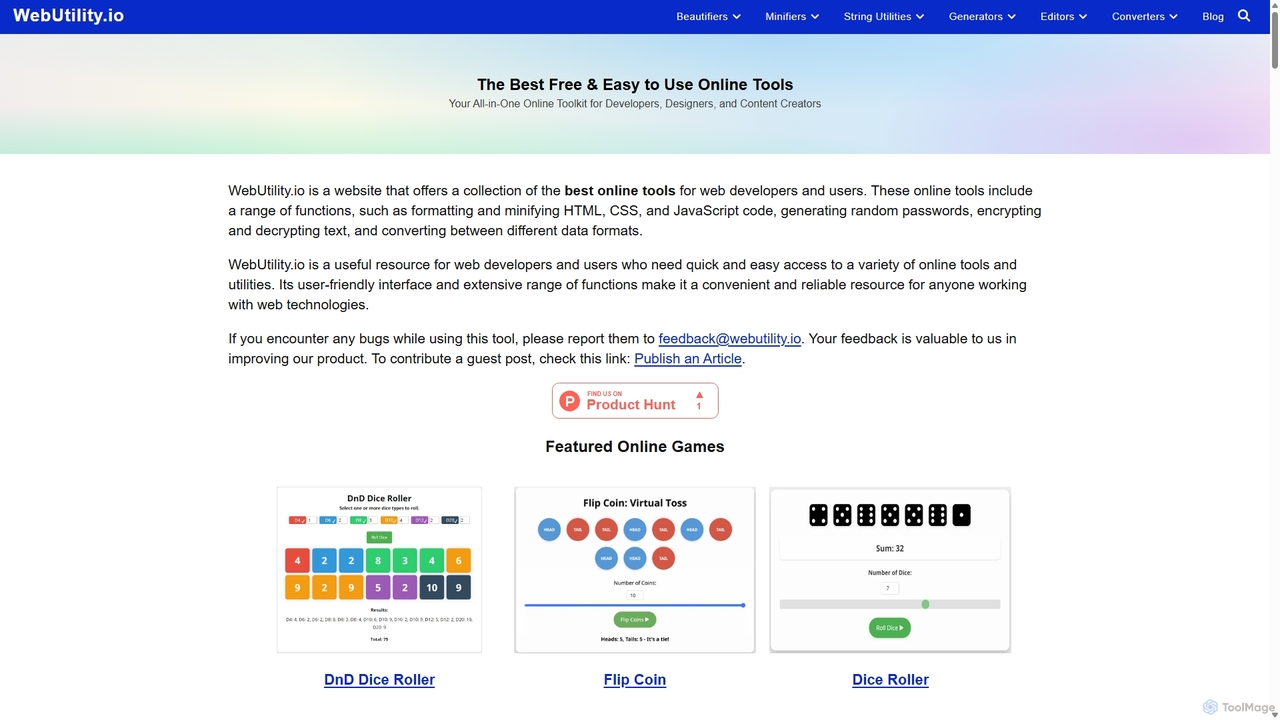
WebUtility.io is a comprehensive suite of free online tools for web developers, content creators, and general users. It offers a vast collection of utilities, including code beautifiers and minifiers, data converters, various generators (passwords, dummy data, AI prompts), text formatters, and image tools. With a user-friendly interface and no registration required, it provides quick and efficient solutions for a wide range of daily digital tasks.
Prompting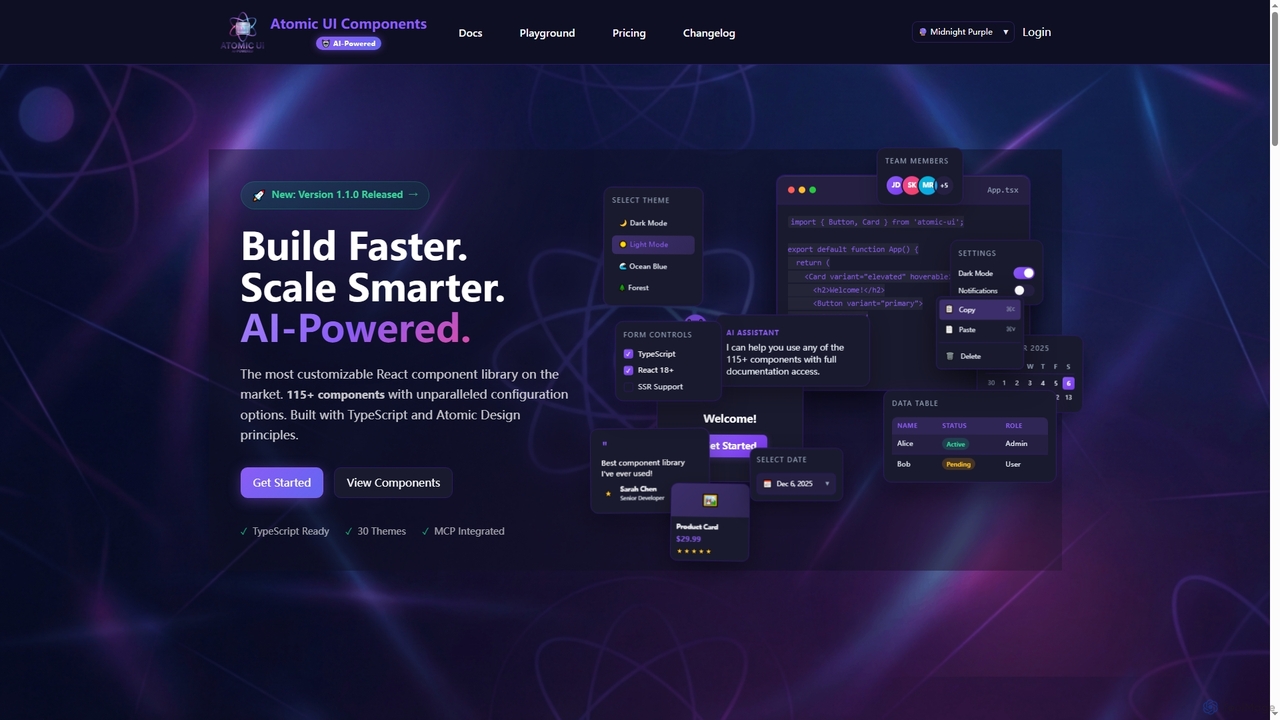
AtomicComponents
AtomicComponents is an AI-powered React component library designed for building modern, scalable, and accessible user interfaces faster. It offers over 115 highly customizable components, 30 built-in themes, and seamless integration with AI assistants like Claude and GitHub Copilot via its Model Context Protocol (MCP) server.
Design Systems
Relume
Relume is an AI-powered platform that accelerates the website design and building process. It enables users to generate sitemaps and wireframes from a simple prompt, create comprehensive style guides, and access a vast library of over 1000+ components. With seamless export to Figma, Webflow, and React, Relume streamlines the entire workflow for designers, developers, and agencies, turning ideas into high-fidelity designs in minutes.
Website Builder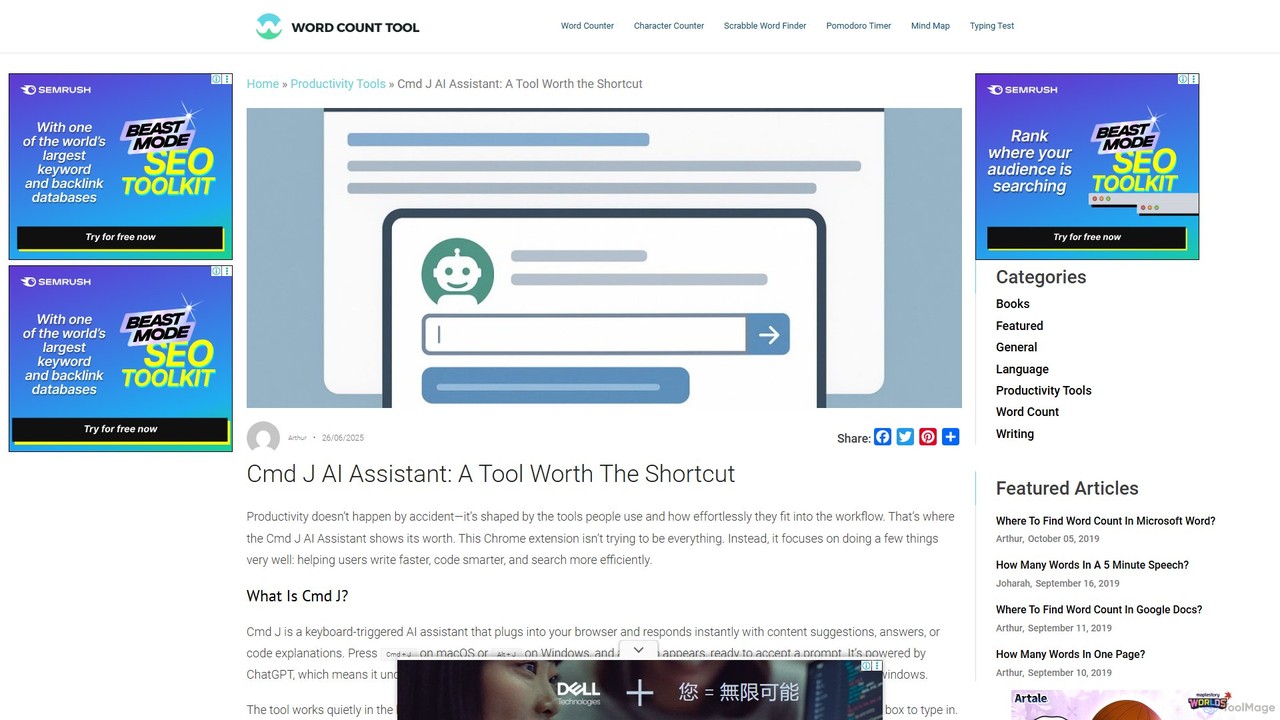
Cmd J AI Assistant
Cmd J is a keyboard-activated AI assistant, available as a Chrome extension, designed to boost productivity. Powered by ChatGPT, it provides instant help with writing, coding, and research directly in your browser. Simply press a shortcut (Cmd+J or Alt+J) to summon the AI, eliminating the need to switch tabs or open new applications, and seamlessly integrating into any workflow.
Chrome Extensions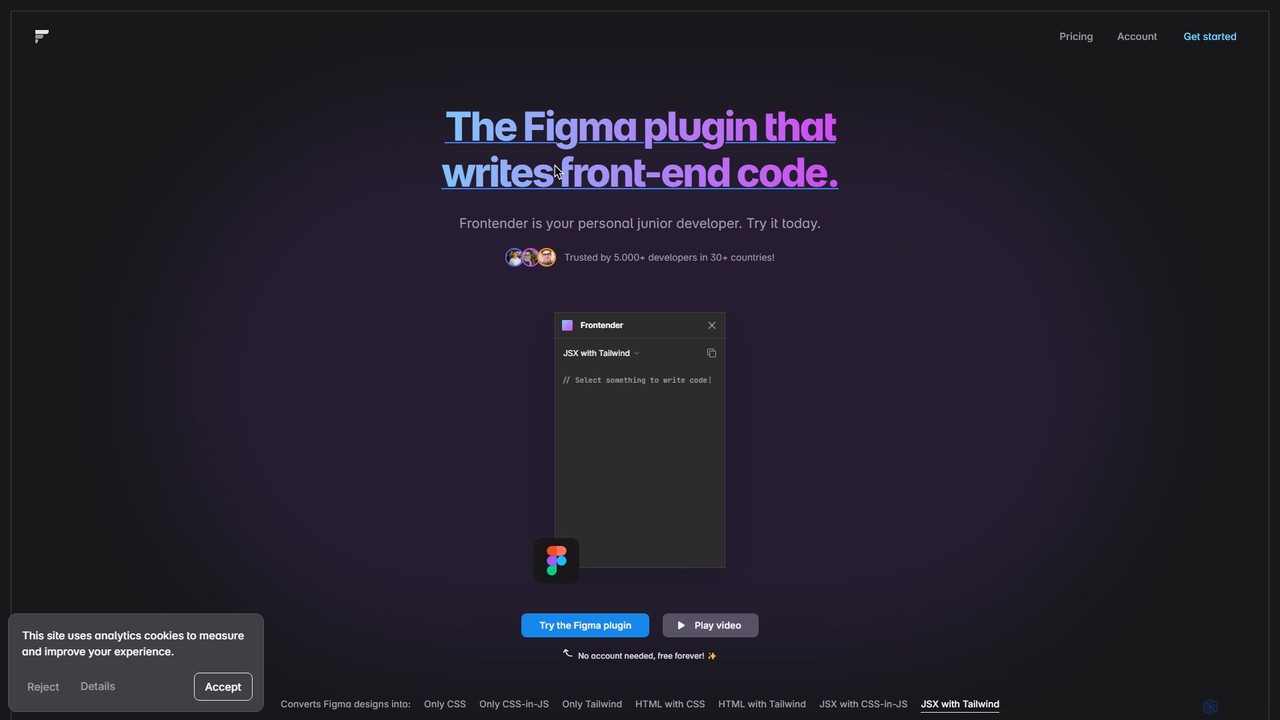
Frontender
A powerful Figma plugin that acts as your personal junior developer, instantly converting Figma designs into clean, production-ready front-end code. It supports HTML, JSX, CSS, CSS-in-JS, and Tailwind CSS, and works seamlessly with frameworks like React, Vue, and Svelte, even with messy design files.
Design To CodePeksy Categories
Peksy Jobs
Peksy Embed Widget
Copy this embed code to place the badge on your blog, article, or product site and send readers directly to this ToolMage detail page.

Related AI tools
AtomicComponents
AtomicComponents is an AI-powered React component library designed for building modern, scalable, and accessible user interfaces faster. It offers over 115 highly customizable components, 30 built-in themes, and seamless integration with AI assistants like Claude and GitHub Copilot via its Model Context Protocol (MCP) server.
Design Systems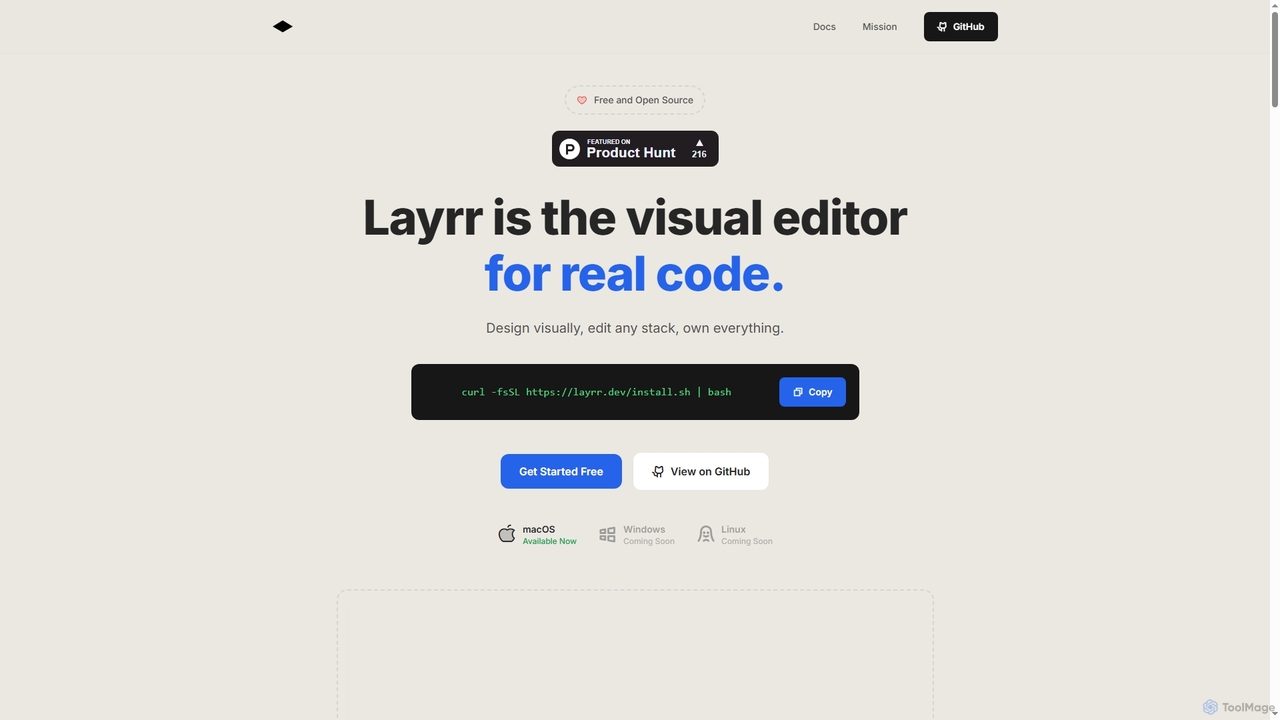
Layrr
Layrr is a free and open-source visual editor that allows developers and designers to create and edit real code directly. It combines the intuitive drag-and-drop interface of design tools like Figma with the flexibility and ownership of traditional coding, supporting any tech stack and leveraging AI for design-to-code conversion and natural language interface generation.
Code Generation
Cascade
Cascade is a creative development environment for modern web development. It allows users to visually explore parallel versions of their projects, manage branches, and rapidly build new iterations with the help of an integrated AI assistant. Experiment freely and commit your best work.
Prototyping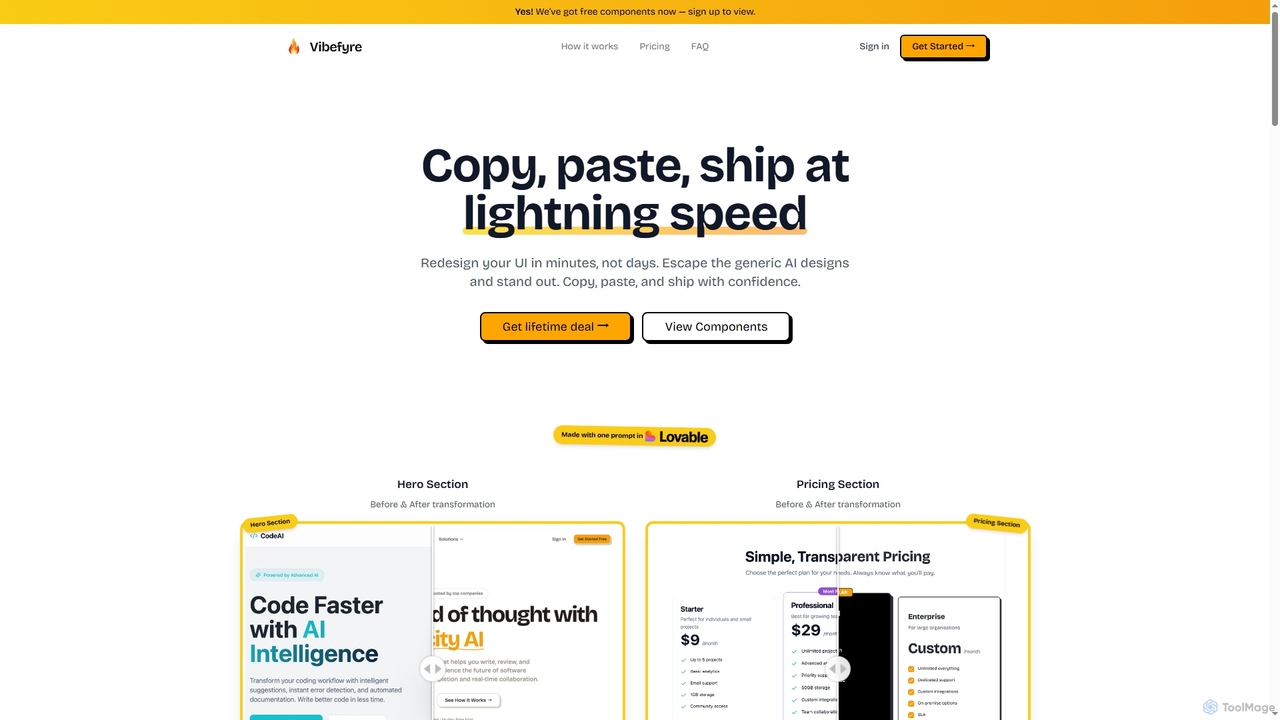
Vibefyre
Vibefyre is an AI-powered UI kit designed to accelerate web development by providing high-quality, pre-designed components and prompts. It enables developers to quickly generate unique and consistent user interfaces using their favorite AI coding tools, significantly reducing design and development time for React/TSX applications.
Web Design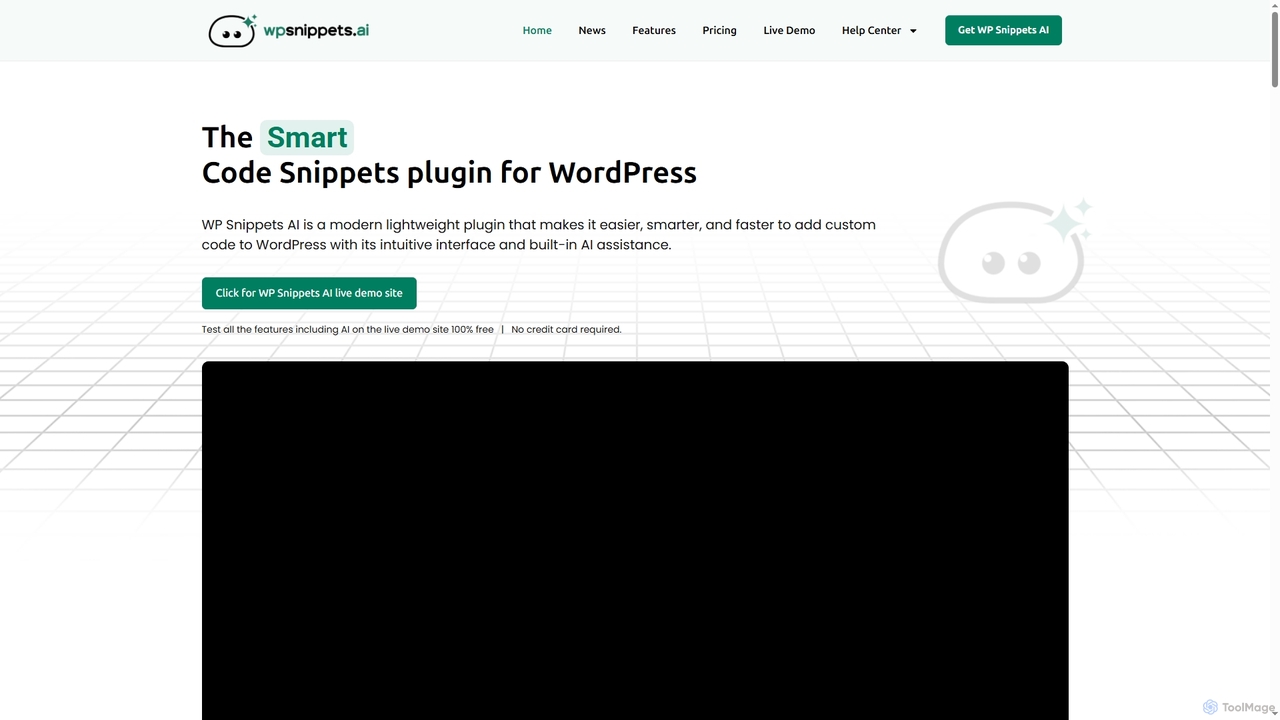
WP Snippets AI
WP Snippets AI is a fast, modern, and lightweight WordPress plugin designed to simplify custom code management. It features an intuitive interface and built-in AI assistance for generating, analyzing, and improving code snippets in HTML, CSS, JavaScript, and PHP, enhancing workflow for developers and site administrators.
Code Generation
Cosmicup
Cosmicup is an all-in-one AI platform offering unlimited access to a wide array of advanced AI models like ChatGPT 5, Claude 4.5, Gemini 2.5, and Grok 4 through a single subscription. It streamlines workflows with features including multi-model interaction, code assistance, document analysis, real-time web search, deep research, and AI image generation, eliminating the need for multiple subscriptions.
Multimodal Ai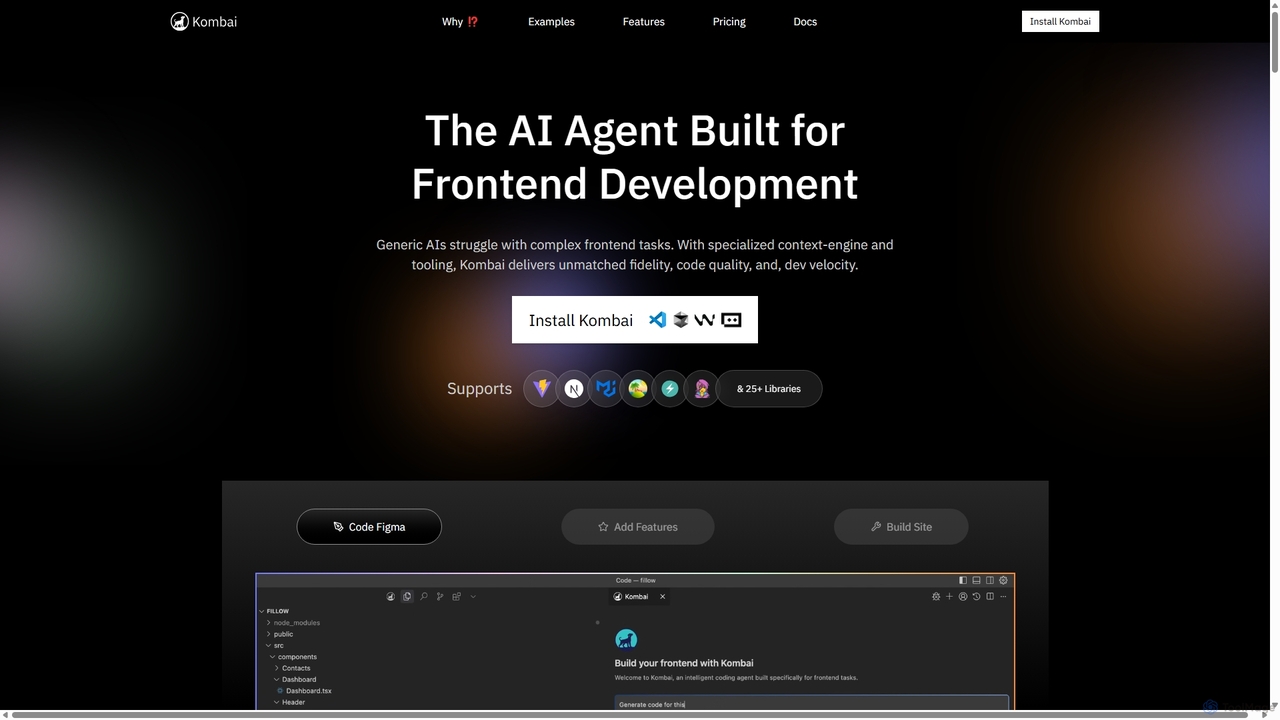
Kombai
Kombai is a specialized AI agent for frontend development that transforms Figma designs, images, and text prompts into high-fidelity, production-ready code. It understands your existing codebase, supports 25+ libraries, and integrates directly into your IDE to accelerate development velocity.
Code Generation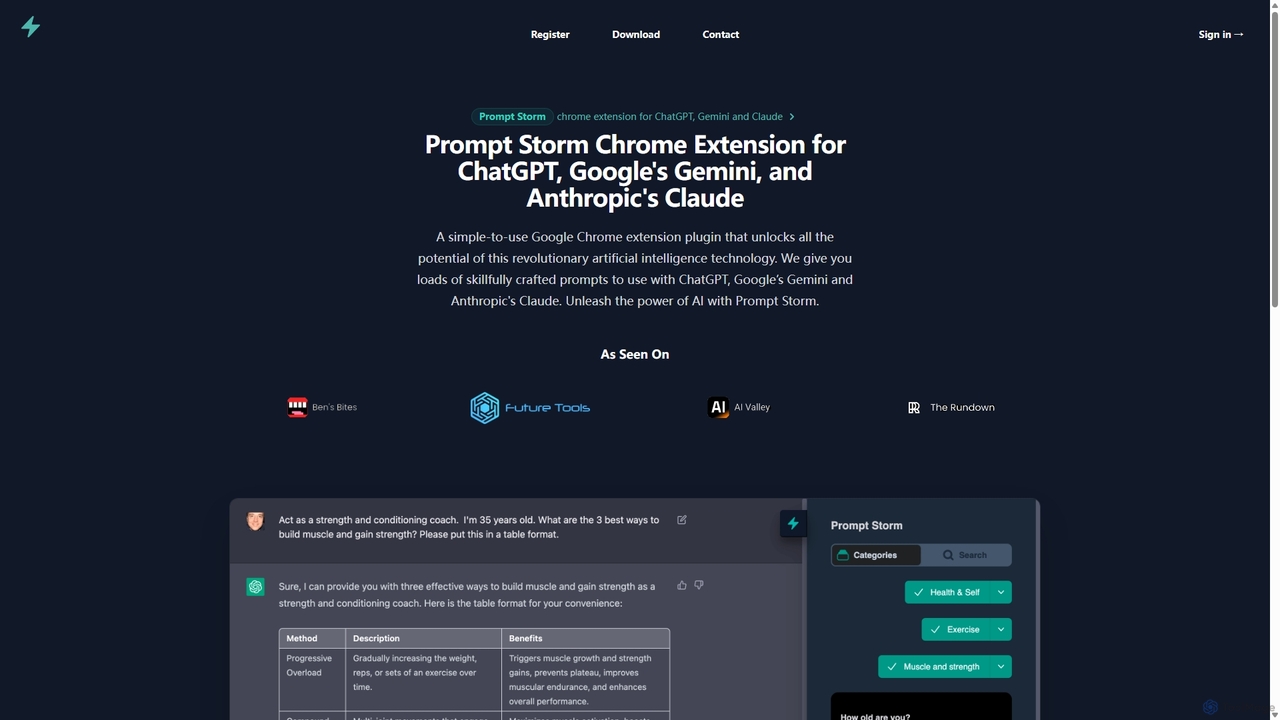
Prompt Storm
Prompt Storm is a powerful Chrome extension that enhances your interactions with ChatGPT, Google Gemini, and Anthropic's Claude. It provides a vast library of expertly crafted prompts, enabling users to unlock the full potential of AI for tasks like content creation, marketing, coding, and learning. Boost your productivity and get higher-quality AI responses with just a few clicks.
Code Generation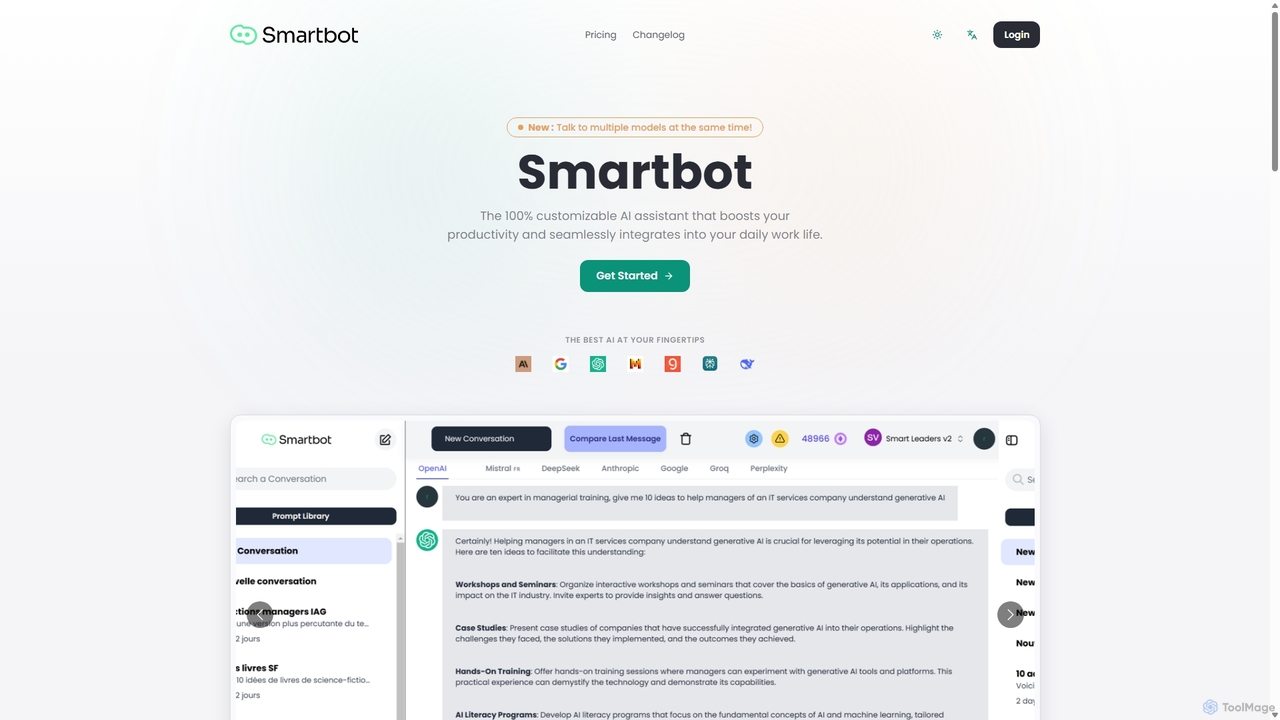
Smart Bot
Smart Bot is a highly customizable AI assistant that boosts productivity by integrating multiple top-tier AI models like ChatGPT, Claude, and Gemini into a single interface. It allows users to compare responses simultaneously, manage a shared library of custom prompts for team collaboration, and even visualize and test generated code. With features like image and file reading, it streamlines daily workflows for individuals and organizations.
Code Assistant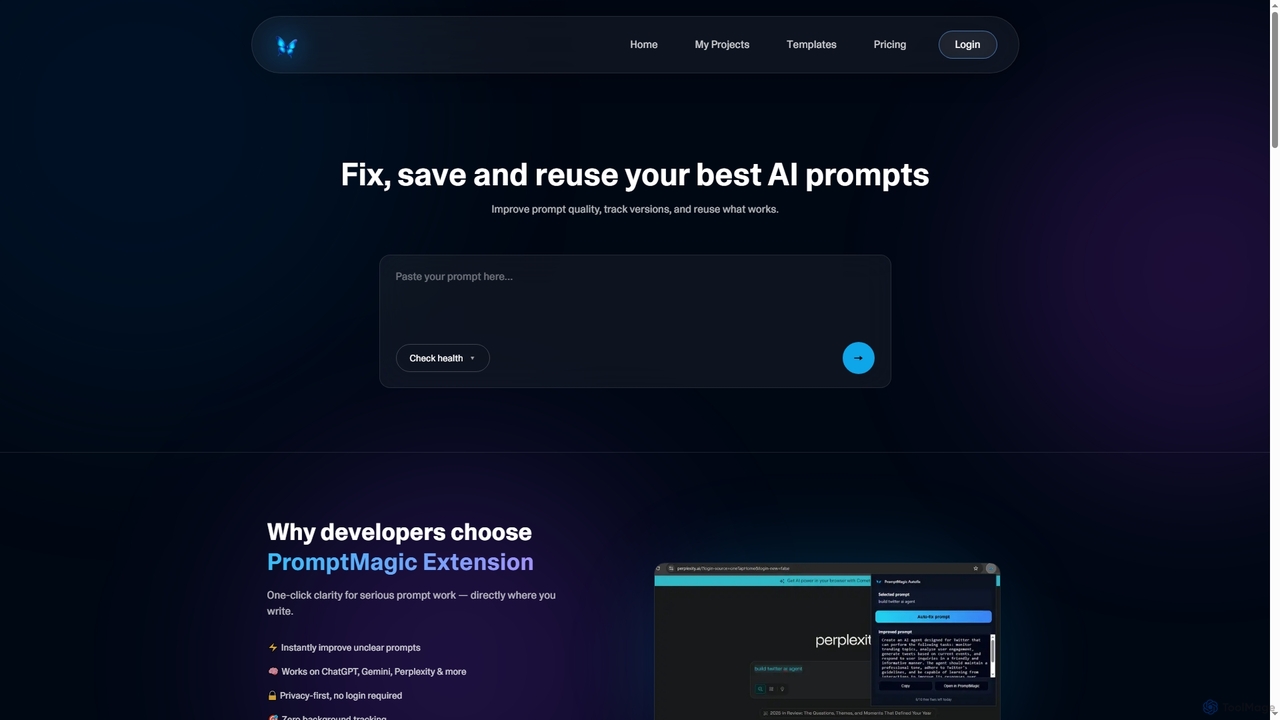
PromptMagic
PromptMagic is an AI tool and Chrome extension designed to help users write, optimize, save, and reuse high-quality AI prompts. It enhances clarity, tracks versions, and makes prompt engineering accessible across various AI models like ChatGPT, Gemini, and Claude.
Ai DevelopmentWebutility
WebUtility.io is a comprehensive suite of free online tools for web developers, content creators, and general users. It offers a vast collection of utilities, including code beautifiers and minifiers, data converters, various generators (passwords, dummy data, AI prompts), text formatters, and image tools. With a user-friendly interface and no registration required, it provides quick and efficient solutions for a wide range of daily digital tasks.
Prompting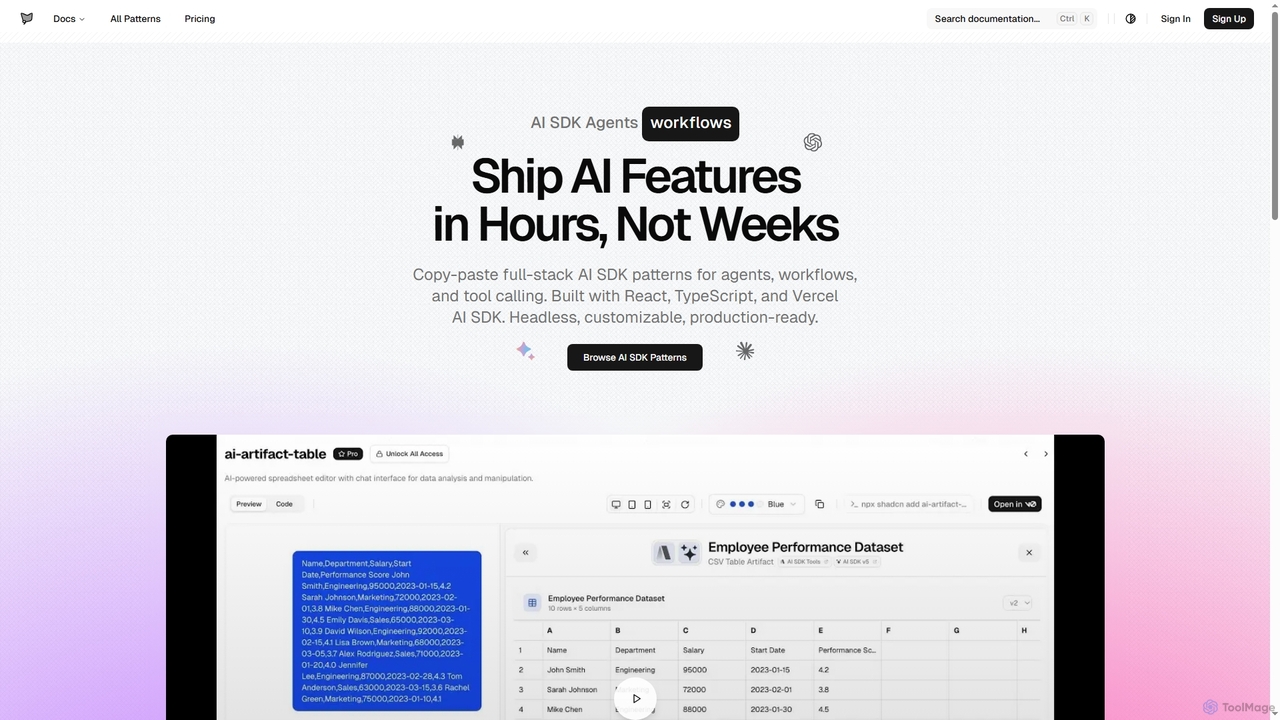
AI SDK Agents
AI SDK Agents provides production-ready React components for rapidly building AI applications. Leverage copy-paste patterns for agents, workflows, tool calling, and streaming responses, built with React, TypeScript, and Vercel AI SDK. Accelerate your AI feature development from weeks to hours, ensuring customizable and headless integration into your projects.
Ui ComponentsCmd J AI Assistant
Cmd J is a keyboard-activated AI assistant, available as a Chrome extension, designed to boost productivity. Powered by ChatGPT, it provides instant help with writing, coding, and research directly in your browser. Simply press a shortcut (Cmd+J or Alt+J) to summon the AI, eliminating the need to switch tabs or open new applications, and seamlessly integrating into any workflow.
Chrome Extensions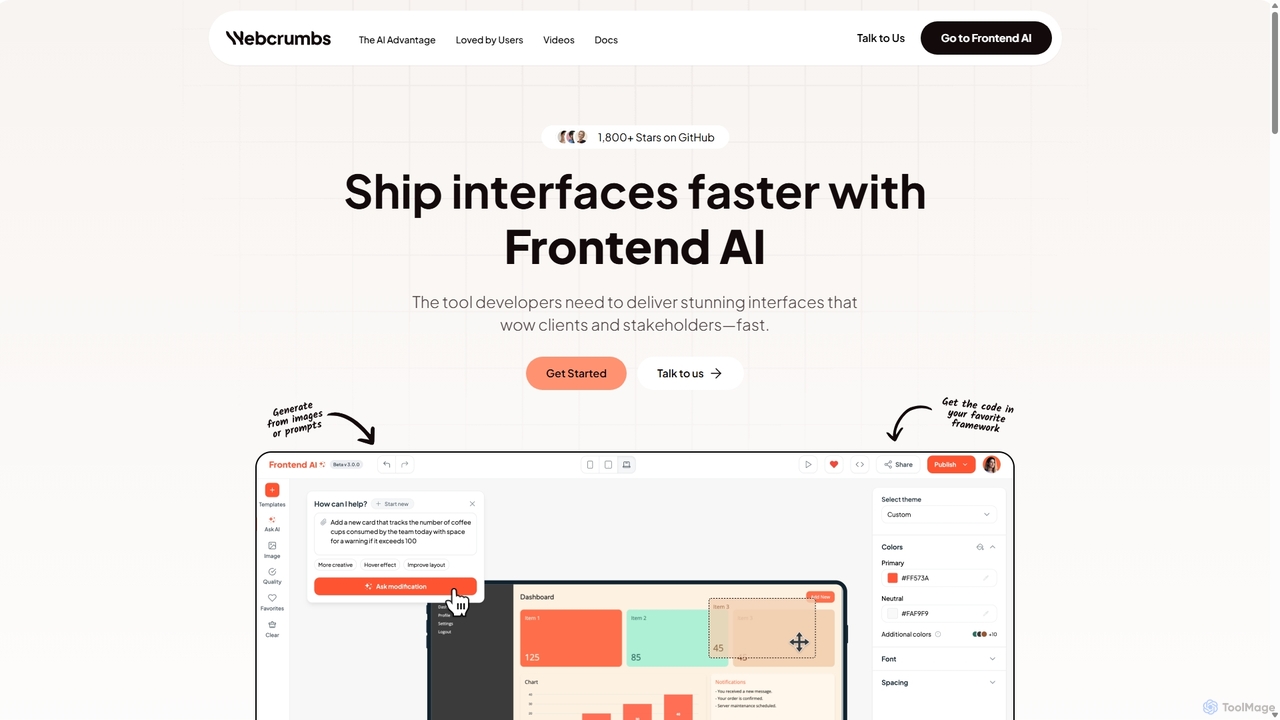
Webcrumbs
Webcrumbs is an AI-powered frontend development platform designed to accelerate UI creation. It combines a powerful prompt-to-code engine with a visual editor, enabling developers and designers to rapidly build, refine, and ship high-quality interface components. By translating natural language or images into clean, production-ready code, Webcrumbs streamlines the workflow, enhances collaboration, and ensures design consistency across projects.
Ui Ux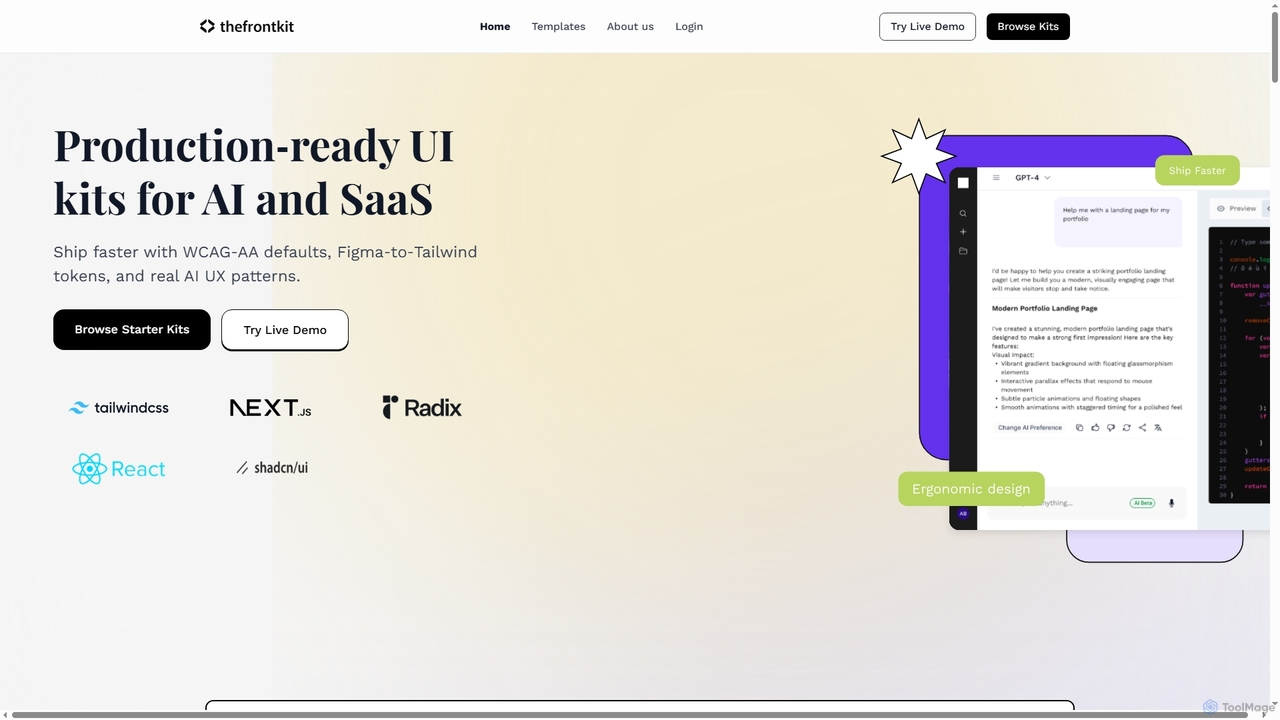
Thefrontkit
Thefrontkit provides production-ready UI kits for AI and SaaS applications, designed to accelerate development with WCAG-AA defaults, Figma-to-Tailwind token synchronization, and essential AI UX patterns. It offers structured, accessible UI components built with React and TailwindCSS, complete with Figma files and comprehensive documentation, enabling teams to ship faster and focus on product innovation.
Web Development
Peksy Comments (0)
Sign in to comment.
Sign inNo comments yet.