

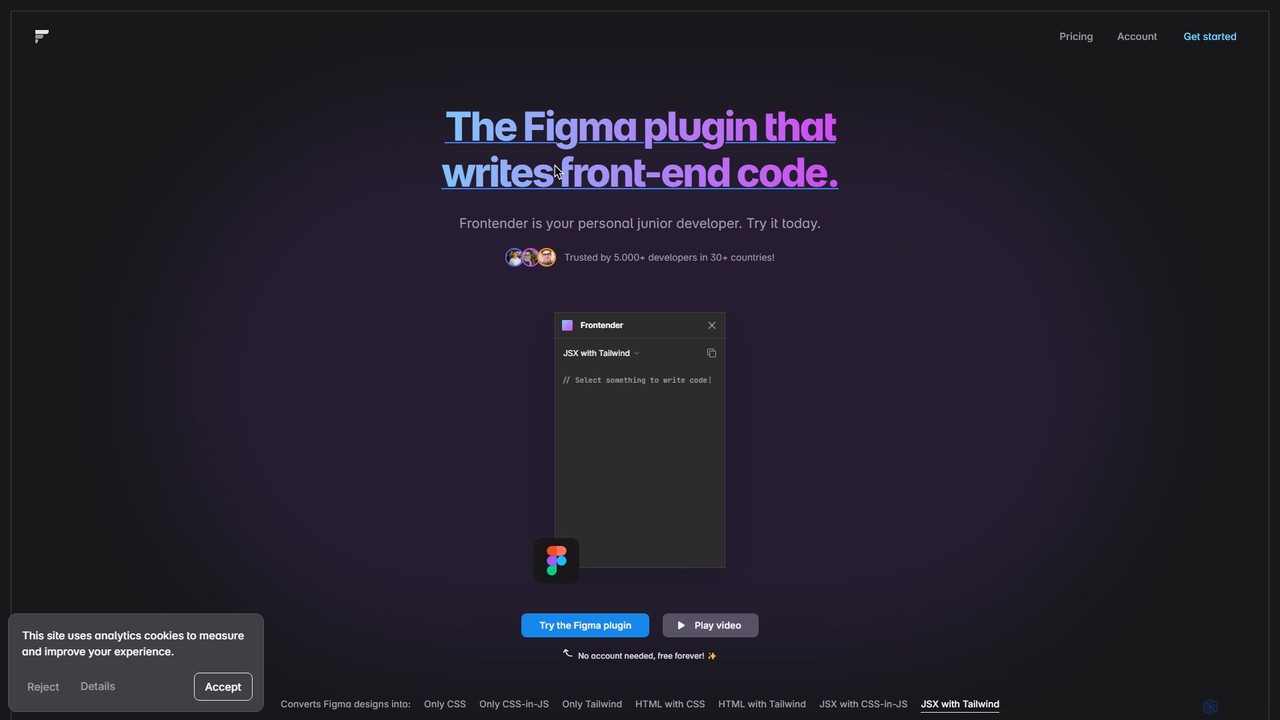
Frontender Overview
Frontender is a revolutionary Figma plugin designed to dramatically accelerate the front-end development workflow. It functions as an intelligent assistant, or a 'personal junior developer', that translates your Figma designs directly into high-quality, usable code. Trusted by thousands of developers worldwide, Frontender bridges the gap between design and implementation, allowing for a more streamlined and efficient development process.
The core capability of Frontender is its ability to analyze any selected layer or group of layers within a Figma file and generate corresponding front-end code in various formats. This eliminates the tedious and time-consuming task of manually writing code from a design mockup, freeing up developers to focus on more complex logic and functionality. The tool is engineered to be highly intelligent, capable of understanding design hierarchy, element order, and visual meaning even from disorganized or 'messy' Figma files that don't rely on strict autolayout or perfectly structured layers.
How to use Frontender
Using Frontender is designed to be incredibly straightforward and intuitive, integrating directly into your existing Figma workflow. There's no need for an external application or complex setup. The process is as follows:
- Install the Plugin: Find and install the Frontender plugin from the Figma Community.
- Select a Layer: Open your Figma design file and select any layer, component, or group of elements you wish to convert.
- Generate Code: With the layer selected, run the Frontender plugin. It will instantly analyze the design properties—such as size, position, color, typography, and layout—and present you with the generated code.
- Choose Your Format: You can choose from a wide array of output formats, including pure HTML with CSS, JSX with Tailwind CSS, or even just the CSS or CSS-in-JS styles.
- Copy and Use: Simply copy the generated code and paste it directly into your project's codebase. For Pro users, the autocopy feature makes this even faster.
Core Features of Frontender
- Multi-Format Code Generation: Converts designs into a wide range of formats: Only CSS, Only CSS-in-JS, Only Tailwind, HTML with CSS, HTML with Tailwind, JSX with CSS-in-JS, and JSX with Tailwind.
- Broad Framework Compatibility: The generated code is compatible with major front-end frameworks and libraries like React, Next.js (using JSX), as well as Vue and Svelte (using HTML).
- Intelligent Design Analysis: Frontender does not depend on perfectly organized Figma files. Its AI can interpret hierarchy and meaning from messy layouts, making it highly versatile.
- Deep Tailwind CSS Integration: The tool has an exceptional understanding of Tailwind CSS. It can use arbitrary values or intelligently find the closest matching value in your Tailwind configuration file.
- Custom Tailwind Config Support: Users can paste their custom `tailwind.config.js` file directly into the plugin, and Frontender will generate code using your project's specific custom classes and design tokens.
- Instant Code & Autocopy (Pro): Professional plan users benefit from instant code generation and an autocopy feature that streamlines the workflow even further.
- React & Vue Component Generation (Pro): A new feature for Pro users that generates complete, ready-to-use components for React and Vue.
Use Cases for Frontender
Frontender is a versatile tool for various professionals and scenarios:
- Front-End Developers: To rapidly scaffold UI components from Figma designs, significantly reducing boilerplate coding and accelerating project timelines.
- UI/UX Designers: To facilitate a smoother handoff to developers by providing them with functional, accurate code snippets, ensuring design fidelity is maintained.
- Full-Stack Developers: To quickly build out the front-end of an application without needing to spend extensive time on CSS and layout details.
- Prototyping: To turn static designs into interactive, code-based prototypes in a fraction of the time.
- Design System Implementation: To ensure consistency by generating code that adheres to a predefined Tailwind config, reinforcing the design system's rules.
Advantages of Frontender
The primary advantage of Frontender is its massive boost to productivity. It automates a significant portion of the front-end coding process, allowing developers to be more efficient. The code it generates is praised for its accuracy, closely matching the Figma design. Its flexibility in handling messy files and supporting custom configurations makes it a practical tool for real-world projects, not just idealized design files. Furthermore, its generous free tier makes it accessible to individual developers, students, and hobbyists, while the professional plan offers unlimited power for serious development work.
Pricing and Plans
Frontender operates on a freemium model, providing options for both casual users and professionals.
- Free Plan: This plan is free forever and does not require an account. It includes 15 free conversions per month, making it perfect for small projects or for trying out the tool.
- Professional Plan: This plan unlocks the full potential of Frontender. It offers unlimited conversions, instant code generation, autocopy, support for React & Vue components, and the ability to use a custom Tailwind config. The Professional plan is available as a monthly or annual subscription. The annual subscription offers the best value, effectively providing 3 months for free compared to the monthly rate. (Note: The pricing page often features promotional discounts, such as a summer sale.)
Traffic
Latest traffic
Status
Monthly traffic trend
- 2025-7: 20
- 2025-8: 299
- 2025-9: 443
- 2026-3: 0
- 2026-4: 0
- 2026-5: 939
Geography
Top 5 countries / regions
- 🇷🇺Russia100.0%
Top keywords
| Keyword | Cost per click |
|---|---|
| frontender | $0.00 |
Frontender Alternatives
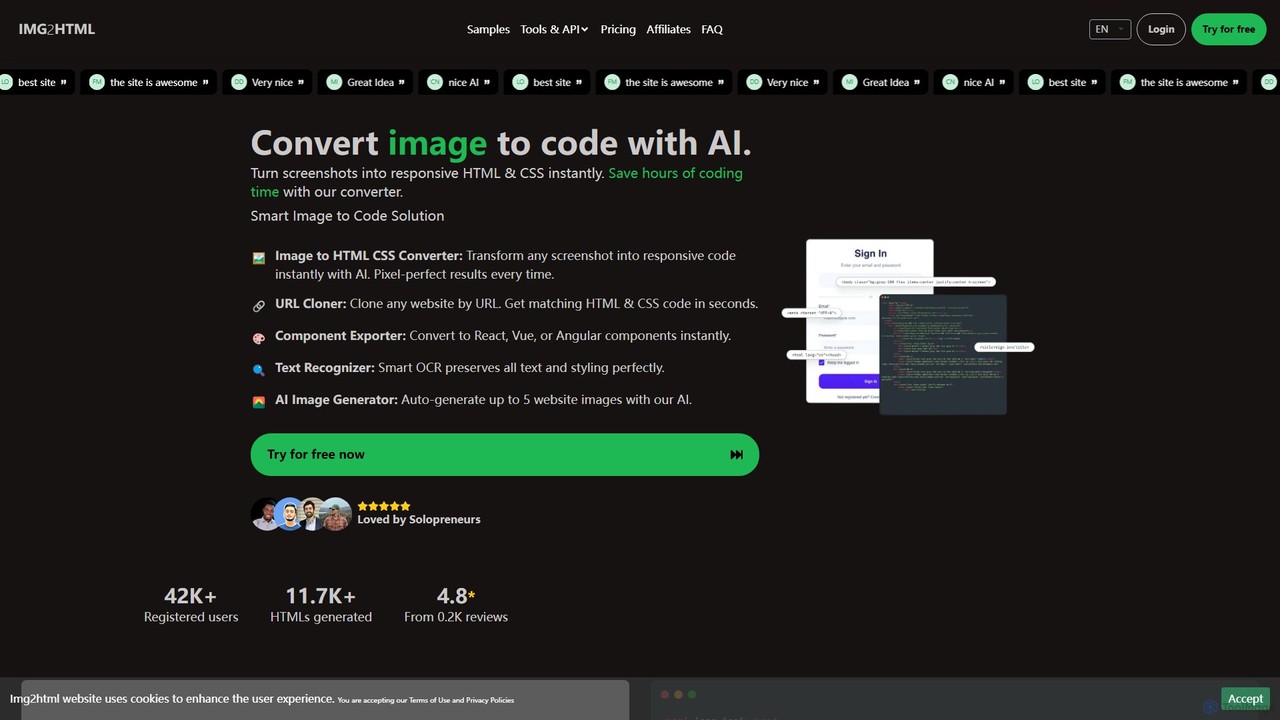
img2html
img2html is an AI-powered tool that instantly converts images, screenshots, and design mockups into clean, responsive HTML, CSS, and modern framework code like React, Vue, and Angular. It streamlines the front-end development workflow, saving developers hours of manual coding.
Design To Code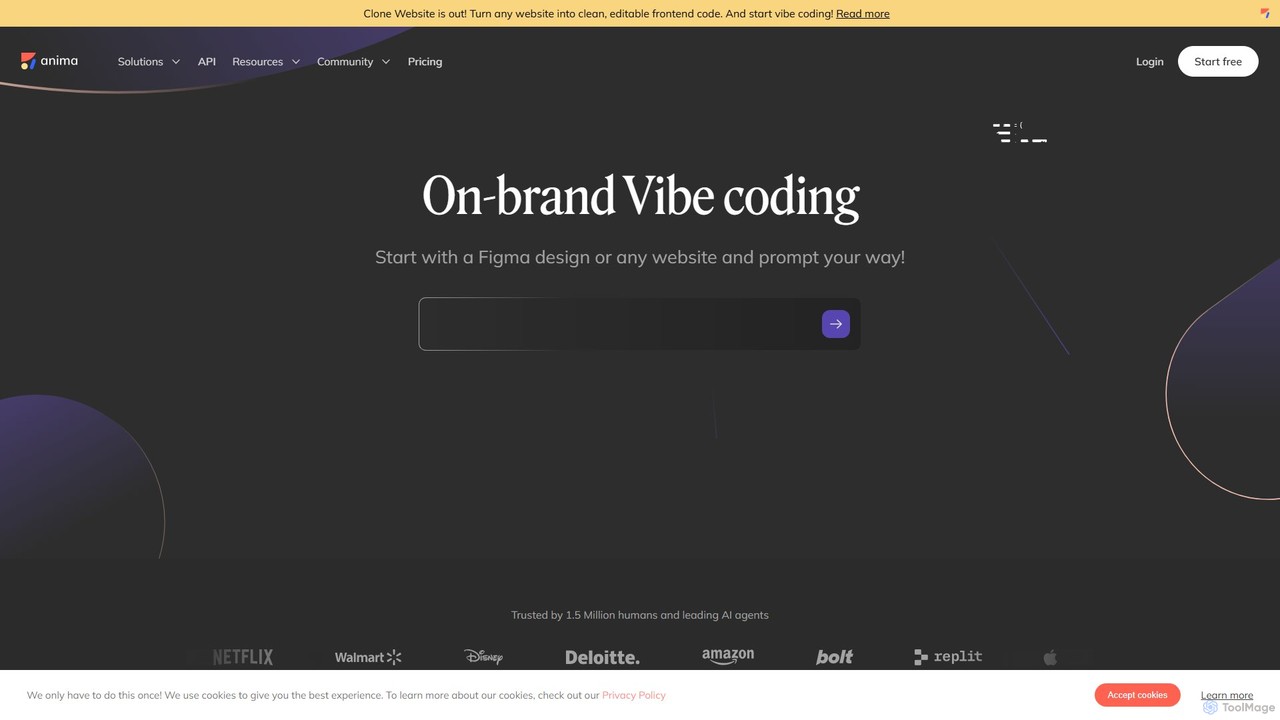
Anima
Anima is an AI-powered design-to-code platform that automates frontend development. It transforms designs from Figma, Adobe XD, and Sketch into clean, production-ready React, Vue, and HTML code. Featuring AI-driven iteration and website cloning, it empowers designers, developers, and founders to build and launch web applications and prototypes up to 10x faster.
Design To Code
Locofy.ai
Locofy.ai is an AI-powered platform that accelerates frontend development by converting designs from Figma, Adobe XD, and Penpot into high-quality, production-ready code. It supports a wide range of frameworks like React, React Native, Vue, and HTML/CSS, helping teams build UI 10x faster and significantly reducing the design-to-code workflow.
Design To Code
XAML.io
An AI-powered copilot for XAML developers. It accelerates UI development by converting natural language, sketches, and design files into clean, production-ready XAML code for .NET MAUI, WPF, and UWP. It also offers code optimization and debugging assistance.
Design To Code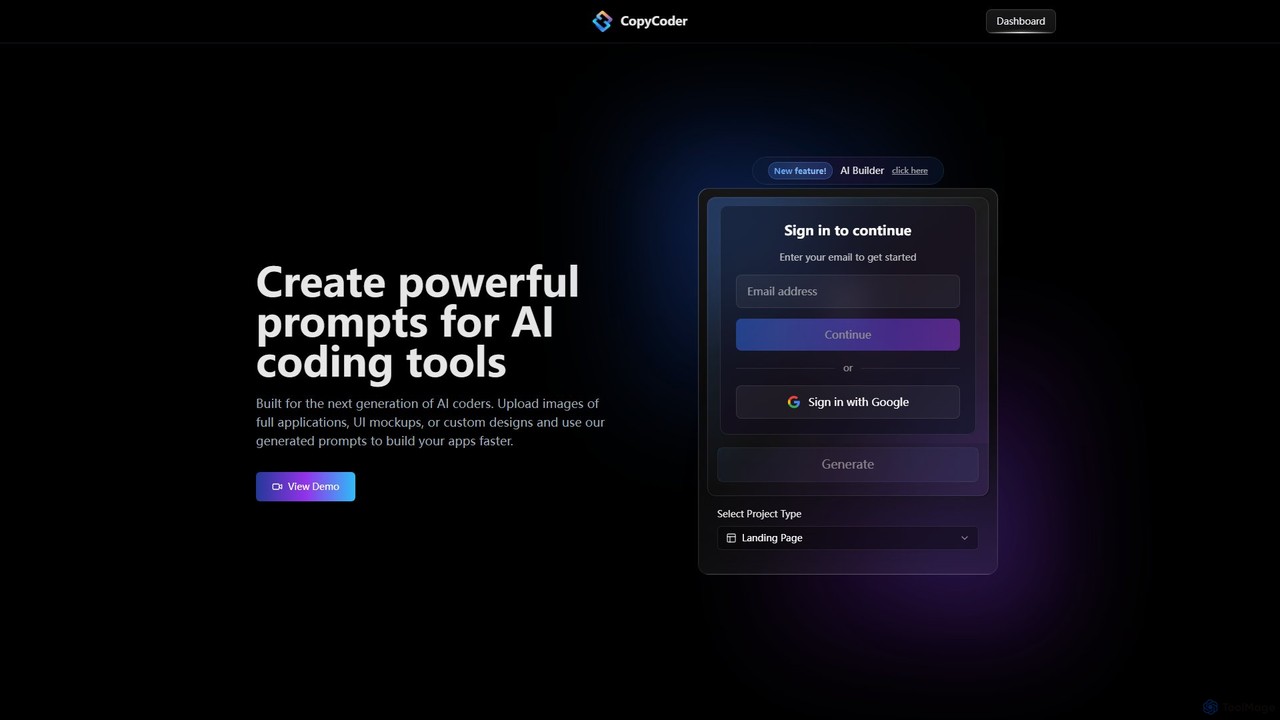
CopyCoder
CopyCoder is an AI-powered tool designed for developers that converts UI designs, mockups, and images into powerful, structured prompts for AI coding assistants like Cursor. It streamlines the development process by bridging the gap between visual design and code generation, enabling faster app building.
Design To CodeFrontender Categories
Frontender Embed Widget
Copy this embed code to place the badge on your blog, article, or product site and send readers directly to this ToolMage detail page.

Related AI tools
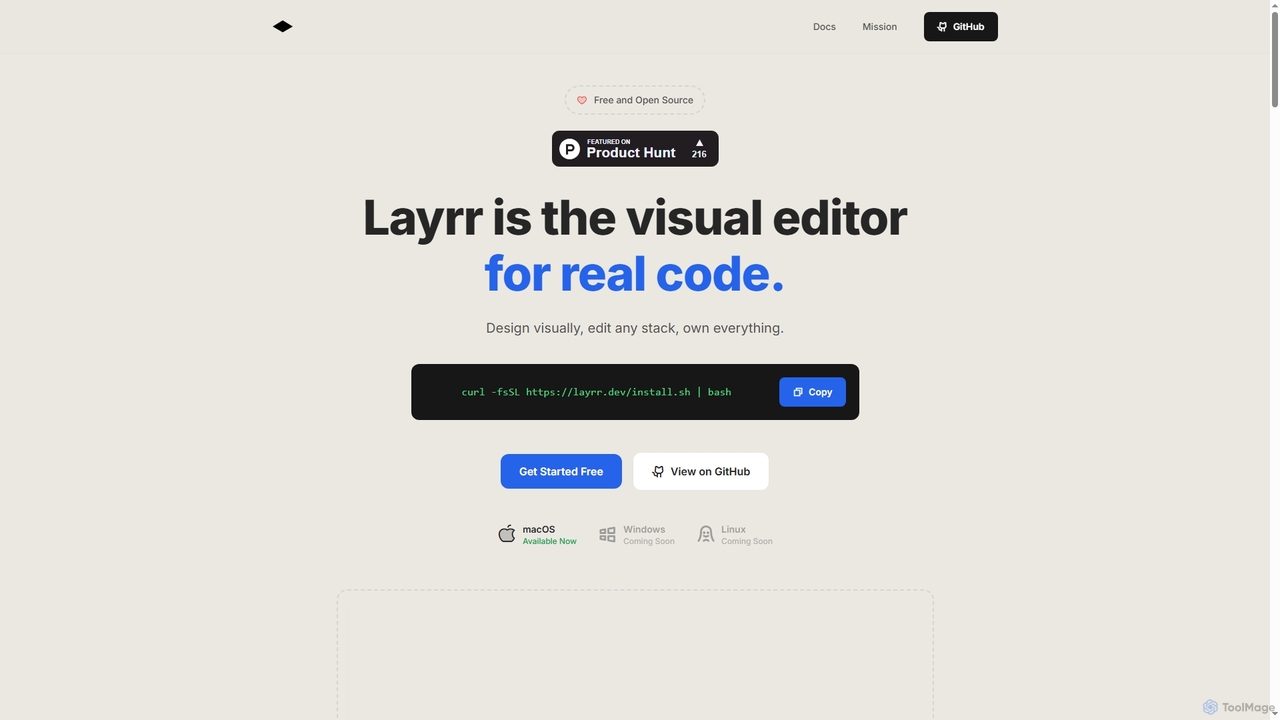
Layrr
Layrr is a free and open-source visual editor that allows developers and designers to create and edit real code directly. It combines the intuitive drag-and-drop interface of design tools like Figma with the flexibility and ownership of traditional coding, supporting any tech stack and leveraging AI for design-to-code conversion and natural language interface generation.
Code Generation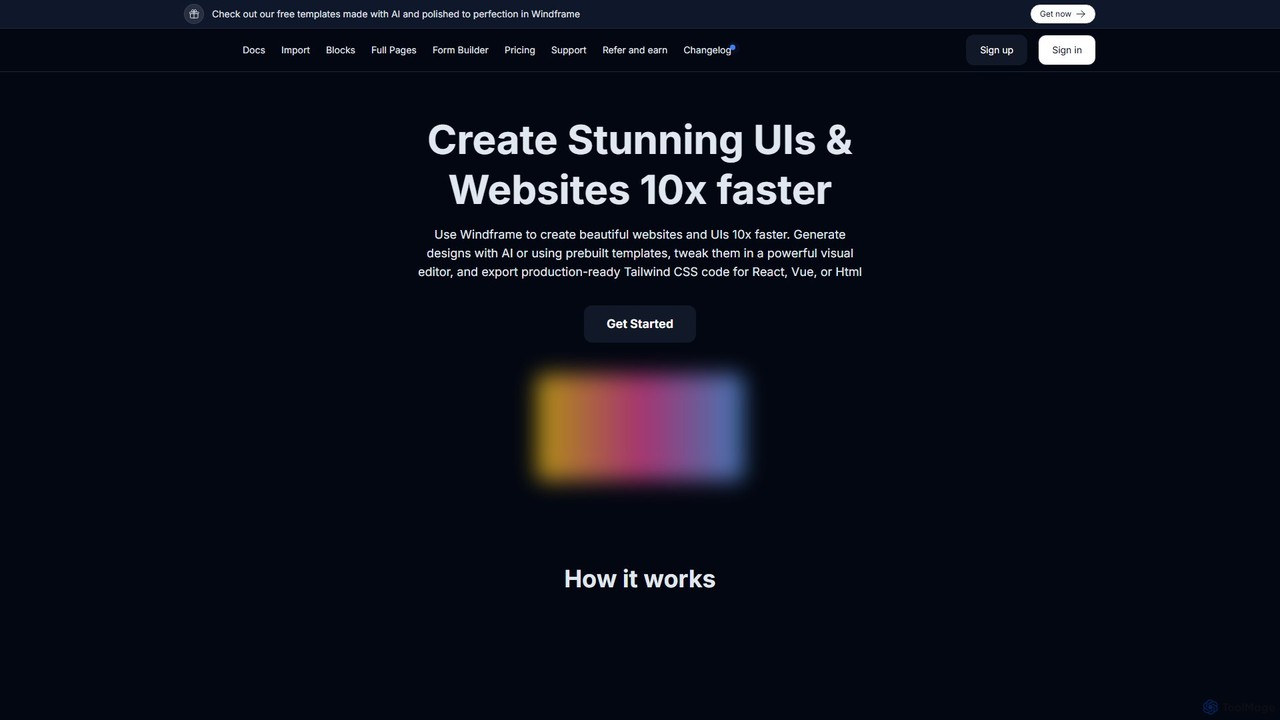
Windframe
Windframe is an AI-powered visual editor and builder for Tailwind CSS, designed to accelerate UI and website development. It allows users to generate designs with AI prompts, utilize over 1000 pre-built templates, and visually edit projects in real-time. Export production-ready code for React, Vue, HTML, and more, streamlining the workflow for developers, designers, and teams.
Ui Ux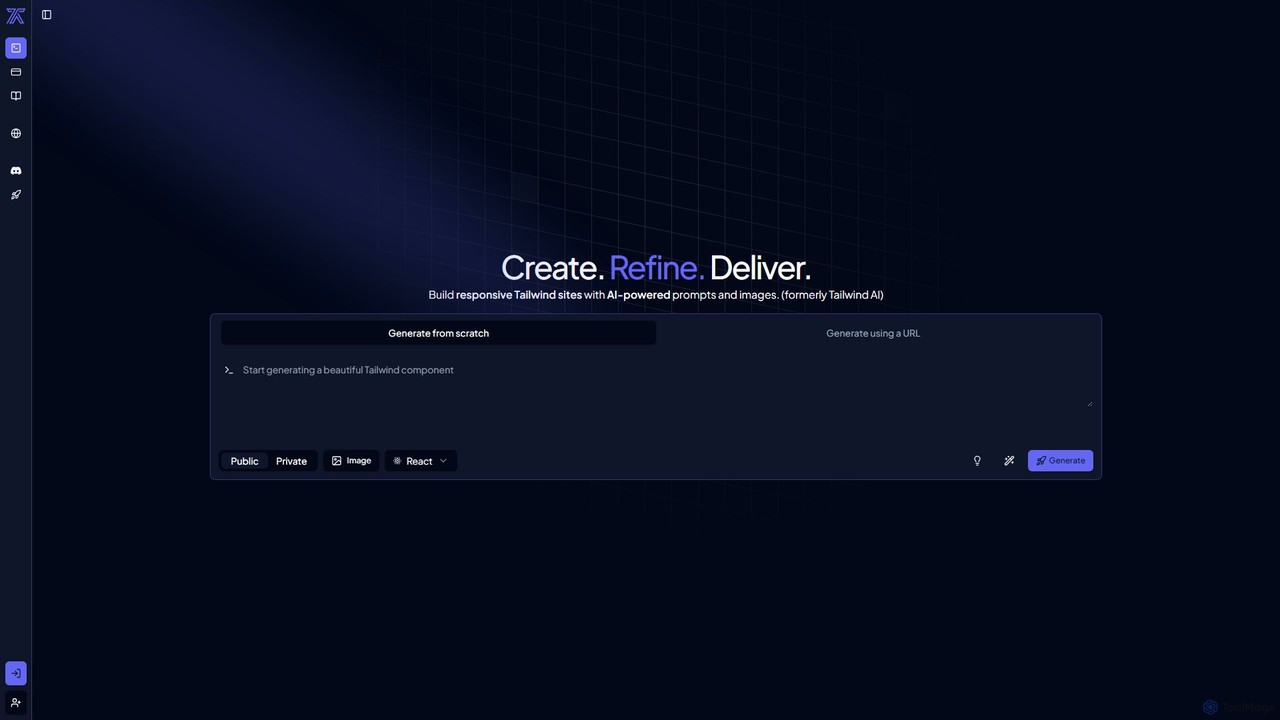
CodeRocket
CodeRocket is an AI-powered development tool that generates responsive websites and components using Tailwind CSS. Simply provide a text prompt, an image, or a URL, and CodeRocket will generate clean, ready-to-use code for HTML, React, and Vue.js. It's designed to accelerate frontend development, from rapid prototyping to building complete user interfaces.
Ui Ux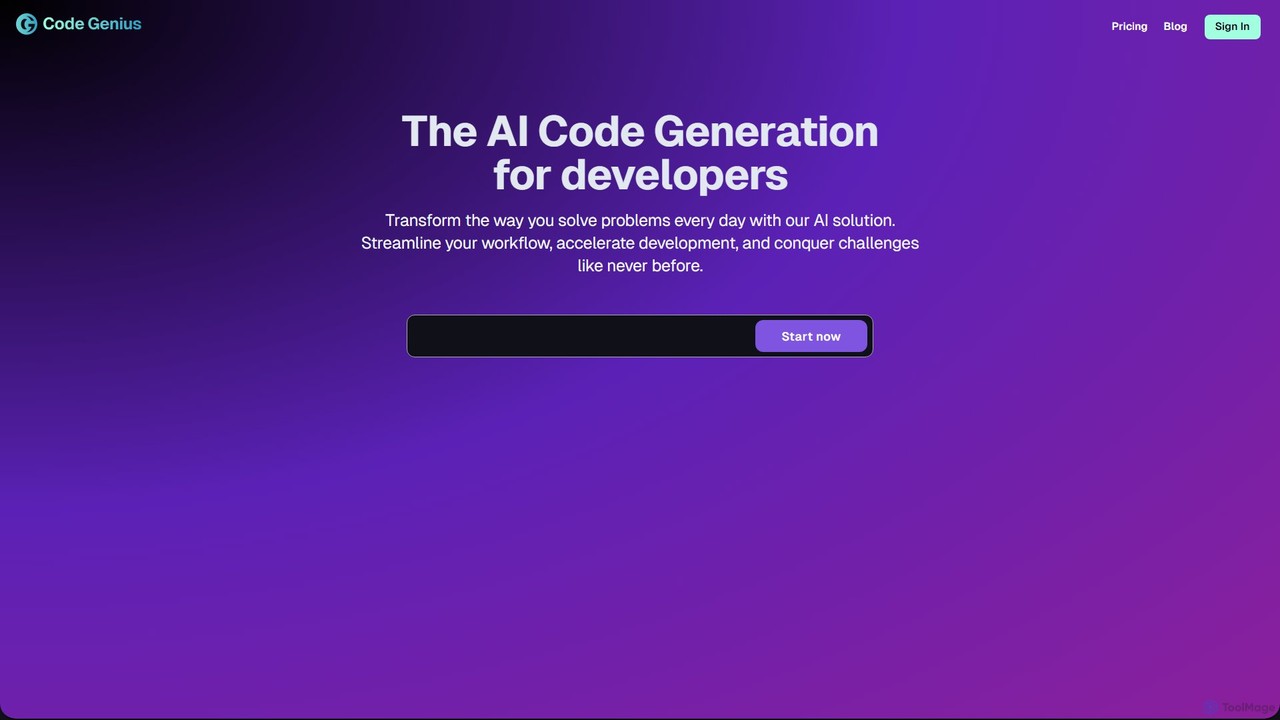
Code Genius
Code Genius is an AI-powered coding assistant designed for developers. It accelerates development by generating code, creating unit tests, optimizing performance, and acting as a 24/7 pair programmer. It supports popular frameworks like React, Vue.js, and Tailwind CSS.
Code Assistantimg2html
img2html is an AI-powered tool that instantly converts images, screenshots, and design mockups into clean, responsive HTML, CSS, and modern framework code like React, Vue, and Angular. It streamlines the front-end development workflow, saving developers hours of manual coding.
Design To CodeAnima
Anima is an AI-powered design-to-code platform that automates frontend development. It transforms designs from Figma, Adobe XD, and Sketch into clean, production-ready React, Vue, and HTML code. Featuring AI-driven iteration and website cloning, it empowers designers, developers, and founders to build and launch web applications and prototypes up to 10x faster.
Design To CodeLocofy.ai
Locofy.ai is an AI-powered platform that accelerates frontend development by converting designs from Figma, Adobe XD, and Penpot into high-quality, production-ready code. It supports a wide range of frameworks like React, React Native, Vue, and HTML/CSS, helping teams build UI 10x faster and significantly reducing the design-to-code workflow.
Design To Code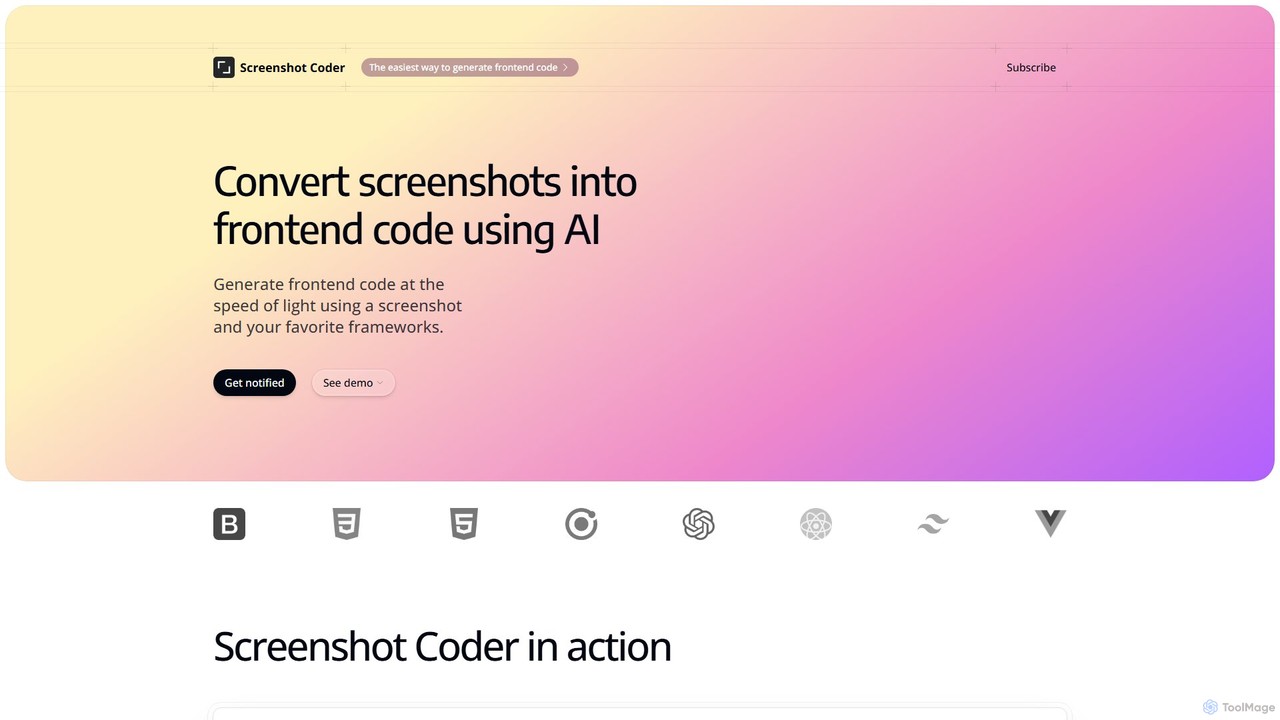
Screenshot Coder
Screenshot Coder is an AI-powered tool that instantly converts screenshots of UI designs into clean, production-ready frontend code. It supports popular frameworks like React, Bootstrap, and Tailwind CSS, dramatically accelerating the development workflow from design to implementation.
Design To Code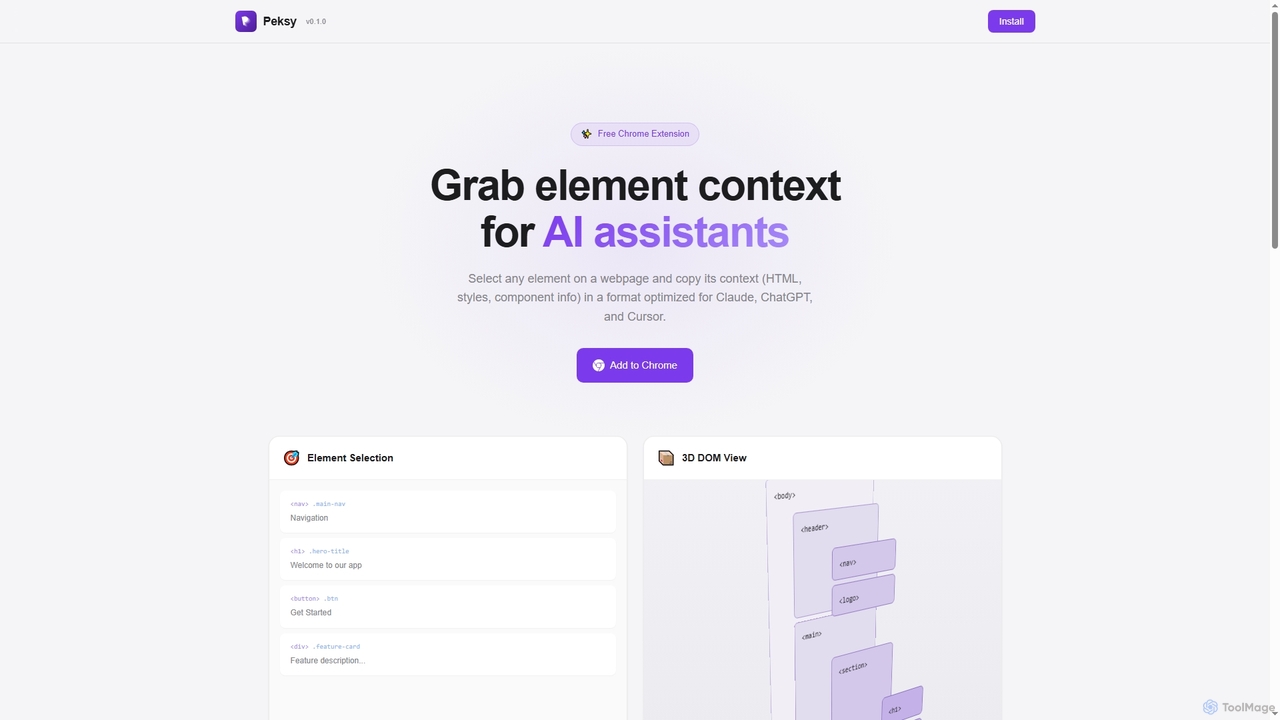
Peksy
Peksy is a free Chrome extension for developers. It lets you select any web element and instantly copy its context—including HTML, CSS, and component info—in a Markdown format optimized for AI coding assistants like ChatGPT, Claude, and Cursor.
Chrome Extensions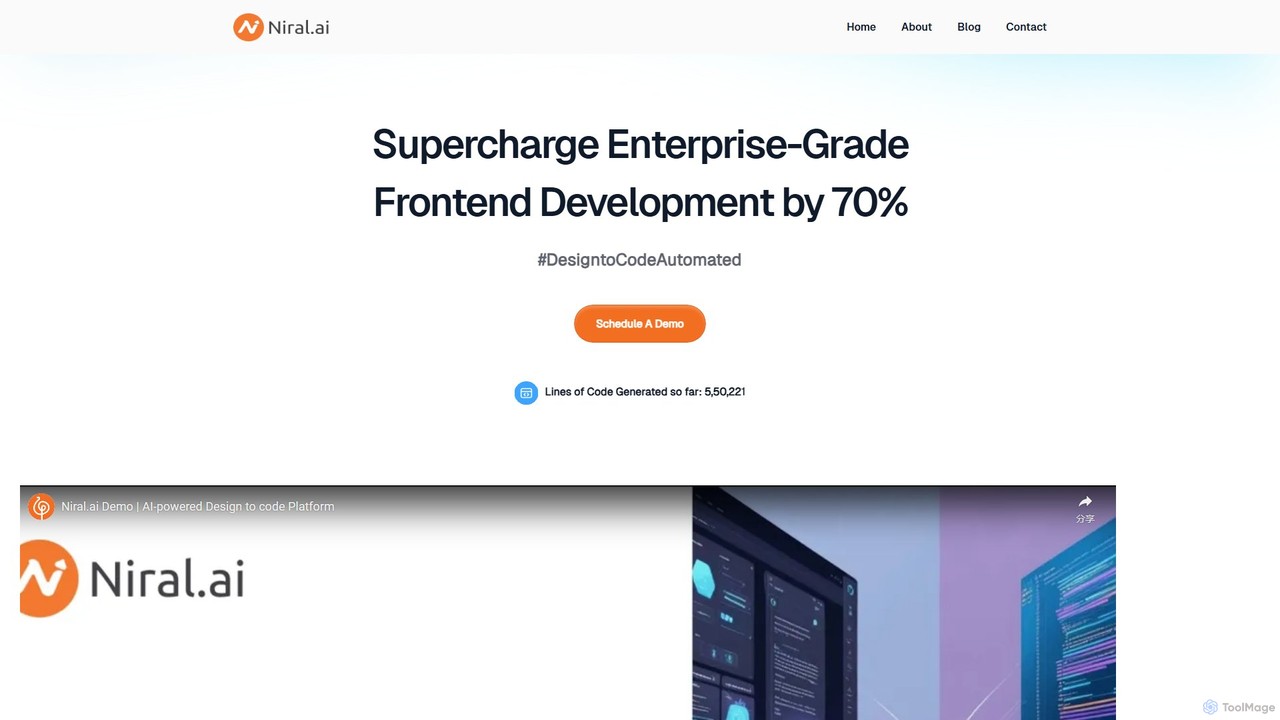
Niral.ai
Niral.ai is an AI-powered platform that converts Figma designs into high-quality, production-ready front-end code. It streamlines the design-to-development workflow, enabling teams to build user interfaces faster with full code ownership and Git integration.
Design To Code
TeleportHQ
TeleportHQ is a collaborative low-code platform that streamlines front-end development. It features an AI website builder, Figma to code conversion, and real-time collaboration tools. Users can visually build responsive websites and UIs, generate clean code for multiple frameworks (React, Vue, etc.), and deploy seamlessly.
Ui Ux
Codux
Codux is a visual development environment for React that bridges the gap between design and code. It allows developers and designers to build, test, and collaborate on React applications and design systems in a real-time, visual workspace, streamlining the entire workflow.
Ui Ux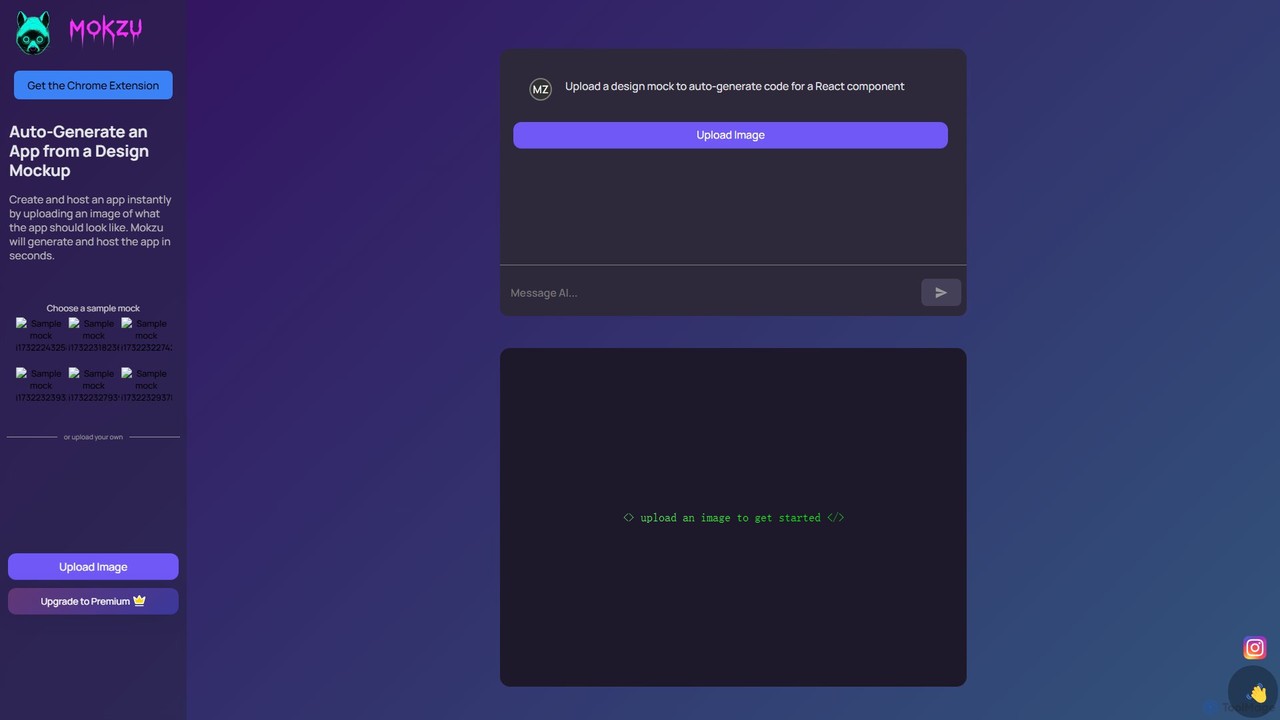
Mokzu
Mokzu is an AI-powered tool that instantly transforms design mockups into functional, production-ready web applications. By simply uploading an image of your UI design, Mokzu generates clean React component code and hosts the app in seconds. It's designed to accelerate the development workflow, bridge the gap between design and code, and enable rapid prototyping for developers, designers, and product teams.
Design To Code
PixelFree Studio
PixelFree Studio is a low-code application builder that transforms UI designs into clean, production-ready code. It specializes in importing Figma designs and exporting them to multiple frameworks like React, Vue, Angular, and C#, streamlining the design-to-development workflow and accelerating app creation.
Design To Code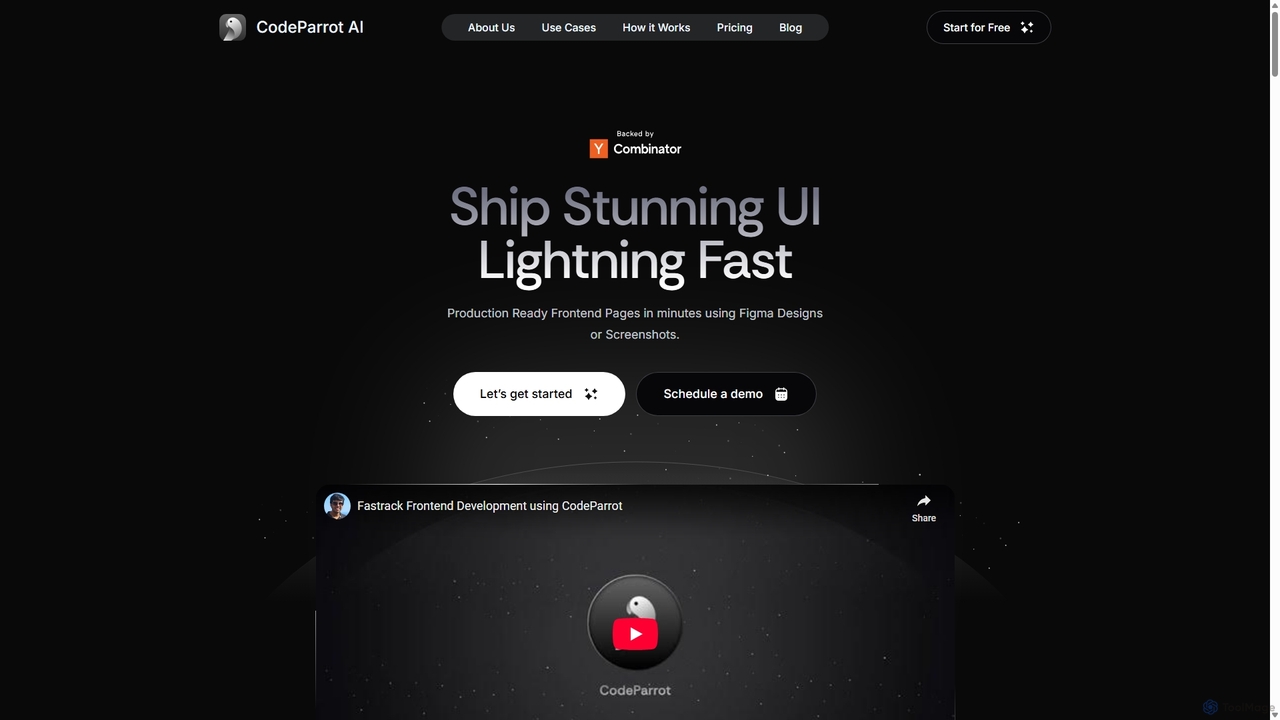
CodeParrot
CodeParrot is an AI-powered copilot that transforms Figma designs and screenshots into production-ready frontend code. It intelligently understands your existing codebase, reuses components, and adheres to your coding standards, dramatically accelerating UI development for frameworks like React, Vue, and Angular.
Design To Code
Frontender Comments (0)
Sign in to comment.
Sign inNo comments yet.