

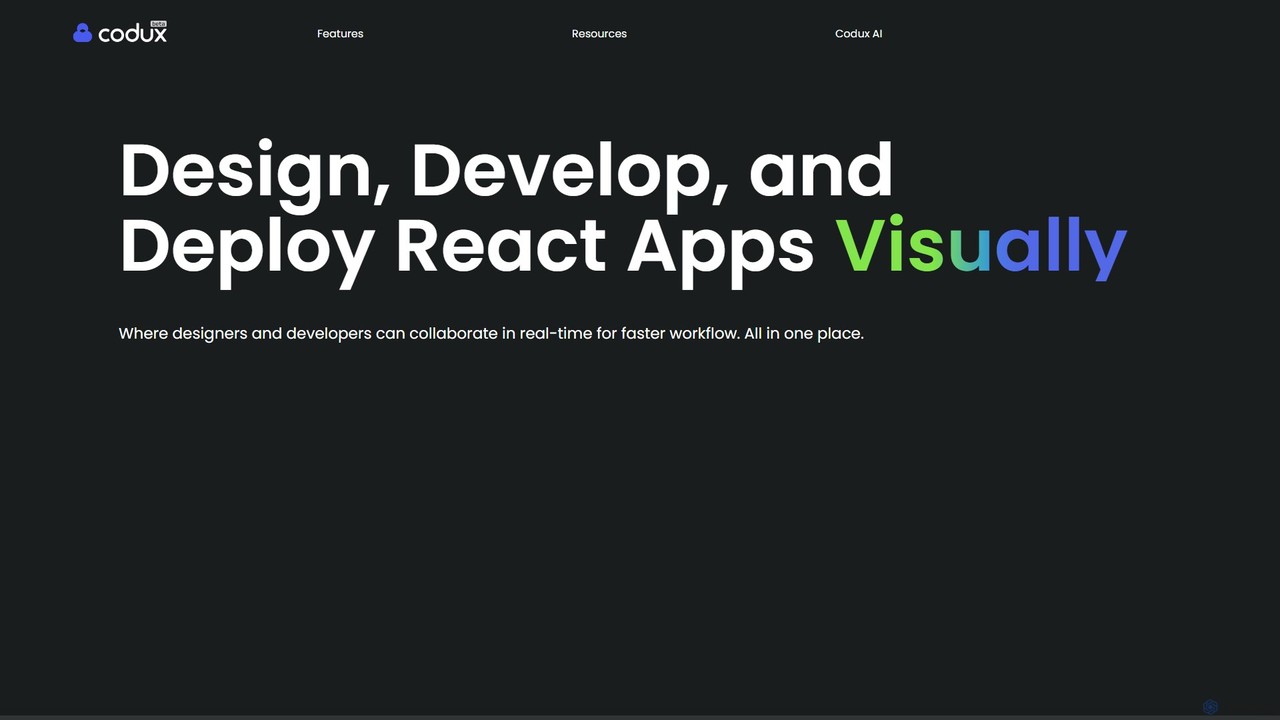
Codux Overview
Codux is a revolutionary visual development environment designed specifically for React projects. It serves as a powerful bridge between designers and developers, creating a unified and collaborative workspace where code and design are always in sync. By rendering project components in a real-time, interactive stage, Codux eliminates the traditional friction of the design-to-development handoff process. It allows teams to build applications, develop components, and manage design systems with unprecedented speed and efficiency.
The platform is built to work with your existing tech stack, including React, TypeScript, and various styling solutions like CSS Modules, Sass, and Tailwind CSS. It doesn't replace your favorite IDE but works alongside it, providing a visual layer that enhances productivity and understanding of the codebase. Whether you're a developer looking to visualize complex component structures or a designer wanting to make pixel-perfect UI tweaks directly on production-ready components, Codux provides the tools to do so seamlessly.
How to use Codux
Getting started with Codux is straightforward. First, you download and install the desktop application. You can then open an existing React project or create a new one. Codux will analyze your project and render your components on the 'Stage'. From there, you can:
- Visualize and Interact: Use the visual Stage to see your components in a real-time, responsive environment. Interact with them as a user would.
- Build UIs: Drag and drop components from the 'Add Panel'. This panel can include your own project components, native HTML elements, or components from third-party libraries like Material UI or Ant Design.
- Style Visually: Select any element on the Stage and use the 'Editing Panel' to modify its CSS properties. Visual controllers for Flexbox, Grid, colors, and typography make styling intuitive and fast.
- Inspect the DOM: The 'Elements Panel' gives you a clear view of the rendered component structure, helping you understand nesting and hierarchy.
- Connect with Code: Use the 'Code Drawer' to instantly see the source code for any selected visual element. A single click can take you to the exact line in your preferred IDE (e.g., VS Code).
- Collaborate: Leverage the built-in Git integration to work in branches, commit changes, and review work. Share a link to an online project playground for real-time feedback from teammates or clients.
Core Features of Codux
- Real-time Visual Stage: An interactive canvas that renders your React components live from your source code.
- Bidirectional Sync: Changes made in the visual editor are instantly reflected in the code, and vice-versa.
- Visual CSS Editor: Intuitive controllers for styling layouts, colors, typography, and more, eliminating the need to write CSS by hand for every change.
- Component Library Integration: Seamlessly works with your own components and popular third-party libraries like Tailwind CSS, Material UI, Bootstrap, and Ant Design.
- Integrated Git Workflow: Manage branches, commit, and review changes without leaving the application.
- Collaborative Playground: Share a live, interactive version of your project with a simple link for feedback and review.
- IDE Coexistence: Works in parallel with your primary code editor, enhancing your workflow rather than replacing it.
- Component Isolation and Testing: Easily create and test different states and variants of your components in isolation.
Use Cases for Codux
Rapid UI Development: Developers can build and iterate on complex user interfaces at a much faster pace by leveraging visual tools for layout and styling.
Design System Management: Teams can create, visualize, and maintain their design systems. Designers can see how components look with real data, and developers can ensure consistency.
Streamlined Design Handoff: Designers can make UI adjustments and test them on live components, providing developers with clear, actionable changes that are already validated visually.
Codebase Onboarding: New developers can quickly understand the architecture of a complex React project by visually exploring its components and their relationships.
UI Debugging and Refinement: Quickly identify and fix styling and layout issues by visually inspecting elements and their CSS properties in a real-world context.
Advantages of Codux
Accelerated Development: Drastically reduces the time spent on the feedback loop between design, development, and QA.
Improved Collaboration: Creates a single source of truth that both designers and developers can work in, fostering better communication and understanding.
Pixel-Perfect Precision: Empowers designers and developers to achieve pixel-perfect designs without compromising code quality.
Maintains Code Integrity: Unlike other visual builders that generate proprietary or messy code, Codux works directly with your existing, clean codebase.
Empowers the Whole Team: Allows designers to contribute more directly to the final product and frees up developers to focus on complex logic and functionality.
Pricing and Plans
Codux is currently available for free. You can download the application directly from the official website. As the product evolves, it is recommended to check the website for the latest information on any potential future pricing or enterprise plans.
Traffic
Latest traffic
Status
Monthly traffic trend
- 2025-9: 15.5K
- 2026-1: 7.9K
- 2026-2: 4.6K
- 2026-3: 5.9K
- 2026-4: 4.8K
- 2026-5: 6.5K
Geography
Top 5 countries / regions
- 🇺🇸United States39.6%
- 🇫🇷France22.0%
- 🇧🇷Brazil14.5%
- 🇮🇳India14.4%
- 🇵🇭Philippines9.5%
Top keywords
| Keyword | Cost per click |
|---|---|
| coduks | $0.00 |
| codux | $6.71 |
| codux react | $0.00 |
| codux visual ide | $0.00 |
| dazl ai | $0.74 |
Codux Alternatives
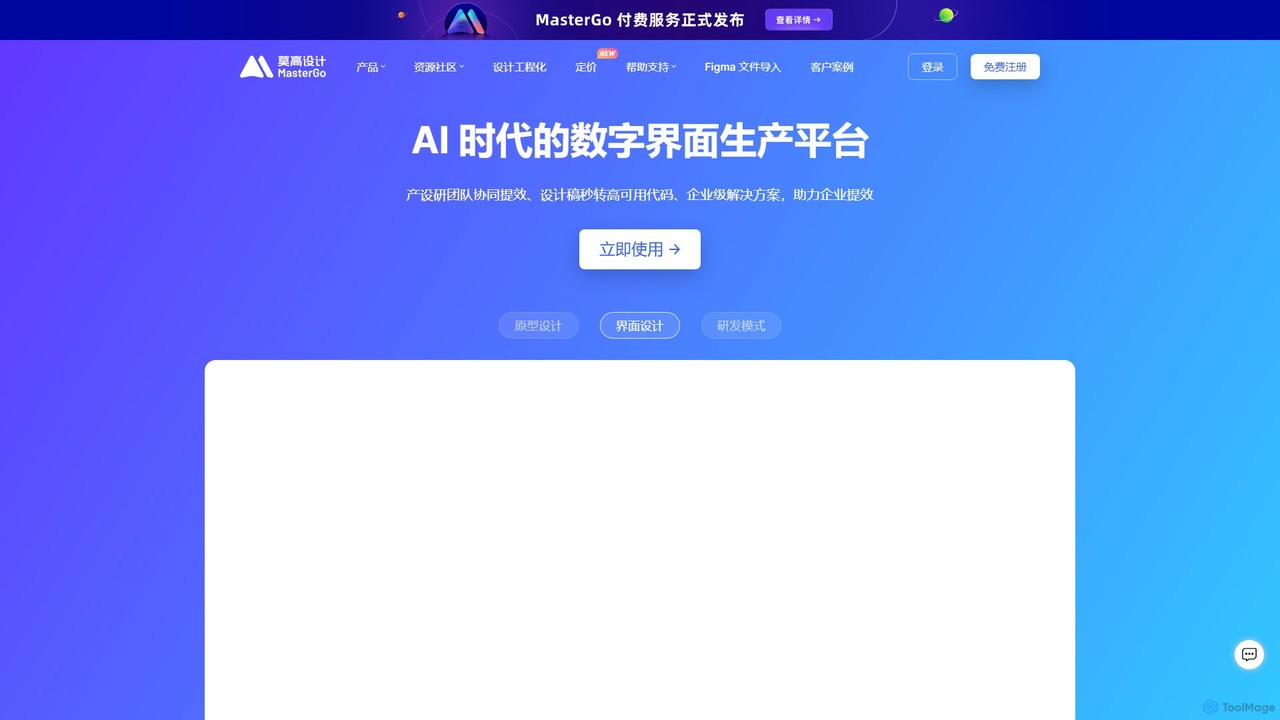
MasterGo
MasterGo is an AI-powered, all-in-one collaborative UI/UX design platform. It streamlines the entire workflow from prototyping and interface design to developer handoff. Built for real-time collaboration, it helps teams create, iterate, and manage digital products efficiently with features like design systems, AI-assisted generation, and enterprise-level security.
Ui Ux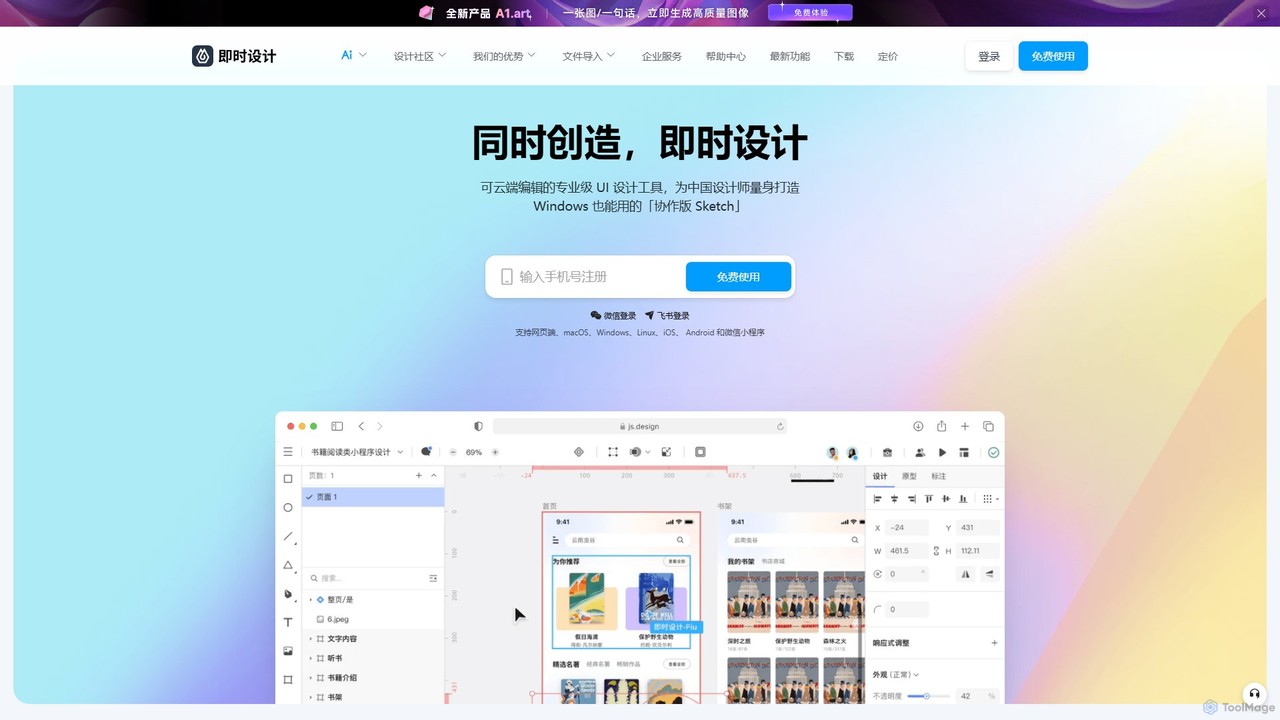
JsDesign
JsDesign is a professional, cloud-based UI/UX design tool that enables real-time collaboration. It offers a cross-platform experience with powerful AI features to accelerate the design workflow, from ideation and prototyping to developer handoff. It's positioned as a strong alternative to Figma and Sketch.
Ai Design Assistant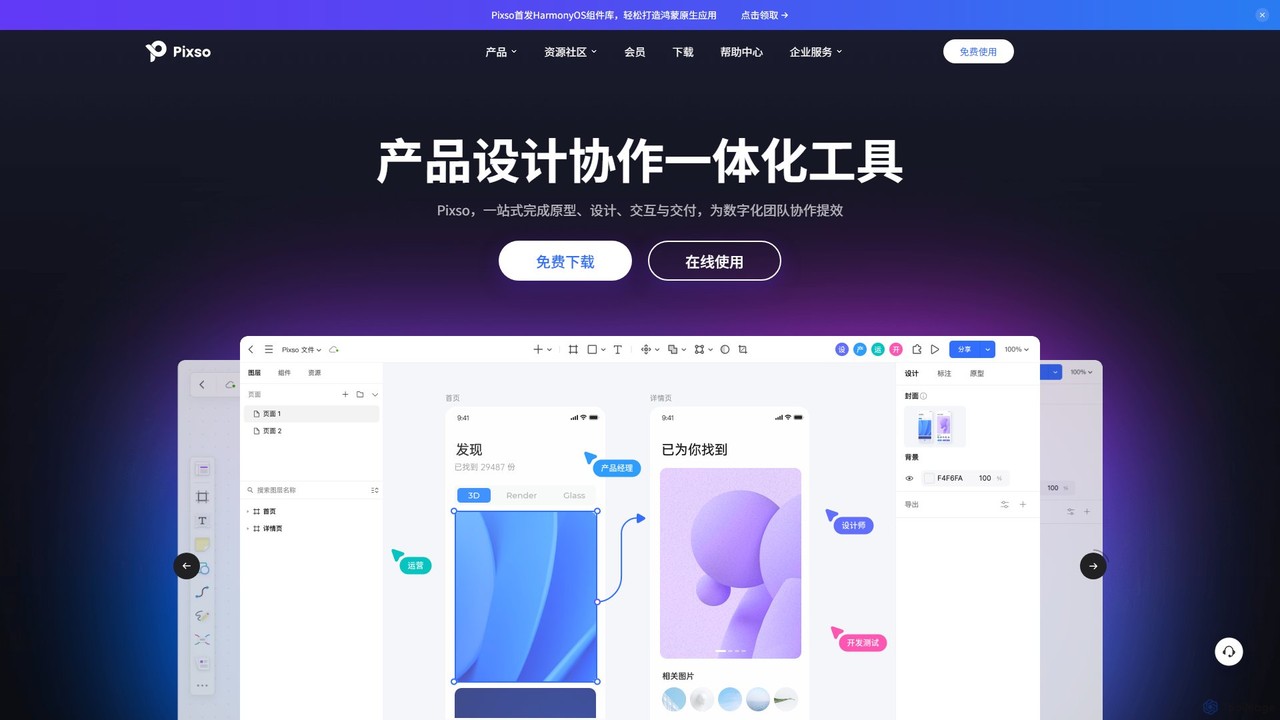
Pixso
Pixso is an all-in-one, cloud-based collaborative product design platform for UI/UX design, prototyping, and developer handoff. It integrates design tools, interactive prototyping, and an online whiteboard, positioning itself as a powerful, real-time alternative to Figma and Sketch, built to enhance team efficiency.
Ui Ux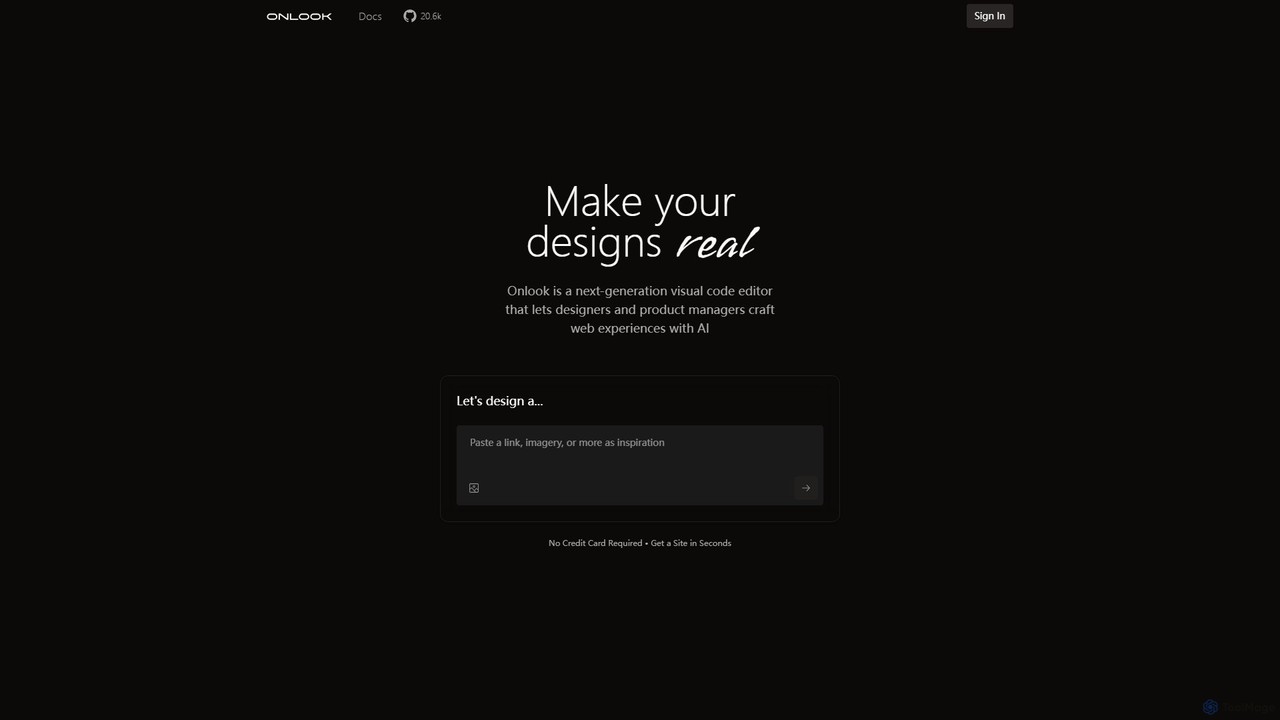
Onlook
Onlook is a next-generation, AI-powered visual code editor that allows designers, product managers, and developers to build and edit web experiences directly on live React/Next.js code. It bridges the gap between design and implementation, offering a Figma-like interface with AI chat, direct manipulation, and seamless integration with existing codebases.
Ui Ux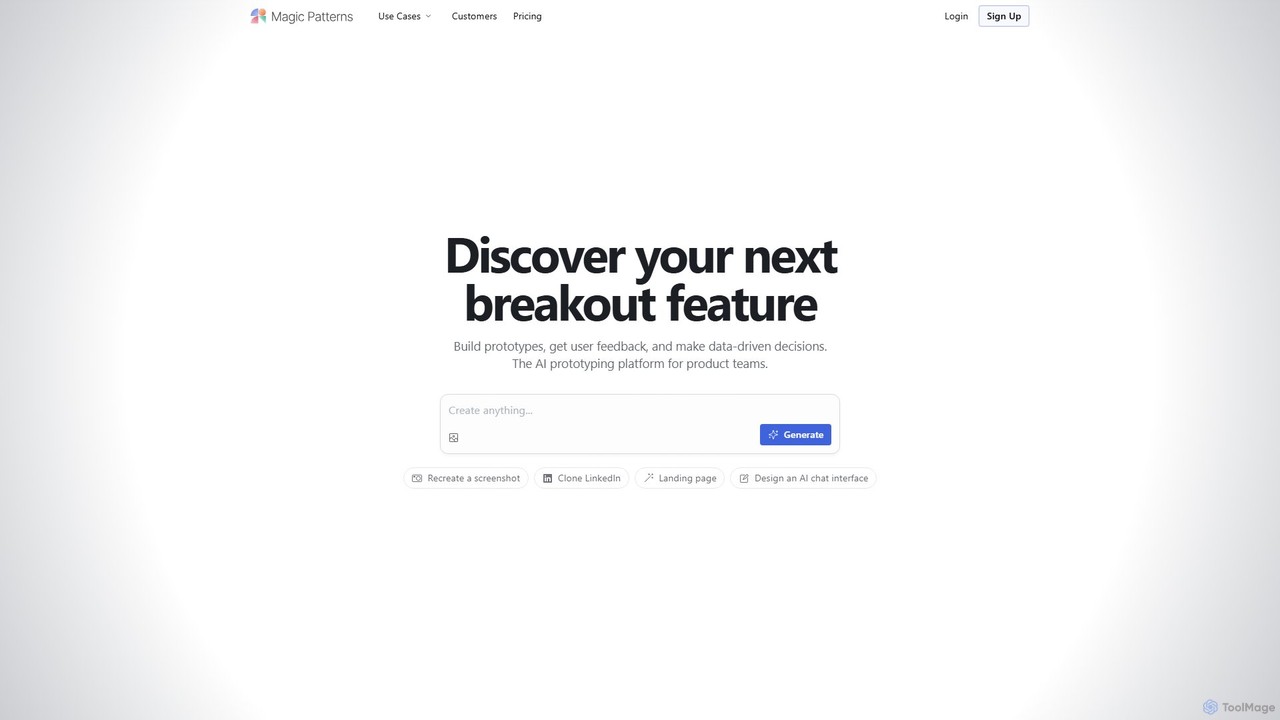
Magic Patterns
Magic Patterns is an AI-powered prototyping platform for product teams, designers, and developers. It accelerates UI creation by generating interactive prototypes and production-ready code (React, Tailwind CSS) from text prompts, screenshots, or existing websites. It helps teams iterate faster, gather user feedback, and make data-driven decisions.
PrototypingCodux Categories
Codux Embed Widget
Copy this embed code to place the badge on your blog, article, or product site and send readers directly to this ToolMage detail page.

Related AI tools
PixelFree Studio
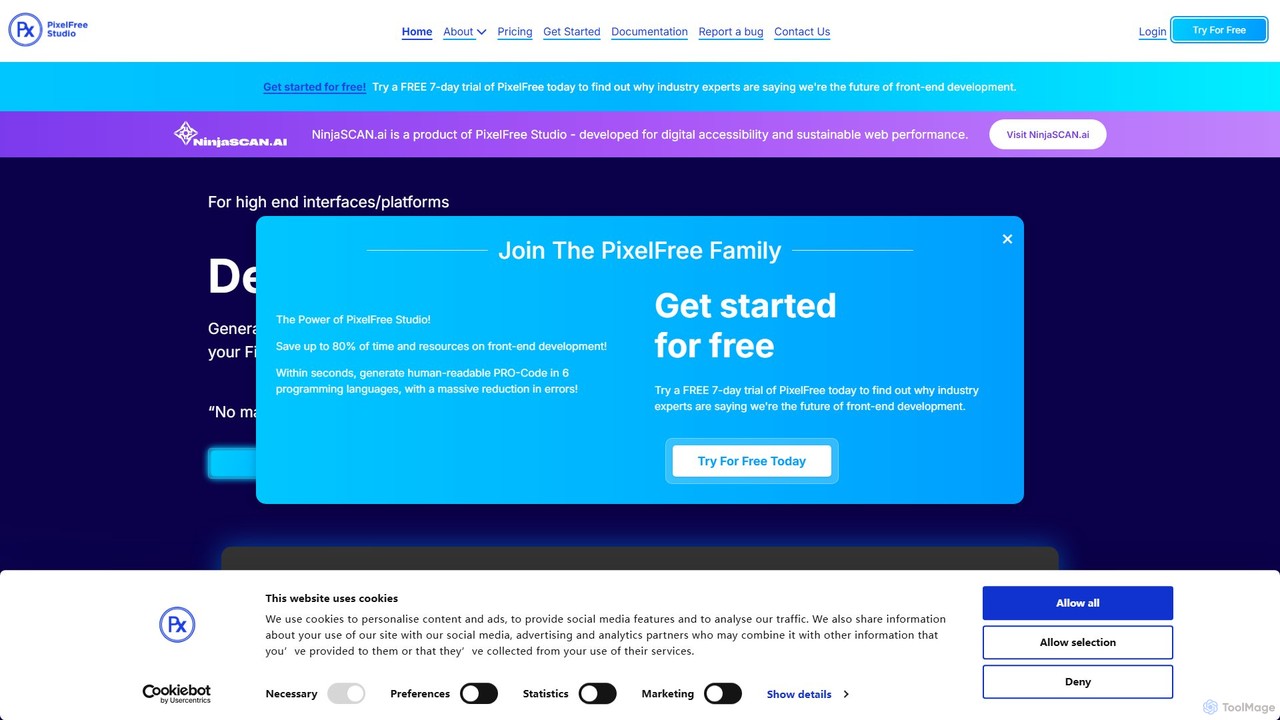
PixelFree Studio is a low-code application builder that transforms UI designs into clean, production-ready code. It specializes in importing Figma designs and exporting them to multiple frameworks like React, Vue, Angular, and C#, streamlining the design-to-development workflow and accelerating app creation.
Design To Code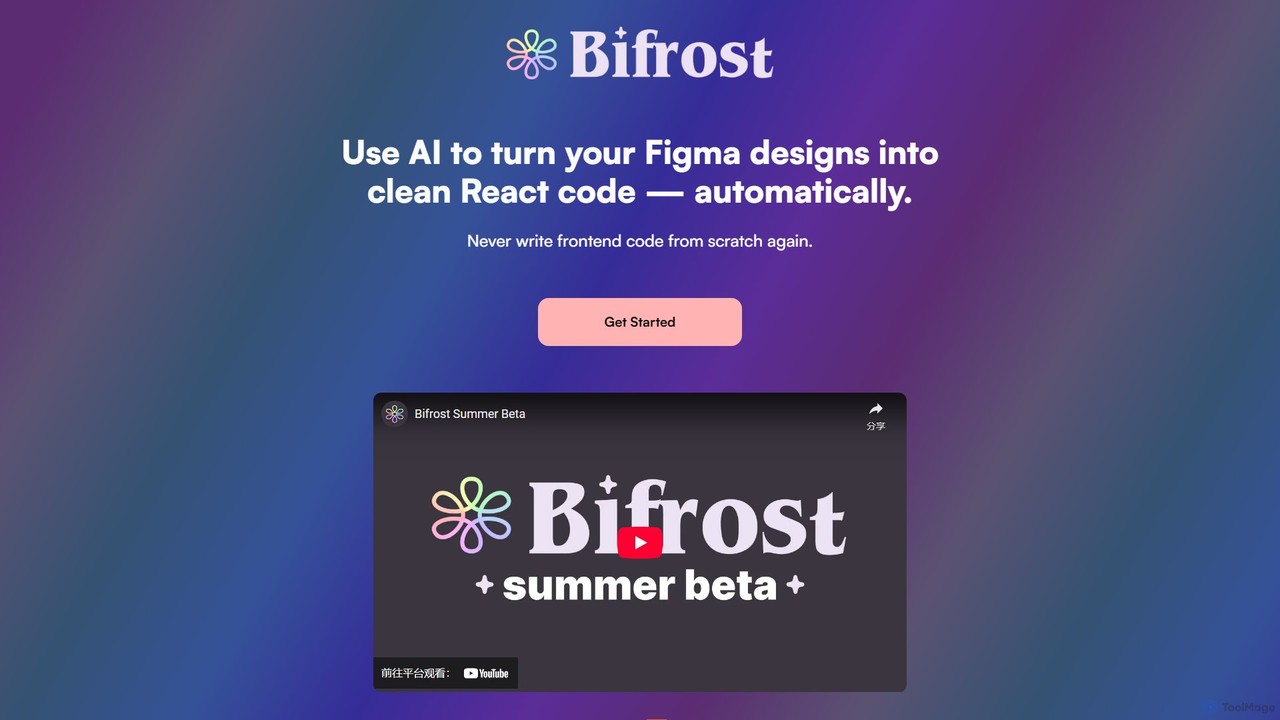
Bifrost
Bifrost is an AI-powered tool that automatically converts Figma designs into clean, production-ready React code. It streamlines the design-to-development workflow, saving significant engineering time and empowering teams to build and iterate on UIs faster than ever before.
Design To Code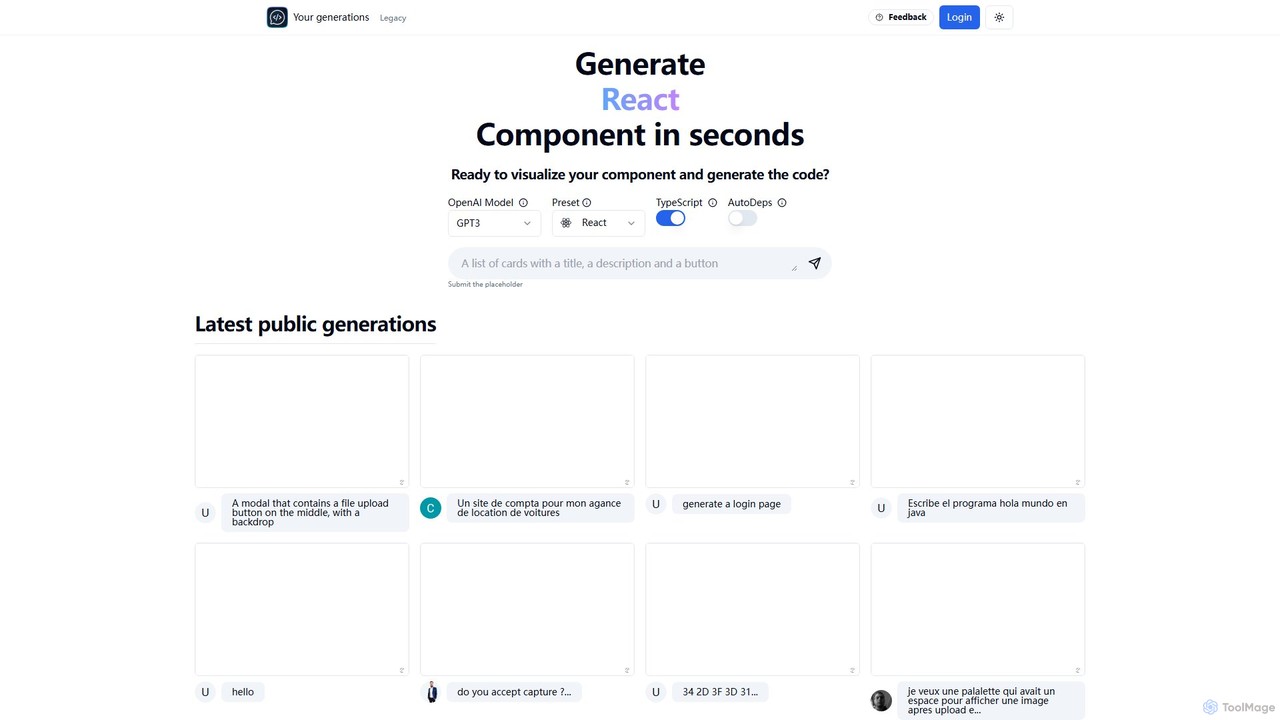
Chat2Code
Chat2Code is an AI-powered tool that generates interactive React and TypeScript components from natural language descriptions. Instantly visualize your ideas, get functional code, and accelerate your frontend development workflow. Perfect for rapid prototyping and component scaffolding.
Prototyping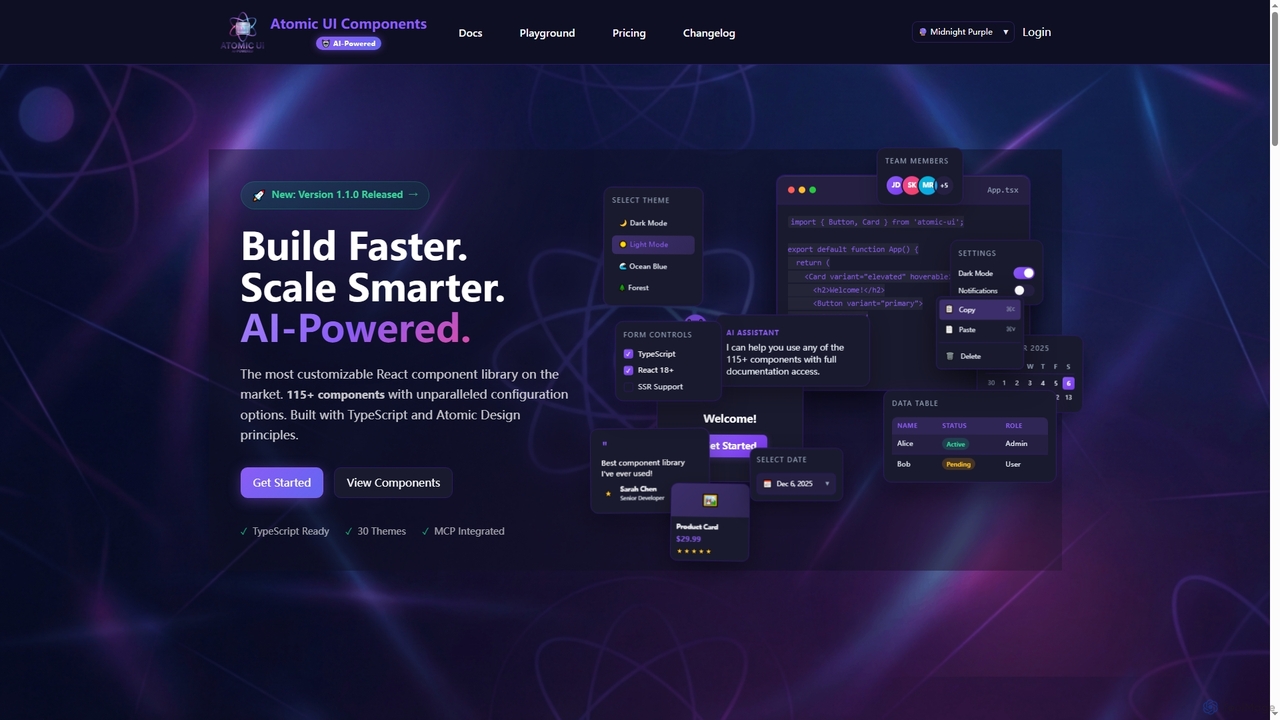
AtomicComponents
AtomicComponents is an AI-powered React component library designed for building modern, scalable, and accessible user interfaces faster. It offers over 115 highly customizable components, 30 built-in themes, and seamless integration with AI assistants like Claude and GitHub Copilot via its Model Context Protocol (MCP) server.
Design Systems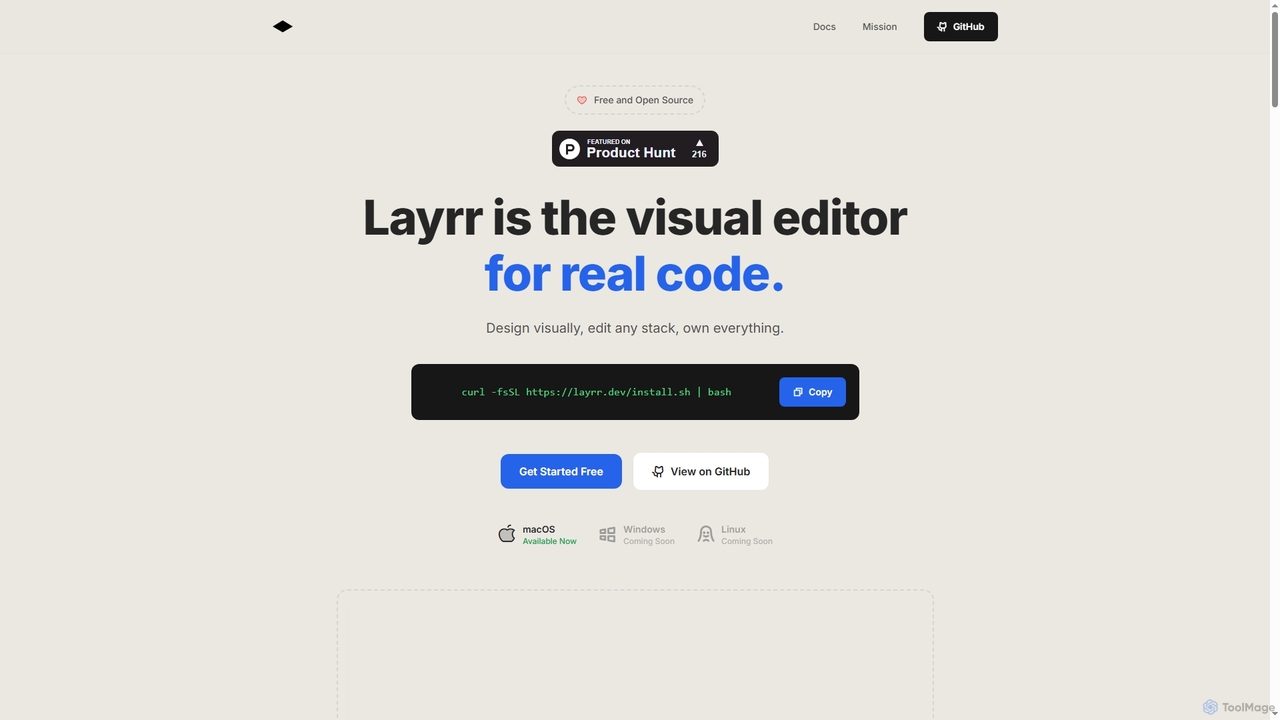
Layrr
Layrr is a free and open-source visual editor that allows developers and designers to create and edit real code directly. It combines the intuitive drag-and-drop interface of design tools like Figma with the flexibility and ownership of traditional coding, supporting any tech stack and leveraging AI for design-to-code conversion and natural language interface generation.
Code GenerationMagic Patterns
Magic Patterns is an AI-powered prototyping platform for product teams, designers, and developers. It accelerates UI creation by generating interactive prototypes and production-ready code (React, Tailwind CSS) from text prompts, screenshots, or existing websites. It helps teams iterate faster, gather user feedback, and make data-driven decisions.
Prototyping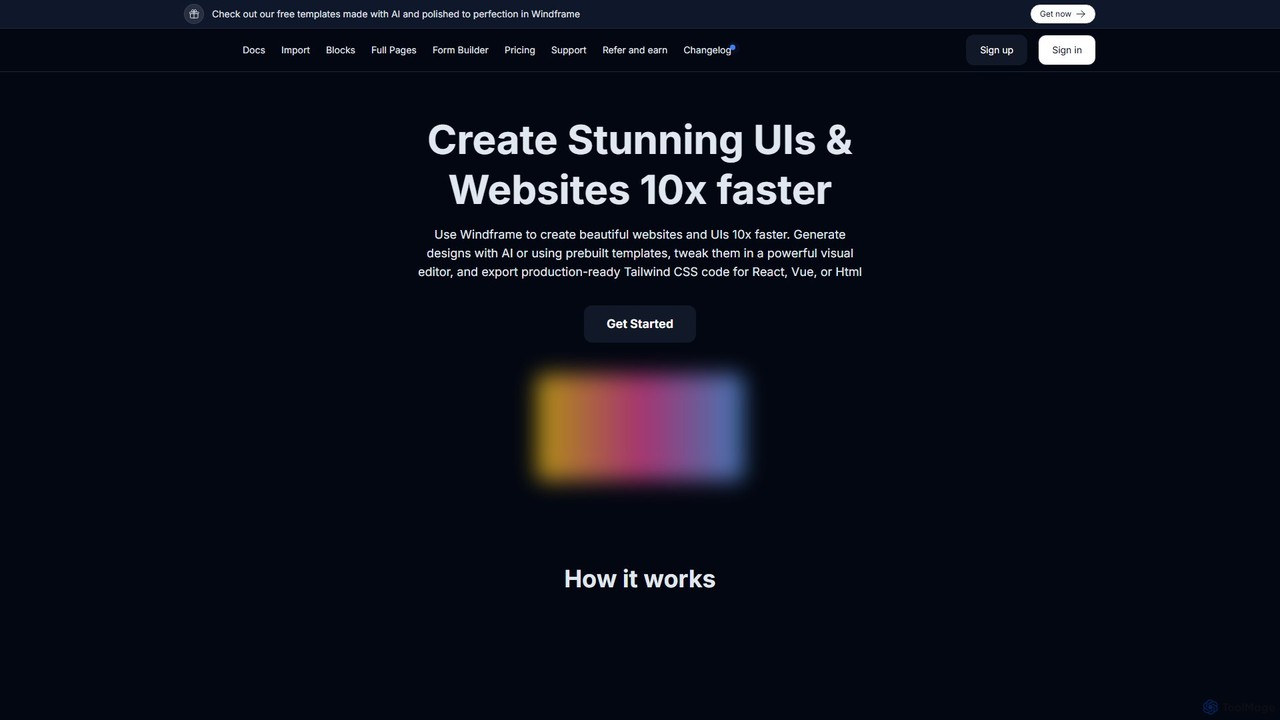
Windframe
Windframe is an AI-powered visual editor and builder for Tailwind CSS, designed to accelerate UI and website development. It allows users to generate designs with AI prompts, utilize over 1000 pre-built templates, and visually edit projects in real-time. Export production-ready code for React, Vue, HTML, and more, streamlining the workflow for developers, designers, and teams.
Ui Ux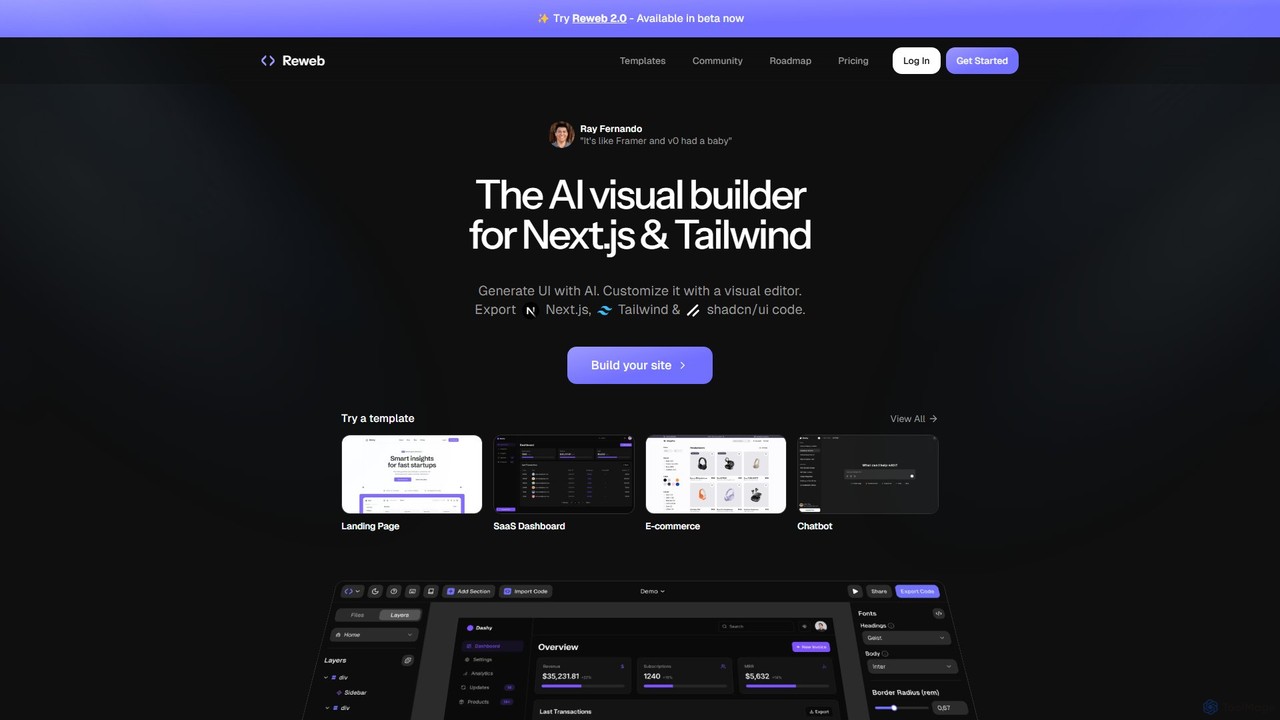
Reweb
Reweb is an AI-powered visual builder designed for developers. It enables users to generate UI components using AI from text prompts or images, customize them with a sophisticated visual editor, and export high-quality, production-ready code for Next.js, Tailwind CSS, and shadcn/ui. It bridges the gap between no-code platforms and traditional coding, accelerating the development workflow without sacrificing code quality or flexibility.
Ui Ux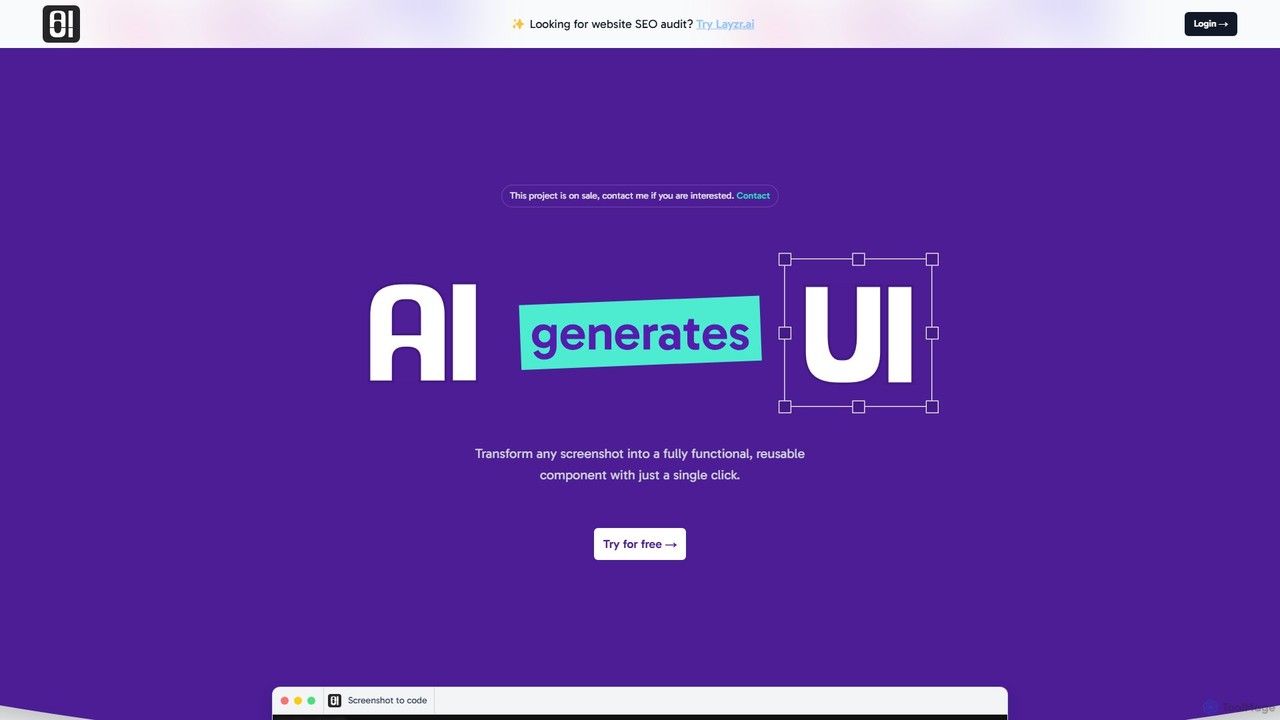
AIUI.me
AIUI.me is an AI-powered tool that transforms UI screenshots into clean, reusable code. With a single click, developers and designers can convert any design image into fully functional React.js and TailwindCSS components. This streamlines the frontend development workflow, saving hours of manual coding and accelerating project delivery from prototype to production.
Ui Ux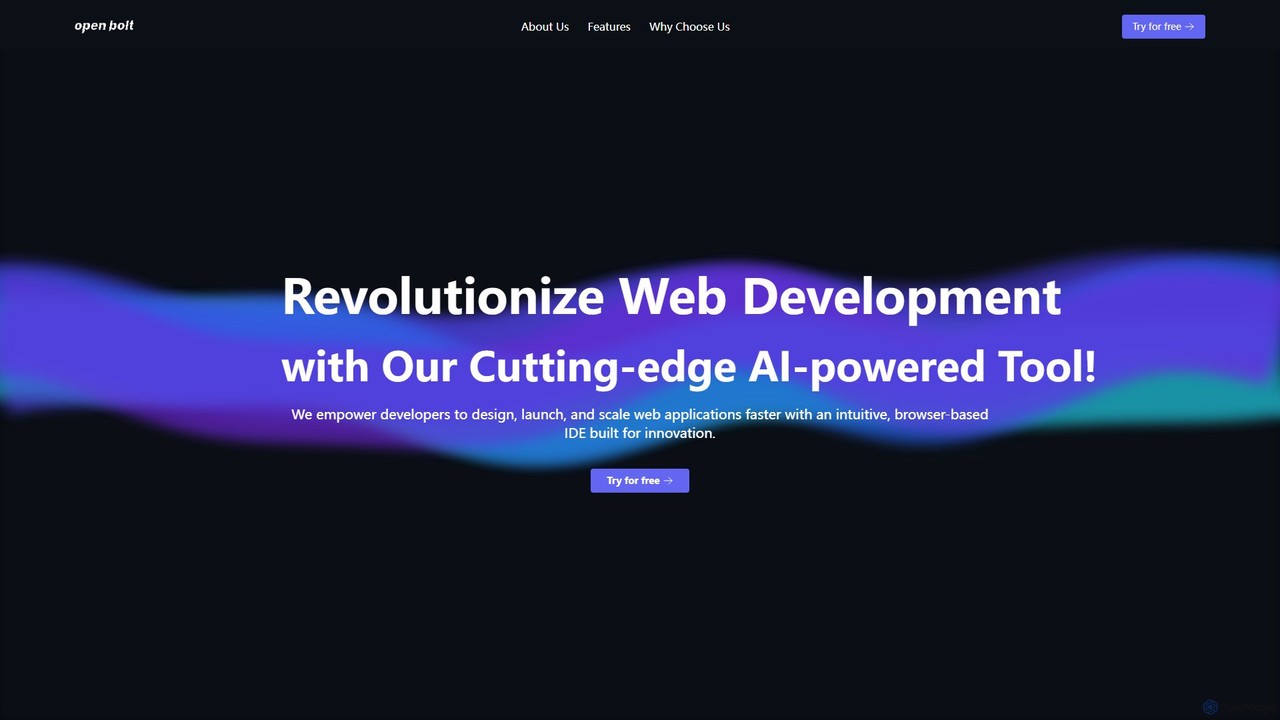
Openbolt.dev
Openbolt.dev is an AI-powered, browser-based IDE designed to accelerate full-stack web development. It enables developers to design, build, and deploy applications using natural language prompts, instant project scaffolding for popular frameworks, and real-time deployment, all within a single, unified platform.
Code Assistant
Relume
Relume is an AI-powered platform that accelerates the website design and building process. It enables users to generate sitemaps and wireframes from a simple prompt, create comprehensive style guides, and access a vast library of over 1000+ components. With seamless export to Figma, Webflow, and React, Relume streamlines the entire workflow for designers, developers, and agencies, turning ideas into high-fidelity designs in minutes.
Website Builder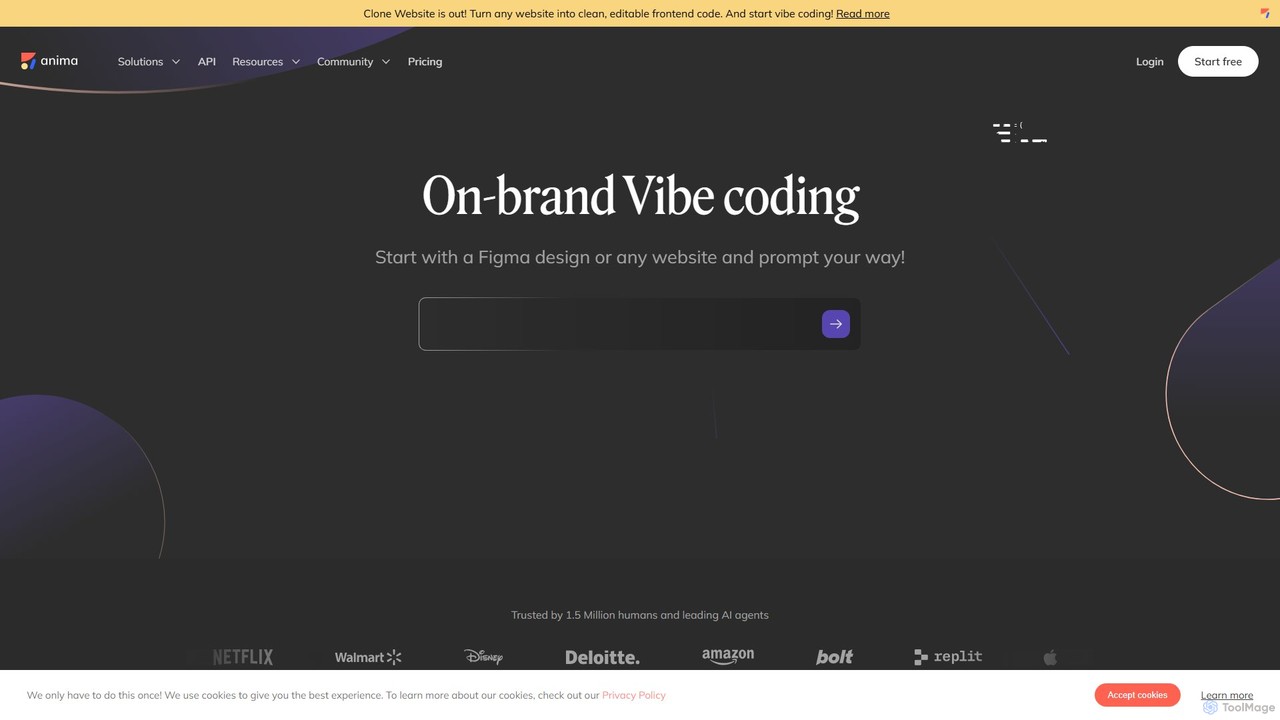
Anima
Anima is an AI-powered design-to-code platform that automates frontend development. It transforms designs from Figma, Adobe XD, and Sketch into clean, production-ready React, Vue, and HTML code. Featuring AI-driven iteration and website cloning, it empowers designers, developers, and founders to build and launch web applications and prototypes up to 10x faster.
Design To Code
Locofy.ai
Locofy.ai is an AI-powered platform that accelerates frontend development by converting designs from Figma, Adobe XD, and Penpot into high-quality, production-ready code. It supports a wide range of frameworks like React, React Native, Vue, and HTML/CSS, helping teams build UI 10x faster and significantly reducing the design-to-code workflow.
Design To Code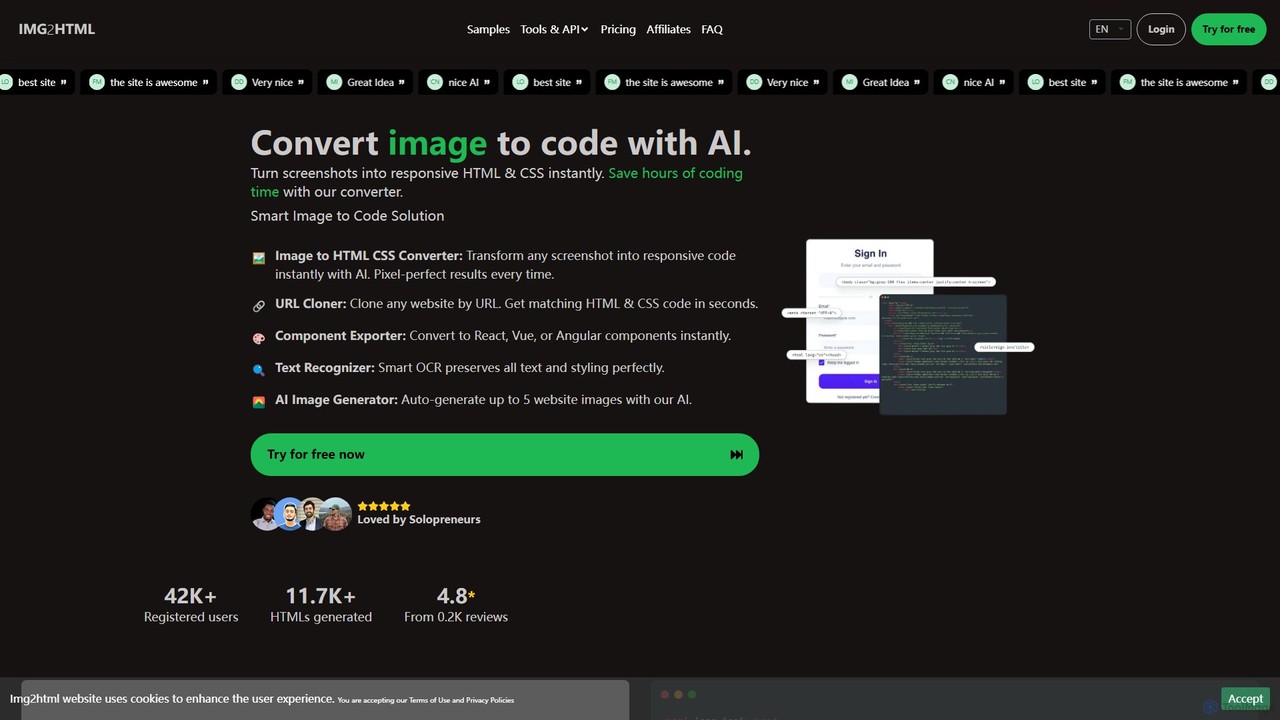
img2html
img2html is an AI-powered tool that instantly converts images, screenshots, and design mockups into clean, responsive HTML, CSS, and modern framework code like React, Vue, and Angular. It streamlines the front-end development workflow, saving developers hours of manual coding.
Design To Code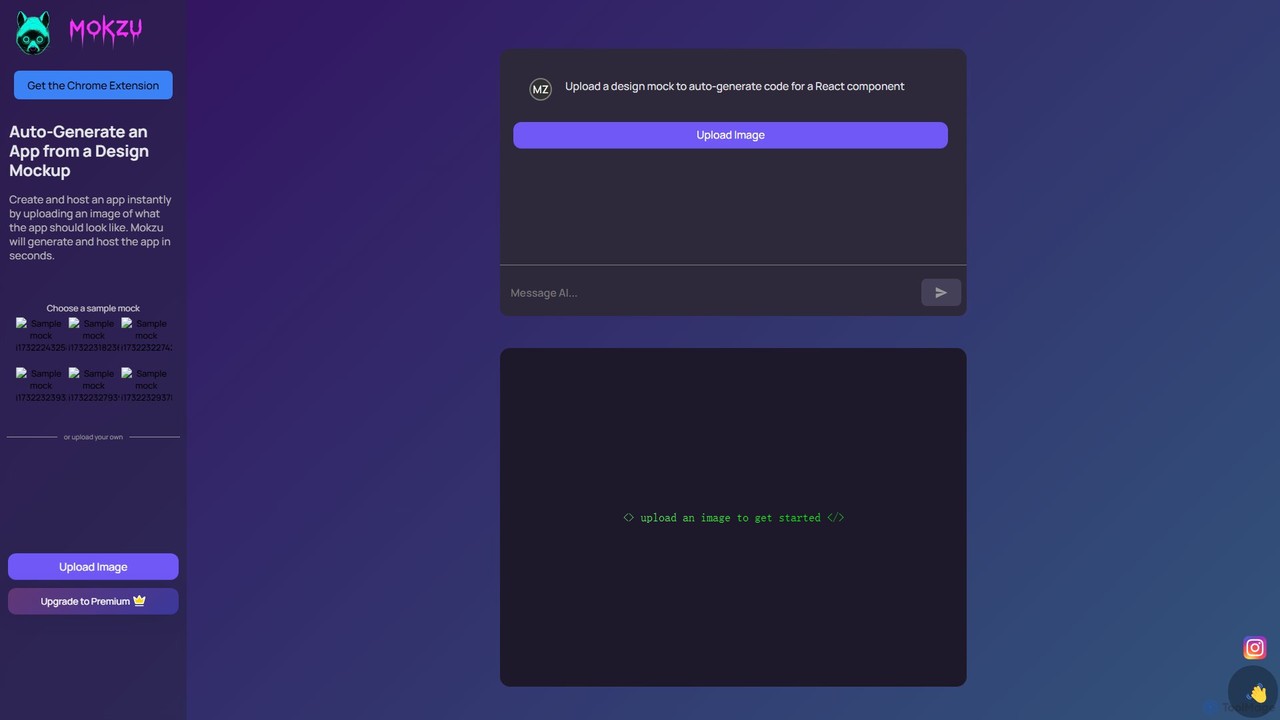
Mokzu
Mokzu is an AI-powered tool that instantly transforms design mockups into functional, production-ready web applications. By simply uploading an image of your UI design, Mokzu generates clean React component code and hosts the app in seconds. It's designed to accelerate the development workflow, bridge the gap between design and code, and enable rapid prototyping for developers, designers, and product teams.
Design To Code
Codux Comments (0)
Sign in to comment.
Sign inNo comments yet.