


XAML.io Overview
XAML.io is a revolutionary AI-powered development assistant designed to streamline the user interface creation process for developers working with XAML-based frameworks. Writing XAML code by hand can often be verbose, complex, and time-consuming, presenting a steep learning curve for newcomers and a tedious task for seasoned professionals. XAML.io addresses these challenges head-on by leveraging advanced artificial intelligence to automate the generation of high-quality, maintainable XAML code. It acts as an intelligent copilot, empowering developers to build beautiful and functional UIs for .NET MAUI, Windows Presentation Foundation (WPF), Universal Windows Platform (UWP), and WinUI 3 applications with unprecedented speed and efficiency.
How to use XAML.io
Getting started with XAML.io is a straightforward process designed for maximum developer productivity:
- Sign Up and Integrate: Begin by creating an account on the XAML.io website. Then, integrate the tool directly into your preferred development environment by installing the XAML.io extension for Visual Studio or Visual Studio Code. This provides a seamless workflow without ever leaving your IDE.
- Choose Your Generation Method: XAML.io offers multiple flexible inputs to match your workflow. You can use natural language prompts (e.g., "Create a login form with fields for email and password, a 'Remember me' checkbox, and a primary login button"), upload an image of a hand-drawn wireframe or a digital sketch, or directly import a design file from popular tools like Figma, Sketch, or Adobe XD.
- Generate and Refine: Once you provide the input, the AI engine processes it and generates the corresponding XAML code in seconds. The generated code appears in your editor, accompanied by a real-time visual preview. You can then refine the UI by issuing further commands to the AI, such as "Change the button color to blue and increase the corner radius" or "Add more padding around the text fields."
- Optimize and Debug: Go beyond generation by using XAML.io's analytical capabilities. Point it at your existing XAML files to receive AI-driven suggestions for performance improvements, accessibility enhancements, and best-practice refactoring. It can also help identify and suggest fixes for common issues like broken data bindings or layout conflicts.
Core Features of XAML.io
- AI-Powered XAML Generation: Effortlessly convert natural language descriptions, whiteboard sketches, wireframe images, and professional design files from Figma or Sketch into clean, well-structured XAML code.
- Multi-Framework Support: Generate framework-specific code that is optimized for .NET MAUI, WPF, UWP, and WinUI 3, ensuring compatibility and performance across the .NET UI ecosystem.
- Intelligent Code Refactoring: Analyze existing XAML codebases and receive AI-powered recommendations to improve readability, performance, and maintainability, helping to modernize legacy applications.
- Real-time UI Preview: Instantly visualize the generated UI components and layouts directly within your IDE, allowing for rapid iteration and design adjustments without compiling the entire application.
- AI-Assisted Debugging: Quickly identify and resolve common XAML issues, including data binding errors, resource dictionary conflicts, and complex layout problems, saving hours of manual troubleshooting.
- Style and Theme Generation: Automatically create consistent styling and theming, including support for light and dark modes, based on simple descriptive prompts.
- Seamless IDE Integration: Enjoy a fully integrated experience with dedicated extensions for Visual Studio and Visual Studio Code, making XAML.io a natural part of your development workflow.
Use Cases for XAML.io
XAML.io is a versatile tool that benefits developers in various scenarios:
- Rapid Prototyping: Product managers and developers can quickly transform ideas and wireframes into interactive XAML prototypes, facilitating faster feedback loops with stakeholders.
- Accelerating Development: Senior developers can delegate the creation of boilerplate UI code to the AI, focusing on complex business logic. Junior developers can use it as a learning tool to understand XAML best practices and patterns.
- Modernizing Legacy Applications: Streamline the process of migrating older Windows Forms or WPF applications to modern platforms like .NET MAUI by automatically refactoring and generating new, clean UI code.
- Design-to-Code Automation: Bridge the gap between design and development teams by directly converting Figma or Sketch designs into pixel-perfect, functional XAML, ensuring design fidelity.
- Ensuring Accessibility: Utilize the AI analyzer to scan your UI and ensure that components meet essential accessibility standards (like WCAG), making your applications usable for everyone.
Advantages of XAML.io
Adopting XAML.io provides a significant competitive edge:
- Massive Productivity Gains: Drastically reduce the time spent writing, testing, and debugging UI code, allowing teams to ship features faster.
- Improved Code Quality and Consistency: The AI generates code that adheres to industry best practices, ensuring your application's UI is performant, maintainable, and consistent.
- Lowered Barrier to Entry: Makes XAML development more approachable for developers who are new to the .NET UI stack or come from a web development background.
- Enhanced Designer-Developer Collaboration: Creates a smoother, more accurate handoff process from design to implementation, reducing friction and rework.
Pricing and Plans
XAML.io offers a flexible pricing structure to suit different needs:
- Free Plan: Ideal for students, hobbyists, and individual developers. Includes a limited number of AI generations per month and access to basic features.
- Pro Plan: Designed for professional developers. Offers unlimited AI generations, advanced features like Figma/Sketch integration, and priority support for a monthly subscription fee.
- Enterprise Plan: A custom solution for teams and large organizations. Includes all Pro features, plus team management, centralized billing, dedicated support, and options for on-premise deployment or private API access.
Traffic
Latest traffic
Status
Monthly traffic trend
- 2025-9: 8.5K
- 2026-1: 11.8K
- 2026-2: 12.6K
- 2026-3: 15.5K
- 2026-4: 14.1K
- 2026-5: 20.7K
Geography
Top 5 countries / regions
- 🇩🇪Germany22.7%
- 🇺🇸United States19.7%
- 🇦🇺Australia19.4%
- 🇨🇦Canada19.2%
- 🇷🇺Russia18.9%
Top keywords
| Keyword | Cost per click |
|---|---|
| grid xaml | $0.00 |
| xaml | $4.58 |
| xaml-designer | $0.00 |
| . xaml ia | $0.00 |
| xaml viewer online | $0.00 |
XAML.io Alternatives
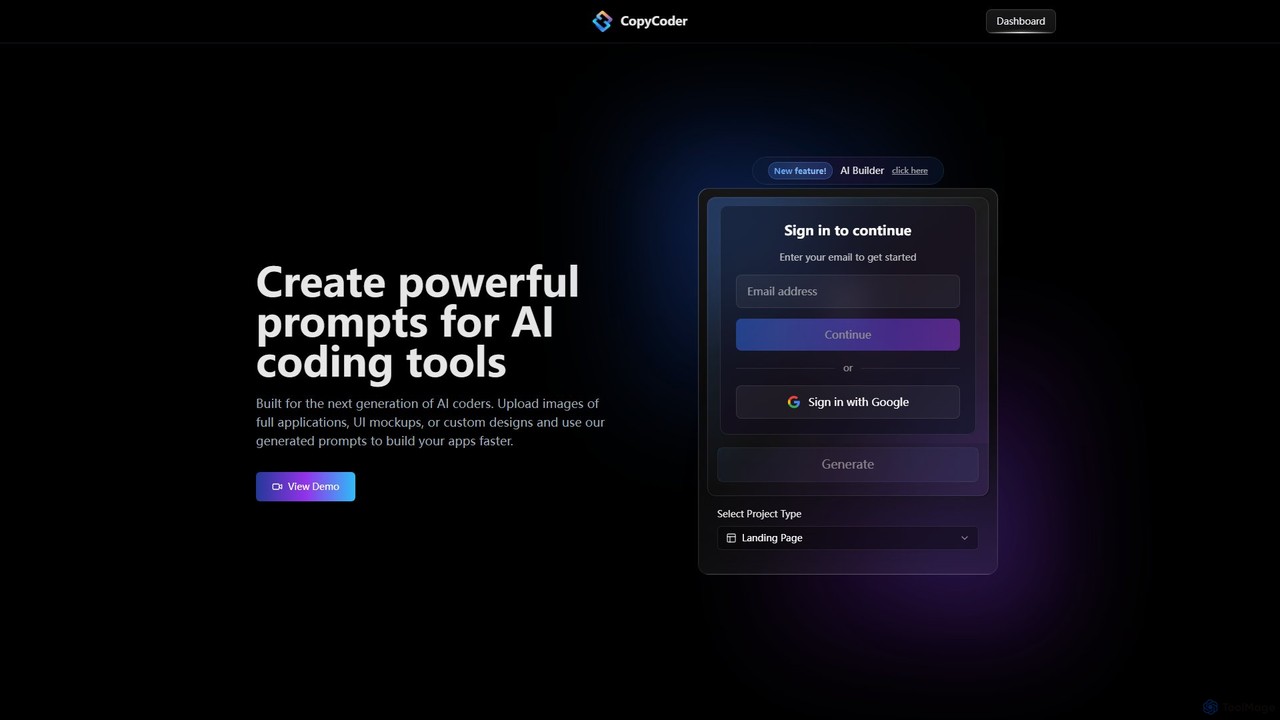
CopyCoder
CopyCoder is an AI-powered tool designed for developers that converts UI designs, mockups, and images into powerful, structured prompts for AI coding assistants like Cursor. It streamlines the development process by bridging the gap between visual design and code generation, enabling faster app building.
Design To Code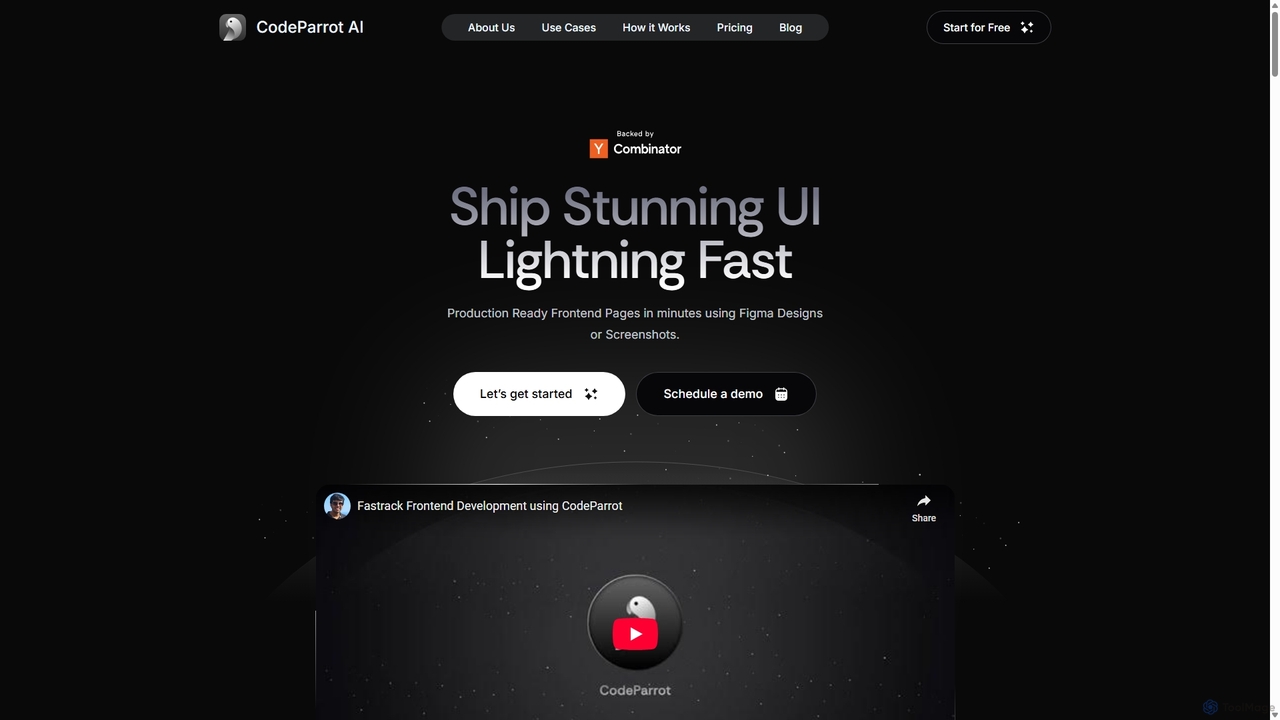
CodeParrot
CodeParrot is an AI-powered copilot that transforms Figma designs and screenshots into production-ready frontend code. It intelligently understands your existing codebase, reuses components, and adheres to your coding standards, dramatically accelerating UI development for frameworks like React, Vue, and Angular.
Design To Code
Metabob
Metabob is an AI-powered code review tool that utilizes Graph Neural Networks (GNNs) to analyze, debug, and refactor complex and legacy codebases. It excels at detecting hard-to-find runtime errors, understanding code logic across the entire project, and providing actionable recommendations to improve code quality and reduce technical debt.
Code Assistant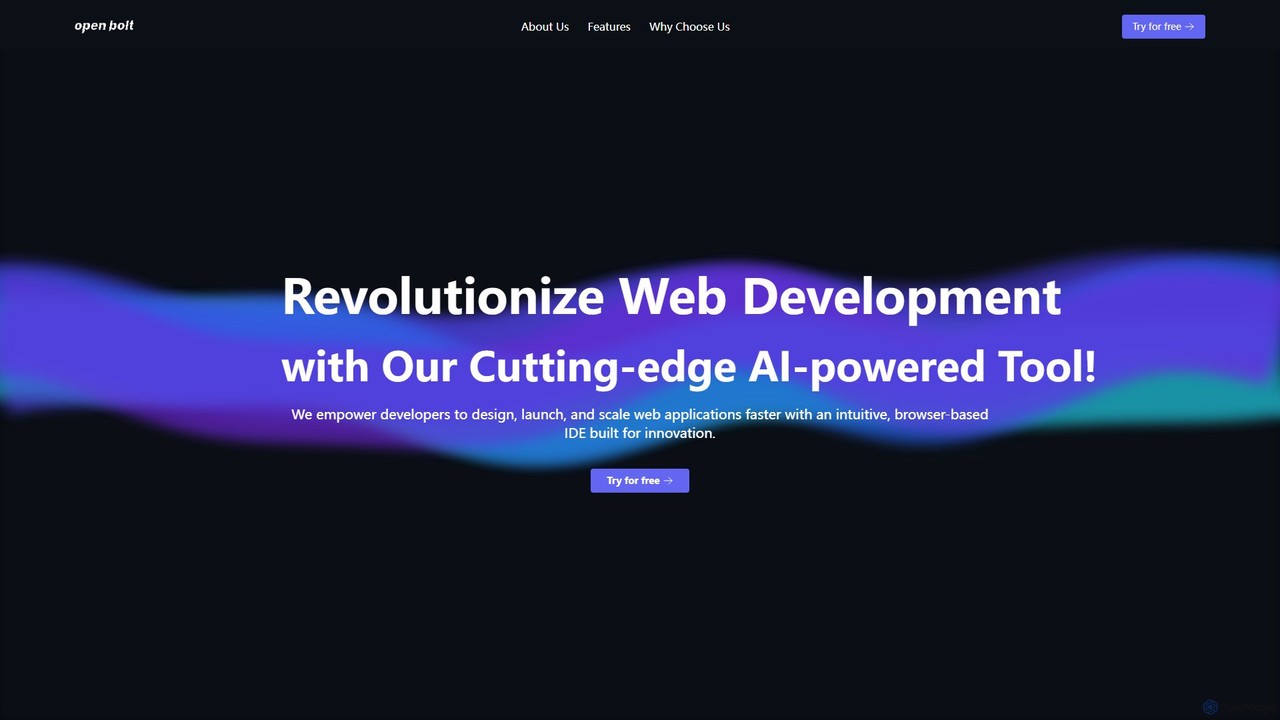
Openbolt.dev
Openbolt.dev is an AI-powered, browser-based IDE designed to accelerate full-stack web development. It enables developers to design, build, and deploy applications using natural language prompts, instant project scaffolding for popular frameworks, and real-time deployment, all within a single, unified platform.
Code Assistant
Locofy.ai
Locofy.ai is an AI-powered platform that accelerates frontend development by converting designs from Figma, Adobe XD, and Penpot into high-quality, production-ready code. It supports a wide range of frameworks like React, React Native, Vue, and HTML/CSS, helping teams build UI 10x faster and significantly reducing the design-to-code workflow.
Design To CodeXAML.io Categories
XAML.io Embed Widget
Copy this embed code to place the badge on your blog, article, or product site and send readers directly to this ToolMage detail page.

Related AI tools
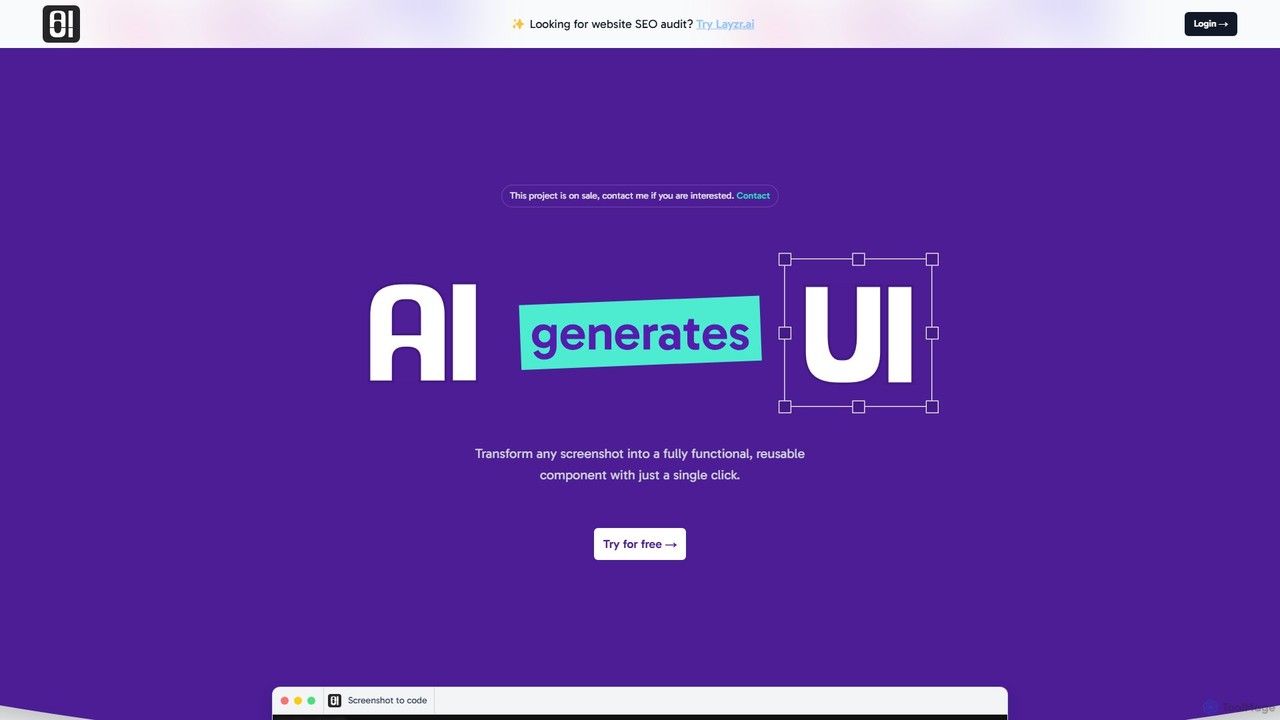
AIUI.me
AIUI.me is an AI-powered tool that transforms UI screenshots into clean, reusable code. With a single click, developers and designers can convert any design image into fully functional React.js and TailwindCSS components. This streamlines the frontend development workflow, saving hours of manual coding and accelerating project delivery from prototype to production.
Ui Ux
Bezi
Bezi is an AI assistant for Unity developers and creatives, designed to accelerate game development. It understands your entire project context—not just code—to help with complex debugging, script generation, shader creation, and workflow automation, all within the Unity editor.
Code Assistant
Fitten Code
Fitten Code is a next-generation AI programming assistant designed to accelerate software development. It offers ultra-fast code completion, intelligent Q&A, automated unit test generation, and code optimization. Built by a Tsinghua PhD team, it supports major IDEs and languages, significantly boosting developer productivity while ensuring data privacy.
Code Generation
Jyek
Jyek is an AI agent platform that understands objectives, creates execution plans, uses tools, and delivers verifiable results for complex, multi-step tasks.
Automation
OpenSilver
OpenSilver is an open-source framework for modernizing legacy Microsoft Silverlight and WPF applications. It enables developers to build cross-platform web apps using C#, XAML, and .NET, ensuring 100% code reusability. It features an AI-enhanced UI designer and MAUI Hybrid integration for extending apps to web, desktop, and mobile, significantly reducing migration time and costs.
Framework
supertest
Supertest is an AI-powered copilot for software testing that integrates directly into VS Code. It automates the creation of unit tests, allowing developers to generate comprehensive tests with a single click, significantly speeding up the development workflow and improving code quality.
Code GenerationCodeParrot
CodeParrot is an AI-powered copilot that transforms Figma designs and screenshots into production-ready frontend code. It intelligently understands your existing codebase, reuses components, and adheres to your coding standards, dramatically accelerating UI development for frameworks like React, Vue, and Angular.
Design To CodeMetabob
Metabob is an AI-powered code review tool that utilizes Graph Neural Networks (GNNs) to analyze, debug, and refactor complex and legacy codebases. It excels at detecting hard-to-find runtime errors, understanding code logic across the entire project, and providing actionable recommendations to improve code quality and reduce technical debt.
Code AssistantOpenbolt.dev
Openbolt.dev is an AI-powered, browser-based IDE designed to accelerate full-stack web development. It enables developers to design, build, and deploy applications using natural language prompts, instant project scaffolding for popular frameworks, and real-time deployment, all within a single, unified platform.
Code Assistant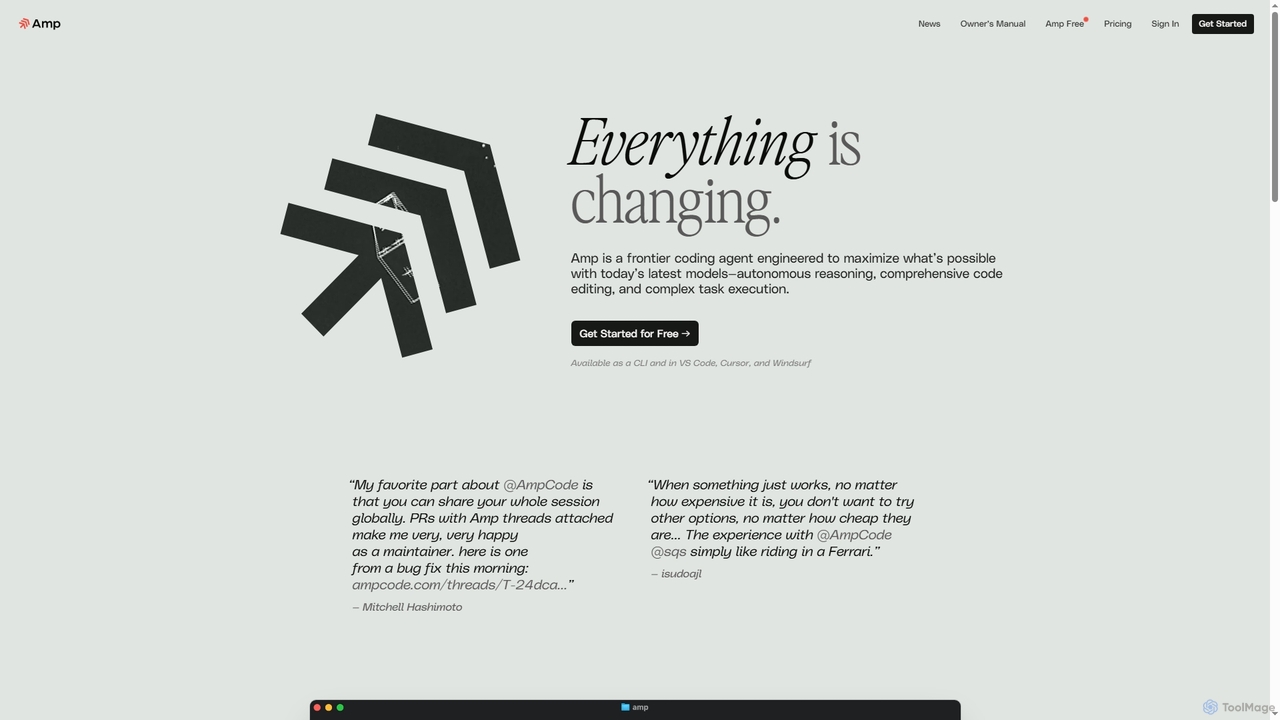
Amp
Amp is a frontier AI coding agent designed for developers. It operates as a CLI and within IDEs like VS Code, automating complex tasks such as code editing, debugging, and refactoring. Amp leverages the latest AI models to provide autonomous reasoning and execution, enhancing developer productivity through features like subagents, an Oracle for complex analysis, and deep IDE integration.
Code Assistant
Lingma
Lingma is an AI-powered coding assistant from Alibaba Cloud, designed to enhance developer productivity. It offers intelligent code generation, real-time completion, code explanation, error diagnosis, and an autonomous programming agent that can handle complex coding tasks across multiple files. It supports over 200 languages and integrates seamlessly with major IDEs.
Programming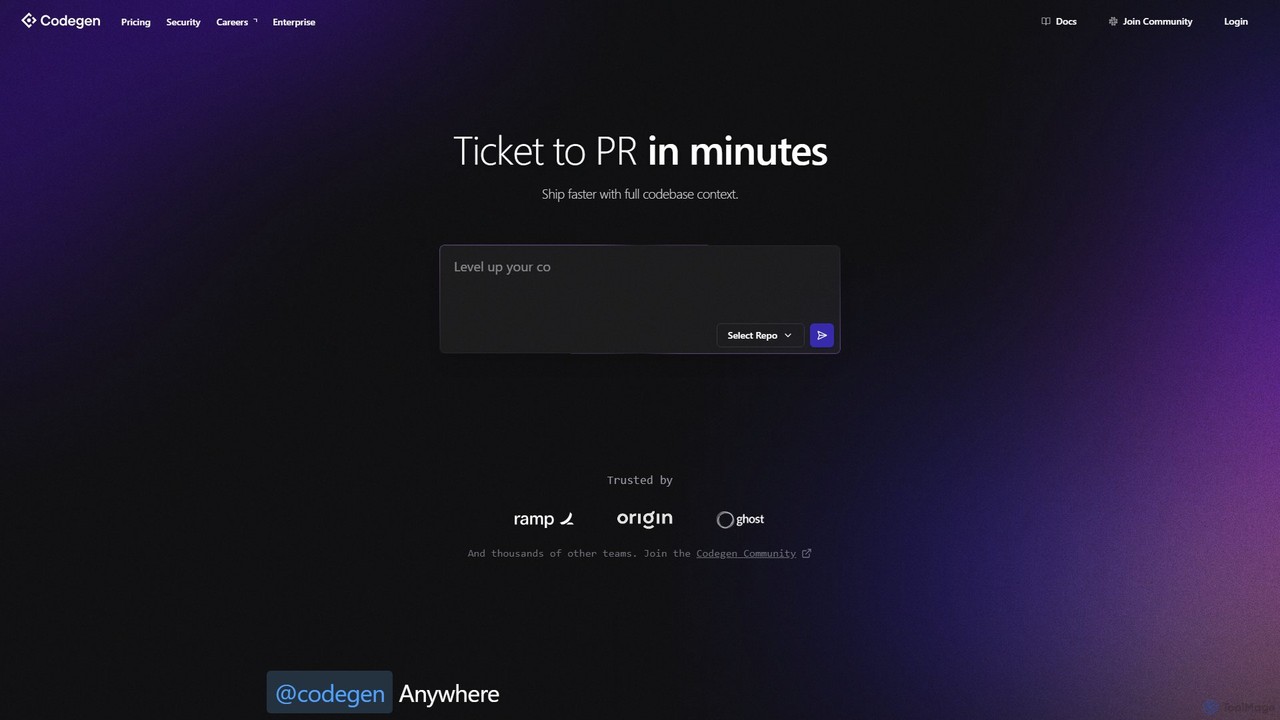
Codegen
Codegen is an AI software engineering agent that accelerates development by transforming tickets into pull requests in minutes. It integrates with your existing tools like GitHub, Slack, and JIRA, using full codebase context to automate coding, fix bugs, and review code, effectively 10x-ing your team's productivity.
Version Control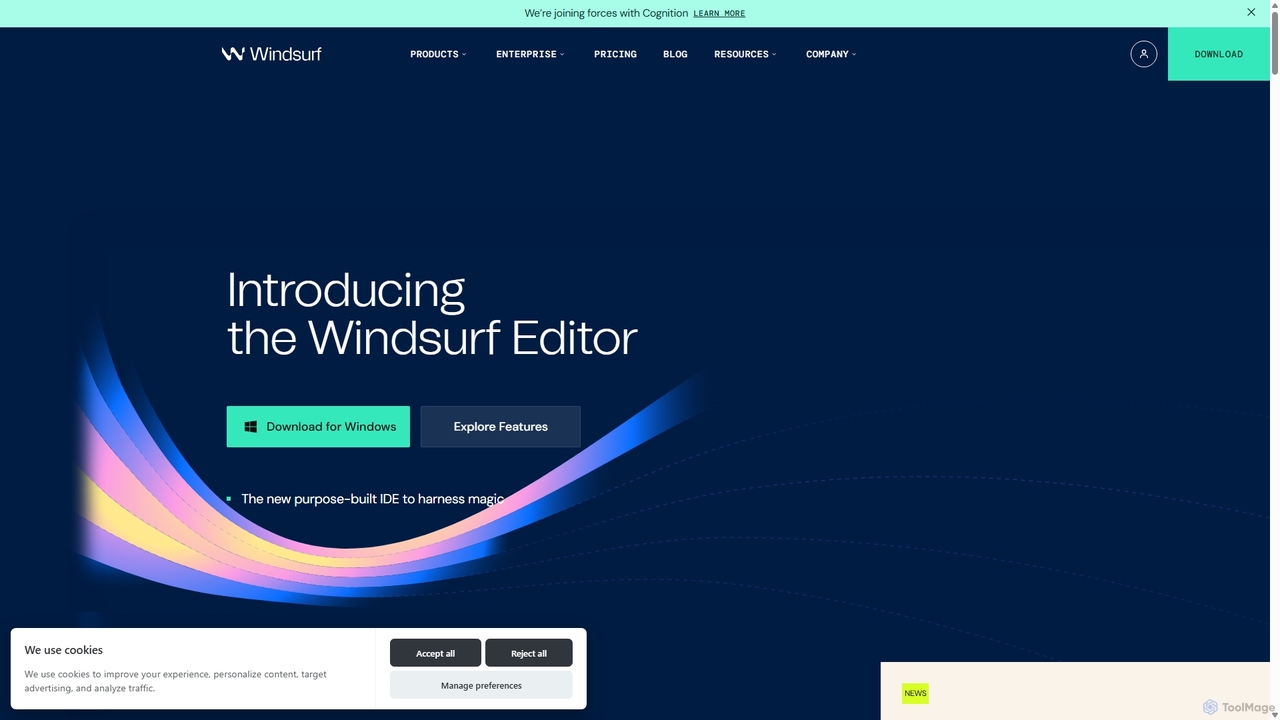
Codeium
Codeium is an AI-powered code acceleration toolkit that provides free, ultra-fast code completion, in-editor chat, and other intelligent features. It supports over 70 programming languages and integrates seamlessly with more than 40 popular IDEs to help developers code faster and more efficiently.
Code Assistant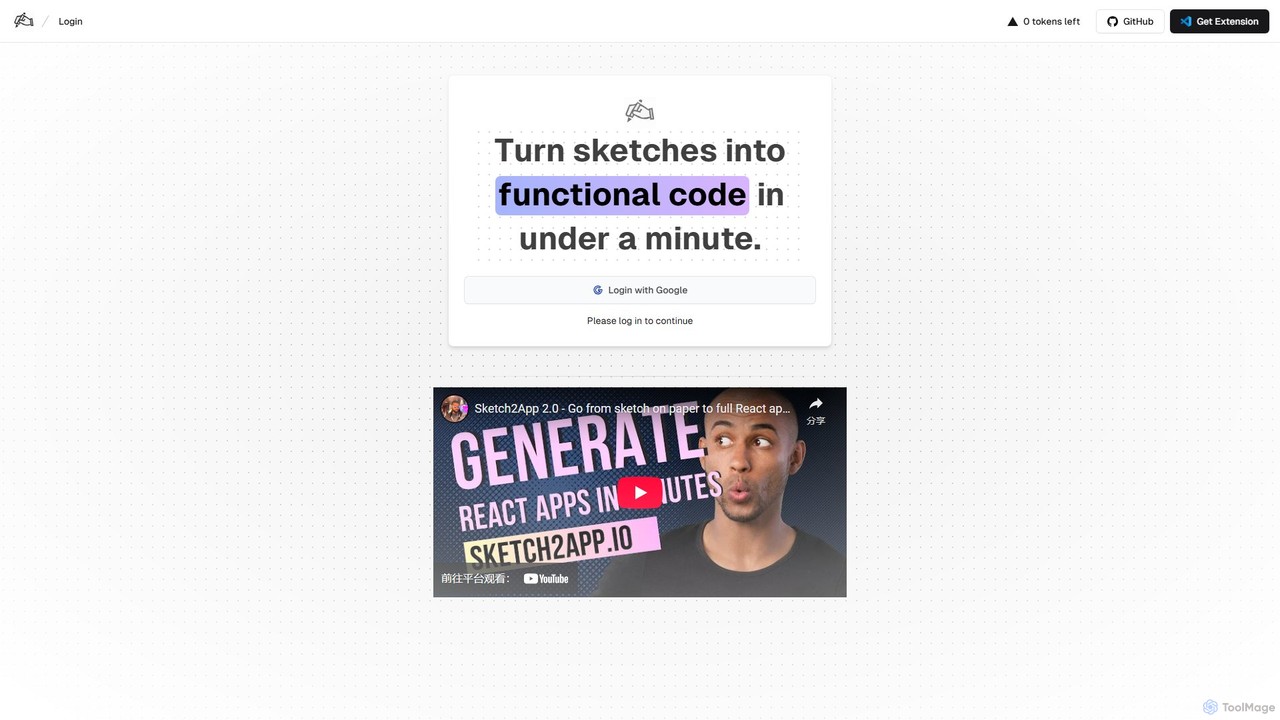
Sketch2App
Sketch2App is an AI-powered tool that transforms hand-drawn sketches and wireframes into functional, clean front-end code in under a minute. It accelerates the development process by automating the conversion of visual ideas into interactive prototypes and application skeletons, supporting popular frameworks.
Prototyping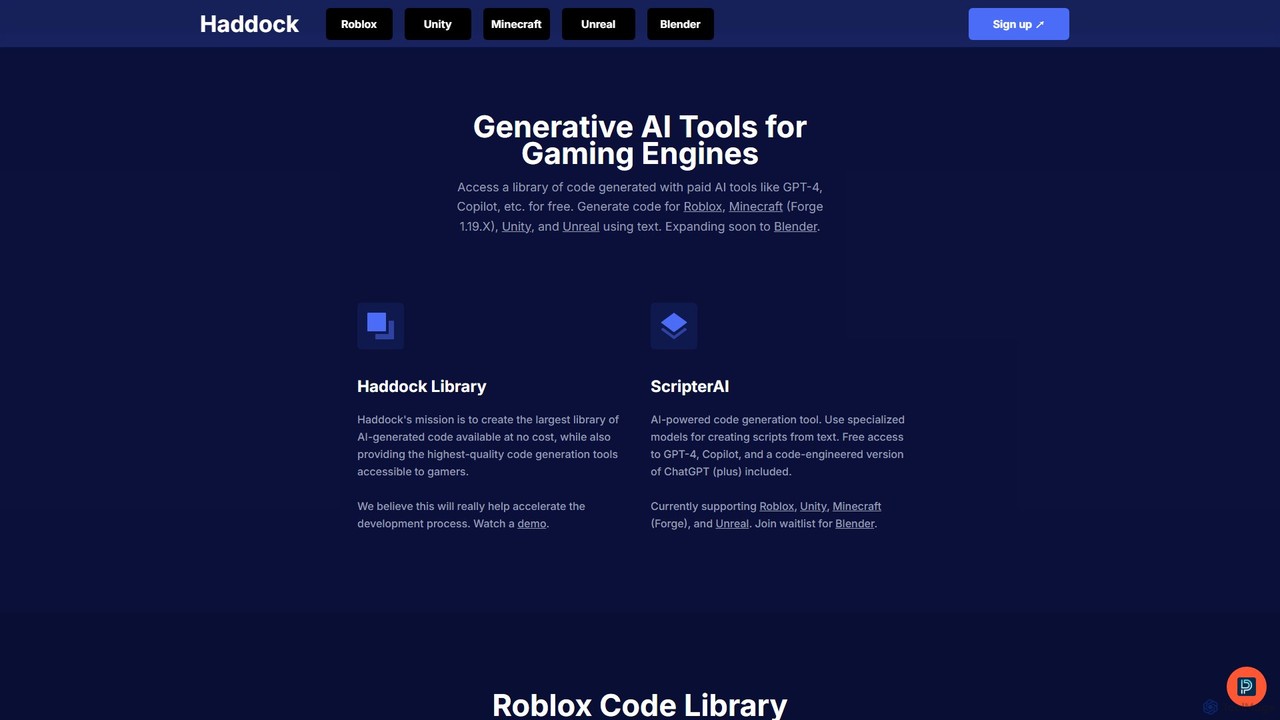
haddock
Haddock is a generative AI platform designed to accelerate game development. It offers a vast, free library of AI-generated code for engines like Roblox, Unity, Unreal, and Minecraft. With its ScripterAI tool, developers can generate high-quality, engine-specific scripts from simple text prompts, leveraging models like GPT-4 and Copilot to streamline prototyping, learning, and overall development workflows.
Code Assistant
XAML.io Comments (0)
Sign in to comment.
Sign inNo comments yet.