

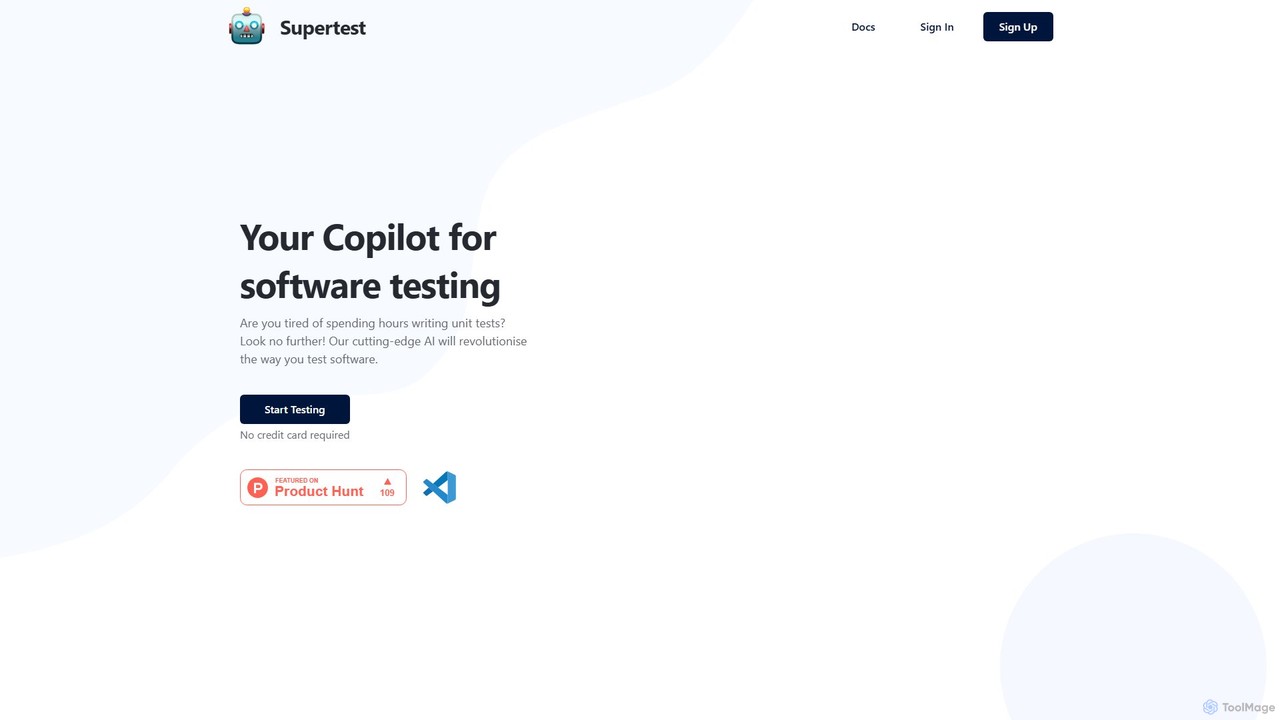
supertest Overview
Supertest is a cutting-edge AI tool designed to act as a copilot for software developers and QA engineers, specifically targeting the often tedious and time-consuming task of writing unit tests. By integrating seamlessly into the Visual Studio Code editor as an extension, Supertest revolutionizes the testing process. It empowers users to generate complete and relevant unit tests in a matter of seconds, freeing up valuable time to focus on core feature development and complex problem-solving. The tool is built to understand the context of your code, ensuring that the generated tests are not just boilerplate but are meaningful and effective for verifying functionality.
The primary goal of Supertest is to eliminate the friction associated with maintaining high test coverage. It addresses common pain points such as the manual effort of writing repetitive test cases and the challenge of adding tests to legacy code. With its intelligent features, like automatically adding test IDs, Supertest streamlines the entire workflow from code writing to testing, making it an indispensable asset for modern agile development teams.
How to use supertest
Getting started with Supertest is designed to be a straightforward, three-step process that integrates directly into your existing development environment:
- Install the VS Code Extension: The first step is to integrate Supertest into your workflow. Simply search for the Supertest extension in the VS Code Marketplace, install it, and sign up for an account. This brings the full power of the AI test generator into your editor.
- Auto-add Test IDs: For components or elements that are missing test identifiers, Supertest offers a convenient solution. You can right-click within a file and select the "Add test ids" option from the context menu. Alternatively, you can use the keyboard shortcut
Cmd/Ctrl + Ufollowed byCmd/Ctrl + Ito automatically insert necessary test IDs, preparing your code for testing. - Generate Unit Tests: Once your code is ready, generating tests is as simple as a click. Right-click in the relevant file and choose "Generate unit test". You can also use the shortcut
Cmd/Ctrl + Ufollowed byCmd/Ctrl + T. Supertest's AI will analyze the code and create a new file containing a comprehensive unit test suite for that component or module.
Core Features of supertest
- One-Click Test Generation: Instantly create unit tests for your code files with a single command, drastically reducing manual coding time.
- Seamless VS Code Integration: Works as a native extension within the VS Code editor, ensuring a smooth and uninterrupted development workflow.
- Automatic Test ID Addition: Intelligently scans your code and adds missing `test-id` attributes where needed, a crucial step for robust testing.
- Context-Aware AI: The AI analyzes your code's logic, functions, and components to generate relevant and meaningful tests, going beyond simple snapshot testing.
- Support for Modern Frameworks: While not explicitly listed, tools of this nature typically support popular JavaScript/TypeScript frameworks and libraries like React, Vue, Svelte, and testing libraries such as Jest, Vitest, and Mocha.
- Test History Management: The free plan offers a one-week test history, while paid plans provide unlimited history, allowing you to track and manage all generated tests over time.
Use Cases for supertest
Supertest is valuable for a wide range of professionals and scenarios:
- Agile Development Teams: Teams can accelerate their sprint cycles by automating test creation, ensuring that new features are accompanied by solid test coverage without slowing down development velocity.
- Individual Developers: Freelancers and developers in small teams can leverage Supertest to handle the repetitive task of test writing, allowing them to focus more on building innovative features.
- QA Engineers: QA professionals can use it to quickly establish a baseline of unit tests, which they can then augment with more complex integration and end-to-end tests.
- Legacy Codebase Maintenance: When working with older projects that lack test coverage, Supertest provides an efficient way to introduce tests, improving maintainability and reducing the risk of regressions.
Advantages of supertest
Adopting Supertest brings several key benefits to any development process:
- Massive Time Savings: As highlighted by user testimonials, it saves countless hours of manual test writing, directly boosting team productivity.
- Enhanced Code Quality and Reliability: By making it easy to create tests, it encourages higher test coverage, which leads to more robust and bug-free applications.
- Improved Developer Experience: It automates a tedious part of the development cycle, making the job more enjoyable and allowing developers to concentrate on creative and challenging tasks.
- Accelerated Delivery Cycles: With testing automated, the entire development and deployment pipeline becomes faster and more efficient.
Pricing and Plans
Supertest offers a freemium model with plans to suit different needs:
- Free Plan: $0/month. Includes 10 one-time credits for test generation, the VS Code extension, and a one-week test history. Ideal for trying out the service.
- Plus Plan: $19/month. Offers 75 tests per month, the VS Code extension, and unlimited test history. This is marked as the most popular choice for regular users.
- Pro Plan: $29/month. Provides a generous 150 tests per month, the VS Code extension, and unlimited test history, suitable for heavy users and professional teams.
Traffic
Latest traffic
Status
Monthly traffic trend
- 2025-7: 554
- 2025-8: 2.6K
- 2025-9: 3.0K
- 2026-3: 0
- 2026-4: 0
- 2026-5: 2.3K
Geography
Top 5 countries / regions
- 🇺🇸United States34.9%
- 🇧🇷Brazil25.3%
- 🇦🇺Australia21.9%
- 🇹🇼Taiwan17.9%
Top keywords
| Keyword | Cost per click |
|---|---|
| supertest | $0.00 |
| supertests | $0.00 |
supertest Alternatives
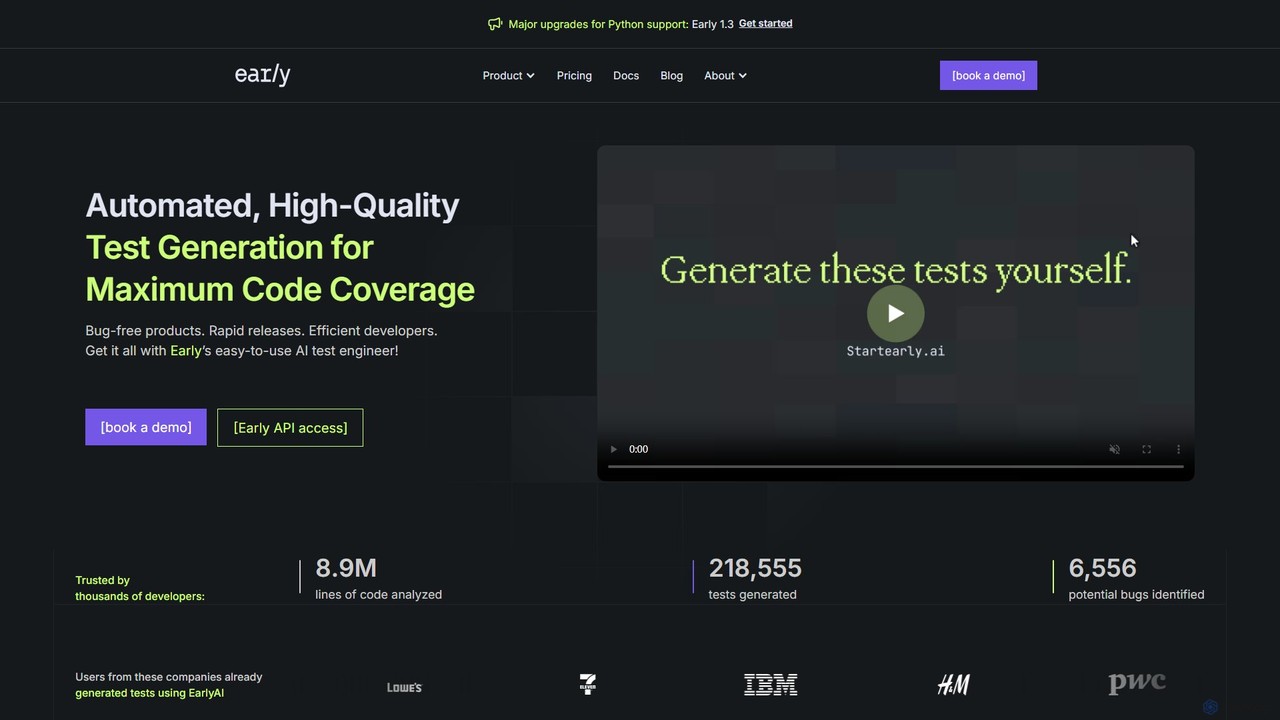
startearly
startearly is an AI-powered test engineering agent that automates the generation of high-quality unit tests directly within your IDE and CI/CD pipeline. It helps developers catch bugs early, increase code coverage, and accelerate development cycles by handling tedious testing tasks.
Code Generation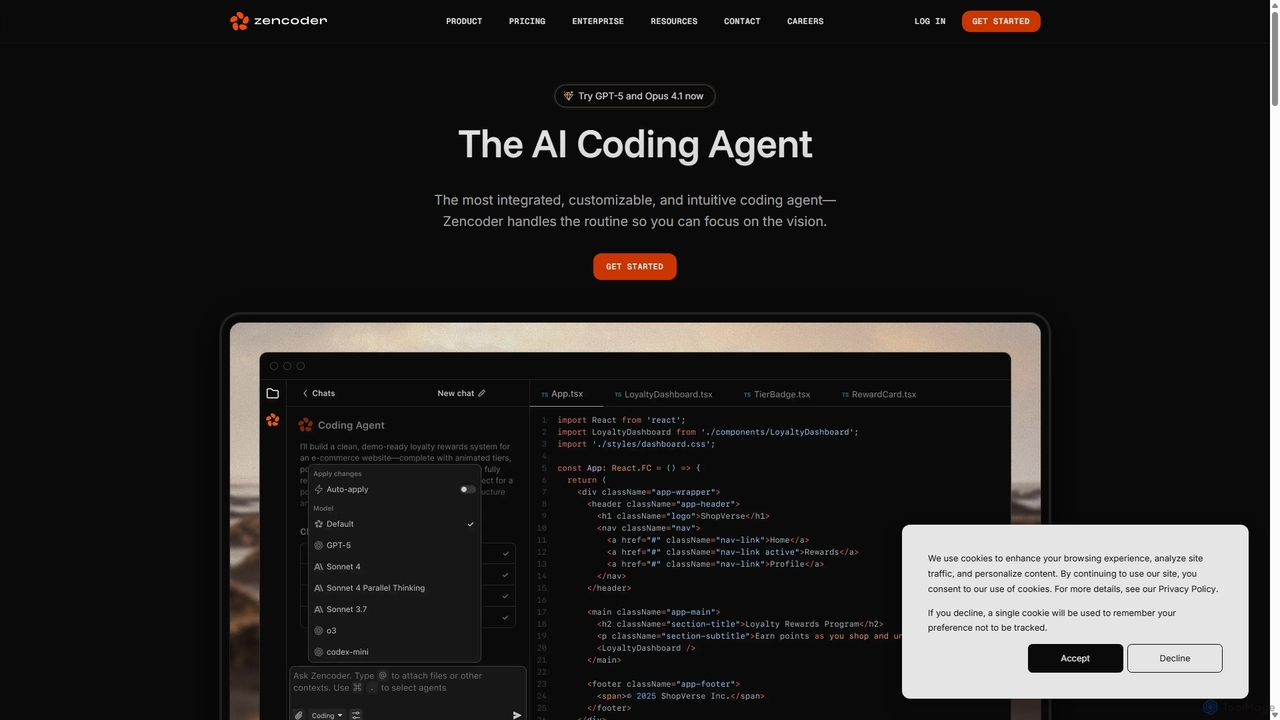
Zencoder
Zencoder is an advanced AI coding agent designed to automate routine development tasks. It deeply integrates into your workflow, understanding your entire codebase to implement features, write tests, fix bugs, and refactor code autonomously. With customizable 'Zen Agents' and seamless integration with VS Code, JetBrains, and over 100 developer tools, Zencoder empowers engineering teams to focus on innovation and ship products faster.
Code Assistant
Teste.ai
An AI-powered platform designed for software testers and QA professionals to accelerate the software testing lifecycle. It automates the creation of test cases, scenarios, test data, and even automation code from simple requirements. It supports various testing types, including functional, API, security, and performance, aiming to increase test coverage and efficiency.
Code Generation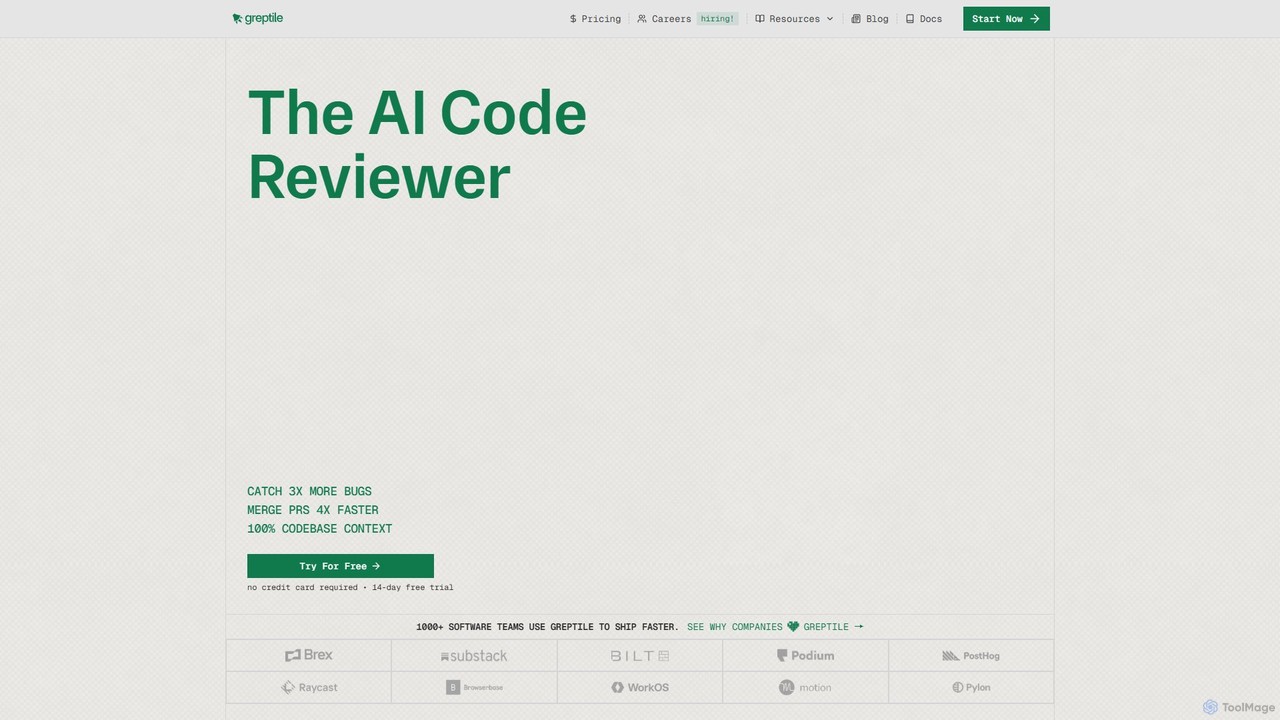
Greptile
Greptile is an AI-powered code review tool that integrates with GitHub and GitLab to help development teams merge pull requests 4x faster and catch 3x more bugs. By understanding the full context of your codebase, it provides in-line comments, actionable suggestions, and natural-language summaries for every PR. It supports over 30 programming languages and can be customized with specific rules and style guides to enhance code quality and consistency.
Code Review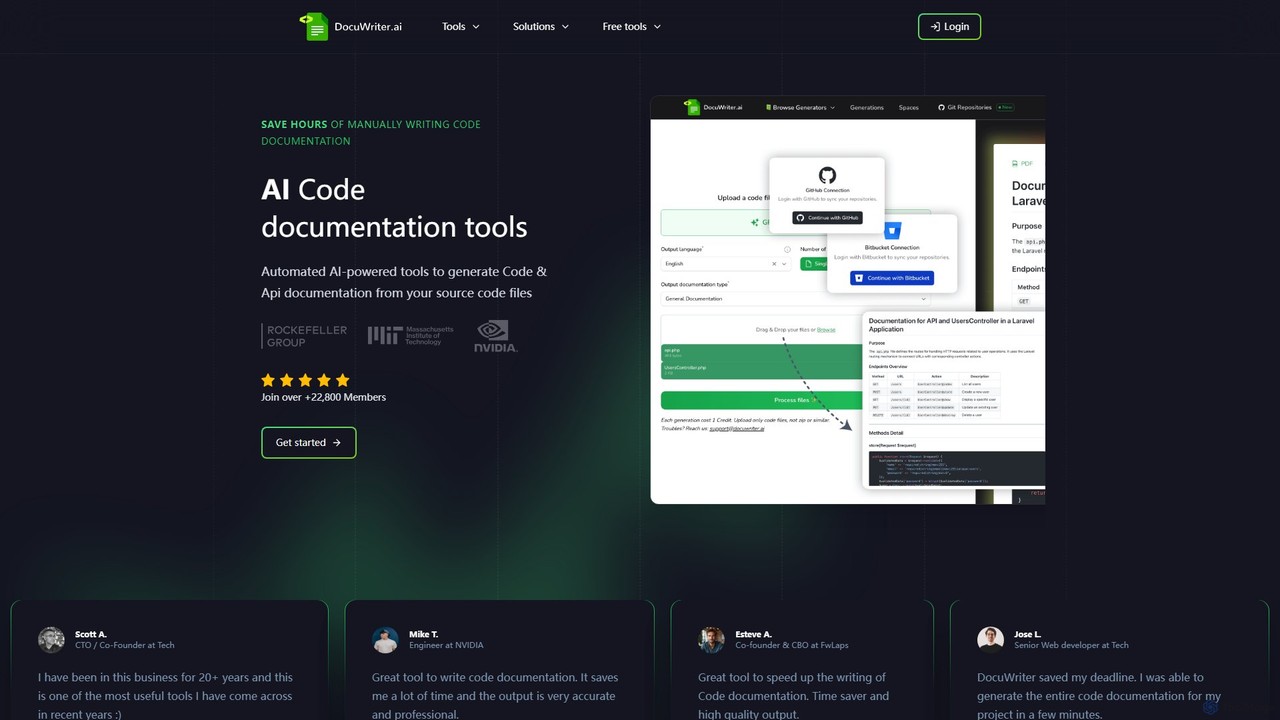
DocuWriter.ai
DocuWriter.ai is an AI-powered platform that automates the entire code documentation lifecycle. It generates comprehensive documentation, from API specs and end-user guides to inline comments and UML diagrams, directly from your source code. It also includes tools for code conversion, refactoring, and optimization, helping developers and teams save time, improve code quality, and enhance collaboration.
Code Generationsupertest Categories
supertest Embed Widget
Copy this embed code to place the badge on your blog, article, or product site and send readers directly to this ToolMage detail page.

Related AI tools
Zencoder
Zencoder is an advanced AI coding agent designed to automate routine development tasks. It deeply integrates into your workflow, understanding your entire codebase to implement features, write tests, fix bugs, and refactor code autonomously. With customizable 'Zen Agents' and seamless integration with VS Code, JetBrains, and over 100 developer tools, Zencoder empowers engineering teams to focus on innovation and ship products faster.
Code Assistant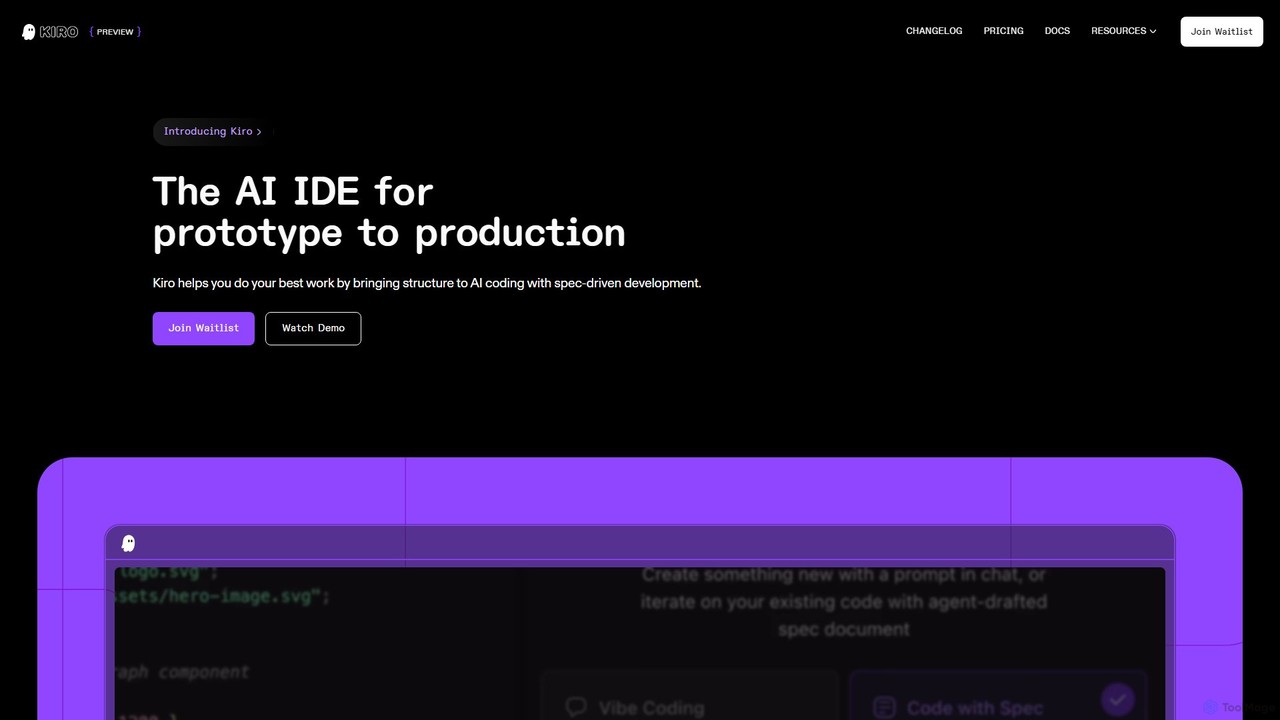
Kiro
Kiro is an AI-powered Integrated Development Environment (IDE) designed to streamline the entire software development lifecycle, from prototype to production. It introduces a structured, spec-driven development approach, transforming natural language prompts into clear requirements, system designs, and executable tasks. By leveraging AI agents, Kiro automates coding, testing, and documentation, helping developers build complex applications faster and with higher quality.
Code Assistant
Devgen
Devgen is an AI-powered coding assistant designed to accelerate the software development lifecycle. It helps developers write better code faster by providing intelligent code generation, completion, refactoring, and automated testing, directly within their IDE.
Code Assistant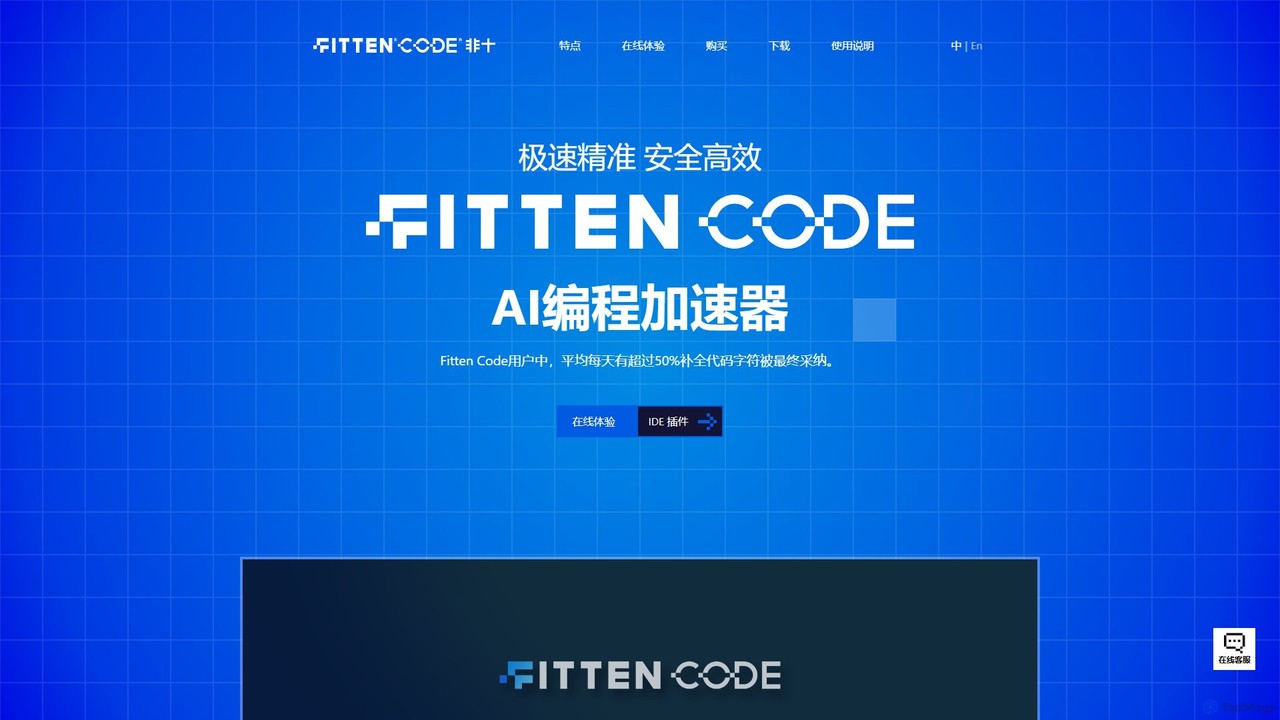
Fitten Code
Fitten Code is a next-generation AI programming assistant designed to accelerate software development. It offers ultra-fast code completion, intelligent Q&A, automated unit test generation, and code optimization. Built by a Tsinghua PhD team, it supports major IDEs and languages, significantly boosting developer productivity while ensuring data privacy.
Code Generation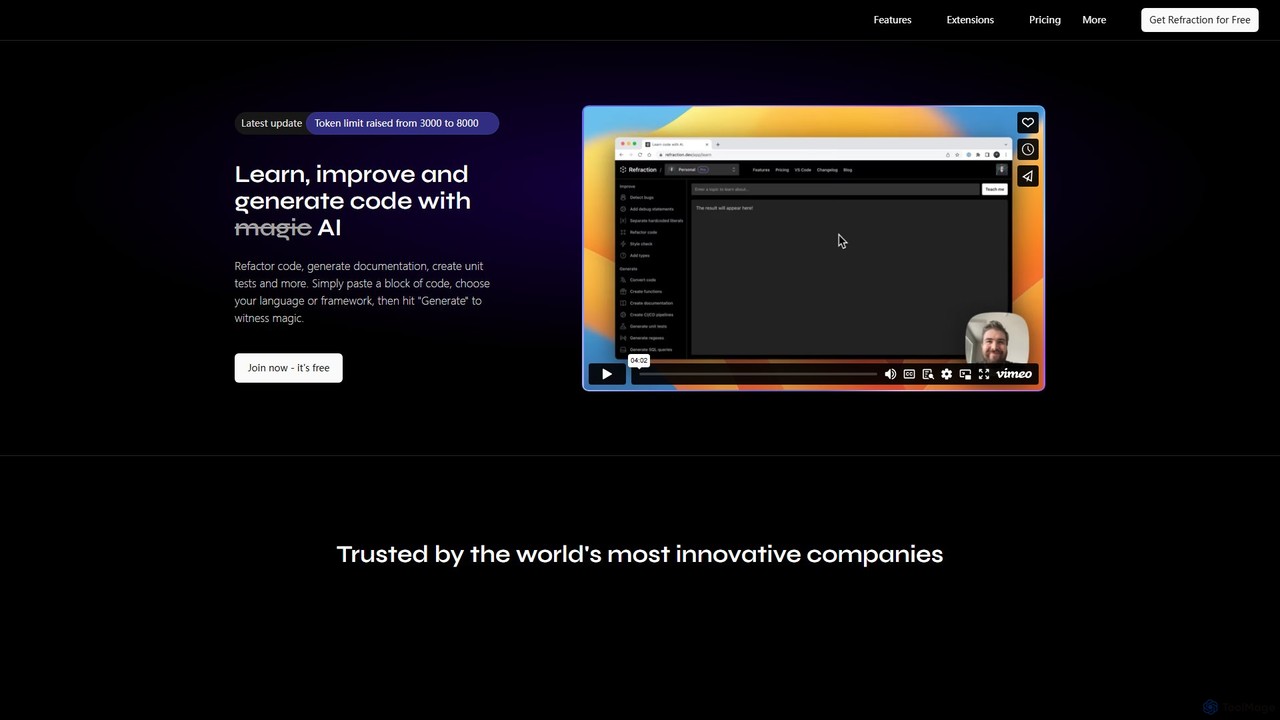
Refraction
Refraction is an AI-powered coding assistant for developers. It automates tedious tasks like generating unit tests, writing documentation, refactoring code, and converting between 56 programming languages. Boost your productivity and focus on building great software.
Code Assistant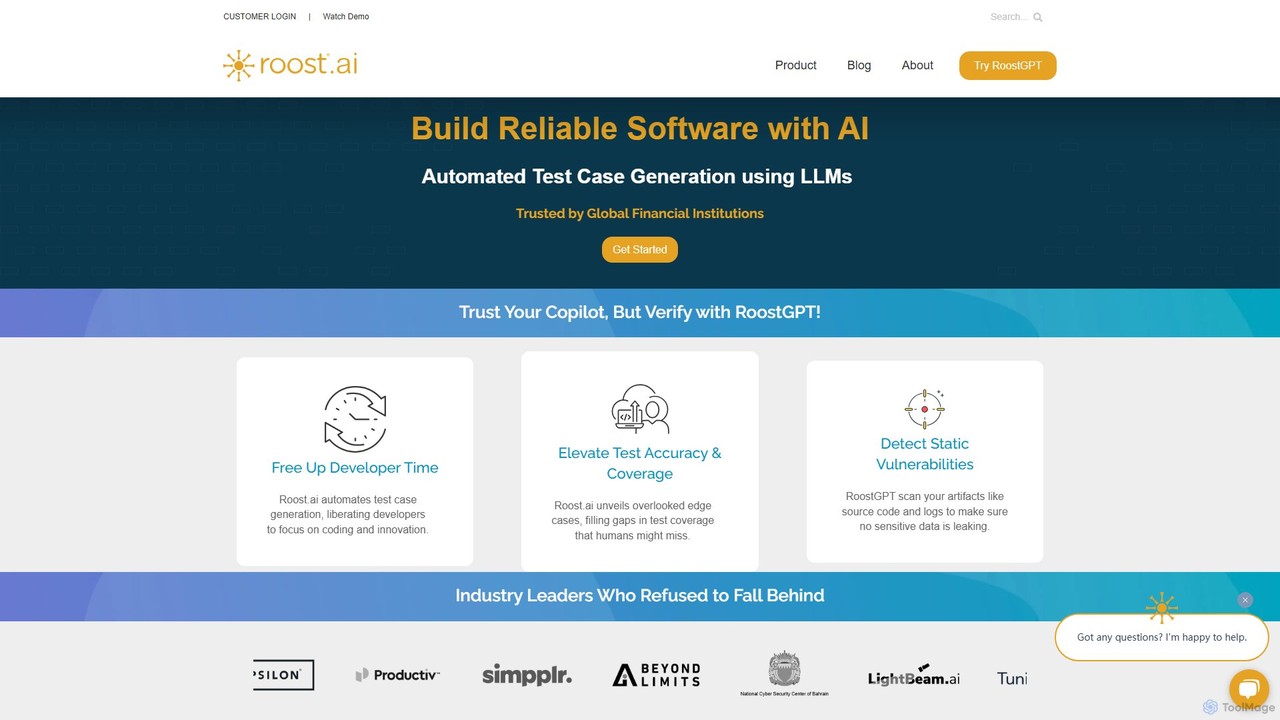
roost
roost is an AI-powered testing copilot that leverages Large Language Models (LLMs) to automate the generation of unit and API test cases. It helps development teams achieve 100% test coverage, detect static vulnerabilities, and accelerate release cycles by integrating seamlessly into existing DevOps workflows.
Code Assistant
Codebay
Codebay is an AI-powered development platform designed to accelerate the entire software lifecycle. It acts as an intelligent co-pilot for developers, offering advanced features for code generation, automated review, intelligent debugging, and seamless integration with existing workflows to enhance productivity and code quality.
Code Generation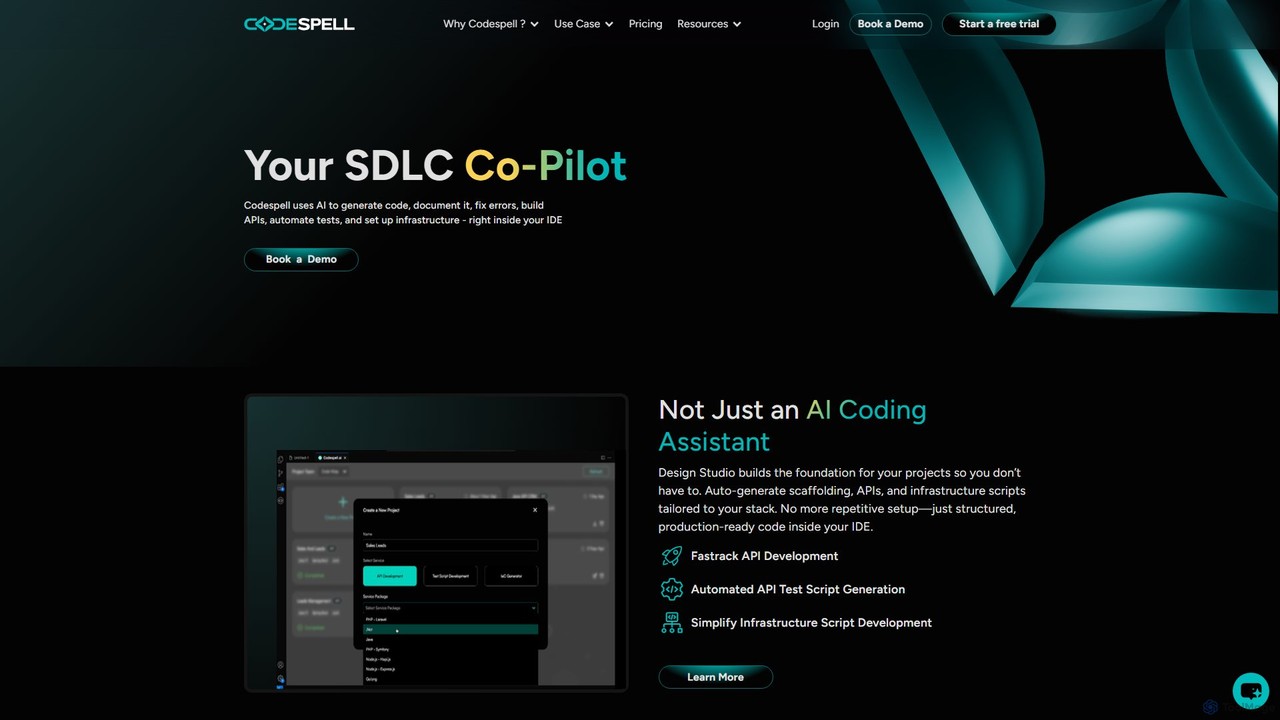
Codespell
Codespell is an AI-powered SDLC co-pilot that integrates into your IDE to accelerate software development. It goes beyond code completion, helping generate code, create APIs, automate tests, document logic, and fix errors, streamlining the entire development lifecycle.
Code Assistant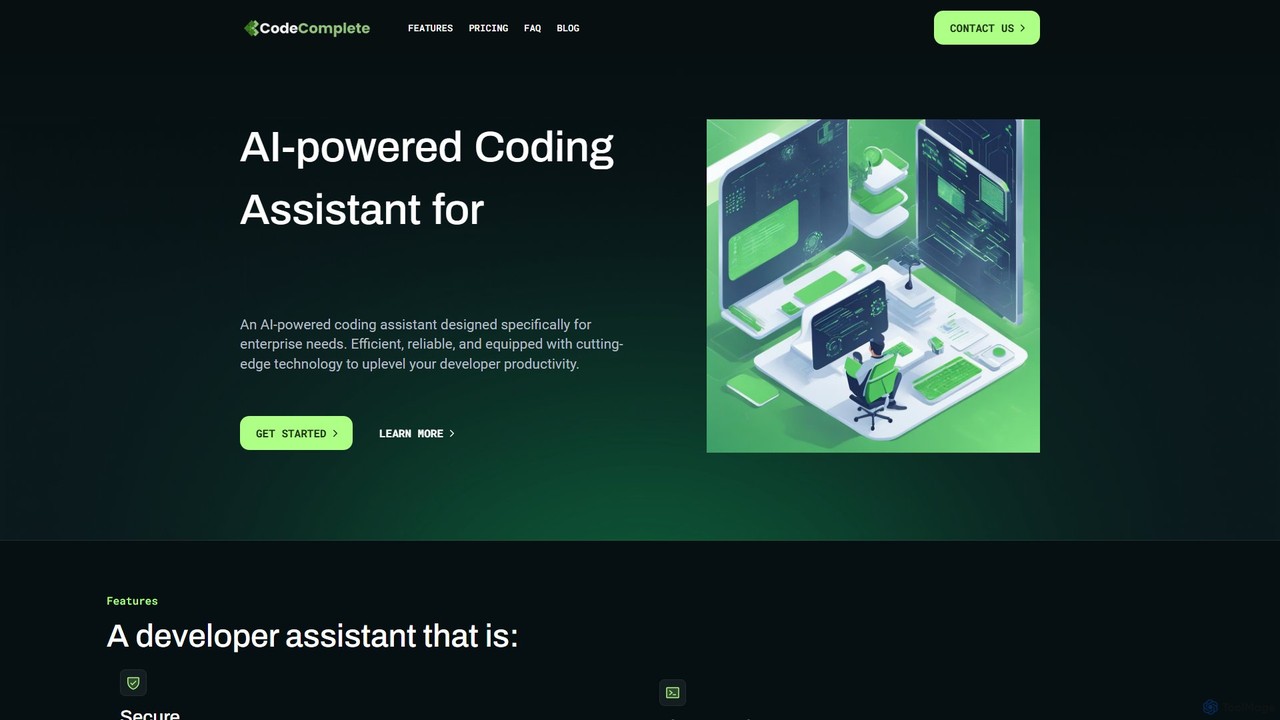
CodeComplete
CodeComplete is an enterprise-grade AI coding assistant designed for maximum security, efficiency, and customization. It offers self-hosting options (on-premise or VPC), fine-tuning on your private codebase, and a comprehensive suite of tools including code generation, automated testing, and documentation to enhance developer productivity.
Code Generation
Jyek
Jyek is an AI agent platform that understands objectives, creates execution plans, uses tools, and delivers verifiable results for complex, multi-step tasks.
Automation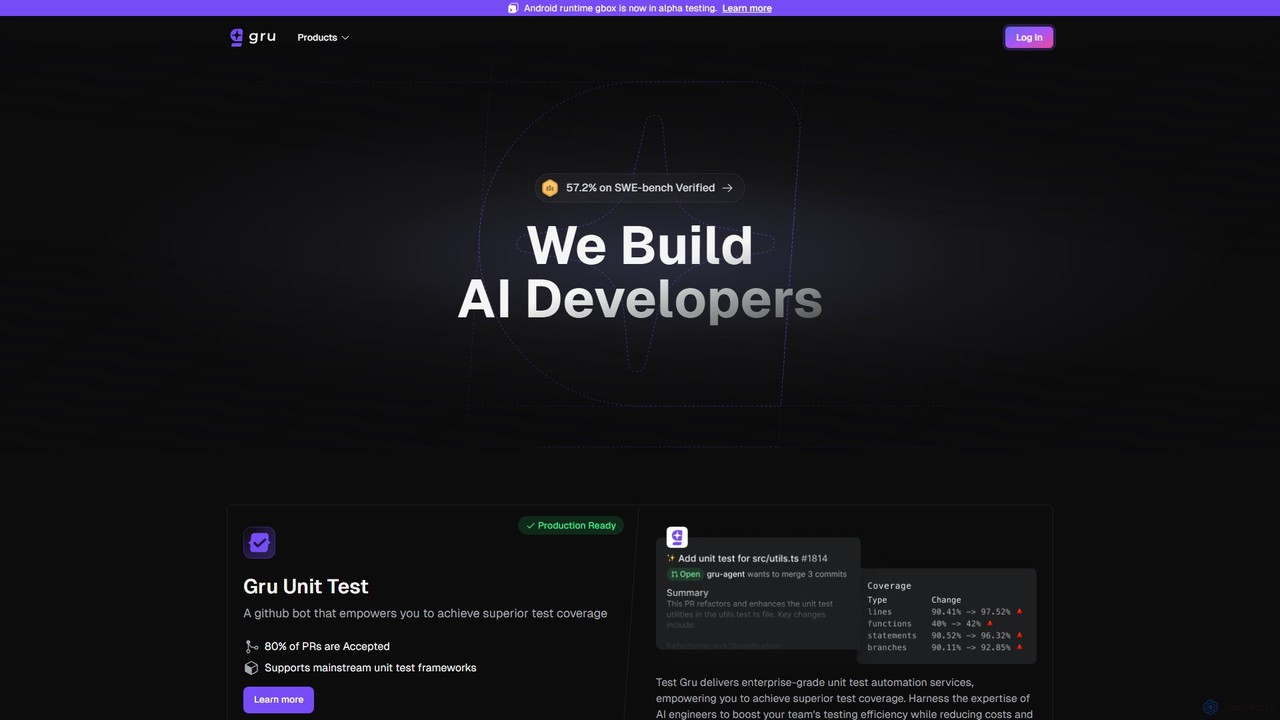
Gru.ai
Gru.ai is an AI-powered developer agent designed to automate software engineering tasks. It specializes in generating comprehensive unit tests as a GitHub bot, instantly boosting code coverage and improving code quality for multiple programming languages.
Code Assistant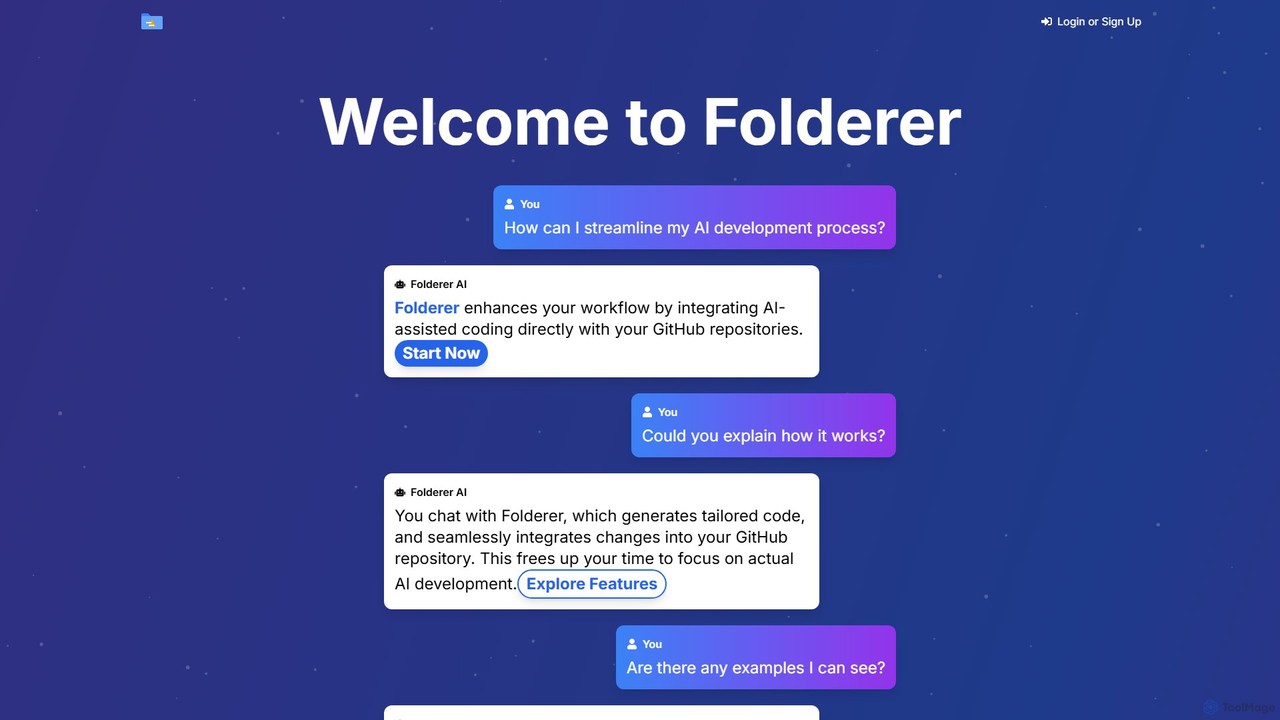
Folderer
Folderer is an AI-powered coding assistant that integrates directly with your GitHub repositories. It uses a conversational chat interface to generate, refine, and commit high-quality code, streamlining the entire development workflow from idea to deployment.
Code Generation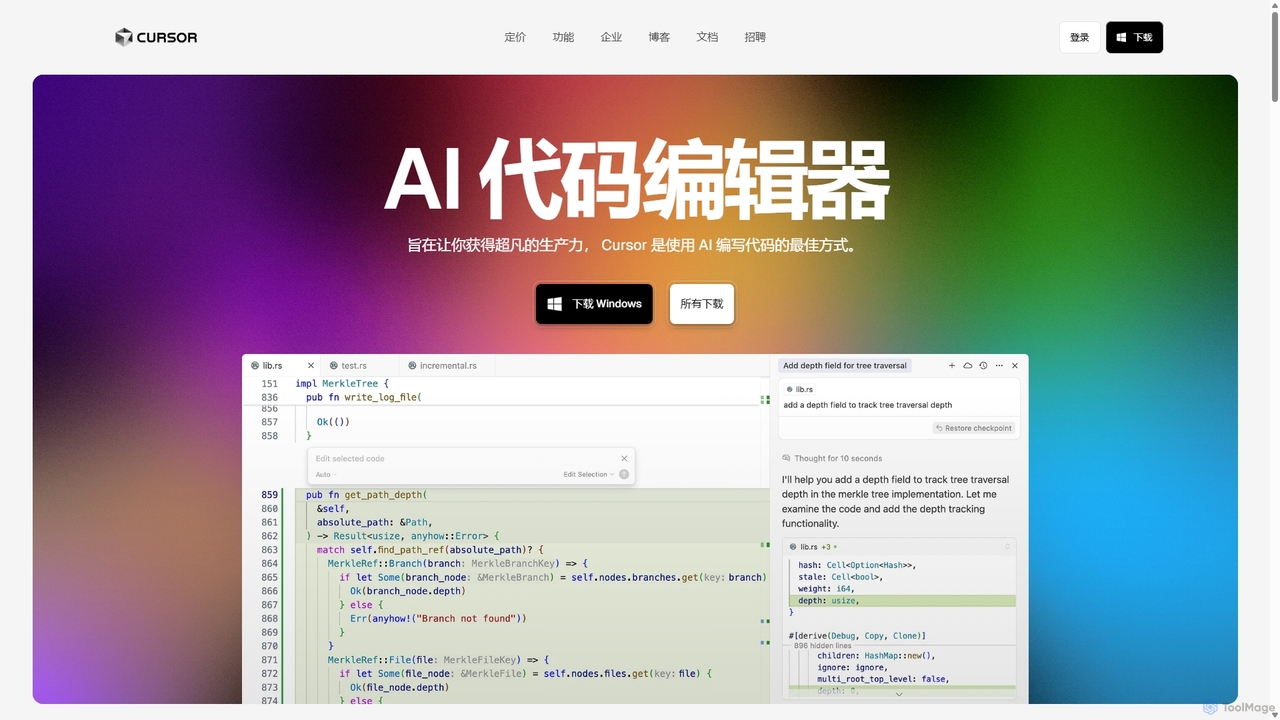
Cursor
Cursor is an AI-first code editor designed for pair-programming with artificial intelligence. Built as a fork of VS Code, it offers a familiar environment supercharged with advanced AI capabilities for code generation, editing, debugging, and codebase comprehension, aiming to significantly boost developer productivity.
Code Assistant
GitHub Copilot
GitHub Copilot is an AI pair programmer that offers intelligent code completions and suggestions directly in your editor. It helps you write code faster, learn new languages, and stay in the flow by turning natural language prompts into coding suggestions across dozens of languages.
Code Generation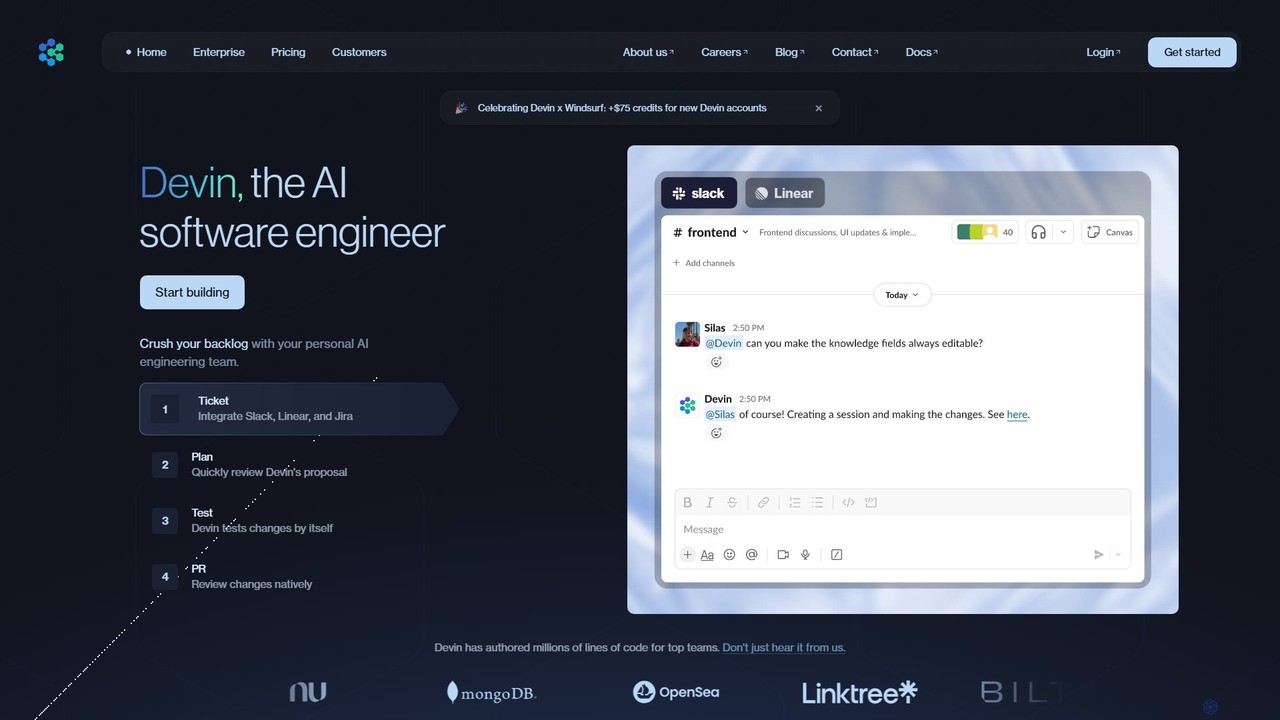
Devin
Devin is the world's first AI software engineer, designed by Cognition to autonomously handle complex engineering tasks. It can plan and execute entire software development projects, from writing code and fixing bugs to large-scale migrations, significantly boosting team productivity and reducing development costs.
Software Development
supertest Comments (0)
Sign in to comment.
Sign inNo comments yet.