

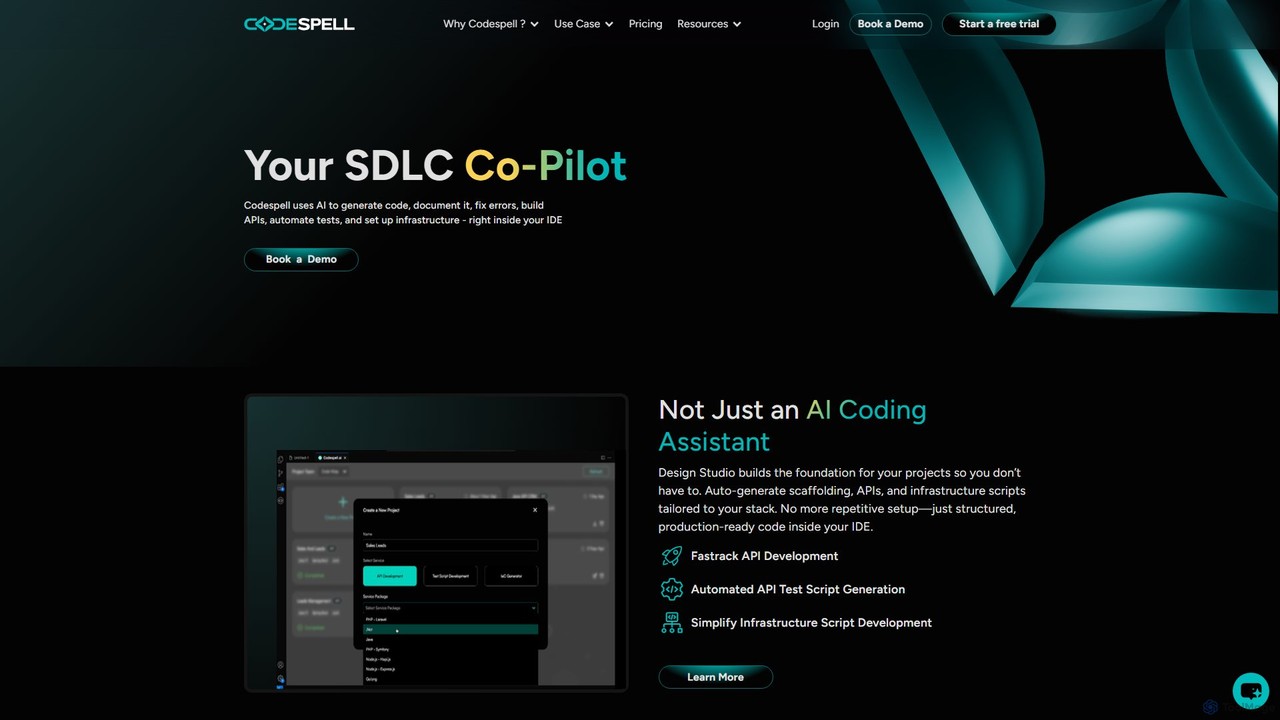
Codespell Overview
Codespell presents itself as a comprehensive AI Co-Pilot for the Software Development Life Cycle (SDLC), designed to significantly accelerate the journey from concept to deployment. Unlike standard AI coding assistants that focus solely on code completion, Codespell offers a holistic suite of tools that integrate directly into your development environment. It aims to reduce manual coding effort by 30-50% by automating repetitive and complex tasks across the development spectrum.
The platform is built on two core pillars: the Design Studio and the AI Coding Sidekick. The Design Studio acts as a foundational tool, automatically generating project scaffolding, APIs, and infrastructure scripts tailored to your specific technology stack. This eliminates the tedious setup phase, allowing developers to start with structured, production-ready code. The AI Coding Sidekick assists with day-to-day coding tasks through simple commands called "spells." These spells enable developers to instantly generate documentation, explain complex logic, refactor code for optimization, create unit tests, and clean up errors, all without leaving the IDE.
How to use Codespell
Using Codespell is designed to be a seamless part of a developer's existing workflow. First, you install the Codespell extension into your preferred IDE, such as VS Code, JetBrains, or Eclipse. Once integrated, you can interact with the AI in several ways:
- Inline Code Suggestions: As you type, Codespell provides intelligent, context-aware code completions to speed up writing.
- AI Chat & Spells: You can open a chat interface within the IDE to ask questions or use specific commands (spells). For example, highlighting a block of code and typing
/docwill generate comprehensive documentation for it. Using/unitwill create corresponding unit tests, and/optimizewill suggest structural improvements. - Design Studio: For new projects, you can use the Design Studio to define your requirements and technology stack. Codespell then generates the initial project structure, API endpoints, and infrastructure scripts, providing a solid foundation to build upon.
- Team Collaboration: Teams can save and share effective prompts and designs, ensuring consistency and leveraging collective knowledge across projects.
Core Features of Codespell
- Design to Code (Design Studio): Automatically generates project scaffolding, APIs, and infrastructure scripts from design inputs, tailored to your tech stack.
- AI Coding Sidekick: An in-IDE assistant that uses simple commands (spells) like
/explain,/doc,/unit,/optimize, and/clearto perform complex tasks. - Automated Test Generation: Simplifies the creation of API test scripts and unit tests, improving code quality and coverage.
- Intelligent Code Documentation: Automatically generates clear and concise documentation for your code, making it easier to maintain and understand.
- Seamless IDE Integration: Works directly within popular IDEs including VS Code, JetBrains IDEs (like IntelliJ IDEA, PyCharm), and Eclipse.
- Broad Tech Stack Support: Compatible with major languages and frameworks such as Java, .NET, Node.js, and PHP.
- Team-Oriented Features: Includes a user management console, usage tracking reports, and the ability to share prompts and designs across teams.
- Task Completions & Spell Credits: A system for handling complex generation tasks and design-to-code actions, with usage shared across team licenses.
Use Cases for Codespell
Codespell is valuable for individual developers, small teams, and large enterprises looking to boost productivity. Key use cases include:
- Rapid Prototyping: Quickly scaffold new applications and APIs using the Design Studio to validate ideas faster.
- Legacy Code Modernization: Use the
/explainand/docspells to understand and document old codebases before refactoring. - Improving Code Quality: Consistently apply best practices by using
/optimizefor code structure and/unitfor test coverage. - Accelerating API Development: Automate the creation of API boilerplate code and corresponding test scripts.
- Onboarding New Developers: Help new team members get up to speed faster by using Codespell to explain existing code logic and structures.
Advantages of Codespell
The primary advantage of Codespell is its focus on the entire SDLC, not just coding. By automating setup, documentation, and testing, it frees up developers to focus on building core features. Its deep integration into the IDE means less context-switching, leading to higher efficiency. The collaborative features make it a powerful tool for teams, ensuring consistency and shared standards. Finally, the promise of reducing manual coding effort by up to 50% presents a significant return on investment by accelerating delivery times and reducing development costs.
Pricing and Plans
Codespell offers a freemium model with a 1-month free trial to get started.
- Starter Plan: Priced at $12 per user/month (billed annually). This plan includes unlimited inline AI code suggestions, chat & spells usage, local chat history, 10 Task Completions (coming soon), and the ability to save up to 10 prompts.
- Growth Plan: Priced at $20 per user/month (billed annually). It includes everything in the Starter plan, plus an increased limit of 20 Task Completions, 5 Design Studio uses, saving up to 20 prompts, and team collaboration features for sharing designs.
- Enterprise Plan: Custom pricing is available for large organizations requiring advanced security, support, and management features. Interested parties can book a demo for more details.
Usage counts for features like Task Completions and Design Studios are pooled and shared across the entire team for multi-license purchases.
Codespell Alternatives

BLACKBOX.AI
BLACKBOX.AI is an autonomous AI coding agent designed to accelerate software development. It helps developers write code faster, debug efficiently, and can even build full applications from images or text descriptions, integrating seamlessly with popular IDEs like JetBrains.
Code Assistant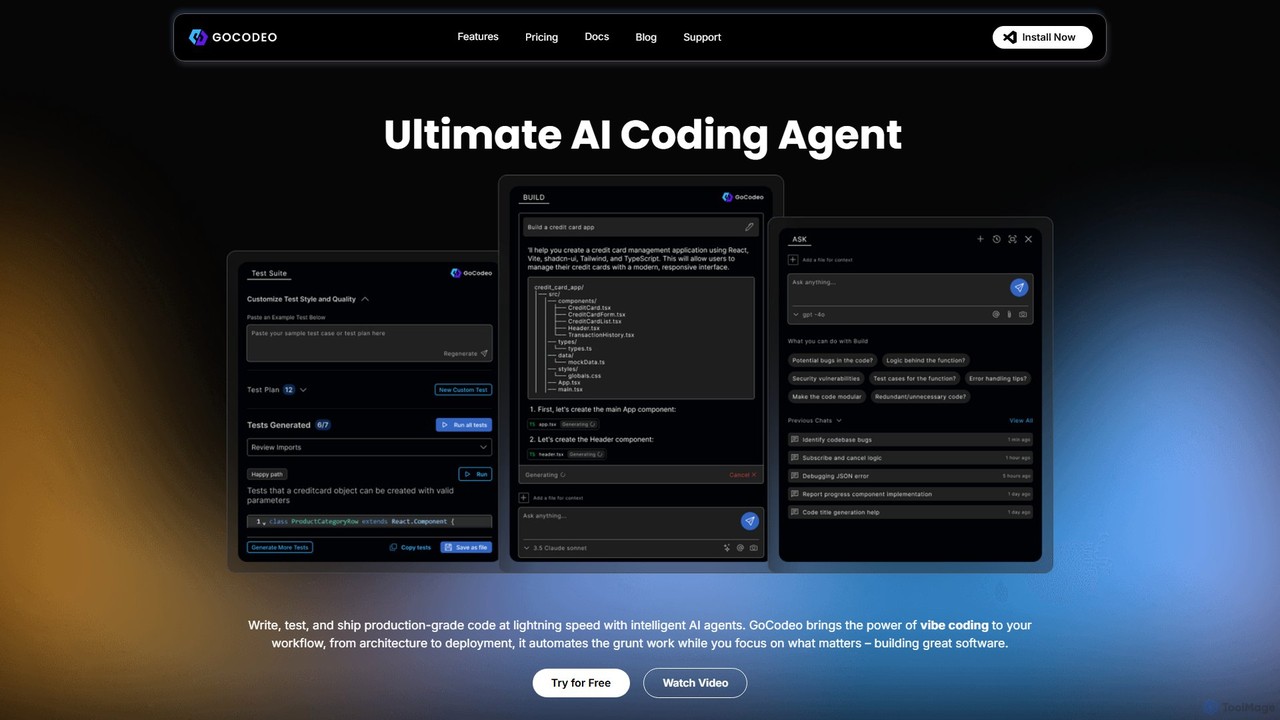
gocodeo
gocodeo is an AI coding agent integrated directly into your IDE (VS Code, IntelliJ) to accelerate the entire software development lifecycle. It helps developers build, test, and deploy projects faster through real-time code generation, automated testing, and seamless integrations. Supporting over 25 frameworks and 100+ tools, it transforms your IDE into an intelligent, context-aware workspace.
Code Assistant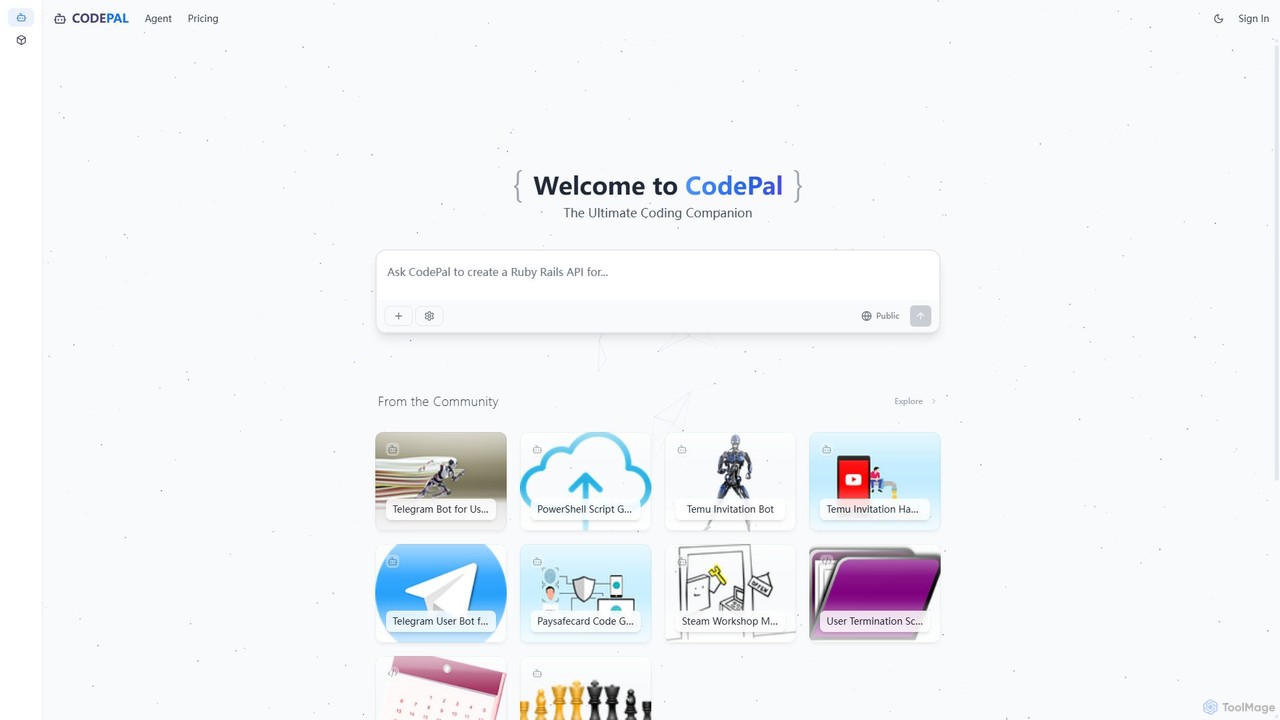
CodePal
A powerful AI coding companion and autonomous engineer that integrates directly into GitHub. Automate code reviews, generate documentation, resolve issues, and write unit tests with simple commands to accelerate your development workflow.
Code Assistant
Devgen
Devgen is an AI-powered coding assistant designed to accelerate the software development lifecycle. It helps developers write better code faster by providing intelligent code generation, completion, refactoring, and automated testing, directly within their IDE.
Code Assistant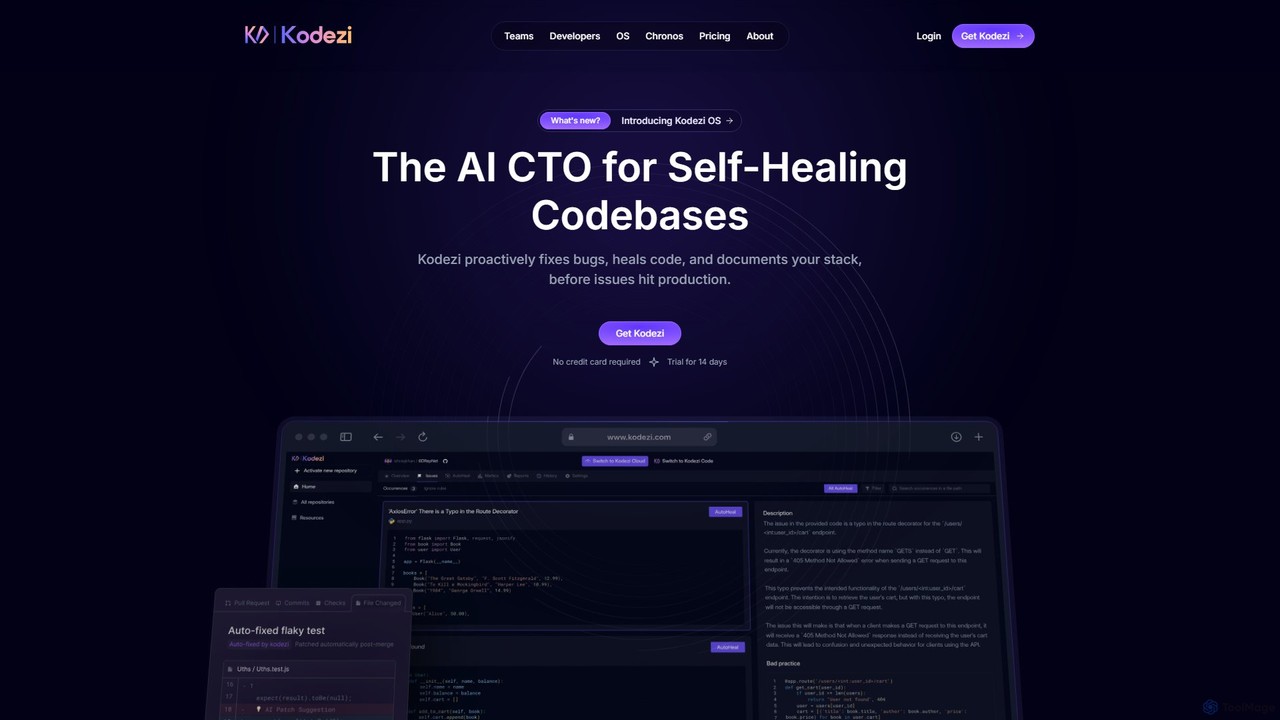
Kodezi
Kodezi is an AI-powered developer platform that acts as an AI CTO for your codebase. It autonomously fixes bugs, refines code, detects vulnerabilities, and automates documentation, integrating seamlessly into your development workflow to enhance productivity and code quality.
Code AssistantCodespell Categories
Codespell Embed Widget
Copy this embed code to place the badge on your blog, article, or product site and send readers directly to this ToolMage detail page.

Related AI tools
Factory
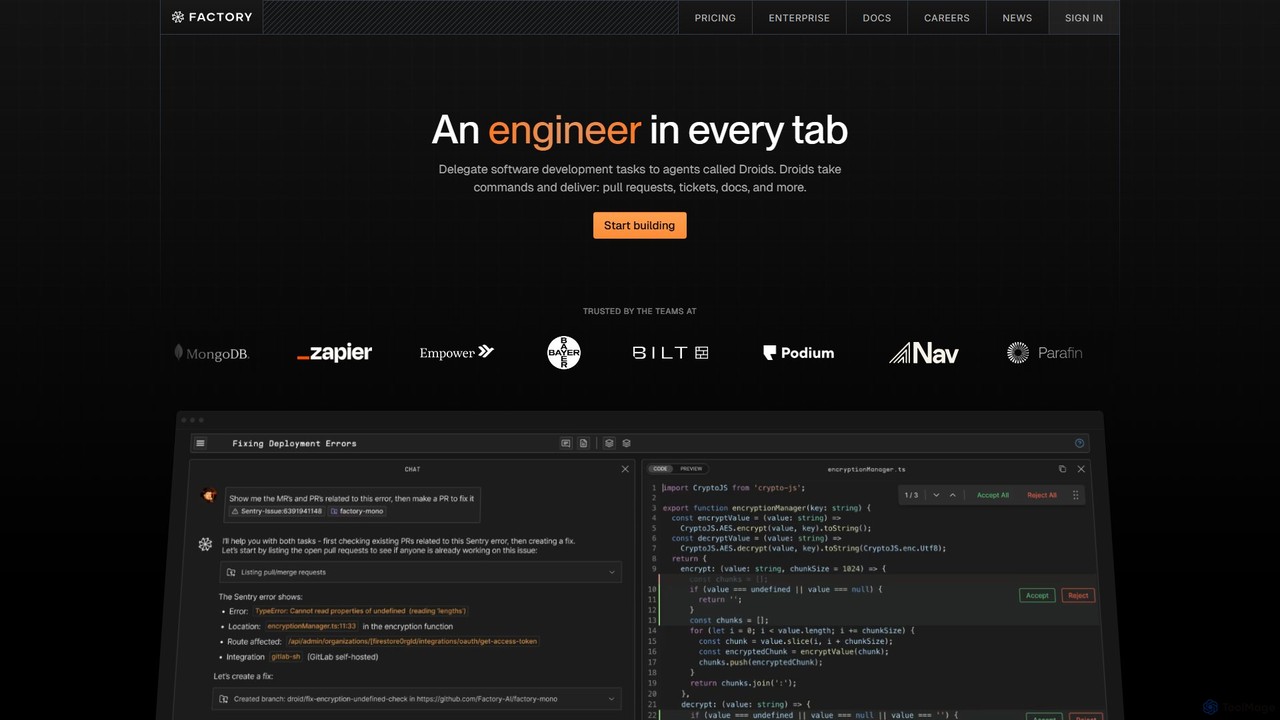
Factory is an AI-powered software development platform that uses autonomous agents called 'Droids' to automate the entire Software Development Lifecycle (SDLC). From planning and coding to incident response and documentation, Droids handle complex tasks, delivering merge-ready pull requests, detailed reports, and rapid fixes. It's designed to work alongside engineering teams, boosting productivity, accelerating development cycles, and clearing backlogs within a secure, enterprise-grade environment.
Code AssistantBLACKBOX.AI
BLACKBOX.AI is an autonomous AI coding agent designed to accelerate software development. It helps developers write code faster, debug efficiently, and can even build full applications from images or text descriptions, integrating seamlessly with popular IDEs like JetBrains.
Code Assistant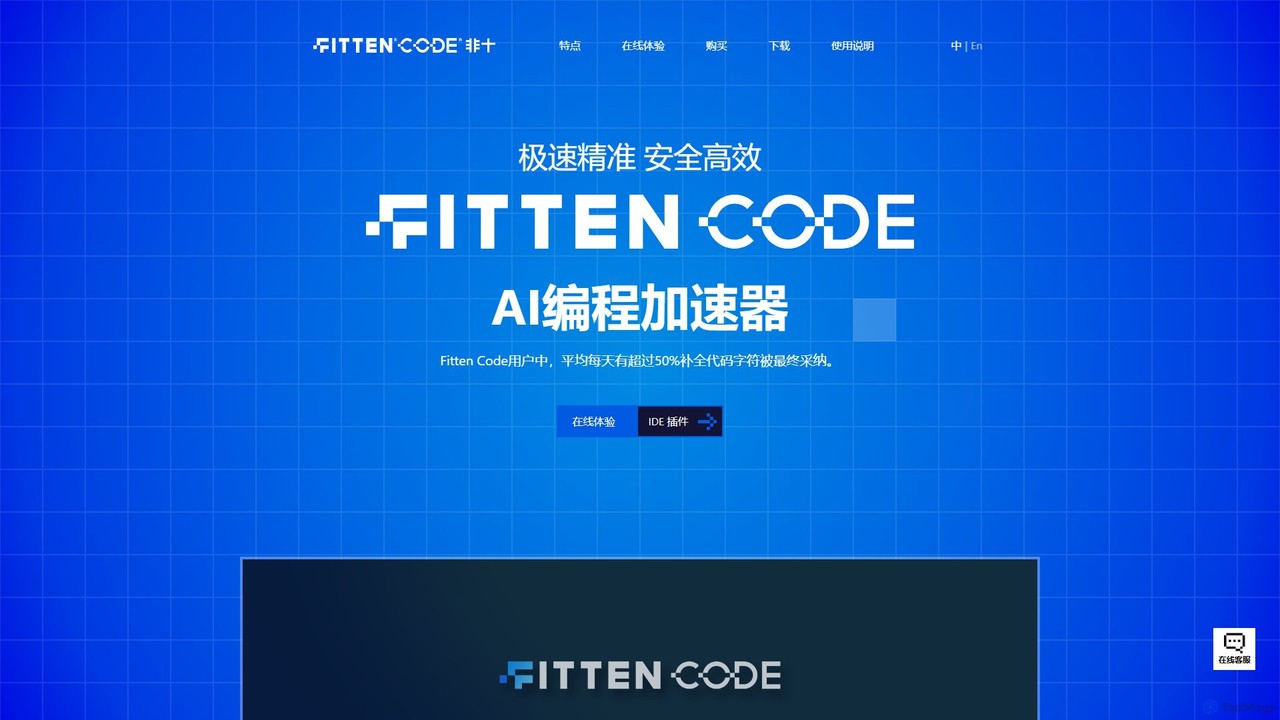
Fitten Code
Fitten Code is a next-generation AI programming assistant designed to accelerate software development. It offers ultra-fast code completion, intelligent Q&A, automated unit test generation, and code optimization. Built by a Tsinghua PhD team, it supports major IDEs and languages, significantly boosting developer productivity while ensuring data privacy.
Code Generation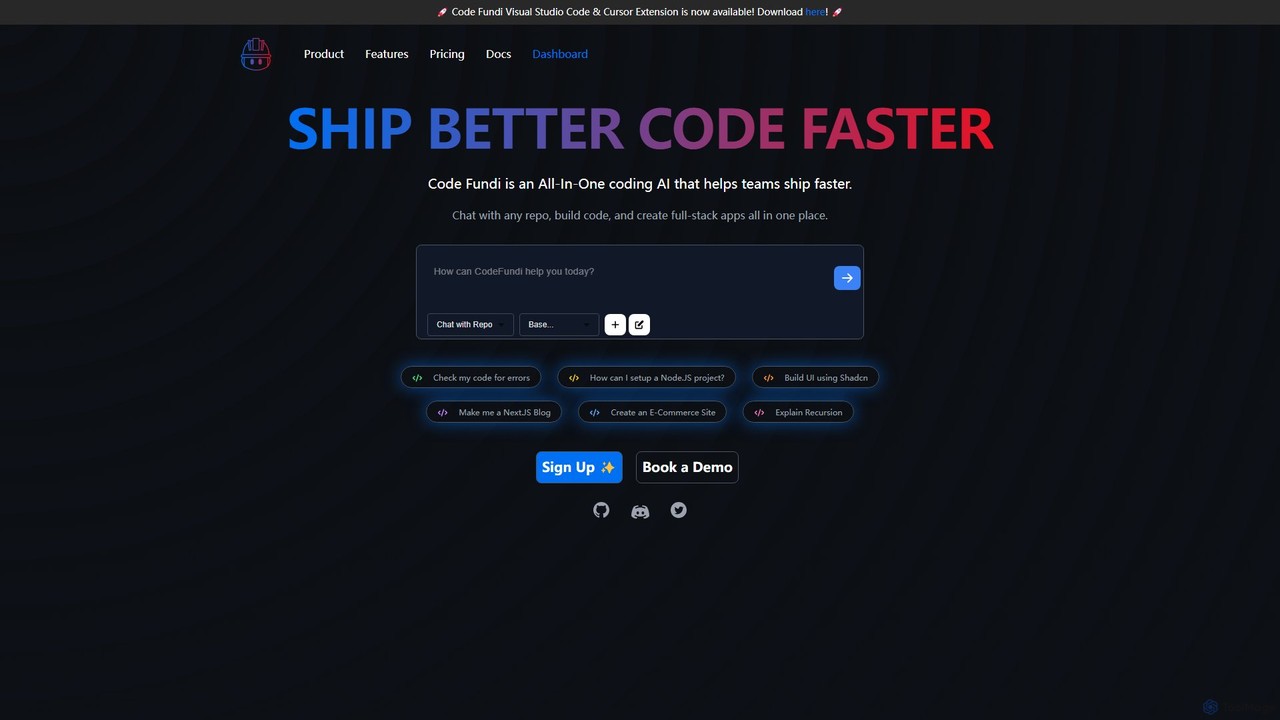
Code Fundi
Code Fundi is an all-in-one AI coding assistant designed for developers and teams to accelerate the software development lifecycle. It integrates directly into your workflow via VS Code and CLI, offering features like repository chat, code generation, debugging, and automated documentation.
Code Assistant
CodeWiz
CodeWiz is an AI-powered coding assistant designed to accelerate software development. It integrates into your IDE to provide intelligent code completion, real-time debugging, code explanation, and automated test generation, helping developers write better code faster and with fewer errors.
Code Assistant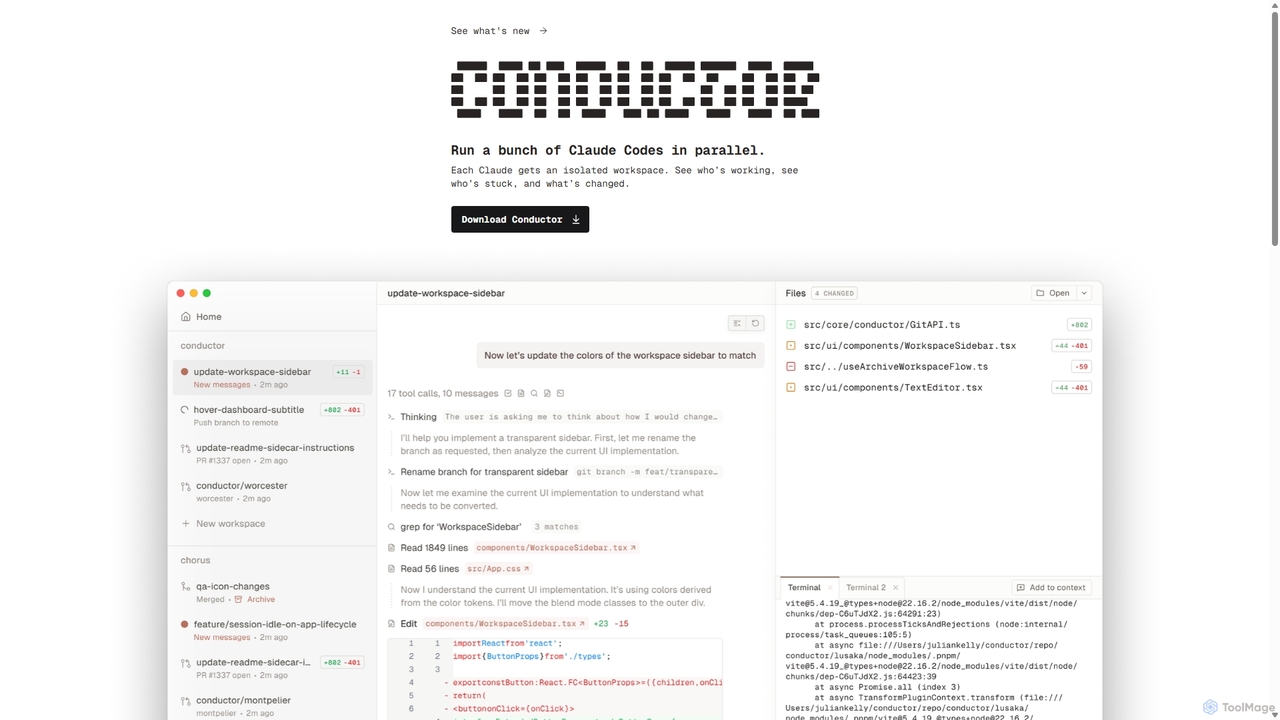
Conductor
A powerful Mac application for orchestrating multiple AI coding agents. Run parallel instances of Claude Code in isolated workspaces to accelerate software development, monitor progress, and review code through a beautiful, intuitive UI.
Code Assistant
codimite
Codimite is an AI-powered coding assistant designed to accelerate the software development lifecycle. It acts as a pair programmer, helping developers write, debug, and optimize code faster with features like intelligent code completion, natural language-to-code generation, and automated bug fixing, integrating directly into your favorite IDE.
Code Generation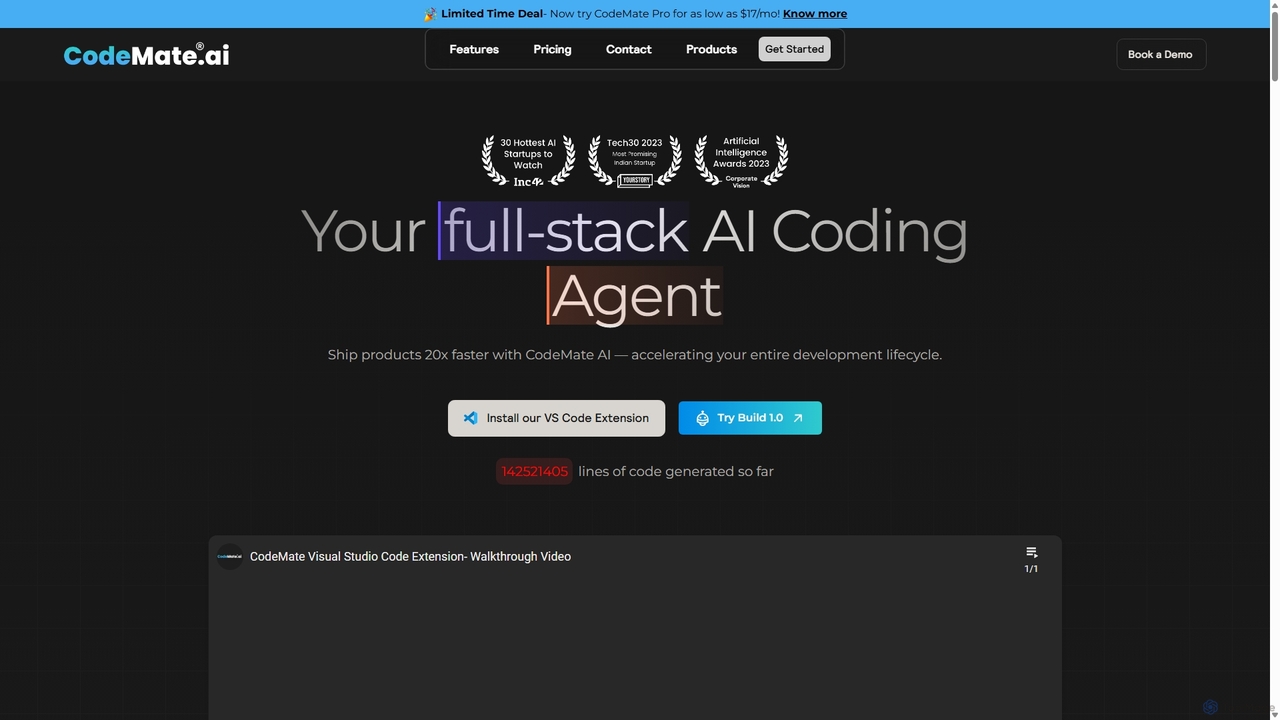
CodeMate
CodeMate is a secure, personalized AI pair programmer designed to enhance developer productivity. It assists with debugging, reviewing, and optimizing code, offering context-aware chat and seamless integration with IDEs like VS Code to help developers build software up to 20x faster.
Code Assistant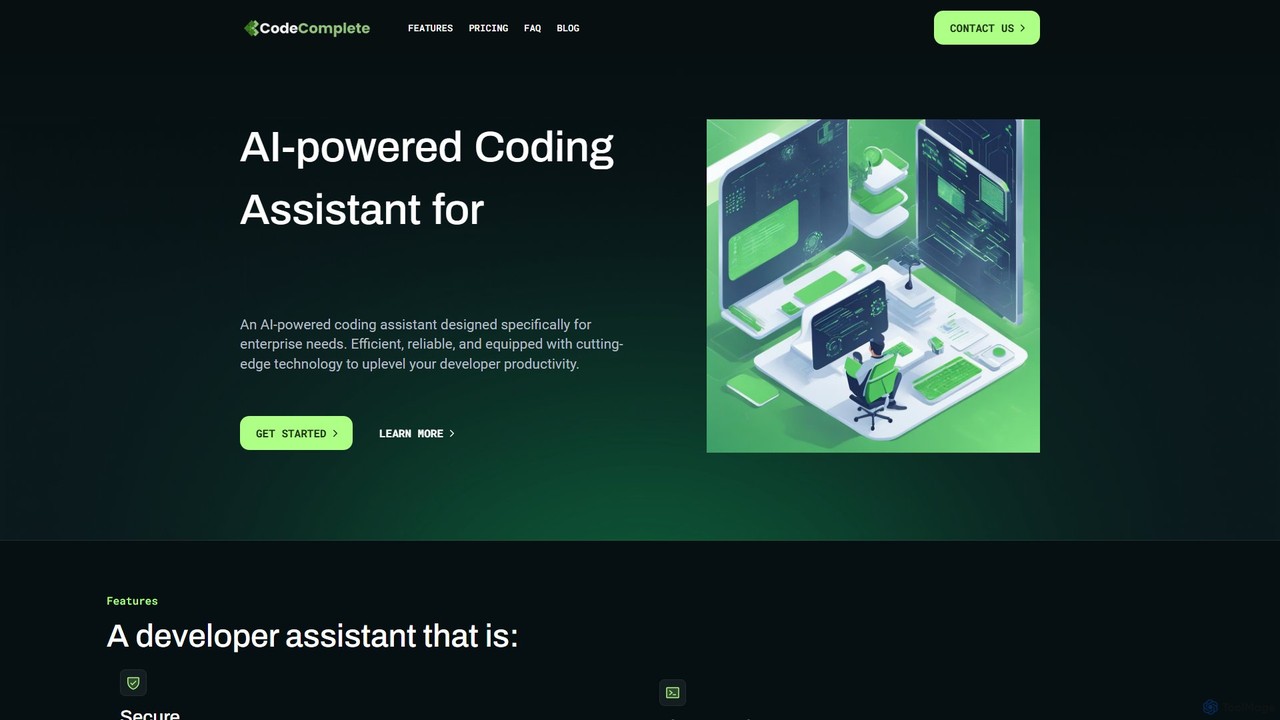
CodeComplete
CodeComplete is an enterprise-grade AI coding assistant designed for maximum security, efficiency, and customization. It offers self-hosting options (on-premise or VPC), fine-tuning on your private codebase, and a comprehensive suite of tools including code generation, automated testing, and documentation to enhance developer productivity.
Code GenerationCodePal
A powerful AI coding companion and autonomous engineer that integrates directly into GitHub. Automate code reviews, generate documentation, resolve issues, and write unit tests with simple commands to accelerate your development workflow.
Code AssistantDevgen
Devgen is an AI-powered coding assistant designed to accelerate the software development lifecycle. It helps developers write better code faster by providing intelligent code generation, completion, refactoring, and automated testing, directly within their IDE.
Code AssistantKodezi
Kodezi is an AI-powered developer platform that acts as an AI CTO for your codebase. It autonomously fixes bugs, refines code, detects vulnerabilities, and automates documentation, integrating seamlessly into your development workflow to enhance productivity and code quality.
Code Assistant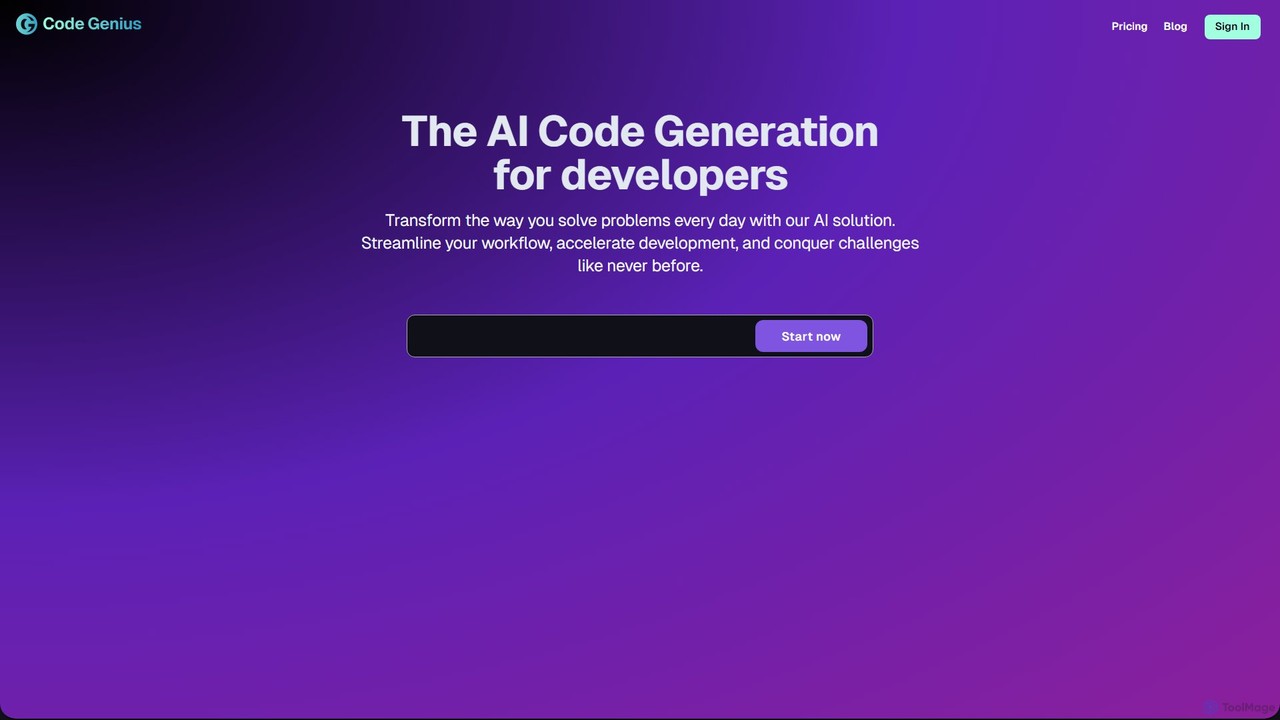
Code Genius
Code Genius is an AI-powered coding assistant designed for developers. It accelerates development by generating code, creating unit tests, optimizing performance, and acting as a 24/7 pair programmer. It supports popular frameworks like React, Vue.js, and Tailwind CSS.
Code Assistant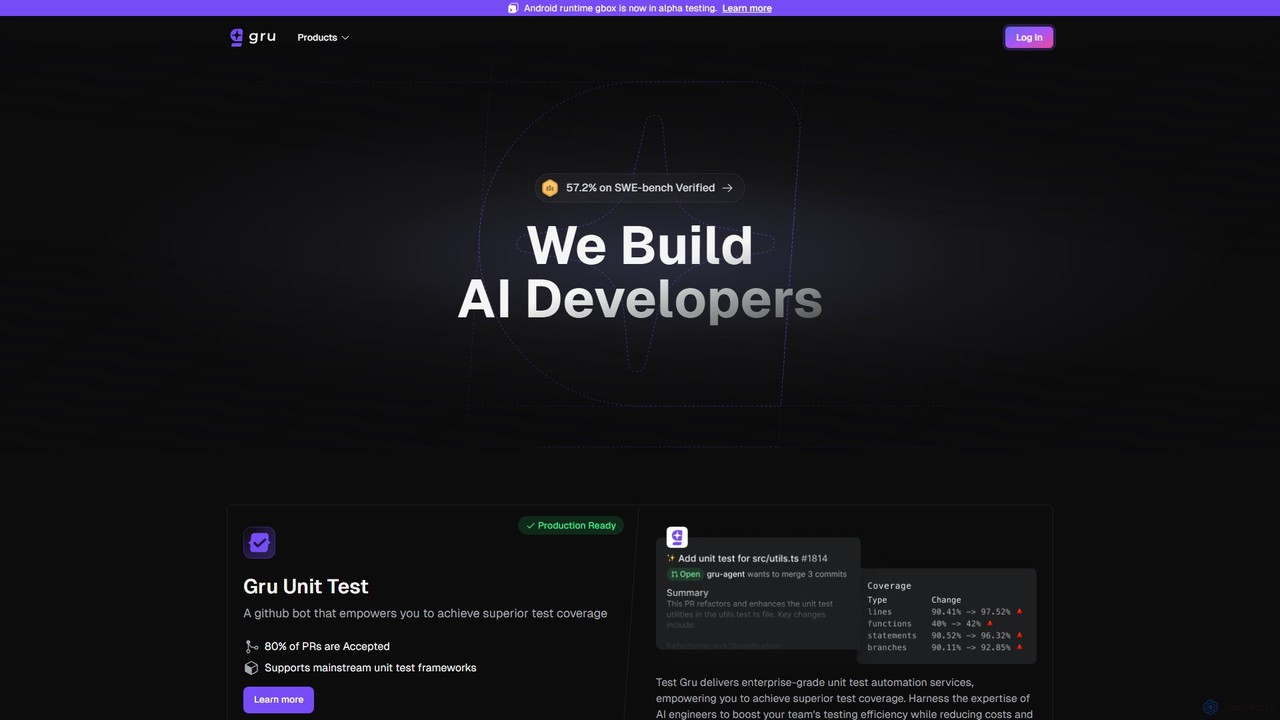
Gru.ai
Gru.ai is an AI-powered developer agent designed to automate software engineering tasks. It specializes in generating comprehensive unit tests as a GitHub bot, instantly boosting code coverage and improving code quality for multiple programming languages.
Code Assistant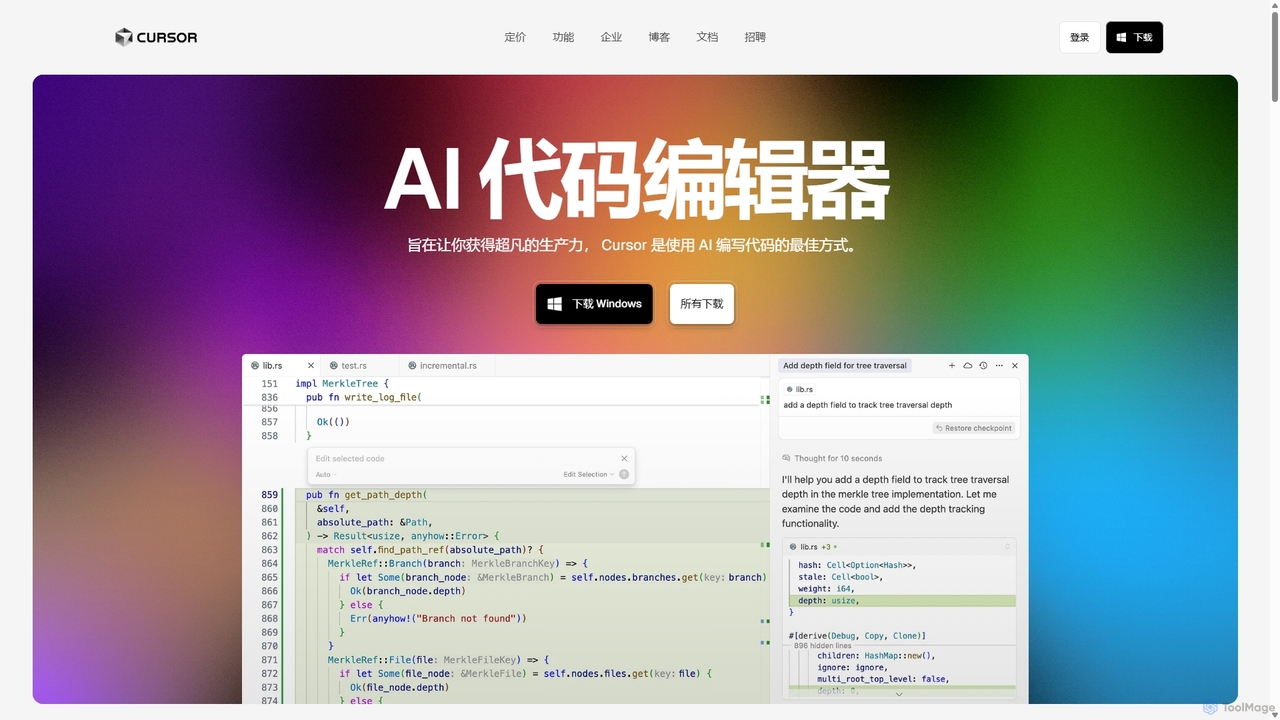
Cursor
Cursor is an AI-first code editor designed for pair-programming with artificial intelligence. Built as a fork of VS Code, it offers a familiar environment supercharged with advanced AI capabilities for code generation, editing, debugging, and codebase comprehension, aiming to significantly boost developer productivity.
Code Assistant
Codespell Comments (0)
Sign in to comment.
Sign inNo comments yet.