


BLACKBOX.AI Overview
BLACKBOX.AI is a revolutionary AI-powered coding assistant designed to function as an autonomous partner for developers, significantly enhancing productivity and streamlining the entire software development lifecycle. It goes beyond simple code completion, offering a suite of advanced features that empower users to build, debug, and deploy software with unprecedented speed and efficiency. By understanding natural language prompts, analyzing images, and integrating directly into the developer's workflow, BLACKBOX.AI acts as a force multiplier for individuals and teams alike.
At its core, BLACKBOX.AI is built to understand complex requests and translate them into high-quality, production-ready code. Whether you need to generate a complex algorithm, create a boilerplate for a new project, or find a subtle bug in your existing codebase, the AI agent is equipped to handle the task. Its autonomous nature means it can perform deep research, reason through problems, and present complete solutions, not just snippets.
How to use BLACKBOX.AI
Getting started with BLACKBOX.AI is straightforward and designed for immediate integration into your existing habits. Here’s a typical workflow:
- Installation and Setup: Users can access BLACKBOX.AI through its web platform, a dedicated desktop application, or by installing the extension directly into their favorite IDE, such as those from the JetBrains suite (IntelliJ IDEA, PyCharm, etc.).
- AI Chat for Coding Assistance: Use the intuitive chat interface to ask any coding-related question. You can describe a function you need, paste an error message for debugging, or ask for an explanation of a complex code block. The AI provides detailed answers and code examples.
- Code Generation: Simply describe the functionality you want to build in plain English. For example, 'Create a Python script that scrapes a website and saves the data to a CSV file.' BLACKBOX.AI will generate the complete, executable code.
- Image to App: This is a standout feature. Upload a screenshot, wireframe, or UI design of an application. The AI agent will analyze the visual components and generate the corresponding frontend and backend code to create a functional application.
- Autonomous App Builder: For more complex projects, you can use the Auto App Builder. Provide a detailed description of your application's features, architecture, and user flow, and the AI agent will work autonomously to build the entire application, including file structures and dependencies.
- IDE Integration: When used within an IDE, BLACKBOX.AI can read your project's context, suggest relevant code, and help you refactor existing code seamlessly without leaving your development environment.
Core Features of BLACKBOX.AI
- Autonomous AI Coding Agents: Intelligent agents that can understand high-level goals, conduct research, and write complete applications autonomously.
- Image to App Builder: A groundbreaking feature that converts visual designs, screenshots, or wireframes directly into functional application code.
- Natural Language to Code: Translate plain English descriptions into code in dozens of programming languages.
- Seamless IDE Integration: Deep integration with popular IDEs like the JetBrains suite and VS Code, allowing for in-context code generation and assistance.
- Deep Research and Problem-Solving: The AI can research external libraries, APIs, and documentation to solve complex programming challenges.
- Multi-Model Support: Users can select from various advanced AI models to best suit their specific task, balancing speed and capability.
- Full-Stack Application Generation: Capable of creating both frontend and backend code, including database schemas and API endpoints.
- API Access: A robust API platform allows developers to integrate BLACKBOX.AI's capabilities into their own custom applications and workflows.
Use Cases for BLACKBOX.AI
BLACKBOX.AI is versatile and can be applied across various scenarios:
- Rapid Prototyping: A product manager or developer can turn a UI mockup from Figma into a clickable prototype in minutes.
- Accelerating Development: Senior developers can offload repetitive coding tasks, such as writing API clients or database models, to focus on complex business logic.
- Learning and Education: Junior developers can use it as a learning tool to understand new programming languages, frameworks, and design patterns by seeing best-practice code generated instantly.
- Debugging and Troubleshooting: Developers can paste error stacks or describe buggy behavior to get precise explanations and corrected code, significantly reducing debugging time.
- Automation Scripting: System administrators and data scientists can quickly generate scripts for data processing, system maintenance, or workflow automation.
Advantages of BLACKBOX.AI
The primary advantage of BLACKBOX.AI is its ability to dramatically increase development velocity. By automating a significant portion of the coding process, it frees up developers to focus on creativity and high-level architecture. The 'Image to App' feature is a major differentiator, bridging the gap between design and development. Furthermore, its autonomous capabilities make it more than just a tool—it's a collaborative partner that can independently solve problems, reducing the cognitive load on developers and lowering the barrier to entry for creating complex software.
Pricing and Plans
BLACKBOX.AI operates on a freemium model, making it accessible to everyone while offering powerful features for professional users.
- Free Plan: Ideal for students, hobbyists, and developers who want to try the core features. This plan typically includes a limited number of AI chat queries and basic code generation capabilities.
- Pro Plan: Aimed at individual professional developers. This plan usually offers unlimited code generation, access to the most advanced AI models, higher priority processing, and full access to features like the Image to App builder.
- Teams/Enterprise Plan: Designed for development teams and businesses. It includes all Pro features, plus collaborative tools, centralized billing, dedicated support, and options for on-premise deployment or enhanced security features.
Specific pricing details are available on the official website, but the tiered structure ensures that users can scale their usage as their needs grow.
Traffic
Latest traffic
Status
Monthly traffic trend
- 2025-9: 9.6M
- 2026-1: 5.2M
- 2026-2: 5.5M
- 2026-3: 5.6M
- 2026-4: 5.1M
- 2026-5: 3.9M
Geography
Top 5 countries / regions
- 🇮🇳India37.7%
- 🇮🇩Indonesia25.1%
- 🇵🇭Philippines17.5%
- 🇧🇷Brazil10.0%
- 🇵🇰Pakistan9.7%
Traffic sources
| Source type | Percentage |
|---|---|
Direct | 93.0% |
Referral | 6.0% |
Email | 1.0% |
Top keywords
| Keyword | Cost per click |
|---|---|
| black box | $0.58 |
| blackbox | $0.60 |
| black box ai | $0.30 |
| blackbox ai | $0.31 |
| blackboxai | $0.75 |
BLACKBOX.AI Videos on YouTube
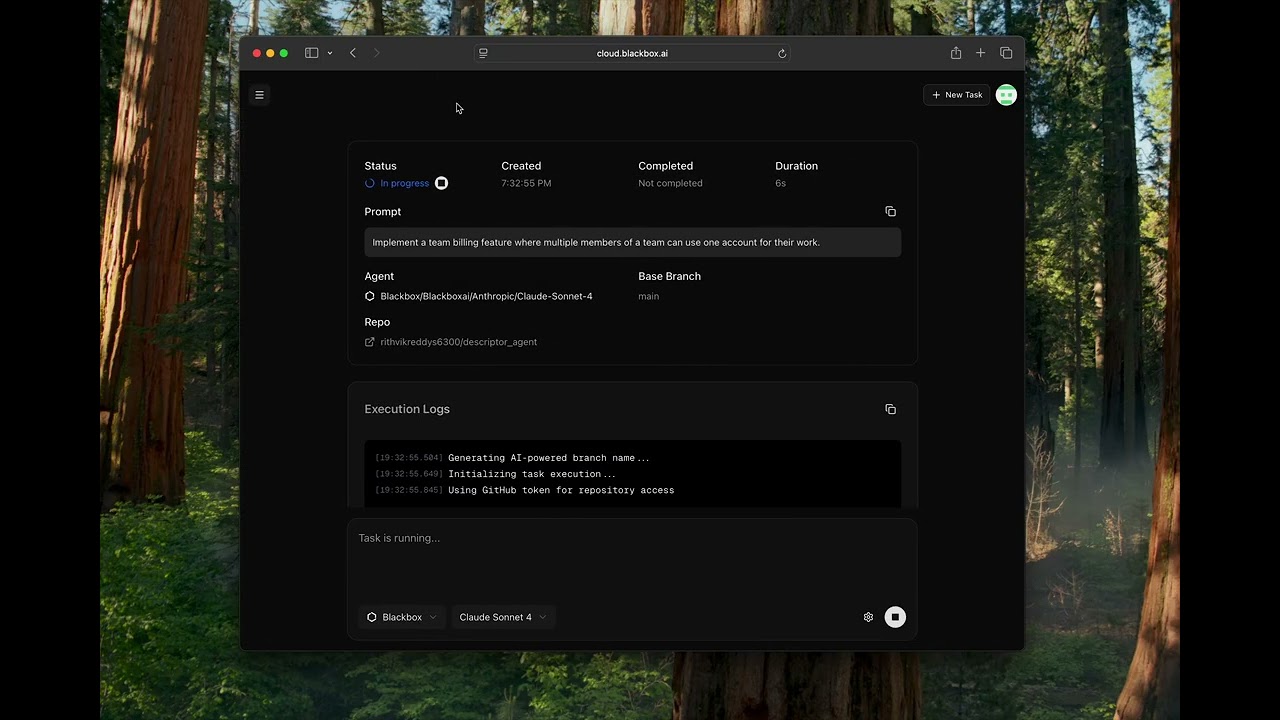
BLACKBOX AI

BLACKBOX AI
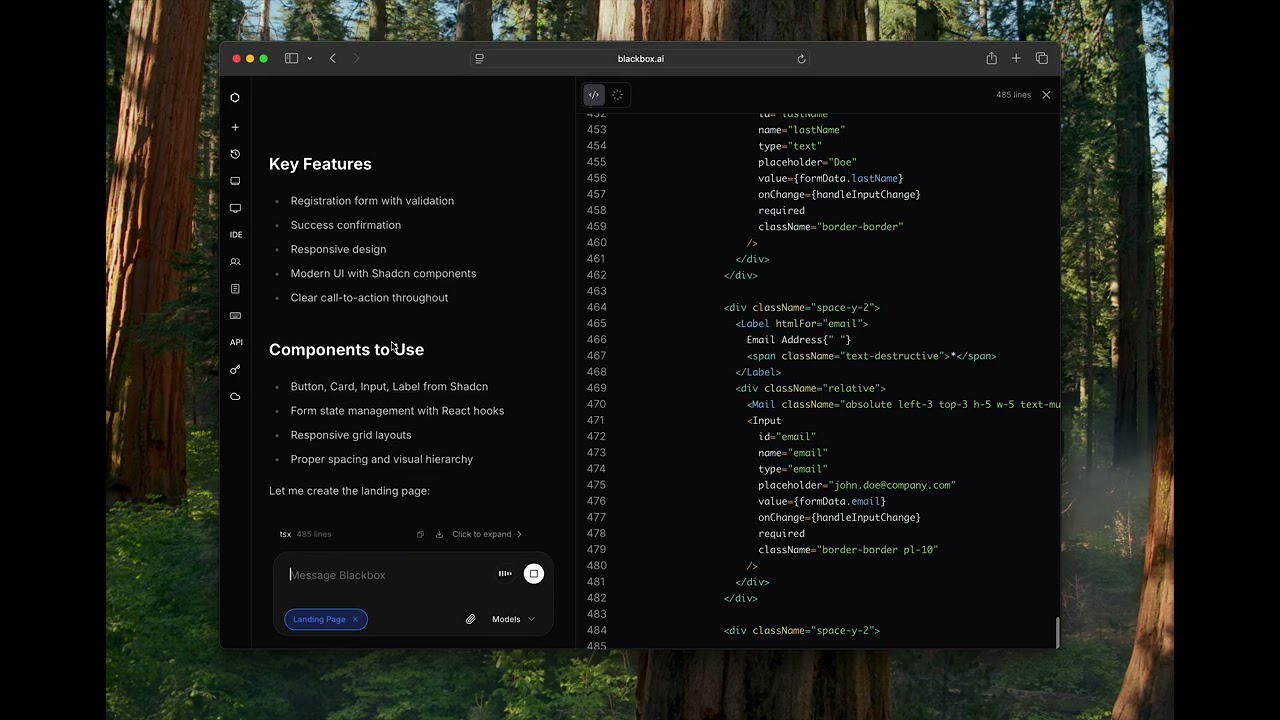

BLACKBOX AI
BLACKBOX.AI Alternatives
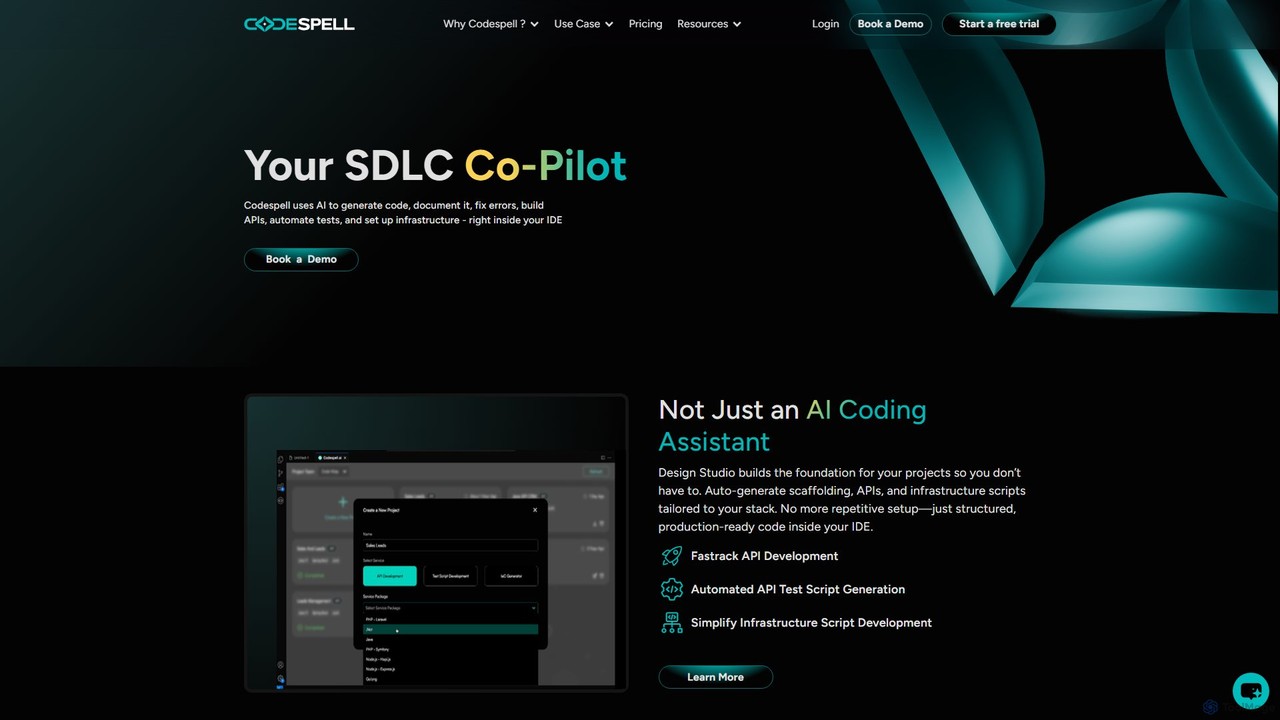
Codespell
Codespell is an AI-powered SDLC co-pilot that integrates into your IDE to accelerate software development. It goes beyond code completion, helping generate code, create APIs, automate tests, document logic, and fix errors, streamlining the entire development lifecycle.
Code Assistant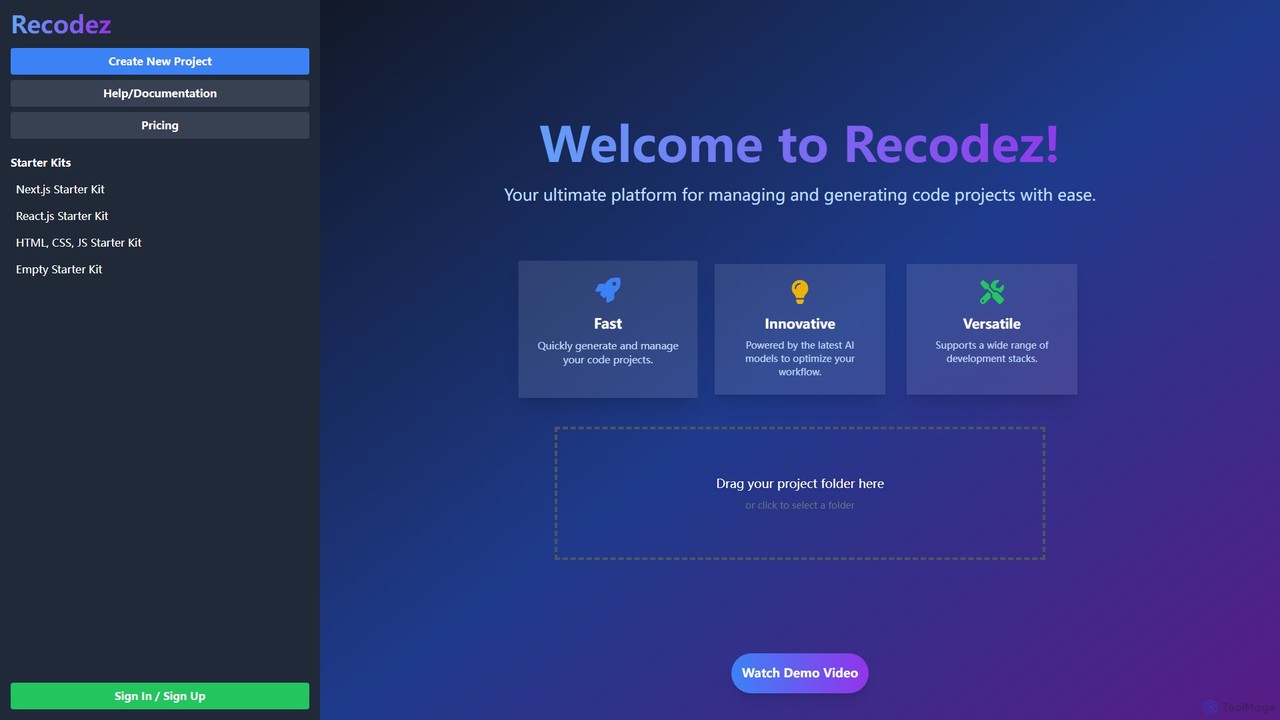
Recodez
Recodez is an AI-powered platform designed to streamline software development. It enables developers to generate, manage, and refactor code projects with ease, supporting various frameworks like Next.js and React. By leveraging advanced AI models, Recodez accelerates the entire development lifecycle, from project scaffolding to code optimization.
Code Assistant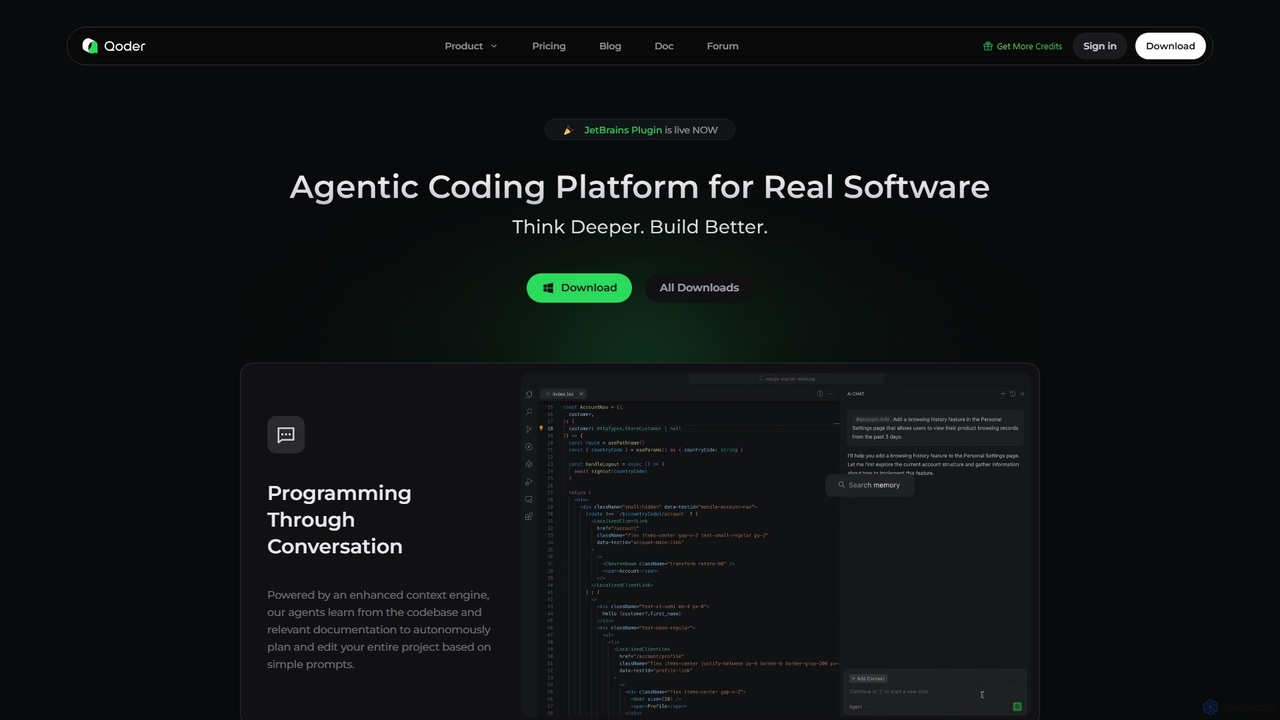
Qoder
Qoder is an agentic AI coding platform designed for real software development. It leverages an enhanced context engine to autonomously plan, code, and test entire projects based on simple prompts, integrating seamlessly into developer workflows via IDE, CLI, or JetBrains plugin.
Code Assistant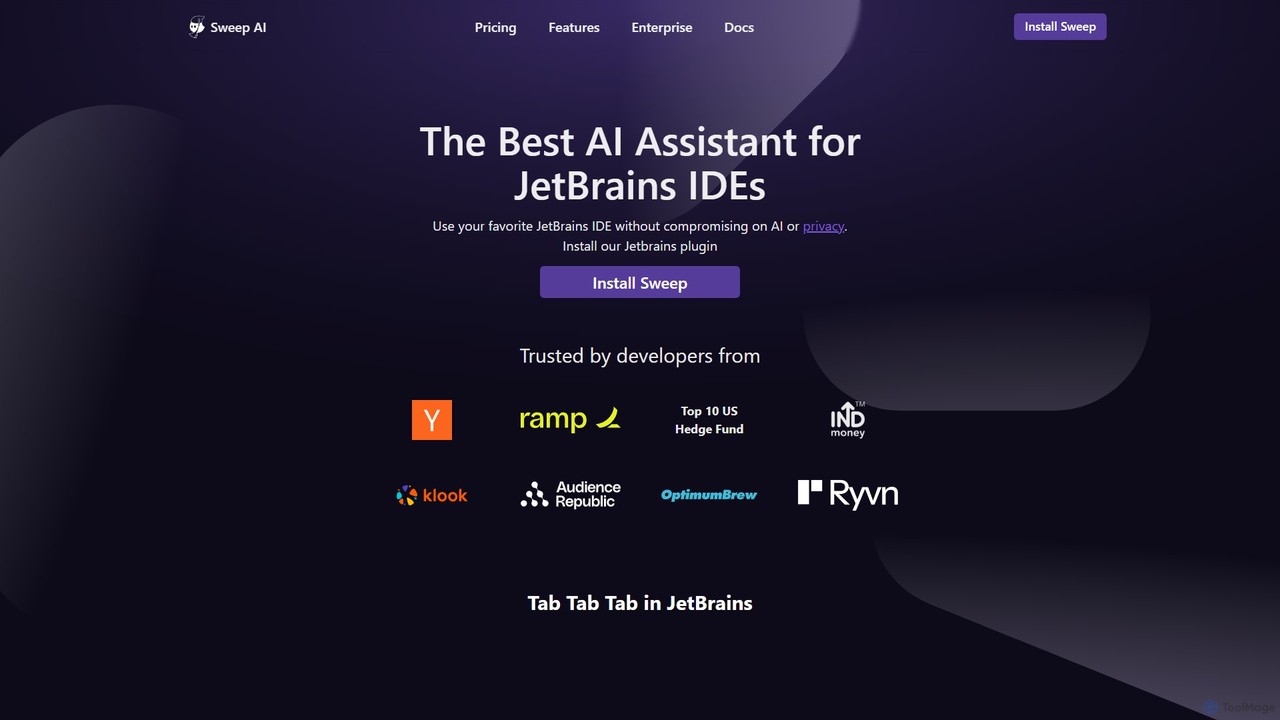
Sweep
Sweep is an AI-powered developer assistant designed as a plugin for JetBrains IDEs. It enhances coding productivity with intelligent 'next-edit' autocomplete and an AI agent that understands your entire codebase to handle complex, multi-file changes, run tests, and fix bugs. Sweep prioritizes privacy with a zero data retention policy and offers on-premise deployment for enterprises.
Code Generation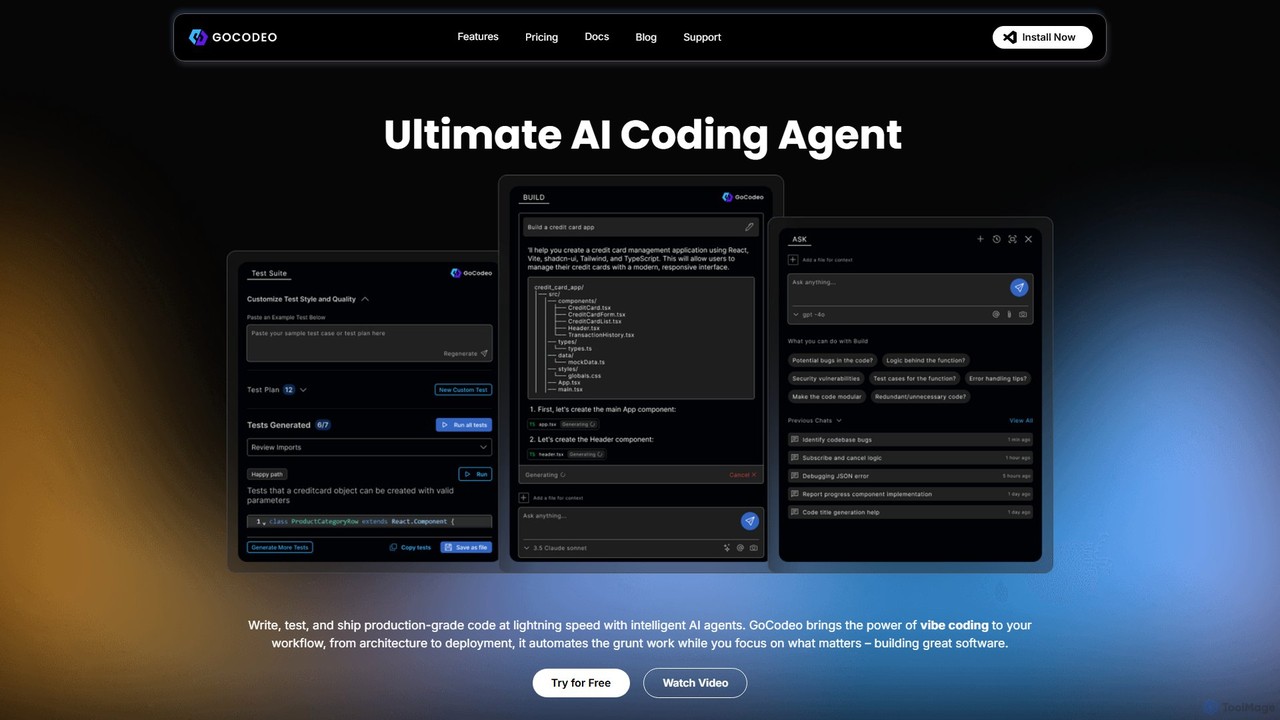
gocodeo
gocodeo is an AI coding agent integrated directly into your IDE (VS Code, IntelliJ) to accelerate the entire software development lifecycle. It helps developers build, test, and deploy projects faster through real-time code generation, automated testing, and seamless integrations. Supporting over 25 frameworks and 100+ tools, it transforms your IDE into an intelligent, context-aware workspace.
Code AssistantBLACKBOX.AI Categories
BLACKBOX.AI Embed Widget
Copy this embed code to place the badge on your blog, article, or product site and send readers directly to this ToolMage detail page.

Related AI tools
Qoder
Qoder is an agentic AI coding platform designed for real software development. It leverages an enhanced context engine to autonomously plan, code, and test entire projects based on simple prompts, integrating seamlessly into developer workflows via IDE, CLI, or JetBrains plugin.
Code AssistantSweep
Sweep is an AI-powered developer assistant designed as a plugin for JetBrains IDEs. It enhances coding productivity with intelligent 'next-edit' autocomplete and an AI agent that understands your entire codebase to handle complex, multi-file changes, run tests, and fix bugs. Sweep prioritizes privacy with a zero data retention policy and offers on-premise deployment for enterprises.
Code Generation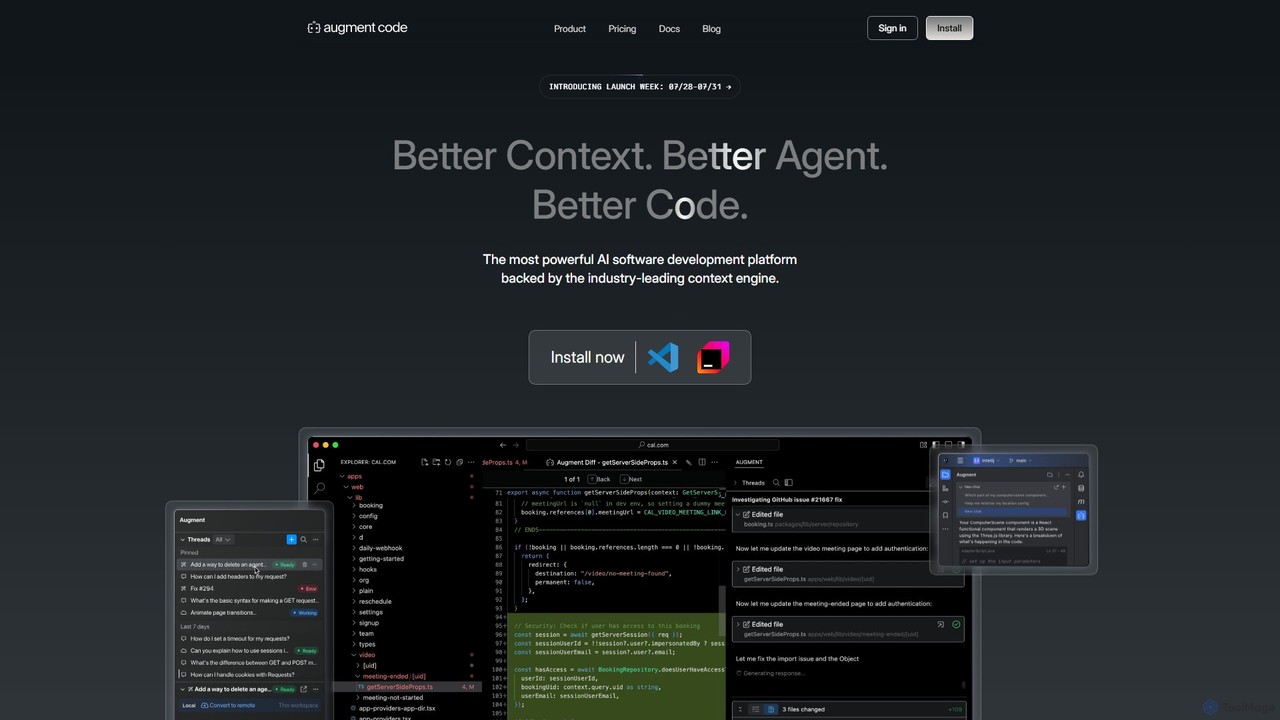
Augment Code
Augment Code is an advanced AI software development platform featuring autonomous agents and a powerful context engine. It integrates into your IDE to help you plan, build, and ship production-ready code faster, with a strong focus on enterprise-grade security and deep codebase understanding.
Code Generation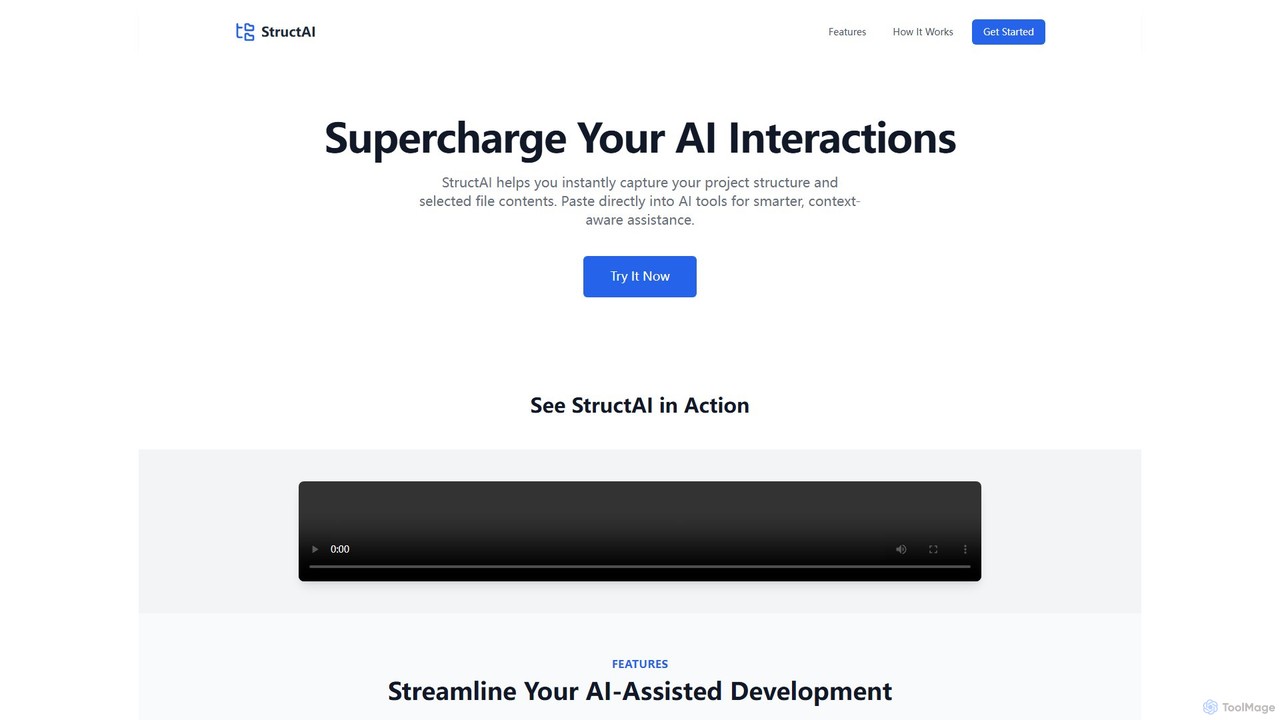
StructAI
StructAI is a developer tool that instantly captures your project's folder structure and selected file contents. It generates a context-rich, AI-ready output that you can paste into any AI assistant (like ChatGPT, Claude) for smarter, more accurate code generation, debugging, and analysis.
Prompt Engineering
Jyek
Jyek is an AI agent platform that understands objectives, creates execution plans, uses tools, and delivers verifiable results for complex, multi-step tasks.
Automation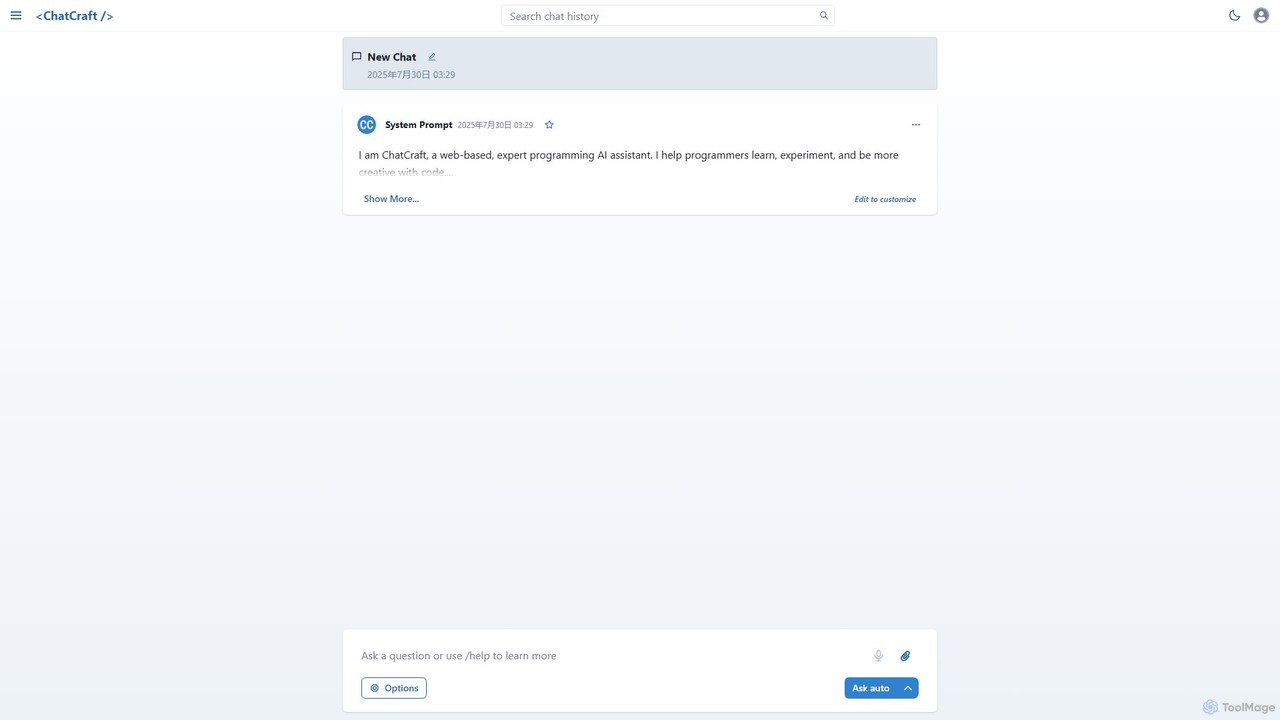
ChatCraft
ChatCraft is a free, open-source web application that serves as an expert AI programming assistant. It allows developers to learn, experiment, and enhance their creativity with code by providing a conversational interface for code generation, debugging, and analysis, all while ensuring privacy by using the user's own API key.
Specialized Chatbots
Safurai
Safurai is an AI-powered IDE extension that acts as a virtual assistant for software developers. It helps with coding, debugging, and refactoring, aiming to streamline the development process and improve code quality directly within your favorite IDE like VS Code and JetBrains.
Code GenerationCodespell
Codespell is an AI-powered SDLC co-pilot that integrates into your IDE to accelerate software development. It goes beyond code completion, helping generate code, create APIs, automate tests, document logic, and fix errors, streamlining the entire development lifecycle.
Code Assistant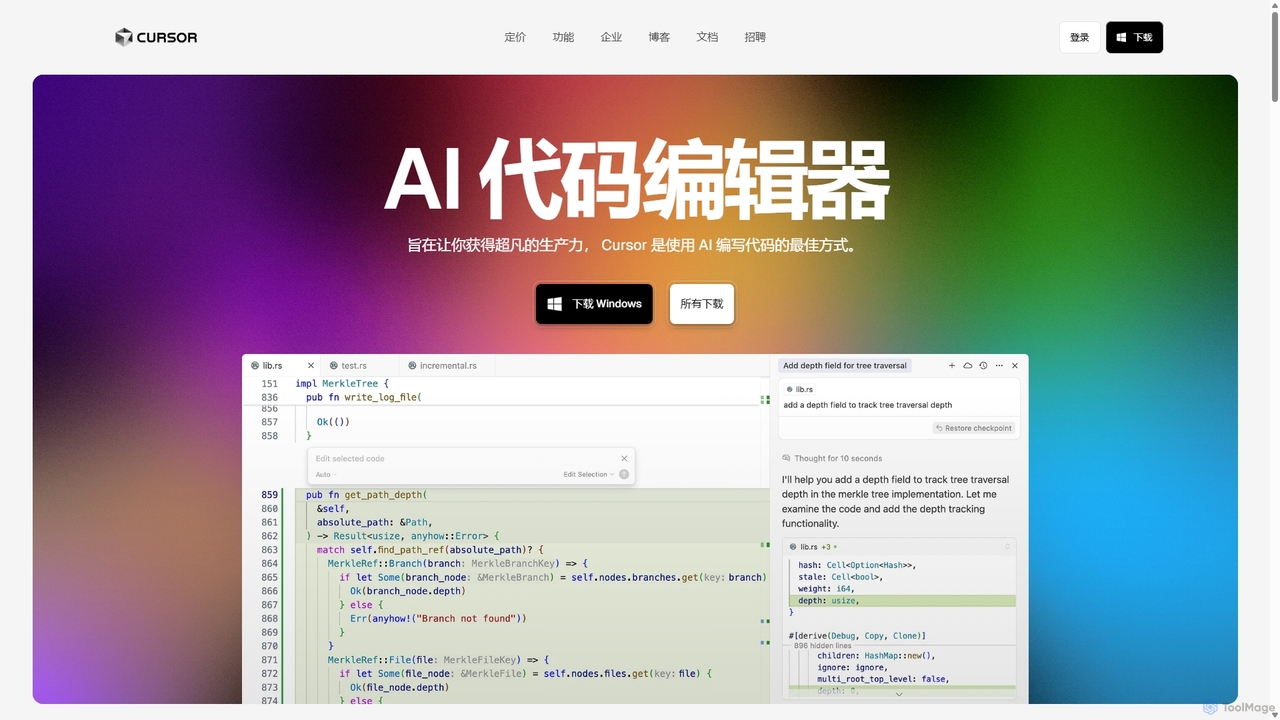
Cursor
Cursor is an AI-first code editor designed for pair-programming with artificial intelligence. Built as a fork of VS Code, it offers a familiar environment supercharged with advanced AI capabilities for code generation, editing, debugging, and codebase comprehension, aiming to significantly boost developer productivity.
Code Assistant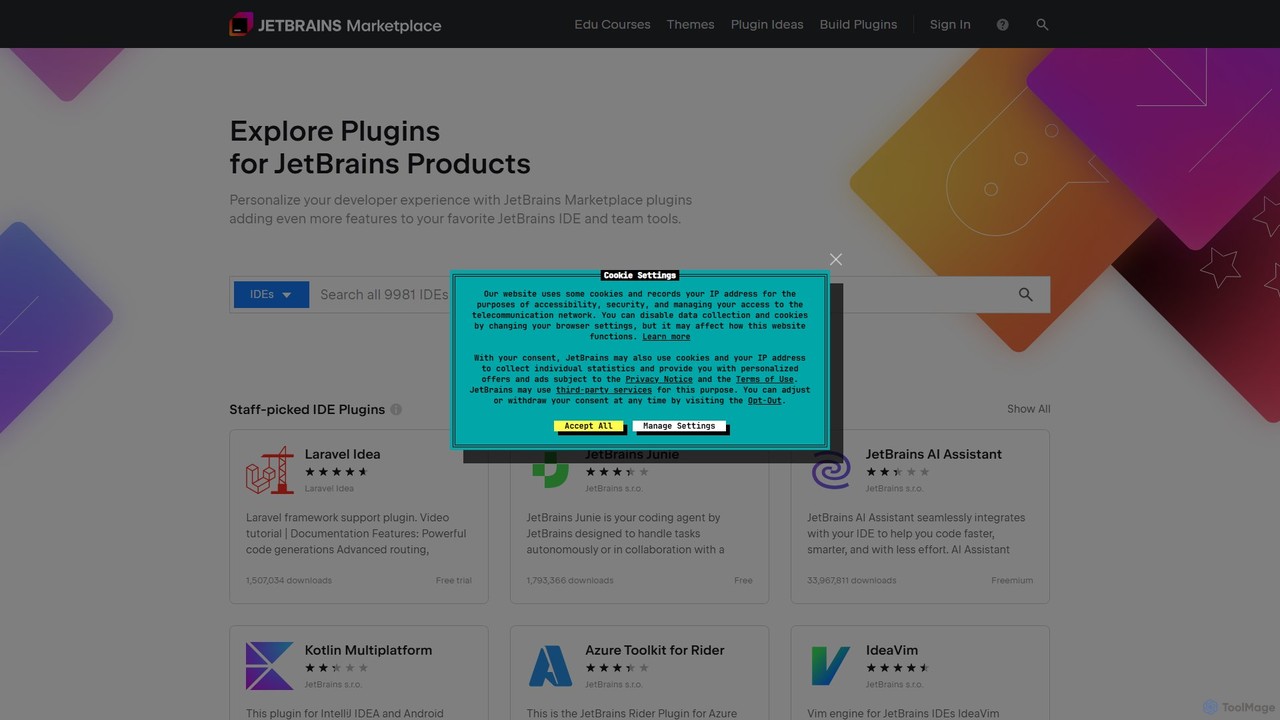
JetBrains Marketplace
The official hub for plugins and extensions for all JetBrains IDEs. Discover thousands of tools, including AI-powered coding assistants, framework integrations, themes, and more, designed to personalize your development environment and significantly boost productivity.
Ide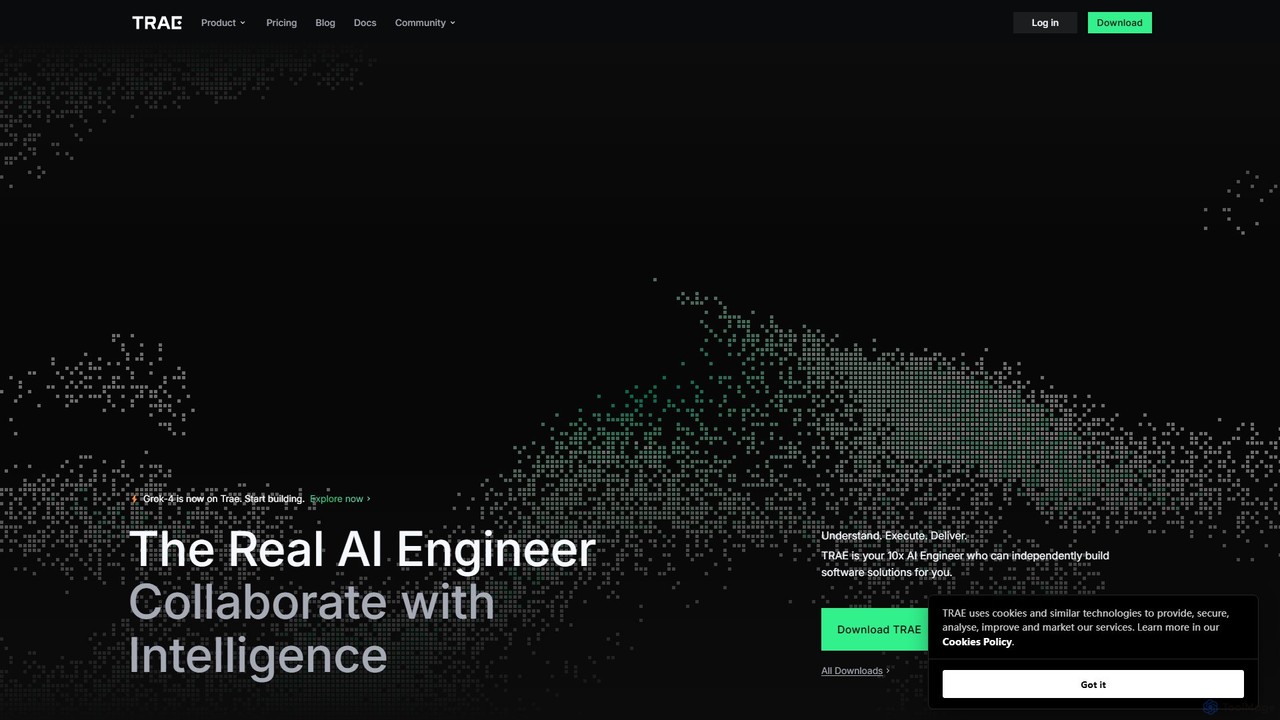
TRAE
TRAE is an AI-powered Integrated Development Environment (IDE) designed to function as a 10x AI Engineer. It automates the entire software development lifecycle, from idea to deployment, by understanding your vision, planning workflows, and executing tasks autonomously. Featuring dual development modes (IDE and SOLO), a customizable agent ecosystem, and deep contextual understanding, TRAE aims to revolutionize human-AI collaboration in coding.
Code Assistant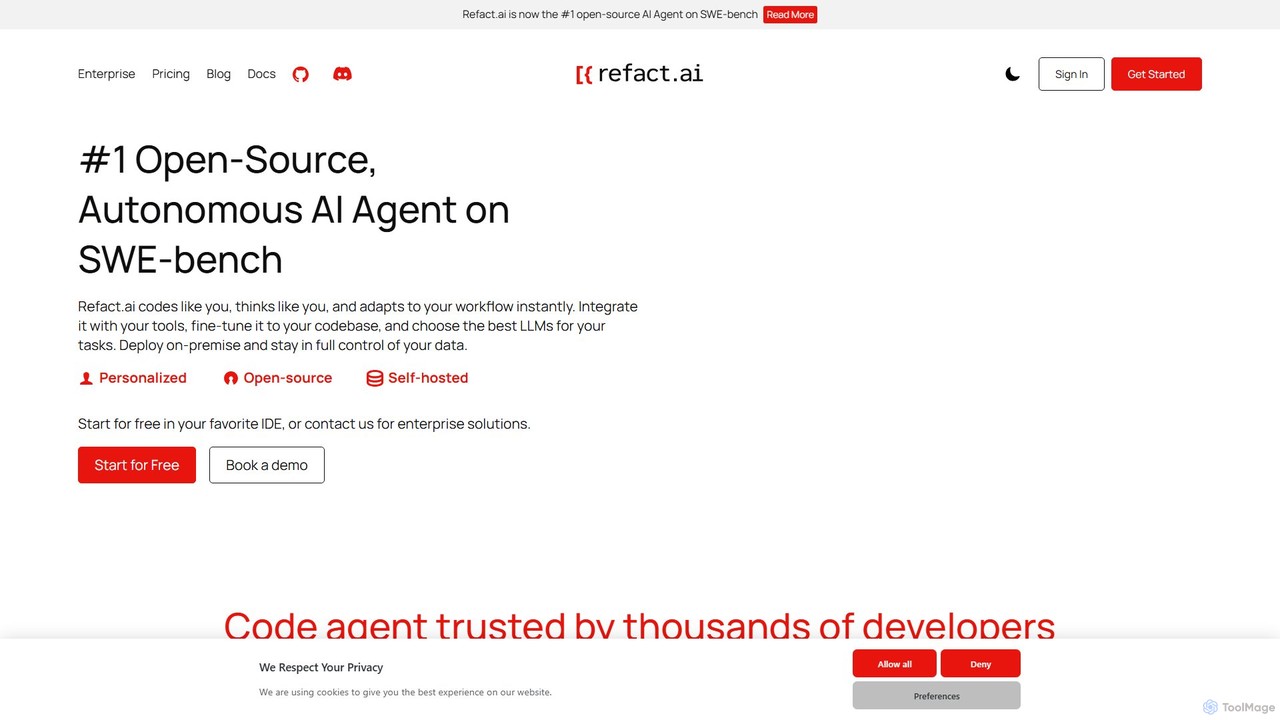
Refact
Refact is an open-source, self-hostable, and autonomous AI coding agent. It integrates into your IDE to act as a digital twin, automating coding tasks, providing context-aware completions and chat, and adapting to your codebase for maximum productivity and data privacy.
Code Assistant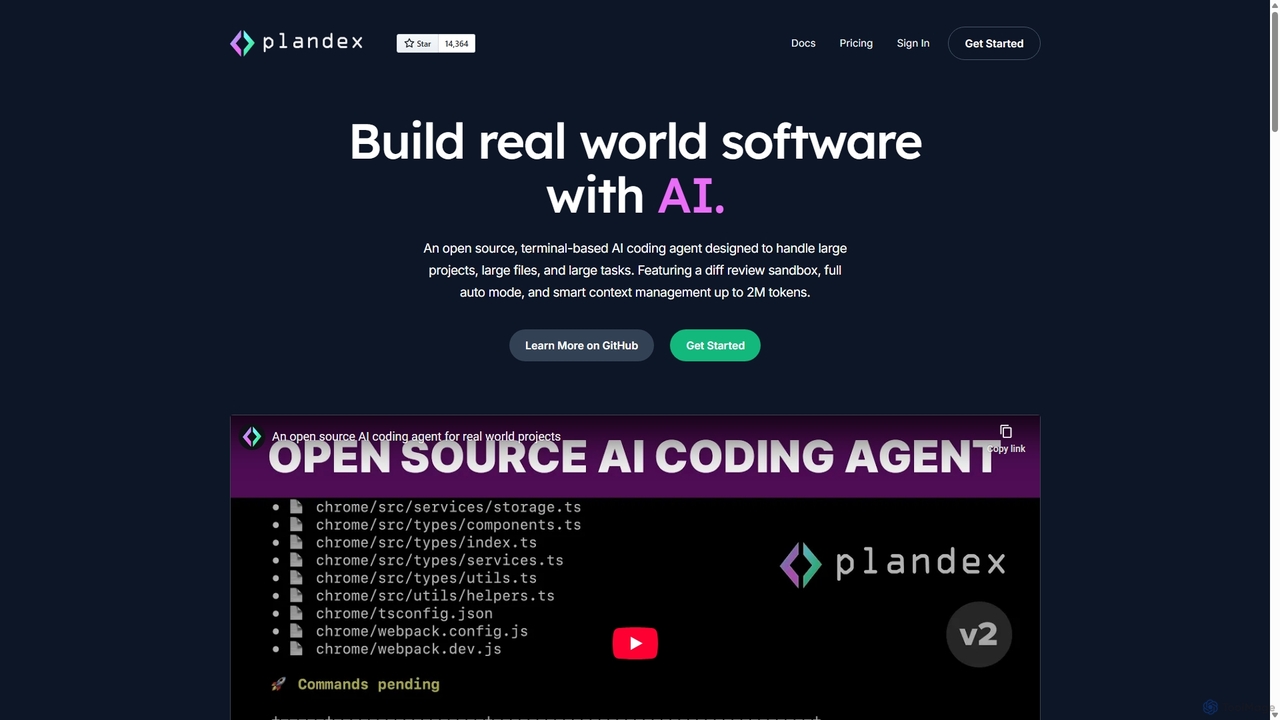
Plandex
Plandex is an open-source, terminal-based AI coding agent designed for complex, large-scale software development tasks. It excels at handling large projects and files with its 2M token context window. Featuring a diff review sandbox, configurable autonomy, and multi-model support, Plandex empowers developers to build, debug, and refactor entire applications with AI assistance, ensuring control and productivity in a dev-friendly workflow.
Code Generation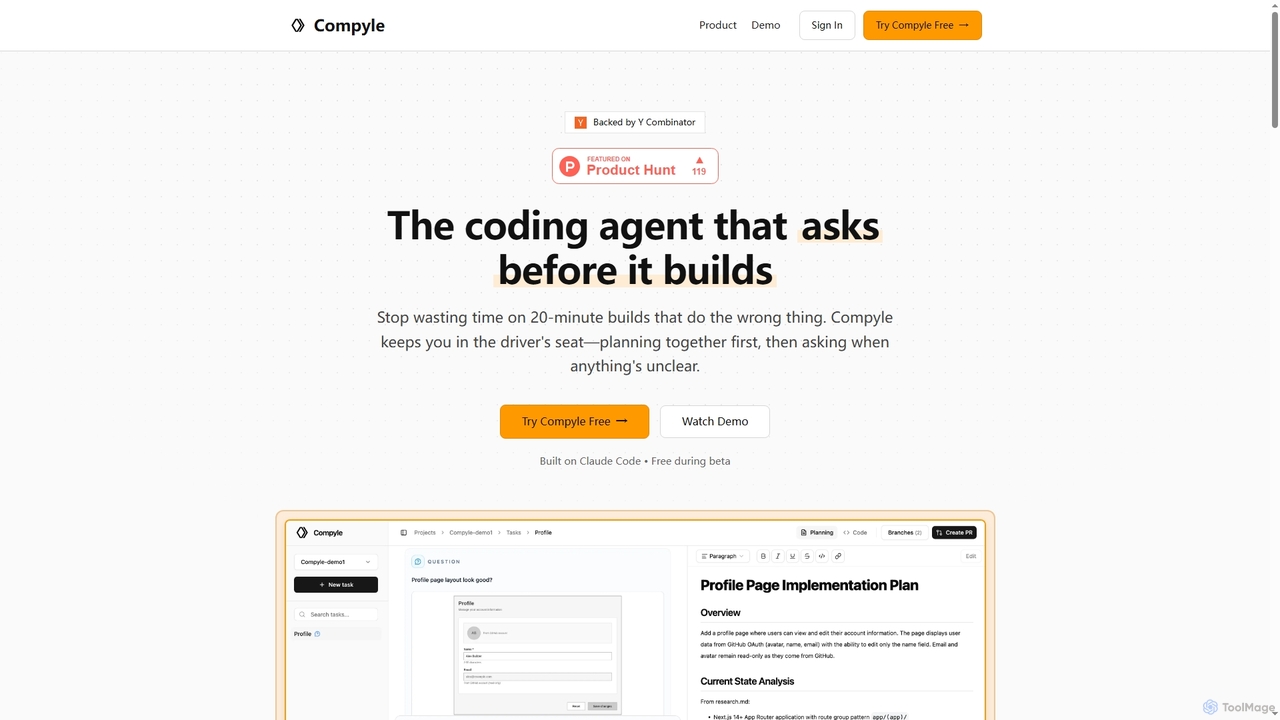
Compyle
Compyle is an interactive AI coding agent that builds software by collaborating with developers. It researches your existing codebase, creates a detailed plan by asking clarifying questions, and implements features without making assumptions, ensuring the final code perfectly matches your intent.
Code Assistant
Codebay
Codebay is an AI-powered development platform designed to accelerate the entire software lifecycle. It acts as an intelligent co-pilot for developers, offering advanced features for code generation, automated review, intelligent debugging, and seamless integration with existing workflows to enhance productivity and code quality.
Code Generation
BLACKBOX.AI Comments (0)
Sign in to comment.
Sign inNo comments yet.