ToolMage
Sign in

Best 6 Prompt Engineering AI tools for Ai Tools

Popular Prompt Engineering AI tools in Ai Tools include Repo Prompt, Makeskill, Prompt Lyfe, StructAI, PromptsLabs, and Prompt Selected, helping you work more efficiently.

Makeskill
Free

Makeskill

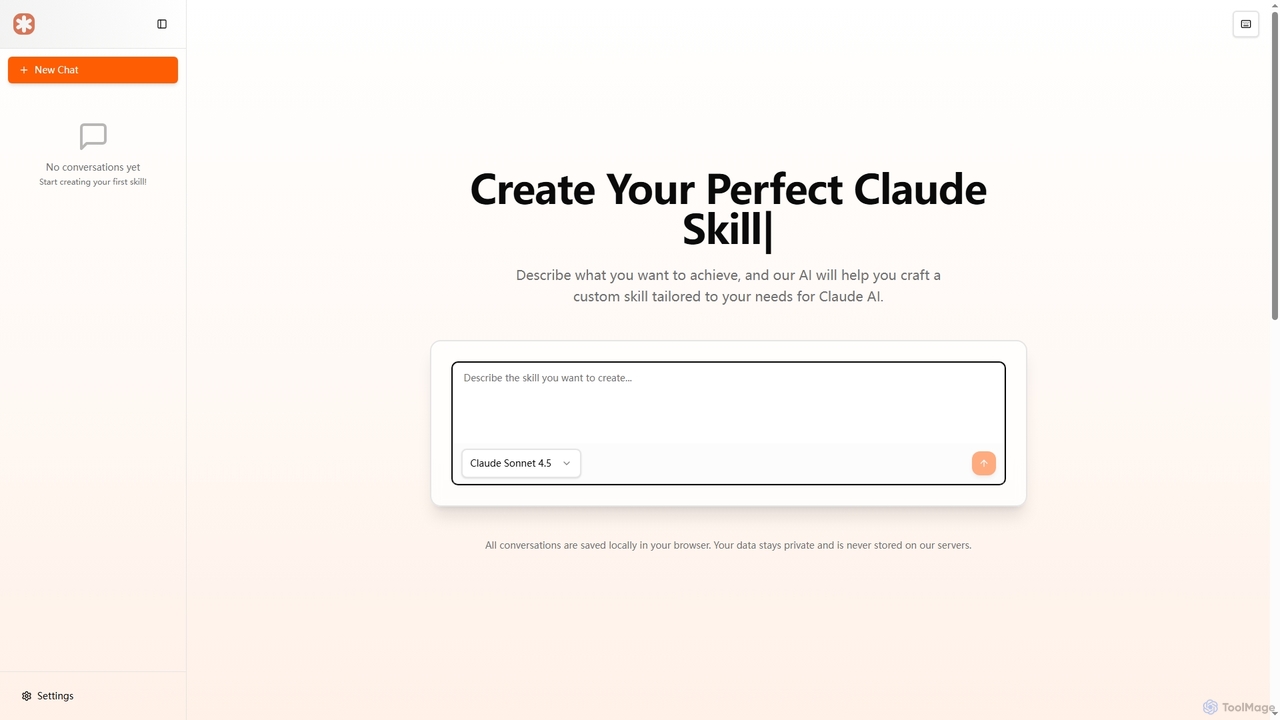
Makeskill is an AI-powered tool for creating custom, modular skills for Claude AI. Describe your goal, and the tool helps craft specialized instructions and workflows to extend Claude's capabilities, automate tasks, and build complex processes, with all data stored locally for privacy.

Prompt Engineering
Visits 8.3KFavorites 100Likes 96
Prompt Lyfe

Prompt Lyfe

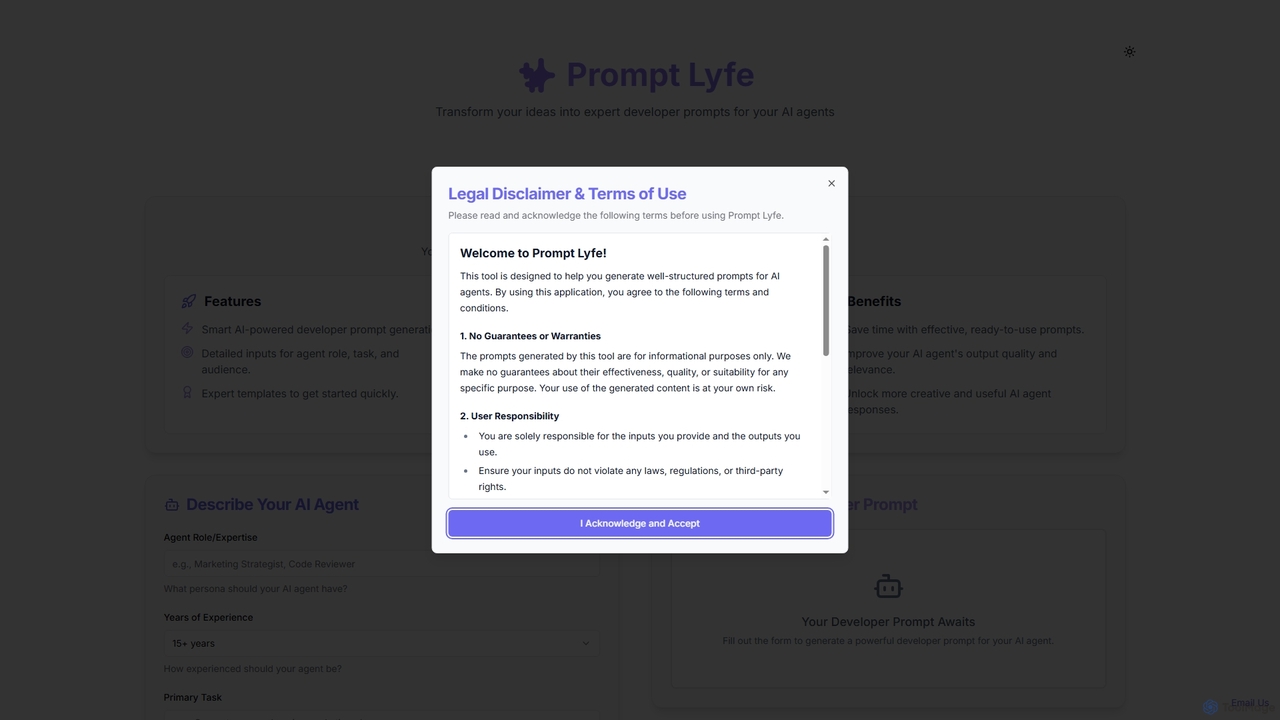
Prompt Lyfe is an AI tool designed to assist users in generating well-structured prompts for various AI agents. It streamlines the process of crafting effective inputs, helping developers and users create precise instructions for AI models. The tool emphasizes user responsibility for inputs and outputs, providing a foundational utility for AI interaction.

Prompt Engineering
Visits 6KFavorites 103Likes 117
PromptsLabs
Free

PromptsLabs

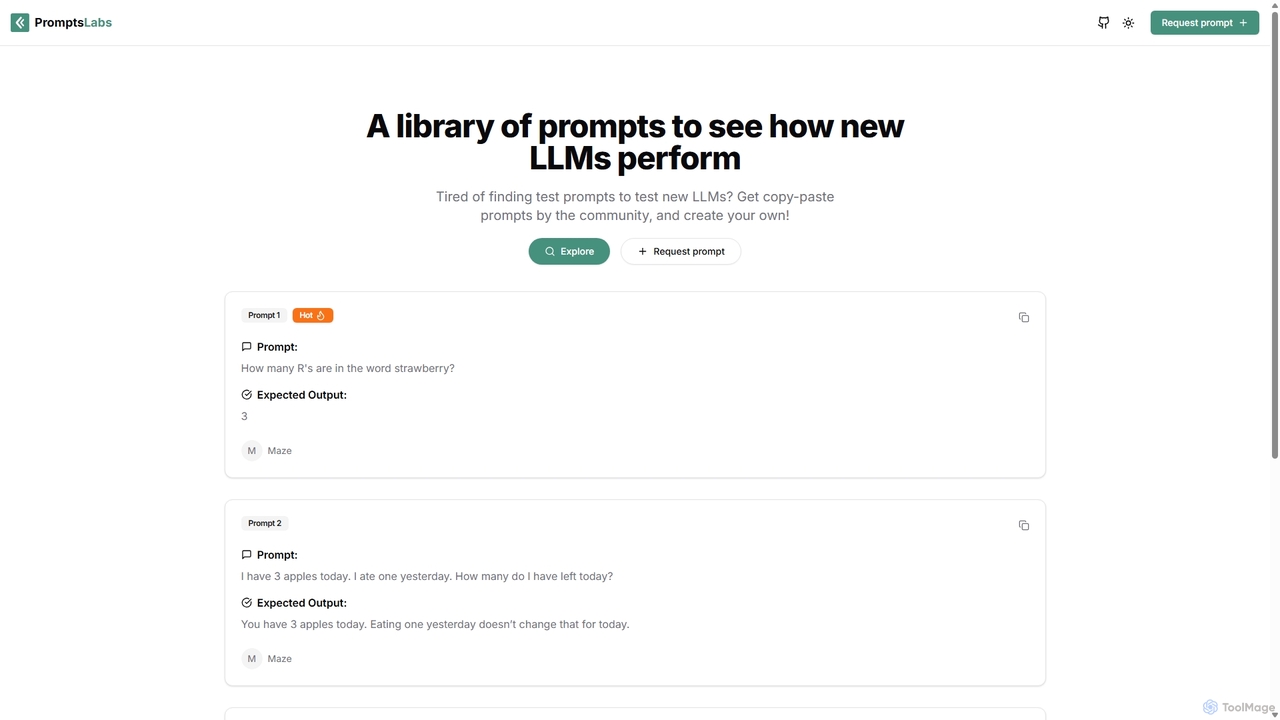
PromptsLabs is a community-driven library of prompts designed for testing and evaluating the performance of new Large Language Models (LLMs). It provides a standardized collection of copy-paste prompts with expected outputs, helping developers and researchers benchmark models on tasks like logic, reasoning, and math.

Prompt Engineering
Visits 4.8KFavorites 80Likes 83
StructAI
Freemium

StructAI

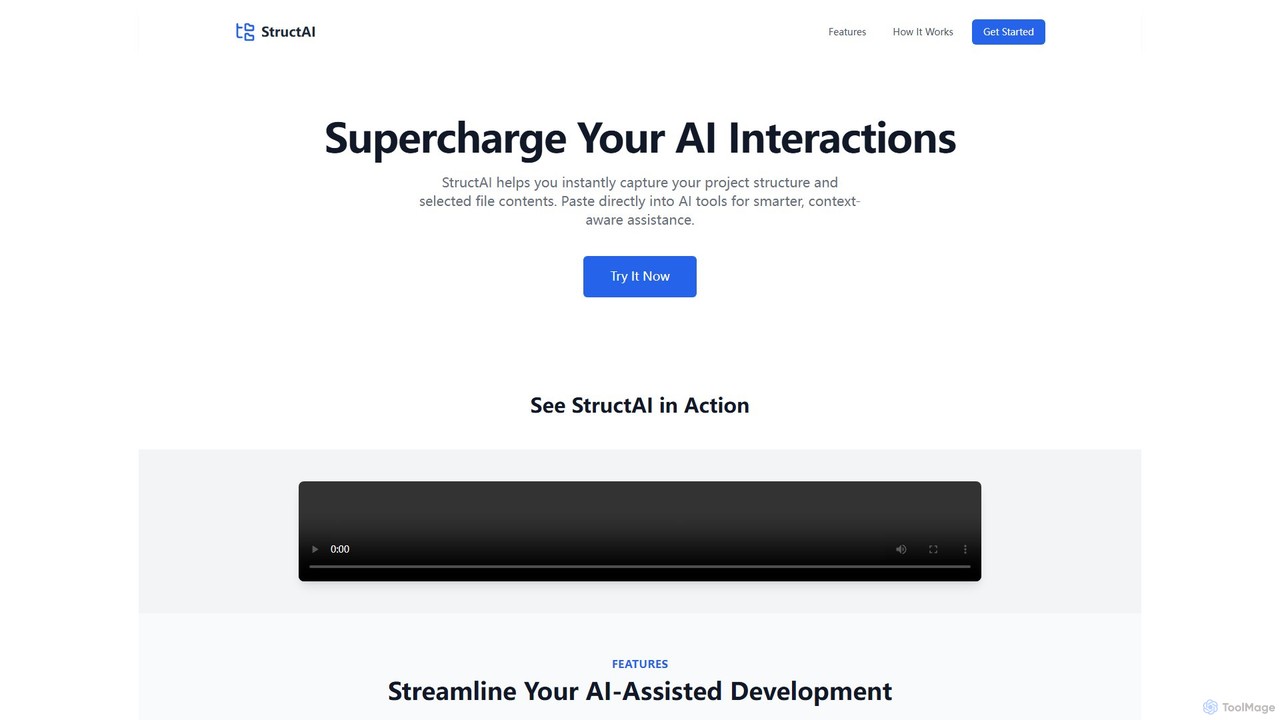
StructAI is a developer tool that instantly captures your project's folder structure and selected file contents. It generates a context-rich, AI-ready output that you can paste into any AI assistant (like ChatGPT, Claude) for smarter, more accurate code generation, debugging, and analysis.

Prompt Engineering
Visits 5.9KFavorites 141Likes 125
Prompt Selected
Free

Prompt Selected

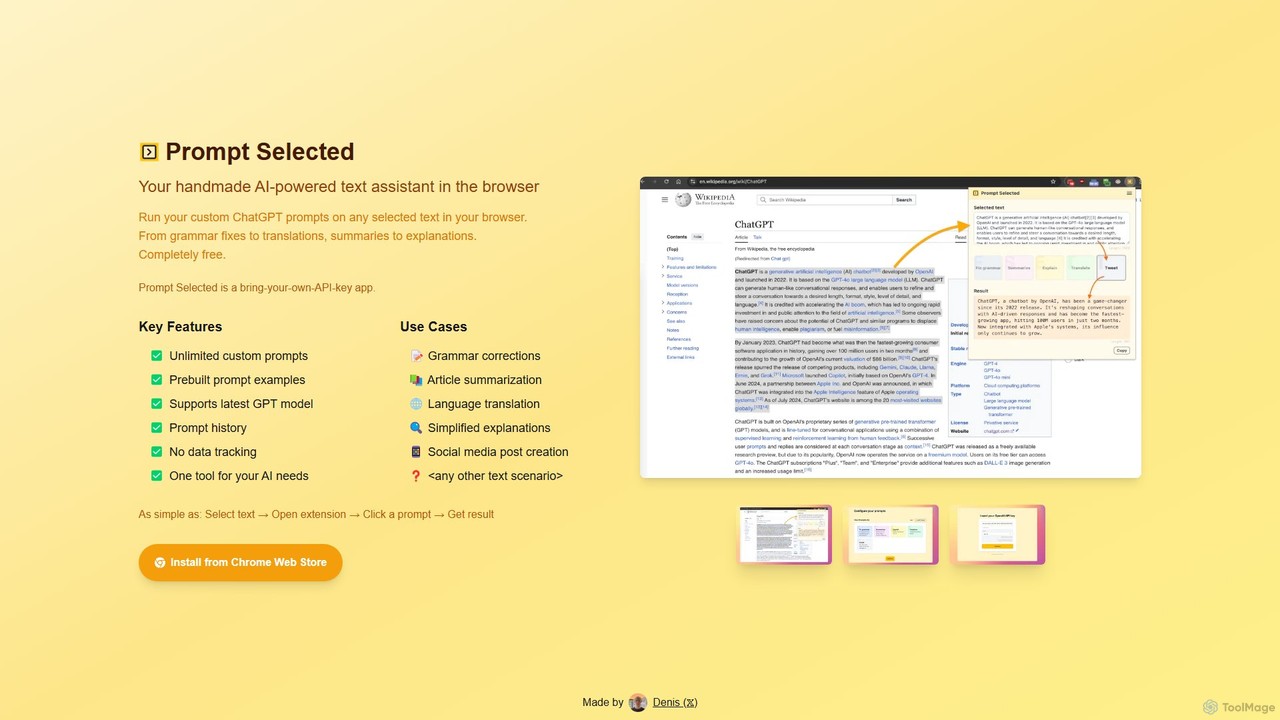
A free, privacy-focused Chrome extension that acts as your personal AI text assistant. Run unlimited custom ChatGPT prompts on any selected text directly in your browser for tasks like summarization, translation, and grammar correction using your own API key.

Prompt Engineering
Visits 4.7KFavorites 163Likes 157
Repo Prompt
Freemium

Repo Prompt

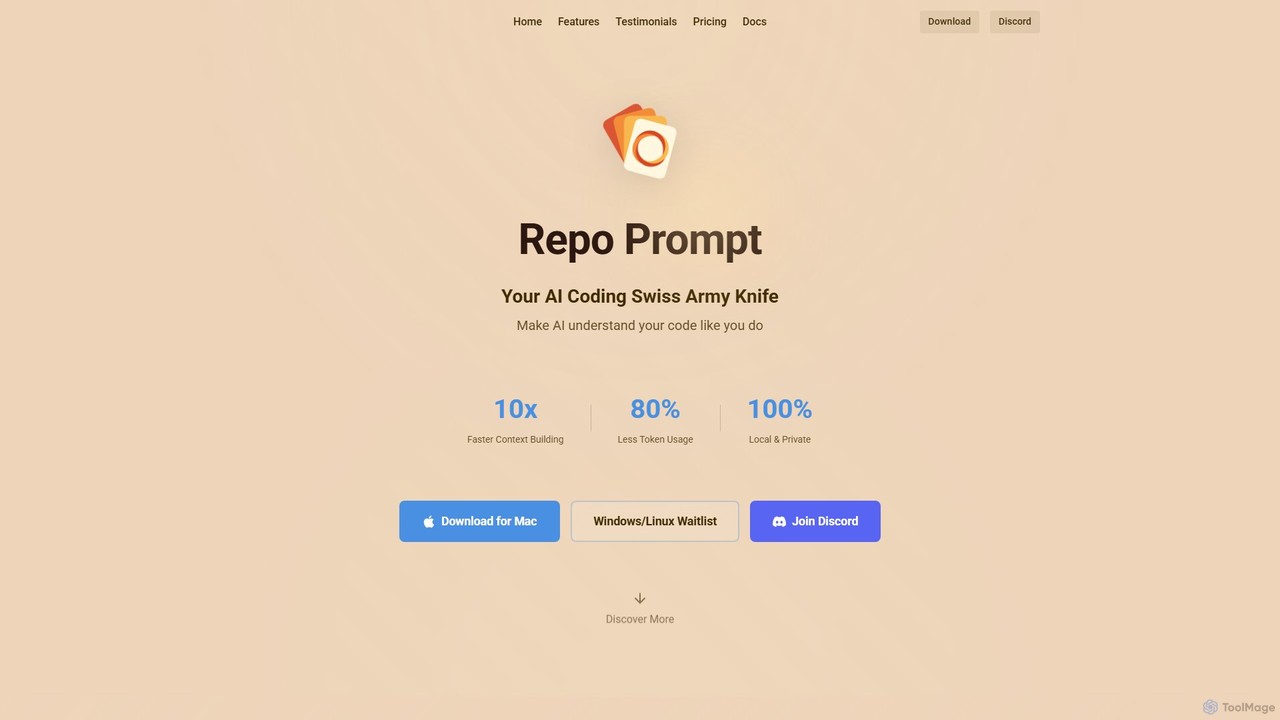
Repo Prompt is an AI coding assistant and context engineering tool for developers. It acts as a "Swiss Army Knife" to help AI models understand your codebase with precision. By creating optimal context, it accelerates development, reduces token usage by up to 80%, and enhances your existing AI editors like Cursor through its powerful MCP Server integration. It operates locally, ensuring your code remains private.

Prompt Engineering
Visits 29.2KFavorites 89Likes 98

About Prompt Engineering

Prompt Engineering tools are specialized platforms designed to create, manage, test, and optimize instructions (prompts) for large language models (LLMs). These tools provide a structured environment that goes beyond simple text editors, enabling users to systematically refine prompts for better accuracy, consistency, and efficiency. By using features like version control, A/B testing, and parameter tuning, individuals and teams can unlock the full potential of generative AI. This category is essential for developers, researchers, and content creators who need to produce reliable and high-quality outputs from AI models repeatedly.

Core Features

  • Prompt Library & Management: Centralize, organize, and reuse effective prompts across teams and projects.
  • Version Control: Track changes to prompts over time, allowing for rollbacks and performance comparisons.
  • A/B Testing & Evaluation: Systematically compare different prompt variations to identify the most effective ones based on output quality.
  • Parameter Tuning: Provides interfaces to easily adjust model parameters like temperature, top_p, and frequency penalty.
  • Team Collaboration: Enables multiple users to work on, review, and standardize prompts within a shared workspace.

Use Cases

These tools are widely used by software developers integrating LLMs into applications, marketing teams striving for consistent brand messaging in AI-generated content, and customer support teams refining chatbot responses. Researchers also use them to systematically study model behavior, while content agencies manage vast libraries of prompts for diverse client needs.

How to Choose

When selecting a Prompt Engineering tool, consider the specific AI models it supports (e.g., GPT-4, Claude, Llama). Evaluate its collaboration features if you work in a team. Assess the robustness of its testing and analytics capabilities for performance optimization. Finally, consider its API availability for integration into your existing workflows and the overall user-friendliness of the interface.

Prompt Engineering use cases

1

Standardizing Marketing Copy Generation

A marketing team needs to generate social media posts, ad copy, and email newsletters that consistently reflect their brand's voice. Using a Prompt Engineering tool, they create a centralized library of pre-approved prompts. Each prompt is designed with specific instructions on tone, style, and key messaging. Team members can access these standardized prompts, ensuring that all AI-generated content is on-brand, regardless of who creates it. The version control feature allows the marketing manager to track updates and refine the core prompts based on campaign performance, improving consistency and effectiveness over time.

2

Optimizing Chatbot Responses for Customer Support

A customer support team uses an AI chatbot to handle common inquiries. To improve the chatbot's accuracy and helpfulness, they use a Prompt Engineering platform. Support specialists can create and test different prompt variations for specific scenarios, such as 'handling a refund request' or 'troubleshooting a login issue'. The A/B testing feature allows them to compare which prompt leads to higher customer satisfaction scores. Successful prompts are then deployed to the live chatbot. This iterative process of testing and refinement significantly reduces escalations to human agents and improves the overall customer experience.

3

Developing Reliable Prompts for Application Integration

A software developer is building a feature that summarizes articles using an LLM API. To ensure the summaries are consistently accurate and concise, they use a Prompt Engineering IDE. This tool allows them to write, version, and test prompts in a controlled environment. They can define test cases with various articles (long, short, technical) to see how the prompt performs. By tuning parameters and refining the prompt's structure, they develop a robust prompt that handles edge cases effectively. Once finalized, this tested prompt is integrated into the application's backend, leading to a more reliable and predictable feature for end-users.

4

Managing a Prompt Marketplace for a Community

An online platform wants to offer its users a marketplace of high-quality prompts for various creative tasks. They use a Prompt Engineering tool with collaboration and sharing features. Prompt creators can submit their prompts for review, and moderators can test and approve them. The platform provides a centralized, searchable library where users can find prompts for specific needs, like 'generating a fantasy story plot' or 'creating a logo concept'. This fosters a community of prompt creators and consumers, improving the overall quality and variety of prompts available, and providing significant value to the platform's user base.

5

Systematic Research on LLM Behavior

A team of AI researchers is studying how different phrasing affects an LLM's output on ethical questions. They use a Prompt Engineering tool to systematically create hundreds of prompt variations, slightly altering variables like tone, context, and specific keywords. The tool allows them to run these prompts in batches and log the outputs for analysis. By comparing the results in a structured way, they can draw more reliable conclusions about the model's biases and sensitivities. The version control and detailed logging are critical for ensuring the experiment is reproducible and the findings are scientifically valid.

6

Crafting High-Stakes Legal and Compliance Prompts

A legal tech company uses LLMs to summarize complex legal documents for lawyers. The accuracy of these summaries is critical. The legal team uses a Prompt Engineering platform to craft and rigorously test prompts. They create prompts designed to extract specific clauses, identify risks, and summarize case law without hallucination. The platform's testing suite allows them to run the prompts against a database of known legal documents and compare the AI's output to human-generated summaries. This ensures the prompts are reliable and safe for use in a high-stakes professional environment, maintaining compliance and accuracy.

Prompt Engineering FAQ

What are Prompt Engineering tools?

Prompt Engineering tools are specialized software platforms designed to help users create, test, manage, and optimize prompts for generative AI models like LLMs. Unlike a standard text editor, they provide features such as version control, A/B testing, team collaboration, and prompt libraries. Their main purpose is to enable a systematic and data-driven approach to developing prompts that produce consistent, accurate, and high-quality results from AI.

How do I choose the right Prompt Engineering tool?

Choosing the right tool depends on your specific needs. Consider the following factors:

  • Supported Models: Ensure the tool is compatible with the AI models you use (e.g., OpenAI, Anthropic, Google models).
  • Use Case: Are you a solo developer, a content team, or a researcher? Look for features that match your workflow, such as collaboration, API access, or advanced analytics.
  • Testing Capabilities: If performance is critical, choose a tool with robust A/B testing and evaluation metrics to compare prompt effectiveness.
  • User Interface: Select a tool with an interface that suits your technical level, ranging from simple libraries to complex Integrated Development Environments (IDEs).
What's the difference between a Prompt Engineering tool and a text editor?

A text editor is a simple tool for writing and editing text. A Prompt Engineering tool is a specialized environment built specifically for the prompt development lifecycle. Key differences include:

  • Structure: Prompt Engineering tools offer structured ways to manage prompts, variables, and model parameters.
  • Testing: They provide built-in features for A/B testing and evaluating AI outputs, which text editors lack.
  • Collaboration: They often include features for teams to share, review, and standardize prompts.
  • Version Control: They allow you to track changes and revert to previous versions of a prompt, which is crucial for iterative development.

In short, while you can write a prompt in a text editor, a Prompt Engineering tool helps you perfect it systematically.

Who should use Prompt Engineering tools?

Prompt Engineering tools are valuable for a wide range of users who interact with generative AI. Key groups include:

  • Developers: For building and testing reliable AI-powered features in applications.
  • Marketing & Content Teams: To maintain brand consistency and manage a large volume of prompts for content creation.
  • Customer Support Managers: For refining chatbot logic and improving automated customer interactions.
  • AI Researchers: To conduct systematic experiments on model behavior and capabilities.
  • Power Users & Hobbyists: Anyone looking to move beyond basic prompting and achieve more sophisticated and consistent results from AI models.
Why is prompt versioning important?

Prompt versioning is the practice of saving and tracking different versions of a prompt over time. It is a critical feature in Prompt Engineering tools for several reasons:

  • Reproducibility: It allows you to go back to a previous version that worked well, ensuring consistent results.
  • Performance Tracking: You can compare the outputs of different versions to see which one performs better, enabling data-driven optimization.
  • Collaboration: When multiple people work on a prompt, versioning prevents conflicts and provides a clear history of changes.
  • Debugging: If a prompt suddenly starts producing poor results, you can check the version history to see what changed and identify the cause of the problem.