

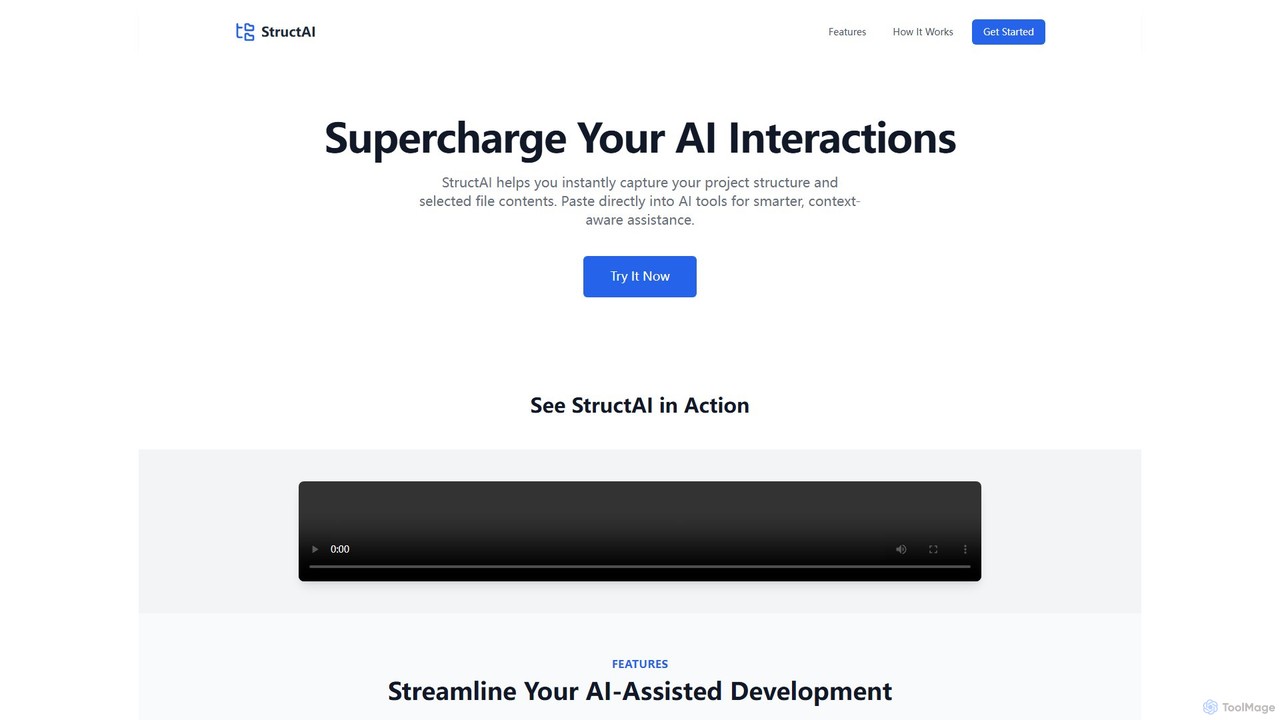
StructAI Overview
StructAI is a powerful productivity tool designed to supercharge interactions between developers and AI assistants. In modern software development, providing AI models with sufficient context about a project's architecture is a major challenge. Simply pasting a single code snippet often results in generic or incorrect suggestions. StructAI elegantly solves this problem by allowing developers to instantly capture and format their project's entire structure, including the contents of selected files, into a single, clean block of text.
This AI-ready output can be seamlessly pasted into the prompt of any large language model (LLM), such as ChatGPT, Claude, or Gemini. By providing this comprehensive context, the AI can deliver far more intelligent, accurate, and relevant assistance. Whether you're debugging a complex issue, refactoring code, generating new features, or creating documentation, StructAI ensures the AI understands the bigger picture, leading to a significant boost in development efficiency and code quality.
How to use StructAI
Using StructAI is designed to be a simple and intuitive three-step process that integrates smoothly into any developer's workflow:
- Scan Your Project: Begin by providing StructAI with your project source. You can either upload a local project folder directly from your computer or connect to a GitHub repository by simply pasting its URL. The tool supports both public and private GitHub repositories, ensuring flexibility and security.
- Select and Copy: Once scanned, StructAI displays an interactive, visual representation of your project's file and folder tree. You can easily navigate this structure and use checkboxes to select the specific files and directories you want to include in the context. You can choose to copy the entire structure or only the parts relevant to your task. With a single click on the 'Copy' button, the formatted structure and the content of your selected files are copied to your clipboard.
- Paste into AI Tools: Navigate to your preferred AI assistant (e.g., ChatGPT, Copilot Chat, Claude). Paste the content from your clipboard directly into the chat prompt. The AI will now have a detailed understanding of your project's layout and relevant code, enabling it to provide highly accurate and context-aware responses.
Core Features of StructAI
- Instant Structure Capture: Quickly scans and visualizes local project folders or GitHub repositories in seconds.
- Smart File Selection: An interactive tree view allows you to precisely select which files and folders to include, combining their contents for targeted AI assistance.
- GitHub Integration: Seamlessly fetches and analyzes structures from any public or private GitHub repository, making it easy to work with cloud-hosted projects.
- AI-Ready Output: Generates a clean, formatted, and easy-to-parse representation of your project structure and code, optimized for consumption by large language models.
- One-Click Copy: Simplifies the process of gathering context into a single action, eliminating the need for manual copy-pasting of multiple files.
- Lightning Fast Performance: Engineered to analyze even large and complex project structures efficiently, ensuring your workflow remains smooth and uninterrupted.
- Security Focused: When analyzing local folders, processing is done client-side. You have full control over which files are selected and shared with an AI, ensuring your sensitive code remains secure.
Use Cases for StructAI
StructAI is versatile and can be applied to numerous development tasks:
- Advanced Debugging: Provide the AI with the project structure and the code from multiple interacting files to help it trace bugs and suggest accurate fixes.
- Context-Aware Code Generation: When adding a new feature, give the AI context of existing models, controllers, and utilities to ensure the new code is consistent and well-integrated.
- Efficient Code Refactoring: Allow the AI to analyze the broader structure to suggest holistic refactoring improvements that enhance performance and maintainability.
- Automated Documentation: Generate a project overview and paste it into an AI to create a README.md file, code comments, or API documentation automatically.
- Developer Onboarding: Quickly create a comprehensive summary of a project's architecture to help new team members get up to speed faster.
- Security Audits: Select relevant parts of the codebase to have an AI analyze them for potential security vulnerabilities.
Advantages of StructAI
The primary advantage of StructAI is the massive increase in the quality of AI-generated assistance. By providing deep context, it transforms a generic AI assistant into a specialized project expert. This leads to higher developer productivity, reduced time spent on debugging, better code quality, and a more streamlined development process. It works with any text-based AI and requires no complex setup or integration, making it a universally valuable tool for any developer using AI.
Pricing and Plans
StructAI operates on a freemium model, making it accessible to everyone while offering advanced features for professional use. While the exact details are available on the official website, a typical structure includes:
- Free Plan: Ideal for students, hobbyists, and small projects. This plan usually includes full support for public repositories and local folders, with some limitations on the size of the project or the number of files that can be analyzed.
- Pro Plan (Paid): Designed for professional developers and freelancers. This tier typically unlocks support for private GitHub repositories, larger project sizes, and priority support.
- Team/Enterprise Plan (Paid): Tailored for development teams and companies, offering collaborative features, centralized billing, and premium support options.
Please visit the StructAI website for the most current pricing information.
Traffic
Latest traffic
Status
Monthly traffic trend
- 2025-9: 1.3K
- 2026-1: 54
- 2026-2: 537
- 2026-3: 57
- 2026-4: 0
- 2026-5: 1.0K
Geography
Top 5 countries / regions
- 🇮🇳India58.5%
- 🇺🇸United States41.5%
Top keywords
| Keyword | Cost per click |
|---|---|
| structag | $0.00 |
| struct ai | $0.00 |
| structurr ai | $0.00 |
StructAI Alternatives
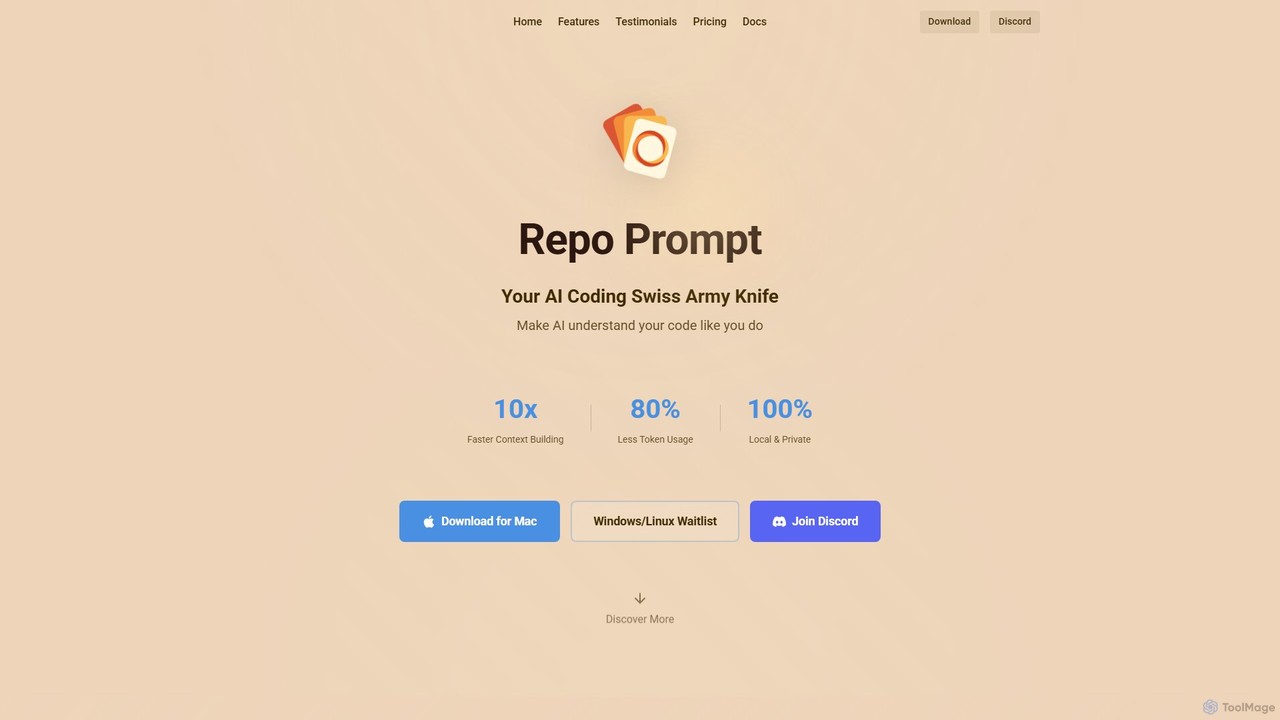
Repo Prompt
Repo Prompt is an AI coding assistant and context engineering tool for developers. It acts as a "Swiss Army Knife" to help AI models understand your codebase with precision. By creating optimal context, it accelerates development, reduces token usage by up to 80%, and enhances your existing AI editors like Cursor through its powerful MCP Server integration. It operates locally, ensuring your code remains private.
Prompt Engineering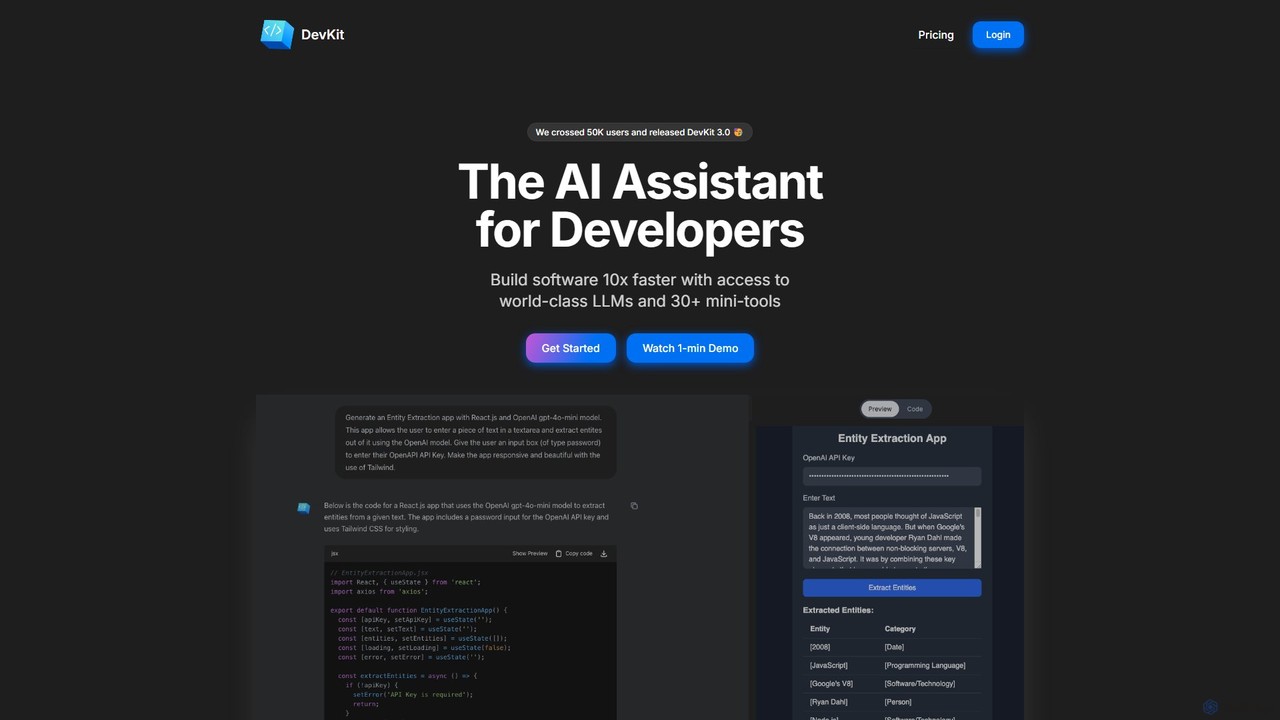
DevKit
DevKit is an all-in-one AI-powered toolkit for developers, designed to accelerate the software development lifecycle. It integrates a powerful AI assistant, DevGPT, with access to multiple LLMs (GPT-4o, Gemini, Llama) and a suite of over 30 specialized mini-tools. It helps developers write code, test APIs, query databases with natural language, and manage various development tasks from a single, unified platform, aiming to boost productivity by up to 10x.
Code Assistant
BLACKBOX.AI
BLACKBOX.AI is an autonomous AI coding agent designed to accelerate software development. It helps developers write code faster, debug efficiently, and can even build full applications from images or text descriptions, integrating seamlessly with popular IDEs like JetBrains.
Code Assistant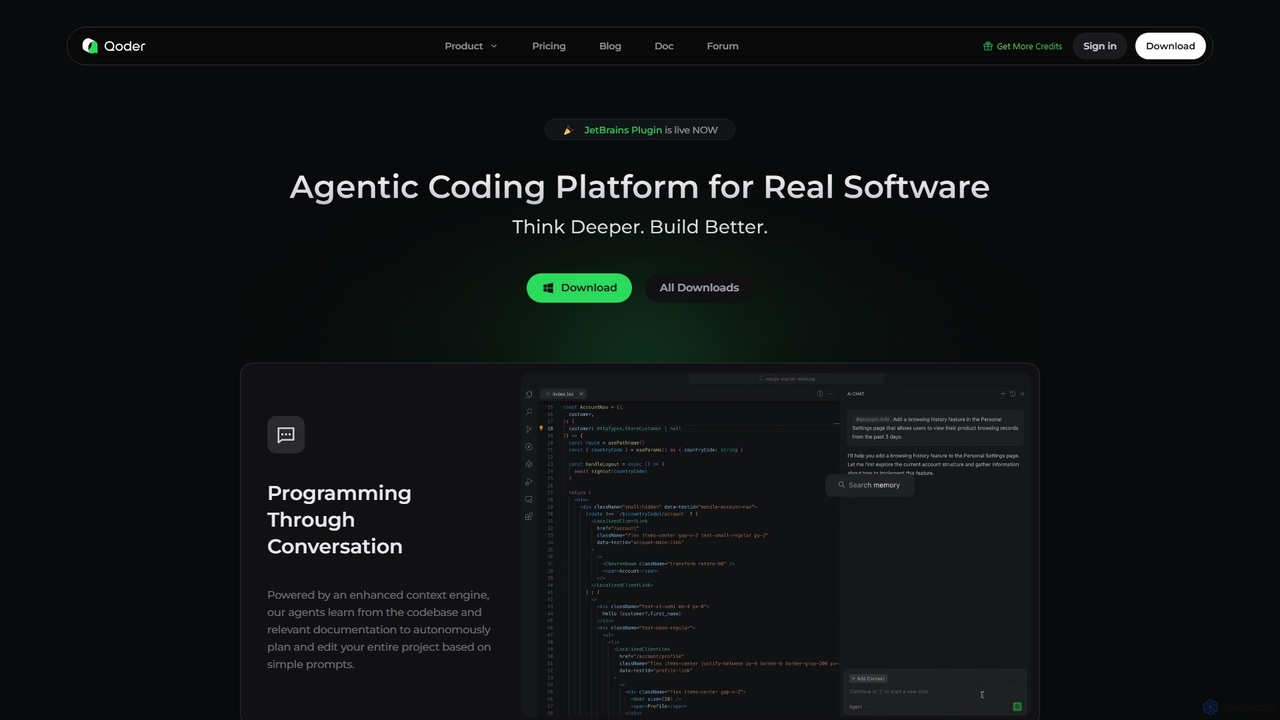
Qoder
Qoder is an agentic AI coding platform designed for real software development. It leverages an enhanced context engine to autonomously plan, code, and test entire projects based on simple prompts, integrating seamlessly into developer workflows via IDE, CLI, or JetBrains plugin.
Code Assistant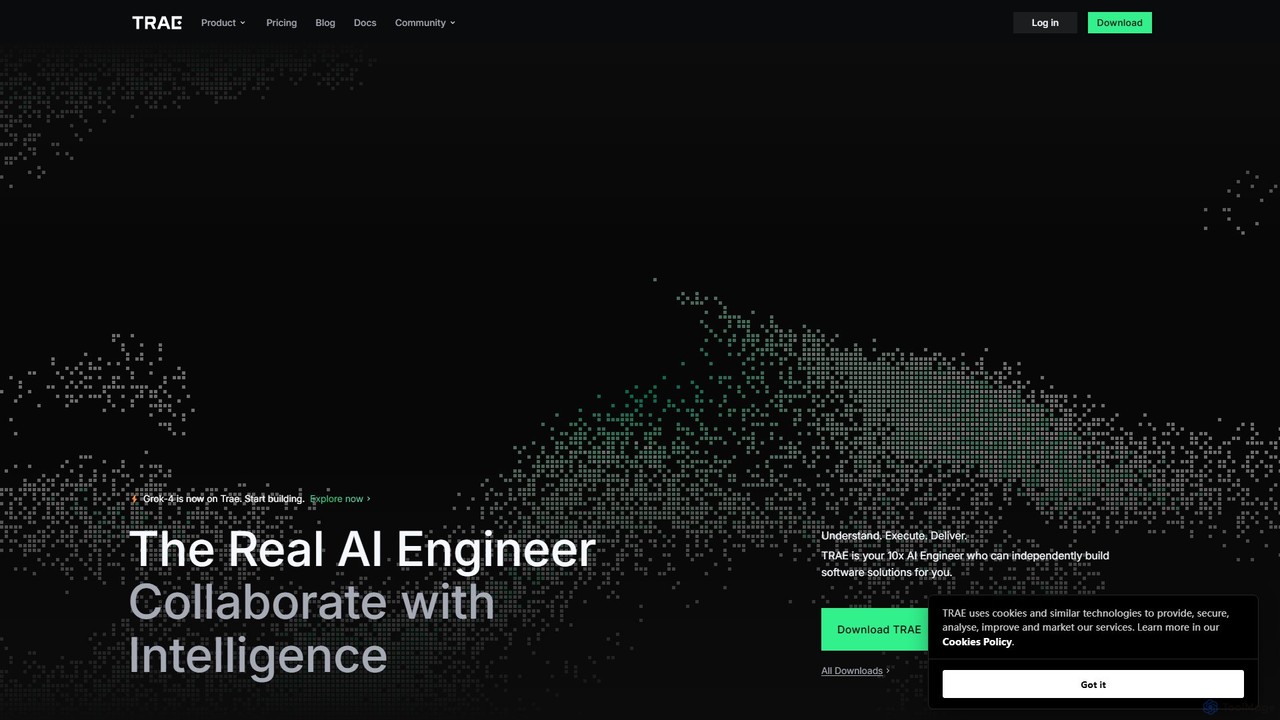
TRAE
TRAE is an AI-powered Integrated Development Environment (IDE) designed to function as a 10x AI Engineer. It automates the entire software development lifecycle, from idea to deployment, by understanding your vision, planning workflows, and executing tasks autonomously. Featuring dual development modes (IDE and SOLO), a customizable agent ecosystem, and deep contextual understanding, TRAE aims to revolutionize human-AI collaboration in coding.
Code AssistantStructAI Categories
StructAI Embed Widget
Copy this embed code to place the badge on your blog, article, or product site and send readers directly to this ToolMage detail page.

Related AI tools
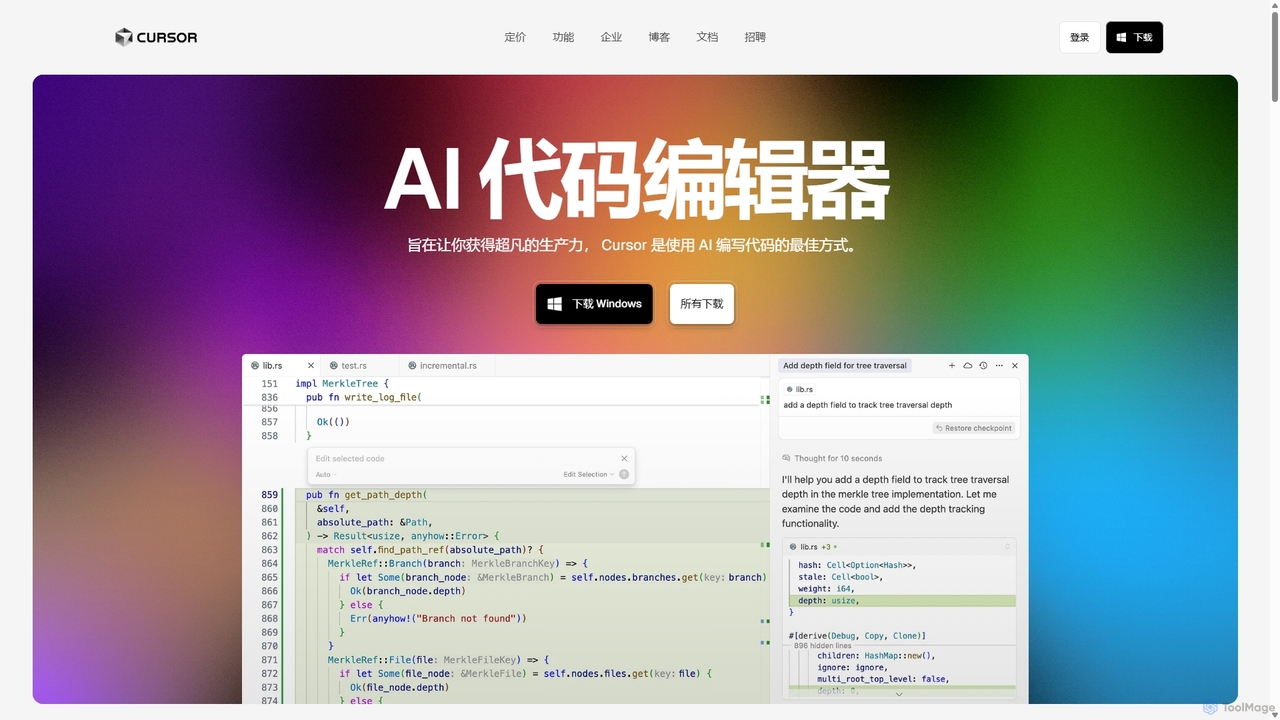
Cursor
Cursor is an AI-first code editor designed for pair-programming with artificial intelligence. Built as a fork of VS Code, it offers a familiar environment supercharged with advanced AI capabilities for code generation, editing, debugging, and codebase comprehension, aiming to significantly boost developer productivity.
Code AssistantBLACKBOX.AI
BLACKBOX.AI is an autonomous AI coding agent designed to accelerate software development. It helps developers write code faster, debug efficiently, and can even build full applications from images or text descriptions, integrating seamlessly with popular IDEs like JetBrains.
Code AssistantQoder
Qoder is an agentic AI coding platform designed for real software development. It leverages an enhanced context engine to autonomously plan, code, and test entire projects based on simple prompts, integrating seamlessly into developer workflows via IDE, CLI, or JetBrains plugin.
Code AssistantTRAE
TRAE is an AI-powered Integrated Development Environment (IDE) designed to function as a 10x AI Engineer. It automates the entire software development lifecycle, from idea to deployment, by understanding your vision, planning workflows, and executing tasks autonomously. Featuring dual development modes (IDE and SOLO), a customizable agent ecosystem, and deep contextual understanding, TRAE aims to revolutionize human-AI collaboration in coding.
Code Assistant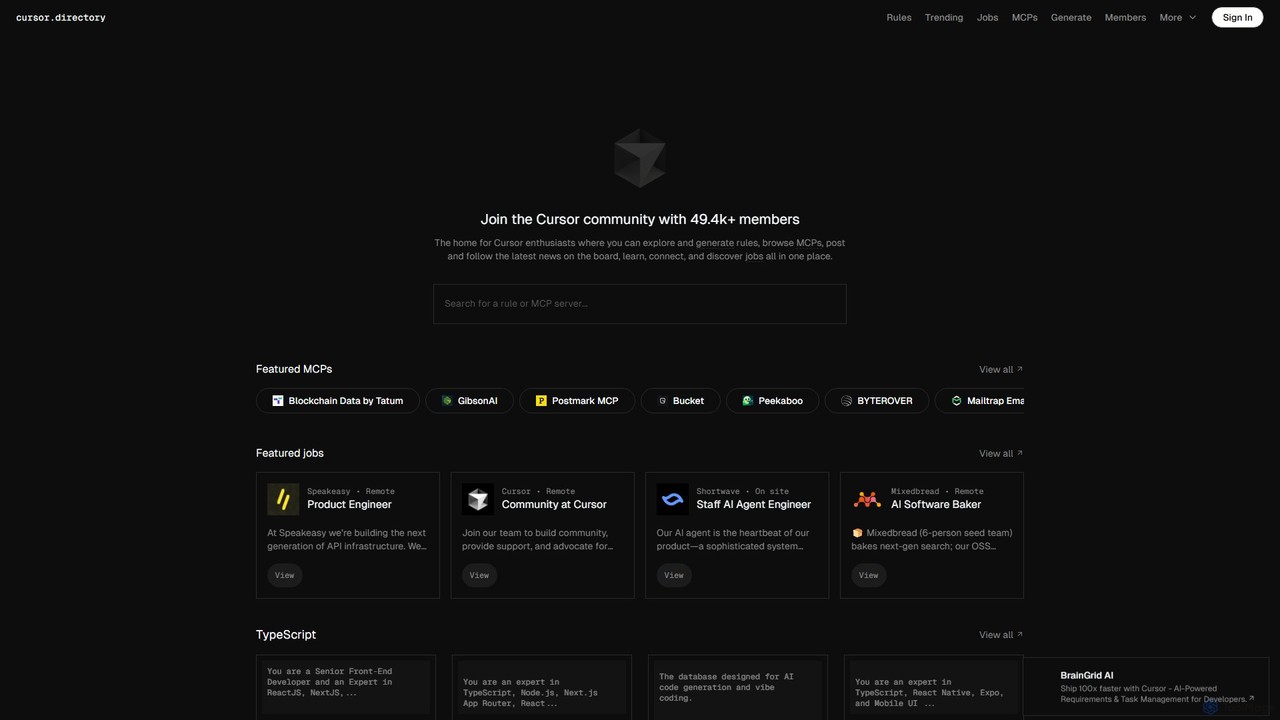
Cursor
Cursor is an AI-first code editor designed for modern software development. Built as a fork of VS Code, it integrates powerful AI capabilities directly into the editing experience, allowing developers to chat with their codebase, generate, edit, and debug code with unprecedented speed and context-awareness.
Code Generation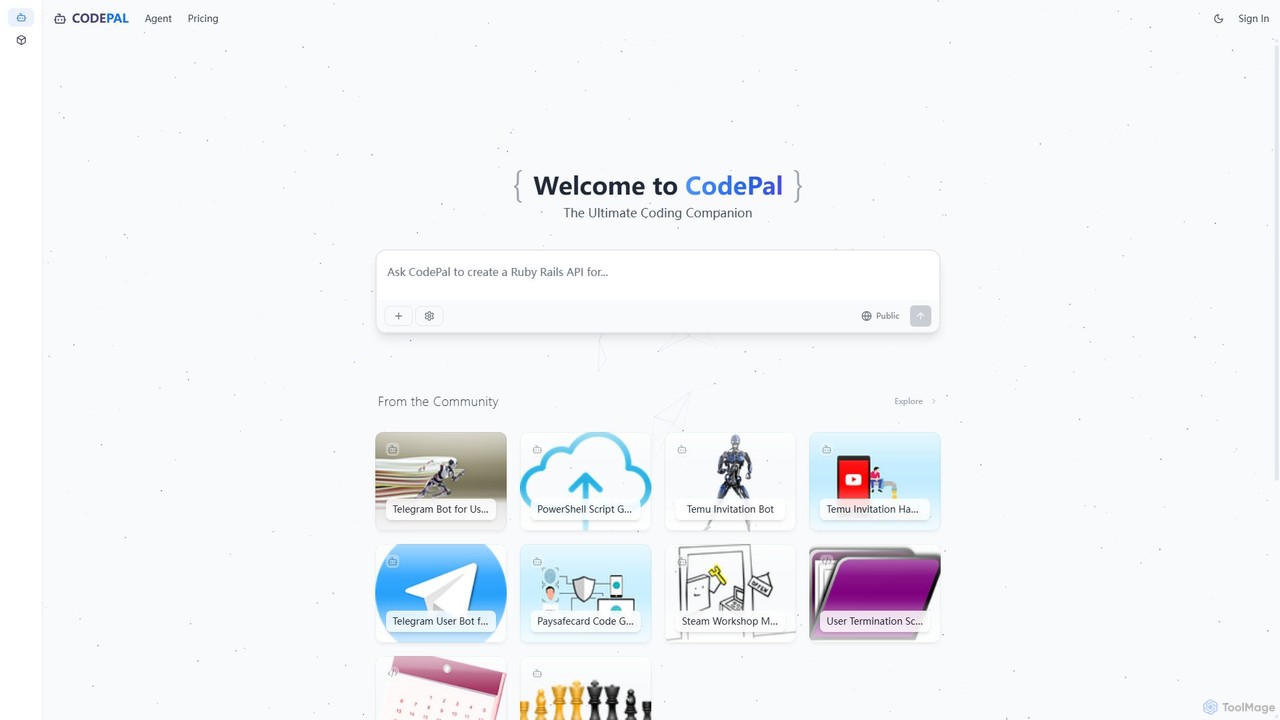
CodePal
A powerful AI coding companion and autonomous engineer that integrates directly into GitHub. Automate code reviews, generate documentation, resolve issues, and write unit tests with simple commands to accelerate your development workflow.
Code Assistant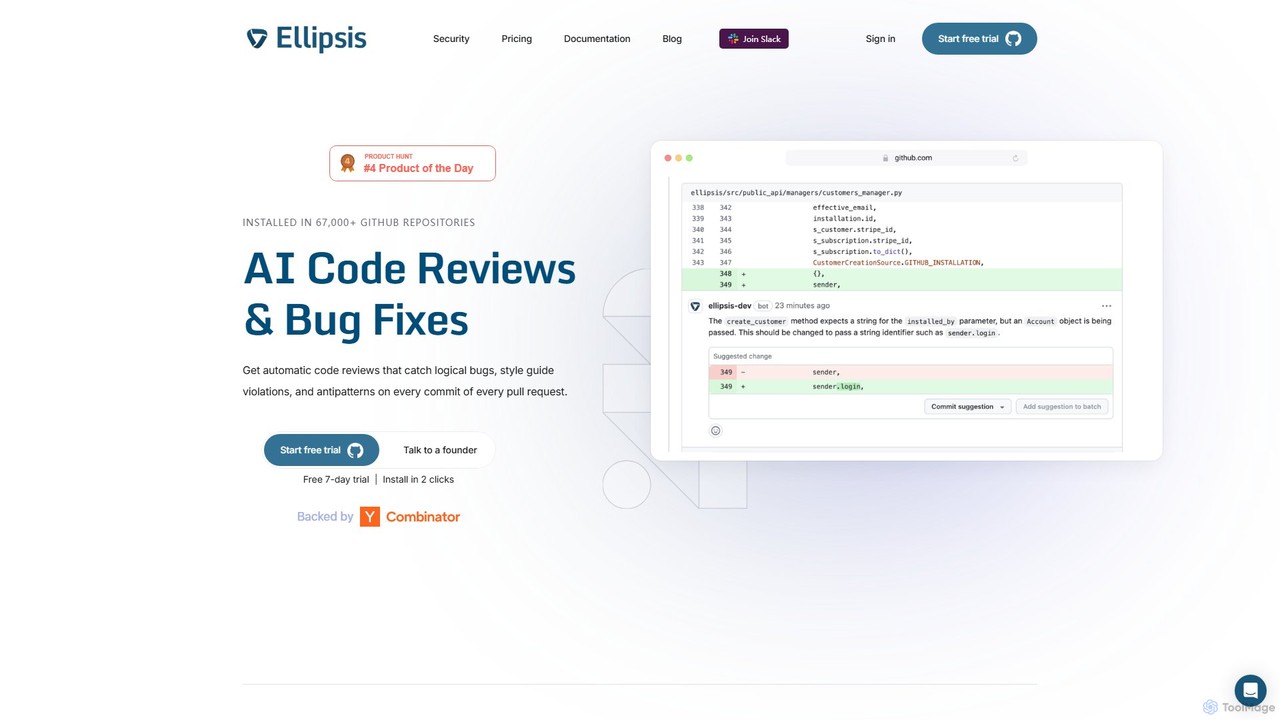
Ellipsis
Ellipsis is an AI-powered engineering teammate that automates code reviews on GitHub. It intelligently catches logical bugs, style violations, and anti-patterns in every pull request, helping teams ship code faster while maintaining high quality and security standards.
Code Review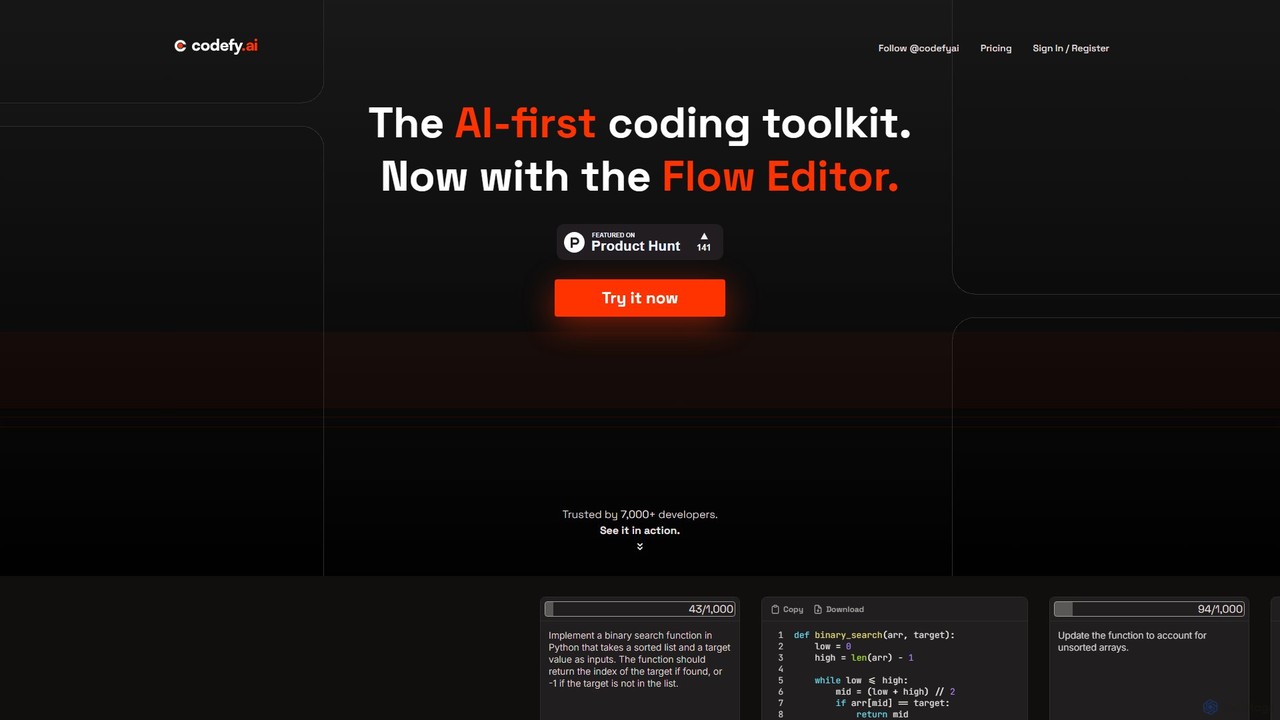
codefy.ai
codefy.ai is an AI-first coding toolkit designed for developers. It features over 20 specialized tools, including the innovative Flow Editor, to streamline tasks like code generation, debugging, translation, and optimization. By handling prompt engineering, it allows developers to get accurate results quickly through intuitive, pre-programmed interfaces, significantly boosting productivity and simplifying the development workflow.
Code Assistant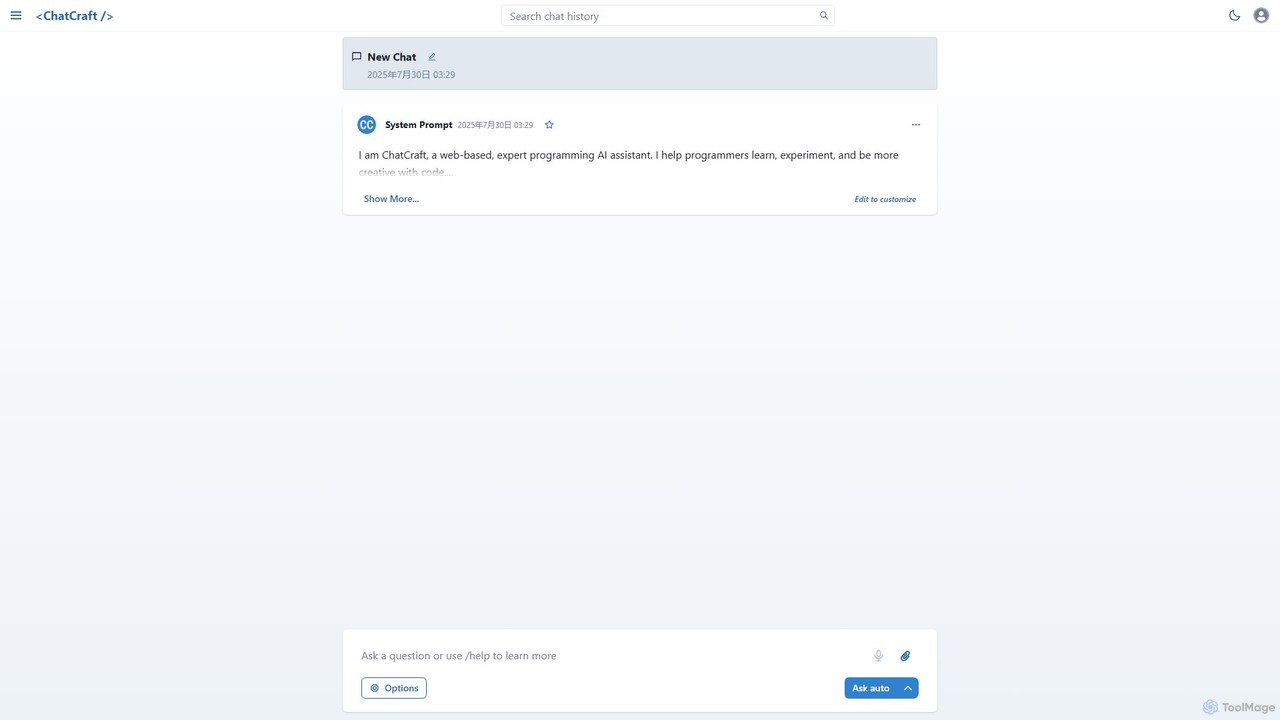
ChatCraft
ChatCraft is a free, open-source web application that serves as an expert AI programming assistant. It allows developers to learn, experiment, and enhance their creativity with code by providing a conversational interface for code generation, debugging, and analysis, all while ensuring privacy by using the user's own API key.
Specialized Chatbots
Jyek
Jyek is an AI agent platform that understands objectives, creates execution plans, uses tools, and delivers verifiable results for complex, multi-step tasks.
Automation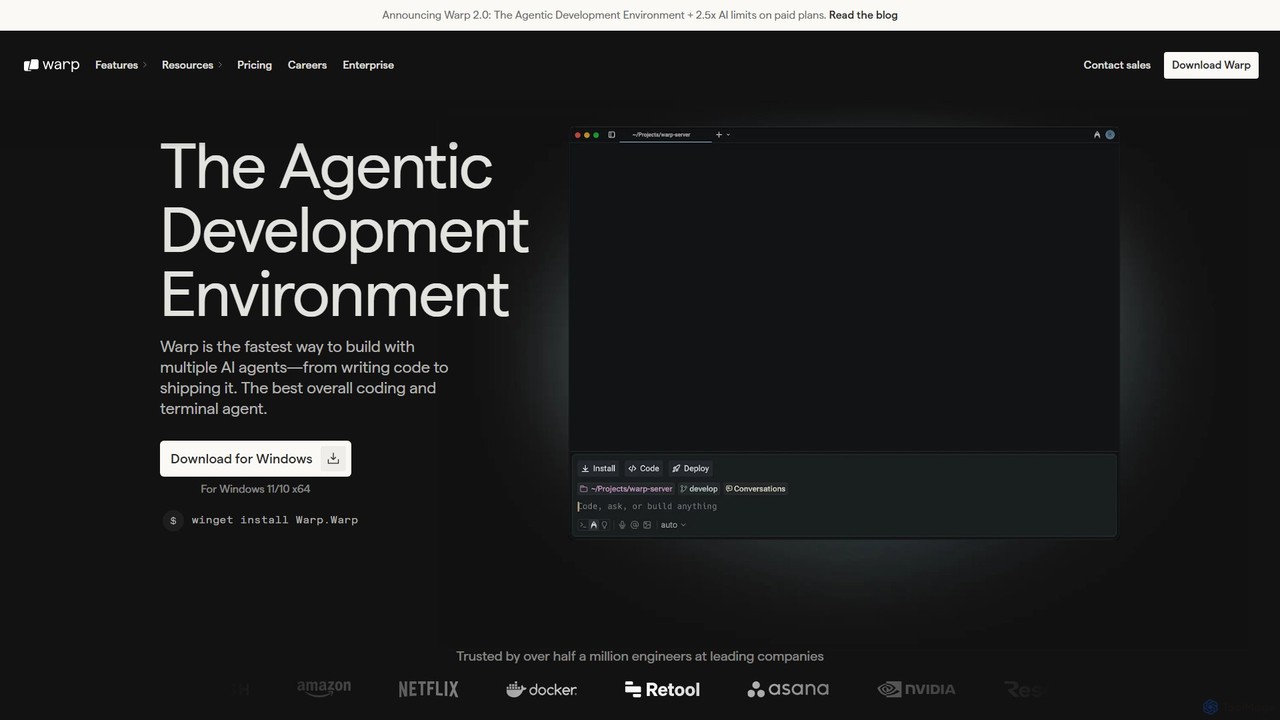
Warp
Warp is an AI-powered, Rust-based terminal reimagined as an Agentic Development Environment (ADE). It enables developers to use natural language to command AI agents for coding, debugging, and deployment. Warp combines a blazingly fast terminal with multi-threaded agent management, allowing you to build, test, and ship software faster by running multiple development tasks in parallel.
Development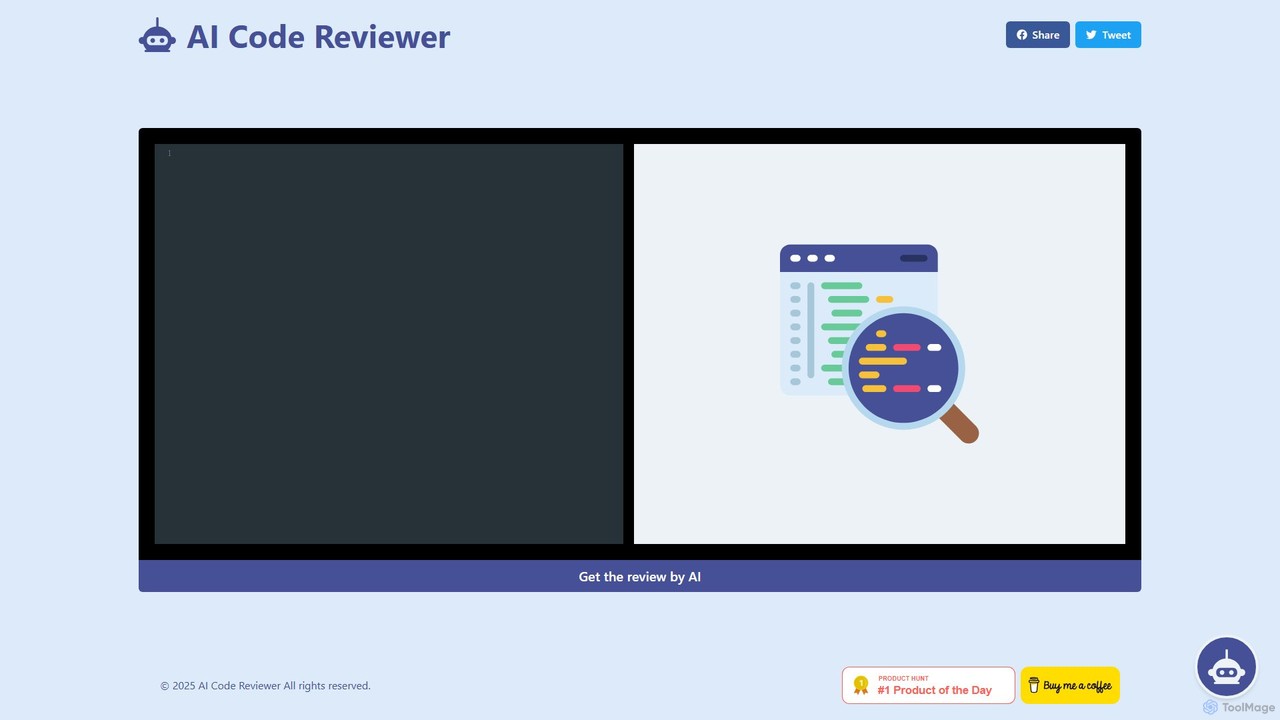
AI Code Reviewer
An AI-powered tool that automatically reviews your code to find bugs, suggest improvements, and ensure quality. It acts as an instant second pair of eyes for developers, helping to streamline the development workflow, improve code maintainability, and enforce best practices across teams.
Code ReviewDevKit
DevKit is an all-in-one AI-powered toolkit for developers, designed to accelerate the software development lifecycle. It integrates a powerful AI assistant, DevGPT, with access to multiple LLMs (GPT-4o, Gemini, Llama) and a suite of over 30 specialized mini-tools. It helps developers write code, test APIs, query databases with natural language, and manage various development tasks from a single, unified platform, aiming to boost productivity by up to 10x.
Code Assistant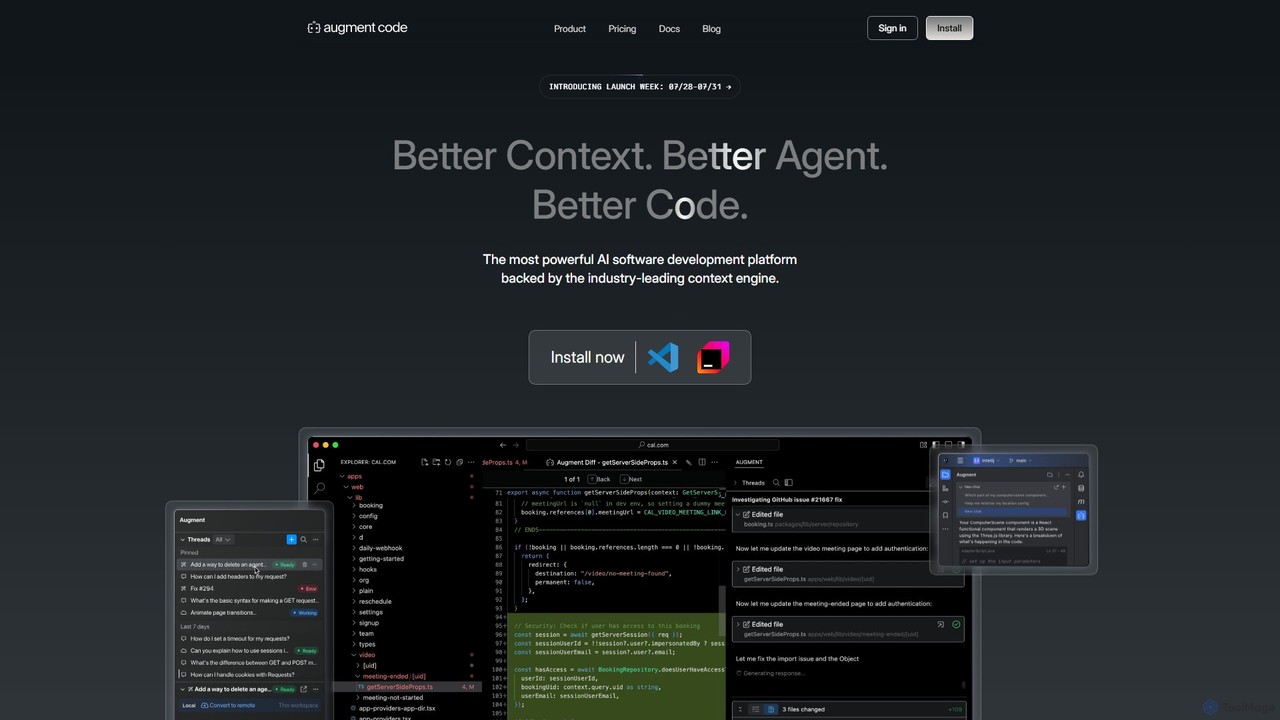
Augment Code
Augment Code is an advanced AI software development platform featuring autonomous agents and a powerful context engine. It integrates into your IDE to help you plan, build, and ship production-ready code faster, with a strong focus on enterprise-grade security and deep codebase understanding.
Code Generation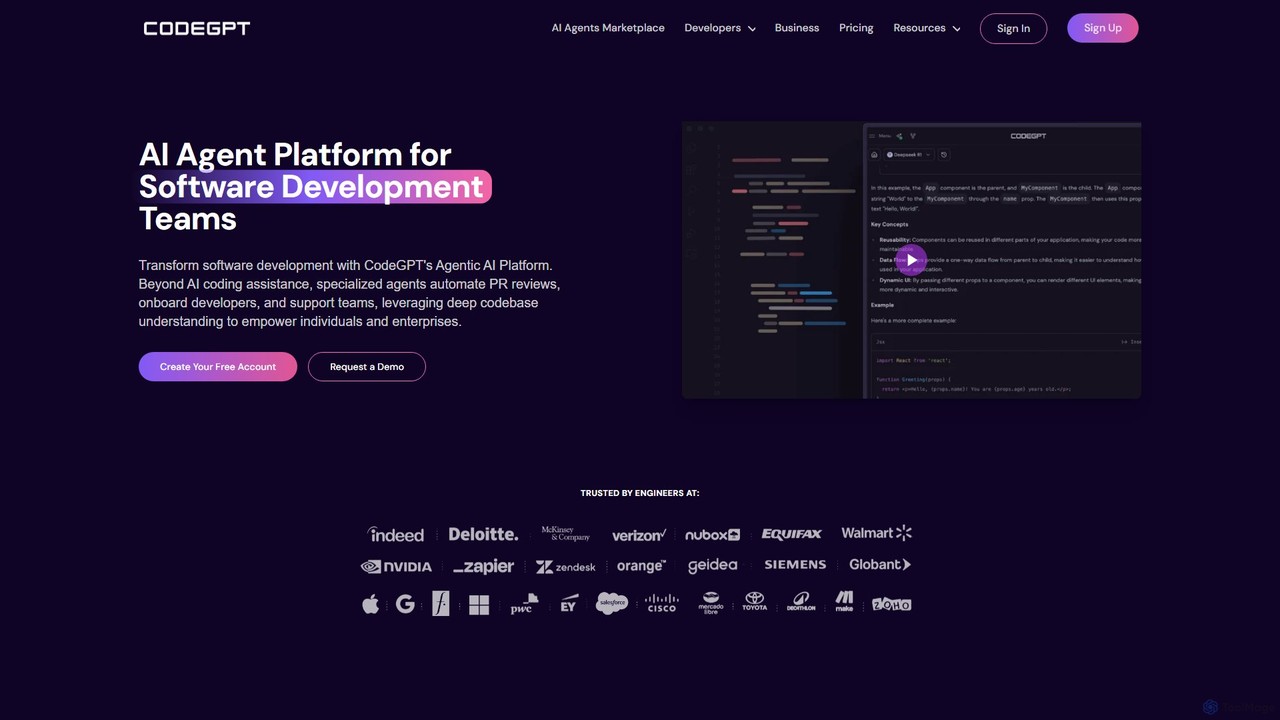
CodeGPT
CodeGPT is an agentic AI platform for software development teams, moving beyond simple code assistance. It offers specialized AI agents that automate PR reviews, onboard developers, and support teams by deeply understanding your entire codebase. It integrates with popular IDEs and supports leading AI models, with a strong focus on enterprise-grade security and flexible deployment options.
Software Development
StructAI Comments (0)
Sign in to comment.
Sign inNo comments yet.