

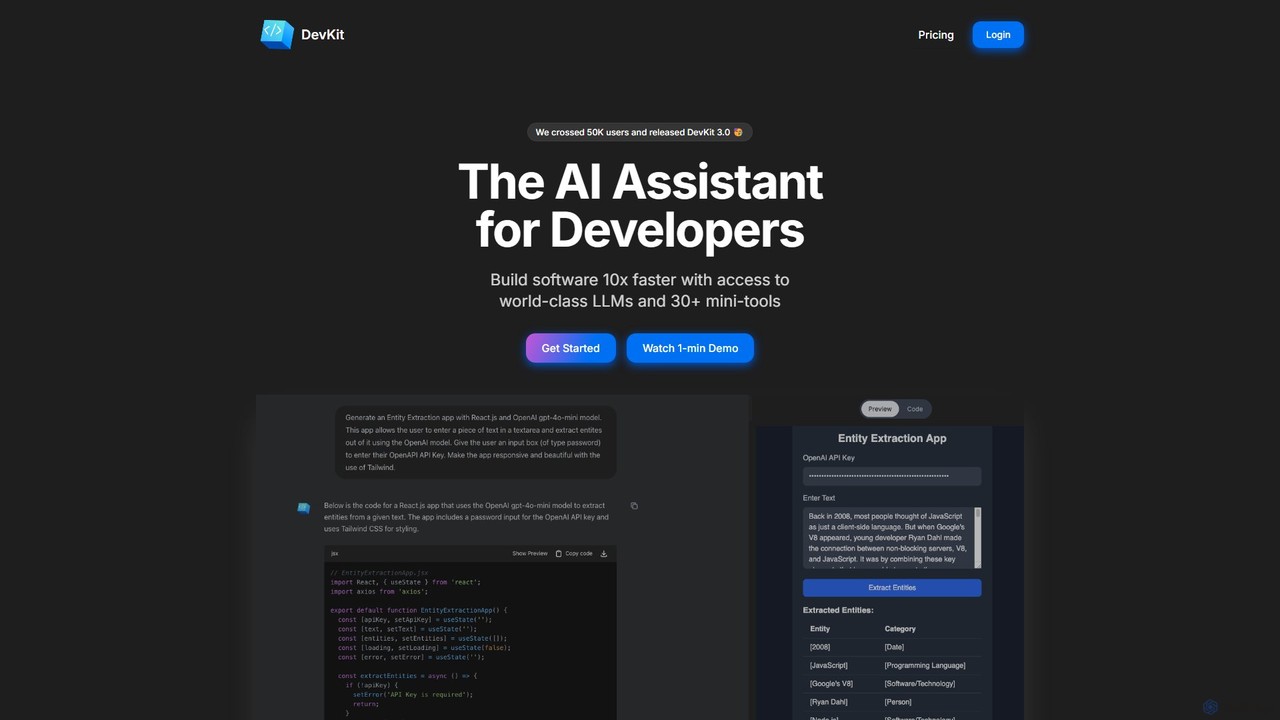
DevKit Overview
DevKit is a comprehensive, AI-driven platform built to serve as the ultimate assistant for software developers. Trusted by over 65,000 developers, it aims to streamline and accelerate the entire development process by consolidating essential tools into one cohesive environment. The core of DevKit is DevGPT, an advanced AI assistant that goes beyond a simple chatbot. It leverages world-class Large Language Models (LLMs) including GPT-4o for general-purpose assistance, Gemini for its massive 1M token context window, and Llama for high-speed, quality results. This multi-LLM approach ensures that developers have the right tool for every specific task, from complex code generation to context-heavy analysis.
The platform is designed to eliminate the constant context-switching that plagues modern development workflows. Instead of juggling multiple websites, applications, and subscriptions for different tasks, DevKit provides a unified interface for a wide range of operations. This includes an integrated API client, a database client, various code editors, and numerous utilities, all accessible within your browser or directly in your code editor via a VSCode extension.
How to use DevKit
Getting started with DevKit is straightforward. Developers can sign up for a free account to explore its basic features. The primary interaction happens through the DevGPT chat interface. You can type prompts in plain English to perform complex tasks. For example:
- Code Generation: Ask DevGPT to write a function, a component, or even a full application snippet in dozens of supported languages. With instant previews for frontend code, you can see your creations come to life in real-time.
- Database Querying: Connect to your Postgres database (with MySQL and SQL Server support coming soon) and ask questions like, "Show me all users who signed up last week and live in California." DevKit will generate and execute the corresponding SQL query, returning the results instantly.
- API Testing: Instead of manually setting up requests in a separate tool, you can ask DevKit to generate the configuration for a public API, allowing you to test endpoints in seconds.
- Using Mini-Tools: For specific, one-off tasks, you can navigate directly to the suite of 30+ mini-tools. This includes converting JSON to TypeScript interfaces, formatting SQL, generating hashes, or inspecting URLs without leaving the platform.
- VSCode Integration: For those who prefer to stay within their IDE, the DevKit VSCode extension brings the power of DevGPT and the mini-tools directly into the coding environment.
Core Features of DevKit
- DevGPT AI Assistant: A powerful chat interface with access to multiple LLMs (GPT-4o, Gemini, Llama) tailored for developer needs.
- Natural Language to SQL: Query Postgres databases using plain English, significantly reducing the time spent writing SQL.
- Code Generation & Execution: Generate code in numerous languages and execute it within the chat interface to test snippets in isolation.
- Integrated API & Database Clients: Test public APIs and manage databases directly within the browser.
- Suite of 30+ Mini-Tools: A comprehensive collection of utilities including 7+ editors (HTML, JS, React), data converters (JSON to YAML, CSV to JSON), and other tools like a Cron Editor and Hash Generator.
- Creative Coding with p5.js: Experiment with generative art and mini-games using integrated p5.js tools.
- VSCode Extension: Seamlessly integrate DevKit's functionalities into your Visual Studio Code workflow.
- Instant Frontend Previews: Automatically generate live previews for frontend code, speeding up UI development and prototyping.
Use Cases for DevKit
DevKit is versatile and can be applied across various stages of software development:
- Rapid Prototyping: Quickly build and visualize frontend components and landing pages using AI generation and instant previews.
- Backend Development: Accelerate API development, generate boilerplate code, and write complex business logic with AI assistance.
- Database Management: Enable both junior and senior developers to interact with databases efficiently, retrieve data, and generate reports without deep SQL expertise.
- API Integration and Testing: Streamline the process of working with third-party APIs by automatically generating configurations and testing responses.
- Data Wrangling: Use the suite of converters to easily transform data between formats like JSON, CSV, and YAML for different services and applications.
- Learning and Experimentation: Explore new programming concepts, generate creative code art, or test out ideas in a sandboxed environment.
Advantages of DevKit
DevKit offers significant advantages over traditional development workflows and scattered toolsets:
- Massive Productivity Gains: By consolidating tools and leveraging AI, DevKit helps developers build software up to 10x faster.
- Reduced Context Switching: Having an all-in-one platform saves time and mental energy, allowing for deeper focus on coding.
- Cost-Effective: A single subscription to DevKit can replace multiple subscriptions for separate developer tools.
- Superior User Experience: The platform is praised for its intuitive, well-crafted UI, making it more user-friendly than complex tools like CyberChef.
- Cross-Platform Accessibility: As a web-based tool with a VSCode extension, it's available to all developers, regardless of their operating system, unlike macOS-only apps like DevUtils.
- Multi-LLM Power: Users are not locked into a single AI model. They can choose the best LLM for the job, optimizing for speed, context, or general capability.
Pricing and Plans
DevKit operates on a freemium model, making it accessible to everyone.
- Free Plan: Users can start using DevKit for free to access a basic set of features.
- Paid Plan: To unlock the full potential of the platform, including access to advanced LLMs, unlimited usage, and all premium features, users can upgrade to a paid plan. The standard annual subscription is priced at $120.
- Special Offer: To celebrate the launch of DevKit 3.0, a limited-time 50% discount is available, allowing users to get the annual plan for just $60 using the coupon code `LAUNCHDAY50OFF`.
Traffic
Latest traffic
Status
Monthly traffic trend
- 2025-9: 5.9K
- 2026-1: 4.1K
- 2026-2: 3.3K
- 2026-3: 2.9K
- 2026-4: 2.6K
- 2026-5: 3.4K
Geography
Top 5 countries / regions
- 🇺🇸United States65.7%
- 🇮🇳India34.3%
Top keywords
| Keyword | Cost per click |
|---|---|
| devgokit | $0.00 |
| devkit | $1.46 |
| getdevkit | $0.00 |
| getdevkit private limited | $0.00 |
| html to jsx | $0.47 |
DevKit Alternatives
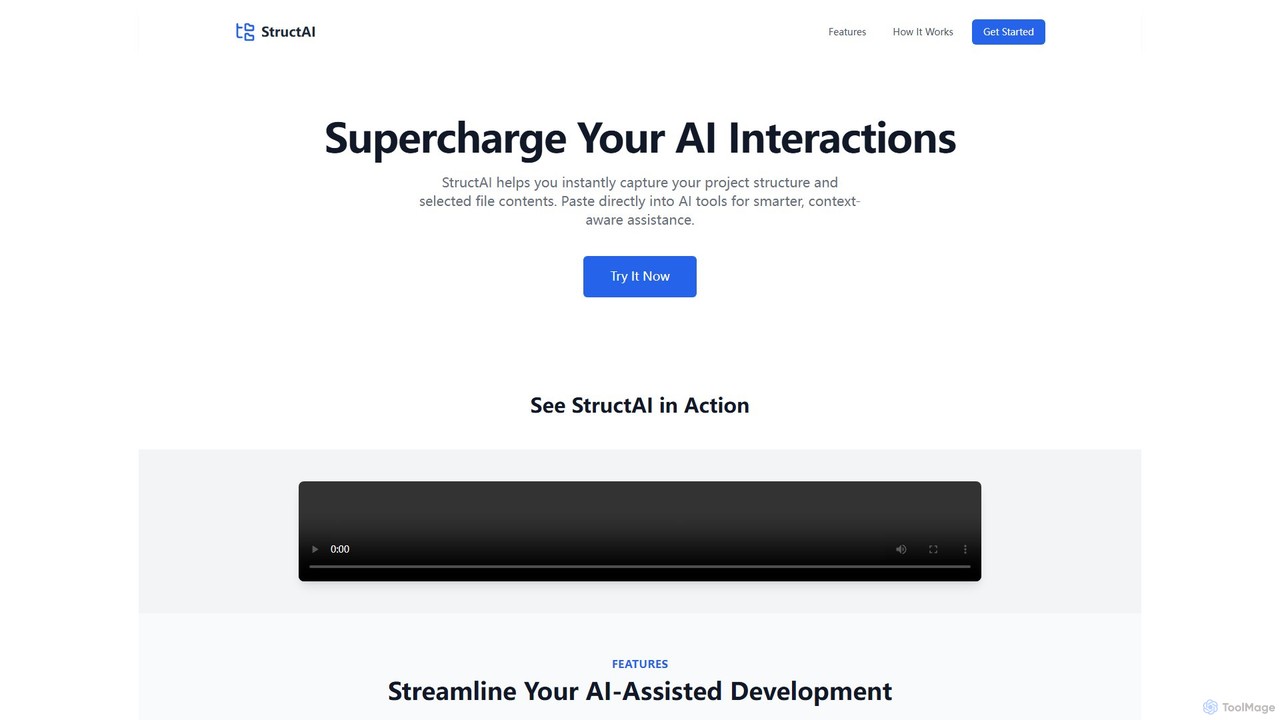
StructAI
StructAI is a developer tool that instantly captures your project's folder structure and selected file contents. It generates a context-rich, AI-ready output that you can paste into any AI assistant (like ChatGPT, Claude) for smarter, more accurate code generation, debugging, and analysis.
Prompt Engineering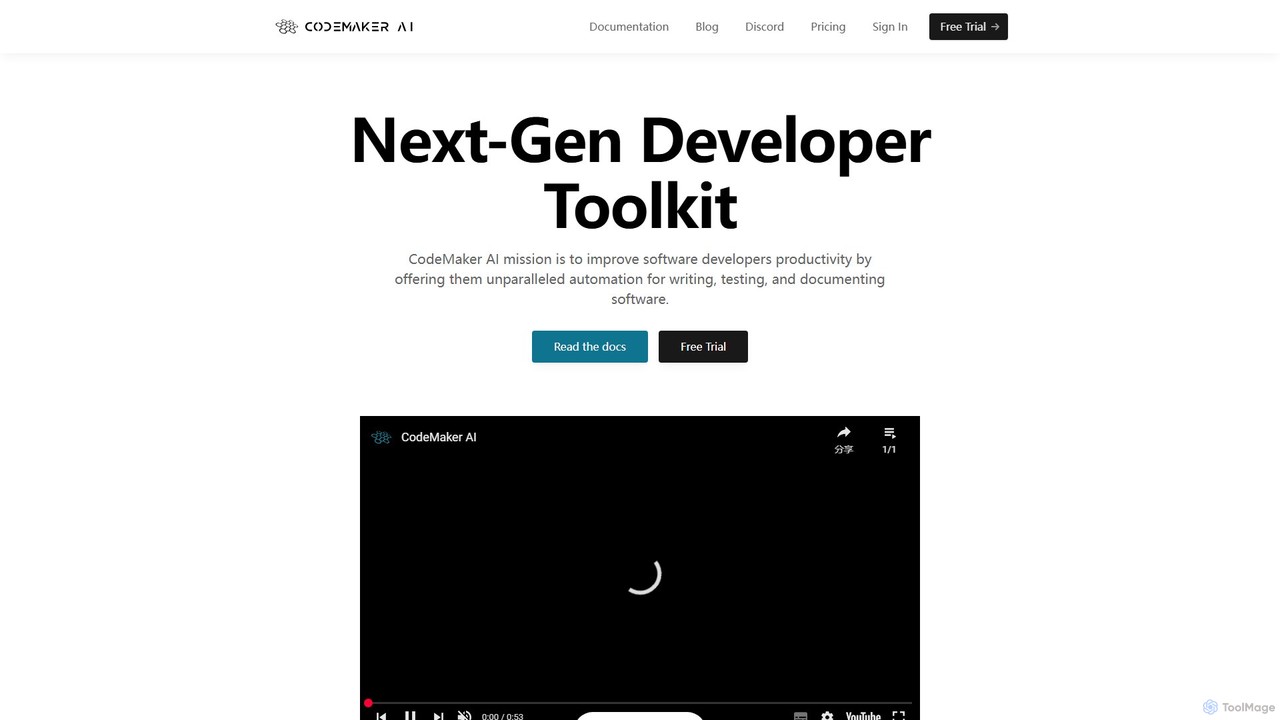
CodeMaker AI
CodeMaker AI is a next-generation developer toolkit designed to boost productivity by automating software writing, testing, and documentation. It integrates seamlessly into your workflow via IDEs, GitHub, and CLI, offering context-aware code generation and a powerful AI assistant.
Code Assistant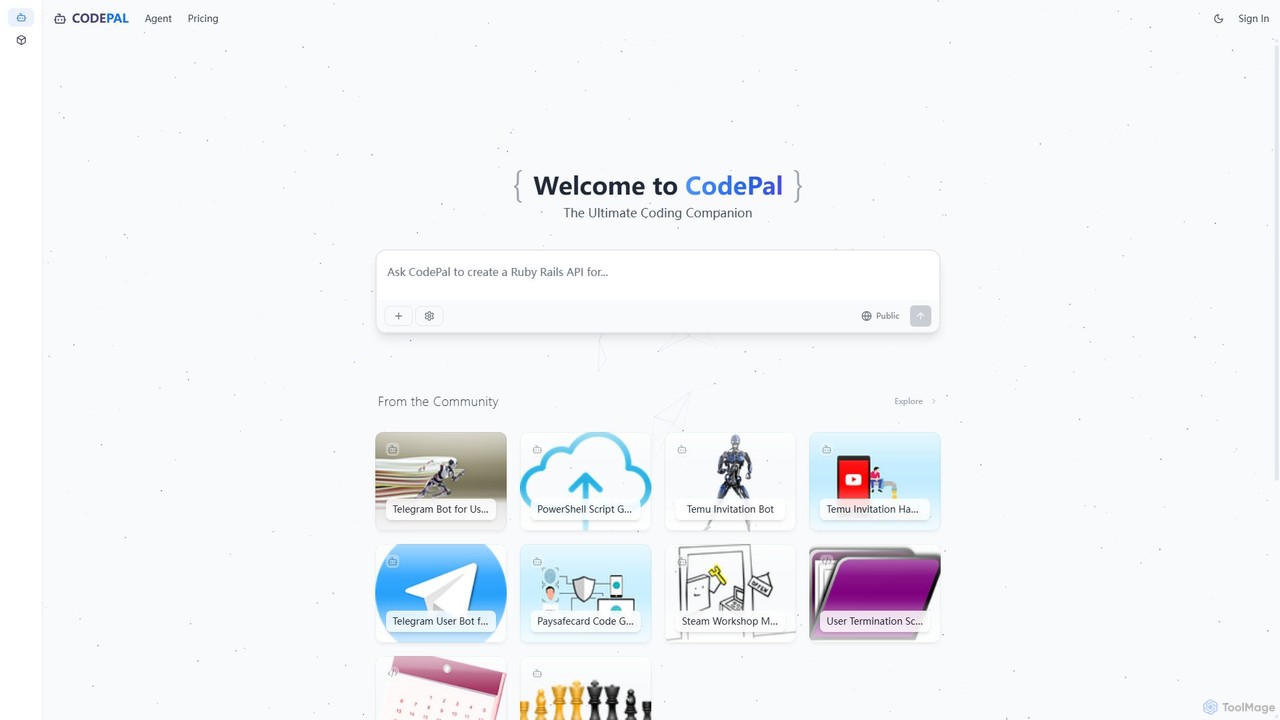
CodePal
A powerful AI coding companion and autonomous engineer that integrates directly into GitHub. Automate code reviews, generate documentation, resolve issues, and write unit tests with simple commands to accelerate your development workflow.
Code Assistant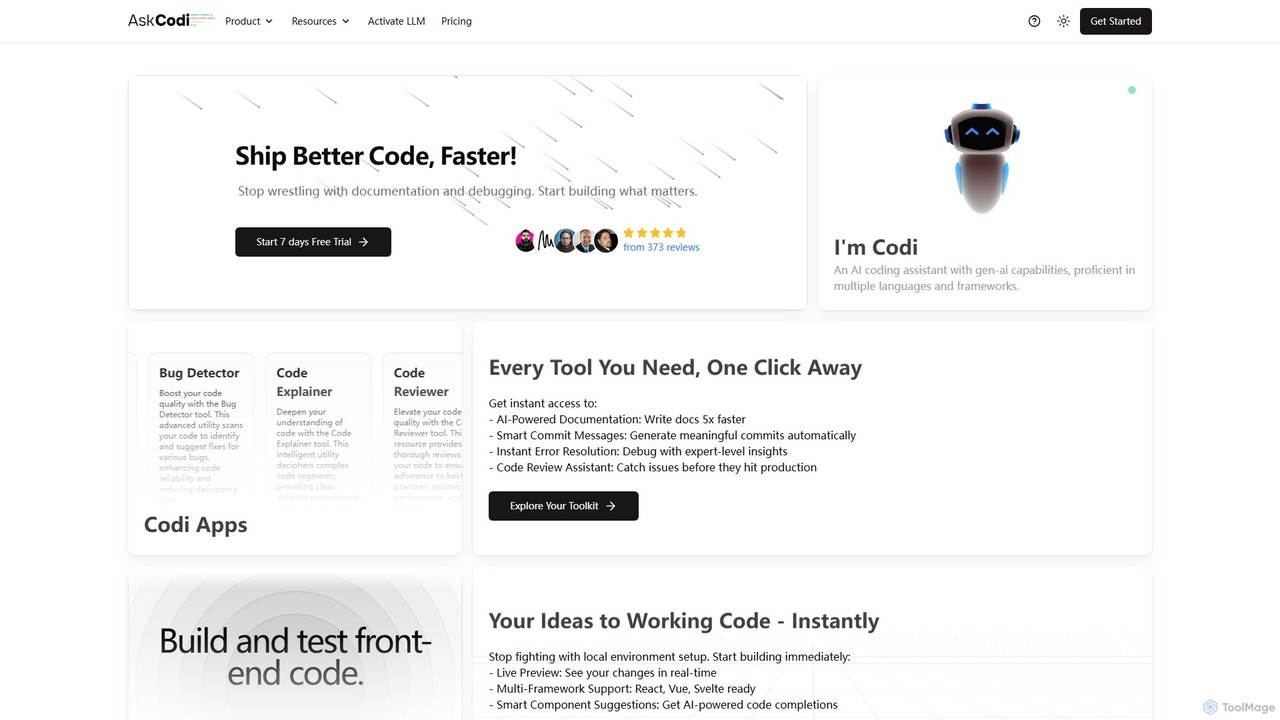
AskCodi
AskCodi is a comprehensive AI-powered code assistant designed to streamline the entire software development lifecycle. It offers a suite of over 20 tools for code generation, refactoring, debugging, testing, and documentation. With integrations for popular IDEs like VSCode and JetBrains, AskCodi helps developers of all skill levels to write better code, faster, and focus on building what matters.
Code Assistant
Devgen
Devgen is an AI-powered coding assistant designed to accelerate the software development lifecycle. It helps developers write better code faster by providing intelligent code generation, completion, refactoring, and automated testing, directly within their IDE.
Code AssistantDevKit Categories
DevKit Embed Widget
Copy this embed code to place the badge on your blog, article, or product site and send readers directly to this ToolMage detail page.

Related AI tools
StructAI
StructAI is a developer tool that instantly captures your project's folder structure and selected file contents. It generates a context-rich, AI-ready output that you can paste into any AI assistant (like ChatGPT, Claude) for smarter, more accurate code generation, debugging, and analysis.
Prompt Engineering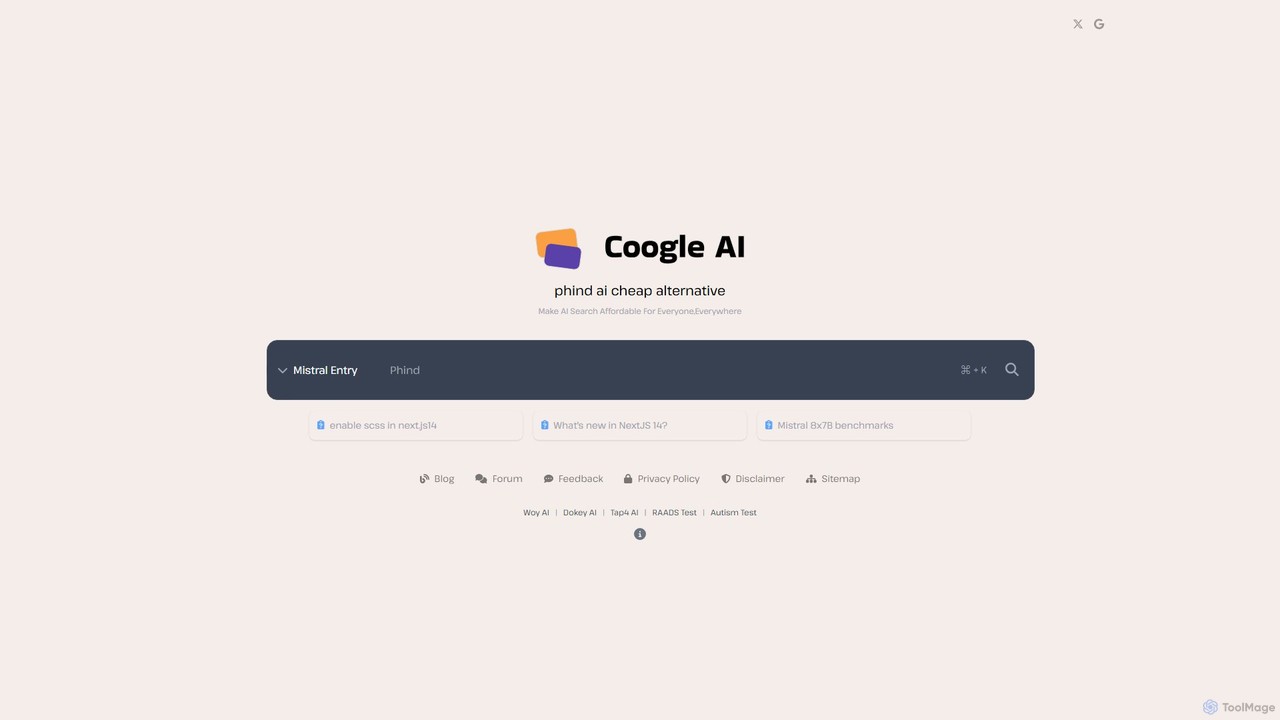
phind-ai
phind-ai is an AI-powered search engine designed for developers, offering affordable access to multiple advanced language models like Mistral, Llama, and Qwen. It provides instant, accurate answers to technical questions, generates code, and assists with debugging, positioning itself as a cost-effective alternative in the AI developer tool space.
Ai Chatbot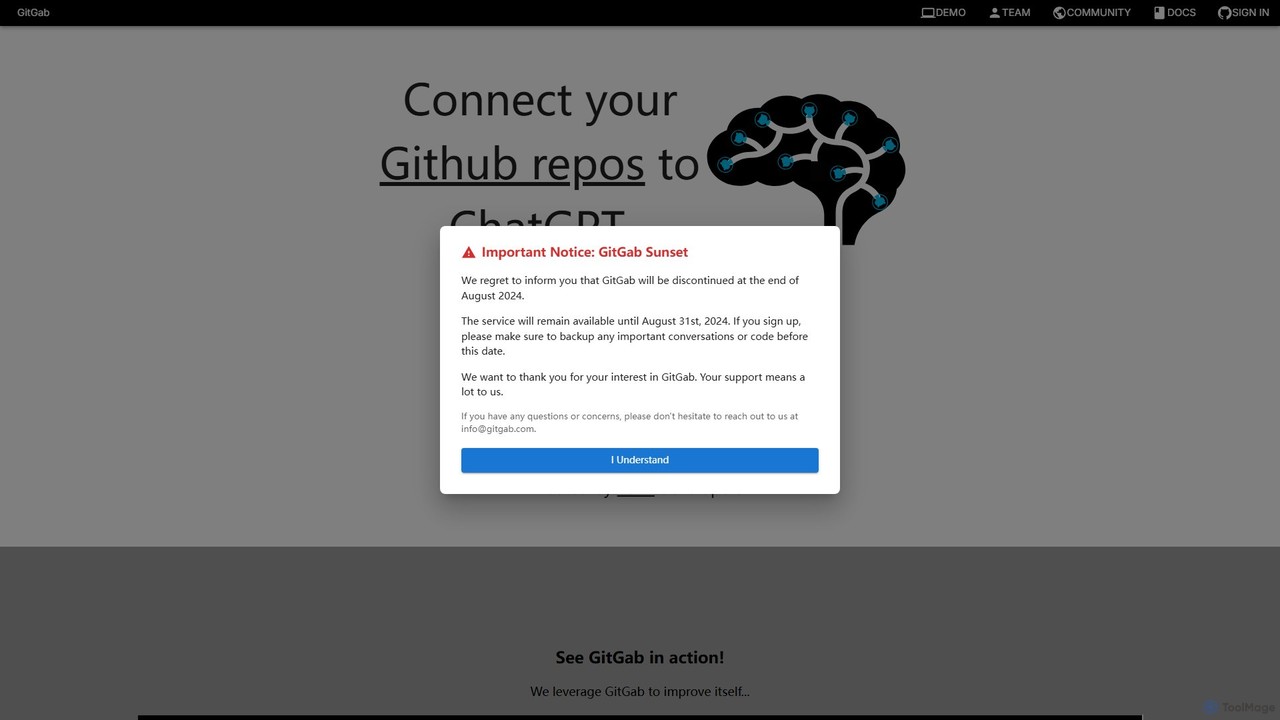
GitGab
GitGab is an advanced AI code assistant that leverages top models like ChatGPT, Claude, and Gemini. It uniquely contextualizes your entire codebase, including multiple repositories and local files, to help you implement features, find bugs, write documentation, and optimize code with unparalleled accuracy.
Code Generation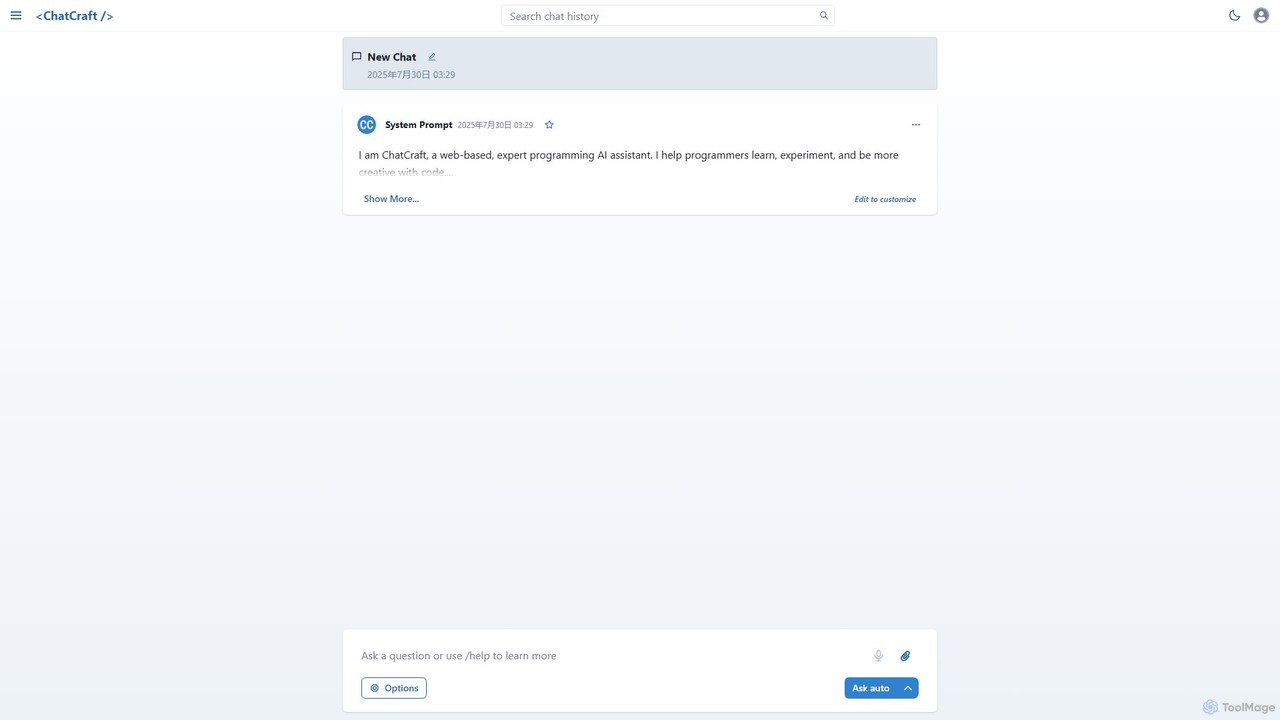
ChatCraft
ChatCraft is a free, open-source web application that serves as an expert AI programming assistant. It allows developers to learn, experiment, and enhance their creativity with code by providing a conversational interface for code generation, debugging, and analysis, all while ensuring privacy by using the user's own API key.
Specialized Chatbots
InvisiCoder
InvisiCoder is an AI-powered invisible coding assistant designed to help professionals confidently navigate technical interviews, including MAANG-level challenges, by providing real-time, discreet code suggestions and problem-solving support.
Interview Preparation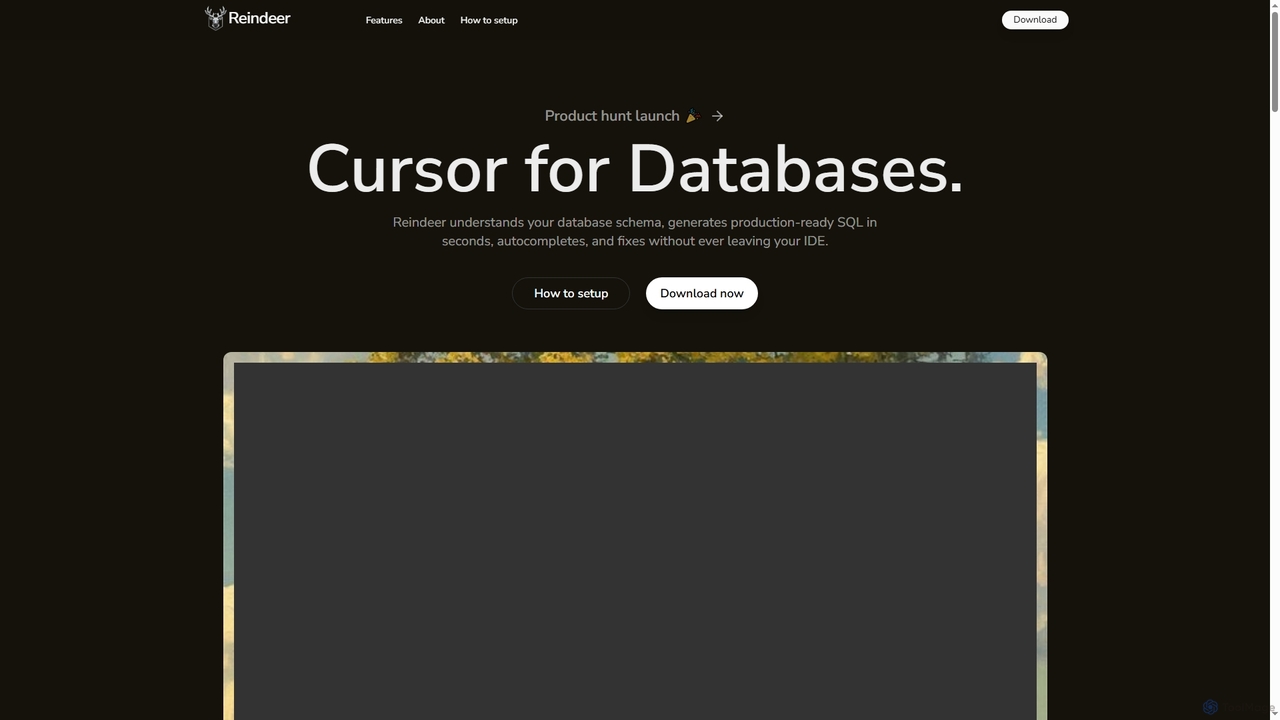
Reindeer
Reindeer is an AI-powered cursor for databases that integrates directly into your IDE. It understands your database schema, generates production-ready SQL, provides real-time autocomplete, and automatically fixes errors, significantly enhancing developer productivity.
Code GenerationCodeMaker AI
CodeMaker AI is a next-generation developer toolkit designed to boost productivity by automating software writing, testing, and documentation. It integrates seamlessly into your workflow via IDEs, GitHub, and CLI, offering context-aware code generation and a powerful AI assistant.
Code Assistant
BLACKBOX.AI
BLACKBOX.AI is an autonomous AI coding agent designed to accelerate software development. It helps developers write code faster, debug efficiently, and can even build full applications from images or text descriptions, integrating seamlessly with popular IDEs like JetBrains.
Code Assistant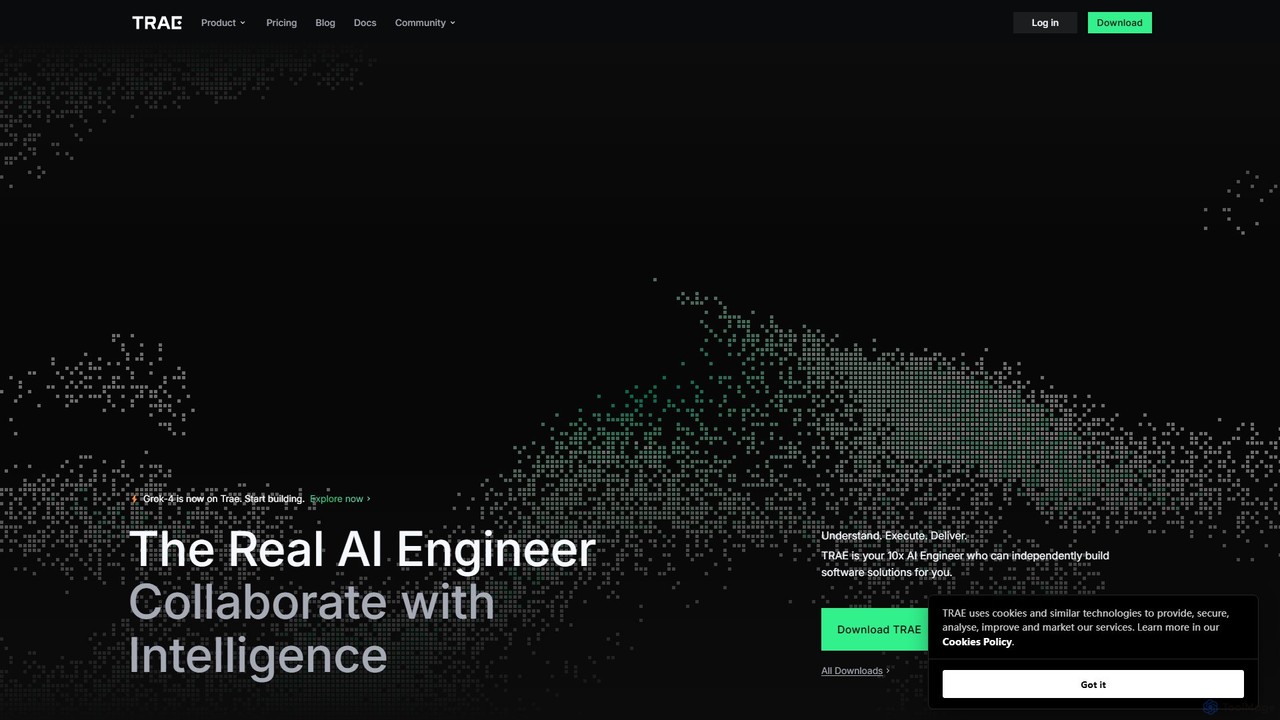
TRAE
TRAE is an AI-powered Integrated Development Environment (IDE) designed to function as a 10x AI Engineer. It automates the entire software development lifecycle, from idea to deployment, by understanding your vision, planning workflows, and executing tasks autonomously. Featuring dual development modes (IDE and SOLO), a customizable agent ecosystem, and deep contextual understanding, TRAE aims to revolutionize human-AI collaboration in coding.
Code Assistant
Codecademy
Codecademy is a leading online interactive platform for learning to code. It offers courses in over a dozen programming languages and tech subjects, enhanced by an AI-powered assistant that provides personalized help, debugging, and explanations to create an effective, hands-on learning experience for millions of users worldwide.
Code Assistant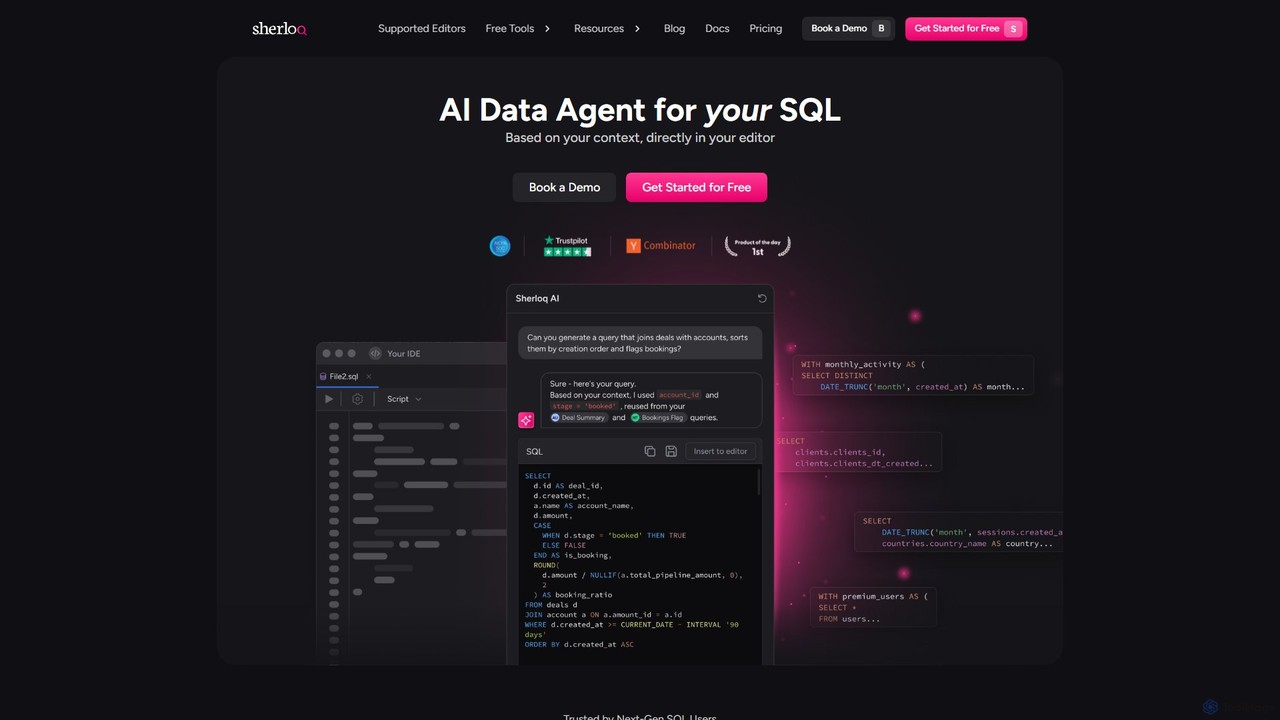
sherloqdata
Sherloqdata is an AI-powered data agent for SQL that works directly in your editor. It helps data professionals write, fix, and manage SQL queries faster by using your existing SQL repository for context. Features include an AI SQL Chat, query management, version control, and team collaboration.
Database
TiDB AI Assistant
An intelligent AI assistant for the TiDB database. Powered by a Knowledge Graph-based RAG system using TiDB Serverless Vector Storage, it provides fast, accurate answers to all your TiDB-related questions, from technical specifications to best practices.
Database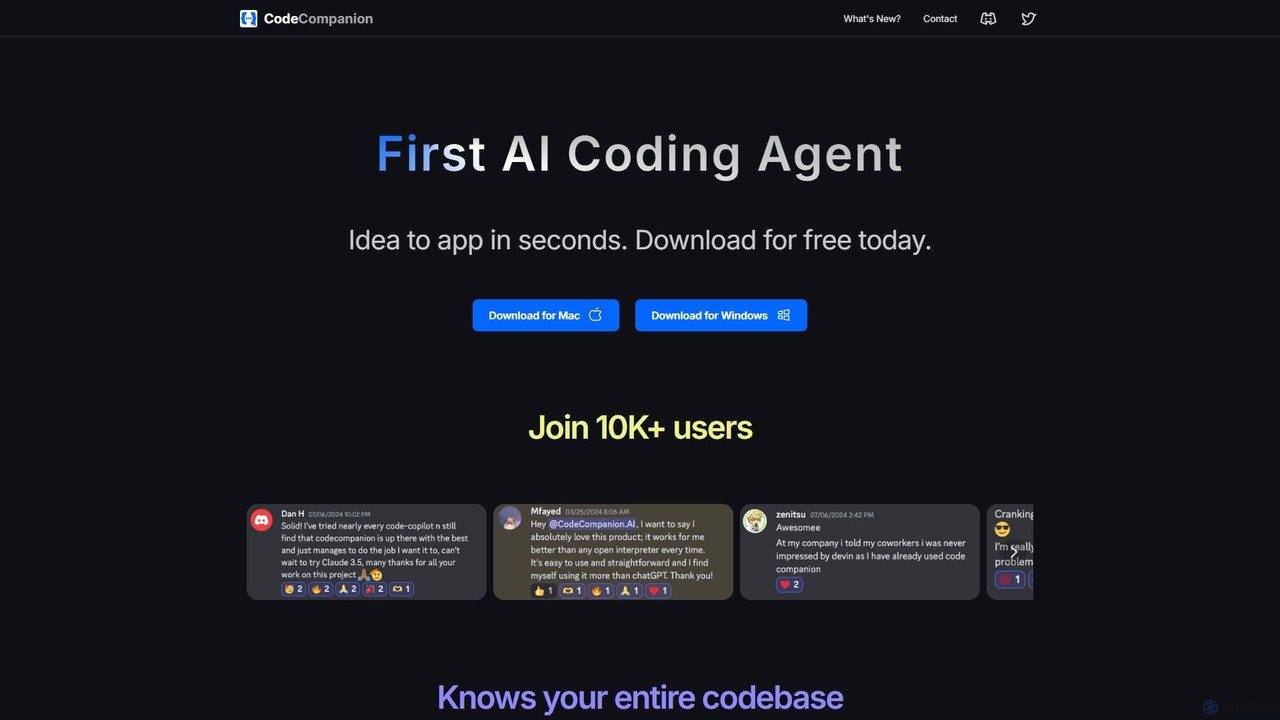
CodeCompanion
CodeCompanion is an advanced AI coding agent that functions as a junior developer on your local machine. It understands your entire codebase, uses an integrated terminal and browser to research and execute tasks, and can turn ideas into applications in seconds. It prioritizes privacy by keeping all data local.
Code Assistant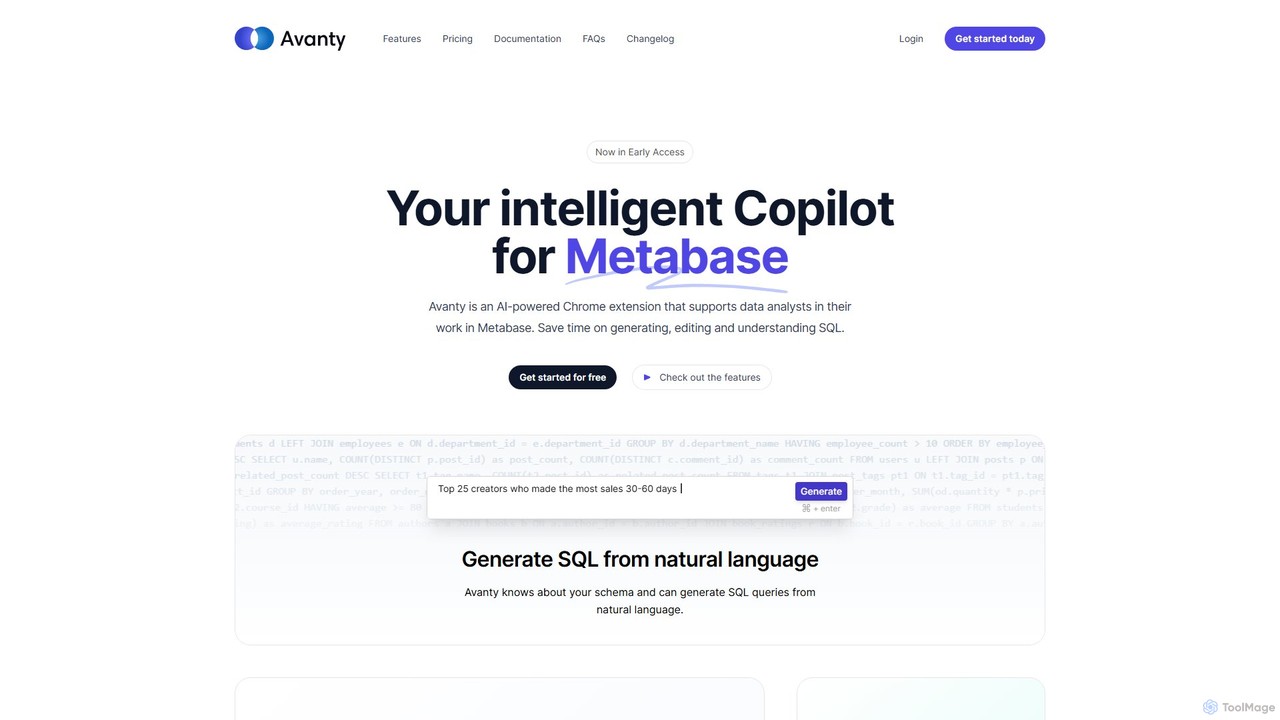
Avanty
Avanty is an AI-powered Chrome extension designed as an intelligent copilot for data analysts using Metabase. It streamlines workflows by enabling users to generate, edit, explain, and format SQL queries using natural language. This tool significantly saves time, enhances productivity, and helps in understanding complex data queries, making data analysis faster and more intuitive.
Business Intelligence
Jyek
Jyek is an AI agent platform that understands objectives, creates execution plans, uses tools, and delivers verifiable results for complex, multi-step tasks.
Automation
DevKit Comments (0)
Sign in to comment.
Sign inNo comments yet.