
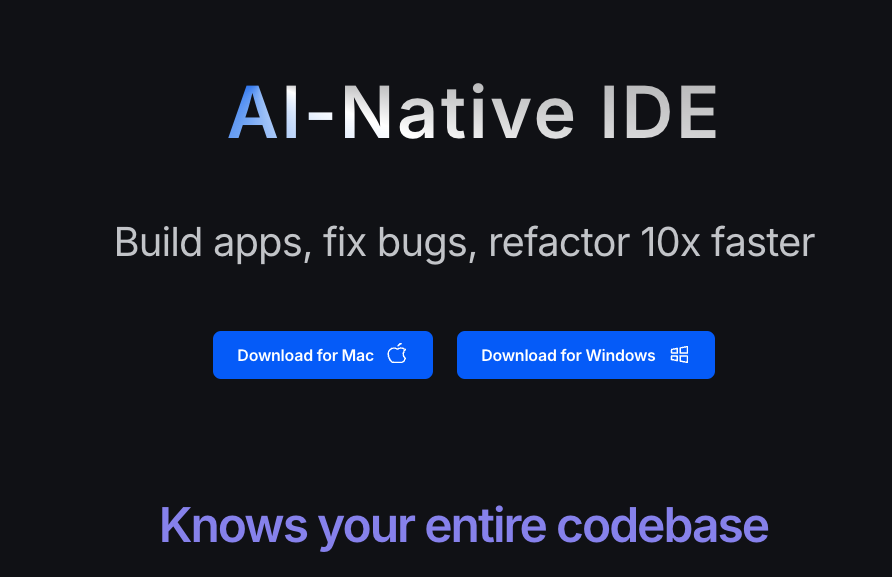
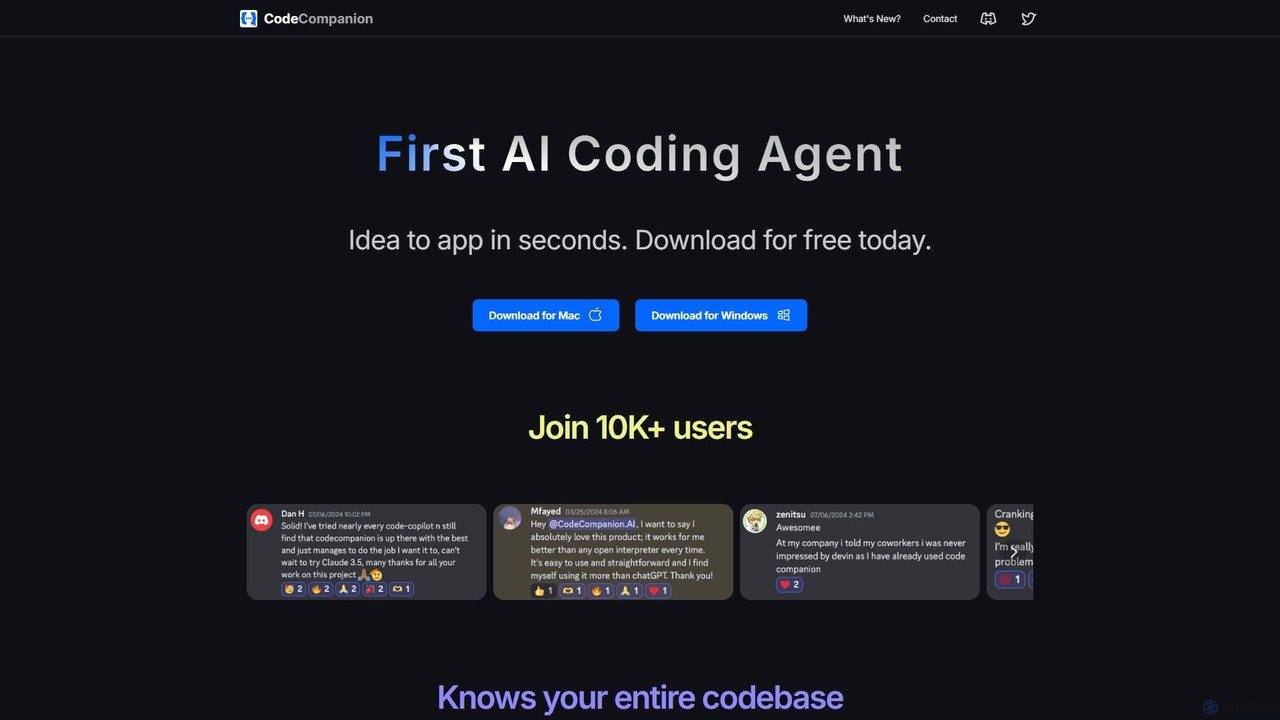
CodeCompanion Overview
CodeCompanion is a revolutionary AI coding assistant designed to function as an autonomous agent directly on your desktop. More than just a code completion tool, it acts like a junior software developer, capable of understanding the entire context of your project, from a small script to a massive codebase. By integrating a terminal, a web browser, and advanced AI planning, CodeCompanion can take high-level tasks described in natural language—like "implement a user authentication feature" or "fix the bug from this console error"—and execute them from start to finish. It researches your files, browses the web for the latest documentation, writes and modifies code, and even debugs its own work, transforming the way developers build and maintain software. With a strong focus on privacy, all your project data and embeddings are stored locally on your system.
How to use CodeCompanion
Getting started with CodeCompanion is a straightforward process designed to integrate seamlessly into your existing workflow:
- Download and Install: Download the free application for your operating system (macOS or Windows) directly from the CodeCompanion website.
- Bring Your Own Key (BYOK): In the settings, connect your API key from a supported provider like OpenAI, Groq, or Anthropic. This gives you full control over model selection and usage costs.
- Open Your Project: Simply open your project's root folder in CodeCompanion. The tool will automatically begin indexing your codebase, creating semantic embeddings to understand the relationships between files.
- Assign a Task: Start a new chat and describe what you want to achieve. You can be general ("Create a new API endpoint for user profiles") or specific ("Refactor the `ApiService.js` file to use async/await instead of promises").
- Provide Context: You can mention specific files using `@filename` to add them to the chat context. For code reviews or bug fixes, you can add all files changed in Git with a single click.
- Visual-to-Code: For UI tasks, you can even provide a screenshot of a design, and CodeCompanion's vision capabilities will help build the corresponding component.
- Monitor and Collaborate: Watch as CodeCompanion creates a plan, executes shell commands, browses the web, and applies code changes. You can intervene, provide feedback, or let it run autonomously. The tool also features an "undo" function to revert changes if needed.
Core Features of CodeCompanion
- Full Codebase Awareness: Utilizes advanced semantic search and vector embeddings (with models like Voyage.ai's `voyage-code-3`) to understand your entire project's architecture and context.
- Integrated Agent Environment: Operates with a built-in terminal to execute commands and a fully functional web browser with developer tools to research documentation, read articles, and automatically fix console errors.
- Autonomous Task Execution: Employs a multi-agent system where different AIs research, plan, and execute tasks in parallel, ensuring a comprehensive approach to problem-solving.
- Advanced Code Modification: Uses an innovative "LLM Apply" technique instead of traditional diff patches. The AI suggests changes in natural language, and a separate, fast LLM (like Llama 70B on Groq) applies them, eliminating syntax errors and reducing token usage.
- Git Integration: Seamlessly works with your version control. You can easily add all changed files to the context for a code review or to help debug a new feature.
- Vision Capabilities: Supports multimodal models like GPT-4 Turbo with Vision, allowing you to build UI components directly from a screenshot or design mockup.
- Privacy and Security by Design: All your source code, chat history, and generated embeddings are stored exclusively on your local machine, ensuring your data remains private.
- Flexible Model Support (BYOK): Supports a wide range of leading LLMs (GPT-4o-mini, Claude Sonnet 3.5, etc.). The "Bring Your Own Key" model means you only pay for what you use and can choose the best model for your task.
Use Cases for CodeCompanion
CodeCompanion is versatile enough to handle a wide array of software development tasks:
- Rapid Prototyping: Quickly turn an idea, a set of requirements, or even a UI screenshot into a working prototype.
- Complex Feature Development: Delegate the implementation of new features in large, existing codebases. The AI will find relevant files, understand dependencies, and write the necessary code.
- Intelligent Bug Fixing: Provide a bug report or a console error log. CodeCompanion will investigate the issue, search for solutions online, and apply the fix directly to your code.
- Code Refactoring and Modernization: Modernize legacy code, update dependencies, or refactor entire modules for better performance and maintainability.
- Automated Code Reviews: Add your staged Git changes to the context and ask for a thorough code review, catching potential bugs, style inconsistencies, or suggesting improvements.
- Learning and Documentation: Ask questions about your own codebase. CodeCompanion can explain how a specific part of the code works or generate documentation for it.
Advantages of CodeCompanion
CodeCompanion stands out from other AI coding tools with several key advantages:
- Deep Contextual Understanding: Unlike tools that only see the open file, CodeCompanion's whole-codebase awareness leads to more accurate and relevant code generation.
- True Autonomy: Its ability to use a terminal and browser makes it a true agent, capable of solving problems that require external information or environment interaction.
- Cost and Speed Efficiency: Features like dynamic context management, parallel function calling, and the "LLM Apply" method are specifically designed to reduce API token consumption and increase execution speed.
- User-Controlled and Private: The local-first approach guarantees data privacy, and the BYOK model provides transparency and control over costs and AI model selection.
- Continuous Improvement: The tool is frequently updated with the latest models, improved techniques (like the move from diffs to LLM Apply), and new features based on user feedback.
Pricing and Plans
CodeCompanion is free to download and use. It operates on a "Bring Your Own Key" (BYOK) model. This means you are responsible for the costs associated with the API calls made to the large language models (LLMs) you choose to use, such as those from OpenAI, Anthropic, or Groq. This model provides maximum flexibility, allowing you to select the most cost-effective or powerful model for your needs without any subscription fees for the application itself.
Traffic
Latest traffic
Status
Monthly traffic trend
- 2025-9: 461
- 2026-1: 1.2K
- 2026-2: 1.9K
- 2026-3: 1.4K
- 2026-4: 3.5K
- 2026-5: 2.3K
Geography
Top 5 countries / regions
- 🇳🇬Nigeria61.3%
- 🇺🇸United States38.7%
Top keywords
| Keyword | Cost per click |
|---|---|
| ai coding companion | $0.00 |
| code companiin | $0.00 |
| code companion | $0.00 |
| code companion applicatiions | $0.00 |
| codecompanion.nvim | $0.00 |
CodeCompanion Alternatives

Safurai
Safurai is an AI-powered IDE extension that acts as a virtual assistant for software developers. It helps with coding, debugging, and refactoring, aiming to streamline the development process and improve code quality directly within your favorite IDE like VS Code and JetBrains.
Code Generation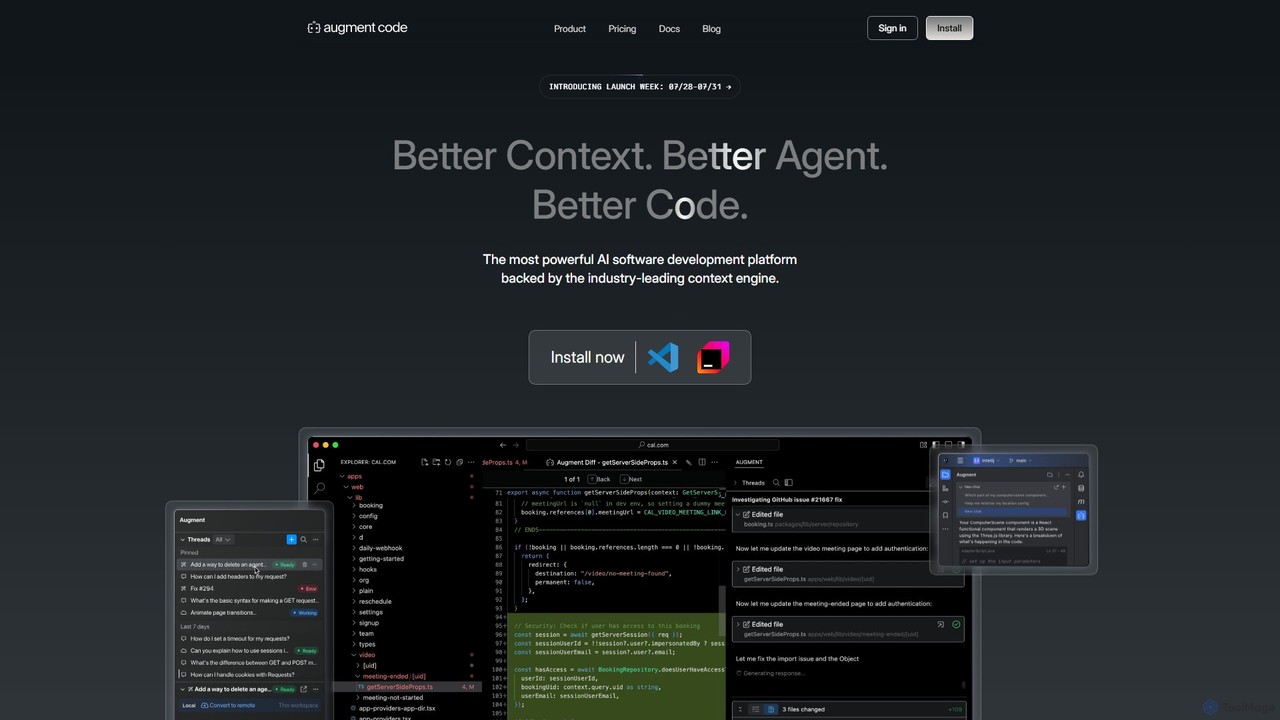
Augment Code
Augment Code is an advanced AI software development platform featuring autonomous agents and a powerful context engine. It integrates into your IDE to help you plan, build, and ship production-ready code faster, with a strong focus on enterprise-grade security and deep codebase understanding.
Code Generation
Amp
Amp is a frontier AI coding agent designed for developers. It operates as a CLI and within IDEs like VS Code, automating complex tasks such as code editing, debugging, and refactoring. Amp leverages the latest AI models to provide autonomous reasoning and execution, enhancing developer productivity through features like subagents, an Oracle for complex analysis, and deep IDE integration.
Code Assistant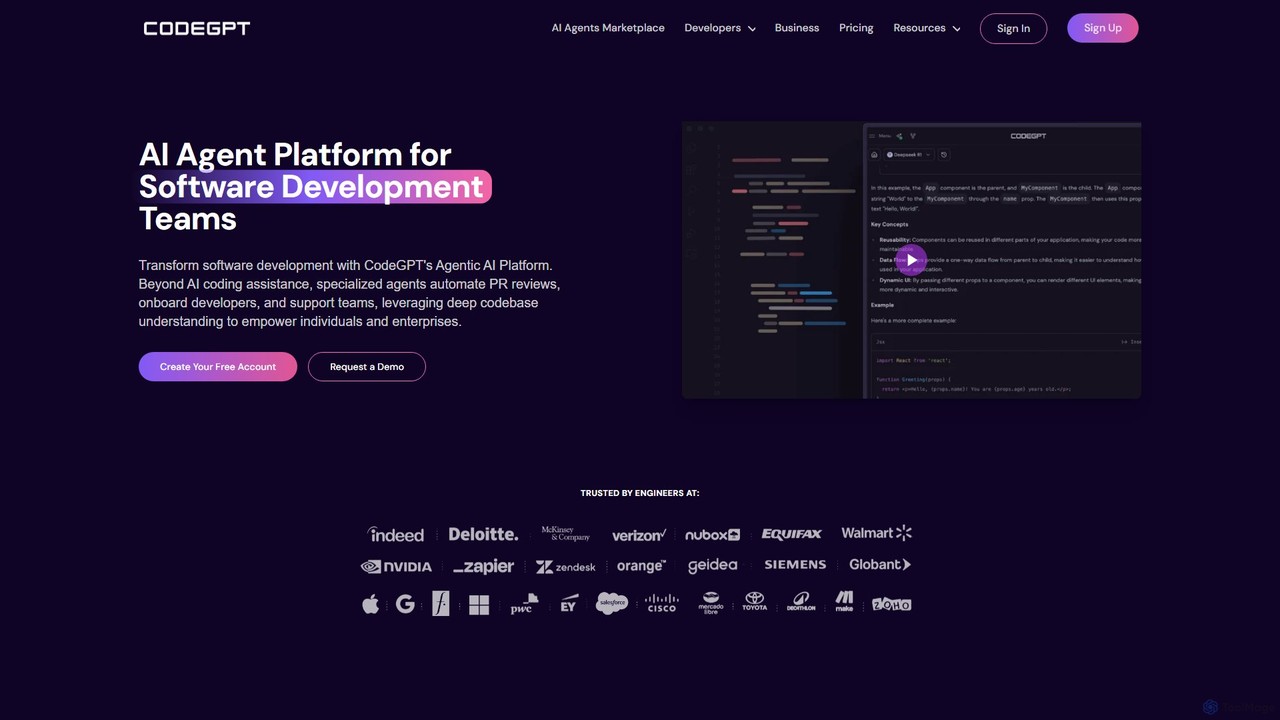
CodeGPT
CodeGPT is an agentic AI platform for software development teams, moving beyond simple code assistance. It offers specialized AI agents that automate PR reviews, onboard developers, and support teams by deeply understanding your entire codebase. It integrates with popular IDEs and supports leading AI models, with a strong focus on enterprise-grade security and flexible deployment options.
Software Development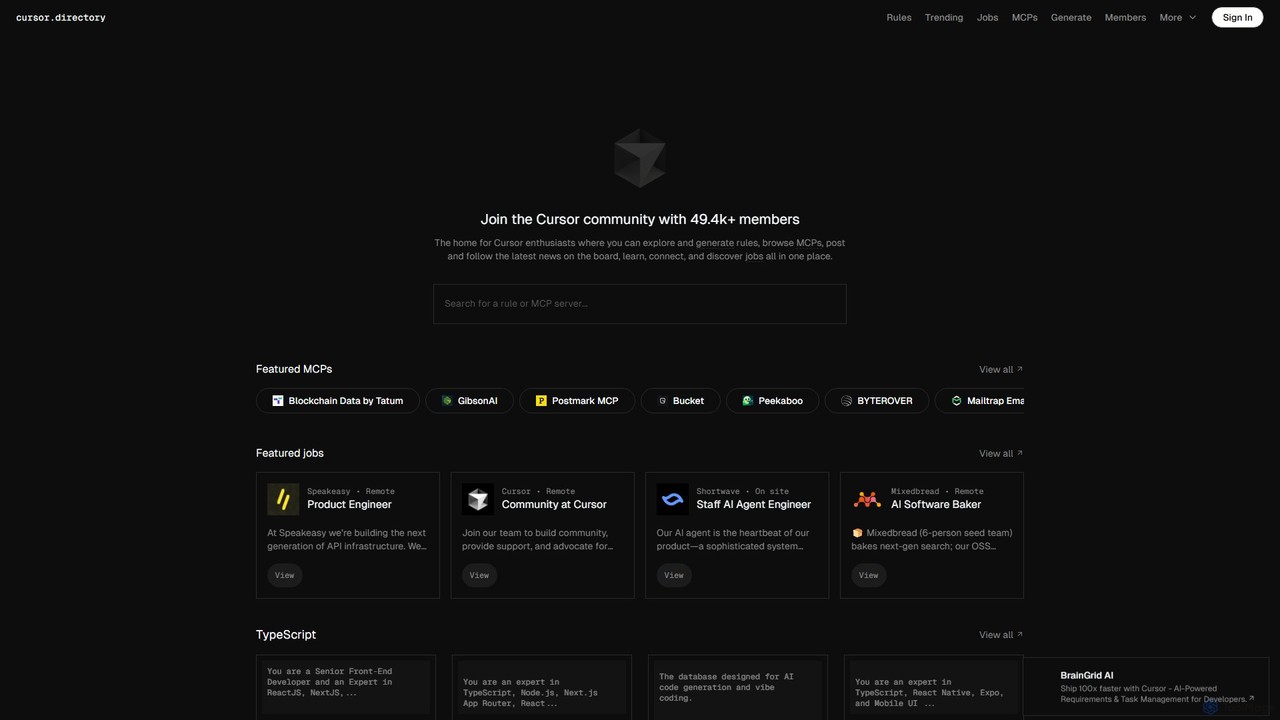
Cursor
Cursor is an AI-first code editor designed for modern software development. Built as a fork of VS Code, it integrates powerful AI capabilities directly into the editing experience, allowing developers to chat with their codebase, generate, edit, and debug code with unprecedented speed and context-awareness.
Code GenerationCodeCompanion Categories
CodeCompanion Embed Widget
Copy this embed code to place the badge on your blog, article, or product site and send readers directly to this ToolMage detail page.

Related AI tools

All Hands AI (OpenHands)
All Hands AI (OpenHands) is a leading open-source AI coding agent designed to automate software development. It helps engineers with tasks like code reviews, refactoring, bug fixing, and test generation. Available as a flexible SaaS, self-hosted, or open-source solution, it integrates with tools like GitHub and GitLab to accelerate development cycles and improve code quality.
Code Generation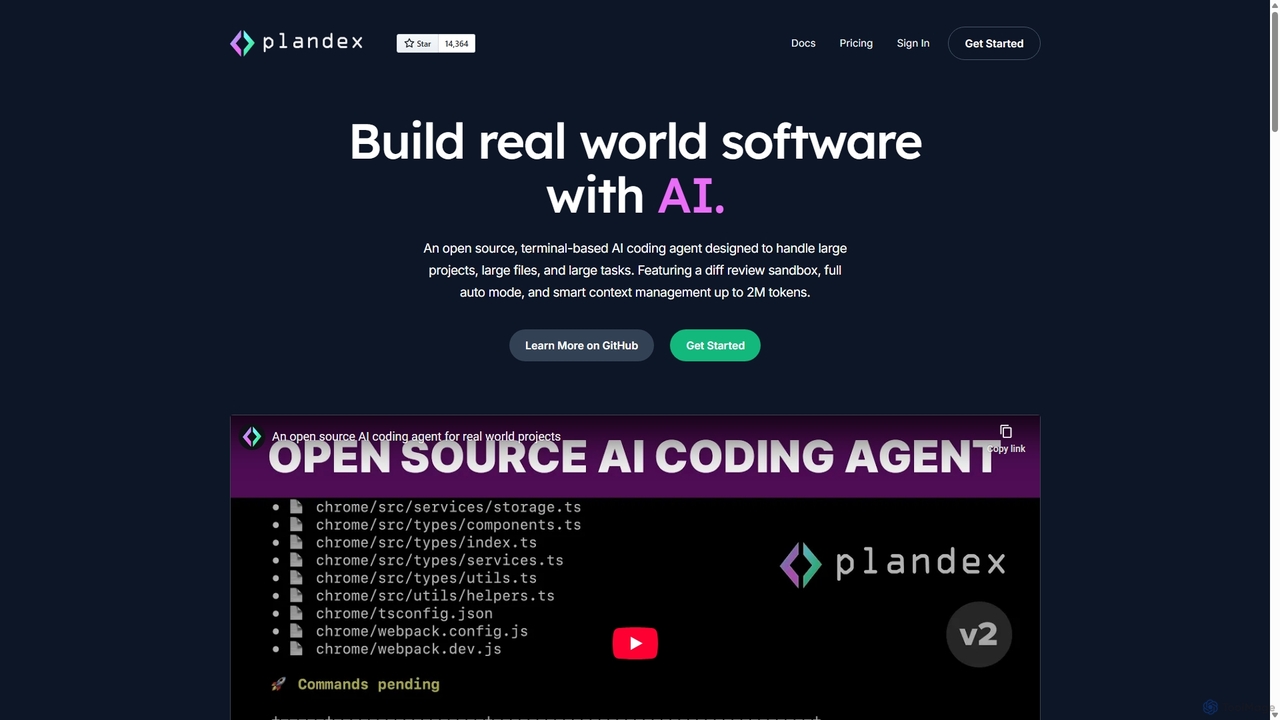
Plandex
Plandex is an open-source, terminal-based AI coding agent designed for complex, large-scale software development tasks. It excels at handling large projects and files with its 2M token context window. Featuring a diff review sandbox, configurable autonomy, and multi-model support, Plandex empowers developers to build, debug, and refactor entire applications with AI assistance, ensuring control and productivity in a dev-friendly workflow.
Code GenerationSafurai
Safurai is an AI-powered IDE extension that acts as a virtual assistant for software developers. It helps with coding, debugging, and refactoring, aiming to streamline the development process and improve code quality directly within your favorite IDE like VS Code and JetBrains.
Code Generation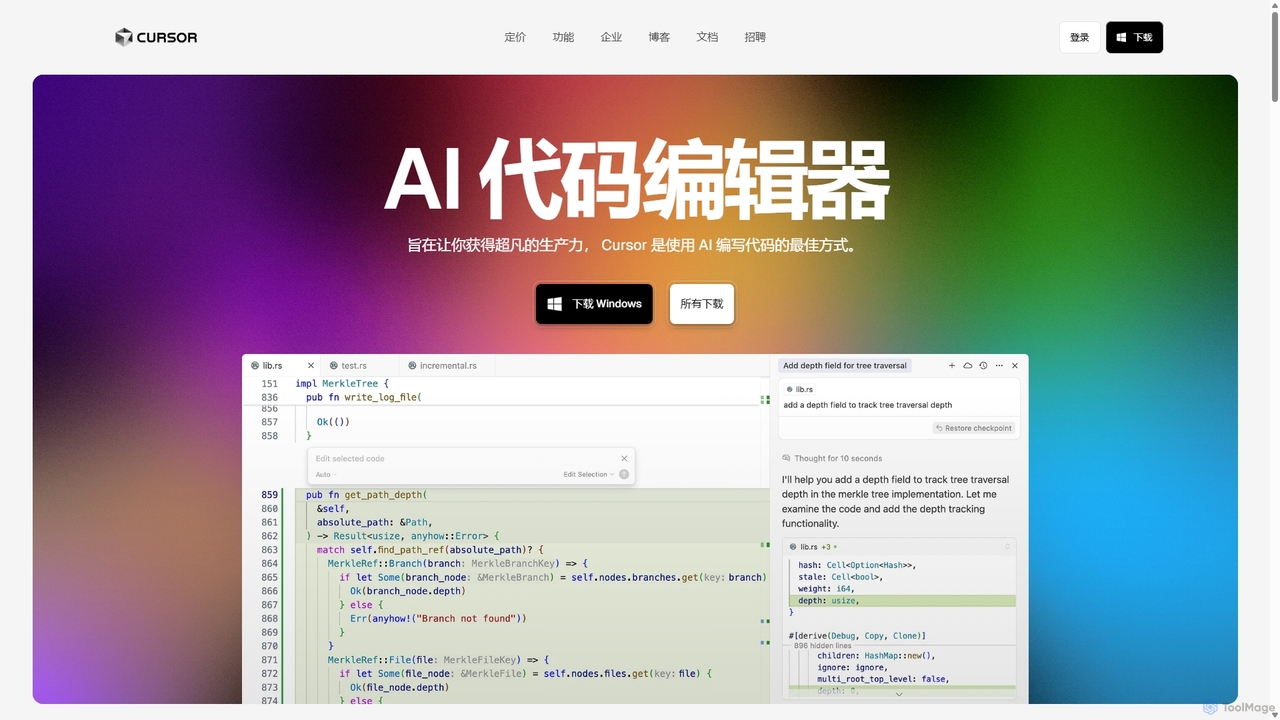
Cursor
Cursor is an AI-first code editor designed for pair-programming with artificial intelligence. Built as a fork of VS Code, it offers a familiar environment supercharged with advanced AI capabilities for code generation, editing, debugging, and codebase comprehension, aiming to significantly boost developer productivity.
Code Assistant
Aider
Aider is an AI-powered pair programmer that operates directly in your terminal. It intelligently maps your entire codebase, providing full project context for complex tasks. Seamlessly integrated with Git, it automates commits and allows you to manage AI-driven changes with familiar tools. Aider supports over 100 programming languages, connects to leading cloud and local LLMs, and even accepts voice and image inputs, making it a versatile and powerful assistant for any developer seeking to accelerate their workflow and improve code quality.
Programming
Devgen
Devgen is an AI-powered coding assistant designed to accelerate the software development lifecycle. It helps developers write better code faster by providing intelligent code generation, completion, refactoring, and automated testing, directly within their IDE.
Code Assistant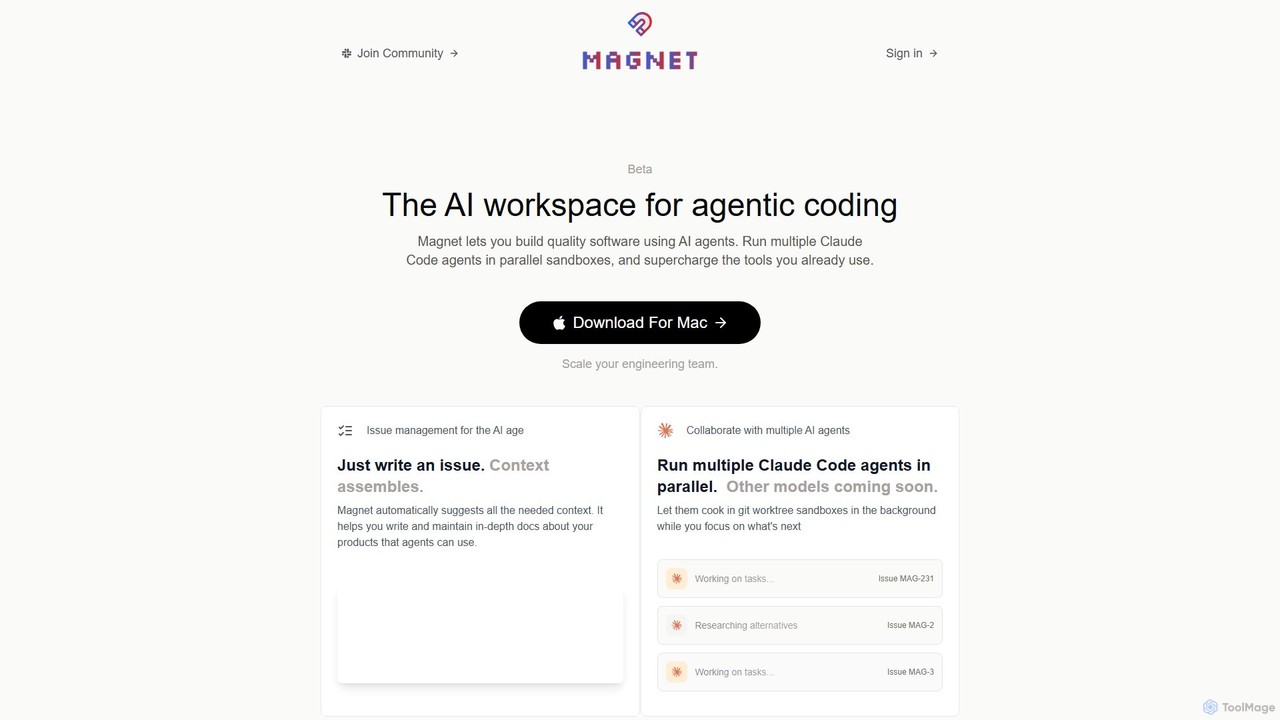
Magnet
Magnet is an AI-powered workspace for agentic coding, enabling developers to build software by orchestrating multiple AI agents. It allows you to run Claude Code agents in parallel sandboxes, acting as a context engine to make development faster, cheaper, and more reliable. It's a native macOS application designed to supercharge your existing engineering workflows.
Agent Orchestration
jetcode.app
jetcode.app is an AI-powered coding assistant designed to accelerate software development. It helps developers write, debug, and optimize code faster by providing intelligent code generation, real-time completion, and powerful refactoring tools directly within their IDE.
Code Assistant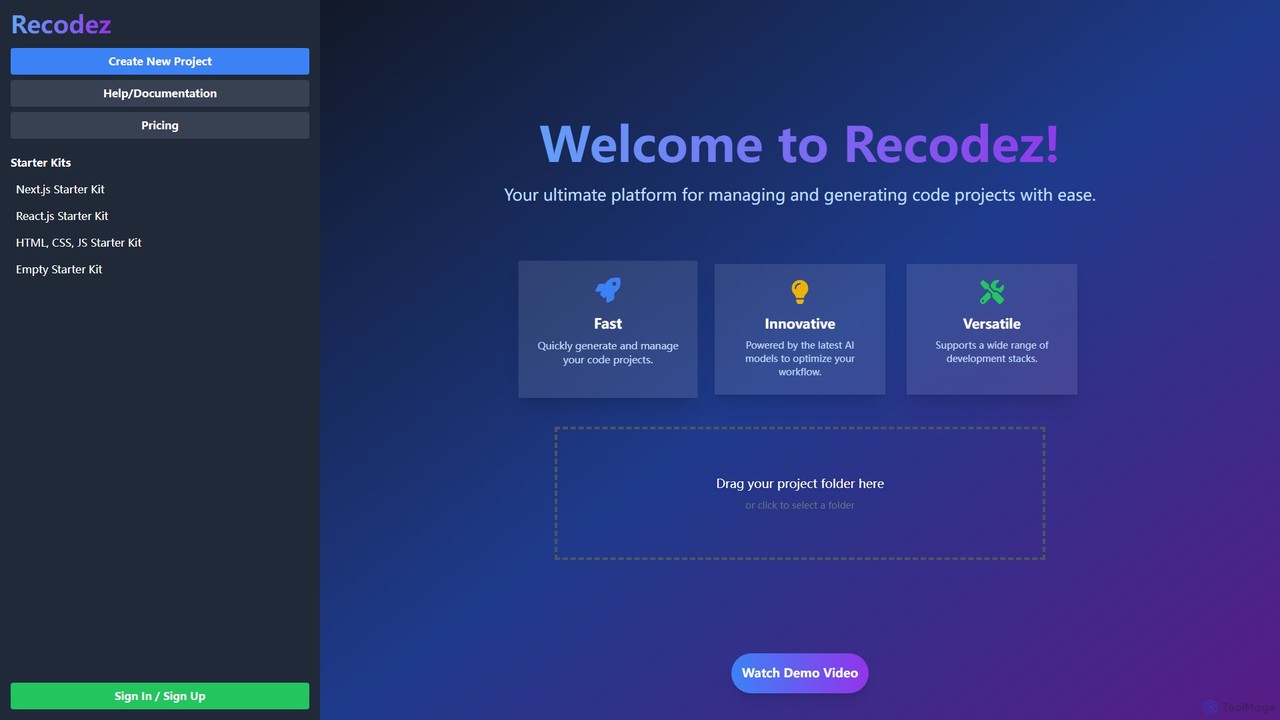
Recodez
Recodez is an AI-powered platform designed to streamline software development. It enables developers to generate, manage, and refactor code projects with ease, supporting various frameworks like Next.js and React. By leveraging advanced AI models, Recodez accelerates the entire development lifecycle, from project scaffolding to code optimization.
Code Assistant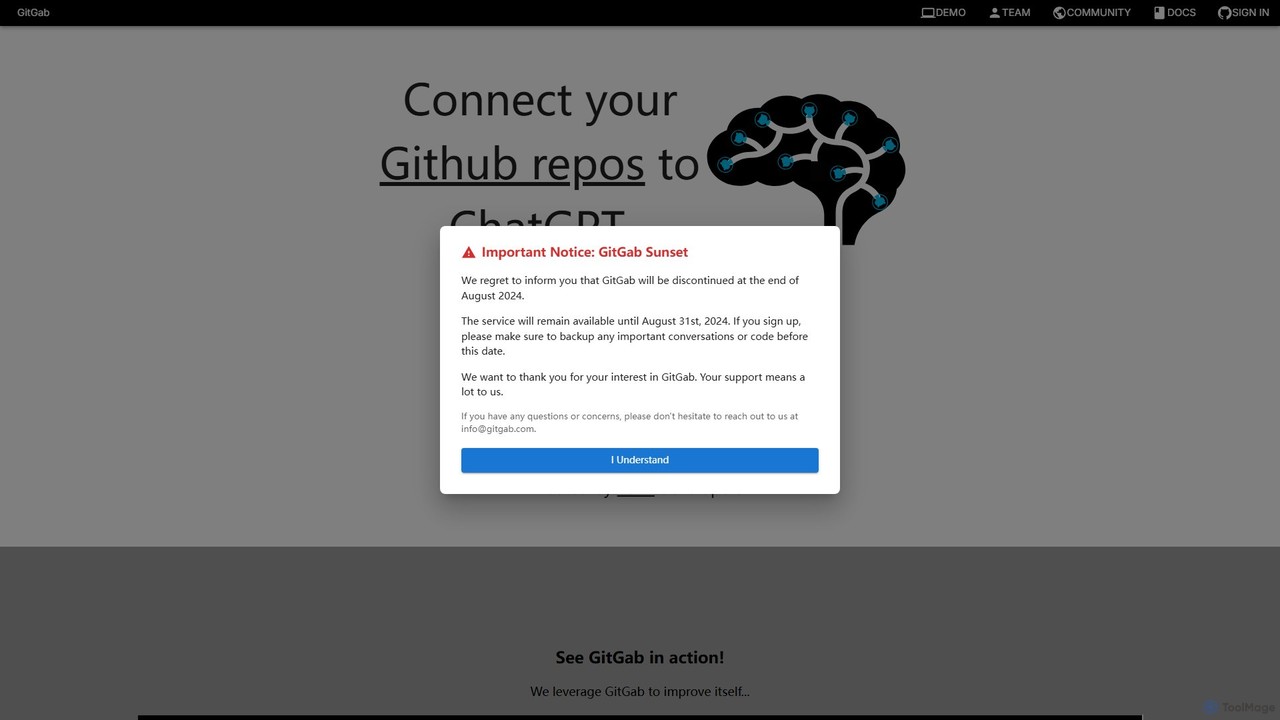
GitGab
GitGab is an advanced AI code assistant that leverages top models like ChatGPT, Claude, and Gemini. It uniquely contextualizes your entire codebase, including multiple repositories and local files, to help you implement features, find bugs, write documentation, and optimize code with unparalleled accuracy.
Code Generation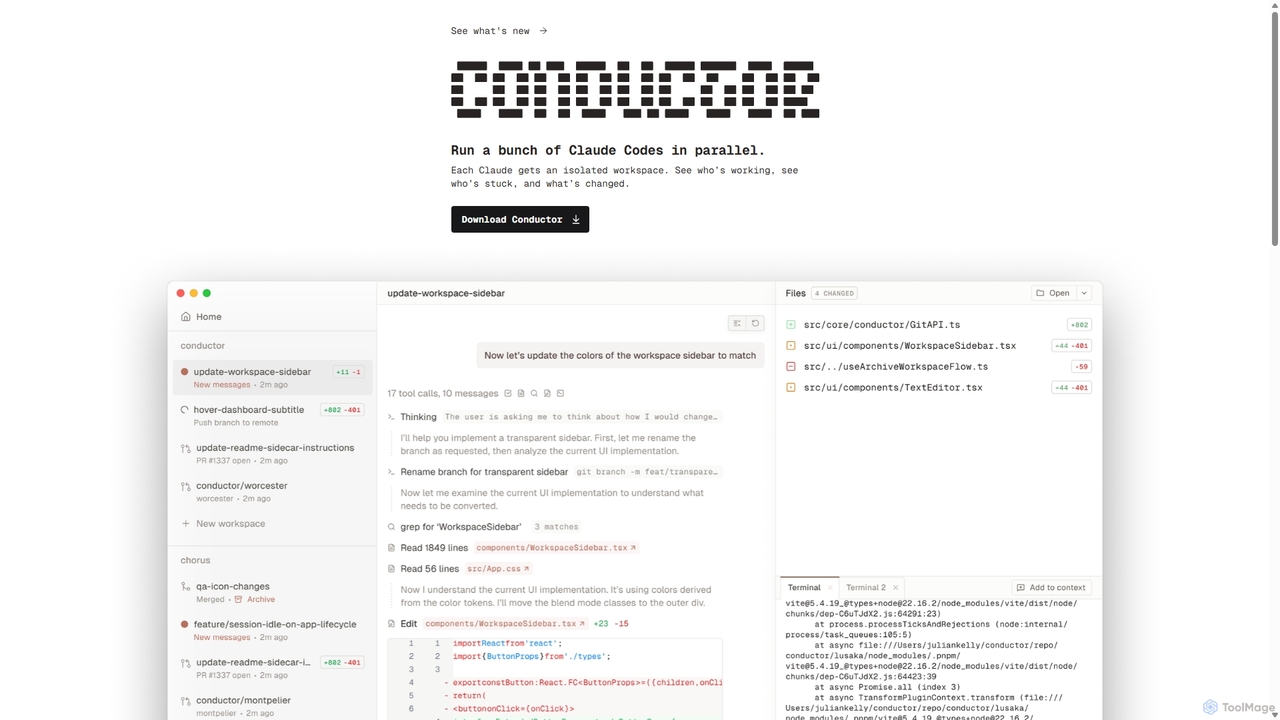
Conductor
A powerful Mac application for orchestrating multiple AI coding agents. Run parallel instances of Claude Code in isolated workspaces to accelerate software development, monitor progress, and review code through a beautiful, intuitive UI.
Code Assistant
Buildt
Buildt is an AI-powered code search and understanding tool for developers. It integrates directly into your IDE, allowing you to search your entire codebase using natural language, understand complex code snippets, and generate or modify code on the fly, acting as an intelligent assistant.
Code GenerationAugment Code
Augment Code is an advanced AI software development platform featuring autonomous agents and a powerful context engine. It integrates into your IDE to help you plan, build, and ship production-ready code faster, with a strong focus on enterprise-grade security and deep codebase understanding.
Code GenerationAmp
Amp is a frontier AI coding agent designed for developers. It operates as a CLI and within IDEs like VS Code, automating complex tasks such as code editing, debugging, and refactoring. Amp leverages the latest AI models to provide autonomous reasoning and execution, enhancing developer productivity through features like subagents, an Oracle for complex analysis, and deep IDE integration.
Code AssistantCodeGPT
CodeGPT is an agentic AI platform for software development teams, moving beyond simple code assistance. It offers specialized AI agents that automate PR reviews, onboard developers, and support teams by deeply understanding your entire codebase. It integrates with popular IDEs and supports leading AI models, with a strong focus on enterprise-grade security and flexible deployment options.
Software Development
CodeCompanion Comments (0)
Sign in to comment.
Sign inNo comments yet.