

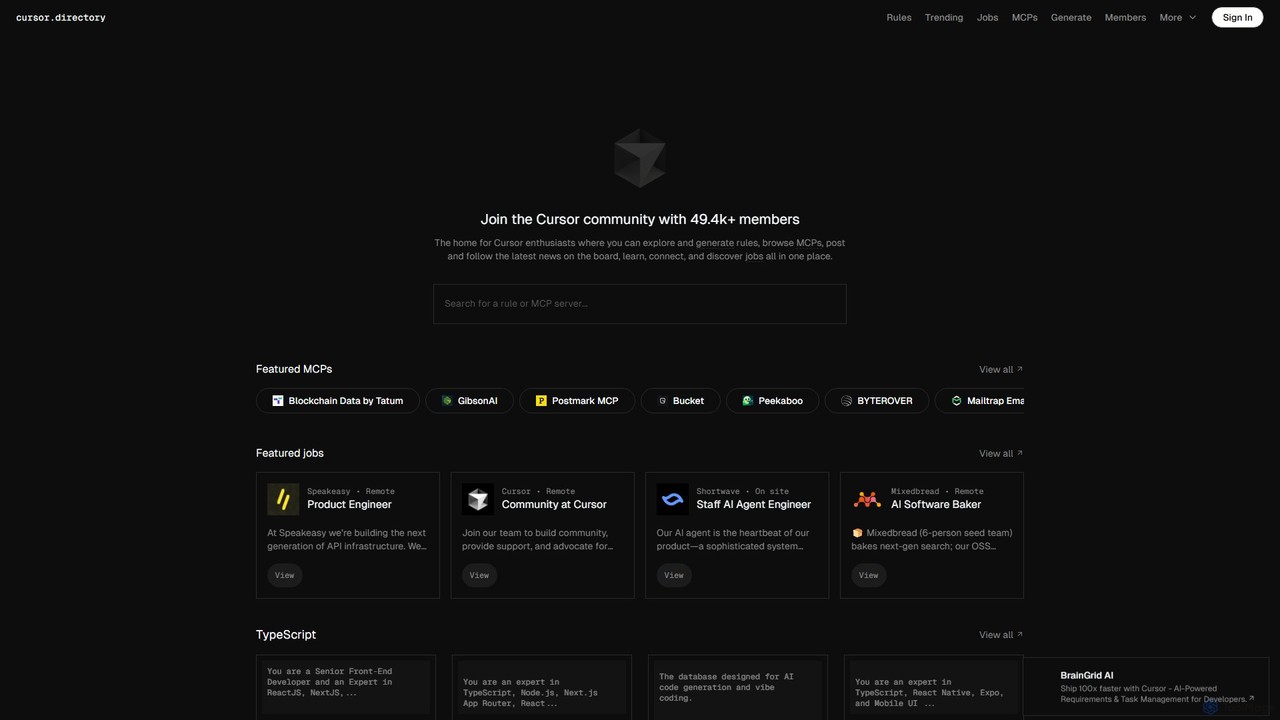
Cursor Overview
Cursor is a revolutionary AI-native code editor engineered to significantly accelerate the software development lifecycle. It is built on the solid foundation of Visual Studio Code, which means developers can enjoy a familiar interface and retain access to their favorite extensions, themes, and keybindings, all while benefiting from deeply integrated, state-of-the-art AI functionalities. Unlike other AI coding assistants that operate in a separate window, Cursor embeds AI directly into the core workflow, making it a seamless and intuitive partner for any programming task.
The editor's standout feature is its ability to understand the entire context of your project. You can point the AI to specific files or folders using the '@' symbol, enabling it to provide highly relevant and accurate suggestions, code generations, or explanations based on your entire codebase. This makes it incredibly powerful for tasks like understanding legacy code, implementing features that span multiple files, or hunting down complex bugs.
How to use Cursor
Getting started with Cursor is straightforward:
- Download and install the Cursor application from its official website. It's available for macOS, Windows, and Linux.
- Open any of your existing project folders. Since it's a VS Code fork, it will recognize your project structure immediately.
- To chat with the AI about your code, press Cmd+L (Mac) or Ctrl+L (Windows/Linux). You can ask it to explain concepts, suggest an implementation plan, or find relevant code snippets.
- To generate or edit code, highlight a section of code (or just place your cursor) and press Cmd+K (Mac) or Ctrl+K (Windows/Linux). A prompt will appear, allowing you to describe the changes you want, such as "Refactor this function to be more efficient" or "Add error handling."
- Reference your entire codebase by typing '@' in the chat or edit prompt, followed by a file or symbol name. For example: "Based on the schema in @models/user.ts, create an API endpoint for user creation."
- Use the built-in AI-powered debugger to identify and fix issues with a single click.
- Explore and apply "Cursor Rules" from the Cursor Directory to customize the AI's behavior for specific frameworks or coding standards, such as ensuring all new components follow Next.js best practices.
Core Features of Cursor
- Codebase-Aware AI Chat: Engage in a conversation with an AI that has full context of your entire project repository.
- Inline AI Editing & Generation: Generate, refactor, and edit code directly within the editor using natural language prompts.
- One-Click Bug Fixes: Automatically diagnose and fix linter errors, runtime exceptions, and other bugs.
- Generate from Scratch: Create new files, components, tests, and documentation from a high-level description.
- VS Code Extension Compatibility: Continue using all your favorite extensions from the VS Code marketplace.
- Customizable "Rules": Define specific guidelines and best practices for the AI to follow, ensuring consistent and high-quality code output. This is supported by a community-driven Cursor Directory.
- Migration & Onboarding: Quickly get up to speed on a new or unfamiliar codebase by asking the AI to explain how different parts work together.
Use Cases for Cursor
Cursor is versatile and can be applied across the development spectrum:
- Rapid Prototyping: Quickly scaffold new applications or features for frameworks like React, Vue, Next.js, or Django by describing the desired functionality.
- Legacy Code Maintenance: Safely refactor and modernize old codebases by having the AI explain complex logic and suggest improvements.
- Test-Driven Development: Generate comprehensive unit and integration tests for your functions and components automatically.
- Learning New Technologies: Use Cursor as a learning companion to understand new programming languages, frameworks, or libraries by asking for explanations and examples in the context of your project.
- API Integration: When working with a new API, provide the documentation to Cursor and ask it to write the necessary client-side code.
Advantages of Cursor
The primary advantage of Cursor is its deep, contextual integration of AI into the development workflow. This leads to:
- Increased Productivity: Automate repetitive and time-consuming tasks, allowing developers to focus on high-level problem-solving.
- Improved Code Quality: Leverage AI to enforce best practices, catch bugs early, and write cleaner, more maintainable code.
- Faster Onboarding: New team members can become productive faster by using the AI to navigate and understand existing codebases.
- Seamless Experience: By building on VS Code, Cursor offers a world-class editor experience without a steep learning curve.
Pricing and Plans
Cursor operates on a freemium model:
- Free Plan: Offers a limited number of "slow" GPT-3.5 queries and a smaller set of "fast" GPT-4 queries per month, suitable for individual developers or those wanting to try the tool.
- Pro Plan: A paid monthly subscription for individual professionals, offering a significantly higher number of fast GPT-4 queries, access to the latest AI models, and features like "Codebase-aware context".
- Business Plan: Designed for teams, this plan includes all Pro features plus team management, centralized billing, and enhanced security and privacy controls.
Traffic
Latest traffic
Status
Monthly traffic trend
- 2025-9: 365.8K
- 2026-1: 329.7K
- 2026-2: 255.0K
- 2026-3: 275.2K
- 2026-4: 192.2K
- 2026-5: 179.4K
Geography
Top 5 countries / regions
- 🇺🇸United States49.8%
- 🇨🇳China22.9%
- 🇩🇪Germany9.8%
- 🇻🇳Vietnam9.7%
- 🇦🇷Argentina8.0%
Traffic sources
| Source type | Percentage |
|---|---|
Direct | 85.4% |
Referral | 12.4% |
Email | 2.2% |
Top keywords
| Keyword | Cost per click |
|---|---|
| cursor | $1.90 |
| cursor careers | $3.81 |
| cursor directory | $6.44 |
| cursor rules | $3.78 |
| robinhood mcp | $0.00 |
Cursor Videos on YouTube


Leon van Zyl

Cursor

Tech With Tim


Cursor Alternatives
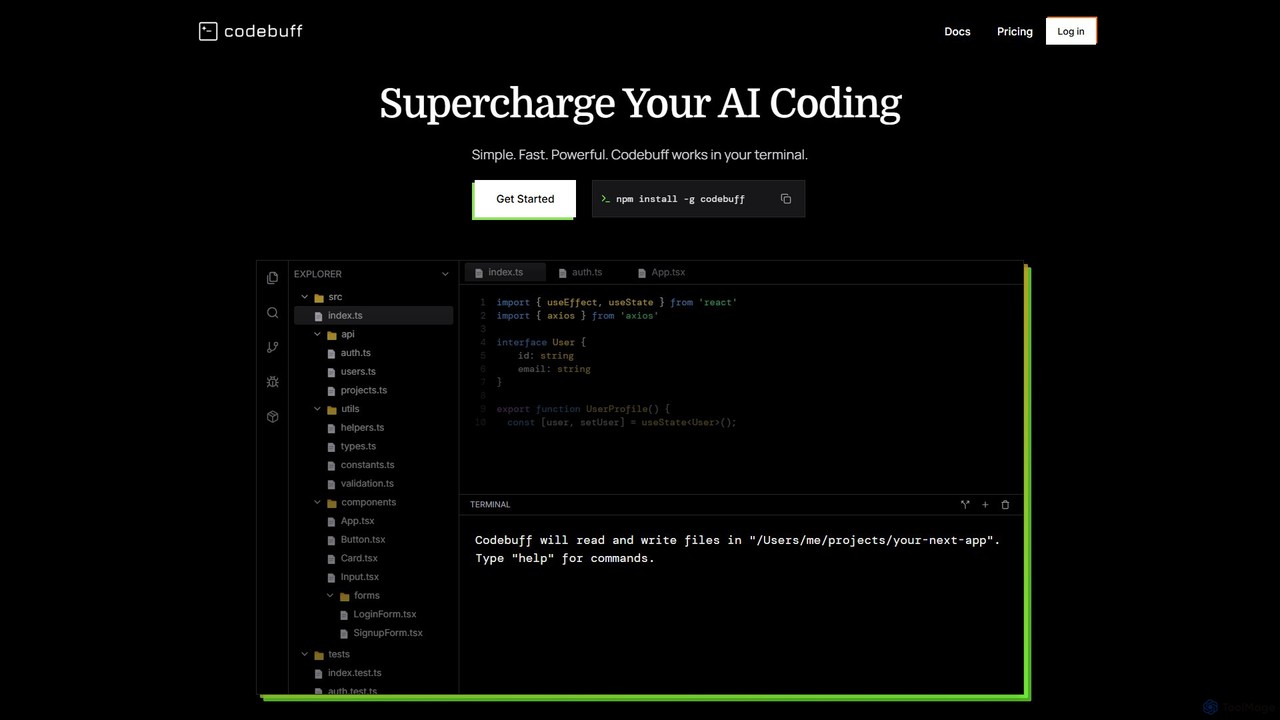
Codebuff
Codebuff is a powerful AI coding assistant that operates directly in your terminal. It deeply understands your entire codebase, enabling it to perform complex tasks like surgical code edits, feature implementation, and large-scale refactoring with unparalleled speed and accuracy. It learns from your project context and integrates seamlessly into any tech stack.
Code Generation
PearAI
PearAI is an intelligent, all-in-one AI code editor designed for developers. It features a unique AI Router that automatically selects the best coding model (like GPT-4o or Claude 3), a coding agent for autonomous development and bug fixing, and a context-aware chat that understands your entire codebase. It aims to streamline the entire development workflow from idea to deployment.
Code Generation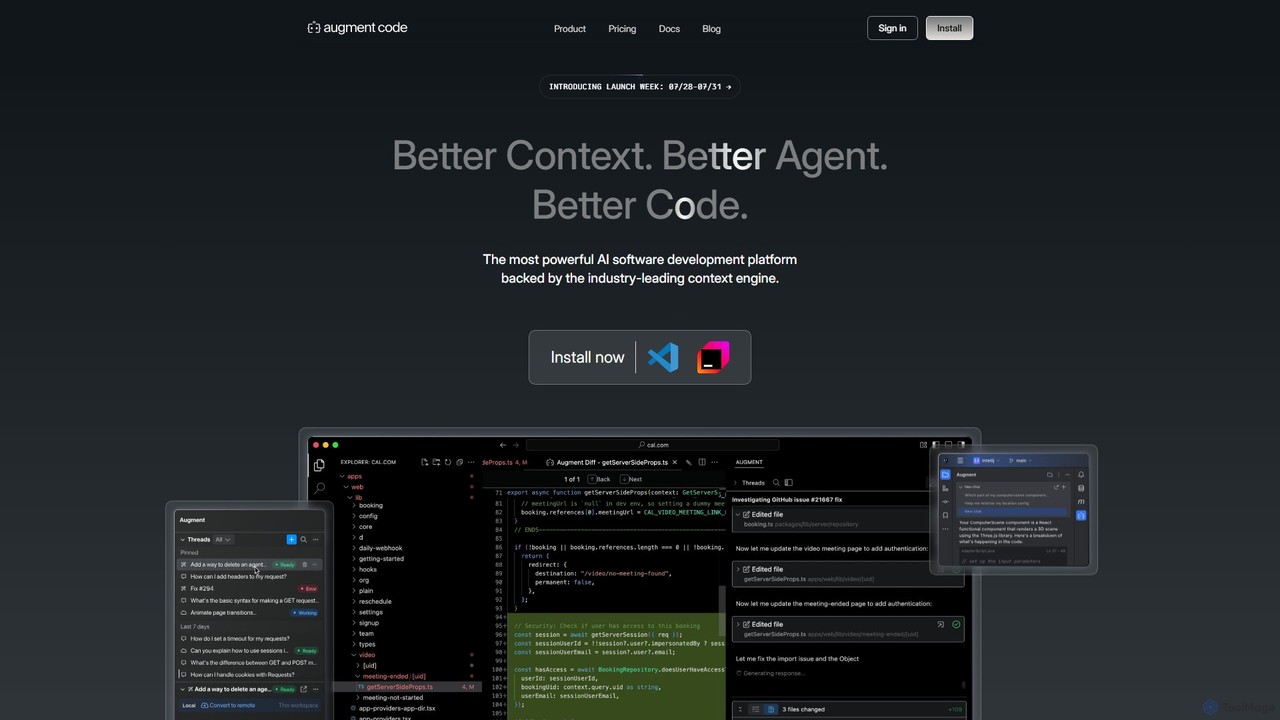
Augment Code
Augment Code is an advanced AI software development platform featuring autonomous agents and a powerful context engine. It integrates into your IDE to help you plan, build, and ship production-ready code faster, with a strong focus on enterprise-grade security and deep codebase understanding.
Code Generation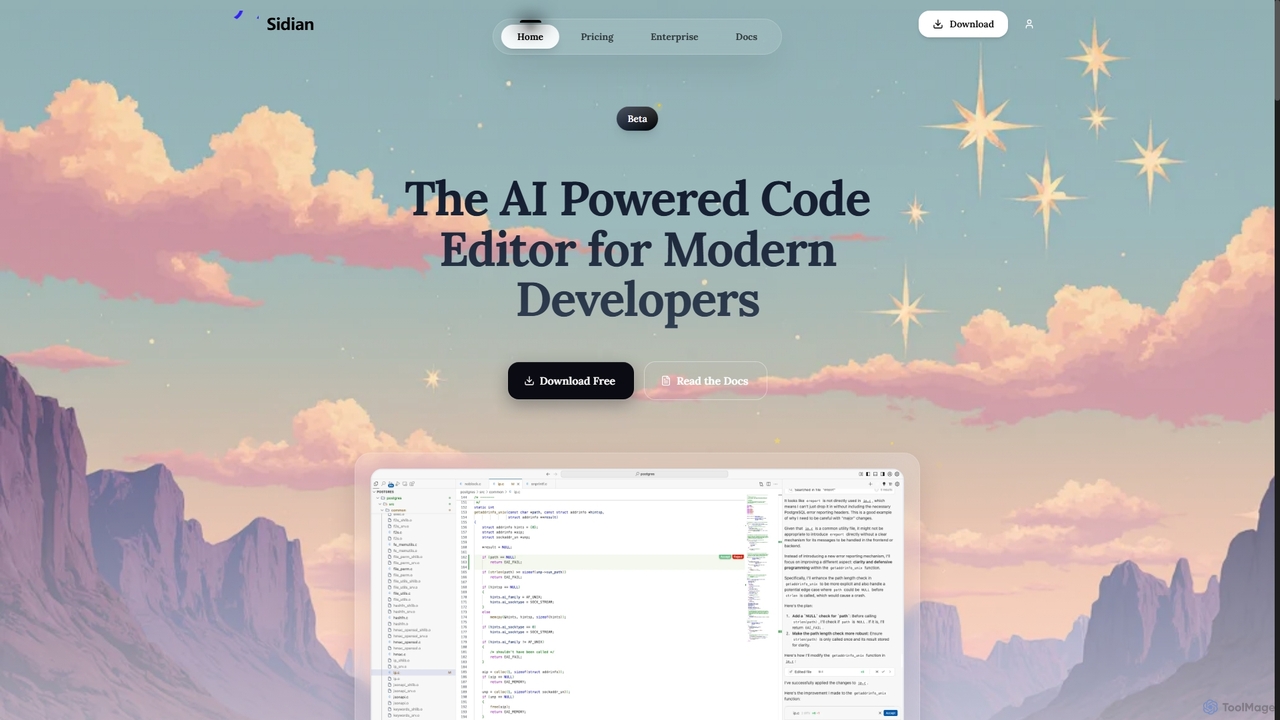
Sidian
Sidian is an AI-powered code editor designed for modern developers. It features a sophisticated context engine that rapidly understands complex codebases, integrates with major AI providers like OpenAI and Google, and supports local models for enhanced privacy and flexibility.
Code Generation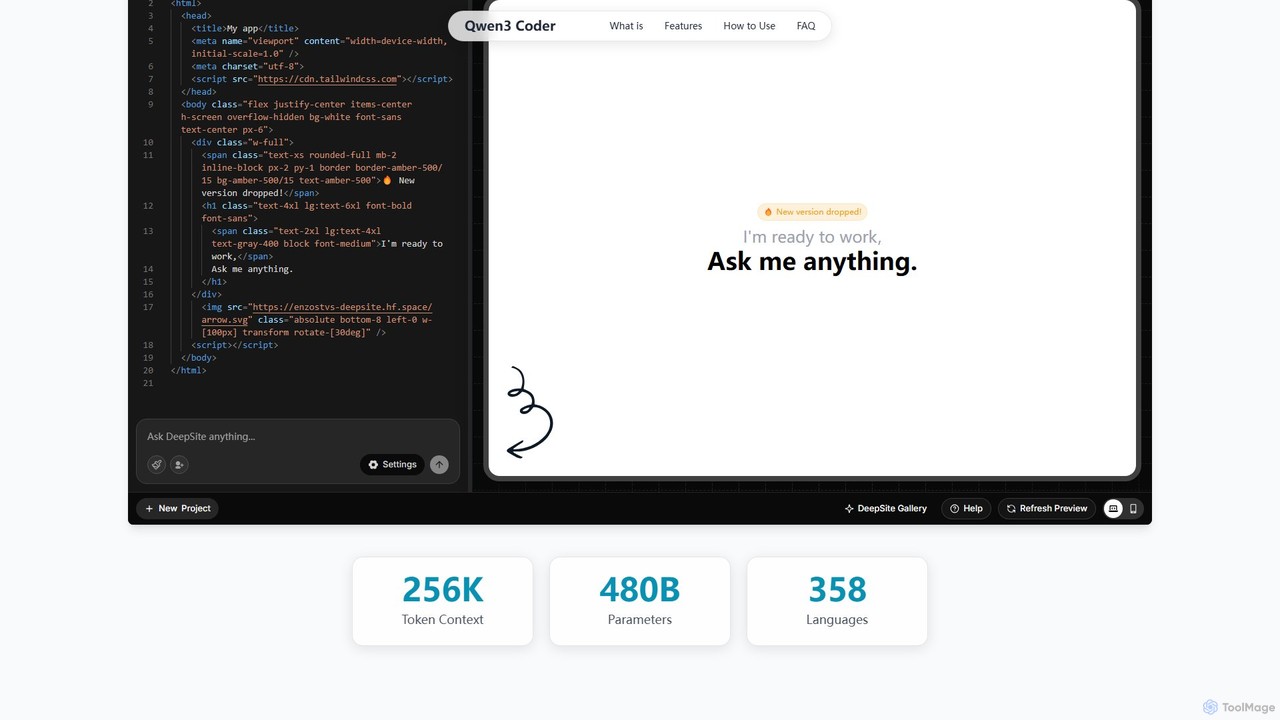
Qwen3 Coder
Qwen3 Coder is a state-of-the-art, open-source large language model by Alibaba Cloud, engineered for advanced code generation, comprehension, and agentic tasks. Featuring a 480B Mixture-of-Experts architecture and trained on 7.5 trillion tokens, it achieves GPT-4 level performance across 358 programming languages. It supports a massive 256K context window and is designed for complex, multi-step software development workflows.
Large Language ModelCursor Categories
Cursor Embed Widget
Copy this embed code to place the badge on your blog, article, or product site and send readers directly to this ToolMage detail page.

Related AI tools
JetBrains
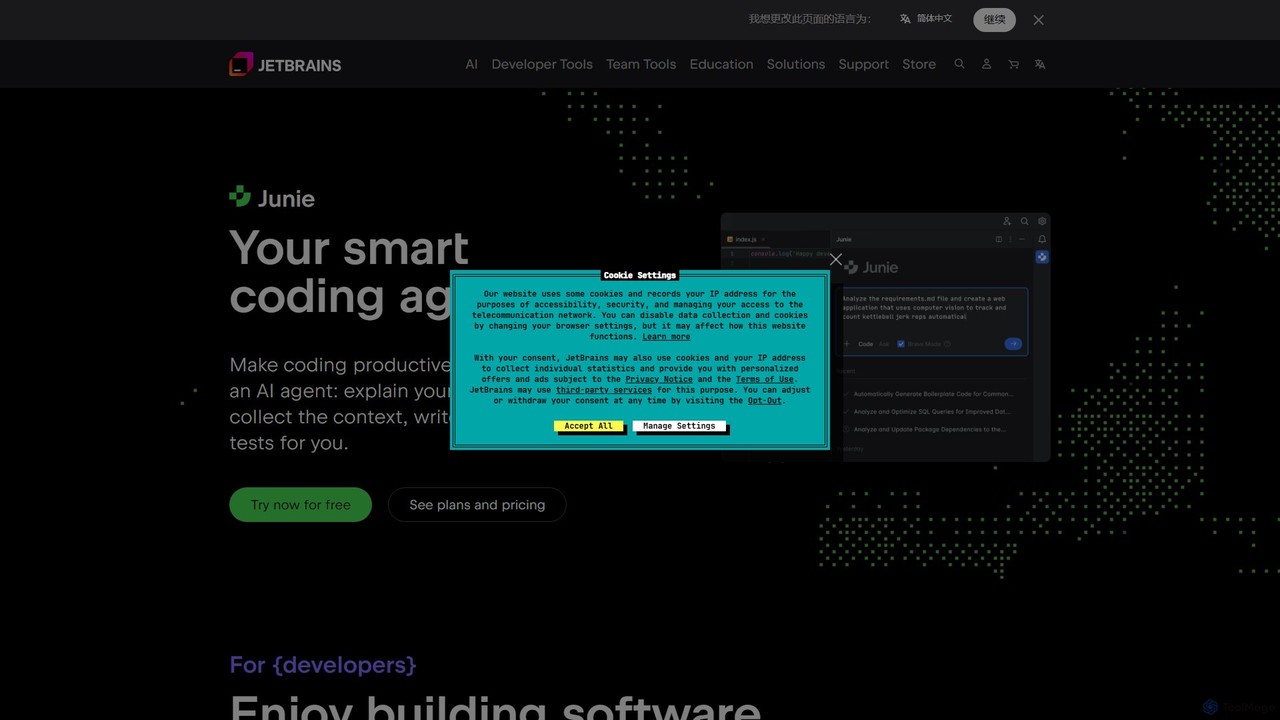
JetBrains provides a comprehensive suite of intelligent tools for software developers and teams, including powerful IDEs and an integrated AI Assistant. It enhances productivity with smart code completion, refactoring, and bug detection, streamlining the entire development lifecycle from coding to deployment. It supports a wide range of languages and offers robust team collaboration platforms.
Integrated Development EnvironmentCodebuff
Codebuff is a powerful AI coding assistant that operates directly in your terminal. It deeply understands your entire codebase, enabling it to perform complex tasks like surgical code edits, feature implementation, and large-scale refactoring with unparalleled speed and accuracy. It learns from your project context and integrates seamlessly into any tech stack.
Code GenerationPearAI
PearAI is an intelligent, all-in-one AI code editor designed for developers. It features a unique AI Router that automatically selects the best coding model (like GPT-4o or Claude 3), a coding agent for autonomous development and bug fixing, and a context-aware chat that understands your entire codebase. It aims to streamline the entire development workflow from idea to deployment.
Code GenerationQwen3 Coder
Qwen3 Coder is a state-of-the-art, open-source large language model by Alibaba Cloud, engineered for advanced code generation, comprehension, and agentic tasks. Featuring a 480B Mixture-of-Experts architecture and trained on 7.5 trillion tokens, it achieves GPT-4 level performance across 358 programming languages. It supports a massive 256K context window and is designed for complex, multi-step software development workflows.
Large Language Model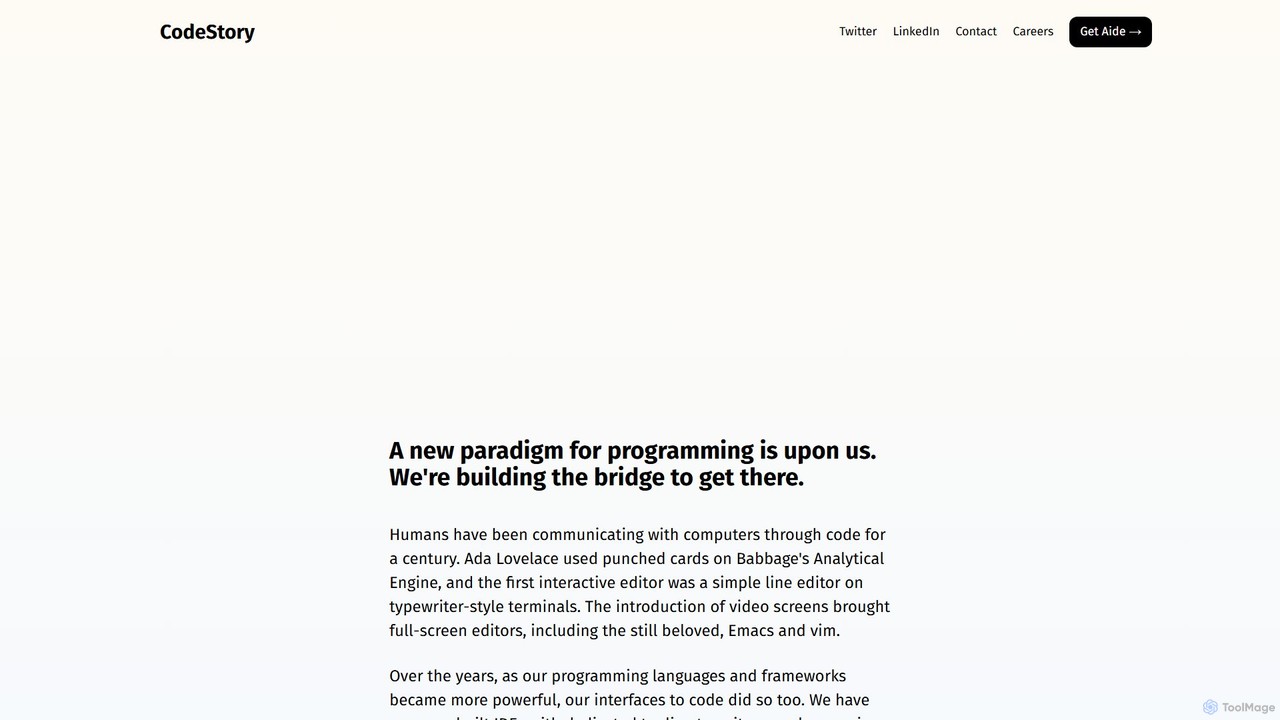
CodeStory
CodeStory is developing Aide, a next-generation, AI-native code editor designed for seamless collaboration between humans and AI. It aims to redefine the programming experience by integrating intelligent code generation, debugging, and refactoring directly into the developer's workflow, boosting productivity and code quality.
Code Generation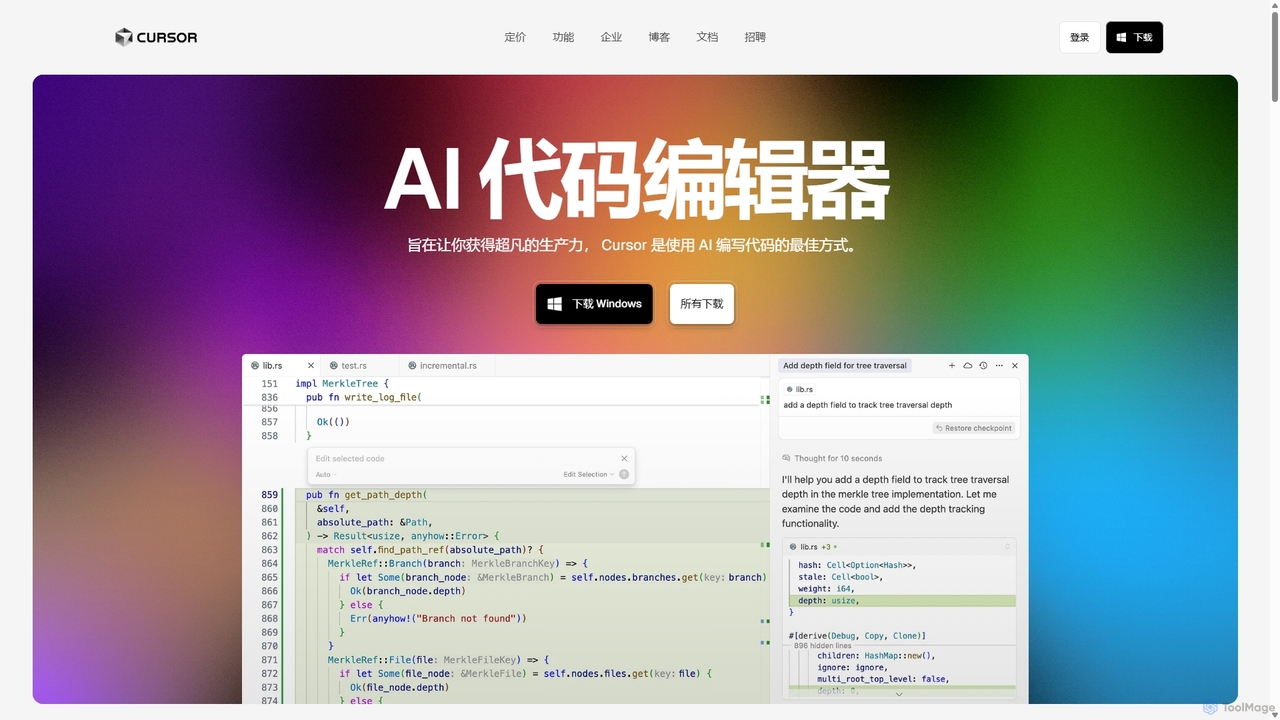
Cursor
Cursor is an AI-first code editor designed for pair-programming with artificial intelligence. Built as a fork of VS Code, it offers a familiar environment supercharged with advanced AI capabilities for code generation, editing, debugging, and codebase comprehension, aiming to significantly boost developer productivity.
Code Assistant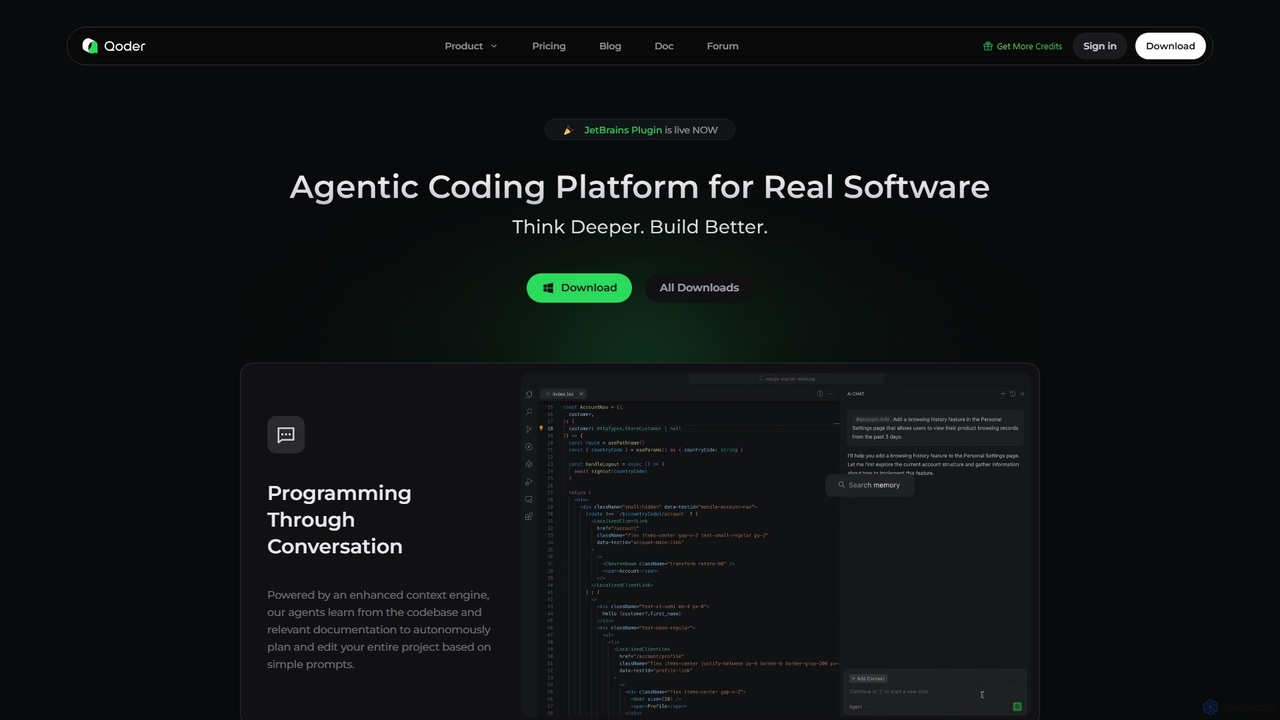
Qoder
Qoder is an agentic AI coding platform designed for real software development. It leverages an enhanced context engine to autonomously plan, code, and test entire projects based on simple prompts, integrating seamlessly into developer workflows via IDE, CLI, or JetBrains plugin.
Code Assistant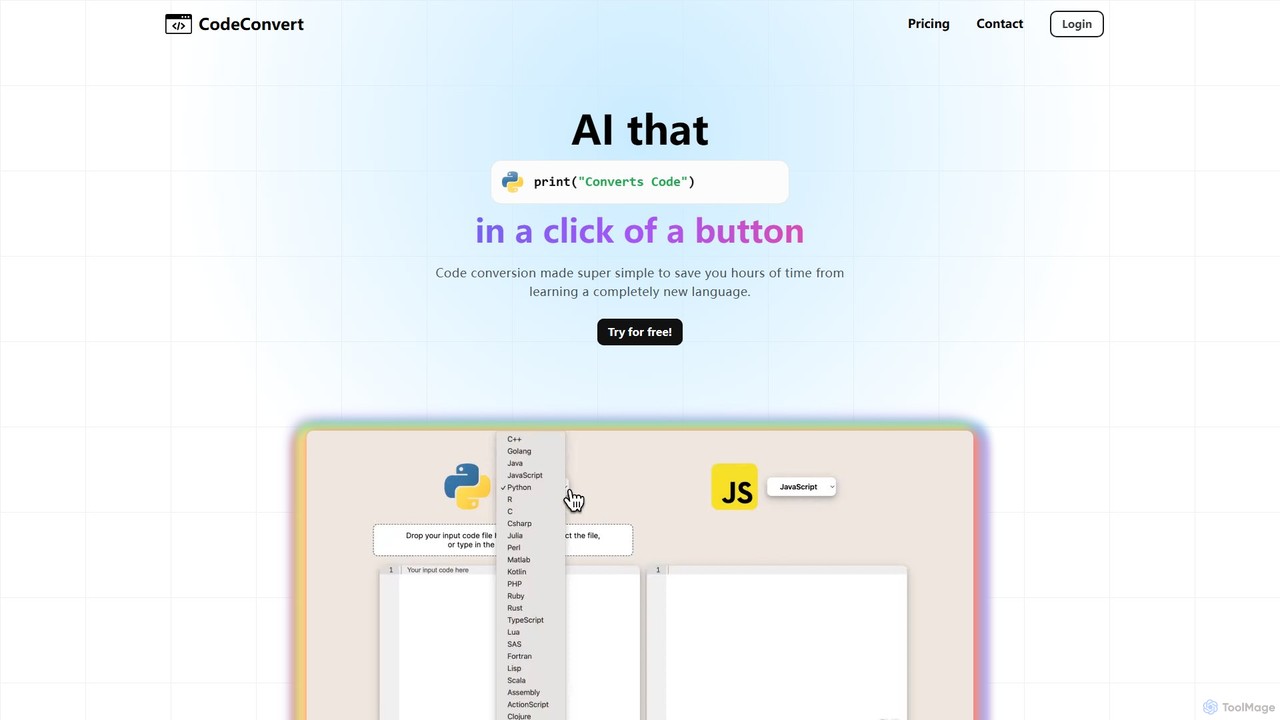
CodeConvert
CodeConvert is an AI-powered tool that instantly translates code snippets between over 50 programming languages. It helps developers save hours of manual rewriting, learn new languages, and migrate projects efficiently. Features include high-accuracy conversion, code generation, and code explanation.
Code Assistant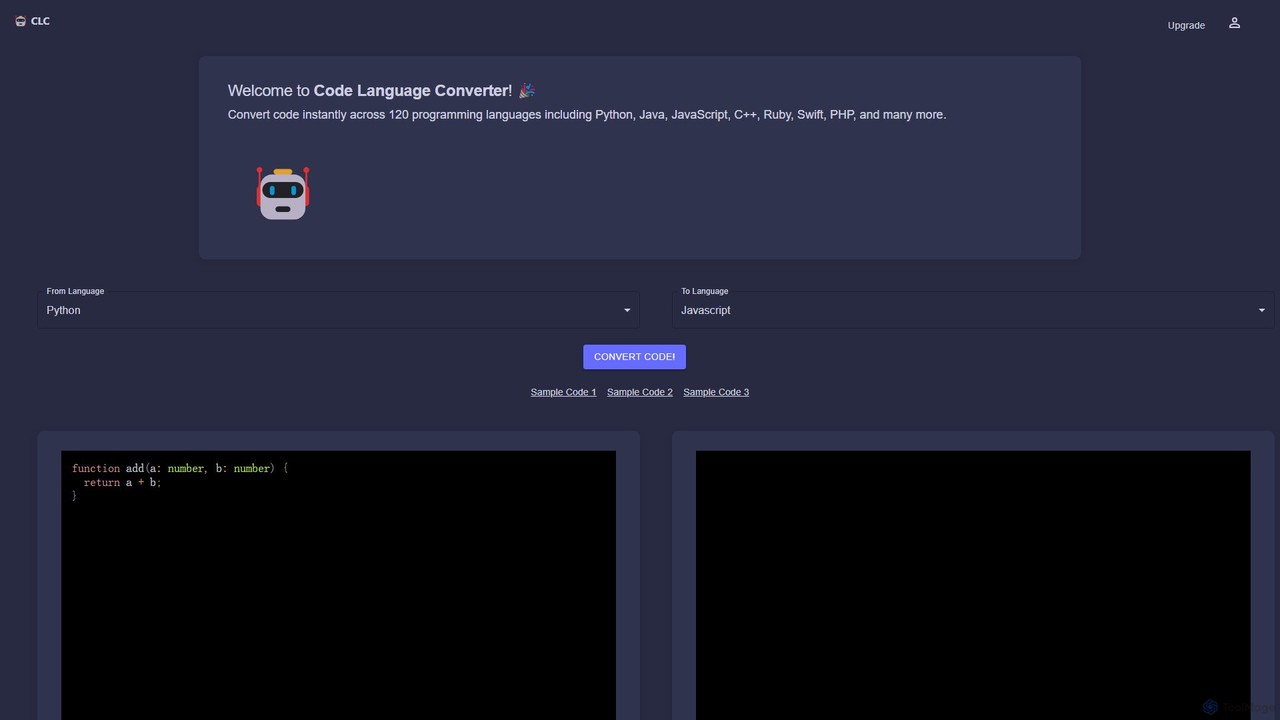
CodeConverter
CodeConverter is an AI-powered online tool that instantly translates code snippets between over 120 programming languages. It helps developers, students, and data scientists migrate codebases, learn new languages, and improve productivity by providing fast, accurate, and secure conversions directly in the browser.
Code Assistant
jetcode.app
jetcode.app is an AI-powered coding assistant designed to accelerate software development. It helps developers write, debug, and optimize code faster by providing intelligent code generation, real-time completion, and powerful refactoring tools directly within their IDE.
Code Assistant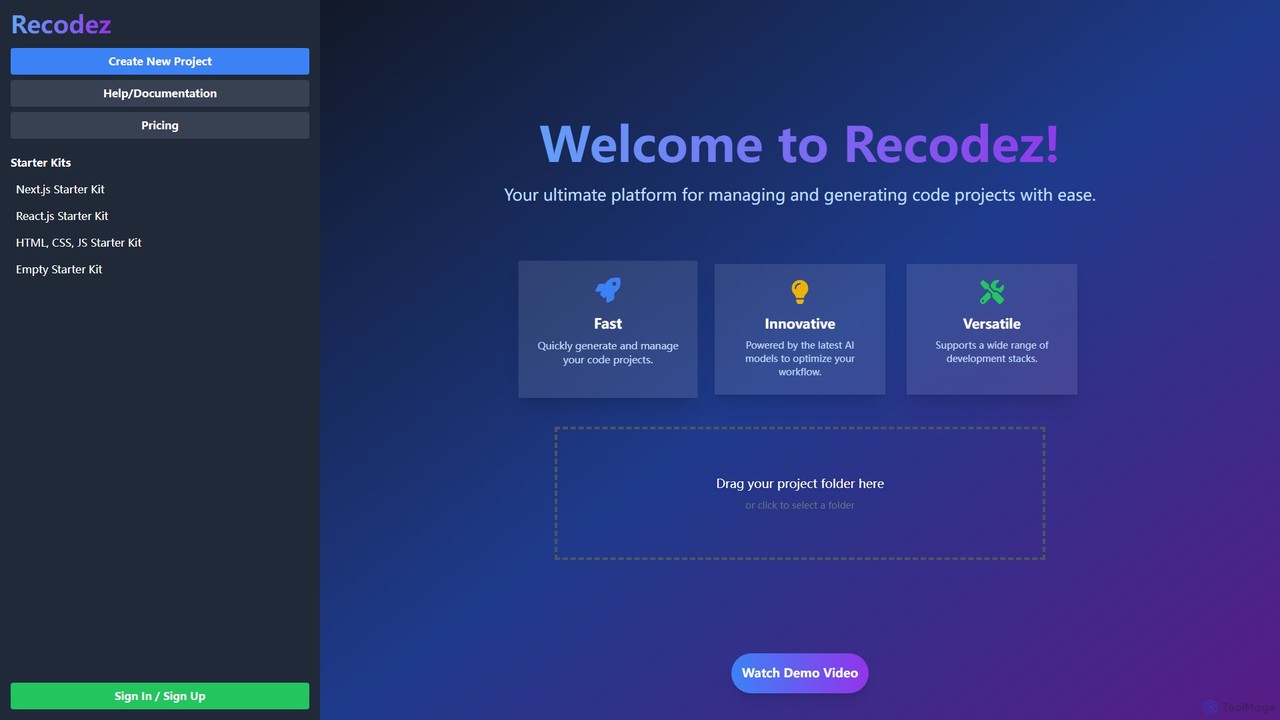
Recodez
Recodez is an AI-powered platform designed to streamline software development. It enables developers to generate, manage, and refactor code projects with ease, supporting various frameworks like Next.js and React. By leveraging advanced AI models, Recodez accelerates the entire development lifecycle, from project scaffolding to code optimization.
Code AssistantAugment Code
Augment Code is an advanced AI software development platform featuring autonomous agents and a powerful context engine. It integrates into your IDE to help you plan, build, and ship production-ready code faster, with a strong focus on enterprise-grade security and deep codebase understanding.
Code Generation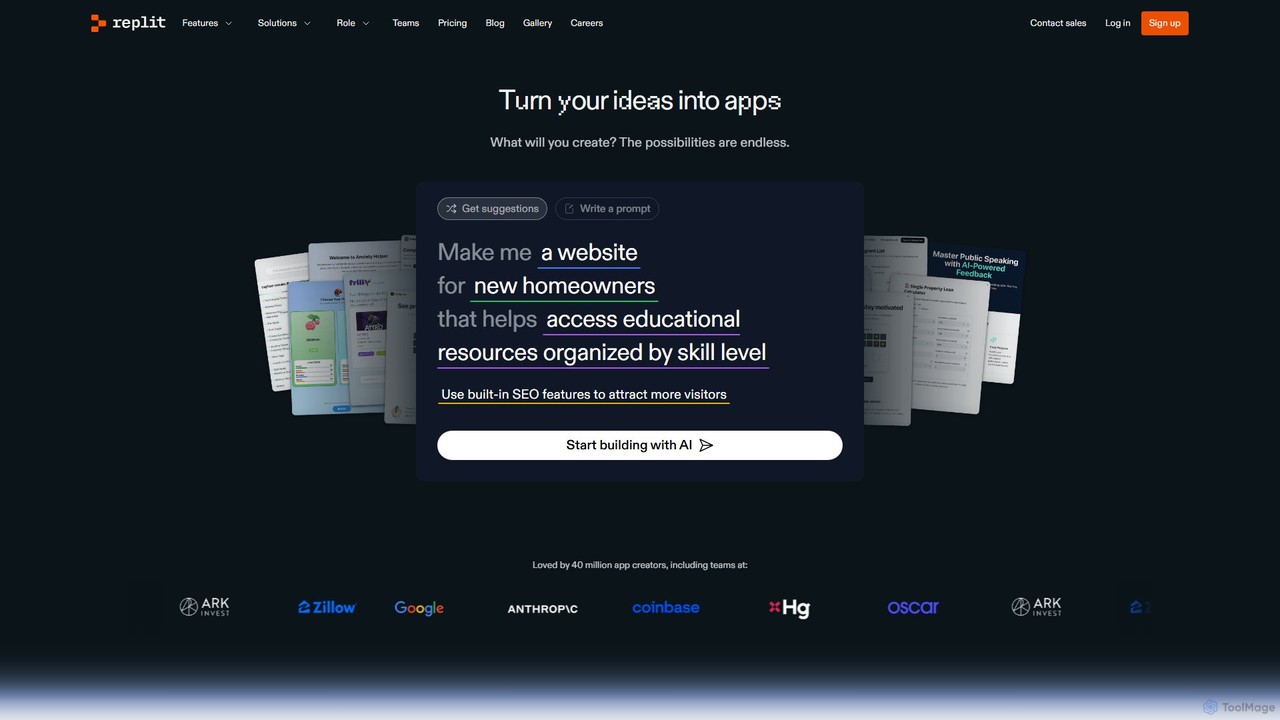
Replit
Replit is an AI-powered, collaborative, in-browser Integrated Development Environment (IDE) that allows users to build, deploy, and host applications, websites, and bots. Featuring the Replit Agent, it turns natural language prompts into functional software, making development faster and more accessible for everyone from beginners to enterprise teams.
Hosting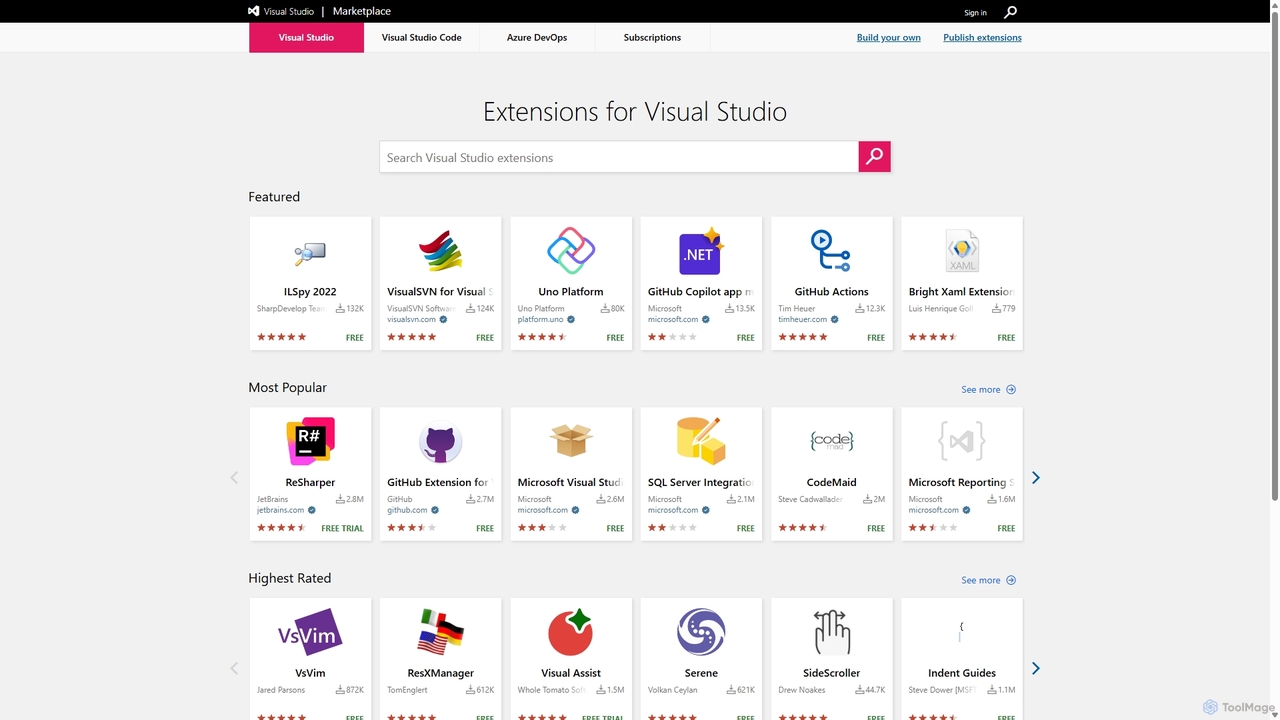
Visual Studio Marketplace
The official marketplace for discovering and installing thousands of extensions for the Visual Studio family of products, including Visual Studio, VS Code, and Azure DevOps. Enhance productivity, add new features, and customize your development environment with tools from Microsoft and the community.
Machine Learning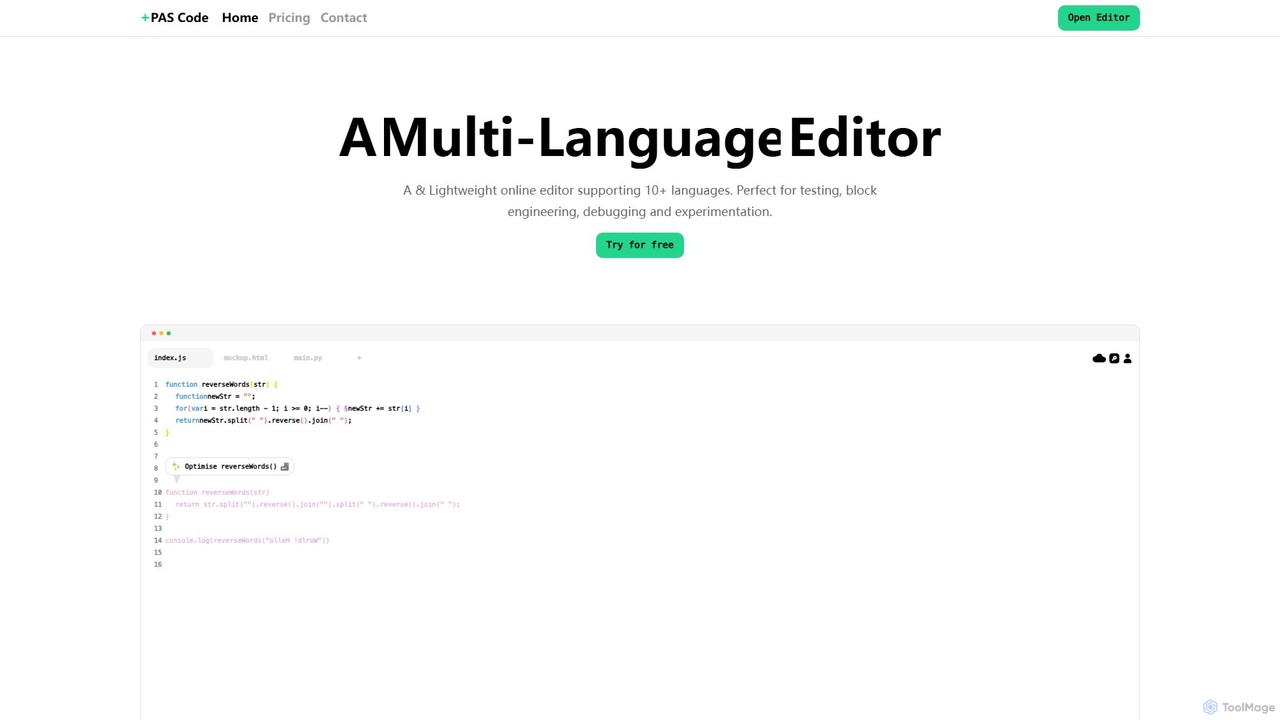
PAS Code
PAS Code is a lightweight, customizable online code editor designed for developers. It supports over 10 languages and features AI-powered autofill, smart prompts, and seamless cloud syncing. With features like a block editor for notes, live HTML previews, and secure compilation, it's perfect for testing, debugging, and rapid prototyping. It offers a free tier to get started.
Code Generation
Cursor Comments (0)
Sign in to comment.
Sign inNo comments yet.