

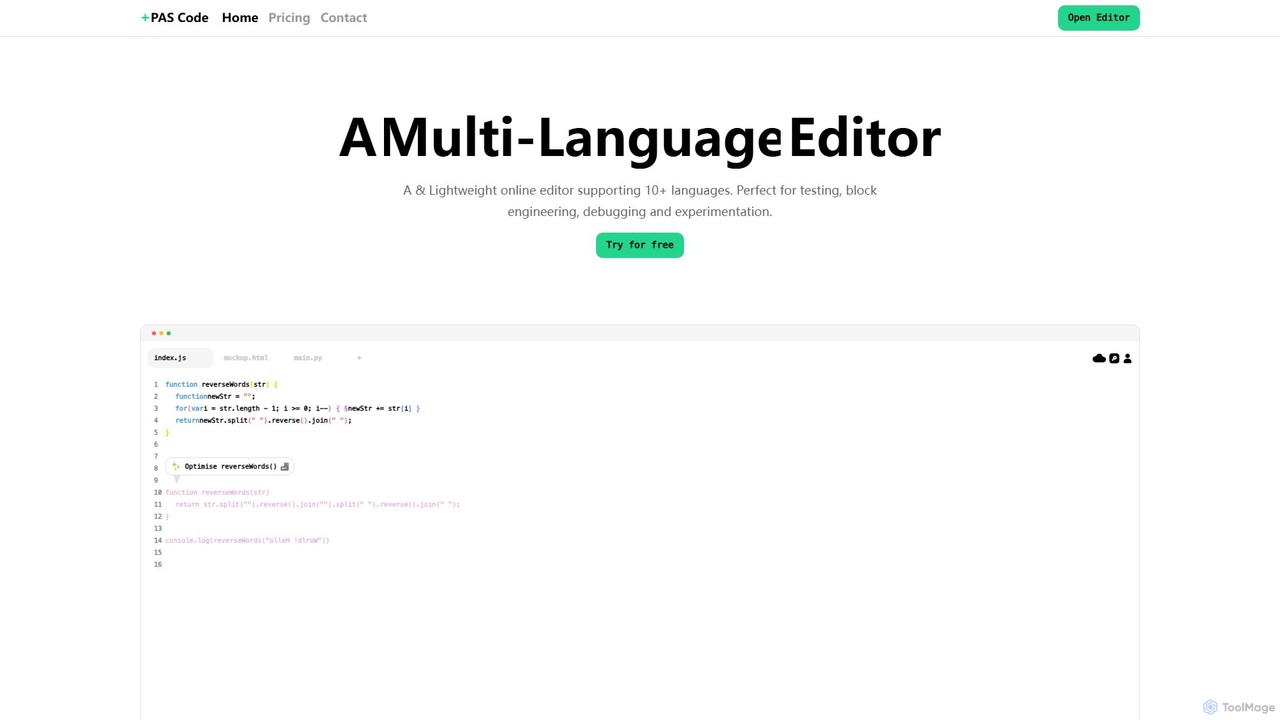
PAS Code Overview
PAS Code is a modern, versatile online Integrated Development Environment (IDE) that combines a powerful code editor with intelligent AI features. It's built for developers, students, and teams who need a flexible and accessible platform for coding, testing, and collaboration. Supporting a wide array of programming languages, PAS Code provides a seamless experience across all devices thanks to its robust cloud-syncing capabilities. It aims to streamline the development workflow by integrating essential tools like AI assistance, note-taking, and task management directly into the coding environment, making it a nimble and powerful alternative to traditional desktop IDEs.
How to use PAS Code
Using PAS Code is straightforward and designed for a quick start:
- Navigate to the PAS Code website and open the online editor directly in your browser. No installation is required.
- For a personalized experience and to save your work, sign up for an account. This enables cloud syncing and access to more advanced features.
- Create a new file by clicking the '+' icon and select your desired programming language from the supported list, which includes JavaScript, Python, HTML, CSS, SQL, and more.
- Begin writing your code. The editor will automatically provide syntax highlighting and AI-powered, context-aware autofill suggestions to improve speed and accuracy.
- Leverage the integrated AI smart prompts. You can ask the AI to generate code snippets, explain complex functions, debug errors, or refactor your code directly within the editor.
- For web development projects (HTML/CSS/JS), use the live preview feature to instantly see how your changes render on both desktop and mobile screen sizes.
- Utilize the innovative block editor to create notes, document your code, or build a Kanban board to manage project tasks and track progress, keeping everything in one workspace.
- Compile and run your code with a single click. The execution happens in a secure, isolated cloud environment, providing fast and reliable results.
- When you're ready to share, you can generate private links for collaborators or make your files public to share with the wider community.
Core Features of PAS Code
- AI Auto-fill & Smart Prompts: Seamlessly integrates content-aware AI to provide intelligent code completions and allows direct prompting within the editor to generate, debug, or explain code.
- Multi-Language Support: Natively supports over 10 programming languages, including JavaScript, Python, HTML/CSS, SQL, and C++, with enhanced workflows, code formatting, and specific tools for each.
- Cloud Syncing: Offers persistent sessions that securely sync your code, files, and environment settings across all your devices, ensuring you can pick up right where you left off.
- Secure Compilation & Execution: Features a seamless auto-compiling mechanism that runs your code in secure and isolated environments, guaranteeing fast and reliable performance.
- Live HTML Previews: Provides real-time mobile and desktop previews for web development, allowing you to see the visual output of your HTML and CSS code as you type.
- Block Editor & Kanban Board: A versatile block editor designed to help you organize notes and documentation for your code. It also includes a Kanban board feature for simple task and project management.
- Customizable Themes: Personalize your coding environment by choosing from a variety of pre-made themes or creating your own color scheme to suit your preferences.
- File Sharing: Easily share your work by creating private links for specific individuals or making your files public for anyone to view.
Use Cases for PAS Code
PAS Code is ideal for a variety of scenarios:
- Rapid Prototyping: Quickly build and test new ideas for web applications, scripts, or APIs without the overhead of setting up a local development environment.
- Learning and Education: A perfect tool for students and beginners learning to code, offering an interactive environment with instant feedback, AI assistance, and support for multiple languages.
- Code Snippet Testing: A convenient sandbox to isolate and test small blocks of code, algorithms, or functions for debugging and experimentation.
- Technical Interviews & Coding Challenges: Provides a clean, simple, and shareable editor for live coding assessments and technical interviews.
- Collaborative Block Engineering: Use the block editor and code sharing features to collaboratively develop complex prompts, project plans, or technical documentation with team members.
Advantages of PAS Code
PAS Code stands out with several key benefits:
- Accessibility: As a fully web-based tool, it requires no installation and can be accessed from any device with an internet connection.
- Integrated AI Workflow: AI assistance is built directly into the editor, which streamlines the development process by eliminating the need to switch between different applications.
- All-in-One Workspace: It uniquely combines a code editor, a note-taking system (block editor), and a task manager (Kanban board) into a single, cohesive interface.
- Lightweight and Fast: Engineered to be a nimble and responsive alternative to heavier, resource-intensive desktop IDEs, ensuring a smooth user experience.
- Freemium Model: The availability of a robust free tier makes it highly accessible for individual developers, students, and hobbyists to get started without any financial commitment.
Pricing and Plans
PAS Code operates on a freemium model. A generous free plan is available, allowing users to access the core features of the editor, including multi-language support and basic AI assistance. For users and teams requiring more advanced capabilities—such as unlimited private files, enhanced AI features, priority support, or more extensive cloud storage—PAS Code offers premium subscription plans. For the most current and detailed information on plans and pricing, please visit the official PAS Code website.
PAS Code Alternatives
JDoodle
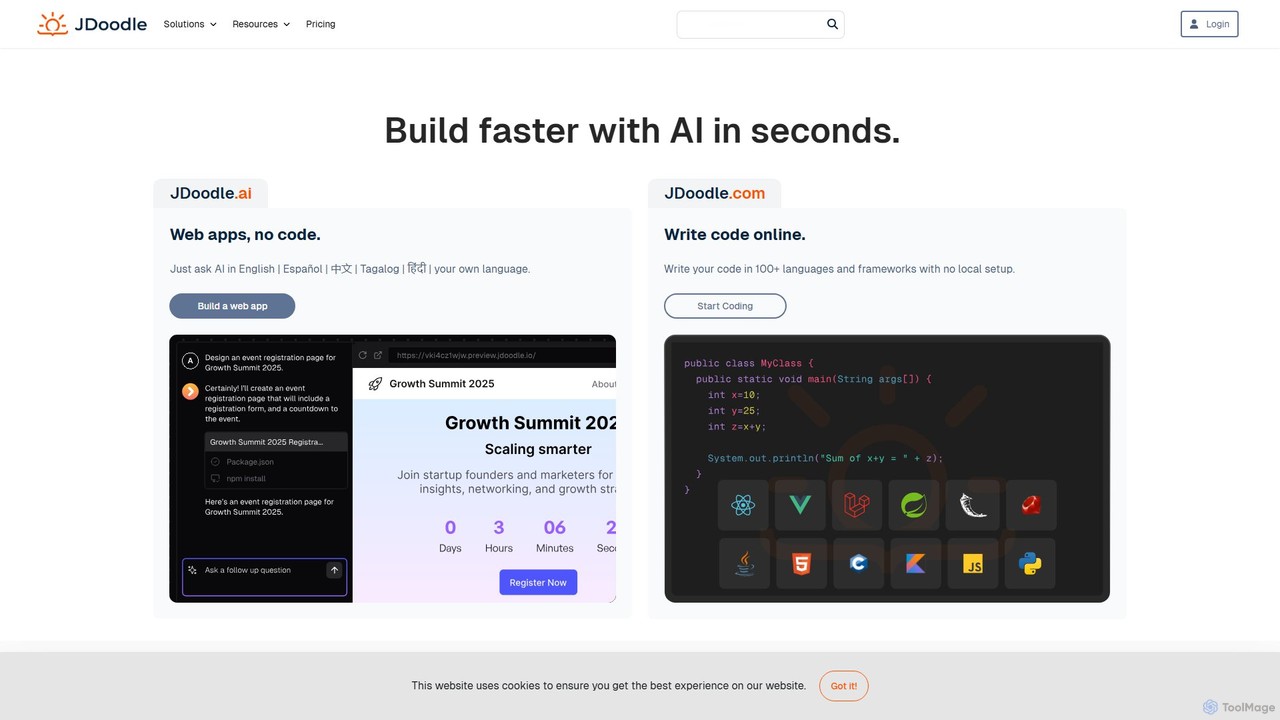
JDoodle is an AI-powered online coding platform and IDE that supports over 96 programming languages and frameworks. It allows developers, students, and educators to write, compile, and execute code directly in the browser with zero setup. Featuring AI assistance, real-time collaboration, and powerful integration APIs, JDoodle is designed to enhance coding productivity and streamline programming education.
Online Ide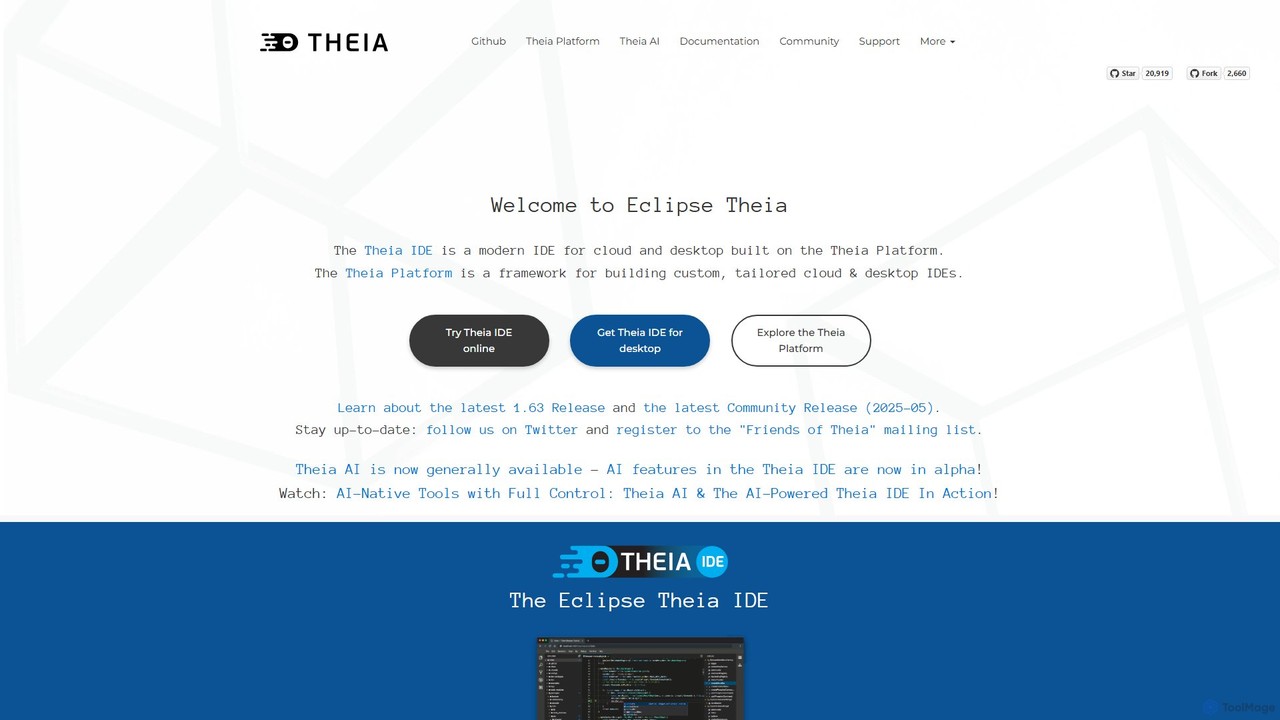
Theia IDE
Theia IDE is a modern, open-source IDE for cloud and desktop environments. It offers a flexible, extensible platform compatible with VS Code extensions and features powerful, privacy-focused AI capabilities. As a vendor-neutral alternative to VS Code, it supports numerous programming languages and allows for deep customization, making it ideal for individual developers and enterprises seeking control over their development tools.
Low Code No Code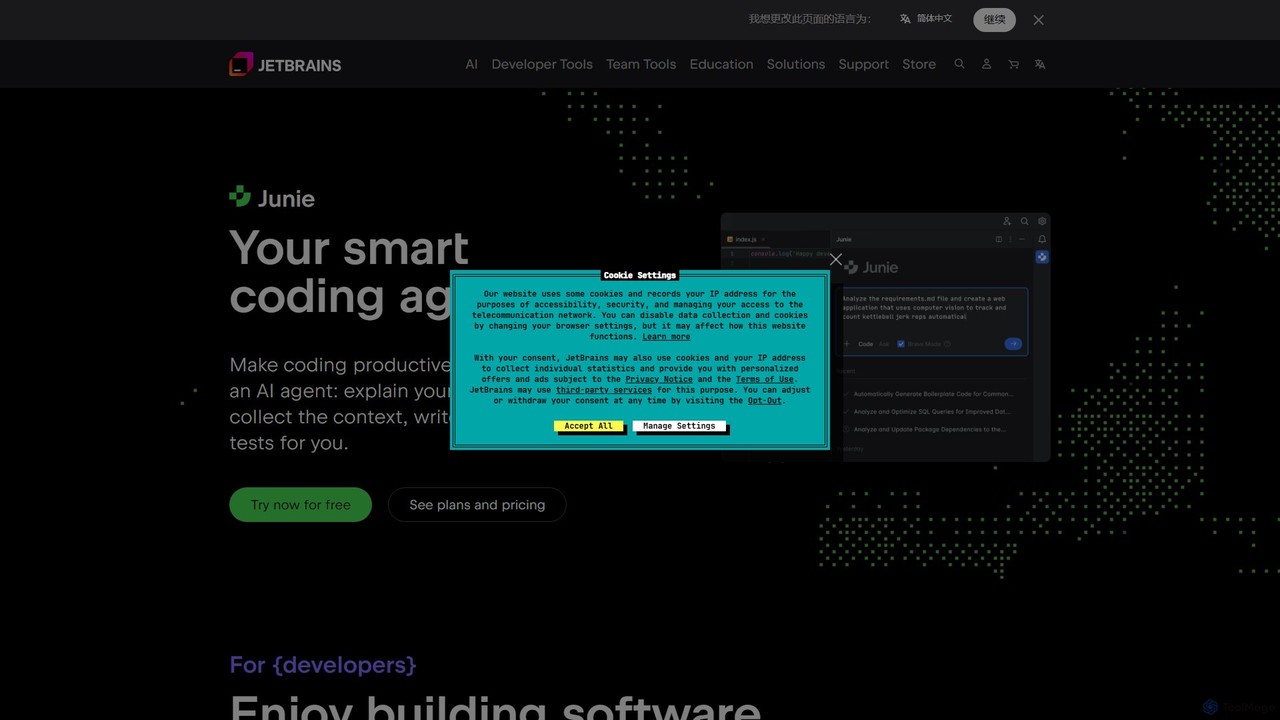
JetBrains
JetBrains provides a comprehensive suite of intelligent tools for software developers and teams, including powerful IDEs and an integrated AI Assistant. It enhances productivity with smart code completion, refactoring, and bug detection, streamlining the entire development lifecycle from coding to deployment. It supports a wide range of languages and offers robust team collaboration platforms.
Integrated Development Environment
Project IDX
Project IDX, now evolving into Firebase Studio, is a cloud-based, AI-powered workspace for full-stack, multi-platform application development. It offers a pre-configured environment with AI code assistance, integrated multi-platform previews, and seamless Firebase integration. Ideal for developers looking to build, test, and deploy web and mobile apps faster, without local setup complexities.
Paas
CodexAtlas
CodexAtlas is an AI-powered platform that automates the creation of code documentation. It integrates with GitHub, GitLab, and Bitbucket to analyze your codebase and generate clear, comprehensive, and consistent documentation, saving developers countless hours and improving project maintainability.
Code GenerationPAS Code Categories
PAS Code Embed Widget
Copy this embed code to place the badge on your blog, article, or product site and send readers directly to this ToolMage detail page.

Related AI tools
Cursor
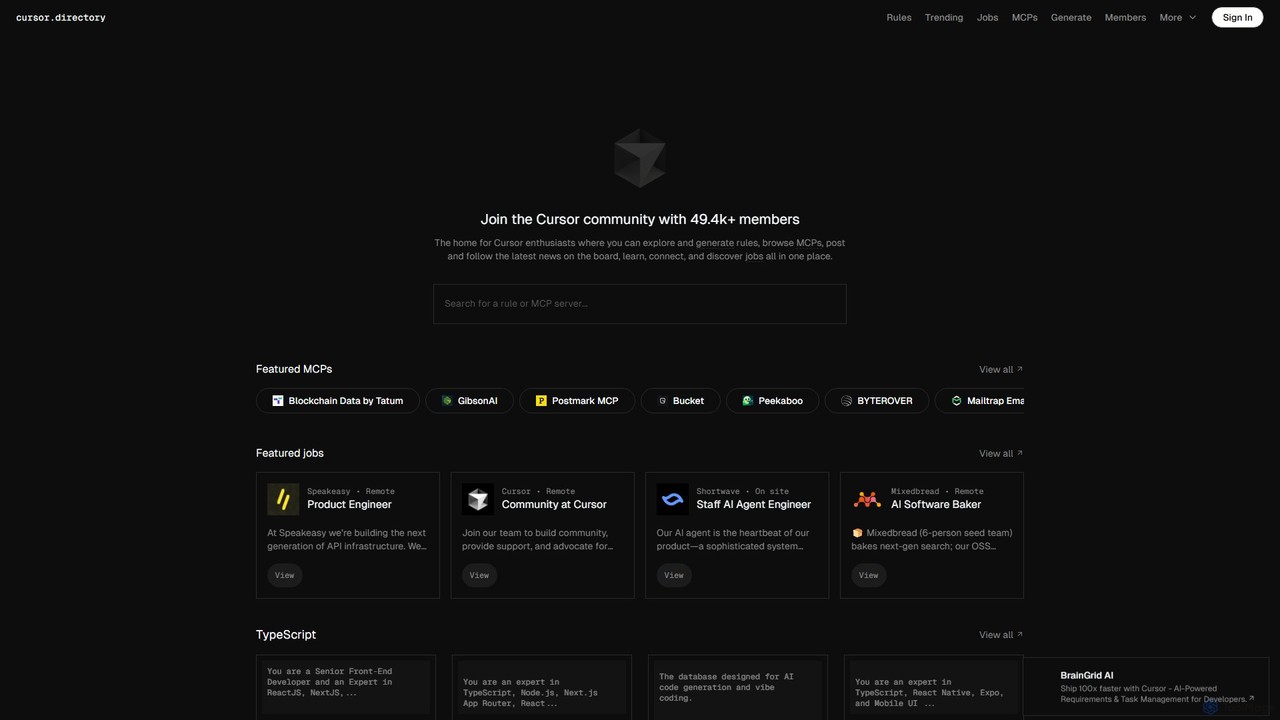
Cursor is an AI-first code editor designed for modern software development. Built as a fork of VS Code, it integrates powerful AI capabilities directly into the editing experience, allowing developers to chat with their codebase, generate, edit, and debug code with unprecedented speed and context-awareness.
Code GenerationTheia IDE
Theia IDE is a modern, open-source IDE for cloud and desktop environments. It offers a flexible, extensible platform compatible with VS Code extensions and features powerful, privacy-focused AI capabilities. As a vendor-neutral alternative to VS Code, it supports numerous programming languages and allows for deep customization, making it ideal for individual developers and enterprises seeking control over their development tools.
Low Code No Code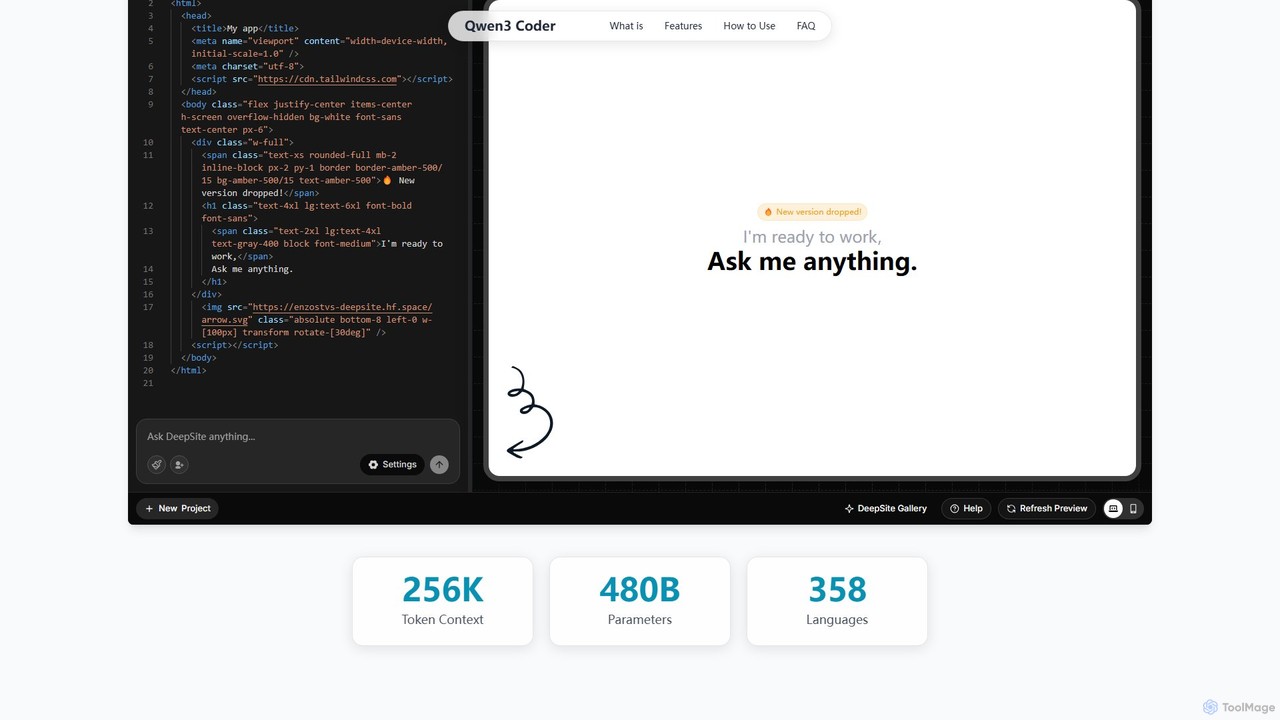
Qwen3 Coder
Qwen3 Coder is a state-of-the-art, open-source large language model by Alibaba Cloud, engineered for advanced code generation, comprehension, and agentic tasks. Featuring a 480B Mixture-of-Experts architecture and trained on 7.5 trillion tokens, it achieves GPT-4 level performance across 358 programming languages. It supports a massive 256K context window and is designed for complex, multi-step software development workflows.
Large Language Model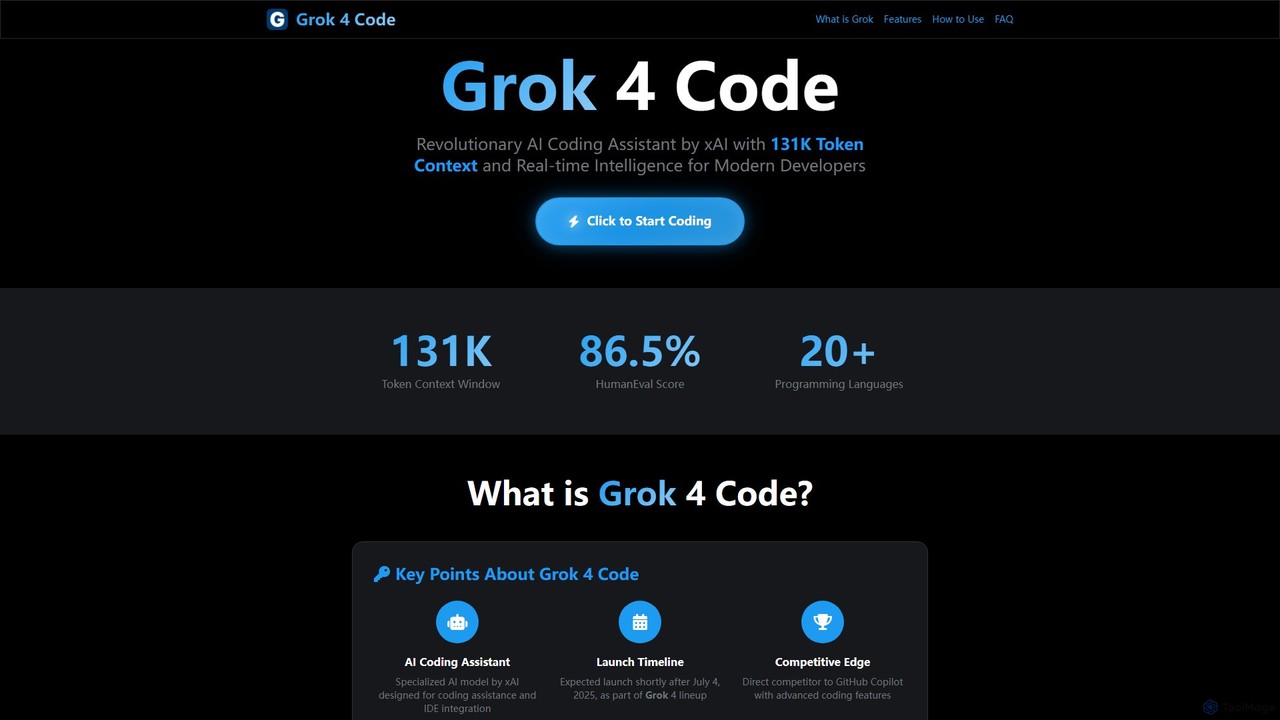
Grok 4 Code
Grok 4 Code is a revolutionary AI coding assistant from xAI, designed for modern developers. It features a massive 131K token context window, real-time web intelligence, and deep IDE integration. Supporting over 20 programming languages, it understands entire codebases, offers advanced reasoning, and provides less-censored, direct technical assistance to enhance productivity and solve complex programming challenges.
CodeJetBrains
JetBrains provides a comprehensive suite of intelligent tools for software developers and teams, including powerful IDEs and an integrated AI Assistant. It enhances productivity with smart code completion, refactoring, and bug detection, streamlining the entire development lifecycle from coding to deployment. It supports a wide range of languages and offers robust team collaboration platforms.
Integrated Development EnvironmentProject IDX
Project IDX, now evolving into Firebase Studio, is a cloud-based, AI-powered workspace for full-stack, multi-platform application development. It offers a pre-configured environment with AI code assistance, integrated multi-platform previews, and seamless Firebase integration. Ideal for developers looking to build, test, and deploy web and mobile apps faster, without local setup complexities.
Paas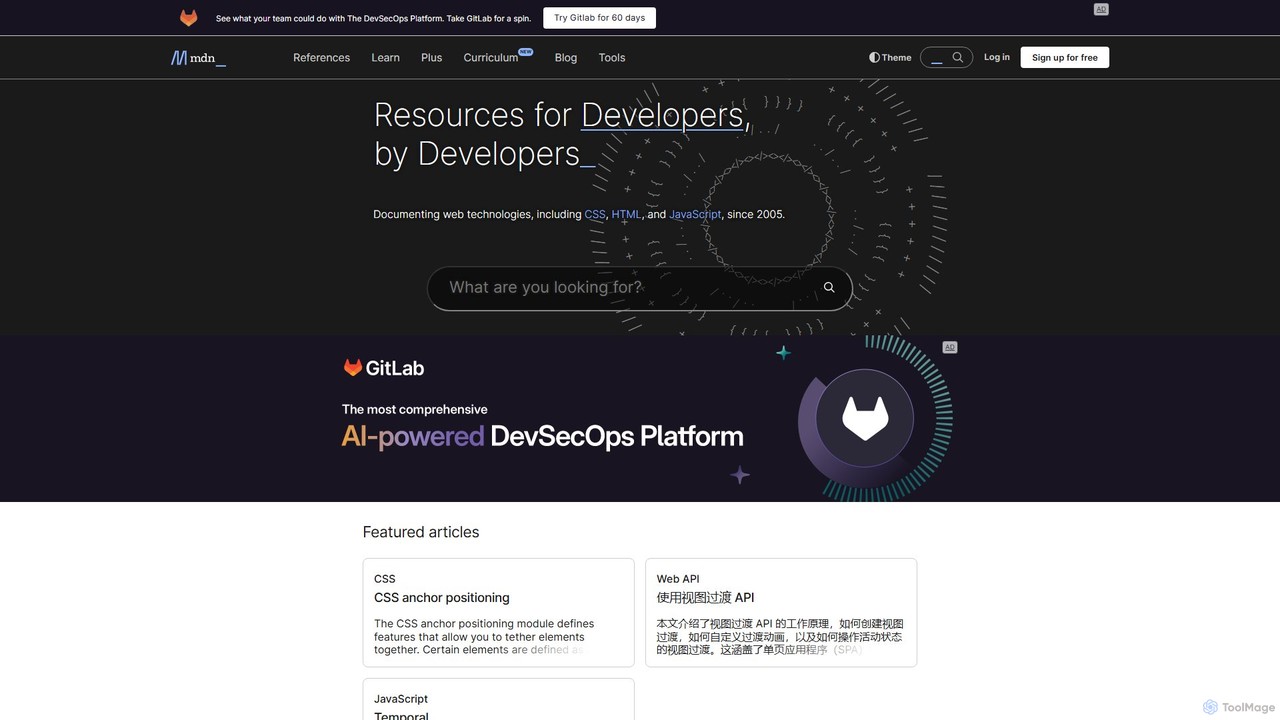
MDN Web Docs
MDN Web Docs, maintained by Mozilla and contributors, is the definitive, free resource for web developers. It provides comprehensive documentation for open web standards, including HTML, CSS, and JavaScript, along with extensive tutorials and reference materials for developers of all skill levels.
Documentation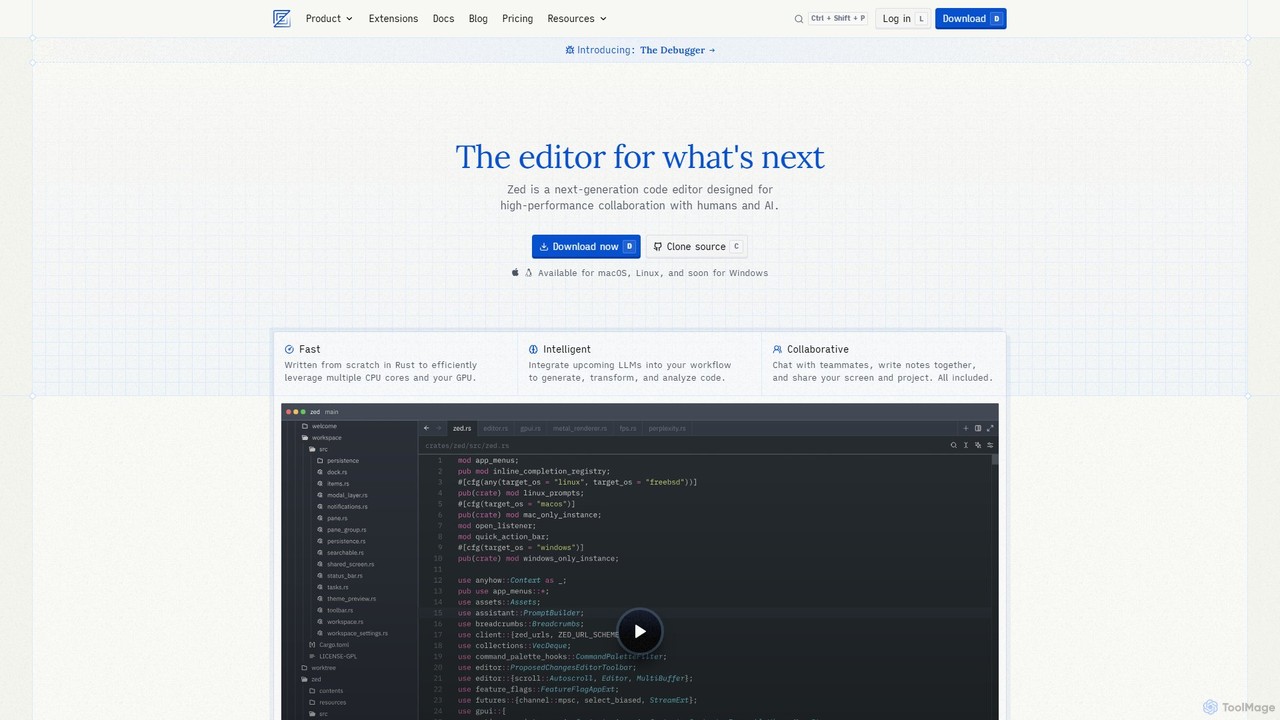
Zed
Zed is a high-performance, collaborative, and AI-powered code editor built from scratch in Rust. Designed for speed and efficiency, it offers real-time collaboration, deep integration with LLMs for agentic editing, and a comprehensive set of built-in tools including a debugger and native Git support. Zed is open-source and available for macOS and Linux, with Windows support coming soon.
Code Generation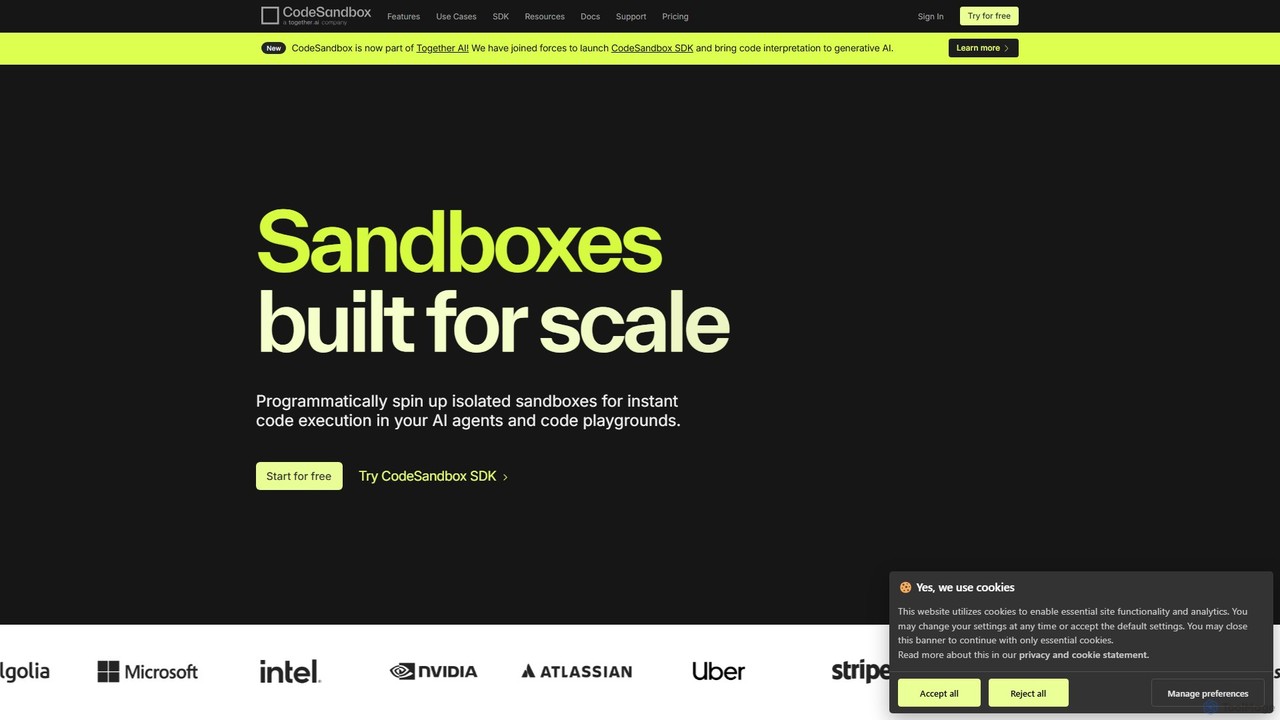
CodeSandbox
CodeSandbox is an instant cloud development environment that enables developers to build, share, and collaborate on web applications. It provides scalable, secure sandboxes for any project, from quick prototypes to full-stack applications, and now features a powerful SDK for integrating code execution into AI agents.
Code Generation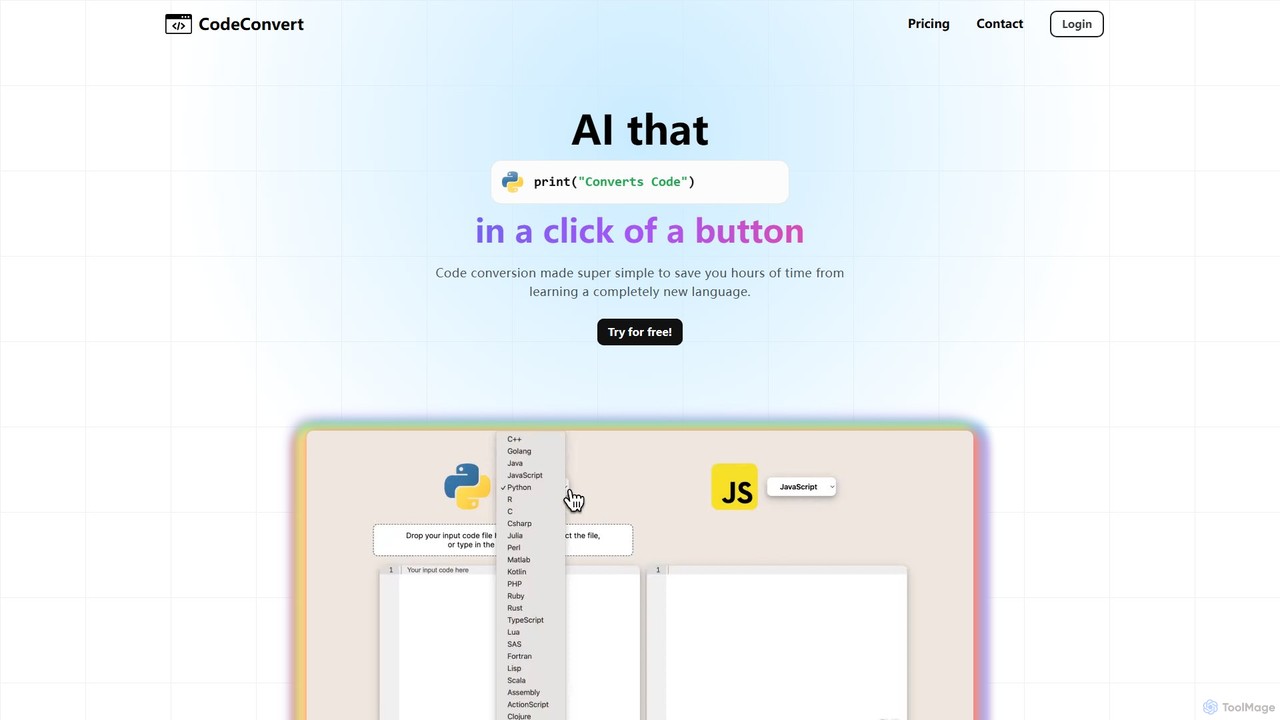
CodeConvert
CodeConvert is an AI-powered tool that instantly translates code snippets between over 50 programming languages. It helps developers save hours of manual rewriting, learn new languages, and migrate projects efficiently. Features include high-accuracy conversion, code generation, and code explanation.
Code Assistant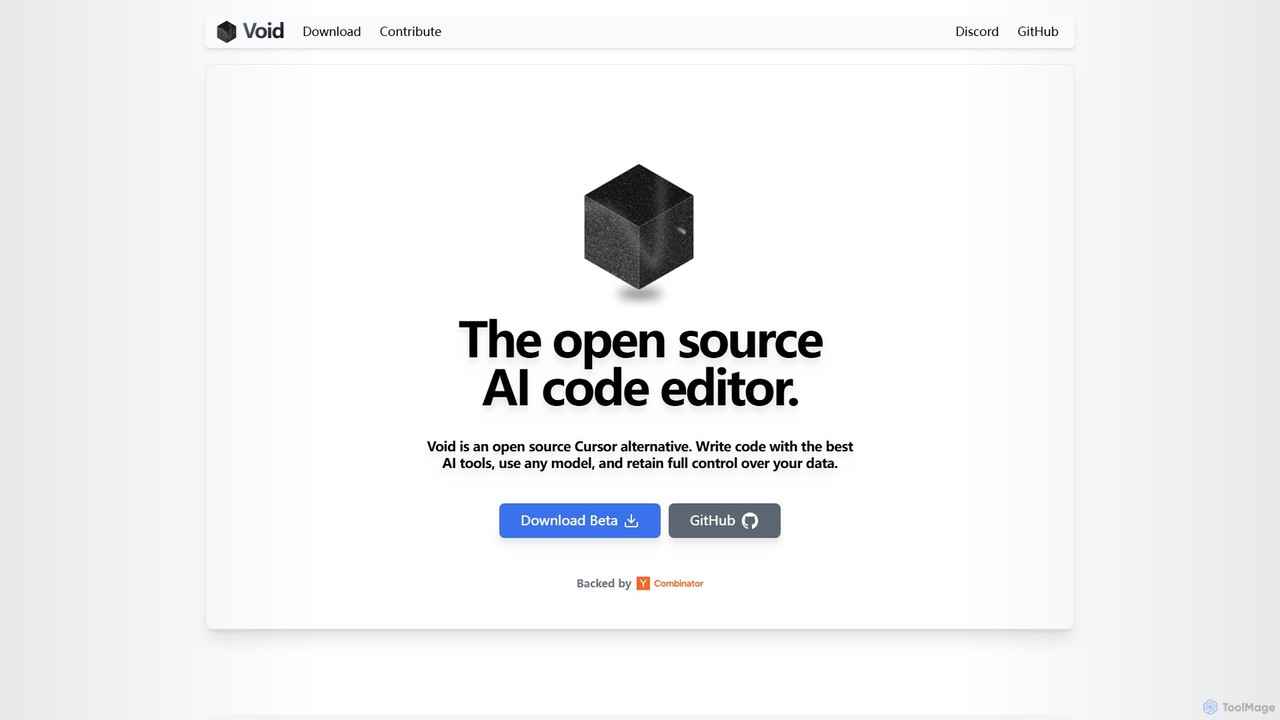
voideditor
Voideditor is a free, open-source AI code editor built as a fork of VS Code. It empowers developers with full control over their data and choice of AI models, supporting direct connections to any cloud or locally hosted LLM. It offers advanced features like AI chat, autocompletion, and agentic workflows to accelerate development while prioritizing privacy and flexibility.
Code Generation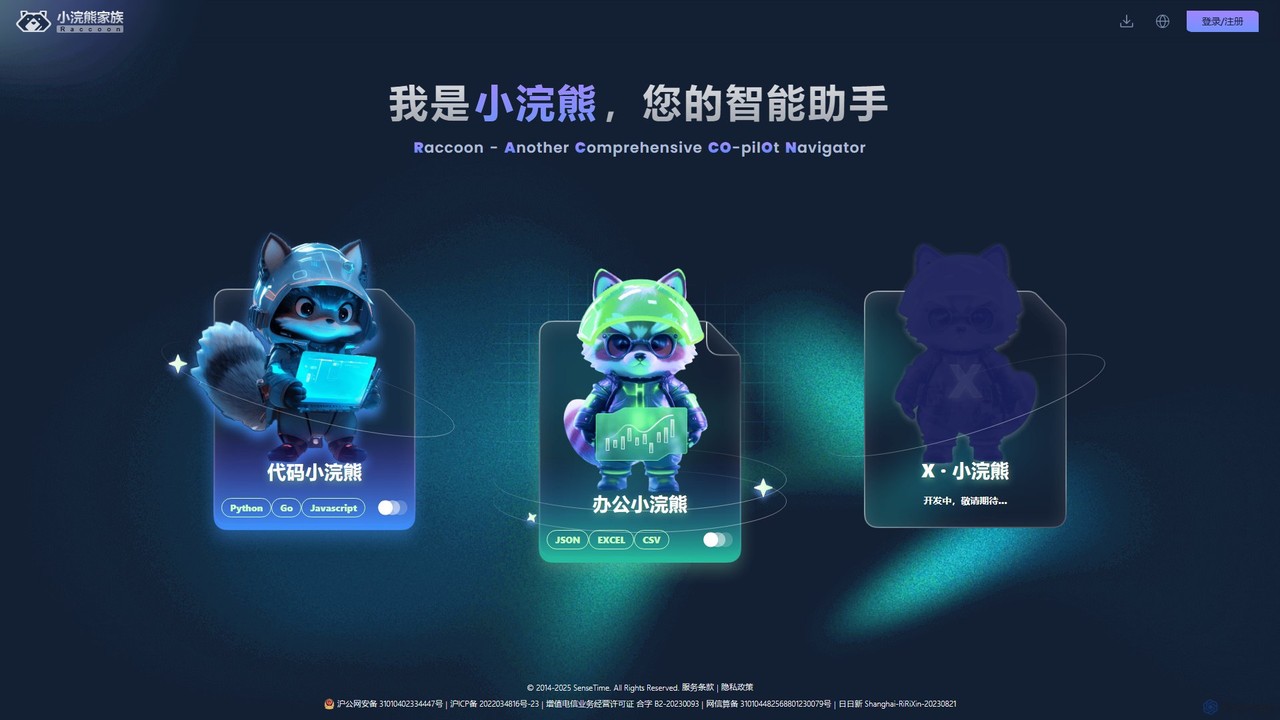
Raccoon
Raccoon, by SenseTime, is an AI-powered assistant suite designed to boost productivity for developers and office professionals. It features "Code Raccoon" for intelligent code generation, debugging, and translation in Python, Go, and JavaScript, and "Office Raccoon" for advanced data analysis and visualization from Excel, CSV, and JSON files.
Code Assistant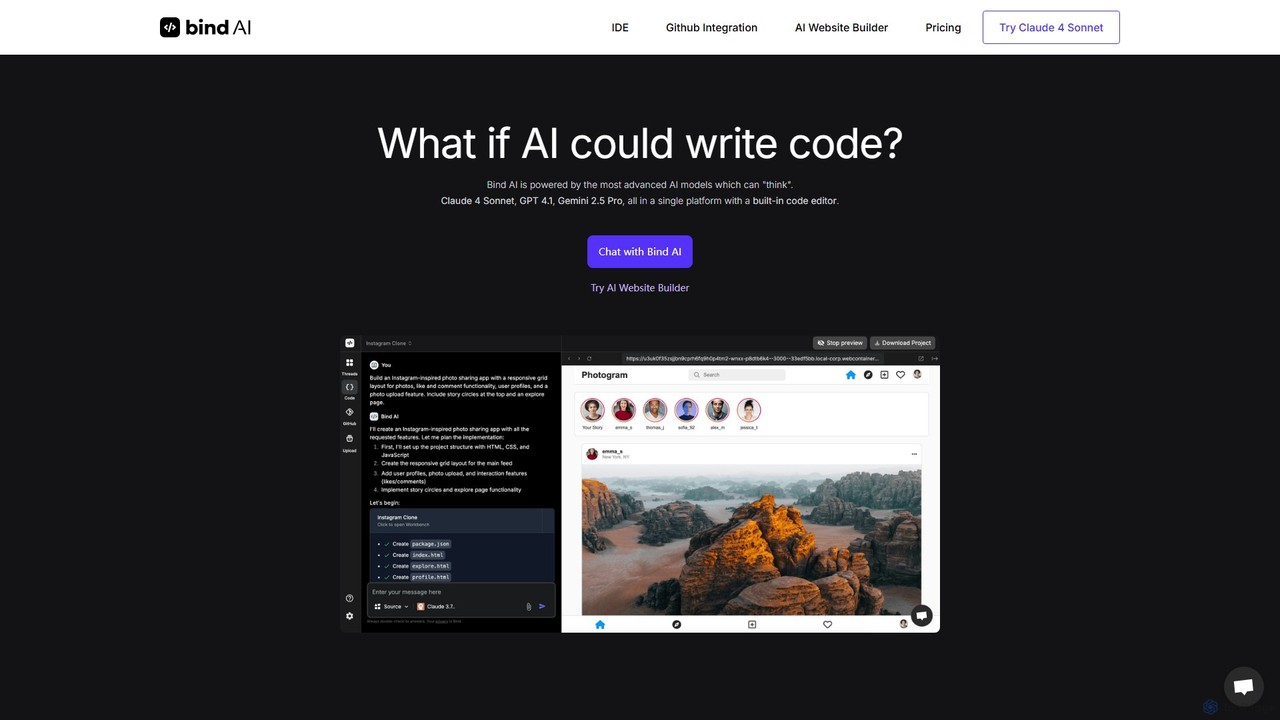
Bind AI
Bind AI is an AI-powered IDE and Copilot that enables developers and founders to build full-stack web applications, landing pages, and WordPress plugins using simple text prompts. It integrates multiple advanced AI models, supports over 15 programming languages, and offers features like GitHub sync and project hosting to accelerate the development process from idea to deployment.
Code Assistant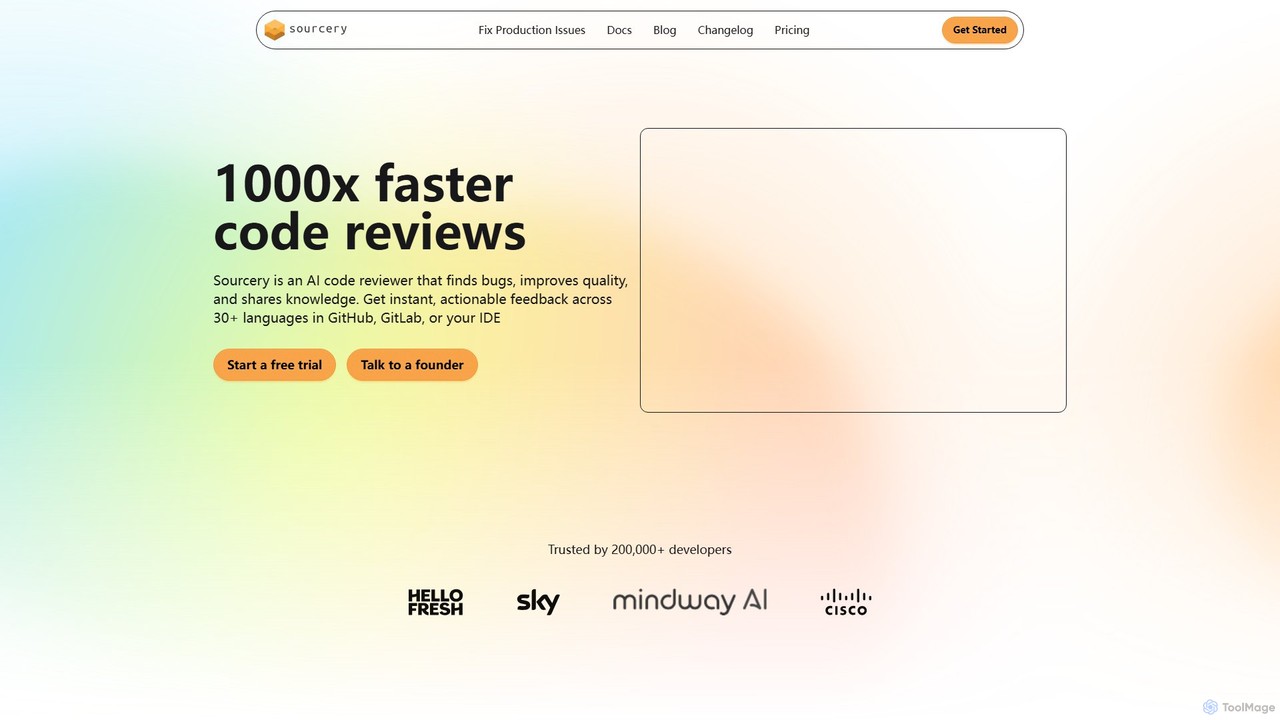
Sourcery
Sourcery is an AI-powered code reviewer that automates code reviews, finds bugs, improves code quality, and accelerates knowledge sharing. It integrates directly into your IDE, GitHub, and GitLab workflows, providing instant feedback and refactoring suggestions for over 30 languages.
Code Assistant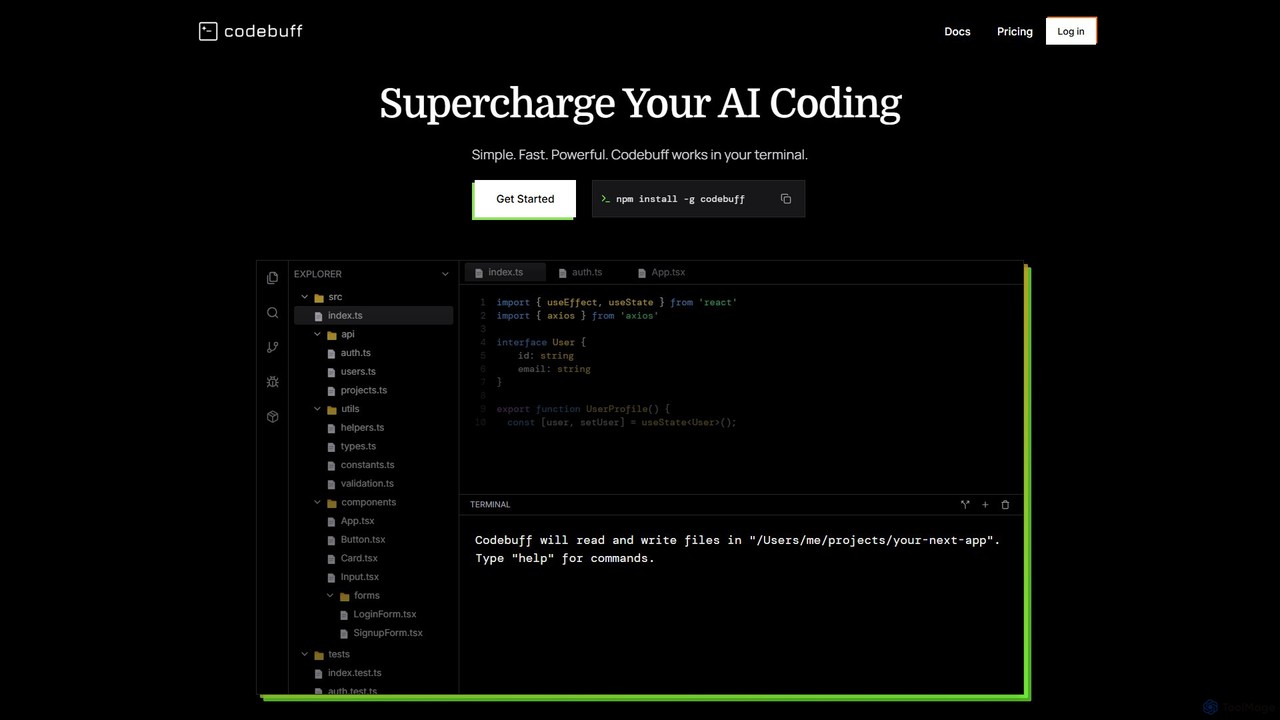
Codebuff
Codebuff is a powerful AI coding assistant that operates directly in your terminal. It deeply understands your entire codebase, enabling it to perform complex tasks like surgical code edits, feature implementation, and large-scale refactoring with unparalleled speed and accuracy. It learns from your project context and integrates seamlessly into any tech stack.
Code Generation
PAS Code Comments (0)
Sign in to comment.
Sign inNo comments yet.