

Raccoon Overview
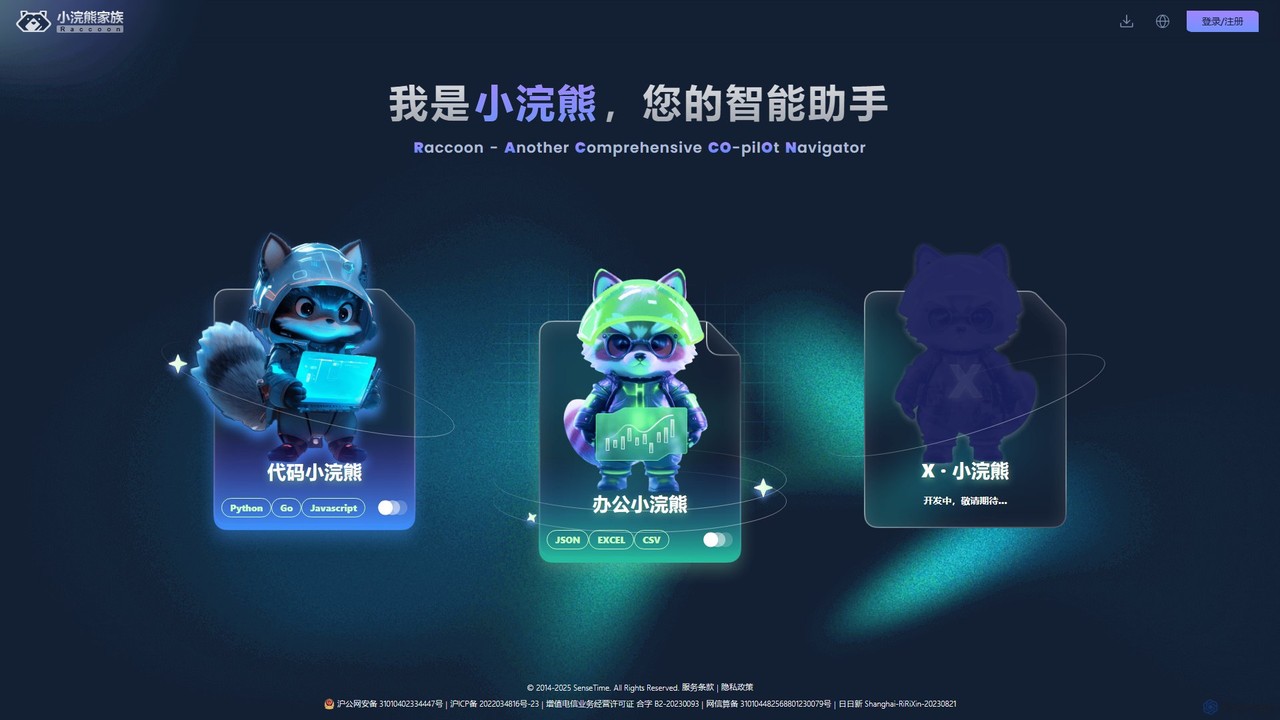
Raccoon, also known as 小浣熊家族 (Raccoon Family), is a sophisticated suite of AI-powered assistants developed by SenseTime, a leading AI company. It is engineered to significantly enhance productivity across different professional domains, primarily targeting developers and office workers. The platform is divided into specialized modules, each tailored to specific tasks, making it a versatile and powerful copilot for complex and everyday work.
The suite's core philosophy is to act as a comprehensive co-pilot navigator, assisting users with a wide range of tasks from software development to data analysis and document creation. By leveraging advanced large language models and proprietary AI technology from SenseTime, Raccoon aims to streamline workflows, reduce manual effort, and provide intelligent insights to accelerate project completion and improve a team's efficiency.
How to use Raccoon
Using Raccoon is designed to be intuitive. Users start by registering an account on the official website, which supports both individual and team-based access. Once registered, you can access the different modules:
- For Developers (Code Raccoon): Integrate Raccoon into your development environment (IDE) or use its web interface. You can input natural language prompts to generate code snippets, ask it to explain complex algorithms, submit buggy code for debugging suggestions, request code translation between supported languages (Python, Go, JavaScript), or generate unit tests and comments automatically.
- For Office Professionals (Office Raccoon): Upload your data files (Excel, CSV, JSON) to the platform. You can then use natural language queries to ask for specific data analysis, such as 'summarize quarterly sales from this Excel sheet' or 'create a bar chart showing user distribution by country from this CSV'. The tool processes the data and generates insights, tables, and visualizations.
- For Document Generation: Describe the type of document you need, such as a technical specification or a project requirements document. Provide the key points and context, and Raccoon will generate a structured draft that you can then refine.
Core Features of Raccoon
- Code Raccoon (AI Coding Assistant): Offers intelligent code generation, completion, and suggestion. It can explain, debug, and refactor existing code, translate code between Python, Go, and JavaScript, and automatically generate unit tests and documentation.
- Office Raccoon (AI Data Analyst): Specializes in data processing and analysis. It can interpret and analyze data from various formats like JSON, Excel, and CSV, generating insightful summaries, performing calculations, and creating various types of charts and graphs for visualization.
- Intelligent Q&A: A versatile question-and-answer system that can provide information on a wide range of topics, assist with technical queries, and help in understanding complex concepts.
- Document Automation: Capable of generating structured documents such as technical specifications, project requirements, and reports based on user prompts and input data.
- Team Collaboration: The platform supports team accounts, allowing administrators to manage members, assign roles, and collaborate on projects, sharing the benefits of the AI assistant across the entire team.
Use Cases for Raccoon
Raccoon is a versatile tool applicable in numerous scenarios:
- Software Development: A developer can use Code Raccoon to quickly scaffold a new feature, debug a persistent issue, or generate boilerplate code, saving hours of manual work. It's also useful for learning a new programming language by translating familiar code.
- Data Analysis & Business Intelligence: A business analyst can upload sales data and ask Office Raccoon to identify trends, create a sales forecast, and visualize the results in a presentation-ready chart, all without writing complex formulas or scripts.
- Project Management: A project manager can use Raccoon to draft initial project requirement documents by simply outlining the key features, and then generate technical documentation for the development team.
- Academic Research: Researchers can use the tool to analyze experimental data from CSV files, generate plots for their papers, and even get help in structuring their research articles.
Advantages of Raccoon
Raccoon stands out due to several key advantages:
- Powered by SenseTime: Backed by the cutting-edge AI research and large model technology of SenseTime, ensuring high-quality, accurate, and reliable outputs.
- Comprehensive Suite: It's not just a single-function tool. The combination of coding, data analysis, and document generation capabilities makes it a one-stop-shop for productivity.
- Multi-Language & Multi-Format Support: Its ability to handle popular programming languages and common data file formats makes it highly adaptable to various workflows.
- Focus on Both Individuals and Teams: With support for team accounts and management features, it is built for collaborative environments and scalable for enterprise use.
- Efficiency Boost: By automating repetitive and time-consuming tasks, Raccoon frees up professionals to focus on higher-value strategic and creative work.
Pricing and Plans
Raccoon operates on a freemium model. While specific pricing details are available on the official website, the general structure includes:
- Free Tier: A free plan is typically available for individual users to try out the core features, with certain usage limits. This is ideal for students, hobbyists, and those wanting to evaluate the service.
- Paid Plans (Individual/Pro): For professional users who require higher usage limits, access to advanced features, and priority support.
- Team/Enterprise Plans: Custom plans for teams and organizations, offering centralized billing, user management, enhanced security, and collaborative features.
Users can purchase services through various official channels. It's recommended to visit the xiaohuanxiong.com website for the most current pricing and plan details.
Traffic
Latest traffic
Status
Monthly traffic trend
- 2025-9: 71.6K
- 2026-1: 91.2K
- 2026-2: 81.1K
- 2026-3: 99.5K
- 2026-4: 88.6K
- 2026-5: 99.7K
Geography
Top 5 countries / regions
- 🇨🇳China86.5%
- 🇺🇸United States6.8%
- 🇭🇰Hong Kong SAR China3.4%
- 🇹🇼Taiwan1.8%
- 🇩🇪Germany1.4%
Traffic sources
| Source type | Percentage |
|---|---|
Direct | 73.3% |
Referral | 26.7% |
Top keywords
| Keyword | Cost per click |
|---|---|
| kimi | $0.47 |
| 上海商汤智能科技有限公司 | $0.00 |
| 办公小浣熊 | $0.00 |
| 商汤小浣熊 | $0.00 |
| 小浣熊 | $0.00 |
Raccoon Alternatives
Cursor
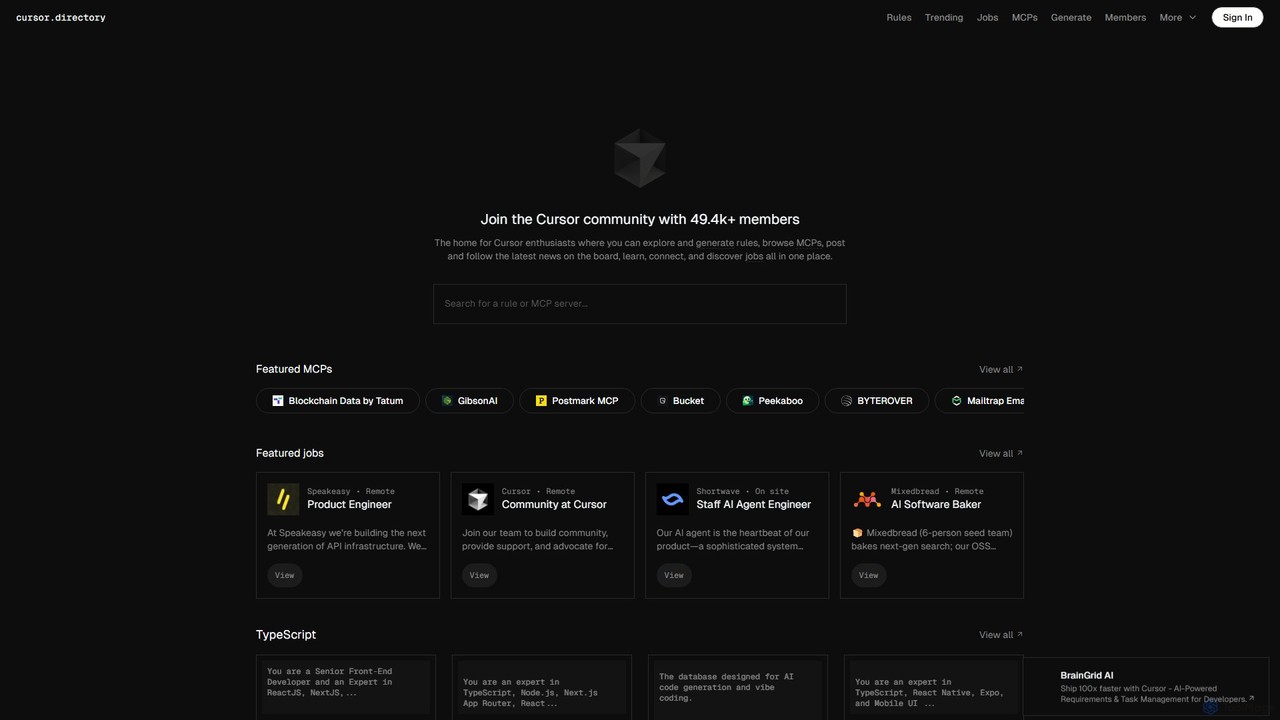
Cursor is an AI-first code editor designed for modern software development. Built as a fork of VS Code, it integrates powerful AI capabilities directly into the editing experience, allowing developers to chat with their codebase, generate, edit, and debug code with unprecedented speed and context-awareness.
Code Generation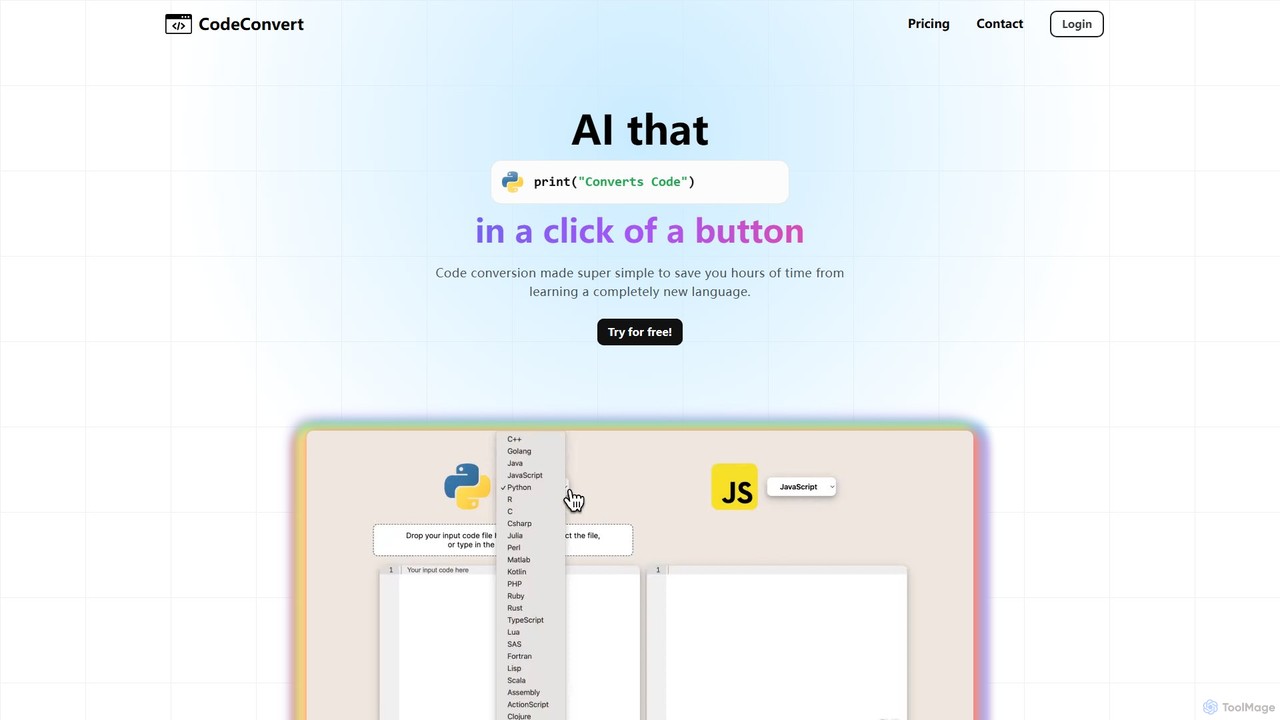
CodeConvert
CodeConvert is an AI-powered tool that instantly translates code snippets between over 50 programming languages. It helps developers save hours of manual rewriting, learn new languages, and migrate projects efficiently. Features include high-accuracy conversion, code generation, and code explanation.
Code Assistant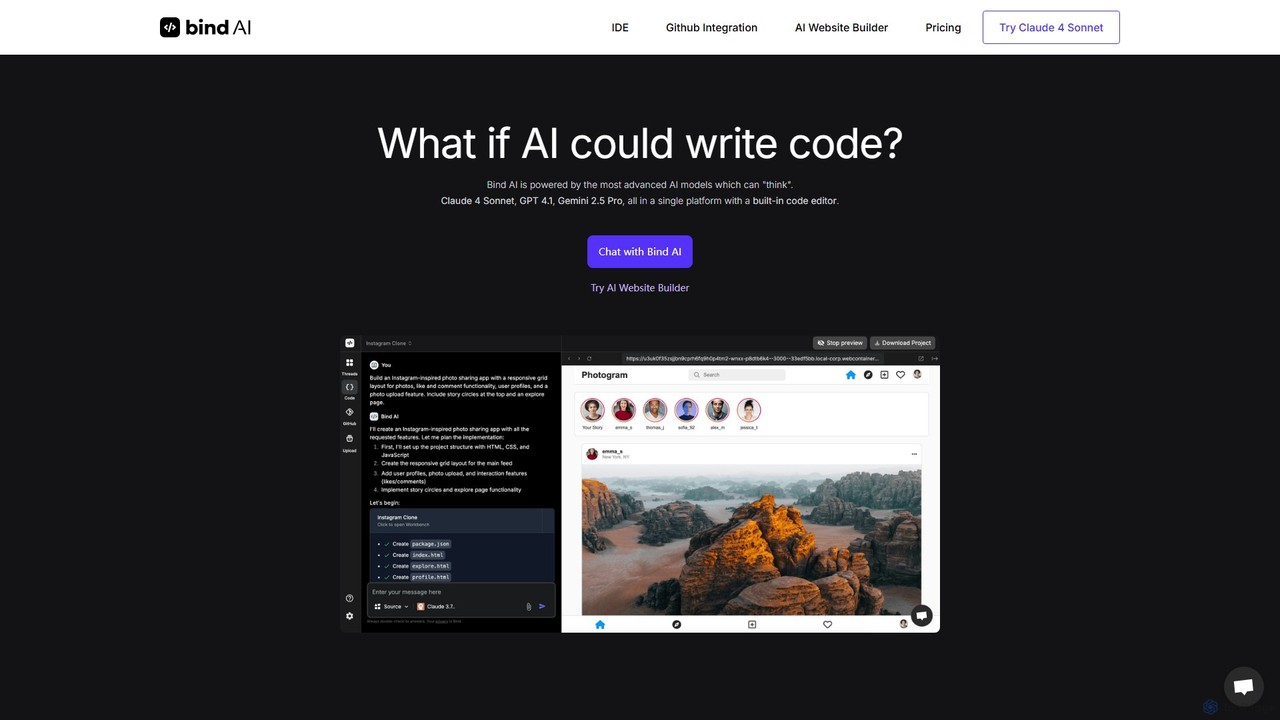
Bind AI
Bind AI is an AI-powered IDE and Copilot that enables developers and founders to build full-stack web applications, landing pages, and WordPress plugins using simple text prompts. It integrates multiple advanced AI models, supports over 15 programming languages, and offers features like GitHub sync and project hosting to accelerate the development process from idea to deployment.
Code Assistant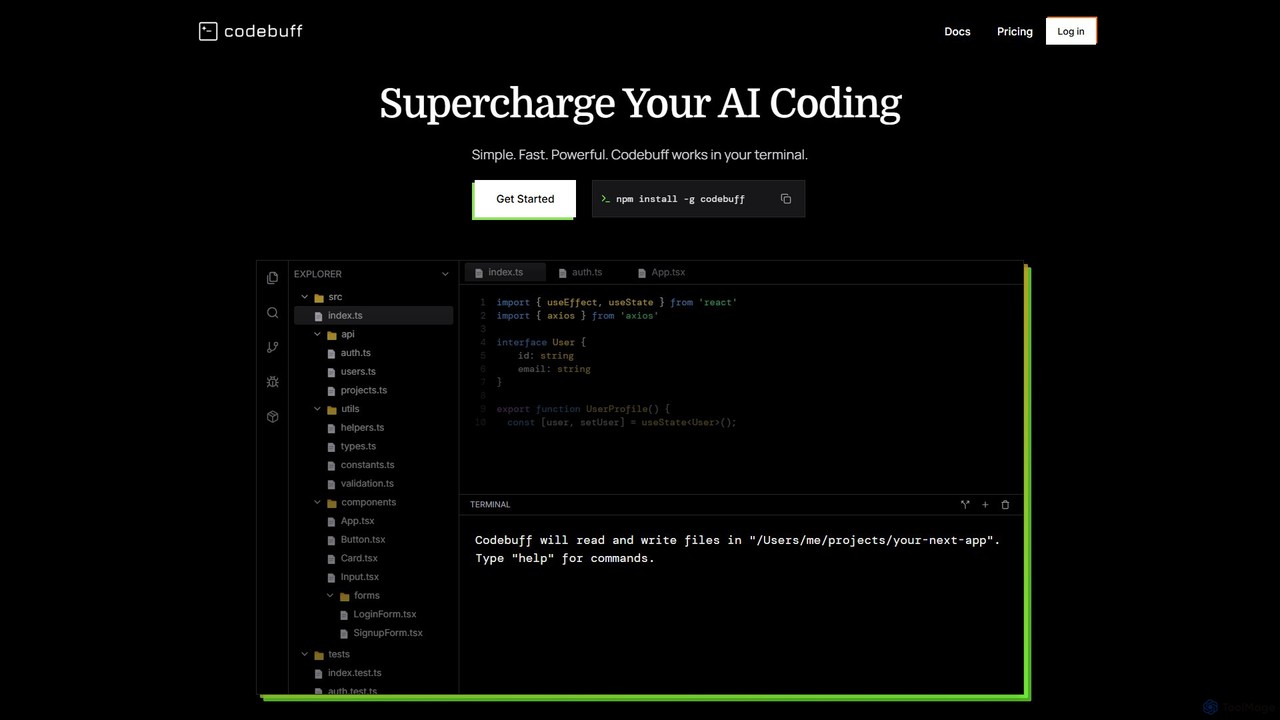
Codebuff
Codebuff is a powerful AI coding assistant that operates directly in your terminal. It deeply understands your entire codebase, enabling it to perform complex tasks like surgical code edits, feature implementation, and large-scale refactoring with unparalleled speed and accuracy. It learns from your project context and integrates seamlessly into any tech stack.
Code Generation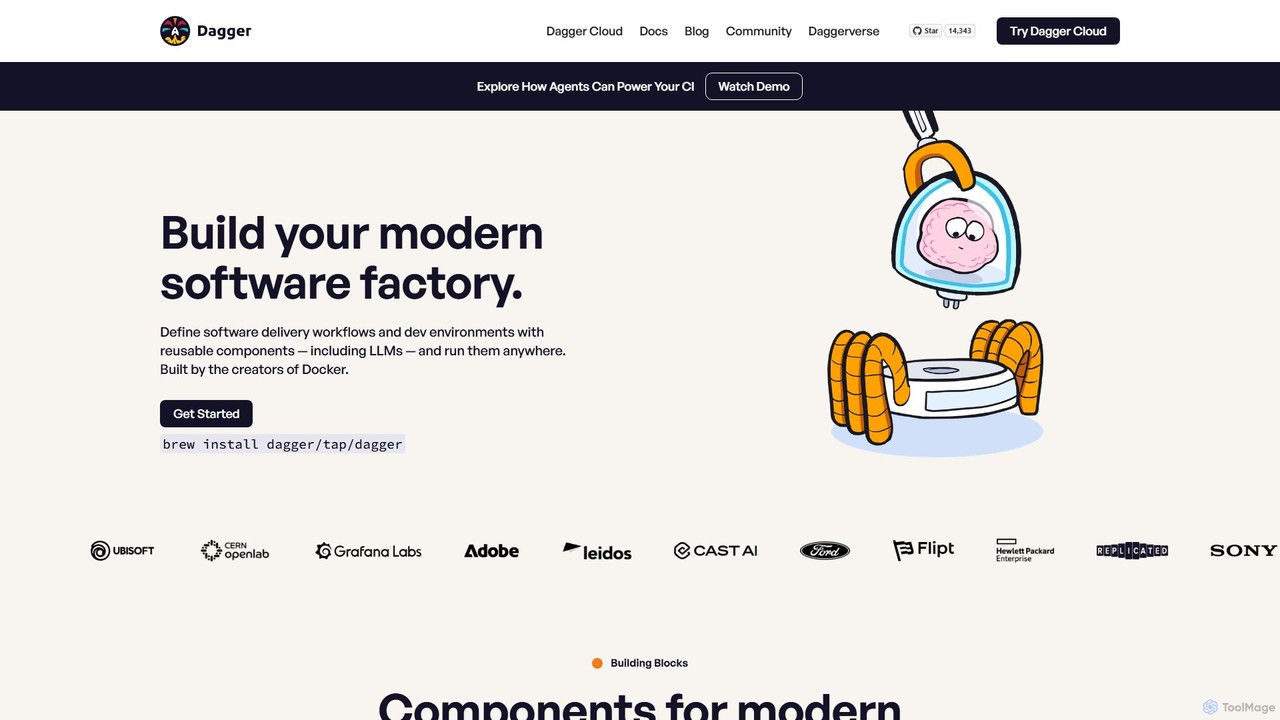
Dagger.io
Dagger.io is a programmable CI/CD engine that allows developers to build powerful automation pipelines as code in languages like Go, Python, and TypeScript. It leverages containers to ensure workflows are portable, reproducible, and run consistently everywhere. Dagger also provides a secure environment for integrating LLMs and AI agents into your software development lifecycle.
Ci CdRaccoon Categories
Raccoon Embed Widget
Copy this embed code to place the badge on your blog, article, or product site and send readers directly to this ToolMage detail page.

Related AI tools
Cursor
Cursor is an AI-first code editor designed for modern software development. Built as a fork of VS Code, it integrates powerful AI capabilities directly into the editing experience, allowing developers to chat with their codebase, generate, edit, and debug code with unprecedented speed and context-awareness.
Code GenerationCodeConvert
CodeConvert is an AI-powered tool that instantly translates code snippets between over 50 programming languages. It helps developers save hours of manual rewriting, learn new languages, and migrate projects efficiently. Features include high-accuracy conversion, code generation, and code explanation.
Code AssistantBind AI
Bind AI is an AI-powered IDE and Copilot that enables developers and founders to build full-stack web applications, landing pages, and WordPress plugins using simple text prompts. It integrates multiple advanced AI models, supports over 15 programming languages, and offers features like GitHub sync and project hosting to accelerate the development process from idea to deployment.
Code AssistantCodebuff
Codebuff is a powerful AI coding assistant that operates directly in your terminal. It deeply understands your entire codebase, enabling it to perform complex tasks like surgical code edits, feature implementation, and large-scale refactoring with unparalleled speed and accuracy. It learns from your project context and integrates seamlessly into any tech stack.
Code GenerationDagger.io
Dagger.io is a programmable CI/CD engine that allows developers to build powerful automation pipelines as code in languages like Go, Python, and TypeScript. It leverages containers to ensure workflows are portable, reproducible, and run consistently everywhere. Dagger also provides a secure environment for integrating LLMs and AI agents into your software development lifecycle.
Ci Cd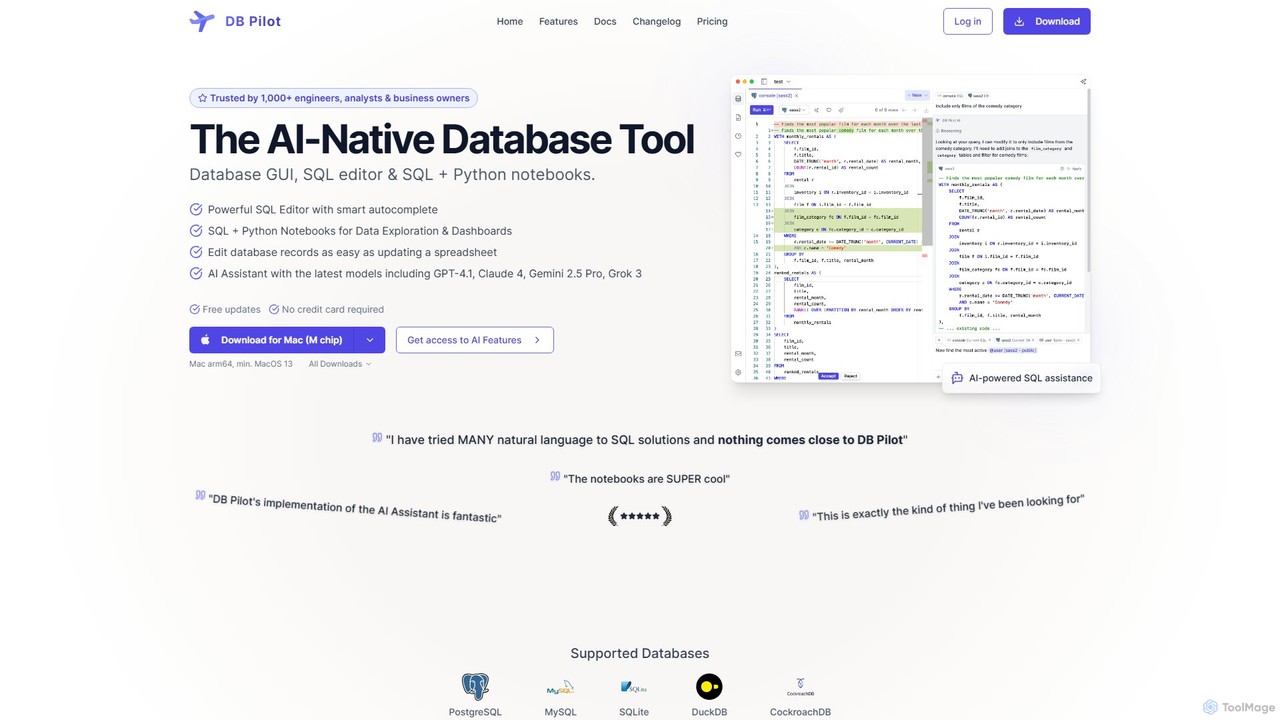
dbpilot
dbpilot is an AI-native database tool for engineers and analysts, featuring a powerful GUI, an intelligent SQL editor, and integrated SQL + Python notebooks. It leverages top AI models like GPT-4 and Claude to generate, debug, and explain queries, streamlining data exploration and dashboard creation in a secure, local-first environment.
Sql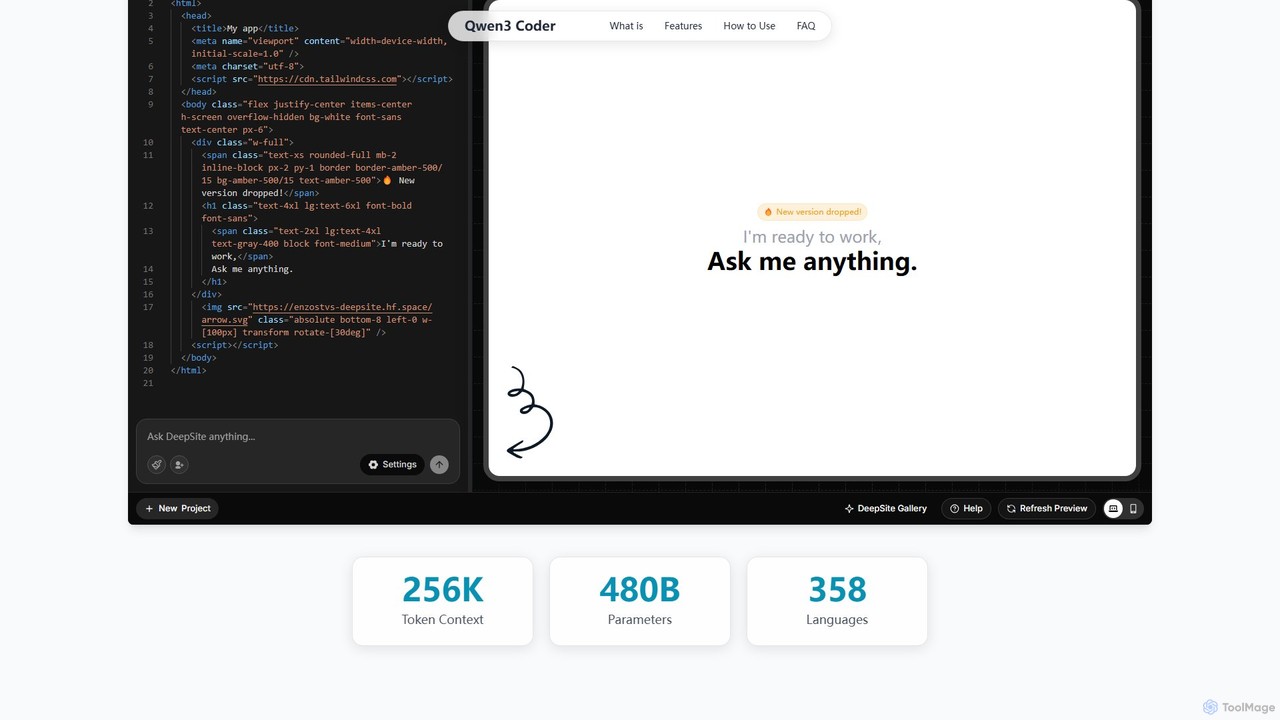
Qwen3 Coder
Qwen3 Coder is a state-of-the-art, open-source large language model by Alibaba Cloud, engineered for advanced code generation, comprehension, and agentic tasks. Featuring a 480B Mixture-of-Experts architecture and trained on 7.5 trillion tokens, it achieves GPT-4 level performance across 358 programming languages. It supports a massive 256K context window and is designed for complex, multi-step software development workflows.
Large Language Model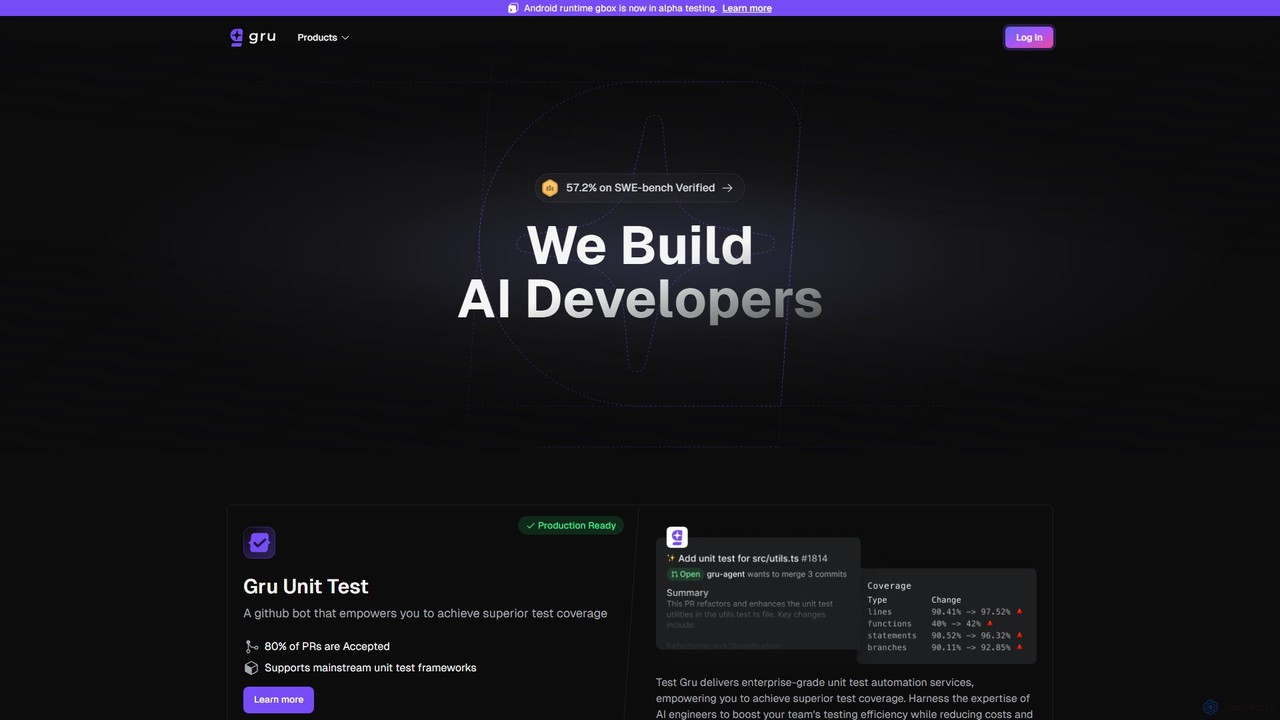
Gru.ai
Gru.ai is an AI-powered developer agent designed to automate software engineering tasks. It specializes in generating comprehensive unit tests as a GitHub bot, instantly boosting code coverage and improving code quality for multiple programming languages.
Code Assistant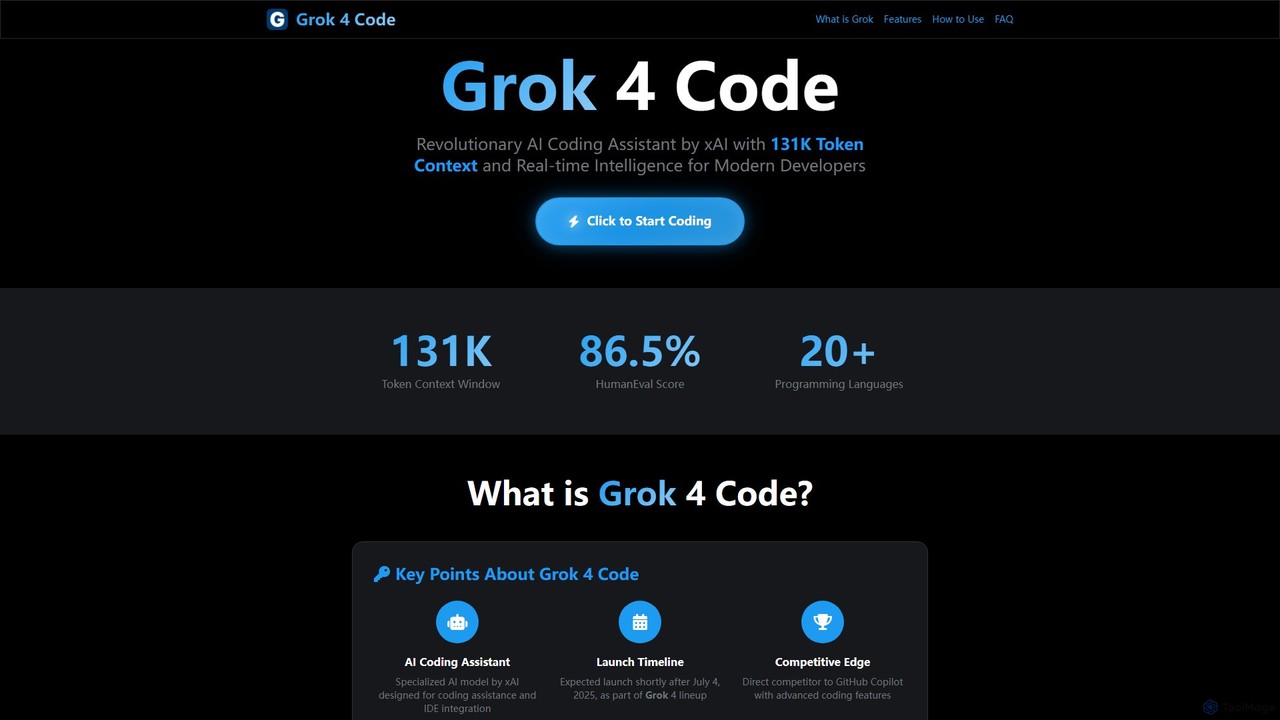
Grok 4 Code
Grok 4 Code is a revolutionary AI coding assistant from xAI, designed for modern developers. It features a massive 131K token context window, real-time web intelligence, and deep IDE integration. Supporting over 20 programming languages, it understands entire codebases, offers advanced reasoning, and provides less-censored, direct technical assistance to enhance productivity and solve complex programming challenges.
Code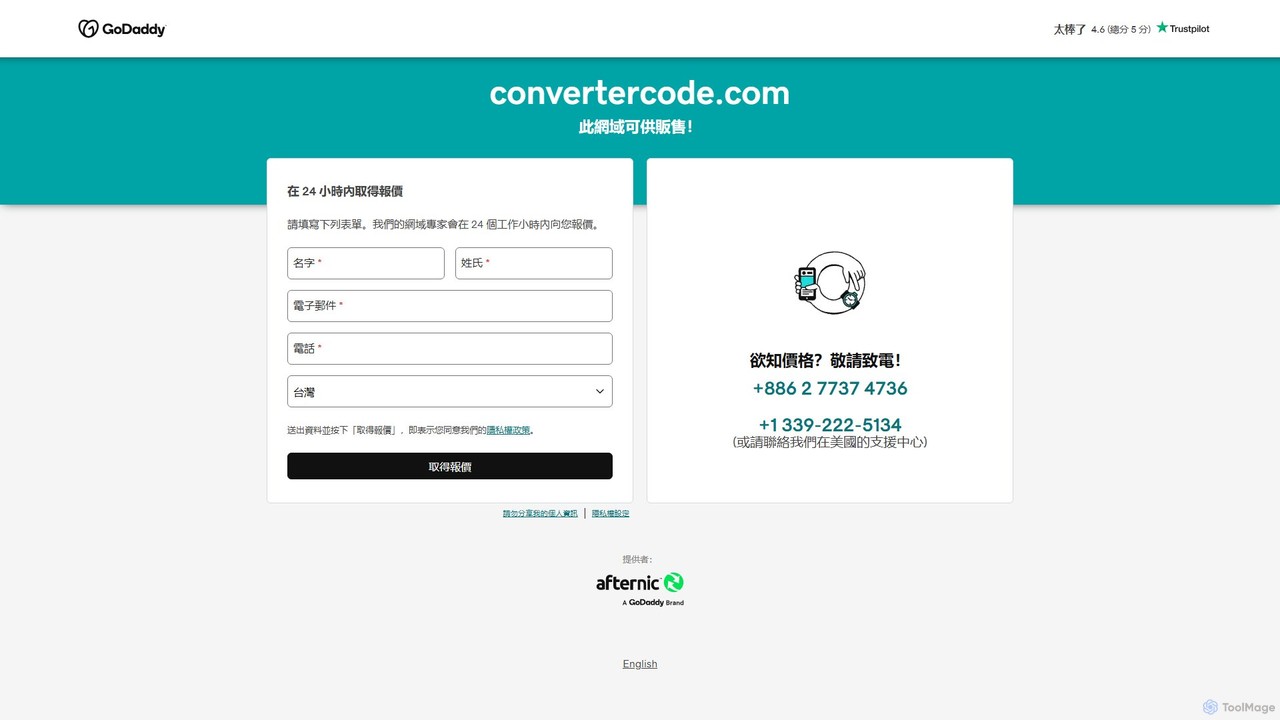
convertercode
An AI-powered tool for developers that seamlessly converts code from one programming language to another. It supports a wide range of languages, helping to modernize legacy systems, facilitate cross-platform development, and accelerate learning.
Code Assistant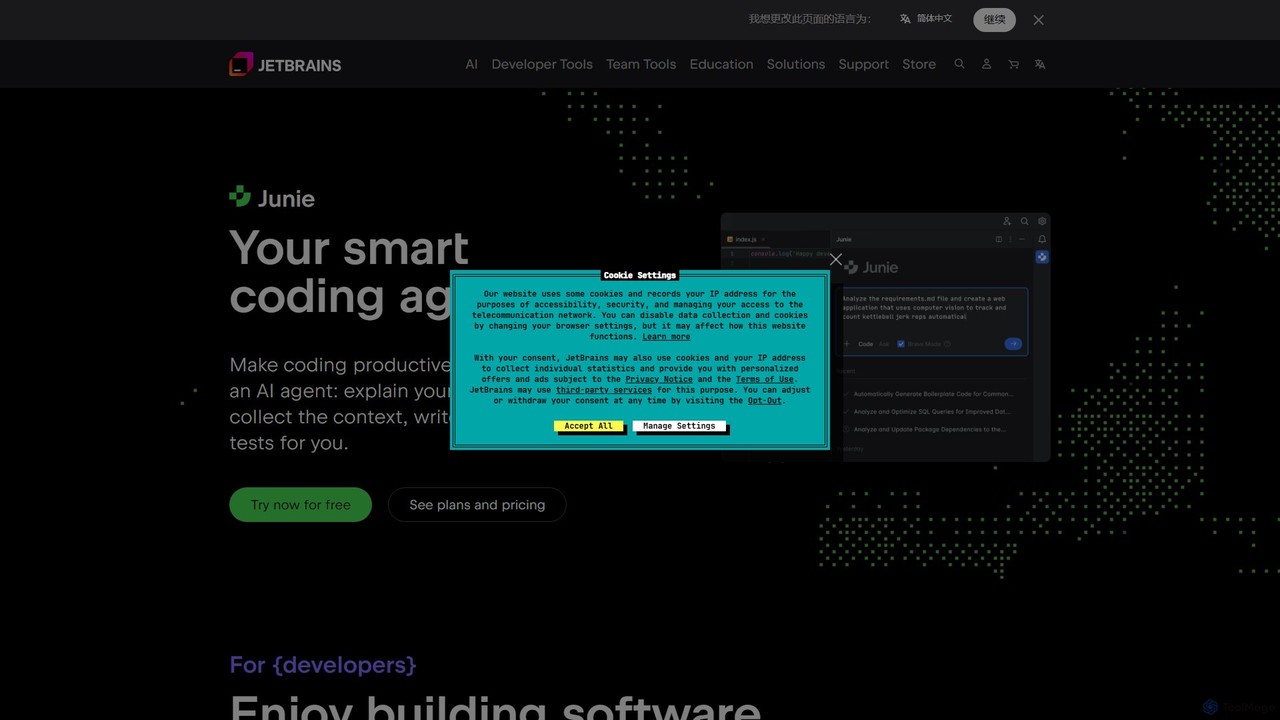
JetBrains
JetBrains provides a comprehensive suite of intelligent tools for software developers and teams, including powerful IDEs and an integrated AI Assistant. It enhances productivity with smart code completion, refactoring, and bug detection, streamlining the entire development lifecycle from coding to deployment. It supports a wide range of languages and offers robust team collaboration platforms.
Integrated Development Environment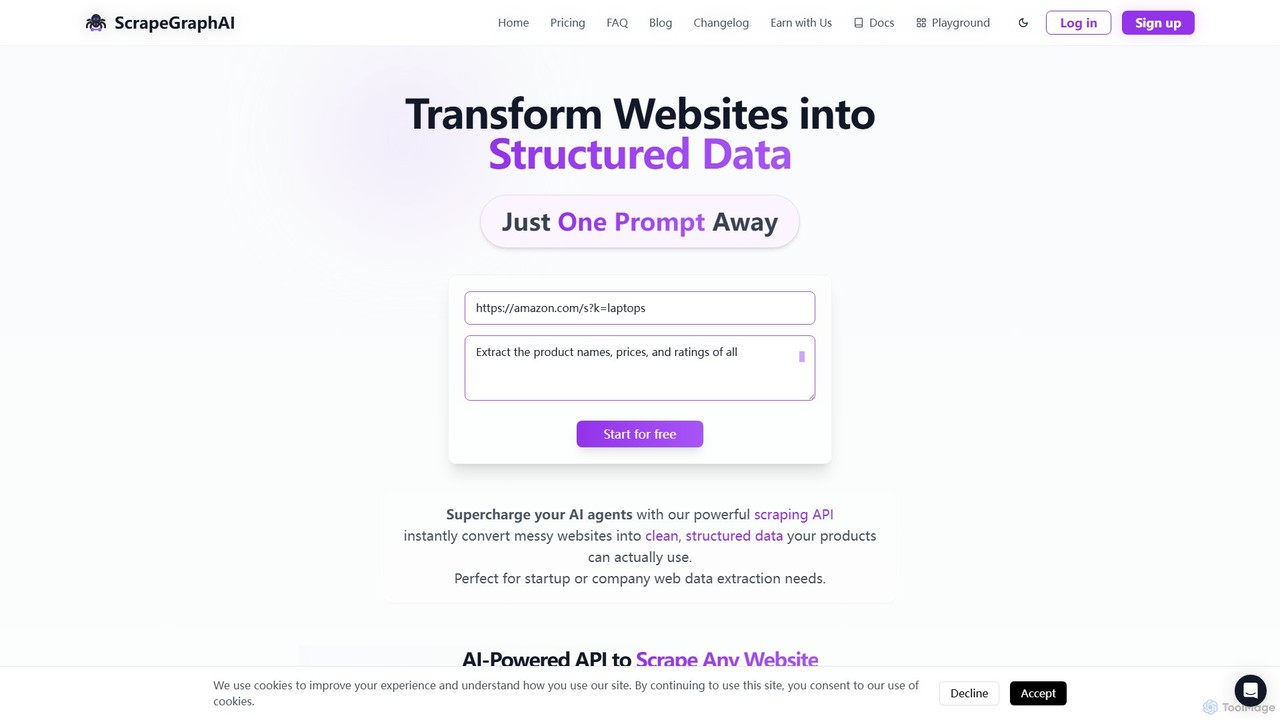
ScrapeGraphAI
ScrapeGraphAI is an AI-powered web scraping API that transforms unstructured websites into clean, structured JSON data using simple natural language prompts. Designed for developers, AI agents, and automated workflows, it simplifies data extraction without complex code.
Analytics
Charm
Charm is an ecosystem of open-source tools and libraries designed to make the command-line interface (CLI) glamorous and powerful. It provides developers with applications for AI-powered coding (Crush, Mods), beautiful terminal UIs (Bubble Tea), markdown rendering (Glow), and self-hosted Git servers (Soft Serve). Charm empowers developers to build, style, and enhance their terminal workflows with modern, elegant, and highly functional tools.
Code Assistant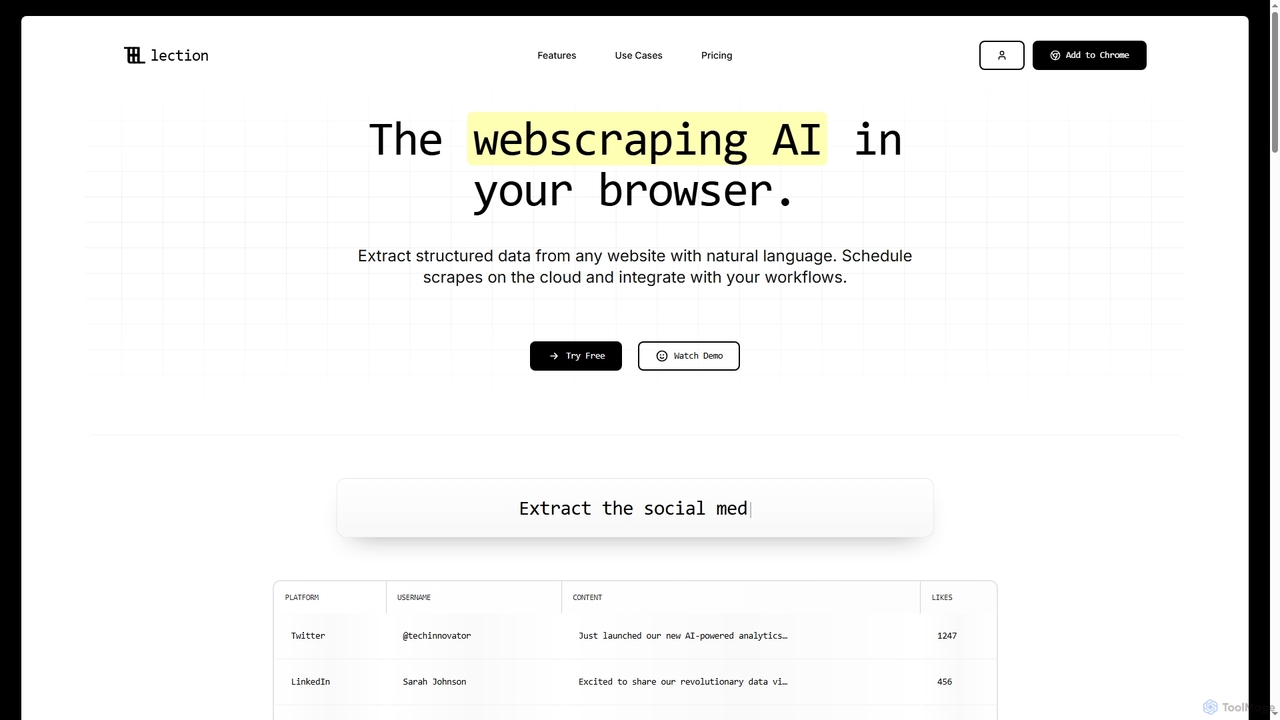
Lection
Lection is an AI-powered web scraping agent that allows users to extract structured data from any website using natural language. It automates data collection, integrates with popular workflows, and provides clean, validated data without requiring any coding expertise.
3D
Jyek
Jyek is an AI agent platform that understands objectives, creates execution plans, uses tools, and delivers verifiable results for complex, multi-step tasks.
Automation
Raccoon Comments (0)
Sign in to comment.
Sign inNo comments yet.