
Best 4 Paas AI tools for Cloud Computing
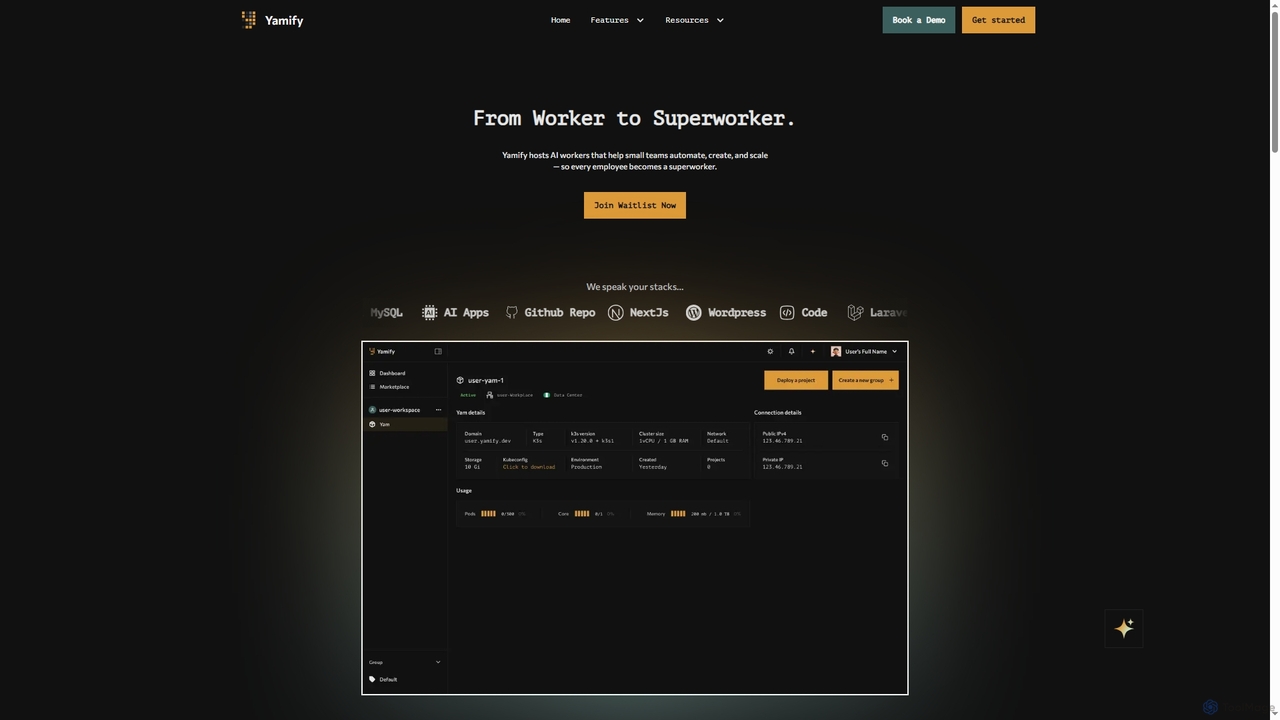
Popular Paas AI tools in Cloud Computing include Firebase Studio, Project IDX, Convox, and Yamify, helping you work more efficiently.
Freemium
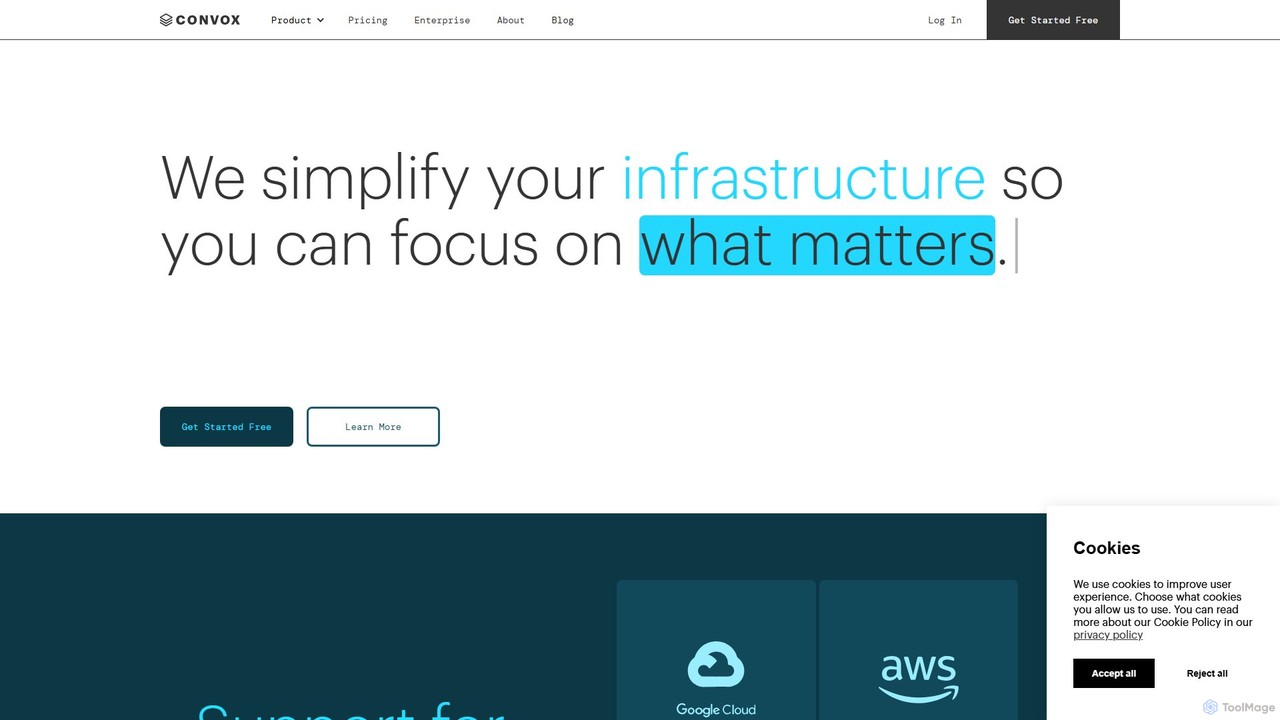
Convox
Convox is a Platform as a Service (PaaS) that automates cloud infrastructure management. It simplifies application deployment, scaling, monitoring, and CI/CD on major cloud providers like AWS and GCP, allowing development teams to focus on writing code instead of managing complex operations.
PaasVisits 11KFavorites 140Likes 115
Freemium
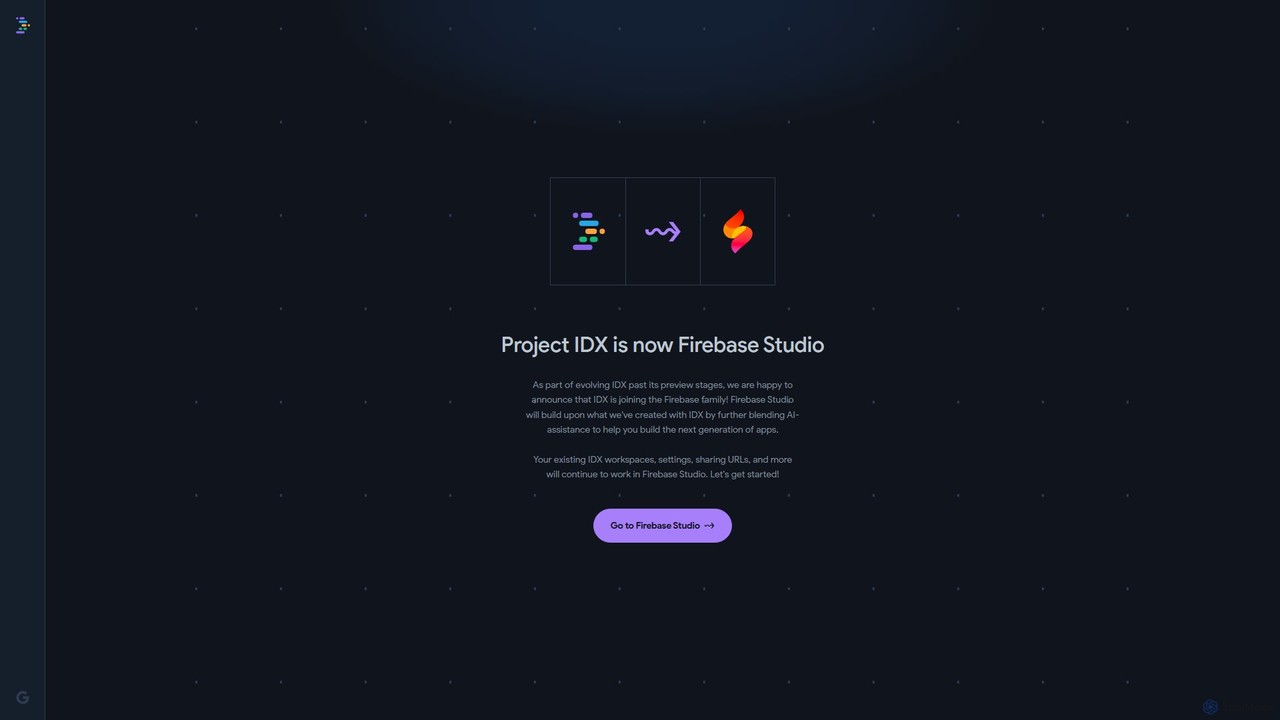
Project IDX
Project IDX, now evolving into Firebase Studio, is a cloud-based, AI-powered workspace for full-stack, multi-platform application development. It offers a pre-configured environment with AI code assistance, integrated multi-platform previews, and seamless Firebase integration. Ideal for developers looking to build, test, and deploy web and mobile apps faster, without local setup complexities.
PaasVisits 206.9KFavorites 147Likes 147
Freemium
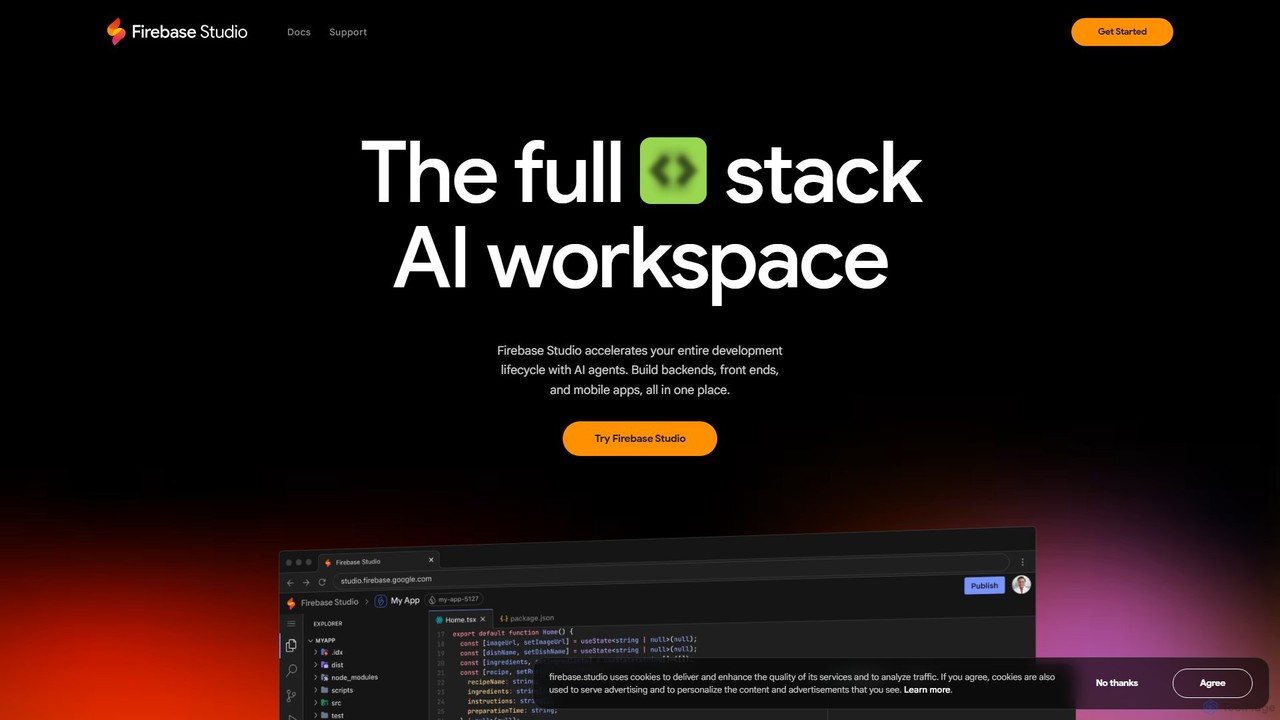
Firebase Studio
Firebase Studio is an AI-powered, browser-based IDE for full-stack development. Integrated with Gemini, it accelerates coding, debugging, and testing. It allows seamless repository import, real-time collaboration, and one-click deployment to the Firebase ecosystem, streamlining the entire application development lifecycle.
PaasVisits 537.3KFavorites 143Likes 157
About Paas
PaaS (Platform as a Service) is a cloud computing model that provides a complete environment for developing, testing, deploying, and managing applications. It abstracts away the underlying infrastructure, allowing developers to focus solely on writing code and managing their applications. This service streamlines the entire application lifecycle, from conception to deployment and maintenance, by providing pre-configured tools and services. PaaS significantly accelerates development time and reduces operational complexity.
Core Features
- Application Runtimes: Support for various programming languages and frameworks like Java, Python, Node.js, and .NET.
- Managed Infrastructure: Automatic scaling, load balancing, and management of servers, storage, and networking resources.
- Integrated Development Tools: Built-in tools and services for coding, debugging, testing, and continuous integration/continuous deployment (CI/CD).
- Middleware Services: Provides managed databases, messaging queues, caching services, and other essential application components.
Use Cases
PaaS is widely used by software development teams and businesses to build and run web and mobile applications. It is ideal for creating API backends, developing microservices architectures, and running data analytics pipelines. Companies use PaaS to modernize legacy applications and accelerate their digital transformation initiatives without investing heavily in on-premise infrastructure.
How to Choose
When selecting a PaaS provider, evaluate the supported programming languages and frameworks to ensure compatibility with your tech stack. Assess the platform's scalability options and performance capabilities. Consider the ecosystem of available managed services, such as databases and AI/ML tools. Finally, analyze the pricing model (pay-as-you-go vs. subscription) and potential for vendor lock-in.
Paas use cases
1
Rapid Prototyping of a Web Application
A startup team needs to launch a Minimum Viable Product (MVP) quickly to test a market idea. Instead of spending weeks setting up servers, databases, and deployment pipelines, they use a PaaS. Developers can push code directly from their Git repository, and the PaaS automatically builds, deploys, and scales the application. This allows the team to focus entirely on feature development and user feedback, reducing the time-to-market from months to weeks.
2
Developing and Deploying Microservices
An enterprise is modernizing a large, monolithic application by breaking it into smaller, independent microservices. Each microservice is developed and deployed on a PaaS. This approach allows different teams to work on different services simultaneously using their preferred technologies. The PaaS handles service discovery, load balancing, and auto-scaling for each microservice, simplifying the management of a complex distributed system and improving overall application resilience and maintainability.
3
Building a Scalable Mobile App Backend
A mobile app developer is creating an application that requires user authentication, data storage, and push notifications. Instead of building these backend services from scratch, the developer uses a PaaS that offers these features as managed services. They can use SDKs provided by the PaaS to easily integrate these functionalities into their mobile app. The PaaS backend automatically scales to handle traffic spikes, ensuring a smooth user experience even as the app's user base grows.
4
Creating and Managing APIs
A company wants to expose its internal data and services to external partners through a set of secure APIs. They use a PaaS with built-in API management capabilities. This allows them to define API endpoints, implement security policies like authentication and rate limiting, and monitor API usage and performance through a centralized dashboard. The PaaS handles the underlying infrastructure, allowing the team to focus on designing and documenting high-quality APIs for their partners.
5
Implementing a CI/CD Pipeline
A DevOps team aims to automate the software delivery process to increase deployment frequency and reliability. They use the integrated CI/CD tools provided by a PaaS. Developers commit code changes, which automatically trigger a pipeline that builds the code, runs automated tests, and deploys the application to a staging environment. After successful validation, the changes can be promoted to production with a single click. This automates a previously manual and error-prone process, enabling faster and safer releases.
6
Running Data Analytics and Business Intelligence
A data analyst needs to build a dashboard to visualize key business metrics. They use a PaaS that provides managed database services and business intelligence tools. The analyst can easily ingest data from various sources into the managed database. Then, they use the platform's BI tools to build interactive dashboards and reports without writing complex code or managing any servers. The platform handles data storage, processing, and visualization, allowing the analyst to focus on deriving insights from the data.
Related categories
Paas FAQ
What is PaaS (Platform as a Service)?
PaaS (Platform as a Service) is a cloud computing service model that provides a platform allowing customers to develop, run, and manage applications without the complexity of building and maintaining the infrastructure typically associated with developing and launching an app. PaaS provides the runtime, middleware, operating system, and database services, so developers can focus on their application code and business logic rather than on the underlying infrastructure management.
What is the main difference between PaaS, IaaS, and SaaS?
The main difference lies in the level of management provided by the cloud vendor. Think of it like pizza:
- IaaS (Infrastructure as a Service): The vendor provides the basic ingredients (servers, storage, networking). You have to make the pizza from scratch. You manage the OS, middleware, and application.
- PaaS (Platform as a Service): The vendor provides the kitchen and oven (platform, OS, runtime). You just need to add your toppings and bake (develop and deploy your application).
- SaaS (Software as a Service): The vendor delivers a finished pizza (a ready-to-use application like Gmail). You just use it.
In short, PaaS offers a middle ground, abstracting infrastructure while still giving you control over your application.
What are the key benefits of using a PaaS?
Using a PaaS offers several significant benefits for development teams and businesses:
- Faster Time-to-Market: PaaS provides a pre-built platform with integrated tools, which significantly speeds up the development, testing, and deployment cycles.
- Reduced Operational Overhead: The provider manages the underlying infrastructure, including servers, storage, updates, and security patches, freeing up your team to focus on application development.
- Increased Scalability: PaaS solutions are designed to scale automatically or with minimal configuration, ensuring your application can handle fluctuating traffic loads without manual intervention.
- Cost-Effectiveness: It eliminates the need for capital expenditure on hardware and reduces operational costs associated with infrastructure management.
How do I choose the right PaaS provider?
Choosing the right PaaS provider depends on your specific needs. Consider these key factors:
- Language and Framework Support: Ensure the platform supports the programming languages, frameworks, and tools your team uses.
- Ecosystem of Services: Evaluate the availability and quality of managed services like databases, caching, messaging queues, and AI/ML services. A rich ecosystem can significantly accelerate development.
- Scalability and Performance: Assess the provider's auto-scaling capabilities, performance guarantees (SLAs), and global presence to ensure it meets your application's requirements.
- Pricing Model: Compare pricing structures (e.g., pay-as-you-go, subscription-based) and understand all potential costs to avoid surprises.
- Vendor Lock-in: Consider how difficult it would be to migrate your application to another platform in the future. Platforms based on open standards like Kubernetes can reduce this risk.
Who are the typical users of PaaS?
PaaS is primarily used by individuals and teams involved in the software development lifecycle. Typical users include:
- Software Developers: They use PaaS to write, test, and deploy code without worrying about infrastructure.
- DevOps Engineers: They leverage PaaS to build and manage automated CI/CD pipelines, streamlining the software delivery process.
- Application Development Teams: Entire teams use PaaS as a collaborative environment to build, deploy, and manage applications throughout their lifecycle.
- Businesses and Startups: Companies of all sizes use PaaS to accelerate innovation, reduce operational costs, and quickly bring new digital products and services to market.