

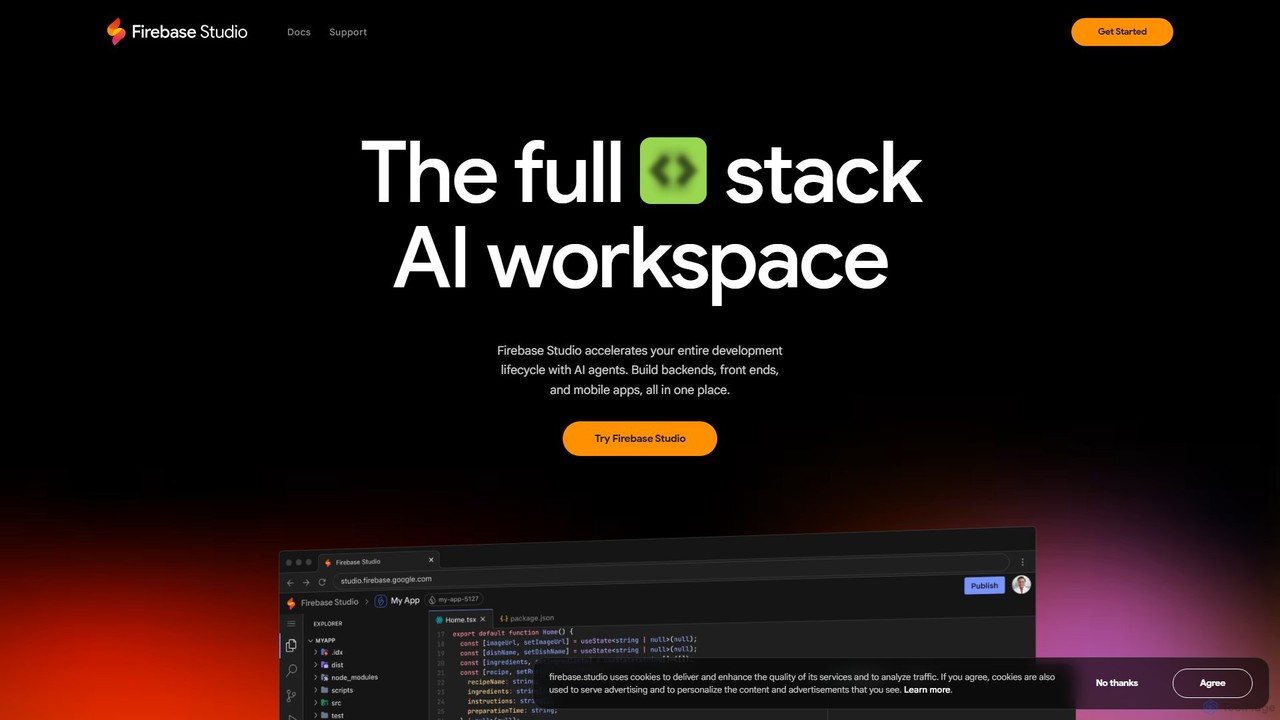
Firebase Studio Overview
Firebase Studio is a revolutionary, browser-based Integrated Development Environment (IDE) designed by Google to accelerate and simplify the entire application development process. It empowers developers to go from an idea to a fully deployed application in minutes, not hours, by providing a comprehensive, AI-enhanced workspace directly in the browser. As a core part of the Firebase ecosystem, it leverages the power of Gemini, Google's advanced AI model, to offer intelligent assistance throughout the development lifecycle.
The platform is built for modern development workflows, enabling you to import existing repositories from GitHub, GitLab, Bitbucket, or your local machine with broad support for most technology stacks. For new projects, Firebase Studio introduces an innovative App Prototyping agent. This feature allows you to generate a new application foundation using natural language prompts, mockups, drawings, or even screenshots, significantly reducing initial setup time. You can also choose from a vast catalog of templates for popular frameworks and languages.
How to use Firebase Studio
Getting started with Firebase Studio is designed to be a frictionless experience. First, navigate to the Firebase Studio website and sign in. You can immediately create or configure your workspace. To begin a project, you have two main options: import an existing project by connecting your Git provider (GitHub, GitLab, Bitbucket) or uploading from your local machine, or start fresh. To create a new application, leverage the AI-powered App Prototyping agent by describing your app's requirements in natural language or providing visual aids like mockups. Once your codebase is loaded, you can harness the power of Gemini for AI-assisted development. Use it to write code, debug complex issues, refactor for better performance, explain unfamiliar code blocks, or generate documentation. For teamwork, simply share your workspace URL to enable real-time collaboration. To test your application, use the built-in web previews and Android emulators. Finally, deploy your finished app with a few clicks directly to Firebase App Hosting, Firebase Hosting, or Cloud Run.
Core Features of Firebase Studio
- AI-Powered Development with Gemini: Work faster and smarter with Gemini integrated into the IDE. It assists with coding, debugging, testing, refactoring, code explanation, and documentation, interacting directly with your codebase.
- Cloud-Based IDE: Access a fully-featured development environment from any browser, on any machine, eliminating complex local setup and ensuring a consistent environment for all team members.
- Effortless Project Setup: Import existing repositories from major Git providers or use the App Prototyping agent to scaffold new applications from natural language, mockups, or templates.
- Real-time Collaboration: Share workspaces via a URL, allowing multiple team members to code, review, and contribute to the same project simultaneously. Non-coders can also join to provide feedback.
- End-to-End Testing Suite: Preview your full-stack applications with built-in web previews and Android emulators. Access thousands of extensions from the Open VSX Registry to test and optimize APIs and backends.
- One-Click Deployment & Monitoring: Seamlessly publish your applications to Firebase App Hosting, Firebase Hosting, or Cloud Run. Monitor application usage and behavior at a glance directly from the studio.
- Customizable Environments: Tailor your development environment to your specific needs using Nix for advanced configuration.
Use Cases for Firebase Studio
Firebase Studio is versatile and caters to a wide range of development scenarios. It is ideal for rapid prototyping, where developers can quickly turn ideas into functional prototypes using the AI agent. For full-stack web and mobile app development, it provides a unified environment to build, test, and deploy. Distributed teams benefit immensely from its real-time collaboration features, which eliminate environment inconsistencies and streamline teamwork. It's also a powerful tool for modernizing legacy applications, as Gemini Code Assist agents can help with complex migration tasks. Furthermore, it serves as an excellent platform for learning and education, allowing new developers to start coding immediately without the hassle of environment configuration.
Advantages of Firebase Studio
The primary advantage of Firebase Studio is the massive boost in productivity and development speed. By integrating Gemini AI, it automates tedious tasks and provides intelligent suggestions, allowing developers to focus on high-level logic and creativity. The zero-configuration, cloud-based nature ensures that developers can start working instantly and collaborate effectively. Its deep integration with the broader Firebase and Google Cloud ecosystem creates a seamless path from development to production, simplifying deployment and monitoring. This holistic approach makes it a powerful, all-in-one solution for modern app development.
Pricing and Plans
Firebase Studio is currently available in a preview phase. During this preview, users can access up to 3 workspaces at no cost. For more extensive needs, members of the Google Developer Program can get access to up to 30 workspaces. This freemium model during the preview period allows developers to explore the full capabilities of the platform before a wider commercial release.
Traffic
Latest traffic
Status
Monthly traffic trend
- 2025-9: 1.7M
- 2026-1: 815.2K
- 2026-2: 699.0K
- 2026-3: 719.2K
- 2026-4: 530.7K
- 2026-5: 530.9K
Geography
Top 5 countries / regions
- 🇮🇳India44.8%
- 🇺🇸United States25.4%
- 🇧🇷Brazil13.8%
- 🇮🇩Indonesia9.4%
- 🇪🇸Spain6.6%
Traffic sources
| Source type | Percentage |
|---|---|
Direct | 91.0% |
Referral | 8.6% |
Email | 0.5% |
Top keywords
| Keyword | Cost per click |
|---|---|
| firebase | $1.91 |
| firebase console | $2.03 |
| firebase studio | $2.08 |
| google firebase | $3.27 |
| google firebase studio | $0.77 |
Firebase Studio Videos on YouTube

Code A Program


Intellipaat

Tina Huang

Firebase

Builders Central

Checkmark Academy

Mário Mac Sete | Inteligência Artificial
Firebase Studio Alternatives
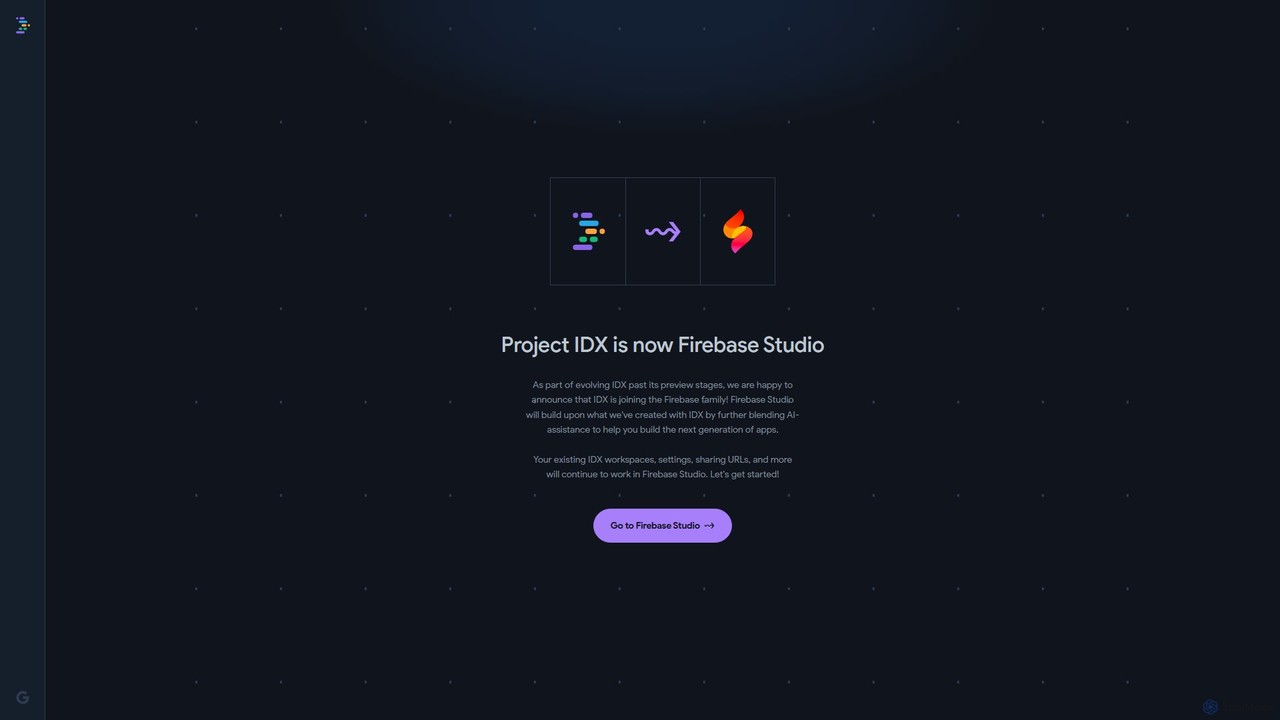
Project IDX
Project IDX, now evolving into Firebase Studio, is a cloud-based, AI-powered workspace for full-stack, multi-platform application development. It offers a pre-configured environment with AI code assistance, integrated multi-platform previews, and seamless Firebase integration. Ideal for developers looking to build, test, and deploy web and mobile apps faster, without local setup complexities.
Paas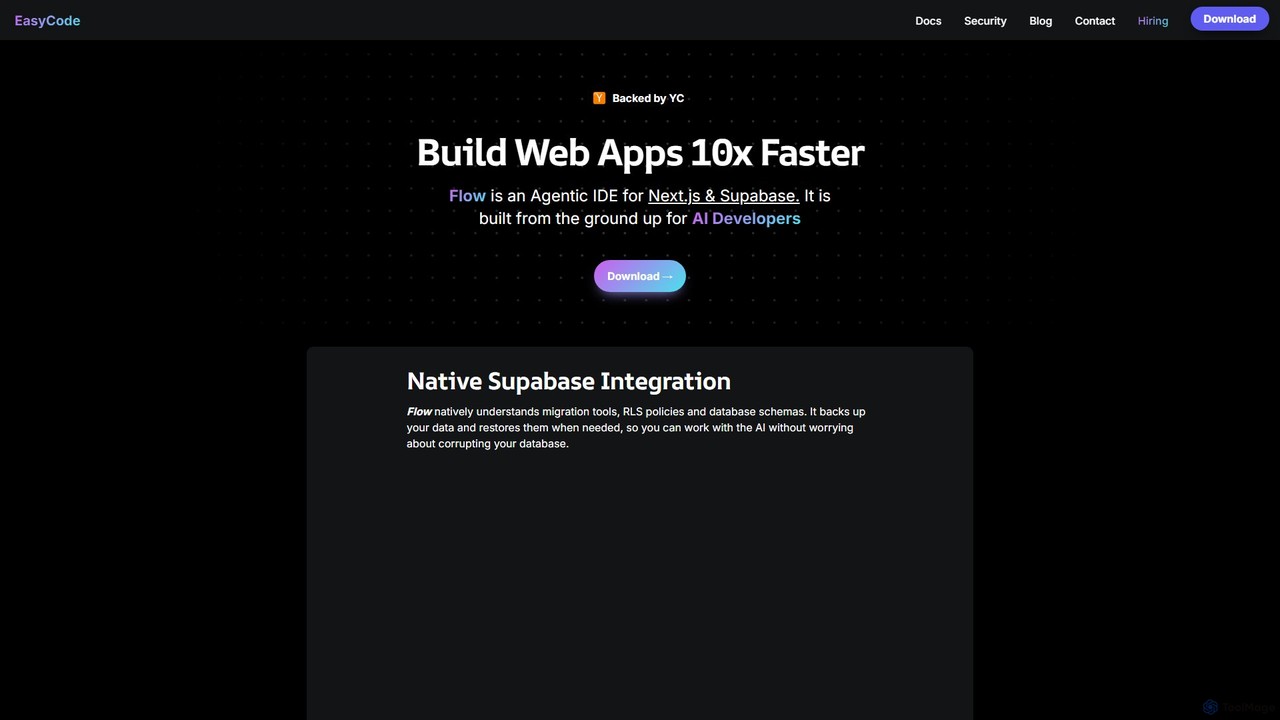
EasyCode
EasyCode is an agentic IDE specifically designed for building web applications with Next.js and Supabase, aiming to accelerate development by 10x. It features superior context management, visual debugging, and native Supabase integration to streamline the entire coding process, from prompting to deployment.
Web Development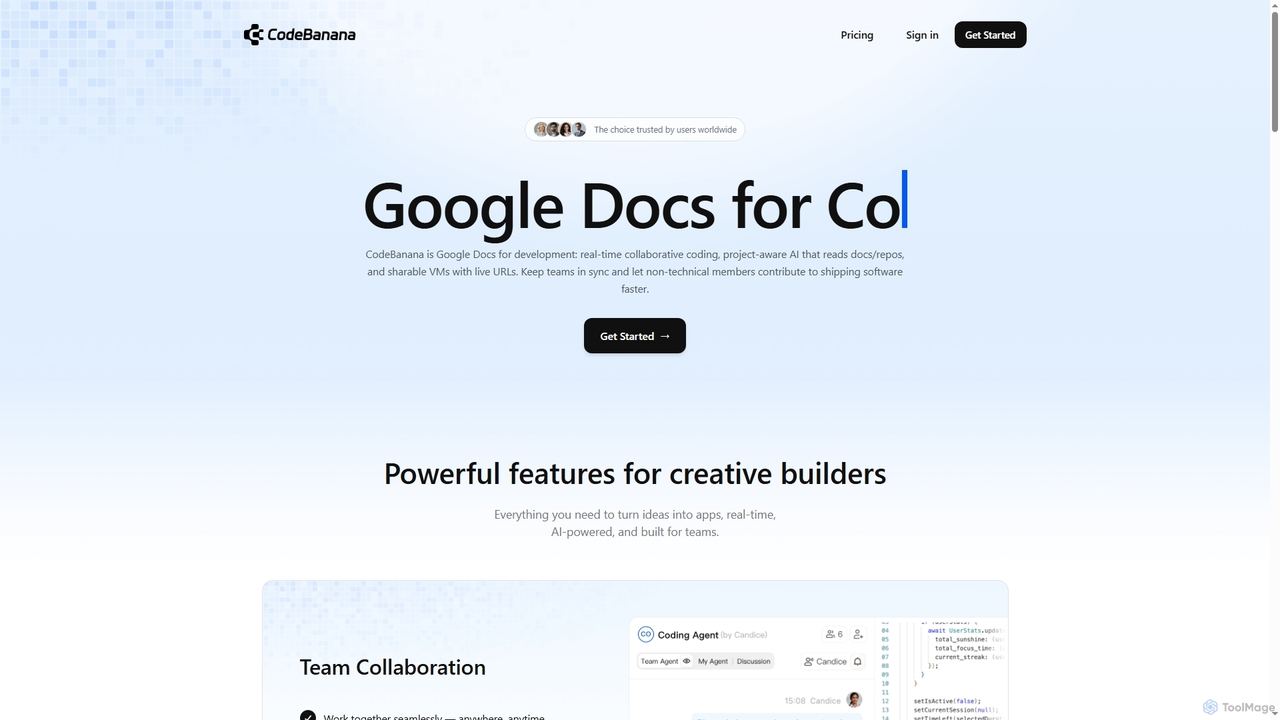
CodeBanana
CodeBanana is an AI-powered collaborative coding platform designed as "Google Docs for development." It offers real-time team collaboration, project-aware AI assistance, and sharable cloud virtual machines with live URLs. This tool helps development teams stay in sync, accelerate coding workflows, and allows non-technical members to contribute effectively, transforming ideas into applications faster and more efficiently.
Cloud Environment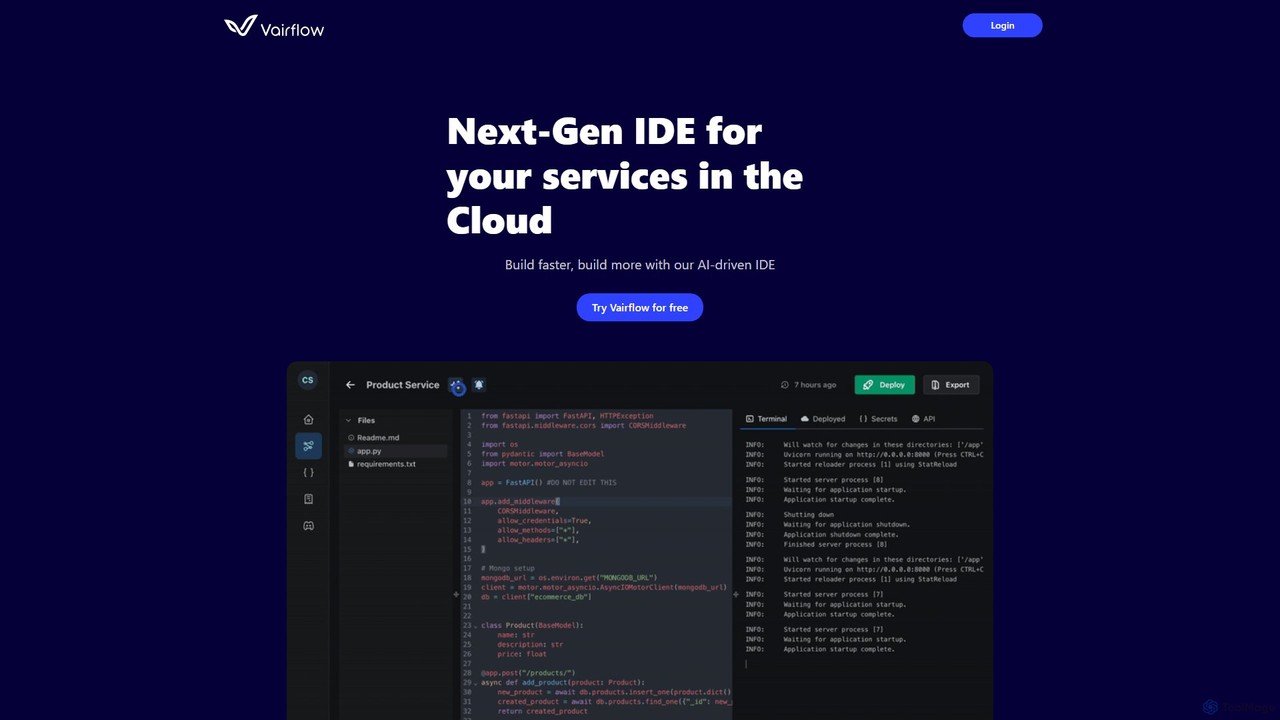
Vairflow
Vairflow is a next-generation, AI-driven Integrated Development Environment (IDE) designed for cloud services. It streamlines development by breaking down complex ideas into reusable components, such as backend microservices and front-end UIs. With one-click deployment and upcoming AI-powered coding assistance, Vairflow helps developers build and deploy full-stack applications faster and more efficiently, eliminating local setup hassles.
Cloud Ide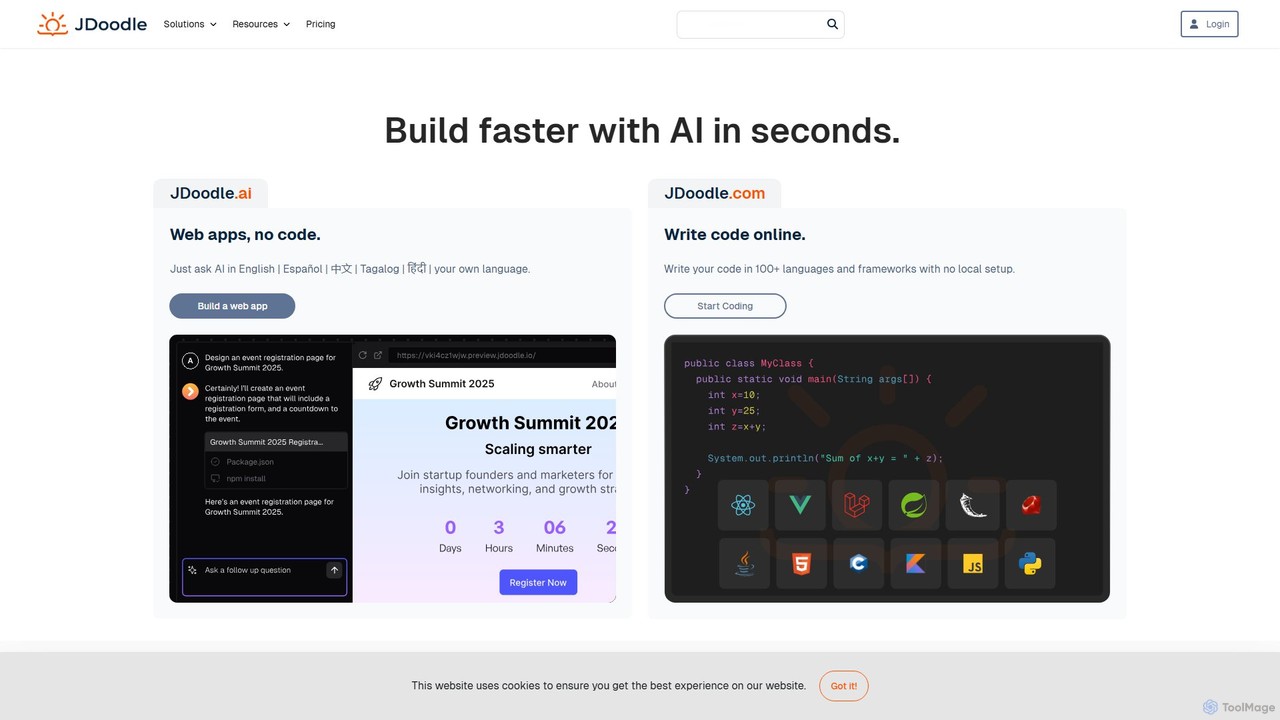
JDoodle
JDoodle is an AI-powered online coding platform and IDE that supports over 96 programming languages and frameworks. It allows developers, students, and educators to write, compile, and execute code directly in the browser with zero setup. Featuring AI assistance, real-time collaboration, and powerful integration APIs, JDoodle is designed to enhance coding productivity and streamline programming education.
Online IdeFirebase Studio Categories
Firebase Studio Embed Widget
Copy this embed code to place the badge on your blog, article, or product site and send readers directly to this ToolMage detail page.

Related AI tools
Project IDX
Project IDX, now evolving into Firebase Studio, is a cloud-based, AI-powered workspace for full-stack, multi-platform application development. It offers a pre-configured environment with AI code assistance, integrated multi-platform previews, and seamless Firebase integration. Ideal for developers looking to build, test, and deploy web and mobile apps faster, without local setup complexities.
Paas
Openbolt.dev
Openbolt.dev is an AI-powered, browser-based IDE designed to accelerate full-stack web development. It enables developers to design, build, and deploy applications using natural language prompts, instant project scaffolding for popular frameworks, and real-time deployment, all within a single, unified platform.
Code AssistantEasyCode
EasyCode is an agentic IDE specifically designed for building web applications with Next.js and Supabase, aiming to accelerate development by 10x. It features superior context management, visual debugging, and native Supabase integration to streamline the entire coding process, from prompting to deployment.
Web DevelopmentCodeBanana
CodeBanana is an AI-powered collaborative coding platform designed as "Google Docs for development." It offers real-time team collaboration, project-aware AI assistance, and sharable cloud virtual machines with live URLs. This tool helps development teams stay in sync, accelerate coding workflows, and allows non-technical members to contribute effectively, transforming ideas into applications faster and more efficiently.
Cloud EnvironmentVairflow
Vairflow is a next-generation, AI-driven Integrated Development Environment (IDE) designed for cloud services. It streamlines development by breaking down complex ideas into reusable components, such as backend microservices and front-end UIs. With one-click deployment and upcoming AI-powered coding assistance, Vairflow helps developers build and deploy full-stack applications faster and more efficiently, eliminating local setup hassles.
Cloud IdeJDoodle
JDoodle is an AI-powered online coding platform and IDE that supports over 96 programming languages and frameworks. It allows developers, students, and educators to write, compile, and execute code directly in the browser with zero setup. Featuring AI assistance, real-time collaboration, and powerful integration APIs, JDoodle is designed to enhance coding productivity and streamline programming education.
Online Ide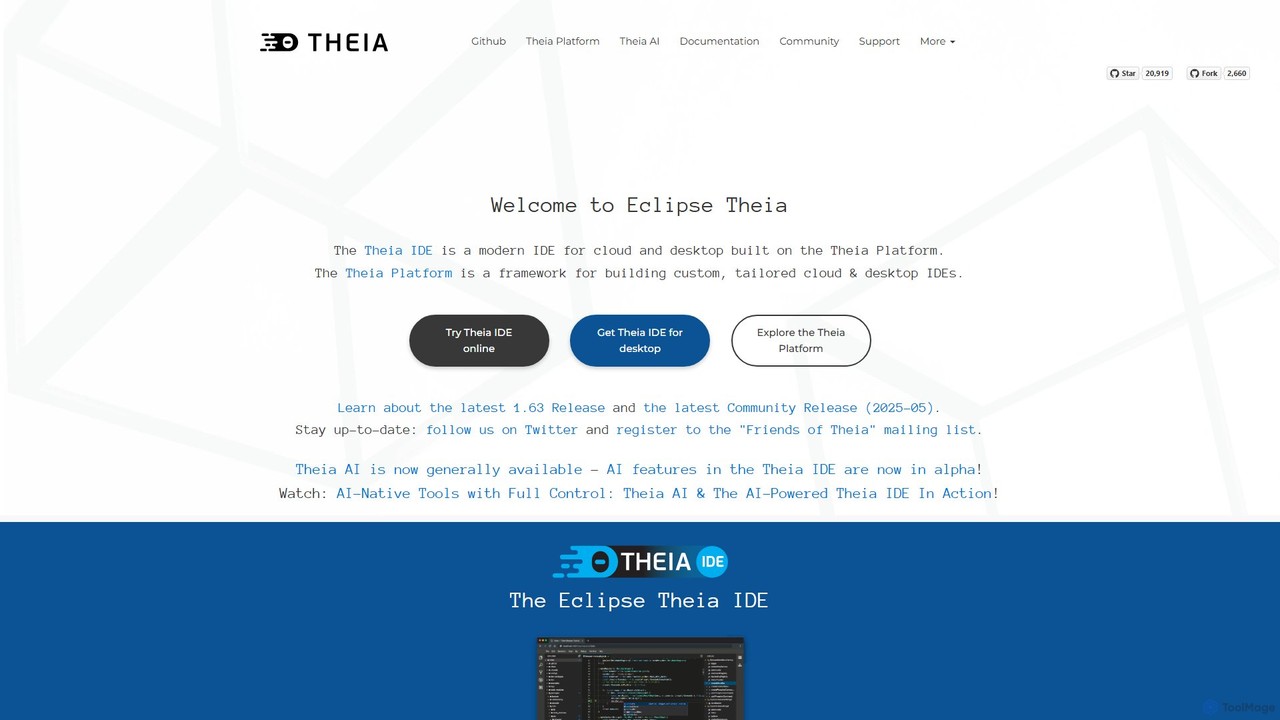
Theia IDE
Theia IDE is a modern, open-source IDE for cloud and desktop environments. It offers a flexible, extensible platform compatible with VS Code extensions and features powerful, privacy-focused AI capabilities. As a vendor-neutral alternative to VS Code, it supports numerous programming languages and allows for deep customization, making it ideal for individual developers and enterprises seeking control over their development tools.
Low Code No Code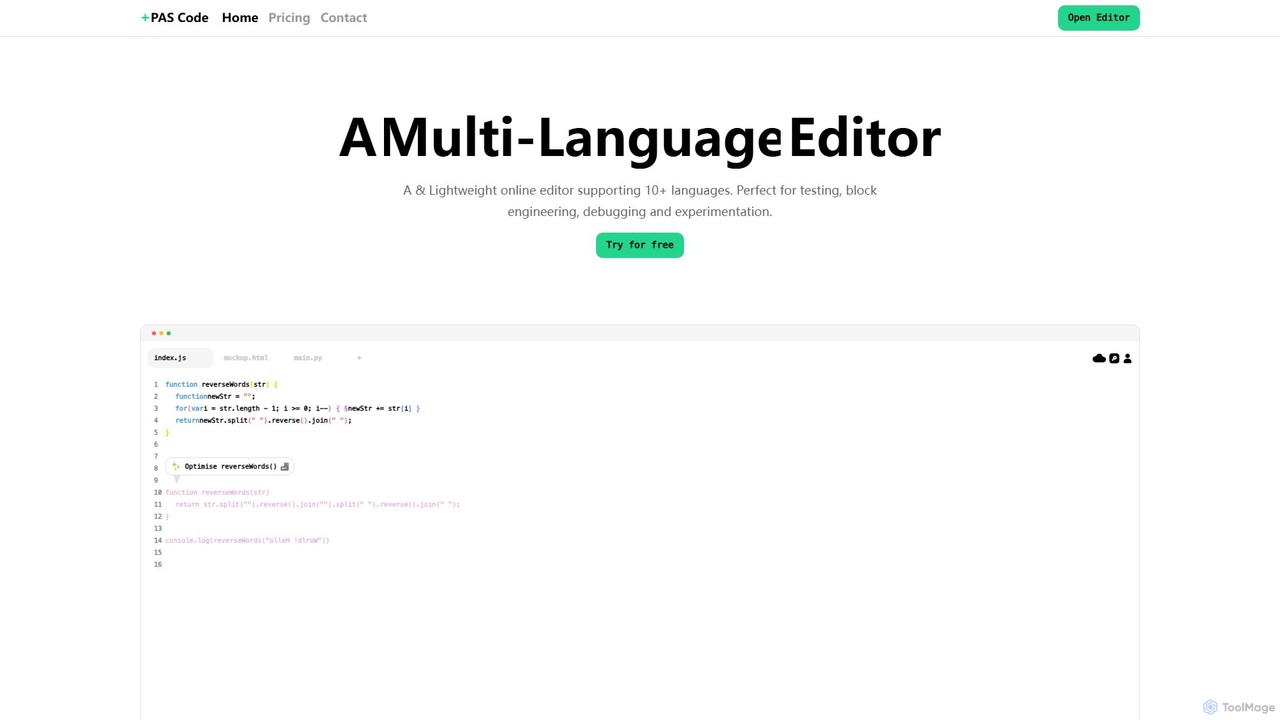
PAS Code
PAS Code is a lightweight, customizable online code editor designed for developers. It supports over 10 languages and features AI-powered autofill, smart prompts, and seamless cloud syncing. With features like a block editor for notes, live HTML previews, and secure compilation, it's perfect for testing, debugging, and rapid prototyping. It offers a free tier to get started.
Code Generation
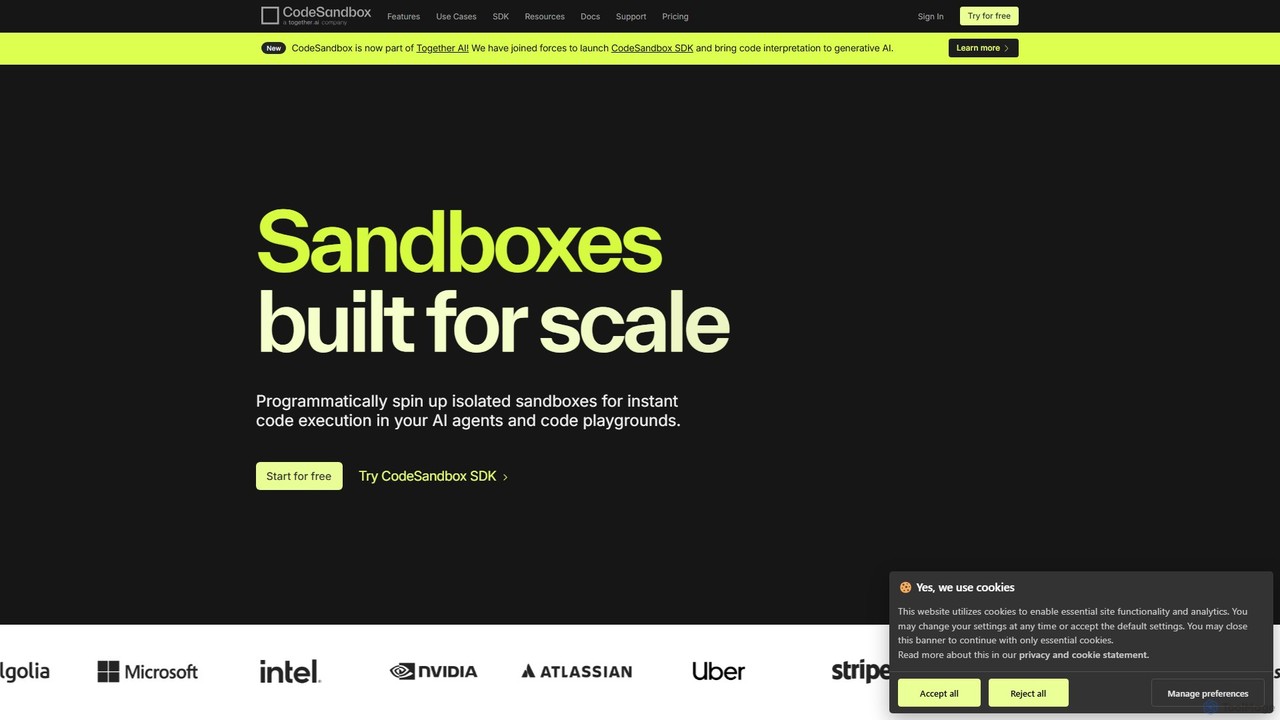
CodeSandbox
CodeSandbox is an instant cloud development environment that enables developers to build, share, and collaborate on web applications. It provides scalable, secure sandboxes for any project, from quick prototypes to full-stack applications, and now features a powerful SDK for integrating code execution into AI agents.
Code Generation
Zeabur
Zeabur is an AI-powered deployment platform (PaaS) designed for developers. It enables one-click deployment for any project, including front-end, back-end, databases, and AI agents, directly from code or through conversational AI. Featuring a pay-as-you-go model, automatic configuration, and auto-scaling, Zeabur simplifies cloud infrastructure, allowing developers to focus solely on coding.
Deployment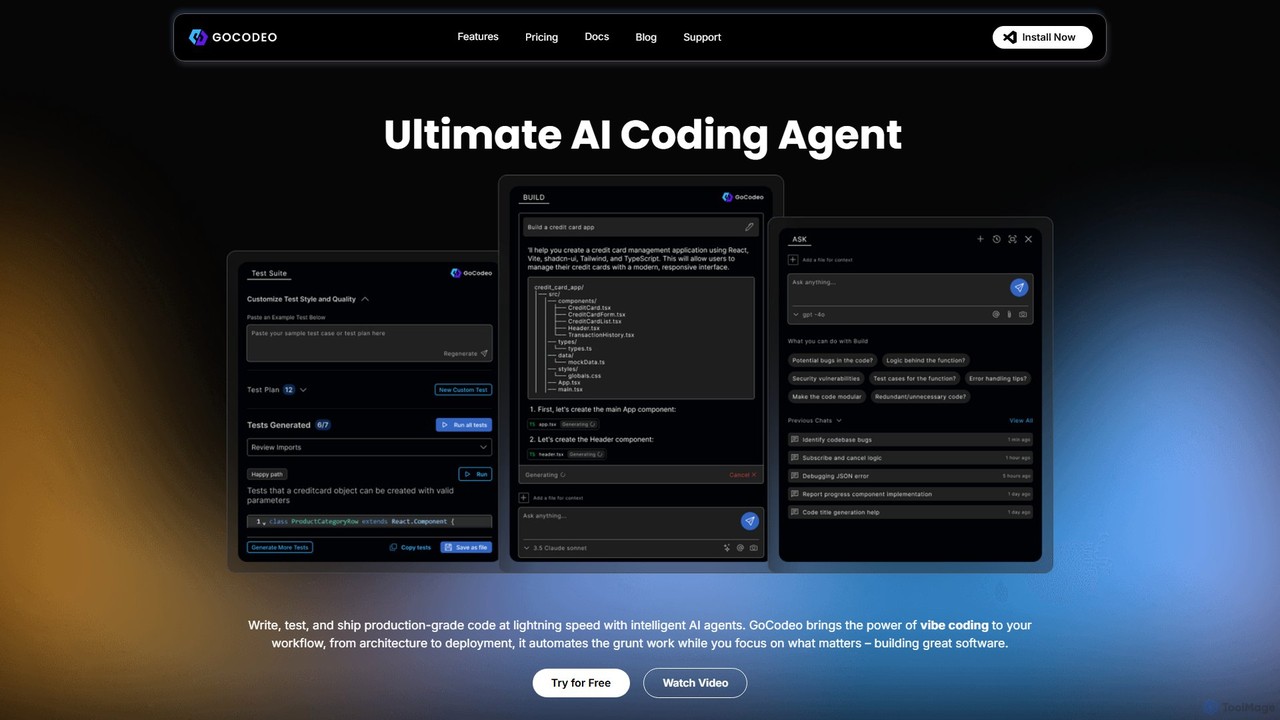
gocodeo
gocodeo is an AI coding agent integrated directly into your IDE (VS Code, IntelliJ) to accelerate the entire software development lifecycle. It helps developers build, test, and deploy projects faster through real-time code generation, automated testing, and seamless integrations. Supporting over 25 frameworks and 100+ tools, it transforms your IDE into an intelligent, context-aware workspace.
Code Assistant
Noodl
Noodl is an AI-powered low-code platform designed for creating sophisticated web and mobile applications. It combines a visual, node-based editor with an AI assistant that generates code, making it ideal for both non-coders and experienced developers. Build everything from simple prototypes to full-stack applications with unprecedented speed and flexibility.
Code Generation
Haystack
Haystack is an AI-powered code review platform that transforms complex pull requests into an interactive, visual canvas. It intelligently guides reviewers through code changes, enabling faster comprehension, in-context collaboration, and more efficient merging, supporting a wide range of programming languages.
Code Assistant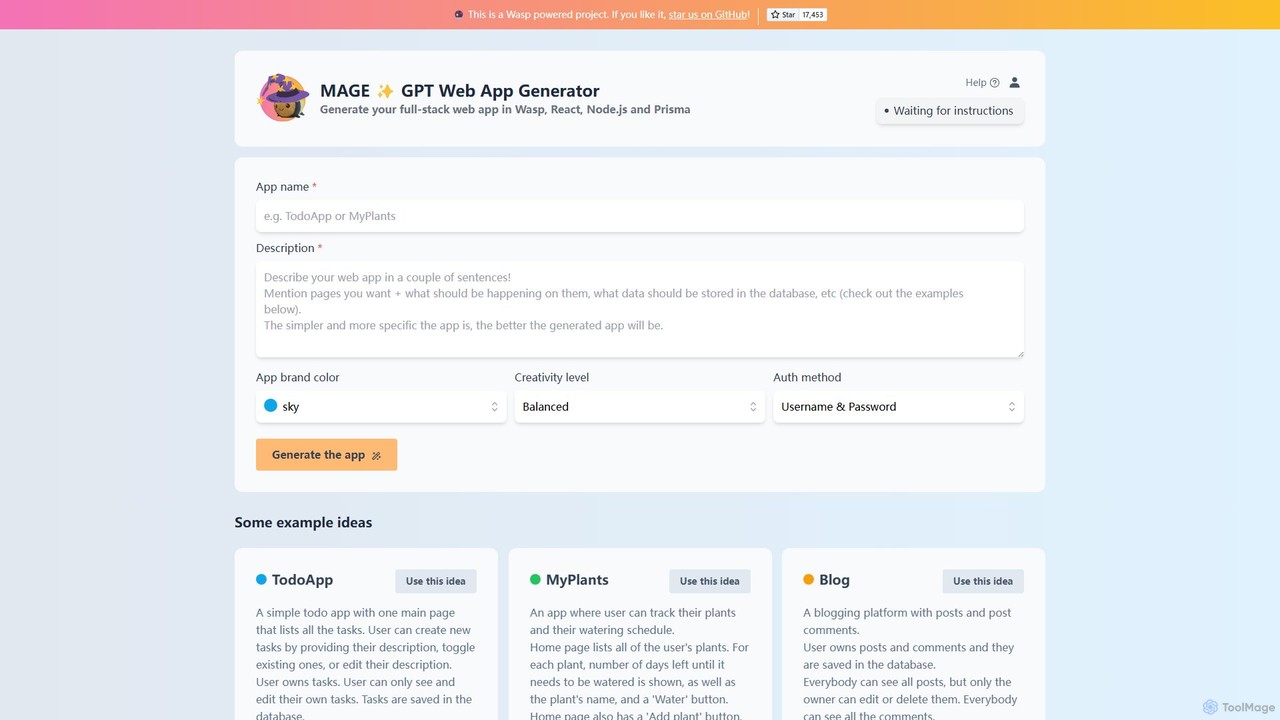
MAGE
MAGE is a free AI-powered generator that creates full-stack web applications from simple text descriptions. Built on the Wasp framework, it uses GPT to generate code for React, Node.js, and Prisma, allowing you to build and deploy apps like to-do lists, blogs, or plant trackers in minutes.
Code Generation
Firebase Studio Comments (0)
Sign in to comment.
Sign inNo comments yet.