

Project IDX Overview
Project IDX is an ambitious initiative by Google, now evolving into Firebase Studio, designed to redefine the development workflow. It is a browser-based, AI-powered workspace created for building, testing, and deploying full-stack, multi-platform applications. By moving the entire development environment to the cloud, Project IDX eliminates the need for complex local machine setups and provides a consistent, powerful, and collaborative platform for developers everywhere.
At its core, Project IDX integrates Google's advanced AI models, including Gemini, to offer intelligent assistance throughout the coding process. This includes code generation, completion, explanation, and debugging, significantly accelerating development cycles and helping developers overcome complex challenges. The platform is built on Code OSS, providing a familiar and flexible code editing experience.
How to use Project IDX
Getting started with Project IDX is straightforward and designed to be frictionless:
- Access the Platform: Navigate to the Project IDX website (now redirecting to Firebase Studio) and sign in with your Google account.
- Create a Workspace: You can create a new workspace from scratch or choose from a variety of pre-built templates for popular frameworks like Flutter, Angular, React, Vue, and Next.js. These templates come with all necessary dependencies pre-installed.
- Develop in the Cloud IDE: The workspace opens in a familiar IDE interface. You can write and edit code in the central editor, use the integrated terminal for command-line operations, and manage your project files.
- Leverage AI Assistance: Use the built-in AI chat to ask coding questions, generate boilerplate code, translate code between languages, or get explanations for complex code blocks. AI-powered autocompletion will assist you as you type.
- Preview Across Platforms: One of the standout features is the integrated preview window. You can instantly see how your application looks and functions on the web, as well as on embedded Android and iOS simulators, all within the same environment.
- Deploy Seamlessly: With its deep integration into the Google ecosystem, you can deploy your application directly to Firebase Hosting or other cloud services with just a few clicks.
Core Features of Project IDX
- Generative AI Assistance: Leverages Google's Gemini models for smart code completion, code generation, in-line assistance, and a conversational chatbot to help with any development task.
- Cloud-Based Workspaces: Fully-configured, reproducible development environments in the cloud, accessible from any browser, eliminating local setup issues.
- Multi-platform Development & Preview: Build for web, Android, and iOS from a single place with built-in, high-fidelity simulators and previews.
- Full-Stack Framework Support: Out-of-the-box support and templates for popular frameworks and languages, including Flutter, React, Angular, Vue, Next.js, Python, and Go.
- Deep Firebase Integration: As Firebase Studio, it offers seamless connectivity to Firebase services like Authentication, Firestore, Cloud Functions, and Hosting.
- Familiar and Extensible: Based on Code OSS (the foundation of VS Code), providing a familiar user experience with the potential for future extension support.
Use Cases for Project IDX
Project IDX is versatile and caters to a wide range of development scenarios:
- Rapid Prototyping: Quickly spin up a new project using a template to build and test a proof-of-concept for a web or mobile app.
- Cross-Platform App Development: Develop and test a Flutter application for Android, iOS, and web simultaneously in a unified environment.
- Modern Web Development: Build complex, full-stack web applications using frameworks like React or Next.js with a Node.js backend.
- Collaborative Projects: Share your workspace URL with team members for seamless collaboration, code reviews, and pair programming.
- Learning and Education: Provides a zero-barrier entry for students and new developers to learn modern development practices without wrestling with environment configurations.
Advantages of Project IDX
The primary advantage of Project IDX is its ability to streamline the entire development lifecycle. By combining a cloud IDE, powerful AI, and multi-platform tooling, it offers unparalleled efficiency. Developers can code faster, test more effectively, and deploy with greater ease. The elimination of 'it works on my machine' problems, thanks to consistent cloud environments, is a significant benefit for teams. Its evolution into Firebase Studio promises even deeper integration with backend services, making it a one-stop-shop for building the next generation of applications.
Pricing and Plans
Project IDX is currently in an early access phase as it transitions into Firebase Studio. During this period, it is available for free, though there may be usage quotas on resources like compute hours and storage. As the product matures, it is expected to adopt a freemium model, with a generous free tier for individual developers and hobbyists, and paid plans for professional teams and enterprises requiring more resources, advanced features, and dedicated support.
Traffic
Latest traffic
Status
Monthly traffic trend
- 2025-9: 142.2K
- 2026-1: 199.5K
- 2026-2: 191.4K
- 2026-3: 176.6K
- 2026-4: 160.1K
- 2026-5: 200.3K
Geography
Top 5 countries / regions
- 🇺🇸United States35.4%
- 🇮🇳India21.3%
- 🇧🇷Brazil15.9%
- 🇮🇩Indonesia15.5%
- 🇻🇳Vietnam11.8%
Traffic sources
| Source type | Percentage |
|---|---|
Direct | 86.2% |
Referral | 11.2% |
Email | 2.6% |
Top keywords
| Keyword | Cost per click |
|---|---|
| google idx | $2.53 |
| google project idx | $1.21 |
| idx | $0.86 |
| idx google | $1.31 |
| project idx | $0.88 |
Project IDX Videos on YouTube


DEEPTECH AI LABS

Syed Mohammad Fawaz

Hrishikesh Roy

WorldofAI


GIGAch
Project IDX Alternatives
Firebase Studio
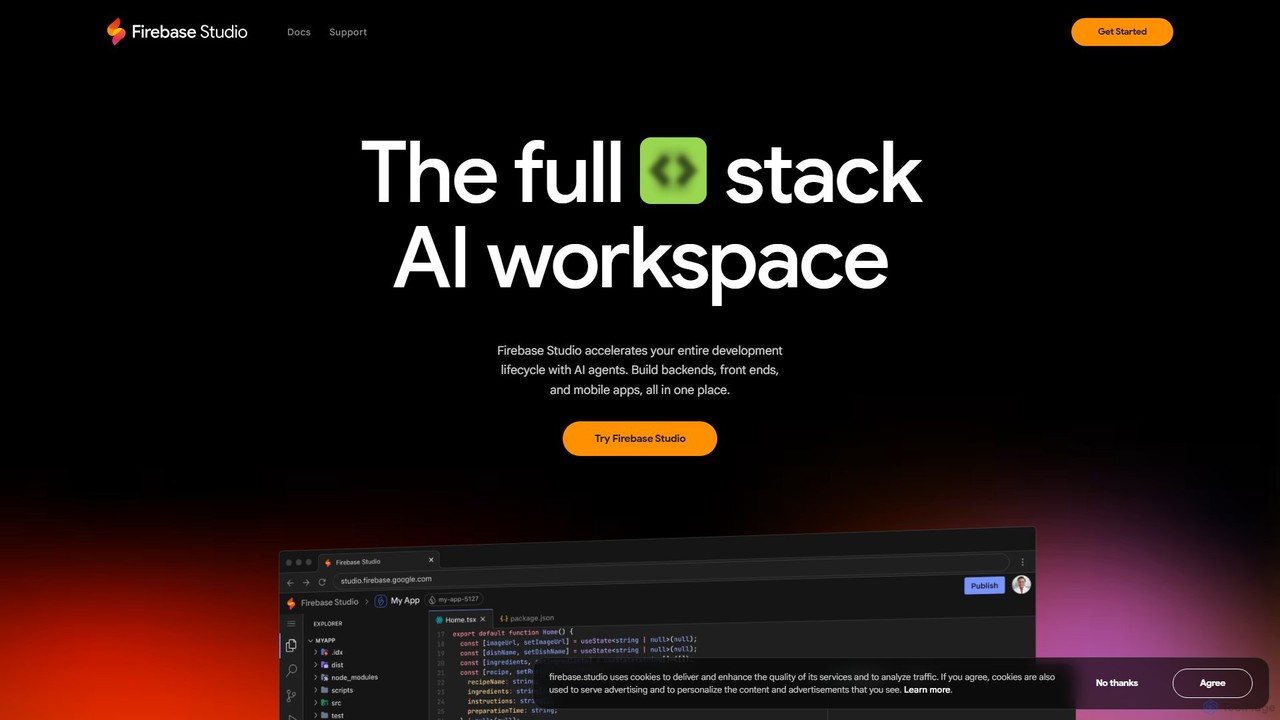
Firebase Studio is an AI-powered, browser-based IDE for full-stack development. Integrated with Gemini, it accelerates coding, debugging, and testing. It allows seamless repository import, real-time collaboration, and one-click deployment to the Firebase ecosystem, streamlining the entire application development lifecycle.
Paas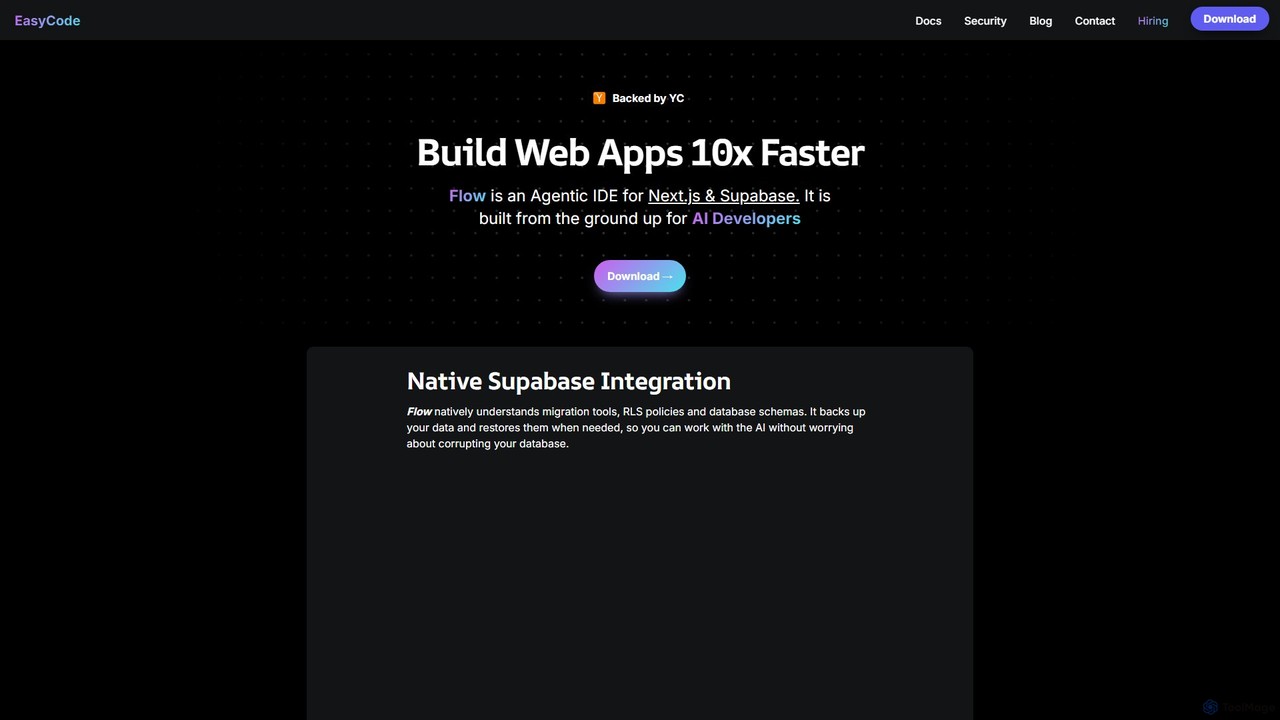
EasyCode
EasyCode is an agentic IDE specifically designed for building web applications with Next.js and Supabase, aiming to accelerate development by 10x. It features superior context management, visual debugging, and native Supabase integration to streamline the entire coding process, from prompting to deployment.
Web Development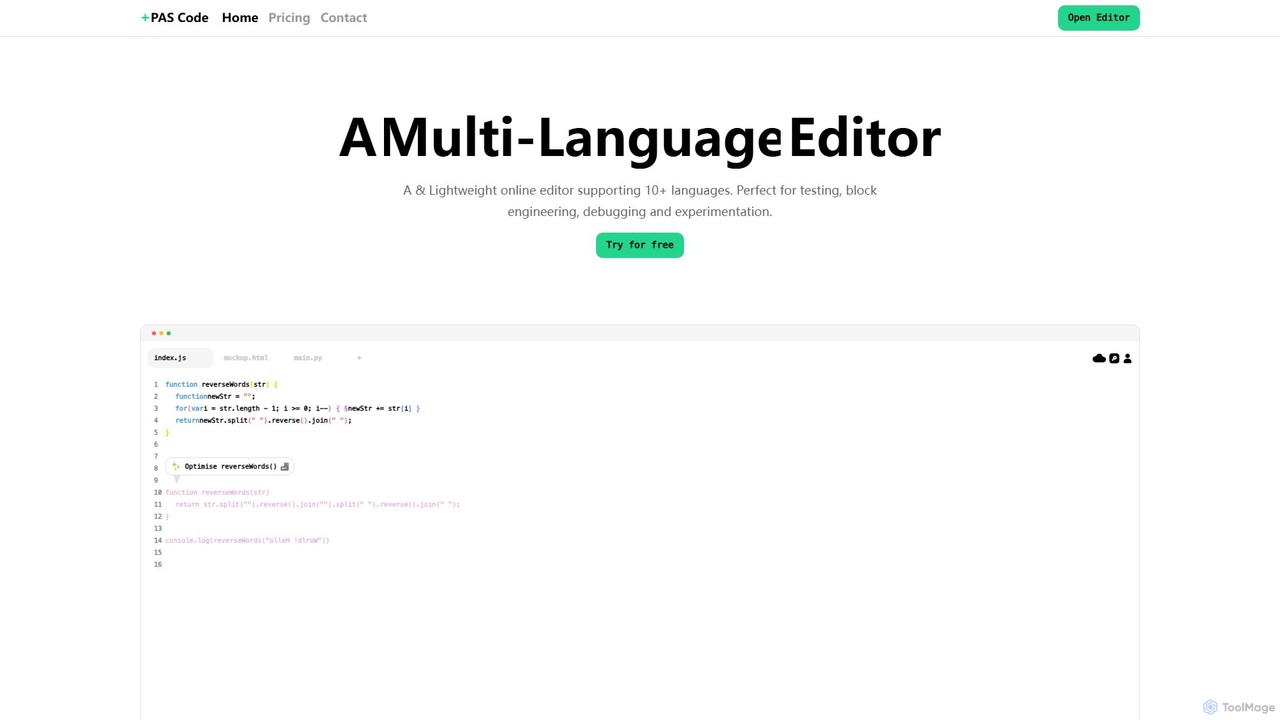
PAS Code
PAS Code is a lightweight, customizable online code editor designed for developers. It supports over 10 languages and features AI-powered autofill, smart prompts, and seamless cloud syncing. With features like a block editor for notes, live HTML previews, and secure compilation, it's perfect for testing, debugging, and rapid prototyping. It offers a free tier to get started.
Code Generation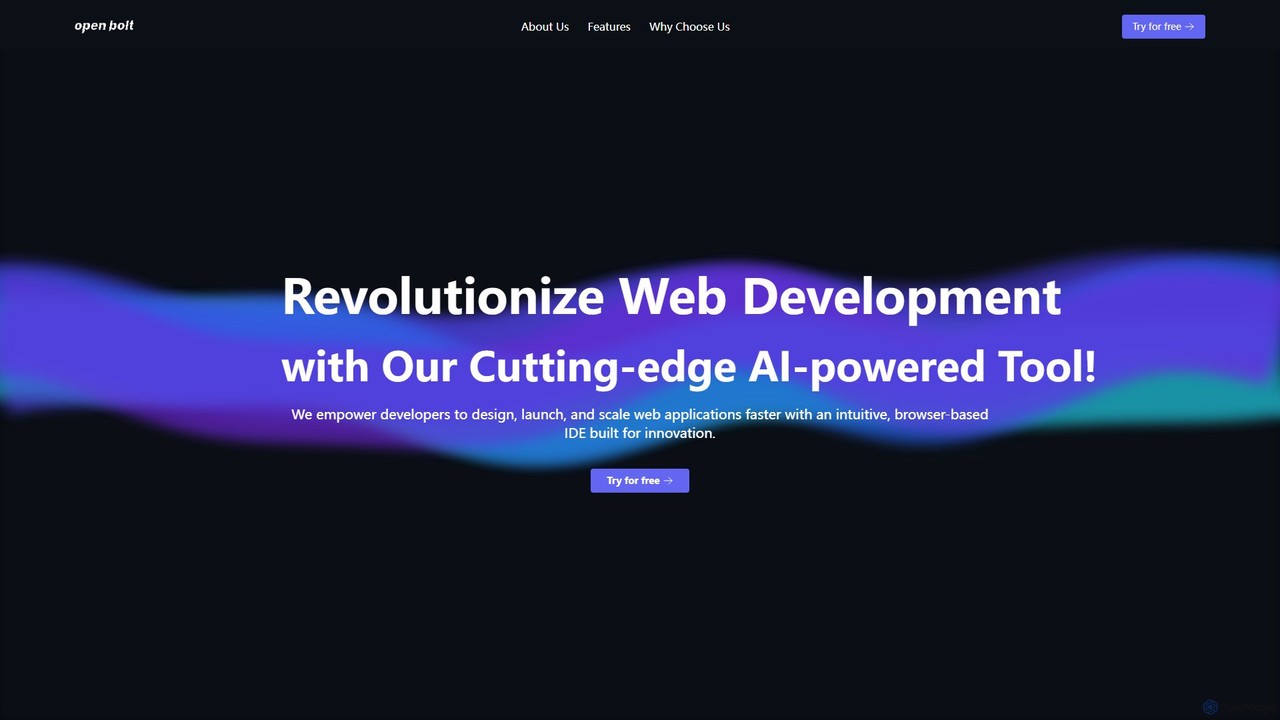
Openbolt.dev
Openbolt.dev is an AI-powered, browser-based IDE designed to accelerate full-stack web development. It enables developers to design, build, and deploy applications using natural language prompts, instant project scaffolding for popular frameworks, and real-time deployment, all within a single, unified platform.
Code Assistant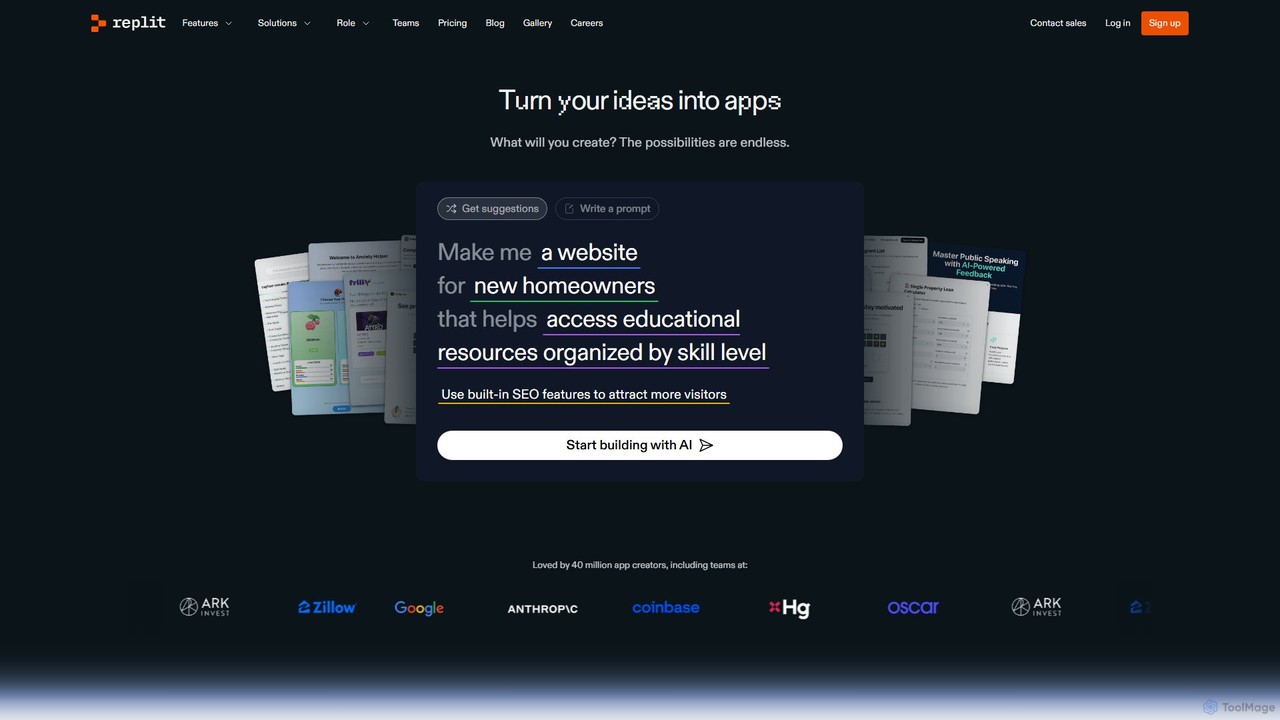
Replit
Replit is an AI-powered, collaborative, in-browser Integrated Development Environment (IDE) that allows users to build, deploy, and host applications, websites, and bots. Featuring the Replit Agent, it turns natural language prompts into functional software, making development faster and more accessible for everyone from beginners to enterprise teams.
HostingProject IDX Categories
Project IDX Embed Widget
Copy this embed code to place the badge on your blog, article, or product site and send readers directly to this ToolMage detail page.

Related AI tools
Openbolt.dev
Openbolt.dev is an AI-powered, browser-based IDE designed to accelerate full-stack web development. It enables developers to design, build, and deploy applications using natural language prompts, instant project scaffolding for popular frameworks, and real-time deployment, all within a single, unified platform.
Code AssistantEasyCode
EasyCode is an agentic IDE specifically designed for building web applications with Next.js and Supabase, aiming to accelerate development by 10x. It features superior context management, visual debugging, and native Supabase integration to streamline the entire coding process, from prompting to deployment.
Web DevelopmentFirebase Studio
Firebase Studio is an AI-powered, browser-based IDE for full-stack development. Integrated with Gemini, it accelerates coding, debugging, and testing. It allows seamless repository import, real-time collaboration, and one-click deployment to the Firebase ecosystem, streamlining the entire application development lifecycle.
Paas
Jyek
Jyek is an AI agent platform that understands objectives, creates execution plans, uses tools, and delivers verifiable results for complex, multi-step tasks.
Automation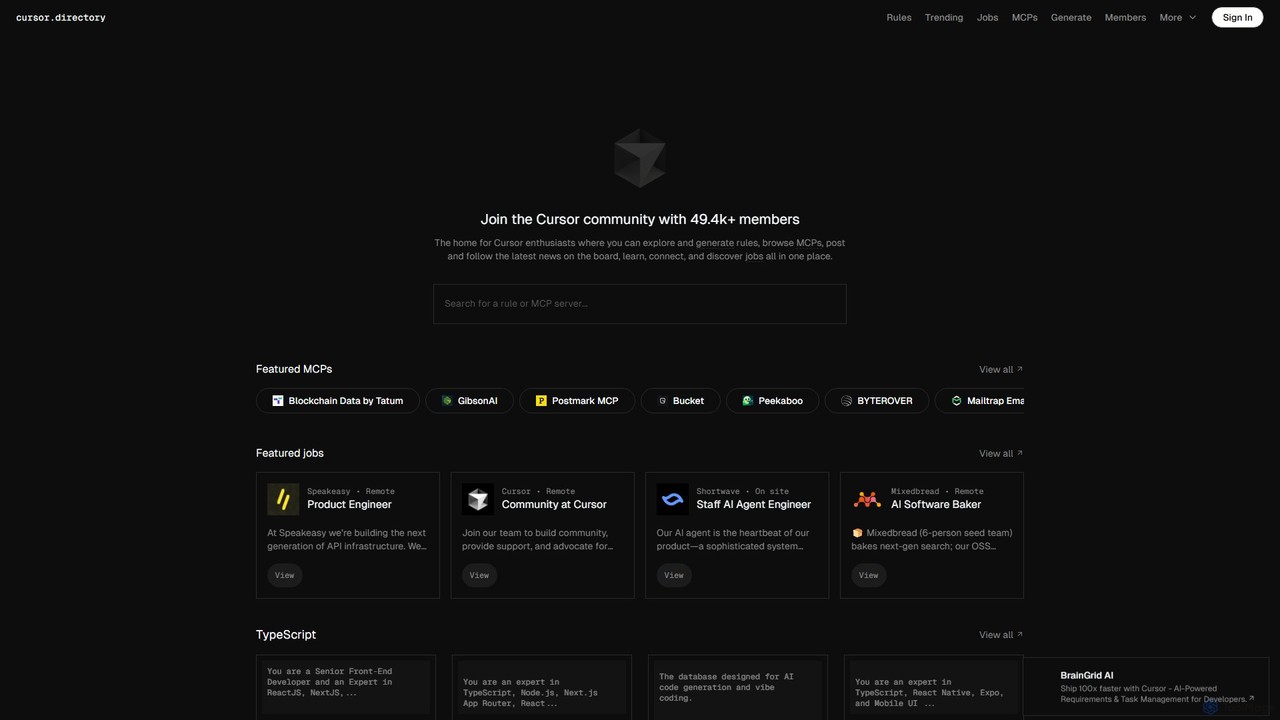
Cursor
Cursor is an AI-first code editor designed for modern software development. Built as a fork of VS Code, it integrates powerful AI capabilities directly into the editing experience, allowing developers to chat with their codebase, generate, edit, and debug code with unprecedented speed and context-awareness.
Code Generation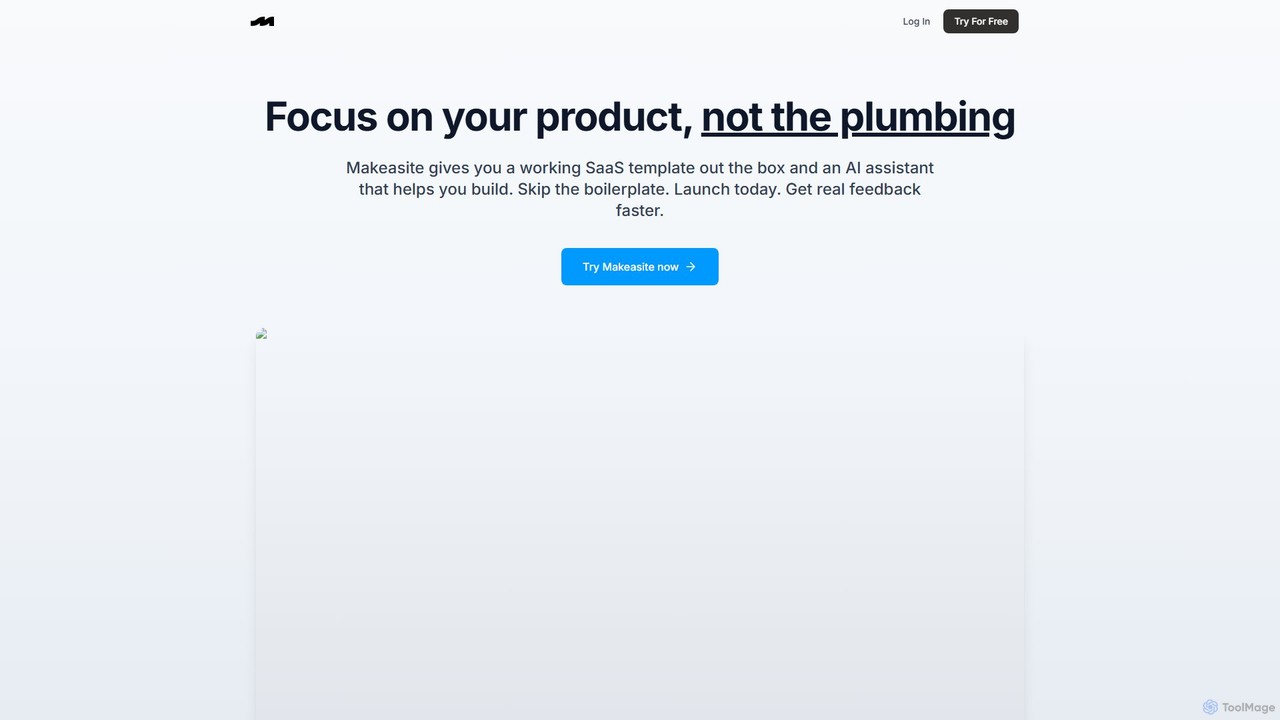
makeasite.io
An AI-powered platform that provides a ready-to-use SaaS template and an intelligent assistant to accelerate web application development. It integrates Next.js, Supabase, Stripe, and more, allowing developers to skip boilerplate setup and focus on building unique product features.
Code Assistant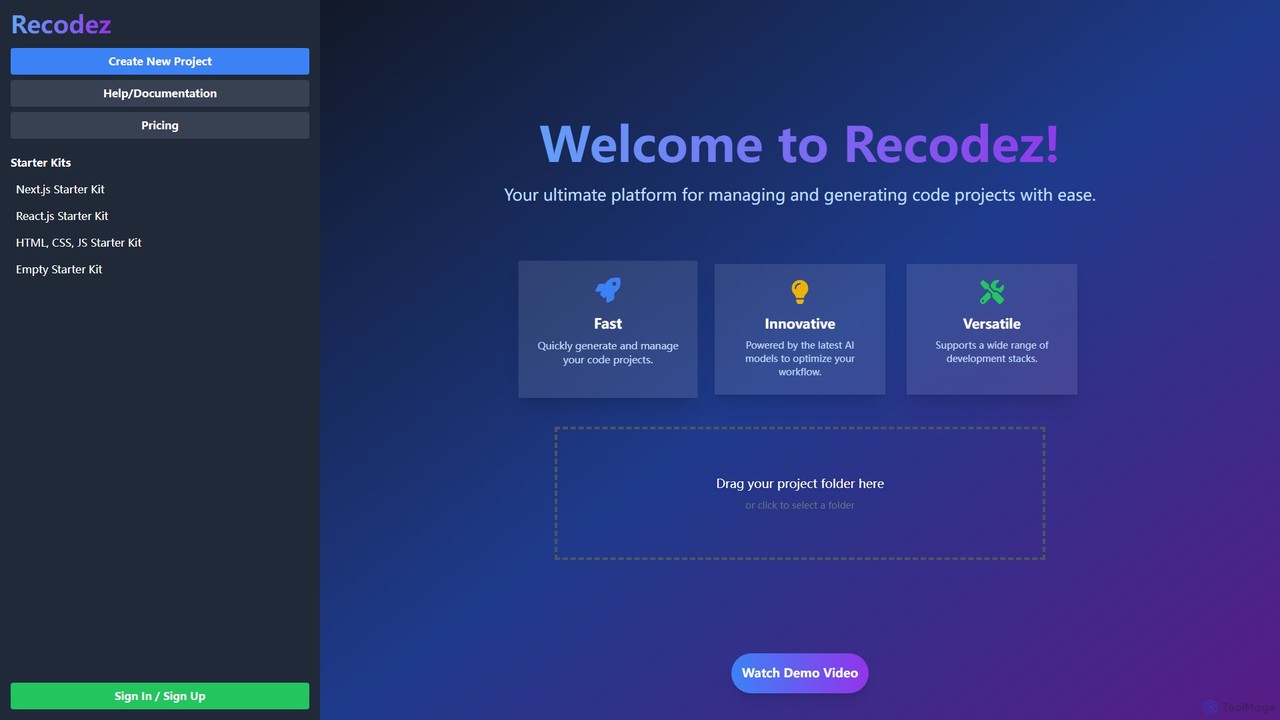
Recodez
Recodez is an AI-powered platform designed to streamline software development. It enables developers to generate, manage, and refactor code projects with ease, supporting various frameworks like Next.js and React. By leveraging advanced AI models, Recodez accelerates the entire development lifecycle, from project scaffolding to code optimization.
Code Assistant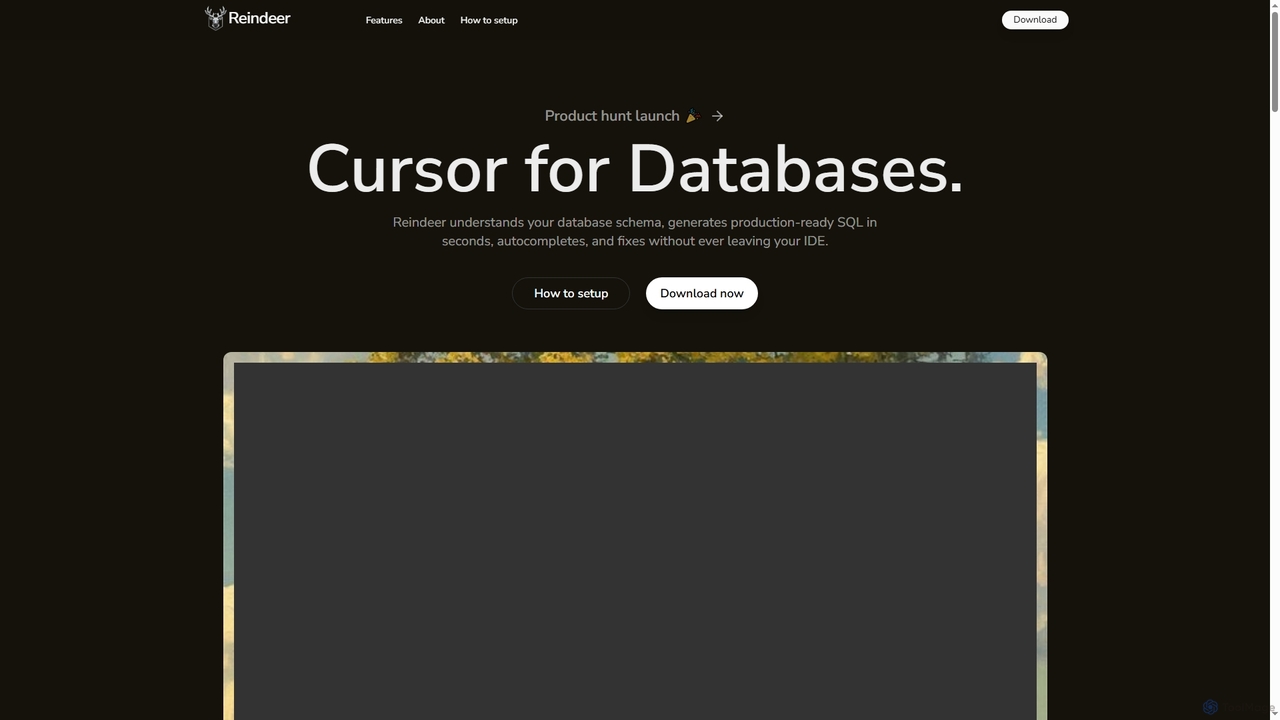
Reindeer
Reindeer is an AI-powered cursor for databases that integrates directly into your IDE. It understands your database schema, generates production-ready SQL, provides real-time autocomplete, and automatically fixes errors, significantly enhancing developer productivity.
Code GenerationPAS Code
PAS Code is a lightweight, customizable online code editor designed for developers. It supports over 10 languages and features AI-powered autofill, smart prompts, and seamless cloud syncing. With features like a block editor for notes, live HTML previews, and secure compilation, it's perfect for testing, debugging, and rapid prototyping. It offers a free tier to get started.
Code Generation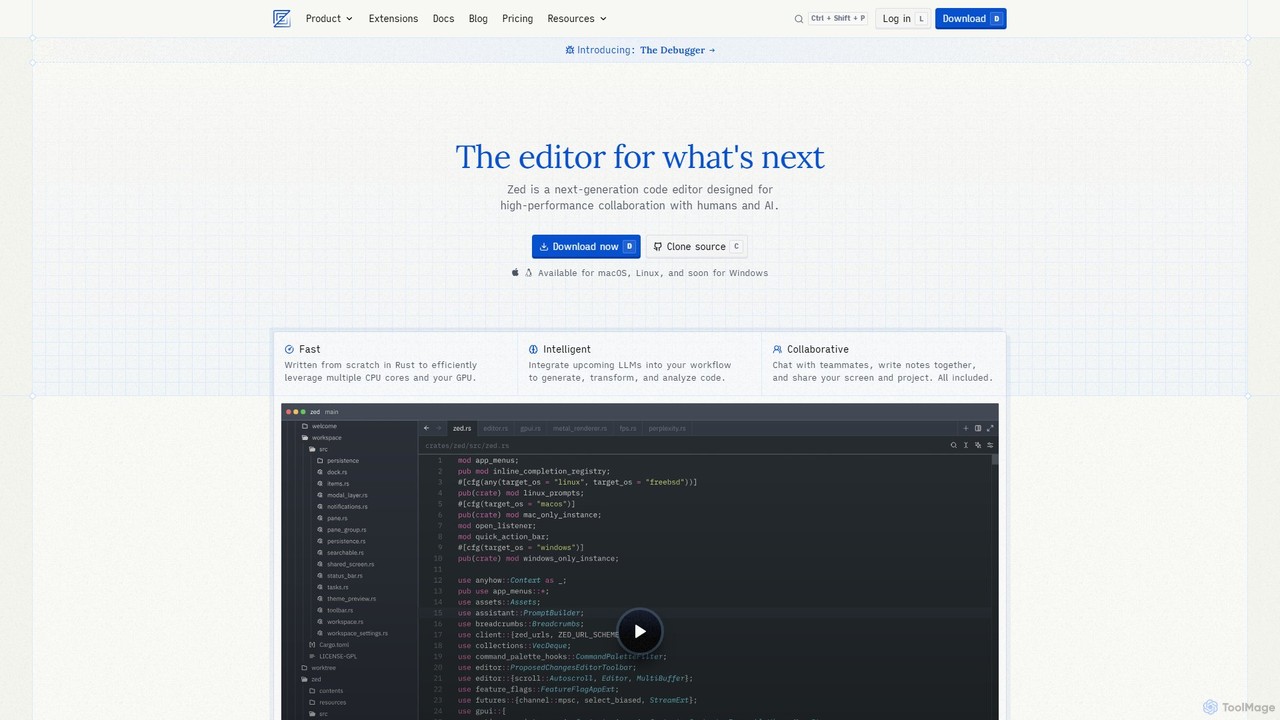
Zed
Zed is a high-performance, collaborative, and AI-powered code editor built from scratch in Rust. Designed for speed and efficiency, it offers real-time collaboration, deep integration with LLMs for agentic editing, and a comprehensive set of built-in tools including a debugger and native Git support. Zed is open-source and available for macOS and Linux, with Windows support coming soon.
Code Generation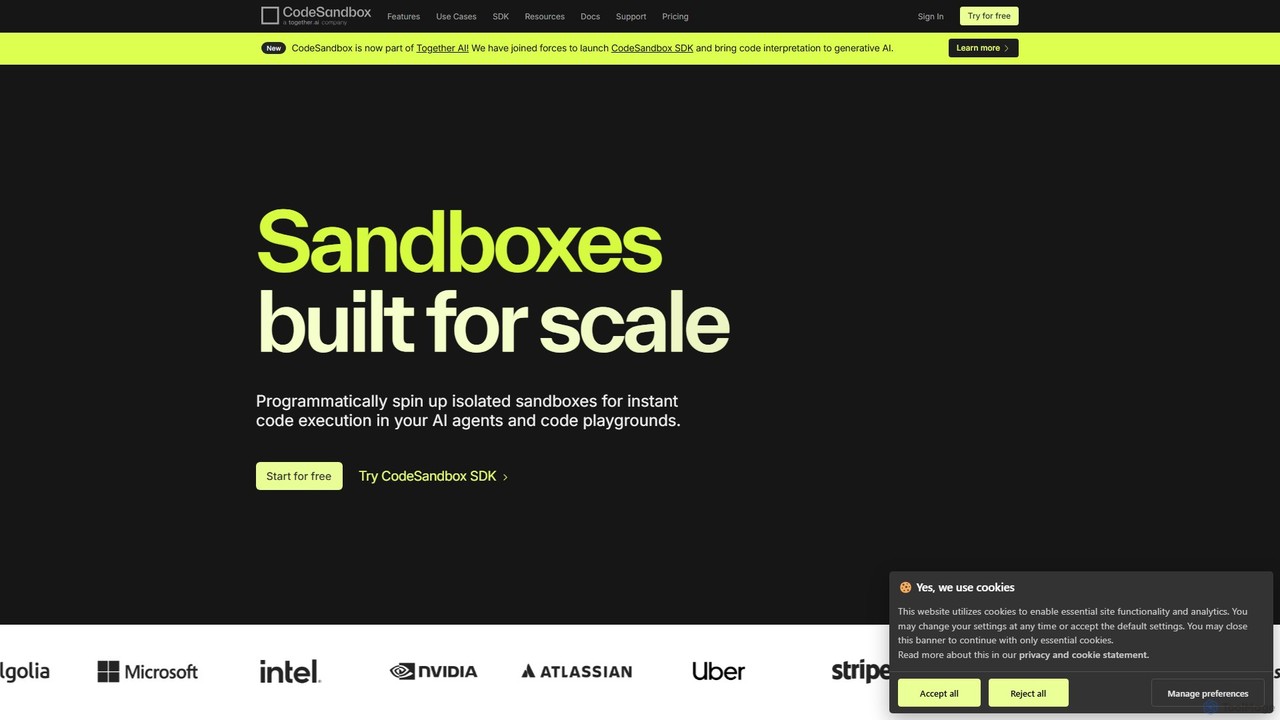
CodeSandbox
CodeSandbox is an instant cloud development environment that enables developers to build, share, and collaborate on web applications. It provides scalable, secure sandboxes for any project, from quick prototypes to full-stack applications, and now features a powerful SDK for integrating code execution into AI agents.
Code Generation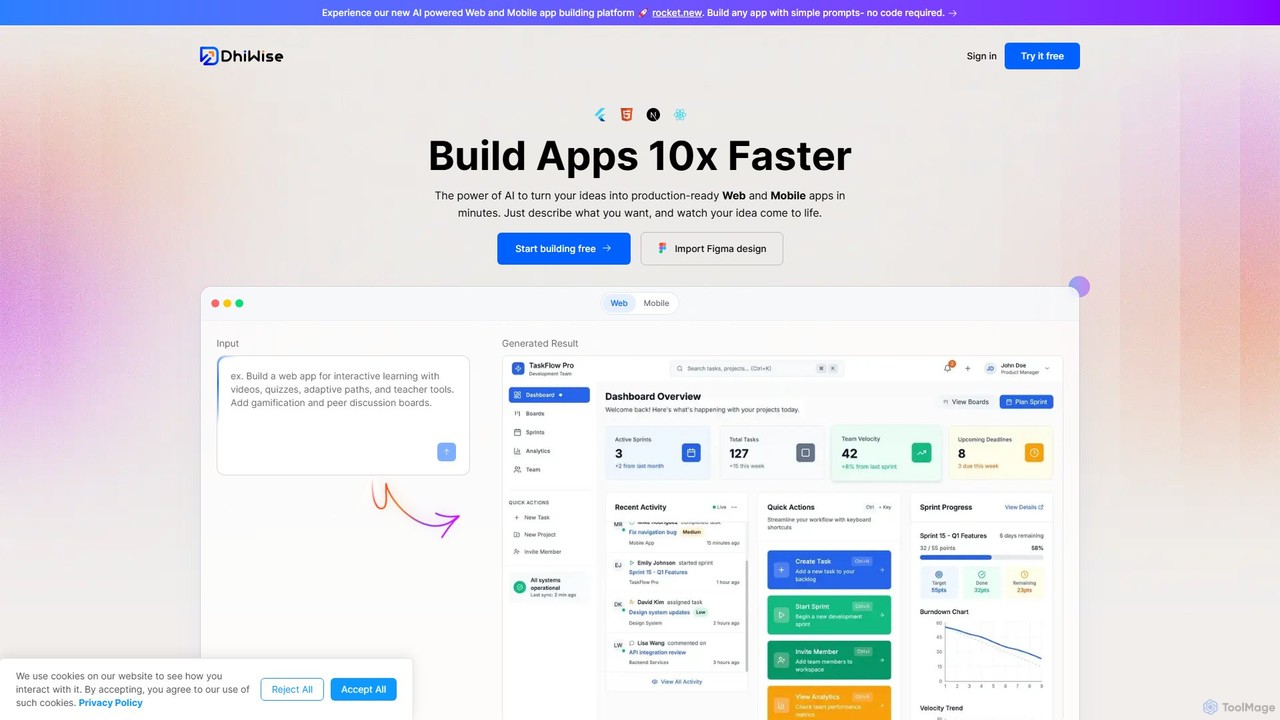
DhiWise
DhiWise is an AI-powered development platform that accelerates the creation of web and mobile applications. It transforms your ideas, natural language prompts, or Figma designs into high-quality, production-ready code in minutes. Supporting frameworks like Flutter and modern web technologies, DhiWise automates boilerplate tasks, enabling developers to build and deploy apps 10x faster.
Design To Code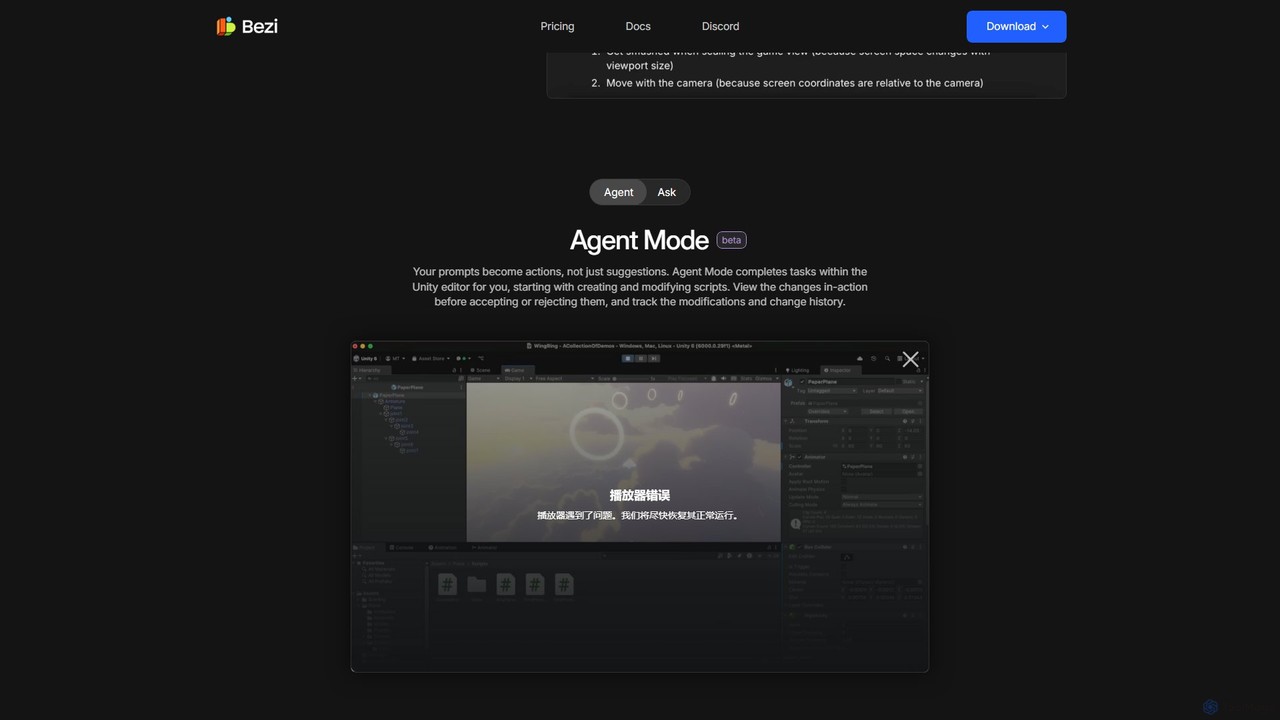
Bezi
Bezi is an AI assistant for Unity developers and creatives, designed to accelerate game development. It understands your entire project context—not just code—to help with complex debugging, script generation, shader creation, and workflow automation, all within the Unity editor.
Code Assistant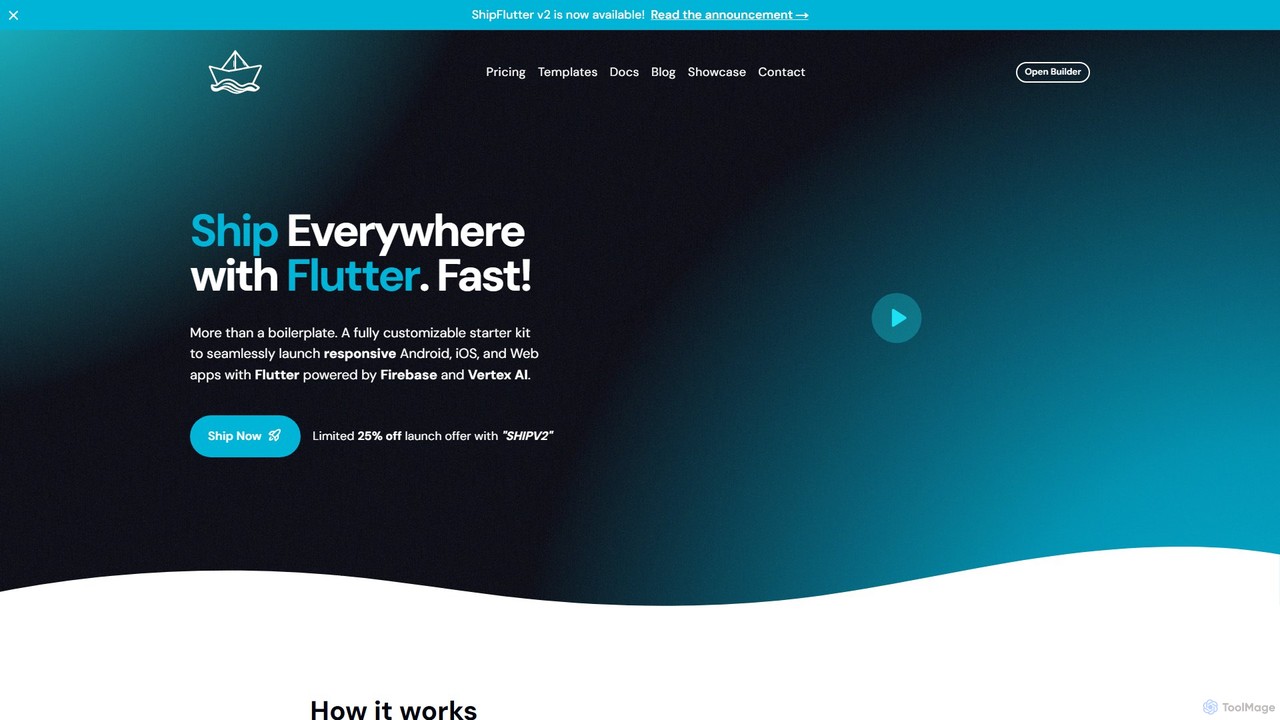
shipflutter
ShipFlutter is an AI-powered starter kit for developers to rapidly build and launch cross-platform applications. Using Flutter, Firebase, and Google's Vertex AI, it provides a fully customizable boilerplate with pre-built modules for authentication, payments, notifications, and more. The AI builder helps generate and configure project code, significantly reducing development time from months to days. It's designed for creating responsive Android, iOS, and web apps with production-ready features out of the box.
Model Integration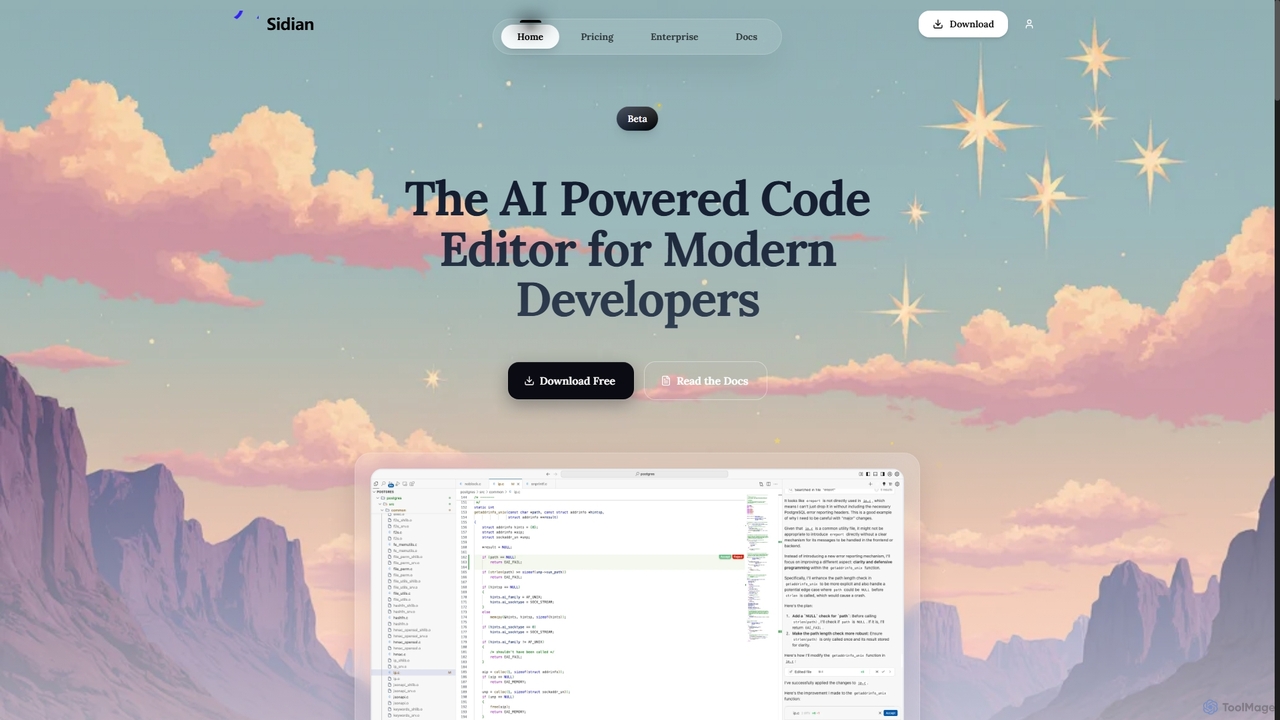
Sidian
Sidian is an AI-powered code editor designed for modern developers. It features a sophisticated context engine that rapidly understands complex codebases, integrates with major AI providers like OpenAI and Google, and supports local models for enhanced privacy and flexibility.
Code Generation
Project IDX Comments (0)
Sign in to comment.
Sign inNo comments yet.