
EasyCode Overview
EasyCode is a revolutionary, agentic Integrated Development Environment (IDE) built from the ground up to accelerate web application development by a factor of 10. Backed by Y Combinator, it is specifically optimized for a modern, powerful tech stack: Next.js for the frontend and Supabase for the backend. Unlike general-purpose IDEs like VS Code or Cursor, EasyCode provides a specialized environment that deeply understands the nuances of building web apps, offering superior context management and debugging capabilities tailored for AI-assisted coding.
The core of EasyCode is 'Flow', an agentic system that intelligently uses tools, web searches, and runtime logs to assist developers. It aims to solve common frustrations in AI-powered development, such as difficult prompt optimization, the endless cycle of debugging AI-generated code, and the productivity drop-off that occurs as projects grow in complexity. By focusing on a single, proven tech stack, EasyCode delivers deep integrations that truly optimize for building efficiency, making it an ideal tool for indie hackers, AI developers, and the next generation of builders.
How to use EasyCode
Using EasyCode involves a streamlined, AI-enhanced workflow. First, you download and install the EasyCode IDE application. You then connect your Next.js and Supabase project. The IDE automatically understands your database schema, migration tools, and even RLS policies. From there, you can start building features by writing prompts in natural language. For example, you can ask it to create a new page, build a component, or set up an API endpoint. The 'Flow' agent will generate the necessary code. If you encounter issues, the Visual Debugging feature traces and visualizes the code execution, helping you pinpoint problems in record time. You can also make visual edits by selecting any UI element and prompting for changes, or make precise manual adjustments with the quick code editor. The 360° Context Management ensures the AI always has the full project scope, feature requirements, and task breakdown, leading to more accurate and relevant code generation.
Core Features of EasyCode
- Agentic IDE (Flow): An intelligent agent that automates tasks by using tools, web search, and runtime logs when needed to generate high-quality code.
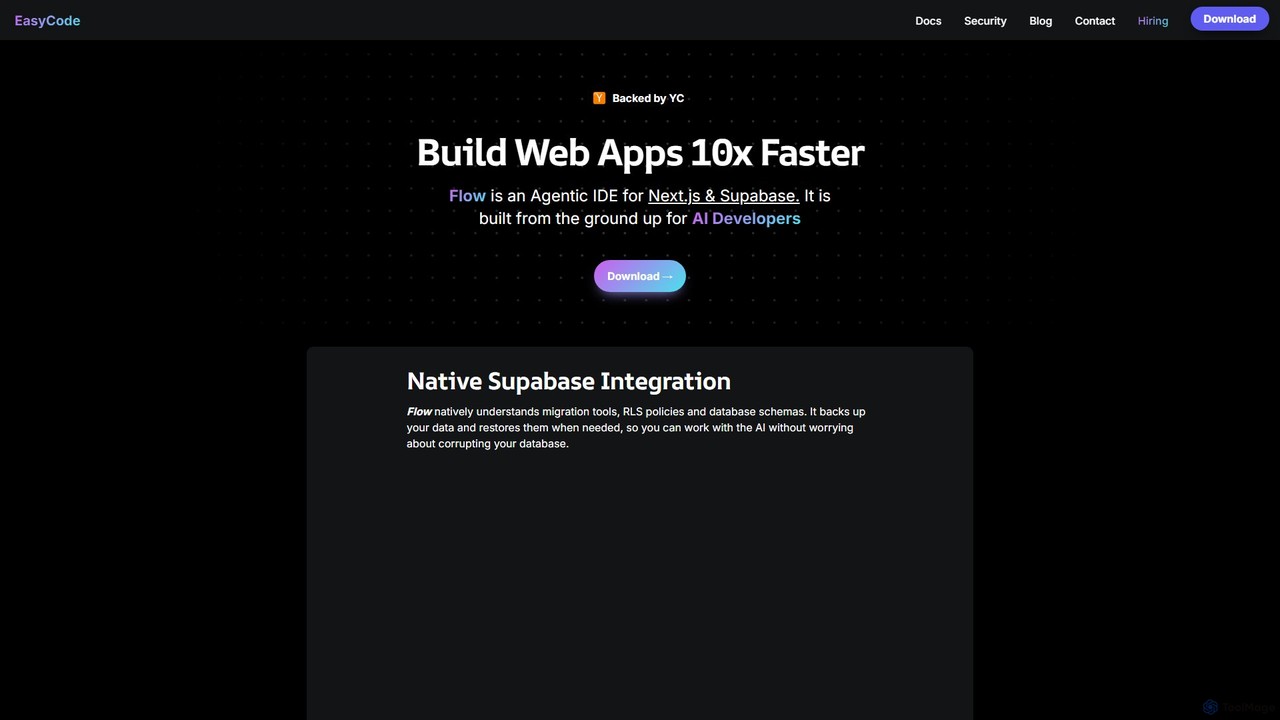
- Native Supabase Integration: Deeply understands Supabase features, including migration tools, RLS policies, and database schemas. It automatically backs up and restores data to prevent corruption during AI operations.
- Visual Debugging: A powerful tool designed to help you get unstuck quickly by tracing and visualizing code, making it easier to isolate and fix issues.
- 360° Context Management: Maintains full context of the project scope, feature requirements, task breakdown, and testing, ensuring the AI's suggestions are always relevant.
- Templates and Curated Documentation: Comes with built-in system prompts, rules, and code samples to maximize code quality. It also provides curated, pre-tested documentation, eliminating knowledge cut-off issues.
- Visual and Quick Code Edits: Allows developers to select any UI element and prompt for an update, or make precise manual edits when necessary for fine-grained control.
Use Cases for EasyCode
EasyCode is designed for developers who want to build and ship products faster. Ideal use cases include:
- Indie Hackers & Startups: Rapidly prototype, build, and iterate on new web applications and SaaS products with a small team or solo.
- Full-Stack Developers: Accelerate the development of complex web apps using the modern Next.js and Supabase stack.
- AI-Forward Developers: Leverage a cutting-edge, agentic coding environment to explore new ways of building software.
- Project Managers & Team Leads: Use the context management features to streamline project scope, task breakdown, and feature implementation across a team.
Advantages of EasyCode
The primary advantage of EasyCode is its specialization. By focusing exclusively on Next.js and Supabase, it offers a level of integration and optimization that general-purpose IDEs cannot match. This leads to superior context management, more accurate AI assistance, and a purpose-built visual debugger that understands the entire stack. It significantly reduces the 'debugging hell' often associated with AI-generated code and helps developers push past the typical productivity plateau in complex projects. The simplified user experience, with baked-in best practices, lowers the learning curve and empowers a new generation of 'Vibe Coders' to build amazing products with unprecedented speed and understanding.
Pricing and Plans
EasyCode is a downloadable application. While specific pricing tiers are not detailed on the website, it likely operates on a freemium model, common for developer tools of this nature. This would typically include a free plan for individual developers or small projects, and paid plans with advanced features, higher usage limits, and team collaboration capabilities. For the most accurate and up-to-date pricing information, please visit the official EasyCode website.
Traffic
Latest traffic
Status
Monthly traffic trend
- 2025-9: 38.0K
- 2026-1: 10.9K
- 2026-2: 10.5K
- 2026-3: 4.7K
- 2026-4: 17.1K
- 2026-5: 6.2K
Geography
Top 5 countries / regions
- 🇧🇷Brazil34.0%
- 🇮🇳India31.9%
- 🇻🇳Vietnam16.0%
- 🇮🇩Indonesia12.6%
- 🇫🇷France5.6%
Top keywords
| Keyword | Cost per click |
|---|---|
| easy code | $0.00 |
| easycode | $1.62 |
| easycoder ai | $0.00 |
| flow code | $1.95 |
| kimi | $0.47 |
EasyCode Alternatives
Project IDX
Project IDX, now evolving into Firebase Studio, is a cloud-based, AI-powered workspace for full-stack, multi-platform application development. It offers a pre-configured environment with AI code assistance, integrated multi-platform previews, and seamless Firebase integration. Ideal for developers looking to build, test, and deploy web and mobile apps faster, without local setup complexities.
Paas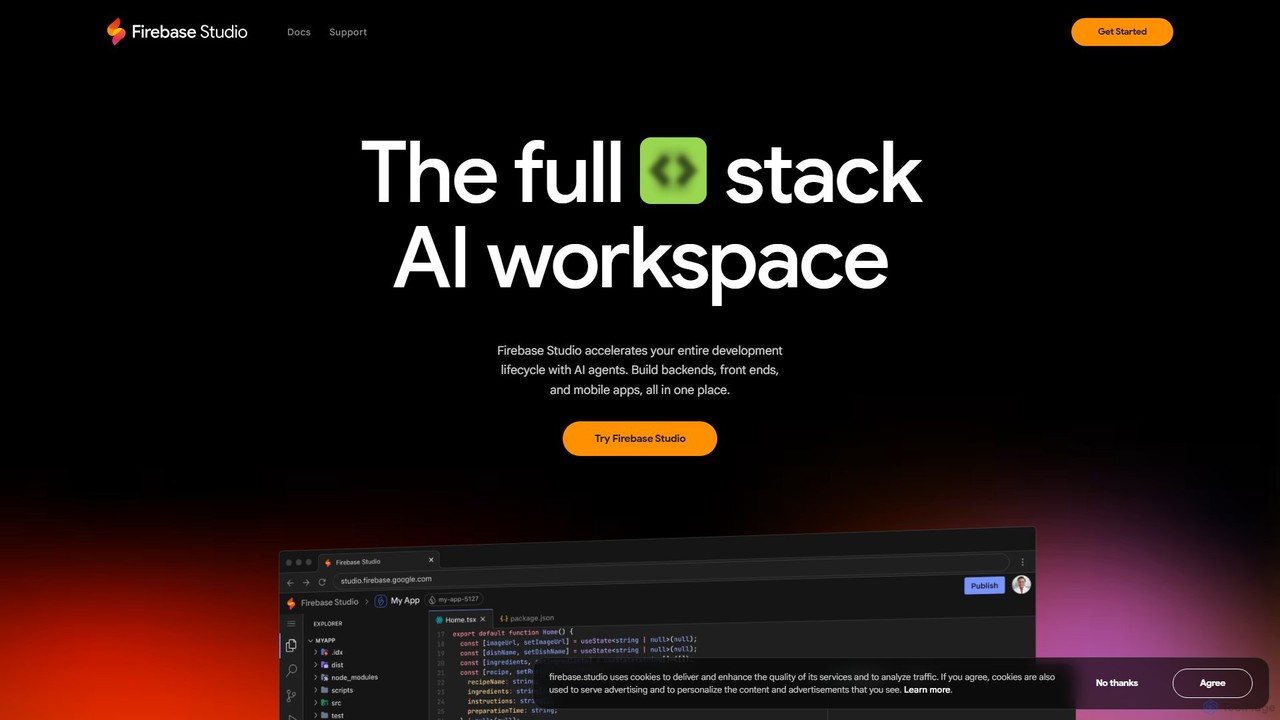
Firebase Studio
Firebase Studio is an AI-powered, browser-based IDE for full-stack development. Integrated with Gemini, it accelerates coding, debugging, and testing. It allows seamless repository import, real-time collaboration, and one-click deployment to the Firebase ecosystem, streamlining the entire application development lifecycle.
Paas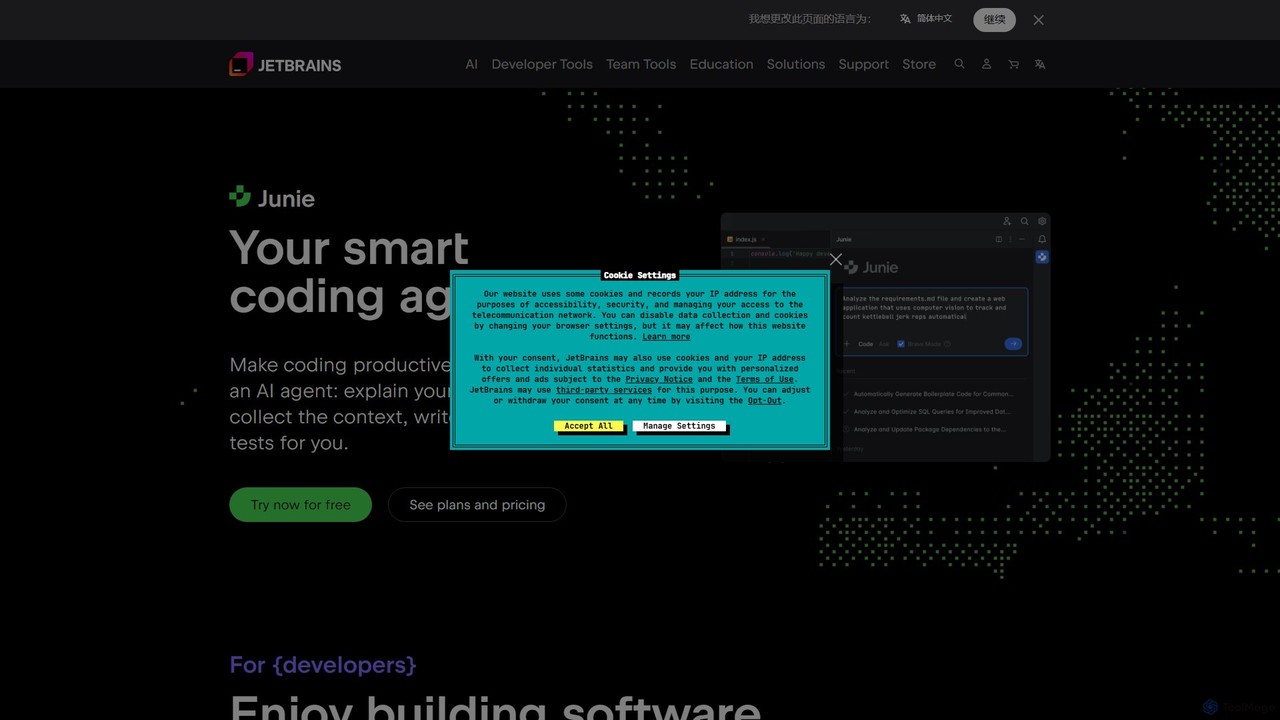
JetBrains
JetBrains provides a comprehensive suite of intelligent tools for software developers and teams, including powerful IDEs and an integrated AI Assistant. It enhances productivity with smart code completion, refactoring, and bug detection, streamlining the entire development lifecycle from coding to deployment. It supports a wide range of languages and offers robust team collaboration platforms.
Integrated Development Environment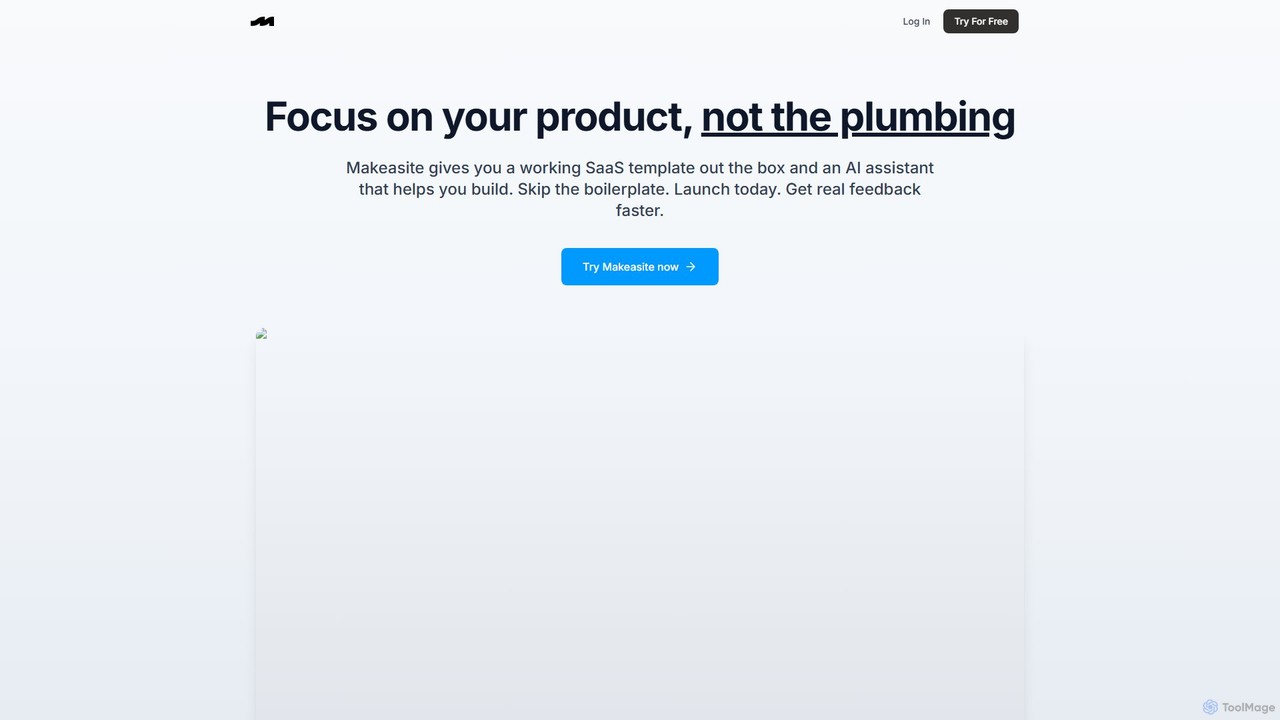
makeasite.io
An AI-powered platform that provides a ready-to-use SaaS template and an intelligent assistant to accelerate web application development. It integrates Next.js, Supabase, Stripe, and more, allowing developers to skip boilerplate setup and focus on building unique product features.
Code Assistant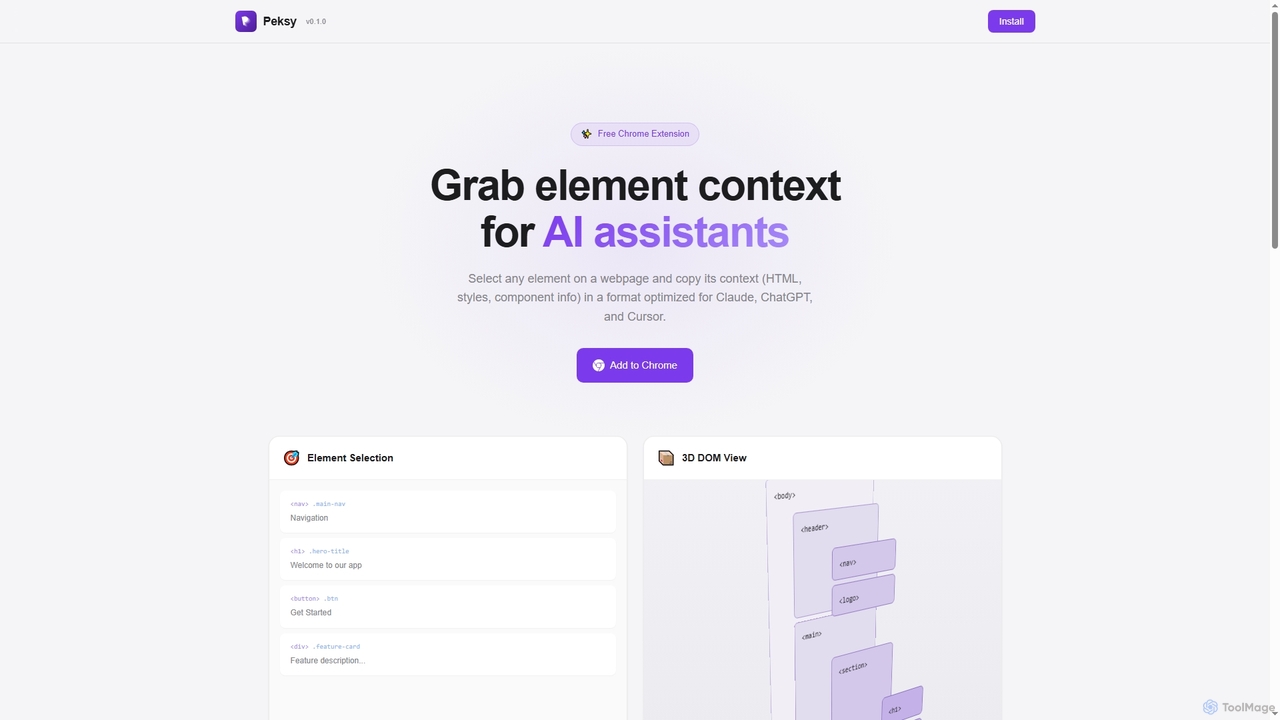
Peksy
Peksy is a free Chrome extension for developers. It lets you select any web element and instantly copy its context—including HTML, CSS, and component info—in a Markdown format optimized for AI coding assistants like ChatGPT, Claude, and Cursor.
Chrome ExtensionsEasyCode Categories
EasyCode Embed Widget
Copy this embed code to place the badge on your blog, article, or product site and send readers directly to this ToolMage detail page.

Related AI tools
Project IDX
Project IDX, now evolving into Firebase Studio, is a cloud-based, AI-powered workspace for full-stack, multi-platform application development. It offers a pre-configured environment with AI code assistance, integrated multi-platform previews, and seamless Firebase integration. Ideal for developers looking to build, test, and deploy web and mobile apps faster, without local setup complexities.
Paasmakeasite.io
An AI-powered platform that provides a ready-to-use SaaS template and an intelligent assistant to accelerate web application development. It integrates Next.js, Supabase, Stripe, and more, allowing developers to skip boilerplate setup and focus on building unique product features.
Code Assistant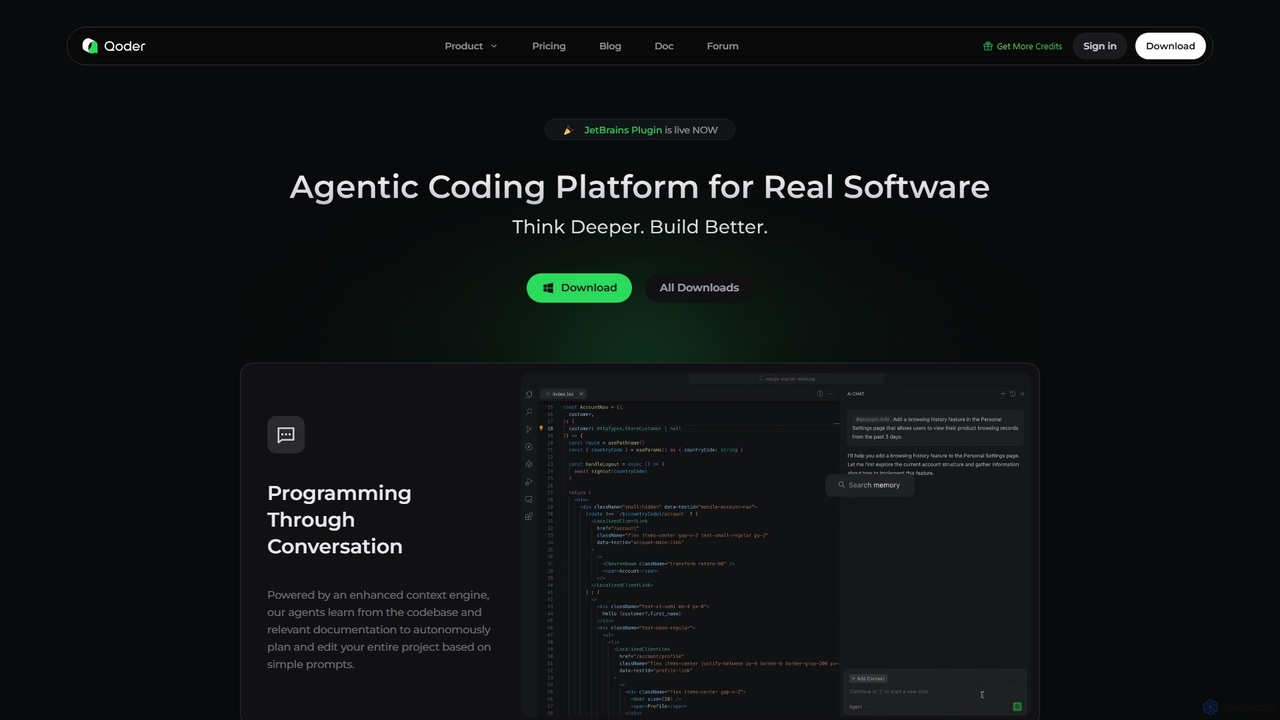
Qoder
Qoder is an agentic AI coding platform designed for real software development. It leverages an enhanced context engine to autonomously plan, code, and test entire projects based on simple prompts, integrating seamlessly into developer workflows via IDE, CLI, or JetBrains plugin.
Code Assistant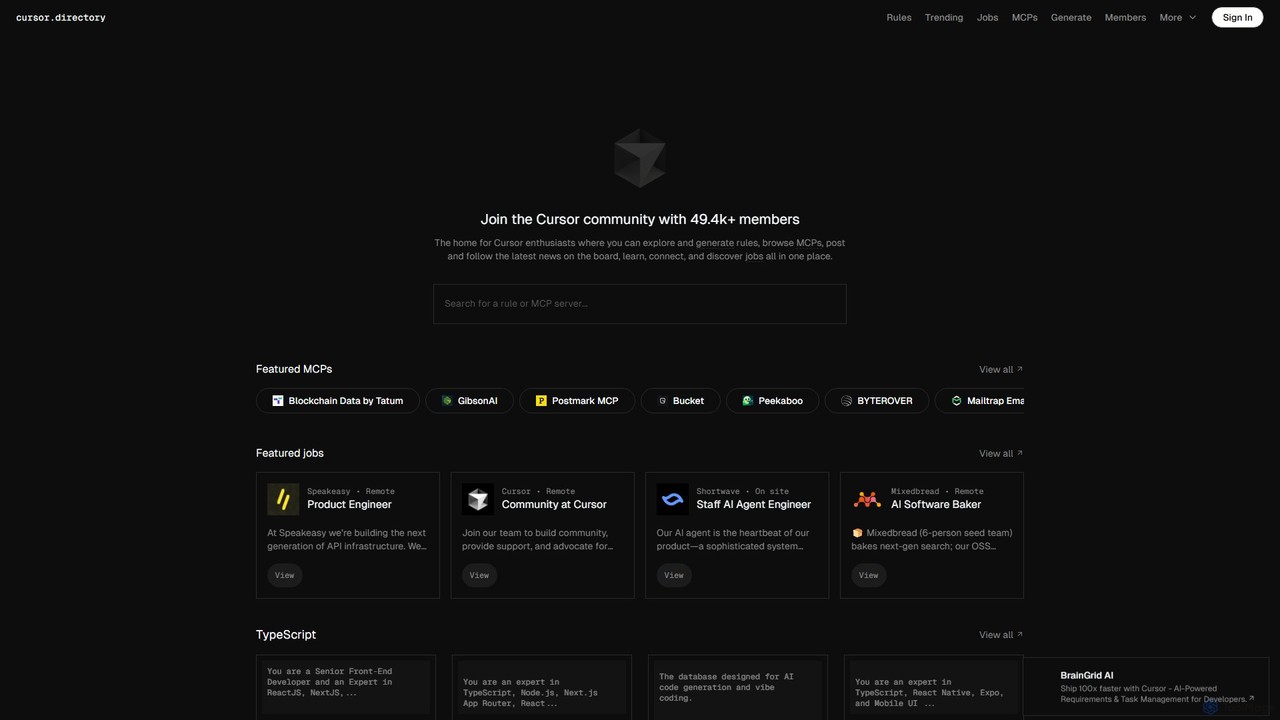
Cursor
Cursor is an AI-first code editor designed for modern software development. Built as a fork of VS Code, it integrates powerful AI capabilities directly into the editing experience, allowing developers to chat with their codebase, generate, edit, and debug code with unprecedented speed and context-awareness.
Code Generation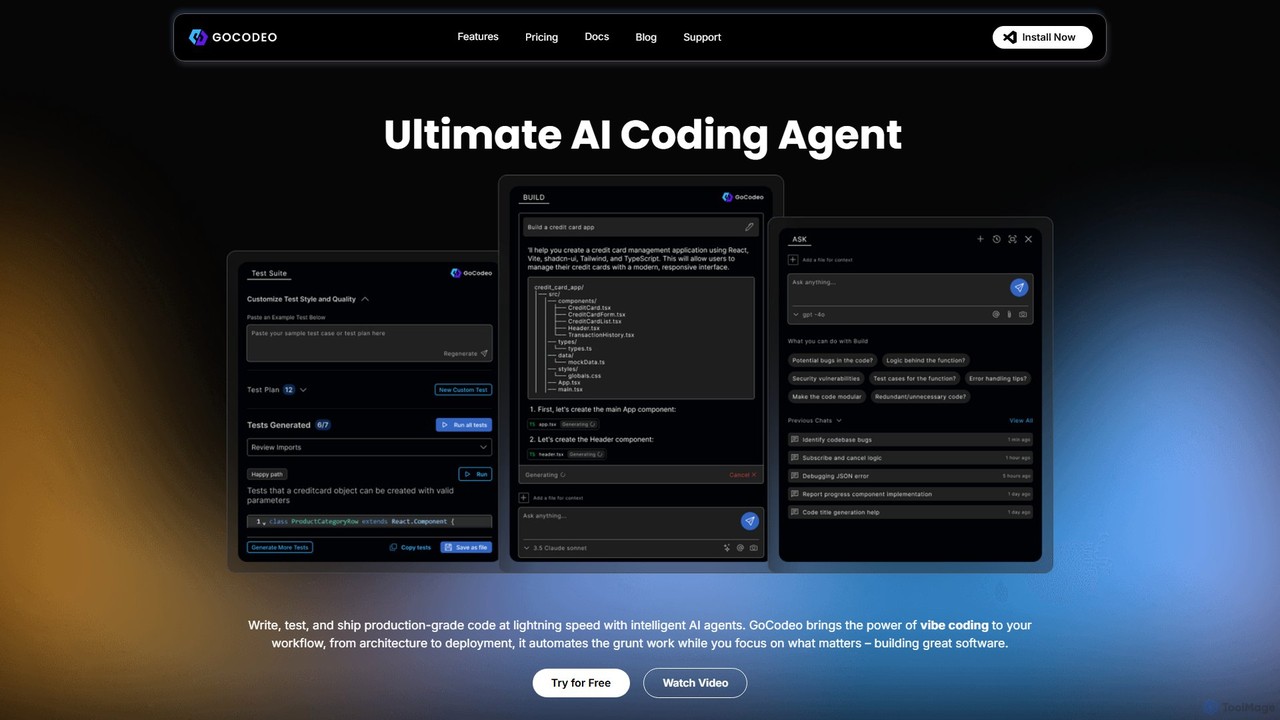
gocodeo
gocodeo is an AI coding agent integrated directly into your IDE (VS Code, IntelliJ) to accelerate the entire software development lifecycle. It helps developers build, test, and deploy projects faster through real-time code generation, automated testing, and seamless integrations. Supporting over 25 frameworks and 100+ tools, it transforms your IDE into an intelligent, context-aware workspace.
Code Assistant
Openbolt.dev
Openbolt.dev is an AI-powered, browser-based IDE designed to accelerate full-stack web development. It enables developers to design, build, and deploy applications using natural language prompts, instant project scaffolding for popular frameworks, and real-time deployment, all within a single, unified platform.
Code AssistantFirebase Studio
Firebase Studio is an AI-powered, browser-based IDE for full-stack development. Integrated with Gemini, it accelerates coding, debugging, and testing. It allows seamless repository import, real-time collaboration, and one-click deployment to the Firebase ecosystem, streamlining the entire application development lifecycle.
Paas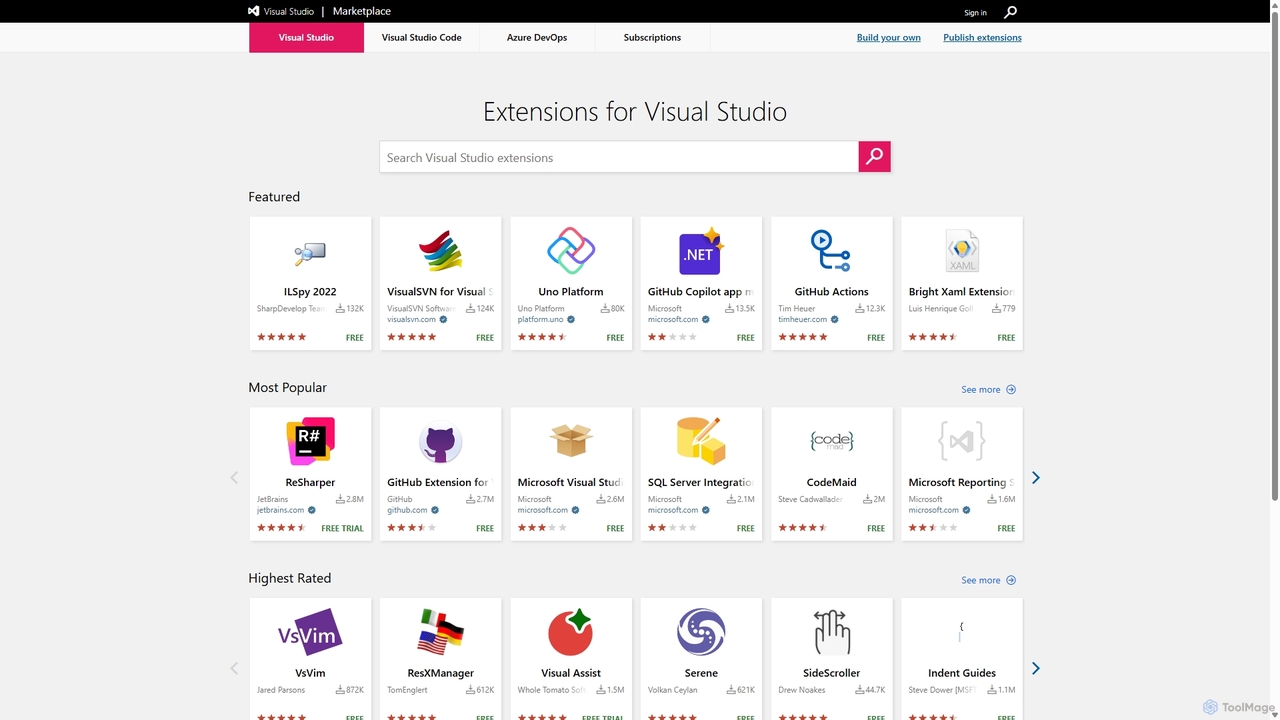
Visual Studio Marketplace
The official marketplace for discovering and installing thousands of extensions for the Visual Studio family of products, including Visual Studio, VS Code, and Azure DevOps. Enhance productivity, add new features, and customize your development environment with tools from Microsoft and the community.
Machine Learning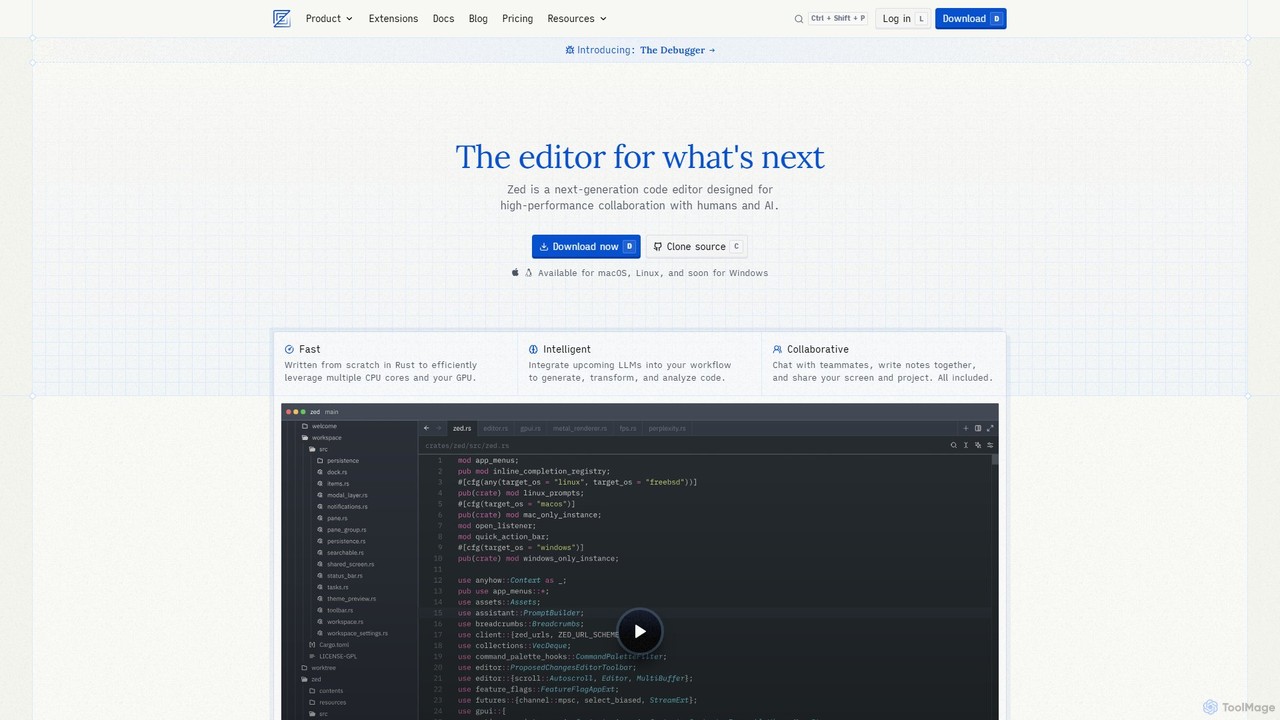
Zed
Zed is a high-performance, collaborative, and AI-powered code editor built from scratch in Rust. Designed for speed and efficiency, it offers real-time collaboration, deep integration with LLMs for agentic editing, and a comprehensive set of built-in tools including a debugger and native Git support. Zed is open-source and available for macOS and Linux, with Windows support coming soon.
Code Generation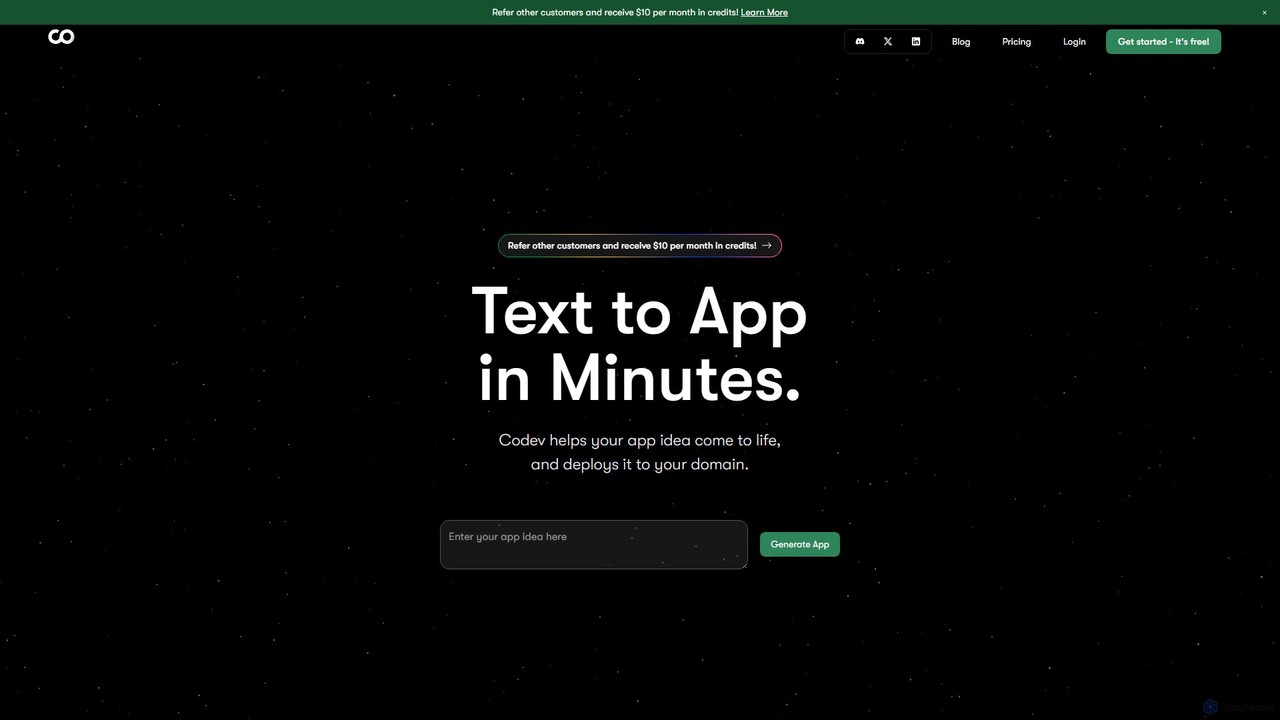
Codev
Codev is an AI-powered platform that transforms text descriptions into full-stack web applications in minutes. It generates production-ready code using Next.js and Supabase, allowing both developers and non-developers to build and deploy their ideas with full source code ownership.
Low Code No Code
Newcult
Newcult is a developer toolkit featuring full-stack UI components, blocks, and templates for Next.js and Shadcn UI. It's designed to accelerate the development of modern, AI-powered SaaS applications by providing production-ready, customizable code for everything from marketing pages to complex AI workflows.
Templates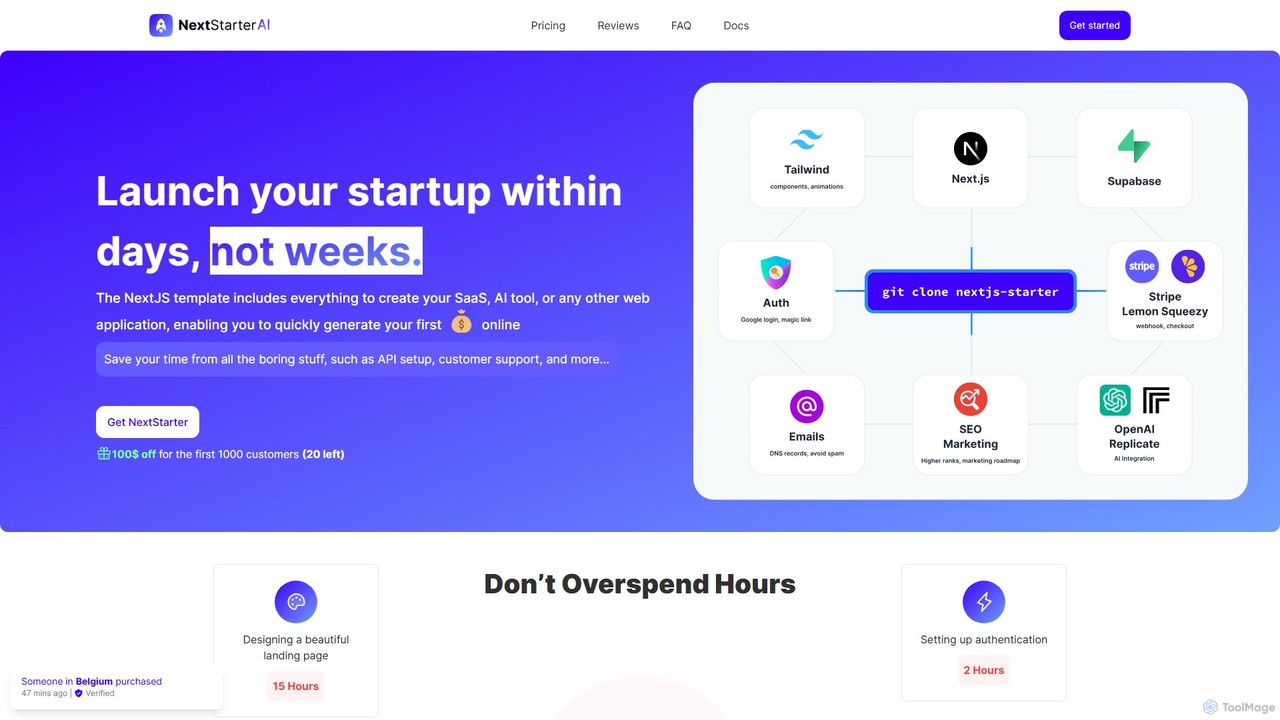
NextStarterAI
NextStarterAI is a comprehensive Next.js boilerplate designed for developers and startups to rapidly launch SaaS, AI tools, and web applications. It includes pre-built integrations for payments, authentication, databases, and AI APIs, along with a rich set of UI components, saving hundreds of hours in setup and development time.
Startup Tools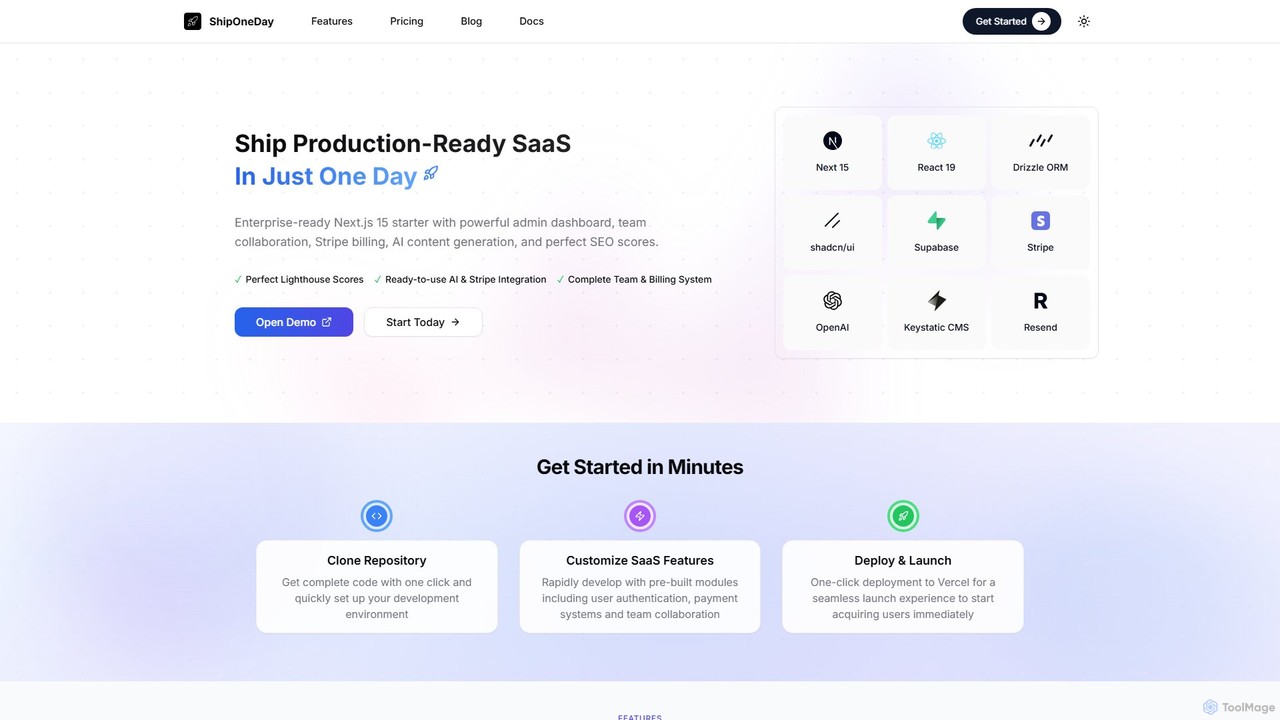
ShipOneDay
ShipOneDay is an enterprise-ready Next.js 15 SaaS starter kit designed for developers. It enables the launch of production-ready applications in just one day by providing pre-built modules for team collaboration, Stripe billing, AI content generation, a powerful admin dashboard, and a complete CMS, all optimized for perfect SEO scores.
Saas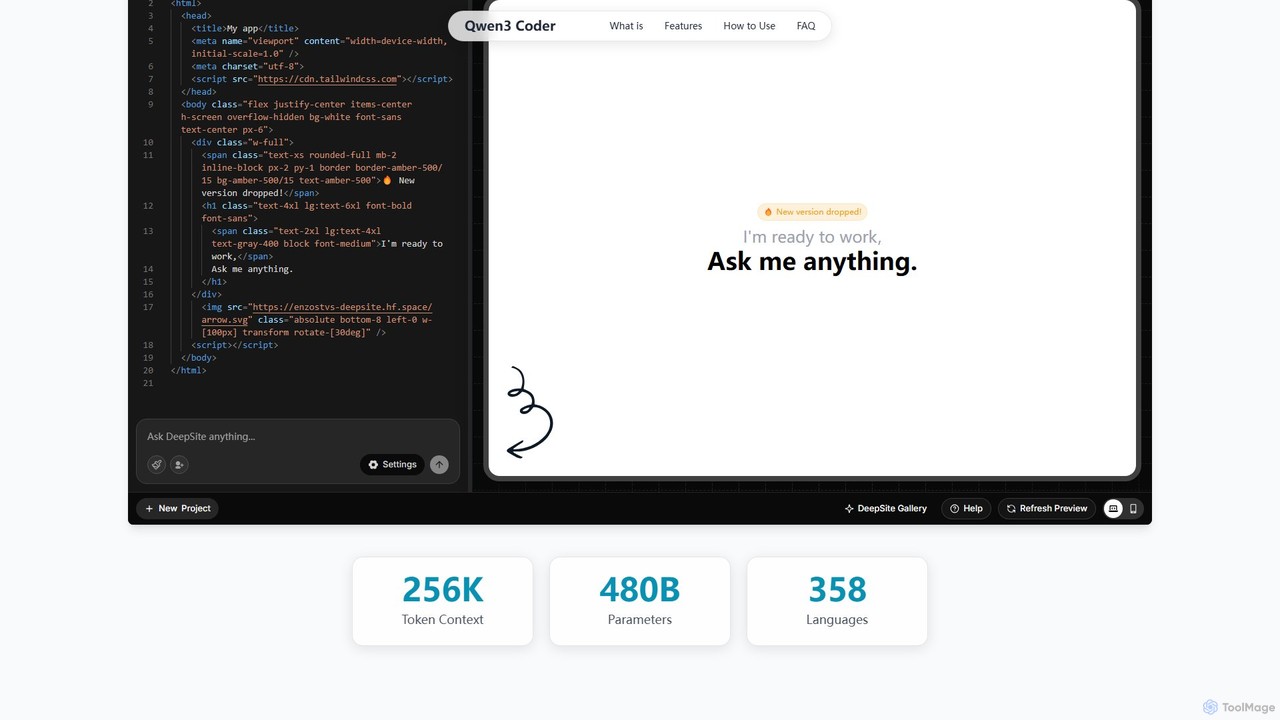
Qwen3 Coder
Qwen3 Coder is a state-of-the-art, open-source large language model by Alibaba Cloud, engineered for advanced code generation, comprehension, and agentic tasks. Featuring a 480B Mixture-of-Experts architecture and trained on 7.5 trillion tokens, it achieves GPT-4 level performance across 358 programming languages. It supports a massive 256K context window and is designed for complex, multi-step software development workflows.
Large Language Model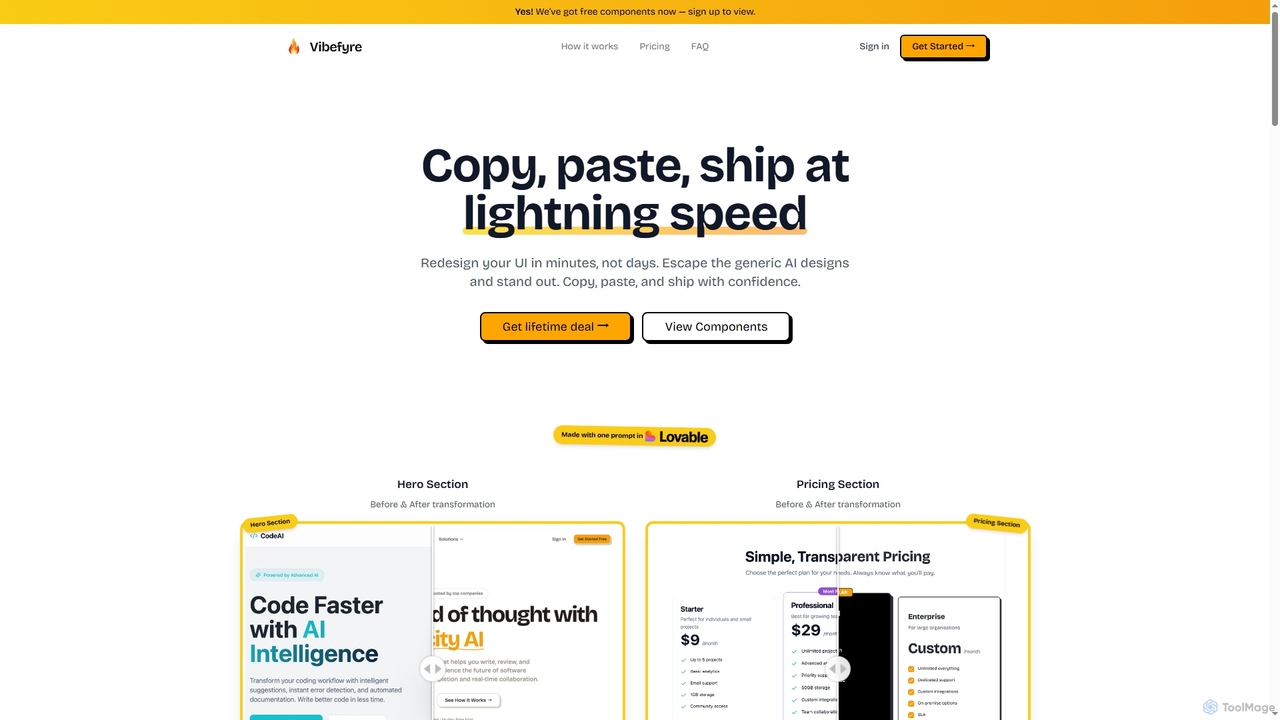
Vibefyre
Vibefyre is an AI-powered UI kit designed to accelerate web development by providing high-quality, pre-designed components and prompts. It enables developers to quickly generate unique and consistent user interfaces using their favorite AI coding tools, significantly reducing design and development time for React/TSX applications.
Web Design
EasyCode Comments (0)
Sign in to comment.
Sign inNo comments yet.