

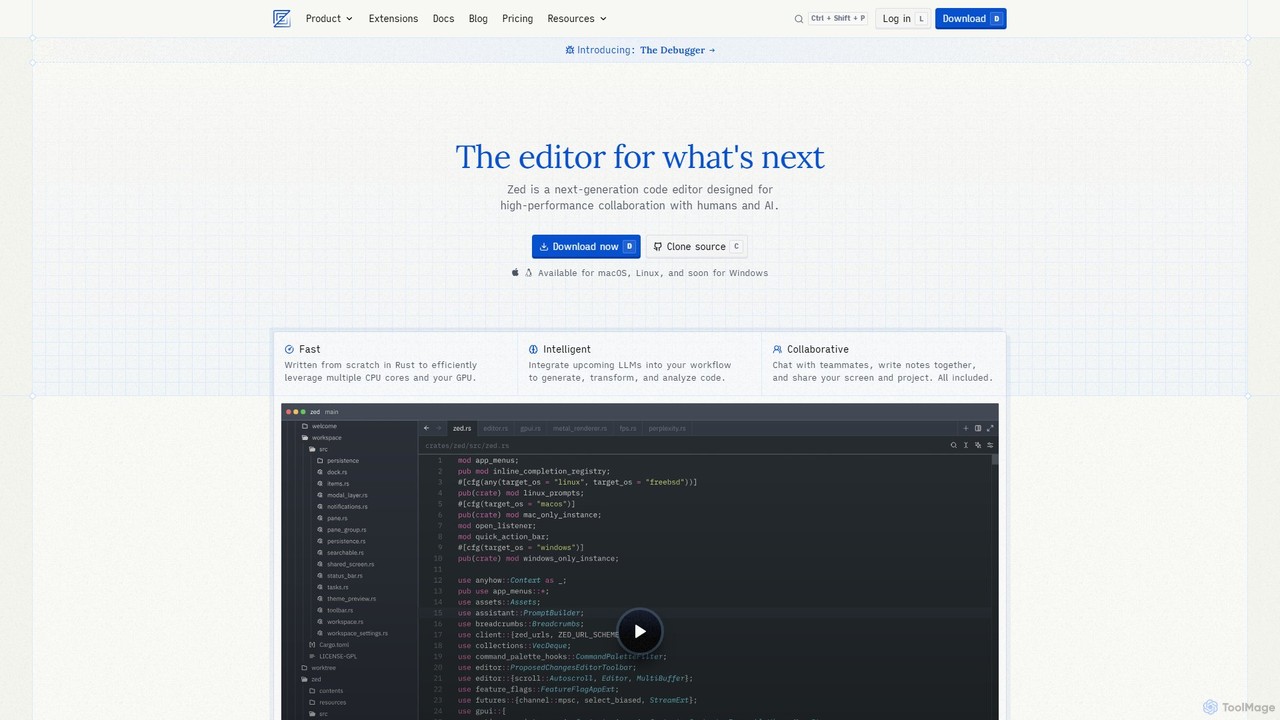
Zed Overview
Zed is a next-generation code editor engineered by the creators of Atom and Electron, designed to redefine the software development experience. Built from the ground up in Rust, Zed prioritizes performance, real-time collaboration, and intelligent AI integration. It leverages multiple CPU cores and the GPU to deliver a hyper-responsive interface where every keystroke and action is instantaneous, eliminating the frustrating lags common in other editors. This focus on speed creates a fluid and joyful coding environment, allowing developers to stay in the flow.
At its core, Zed is built for collaboration. It moves beyond traditional pull requests by enabling true real-time, multiplayer coding. Teammates can join a project with a simple link, see each other's cursors, and edit code together simultaneously. Integrated chat and shared notes keep conversations close to the code, facilitating seamless knowledge sharing and pair programming. This collaborative spirit is woven into the fabric of the editor, making teamwork more efficient and enjoyable.
Zed also stands at the forefront of AI-assisted development. It natively supports 'agentic editing,' allowing for a fluent partnership between human developers and large language models (LLMs). You can generate, transform, and analyze code using integrated AI, powered by models like Claude 3.5 Sonnet. Zed offers a generous free tier for its AI services and allows users to connect their own API keys from various providers (OpenAI, Anthropic, Ollama, etc.) for unlimited use. For those concerned with privacy or who prefer an AI-free workflow, all AI features can be completely disabled.
How to use Zed
Getting started with Zed is straightforward. First, download the application for your operating system (currently macOS and Linux, with Windows in development). Once installed, you can open a project folder just like any other code editor. The interface is designed to be clean and intuitive, minimizing noise and keeping the focus on your code. You can start coding immediately, enjoying the speed and responsiveness. To leverage its advanced features:
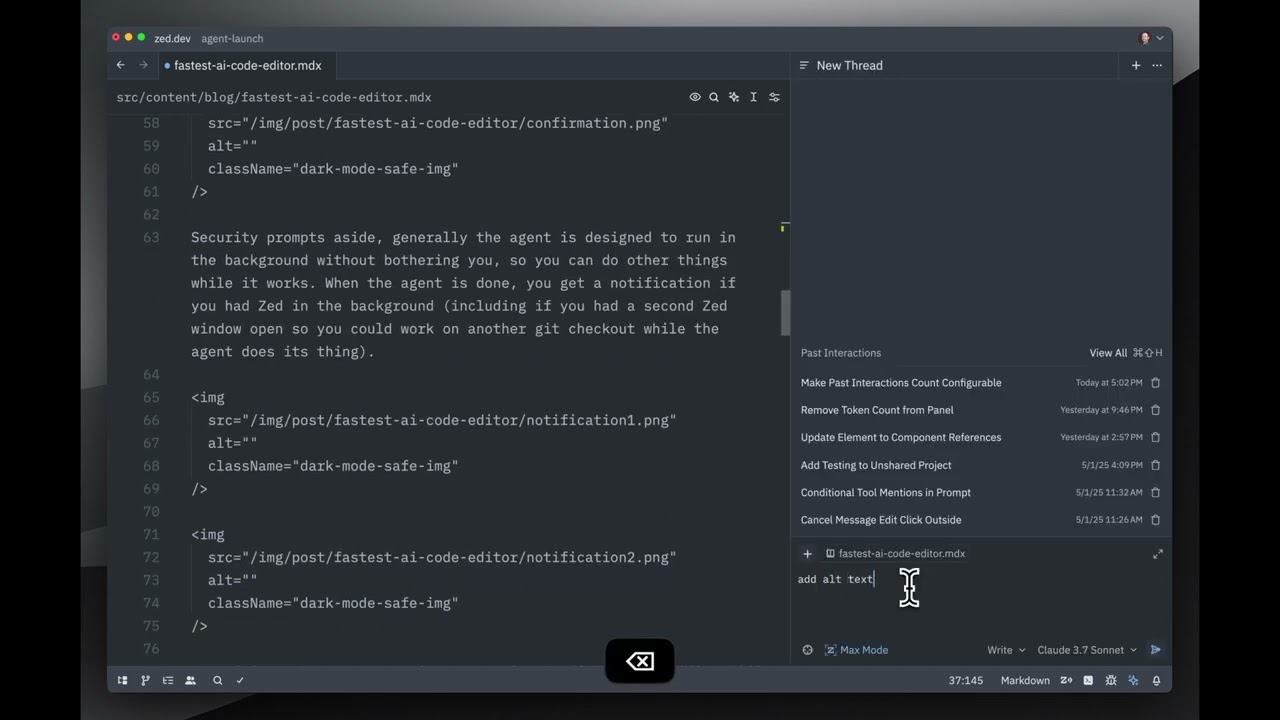
- AI Assistant: Access the AI through the Agent Panel or via Inline Assist. Type a prompt, describe the code you need, or ask for a refactor, and the AI will generate a response. You can accept, modify, or reject the suggestions.
- Collaboration: To start a collaborative session, share your project link with a teammate. They can instantly join your workspace to code, chat, and debug in real-time.
- Debugging: Use the built-in debugger, which offers native support for multiple languages. Set breakpoints, step through code, and inspect variables without leaving the editor.
- Customization: Explore the growing ecosystem of extensions to add support for new languages, themes, and tools. You can also fine-tune your experience by editing the `settings.json` file, including disabling AI features or connecting your own LLM API keys.
Core Features of Zed
- High-Performance Engine: Written in Rust for exceptional speed, leveraging multi-core CPUs and GPU acceleration for a lag-free experience.
- Real-Time Collaboration: True multiplayer editing, integrated chat, and screen sharing for seamless pair programming and team collaboration.
- Agentic AI Editing: Deep integration with LLMs to generate, refactor, and analyze code. Supports bringing your own API keys and local models.
- Native Debugger: Built-in, multi-language debugging support, a feature highly requested by the community.
- Integrated Git Support: First-class functionality for staging, committing, pushing, pulling, and viewing diffs directly within the editor.
- Multibuffer Editing: A unique feature that allows you to compose and edit excerpts from different files in a single, unified view.
- Remote Development: Run the codebase on a powerful remote server while using the slick Zed UI on your local machine.
- Extensible and Open Source: A growing library of extensions and a fully open-source codebase (GPL license) for maximum transparency and customization.
- Vim Mode: First-class modal editing with support for Vim bindings, text objects, and marks.
Use Cases for Zed
Zed is ideal for a wide range of developers and teams. Individual developers who are tired of sluggish editors will appreciate Zed's incredible speed and responsiveness. Development teams can use its collaborative features to conduct remote pair programming sessions, perform interactive code reviews, and onboard new members more effectively. AI-forward engineers can leverage the agentic editing capabilities to accelerate their workflow, from scaffolding new features to debugging complex issues with AI assistance. It's also a great choice for open-source contributors, not just for their own projects, but for contributing to Zed itself. Finally, developers who value craftsmanship and a thoughtfully designed tool will find Zed's minimalist and efficient UI a perfect fit for their daily work.
Advantages of Zed
The primary advantage of Zed is its unparalleled speed. The entire application is optimized for performance, from boot time to typing latency. Its collaborative features are not an afterthought but a core part of its design, offering a far more integrated experience than plugins in other editors. The AI integration is both powerful and flexible, giving users the choice to use Zed's service, their own keys, or disable it entirely, respecting user intent and privacy. Being open-source builds trust and empowers the community to shape the future of the editor. This combination of speed, collaboration, AI, and craftsmanship makes Zed a uniquely powerful tool for modern software development.
Pricing and Plans
Zed offers a flexible pricing structure to suit different needs:
- Personal Plan: $0 (Free forever). This plan includes the full-featured code editor, real-time collaboration, and a limited amount of AI usage (50 Zed-hosted prompts per month and 2000 accepted edit predictions). Users can also connect their own AI API keys for unlimited use.
- Pro Plan: $20 per month. Aimed at professionals who heavily use AI, this plan includes 500 prompts per month, unlimited edit predictions, and usage-based billing for any overages. It comes with a 14-day free trial.
- Enterprise Plan: Custom pricing. Designed for organizations, this plan offers advanced security features like SSO, data privacy guarantees, shared billing, usage analytics, and premium support.
Traffic
Latest traffic
Status
Monthly traffic trend
- 2025-9: 991.4K
- 2026-1: 1.1M
- 2026-2: 936.1K
- 2026-3: 1.4M
- 2026-4: 1.4M
- 2026-5: 1.8M
Geography
Top 5 countries / regions
- 🇨🇳China37.0%
- 🇺🇸United States30.2%
- 🇮🇳India14.2%
- 🇮🇩Indonesia9.5%
- 🇷🇺Russia9.1%
Traffic sources
| Source type | Percentage |
|---|---|
Direct | 78.0% |
Referral | 20.3% |
Email | 1.7% |
Top keywords
| Keyword | Cost per click |
|---|---|
| zed | $1.27 |
| zed ai | $4.52 |
| zed code editor | $1.39 |
| zed editor | $1.98 |
| zed ide | $1.75 |
Zed Videos on YouTube

Zed Industries
Zed Industries

Chris Titus Tech

AI Demo Days

WorldofAI


Code to the Moon
Zed Alternatives
Cursor
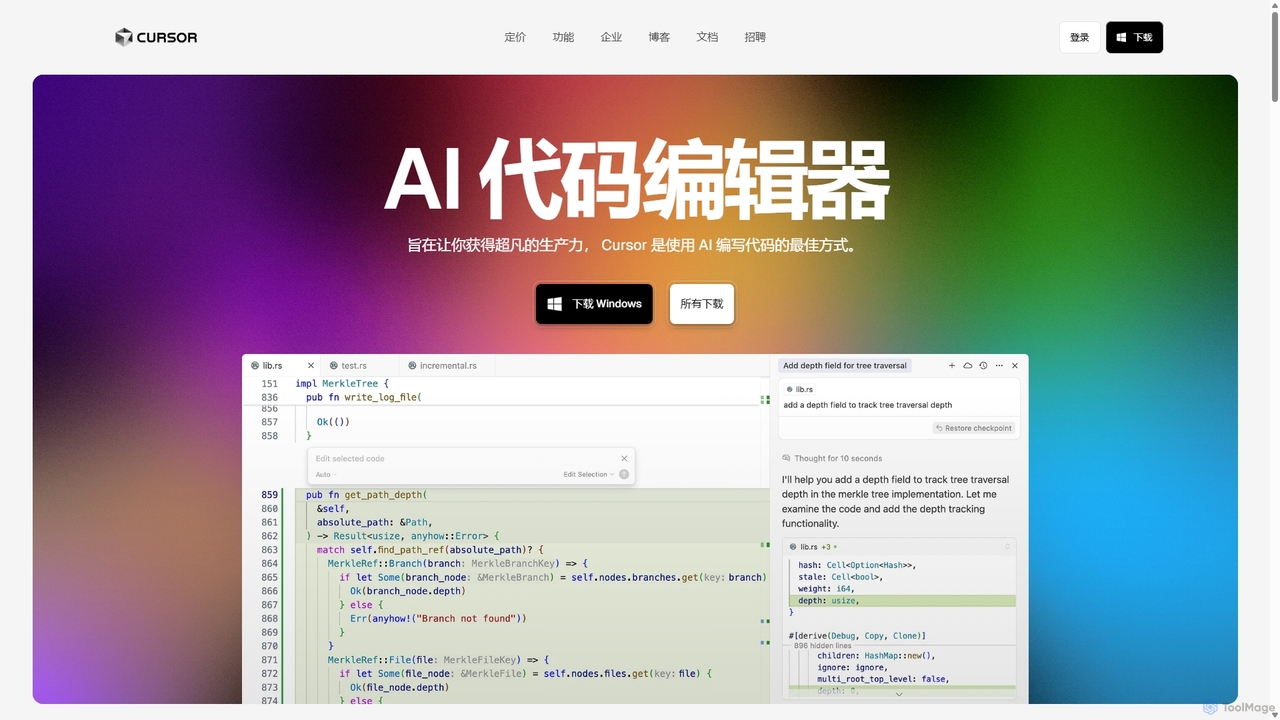
Cursor is an AI-first code editor designed for pair-programming with artificial intelligence. Built as a fork of VS Code, it offers a familiar environment supercharged with advanced AI capabilities for code generation, editing, debugging, and codebase comprehension, aiming to significantly boost developer productivity.
Code Assistant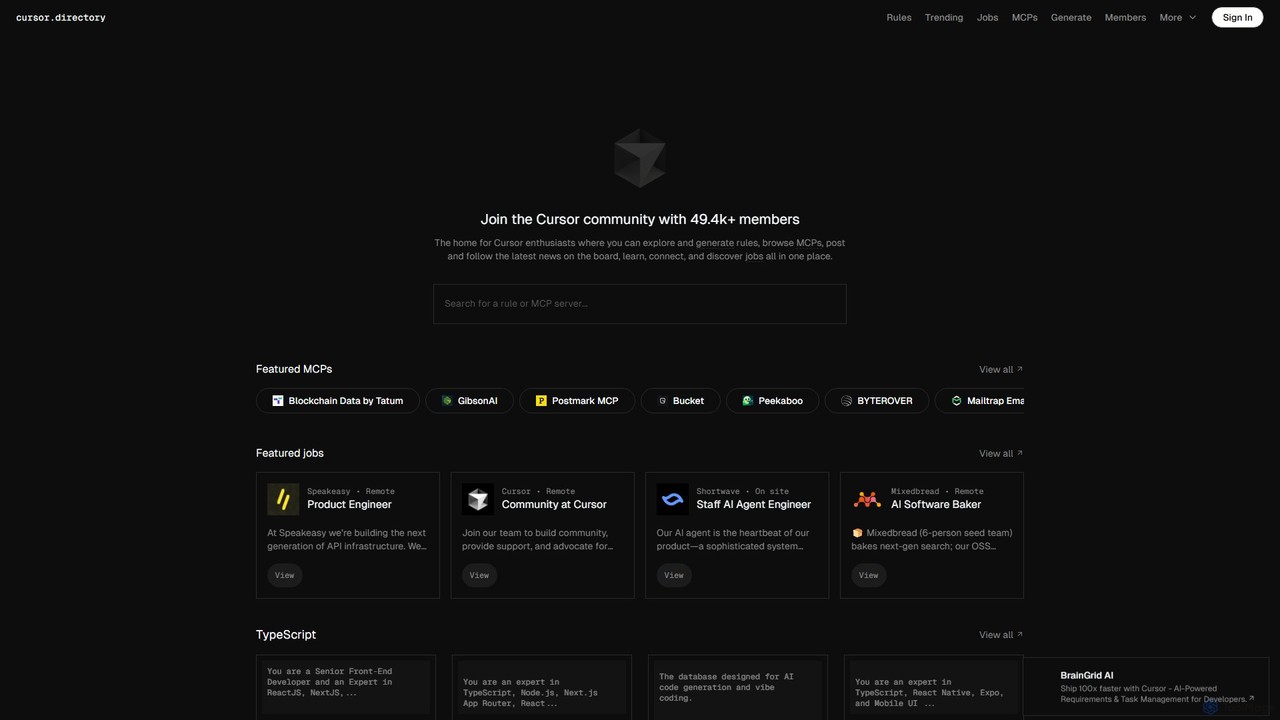
Cursor
Cursor is an AI-first code editor designed for modern software development. Built as a fork of VS Code, it integrates powerful AI capabilities directly into the editing experience, allowing developers to chat with their codebase, generate, edit, and debug code with unprecedented speed and context-awareness.
Code Generation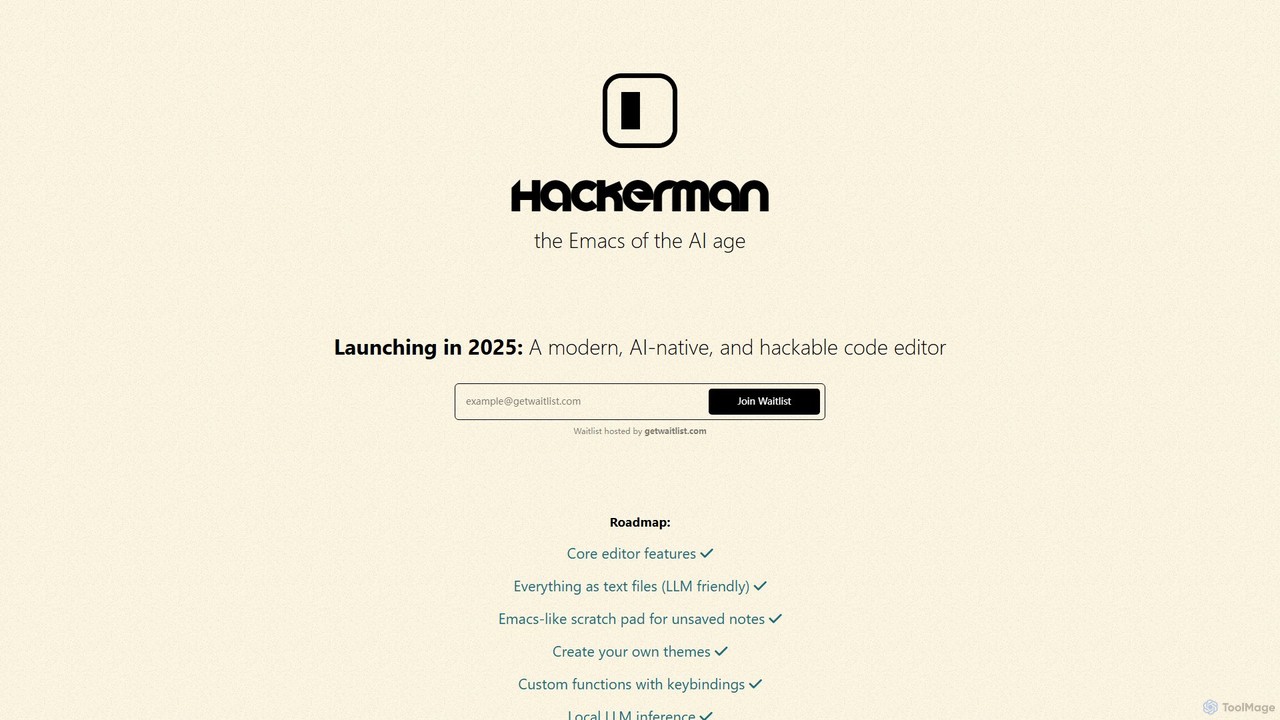
Hackerman
Hackerman is a modern, AI-native, and highly customizable code editor designed for the AI age. Inspired by the legendary Emacs, it offers deep integration with both local and remote LLMs, providing developers with unparalleled control and privacy. Features include mix-and-match LLM support, in-code shell access, and custom function creation, empowering developers to build a truly personalized and powerful coding environment. Launching in 2025.
Code Generation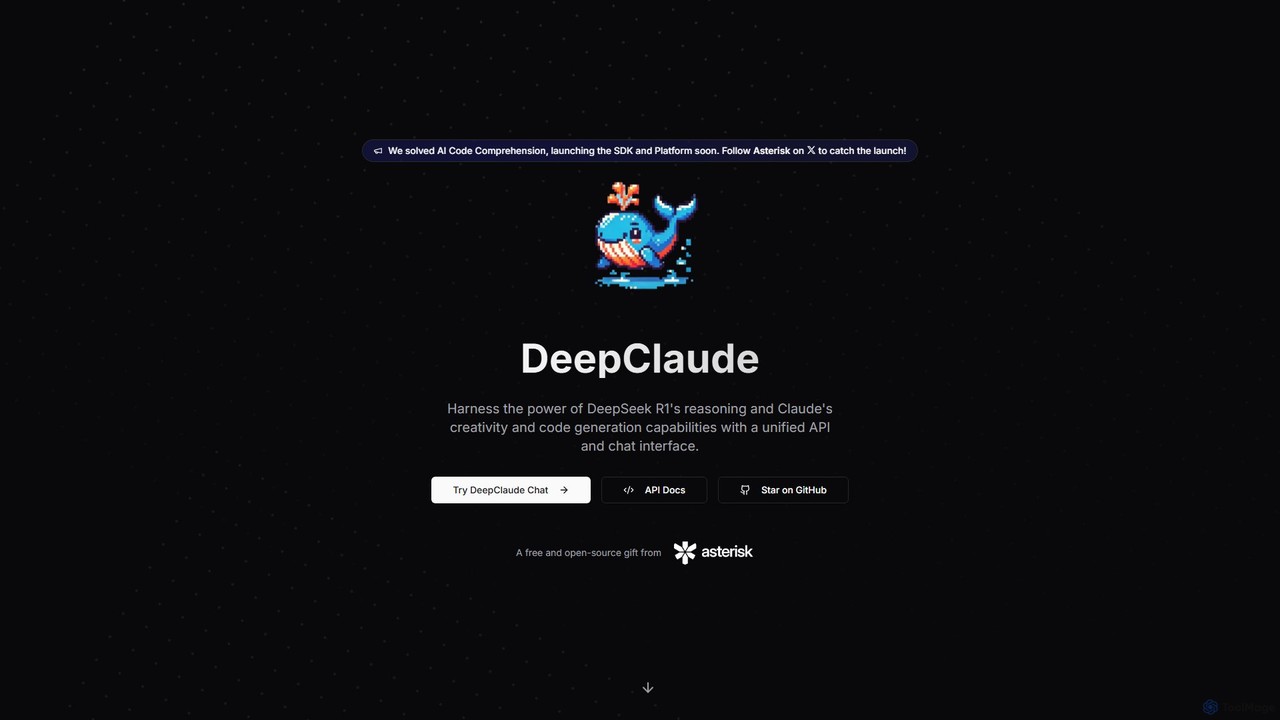
DeepClaude
A free, open-source tool that combines DeepSeek R1's reasoning with Claude's code generation via a unified, zero-latency streaming API. Designed for advanced AI code comprehension and generation, it offers a private, highly configurable experience for developers using their own API keys.
Model Aggregator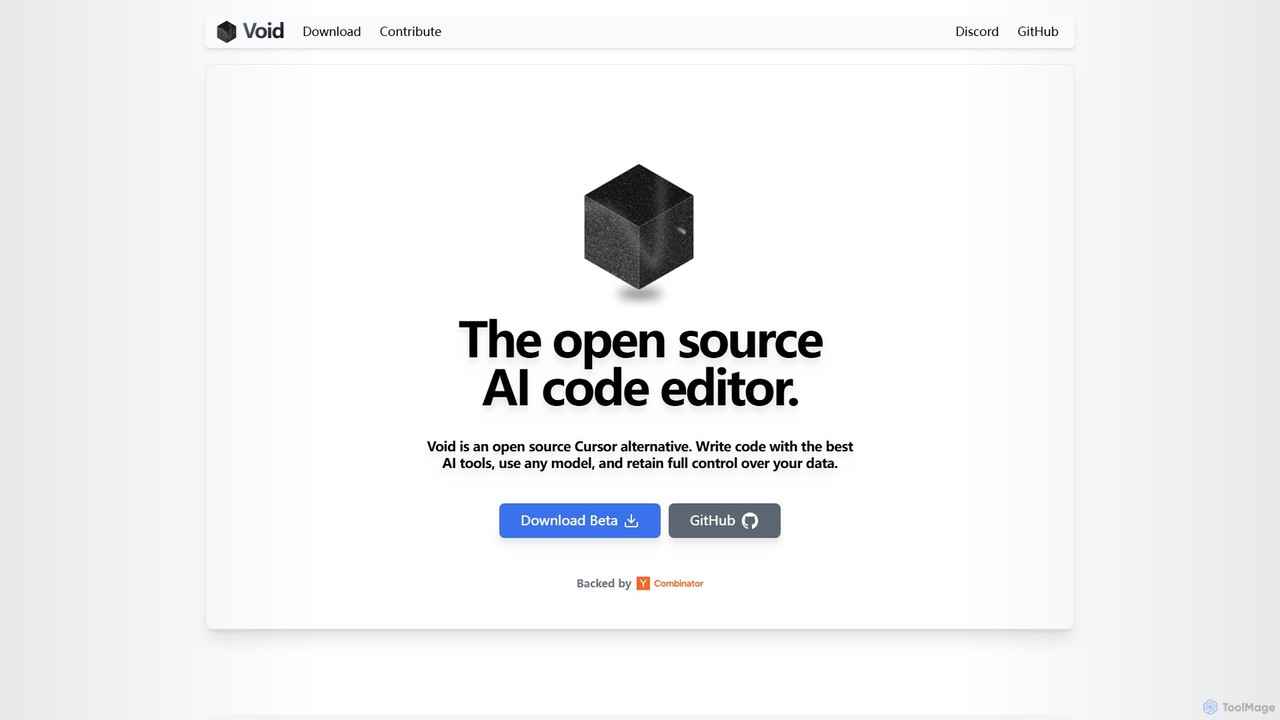
voideditor
Voideditor is a free, open-source AI code editor built as a fork of VS Code. It empowers developers with full control over their data and choice of AI models, supporting direct connections to any cloud or locally hosted LLM. It offers advanced features like AI chat, autocompletion, and agentic workflows to accelerate development while prioritizing privacy and flexibility.
Code GenerationZed Categories
Zed Embed Widget
Copy this embed code to place the badge on your blog, article, or product site and send readers directly to this ToolMage detail page.

Related AI tools
Cursor
Cursor is an AI-first code editor designed for modern software development. Built as a fork of VS Code, it integrates powerful AI capabilities directly into the editing experience, allowing developers to chat with their codebase, generate, edit, and debug code with unprecedented speed and context-awareness.
Code GenerationDeepClaude
A free, open-source tool that combines DeepSeek R1's reasoning with Claude's code generation via a unified, zero-latency streaming API. Designed for advanced AI code comprehension and generation, it offers a private, highly configurable experience for developers using their own API keys.
Model Aggregator
Aider
Aider is an AI-powered pair programmer that operates directly in your terminal. It intelligently maps your entire codebase, providing full project context for complex tasks. Seamlessly integrated with Git, it automates commits and allows you to manage AI-driven changes with familiar tools. Aider supports over 100 programming languages, connects to leading cloud and local LLMs, and even accepts voice and image inputs, making it a versatile and powerful assistant for any developer seeking to accelerate their workflow and improve code quality.
Programming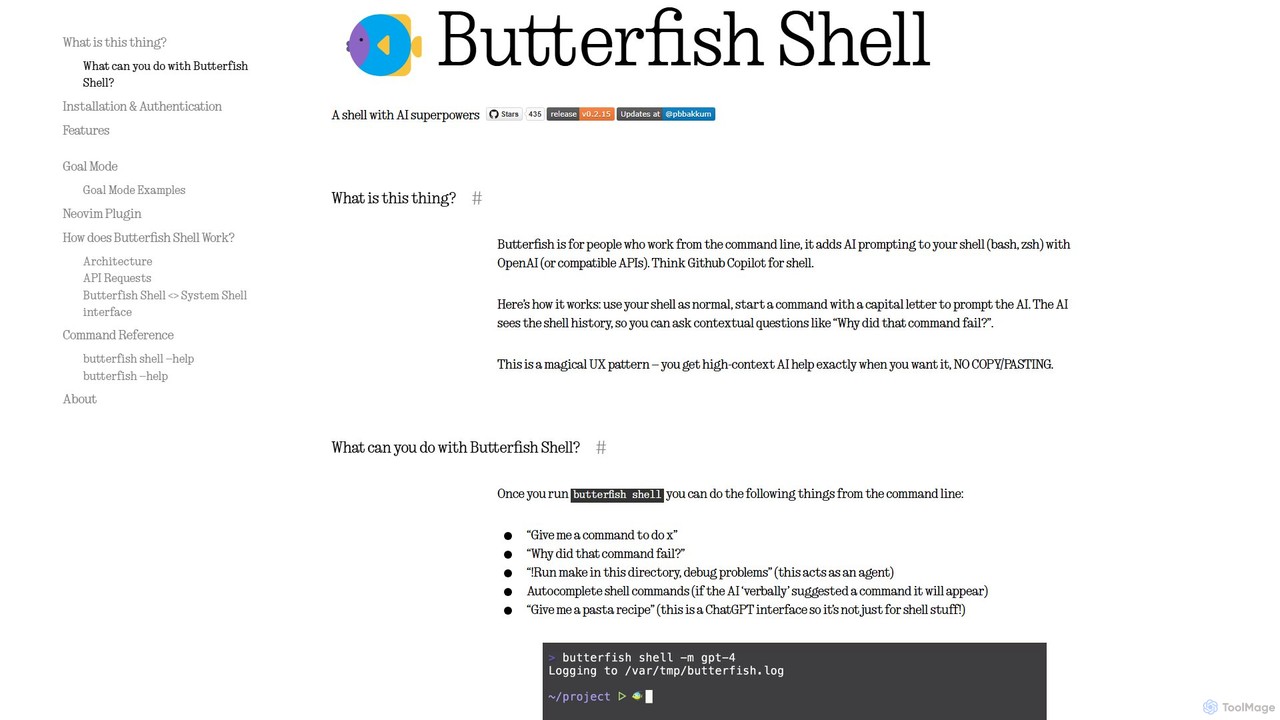
butterfish
butterfish is an open-source CLI tool that supercharges your shell (bash, zsh) with AI capabilities. Acting like GitHub Copilot for the command line, it allows you to generate commands, debug errors, and automate tasks using natural language prompts directly in your terminal. It maintains context from your shell history, providing highly relevant assistance and boosting productivity for developers and sysadmins.
Code Assistantvoideditor
Voideditor is a free, open-source AI code editor built as a fork of VS Code. It empowers developers with full control over their data and choice of AI models, supporting direct connections to any cloud or locally hosted LLM. It offers advanced features like AI chat, autocompletion, and agentic workflows to accelerate development while prioritizing privacy and flexibility.
Code Generation
PearAI
PearAI is an intelligent, all-in-one AI code editor designed for developers. It features a unique AI Router that automatically selects the best coding model (like GPT-4o or Claude 3), a coding agent for autonomous development and bug fixing, and a context-aware chat that understands your entire codebase. It aims to streamline the entire development workflow from idea to deployment.
Code Generation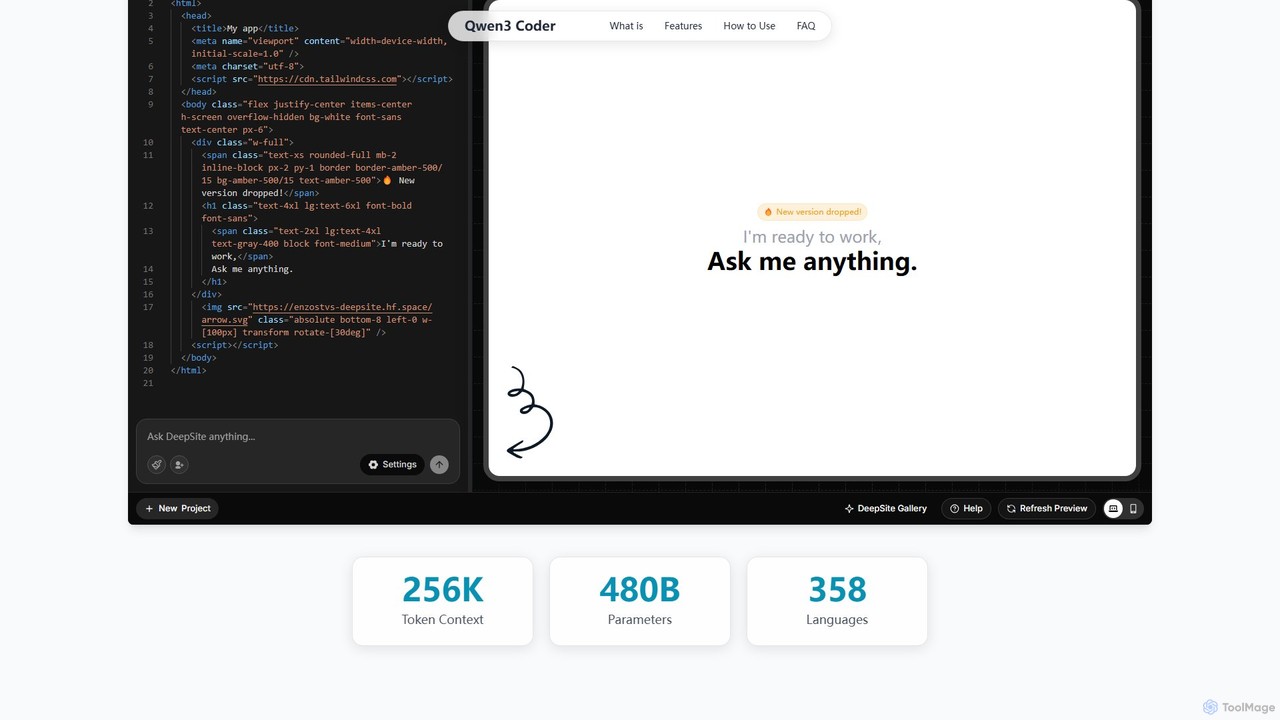
Qwen3 Coder
Qwen3 Coder is a state-of-the-art, open-source large language model by Alibaba Cloud, engineered for advanced code generation, comprehension, and agentic tasks. Featuring a 480B Mixture-of-Experts architecture and trained on 7.5 trillion tokens, it achieves GPT-4 level performance across 358 programming languages. It supports a massive 256K context window and is designed for complex, multi-step software development workflows.
Large Language Model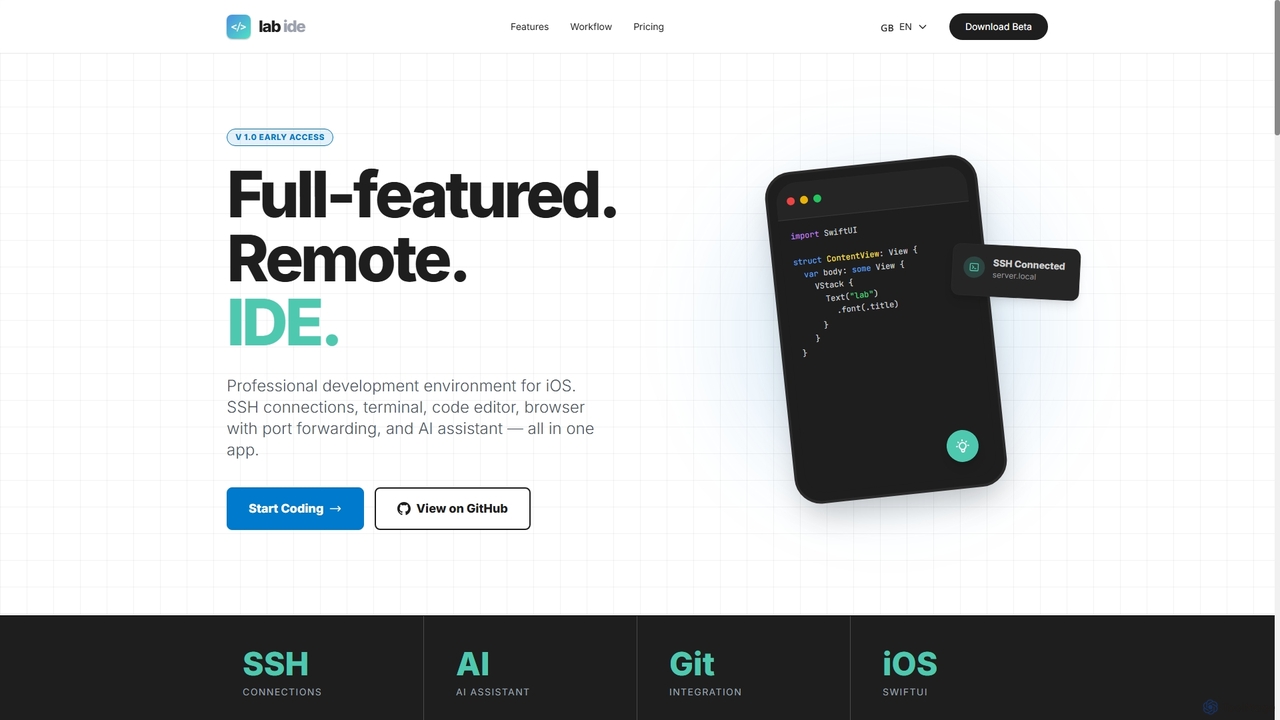
Lab
Lab is a professional mobile IDE for iOS/iPadOS, transforming your device into a powerful remote development workstation. It offers SSH connections, a multi-tab terminal, a code editor, a Git client, and an integrated AI assistant for coding, refactoring, and debugging directly on remote servers. With built-in browser port forwarding and smart web element selection, Lab streamlines mobile-first development workflows.
Mobile Ide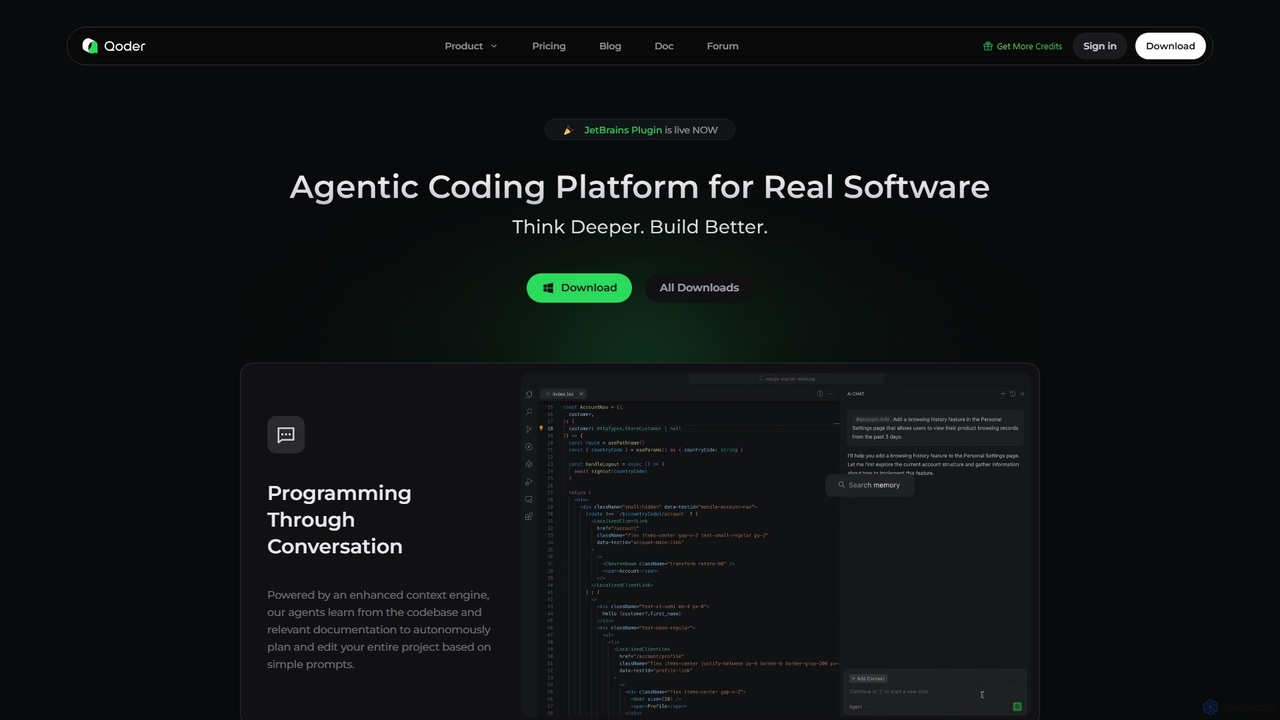
Qoder
Qoder is an agentic AI coding platform designed for real software development. It leverages an enhanced context engine to autonomously plan, code, and test entire projects based on simple prompts, integrating seamlessly into developer workflows via IDE, CLI, or JetBrains plugin.
Code Assistant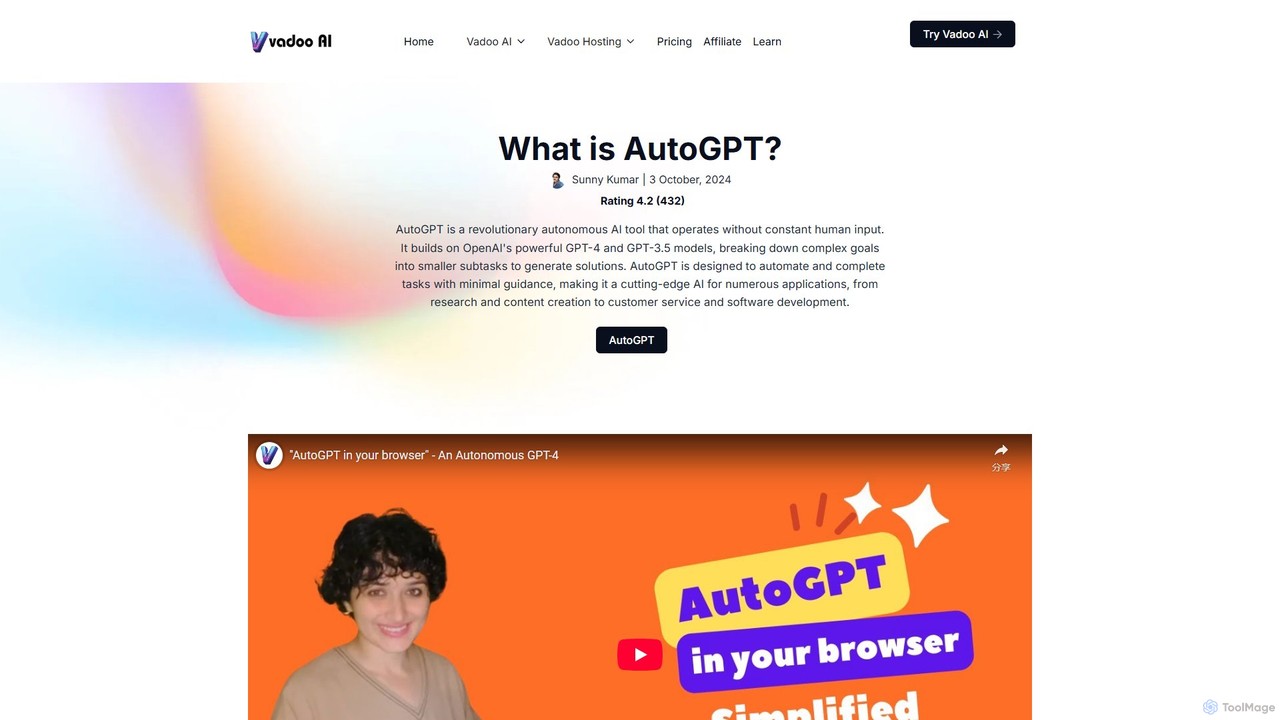
AutoGPT
AutoGPT is a revolutionary open-source autonomous AI agent that leverages GPT-4 and GPT-3.5 to independently achieve complex goals. By breaking down high-level objectives into smaller, manageable subtasks, it can browse the web, write code, manage files, and execute plans with minimal human intervention, dramatically boosting productivity and automating complex workflows.
Code Assistant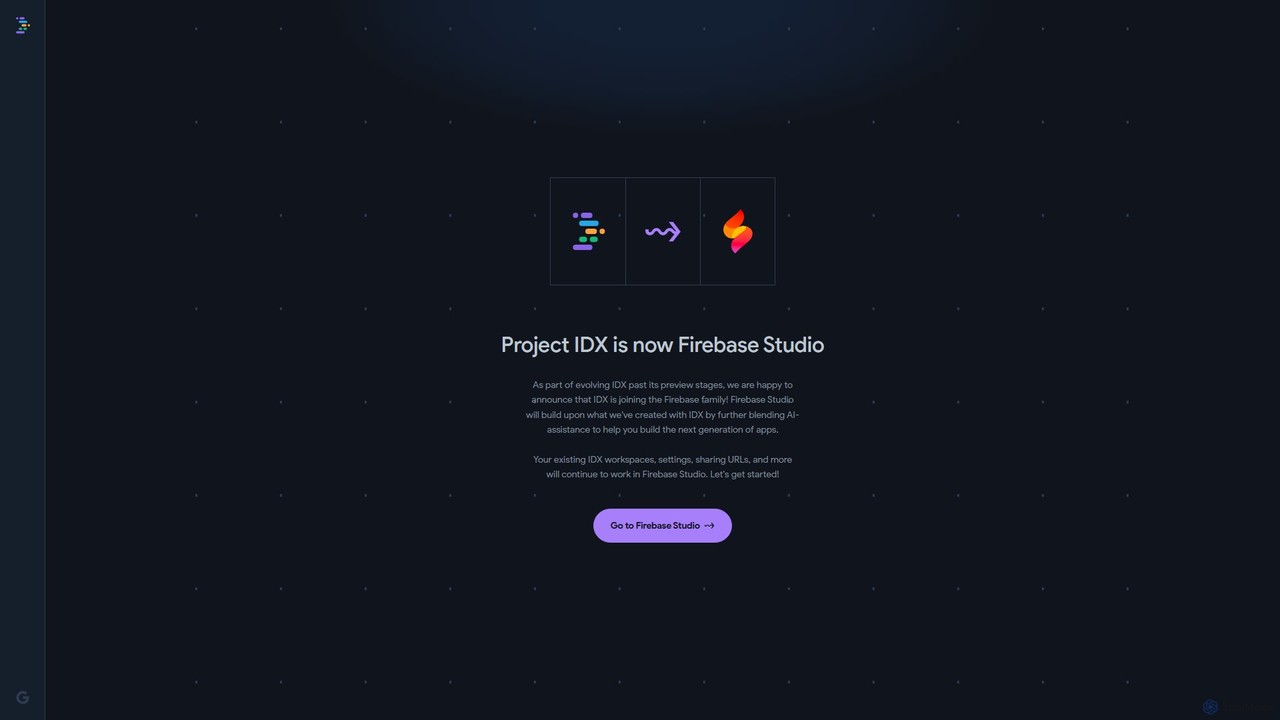
Project IDX
Project IDX, now evolving into Firebase Studio, is a cloud-based, AI-powered workspace for full-stack, multi-platform application development. It offers a pre-configured environment with AI code assistance, integrated multi-platform previews, and seamless Firebase integration. Ideal for developers looking to build, test, and deploy web and mobile apps faster, without local setup complexities.
Paas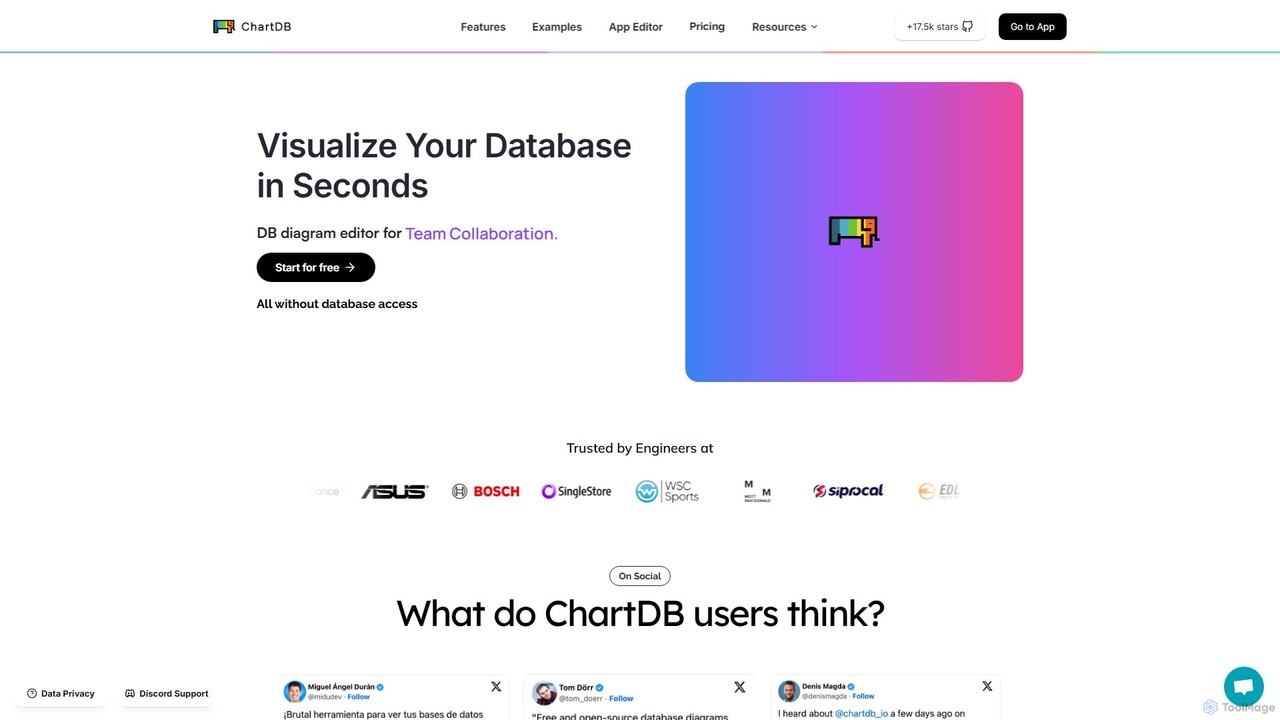
ChartDB
ChartDB is an AI-powered database schema visualizer that instantly generates interactive ER diagrams from a single query. It's designed for developers and teams to design, document, and collaborate on database structures. It features real-time collaboration, database synchronization, and an AI assistant to optimize schema design. Both cloud and self-hosted open-source versions are available.
Visualization
Charm
Charm is an ecosystem of open-source tools and libraries designed to make the command-line interface (CLI) glamorous and powerful. It provides developers with applications for AI-powered coding (Crush, Mods), beautiful terminal UIs (Bubble Tea), markdown rendering (Glow), and self-hosted Git servers (Soft Serve). Charm empowers developers to build, style, and enhance their terminal workflows with modern, elegant, and highly functional tools.
Code Assistant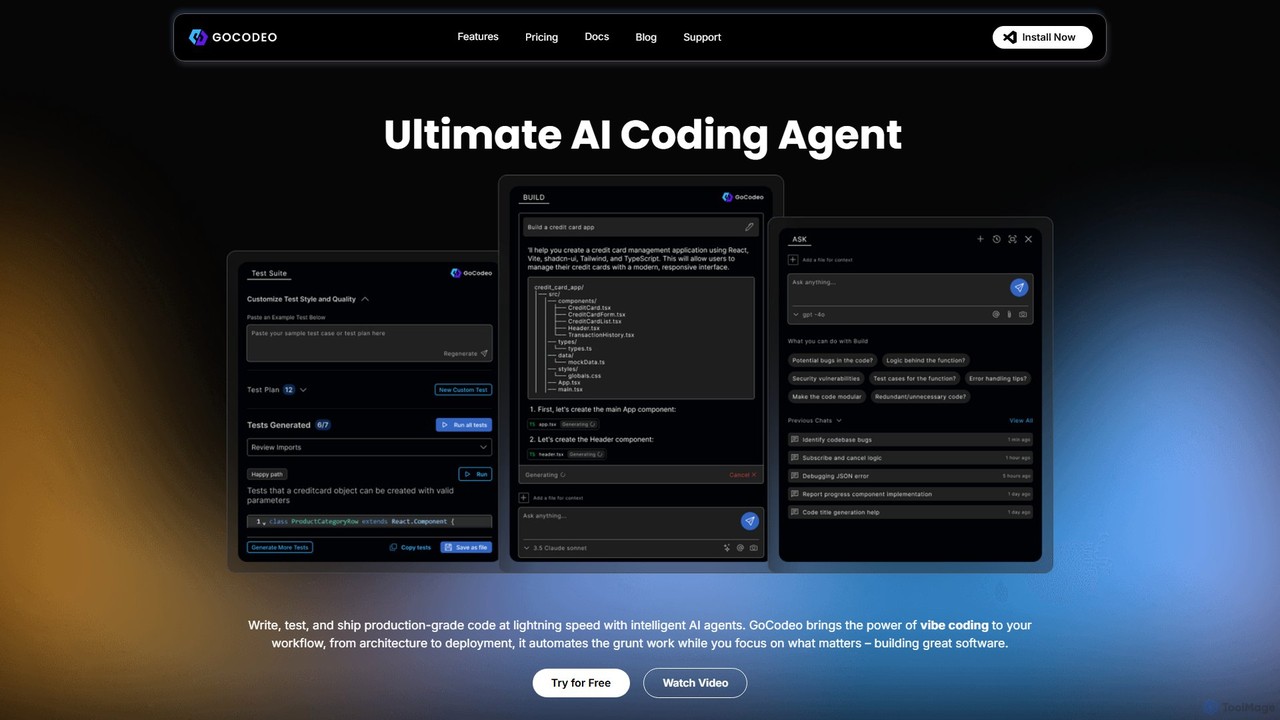
gocodeo
gocodeo is an AI coding agent integrated directly into your IDE (VS Code, IntelliJ) to accelerate the entire software development lifecycle. It helps developers build, test, and deploy projects faster through real-time code generation, automated testing, and seamless integrations. Supporting over 25 frameworks and 100+ tools, it transforms your IDE into an intelligent, context-aware workspace.
Code Assistant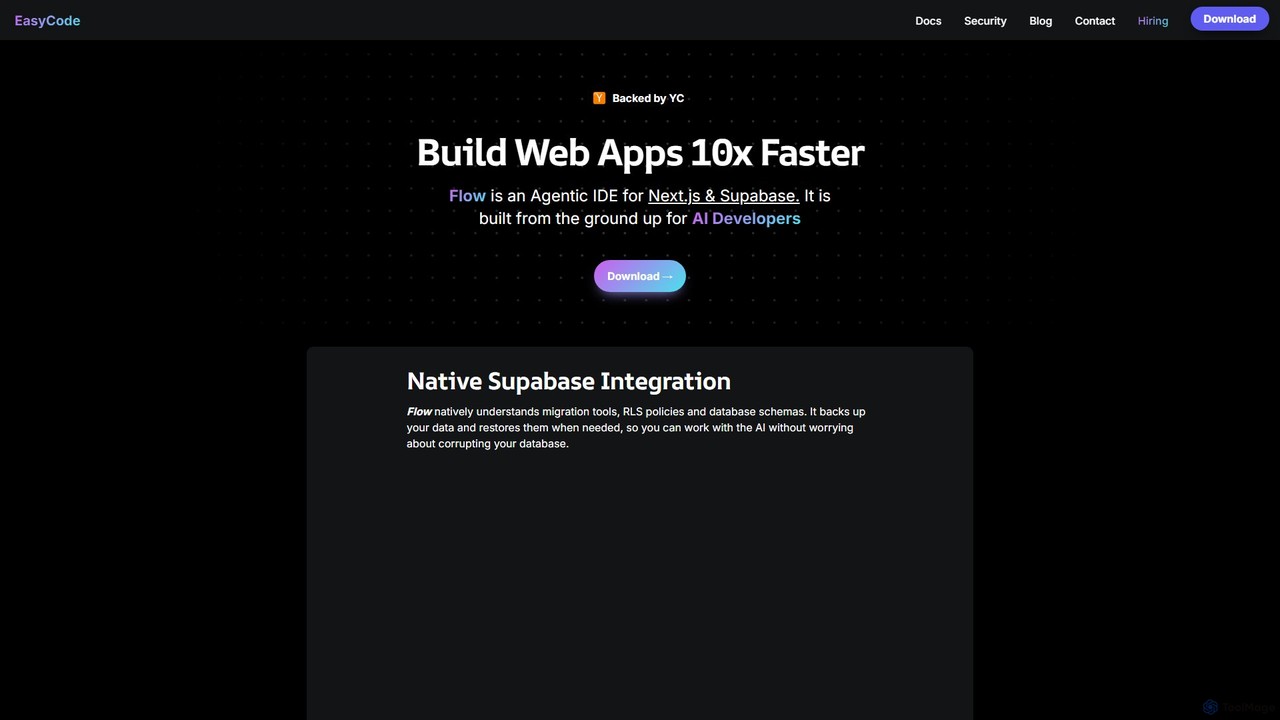
EasyCode
EasyCode is an agentic IDE specifically designed for building web applications with Next.js and Supabase, aiming to accelerate development by 10x. It features superior context management, visual debugging, and native Supabase integration to streamline the entire coding process, from prompting to deployment.
Web Development
Zed Comments (0)
Sign in to comment.
Sign inNo comments yet.