Agen
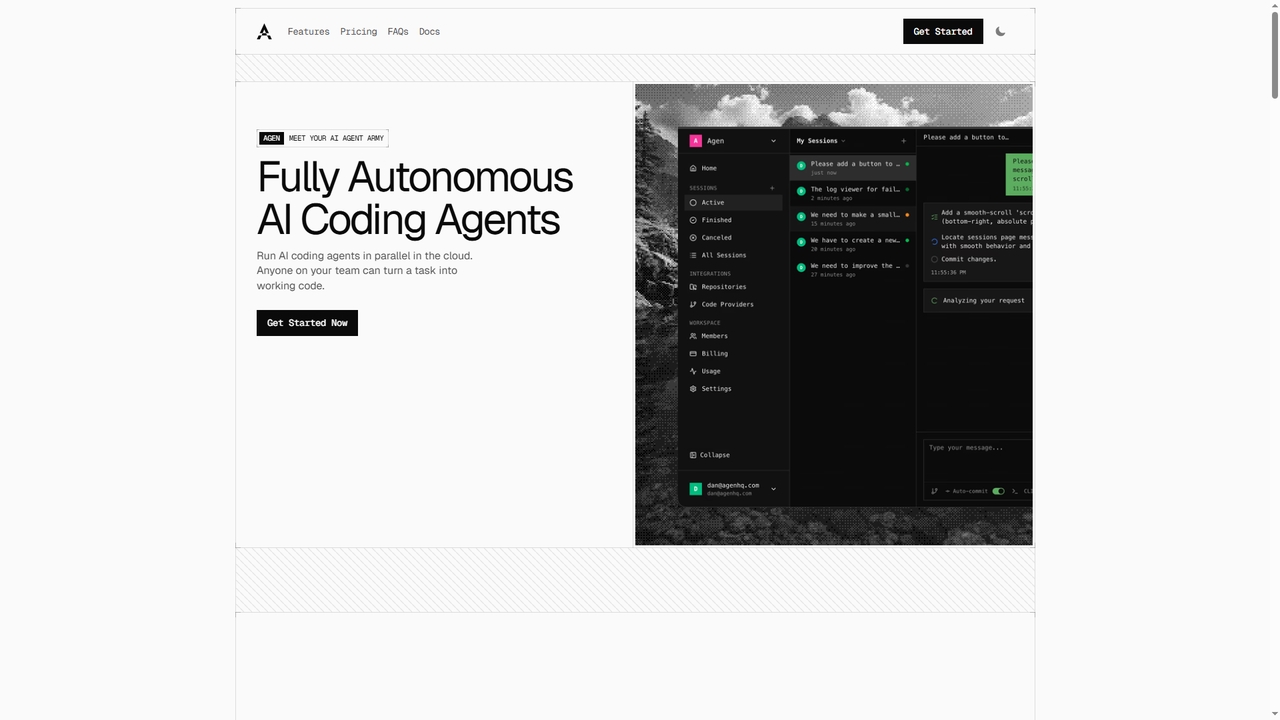
Agen is a cloud-based platform that deploys fully autonomous AI coding agents. It enables developers and teams to …
Agen is a cloud-based platform that deploys fully autonomous AI coding agents. It enables developers and teams to assign software development tasks via prompts. The agents independently clone repositories, analyze codebases, edit files, run builds and tests in isolated sandboxes, and prepare merge requests, streamlining the development workflow from idea to production-ready code.
Katalon
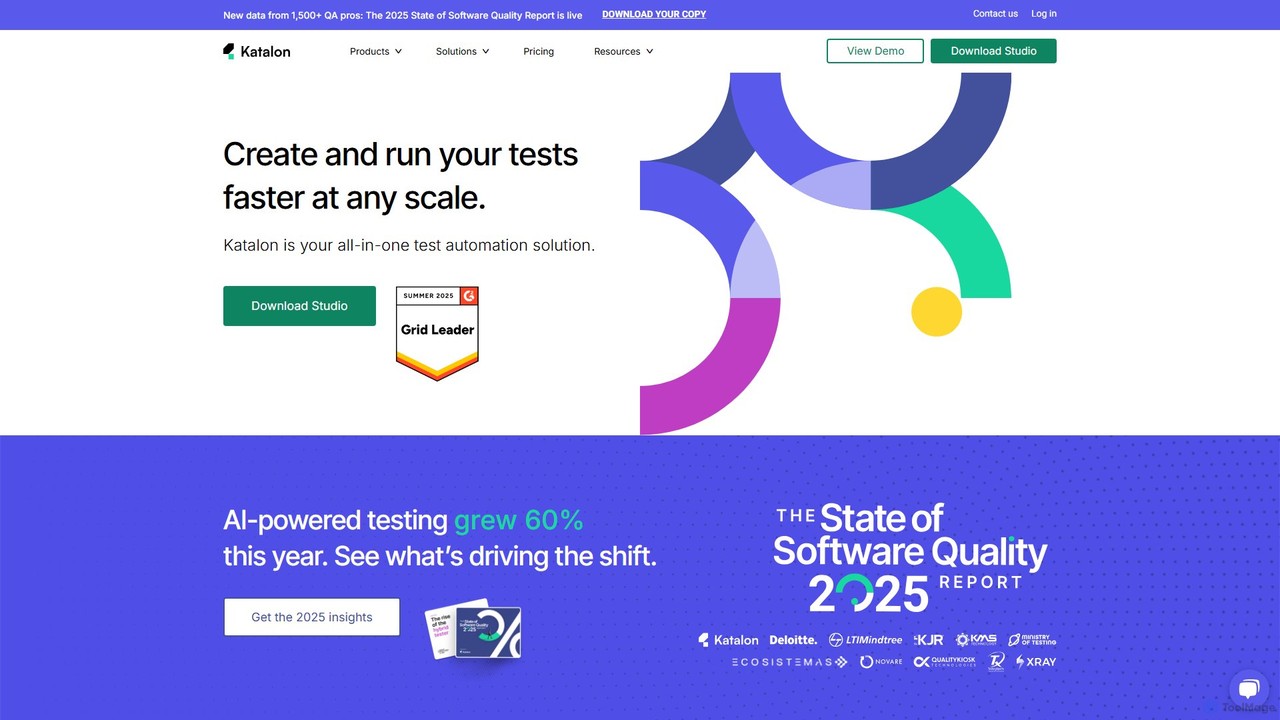
Katalon is a comprehensive, AI-augmented test automation platform for web, API, mobile, and desktop applications. It empowers teams …
Katalon is a comprehensive, AI-augmented test automation platform for web, API, mobile, and desktop applications. It empowers teams of all sizes with low-code, full-code, and no-code solutions, streamlining the entire quality lifecycle from test creation and execution to analysis and management.
Noodl
Noodl is an AI-powered low-code platform designed for creating sophisticated web and mobile applications. It combines a visual, …
Noodl is an AI-powered low-code platform designed for creating sophisticated web and mobile applications. It combines a visual, node-based editor with an AI assistant that generates code, making it ideal for both non-coders and experienced developers. Build everything from simple prototypes to full-stack applications with unprecedented speed and flexibility.
Zed
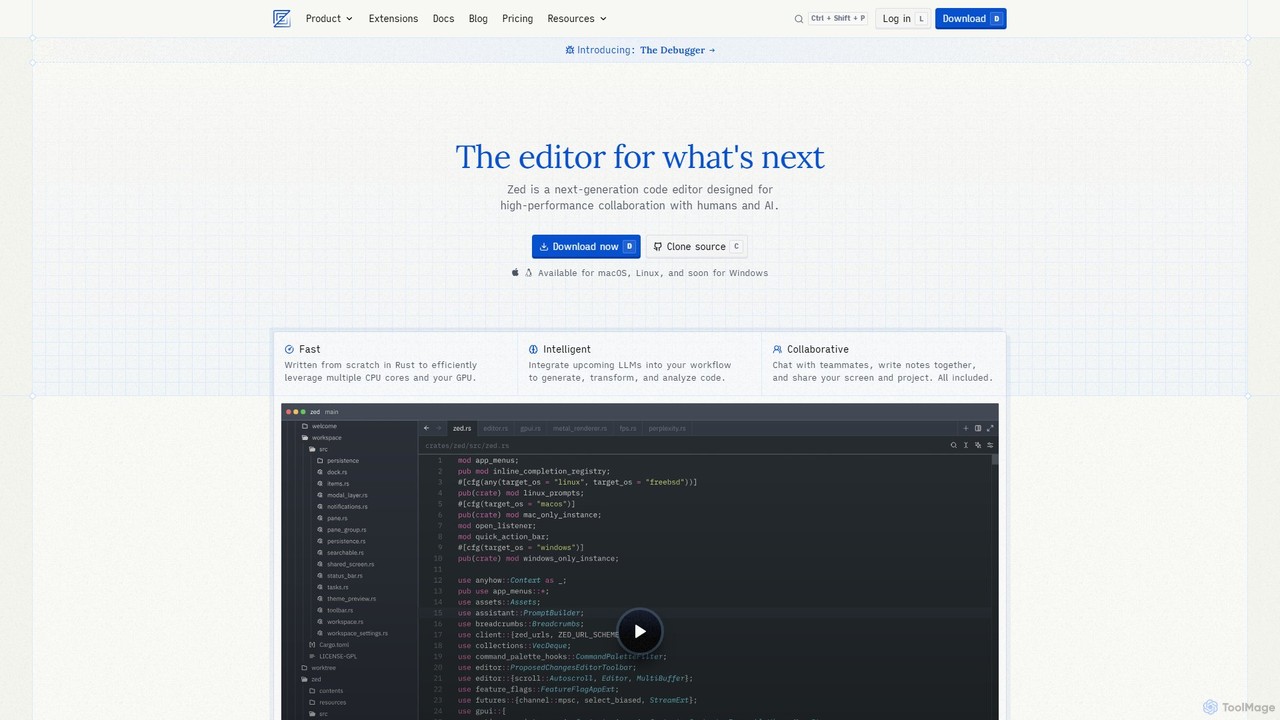
Zed is a high-performance, collaborative, and AI-powered code editor built from scratch in Rust. Designed for speed and …
Zed is a high-performance, collaborative, and AI-powered code editor built from scratch in Rust. Designed for speed and efficiency, it offers real-time collaboration, deep integration with LLMs for agentic editing, and a comprehensive set of built-in tools including a debugger and native Git support. Zed is open-source and available for macOS and Linux, with Windows support coming soon.
Jam
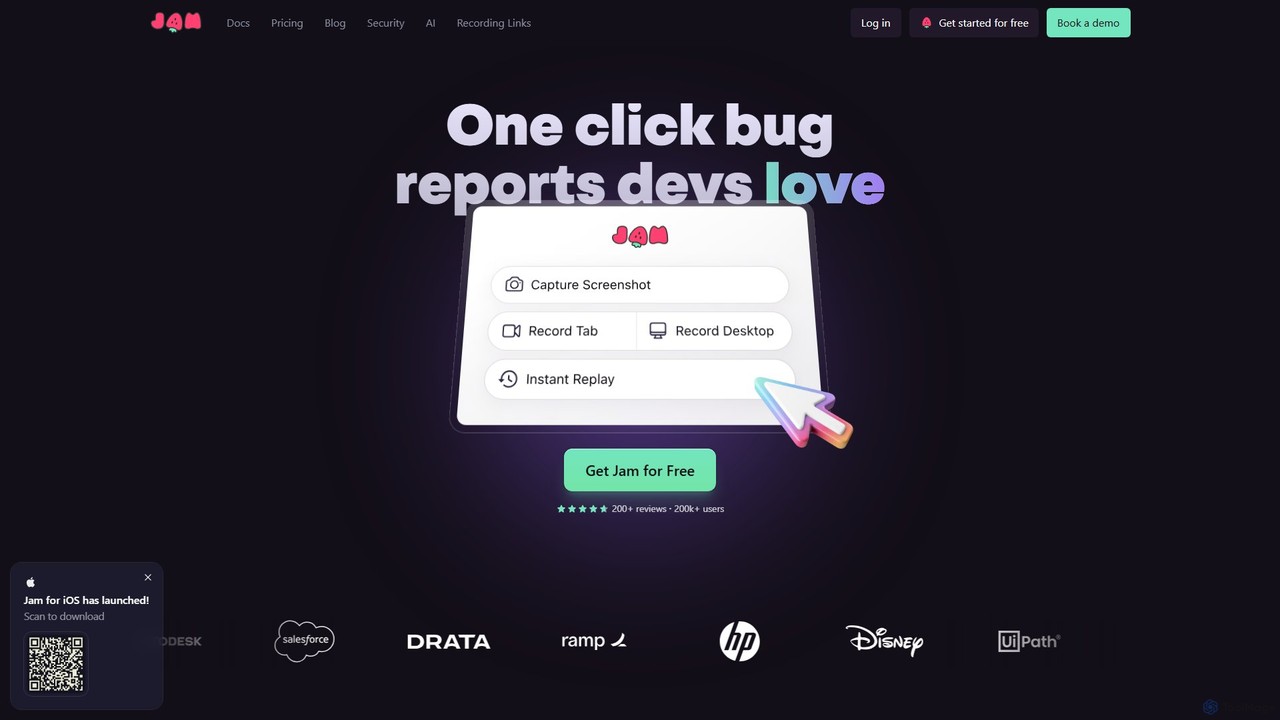
Jam is an AI-powered bug reporting tool that helps development teams fix bugs faster. It automatically captures all …
Jam is an AI-powered bug reporting tool that helps development teams fix bugs faster. It automatically captures all the technical data engineers need—console logs, network requests, browser info, and repro steps—in a single link. With features like instant replay, AI-powered debugging, and seamless integrations, Jam streamlines the entire bug reporting and resolution process for developers, QA, and product teams.
About Ai Code Assistant
AI Code Assistants are AI-powered tools designed to help developers write, debug, and optimize code more efficiently. These tools integrate directly into Integrated Development Environments (IDEs) and leverage large language models (LLMs) trained on vast code repositories to provide real-time suggestions. They accelerate the development lifecycle by automating repetitive tasks, generating complex code blocks from natural language prompts, and identifying potential errors before compilation. This allows developers to focus on high-level logic and problem-solving, significantly improving productivity and code quality.
Core Features
- Intelligent Code Completion: Suggests single lines or entire functions based on the current context, going far beyond traditional autocompletion.
- Code Generation from Prompts: Creates code snippets, functions, or even entire classes from a developer's description in natural language.
- Debugging and Error Detection: Identifies bugs, suggests fixes, and explains complex errors in plain English.
- Code Refactoring and Optimization: Recommends improvements to existing code for better performance, readability, and maintainability.
- Automated Test Generation: Generates unit tests for functions and methods, helping to improve code coverage and reliability.
Use Cases
AI Code Assistants are widely used across the software development industry. They are invaluable for web developers building front-end and back-end applications, data scientists writing complex algorithms and data processing scripts, and game developers creating intricate game logic. Teams use them to maintain consistent coding standards and accelerate pair programming, while individual developers leverage them to learn new languages or frameworks more quickly.
How to Choose
When selecting an AI Code Assistant, consider its integration support for your preferred IDEs and programming languages. Evaluate the accuracy and relevance of its suggestions. For enterprise use, prioritize tools with strong data privacy and security policies, especially regarding how your proprietary code is handled. Finally, compare pricing models and performance to find a solution that fits your workflow and budget.
Ai Code AssistantUse Cases
Accelerating API Endpoint Development
A back-end developer is tasked with creating a new set of RESTful API endpoints for a user management module. Instead of writing all the boilerplate code manually, they use an AI Code Assistant. By typing a prompt like 'create a POST endpoint to register a new user with email and password validation', the assistant generates the complete function, including request handling, data validation, database interaction, and response formatting. This reduces development time for a single endpoint from an hour to minutes, allowing the developer to focus on implementing the core business logic and ensuring security.
Automating Unit Test Creation
A software developer needs to increase the test coverage for a critical financial calculation module. Writing comprehensive unit tests manually is time-consuming and prone to missing edge cases. Using an AI Code Assistant, the developer highlights a function and prompts the tool to 'generate unit tests for this function, including edge cases for zero, negative numbers, and large values'. The assistant produces a complete test suite covering various scenarios, which the developer can then review and refine. This process automates over 80% of the test writing effort, ensuring higher code quality and reliability.
Refactoring Legacy Code for Maintainability
A maintenance team inherits a legacy application with large, complex functions that are difficult to understand and modify. A senior developer uses an AI Code Assistant to refactor this technical debt. They select a 200-line monolithic function and ask the assistant to 'refactor this function into smaller, single-responsibility functions'. The tool analyzes the code and suggests breaking it down into several smaller, well-named functions. It also identifies and suggests removing redundant code. This significantly improves code readability and maintainability, making future updates safer and faster.
Learning a New Programming Language
A data scientist proficient in Python needs to work on a project written in R. To quickly get up to speed, they use an AI Code Assistant within their IDE. When they need to perform a familiar task, like loading a CSV file into a data frame, they write a comment 'load data.csv into a dataframe in R'. The assistant instantly provides the correct R syntax. It also helps explain unfamiliar R functions and idioms, acting as an interactive tutor. This approach drastically reduces the learning curve, making the data scientist productive in the new language within days instead of weeks.
Generating Code Documentation
A development team is working to improve their codebase's documentation to ease onboarding for new members. Manually writing docstrings for hundreds of functions is a tedious task. A developer uses an AI Code Assistant with a documentation generation feature. They can select a function, a class, or an entire file and command the assistant to 'generate docstrings'. The tool analyzes the code, including parameters and return values, and generates well-formatted, descriptive documentation for each element. This ensures the codebase is consistently documented with minimal manual effort, saving the team dozens of hours.
Explaining and Debugging Complex Code
A junior developer is assigned a bug in a complex data processing pipeline they didn't write. They encounter a block of code with intricate logic and regular expressions. Instead of spending hours deciphering it, they highlight the code and ask the AI Code Assistant, 'Explain what this code does'. The assistant provides a step-by-step breakdown in plain language. When the developer finds the bug, they can ask the assistant, 'Suggest a fix for this off-by-one error', and it provides a corrected version of the code. This collaborative debugging process turns a day-long task into a one-hour fix.