ToolMage
Sign in

Best 5 Model Integration AI tools for Ai Infrastructure

Popular Model Integration AI tools in Ai Infrastructure include Grafbase, shipflutter, EasyFunctionCall, AI SDK, and TUGADOT, helping you work more efficiently.

AI SDK
Free

AI SDK

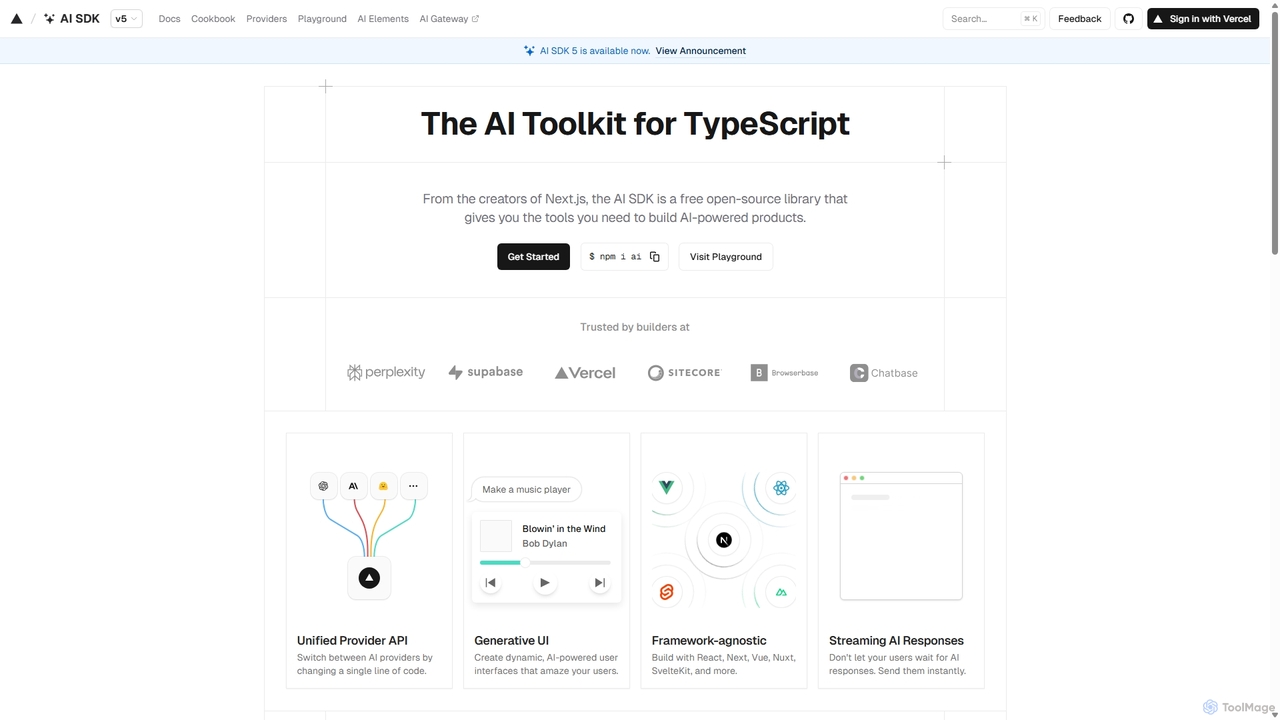
AI SDK by Vercel is a free, open-source TypeScript toolkit designed to help developers build AI-powered applications. It provides a unified API to seamlessly integrate with various large language models like OpenAI, Anthropic, and Google Gemini. The SDK is framework-agnostic, supporting React, Next.js, Vue, Svelte, and more, enabling the creation of features like streaming responses and generative UIs with minimal effort.

Model Integration
Visits 4.2KFavorites 113Likes 119
EasyFunctionCall
Freemium

EasyFunctionCall

A developer-centric platform designed to simplify the integration of function calling and API connections for Large Language Models (LLMs). It abstracts the complexity of building AI agents and applications that can interact with external tools and data sources, enabling faster development and more robust performance. Supports major LLMs like GPT, Gemini, and Claude.

Model Integration
Visits 4.9KFavorites 108Likes 110
TUGADOT
Paid

TUGADOT

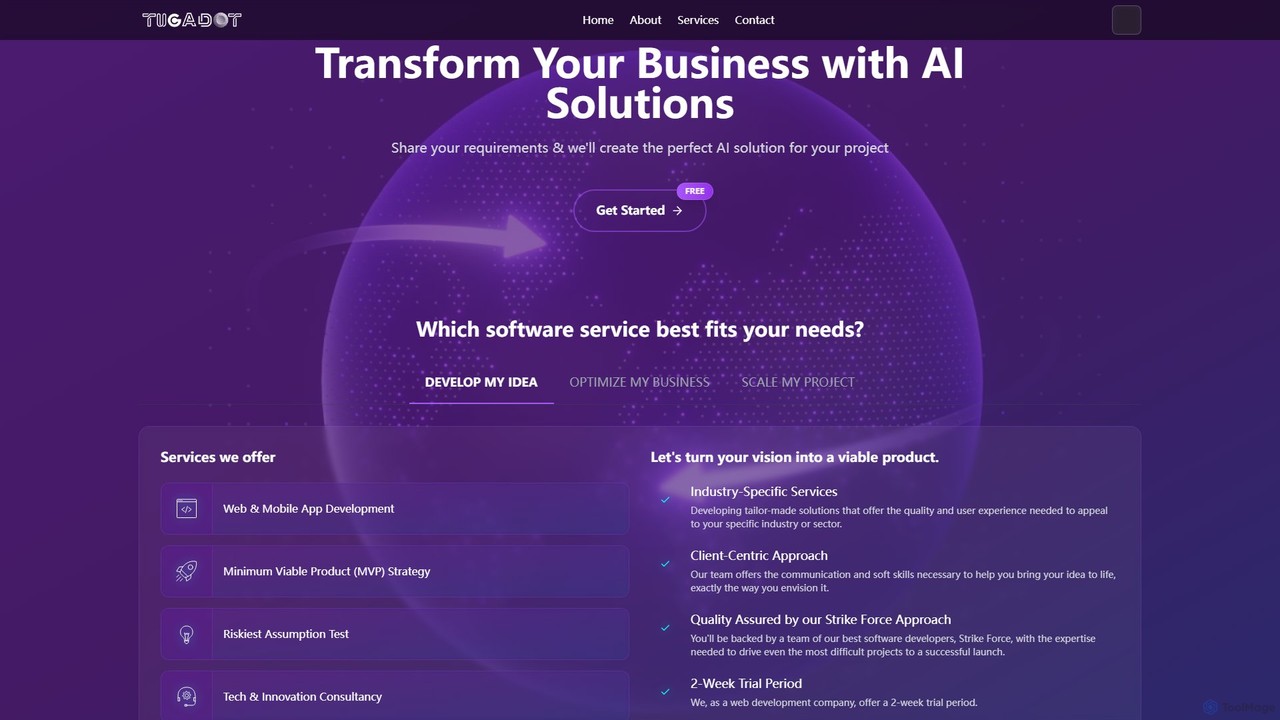
TUGADOT is a custom software development and AI integration agency. They partner with businesses to transform ideas into powerful, tailor-made technological solutions, including web/mobile apps, MVP development, and advanced AI systems.

Model Integration
Visits 4.2KFavorites 97Likes 104
Grafbase
Freemium

Grafbase

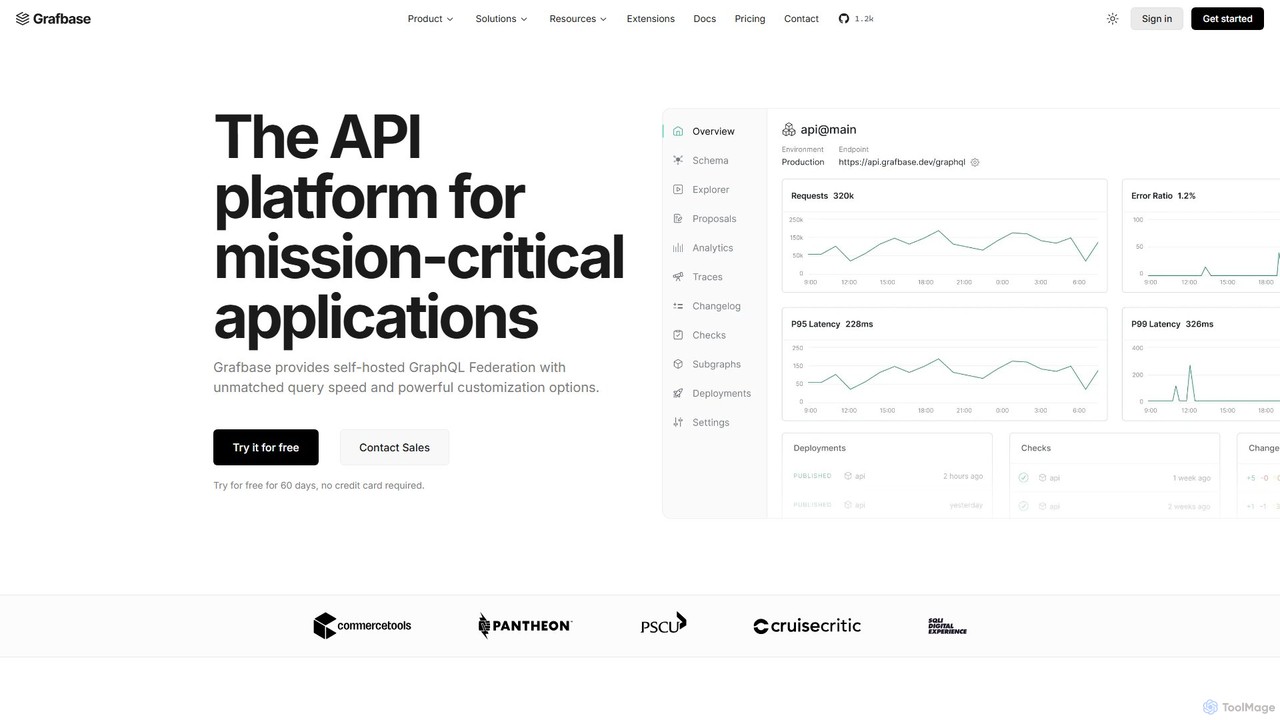
Grafbase is an enterprise-grade API platform for scaling GraphQL Federation. It provides a high-performance, self-hosted gateway built with Rust, offering unmatched speed and security. A key feature is its native support for the Model Context Protocol (MCP), enabling AI agents to query your APIs using natural language, making it a future-proof solution for building AI-powered applications.

Model Integration
Visits 7.8KFavorites 108Likes 106
shipflutter
Paid

shipflutter

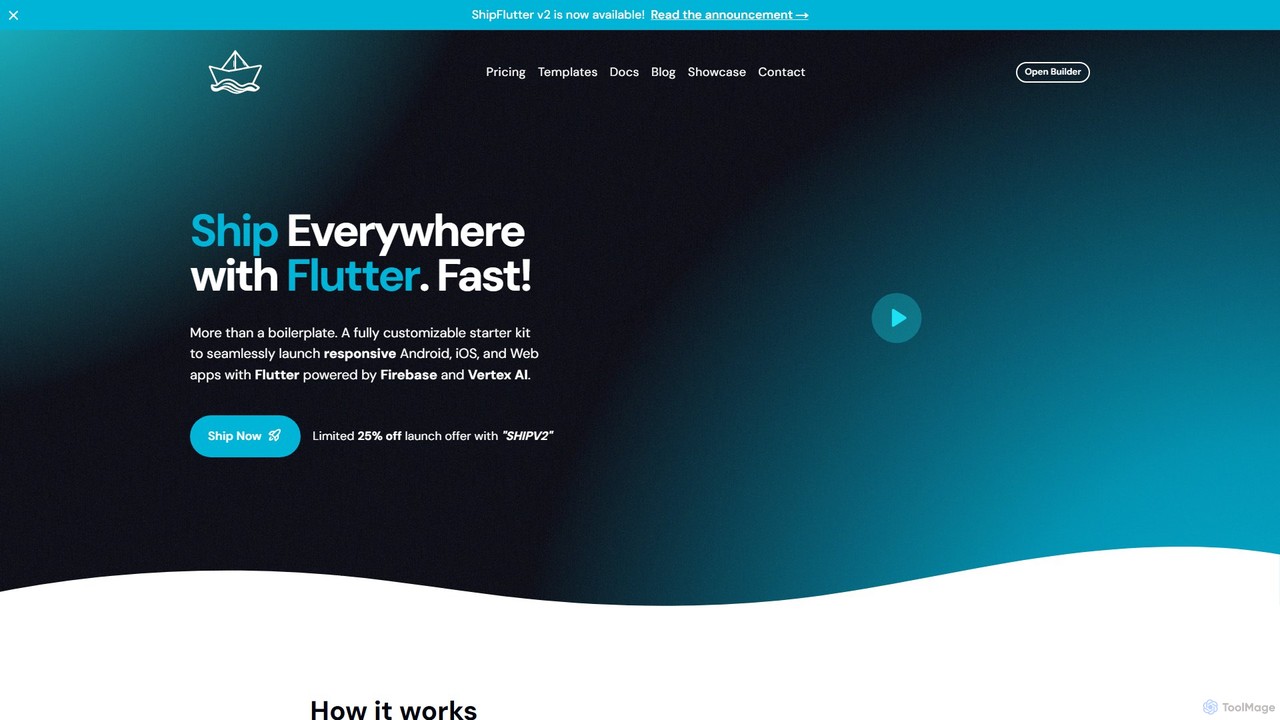
ShipFlutter is an AI-powered starter kit for developers to rapidly build and launch cross-platform applications. Using Flutter, Firebase, and Google's Vertex AI, it provides a fully customizable boilerplate with pre-built modules for authentication, payments, notifications, and more. The AI builder helps generate and configure project code, significantly reducing development time from months to days. It's designed for creating responsive Android, iOS, and web apps with production-ready features out of the box.

Model Integration
Visits 7.2KFavorites 129Likes 120

About Model Integration

Model Integration tools are platforms that provide a unified API to access and manage various AI models from different providers. These tools act as a middleware layer, abstracting the complexities of individual model APIs like those from OpenAI, Anthropic, or open-source alternatives. Their primary value is simplifying the development of AI-powered applications, enabling seamless model switching, optimizing costs, and enhancing application reliability. By using a single interface, developers can avoid vendor lock-in and focus on building features rather than managing multiple integrations.

Core Features

  • Unified API: Access a wide range of LLMs and other AI models from multiple providers through a single, consistent API endpoint.
  • Smart Routing & Fallbacks: Automatically direct requests to the most suitable model based on cost, latency, or performance, with built-in failover to a backup model.
  • Observability & Cost Management: Monitor usage, track expenses, analyze performance metrics, and set budgets across all integrated models in a centralized dashboard.
  • Standardized I/O: Normalize the inputs and outputs across different models, ensuring consistent data structures for your application logic.
  • Caching: Store and reuse responses for frequent requests to reduce latency and lower API costs.

Use Cases

These tools are essential for developers and product teams building applications that rely on one or more AI models. They are particularly valuable in production environments where performance, cost, and reliability are critical. Common scenarios include building multi-provider chatbots, A/B testing different models for specific tasks like summarization or content generation, and creating resilient systems that can withstand single-provider outages.

How to Choose

When selecting a Model Integration tool, consider the breadth of supported models and providers. Evaluate the sophistication of its routing and fallback logic. Assess the quality of its analytics and cost-tracking features. Finally, examine the developer experience, including the quality of documentation, available SDKs, and the simplicity of the integration process.

Featured tool rankings

Model Integration use cases

1

Building a Provider-Agnostic AI Chatbot

A startup developer is tasked with creating a customer service chatbot that must remain online 24/7 and be cost-effective. Instead of integrating directly with a single provider like OpenAI and risking vendor lock-in or downtime, they use a model integration tool. This allows them to set up a primary model (e.g., GPT-4) and a cheaper, secondary model (e.g., a fine-tuned open-source model) as a fallback. If the primary API experiences an outage or high latency, the tool automatically reroutes traffic to the secondary model, ensuring uninterrupted service and optimizing costs during non-peak hours.

2

A/B Testing Models for a Summarization Feature

A product manager at an EdTech company wants to introduce a new text summarization feature. They are unsure whether to use a premium, high-performance model or a more budget-friendly one. Using a model integration platform, they configure a test to route 50% of user requests to Model A (premium) and 50% to Model B (budget). The platform's observability dashboard allows them to compare key metrics side-by-side, including average latency, cost per summary, and error rates. This data-driven approach helps them make an informed decision on which model provides the best balance of quality and cost for their users.

3

Centralizing AI Model Access and Cost Control

An enterprise has multiple development teams using various AI models for different projects, leading to decentralized API key management and unpredictable costs. The Head of AI Infrastructure implements a model integration platform as a central gateway. All developer requests are now routed through this platform. This provides a unified view of company-wide AI usage, allows for setting global spending limits and alerts, and simplifies security by managing all API keys in one secure location. It standardizes how teams access AI, reducing redundant engineering effort and providing clear cost attribution for each project.

4

Optimizing Latency with Smart Model Routing

A financial news service uses an AI model to generate real-time market summaries. Low latency is critical for their users. They use a model integration tool with smart routing capabilities. The tool continuously pings multiple model endpoints (e.g., different providers or the same provider in different geographic regions) to check for the lowest latency. When a user requests a summary, the request is automatically sent to the fastest available model at that exact moment. This dynamic routing ensures the application always delivers information as quickly as possible, improving user experience without requiring complex, custom-built network logic.

5

Simplifying Development with Standardized I/O

A software team is building a tool that allows users to generate content using their choice of AI model. Each model provider (OpenAI, Anthropic, Google) has a slightly different API request and response format. Instead of writing and maintaining separate code paths for each model, the team uses a model integration tool. The tool provides a standardized format for both sending requests (e.g., a universal `messages` array) and receiving responses. This abstraction layer significantly reduces code complexity and maintenance overhead, allowing the developers to add support for new models in minutes rather than days.

6

Reducing API Costs with Response Caching

A popular Q&A website uses an LLM to answer common user questions. They notice that many questions are repetitive, resulting in redundant and costly API calls to the LLM provider. To solve this, they integrate a model integration platform that offers a caching layer. They configure it to cache responses for identical questions for a period of 24 hours. When a user asks a question that has been answered recently, the platform serves the cached response instantly instead of calling the LLM. This strategy dramatically reduces their monthly API bill and significantly improves response times for frequently asked questions.

Model Integration FAQ

What are Model Integration tools?

Model Integration tools are platforms that act as a universal adapter for various AI models. They provide a single, unified API that allows developers to connect their applications to multiple AI models (like GPT-4, Claude 3, Llama, etc.) from different providers without writing custom code for each one. Their core purpose is to simplify development, prevent vendor lock-in, and add powerful features like smart routing, fallbacks, and cost management on top of the base model APIs.

How do I choose the right Model Integration tool?

Choosing the right tool depends on your specific needs. Consider these factors:

  • Model Support: Does it support the specific models and providers (e.g., OpenAI, Anthropic, open-source models) you plan to use?
  • Feature Set: Evaluate its routing, fallback, caching, and logging capabilities. Do they match your application's requirements for reliability and performance?
  • Observability: How good are its dashboards for monitoring costs, latency, and usage? Can you easily track performance and debug issues?
  • Developer Experience: Check the quality of its documentation, the availability of SDKs in your preferred programming language, and how easy it is to get started.
What's the difference between using a Model Integration tool and calling a model's API directly?

Calling a model's API directly (e.g., the OpenAI API) ties your application to a single provider. You are responsible for handling API key security, rate limits, and writing custom logic for any fallbacks or model switching. A Model Integration tool acts as an abstraction layer. It provides a single point of entry to many models, handles key management securely, and offers built-in features like automatic failover, load balancing, and unified cost tracking, saving significant development time and increasing resilience.

What are the main benefits of using a Model Integration platform?

The primary benefits are increased flexibility, reduced complexity, and better control. Key advantages include:

  • Provider Flexibility: Easily switch between models or use multiple models simultaneously without major code changes, avoiding vendor lock-in.
  • Faster Development: A unified API and standardized data formats mean less boilerplate code and quicker integration of new models.
  • Cost Optimization: Centralized tracking and smart routing allow you to direct requests to the most cost-effective model for the task.
  • Improved Reliability: Automatic fallbacks and retries ensure your application remains functional even if a primary model provider has an outage.
Are Model Integration tools only for large enterprises?

No, they are valuable for developers and organizations of all sizes. For individual developers and startups, they significantly accelerate development and make it easy to experiment with different models without committing to a single provider. For large enterprises, they provide crucial governance, security, and cost control over AI usage across multiple teams and projects. The unified API and abstraction layer benefit anyone building applications on top of AI models, regardless of scale.