


EasyFunctionCall Overview
EasyFunctionCall is a powerful toolkit and platform designed for developers to streamline the integration of external functions and APIs into applications powered by Large Language Models (LLMs). The core challenge in creating sophisticated AI agents is enabling them to interact with the real world—fetching live data, executing actions, or querying databases. EasyFunctionCall abstracts away the complex boilerplate code and schema definitions required for LLM function calling, providing a simple, intuitive, and robust interface.
By significantly reducing development time and complexity, EasyFunctionCall empowers developers to build more capable AI-driven products, from intelligent chatbots that can access real-time information to autonomous agents that can execute multi-step workflows across various software systems. It acts as a crucial middleware layer, managing the entire lifecycle of a function call: from the LLM's intent detection to API execution and feeding the result back for a synthesized response.
How to use EasyFunctionCall
Integrating EasyFunctionCall into a project is designed to be a straightforward process for developers:
- Installation & Setup: Begin by installing the EasyFunctionCall library or SDK into your development environment (e.g., via `pip` for Python). Configure the client with your LLM API key (e.g., OpenAI, Anthropic) and any necessary credentials for the external tools you wish to connect.
- Define Your Functions: Define the tools or functions you want the LLM to use. Instead of writing verbose JSON schemas, you can often use simple decorators in your code (e.g., `@tool` in Python) to describe the function, its parameters, and what it does. The platform automatically handles the schema generation.
- Initialize the Client: Instantiate the EasyFunctionCall client in your application, passing your configured LLM and the list of defined functions. This client will now manage all interactions.
- Execute Prompts: Send user prompts or queries to the EasyFunctionCall client. The client forwards the prompt and function definitions to the LLM. If the LLM decides a function needs to be called to answer the query, EasyFunctionCall intercepts this, securely executes the correct function with the right arguments, and returns the output to the LLM.
- Receive the Final Response: The LLM uses the function's output to generate a final, context-aware answer, which is then returned to your application and end-user.
Core Features of EasyFunctionCall
- Simplified Function Definition: Abstract away complex JSON schemas with simple, code-native methods like decorators or YAML configurations.
- Multi-LLM Support: Enjoy the flexibility of using various leading LLMs, including OpenAI's GPT series, Google's Gemini, and Anthropic's Claude, without rewriting your function logic.
- Automatic Execution and Parsing: The platform automatically handles the detection of function call intents, execution of the corresponding API or code, and parsing of the results to be fed back to the model.
- Robust Error Handling: Built-in mechanisms for handling API timeouts, invalid parameters, and other common errors, with configurable retry logic to enhance application reliability.
- Centralized Tool Management: A dashboard to manage, version, and monitor all your available functions and tools, providing clear visibility into their usage and performance.
- Enhanced Security: Securely manage and inject API keys and secrets for your external tools, preventing them from being exposed in your main application logic or to the LLM.
Use Cases for EasyFunctionCall
EasyFunctionCall is versatile and can be applied to a wide range of scenarios:
- Intelligent Customer Support Chatbots: Create bots that can check order statuses, retrieve user account information from a CRM, or search a knowledge base by calling internal APIs.
- Autonomous AI Agents: Build agents that can perform complex tasks like booking travel (interacting with flight and hotel APIs), managing calendars, or automating marketing campaigns.
- Natural Language Data Interfaces: Allow users to query databases or business intelligence platforms using plain English. EasyFunctionCall translates the request into a structured API call or SQL query.
- Workflow Automation: Connect LLMs to business software like Jira, Slack, or Salesforce to create tickets, send notifications, or update customer records based on natural language commands.
Advantages of EasyFunctionCall
Using EasyFunctionCall provides a significant competitive edge:
- Accelerated Development: Go from concept to a production-ready AI agent in a fraction of the time by eliminating boilerplate code.
- Reduced Complexity: Focus on your application's core logic and user experience instead of the low-level mechanics of function calling.
- Increased Reliability and Scalability: Leverage a battle-tested platform with built-in error handling, monitoring, and security to build robust applications.
- Future-Proof Your Application: Easily swap between different LLMs as new, more powerful models become available, without being locked into a single vendor's ecosystem.
Pricing and Plans
EasyFunctionCall typically offers a freemium pricing model to cater to different needs, from individual developers to large enterprises. While you should visit the official website for the most current details, the plans generally follow this structure:
- Free Tier: Ideal for hobbyists, students, and testing. Includes a limited number of API calls per month, access to core features, and community support.
- Pro Tier: Designed for startups and professional developers. Offers a much higher volume of API calls, access to advanced features like team collaboration, and standard email support.
- Enterprise Tier: A custom solution for large organizations with high-volume needs. Includes unlimited or custom API call limits, premium features like SSO and dedicated infrastructure, and a dedicated support channel with an SLA.
EasyFunctionCall Alternatives
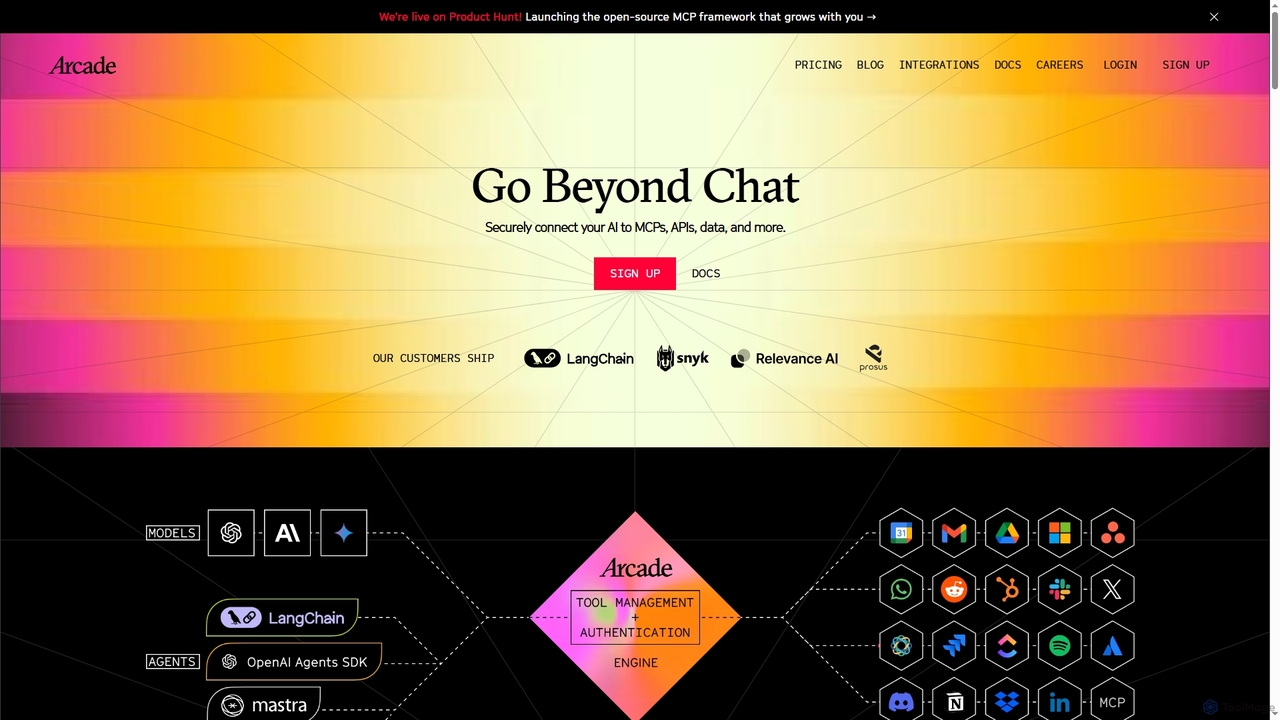
Arcade
Arcade is an AI tool-calling platform for developers, enabling AI agents to securely perform actions on behalf of users. It connects AI to services like Gmail, Slack, and APIs through pre-built connectors and a custom SDK, handling complex authentication (OAuth) automatically. This allows developers to build assistants that go beyond chat to execute real-world tasks.
Framework
Klavis
Klavis is a developer platform that provides open-source Model Context Protocol (MCP) integrations, enabling AI applications to securely and scalably connect with thousands of external tools and APIs like Salesforce, Gmail, and Slack. It simplifies authentication, enhances security, and accelerates the development of powerful AI agents.
Integration Platform
getconduit
getconduit is an AI integration and workflow automation platform that simplifies connecting to various large language models (LLMs) and AI services. It provides a unified API and a no-code builder to create, manage, and scale AI-powered applications and workflows, reducing development complexity and costs.
Integration Platform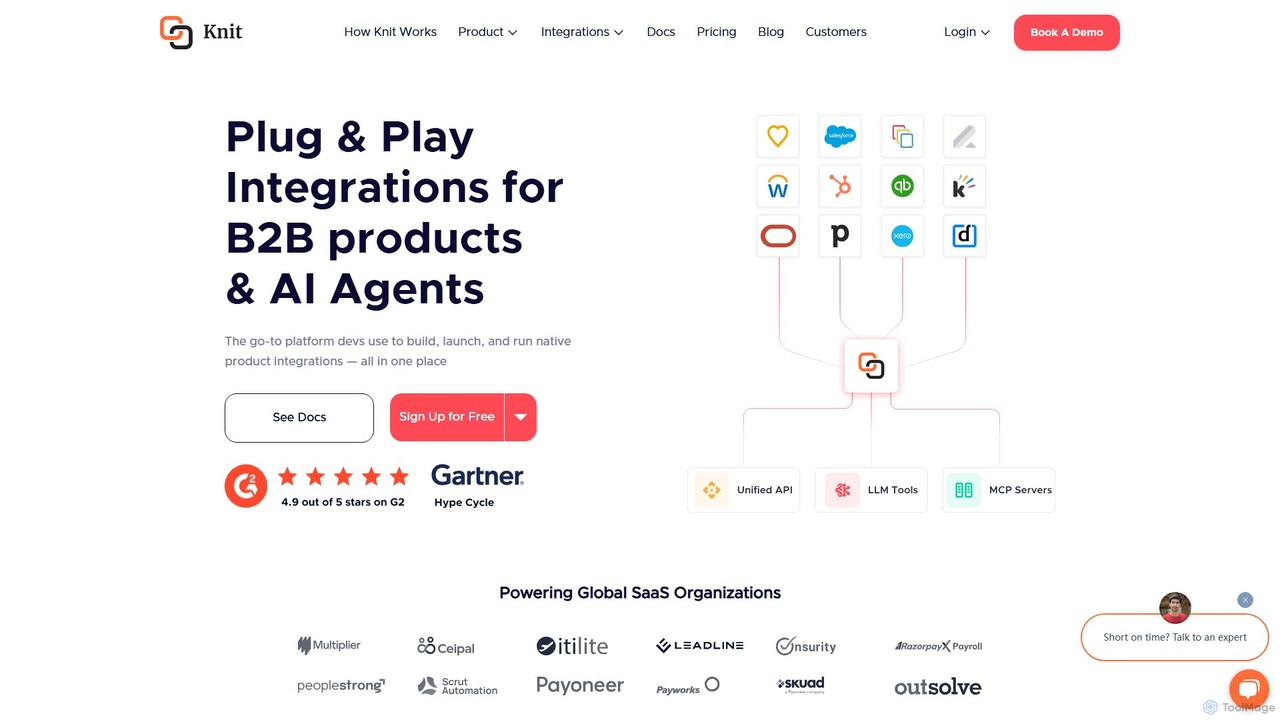
getknit
Knit is a unified API platform for developers, designed to build, launch, and manage native product integrations for B2B SaaS applications and AI agents. It simplifies connectivity to over 12 SaaS categories, enabling rapid development, reduced engineering overhead, and scalable integration solutions. Knit provides tools for bi-directional data syncs, empowering AI agents with action-taking capabilities, and automating complex workflows.
Agent Tooling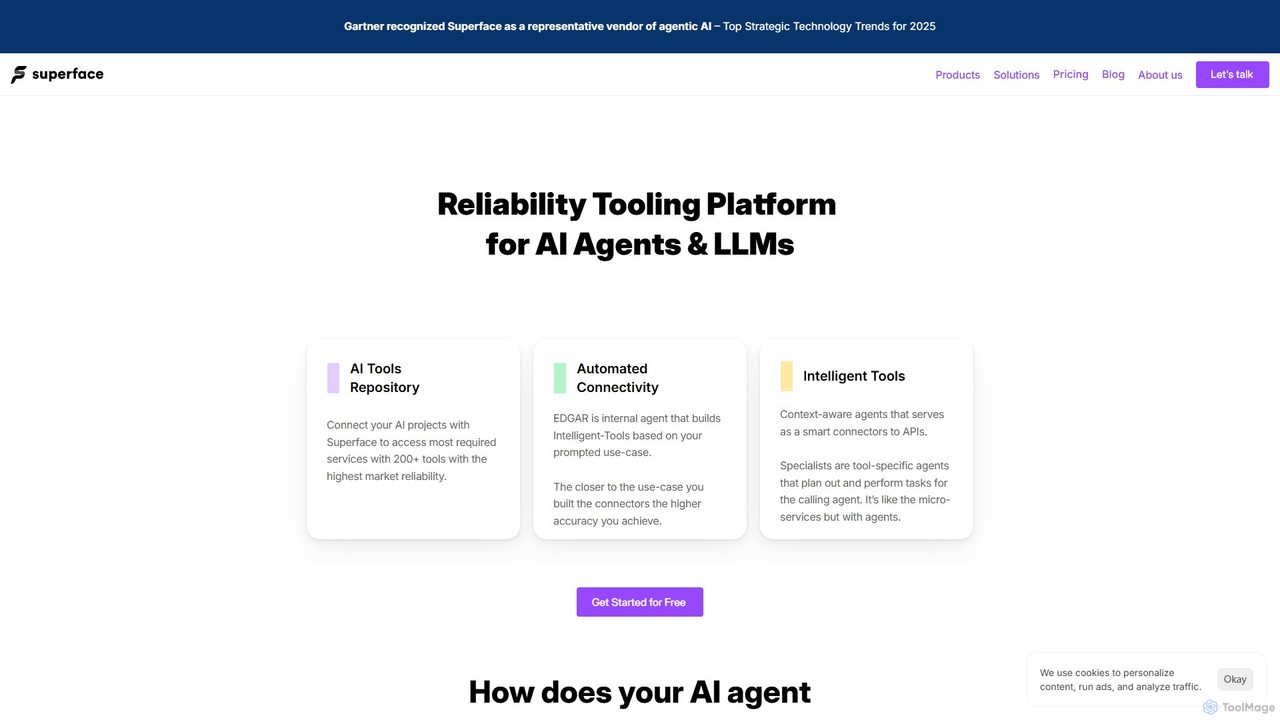
Superface
Superface is a tooling and reliability platform for AI agents, enabling them to connect to and interact with external APIs and enterprise systems with human-level accuracy. It provides a library of pre-built, reliable tools and automated builders to significantly improve task completion rates and reduce development time.
Api ManagementEasyFunctionCall Categories
EasyFunctionCall Embed Widget
Copy this embed code to place the badge on your blog, article, or product site and send readers directly to this ToolMage detail page.

Related AI tools
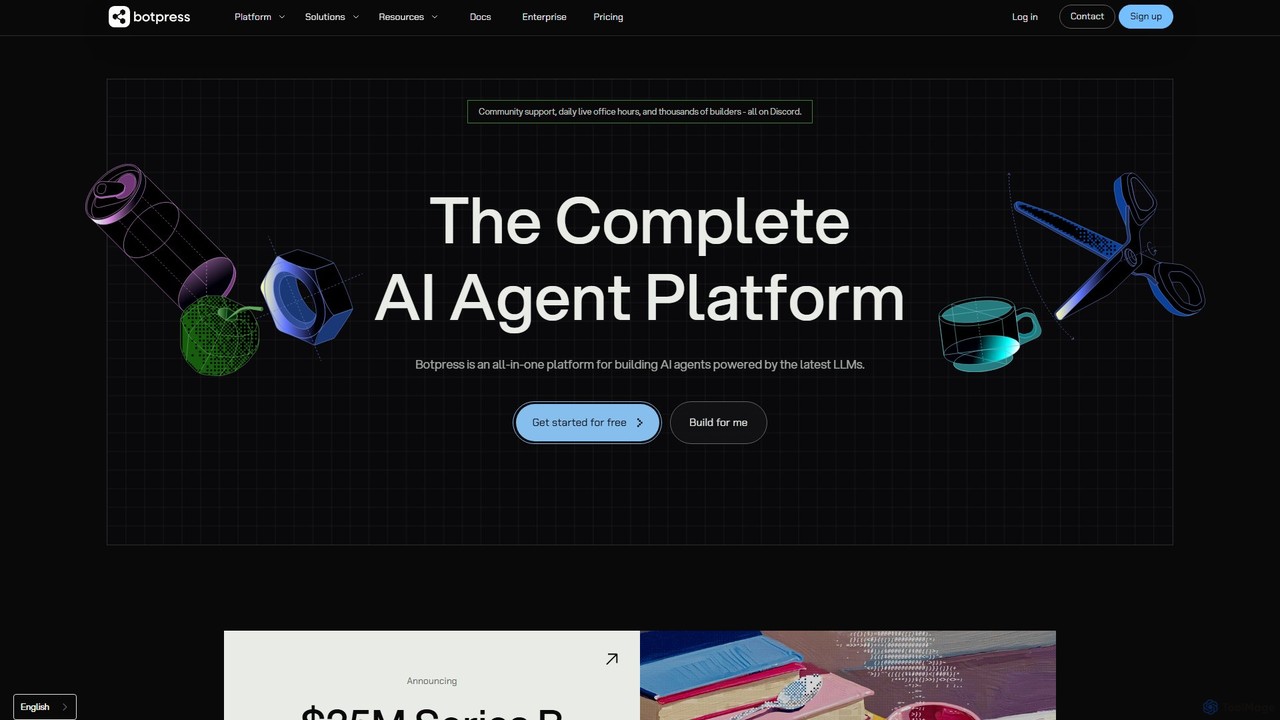
Botpress
Botpress is an all-in-one platform for building, deploying, and managing sophisticated AI agents and chatbots. Powered by the latest LLMs, it offers a visual studio, extensive integrations, and developer-friendly tools for creating conversational experiences across any channel.
AutomationArcade
Arcade is an AI tool-calling platform for developers, enabling AI agents to securely perform actions on behalf of users. It connects AI to services like Gmail, Slack, and APIs through pre-built connectors and a custom SDK, handling complex authentication (OAuth) automatically. This allows developers to build assistants that go beyond chat to execute real-world tasks.
Framework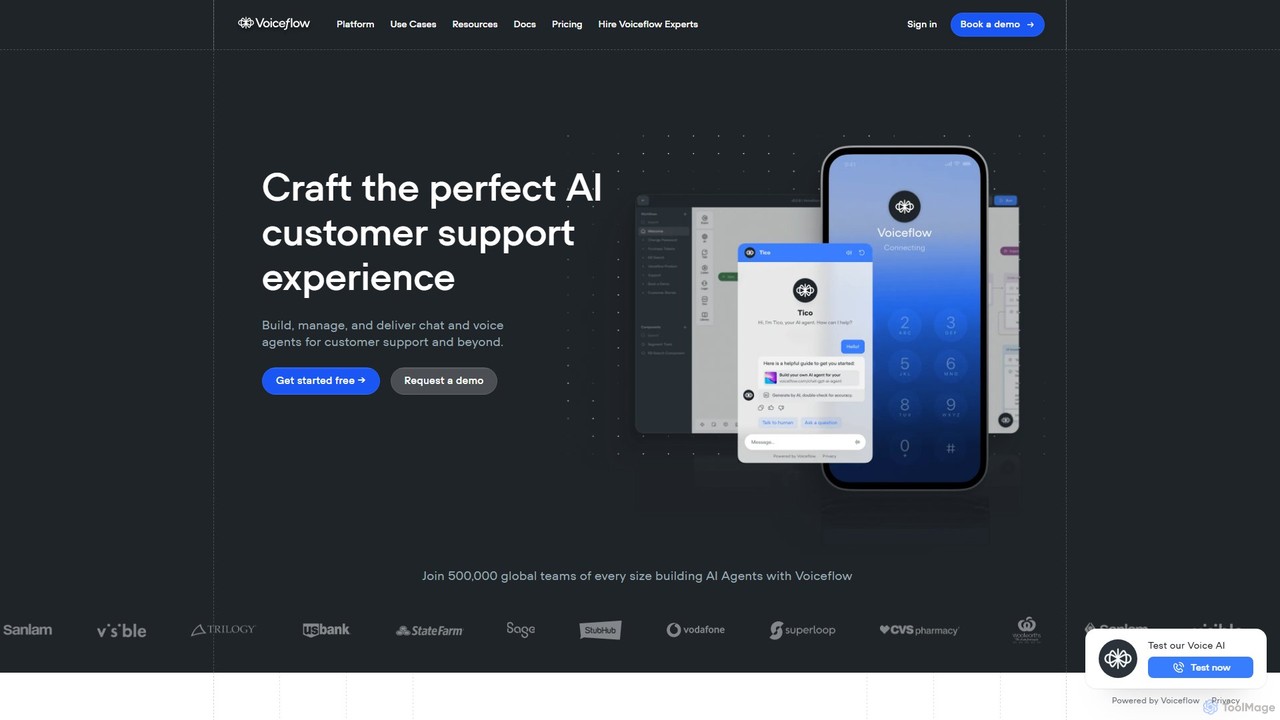
Voiceflow
Voiceflow is a collaborative platform for product teams to design, build, and deploy advanced AI agents. Create human-like voice and chat experiences for customer support and beyond, with full control, scalability, and integration capabilities, independent of any single LLM vendor.
Chatbot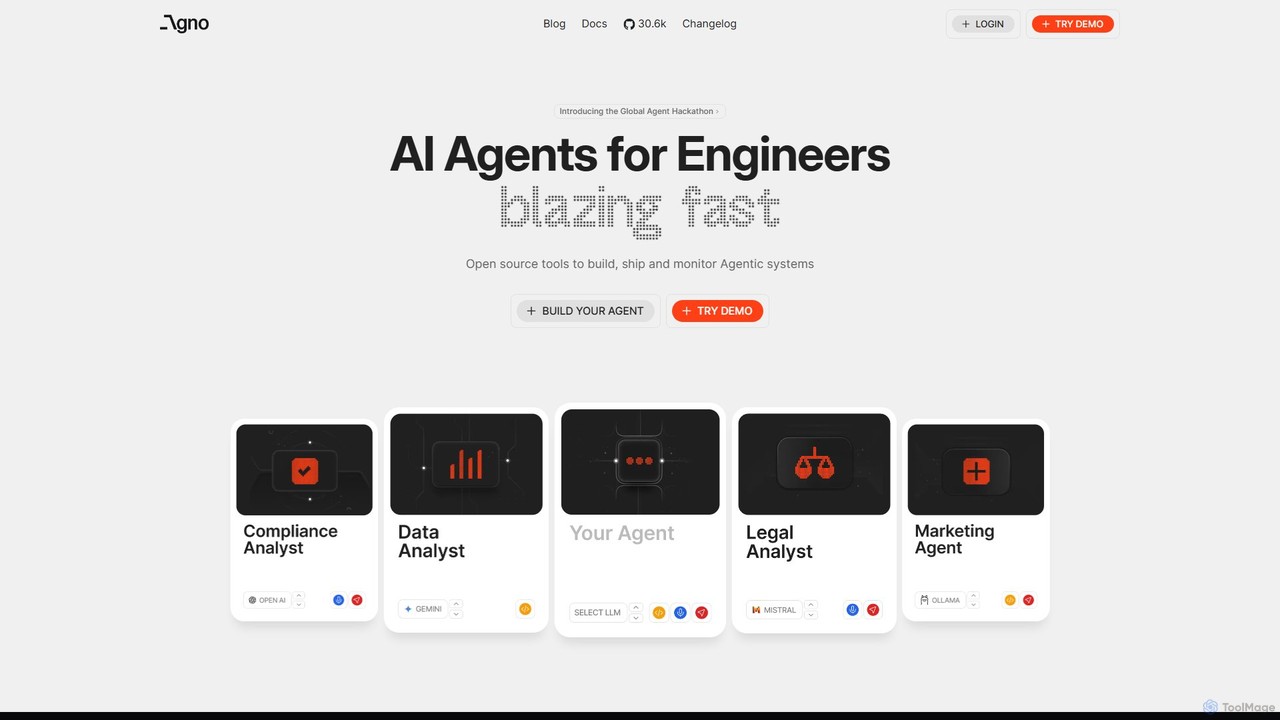
phidata
phidata is an open-source Python framework for building autonomous AI Assistants. It simplifies the integration of LLMs with memory, knowledge bases, and external tools, enabling developers to create powerful, stateful AI applications with ease.
Frameworks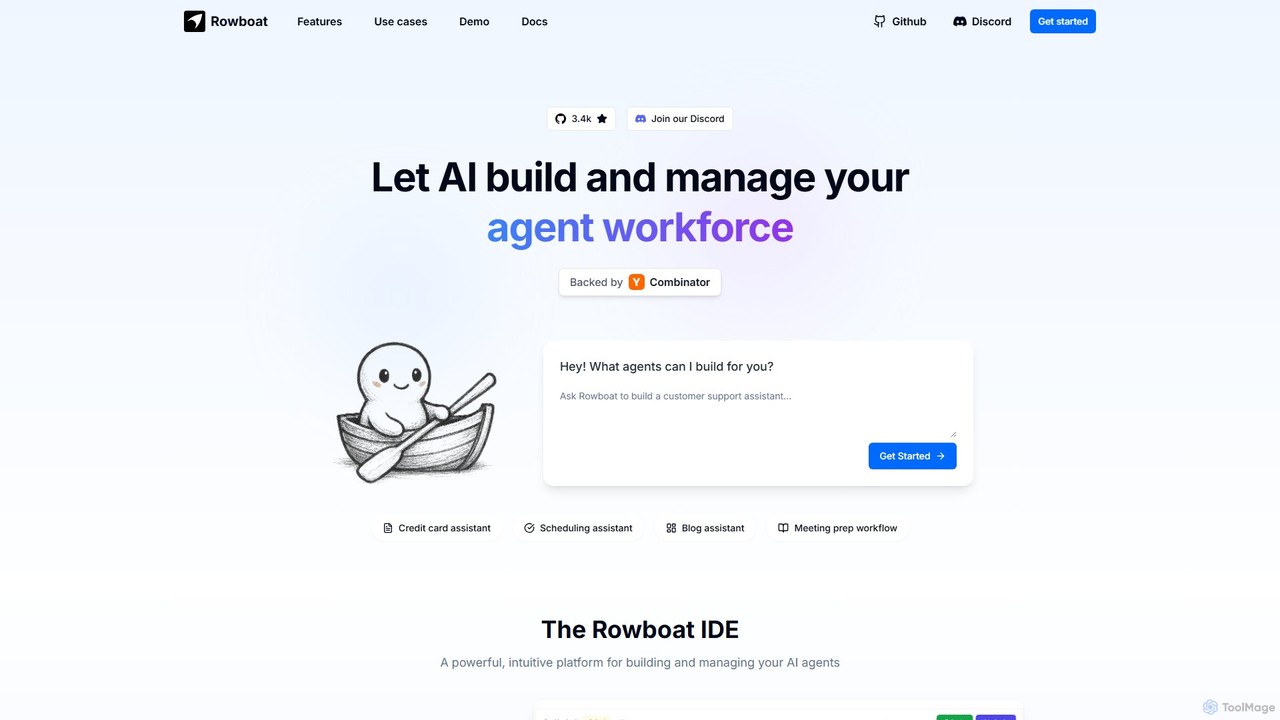
Rowboat
Rowboat is a powerful, AI-powered IDE for building, managing, and deploying complex multi-agent systems. Backed by Y Combinator, it allows users to describe workflows in plain English, and its AI copilot automatically generates the entire agent graph, including roles, prompts, and tool integrations. It's designed to simplify the creation of robust, real-world AI agents for productivity, e-commerce, support, and more, with features like open-source flexibility and support for over 100 LLMs.
Agent Builder
apidna
apidna utilizes autonomous AI agents to revolutionize API integrations. It simplifies and automates the entire process, from connecting endpoints to mapping requests and generating code, empowering developers to build and connect software systems faster and more efficiently without extensive manual coding.
Api
Toolbuilder
Toolbuilder is a no-code platform that empowers users to create and deploy custom AI applications, chatbots, and automated workflows without writing a single line of code. Connect to top AI models, integrate your own data, and build specialized tools for your business needs in minutes.
Workflow Management
langsaas
A no-code platform for building, deploying, and managing custom AI applications powered by Large Language Models (LLMs). Effortlessly create chatbots, content generators, and automation workflows with a visual interface, multi-LLM support, and knowledge base integration.
Chatbots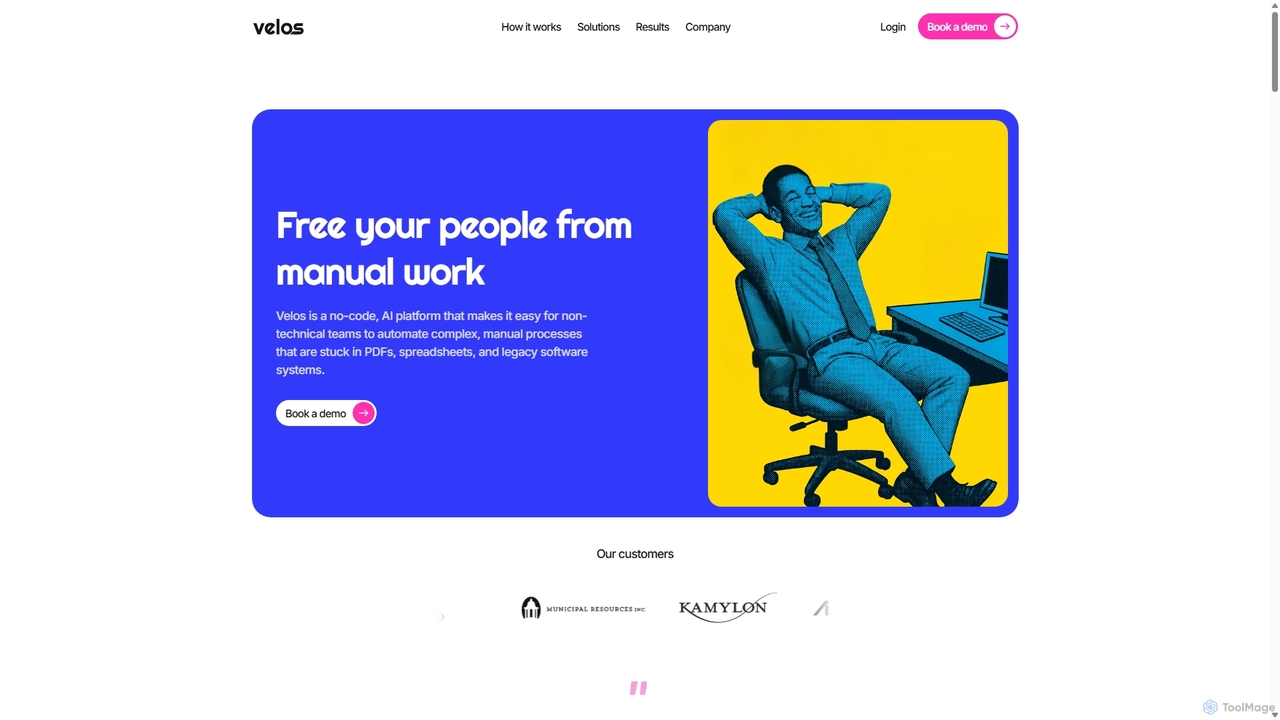
Gradientj
Gradientj is a powerful platform for developers and businesses to build, test, and deploy autonomous AI agents. It provides a comprehensive suite of tools, including a reasoning engine, pre-built components, and seamless integrations, to transform complex workflows into intelligent, automated processes from prompt to production.
IntelligenceKlavis
Klavis is a developer platform that provides open-source Model Context Protocol (MCP) integrations, enabling AI applications to securely and scalably connect with thousands of external tools and APIs like Salesforce, Gmail, and Slack. It simplifies authentication, enhances security, and accelerates the development of powerful AI agents.
Integration Platformgetconduit
getconduit is an AI integration and workflow automation platform that simplifies connecting to various large language models (LLMs) and AI services. It provides a unified API and a no-code builder to create, manage, and scale AI-powered applications and workflows, reducing development complexity and costs.
Integration Platform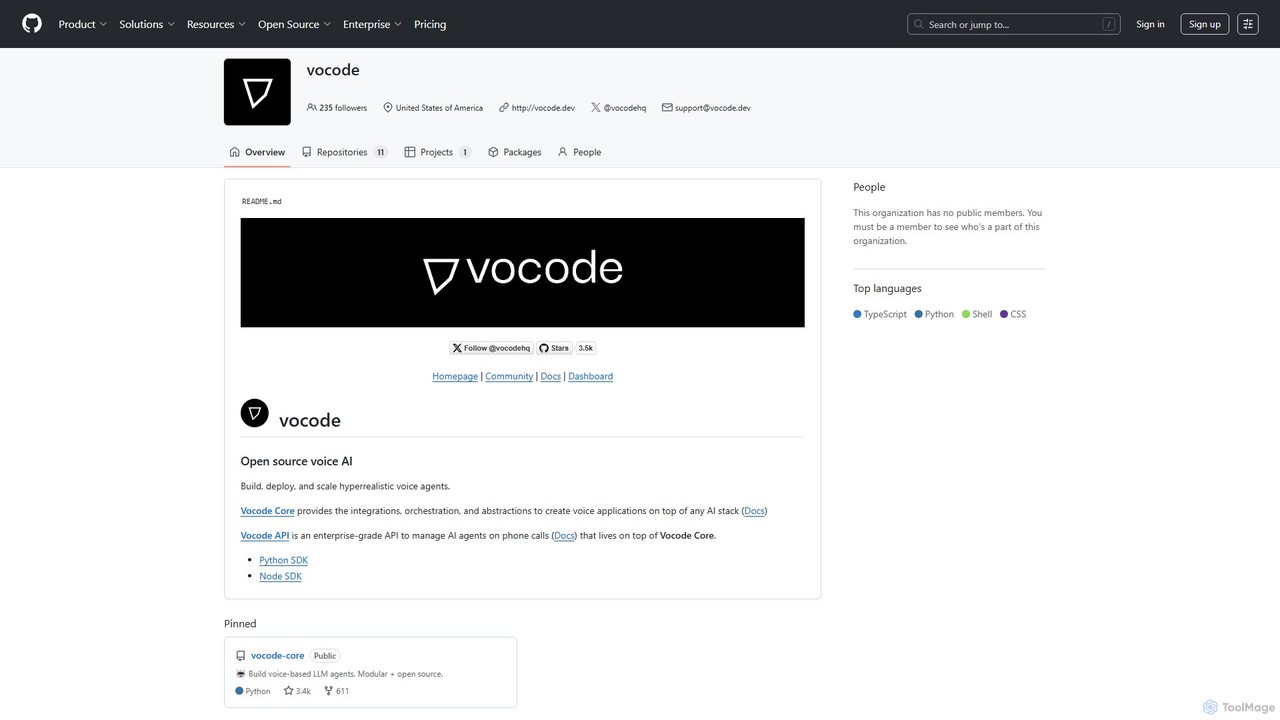
vocode
Vocode is an open-source platform for building, deploying, and scaling hyperrealistic voice AI agents. It provides developers with a core framework and an enterprise-grade API to create sophisticated voice-based LLM applications for tasks like automated customer service, sales calls, and interactive voice response (IVR) systems.
Voicebot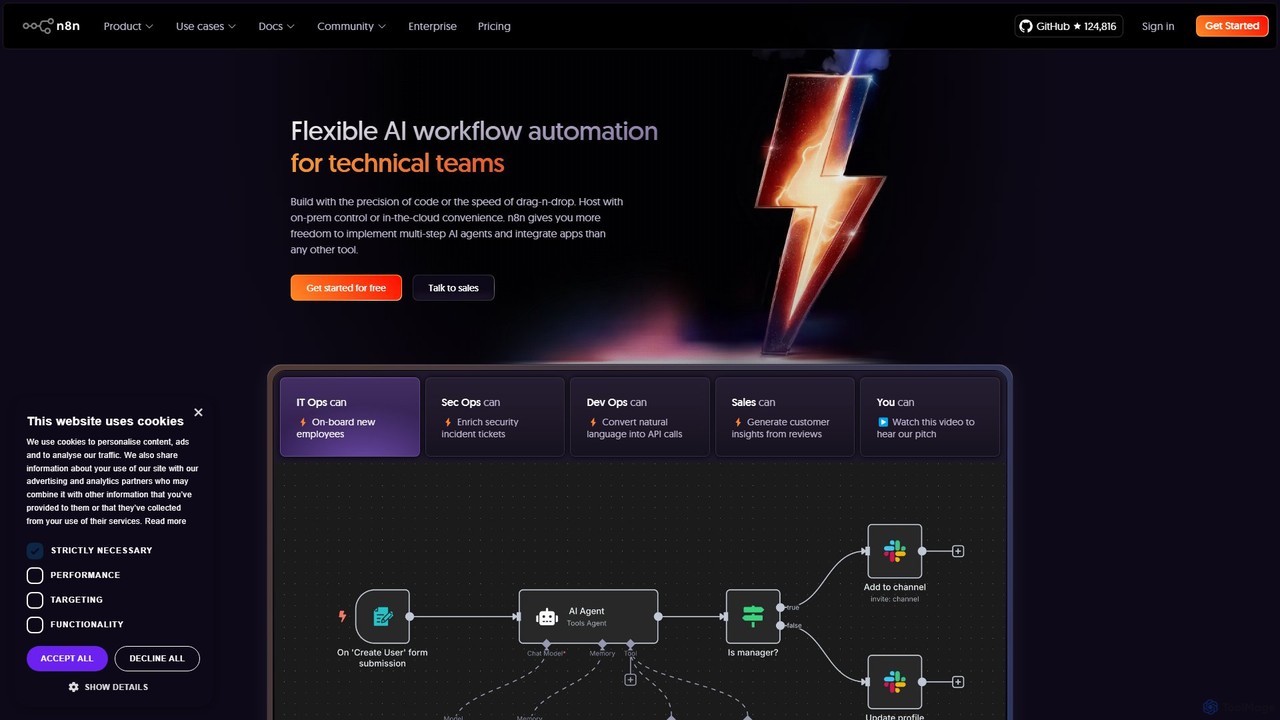
n8n
n8n is a source-available, node-based workflow automation platform designed for both technical and non-technical users. It enables you to connect hundreds of applications and services, including powerful AI models, to automate complex tasks and processes. With options for both cloud hosting and self-hosting, n8n offers unparalleled flexibility, control, and scalability for building everything from simple data syncs to sophisticated AI agents.
Crm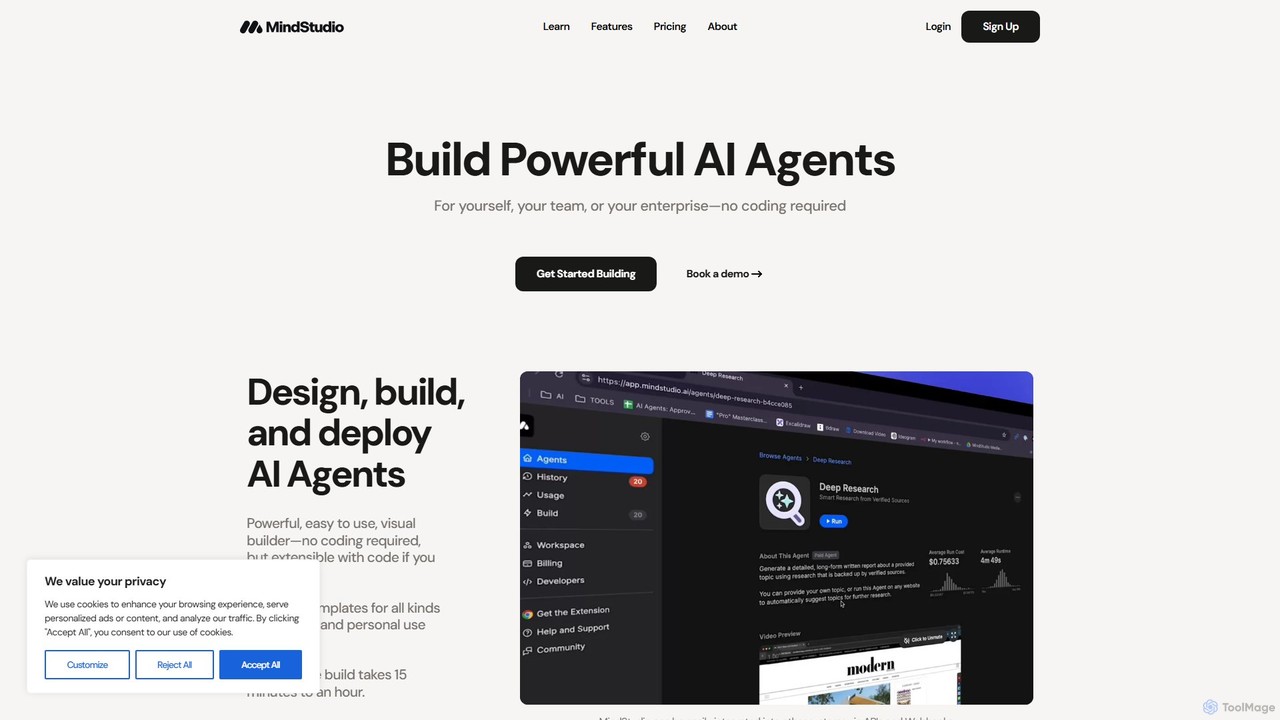
MindStudio
MindStudio is a powerful no-code platform for designing, building, and deploying custom AI agents. It enables users to create AI-powered web apps, automations, and extensions for personal, team, or enterprise use through an intuitive visual builder, without needing to write any code.
Workflow Management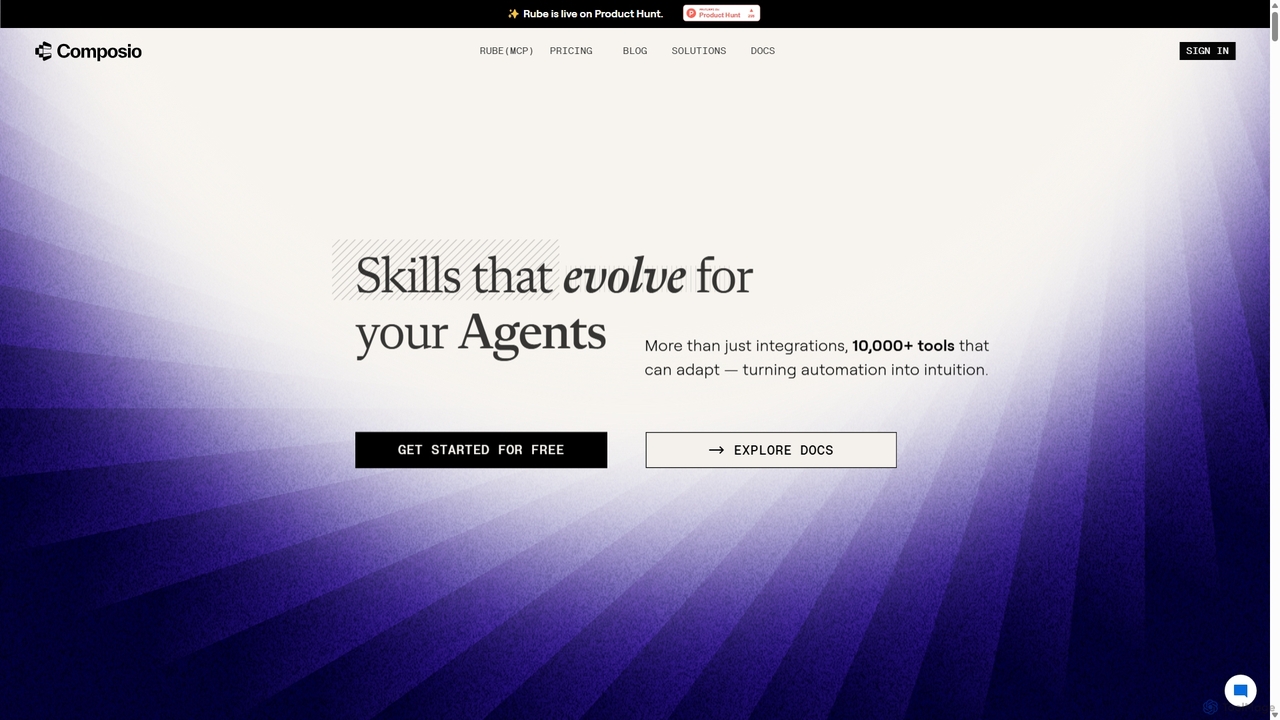
Composio
Composio is a developer platform that acts as a "skill layer" for AI agents. It enables developers to seamlessly connect their AI agents to over 10,000 tools and APIs, handling complex tasks like authentication, execution, and scaling. This allows developers to build powerful, action-oriented AI applications much faster by focusing on agent logic rather than integration plumbing.
Agent Tooling
EasyFunctionCall Comments (0)
Sign in to comment.
Sign inNo comments yet.