
phidata Overview
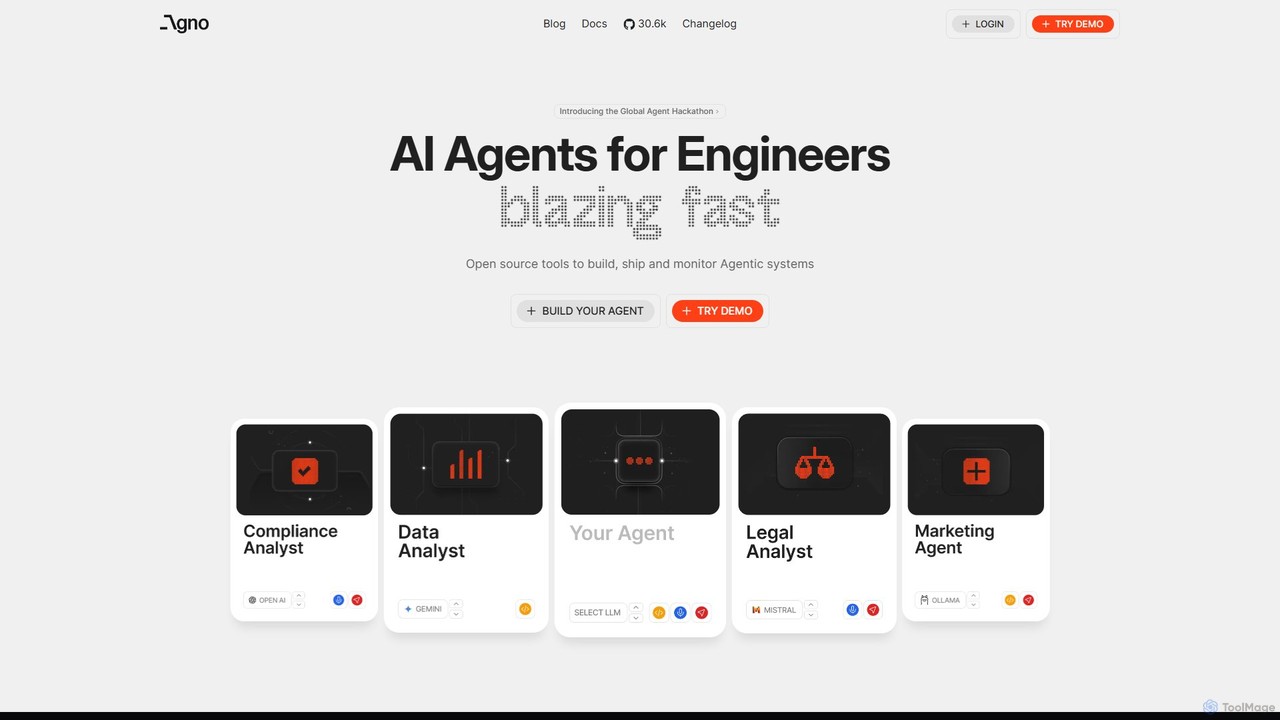
phidata is a powerful, open-source Python library designed to streamline the development of AI Assistants and agentic systems. It provides a structured, intuitive framework that empowers developers to build sophisticated applications by connecting Large Language Models (LLMs) with various resources like memory, knowledge sources, and external tools (APIs). By abstracting away the complexities of state management, data ingestion, and tool integration, phidata allows developers to focus on the logic and capabilities of their AI agents, significantly accelerating the development cycle from concept to production.
The framework is built with a model-agnostic philosophy, meaning you are not locked into a single LLM provider. It supports a wide range of models, including those from OpenAI, Anthropic, Google, Cohere, and open-source alternatives accessible via platforms like Ollama or TogetherAI. This flexibility ensures that your applications are future-proof and can leverage the best model for any given task. phidata is ideal for Python developers and AI engineers looking to build anything from simple Q&A bots to complex, multi-turn conversational agents that can perform actions in the real world.
How to use phidata
Using phidata involves a straightforward process within a Python environment. First, you need to install the library using pip: pip install phidata. Once installed, you can start building your assistant.
1. Define your Assistant: You begin by importing the `Assistant` class and creating an instance. In this step, you can configure the LLM you want to use, add a description or instructions for the AI, and enable features like memory.
2. Add Knowledge: To make your assistant knowledgeable, you can provide it with documents. phidata supports various data sources like PDFs, text files, websites, and more. It automatically handles the process of chunking the text, generating embeddings, and storing them in a vector database (like LanceDB or Pinecone) for efficient retrieval.
3. Add Tools (Function Calling): To give your assistant capabilities beyond conversation, you can define Python functions and add them as 'tools'. The assistant can then intelligently decide when to call these functions to fetch real-time data, interact with an API, or perform any other programmatic task.
4. Run the Assistant: Once configured, you can run the assistant in a terminal, integrate it into a web application using frameworks like FastAPI or Streamlit, or deploy it as a standalone service. The library provides a simple interface to interact with your assistant and monitor its performance.
Core Features of phidata
- Model-Agnostic LLM Integration: Seamlessly connect with various LLMs from providers like OpenAI, Google, Anthropic, and open-source models via Ollama, Anyscale, and more.
- Knowledge Management: Easily add knowledge from documents (PDF, TXT, DOCX), websites, or databases. It automates the RAG (Retrieval-Augmented Generation) pipeline, including data loading, chunking, embedding, and storage.
- Stateful Memory: Built-in support for short-term and long-term memory, allowing assistants to maintain context across conversations for more personalized and coherent interactions.
- Powerful Tool Integration: Enable your assistants to use Python functions as tools, allowing them to interact with external APIs, databases, or any other system.
- Multi-modal Capabilities: Supports building assistants that can understand and process not just text, but also images and other data types.
- Open Source and Extensible: As a fully open-source project, it offers transparency, flexibility, and a strong community for support and collaboration.
- Built for Production: Designed with performance and scalability in mind, making it easy to deploy assistants as robust services.
Use Cases for phidata
phidata's versatility makes it suitable for a wide range of applications:
- Internal Knowledge Bots: Create chatbots that can answer employee questions by searching through internal documentation, wikis, and databases.
- AI-Powered Customer Support: Build automated support agents that can handle customer queries, create support tickets, and escalate issues to human agents when necessary. * Personalized Research Assistants: Develop agents that can browse the web, read research papers, and summarize information on specific topics.
- Code Generation and Debugging: Construct an assistant that understands a codebase, helps write new functions, and assists in debugging existing code.
- Workflow Automation: Automate complex business processes by creating agents that can interact with multiple software systems (e.g., CRM, ERP, email) to complete tasks.
Advantages of phidata
The primary advantage of phidata is its developer-centric approach. It provides high-level abstractions that make building complex AI systems simple and intuitive for Python developers. Its model-agnostic nature prevents vendor lock-in and allows for greater flexibility. Being open-source, it is completely free to use and can be customized to fit specific needs. The framework's focus on integrating memory, knowledge, and tools provides a complete solution for building truly intelligent and useful AI agents, moving beyond simple text generation.
Pricing and Plans
phidata is an open-source library distributed under the Apache 2.0 License. It is completely free for both personal and commercial use. There are no paid plans, subscription fees, or hidden costs associated with using the core framework. Costs may only arise from the use of third-party services, such as paid LLM APIs (e.g., OpenAI) or hosted vector databases.
Traffic
Latest traffic
Status
Monthly traffic trend
- 2025-9: 135.7K
- 2026-1: 225.4K
- 2026-2: 205.8K
- 2026-3: 249.5K
- 2026-4: 222.1K
- 2026-5: 172.5K
Geography
Top 5 countries / regions
- 🇧🇷Brazil36.3%
- 🇨🇳China28.0%
- 🇺🇸United States14.8%
- 🇮🇳India14.2%
- 🇲🇳Mongolia6.8%
Traffic sources
| Source type | Percentage |
|---|---|
Direct | 87.2% |
Referral | 12.6% |
Email | 0.2% |
phidata Videos on YouTube

Devi's lab

Snowflake Agentic AI & Cortex AI

Ebod Shojaei

Código Espinoza - IA y Machine Learning


BrainFuelEqualsChai
phidata Alternatives
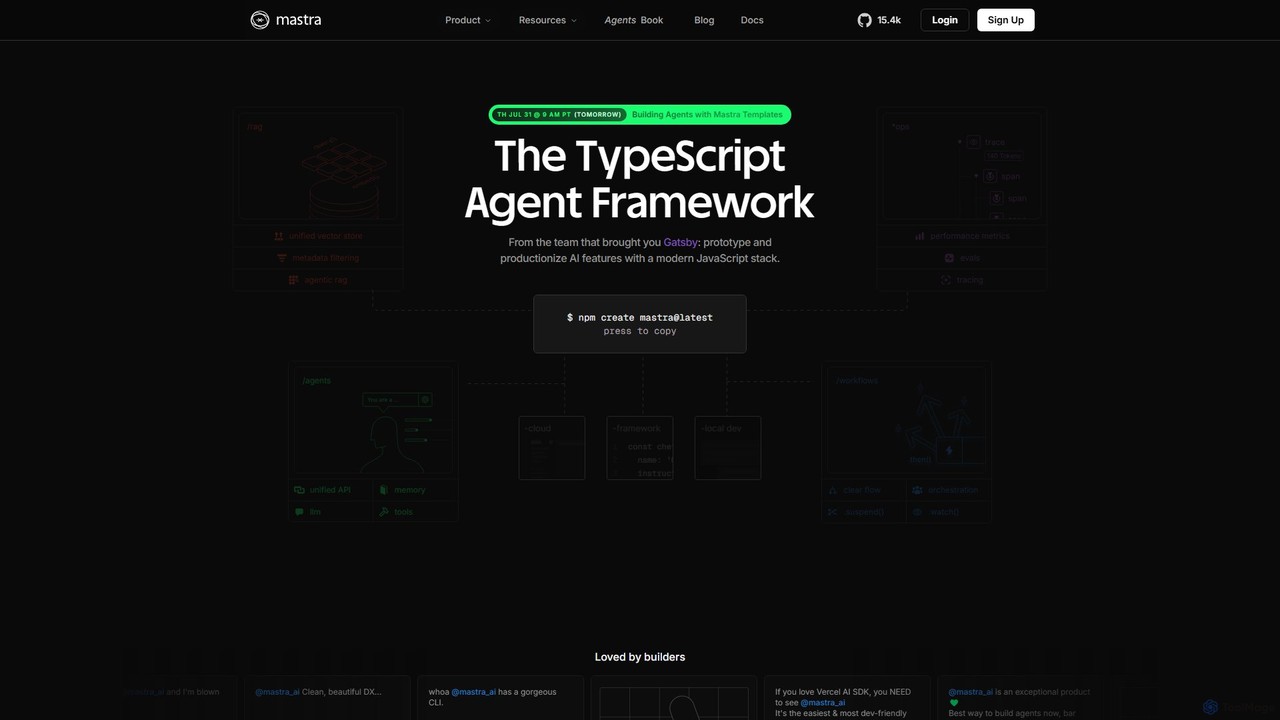
Mastra
Mastra is an open-source TypeScript framework designed for developers to build, deploy, and manage sophisticated AI agents and complex workflows. It provides a developer-friendly SDK with features like persistent memory, tool calling, Retrieval-Augmented Generation (RAG), and deterministic workflow graphs. Built by the team behind Gatsby, Mastra simplifies creating production-ready AI applications within the JavaScript ecosystem.
Agent Builder
smolagents
smolagents is a minimalist, open-source AI agent framework developed by Hugging Face. It empowers developers to build and deploy powerful, code-first AI agents with minimal Python code. By focusing on simplicity and efficiency, it enables Large Language Models (LLMs) to interact with tools and the real world seamlessly, supporting a wide range of models and secure execution environments.
Development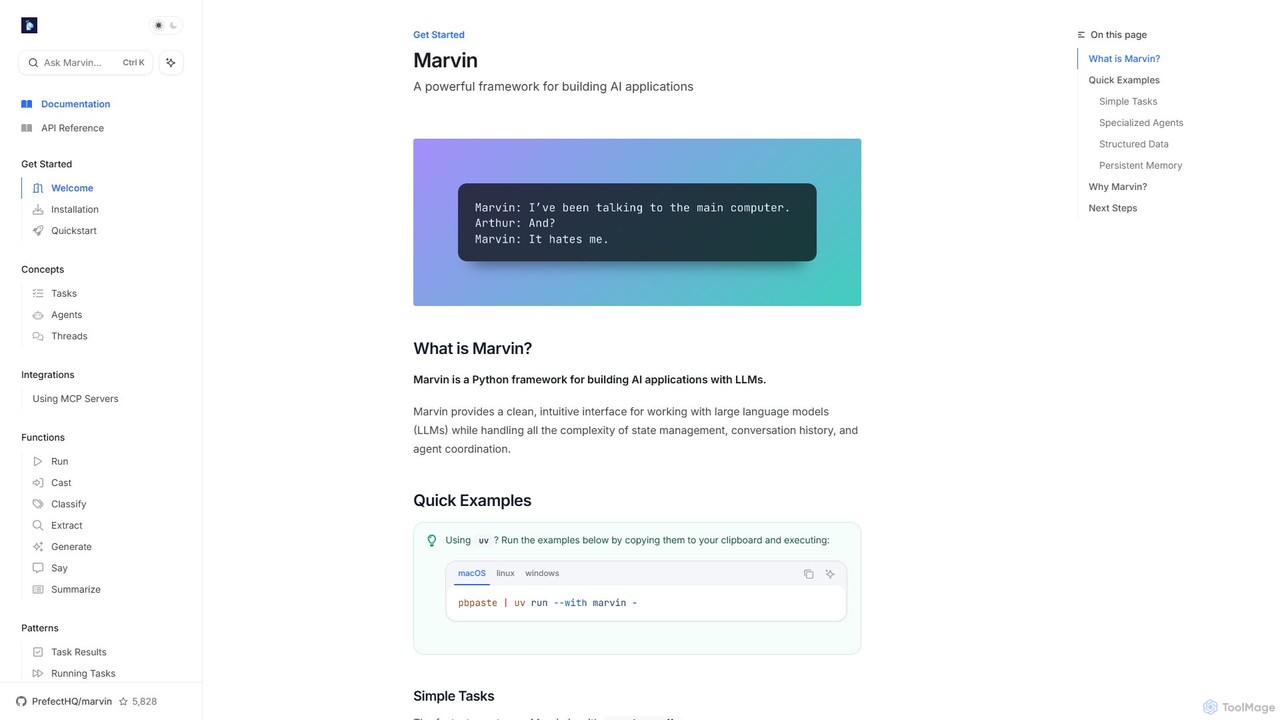
askmarvin
askmarvin is a powerful open-source Python framework for building AI applications. It simplifies interaction with LLMs, enabling developers to create specialized agents, manage conversation history, enforce structured data outputs, and integrate external tools with minimal code. Ideal for rapidly prototyping and scaling complex AI-powered workflows.
Code Assistant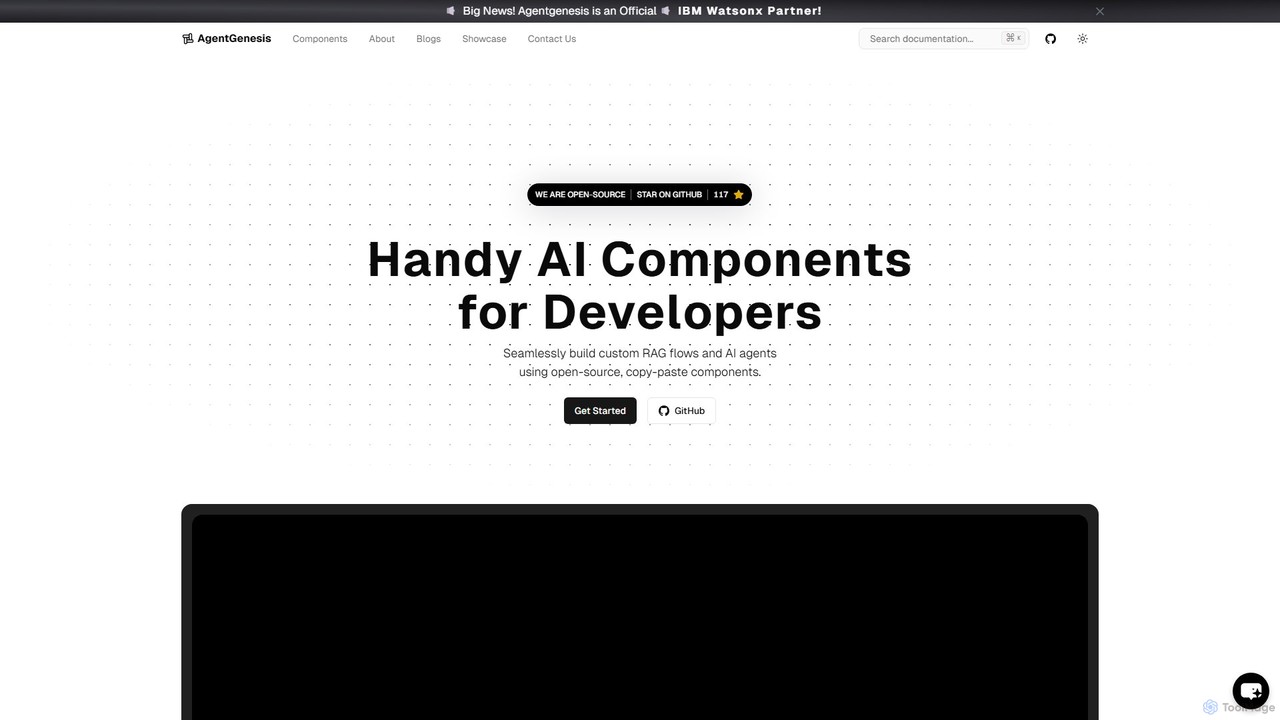
AgentGenesis
AgentGenesis is an open-source developer framework for rapidly building and deploying AI applications. It offers a comprehensive library of reusable code snippets, templates, and pre-built components like a LinkedIn Agent, RAG flows, and QnA bots, enabling developers to accelerate their AI development workflow and create custom solutions with ease.
Frameworks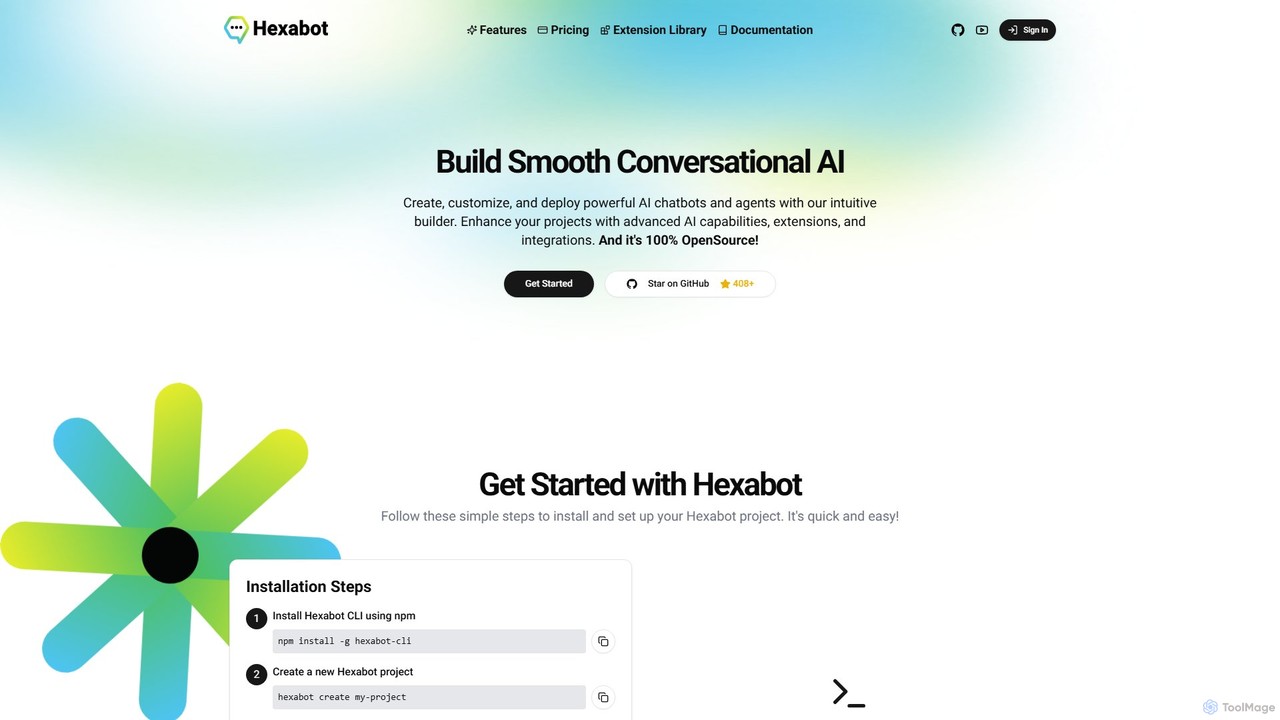
Hexabot
Hexabot is an open-source platform for building, customizing, and deploying powerful AI chatbots and agents. It offers a developer-friendly environment with a low-code visual editor, extensive extension library, and multi-channel integration, allowing for on-premise hosting to ensure full data privacy and control.
Chatbotphidata Categories
phidata Embed Widget
Copy this embed code to place the badge on your blog, article, or product site and send readers directly to this ToolMage detail page.

Related AI tools
Mastra
Mastra is an open-source TypeScript framework designed for developers to build, deploy, and manage sophisticated AI agents and complex workflows. It provides a developer-friendly SDK with features like persistent memory, tool calling, Retrieval-Augmented Generation (RAG), and deterministic workflow graphs. Built by the team behind Gatsby, Mastra simplifies creating production-ready AI applications within the JavaScript ecosystem.
Agent Builder
ConnectOnion
ConnectOnion is a minimalist Python framework designed to build production-ready AI agents with significantly less code. It simplifies agent creation by combining Markdown prompts and Python functions, reducing boilerplate by up to 85% compared to other frameworks.
Libraries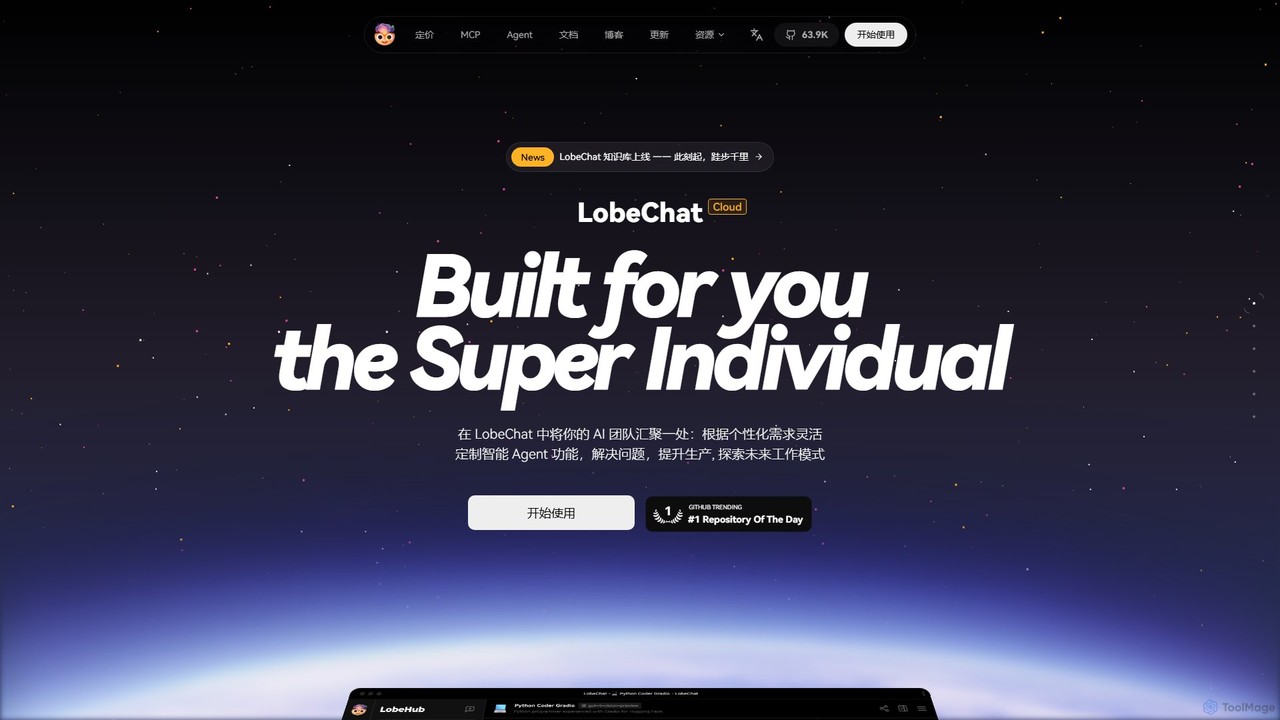
LobeHub
LobeHub is an all-in-one AI platform that allows you to build and manage a personalized team of AI Agents. It offers a superior user experience to standard LLM interfaces like ChatGPT, with support for numerous models, plugins, and multi-modal interactions. Create, share, and use specialized agents for tasks ranging from coding and writing to academic research and daily life, all within a single, intuitive chat interface.
Chatbot Platformsmolagents
smolagents is a minimalist, open-source AI agent framework developed by Hugging Face. It empowers developers to build and deploy powerful, code-first AI agents with minimal Python code. By focusing on simplicity and efficiency, it enables Large Language Models (LLMs) to interact with tools and the real world seamlessly, supporting a wide range of models and secure execution environments.
Development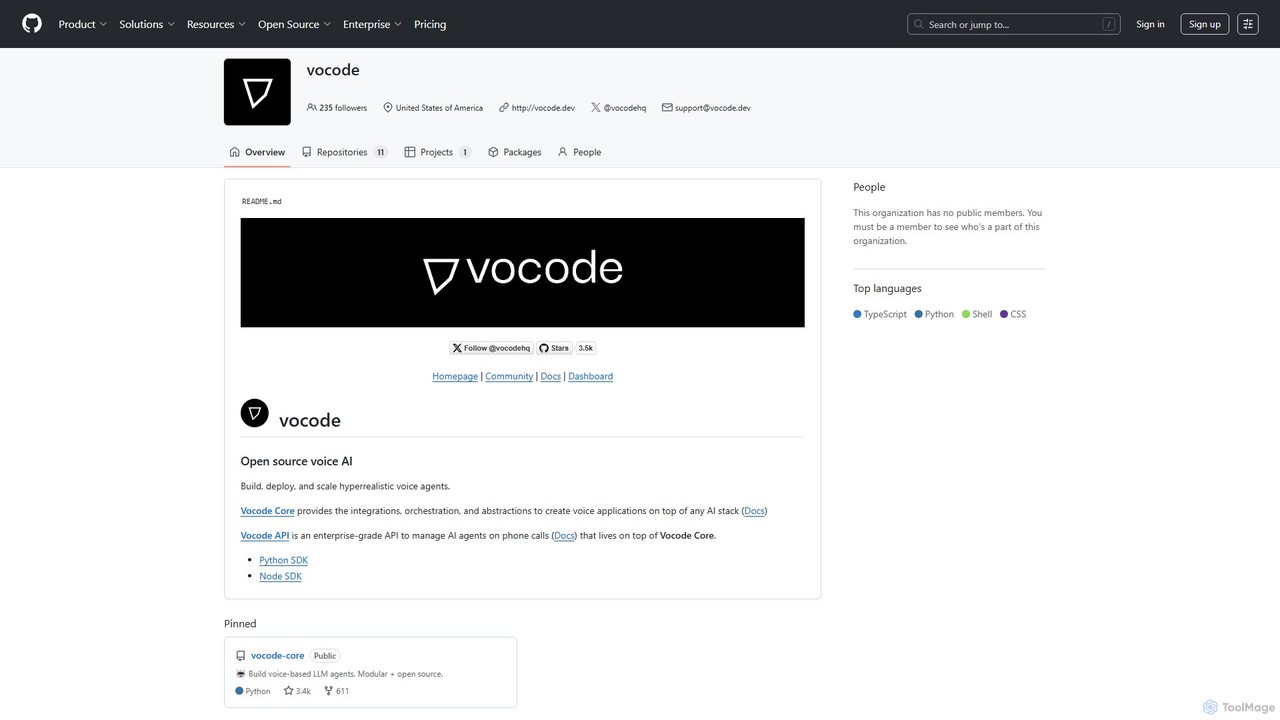
vocode
Vocode is an open-source platform for building, deploying, and scaling hyperrealistic voice AI agents. It provides developers with a core framework and an enterprise-grade API to create sophisticated voice-based LLM applications for tasks like automated customer service, sales calls, and interactive voice response (IVR) systems.
Voicebot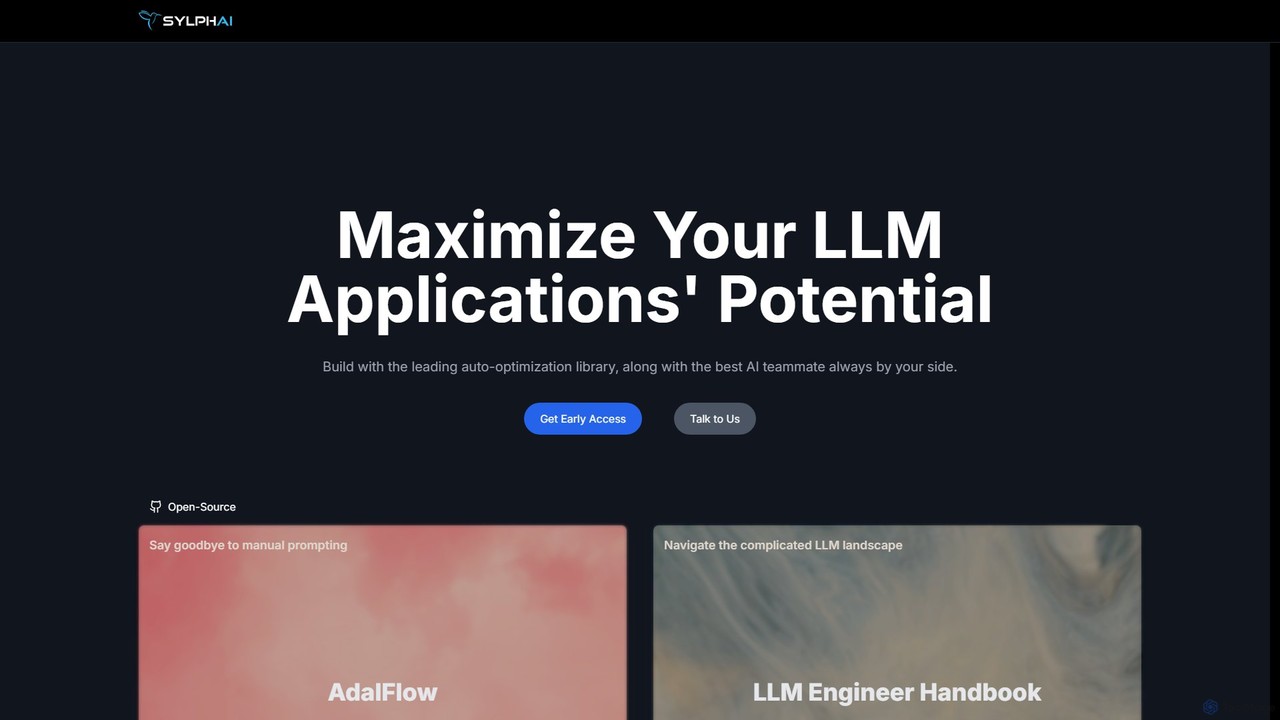
Sylph AI
Sylph AI is a development platform designed to maximize the potential of LLM applications. It features AdalFlow, a leading open-source library for building and auto-optimizing LLM task pipelines, and an AI Teammate that provides expert guidance throughout the entire development workflow, from ideation to production.
Libraries
EasyFunctionCall
A developer-centric platform designed to simplify the integration of function calling and API connections for Large Language Models (LLMs). It abstracts the complexity of building AI agents and applications that can interact with external tools and data sources, enabling faster development and more robust performance. Supports major LLMs like GPT, Gemini, and Claude.
Model Integration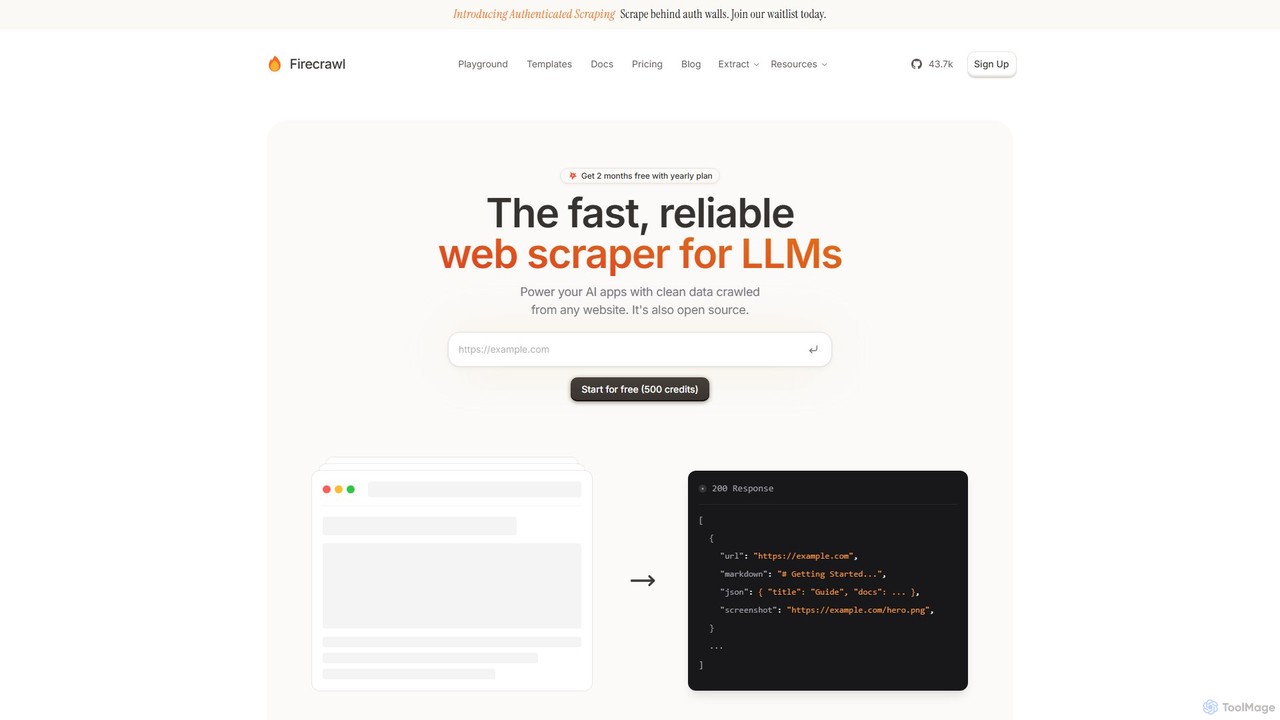
Firecrawl
Firecrawl is an open-source, developer-first API that turns any website into clean, LLM-ready data. It handles all the complexities of web scraping, including JavaScript rendering, proxy rotation, and rate limits, allowing you to power AI applications, agents, and RAG systems with reliable web content. It offers scraping, crawling, and search functionalities through a simple API.
Data Collection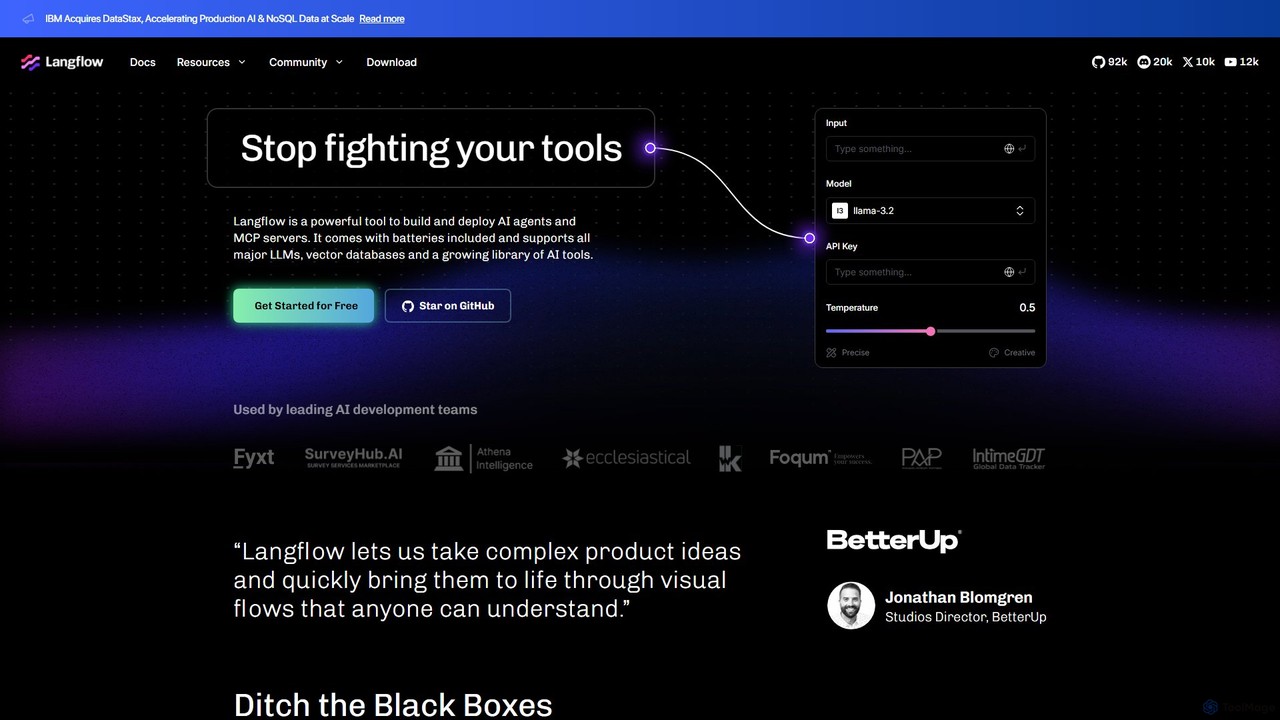
Langflow
Langflow is an open-source, visual UI for building and deploying AI applications. It features a drag-and-drop interface to chain LLMs, agents, and tools, enabling rapid prototyping and deployment of complex workflows like RAG and multi-agent systems. It supports extensive integrations and offers both self-hosted and cloud options.
Low Code No Code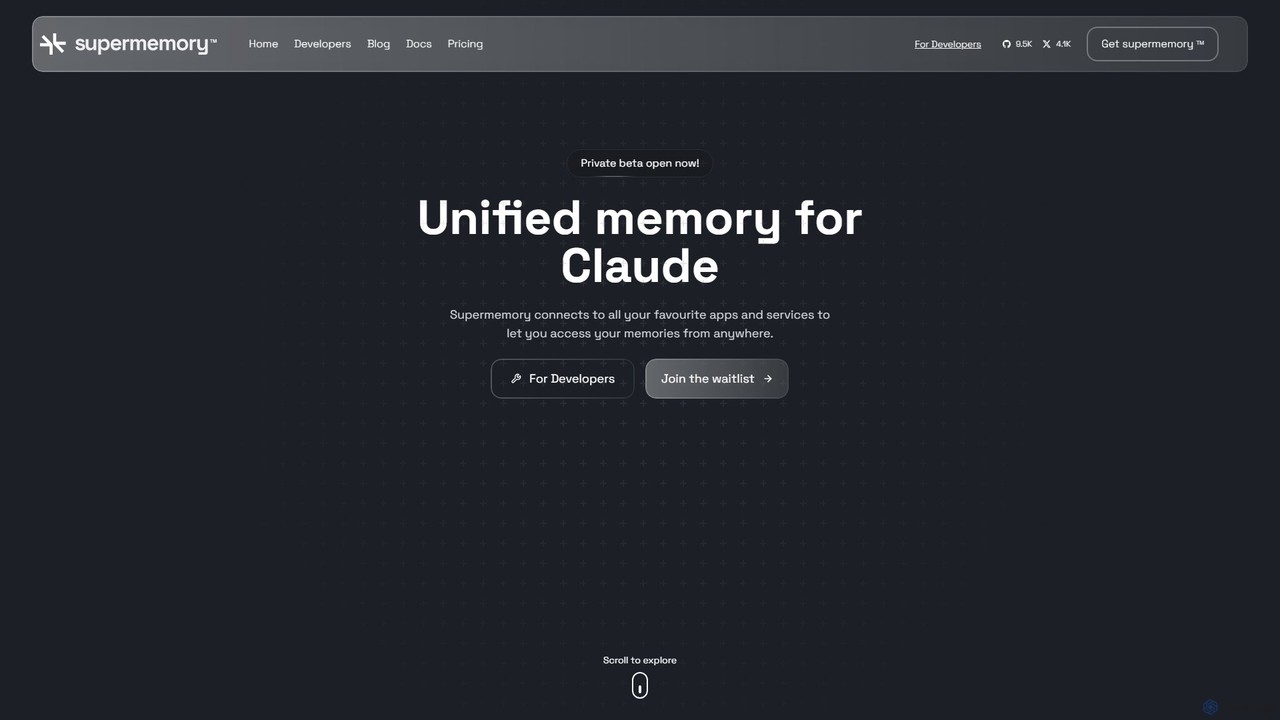
supermemory
supermemory is a memory API and infrastructure for the AI era, designed for developers to build LLMs with long-term, persistent memory. It overcomes the finite context window limitation, enabling the creation of intelligent, context-aware AI agents, chatbots, and applications that remember past interactions and information across various platforms.
Llm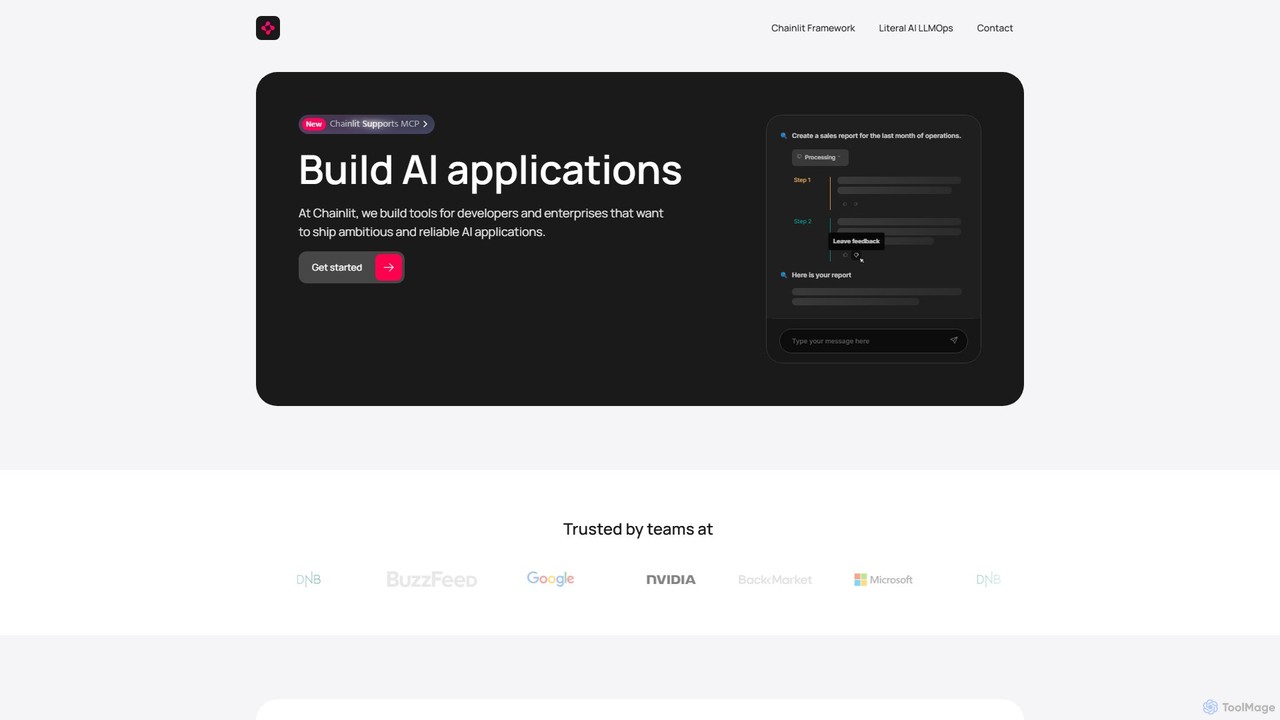
Chainlit
Chainlit is an open-source Python framework for developers to rapidly build and deploy production-ready conversational AI applications. It provides an instant, customizable chat interface, allowing you to focus on your backend logic and LLM interactions. With deep integrations for LangChain, LlamaIndex, and major LLM providers, Chainlit simplifies the creation of everything from simple chatbots to complex, data-driven copilots.
Framework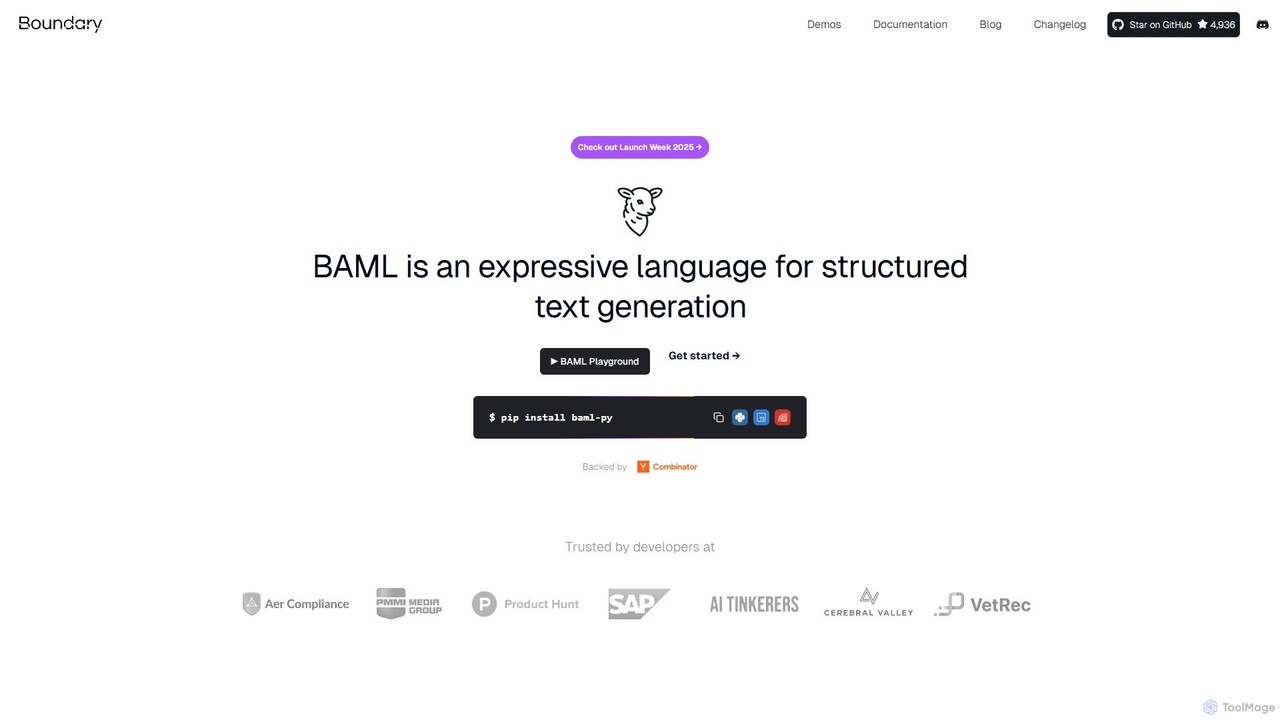
boundaryml
boundaryml (BAML) is a specialized programming language and toolkit for developers to reliably extract structured data from Large Language Models (LLMs). It transforms complex prompt engineering into a streamlined, code-like process, ensuring type-safe, error-corrected outputs across various LLMs and programming languages like Python and TypeScript. It's designed to enhance reliability, reduce costs, and accelerate development cycles for AI applications.
Api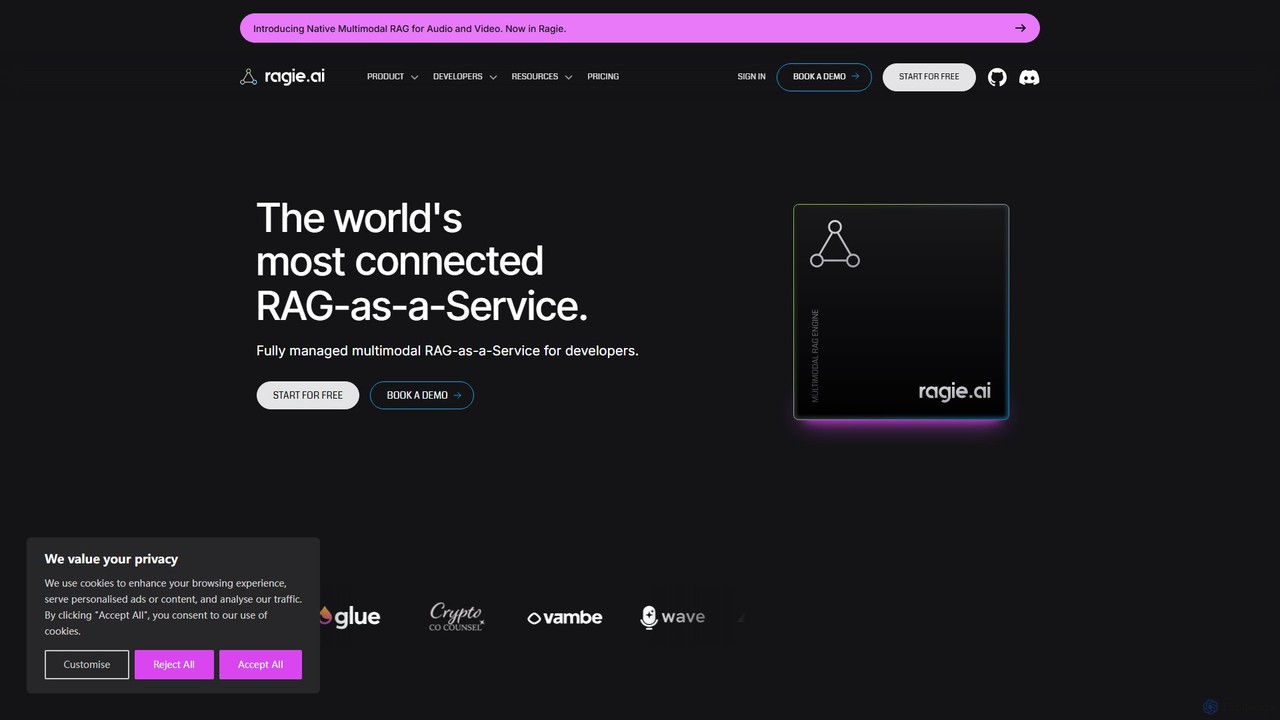
ragie
Ragie is a fully managed RAG-as-a-Service platform designed for developers. It simplifies the process of building and deploying AI applications by handling the entire Retrieval-Augmented Generation pipeline. Connect your data sources, and use a simple API to power accurate, context-aware chatbots, semantic search, and knowledge management systems without the complexity of managing infrastructure.
Machine Learning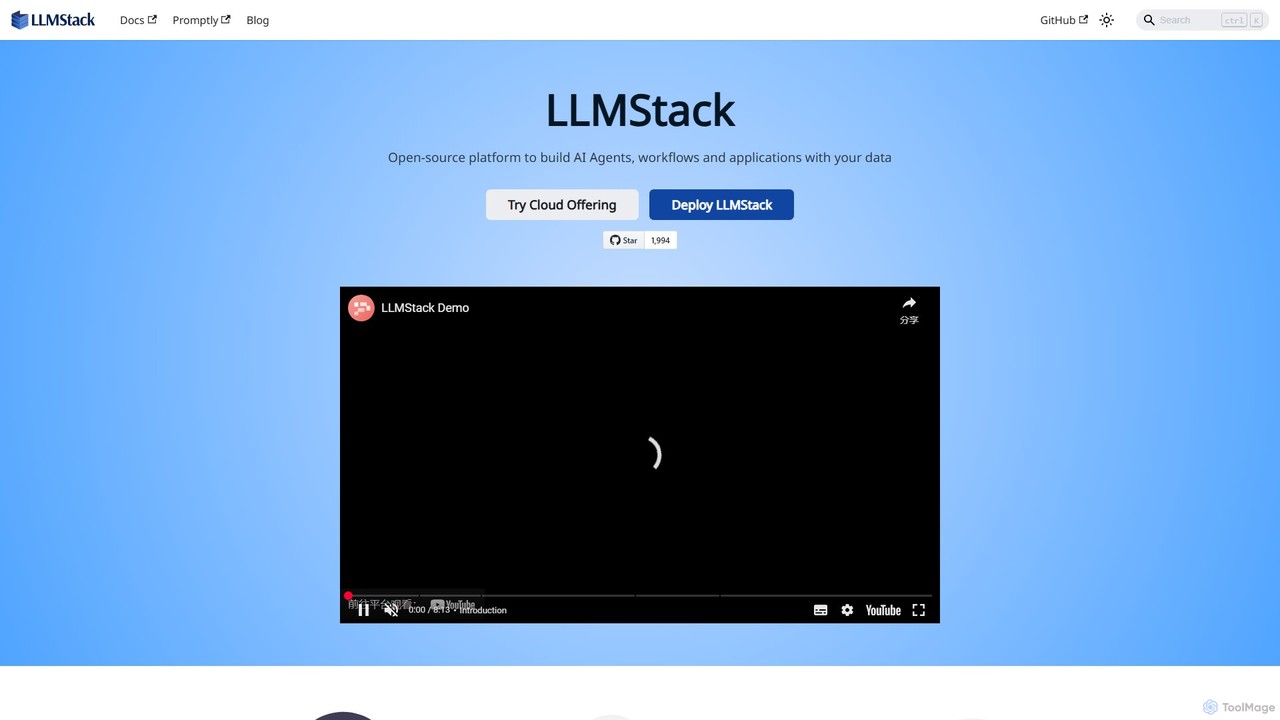
LLMStack
LLMStack is a no-code/low-code platform for building and deploying AI agents and applications. It specializes in Retrieval-Augmented Generation (RAG), allowing users to connect their own data to powerful LLMs like GPT, Gemini, and Claude to create custom chatbots, search tools, and more, with collaborative features.
Knowledge Base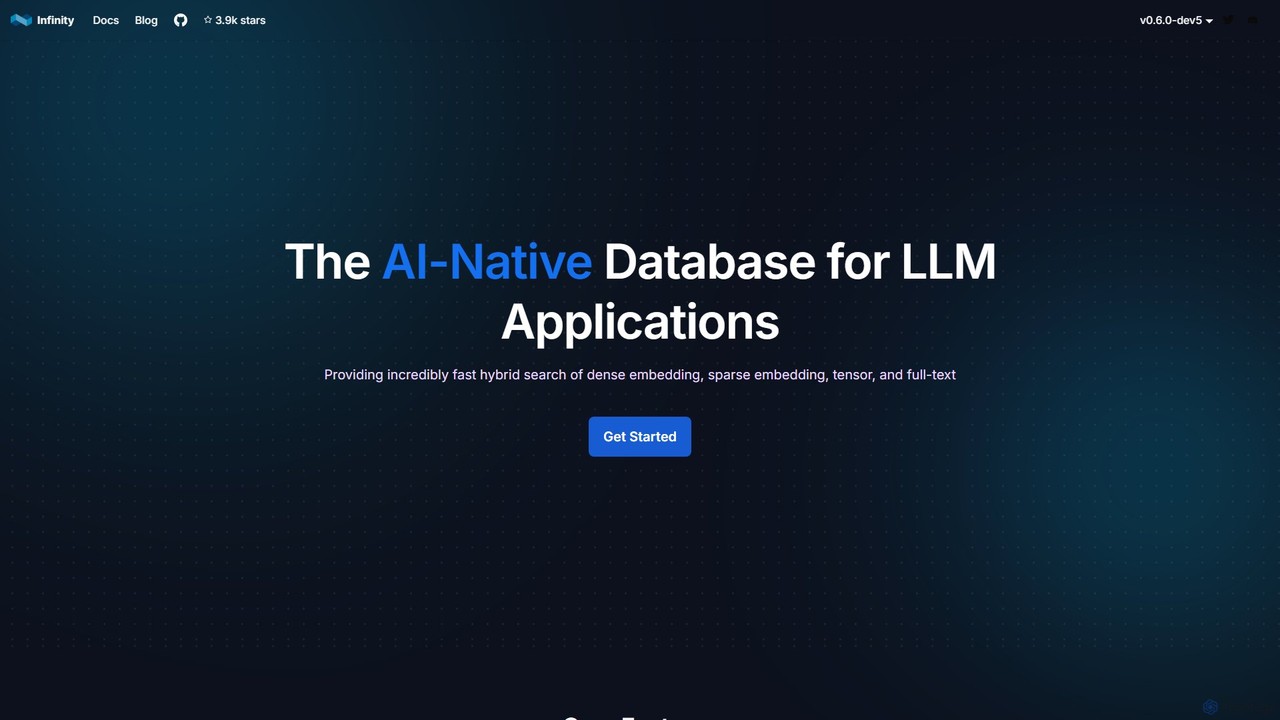
infiniflow
infiniflow is a high-performance, open-source, AI-native database specifically designed for LLM applications. It offers incredibly fast vector search, powerful hybrid search capabilities (vector, full-text, tensor), and simplified deployment. With an intuitive Python API, it's built to power demanding AI tasks like Retrieval-Augmented Generation (RAG) and semantic search with millisecond latency.
Vector Search
phidata Comments (0)
Sign in to comment.
Sign inNo comments yet.