Chat Best in category 1 results Chatbot Platform AI Tool

Popular AI tools in the Chatbot Platform field of Chat include LobeHub, etc., helping you quickly improve efficiency.

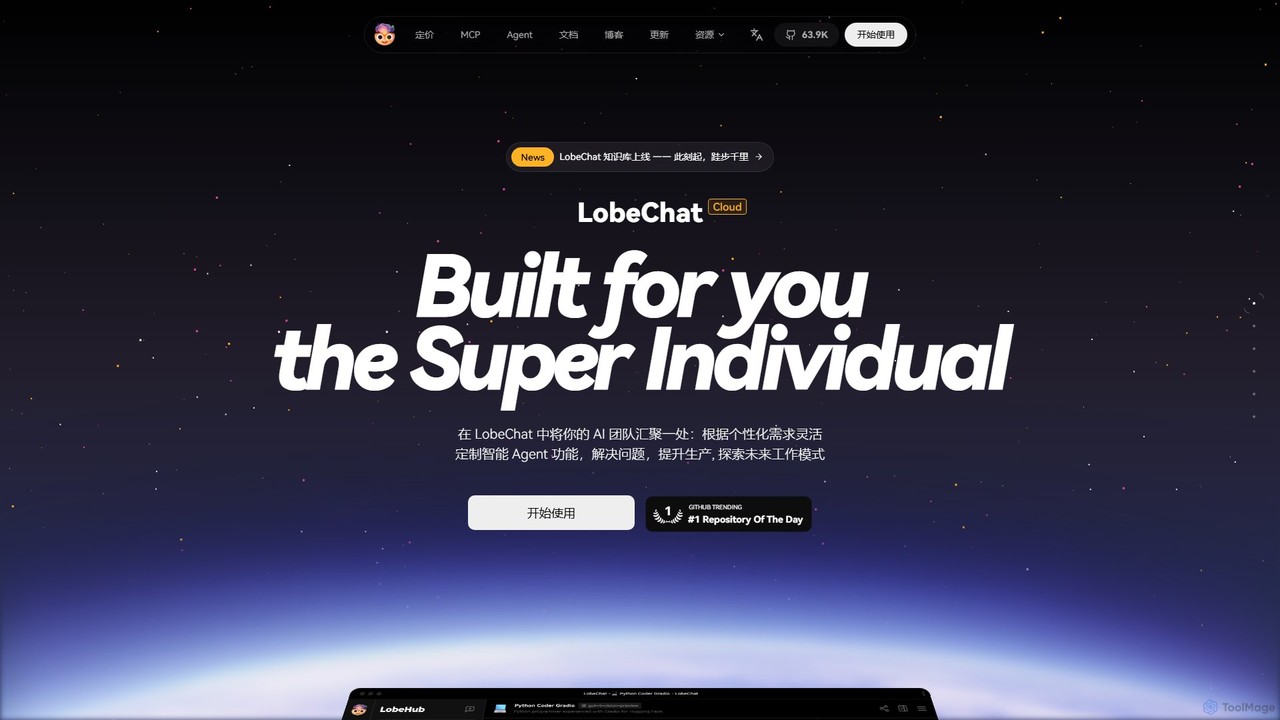
LobeHub

LobeHub

LobeHub is an all-in-one AI platform that allows you to build and manage a personalized team of AI …

1.4M

About Chatbot Platform

A Chatbot Platform is a comprehensive software solution for building, deploying, and managing conversational AI agents, often without extensive coding. These platforms provide tools like visual flow builders, NLP engines, and pre-built templates to design complex dialogues. Their primary value lies in enabling businesses to automate customer support, lead generation, and internal communications across various channels like websites and messaging apps. Unlike a single-purpose bot, a platform offers scalability, centralized management, and detailed analytics for multiple chatbots.

Core Features

  • Visual Conversation Builder: Design and modify chatbot logic using a drag-and-drop interface.
  • NLP Engine: Understands user intent, extracts key information (entities), and interprets sentiment.
  • Multi-channel Deployment: Publish and manage the same chatbot across websites, mobile apps, and social media platforms.
  • Analytics and Reporting: Track key metrics like user engagement, resolution rates, and conversation paths.
  • Third-Party Integrations: Connect seamlessly with CRMs, helpdesks, payment gateways, and other business systems.

Use Cases

Chatbot Platforms are widely used by customer service, marketing, and sales teams in sectors like e-commerce, SaaS, finance, and healthcare. They are ideal for creating automated support agents that handle FAQs, lead qualification bots that schedule demos, or internal helpdesk bots that assist employees with IT or HR queries.

How to Choose

When selecting a Chatbot Platform, evaluate its ease of use (no-code vs. low-code), the sophistication of its NLP capabilities, the breadth of available integrations, and its supported deployment channels. Also, consider the pricing model—whether it's based on the number of conversations, active users, or features—and ensure it aligns with your expected usage and budget.

Chatbot PlatformUse Cases

1

Automate E-commerce Customer Support

An e-commerce store manager uses a chatbot platform to build a customer service bot for their website. Using a visual builder, they design conversation flows to answer common questions like 'Where is my order?' and 'What is your return policy?'. The bot is integrated with their shipping provider's API to provide real-time order tracking. This automates over 60% of incoming support queries, allowing the human support team to focus on complex cases and improving customer satisfaction.

2

Qualify Sales Leads on a SaaS Website

A marketing team at a B2B SaaS company deploys a chatbot on their pricing page. The platform allows them to create a bot that proactively engages visitors, asks qualifying questions (e.g., company size, role, budget), and collects contact information. Based on the answers, the bot can either schedule a demo directly on a sales representative's calendar via a calendar integration or route the lead to the appropriate sales channel. This process increases qualified lead conversion by 25%.

3

Build an Internal HR & IT Helpdesk Bot

An HR department uses a chatbot platform to create an internal helpdesk bot deployed on Slack. New and existing employees can ask the bot questions about company policies, vacation days, benefits enrollment, or how to reset their passwords. The platform allows the HR team to easily update the bot's knowledge base without any coding. This reduces the number of repetitive tickets for both HR and IT departments, providing instant answers to employees 24/7.

4

Deploy a Multi-language Support Bot

A global software company needs to provide support in five different languages. Instead of building five separate bots, they use a chatbot platform with multi-language capabilities. They design the core conversation logic once. The platform then allows them to provide translations for all bot responses. When a user starts a chat, the bot automatically detects the browser language or asks the user for their preference, delivering a fully localized support experience. This centralizes management and ensures consistency across all regions.

5

Integrate Chatbot with CRM for Personalized Service

A financial services company uses a chatbot platform that integrates with their CRM. When a logged-in customer starts a chat, the bot uses their email to pull their account details from the CRM. This allows the bot to provide personalized information, such as account balance or recent transactions, without asking the user for identifying information. If the conversation is handed over to a human agent, the full chat transcript is automatically saved to the customer's record in the CRM, providing complete context.

6

Analyze Conversation Data to Improve User Experience

A product manager uses the analytics dashboard of their chatbot platform to understand user interactions. They review reports on the most common user questions, identify topics where the bot failed to provide an answer ('not understood' intents), and analyze conversation drop-off points. Based on this data, they refine the conversation flows, add new information to the bot's knowledge base, and improve the wording of bot prompts. This iterative process of analysis and improvement helps to increase the bot's resolution rate and overall user satisfaction.

Chatbot PlatformFrequently Asked Questions