Chat Best in category 1 results Chatbot Client AI Tool

Popular AI tools in the Chatbot Client field of Chat include OpenCat, etc., helping you quickly improve efficiency.

OpenCat

OpenCat

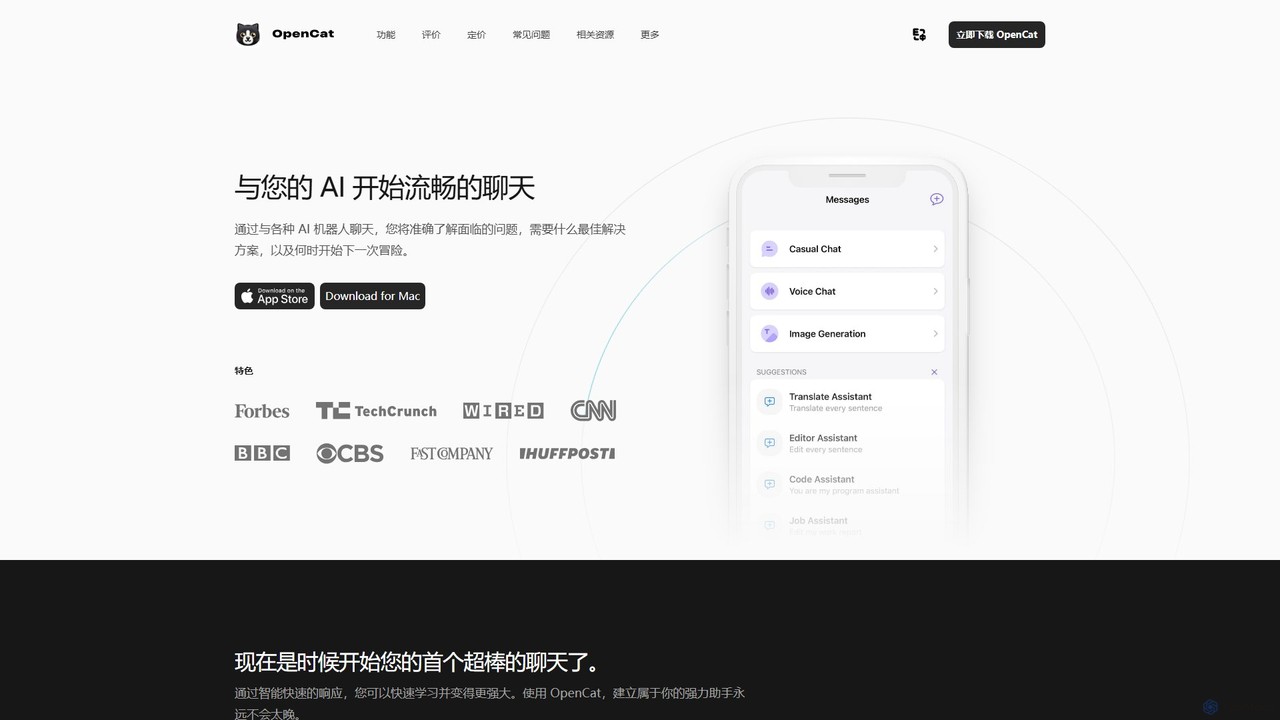
A native, feature-rich AI chat client for Mac, iOS, and iPad. It supports multiple AI models, voice chat, …

7.0K

About Chatbot Client

Chatbot Clients are desktop or web applications that provide a unified interface for interacting with various large language models (LLMs). Instead of using separate web interfaces for each AI service, these clients allow you to manage multiple AI models like GPT, Claude, and Llama from a single platform. They enhance the user experience with features such as local chat history, advanced prompt management, and customizable workflows, making them ideal for developers, researchers, and power users. This approach offers greater control, privacy, and efficiency compared to standard web-based chat interfaces.

Core Features

  • Multi-Model Integration: Connect and switch between different LLMs (e.g., OpenAI, Anthropic, Google) using your own API keys.
  • Local Chat History: Securely store and search all your conversations on your own device for privacy and quick access.
  • Advanced Prompt Management: Create, save, and organize reusable prompts and templates to streamline repetitive tasks.
  • Customizable Interface: Adjust themes, layouts, and settings to create a personalized and productive chat environment.
  • Cross-Platform Sync: Access your chat history and settings seamlessly across multiple devices.

Use Cases

These clients are ideal for developers testing prompts across different models, content creators generating material with various AI styles, and researchers comparing model outputs. They provide a centralized hub for anyone who frequently uses multiple AI chat services for professional or creative work, consolidating various workflows into one application.

How to Choose

When selecting a Chatbot Client, consider the range of supported AI models, the robustness of its prompt management features, and its data privacy policies (local vs. cloud storage). Also, evaluate cross-platform availability, the user interface's customizability, and the pricing model (e.g., one-time purchase vs. subscription).

Chatbot ClientUse Cases

1

Cross-Model Comparison for Developers

A developer needs to choose the best LLM for a new application feature. Using a Chatbot Client, they can send the same complex coding prompt to GPT-4, Claude 3, and Llama 3 simultaneously. The client displays the responses side-by-side, allowing for a direct comparison of code quality, accuracy, and response time. This process, which would require multiple browser tabs and manual copying, is streamlined into a single, efficient workflow, accelerating the model selection and integration process.

2

Centralized Content Creation for Marketers

A marketing team uses different AI models for specific tasks: one for creative ad copy, another for formal blog posts. A Chatbot Client acts as their central command center. They can create prompt templates for each content type and easily switch models depending on the task. All generated content is saved locally, creating a searchable knowledge base of past campaigns and ideas, ensuring brand consistency and improving team collaboration.

3

Secure and Private Research for Academics

An academic researcher is working with sensitive data. Using a standard web-based chatbot is a privacy risk. A Chatbot Client that stores all conversation history locally on their machine provides a secure environment. They can interact with powerful LLMs via their API key without the chat data being stored on the service provider's servers for model training, ensuring confidentiality and compliance with institutional data policies.

4

Streamlining Customer Support Workflows

A customer support lead manages a library of standard responses. They use a Chatbot Client to organize these as reusable prompts. When a new support ticket arrives, they can quickly access the relevant prompt, feed it to an AI model to customize the response for the specific user's issue, and paste it into the ticketing system. This significantly reduces response time and ensures consistent, high-quality support across the team.

5

Personalized Learning and Skill Development

A student is learning a new programming language. They use a Chatbot Client as a dedicated learning partner. They can create separate chat threads for different topics (e.g., 'Python Data Structures'). The local history allows them to easily review past explanations and code examples. They can also switch between a model that's good at explaining concepts and another that's better at debugging code, all within the same application.

6

Efficient Multilingual Translation and Localization

A localization specialist needs to translate product descriptions into multiple languages. Instead of using different online translation tools, they use a Chatbot Client connected to several LLMs known for their strong multilingual capabilities. They can input the source text and request translations from each model in parallel. This allows them to compare nuances and select the most culturally appropriate and accurate translation for each language, improving the quality and speed of their localization workflow.

Chatbot ClientFrequently Asked Questions