

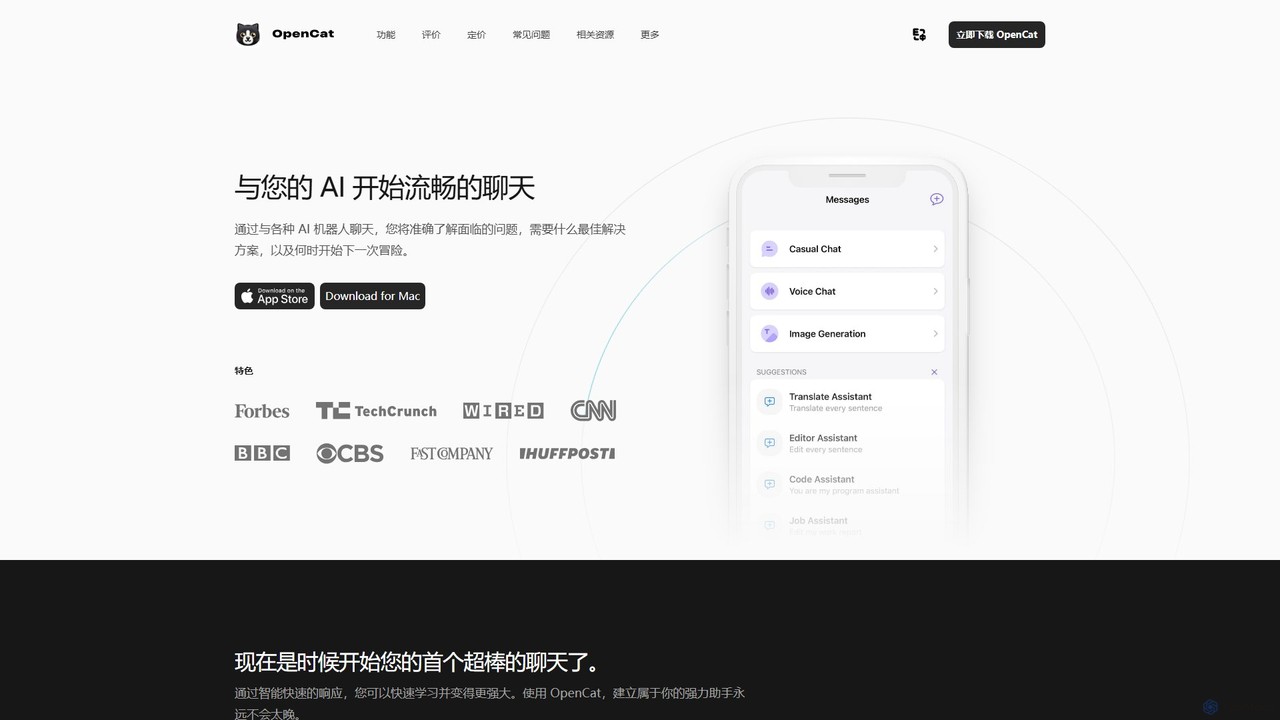
OpenCat Overview
OpenCat is a sophisticated and feature-rich native AI client designed exclusively for the Apple ecosystem, running seamlessly on Mac, iOS, and iPad. It transcends the standard web-based chat interface by offering a powerful, integrated platform to interact with a multitude of advanced AI models, including those from OpenAI (like GPT-4) and Google (like Gemini). With OpenCat, you can centralize your AI conversations, enhance your productivity across all applications, and leverage cutting-edge features like real-time voice chat and text-to-image generation. It's built for everyone, from AI newcomers to seasoned developers, providing a flexible and secure environment to unlock the full potential of artificial intelligence.
How to use OpenCat
Getting started with OpenCat is straightforward. First, download the application from the App Store for your iOS/iPadOS device or from the official website for your Mac. Once installed, you can choose the plan that best suits your needs. You can start with the Free version if you have your own API key from services like OpenAI. For more advanced features, you can make a one-time purchase for OpenCat Pro, which unlocks the keyboard extension, Siri integration, and more. Alternatively, for an all-in-one solution, you can subscribe to the Cloud AI plan, which bundles AI model access without requiring you to manage your own keys. After setting up, you can begin chatting, switch between different AI models for different tasks, use the keyboard extension to draft emails or notes in any app, or interact with the AI hands-free using Siri Shortcuts.
Core Features of OpenCat
- Multi-Model Support: Seamlessly switch between various AI models (e.g., GPT-4, Gemini) in different chats to use the best tool for the job.
- Voice Chat: Engage in natural, real-time conversations with the AI using your voice and receive instant audio responses.
- Text-to-Image Generation: Transform your textual descriptions into visually stunning images using advanced AI image generation technology.
- Image Chat: Use images as part of your conversation, allowing the AI to analyze and discuss visual content.
- System-Wide Keyboard Extension: Integrate AI into your workflow in any application. Use the OpenCat keyboard to write emails, draft messages, or generate text wherever you can type.
- Siri & Shortcuts Integration: Access the AI hands-free. Ask Siri questions or run complex workflows through the Apple Shortcuts app without needing to open OpenCat.
- iCloud Sync: Keep your conversations, settings, and prompts synchronized across your Mac, iPhone, and iPad.
- Prompt Library: Access a curated collection of prompts to help you get started and discover new ways to use AI.
- Markdown Rendering: View AI responses with rich formatting, including bold text, lists, code blocks, and links.
- Team Collaboration: Join or create teams to share chat experiences and powerful prompts with colleagues or friends.
Use Cases for OpenCat
OpenCat is a versatile tool suitable for a wide range of personal and professional tasks. For professionals and students, it's an invaluable productivity tool for drafting documents, summarizing articles, writing code, and debugging. The keyboard extension makes it easy to get AI assistance without context switching. Creatives can use the text-to-image feature for brainstorming visual concepts or generating assets. For daily life, it serves as a powerful personal assistant; use voice chat to ask questions while cooking, or use Siri integration to get information on the go. It's also a great tool for language learners, offering instant translation and conversation practice.
Advantages of OpenCat
The primary advantage of OpenCat is its native integration within the Apple ecosystem, which provides a faster, more stable, and more responsive experience than web-based alternatives. Its ability to unify multiple AI models under a single, intuitive interface saves users from juggling different services. The system-wide integrations, particularly the keyboard and Siri support, embed AI capabilities directly into the user's existing workflow, significantly boosting productivity. Furthermore, its flexible pricing model, which caters to both users who bring their own API keys and those who prefer an all-in-one subscription, makes it accessible to a broad audience. The app also prioritizes user privacy with advanced encryption to protect data.
Pricing and Plans
OpenCat offers a flexible freemium pricing structure:
- OpenCat Free: Ideal for new users or those who want to use their own API keys. This plan includes core chat functionality, access to the prompt library, Markdown rendering, and support for multiple models.
- OpenCat Pro: A one-time purchase (¥68.00) for power users with their own API keys. It unlocks advanced features like the Keyboard Extension, iCloud Sync, Siri Integration, Text-to-Speech, and Team features.
- Cloud AI: A subscription-based plan (monthly at ¥18 or yearly at ¥128) for a convenient, all-in-one AI service. This plan includes bundled access to powerful AI models (like GPT), voice chat, visual chat, and text-to-image generation, without the need for your own API key. A 3-day free trial is available.
Traffic
Latest traffic
Status
Monthly traffic trend
- 2026-1: 7.8K
- 2026-2: 4.6K
- 2026-3: 6.2K
- 2026-4: 4.8K
- 2026-5: 8.1K
Geography
Top 5 countries / regions
- 🇺🇸United States41.7%
- 🇻🇳Vietnam20.4%
- 🇭🇰Hong Kong SAR China19.7%
- 🇮🇳India11.1%
- 🇩🇪Germany7.1%
Top keywords
| Keyword | Cost per click |
|---|---|
| chatgpt - opencat | $0.00 |
| is there an ai ap that will chat with me for my mac | $0.00 |
| opencat | $7.69 |
| opencat 本地 | $0.00 |
| open chat | $0.37 |
OpenCat Alternatives
My AI Ninja
My AI Ninja is an all-in-one AI-powered productivity platform designed to streamline workflows for creators, developers, and marketers. It acts as a versatile digital assistant, automating tasks like content creation, code generation, and image design to boost efficiency and creativity.
Code Assistant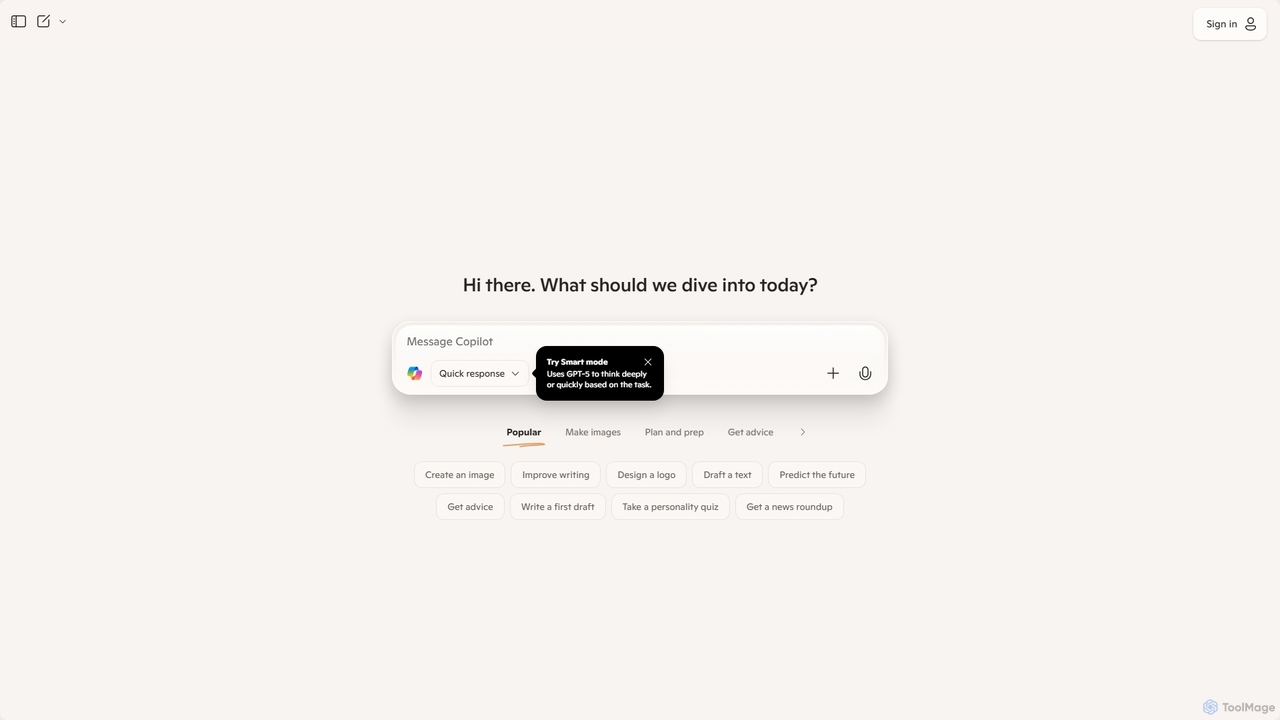
Microsoft Copilot
Microsoft Copilot is your everyday AI companion, enhancing productivity and creativity. It provides intelligent search, content generation, and image creation capabilities by leveraging the latest AI models like GPT-4 and DALL-E 3. Integrated across the Microsoft ecosystem, it assists with writing, coding, planning, and design tasks.
Image Generator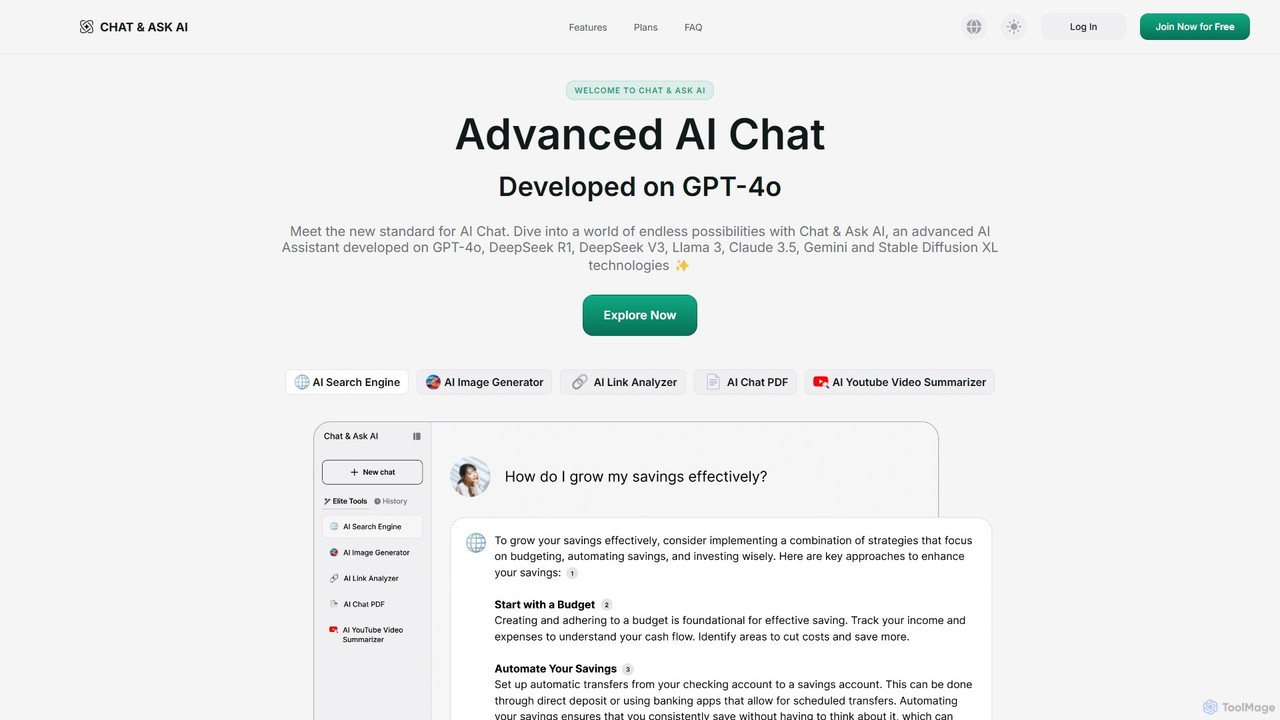
askaichat
askaichat is an all-in-one AI assistant powered by leading models like GPT-4o, Claude 3.5, and Llama 3. It integrates advanced AI chat with powerful tools for image generation, PDF and video summarization, web link analysis, and real-time search. It's designed to boost productivity and creativity for writers, researchers, and professionals by providing a single, versatile platform for diverse tasks.
Image Generator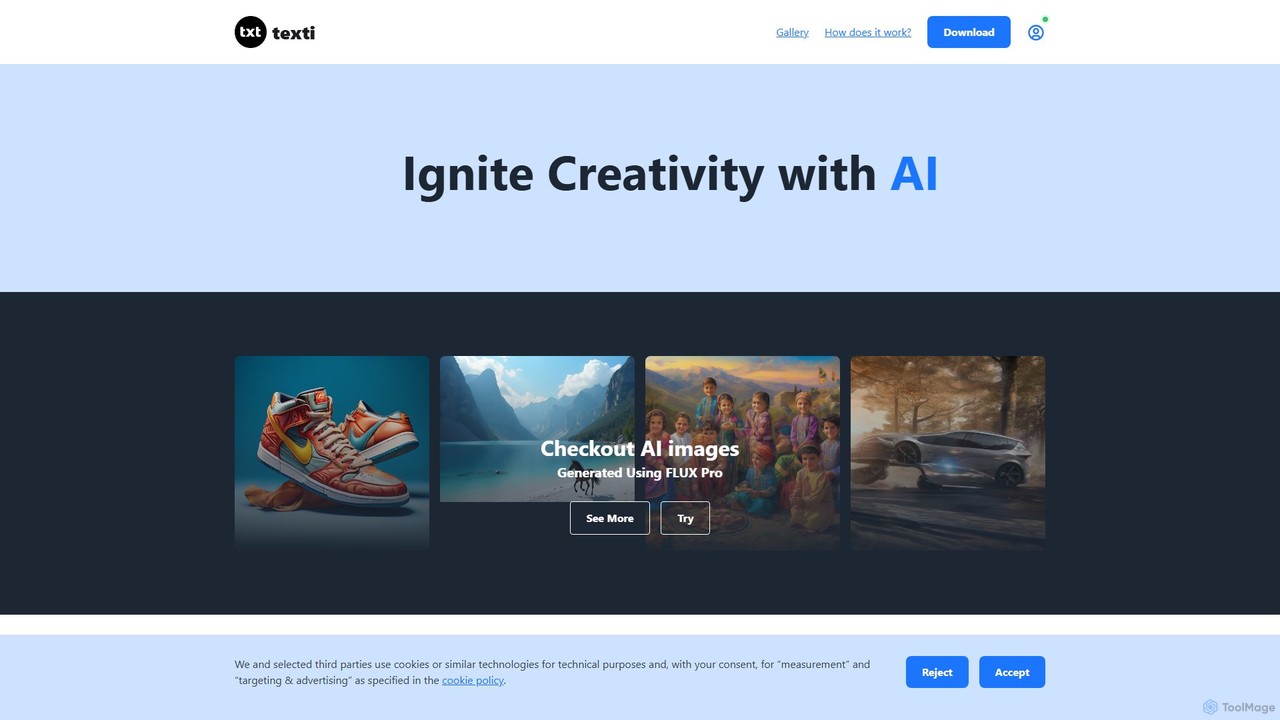
texti.app
texti.app is a versatile AI assistant designed to enhance creativity and productivity. It functions as a multi-purpose chatbot, capable of generating text, brainstorming ideas, answering questions, correcting emails, and even creating AI images. Accessible via a web browser and a convenient Chrome extension, it serves a global audience with extensive multilingual support.
Research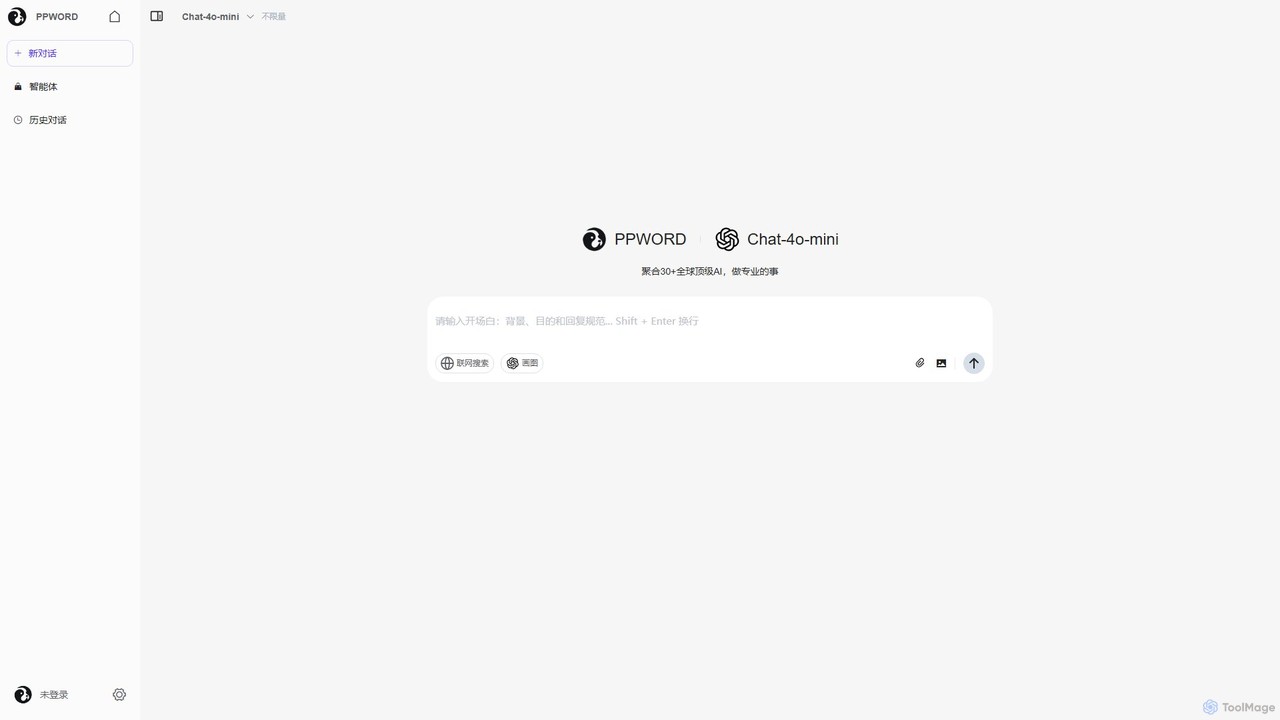
ppword
ppword is an AI aggregator platform that integrates over 30 top-tier global AI models, including GPT-4o, into a single, unified interface. It offers functionalities like advanced chat, real-time web search, and AI image generation, designed for professional tasks and creative endeavors.
Code AssistantOpenCat Categories
OpenCat Embed Widget
Copy this embed code to place the badge on your blog, article, or product site and send readers directly to this ToolMage detail page.

Related AI tools
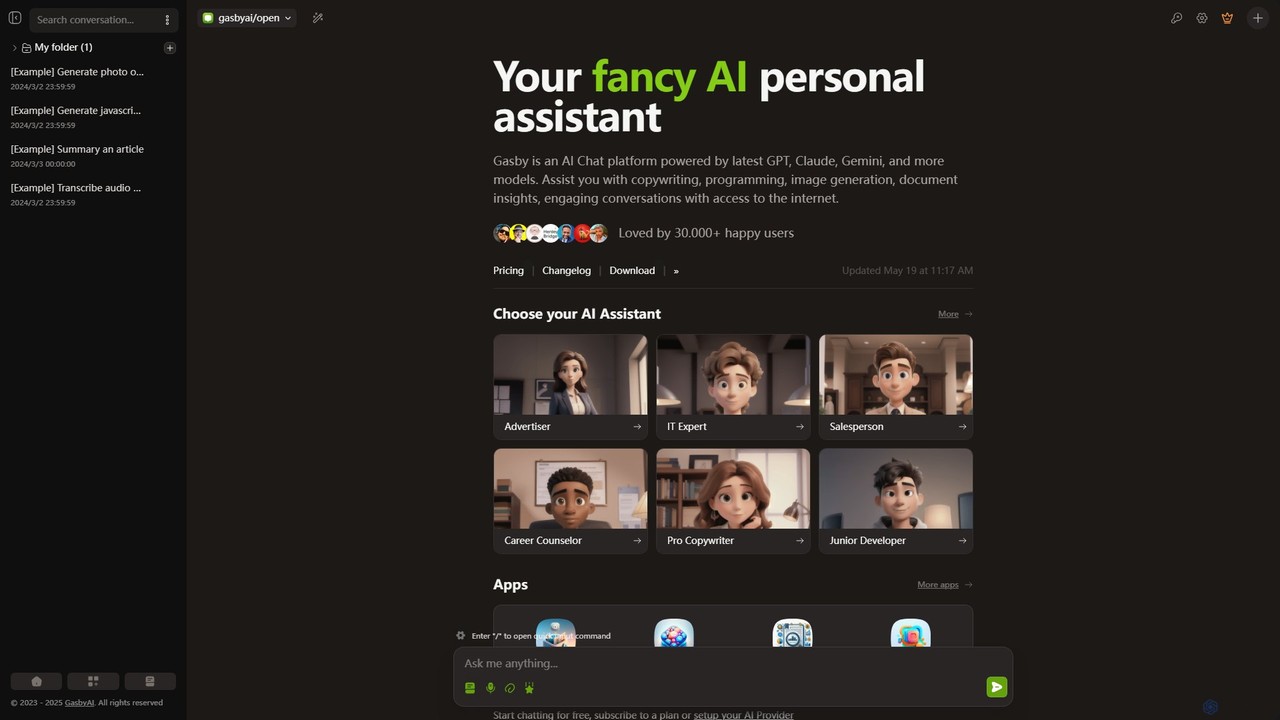
GasbyAI
GasbyAI is a versatile AI personal assistant and an all-in-one workspace that integrates over 100 AI models, including GPT-4, Claude 3, and Gemini. It offers a suite of specialized apps for image generation, audio transcription, document analysis, coding, and more, all within a unified, highly customizable, and user-friendly interface available on web and desktop.
Transcription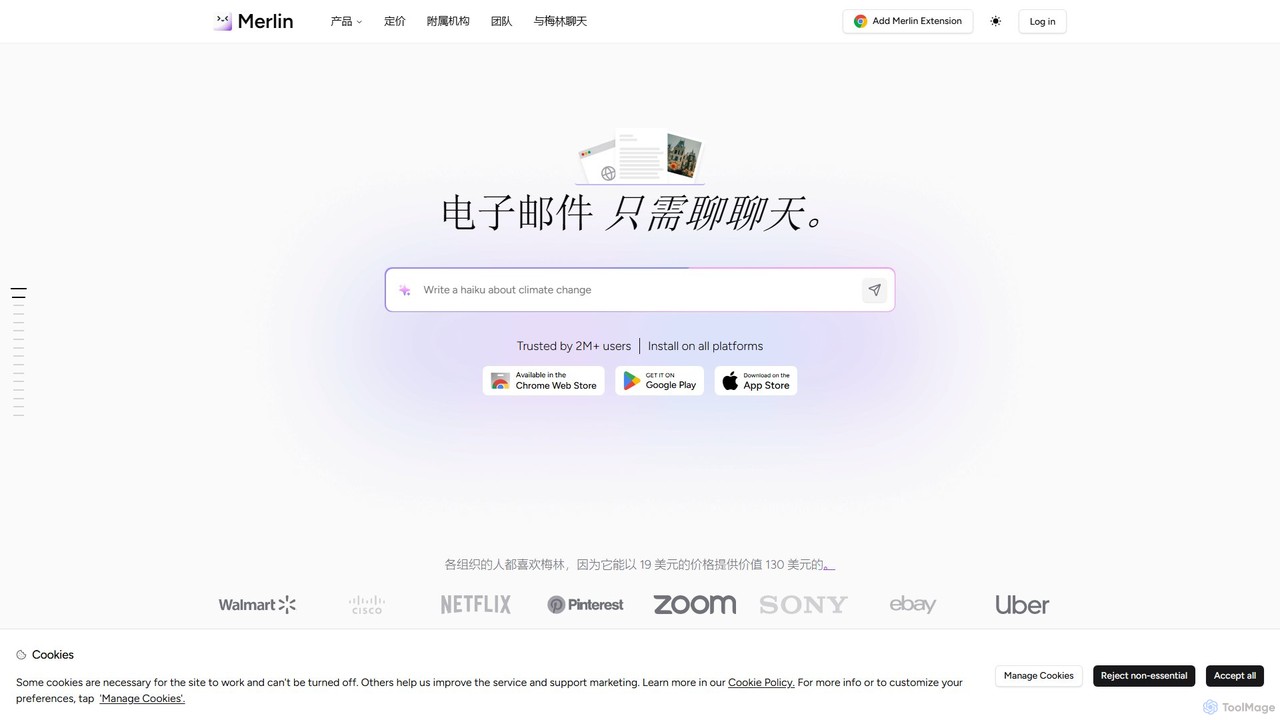
getmerlin
getmerlin is a versatile AI assistant powered by top models like GPT-4o and Claude 3.5. Available as a browser extension and app, it integrates seamlessly into your workflow to summarize content, draft emails, generate text and images, and enhance research on any website. It acts as an all-in-one productivity tool, saving time and money by consolidating multiple AI services into a single subscription.
Chrome Extensions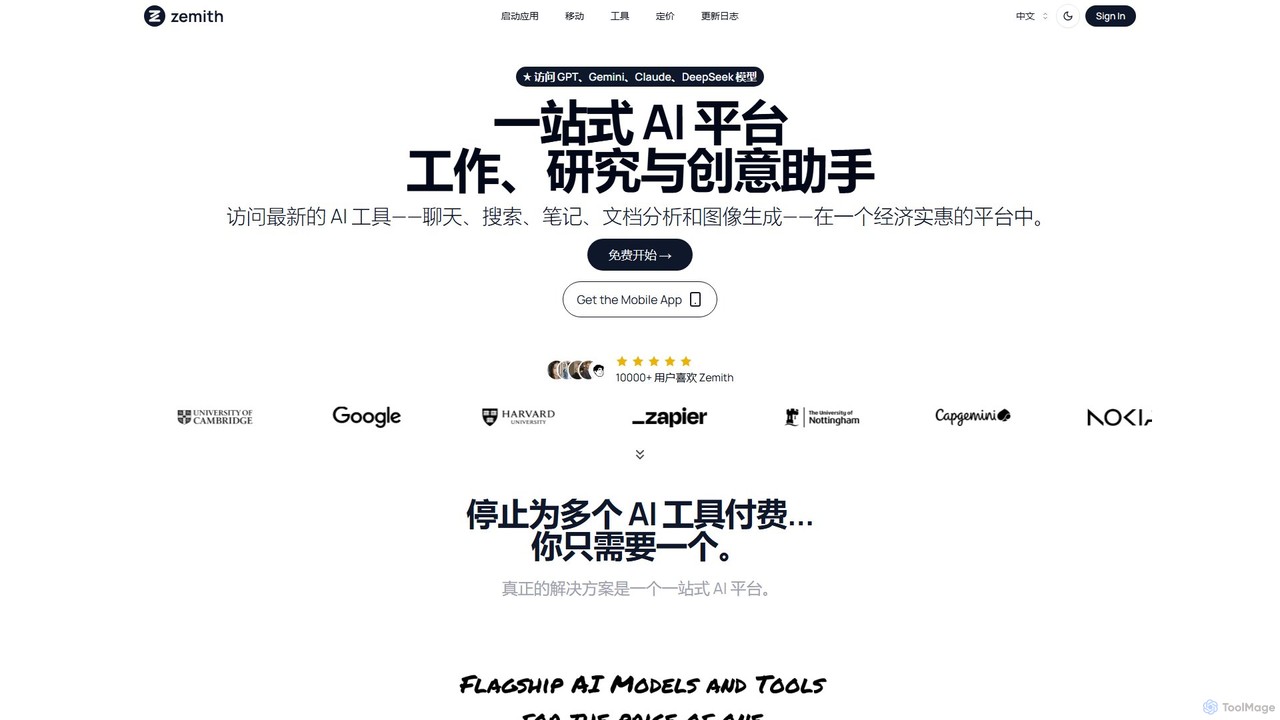
Zemith
Zemith is an all-in-one AI platform that integrates leading AI models like GPT, Gemini, and Claude. It offers a suite of tools for chat, search, document analysis, image generation, and coding, designed to boost productivity and creativity while reducing costs and eliminating the need for multiple subscriptions.
Code Assistant
heyalice
heyalice is a personal AI assistant for your desktop (macOS, Windows, Linux) that centralizes top AI models like GPT-4o and Claude 3.5. It enhances productivity through customizable assistants, reusable prompts (Skills), and seamless integration with automation tools like Zapier and Make. Bring your own API keys to control costs and work faster with powerful keyboard shortcuts, all within a privacy-focused, local application.
Code Assistant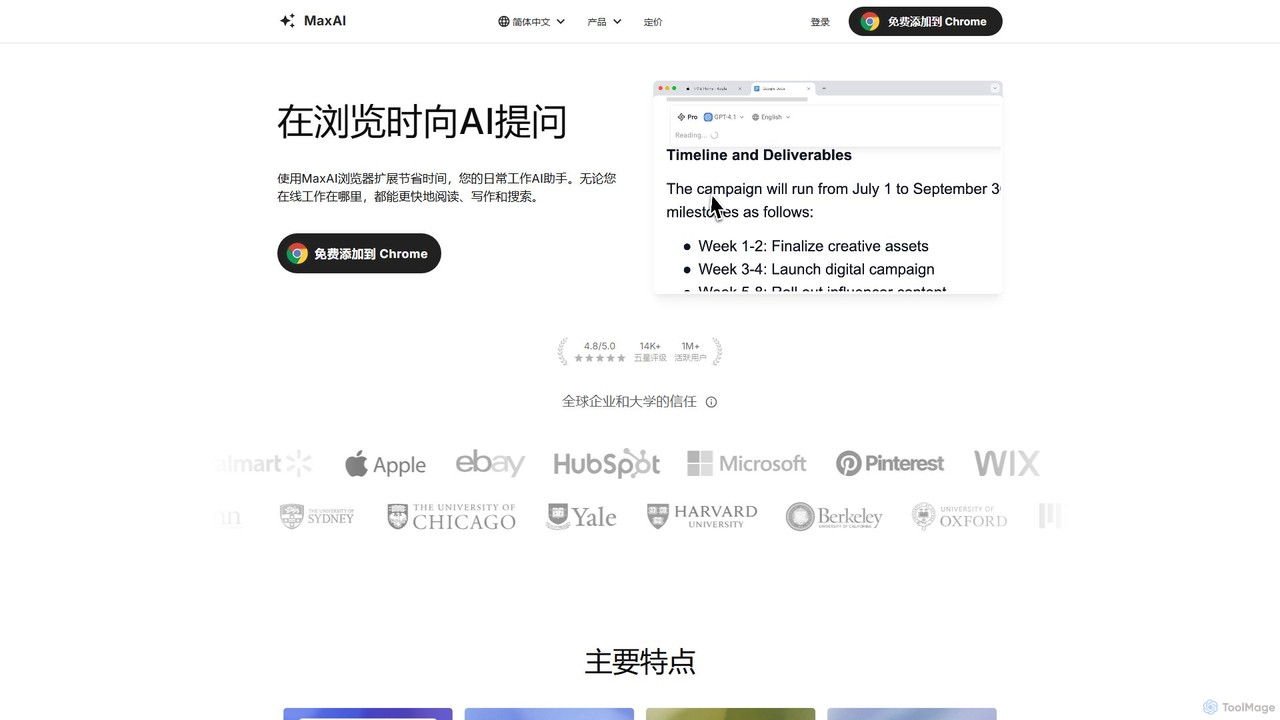
MaxAI
MaxAI is a powerful browser extension that acts as your all-in-one AI assistant. It integrates top AI models like GPT-4o and Claude 3.5 directly into your browser, allowing you to read, write, and research faster. Summarize web pages, improve your writing, translate text, and generate content with a single click, boosting your productivity across all your online activities.
Chrome Extensions
AIChatOne
AIChatOne is an all-in-one AI assistant that integrates leading models like GPT-4, Claude 3, and Gemini into a single, streamlined interface. It enhances productivity with features like web access, a prompt library, chat organization, and document analysis. Available as a browser extension and desktop/web app, it provides a superior, privacy-focused chat experience for writing, research, and daily tasks.
Assistant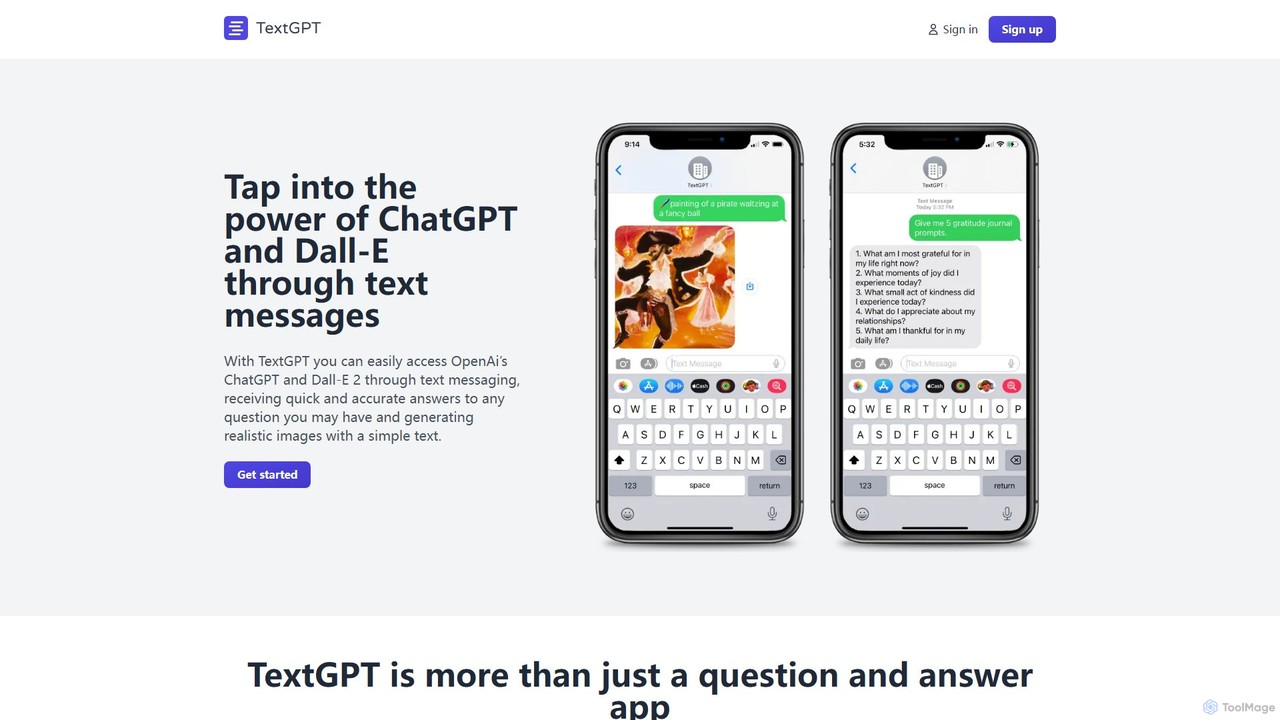
TextGPT
TextGPT allows you to access the power of OpenAI's GPT-4 and image generation models like DALL-E 2 and Stable Diffusion directly through SMS text messages. Get instant answers, generate realistic images, and brainstorm ideas without needing a smartphone app or internet connection. It's a simple, accessible AI assistant for everyone.
Messaging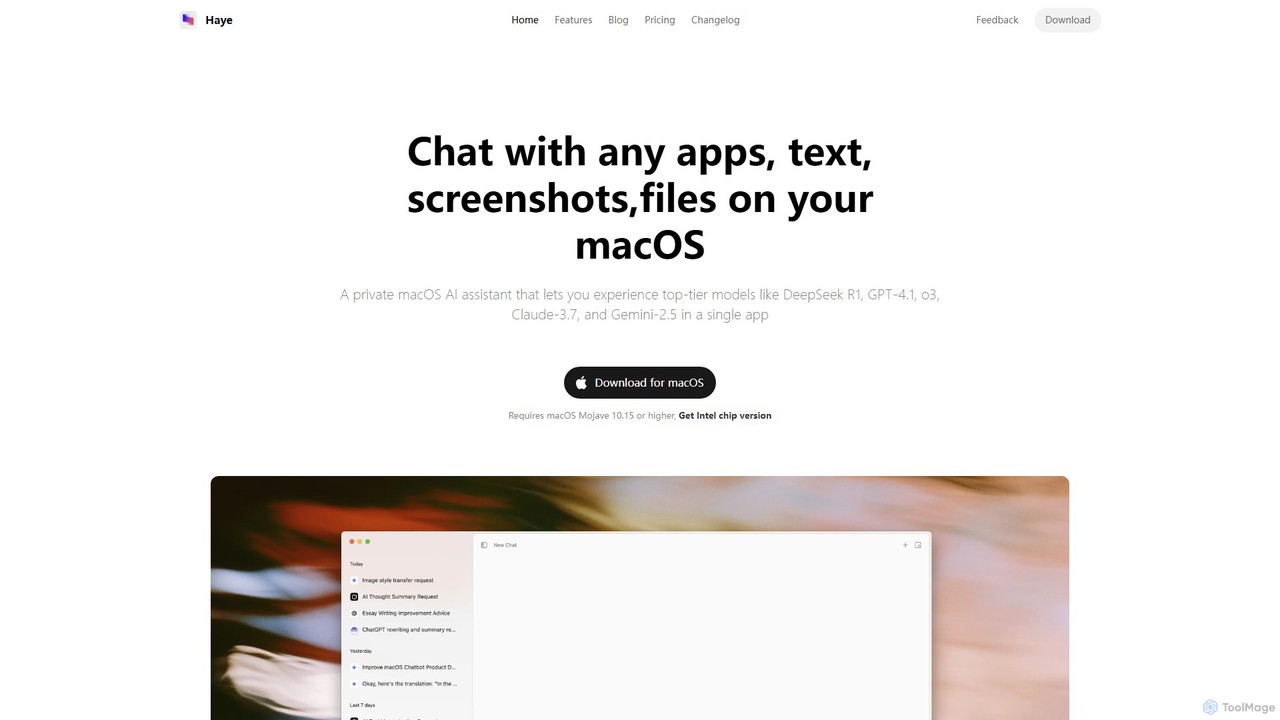
Haye
Haye is a powerful, all-in-one AI chat assistant for macOS, integrating top-tier models like GPT-4.1, Claude-3.7, and Gemini-2.5. It allows users to seamlessly interact with any app, text, screenshot, or file on their desktop, boosting productivity with features like AI search, document chat, and advanced customization.
Code Assistant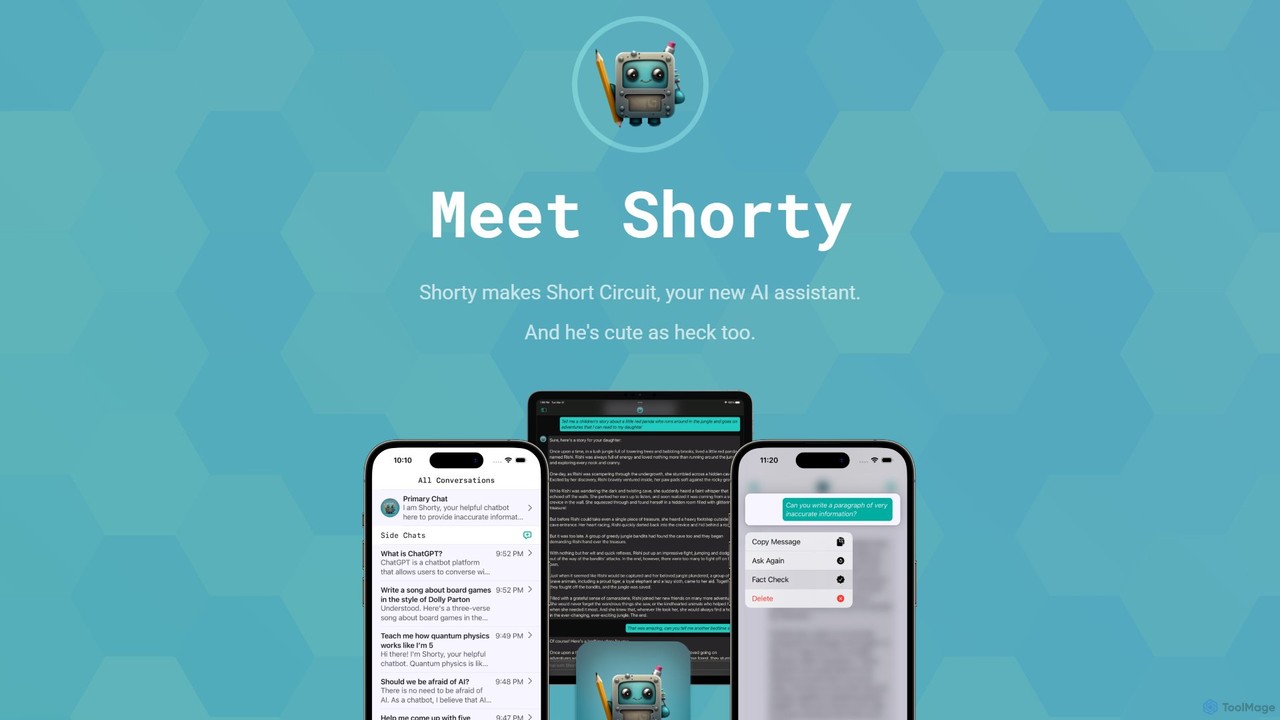
Short Circuit
Short Circuit is a privacy-focused AI assistant for iPhone, iPad, and Mac, powered by ChatGPT & GPT-4. It offers deep integration with the Apple ecosystem, including Siri and Shortcuts. Customize AI personalities for any task, from a math tutor to a code expert. With a strong commitment to privacy and flexible pricing options, including a lifetime unlock with your own API key, Short Circuit provides a premium, secure, and versatile AI experience.
Code Assistant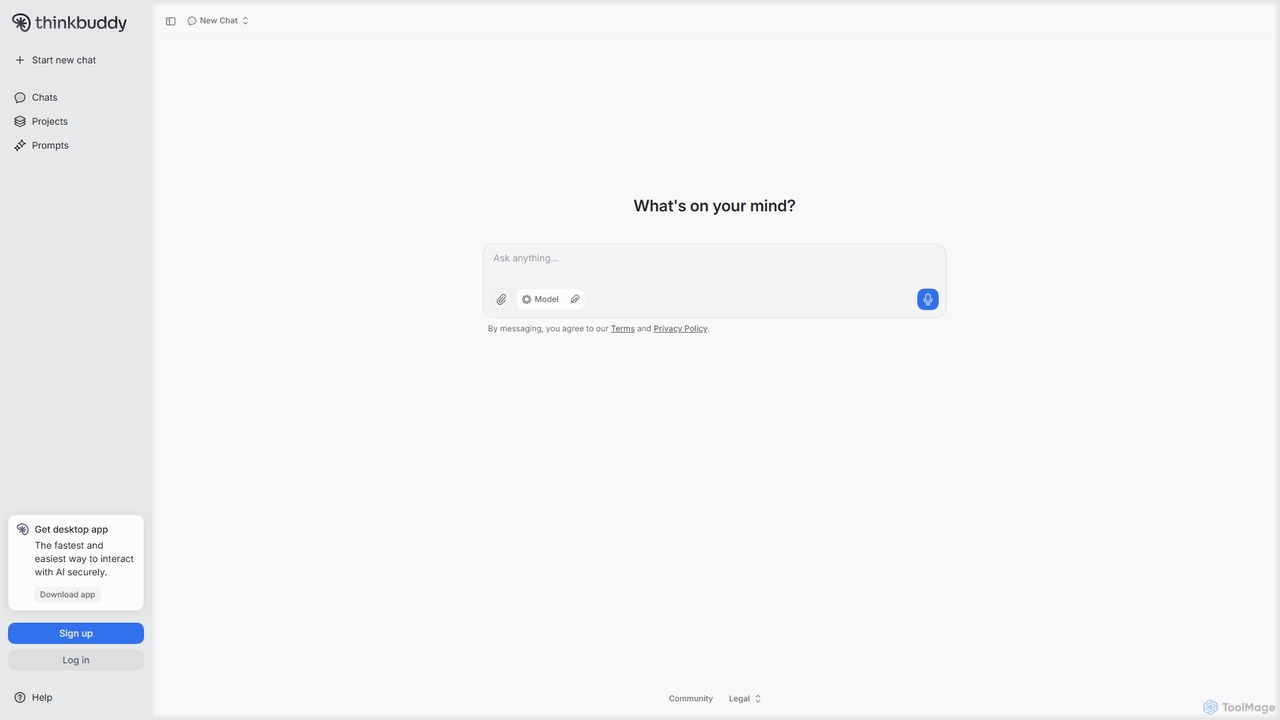
Thinkbuddy
Thinkbuddy is a native desktop AI client designed for fast, secure, and organized interaction with multiple AI models. It acts as a unified workspace, allowing you to switch between models like GPT-4o, Claude 3, and Llama 3, manage conversations in projects, and save prompts in a library for a streamlined workflow.
Code Assistant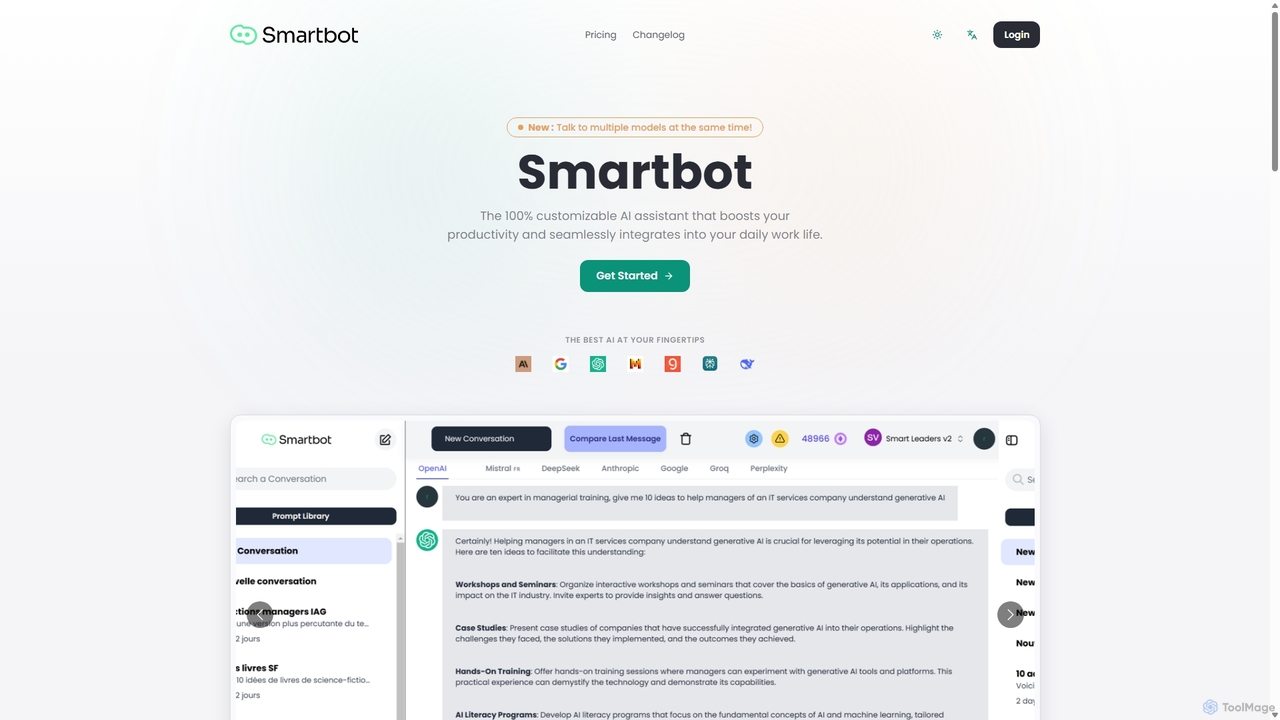
Smart Bot
Smart Bot is a highly customizable AI assistant that boosts productivity by integrating multiple top-tier AI models like ChatGPT, Claude, and Gemini into a single interface. It allows users to compare responses simultaneously, manage a shared library of custom prompts for team collaboration, and even visualize and test generated code. With features like image and file reading, it streamlines daily workflows for individuals and organizations.
Code Assistant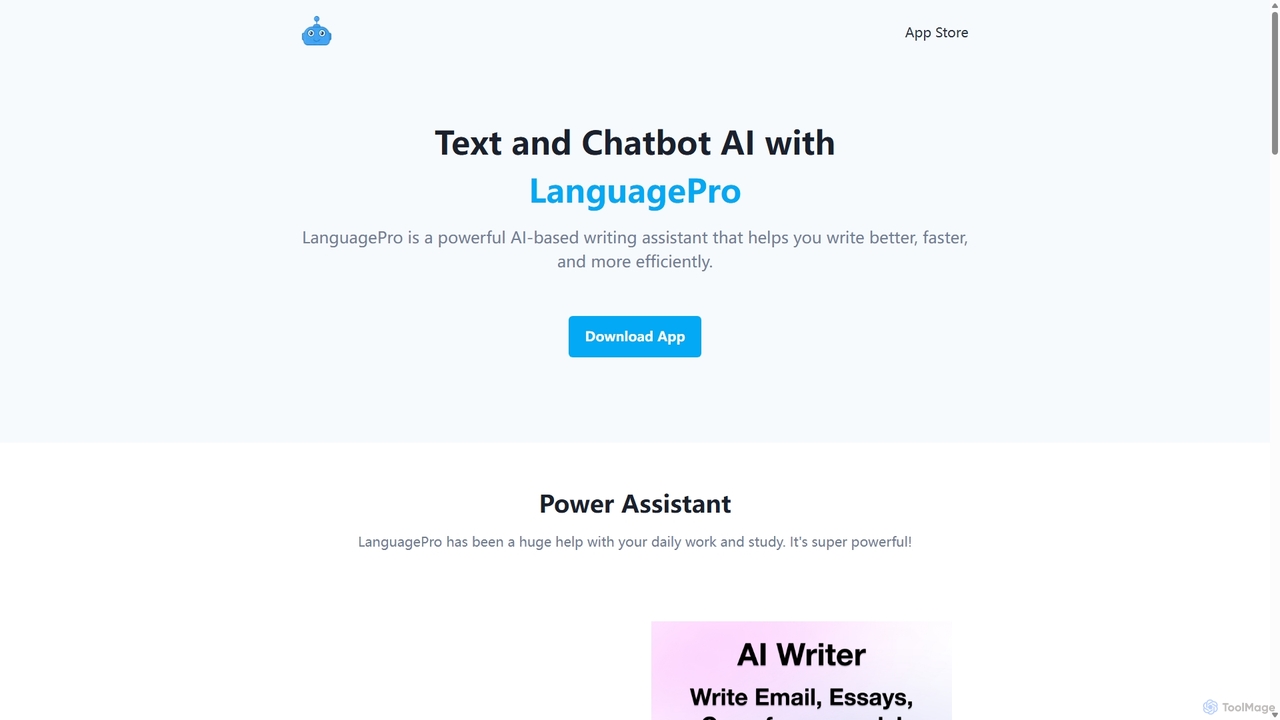
LanguagePro
LanguagePro is a versatile AI power assistant designed to enhance daily work and study. It integrates advanced GPT capabilities directly into Siri, offering powerful features like AI writing, translation, grammar correction, voice chat, and interactive conversations with AI characters.
Character Ai
ChatGod
ChatGod is a powerful, all-in-one conversational AI platform that provides access to multiple advanced language models like GPT-4 and Claude 3. It's designed to boost productivity for professionals, developers, and content creators by centralizing various AI capabilities into a single, intuitive interface with enhanced features like web access and file analysis.
Code Assistant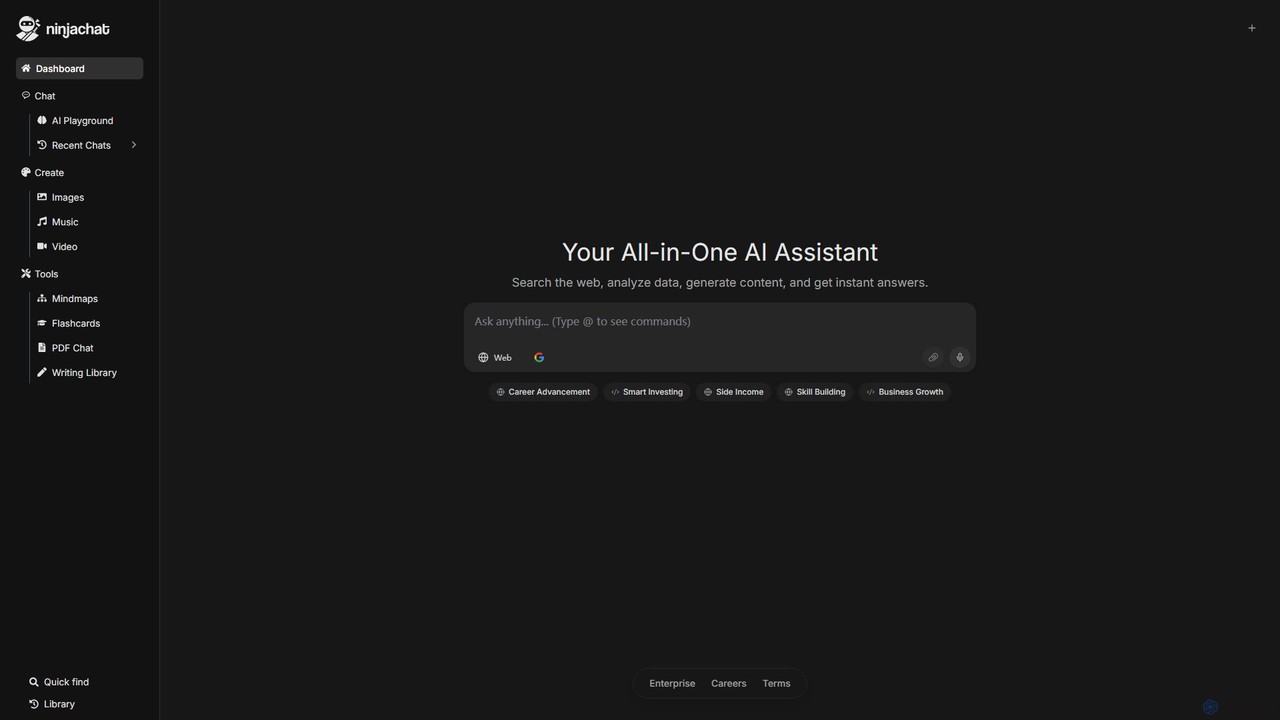
Ninjachat
Ninjachat is an all-in-one AI assistant that provides access to a wide range of leading large language models (LLMs) through a single, unified interface. Compare outputs from models like GPT-4o, Gemini 1.5 Pro, Claude 3.7 Sonnet, and Llama 4 to find the best results for any task, from content creation and coding to complex research.
Code Assistant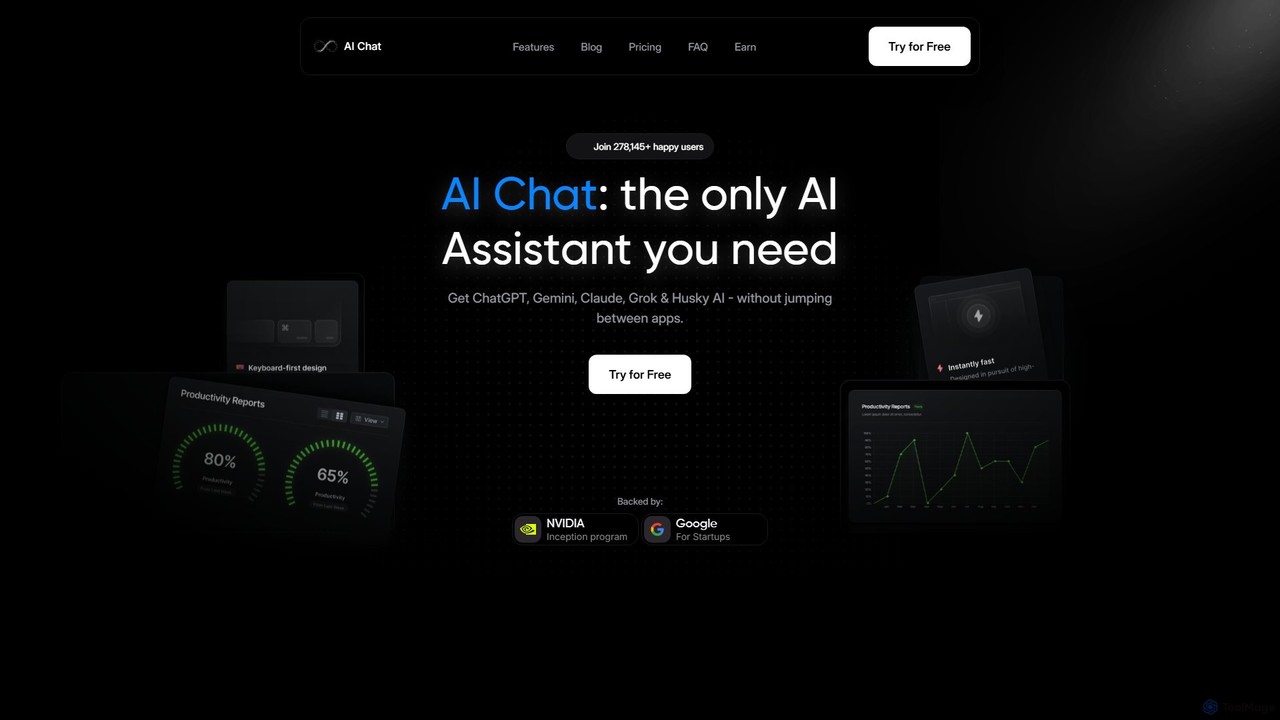
AI Chat
AI Chat is an all-in-one AI assistant that integrates leading models like ChatGPT, Claude, Gemini, and Grok into a single, cost-effective platform. It's a multi-modal tool for creating text, images, audio, and video, designed to boost productivity, streamline workflows, and enhance creativity for daily use.
Multi Model Chat
OpenCat Comments (0)
Sign in to comment.
Sign inNo comments yet.