GenExpert
GenExpert is an advanced toolkit and user interface for OpenAI models, designed to elevate your ChatGPT experience. It …
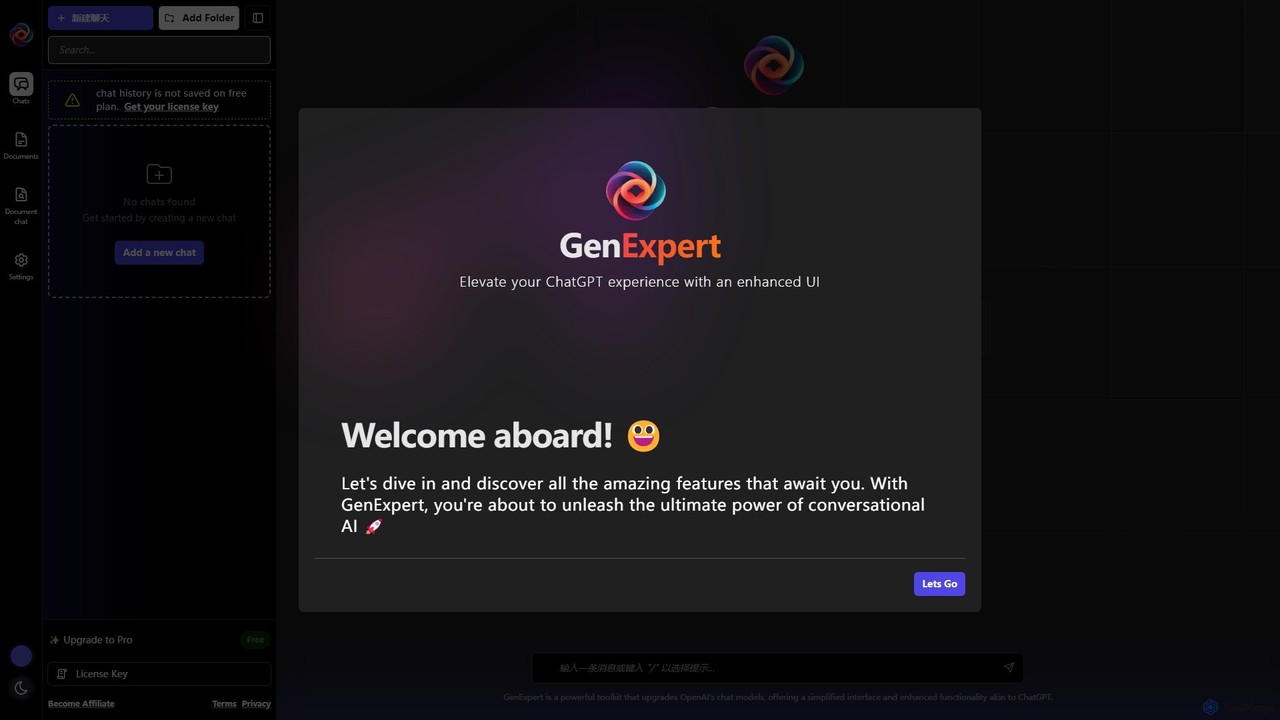
GenExpert is an advanced toolkit and user interface for OpenAI models, designed to elevate your ChatGPT experience. It offers a streamlined interface with powerful features like folder-based chat organization, document interaction, a rich prompt library, and AI persona selection, all while using your own OpenAI API key for full control.
About Chatbot Interface
A Chatbot Interface is a software platform used to design, build, manage, and deploy conversational AI agents without extensive coding. These tools provide a visual environment, often with drag-and-drop functionality, to map out conversation flows, define user intents, and integrate with backend systems. They empower businesses to create sophisticated chatbots for websites, messaging apps, and internal platforms, significantly reducing development time and technical barriers. The primary value lies in abstracting the complexity of natural language processing (NLP) and channel integration into a user-friendly interface.
Core Features
- Visual Flow Builder: Design complex conversation paths using a graphical, drag-and-drop interface.
- Multi-Channel Deployment: Build once and deploy the chatbot across various platforms like websites, Facebook Messenger, Slack, and WhatsApp.
- NLP & Intent Management: Train the chatbot to understand user queries, recognize intents, and extract key information (entities).
- Analytics & Reporting: Monitor chatbot performance, track user engagement, identify conversation bottlenecks, and measure success rates.
- Live Agent Handover: Seamlessly transfer conversations from the chatbot to a human agent when complex or sensitive support is needed.
Use Cases
Chatbot Interfaces are widely used across industries for customer support automation, lead generation, and e-commerce sales. For example, a retail company can use it to build a bot that answers order status questions and provides product recommendations. In the B2B sector, marketers build bots to qualify website visitors and schedule demos, integrating directly with their CRM systems.
How to Choose
When selecting a Chatbot Interface, consider the platform's ease of use (no-code vs. low-code), the range of supported deployment channels, and its integration capabilities with third-party services (like CRMs, APIs, and helpdesks). Also, evaluate the power and flexibility of its built-in NLP engine versus its ability to connect to external ones like Google Dialogflow or Rasa. Finally, assess the pricing model based on your expected conversation volume and required features.

Chatbot InterfaceUse Cases
Build an E-commerce Product Recommendation Bot
An e-commerce manager needs to increase online sales and improve user engagement. Using a Chatbot Interface, they can design a conversational flow that acts as a personal shopper. The bot asks customers about their preferences, such as product category, style, and price range. By integrating with the store's product catalog API, the chatbot can fetch and display relevant product recommendations in real-time within the chat window. This provides a personalized and interactive shopping experience, guiding users to purchase and increasing average order value without requiring human intervention.
Automate B2B Lead Qualification and Demo Booking
A marketing team at a SaaS company wants to capture and qualify leads from their website 24/7. They use a Chatbot Interface to build a bot that engages website visitors. The bot asks qualifying questions like company size, job role, and specific needs. Based on the answers, it identifies high-potential leads and offers to book a demo directly by integrating with a sales representative's calendar (e.g., Calendly). For unqualified visitors, it offers alternative resources like a whitepaper. This process automates the top of the sales funnel, ensuring immediate follow-up for qualified leads and saving the sales team's time.
Deploy a Multilingual Customer Support FAQ Bot
A global company's support team is overwhelmed with repetitive questions from different regions. Using a Chatbot Interface with multilingual capabilities, they build a single FAQ bot. They upload their knowledge base and train the bot on common intents. The interface allows them to easily add and manage translations for multiple languages. When a user starts a chat, the bot can detect the browser language or ask the user for their preference, then respond in the appropriate language. This provides instant, 24/7 support to a global customer base, significantly reducing ticket volume and freeing up human agents to handle more complex issues.
Create an Internal IT Helpdesk Assistant
An IT administrator wants to reduce the number of simple, repetitive support tickets from employees, such as password resets or software access requests. They use a Chatbot Interface to build an internal helpdesk bot and deploy it on the company's communication platform (e.g., Slack or Microsoft Teams). Employees can interact with the bot to get instant answers to common IT questions, follow guided troubleshooting steps, or submit automated requests. For complex issues, the bot can collect initial information and create a ticket in the IT service management system (e.g., Jira), ensuring the human IT team has all necessary details from the start.
Design an Automated Appointment Booking Bot
A service-based business, like a clinic or a salon, wants to streamline its booking process and reduce phone calls. Using a Chatbot Interface, the owner builds a bot for their website and Facebook page. The bot is designed to check for available time slots by integrating with a calendar API (e.g., Google Calendar). It guides customers through the process of selecting a service, choosing a date and time, and providing their contact details. After confirming the booking, it automatically adds the event to the calendar and can send automated reminders, reducing no-shows and freeing up staff from manual scheduling tasks.
Prototype and Test Conversational UX Flows
A conversation designer or UX researcher needs to validate a new chatbot's dialogue flow before committing development resources. They use a Chatbot Interface as a rapid prototyping tool. The visual builder allows them to quickly create and modify conversation paths, test different wording, and simulate user interactions without writing any code. They can then share the prototype with stakeholders for feedback or conduct user testing sessions to identify points of confusion or friction. The platform's analytics can reveal where users drop off, enabling data-driven improvements to the conversational design before full-scale development begins.