
GenExpert Overview
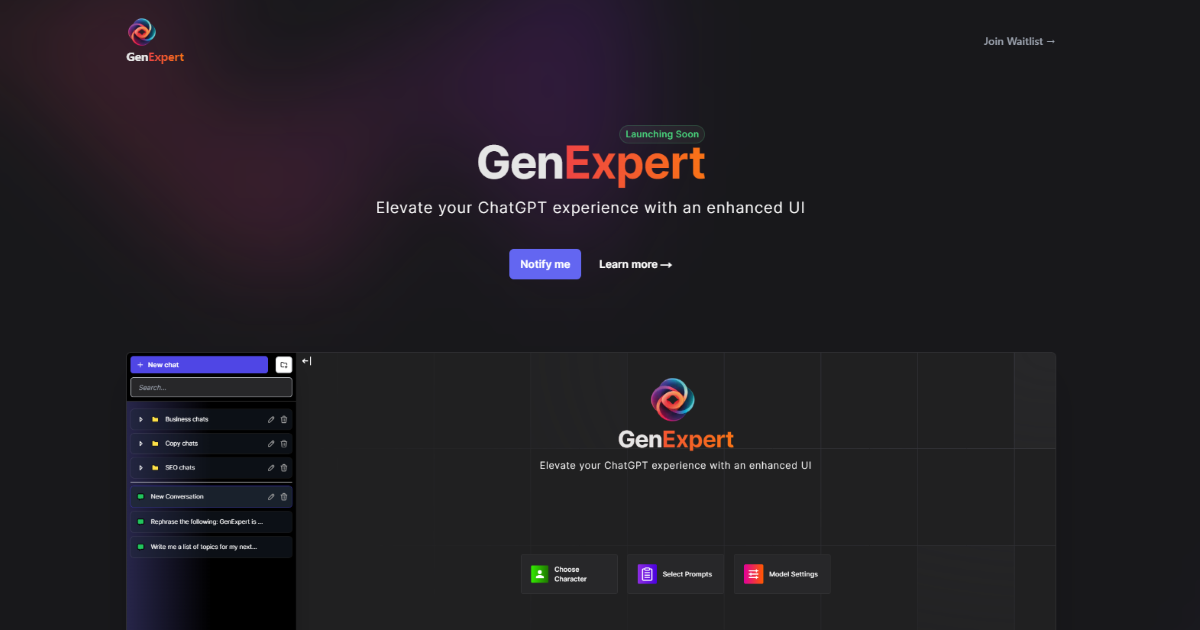
GenExpert is a sophisticated web-based application designed to serve as a powerful front-end for OpenAI's language models, including GPT-4, GPT-4o, and others. It fundamentally upgrades the standard ChatGPT experience by introducing a suite of professional-grade tools and an enhanced user interface. Unlike the default interface, GenExpert provides users with greater organizational capabilities, deeper customization, and advanced functionalities like direct document interaction. The platform operates on a "Bring Your Own API Key" (BYOAK) model, giving users complete transparency and control over their API usage and costs, making it a flexible solution for both individuals and professionals.
How to use GenExpert
Using GenExpert is a straightforward process designed to get you up and running quickly:
- Obtain Your API Key: First, you need an API key from your OpenAI account. Log in to the OpenAI platform, navigate to the API keys section, and generate a new secret key.
- Set Up GenExpert: Go to the GenExpert website and locate the settings area. You will find a field to input your OpenAI API key. Paste your key here and save it. This is a one-time setup.
- Organize Your Work: Start creating conversations. A key feature of GenExpert is the ability to create folders. Use this to organize your chats by project, topic, or client for easy retrieval.
- Chat with Documents: To analyze a document, select the "Document Chat" feature. Upload your file (e.g., PDF, DOCX, TXT), and once it's processed, you can ask questions, request summaries, or extract specific information from the text.
- Leverage Prompts and Personas: To improve the quality of your results, explore the built-in Prompt Library for expertly crafted prompts. You can also choose an AI "Character" or persona to make the AI respond in a specific style (e.g., a technical expert, a creative writer, a marketing guru).
- Fine-Tune Your Model: In the model settings, you can switch between different OpenAI models available through your API key and adjust parameters like "temperature" to control the creativity or factuality of the responses.
Core Features of GenExpert
- Advanced Chat Organization: Manage your conversations efficiently with a folder system, a feature missing from the basic ChatGPT interface.
- Document Chat (RAG): Upload documents and chat with them directly. This is perfect for analyzing research papers, legal contracts, financial reports, and more.
- Extensive Prompt Library: Access a curated collection of high-quality prompts for a wide range of tasks, including marketing, software development, content creation, and academic research.
- AI Persona Selection: Define the AI's personality and tone to receive responses that are perfectly tailored to your needs.
- Full Model Control: Seamlessly switch between different OpenAI models (e.g., GPT-4o, GPT-4 Turbo, GPT-3.5 Turbo) and fine-tune generation parameters.
- Bring Your Own API Key (BYOAK): Maintain full control over your data and API costs by using your personal OpenAI API key.
- Secure Chat History: The Pro plan offers persistent and searchable chat history, ensuring your valuable conversations are never lost.
Use Cases for GenExpert
GenExpert is a versatile tool suitable for a wide array of users:
- Researchers and Academics: Upload multiple research papers to a folder, ask comparative questions, and generate literature reviews or summaries in minutes.
- Content Creators and Marketers: Use the persona feature and prompt library to consistently generate on-brand marketing copy, blog posts, social media updates, and email campaigns.
- Developers and Programmers: Organize coding projects in separate folders, use it as an advanced rubber-ducking partner, and get assistance with debugging, code optimization, and documentation.
- Business Professionals: Analyze business reports, contracts, and meeting transcripts with the Document Chat feature. Draft professional emails and presentations with ease.
- Students: Upload lecture notes or textbooks to create study guides, get explanations of complex topics, and prepare for exams more effectively.
Advantages of GenExpert
GenExpert offers several key advantages over using the standard ChatGPT interface:
- Enhanced Productivity: The folder system, prompt library, and streamlined workflow save significant time and effort.
- Greater Power and Flexibility: Document chat and model control unlock advanced capabilities for professional and complex tasks.
- Cost Transparency: The BYOAK model means you only pay OpenAI for what you use, offering a potentially more cost-effective solution than fixed-price subscriptions.
- Improved Organization: Keep your AI-powered work neatly organized and easily accessible, which is crucial for managing multiple projects.
- Superior User Experience: A clean, intuitive, and powerful interface designed for power users.
Pricing and Plans
GenExpert operates on a freemium model:
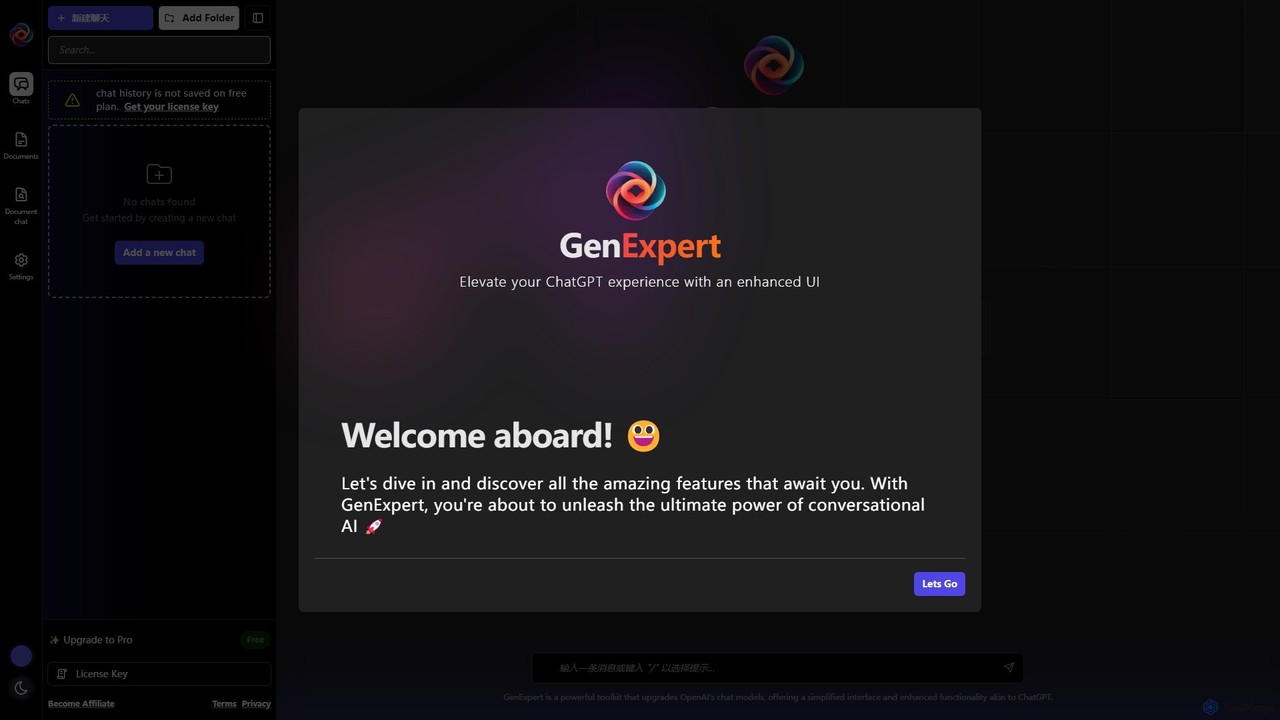
- Free Plan: This plan allows users to access the enhanced interface and core features by using their own OpenAI API key. However, chat history is not saved on this plan, making it ideal for casual use or for trying out the platform.
- Pro Plan: By purchasing a license key, users can upgrade to the Pro plan. This unlocks all premium features, most notably the ability to save, search, and manage your complete chat history. The Pro plan is designed for professionals and power users who rely on the tool for their daily workflows.
GenExpert Alternatives
Mochii
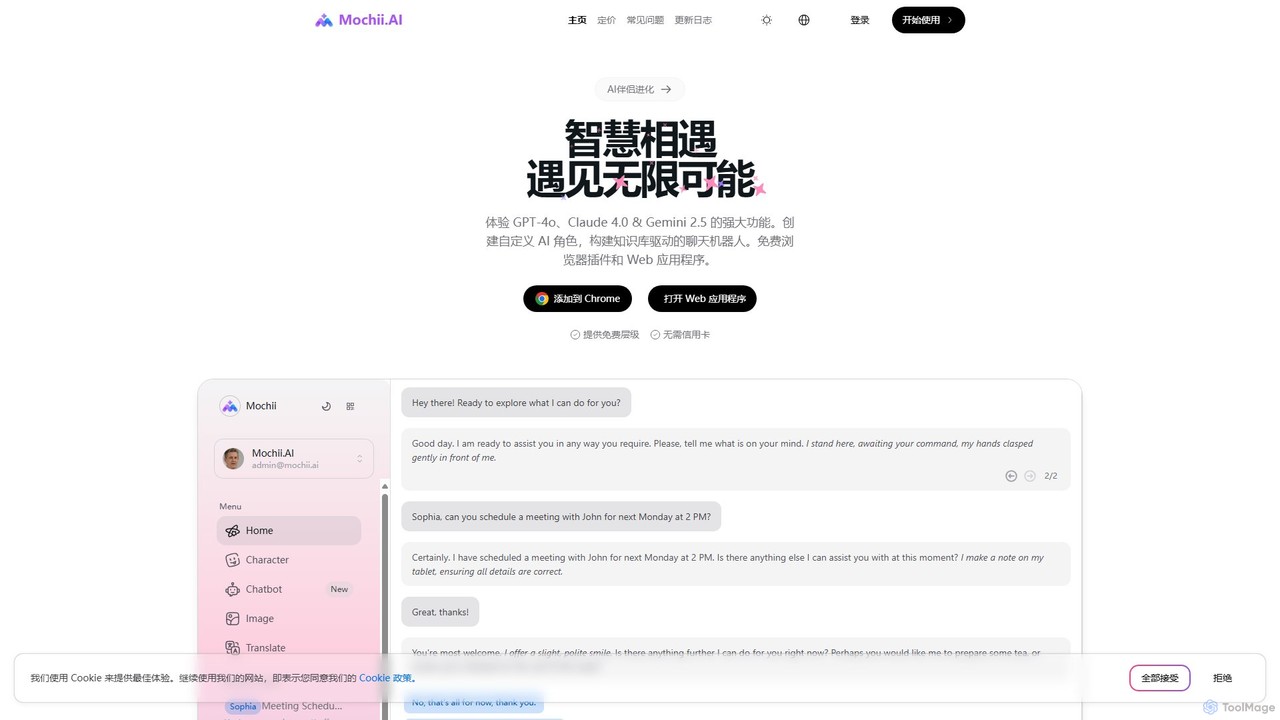
Mochii is an all-in-one AI assistant that integrates leading models like GPT-4o, Claude, and Gemini into a seamless browser extension and web app. It enhances productivity by offering features like document analysis, web browsing, AI chatbot building, and customizable AI roles. A generous free tier provides access to advanced AI capabilities for everyone.
Productivity
heyalice
heyalice is a personal AI assistant for your desktop (macOS, Windows, Linux) that centralizes top AI models like GPT-4o and Claude 3.5. It enhances productivity through customizable assistants, reusable prompts (Skills), and seamless integration with automation tools like Zapier and Make. Bring your own API keys to control costs and work faster with powerful keyboard shortcuts, all within a privacy-focused, local application.
Code Assistant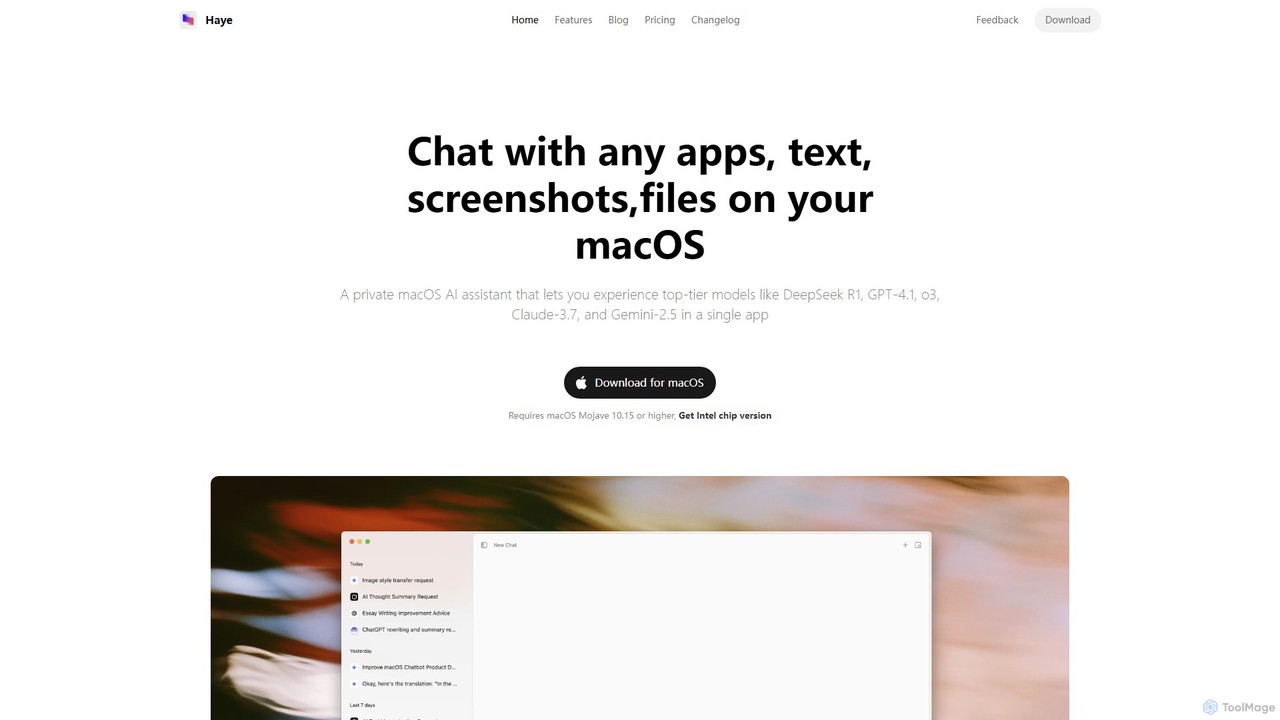
Haye
Haye is a powerful, all-in-one AI chat assistant for macOS, integrating top-tier models like GPT-4.1, Claude-3.7, and Gemini-2.5. It allows users to seamlessly interact with any app, text, screenshot, or file on their desktop, boosting productivity with features like AI search, document chat, and advanced customization.
Code Assistant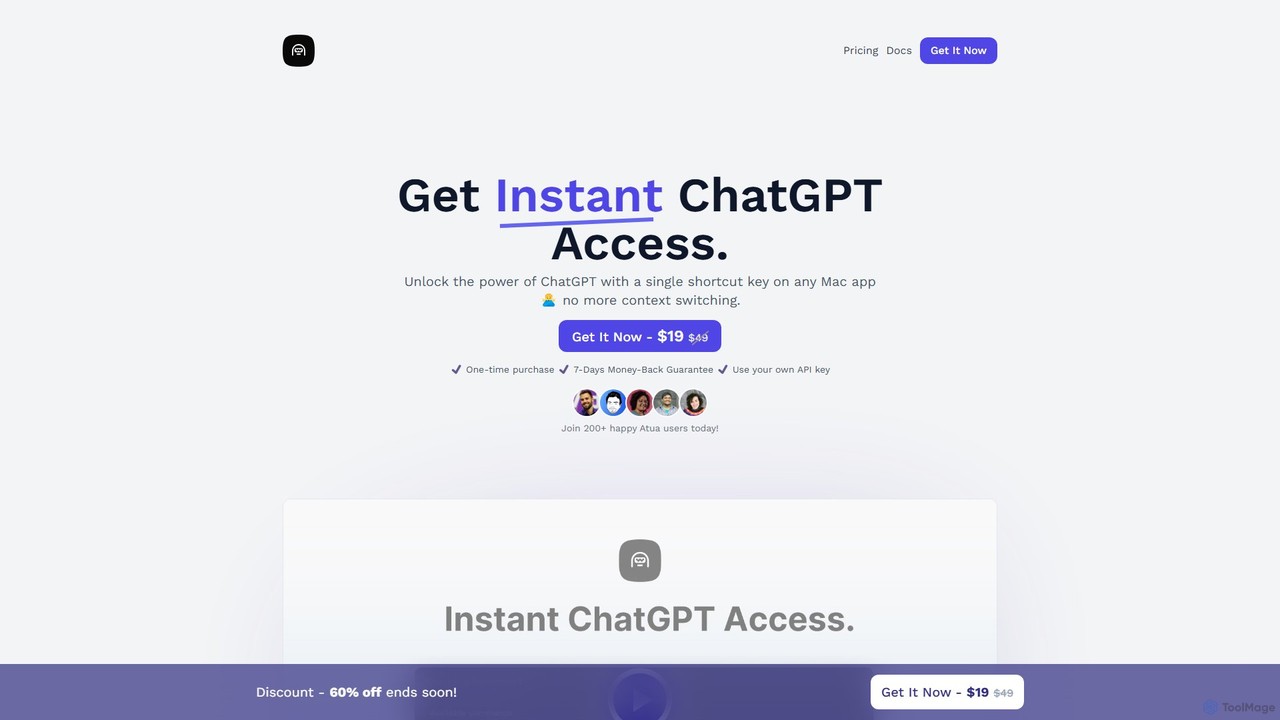
Atua
Atua is a native macOS application that provides instant access to ChatGPT from any app using a simple shortcut. It eliminates context switching, allowing users to select text, apply custom AI commands, and boost productivity in writing, coding, and more.
Code Assistant
Chat Got
Chat Got is an all-in-one AI chat platform that provides access to multiple leading large language models like GPT-4, Claude, and Gemini in a single, unified interface. It simplifies the process of interacting with different AIs, allowing users to switch between models seamlessly to find the best one for any task, from writing and coding to research and brainstorming.
All In OneGenExpert Categories
GenExpert Embed Widget
Copy this embed code to place the badge on your blog, article, or product site and send readers directly to this ToolMage detail page.

Related AI tools
Mochii
Mochii is an all-in-one AI assistant that integrates leading models like GPT-4o, Claude, and Gemini into a seamless browser extension and web app. It enhances productivity by offering features like document analysis, web browsing, AI chatbot building, and customizable AI roles. A generous free tier provides access to advanced AI capabilities for everyone.
Productivity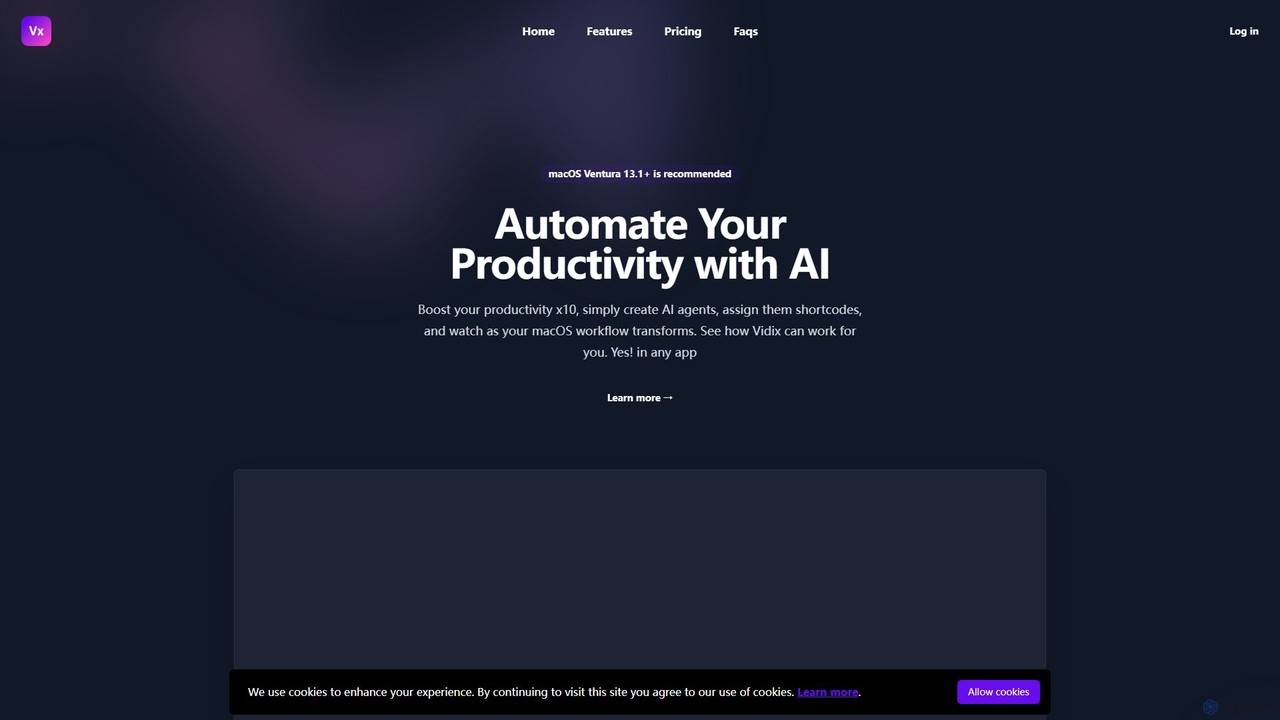
Vidix
Vidix is a powerful AI assistant for macOS designed to boost productivity. It allows users to create custom AI agents, assign them shortcodes, and activate them in any application to automate tasks, process text, and streamline workflows seamlessly.
Code Assistant
typegpt
typegpt is a lightweight browser extension that integrates ChatGPT into any text box on the internet. Use simple commands to generate, translate, or code directly in your workflow, using your own API key for maximum cost-efficiency and control.
Code Assistant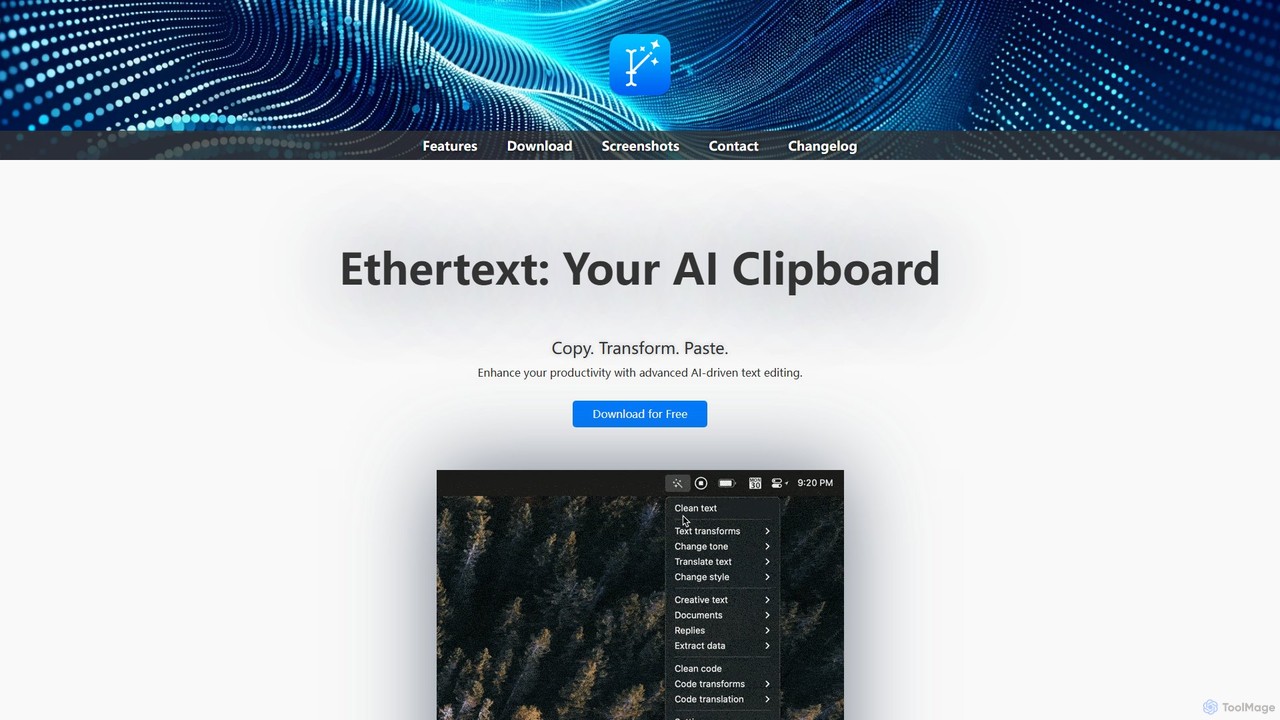
Ethertext
Ethertext is an AI-powered clipboard assistant for macOS that supercharges your productivity. It allows you to instantly transform, edit, and enhance any text you copy. With support for major AI models like OpenAI, Gemini, and Claude, as well as local models via Ollama, it offers powerful text and code manipulation, a smart memory feature, and seamless integration into your daily workflow through keyboard shortcuts.
Code Assistant
Jyek
Jyek is an AI agent platform that understands objectives, creates execution plans, uses tools, and delivers verifiable results for complex, multi-step tasks.
Automationheyalice
heyalice is a personal AI assistant for your desktop (macOS, Windows, Linux) that centralizes top AI models like GPT-4o and Claude 3.5. It enhances productivity through customizable assistants, reusable prompts (Skills), and seamless integration with automation tools like Zapier and Make. Bring your own API keys to control costs and work faster with powerful keyboard shortcuts, all within a privacy-focused, local application.
Code AssistantHaye
Haye is a powerful, all-in-one AI chat assistant for macOS, integrating top-tier models like GPT-4.1, Claude-3.7, and Gemini-2.5. It allows users to seamlessly interact with any app, text, screenshot, or file on their desktop, boosting productivity with features like AI search, document chat, and advanced customization.
Code AssistantAtua
Atua is a native macOS application that provides instant access to ChatGPT from any app using a simple shortcut. It eliminates context switching, allowing users to select text, apply custom AI commands, and boost productivity in writing, coding, and more.
Code AssistantChat Got
Chat Got is an all-in-one AI chat platform that provides access to multiple leading large language models like GPT-4, Claude, and Gemini in a single, unified interface. It simplifies the process of interacting with different AIs, allowing users to switch between models seamlessly to find the best one for any task, from writing and coding to research and brainstorming.
All In One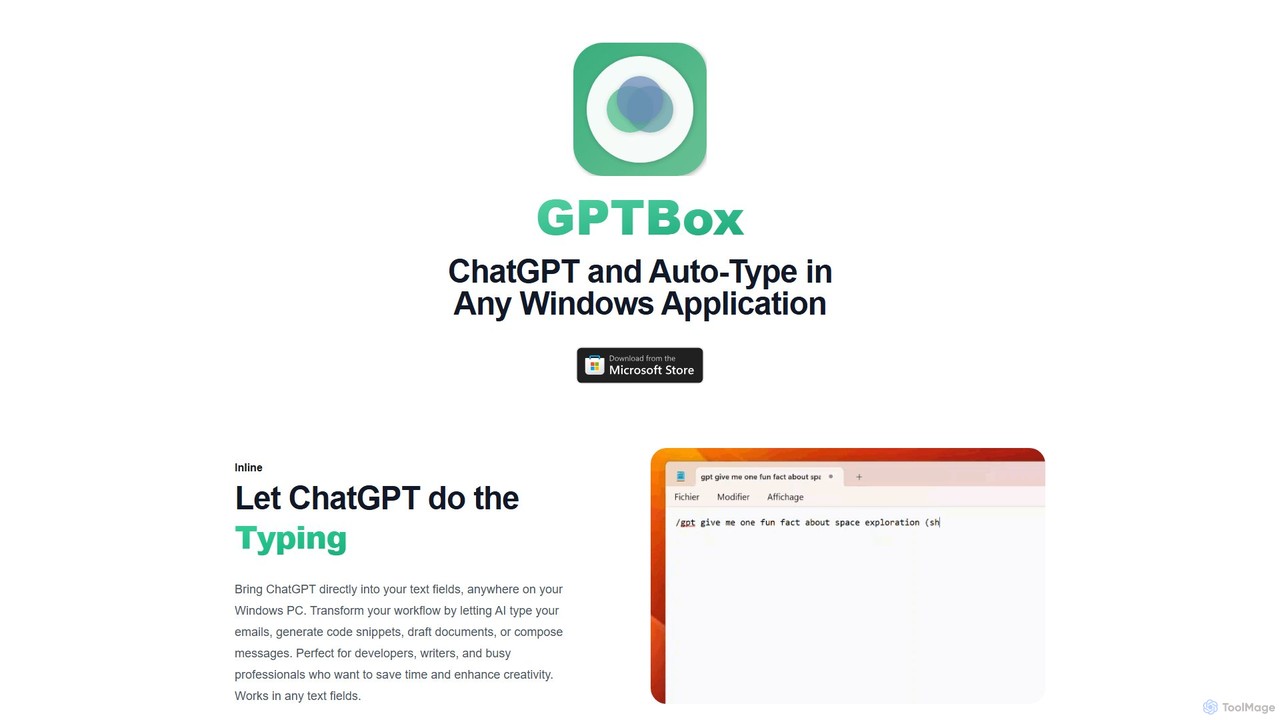
GPTBox
GPTBox is a native Windows application that seamlessly integrates ChatGPT and DeepSeek into your taskbar. It allows you to access AI assistance from anywhere on your PC with a simple keyboard shortcut and use an inline auto-type feature to draft emails, write code, and generate content directly in any text field. Designed for developers, writers, and professionals, it boosts productivity by embedding AI into your daily workflow.
Code Assistant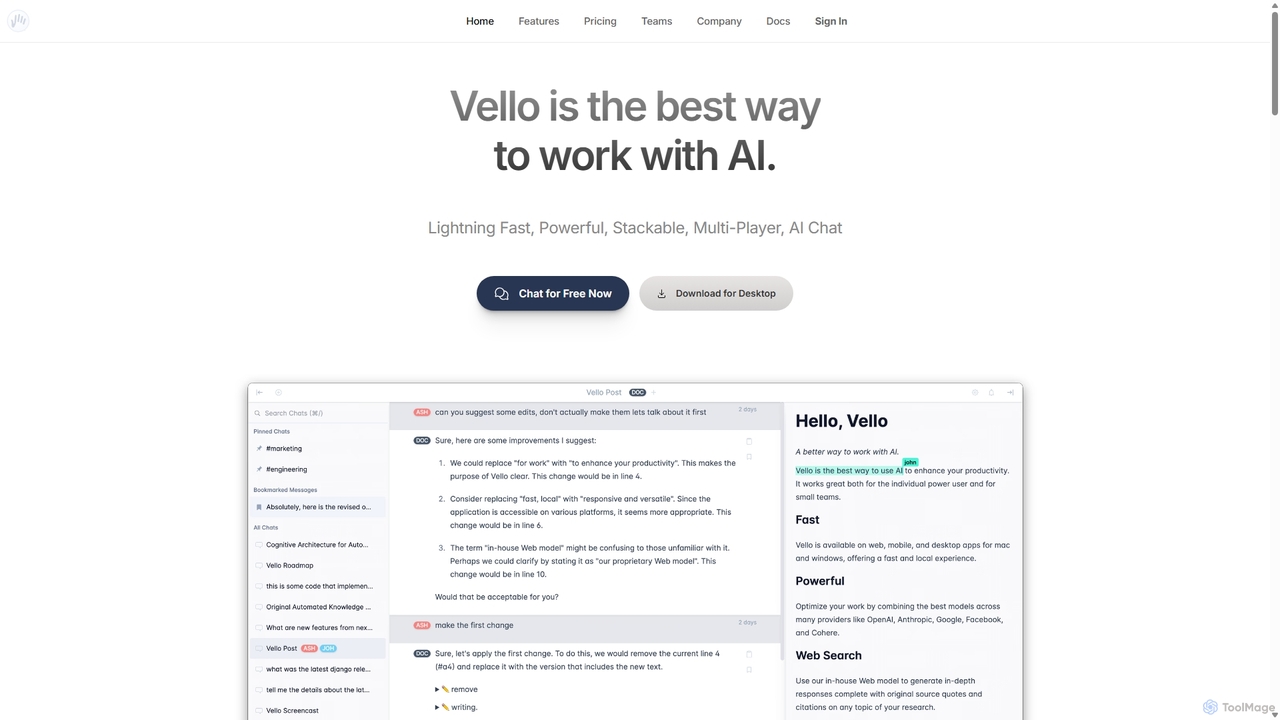
Vello
Vello is a powerful, collaborative AI platform that centralizes top models from OpenAI, Anthropic, and Google. It enables teams to work together with AI in real-time, create custom AI personas, conduct cited research, and edit documents seamlessly across web, desktop, and mobile apps.
Teamwork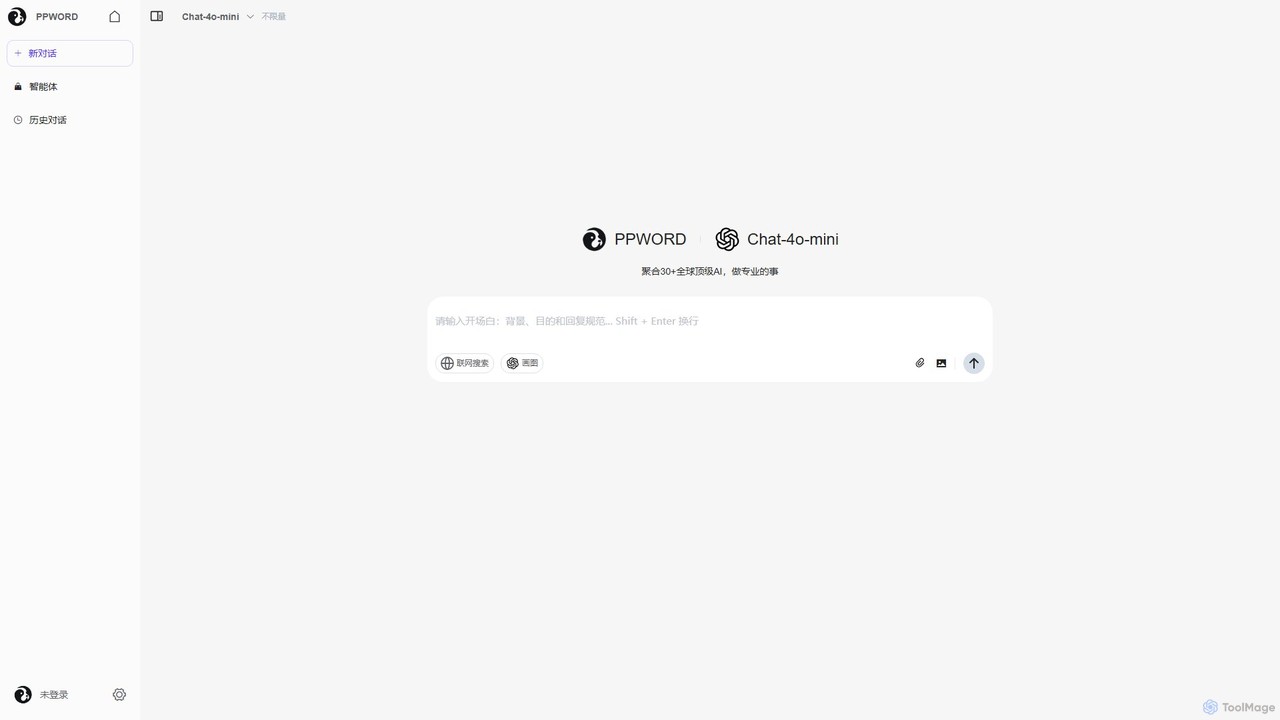
ppword
ppword is an AI aggregator platform that integrates over 30 top-tier global AI models, including GPT-4o, into a single, unified interface. It offers functionalities like advanced chat, real-time web search, and AI image generation, designed for professional tasks and creative endeavors.
Code Assistant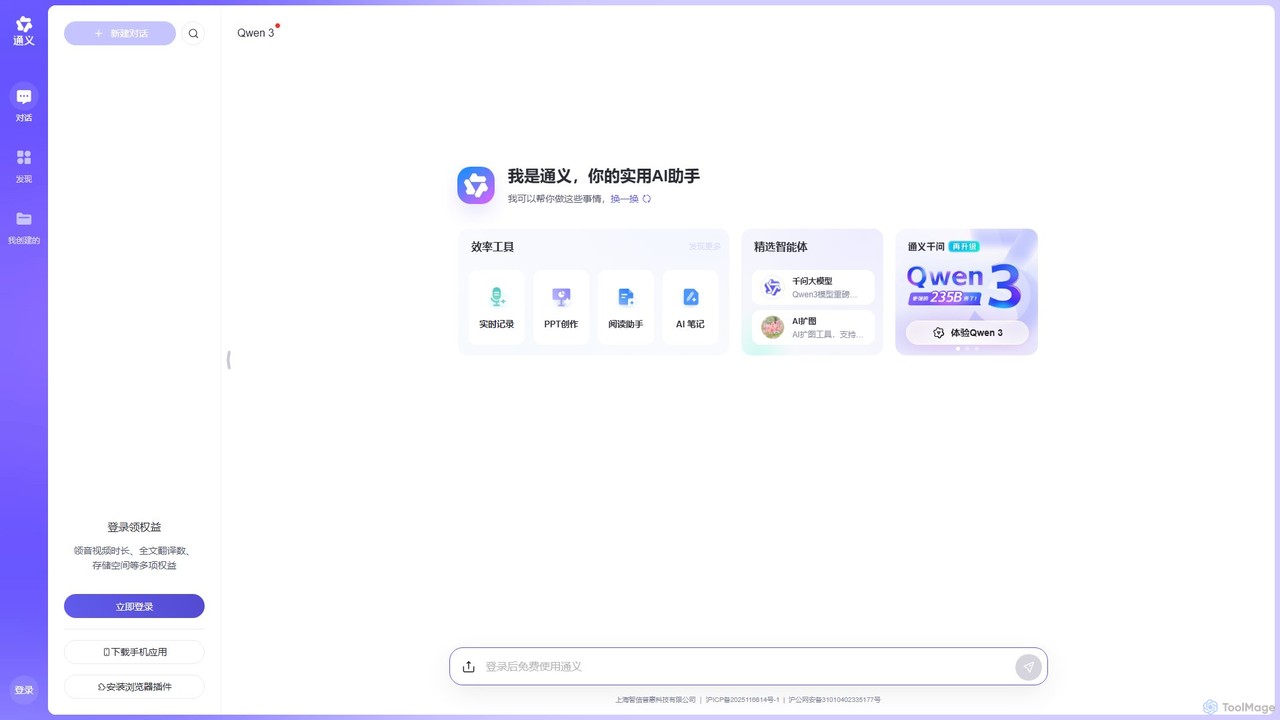
Tongyi
Tongyi is an all-in-one AI assistant from Alibaba, powered by the advanced Qwen model. It integrates conversational AI, content creation, document analysis, image generation, and audio/video transcription into a single platform to enhance productivity and creativity for various tasks.
Transcription
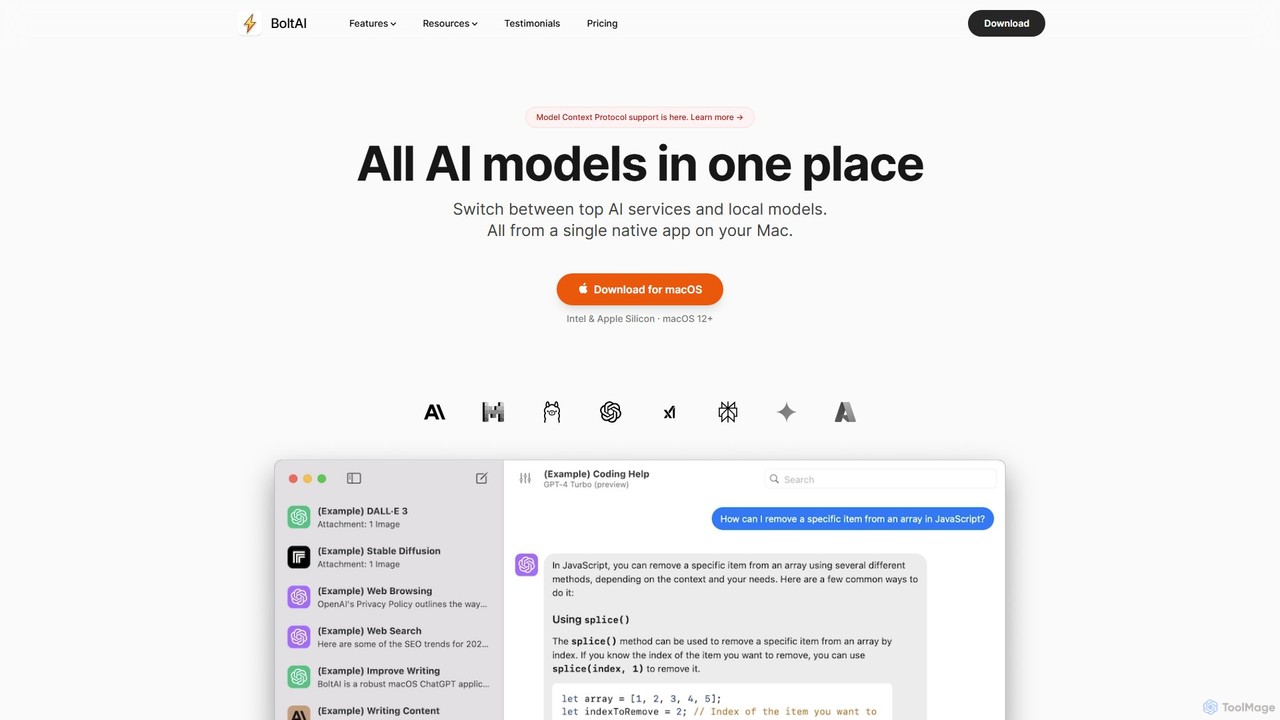
BoltAI
BoltAI is a native, high-performance AI assistant for macOS that integrates multiple AI models like GPT, Claude, and local models directly into your workflow. It offers features like an in-IDE coding assistant, custom AI assistants, a prompt library, and powerful plugins to boost productivity for developers, writers, and professionals.
Coding
GenExpert Comments (0)
Sign in to comment.
Sign inNo comments yet.