

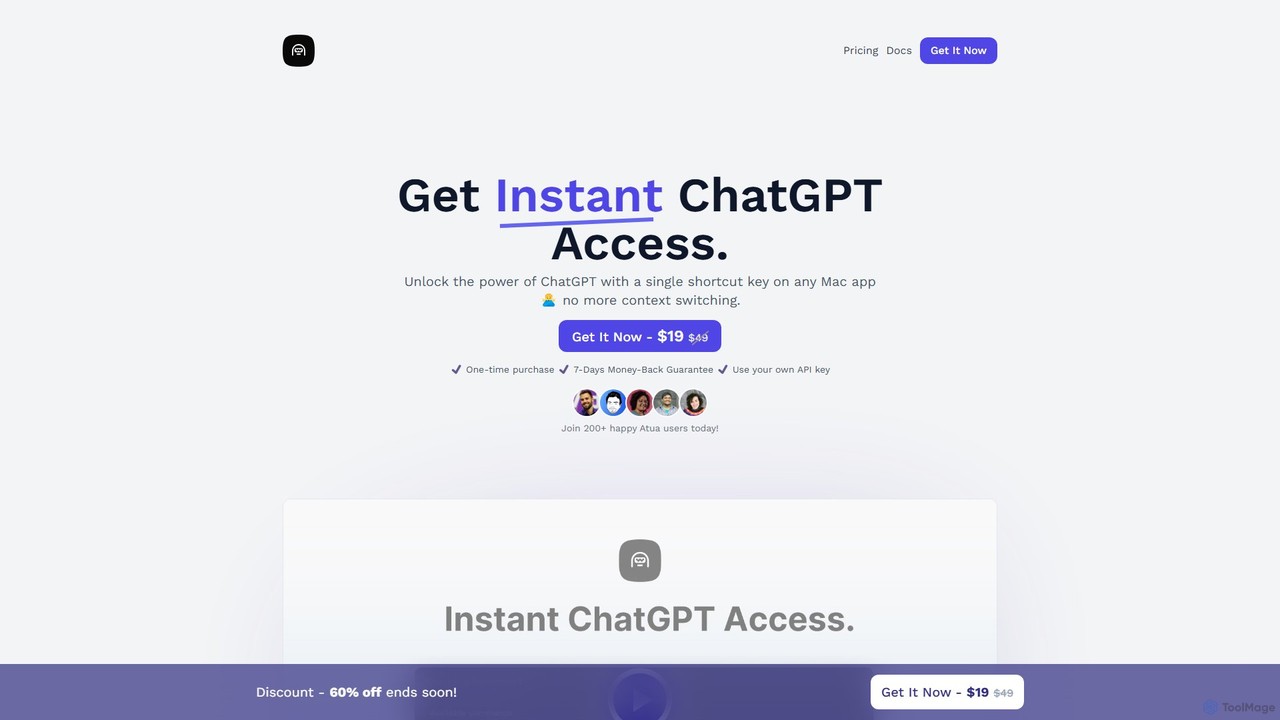
Atua Overview
Atua is a powerful productivity tool designed exclusively for macOS users, aiming to seamlessly integrate the capabilities of ChatGPT into your daily workflow. It functions as a native application that allows you to access OpenAI's language models from anywhere on your Mac with a single, customizable shortcut. This eliminates the constant need to switch between your current application and a browser tab, saving valuable time and maintaining your focus.
With Atua, you can interact with AI in a highly efficient manner. Simply select any text in any application—be it a code editor, a word processor, an email client, or a web browser—and press your designated hotkey. Atua will then process the selected text using a predefined or custom prompt, delivering an AI-enhanced response almost instantly. This streamlined process makes it an indispensable assistant for a wide range of tasks.
How to use Atua
Getting started with Atua is a straightforward process designed for efficiency:
- Purchase and Install: After purchasing Atua, you will receive a license key. Download and install the application on your Mac (requires macOS 10.12 or higher).
- Initial Setup: Upon launching the app, you'll be prompted to enter your Atua license key and your personal OpenAI API key. You can obtain an API key from your OpenAI account dashboard.
- Customize Commands: The true power of Atua lies in its custom commands. You can create various predefined prompts for tasks you frequently perform, such as 'Fix grammar and spelling', 'Summarize this text', 'Rephrase for clarity', or 'Explain this code'. Assign a unique shortcut key to each of these commands.
- Execute Commands: To use the tool, simply highlight a piece of text in any window on your Mac. Press the shortcut key corresponding to the action you want to perform. Atua will send the text and your custom prompt to the ChatGPT API and display the result, which you can then copy and use.
- Review History: Atua saves your conversation history locally, allowing you to revisit, review, or reuse previous interactions with the AI.
Core Features of Atua
- Instant Shortcut Access: Summon ChatGPT's power from any application on your Mac using a global shortcut key, eliminating workflow interruptions.
- Customizable Commands & Hotkeys: Create and tailor an unlimited number of commands with specific prompts and assign unique hotkeys to them for hyper-efficient task execution.
- Seamless Text Selection & Processing: Effortlessly select text from any source and let Atua process it, whether you need to rephrase, summarize, translate, or refactor code.
- Conversation History: All your interactions are saved locally on your device, allowing you to easily access and review past conversations.
- Privacy-Focused: Atua prioritizes your privacy. All data, including your API key and conversation history, is stored locally on your Mac. The app sends no analytics or tracking data.
- Native macOS Experience: As a lightweight, native app, Atua is fast, responsive, and integrates perfectly with the macOS environment.
Use Cases for Atua
Atua's versatility makes it suitable for a wide array of professionals and tasks:
- Writers and Content Creators: Overcome writer's block, rephrase sentences for better flow, check grammar, expand on bullet points, and generate creative ideas.
- Developers and Programmers: Refactor code, explain complex code snippets, generate boilerplate code, debug errors, and convert code between languages.
- Students and Researchers: Summarize long articles and research papers, explain difficult concepts, and get help with drafting essays and assignments.
- Marketers and Social Media Managers: Brainstorm ad copy, write compelling social media posts, generate email marketing campaigns, and create product descriptions.
- Customer Support Professionals: Quickly draft polite, accurate, and comprehensive responses to customer inquiries.
Advantages of Atua
Atua offers significant advantages over using the standard ChatGPT web interface:
- Enhanced Productivity: By removing the need for context switching, Atua dramatically speeds up your workflow.
- Deep Workflow Integration: The AI becomes a natural extension of your existing tools, available right where you need it.
- Cost-Effective Model: A one-time purchase for lifetime access is more predictable and potentially cheaper for regular users than monthly subscriptions, with API costs based purely on usage.
- Unmatched Customization: The ability to create specific, hotkey-triggered commands makes Atua far more powerful for repetitive tasks than a general chat interface.
- Superior Privacy: Local data storage ensures your sensitive information and conversations remain secure on your own device.
Pricing and Plans
Atua is offered with a simple, transparent pricing model:
- One-Time Purchase: A single payment of $19 (a limited-time discount from the regular price of $49).
- Lifetime Access: This purchase grants you lifetime access to the Atua application, including all future updates.
- 7-Day Money-Back Guarantee: If you are not satisfied with the product, you can request a full refund within 7 days of purchase.
- API Usage Costs: It is important to note that the purchase price of Atua does not cover the cost of using the OpenAI API. Users must use their own OpenAI API key, and usage is billed separately by OpenAI on a pay-as-you-go basis (e.g., $0.002 per 1,000 tokens). This is separate from a ChatGPT Plus subscription.
- Team Plans: Custom plans and licenses for teams are available by contacting the Atua support team.
Traffic
Latest traffic
Status
Monthly traffic trend
- 2025-9: 1.5K
- 2026-1: 1.6K
- 2026-2: 720
- 2026-3: 2.6K
- 2026-4: 2.2K
- 2026-5: 2.5K
Geography
Top 5 countries / regions
- 🇺🇸United States43.2%
- 🇹🇭Thailand24.0%
- 🇲🇲Myanmar (Burma)21.4%
- 🇧🇷Brazil11.3%
Atua Alternatives
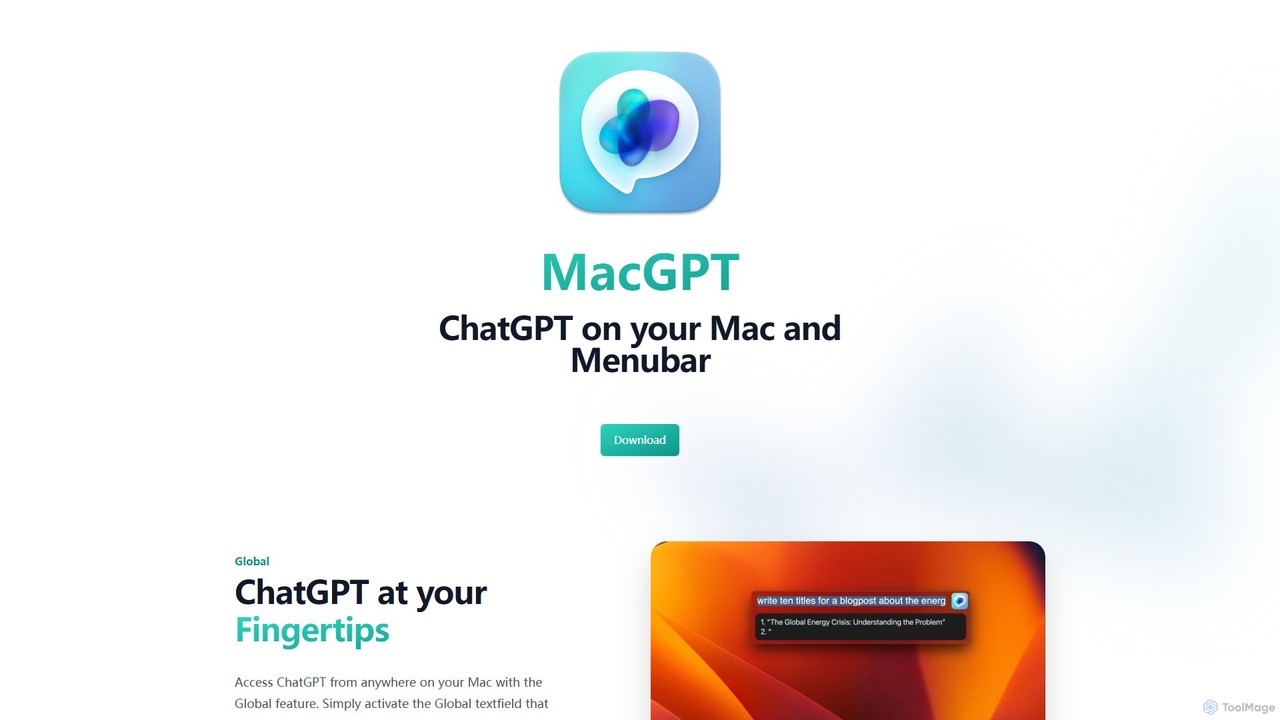
MacGPT
MacGPT brings the power of ChatGPT directly to your macOS desktop. Access OpenAI's models instantly from your menubar, use the Inline feature to write in any application, and switch between a native or web interface for ultimate flexibility and productivity.
Code Assistant
heyalice
heyalice is a personal AI assistant for your desktop (macOS, Windows, Linux) that centralizes top AI models like GPT-4o and Claude 3.5. It enhances productivity through customizable assistants, reusable prompts (Skills), and seamless integration with automation tools like Zapier and Make. Bring your own API keys to control costs and work faster with powerful keyboard shortcuts, all within a privacy-focused, local application.
Code Assistant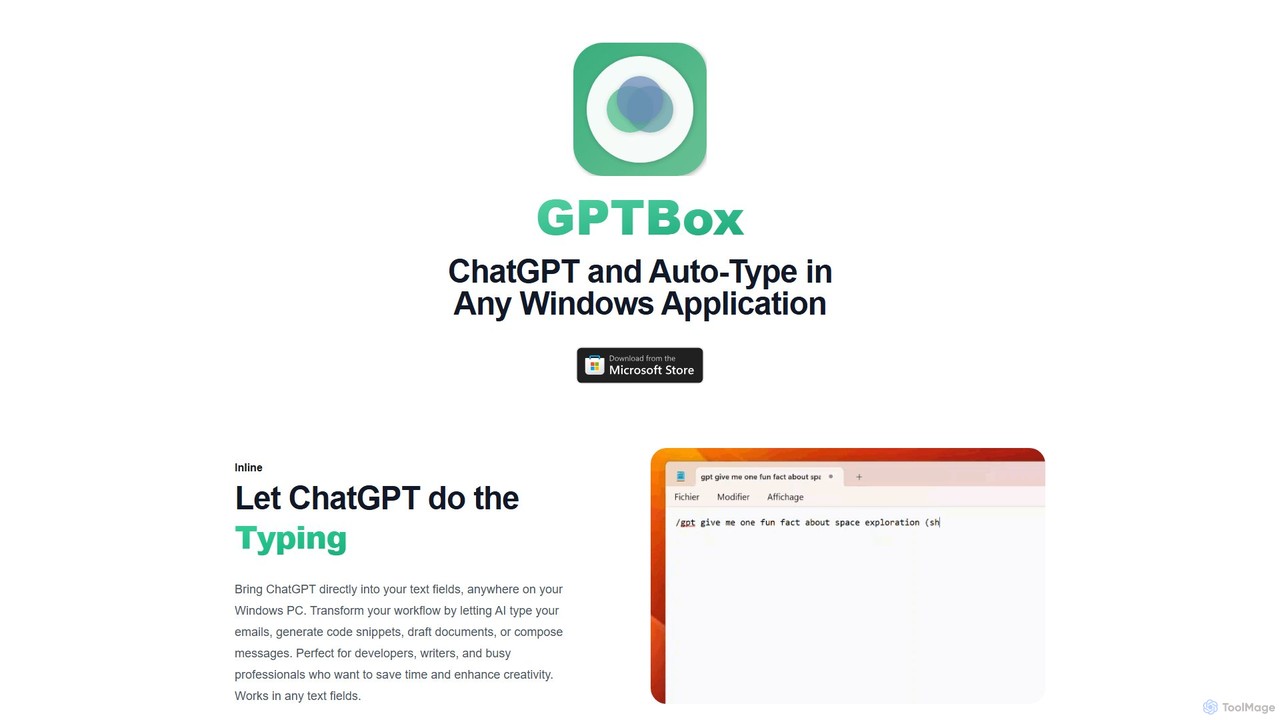
GPTBox
GPTBox is a native Windows application that seamlessly integrates ChatGPT and DeepSeek into your taskbar. It allows you to access AI assistance from anywhere on your PC with a simple keyboard shortcut and use an inline auto-type feature to draft emails, write code, and generate content directly in any text field. Designed for developers, writers, and professionals, it boosts productivity by embedding AI into your daily workflow.
Code Assistant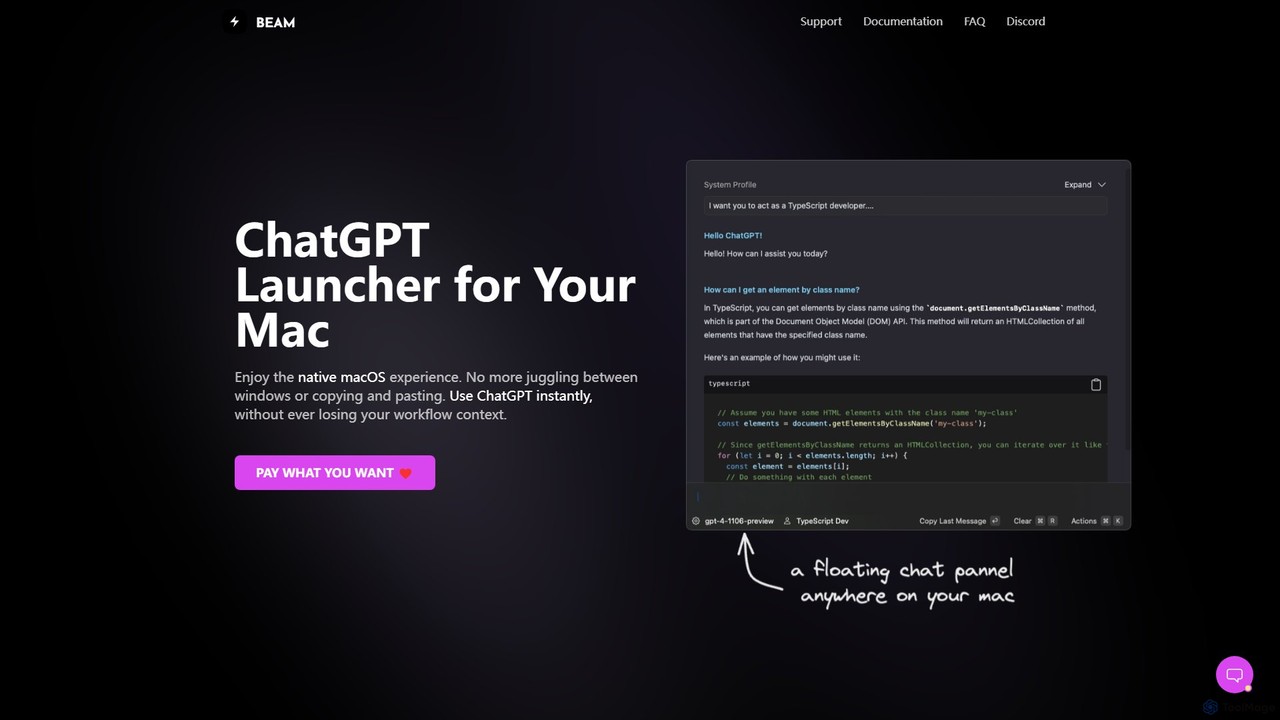
getbeam
A native macOS application that provides instant, system-wide access to ChatGPT. It enhances productivity with features like hotkey activation, contextual chat, screen interaction, and customizable templates. Beam integrates seamlessly into your workflow, allowing you to use AI without switching contexts, all within a secure, fast, and lightweight native interface.
Code Assistant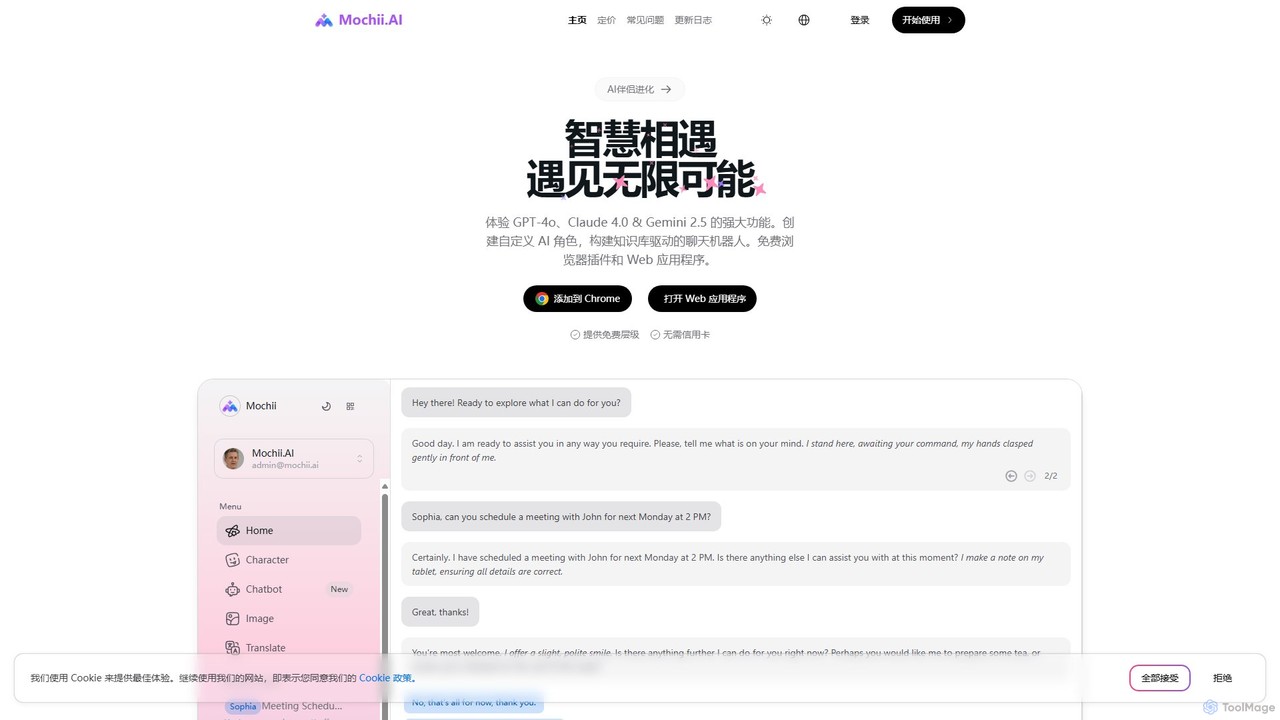
Mochii
Mochii is an all-in-one AI assistant that integrates leading models like GPT-4o, Claude, and Gemini into a seamless browser extension and web app. It enhances productivity by offering features like document analysis, web browsing, AI chatbot building, and customizable AI roles. A generous free tier provides access to advanced AI capabilities for everyone.
ProductivityAtua Categories
Atua Embed Widget
Copy this embed code to place the badge on your blog, article, or product site and send readers directly to this ToolMage detail page.

Related AI tools
ChatAIr
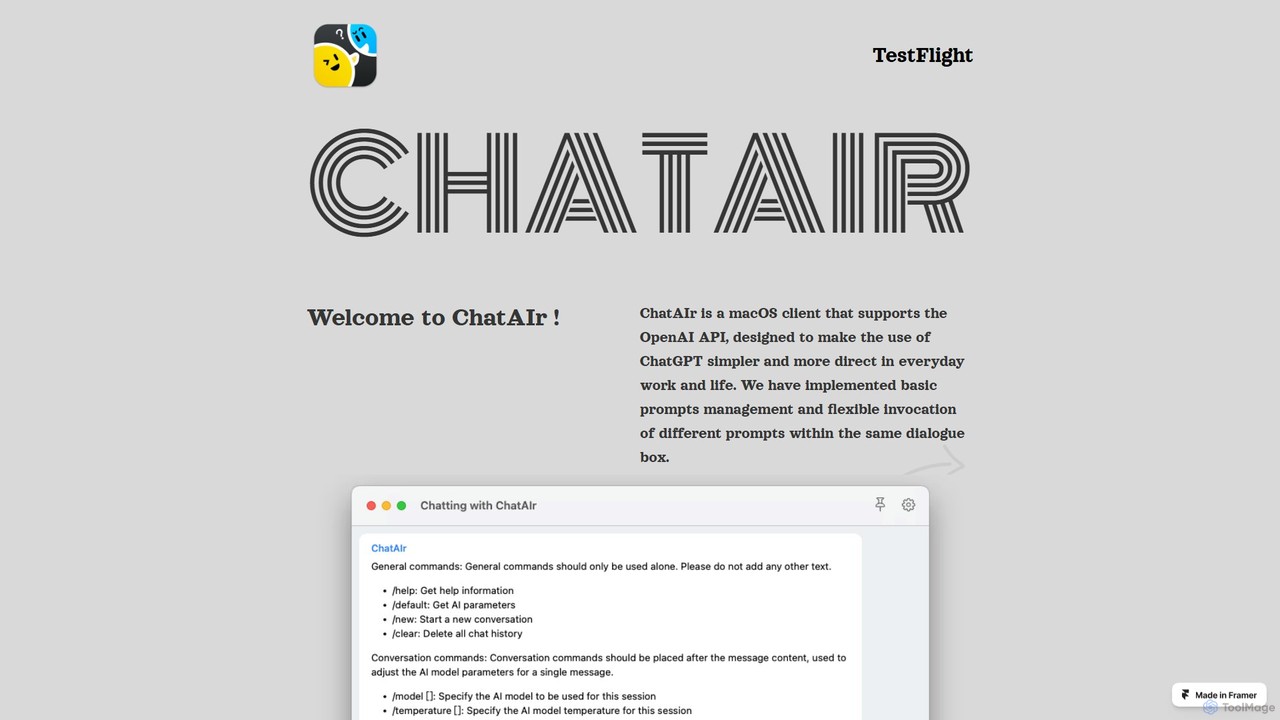
ChatAIr is a powerful, native macOS client for interacting with OpenAI models like GPT-4 and GPT-3.5. It enhances your workflow with advanced features like prompt management, per-conversation model selection, and parameter control, offering a more flexible and cost-effective alternative to web interfaces.
Code Assistant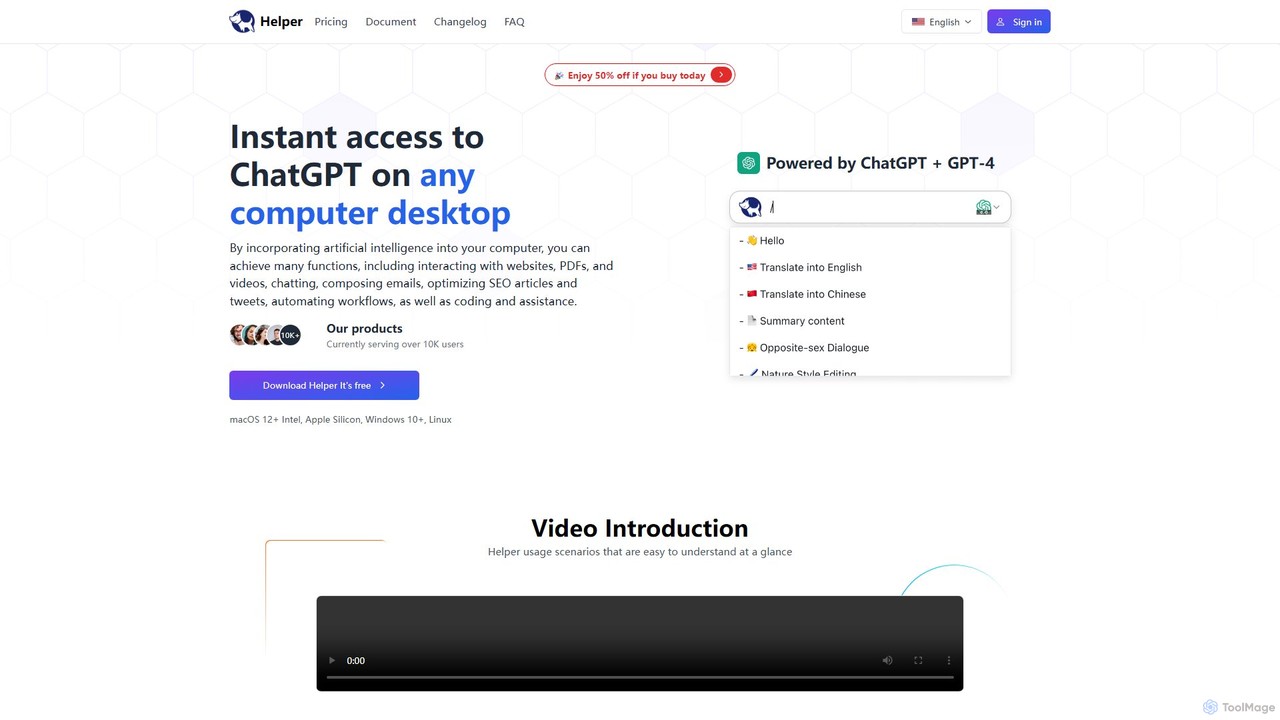
Ai Helper
Ai Helper is a versatile desktop client for macOS, Windows, and Linux, providing instant access to AI models like ChatGPT and Gemini from any application. It streamlines workflows for writing, coding, email composition, and more, acting as a universal AI assistant integrated directly into your operating system.
Code AssistantMacGPT
MacGPT brings the power of ChatGPT directly to your macOS desktop. Access OpenAI's models instantly from your menubar, use the Inline feature to write in any application, and switch between a native or web interface for ultimate flexibility and productivity.
Code Assistantheyalice
heyalice is a personal AI assistant for your desktop (macOS, Windows, Linux) that centralizes top AI models like GPT-4o and Claude 3.5. It enhances productivity through customizable assistants, reusable prompts (Skills), and seamless integration with automation tools like Zapier and Make. Bring your own API keys to control costs and work faster with powerful keyboard shortcuts, all within a privacy-focused, local application.
Code AssistantGPTBox
GPTBox is a native Windows application that seamlessly integrates ChatGPT and DeepSeek into your taskbar. It allows you to access AI assistance from anywhere on your PC with a simple keyboard shortcut and use an inline auto-type feature to draft emails, write code, and generate content directly in any text field. Designed for developers, writers, and professionals, it boosts productivity by embedding AI into your daily workflow.
Code Assistantgetbeam
A native macOS application that provides instant, system-wide access to ChatGPT. It enhances productivity with features like hotkey activation, contextual chat, screen interaction, and customizable templates. Beam integrates seamlessly into your workflow, allowing you to use AI without switching contexts, all within a secure, fast, and lightweight native interface.
Code Assistant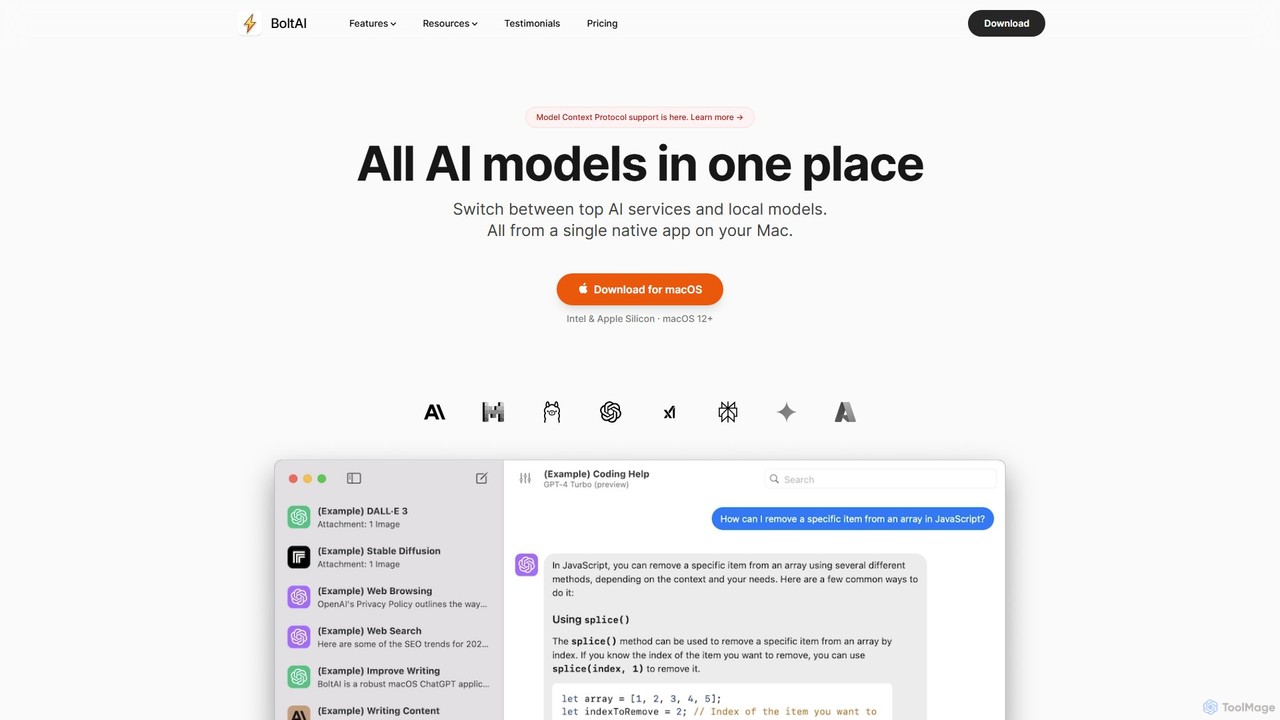
BoltAI
BoltAI is a native, high-performance AI assistant for macOS that integrates multiple AI models like GPT, Claude, and local models directly into your workflow. It offers features like an in-IDE coding assistant, custom AI assistants, a prompt library, and powerful plugins to boost productivity for developers, writers, and professionals.
Coding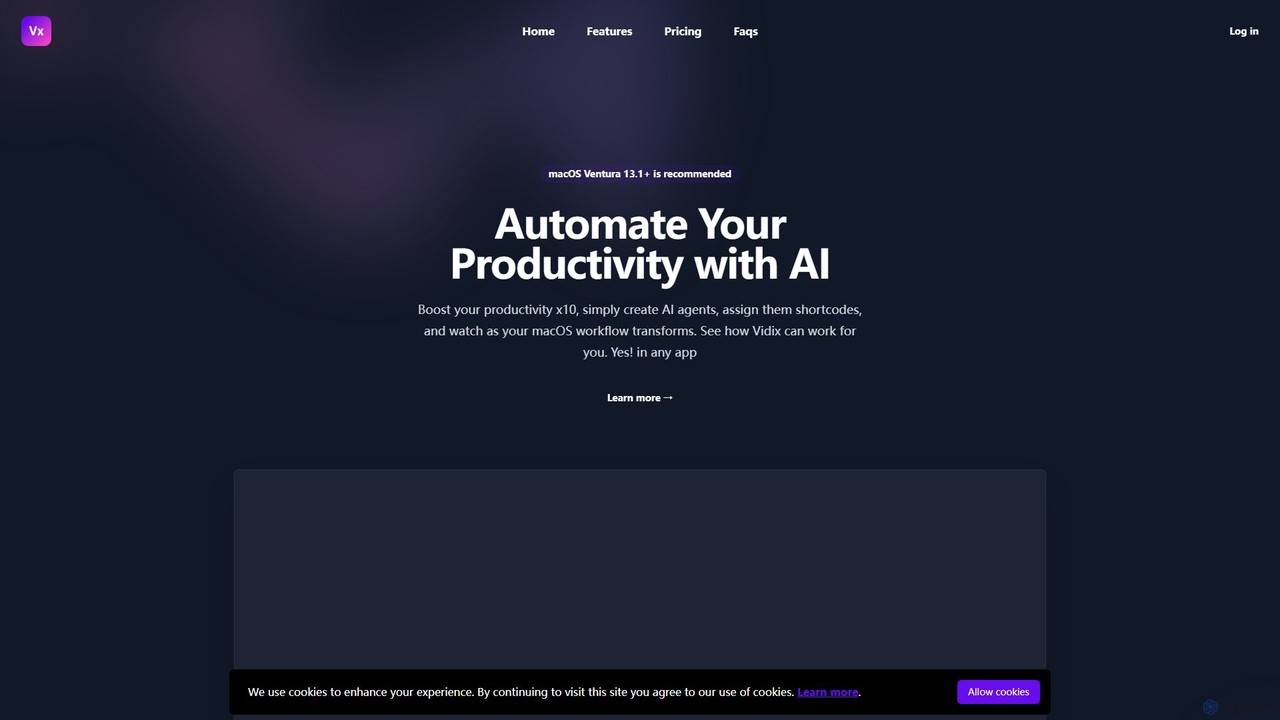
Vidix
Vidix is a powerful AI assistant for macOS designed to boost productivity. It allows users to create custom AI agents, assign them shortcodes, and activate them in any application to automate tasks, process text, and streamline workflows seamlessly.
Code Assistant
Omnipilot
Omnipilot is a system-wide AI copilot for macOS, designed to integrate seamlessly into any application. It provides contextual assistance, allowing you to generate text, write code, and automate tasks in any text field, boosting productivity by eliminating the need to switch between apps. Note: Omnipilot has been acquired by and merged into Highlight AI.
Coding Assistant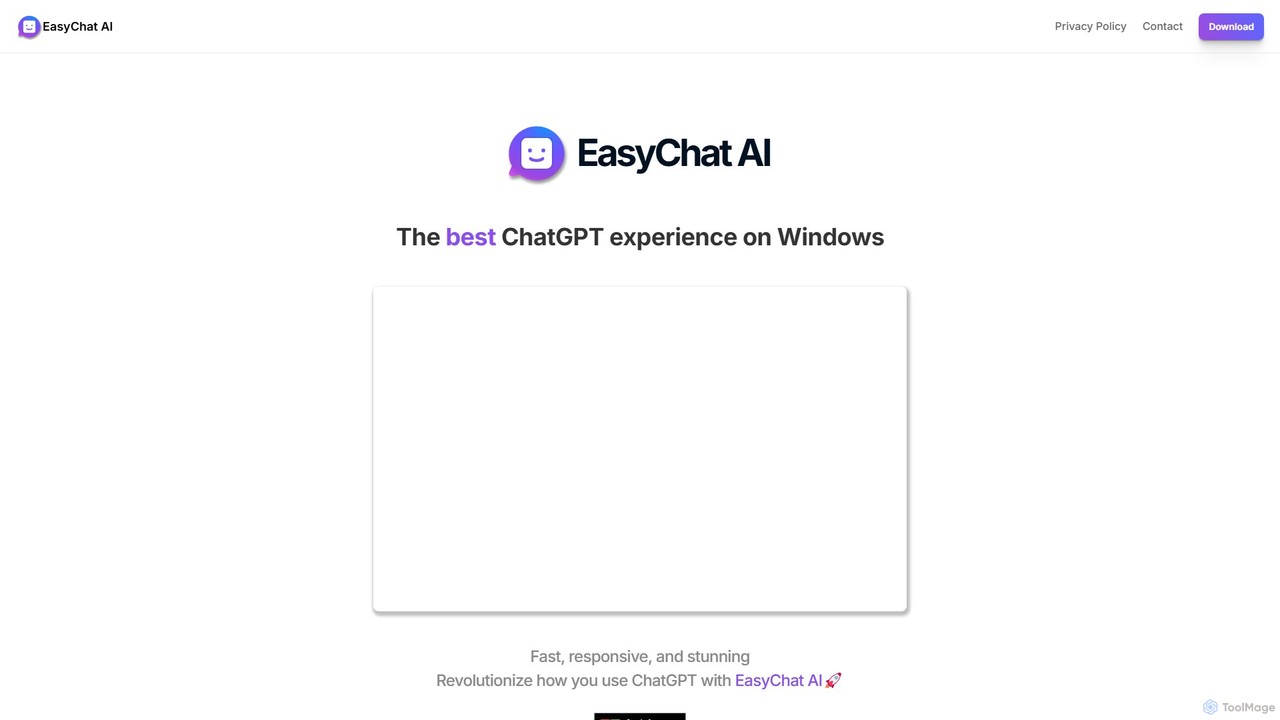
EasyChat AI
EasyChat AI is a native Windows desktop application designed to provide the best ChatGPT experience. It offers a sleek, intuitive interface with features like Markdown support and a dark mode. Access the power of OpenAI's models directly from your desktop for enhanced productivity in writing, coding, and general tasks, with flexible pricing plans including a free tier and a lifetime option.
Code Assistant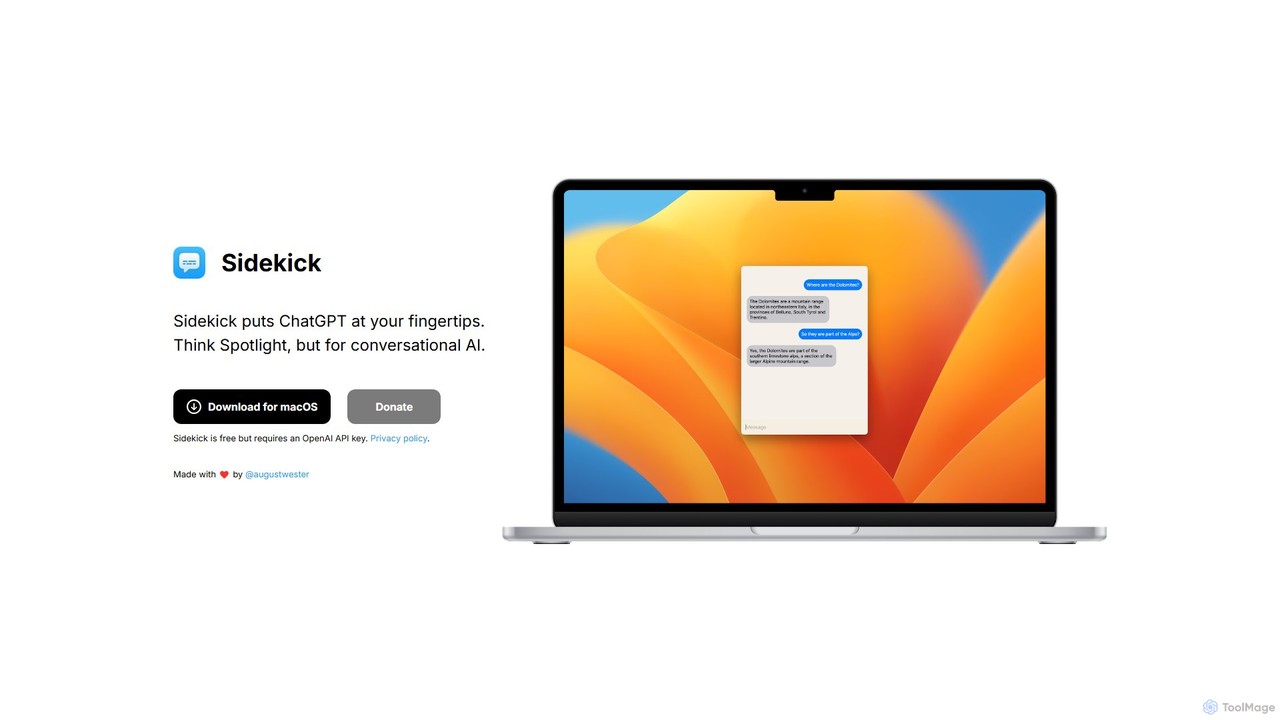
Sidekick
Sidekick is a free macOS application that provides instant access to ChatGPT from anywhere on your desktop. Functioning like Spotlight for conversational AI, it allows users to summon an AI assistant with a simple keyboard shortcut, streamlining workflows and boosting productivity without needing a browser.
Code Assistant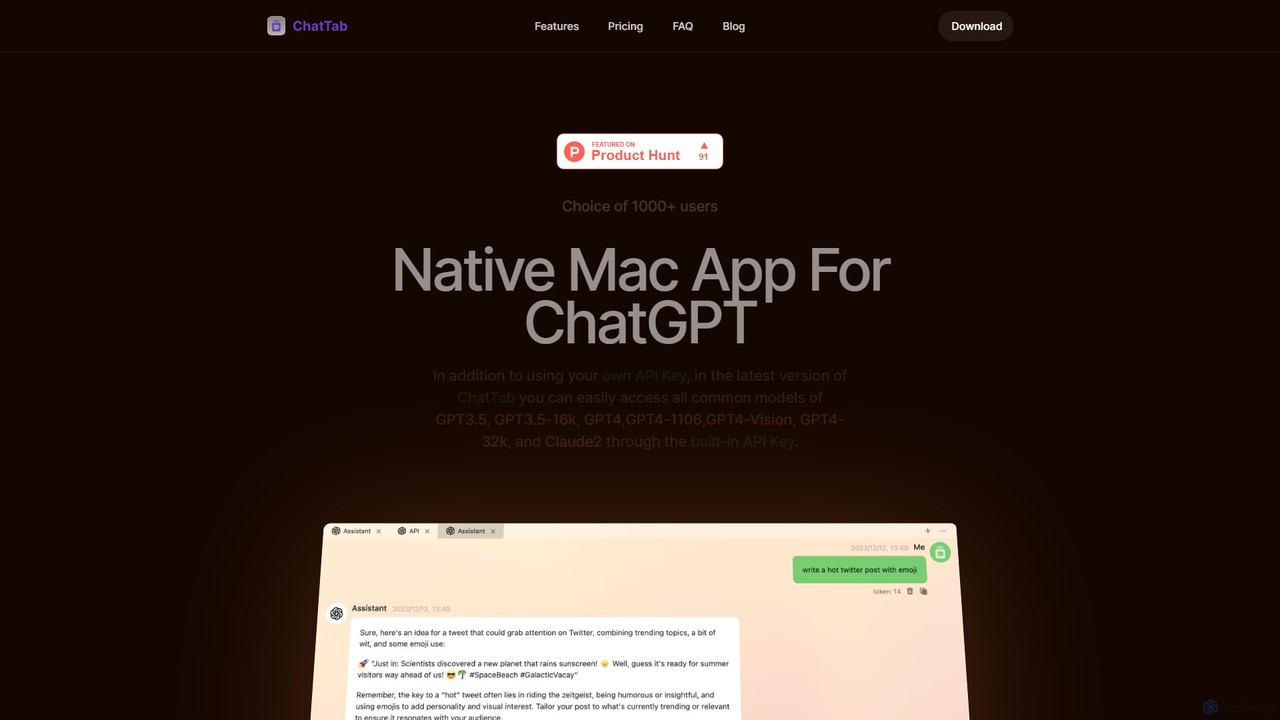
ChatTab
ChatTab is a native macOS desktop application designed to enhance the ChatGPT experience. It offers a fast, lightweight interface with features like multi-tab conversations, shortcut key access, iCloud prompt synchronization, and support for various models including GPT-4 Vision and Claude 2. Users can leverage their own API key or use the built-in one, ensuring a secure and private interaction with advanced AI models directly from their desktop.
Code Assistant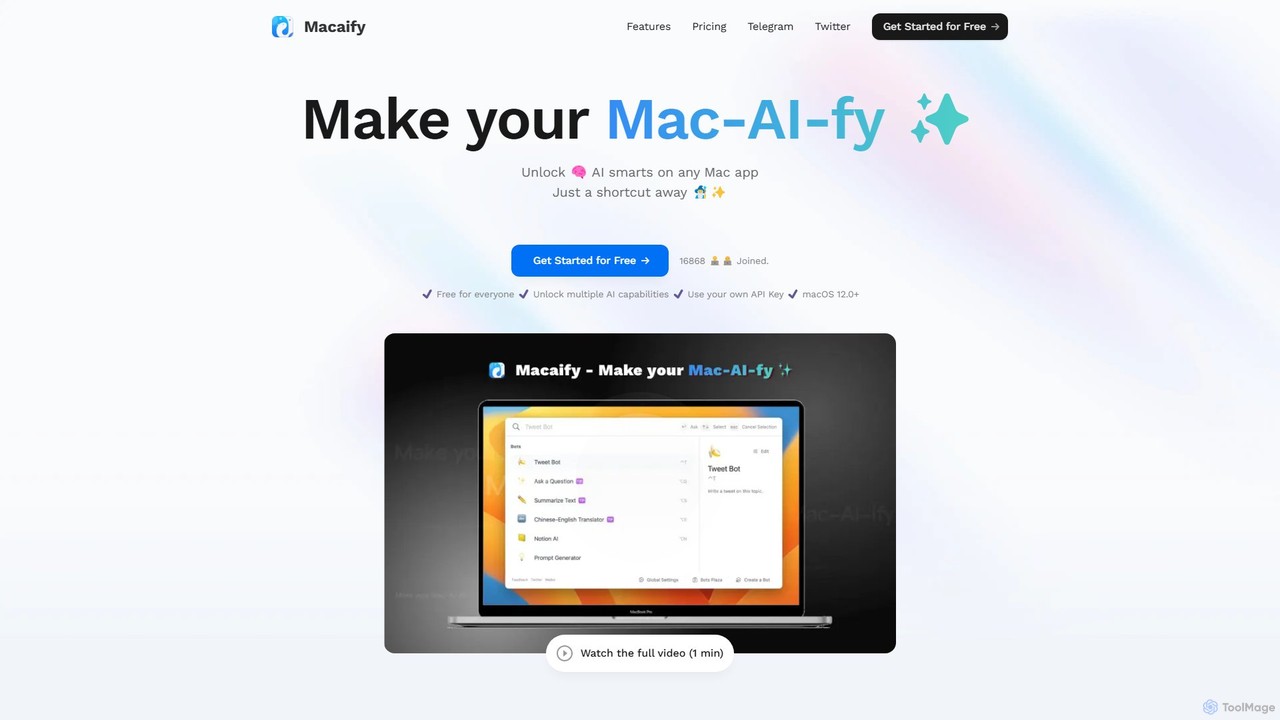
Macaify
Macaify is a native macOS application that integrates AI capabilities into any app on your Mac. With a simple keyboard shortcut, you can select text and instantly perform tasks like writing, translation, code generation, and more, without ever leaving your current application.
Code Assistant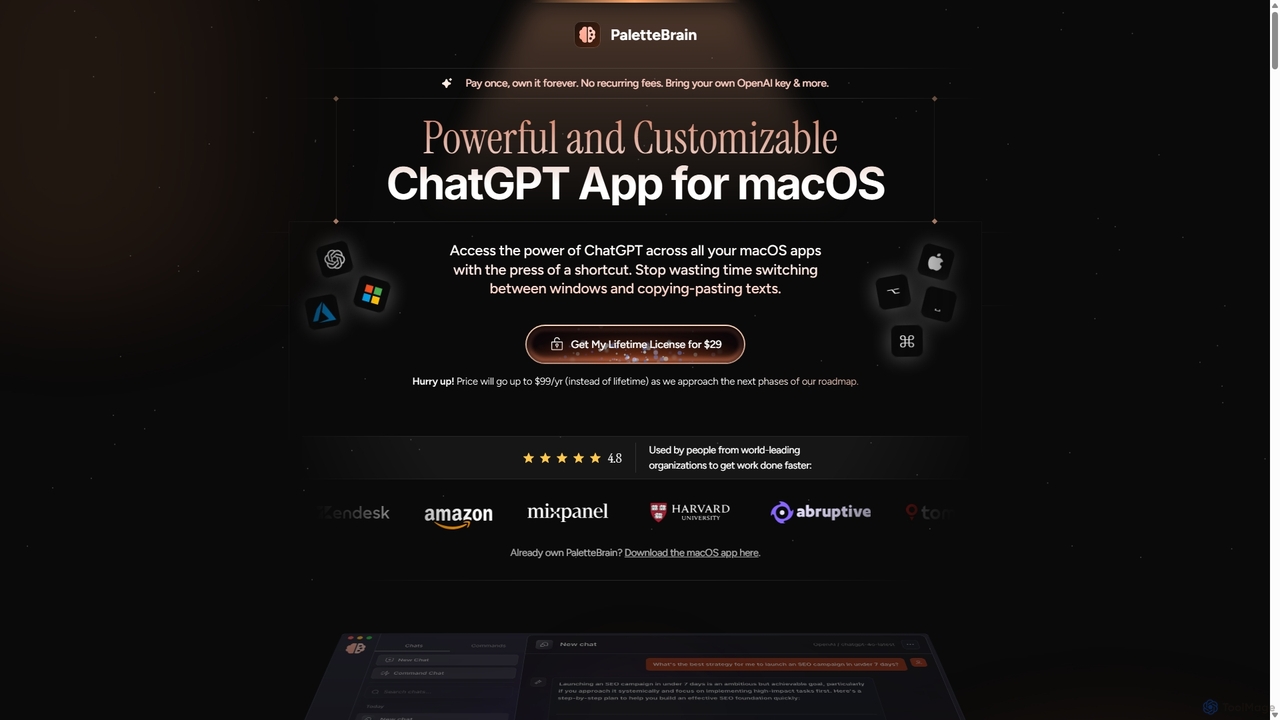
PaletteBrain
PaletteBrain is a native macOS application that integrates the power of ChatGPT directly into your workflow. With a simple keyboard shortcut, you can access AI commands on any selected text within any app, eliminating context switching. It offers customizable prompts, a one-time purchase model, and allows you to use your own OpenAI key for pay-as-you-go usage, making it a cost-effective and efficient productivity booster for writers, developers, and marketers.
Code Assistant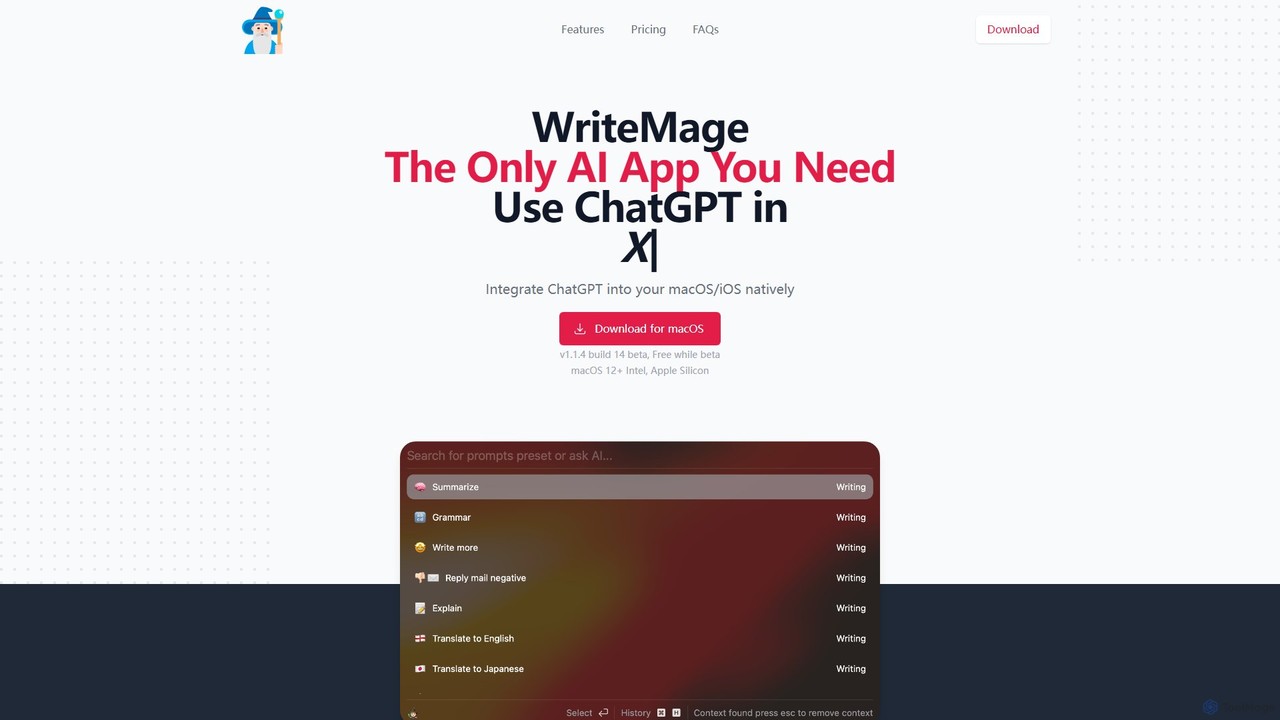
WriteMage
WriteMage is a native AI assistant for macOS and iOS, integrating ChatGPT seamlessly into any application. It functions like a system-wide utility, allowing you to write, code, and create content with context-aware AI without ever leaving your current app. It features a customizable prompt editor, local chat history, and flexible pricing plans.
Code Assistant
Atua Comments (0)
Sign in to comment.
Sign inNo comments yet.