

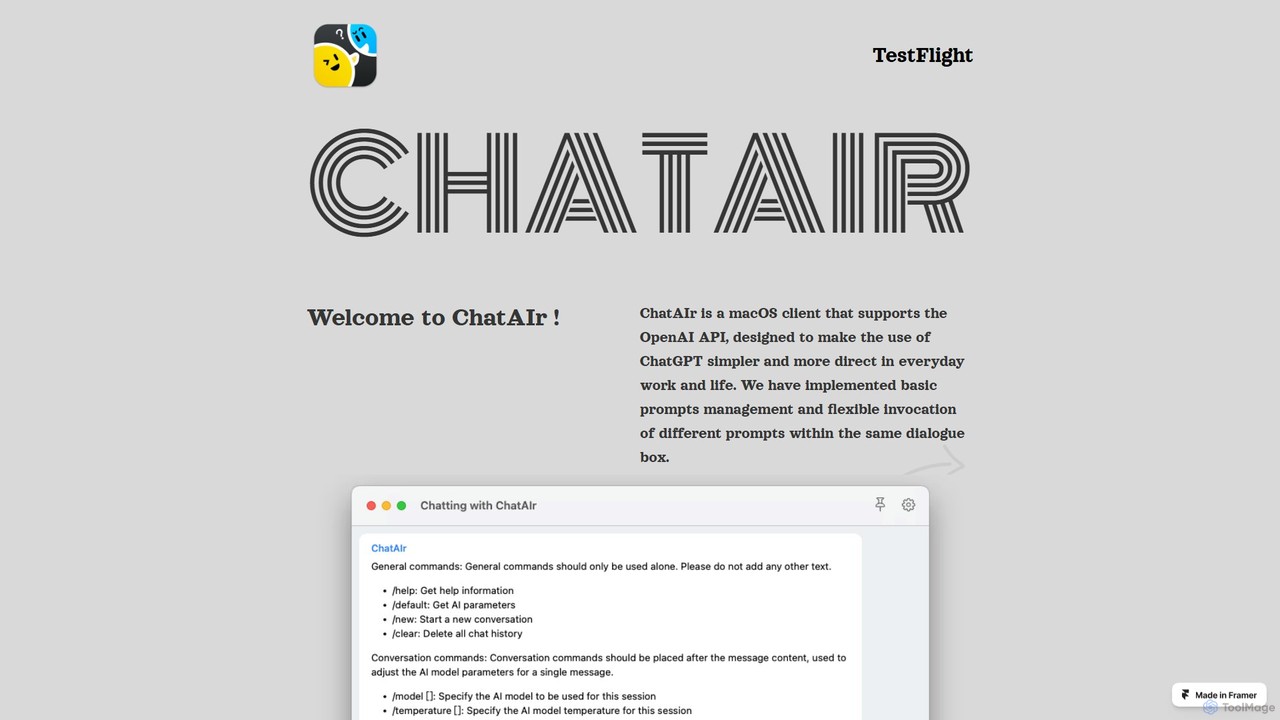
ChatAIr Overview
ChatAIr is a sophisticated native macOS application designed for users who want to harness the full power of OpenAI's large language models directly on their desktop. It acts as a powerful client for the OpenAI API, providing a seamless, fast, and highly customizable conversational experience. By moving beyond the limitations of standard web interfaces, ChatAIr empowers developers, writers, students, and professionals to integrate AI into their daily workflows with unprecedented efficiency and control. It's built for those who value speed, flexibility, and the ability to fine-tune their interactions with models like ChatGPT.
How to use ChatAIr
Getting started with ChatAIr is a straightforward process designed for efficiency:
- Installation: Download ChatAIr for your Mac. As it is in the testing phase, this is typically done via Apple's TestFlight platform.
- API Key Configuration: Upon first launch, navigate to the settings panel. Here, you will need to enter your personal OpenAI API key. This key links the application directly to your OpenAI account for billing and usage tracking.
- Set Default Parameters: Configure your preferred default settings for general use. You can choose a default AI model (e.g., the cost-effective `gpt-3.5-turbo` or the more powerful `gpt-4-turbo`), set a default temperature for creativity, and define the context length (conversation history).
- Start a Conversation: Simply open a new dialogue window to begin interacting with the AI. The interface is clean and distraction-free.
- Dynamic In-Chat Control: Use simple session commands directly within the chatbox to override your default settings for a specific conversation. For instance, type `/model gpt-4` to switch to the GPT-4 model for a complex query, or `/temp 0.2` to get a more deterministic and factual response.
- Manage Your Prompts: Access the built-in prompt management system. Here, you can create, save, and categorize your most frequently used prompts for various tasks, such as 'Code Review', 'Email Drafting', or 'Social Media Post'.
- Invoke Prompts: Effortlessly apply your saved prompts in any conversation to ensure consistent, high-quality output without needing to re-type lengthy instructions every time.
Core Features of ChatAIr
- Native macOS Performance: As a native application, ChatAIr offers a fast, responsive, and resource-efficient experience that integrates seamlessly with the macOS environment.
- Multi-Model Support: Effortlessly switch between various OpenAI models, including the advanced GPT-4 series and the economical GPT-3.5 versions, allowing you to perfectly balance performance and cost for any given task.
- Per-Session Customization: Dynamically adjust the model, temperature (creativity level), and context history for each individual conversation using intuitive commands, all without altering your global default settings.
- Advanced Prompt Management: Build and curate a personal library of reusable prompts. Organize them into categories and invoke them easily to streamline repetitive tasks and maintain a consistent tone and format in your AI-generated content.
- Direct API Integration (BYOK): ChatAIr connects directly to your OpenAI account using your own API key ('Bring Your Own Key'). This model often leads to significant cost savings and greater privacy compared to third-party services that bundle API access.
- Clean, Uncluttered Interface: A minimalist and intuitive user interface designed to keep you focused on the conversation, free from the distractions commonly found in a web browser.
Use Cases for ChatAIr
ChatAIr is a versatile tool suitable for a wide range of professionals:
- For Developers: Accelerate development by debugging code, generating boilerplate, writing unit tests, translating code snippets between languages, and getting clear explanations for complex algorithms. The ability to switch to GPT-4 for intricate logic is particularly valuable.
- For Content Creators & Marketers: Overcome writer's block by brainstorming blog post ideas, drafting articles and ad copy, creating social media calendars, and translating content for a global audience. The prompt library helps maintain a consistent brand voice.
- For Students & Academics: Enhance learning and research by summarizing dense research papers, explaining difficult scientific or philosophical concepts, paraphrasing text for better understanding, and getting assistance with drafting essays and assignments.
- For Business Professionals: Improve productivity by composing professional emails, drafting comprehensive reports and presentations, performing quick data analysis, and preparing for meetings by simulating Q&A sessions.
Advantages of ChatAIr
ChatAIr offers several key advantages over standard web-based clients:
- Cost Efficiency: By using your own API key, you pay OpenAI's direct, pay-as-you-go rates. This can be significantly cheaper than fixed-price monthly subscriptions, especially for users with moderate or fluctuating needs. The ability to select cheaper models for simpler tasks further optimizes your spending.
- Unmatched Flexibility: The granular, on-the-fly control over model selection and parameters provides a level of customization that power users require for diverse and demanding tasks.
- Enhanced Productivity: The combination of a native app's speed, a prompt library for recurring tasks, and a focused, streamlined interface dramatically reduces the time and effort required to achieve high-quality results from the AI.
- Improved Privacy: Your conversations are a direct transaction between your device and OpenAI's API. Your data does not pass through an intermediary third-party service's servers, which enhances the privacy and security of your information.
Pricing and Plans
ChatAIr operates on a "Bring Your Own Key" (BYOK) model. This means you are responsible for all costs associated with your usage of the OpenAI API, which are billed directly to your personal or business OpenAI account. The application itself is currently in a public testing phase via TestFlight. The final pricing for the ChatAIr application, which may be a one-time purchase or a recurring subscription, has not yet been announced. Please refer to the official website or the Mac App Store for future updates on the app's pricing model.
ChatAIr Alternatives
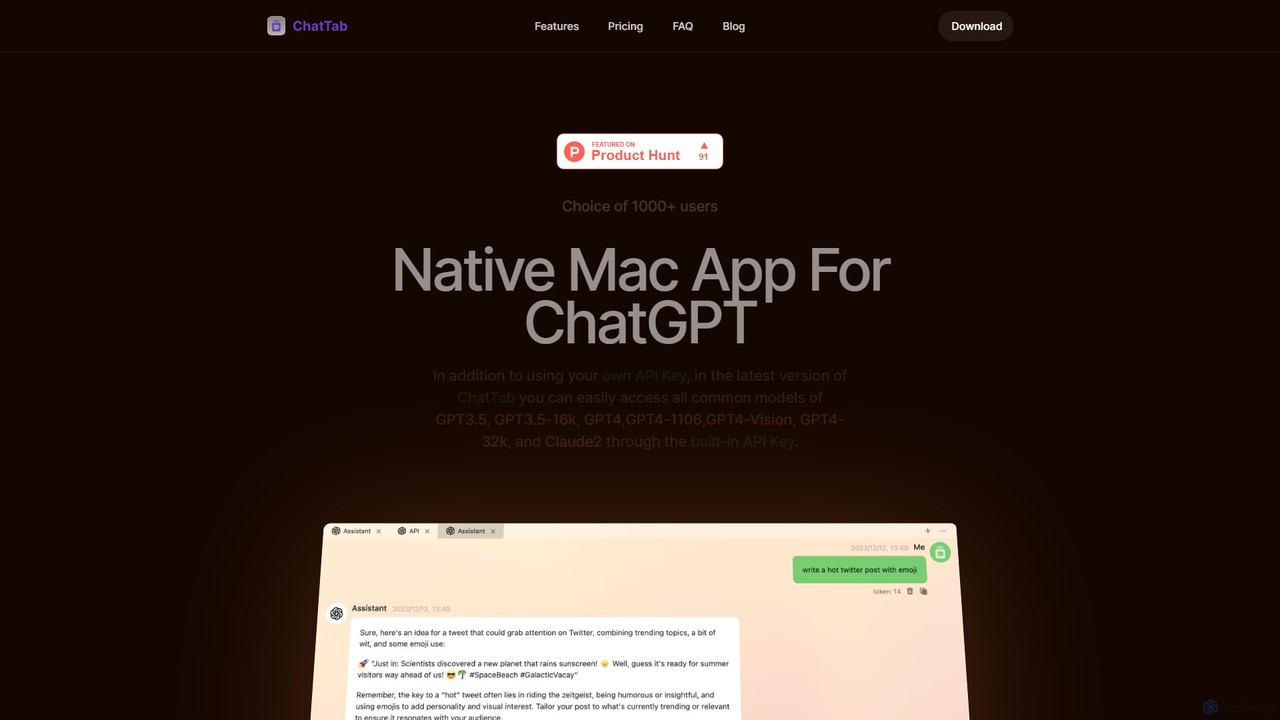
ChatTab
ChatTab is a native macOS desktop application designed to enhance the ChatGPT experience. It offers a fast, lightweight interface with features like multi-tab conversations, shortcut key access, iCloud prompt synchronization, and support for various models including GPT-4 Vision and Claude 2. Users can leverage their own API key or use the built-in one, ensuring a secure and private interaction with advanced AI models directly from their desktop.
Code Assistant
Machato
Machato is a native macOS application designed to provide a seamless and powerful AI chat experience. It acts as a desktop client for various large language models, offering a clean, fast, and integrated interface that surpasses web-based alternatives. Perfect for developers, writers, and professionals.
Code Assistant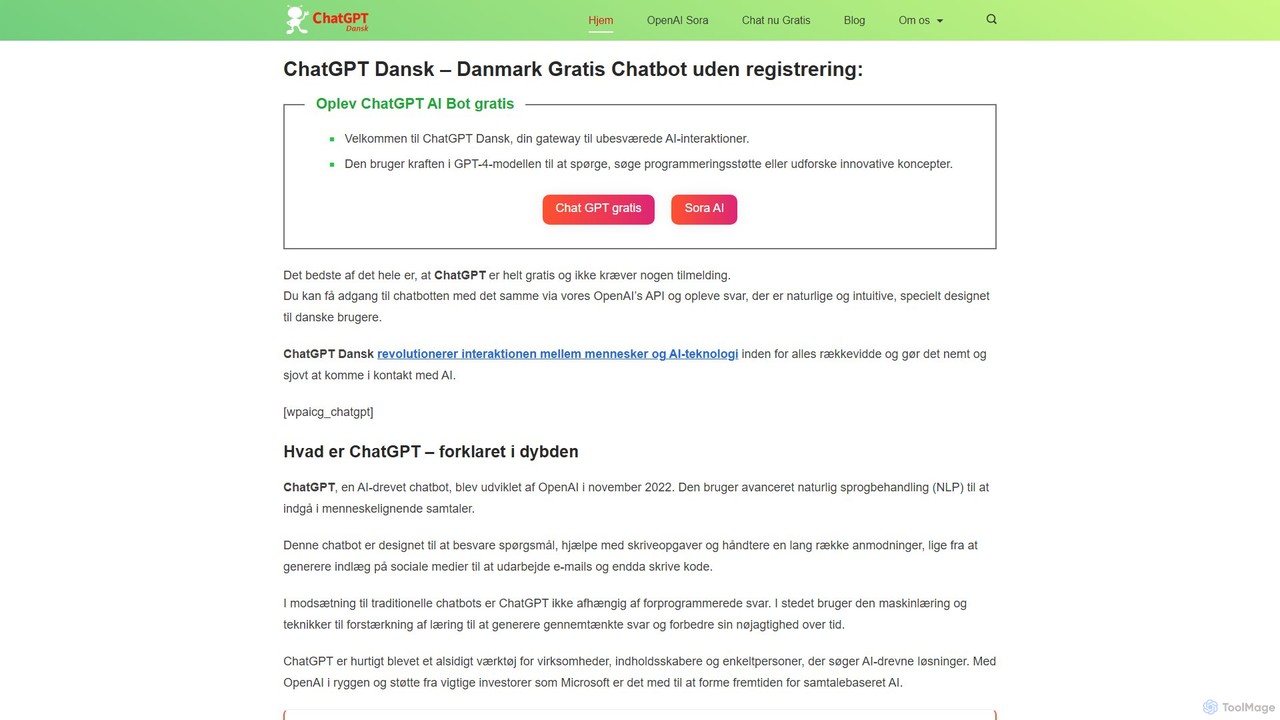
chatdansk
A user-friendly web platform providing Danish speakers with seamless access to advanced AI models like GPT-4. It facilitates a wide range of tasks, including writing, coding, translation, and creative brainstorming. The tool offers both free and premium access without requiring a native app, making powerful AI accessible to everyone.
Code Assistant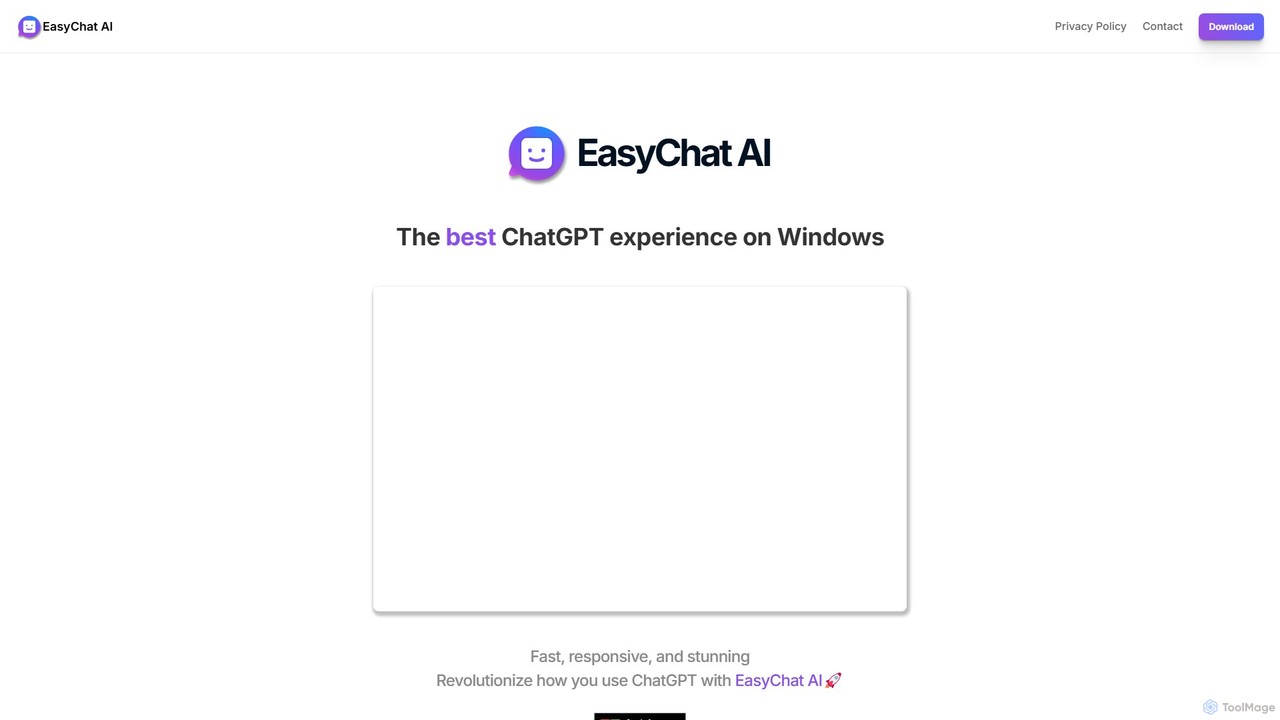
EasyChat AI
EasyChat AI is a native Windows desktop application designed to provide the best ChatGPT experience. It offers a sleek, intuitive interface with features like Markdown support and a dark mode. Access the power of OpenAI's models directly from your desktop for enhanced productivity in writing, coding, and general tasks, with flexible pricing plans including a free tier and a lifetime option.
Code Assistant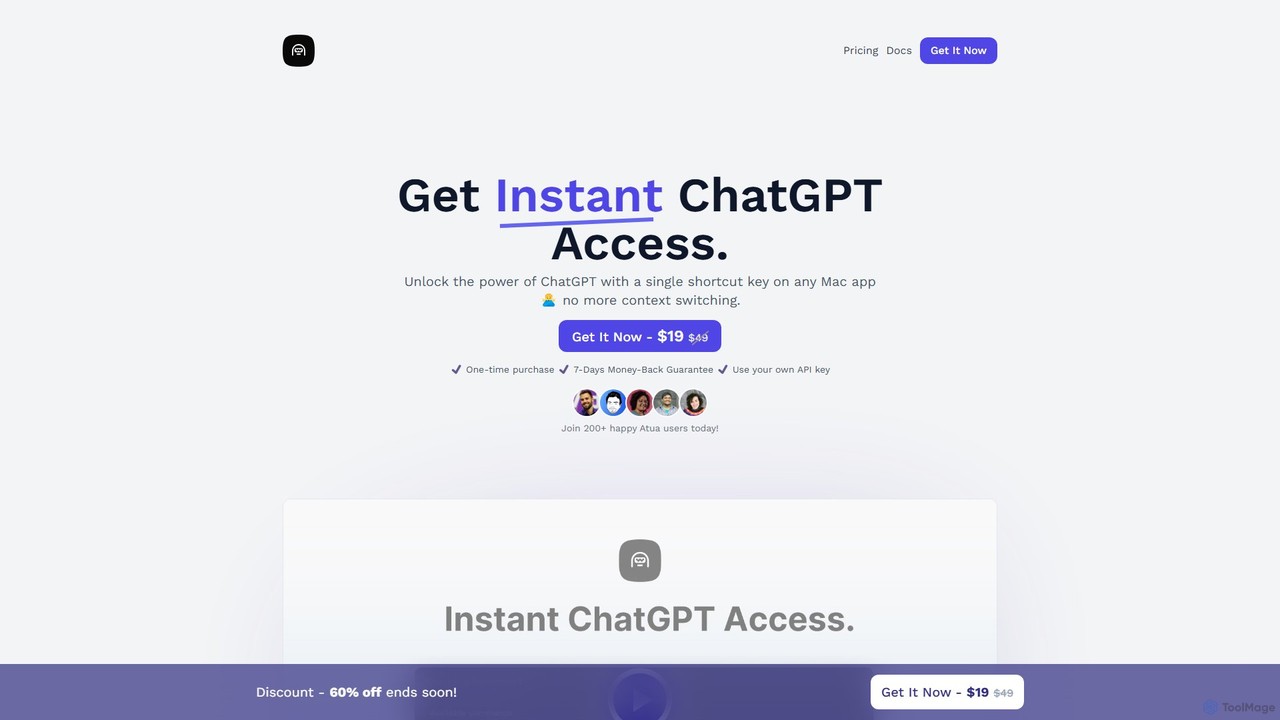
Atua
Atua is a native macOS application that provides instant access to ChatGPT from any app using a simple shortcut. It eliminates context switching, allowing users to select text, apply custom AI commands, and boost productivity in writing, coding, and more.
Code AssistantChatAIr Categories
ChatAIr Embed Widget
Copy this embed code to place the badge on your blog, article, or product site and send readers directly to this ToolMage detail page.

Related AI tools
ChatTab
ChatTab is a native macOS desktop application designed to enhance the ChatGPT experience. It offers a fast, lightweight interface with features like multi-tab conversations, shortcut key access, iCloud prompt synchronization, and support for various models including GPT-4 Vision and Claude 2. Users can leverage their own API key or use the built-in one, ensuring a secure and private interaction with advanced AI models directly from their desktop.
Code AssistantMachato
Machato is a native macOS application designed to provide a seamless and powerful AI chat experience. It acts as a desktop client for various large language models, offering a clean, fast, and integrated interface that surpasses web-based alternatives. Perfect for developers, writers, and professionals.
Code AssistantAtua
Atua is a native macOS application that provides instant access to ChatGPT from any app using a simple shortcut. It eliminates context switching, allowing users to select text, apply custom AI commands, and boost productivity in writing, coding, and more.
Code Assistant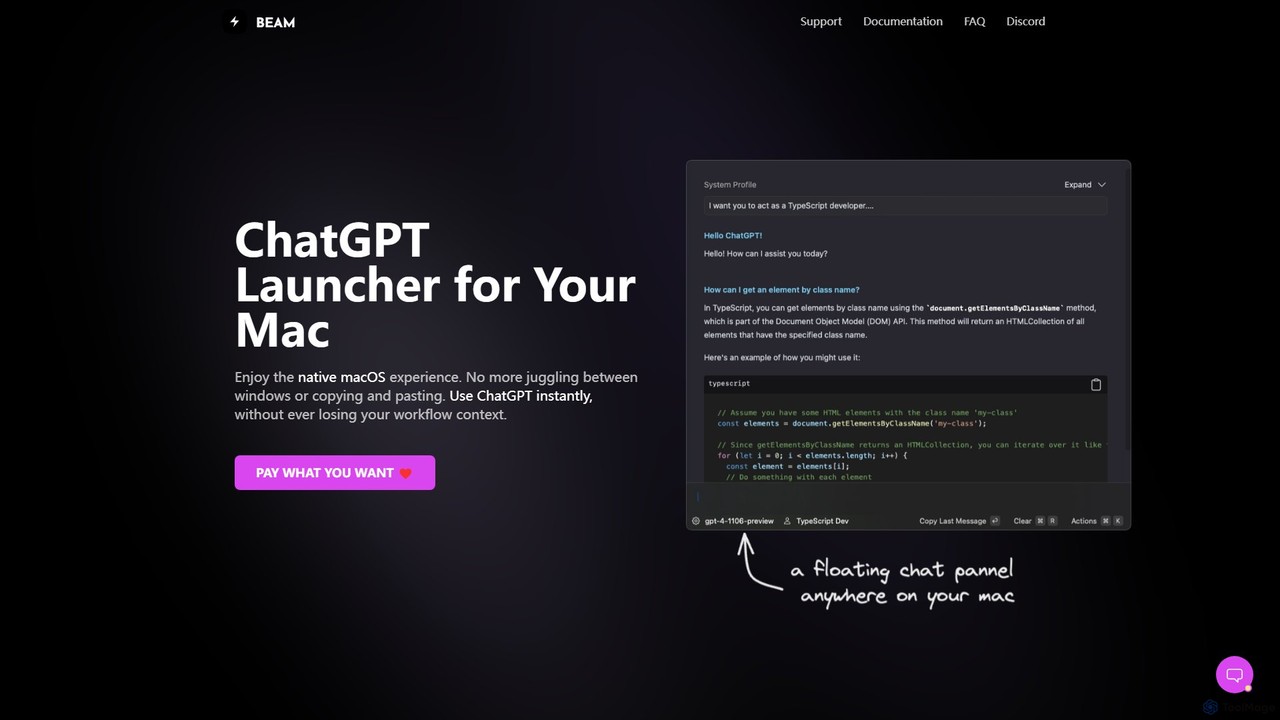
getbeam
A native macOS application that provides instant, system-wide access to ChatGPT. It enhances productivity with features like hotkey activation, contextual chat, screen interaction, and customizable templates. Beam integrates seamlessly into your workflow, allowing you to use AI without switching contexts, all within a secure, fast, and lightweight native interface.
Code Assistant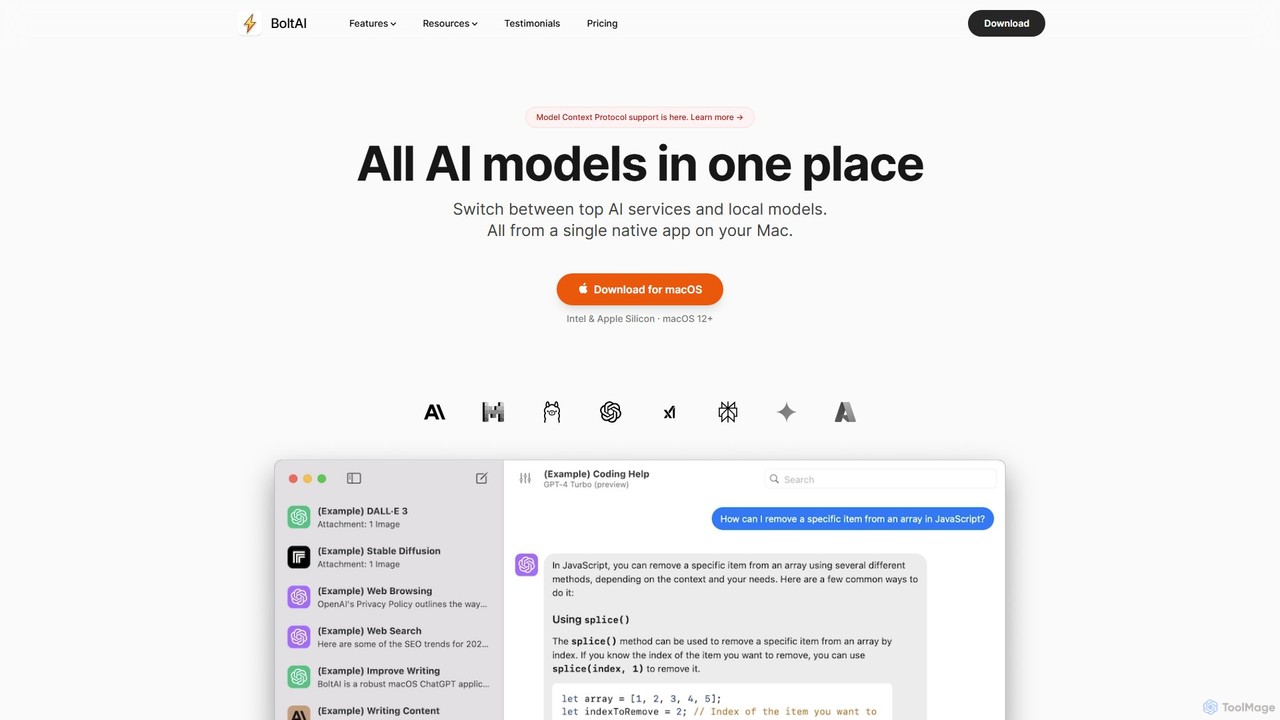
BoltAI
BoltAI is a native, high-performance AI assistant for macOS that integrates multiple AI models like GPT, Claude, and local models directly into your workflow. It offers features like an in-IDE coding assistant, custom AI assistants, a prompt library, and powerful plugins to boost productivity for developers, writers, and professionals.
Coding
Kerlig
Kerlig is a native AI writing assistant for macOS designed to streamline your communication. It integrates seamlessly into your workflow, allowing you to write emails, proofread text, chat with documents, and generate content using over 350 AI models. With custom actions and a focus on privacy, Kerlig saves you hours by bringing powerful AI to your fingertips, without ever leaving your current application.
Mac Apps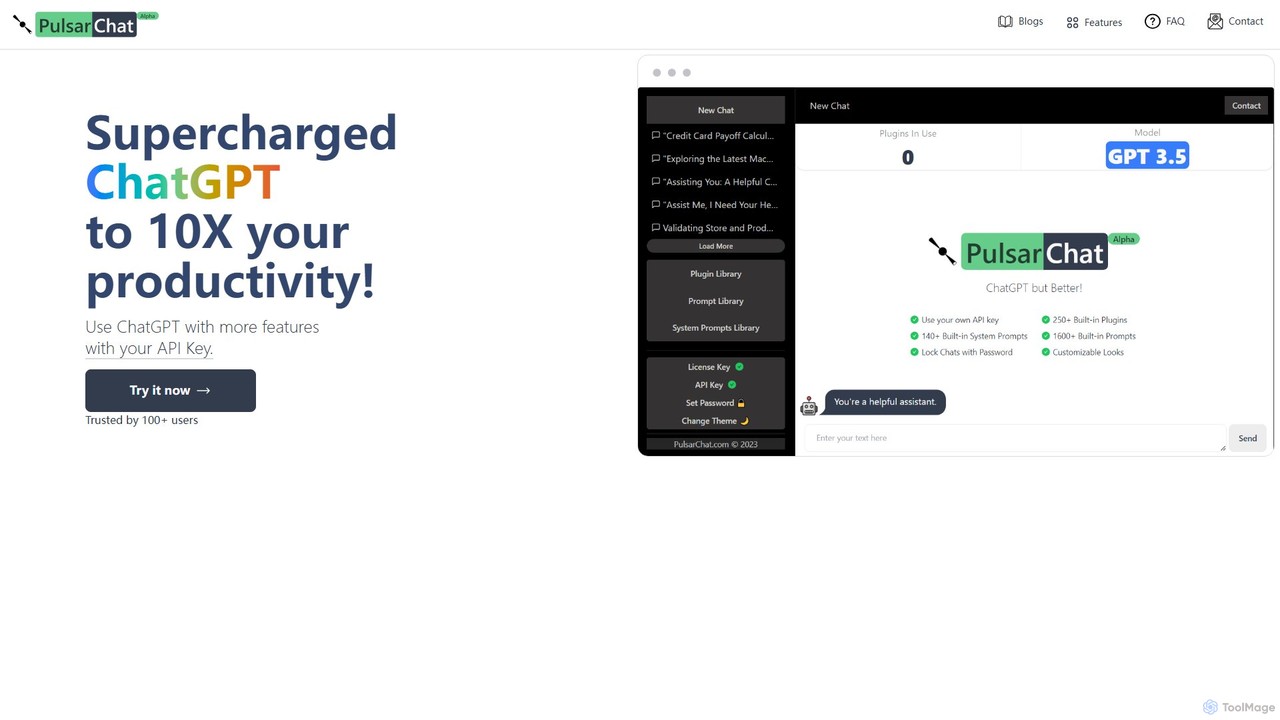
PulsarChat
PulsarChat is a powerful web-based client that supercharges your ChatGPT experience. By using your own OpenAI API key, it unlocks advanced features like 250+ plugins, a vast library of 1500+ prompts, and access to larger context models (e.g., GPT-4) without usage caps. It prioritizes user privacy by storing API keys locally and ensuring all communication is directly with OpenAI's servers.
Api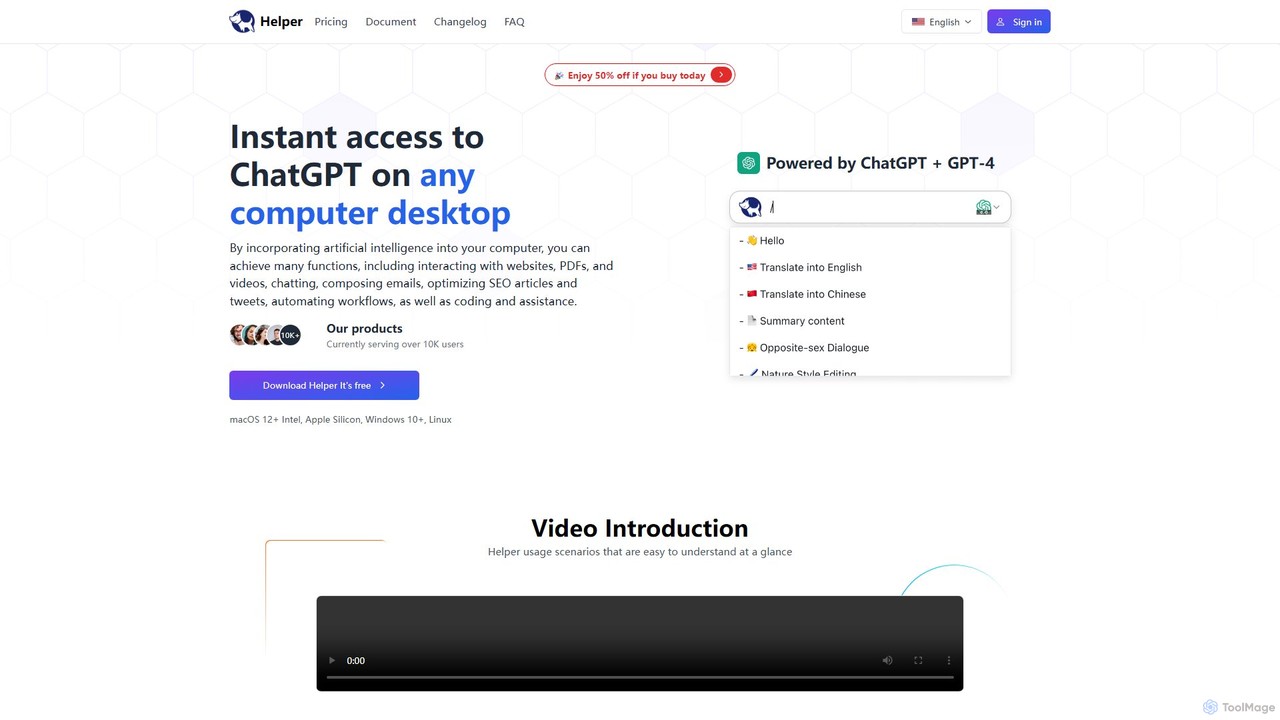
Ai Helper
Ai Helper is a versatile desktop client for macOS, Windows, and Linux, providing instant access to AI models like ChatGPT and Gemini from any application. It streamlines workflows for writing, coding, email composition, and more, acting as a universal AI assistant integrated directly into your operating system.
Code Assistant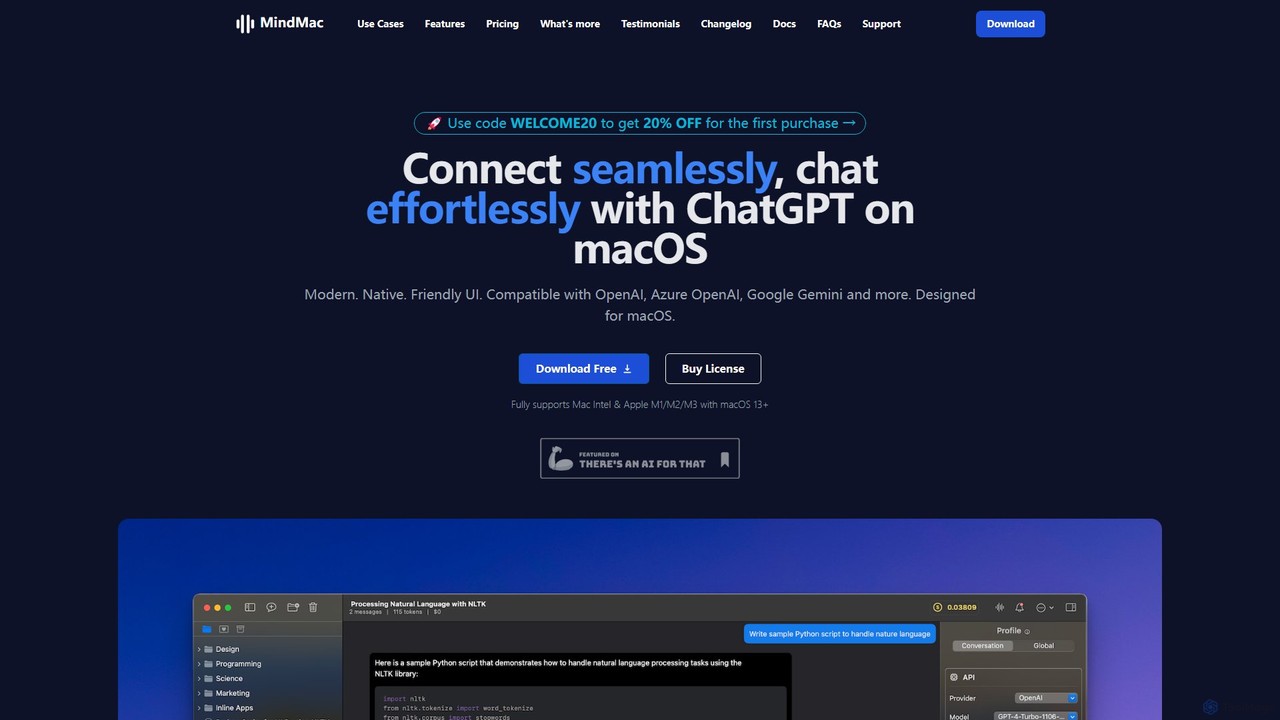
MindMac
MindMac is a powerful, native macOS client that provides a unified interface for interacting with a vast range of AI models, including OpenAI's GPT, Google Gemini, Claude, and local LLMs. It enhances productivity with features like an inline mode for use in any app, a rich prompt library, and extensive customization. It prioritizes privacy and security by storing API keys locally and communicating directly with AI providers.
Macos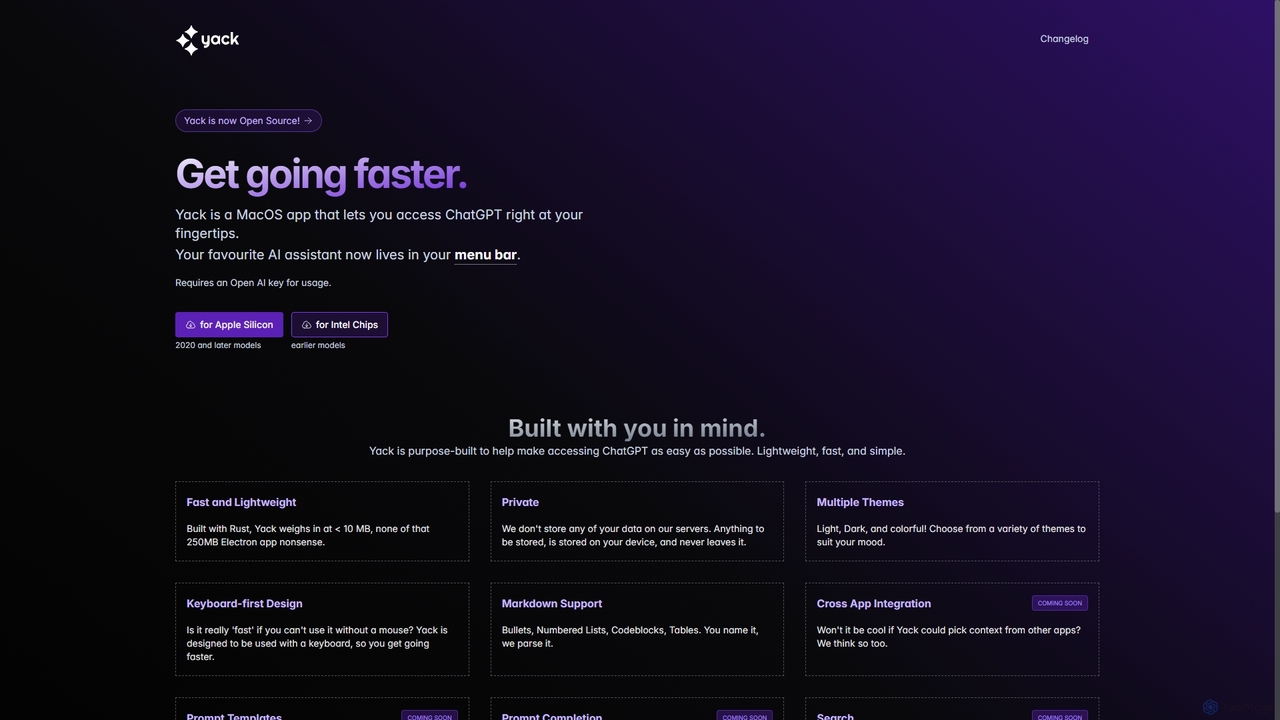
Yack
Yack is a lightweight, fast, and private open-source native macOS application that provides instant access to ChatGPT directly from your menu bar. Built with Rust, it's designed for efficiency with a keyboard-first approach, ensuring you can interact with AI without disrupting your workflow.
Api Client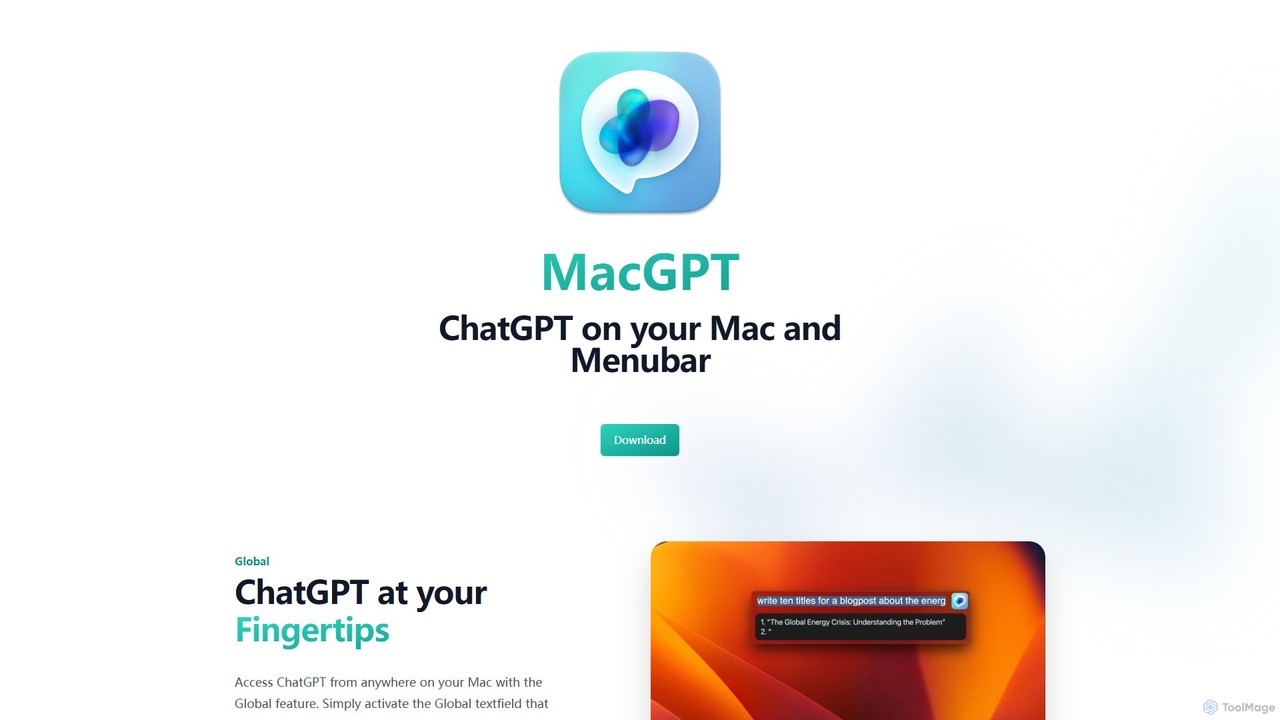
MacGPT
MacGPT brings the power of ChatGPT directly to your macOS desktop. Access OpenAI's models instantly from your menubar, use the Inline feature to write in any application, and switch between a native or web interface for ultimate flexibility and productivity.
Code Assistant
heyalice
heyalice is a personal AI assistant for your desktop (macOS, Windows, Linux) that centralizes top AI models like GPT-4o and Claude 3.5. It enhances productivity through customizable assistants, reusable prompts (Skills), and seamless integration with automation tools like Zapier and Make. Bring your own API keys to control costs and work faster with powerful keyboard shortcuts, all within a privacy-focused, local application.
Code Assistant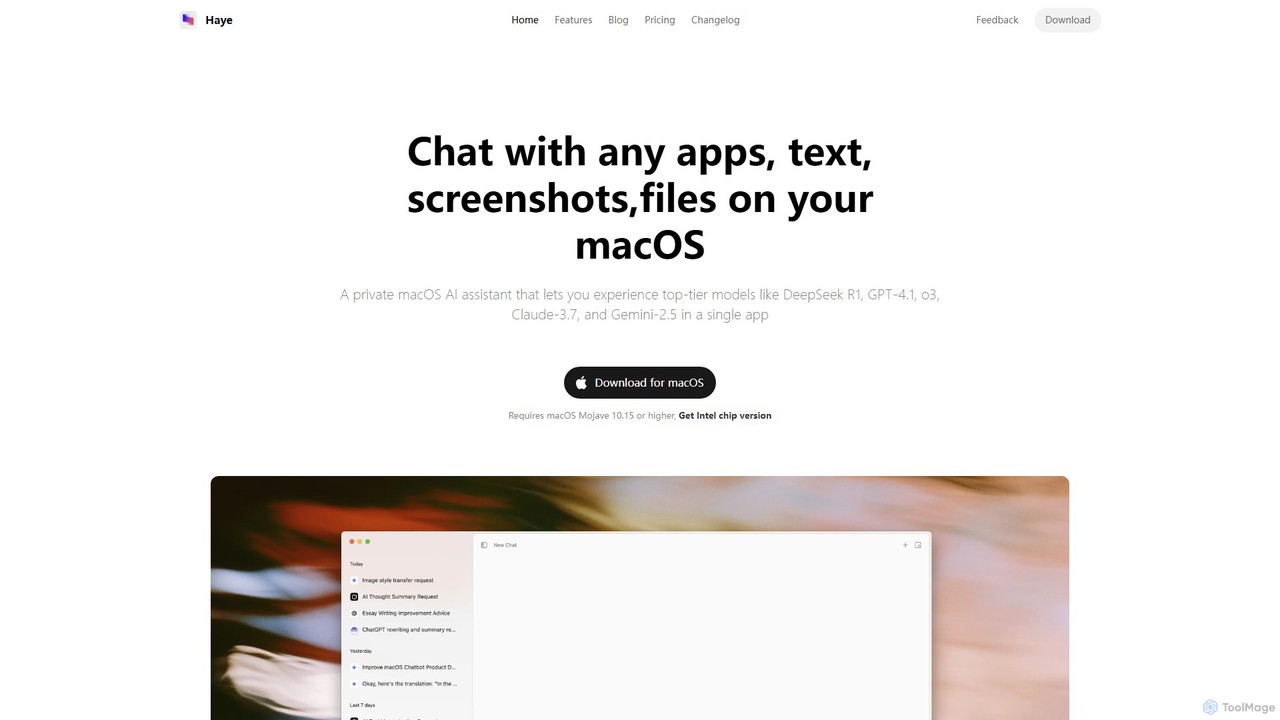
Haye
Haye is a powerful, all-in-one AI chat assistant for macOS, integrating top-tier models like GPT-4.1, Claude-3.7, and Gemini-2.5. It allows users to seamlessly interact with any app, text, screenshot, or file on their desktop, boosting productivity with features like AI search, document chat, and advanced customization.
Code Assistant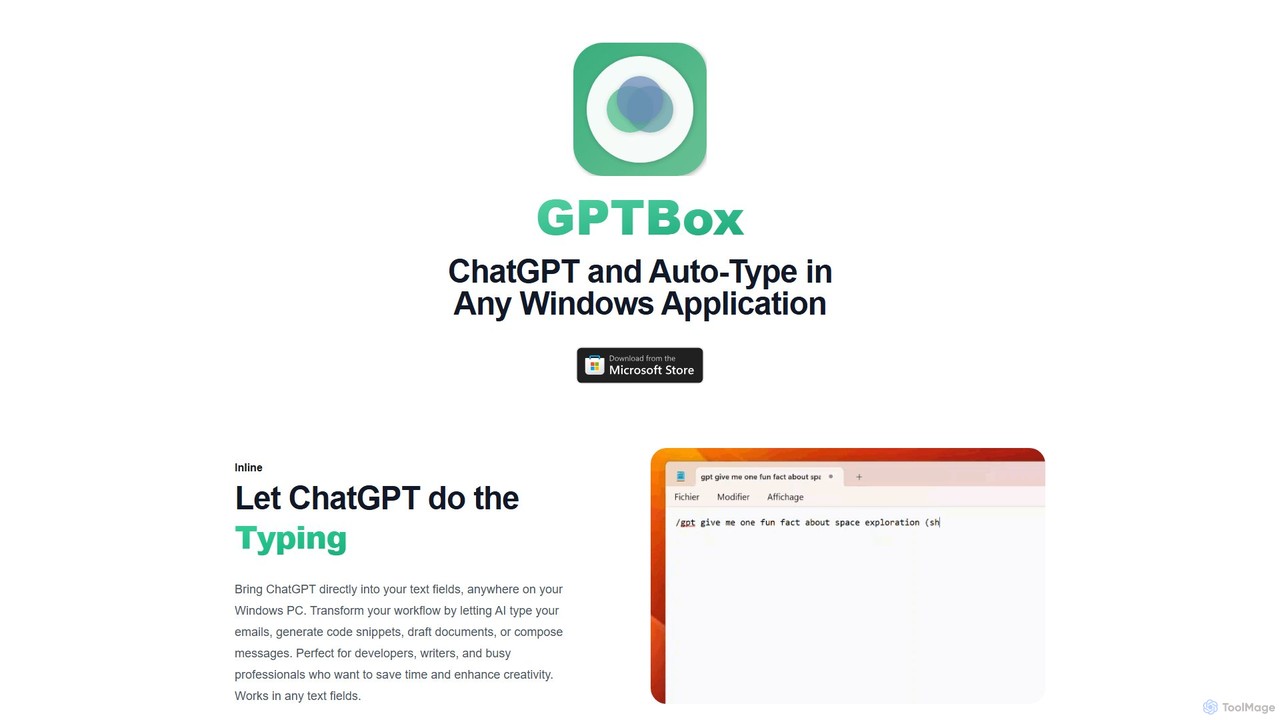
GPTBox
GPTBox is a native Windows application that seamlessly integrates ChatGPT and DeepSeek into your taskbar. It allows you to access AI assistance from anywhere on your PC with a simple keyboard shortcut and use an inline auto-type feature to draft emails, write code, and generate content directly in any text field. Designed for developers, writers, and professionals, it boosts productivity by embedding AI into your daily workflow.
Code Assistant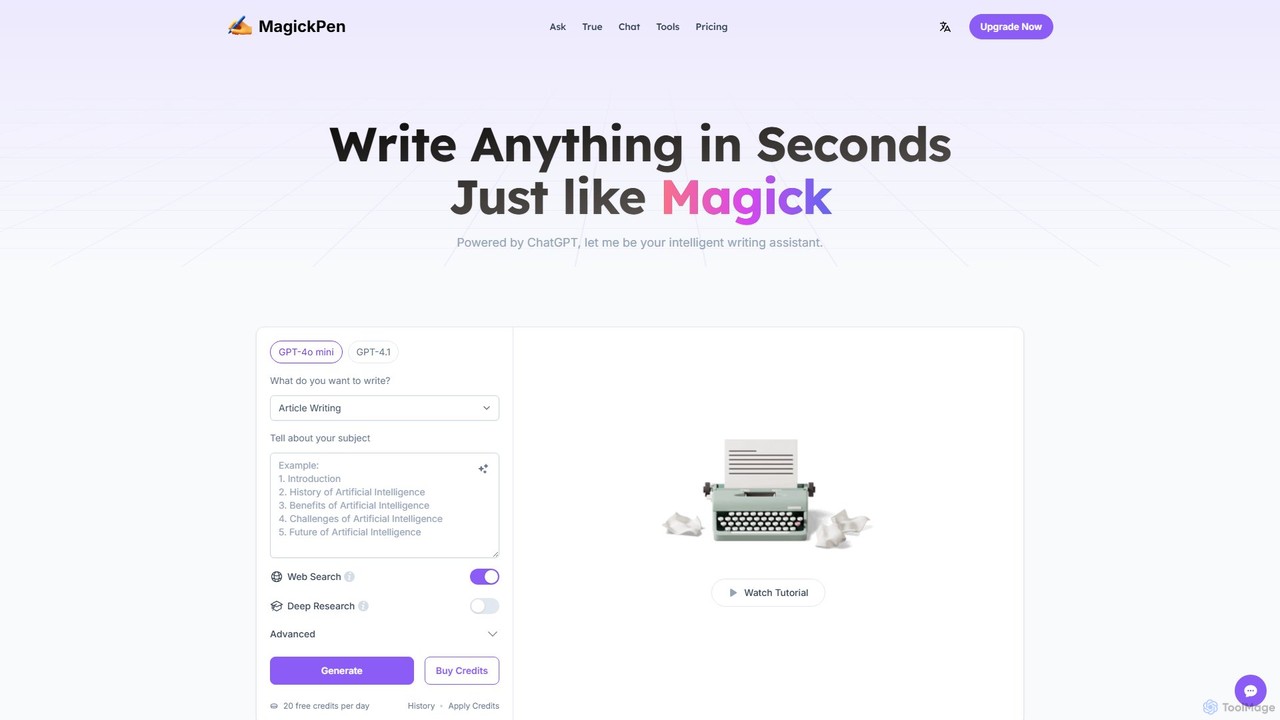
MagickPen
MagickPen is a versatile AI writing and code assistant powered by GPT-4o mini and GPT-4.1. It offers a vast library of templates for writing, marketing, coding, and personal planning. Generate articles, explain code, create mind maps, and much more in seconds. A free plan is available to get started.
Code Assistant
ChatAIr Comments (0)
Sign in to comment.
Sign inNo comments yet.