

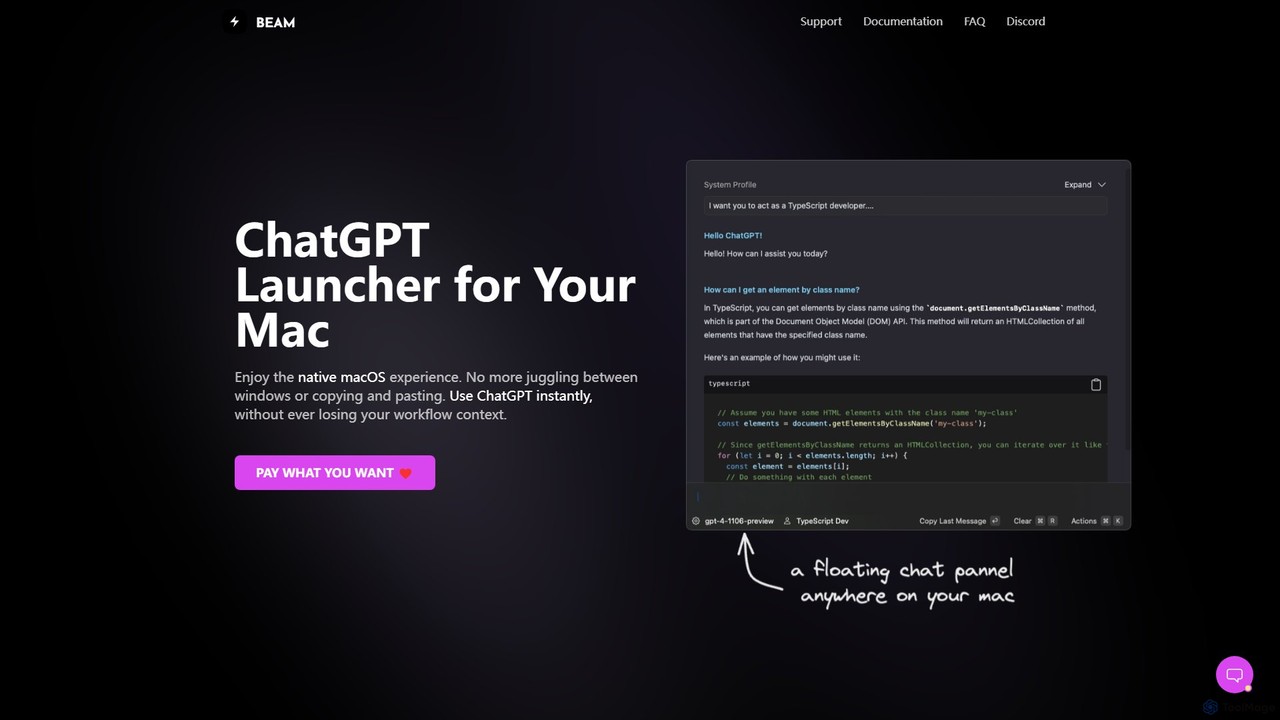
getbeam Overview
getbeam is a powerful, native macOS application designed to be the ultimate ChatGPT companion for Mac users. It fundamentally changes how you interact with AI by integrating it directly into your operating system. Instead of constantly switching to a browser tab, getbeam allows you to summon ChatGPT's power instantly from any application, preserving your focus and boosting your productivity. Built from the ground up as a native app, it offers a snappy, resource-efficient, and secure experience that web-based wrappers simply cannot match.
How to use getbeam
Using getbeam is designed to be intuitive and blend into your existing habits. Here's how to get started:
- Download and install the getbeam application on your macOS device.
- Obtain an API key from your OpenAI account and enter it into getbeam's settings. An OpenAI account is required, but a paid ChatGPT+ subscription is not.
- Use the default global hotkey (CTRL + SPACE) to bring up the floating chat panel from anywhere in your system, whether you're in a code editor, a document, or a browser.
- To interact with content, simply select any text in any application and press the hotkey. getbeam will automatically use the selected text as context for your chat.
- Utilize the screen capture hotkey to select a region of your screen and ask questions about the visual content, such as charts, UI elements, or images.
- For recurring tasks, create and save custom prompt templates. This allows you to execute complex requests, like drafting an email or generating code, by just filling in a few variables.
- Upload PDF documents directly into getbeam to summarize, ask questions, and extract information without needing other tools.
- Configure custom AI Profiles to instruct the GPT model to adopt a specific persona or follow certain rules, ensuring consistent and tailored responses for different tasks.
Core Features of getbeam
- Instant Floating Chat Panel: Access ChatGPT instantly with a global hotkey (CTRL + SPACE), eliminating the need to switch windows.
- Contextual Interaction: Select text or capture a screen area to chat about it directly, making your interactions faster and more relevant.
- Native macOS Experience: As a true native app (not Electron), it's lightweight, uses minimal memory, is incredibly fast, and respects macOS UI conventions.
- Prompt Templates: Create and save reusable prompts to accelerate repetitive tasks like writing emails, generating code, or creating social media content.
- Chat with PDF: Directly upload and interact with your PDF documents, enabling you to get summaries, find answers, and bring your documents to life.
- AI Profiles: Configure GPT model behavior for consistent, role-specific responses, such as a 'code assistant' or a 'marketing copywriter'.
- System Actions: Create powerful automations to summarize websites, translate selected text, explain concepts, and more, all at your fingertips.
- Ultimate Security and Privacy: The application is sandboxed, meaning it cannot access your system files. All data, including your API key, is stored locally on your machine and never sent to getbeam's servers.
- Floating ChatGPT+ Window: For users who also use the official web app, getbeam provides a quick way to launch it in a convenient floating window.
Use Cases for getbeam
getbeam is a versatile tool for a wide range of professionals:
- Developers: Quickly explain code snippets, generate boilerplate, debug errors, or convert code between languages without ever leaving the IDE.
- Writers & Marketers: Effortlessly draft blog posts, brainstorm headlines, rewrite sentences for clarity, or generate social media content on the fly.
- Students & Researchers: Summarize academic papers, explain complex concepts from PDF textbooks, or translate foreign language text for research.
- Business Professionals: Compose professional emails in seconds using templates, prepare for meetings by summarizing documents, or get quick answers to business queries without breaking focus.
Advantages of getbeam
The primary advantage of getbeam is its seamless workflow integration. By keeping you in your current context, it minimizes distractions and maximizes efficiency. Its native performance makes it significantly faster and more reliable than browser-based solutions. The focus on privacy, with all data stored locally, provides peace of mind. Finally, its high degree of customization through templates and AI profiles allows users to create a personalized AI assistant perfectly suited to their needs.
Pricing and Plans
getbeam utilizes a unique and user-friendly "Pay What You Want" model for the application license. This means you can choose the price you feel is fair for the software as a one-time payment. It's important to note that this payment is for the getbeam app itself. To use the AI features, you must provide your own OpenAI API key. The usage of the OpenAI API is billed separately and directly by OpenAI based on their token consumption pricing.
getbeam Alternatives
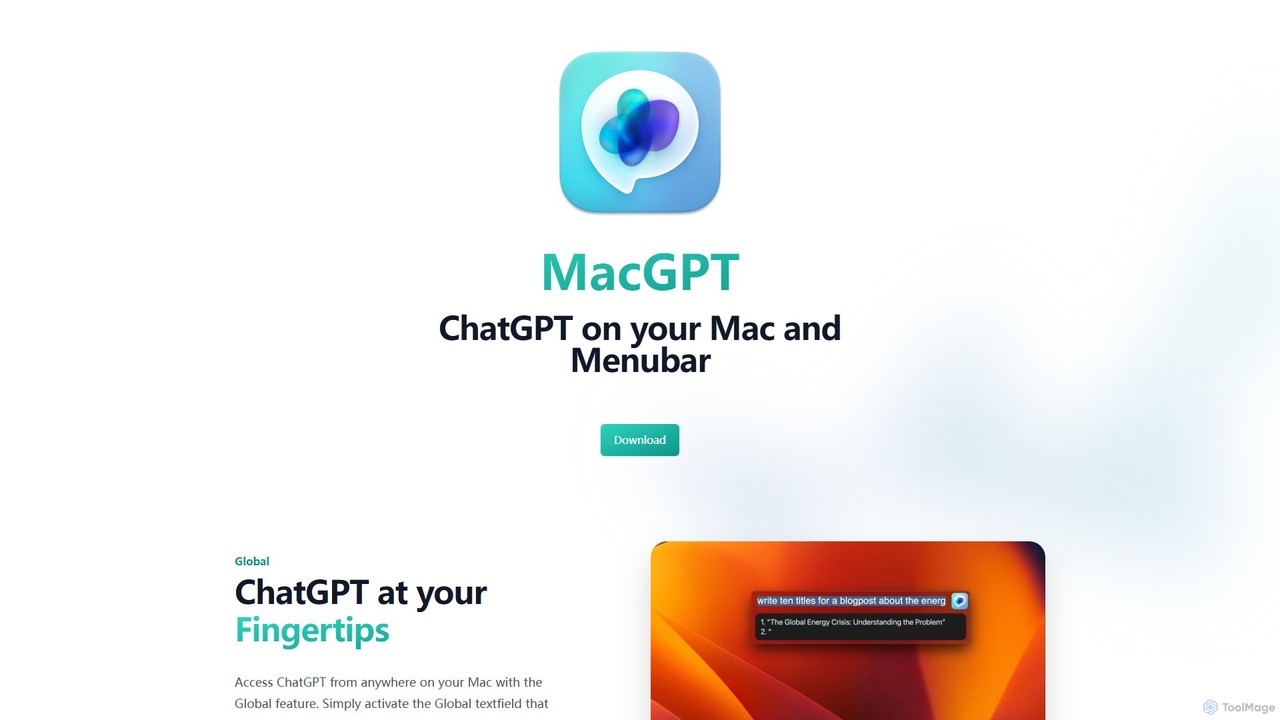
MacGPT
MacGPT brings the power of ChatGPT directly to your macOS desktop. Access OpenAI's models instantly from your menubar, use the Inline feature to write in any application, and switch between a native or web interface for ultimate flexibility and productivity.
Code Assistant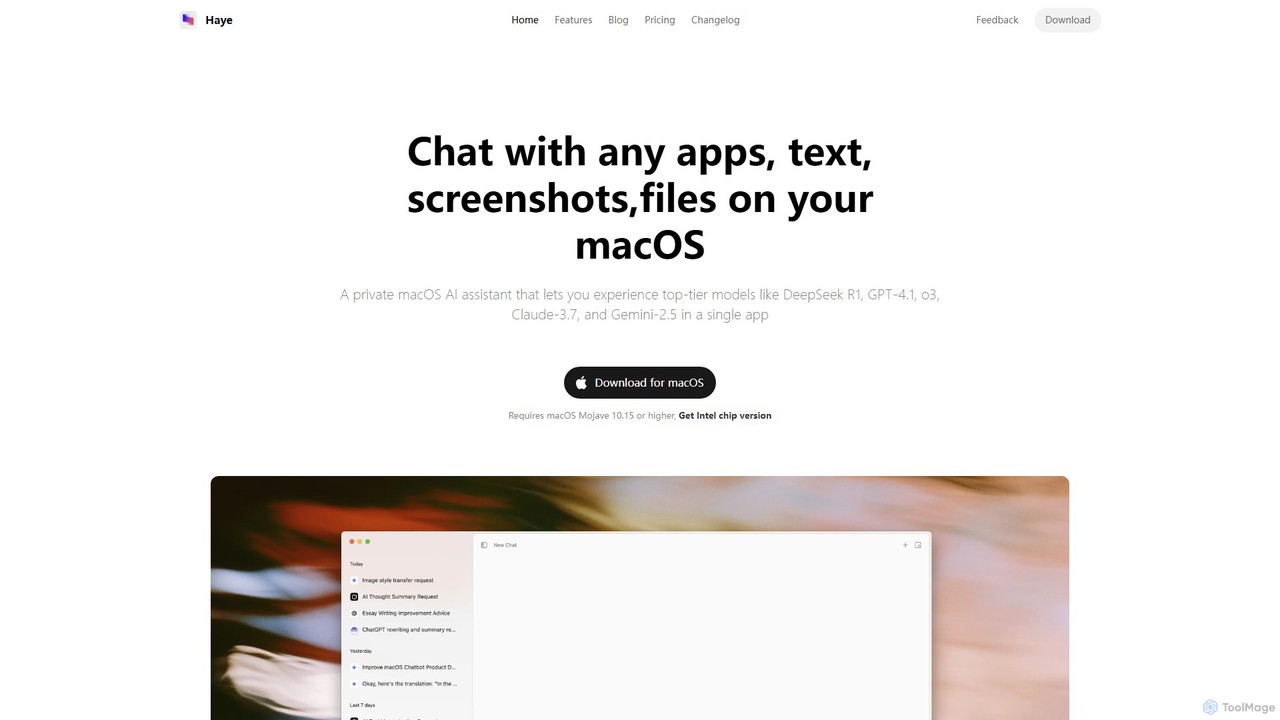
Haye
Haye is a powerful, all-in-one AI chat assistant for macOS, integrating top-tier models like GPT-4.1, Claude-3.7, and Gemini-2.5. It allows users to seamlessly interact with any app, text, screenshot, or file on their desktop, boosting productivity with features like AI search, document chat, and advanced customization.
Code Assistant
heyalice
heyalice is a personal AI assistant for your desktop (macOS, Windows, Linux) that centralizes top AI models like GPT-4o and Claude 3.5. It enhances productivity through customizable assistants, reusable prompts (Skills), and seamless integration with automation tools like Zapier and Make. Bring your own API keys to control costs and work faster with powerful keyboard shortcuts, all within a privacy-focused, local application.
Code Assistant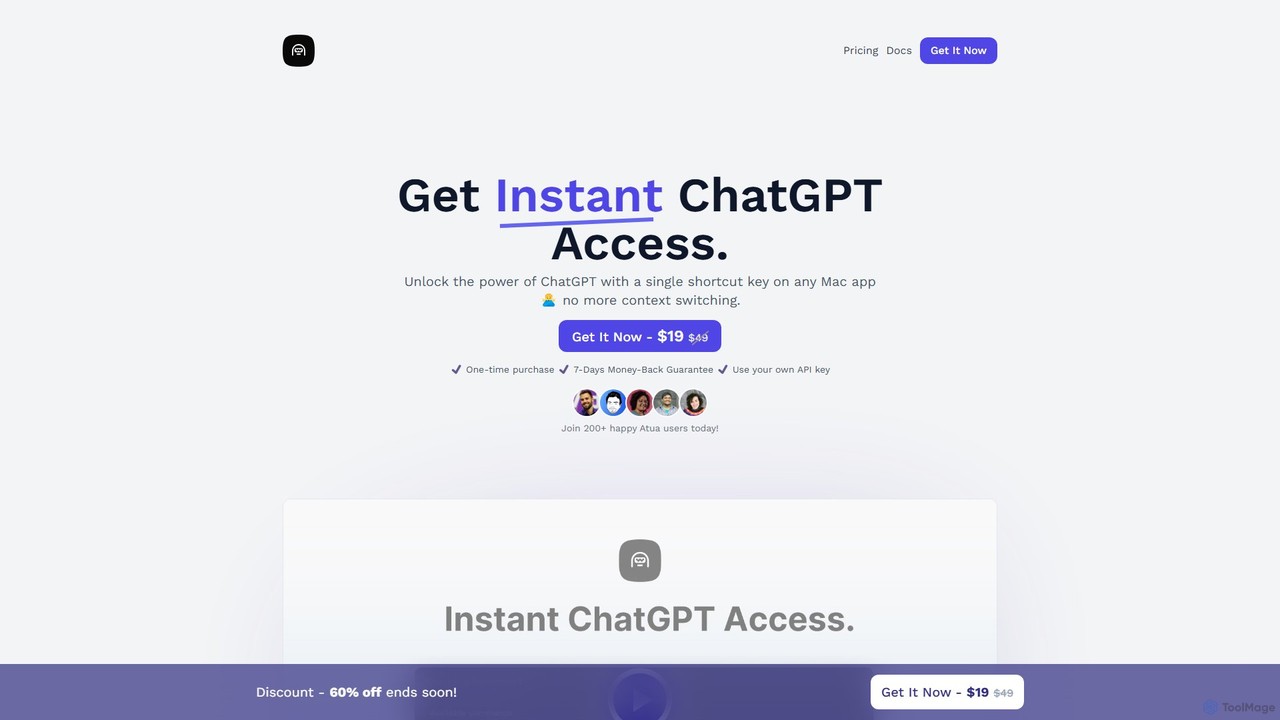
Atua
Atua is a native macOS application that provides instant access to ChatGPT from any app using a simple shortcut. It eliminates context switching, allowing users to select text, apply custom AI commands, and boost productivity in writing, coding, and more.
Code Assistant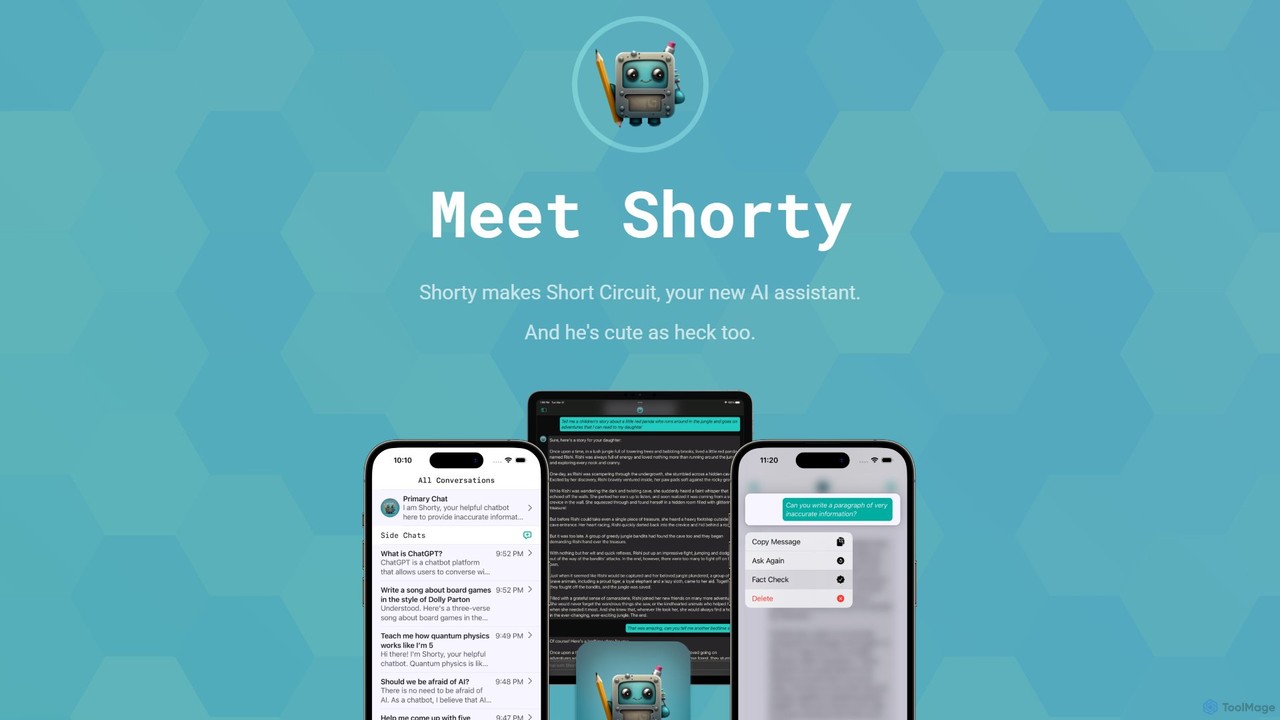
Short Circuit
Short Circuit is a privacy-focused AI assistant for iPhone, iPad, and Mac, powered by ChatGPT & GPT-4. It offers deep integration with the Apple ecosystem, including Siri and Shortcuts. Customize AI personalities for any task, from a math tutor to a code expert. With a strong commitment to privacy and flexible pricing options, including a lifetime unlock with your own API key, Short Circuit provides a premium, secure, and versatile AI experience.
Code Assistantgetbeam Categories
getbeam Embed Widget
Copy this embed code to place the badge on your blog, article, or product site and send readers directly to this ToolMage detail page.

Related AI tools
MacGPT
MacGPT brings the power of ChatGPT directly to your macOS desktop. Access OpenAI's models instantly from your menubar, use the Inline feature to write in any application, and switch between a native or web interface for ultimate flexibility and productivity.
Code AssistantHaye
Haye is a powerful, all-in-one AI chat assistant for macOS, integrating top-tier models like GPT-4.1, Claude-3.7, and Gemini-2.5. It allows users to seamlessly interact with any app, text, screenshot, or file on their desktop, boosting productivity with features like AI search, document chat, and advanced customization.
Code Assistant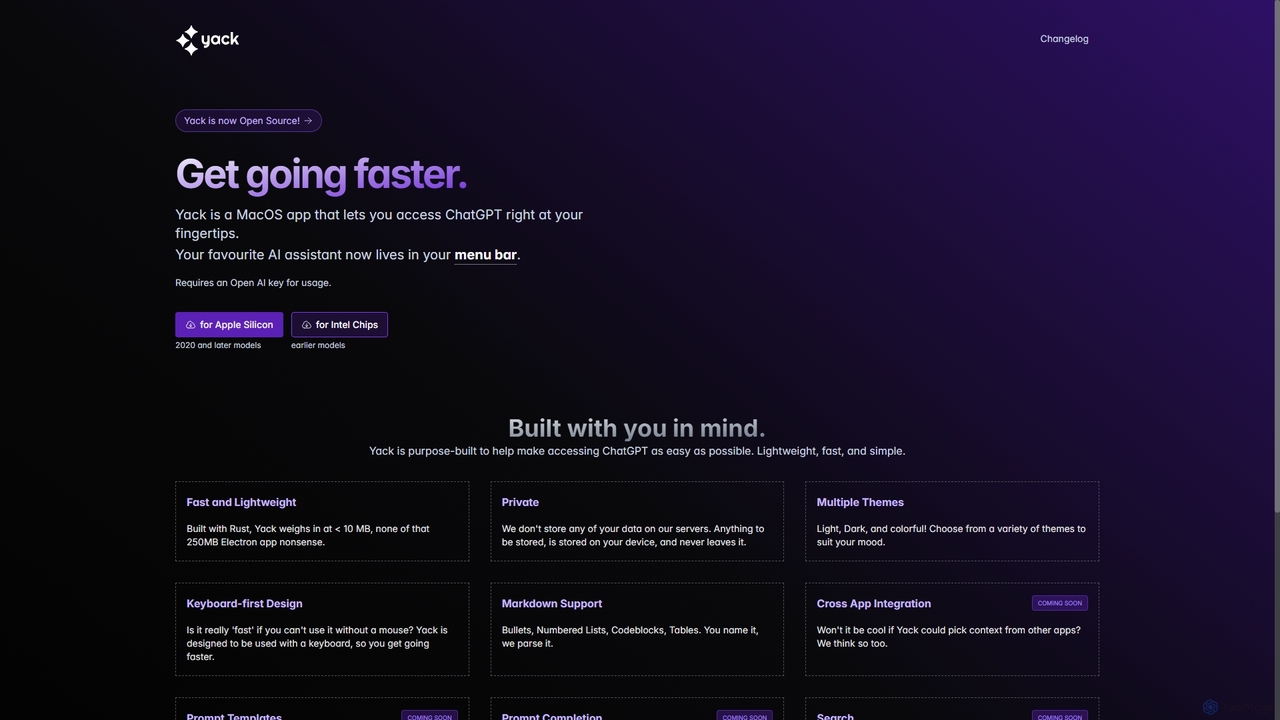
Yack
Yack is a lightweight, fast, and private open-source native macOS application that provides instant access to ChatGPT directly from your menu bar. Built with Rust, it's designed for efficiency with a keyboard-first approach, ensuring you can interact with AI without disrupting your workflow.
Api Client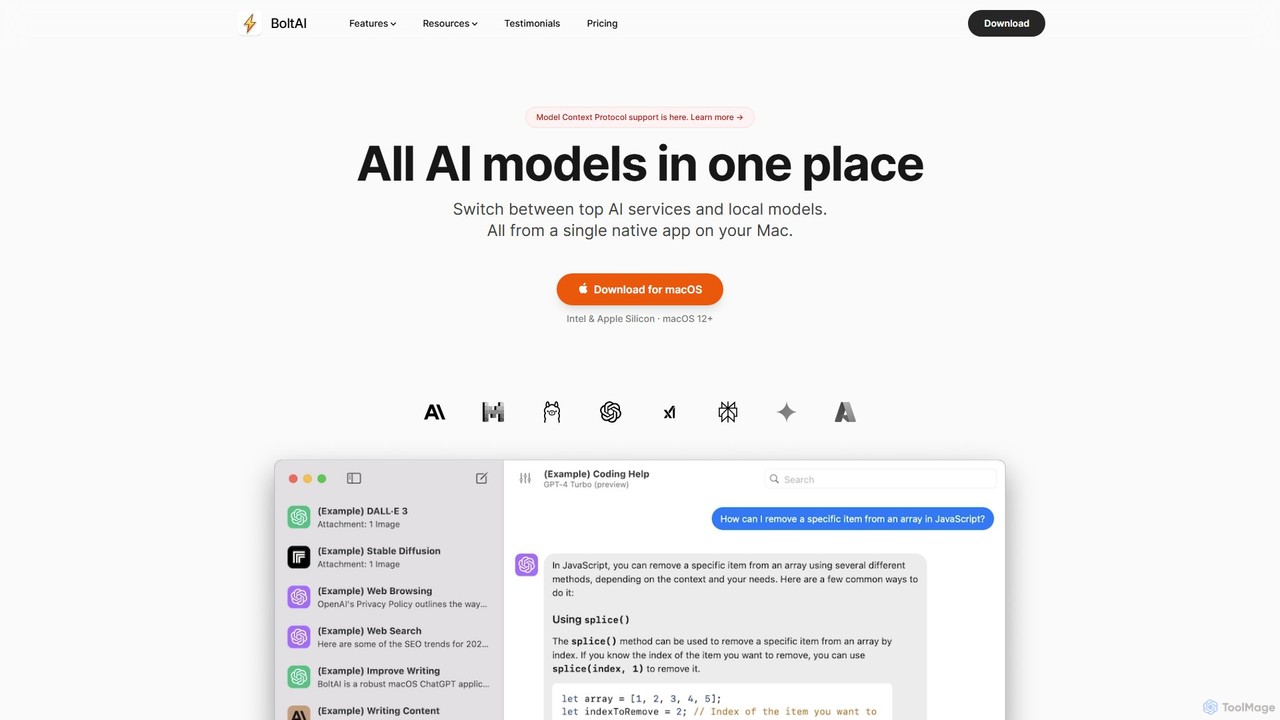
BoltAI
BoltAI is a native, high-performance AI assistant for macOS that integrates multiple AI models like GPT, Claude, and local models directly into your workflow. It offers features like an in-IDE coding assistant, custom AI assistants, a prompt library, and powerful plugins to boost productivity for developers, writers, and professionals.
Coding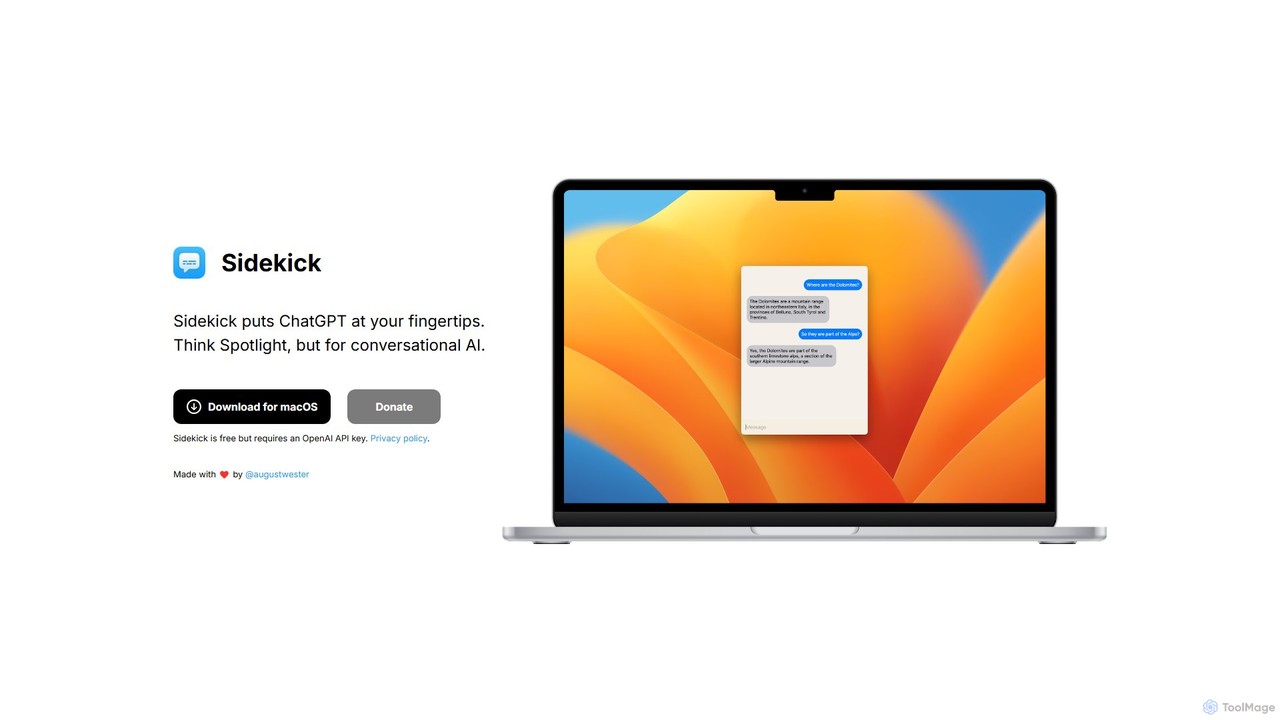
Sidekick
Sidekick is a free macOS application that provides instant access to ChatGPT from anywhere on your desktop. Functioning like Spotlight for conversational AI, it allows users to summon an AI assistant with a simple keyboard shortcut, streamlining workflows and boosting productivity without needing a browser.
Code Assistant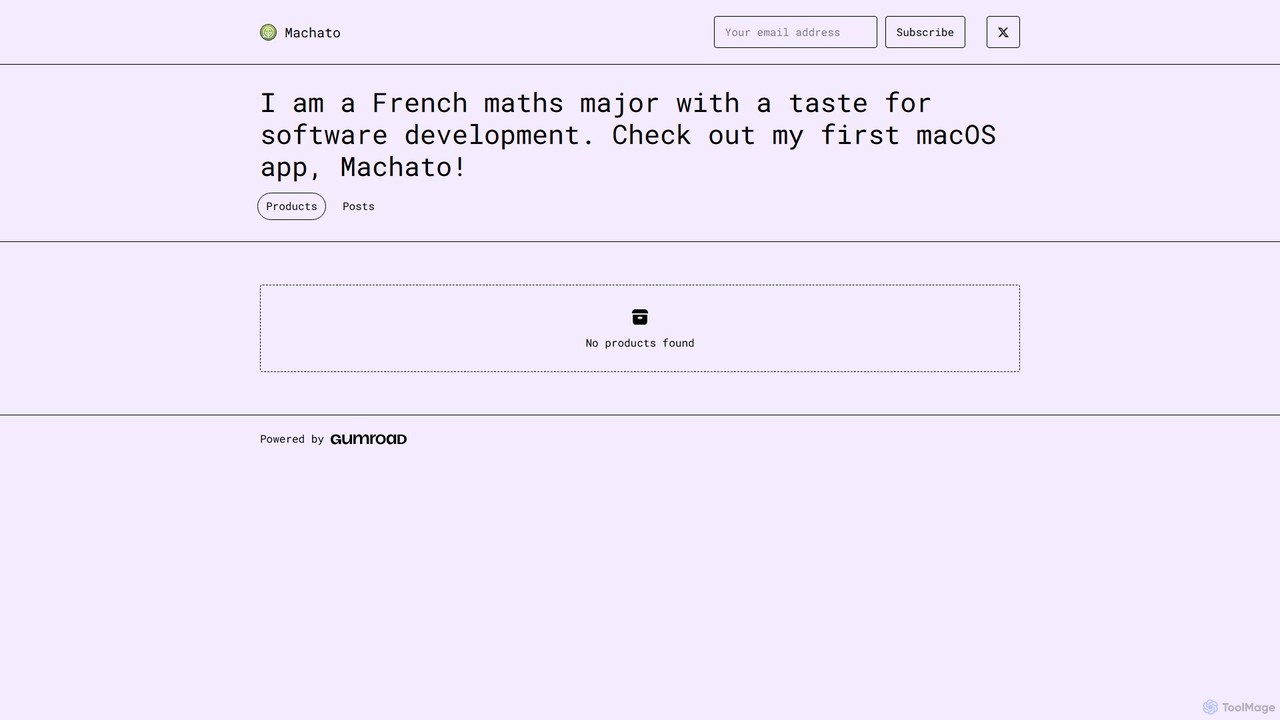
Machato
Machato is a native macOS application designed to provide a seamless and powerful AI chat experience. It acts as a desktop client for various large language models, offering a clean, fast, and integrated interface that surpasses web-based alternatives. Perfect for developers, writers, and professionals.
Code Assistant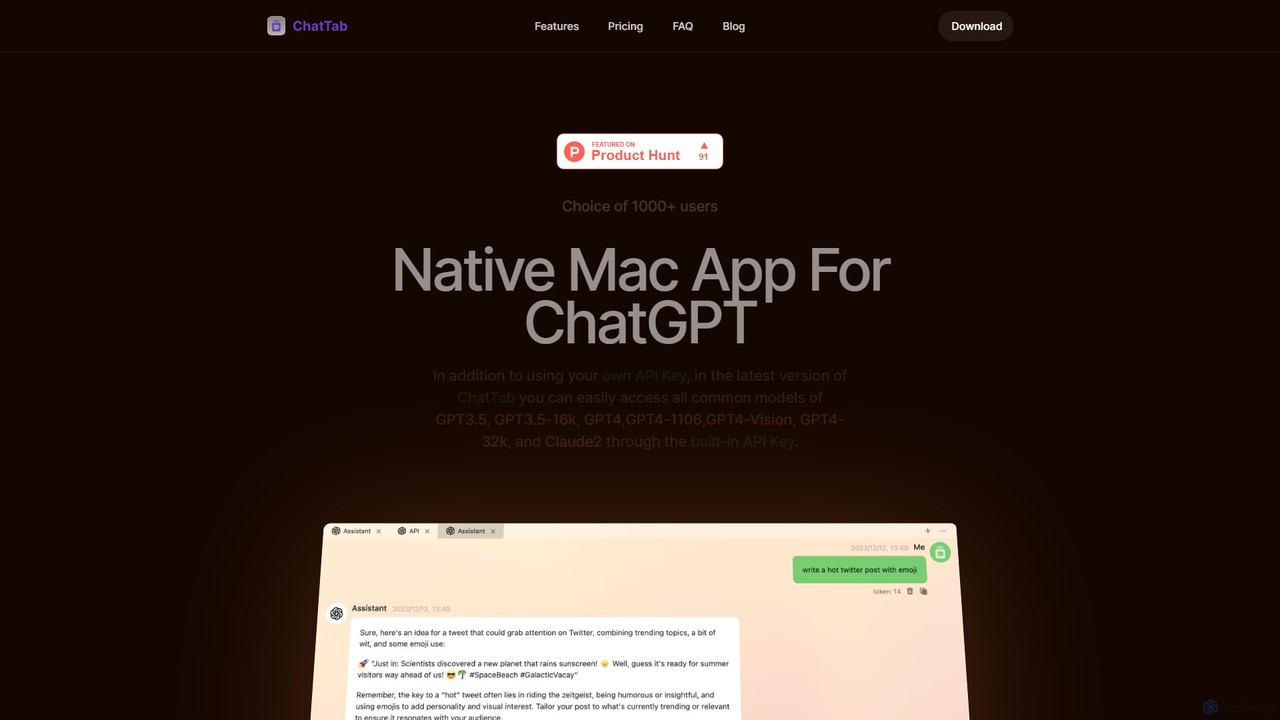
ChatTab
ChatTab is a native macOS desktop application designed to enhance the ChatGPT experience. It offers a fast, lightweight interface with features like multi-tab conversations, shortcut key access, iCloud prompt synchronization, and support for various models including GPT-4 Vision and Claude 2. Users can leverage their own API key or use the built-in one, ensuring a secure and private interaction with advanced AI models directly from their desktop.
Code Assistant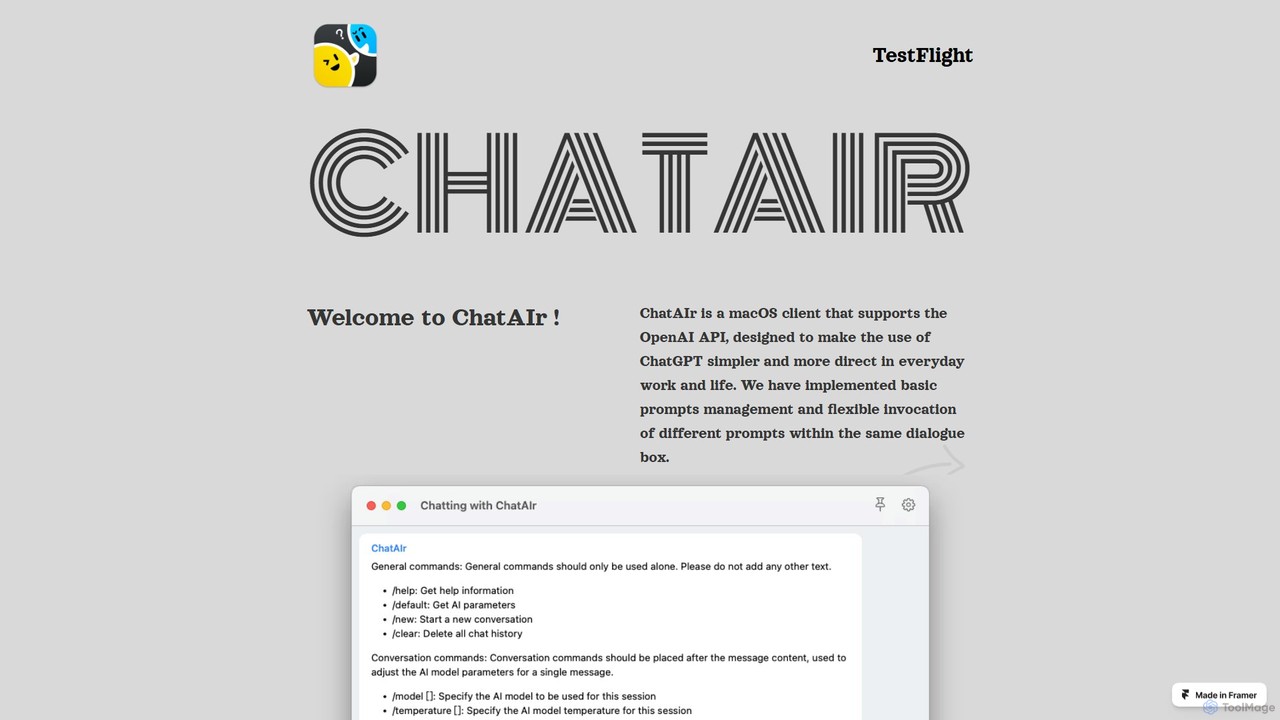
ChatAIr
ChatAIr is a powerful, native macOS client for interacting with OpenAI models like GPT-4 and GPT-3.5. It enhances your workflow with advanced features like prompt management, per-conversation model selection, and parameter control, offering a more flexible and cost-effective alternative to web interfaces.
Code Assistant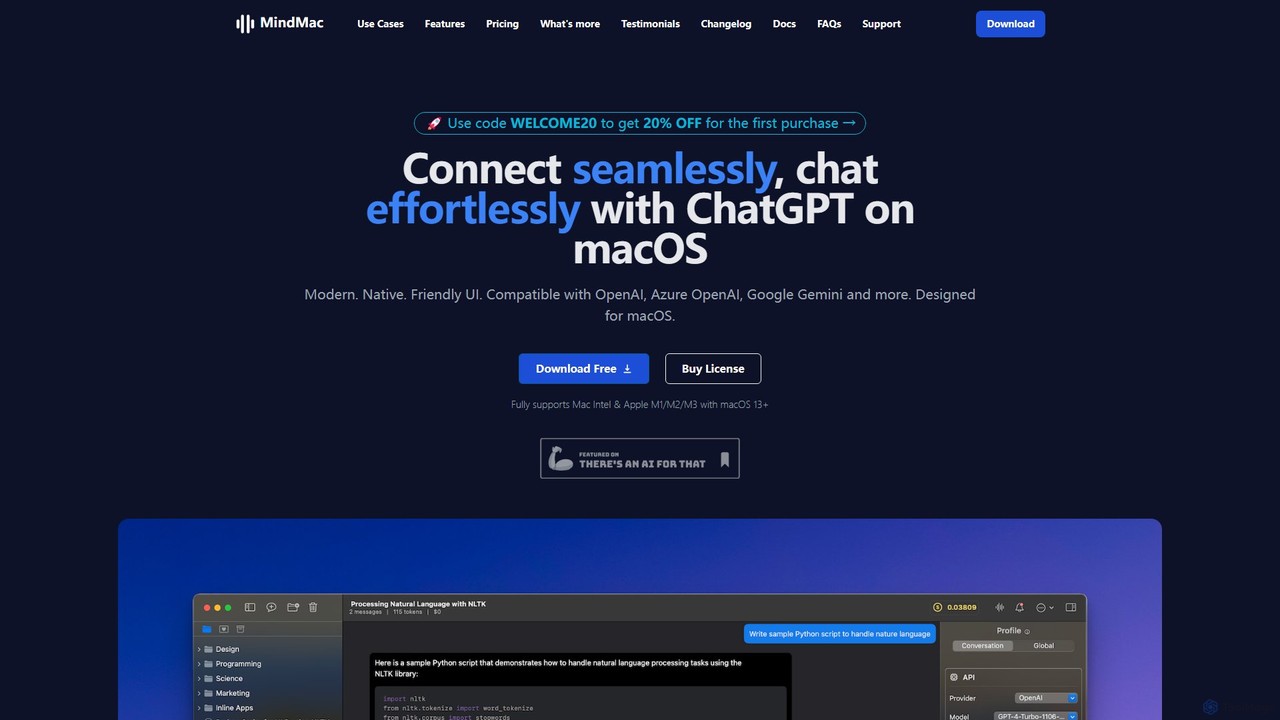
MindMac
MindMac is a powerful, native macOS client that provides a unified interface for interacting with a vast range of AI models, including OpenAI's GPT, Google Gemini, Claude, and local LLMs. It enhances productivity with features like an inline mode for use in any app, a rich prompt library, and extensive customization. It prioritizes privacy and security by storing API keys locally and communicating directly with AI providers.
Macos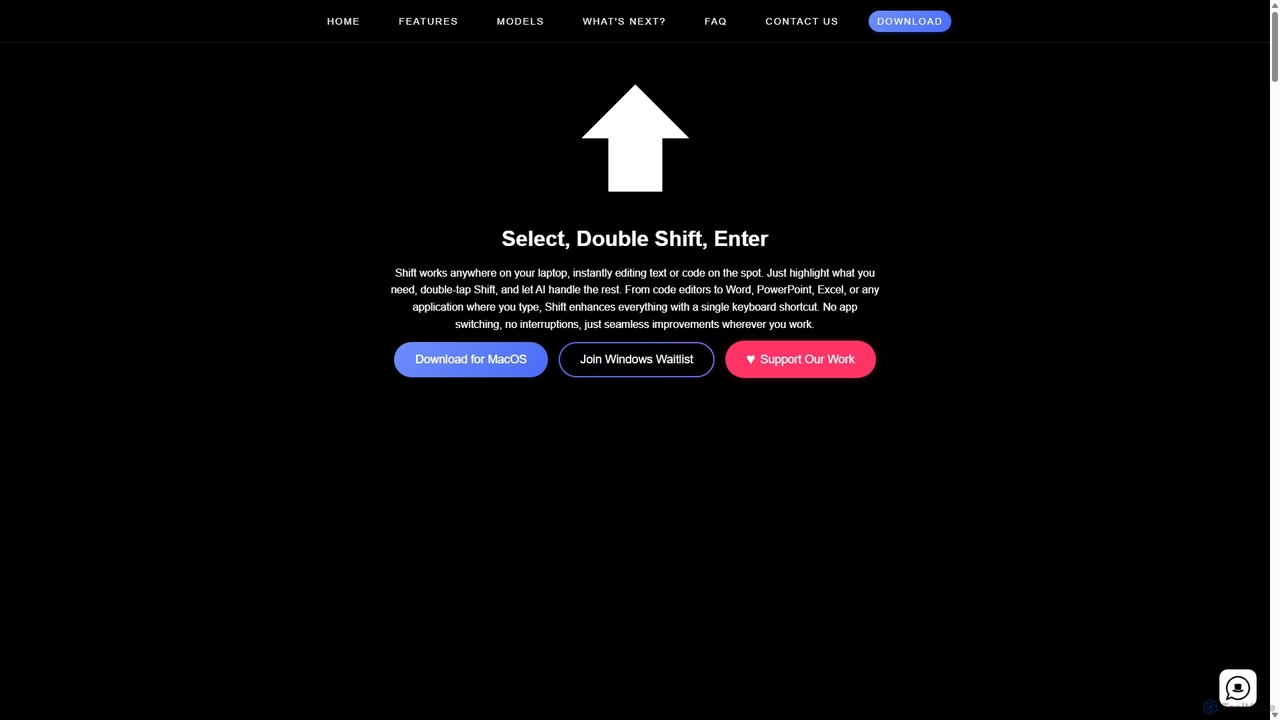
Shift
Shift is a system-wide AI assistant for macOS that enhances your workflow by allowing you to edit text and code anywhere with a simple keyboard shortcut. Just highlight text, double-tap Shift, and let the AI rewrite, debug, translate, or rephrase it instantly within any application.
Code Assistant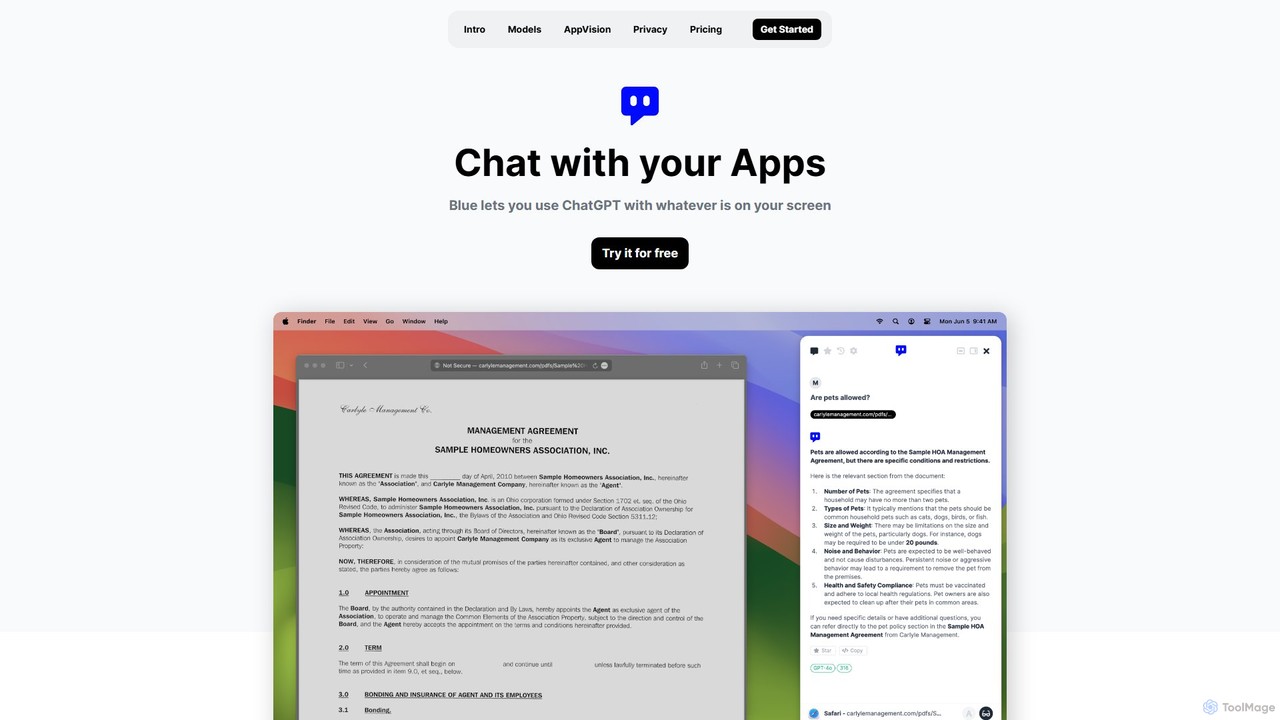
Blue
Blue is a native macOS AI assistant that integrates ChatGPT and other advanced AI models directly into your workflow. Featuring unique screen context awareness (AppVision) and a strong focus on privacy, it allows you to analyze, summarize, or create content in any app with a simple keyboard shortcut, boosting productivity for professionals.
Coding Assistantheyalice
heyalice is a personal AI assistant for your desktop (macOS, Windows, Linux) that centralizes top AI models like GPT-4o and Claude 3.5. It enhances productivity through customizable assistants, reusable prompts (Skills), and seamless integration with automation tools like Zapier and Make. Bring your own API keys to control costs and work faster with powerful keyboard shortcuts, all within a privacy-focused, local application.
Code AssistantAtua
Atua is a native macOS application that provides instant access to ChatGPT from any app using a simple shortcut. It eliminates context switching, allowing users to select text, apply custom AI commands, and boost productivity in writing, coding, and more.
Code AssistantShort Circuit
Short Circuit is a privacy-focused AI assistant for iPhone, iPad, and Mac, powered by ChatGPT & GPT-4. It offers deep integration with the Apple ecosystem, including Siri and Shortcuts. Customize AI personalities for any task, from a math tutor to a code expert. With a strong commitment to privacy and flexible pricing options, including a lifetime unlock with your own API key, Short Circuit provides a premium, secure, and versatile AI experience.
Code Assistant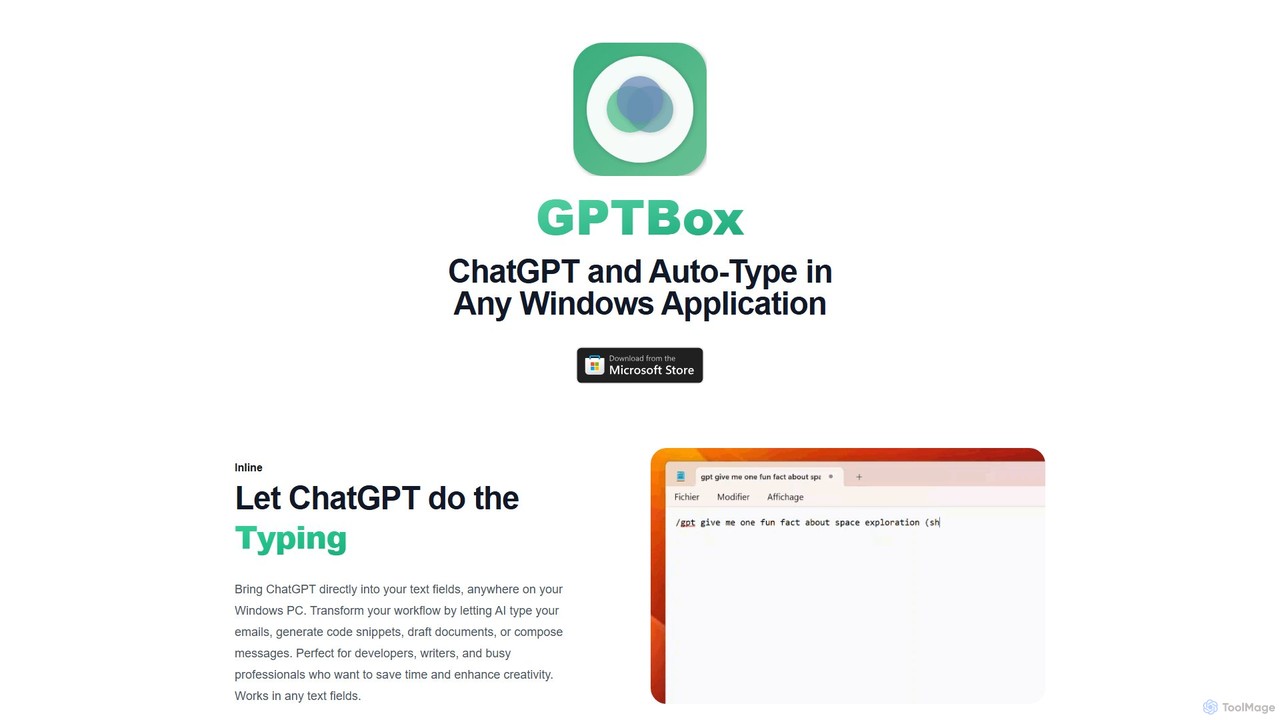
GPTBox
GPTBox is a native Windows application that seamlessly integrates ChatGPT and DeepSeek into your taskbar. It allows you to access AI assistance from anywhere on your PC with a simple keyboard shortcut and use an inline auto-type feature to draft emails, write code, and generate content directly in any text field. Designed for developers, writers, and professionals, it boosts productivity by embedding AI into your daily workflow.
Code Assistant
getbeam Comments (0)
Sign in to comment.
Sign inNo comments yet.