
GPTBox Overview
GPTBox is a revolutionary productivity tool designed exclusively for Windows users, transforming how you interact with AI on your PC. It deeply integrates the power of large language models like ChatGPT and DeepSeek directly into the Windows operating system, making AI assistance instantly accessible from your taskbar and within any application. Say goodbye to constantly switching between browser tabs and applications; GPTBox brings the AI to you, wherever you are working.
The core philosophy behind GPTBox is to embed AI seamlessly into your existing workflow. Whether you're a developer writing code in an IDE, a marketer drafting an email in Outlook, a writer creating a document in Word, or just chatting in a messaging app, GPTBox is there to help. It eliminates friction and context-switching, allowing you to stay focused on your task while leveraging AI to enhance your speed, creativity, and efficiency.
How to use GPTBox
Getting started with GPTBox is straightforward and designed for a quick setup. Follow these simple steps to integrate powerful AI into your Windows experience:
- Download and Install: Get GPTBox from the Microsoft Store. The application is compatible with Windows 10 (version 1903 or newer) and all versions of Windows 11.
- Obtain API Keys: GPTBox connects to AI models via API. You will need to get an API key from your chosen provider. For ChatGPT, create an account on the OpenAI Platform (platform.openai.com) and generate a new secret key. For DeepSeek, visit their platform (platform.deepseek.com) to get your key.
- Configure GPTBox: Open the GPTBox settings panel. Navigate to the API section, select your desired AI provider (e.g., OpenAI or DeepSeek), and paste your API key. You can also select your preferred model, such as GPT-4o, which is recommended for its balance of performance and cost.
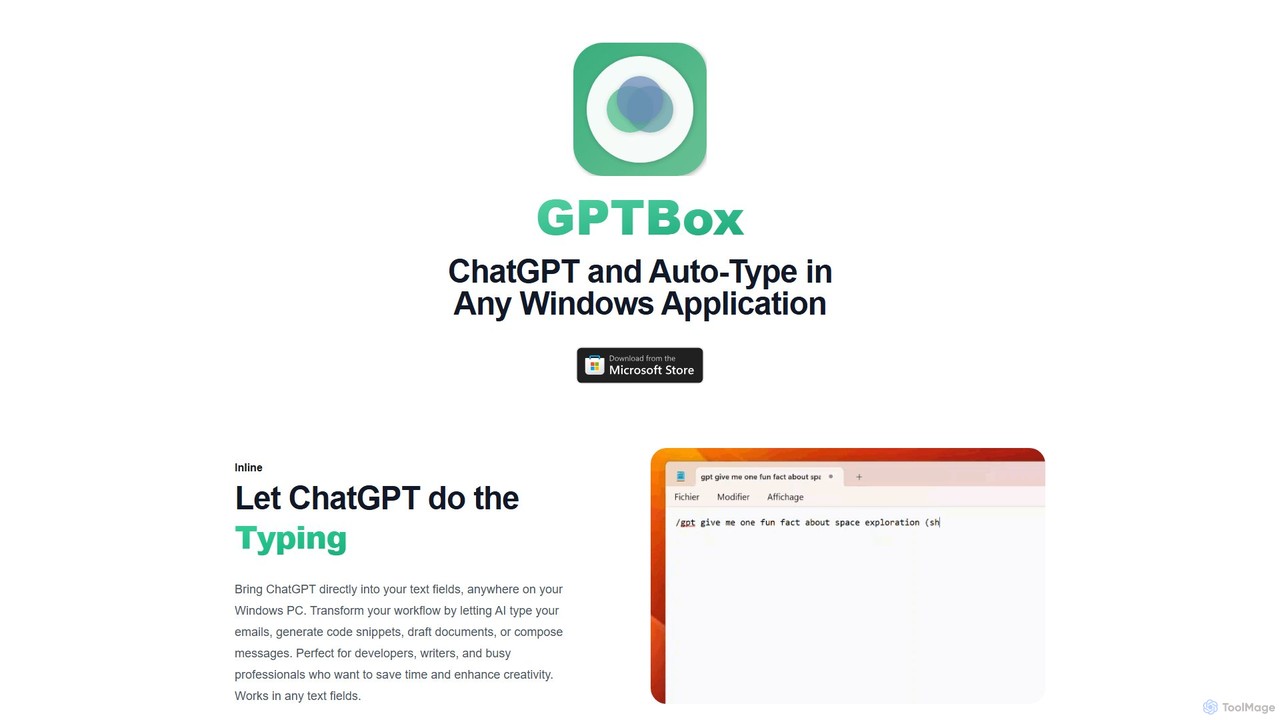
- Start Using AI: Once configured, you can access AI in two primary ways. Use a global keyboard shortcut (customizable in settings) to bring up a dialog box for quick questions and answers from anywhere. Alternatively, use the inline auto-type feature to have the AI type its response directly into any active text field in any application.
Core Features of GPTBox
- Inline AI Auto-Typing: Let the AI type for you. Place your cursor in any text field, give a prompt, and watch GPTBox type out emails, code, documents, or messages in real-time.
- Global Access Shortcut: Summon an AI assistant from anywhere on your Windows PC with a customizable keyboard shortcut. Get instant answers, brainstorm ideas, or solve problems without leaving your current application.
- Deep Taskbar Integration: GPTBox lives in your Windows taskbar, providing a native, unobtrusive, and always-on AI presence that feels like a natural part of the OS.
- Multi-Model Support: You are not locked into one ecosystem. GPTBox supports powerful models from both OpenAI (like GPT-4o, GPT-4) and DeepSeek, allowing you to choose the best AI for your specific needs.
- Cost-Effective Usage: By using your own API key, you pay directly for what you use at highly competitive rates (e.g., around $0.001 per 750 words with GPT-4o), making it significantly cheaper than many subscription-based services.
- Native Windows Performance: Built specifically for Windows 10 and 11, GPTBox is optimized for speed, low latency, and stability, offering a superior experience compared to generic, browser-based AI tools.
Use Cases for GPTBox
GPTBox is a versatile tool that benefits a wide range of professionals:
- Software Developers: Generate boilerplate code, debug functions, write unit tests, explain complex code snippets, or convert code between languages directly within your IDE or text editor.
- Writers and Content Marketers: Overcome writer's block by brainstorming ideas, drafting blog posts, creating social media content, writing product descriptions, or rephrasing sentences for clarity directly in your writing application.
- Business Analysts and Professionals: Summarize long reports, draft professional emails and communications, analyze data by asking natural language questions, and prepare meeting agendas or presentations.
- Students and Researchers: Explain complex topics, summarize academic papers, get help with homework problems, and improve writing for essays and assignments.
Advantages of GPTBox
GPTBox stands out by offering deep system integration that other AI assistants lack. Its native Windows design ensures faster response times and a more fluid user experience. The ability to work within any application's text field is a game-changer for productivity, saving users hours each week. Furthermore, its user-driven development means new features are constantly being added based on community feedback, ensuring the tool evolves with its users' needs.
Pricing and Plans
GPTBox offers a straightforward and transparent pricing model. You can start with a 7-day free trial that provides full access to all features. After the trial period, a one-time license purchase is required to continue using the software. This model ensures continuous development and dedicated support. Importantly, GPTBox operates on a Bring-Your-Own-Key (BYOK) basis. This means you are responsible for the API usage costs from your chosen provider (OpenAI or DeepSeek). This is highly cost-effective, as API costs are very low for typical usage, often amounting to just a few cents per day.
Traffic
Latest traffic
Status
Monthly traffic trend
- 2025-9: 371
- 2026-1: 231
- 2026-2: 169
- 2026-3: 218
- 2026-4: 31
- 2026-5: 420
Geography
Top 5 countries / regions
- 🇨🇴Colombia73.8%
- 🇵🇱Poland26.2%
GPTBox Alternatives

heyalice
heyalice is a personal AI assistant for your desktop (macOS, Windows, Linux) that centralizes top AI models like GPT-4o and Claude 3.5. It enhances productivity through customizable assistants, reusable prompts (Skills), and seamless integration with automation tools like Zapier and Make. Bring your own API keys to control costs and work faster with powerful keyboard shortcuts, all within a privacy-focused, local application.
Code Assistant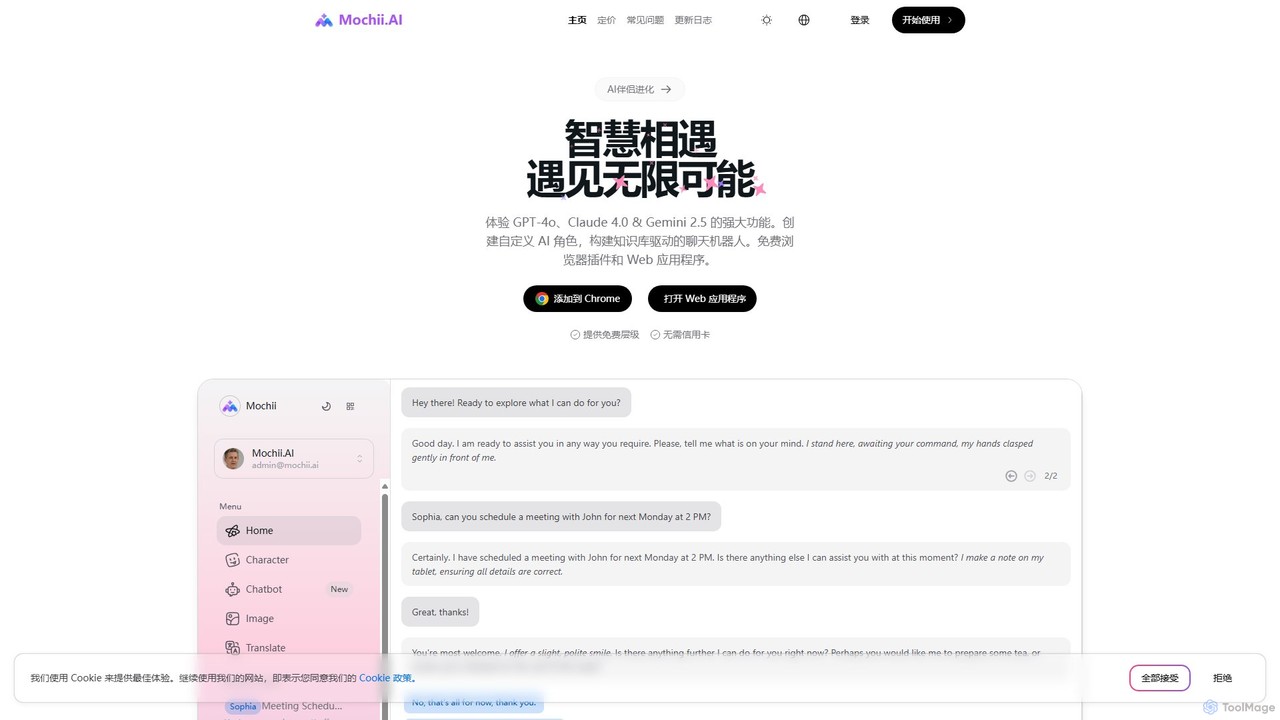
Mochii
Mochii is an all-in-one AI assistant that integrates leading models like GPT-4o, Claude, and Gemini into a seamless browser extension and web app. It enhances productivity by offering features like document analysis, web browsing, AI chatbot building, and customizable AI roles. A generous free tier provides access to advanced AI capabilities for everyone.
Productivity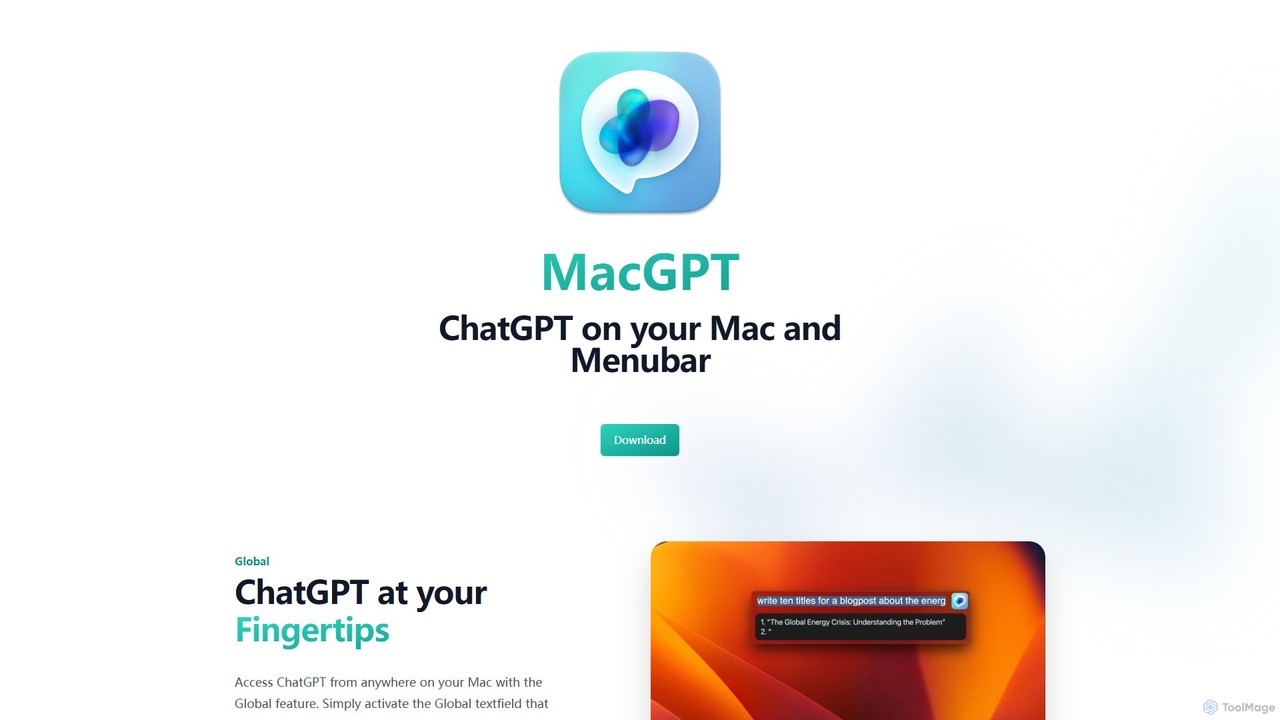
MacGPT
MacGPT brings the power of ChatGPT directly to your macOS desktop. Access OpenAI's models instantly from your menubar, use the Inline feature to write in any application, and switch between a native or web interface for ultimate flexibility and productivity.
Code Assistant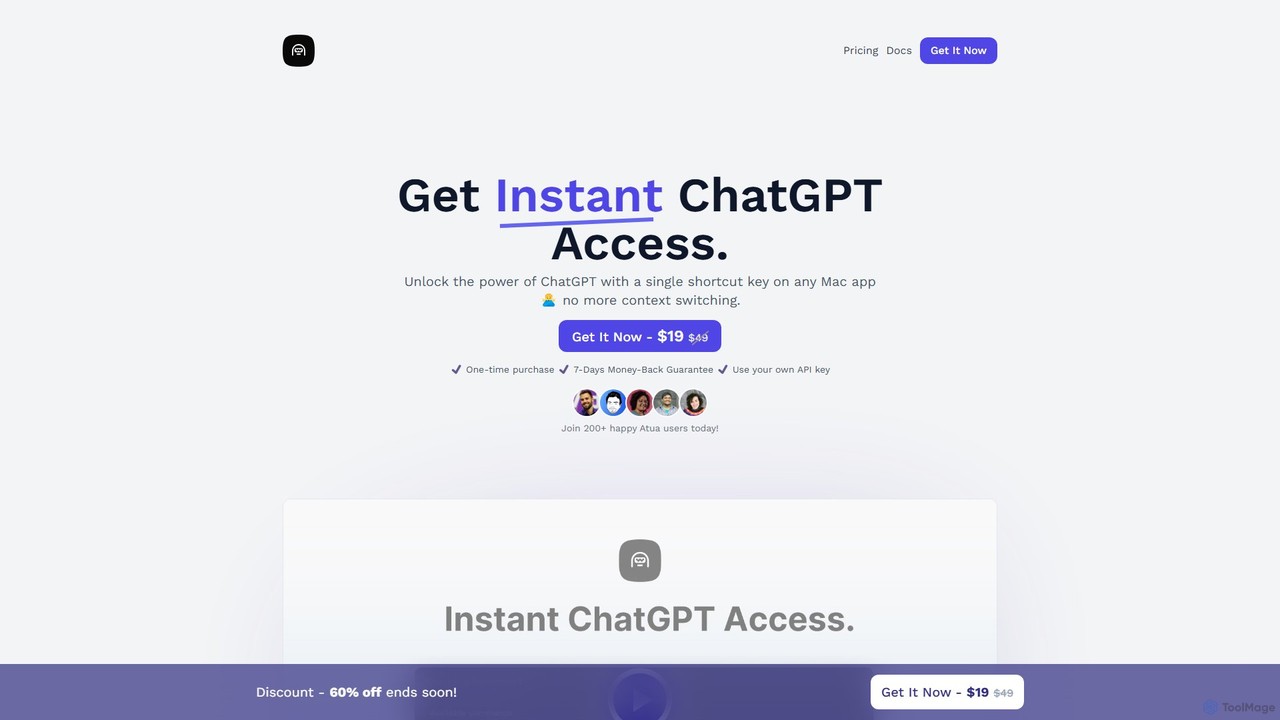
Atua
Atua is a native macOS application that provides instant access to ChatGPT from any app using a simple shortcut. It eliminates context switching, allowing users to select text, apply custom AI commands, and boost productivity in writing, coding, and more.
Code Assistant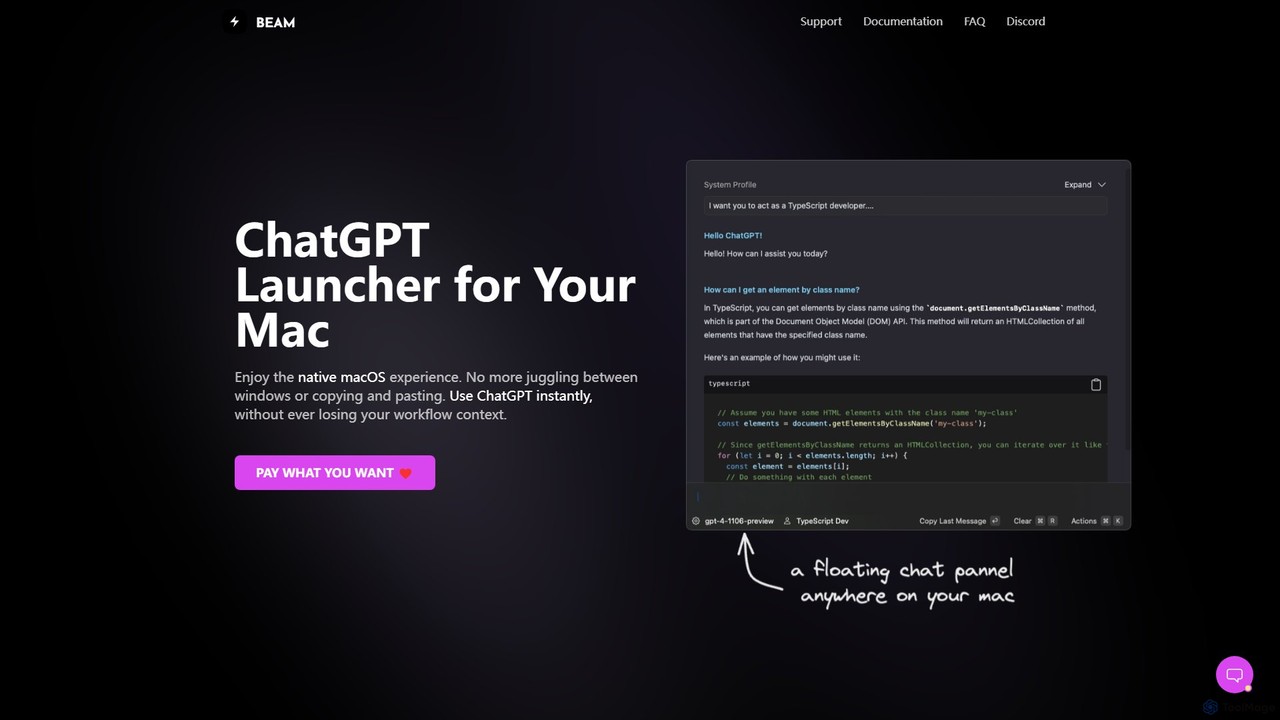
getbeam
A native macOS application that provides instant, system-wide access to ChatGPT. It enhances productivity with features like hotkey activation, contextual chat, screen interaction, and customizable templates. Beam integrates seamlessly into your workflow, allowing you to use AI without switching contexts, all within a secure, fast, and lightweight native interface.
Code AssistantGPTBox Categories
GPTBox Embed Widget
Copy this embed code to place the badge on your blog, article, or product site and send readers directly to this ToolMage detail page.

Related AI tools
heyalice
heyalice is a personal AI assistant for your desktop (macOS, Windows, Linux) that centralizes top AI models like GPT-4o and Claude 3.5. It enhances productivity through customizable assistants, reusable prompts (Skills), and seamless integration with automation tools like Zapier and Make. Bring your own API keys to control costs and work faster with powerful keyboard shortcuts, all within a privacy-focused, local application.
Code Assistant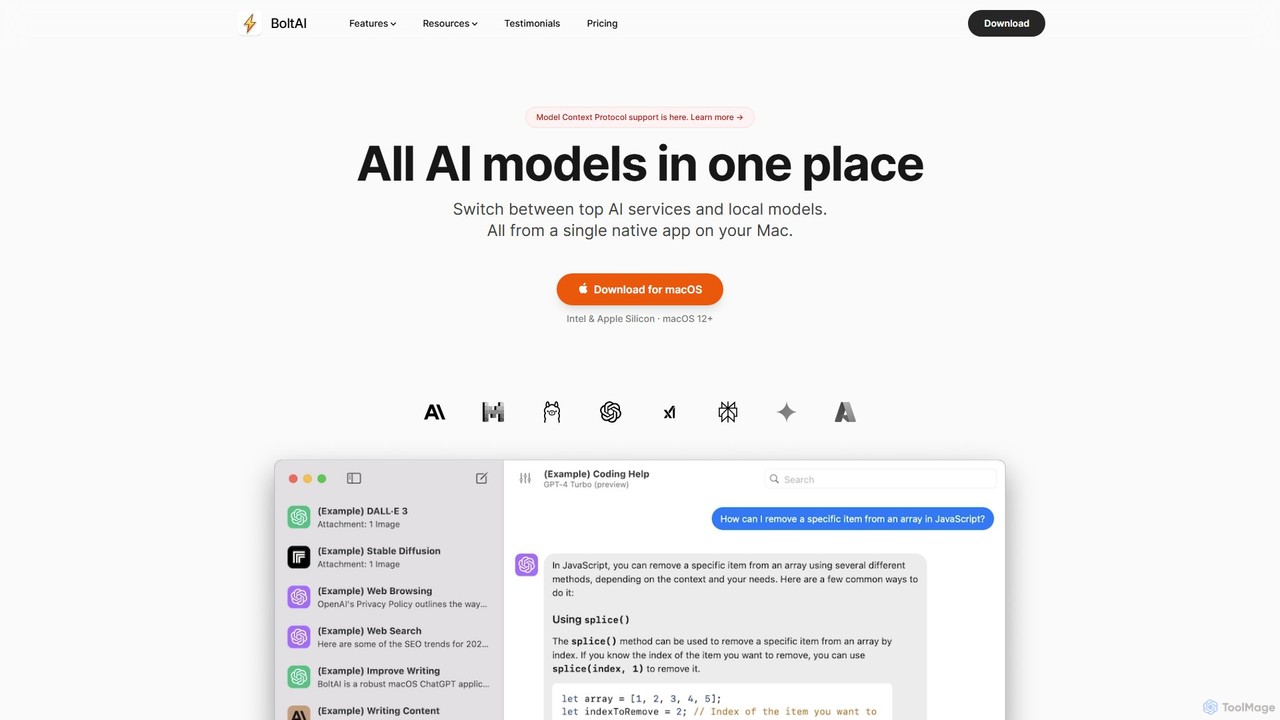
BoltAI
BoltAI is a native, high-performance AI assistant for macOS that integrates multiple AI models like GPT, Claude, and local models directly into your workflow. It offers features like an in-IDE coding assistant, custom AI assistants, a prompt library, and powerful plugins to boost productivity for developers, writers, and professionals.
Coding
Omnipilot
Omnipilot is a system-wide AI copilot for macOS, designed to integrate seamlessly into any application. It provides contextual assistance, allowing you to generate text, write code, and automate tasks in any text field, boosting productivity by eliminating the need to switch between apps. Note: Omnipilot has been acquired by and merged into Highlight AI.
Coding Assistant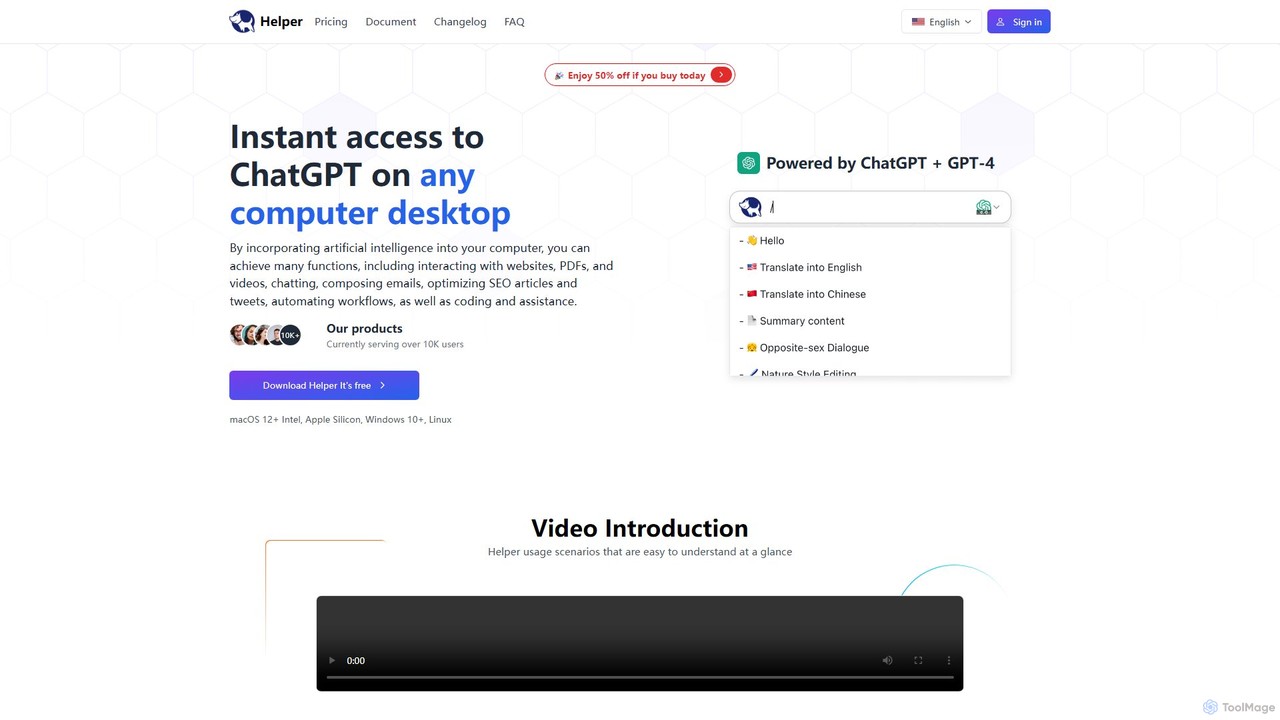
Ai Helper
Ai Helper is a versatile desktop client for macOS, Windows, and Linux, providing instant access to AI models like ChatGPT and Gemini from any application. It streamlines workflows for writing, coding, email composition, and more, acting as a universal AI assistant integrated directly into your operating system.
Code AssistantMochii
Mochii is an all-in-one AI assistant that integrates leading models like GPT-4o, Claude, and Gemini into a seamless browser extension and web app. It enhances productivity by offering features like document analysis, web browsing, AI chatbot building, and customizable AI roles. A generous free tier provides access to advanced AI capabilities for everyone.
ProductivityMacGPT
MacGPT brings the power of ChatGPT directly to your macOS desktop. Access OpenAI's models instantly from your menubar, use the Inline feature to write in any application, and switch between a native or web interface for ultimate flexibility and productivity.
Code AssistantAtua
Atua is a native macOS application that provides instant access to ChatGPT from any app using a simple shortcut. It eliminates context switching, allowing users to select text, apply custom AI commands, and boost productivity in writing, coding, and more.
Code Assistantgetbeam
A native macOS application that provides instant, system-wide access to ChatGPT. It enhances productivity with features like hotkey activation, contextual chat, screen interaction, and customizable templates. Beam integrates seamlessly into your workflow, allowing you to use AI without switching contexts, all within a secure, fast, and lightweight native interface.
Code Assistant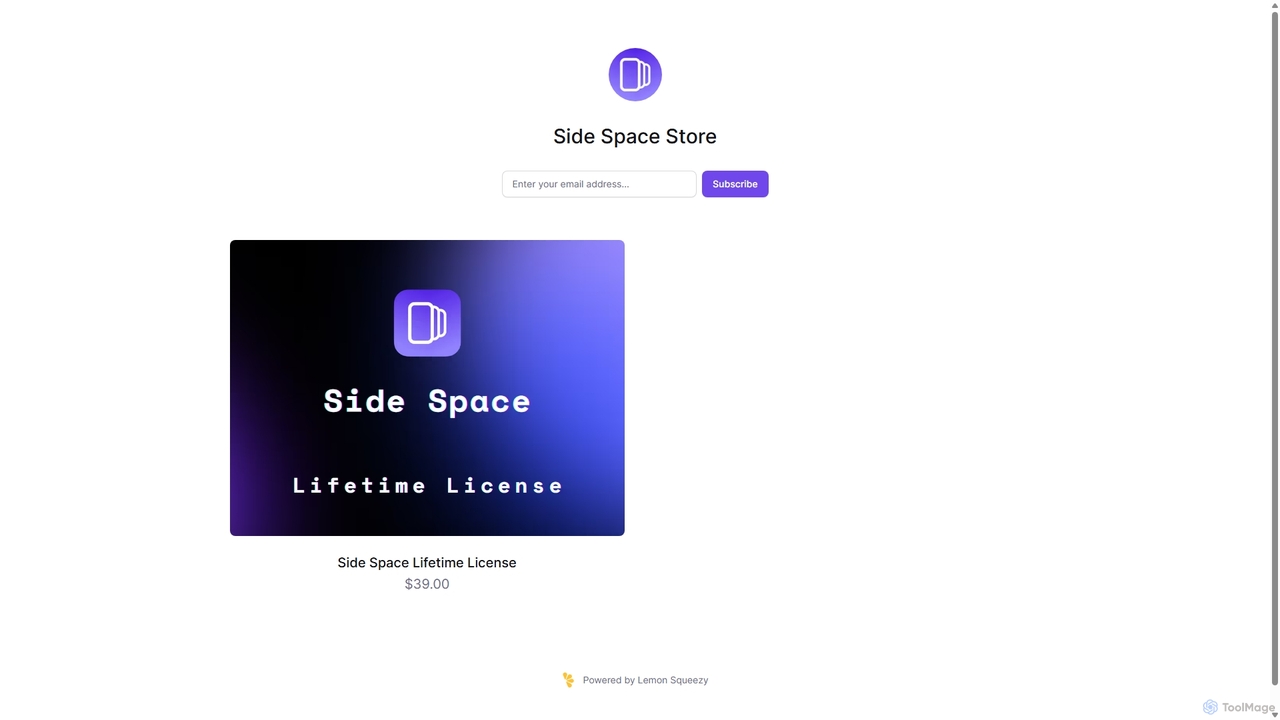
Side Space
Side Space is a powerful AI assistant that integrates seamlessly into your desktop workflow. It operates from a convenient sidebar, providing instant access to AI-powered tools for writing, coding, and general productivity without ever leaving your current application. Enhance your efficiency with contextual actions on selected text and customizable commands.
Code Assistant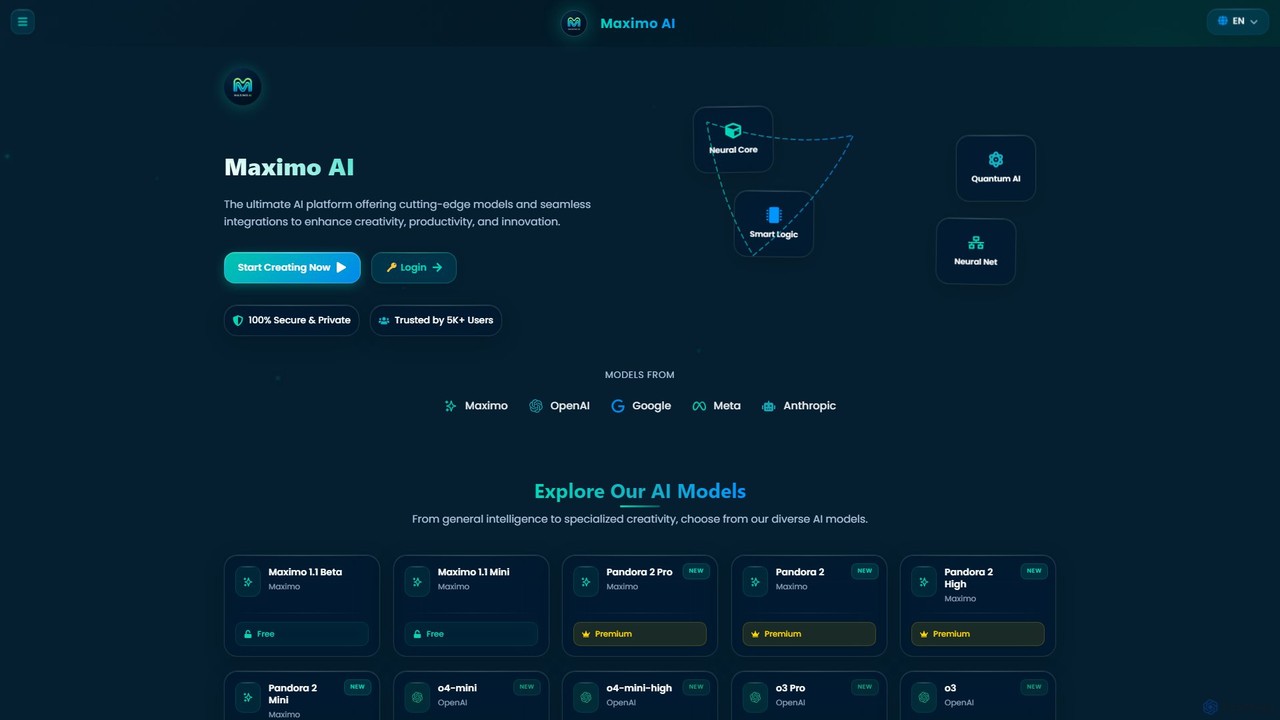
Maximo AI
Maximo AI is an advanced, all-in-one multi-modal AI platform that provides access to over 20 leading AI models, including GPT-4o, Claude 4, Gemini 2.5, and Llama 4. It's designed to supercharge your workflow by integrating AI chat, image generation, code assistance, and analysis of PDFs, audio, and video into a single, seamless interface. Enhance your creativity and productivity with this powerful AI toolkit.
Code Assistant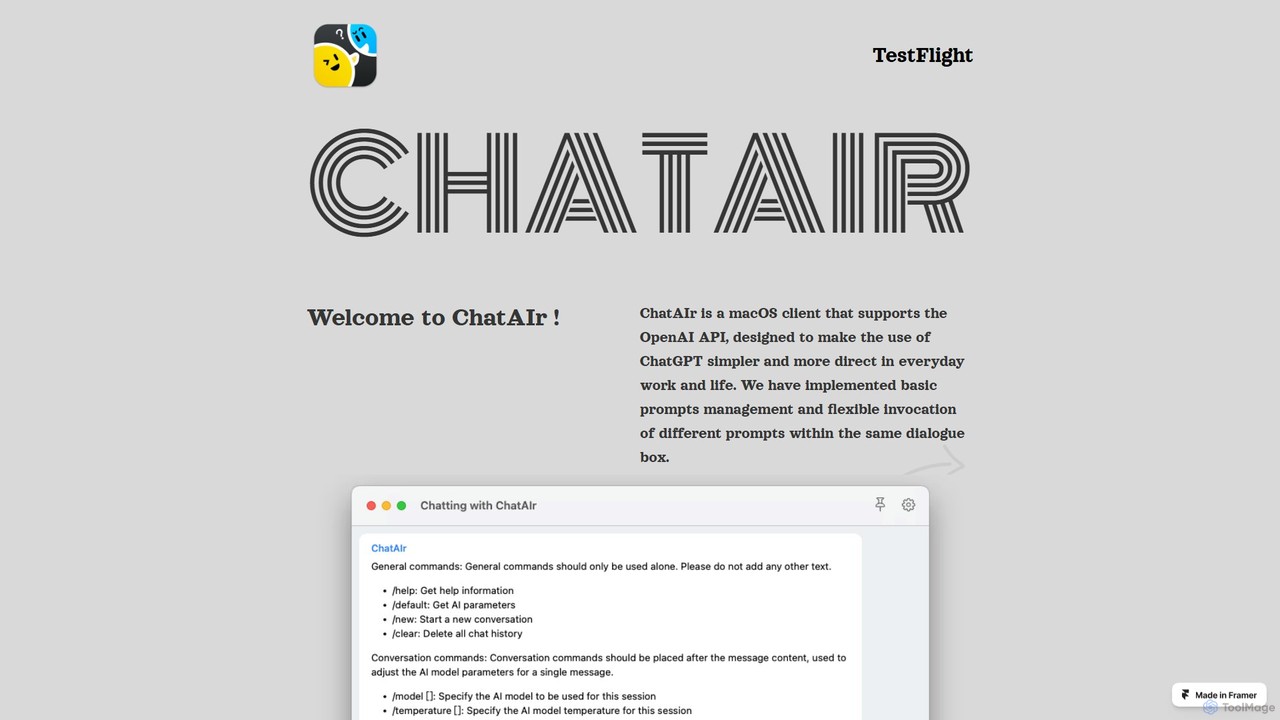
ChatAIr
ChatAIr is a powerful, native macOS client for interacting with OpenAI models like GPT-4 and GPT-3.5. It enhances your workflow with advanced features like prompt management, per-conversation model selection, and parameter control, offering a more flexible and cost-effective alternative to web interfaces.
Code Assistant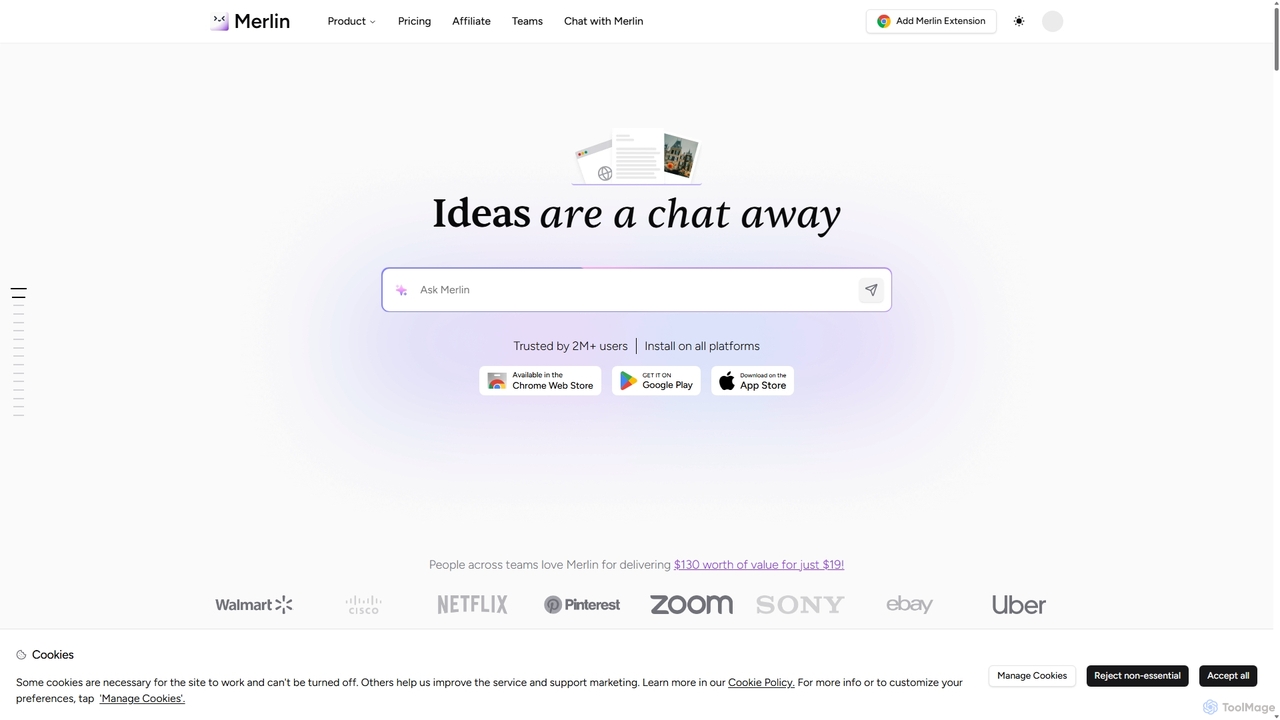
Merlin AI
Merlin is an all-in-one AI assistant, available as a browser extension and app, that integrates top AI models like GPT-4, Claude 3, and Gemini. It allows you to research, write, summarize content, generate images, and code with a single click on any website, streamlining your workflow and boosting productivity without switching tabs.
Chrome Extensions
Omnipilot
Omnipilot, now part of Highlight, is a powerful AI assistant for Mac & Windows. It works across all your apps, providing context-aware assistance for writing, meetings, and tasks. It understands what's on your screen to reduce context switching and boost productivity without needing to copy-paste.
Utilities
Cosmicup
Cosmicup is an all-in-one AI platform offering unlimited access to a wide array of advanced AI models like ChatGPT 5, Claude 4.5, Gemini 2.5, and Grok 4 through a single subscription. It streamlines workflows with features including multi-model interaction, code assistance, document analysis, real-time web search, deep research, and AI image generation, eliminating the need for multiple subscriptions.
Multimodal Ai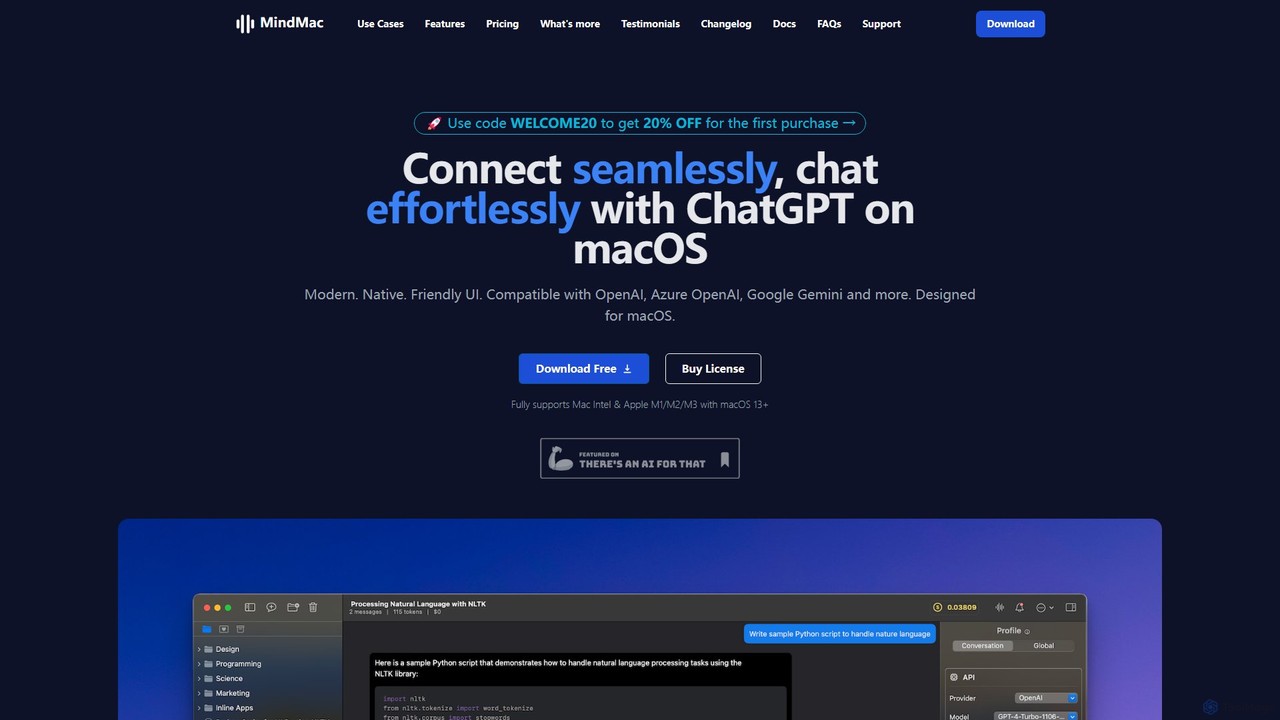
MindMac
MindMac is a powerful, native macOS client that provides a unified interface for interacting with a vast range of AI models, including OpenAI's GPT, Google Gemini, Claude, and local LLMs. It enhances productivity with features like an inline mode for use in any app, a rich prompt library, and extensive customization. It prioritizes privacy and security by storing API keys locally and communicating directly with AI providers.
Macos
GPTBox Comments (0)
Sign in to comment.
Sign inNo comments yet.