
Kerlig Overview
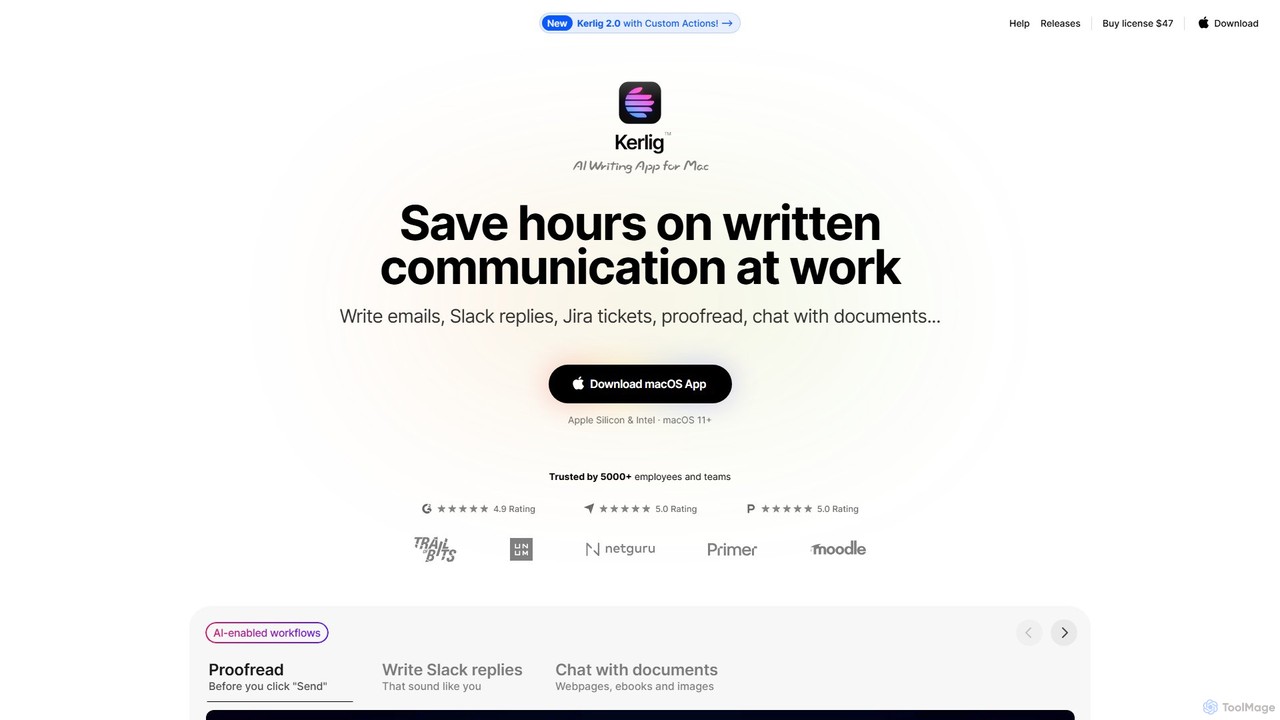
Kerlig is a powerful and elegantly designed AI writing application built exclusively for macOS. It acts as a native assistant that integrates directly into your operating system, aiming to save you countless hours on written communication tasks. Whether you're drafting a critical email, replying to a Slack message, creating a Jira ticket, or proofreading an important announcement, Kerlig puts the power of advanced AI models right where you need them. It eliminates the constant context-switching of opening a browser tab for an AI chat, allowing for a more fluid and efficient workflow.
Trusted by thousands of professionals, Kerlig is built for speed and personalization. It supports over 350 AI models from leading providers like OpenAI, Anthropic, Google, and Groq, as well as local models via Ollama and LM Studio. This flexibility allows you to choose the best model for any task, all within a single, unified interface. Your data remains private, as messages are sent directly to the AI providers and stored encrypted on your Mac.
How to use Kerlig
Getting started with Kerlig is simple and intuitive, designed to integrate AI into your workflow in minutes:
- Download and Install: Download the Kerlig app for your Mac (supports both Apple Silicon & Intel on macOS 11+).
- Set Your Hotkey: During the initial setup, you'll define a global hotkey (e.g., ⌥ Option + Space) that will launch Kerlig from any application.
- Add API Keys: Connect your preferred AI services by adding your API keys from providers like OpenAI, Anthropic, Google, etc. Alternatively, you can connect to local models running on Ollama or LM Studio for complete offline privacy.
- Activate Kerlig: Select any text in any app (a browser, text editor, email client) and press your designated hotkey. Kerlig will launch with the selected text as context.
- Choose an Action: From the Kerlig window, choose a built-in action like 'Fix spelling and grammar', 'Summarize', or 'Improve writing'. You can also run custom prompts or use your own created actions.
- Paste the Result: Kerlig generates the response, which you can then instantly paste back into your original application.
Core Features of Kerlig
- Extensive Model Support: Access over 350 AI models from providers like OpenAI (GPT-4, etc.), Anthropic (Claude 3), Google (Gemini), Groq, and OpenRouter. Switch between models with a single click.
- Local LLM Integration: Connect to local models via Ollama and LM Studio for enhanced privacy and offline use.
- Custom Actions & Presets: Create your own actions and presets to tailor the AI's behavior and tone of voice to your specific needs, such as acting as a copywriter or a specific coding expert.
- Chat with Documents: Analyze, summarize, and ask questions about various document types, including webpages, ebooks, and images (Vision support).
- Privacy-First Design: Your prompts and data are sent directly to the AI provider of your choice and stored encrypted locally on your Mac. Kerlig's servers do not see your data.
- Seamless OS Integration: Works as a native macOS app with global hotkeys, a chat interface, and a headless mode to run actions in the background, feeling like a natural extension of your OS.
- Team Deployment: The Team License allows for easy remote deployment and management for multiple users via CLI commands.
- Deep Research Capabilities: Utilize advanced reasoning models for complex, multi-step research tasks that leverage online data, complete with citations.
Use Cases for Kerlig
Kerlig is versatile and valuable for a wide range of users:
- Professionals & Business Owners: Quickly draft professional emails, generate Slack replies, create Jira tickets, and improve communication with clients and colleagues.
- Writers & Content Creators: Overcome writer's block, proofread articles, rephrase sentences, and generate creative ideas or scripts (e.g., YouTube scripts).
- Developers & Engineers: Generate code snippets, convert code between languages (e.g., to a TypeScript interface), debug errors, and document your work without leaving your IDE.
- Students & Academics: Use it as a smart academic assistant to summarize research papers, improve essays, learn complex topics, and check grammar.
- Product & Project Managers: Turn chaotic meeting notes or brain dumps into structured plans, summarize long documents, and draft clear project updates.
Advantages of Kerlig
Kerlig stands out with its focus on user experience and efficiency:
- No Context Switching: Access AI without ever leaving your current application, saving significant time and maintaining focus.
- One-Time Purchase: Avoid recurring subscription fees. You pay once for the app license and then only for the tokens you use via your own API keys.
- Extreme Customization: Tailor the tool to your exact workflow with custom actions, presets, and a wide choice of AI models.
- Native Performance: As a native macOS app, it's fast, responsive, and beautifully designed to feel like part of the Apple ecosystem.
- User-Controlled Privacy: You control your data and API keys, ensuring your conversations remain private. The option for local models provides an extra layer of security.
Pricing and Plans
Kerlig offers a one-time payment model with no subscriptions. You buy the license and then pay for API usage directly to your chosen AI provider. All plans come with a 14-day money-back guarantee.
- Basic License: $47 (one-time payment). Includes a license for 1 Mac, all core features, and one year of app updates.
- Pro License: $67 (one-time payment). Includes a license for 2 Macs, all core features, and one year of app updates.
- Team License: $297 (one-time payment). Includes a license for 10 Macs, all core features, remote team deployment via CLI, and priority support.
Traffic
Latest traffic
Status
Monthly traffic trend
- 2025-9: 28.0K
- 2026-1: 33.0K
- 2026-2: 27.4K
- 2026-3: 30.6K
- 2026-4: 33.5K
- 2026-5: 29.2K
Geography
Top 5 countries / regions
- 🇺🇸United States43.0%
- 🇻🇳Vietnam17.0%
- 🇮🇳India15.4%
- 🇧🇷Brazil13.7%
- 🇺🇦Ukraine11.0%
Top keywords
| Keyword | Cost per click |
|---|---|
| ai search app mac | $0.00 |
| groq api key | $1.26 |
| groq api keys | $0.00 |
| kerlig | $0.00 |
| openrouter api key | $1.64 |
Kerlig Alternatives
RewriteBar
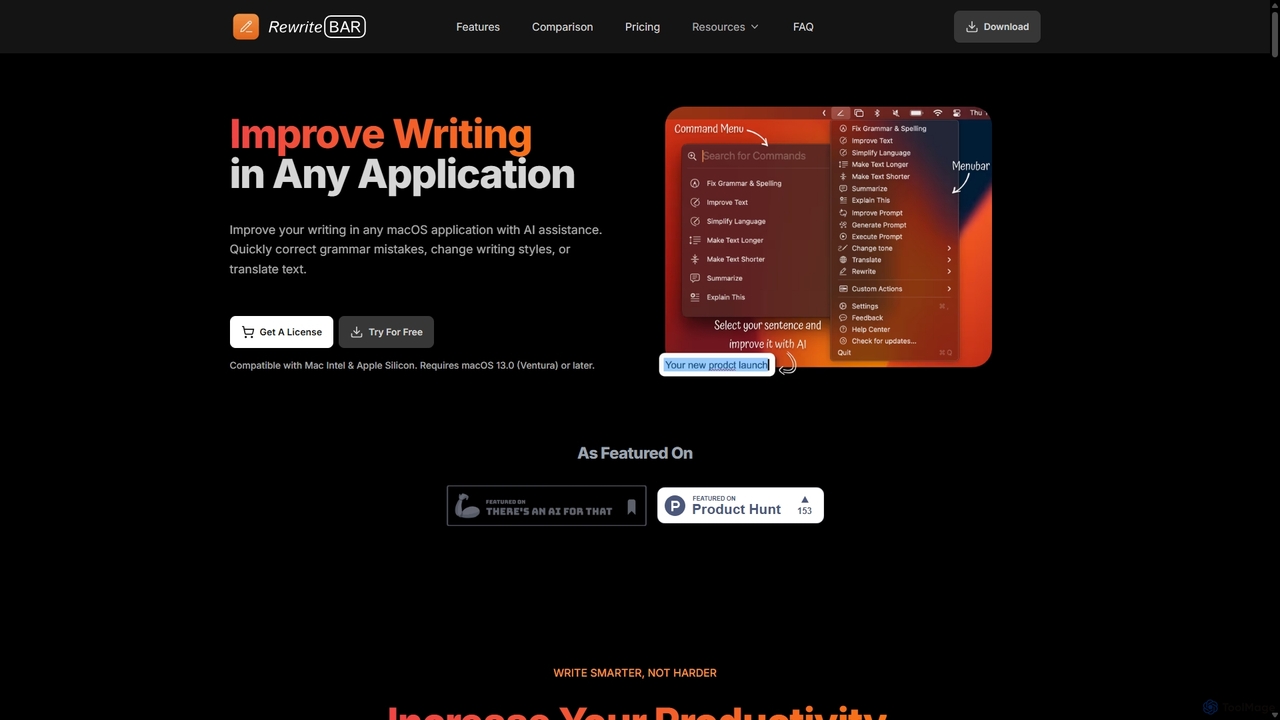
RewriteBar is a native macOS menu bar app that acts as your personal AI writing assistant. It works seamlessly across all applications, allowing you to instantly correct grammar, change tone, translate text, summarize content, and more with a simple keyboard shortcut. It supports over 12 AI providers, including local models for ultimate privacy, offering a powerful and flexible writing enhancement experience.
Code Assistant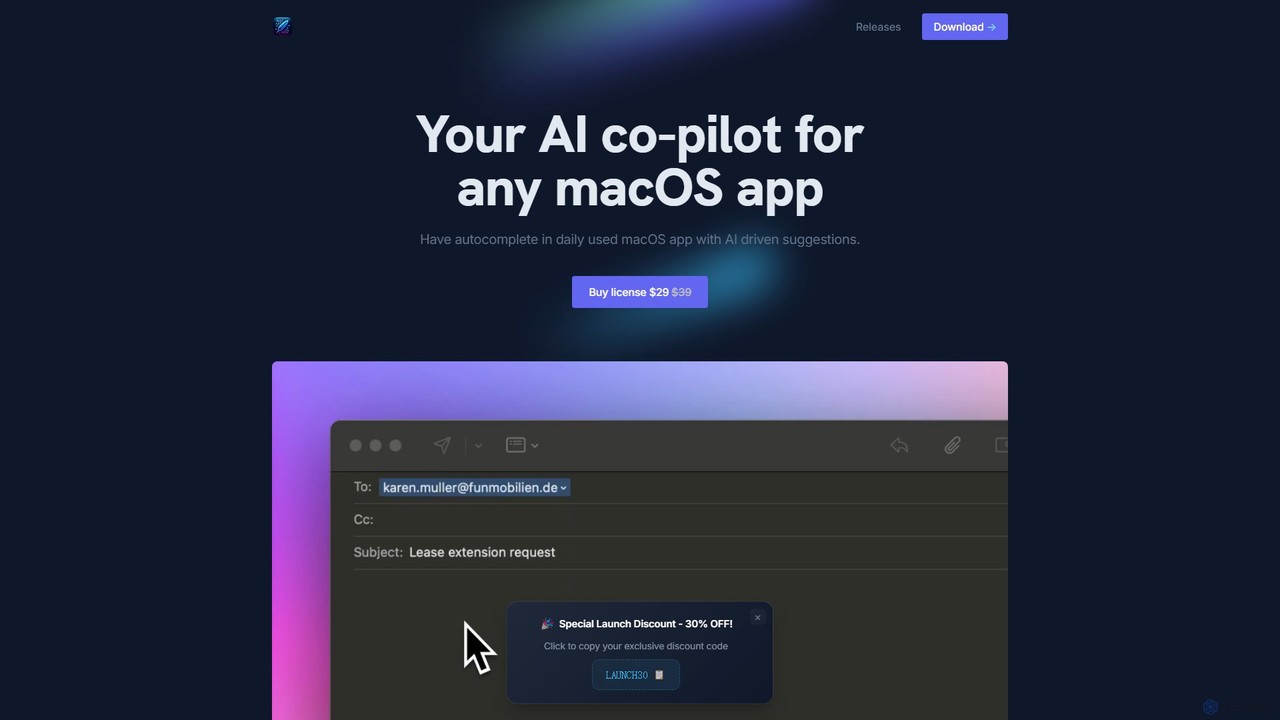
InfinipilotAI
InfinipilotAI is a native macOS AI co-pilot that seamlessly integrates with any application. It boosts productivity with features like AI-driven autocomplete, writing enhancement, translation, and developer utilities. With a strong focus on privacy, it supports local language models via Ollama, ensuring your data stays on your device. It's a lightweight, high-performance tool available for a one-time purchase.
Code Assistant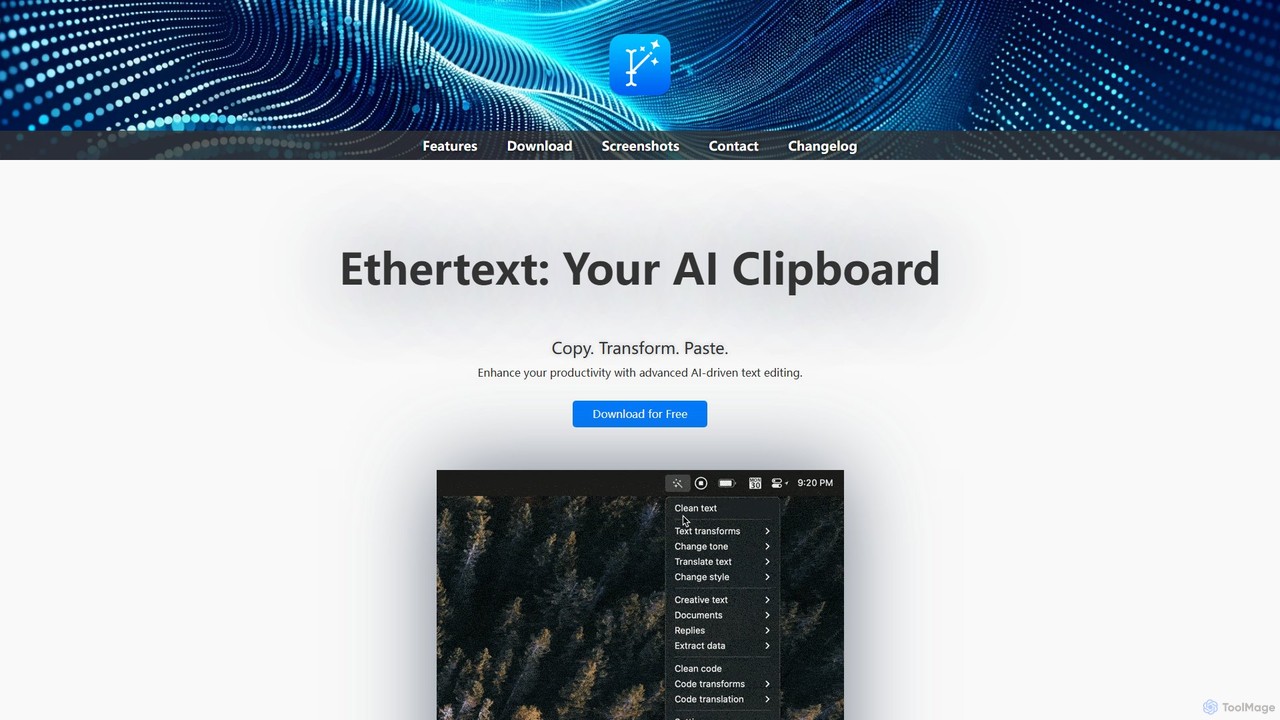
Ethertext
Ethertext is an AI-powered clipboard assistant for macOS that supercharges your productivity. It allows you to instantly transform, edit, and enhance any text you copy. With support for major AI models like OpenAI, Gemini, and Claude, as well as local models via Ollama, it offers powerful text and code manipulation, a smart memory feature, and seamless integration into your daily workflow through keyboard shortcuts.
Code Assistant
ProMind AI
ProMind AI is a versatile AI-powered content creation suite. Leveraging advanced GPT models, it helps users generate high-quality blog posts, social media content, marketing copy, and code snippets in seconds. It's designed for marketers, developers, and writers to boost productivity and streamline their creative workflow.
Code Assistant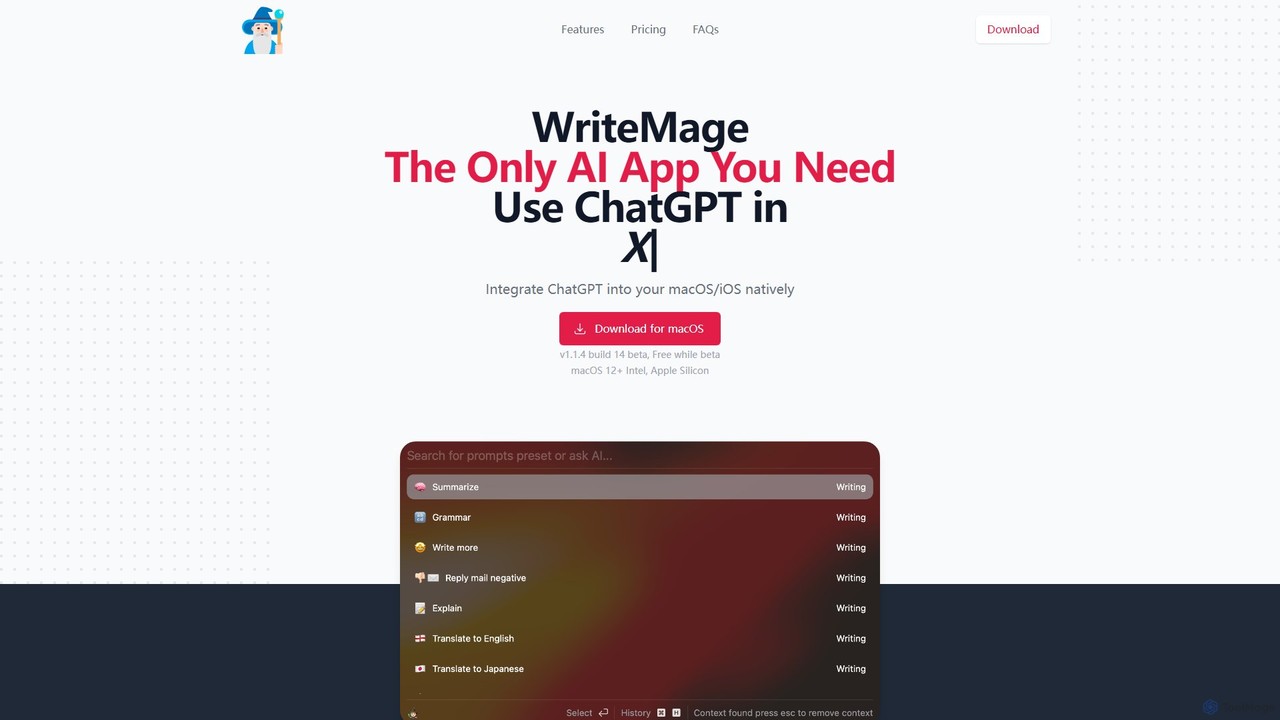
WriteMage
WriteMage is a native AI assistant for macOS and iOS, integrating ChatGPT seamlessly into any application. It functions like a system-wide utility, allowing you to write, code, and create content with context-aware AI without ever leaving your current app. It features a customizable prompt editor, local chat history, and flexible pricing plans.
Code AssistantKerlig Categories
Kerlig Embed Widget
Copy this embed code to place the badge on your blog, article, or product site and send readers directly to this ToolMage detail page.

Related AI tools
Writers brew
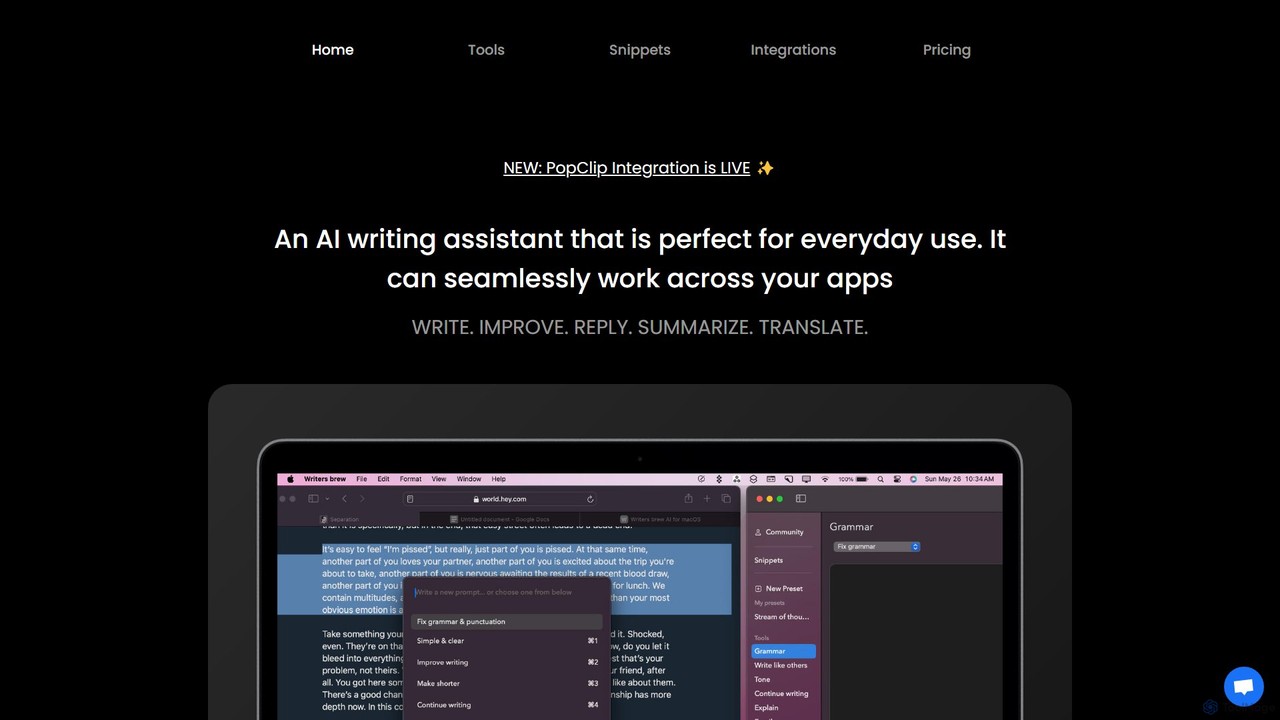
Writers brew is a native AI writing assistant for macOS that integrates seamlessly across all applications. It helps you write, improve, summarize, translate, and reply to text anywhere with a simple keyboard shortcut, also featuring text snippets, OCR, and other productivity utilities.
MacosRewriteBar
RewriteBar is a native macOS menu bar app that acts as your personal AI writing assistant. It works seamlessly across all applications, allowing you to instantly correct grammar, change tone, translate text, summarize content, and more with a simple keyboard shortcut. It supports over 12 AI providers, including local models for ultimate privacy, offering a powerful and flexible writing enhancement experience.
Code AssistantInfinipilotAI
InfinipilotAI is a native macOS AI co-pilot that seamlessly integrates with any application. It boosts productivity with features like AI-driven autocomplete, writing enhancement, translation, and developer utilities. With a strong focus on privacy, it supports local language models via Ollama, ensuring your data stays on your device. It's a lightweight, high-performance tool available for a one-time purchase.
Code Assistant
Wonder AI
Wonder AI is a powerful Chrome extension that enhances your writing, editing, and reading. It integrates directly into your browser, offering one-click tools to rewrite text, check grammar, summarize articles, explain complex concepts, and translate content, boosting your daily productivity and communication skills.
Chrome Extensions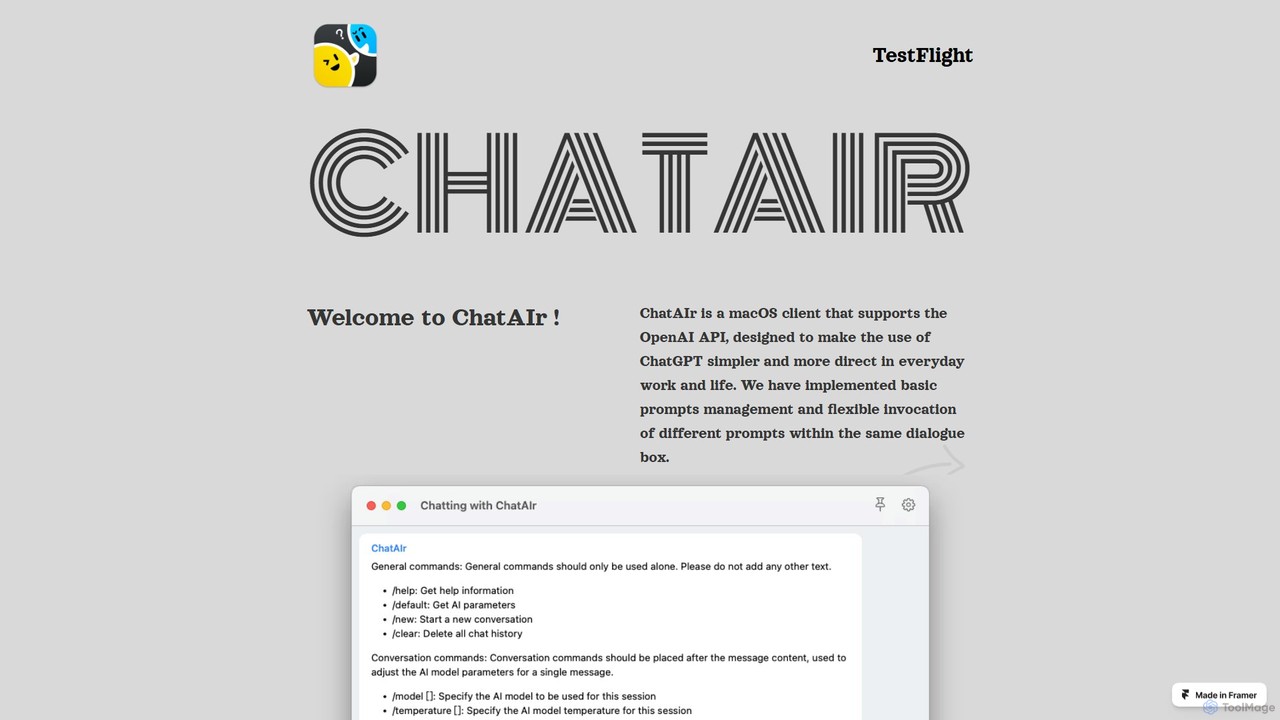
ChatAIr
ChatAIr is a powerful, native macOS client for interacting with OpenAI models like GPT-4 and GPT-3.5. It enhances your workflow with advanced features like prompt management, per-conversation model selection, and parameter control, offering a more flexible and cost-effective alternative to web interfaces.
Code Assistant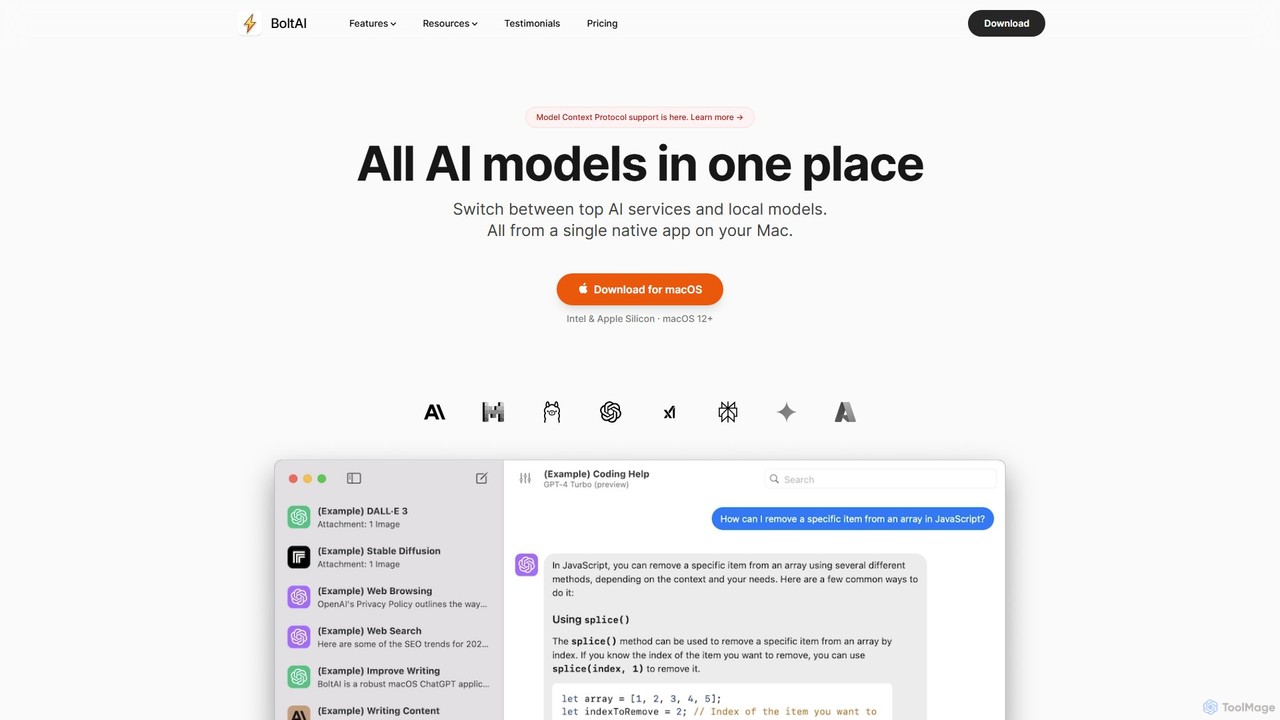
BoltAI
BoltAI is a native, high-performance AI assistant for macOS that integrates multiple AI models like GPT, Claude, and local models directly into your workflow. It offers features like an in-IDE coding assistant, custom AI assistants, a prompt library, and powerful plugins to boost productivity for developers, writers, and professionals.
Coding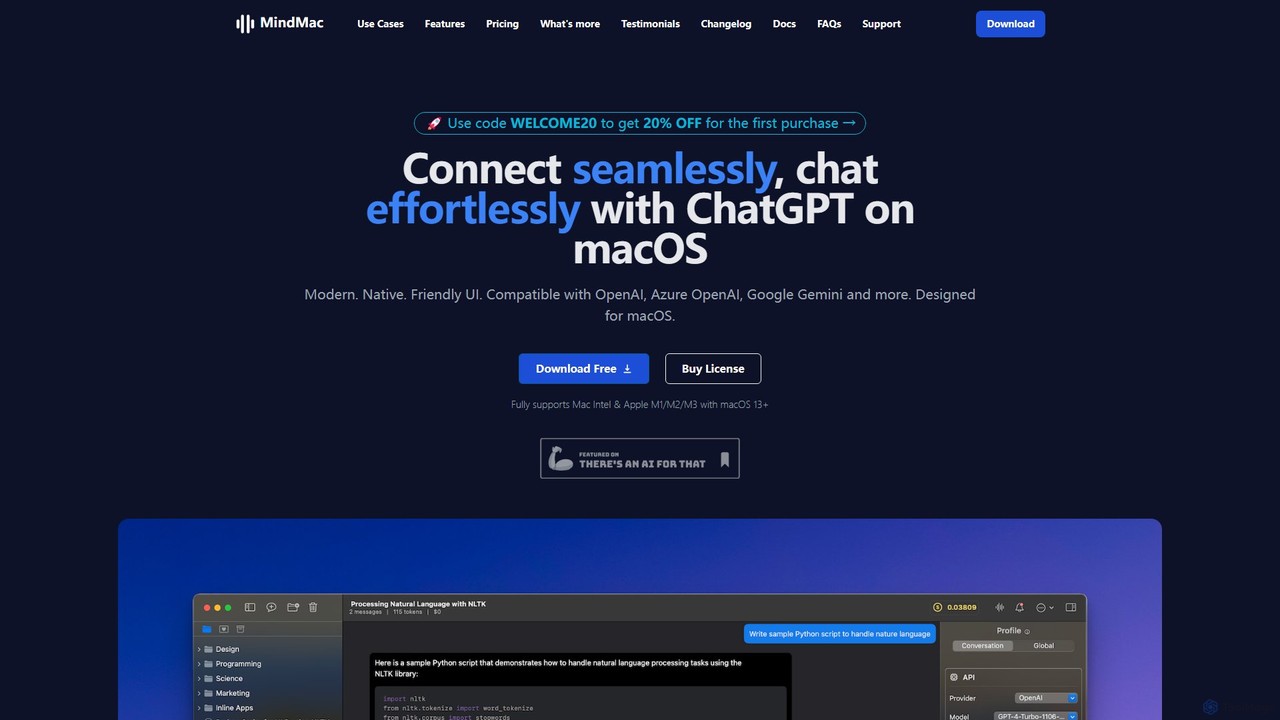
MindMac
MindMac is a powerful, native macOS client that provides a unified interface for interacting with a vast range of AI models, including OpenAI's GPT, Google Gemini, Claude, and local LLMs. It enhances productivity with features like an inline mode for use in any app, a rich prompt library, and extensive customization. It prioritizes privacy and security by storing API keys locally and communicating directly with AI providers.
Macos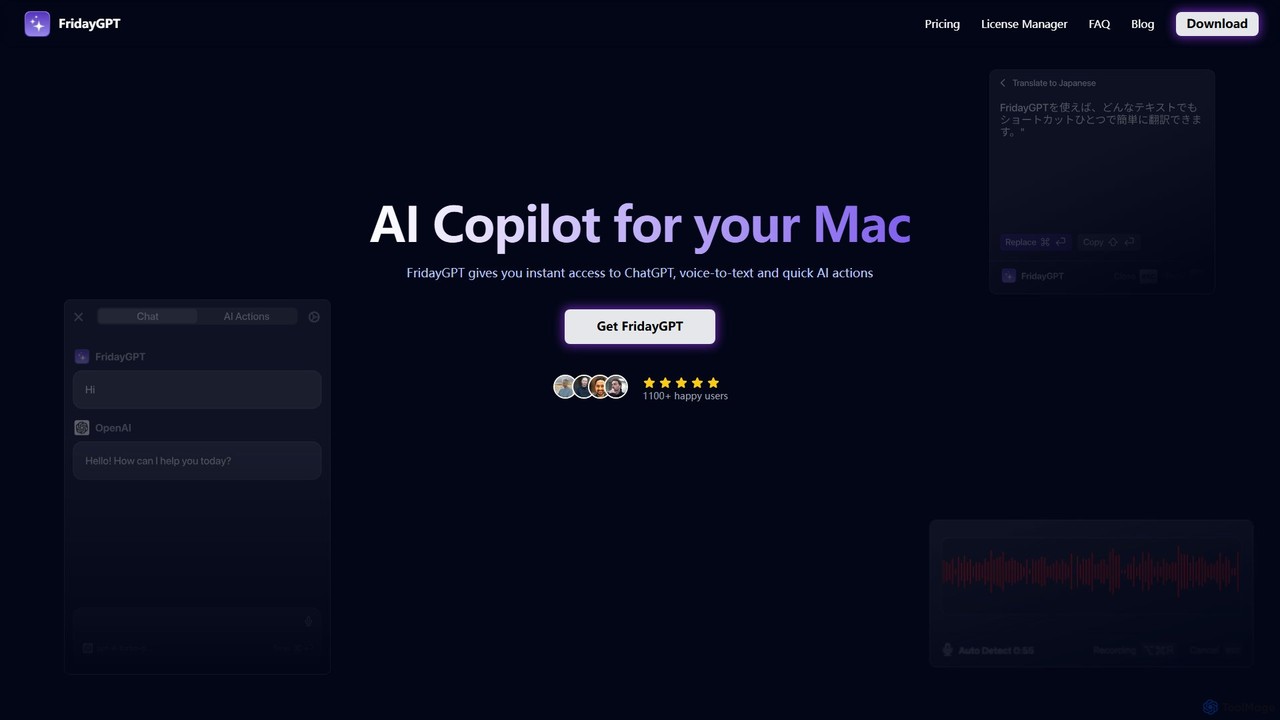
FridayGPT
FridayGPT is an AI copilot for Mac that integrates ChatGPT, Claude, and local LLMs directly into your workflow. It offers instant access to AI, advanced voice-to-text transcription in over 100 languages, and one-click actions like grammar correction and text rewriting. Boost your productivity by using AI anywhere on your Mac without switching contexts.
Desktop AppsEthertext
Ethertext is an AI-powered clipboard assistant for macOS that supercharges your productivity. It allows you to instantly transform, edit, and enhance any text you copy. With support for major AI models like OpenAI, Gemini, and Claude, as well as local models via Ollama, it offers powerful text and code manipulation, a smart memory feature, and seamless integration into your daily workflow through keyboard shortcuts.
Code Assistant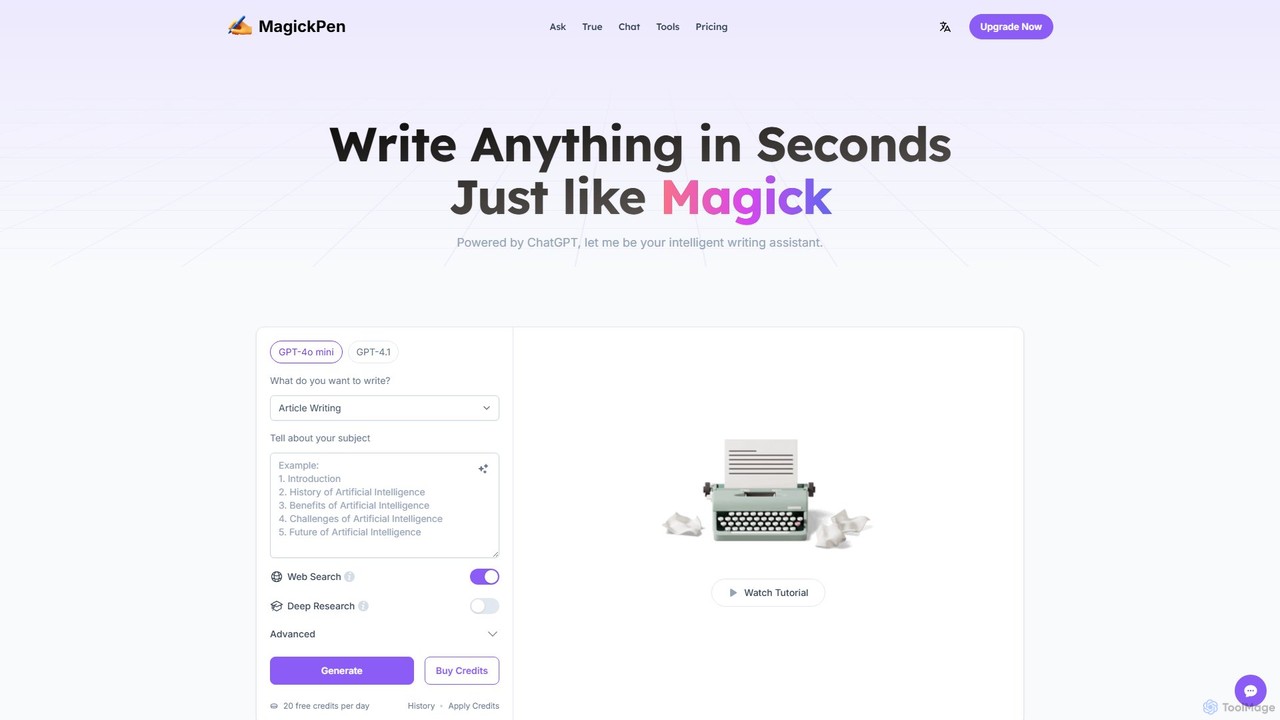
MagickPen
MagickPen is a versatile AI writing and code assistant powered by GPT-4o mini and GPT-4.1. It offers a vast library of templates for writing, marketing, coding, and personal planning. Generate articles, explain code, create mind maps, and much more in seconds. A free plan is available to get started.
Code Assistant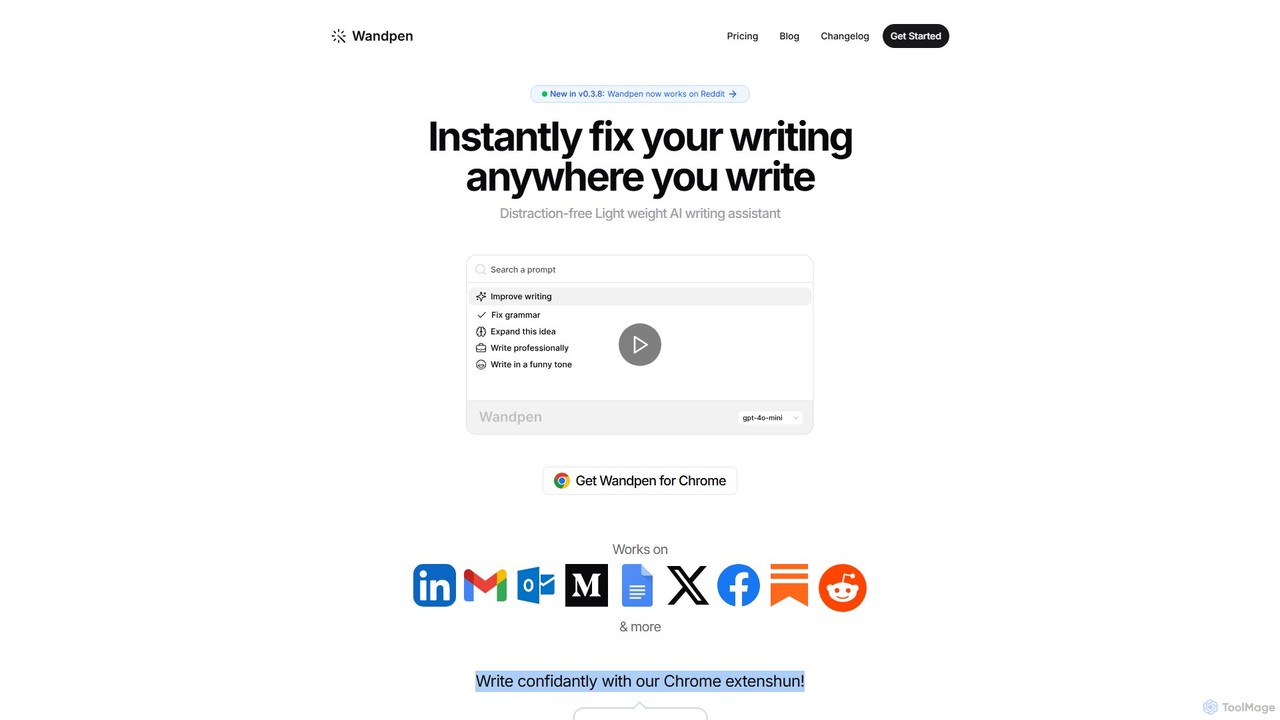
Wandpen
Wandpen is a lightweight AI writing assistant for Chrome that seamlessly integrates into your workflow. It allows you to instantly fix grammar, rewrite text, and brainstorm ideas directly on any website, including Google Docs, Reddit, and LinkedIn. By eliminating the need to switch tabs, Wandpen boosts your productivity and writing confidence using powerful AI models like GPT-4o, Claude 3.5, and Gemini.
Chrome Extensions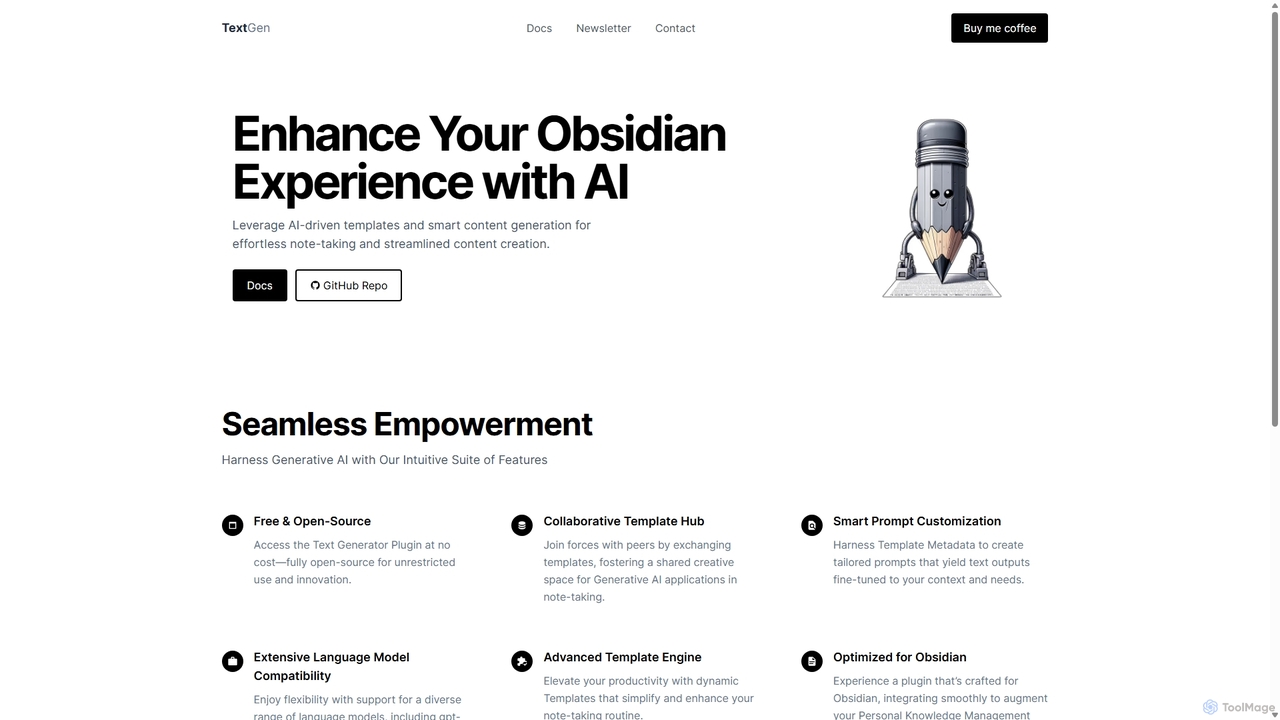
TextGen
TextGen is a free, open-source AI plugin for Obsidian that supercharges your note-taking and content creation. It integrates seamlessly with various large language models like GPT-4, Claude, and Llama, allowing you to generate, summarize, and transform text using customizable templates directly within your knowledge base.
Code Assistant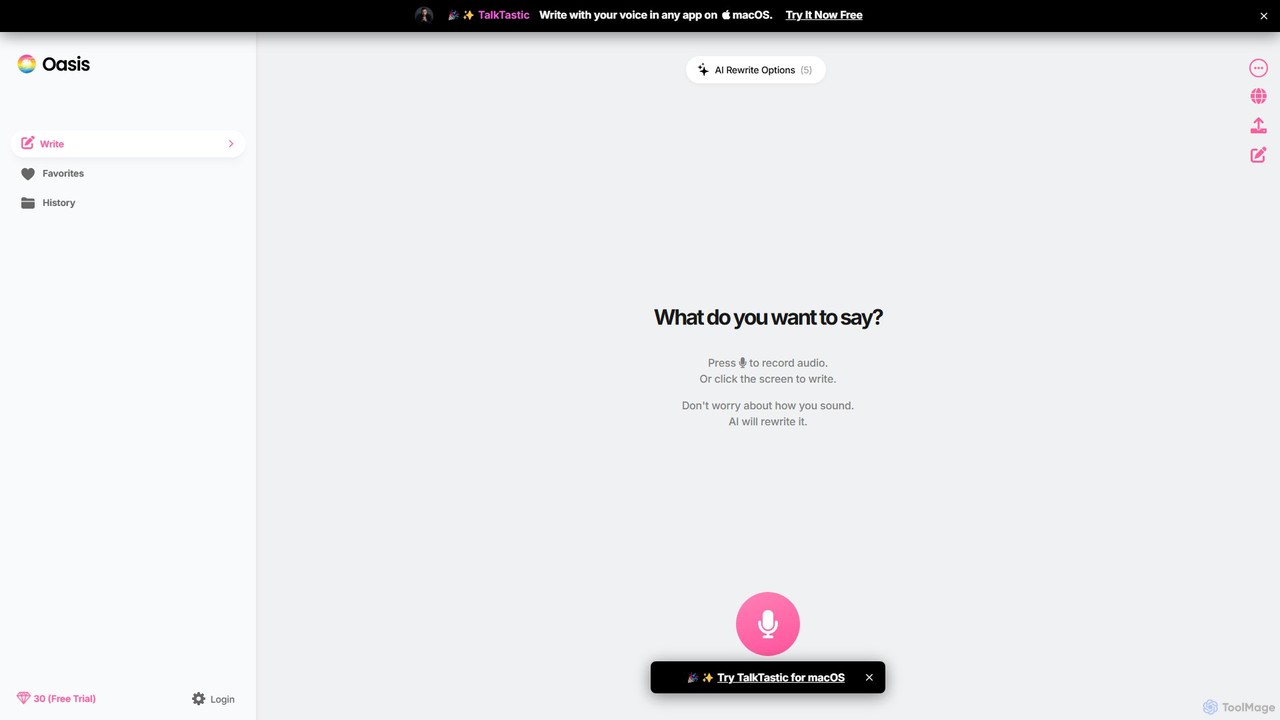
theoasis
OASIS is a revolutionary AI-powered writing assistant for macOS. It allows you to write with your voice in any application. Simply speak your thoughts, and OASIS will not only transcribe them but also use AI to rewrite and polish your text for perfect clarity, tone, and style. It's the fastest way to draft emails, create documents, and overcome writer's block with zero effort.
Transcription
Pointer AI
Pointer AI is a powerful Chrome extension that integrates ChatGPT-like capabilities directly into Google Docs. It streamlines your writing and editing process by allowing the AI to make changes directly in your document, eliminating the tedious copy-pasting and reformatting. Watch as it types out suggestions for you to approve, preserving your original document styling.
Chrome Extensions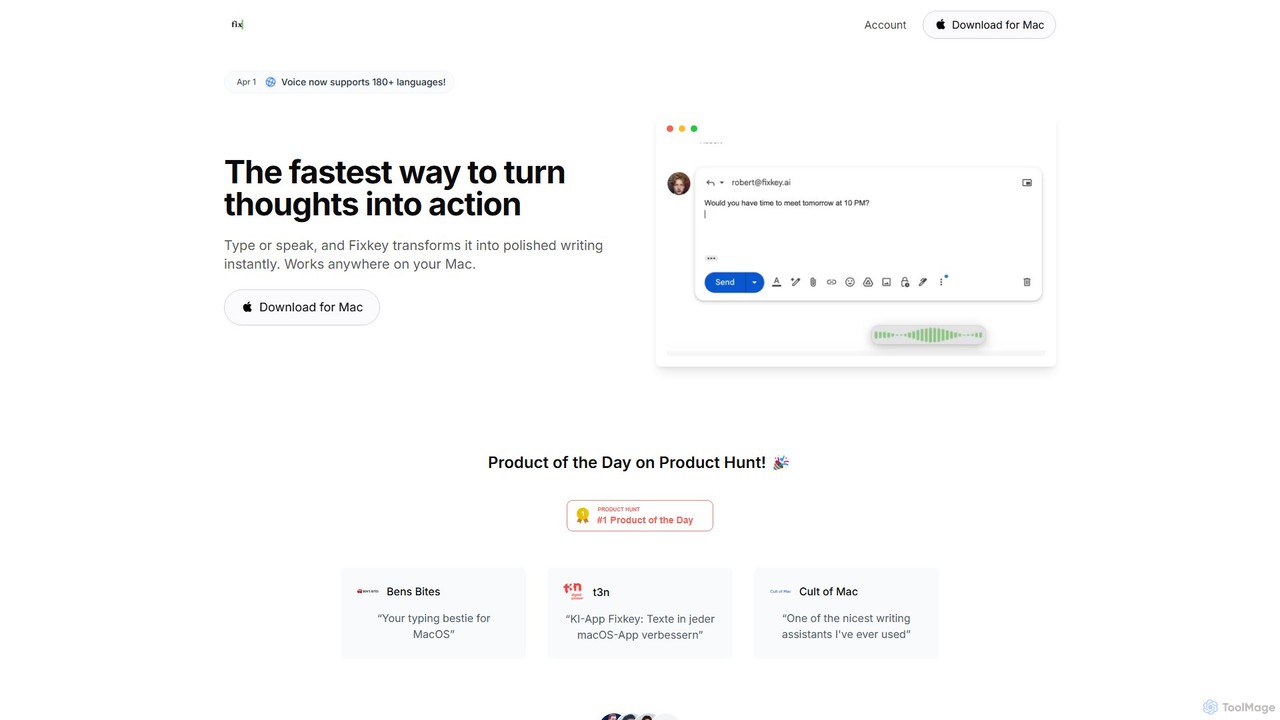
Fixkey
Fixkey is a native AI writing assistant for macOS that enhances your productivity. It transforms your voice or text into polished, professional writing instantly, working seamlessly across all Mac applications. Features include real-time speech-to-text, one-click text improvement, translation into over 180 languages, and customizable AI prompts.
Response Management
Kerlig Comments (0)
Sign in to comment.
Sign inNo comments yet.