
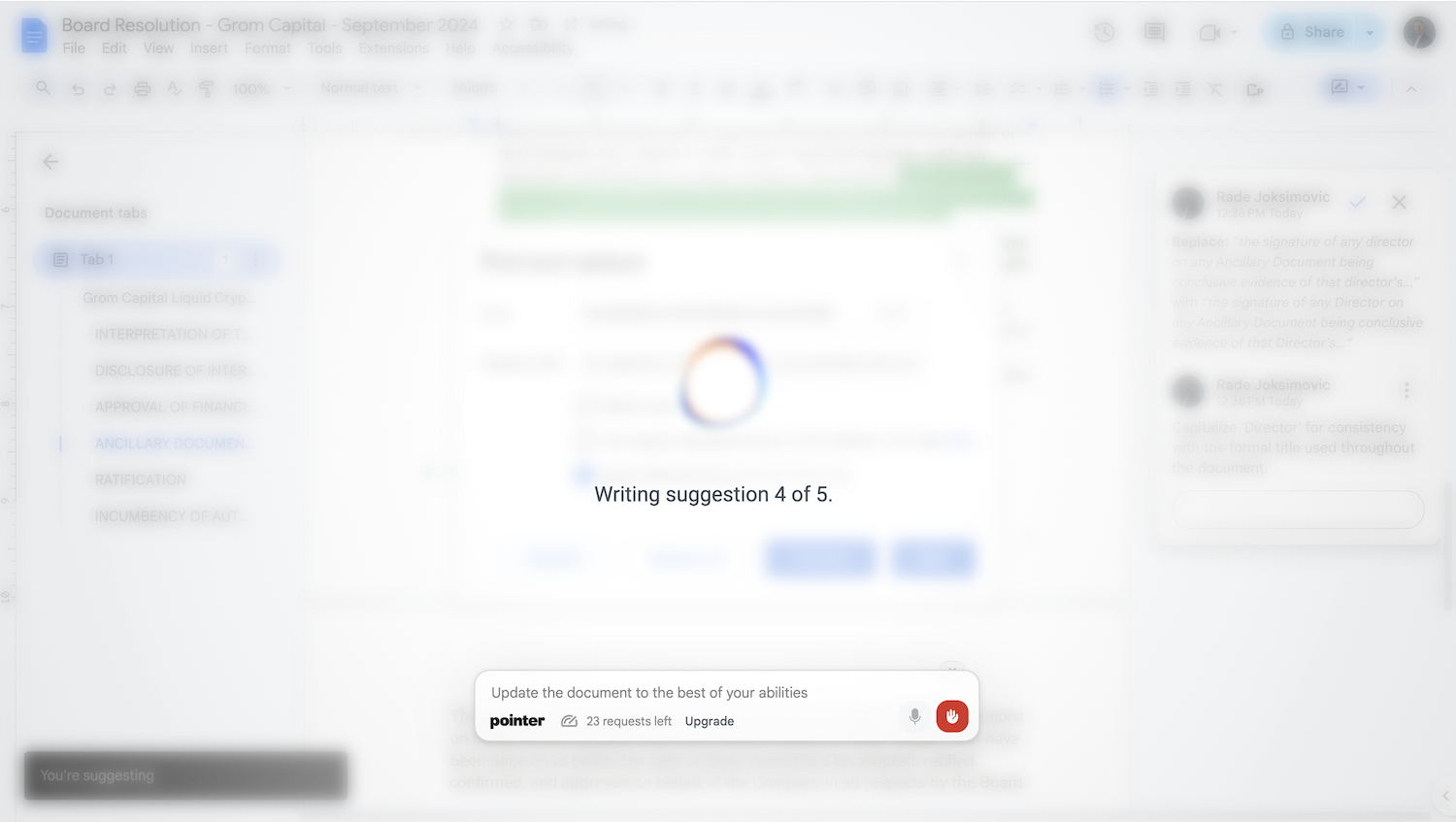

Pointer AI Overview
Pointer AI revolutionizes the way you work within Google Workspace by embedding a powerful AI assistant directly into Google Docs. It's designed to solve a common and frustrating problem for writers, students, and professionals: the endless cycle of generating text in an external tool like ChatGPT, pasting it into Google Docs, and then spending valuable time fixing broken formatting, inconsistent styles, and incorrect layouts. Pointer AI eliminates this inefficient workflow entirely.
As a seamless Chrome extension, Pointer AI acts as your co-pilot for writing. Instead of just providing text in a separate chat window, it interacts with your document in real-time. It intelligently analyzes your request and the context of your document, then simulates human-like typing to apply edits, add content, or rephrase sentences. This unique approach ensures that all your existing formatting—from headings and fonts to lists and spacing—is perfectly preserved. It’s like having an assistant who understands not just what to write, but how to format it within your document's structure.
How to use Pointer AI
Getting started with Pointer AI is incredibly simple and designed for immediate productivity:
- Installation: First, install the Pointer AI extension from the Chrome Web Store. The process is quick and requires just a few clicks.
- Open Google Docs: Navigate to any Google Document you wish to edit or create content in.
- Activate Pointer AI: Highlight the text you want to modify or place your cursor where you want to add new content. Activate the AI, likely through a simple command or a sidebar interface.
- Give Your Command: Provide a clear instruction to the AI. This could be anything from "Summarize the last two paragraphs" to "Rewrite this sentence to sound more professional" or "Brainstorm three titles for this blog post."
- Watch the Magic: Pointer AI will process your request and begin typing the suggestions directly into your document. You can watch the changes happen live.
- Approve or Reject: The generated text is presented as a suggestion. You have full control to approve the changes to integrate them permanently or reject them to keep your original text.
Core Features of Pointer AI
- Direct In-Document Editing: The AI agent types, deletes, and modifies text directly within Google Docs, just like a human collaborator.
- Formatting Preservation: Automatically maintains your document's original fonts, headings, lists, and styles, saving you from manual reformatting.
- Seamless Integration: Works as a lightweight Chrome extension, feeling like a native feature of Google Docs rather than a clunky add-on.
- High-Speed Suggestions: Built for speed, it delivers suggestions almost instantly, claiming to be up to 5x faster than the traditional copy-paste method.
- Powered by Advanced LLMs: Utilizes the best large language models to ensure high-quality, context-aware, and coherent text generation and editing.
- Multilingual Support: Capable of understanding and generating content in numerous languages, making it a versatile tool for global users.
- User-Controlled Suggestions: Puts you in the driver's seat by allowing you to review and approve all AI-generated changes before they are finalized.
Use Cases for Pointer AI
Pointer AI is a versatile tool for anyone who uses Google Docs:
- Content Creators & Marketers: Effortlessly draft, refine, and optimize blog posts, articles, and marketing copy without leaving their primary editor.
- Students & Academics: Get assistance with writing essays, summarizing research papers, improving sentence structure, and checking for clarity.
- Business Professionals: Quickly create polished business reports, proposals, meeting minutes, and professional emails.
- Translators: Translate sections of a document and have the translation inserted directly with the correct formatting.
- Casual Users: Improve daily writing tasks, from composing a formal letter to brainstorming ideas for a personal project.
Advantages of Pointer AI
The primary advantage of Pointer AI is its massive boost to productivity. By keeping you within the Google Docs environment, it eliminates context switching and streamlines the entire writing and editing process. Its unique in-document editing feature is a game-changer for maintaining document integrity and professional presentation. It's faster, smarter, and more integrated than any workflow that relies on external AI tools.
Pricing and Plans
Pointer AI operates on a freemium model, making it accessible to everyone.
- Free Plan: Includes 100 fast requests per month and unlimited normal-speed requests. This is generous enough for most regular users.
- Pay-as-you-go Add-on: If you exceed the 100 fast requests, you can purchase additional requests at a rate of $0.05 per request. This flexible model allows you to pay only for what you need beyond the free tier.
Traffic
Latest traffic
Status
Monthly traffic trend
- 2025-9: 3.4K
- 2026-1: 3.7K
- 2026-2: 2.0K
- 2026-3: 7.7K
- 2026-4: 3.2K
- 2026-5: 2.5K
Geography
Top 5 countries / regions
- 🇺🇸United States69.5%
- 🇮🇳India30.5%
Top keywords
| Keyword | Cost per click |
|---|---|
| ai copywriting platform that lets you suggest/redline/comment just like normal copywriting? | $0.00 |
| ai pointer | $0.00 |
| ai pointer for google | $0.00 |
| ai pointer google | $0.00 |
| pointer ai | $0.00 |
Pointer AI Alternatives
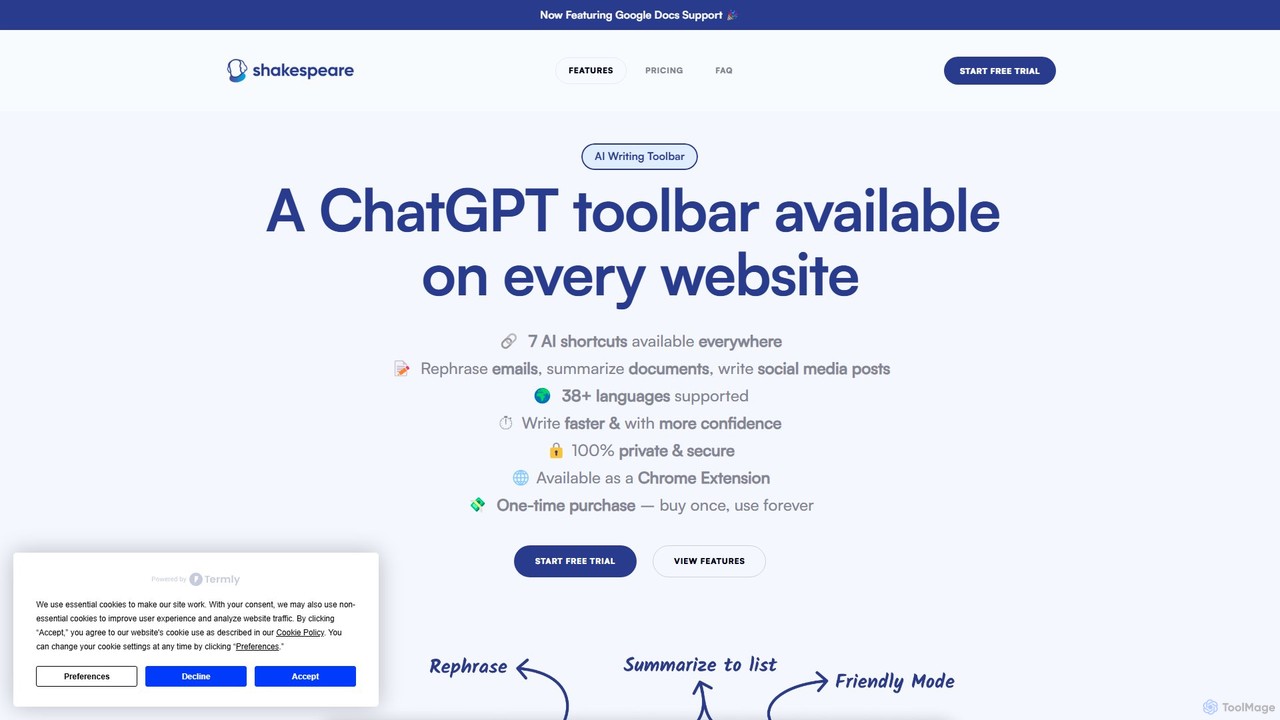
Shakespeare Toolbar
Shakespeare Toolbar is a ChatGPT-powered Chrome extension that integrates AI writing assistance directly into your browser. Work seamlessly on any website, including Google Docs, to rephrase, summarize, simplify text, and generate content without switching tabs. It's designed for writers, marketers, and professionals to enhance productivity and communication.
Chrome Extensions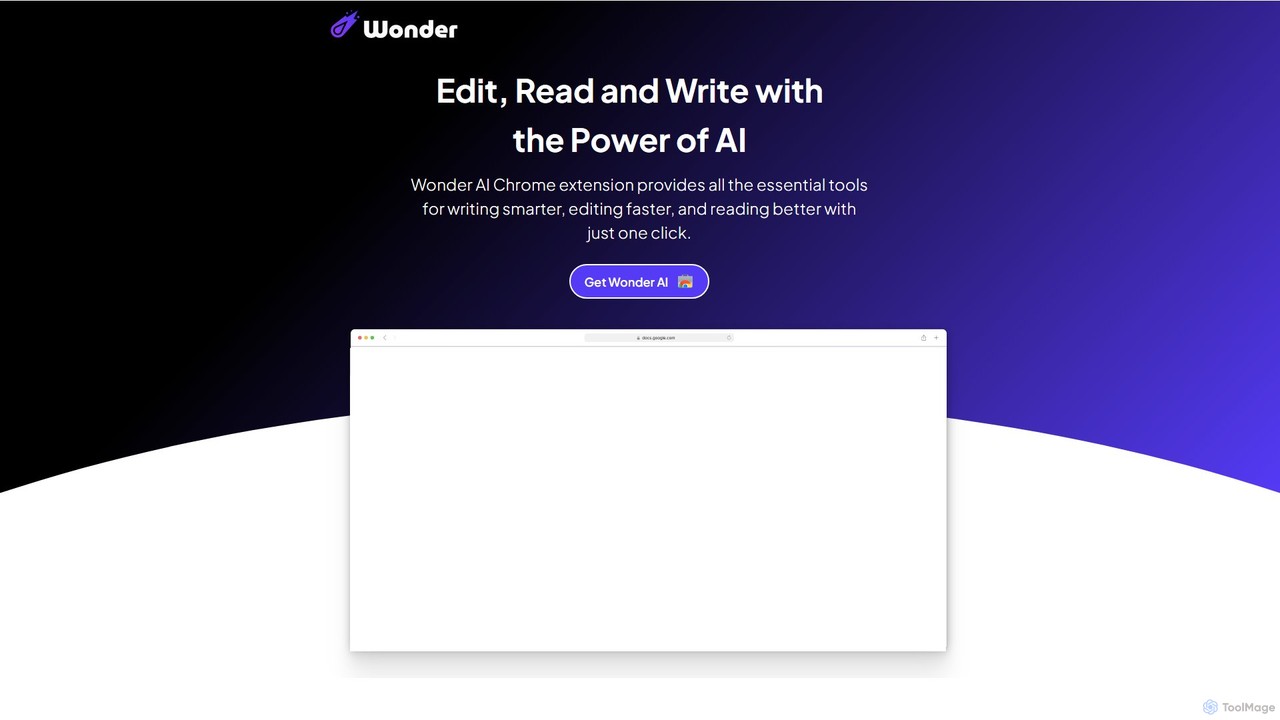
Wonder AI
Wonder AI is a powerful Chrome extension that enhances your writing, editing, and reading. It integrates directly into your browser, offering one-click tools to rewrite text, check grammar, summarize articles, explain complex concepts, and translate content, boosting your daily productivity and communication skills.
Chrome Extensions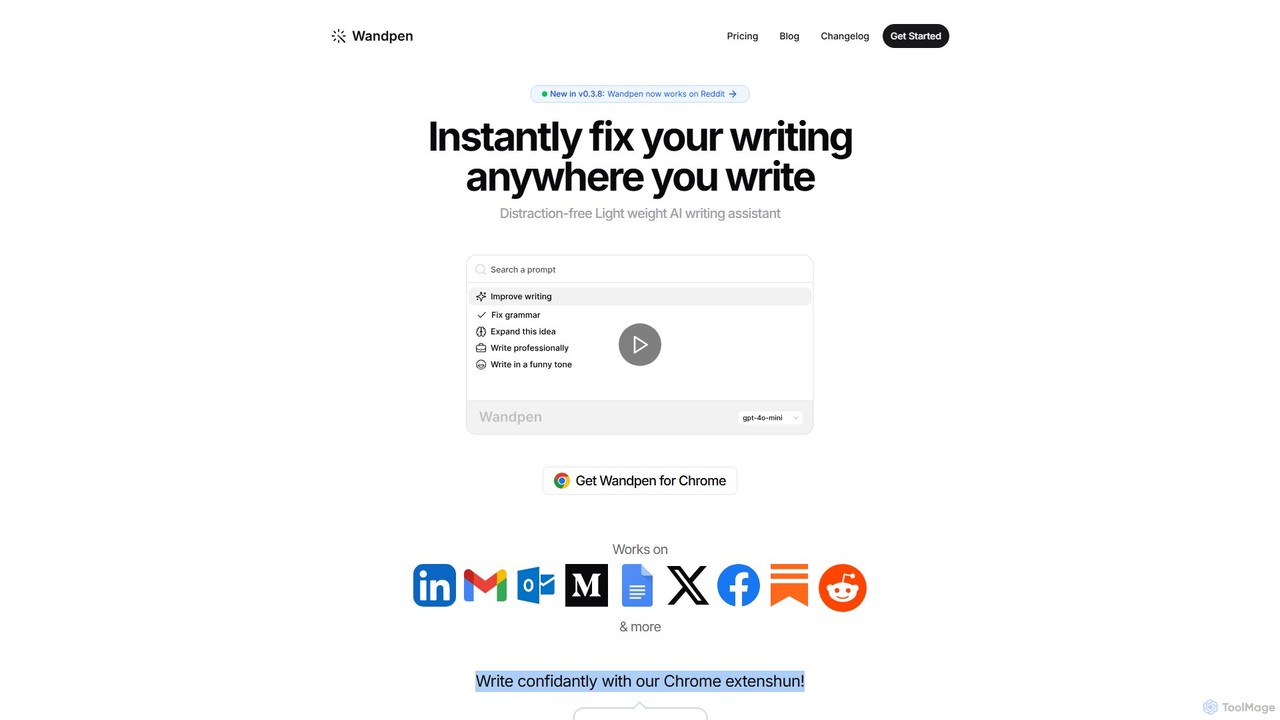
Wandpen
Wandpen is a lightweight AI writing assistant for Chrome that seamlessly integrates into your workflow. It allows you to instantly fix grammar, rewrite text, and brainstorm ideas directly on any website, including Google Docs, Reddit, and LinkedIn. By eliminating the need to switch tabs, Wandpen boosts your productivity and writing confidence using powerful AI models like GPT-4o, Claude 3.5, and Gemini.
Chrome Extensions
smudge.ai
smudge.ai is a powerful Chrome extension that integrates ChatGPT-powered shortcuts directly into your browser's right-click menu. Instantly summarize articles, refine your writing, translate text, and create custom commands without ever leaving your current page, streamlining your online workflow.
Chrome Extensions
InsertChatGPT
InsertChatGPT is a powerful browser extension that seamlessly integrates OpenAI's ChatGPT into your daily workflow. Get instant AI assistance for writing emails, summarizing text, and creating content directly on any website, boosting your productivity and creativity without switching tabs.
ChatPointer AI Categories
Pointer AI Embed Widget
Copy this embed code to place the badge on your blog, article, or product site and send readers directly to this ToolMage detail page.

Related AI tools
Shakespeare Toolbar
Shakespeare Toolbar is a ChatGPT-powered Chrome extension that integrates AI writing assistance directly into your browser. Work seamlessly on any website, including Google Docs, to rephrase, summarize, simplify text, and generate content without switching tabs. It's designed for writers, marketers, and professionals to enhance productivity and communication.
Chrome ExtensionsWonder AI
Wonder AI is a powerful Chrome extension that enhances your writing, editing, and reading. It integrates directly into your browser, offering one-click tools to rewrite text, check grammar, summarize articles, explain complex concepts, and translate content, boosting your daily productivity and communication skills.
Chrome ExtensionsWandpen
Wandpen is a lightweight AI writing assistant for Chrome that seamlessly integrates into your workflow. It allows you to instantly fix grammar, rewrite text, and brainstorm ideas directly on any website, including Google Docs, Reddit, and LinkedIn. By eliminating the need to switch tabs, Wandpen boosts your productivity and writing confidence using powerful AI models like GPT-4o, Claude 3.5, and Gemini.
Chrome Extensions
Compose AI
Compose AI is an AI-powered writing assistant and Chrome extension that accelerates your writing process. It offers intelligent autocompletion, text generation, and rephrasing capabilities across all your favorite sites, from emails to documents. By learning your personal writing style, it helps you write faster and more effectively, saving up to 40% of your time.
Chrome Extensions
Remail
Remail is an all-in-one AI assistant and Chrome extension designed to boost productivity. It helps you write and reply to emails 10x faster, summarize web pages, chat with documents and YouTube videos, generate content, and much more, directly within your browser.
Chrome Extensions
chrome_ai
An all-in-one AI assistant integrated into your Chrome browser. Summarize web pages and YouTube videos, enhance your writing, explain complex topics, and chat with advanced AI models without leaving your current tab. Boost your productivity with seamless AI power.
Chrome Extensions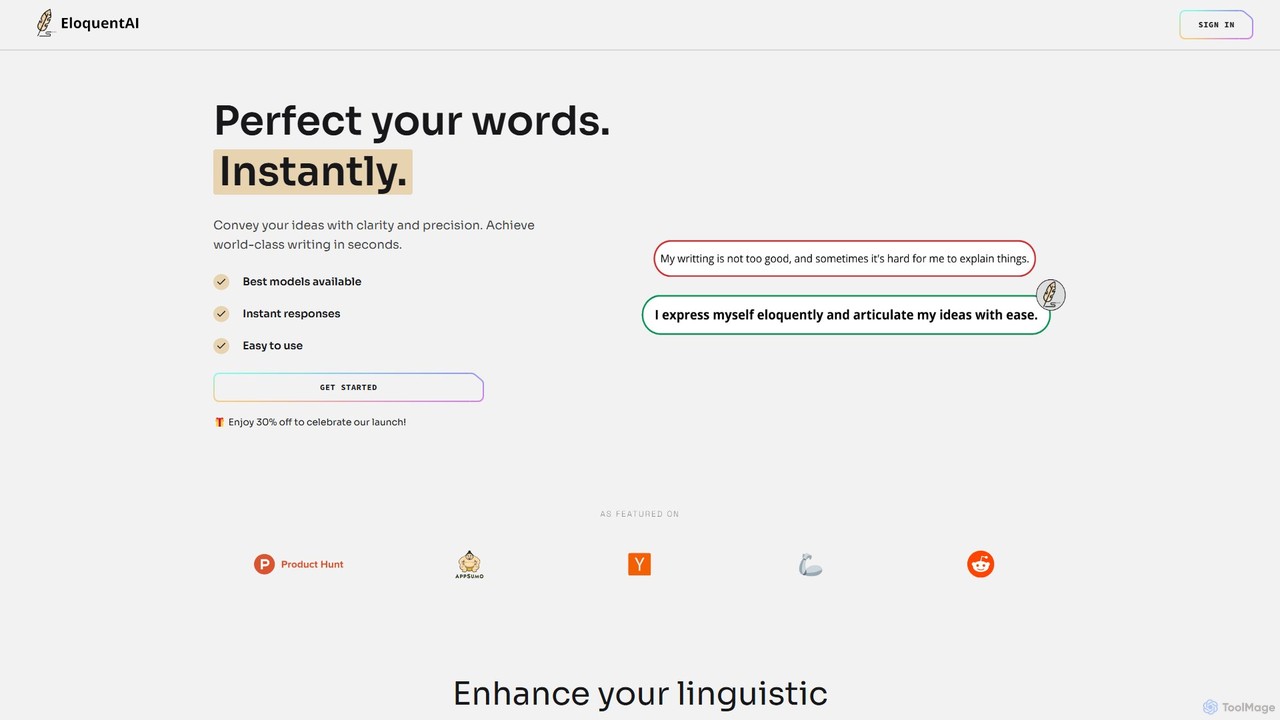
EloquentAI
EloquentAI is an AI-powered Chrome extension that instantly enhances your writing. It helps you convey ideas with clarity and precision by offering features like text enhancement, tone and length adjustment, summarization, translation, and custom prompts, all powered by leading models like GPT-4o and Llama 3.
Chrome Extensions
SMARTBIRD
SMARTBIRD is an AI-powered Chrome extension designed to accelerate your writing tasks. It acts as a personal assistant, drafting high-quality emails, social media posts, and messages in seconds. By integrating directly with platforms like Gmail, LinkedIn, and WhatsApp, it helps you communicate more effectively and save significant time.
Email Assistant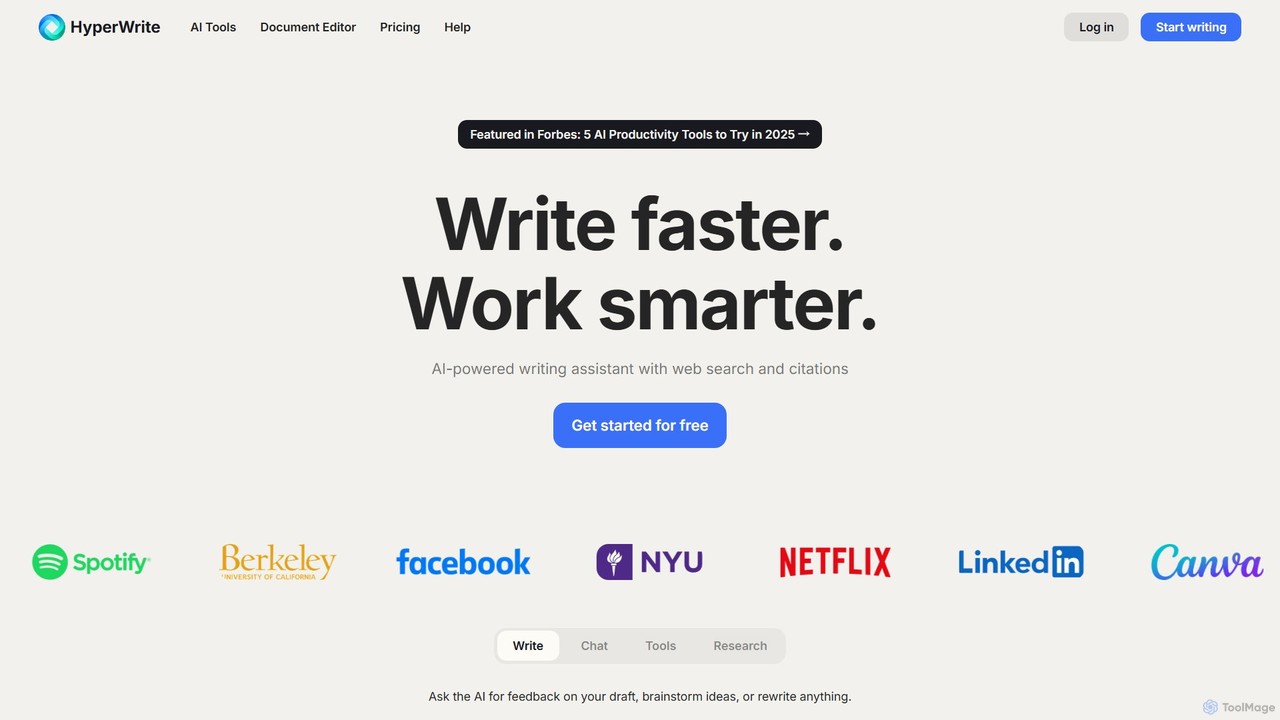
HyperWrite
HyperWrite is an advanced AI writing assistant designed to enhance productivity for students, marketers, and professionals. It offers hundreds of tools for writing, research, summarization, and content creation. Key features include real-time academic research with citations, customizable 'Personas' to match your writing style, and a seamless Chrome extension for workflow integration.
Research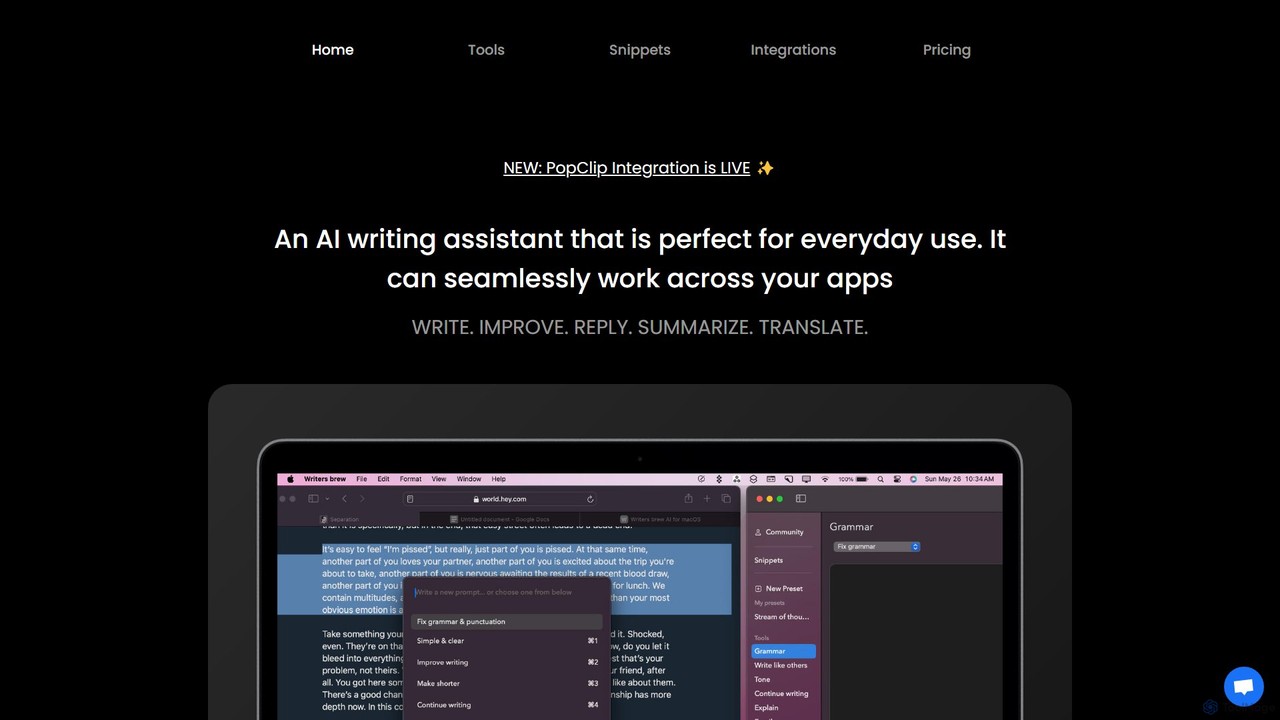
Writers brew
Writers brew is a native AI writing assistant for macOS that integrates seamlessly across all applications. It helps you write, improve, summarize, translate, and reply to text anywhere with a simple keyboard shortcut, also featuring text snippets, OCR, and other productivity utilities.
Macossmudge.ai
smudge.ai is a powerful Chrome extension that integrates ChatGPT-powered shortcuts directly into your browser's right-click menu. Instantly summarize articles, refine your writing, translate text, and create custom commands without ever leaving your current page, streamlining your online workflow.
Chrome ExtensionsInsertChatGPT
InsertChatGPT is a powerful browser extension that seamlessly integrates OpenAI's ChatGPT into your daily workflow. Get instant AI assistance for writing emails, summarizing text, and creating content directly on any website, boosting your productivity and creativity without switching tabs.
Chat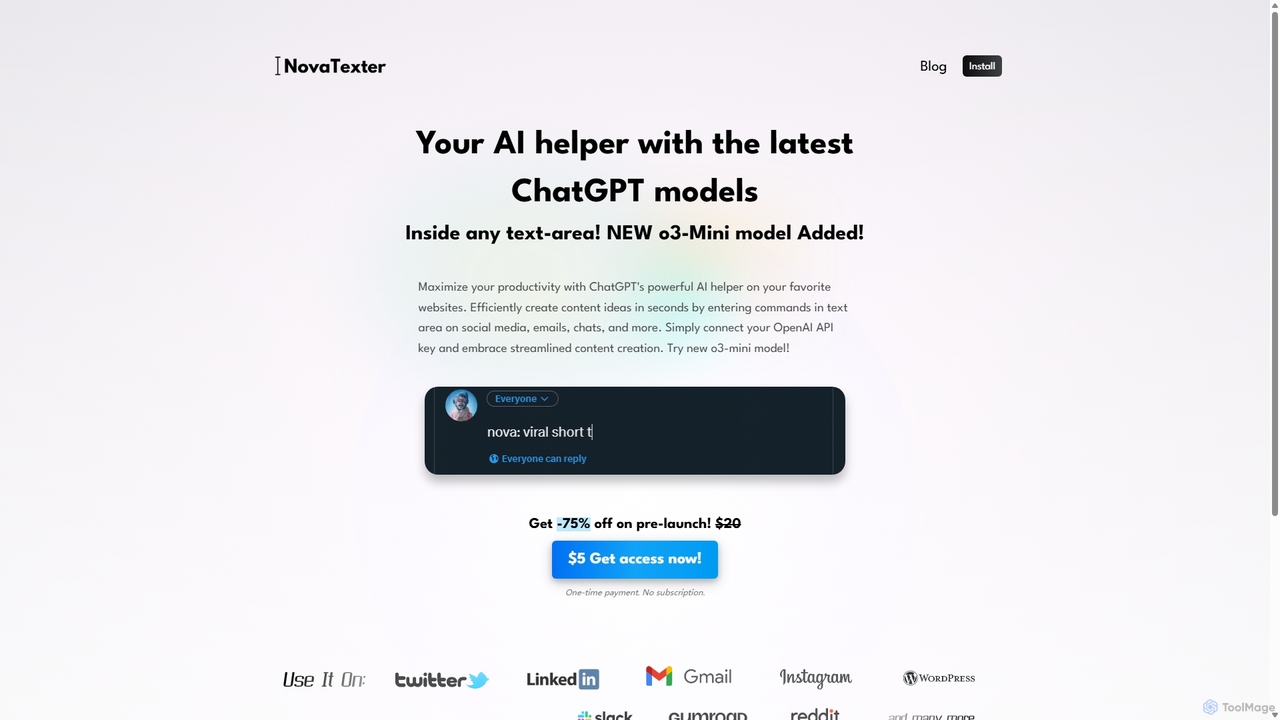
NovaTexter
NovaTexter is an AI-powered browser extension that integrates ChatGPT models directly into your workflow. It allows you to generate content, ideas, and responses on any website by simply typing commands in a text area. Connect your OpenAI API key for a seamless, productive content creation experience with a single one-time payment.
Chrome Extensions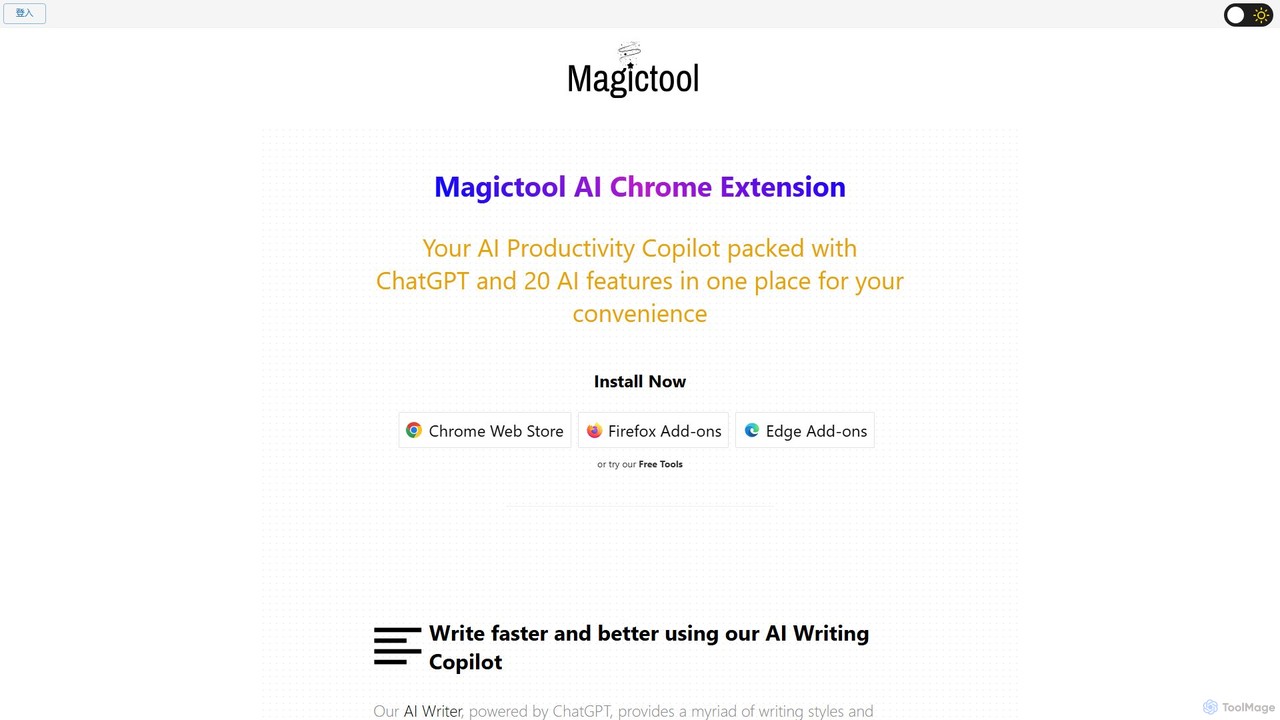
Magictool AI
Magictool AI is an all-in-one productivity hub integrated into a browser extension. It packs over 20 AI features, including a ChatGPT-powered writer, YouTube video summarizer, PDF chat, data scraper, and AI image generator. It's designed to streamline your workflow, enhance your writing, and boost your research capabilities directly within your browser.
Chrome Extensions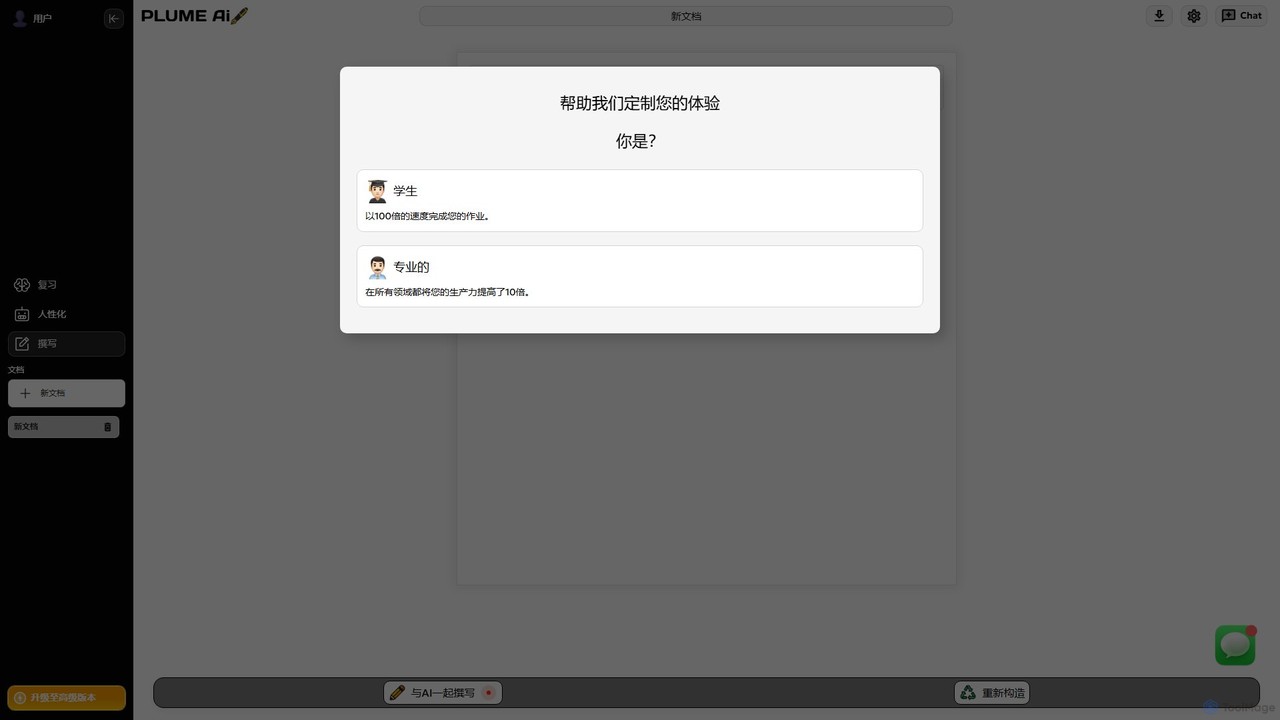
Plume AI
Plume AI is an advanced AI writing assistant designed for students and professionals. It helps you write, rephrase, review, and humanize text to enhance productivity and improve content quality. Create high-quality, natural-sounding documents 10x faster.
Academic Writing
Pointer AI Comments (0)
Sign in to comment.
Sign inNo comments yet.