

InsertChatGPT Overview
InsertChatGPT is a revolutionary browser extension designed to embed the power of OpenAI's ChatGPT directly into your favorite websites. It eliminates the constant need to switch between your work and a separate AI chat interface. By integrating AI capabilities into your existing workflow, InsertChatGPT acts as a context-aware copilot, helping you write faster, communicate more effectively, and unlock new levels of productivity. Whether you're a student, a professional, a content creator, or a developer, this tool is built to enhance your daily digital tasks.
How to use InsertChatGPT
Getting started with InsertChatGPT is simple and intuitive. Follow these steps to supercharge your browser:
- Installation: Find and install the InsertChatGPT extension from the official web store for your browser (e.g., Chrome Web Store, Firefox Add-ons).
- Pin to Toolbar: After installation, pin the InsertChatGPT icon to your browser's toolbar for quick access.
- Activate on Any Site: Navigate to any website where you need assistance, such as Gmail, Google Docs, LinkedIn, or Twitter.
- Access AI Features: You can activate the tool in several ways. Highlight any text on the page, and a small InsertChatGPT icon will appear, offering options like 'Summarize', 'Rephrase', or 'Explain'. Alternatively, you can right-click to access these functions from the context menu.
- Inline Generation: In any text field or editor, simply type your prompt or a few keywords, then use a keyboard shortcut (e.g., Ctrl+Space) or click the inline icon to have the AI generate complete sentences, paragraphs, or even entire articles for you.
- Customize Prompts: Open the extension's settings to create and save your own custom prompts for recurring tasks, streamlining your workflow even further.
Core Features of InsertChatGPT
- Seamless Website Integration: Works flawlessly inside popular platforms like Gmail, Google Docs, LinkedIn, Twitter, Facebook, and more.
- Context-Aware Assistance: The AI understands the context of the page or the selected text to provide highly relevant and accurate responses.
- Quick Access Toolbar & Right-Click Menu: An unobtrusive floating icon and a comprehensive right-click menu provide instant access to all features.
- Advanced Text Generation: Effortlessly compose professional emails, engaging social media posts, detailed articles, and insightful comments.
- Text Transformation Tools: Improve your writing by rephrasing sentences for clarity, changing the tone (e.g., professional, casual, friendly), expanding on ideas, or shortening text to be more concise.
- Powerful Summarizer: Instantly condense long articles, email threads, or research papers into key bullet points or a brief summary.
- Custom Prompt Library: Create, save, and manage your own library of prompts for tasks you perform frequently, saving valuable time.
Use Cases for InsertChatGPT
InsertChatGPT is a versatile tool suitable for a wide range of users:
- For Professionals: Draft and reply to emails in seconds within Gmail or Outlook. Prepare meeting agendas, write reports in Google Docs, and craft engaging posts for your LinkedIn profile.
- For Content Creators: Brainstorm ideas, generate blog post outlines, write entire articles, and create compelling social media captions directly within your content management system or social platform.
- For Students: Summarize academic papers for research, get explanations for complex topics, and proofread essays and assignments for grammar and style.
- For Customer Support Agents: Quickly generate polite, empathetic, and helpful responses to customer inquiries in helpdesk platforms like Zendesk or Intercom.
- For Developers: Get code snippets, explain code blocks, or debug issues without leaving GitHub or Stack Overflow.
Advantages of InsertChatGPT
By integrating AI into your browser, InsertChatGPT offers significant advantages:
- Massive Productivity Boost: It dramatically reduces the time spent on writing, editing, and research by automating repetitive tasks.
- Streamlined Workflow: Eliminates the disruption of switching tabs, allowing you to stay focused on your primary task.
- Enhanced Writing Quality: Helps you communicate more clearly and professionally by offering suggestions for tone, style, and grammar.
- Universal Accessibility: Brings the power of advanced AI to your fingertips on virtually any website you visit.
Pricing and Plans
InsertChatGPT is offered on a freemium model to suit different user needs:
- Free Plan: Ideal for casual users, this plan includes a generous number of free AI queries per day, access to standard features, and support for all major websites.
- Pro Plan: Designed for power users, professionals, and teams, the Pro Plan (typically around $9.99/month) offers unlimited AI requests, access to the most advanced AI models (like GPT-4), faster response times, the ability to create unlimited custom prompts, and priority customer support.
InsertChatGPT Alternatives
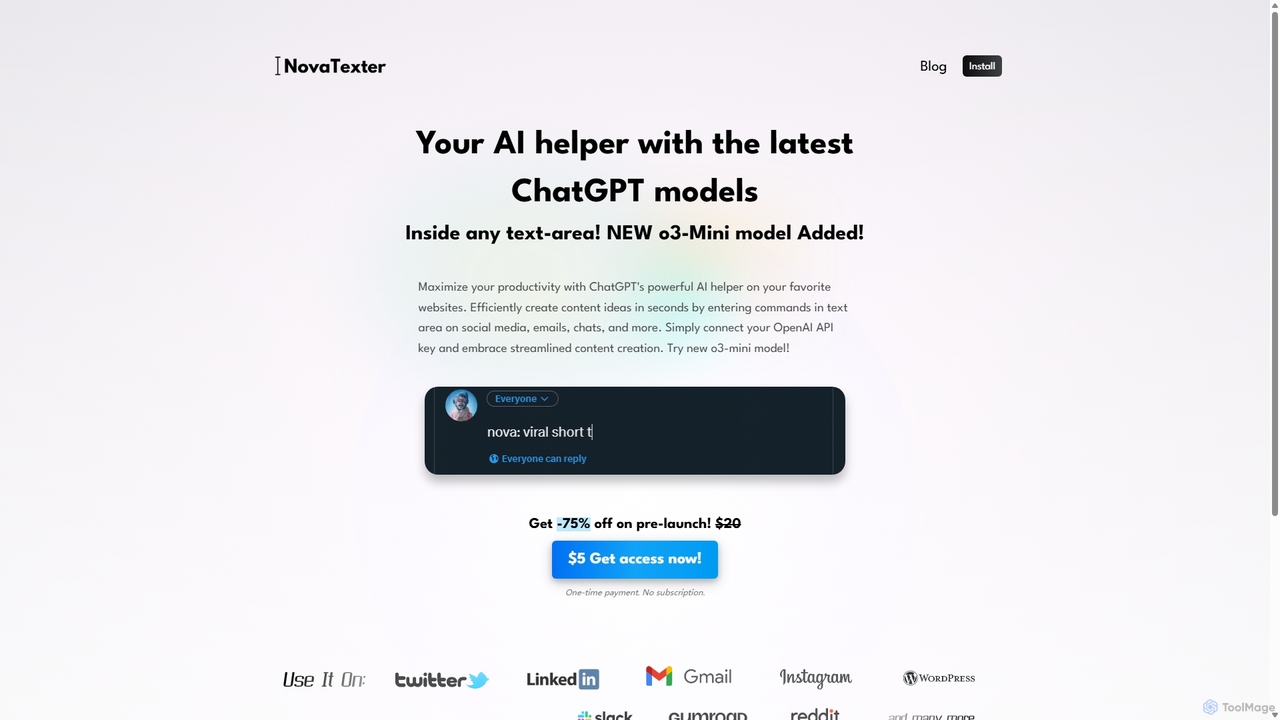
NovaTexter
NovaTexter is an AI-powered browser extension that integrates ChatGPT models directly into your workflow. It allows you to generate content, ideas, and responses on any website by simply typing commands in a text area. Connect your OpenAI API key for a seamless, productive content creation experience with a single one-time payment.
Chrome Extensions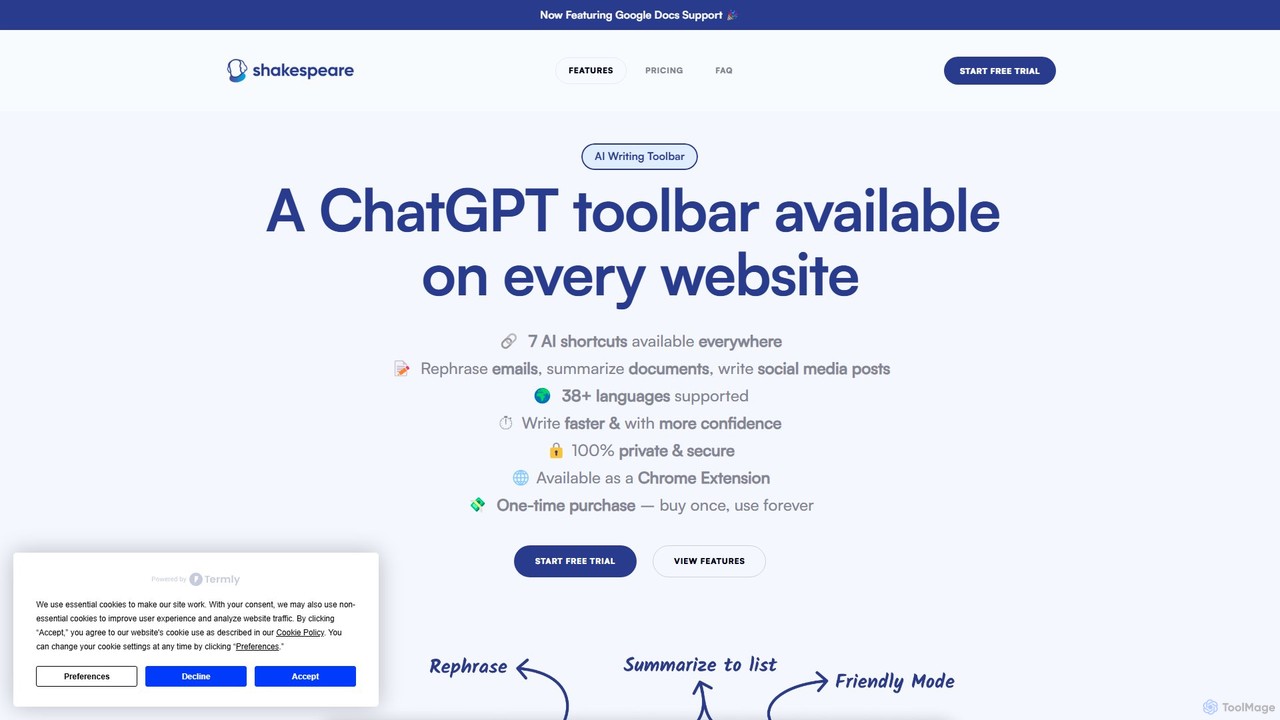
Shakespeare Toolbar
Shakespeare Toolbar is a ChatGPT-powered Chrome extension that integrates AI writing assistance directly into your browser. Work seamlessly on any website, including Google Docs, to rephrase, summarize, simplify text, and generate content without switching tabs. It's designed for writers, marketers, and professionals to enhance productivity and communication.
Chrome Extensions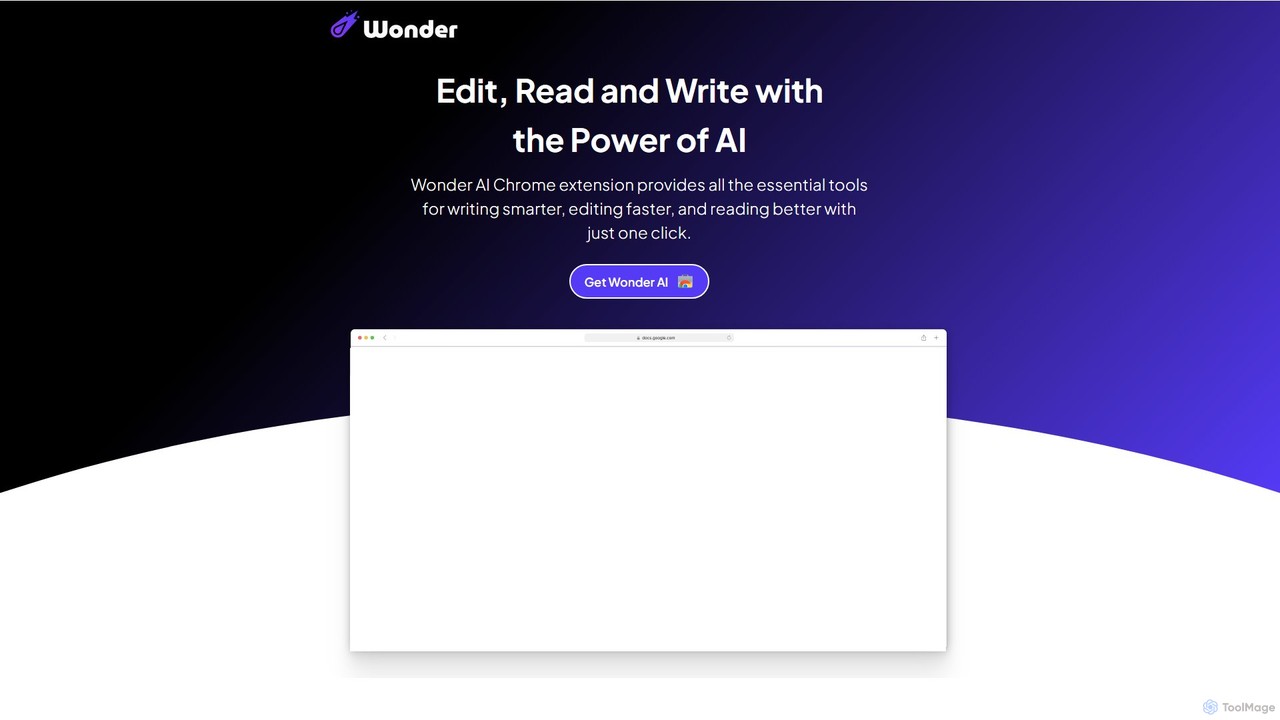
Wonder AI
Wonder AI is a powerful Chrome extension that enhances your writing, editing, and reading. It integrates directly into your browser, offering one-click tools to rewrite text, check grammar, summarize articles, explain complex concepts, and translate content, boosting your daily productivity and communication skills.
Chrome Extensions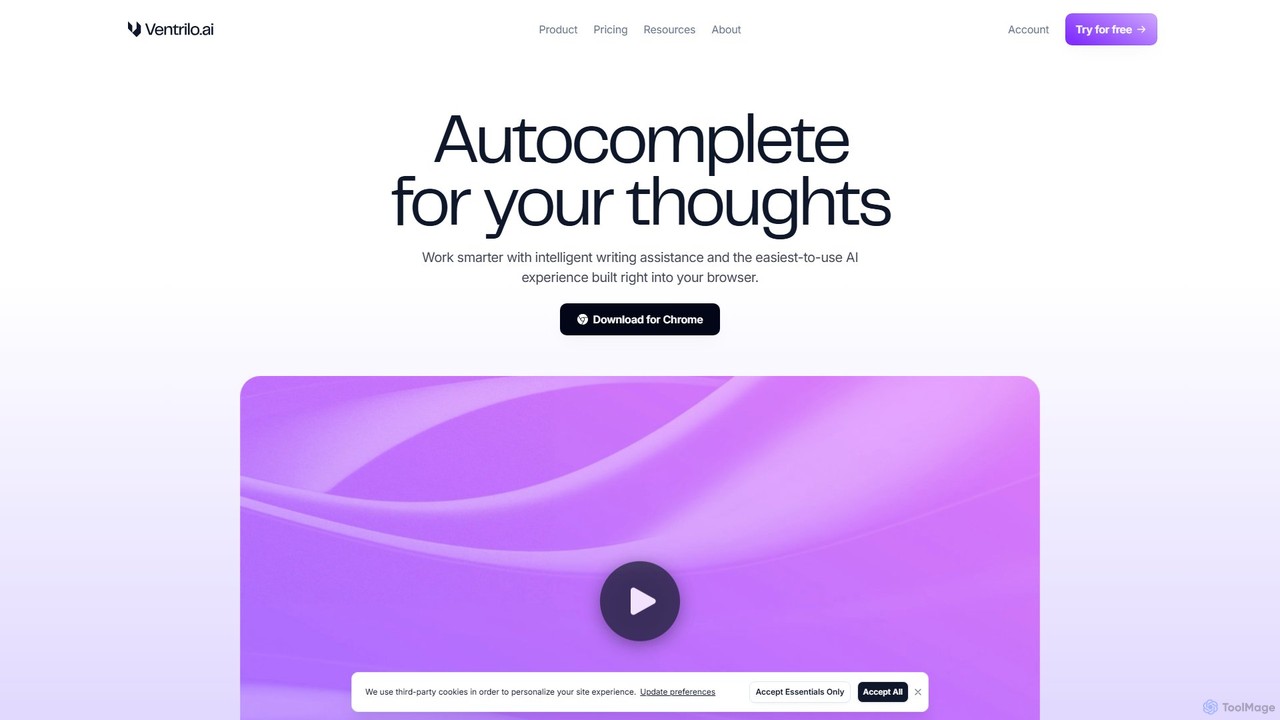
Ventrilo
Ventrilo is a context-aware AI writing assistant that integrates directly into your browser. It provides intelligent autocomplete, sentence rewriting, and a chat sidebar that understands your open tabs and documents. Access top AI models like GPT-4, Claude, and Gemini to enhance your writing, research, and overall productivity across any website or web app.
Chrome Extensions
Pointer AI
Pointer AI is a powerful Chrome extension that integrates ChatGPT-like capabilities directly into Google Docs. It streamlines your writing and editing process by allowing the AI to make changes directly in your document, eliminating the tedious copy-pasting and reformatting. Watch as it types out suggestions for you to approve, preserving your original document styling.
Chrome ExtensionsInsertChatGPT Categories
InsertChatGPT Embed Widget
Copy this embed code to place the badge on your blog, article, or product site and send readers directly to this ToolMage detail page.

Related AI tools
NovaTexter
NovaTexter is an AI-powered browser extension that integrates ChatGPT models directly into your workflow. It allows you to generate content, ideas, and responses on any website by simply typing commands in a text area. Connect your OpenAI API key for a seamless, productive content creation experience with a single one-time payment.
Chrome Extensions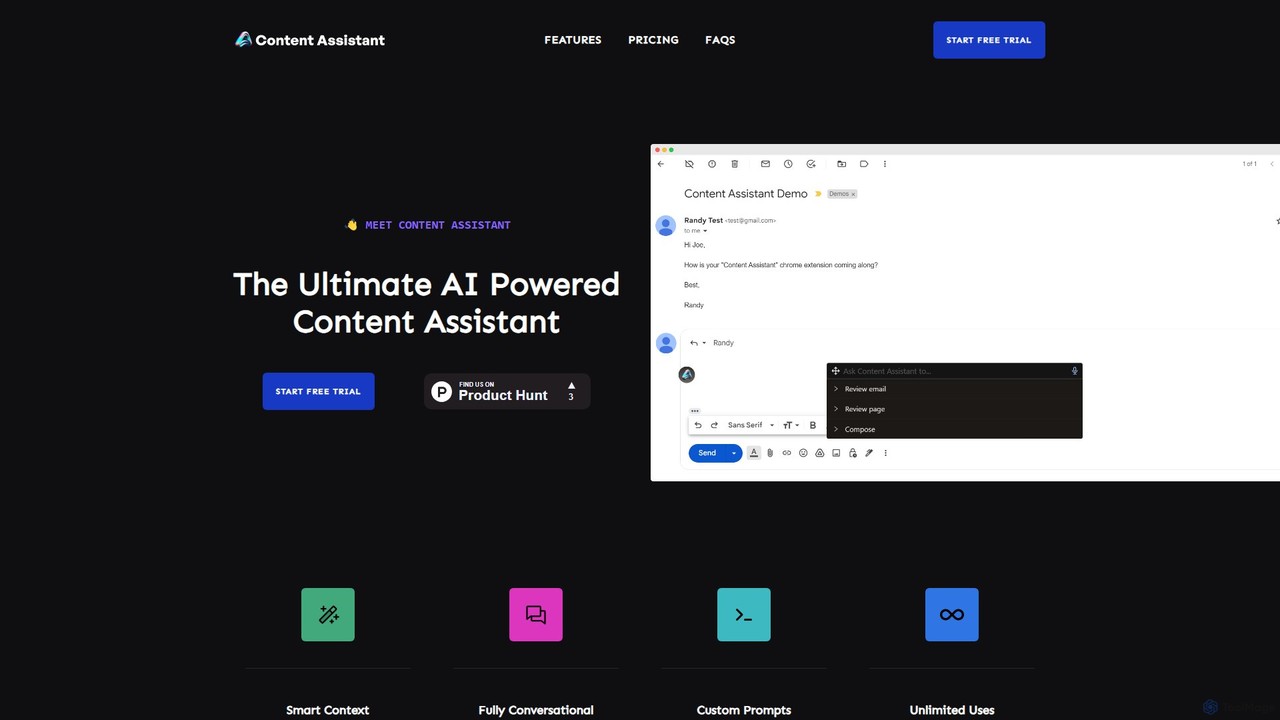
Content Assistant
A powerful AI browser extension that acts as your co-pilot for all content tasks. It intelligently uses page context to help you write, edit, summarize, translate, and reply to emails directly within your browser, boosting productivity and enhancing your workflow.
Chrome Extensions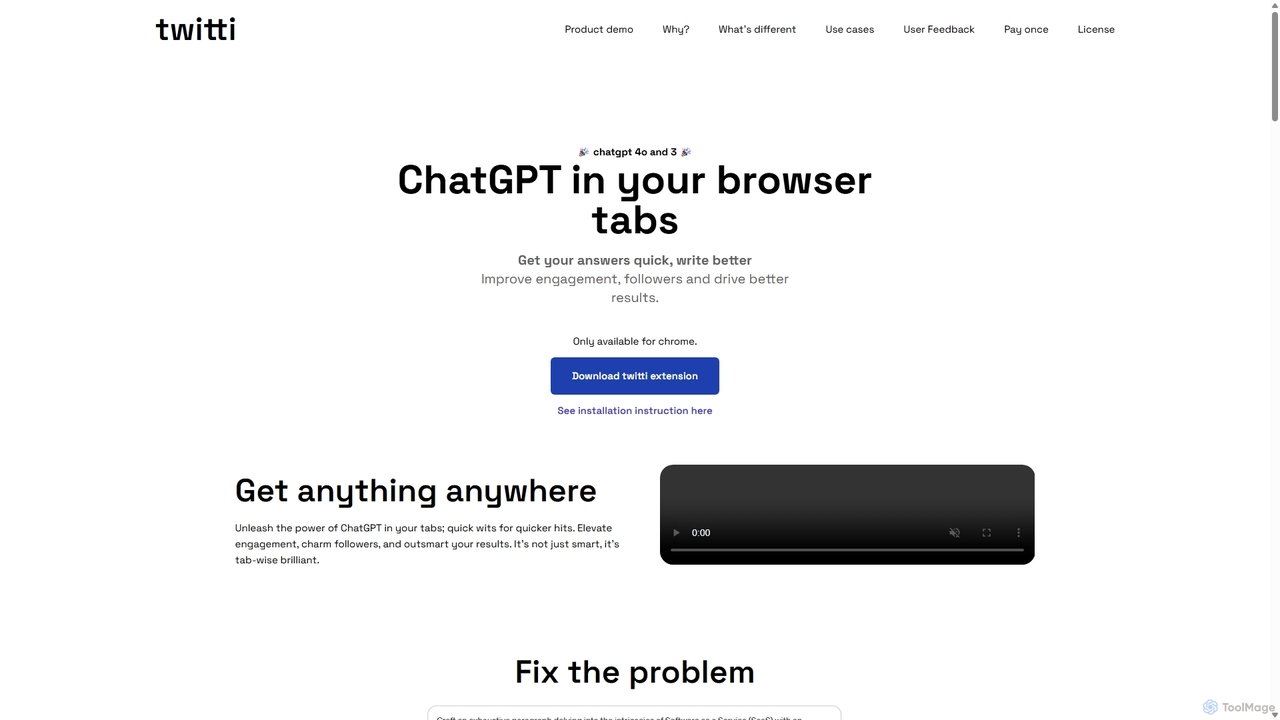
Twitti
Twitti is a powerful ChatGPT browser extension that integrates AI into any tab. It enhances writing, boosts social media engagement, and increases productivity with 25+ tones, advanced copywriting frameworks, and a one-time purchase model, eliminating recurring subscriptions.
ChromeShakespeare Toolbar
Shakespeare Toolbar is a ChatGPT-powered Chrome extension that integrates AI writing assistance directly into your browser. Work seamlessly on any website, including Google Docs, to rephrase, summarize, simplify text, and generate content without switching tabs. It's designed for writers, marketers, and professionals to enhance productivity and communication.
Chrome ExtensionsWonder AI
Wonder AI is a powerful Chrome extension that enhances your writing, editing, and reading. It integrates directly into your browser, offering one-click tools to rewrite text, check grammar, summarize articles, explain complex concepts, and translate content, boosting your daily productivity and communication skills.
Chrome Extensions
getmerlin
getmerlin is a versatile AI assistant powered by top models like GPT-4o and Claude 3.5. Available as a browser extension and app, it integrates seamlessly into your workflow to summarize content, draft emails, generate text and images, and enhance research on any website. It acts as an all-in-one productivity tool, saving time and money by consolidating multiple AI services into a single subscription.
Chrome Extensions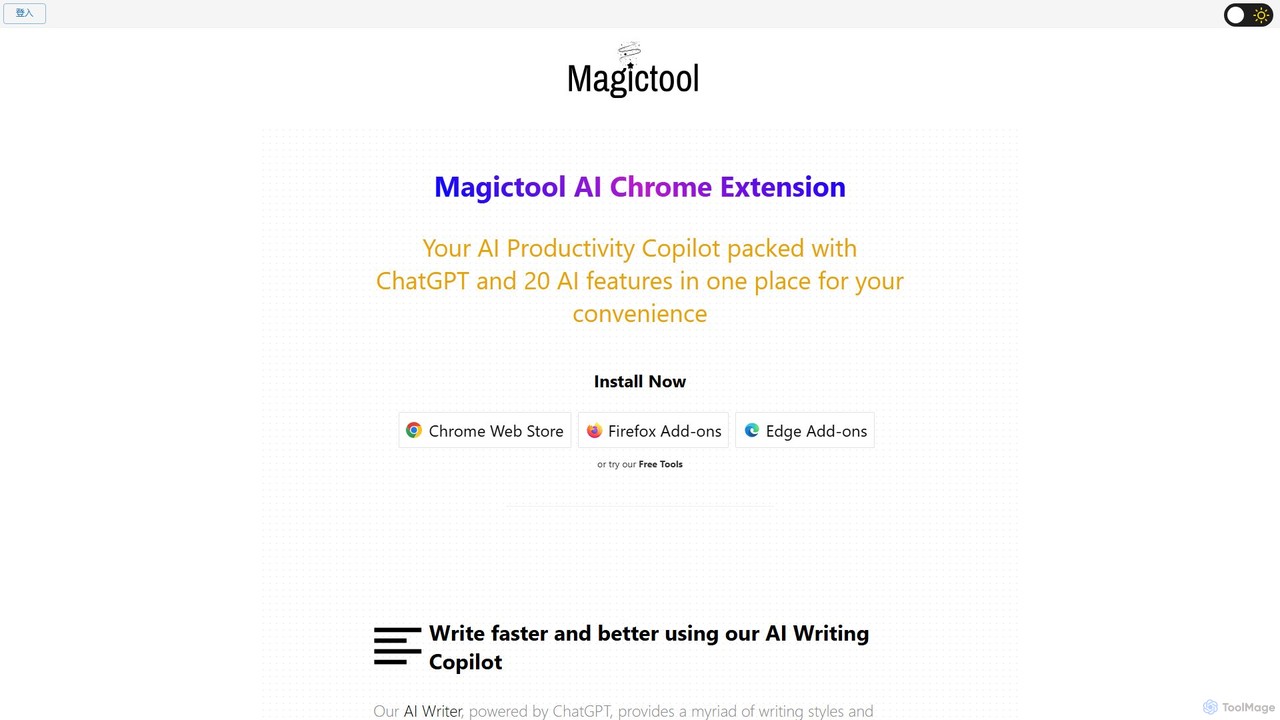
Magictool AI
Magictool AI is an all-in-one productivity hub integrated into a browser extension. It packs over 20 AI features, including a ChatGPT-powered writer, YouTube video summarizer, PDF chat, data scraper, and AI image generator. It's designed to streamline your workflow, enhance your writing, and boost your research capabilities directly within your browser.
Chrome Extensions
Compose AI
Compose AI is an AI-powered writing assistant and Chrome extension that accelerates your writing process. It offers intelligent autocompletion, text generation, and rephrasing capabilities across all your favorite sites, from emails to documents. By learning your personal writing style, it helps you write faster and more effectively, saving up to 40% of your time.
Chrome Extensions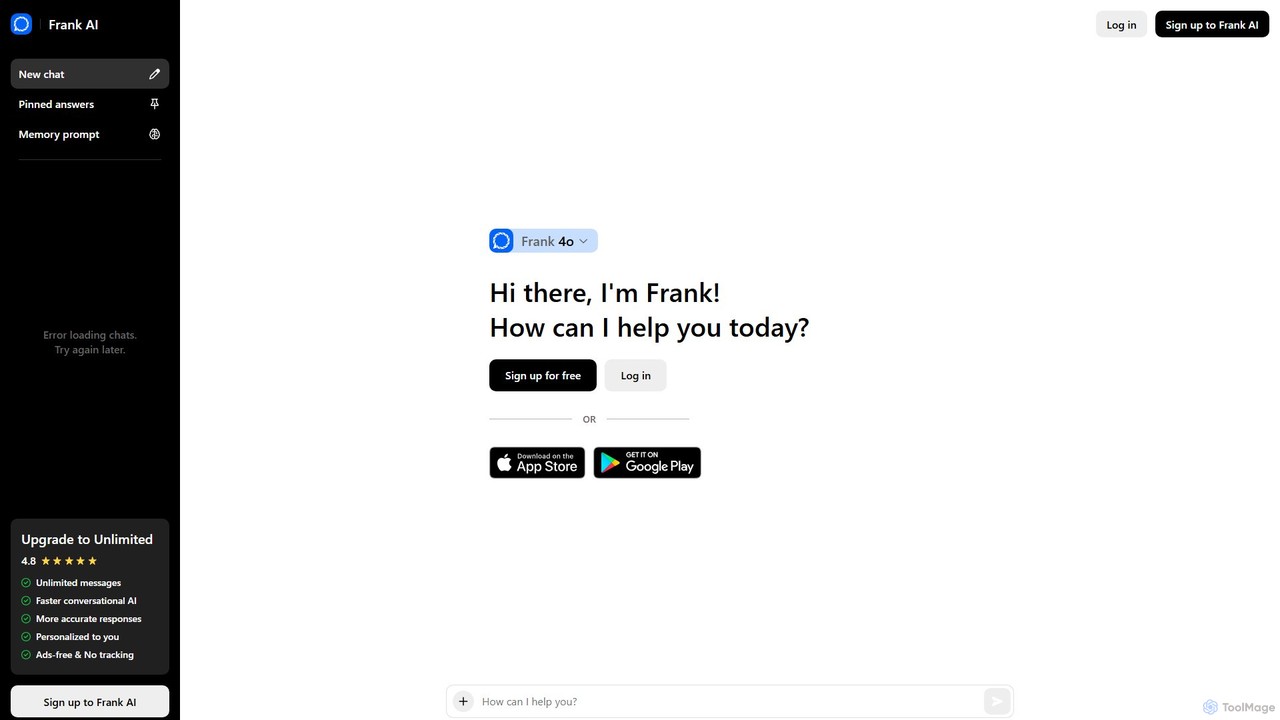
Frank AI
Frank AI is an advanced AI writing assistant and chatbot powered by GPT-4o and ChatGPT. It helps users write essays, emails, and scripts, brainstorm ideas, and analyze information. With features like memory prompts for personalization, cross-device sync, and a commitment to privacy, Frank AI acts as a versatile digital personal assistant for students, professionals, and everyday users seeking to enhance their productivity and creativity.
Essay Writer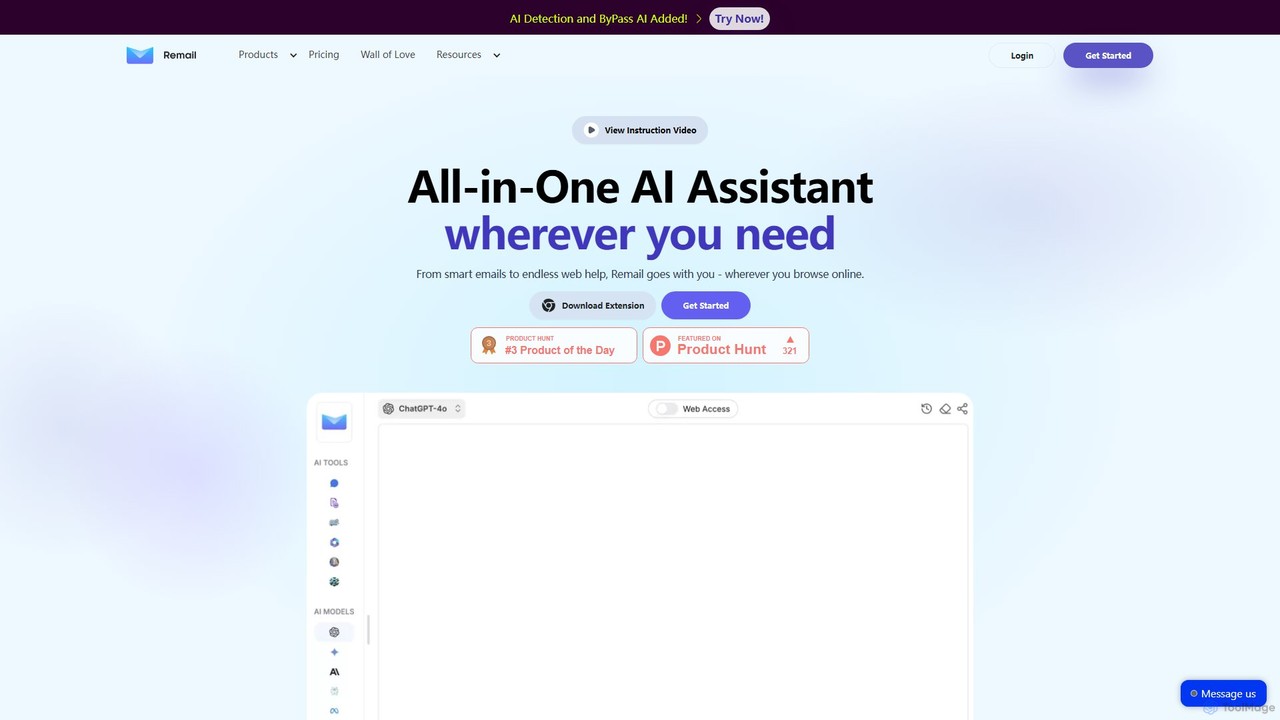
Remail
Remail is an all-in-one AI assistant and Chrome extension designed to boost productivity. It helps you write and reply to emails 10x faster, summarize web pages, chat with documents and YouTube videos, generate content, and much more, directly within your browser.
Chrome Extensions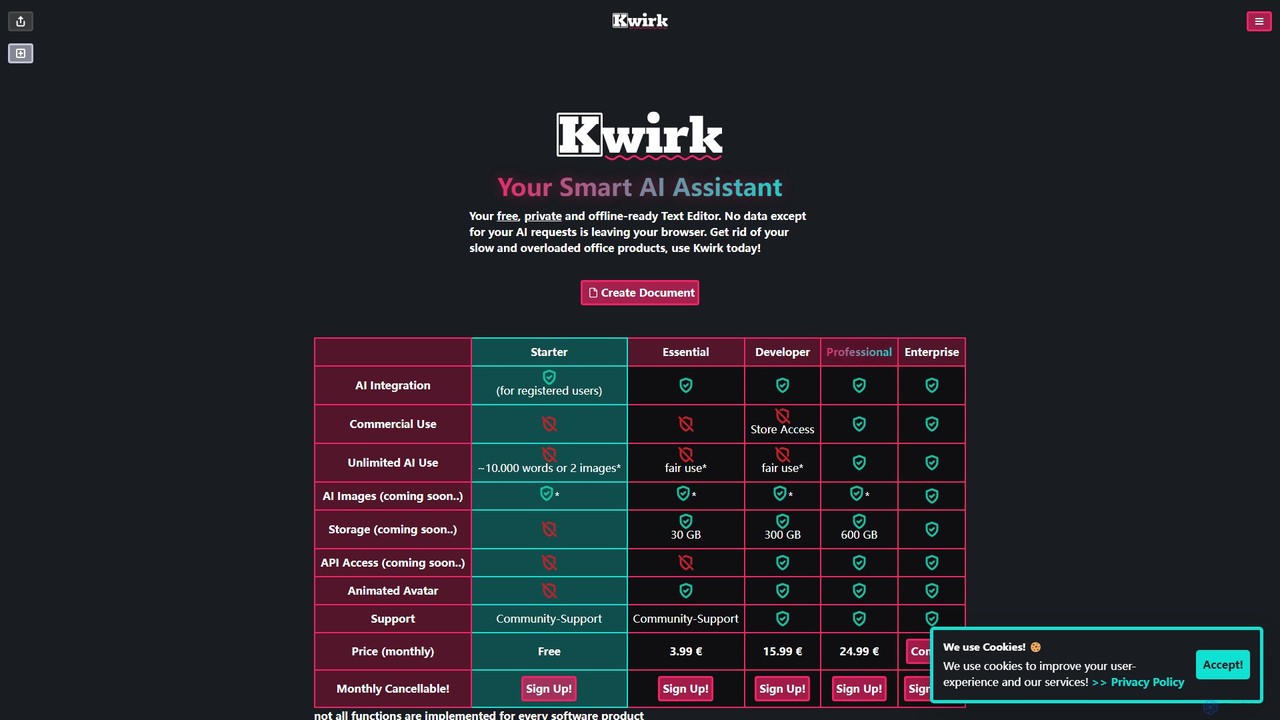
kwirk
Kwirk is a privacy-focused, offline-ready text editor enhanced with a smart AI assistant. It offers a lightweight and fast alternative to traditional office suites, allowing users to write, edit, summarize, and generate content securely within their browser. It provides both free and paid plans for individuals, developers, and businesses.
Summarizer
Merlin AI
Merlin AI is an all-in-one browser extension powered by ChatGPT and other advanced models like Claude. It acts as your personal AI assistant, seamlessly integrating into your workflow to help with writing, summarizing, coding, and more, directly on any website.
Chrome Extensions
Kome
Kome is an all-in-one AI browser extension that supercharges your productivity. It offers instant summarization for articles, YouTube videos, and PDFs, a smart bookmark manager that organizes content automatically, and a unique compose feature to turn your saved bookmarks into emails, tweets, or blog posts. It's your personal knowledge assistant, right in your browser.
Bookmarking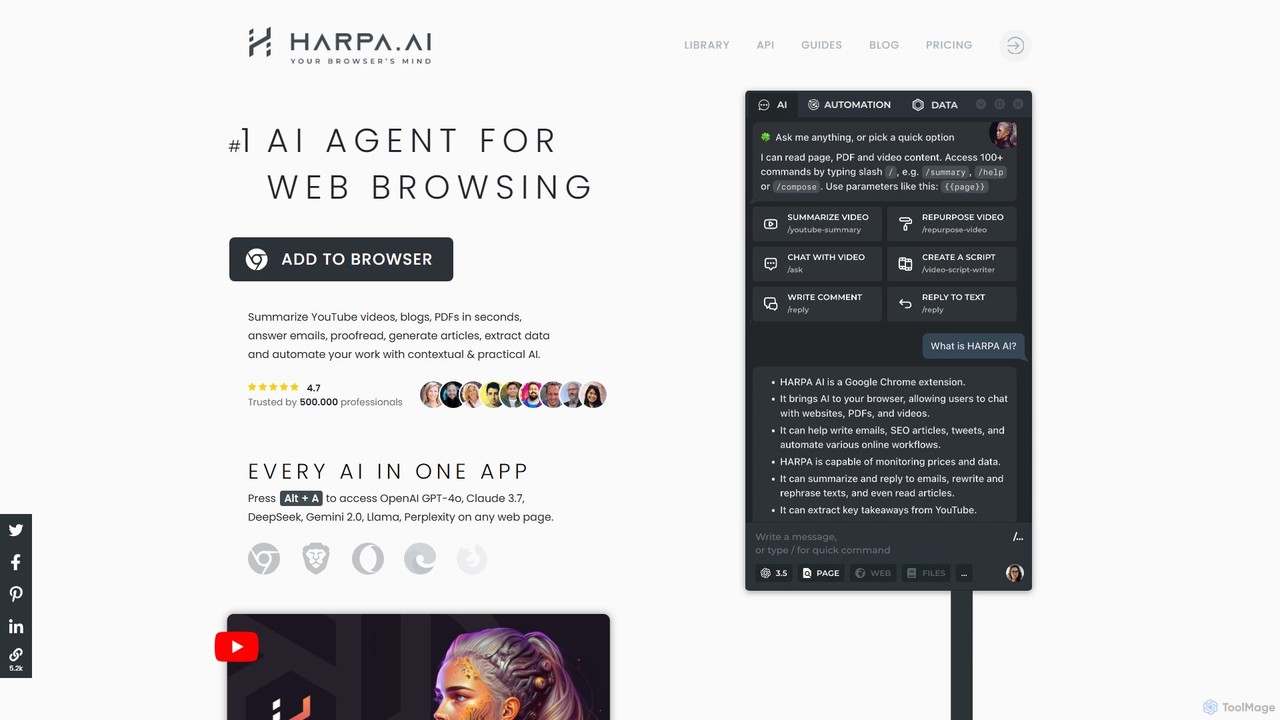
HARPA AI
HARPA AI is an all-in-one AI browser agent that integrates ChatGPT, Claude, Gemini, and more directly into your browser. It automates web tasks, summarizes content, drafts emails, extracts data, and enhances productivity with over 100 pre-built, page-aware commands. It functions as a versatile copilot for browsing, research, and automation.
Automation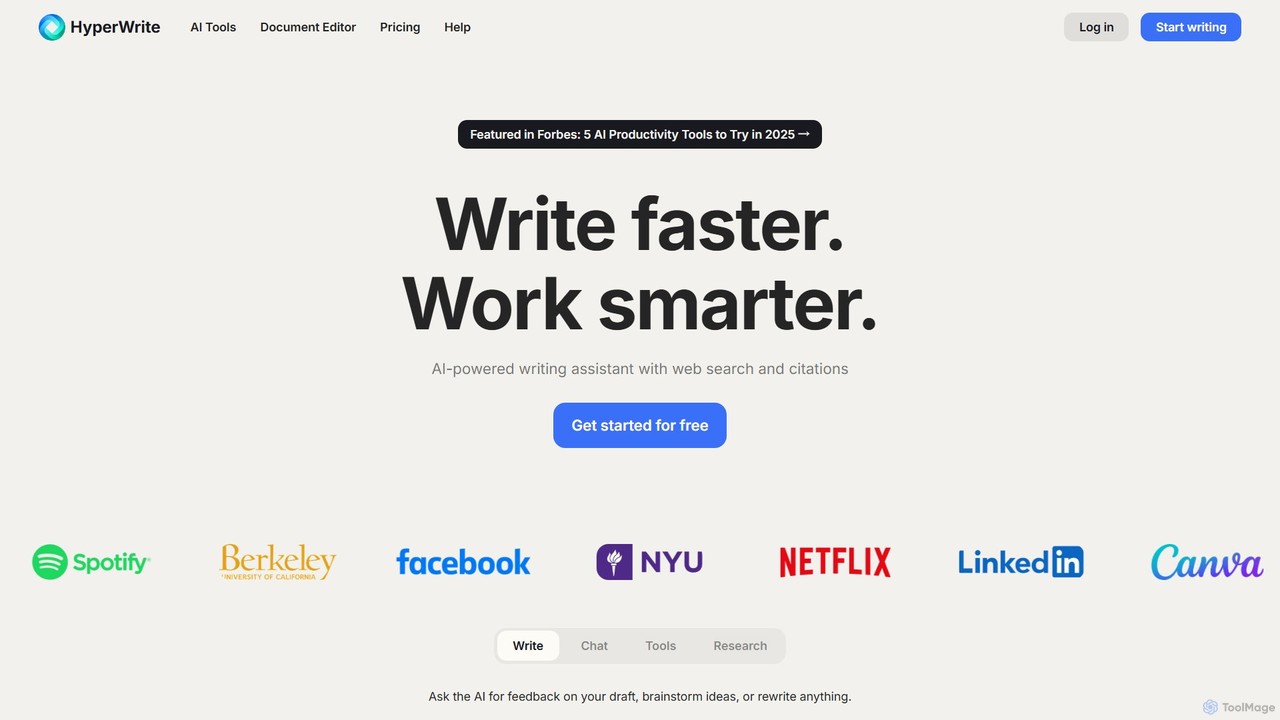
HyperWrite
HyperWrite is an advanced AI writing assistant designed to enhance productivity for students, marketers, and professionals. It offers hundreds of tools for writing, research, summarization, and content creation. Key features include real-time academic research with citations, customizable 'Personas' to match your writing style, and a seamless Chrome extension for workflow integration.
Research
InsertChatGPT Comments (0)
Sign in to comment.
Sign inNo comments yet.