
kwirk Overview
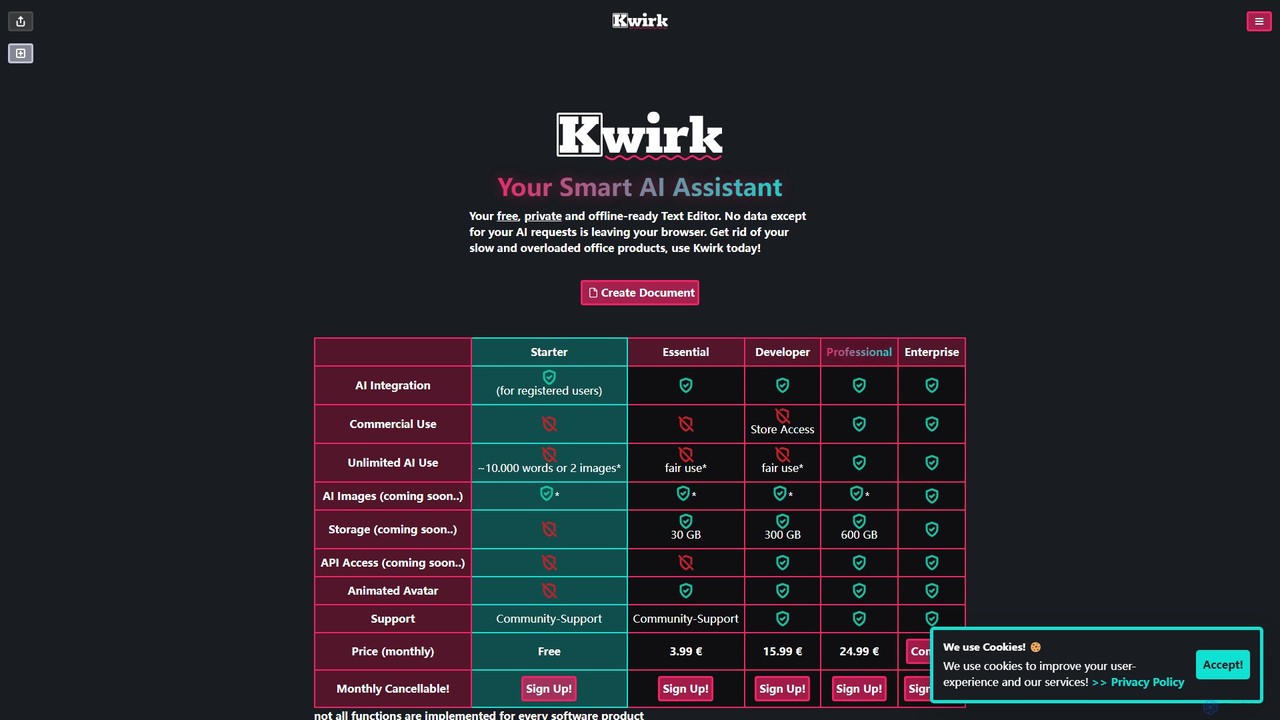
Kwirk presents itself as a modern solution for text creation and editing, positioning itself as 'Your Smart AI Assistant'. It is fundamentally a text editor designed with speed, privacy, and versatility in mind, aiming to replace what it calls 'slow and overloaded office products'. The core of Kwirk is its commitment to user privacy, ensuring that no data, except for specific AI-powered requests, ever leaves the user's browser. This makes it a secure choice for handling sensitive information.
The tool masterfully blends offline functionality with online AI capabilities. Users can utilize it as a straightforward, offline-ready text editor for uninterrupted work, regardless of their internet connection. When online, and especially for registered users, Kwirk transforms into a powerful AI assistant capable of enhancing the writing process through various intelligent features. It's built to be accessible, with a web-based platform and planned availability on iOS and Android, suggesting a future of seamless cross-device synchronization.
How to use kwirk
Using Kwirk is designed to be intuitive. For basic text editing, users can simply navigate to the kwirk.io website and start typing. The interface is clean and minimalist, focusing on the writing experience. To unlock the AI features, a user needs to sign up for an account. Once registered, they can leverage the AI assistant by highlighting text to get contextual options like 'summarize', 'rephrase', or 'correct grammar', or by using specific commands to generate new content from prompts. Choosing a subscription plan further expands the capabilities, granting more AI usage, commercial rights, and access to upcoming premium features.
Core Features of kwirk
- Privacy-First Architecture: Core text editing happens locally in your browser, and only explicit AI requests are sent to servers, ensuring maximum confidentiality.
- Offline-Ready Text Editor: Functions as a reliable and fast text editor even without an internet connection, saving work locally.
- Integrated AI Assistant: For registered users, the AI can help with text generation, summarization, rephrasing, translation, and grammar correction to improve writing quality and efficiency.
- Lightweight and Fast: Intentionally designed to be a nimble and responsive alternative to cumbersome traditional office software.
- Cross-Platform Availability: Accessible via a web browser, with dedicated applications for iOS and Android announced, allowing for work on the go.
- Upcoming Features: The roadmap includes exciting additions like AI image generation, cloud storage for document syncing, and API access for developers.
Use Cases for kwirk
Kwirk is a versatile tool suitable for a wide range of users. Students can use it to draft assignments, take notes, and summarize research articles. Content creators and marketers can leverage the AI to brainstorm ideas, write blog posts, and generate social media copy. Developers will appreciate the clean interface for writing documentation and the upcoming API for custom integrations. Business professionals can compose emails, draft reports, and summarize meeting minutes in a secure environment. Essentially, anyone who writes and values both efficiency and privacy can benefit from Kwirk.
Advantages of kwirk
The primary advantage of Kwirk is its unique hybrid model, combining the security of an offline application with the power of cloud-based AI. Its strong emphasis on privacy is a significant differentiator in a market of data-hungry applications. The freemium model makes it accessible to everyone, while the scalable paid plans provide substantial value for professional and commercial use. Its simplicity and speed offer a refreshing user experience, free from the bloat of traditional word processors.
Pricing and Plans
Kwirk operates on a freemium model with several tiers:
- Free: Offers basic text editing and limited AI functionality. Ideal for personal use.
- Starter (€3.99/month): Includes AI integration with a fair use limit (~10,000 words or 2 images), and allows for commercial use.
- Essential (€15.99/month): Provides increased AI usage, access to the Kwirk Store, and a larger future storage allocation (300 GB).
- Developer (€24.99/month): Aimed at developers, this plan offers unlimited AI use (fair use) and future API access.
- Enterprise: Custom plan with tailored features and support, available upon contact.
Traffic
Latest traffic
Status
Monthly traffic trend
- 2025-9: 855
- 2026-1: 0
- 2026-2: 0
- 2026-3: 580
- 2026-4: 376
- 2026-5: 239
Top keywords
| Keyword | Cost per click |
|---|---|
| kwirk | $0.00 |
kwirk Alternatives
Wonder AI
Wonder AI is a powerful Chrome extension that enhances your writing, editing, and reading. It integrates directly into your browser, offering one-click tools to rewrite text, check grammar, summarize articles, explain complex concepts, and translate content, boosting your daily productivity and communication skills.
Chrome Extensions
Viinyx
Viinyx is an all-in-one AI browser assistant designed to supercharge your productivity. Integrated directly into your browser, it helps you write faster, read smarter, and research more efficiently. Summarize articles and videos, compose emails, and get contextual AI help on any webpage.
Summarizer
InsertChatGPT
InsertChatGPT is a powerful browser extension that seamlessly integrates OpenAI's ChatGPT into your daily workflow. Get instant AI assistance for writing emails, summarizing text, and creating content directly on any website, boosting your productivity and creativity without switching tabs.
Chat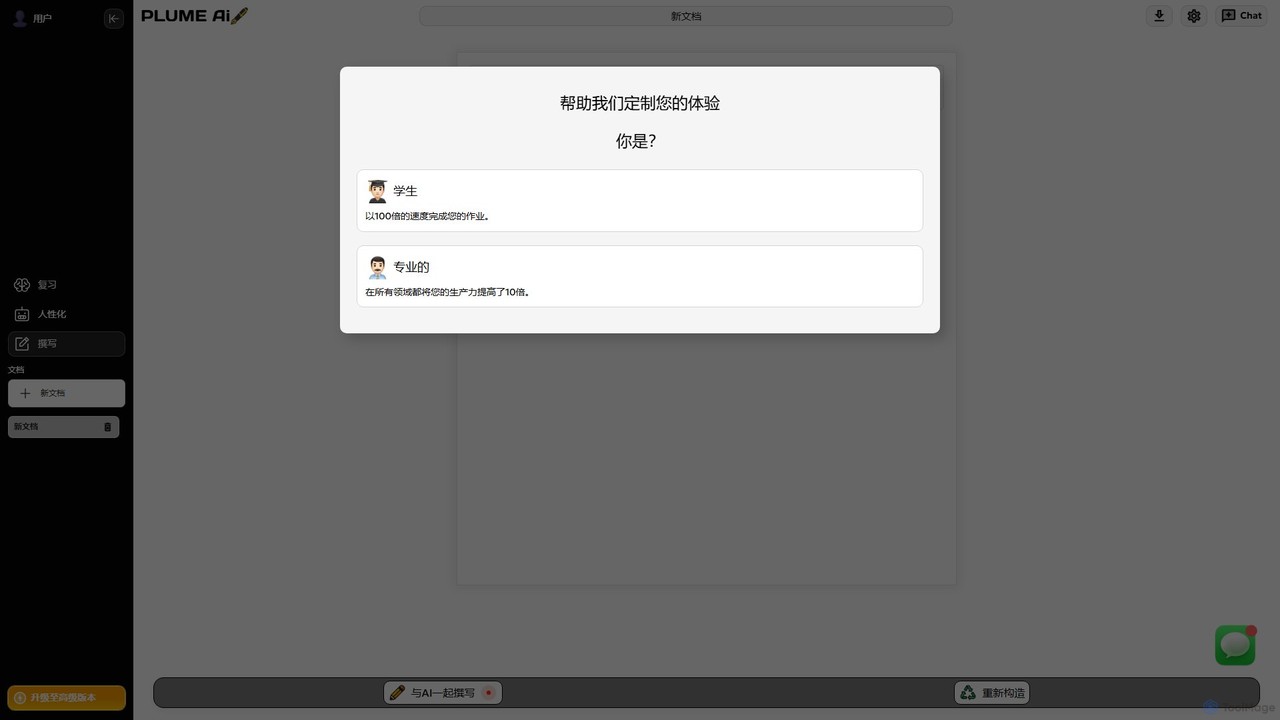
Plume AI
Plume AI is an advanced AI writing assistant designed for students and professionals. It helps you write, rephrase, review, and humanize text to enhance productivity and improve content quality. Create high-quality, natural-sounding documents 10x faster.
Academic Writing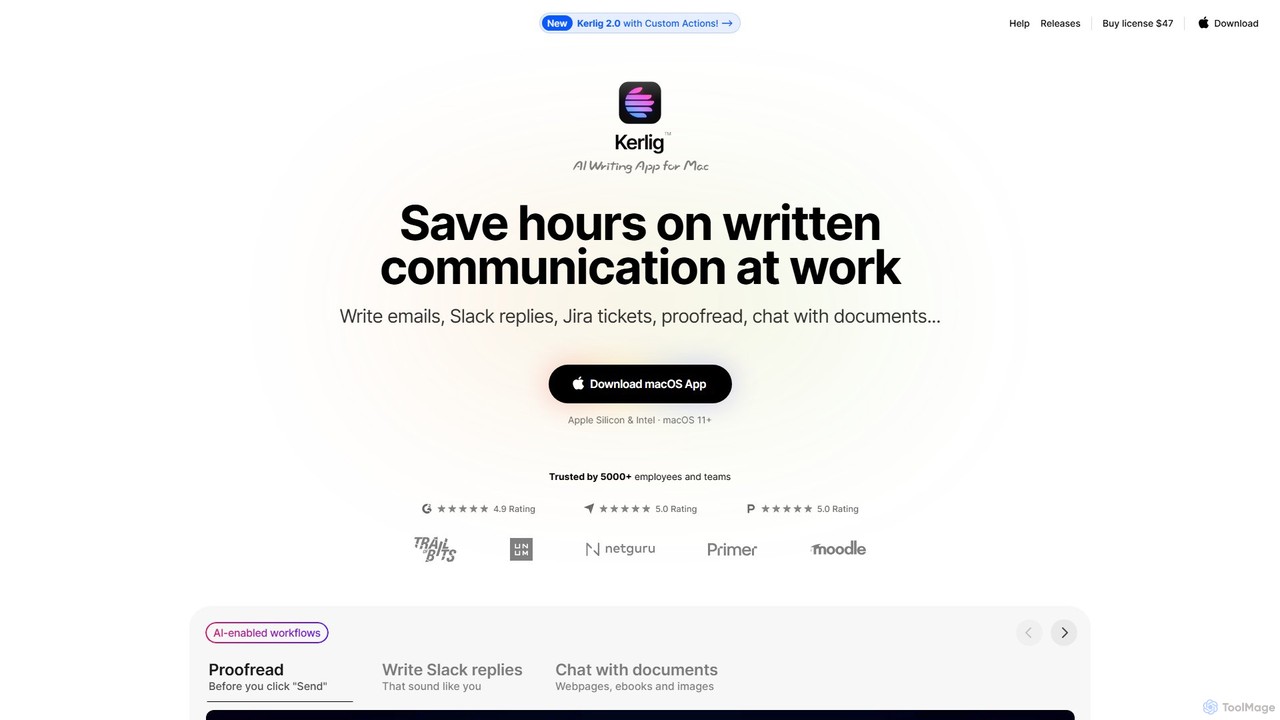
Kerlig
Kerlig is a native AI writing assistant for macOS designed to streamline your communication. It integrates seamlessly into your workflow, allowing you to write emails, proofread text, chat with documents, and generate content using over 350 AI models. With custom actions and a focus on privacy, Kerlig saves you hours by bringing powerful AI to your fingertips, without ever leaving your current application.
Mac Appskwirk Categories
kwirk Embed Widget
Copy this embed code to place the badge on your blog, article, or product site and send readers directly to this ToolMage detail page.

Related AI tools
Wonder AI
Wonder AI is a powerful Chrome extension that enhances your writing, editing, and reading. It integrates directly into your browser, offering one-click tools to rewrite text, check grammar, summarize articles, explain complex concepts, and translate content, boosting your daily productivity and communication skills.
Chrome ExtensionsViinyx
Viinyx is an all-in-one AI browser assistant designed to supercharge your productivity. Integrated directly into your browser, it helps you write faster, read smarter, and research more efficiently. Summarize articles and videos, compose emails, and get contextual AI help on any webpage.
SummarizerInsertChatGPT
InsertChatGPT is a powerful browser extension that seamlessly integrates OpenAI's ChatGPT into your daily workflow. Get instant AI assistance for writing emails, summarizing text, and creating content directly on any website, boosting your productivity and creativity without switching tabs.
Chat
Wordtune
Wordtune is an AI-powered writing companion and paraphrasing tool that helps you rewrite, rephrase, and improve your text. It offers features like tone adjustment, text shortening/expansion, summarization, and translation into English, ensuring your writing is clear, compelling, and authentic across various platforms.
Email Assistant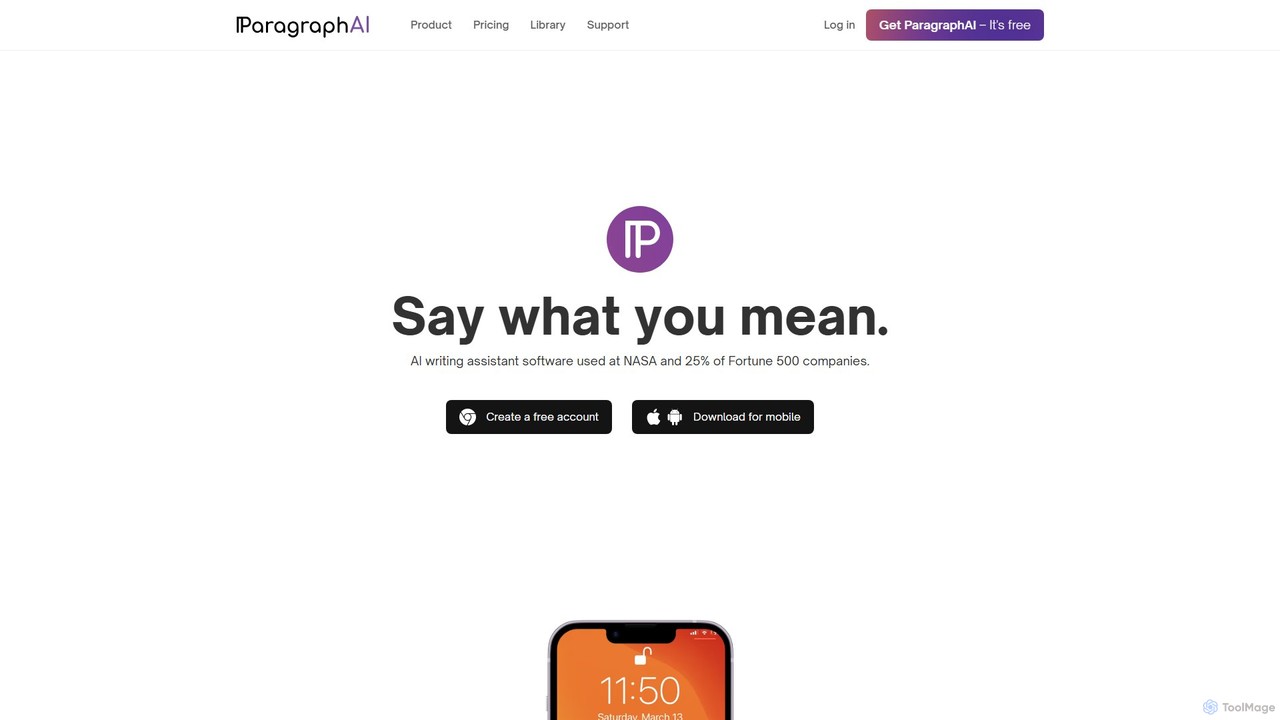
ParagraphAI
ParagraphAI is a versatile AI writing assistant designed to enhance your writing across all platforms. It offers one-tap grammar correction, instant email replies, and content generation in your unique voice. With features like real-time editing, multi-language translation, and AI humanization, it helps you create flawless, natural-sounding text for professional reports, casual messages, and everything in between, saving you time and effort.
Email Assistant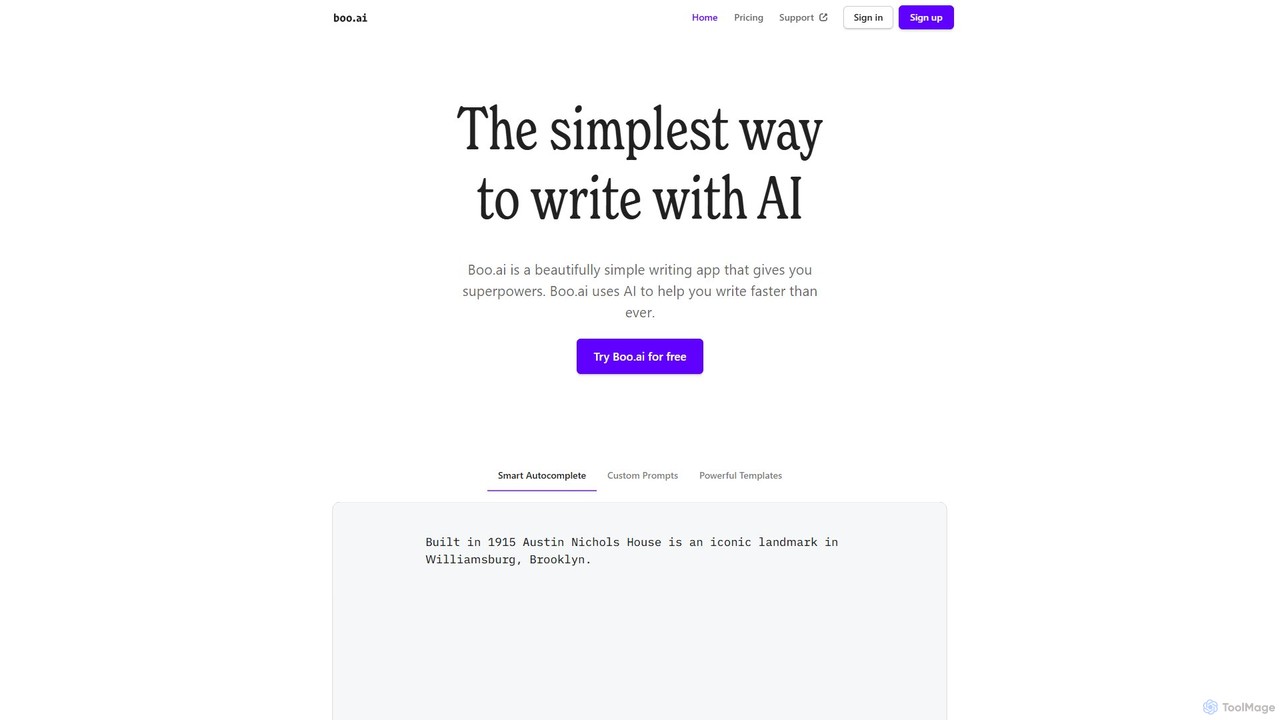
boo.ai
boo.ai is a minimalist AI-powered writing assistant designed for speed and simplicity. It leverages AI to offer smart autocomplete, custom prompts, and powerful templates. The tool learns your writing style over time, provides advanced editing suggestions for tone and structure, and helps with everything from emails and essays to business plans.
Essay Writing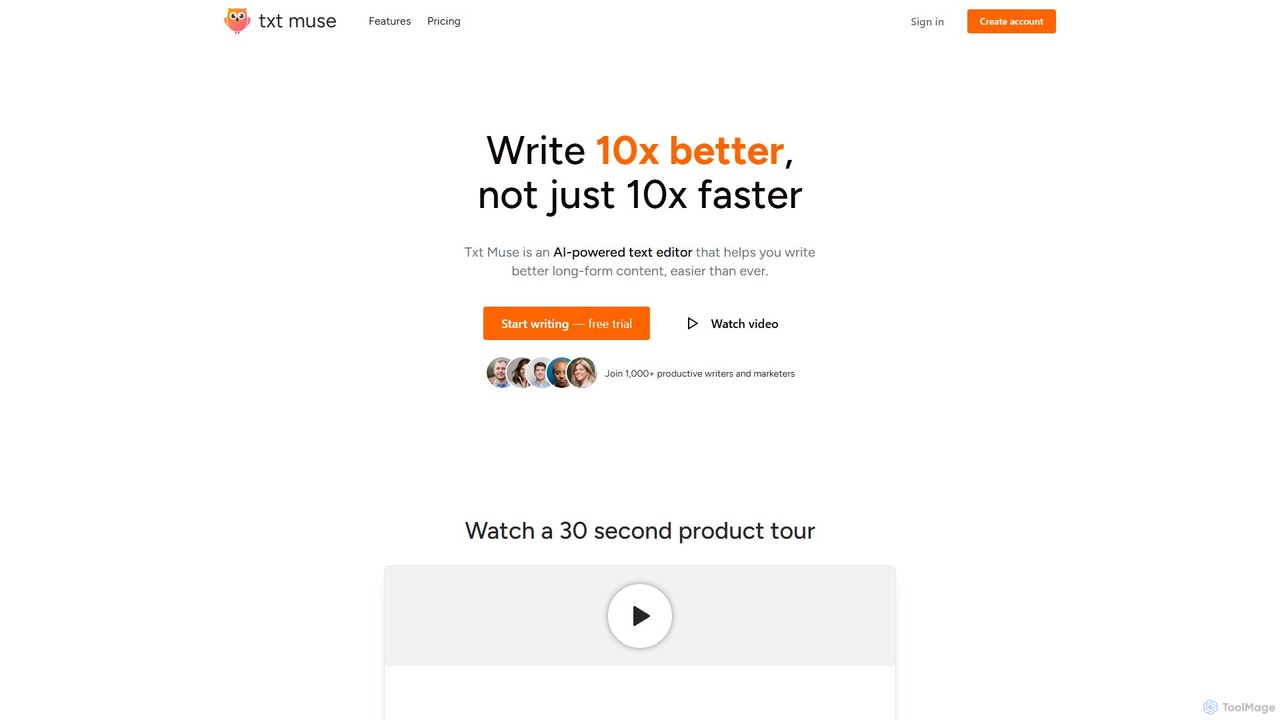
Txt Muse
Txt Muse is an AI-powered text editor designed for writers and marketers, focusing on improving content quality, not just speed. It helps overcome writer's block with features like AI-assisted drafts, sentence autocomplete, and one-click text shaping. Users can rewrite, expand, and refine text, chat with their documents for feedback, and even create custom AI tools. It's designed to make writing long-form content like blog posts, emails, and articles easier and more enjoyable.
Content Creation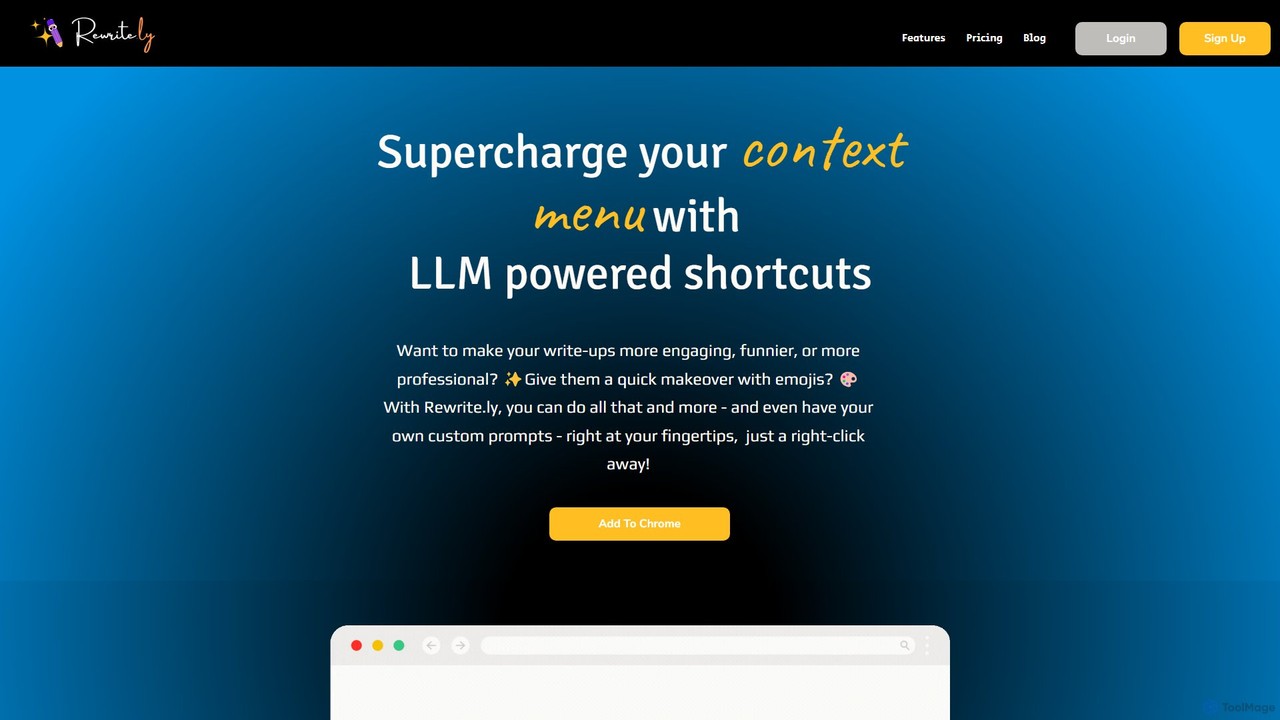
Rewrite.ly
Rewrite.ly is a powerful Chrome extension that supercharges your context menu with customizable, LLM-powered shortcuts. Instantly rewrite, summarize, change tone, or apply any custom text transformation with a simple right-click, dramatically boosting your writing productivity and creativity directly within your browser.
Chrome Extensions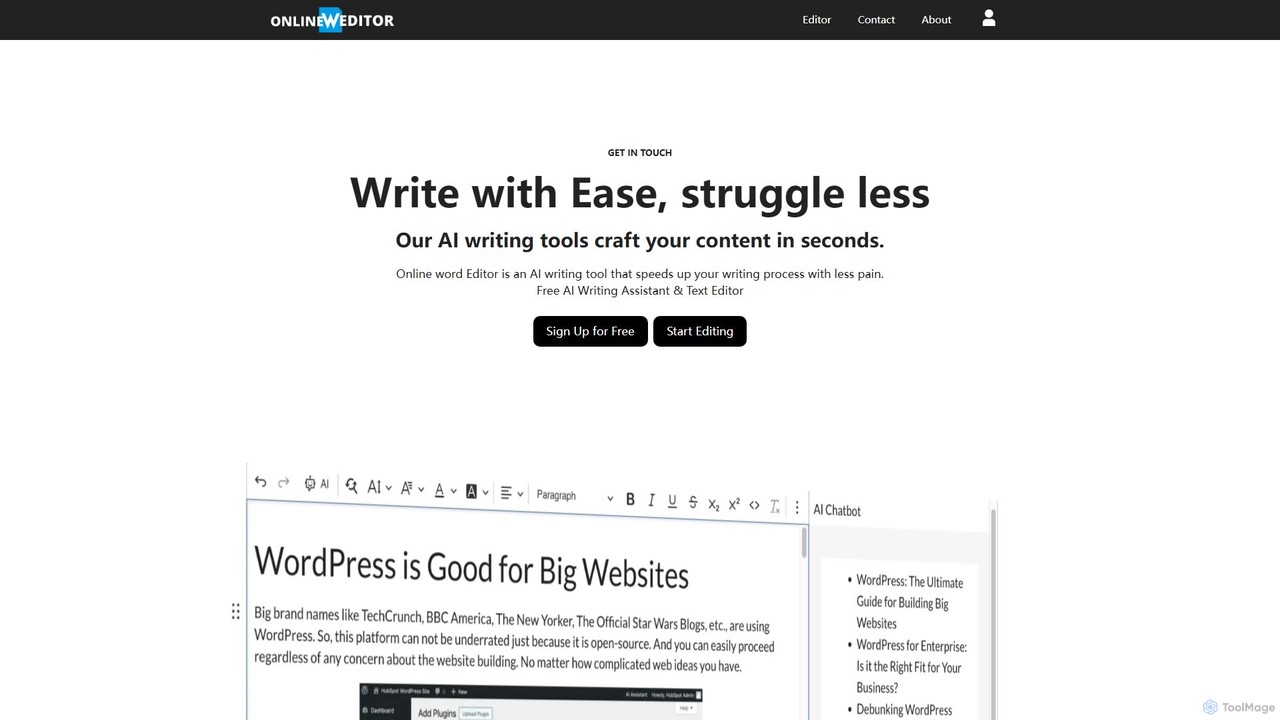
onlinewordeditor
onlinewordeditor is a free, browser-based word processor integrated with a powerful AI writing assistant. It allows users to create, edit, and format documents with a full WYSIWYG editor, while also leveraging AI to generate, summarize, rewrite, and improve text. With a strong focus on privacy, it saves all data to local storage and requires no registration, offering a seamless and secure writing experience.
Text Editor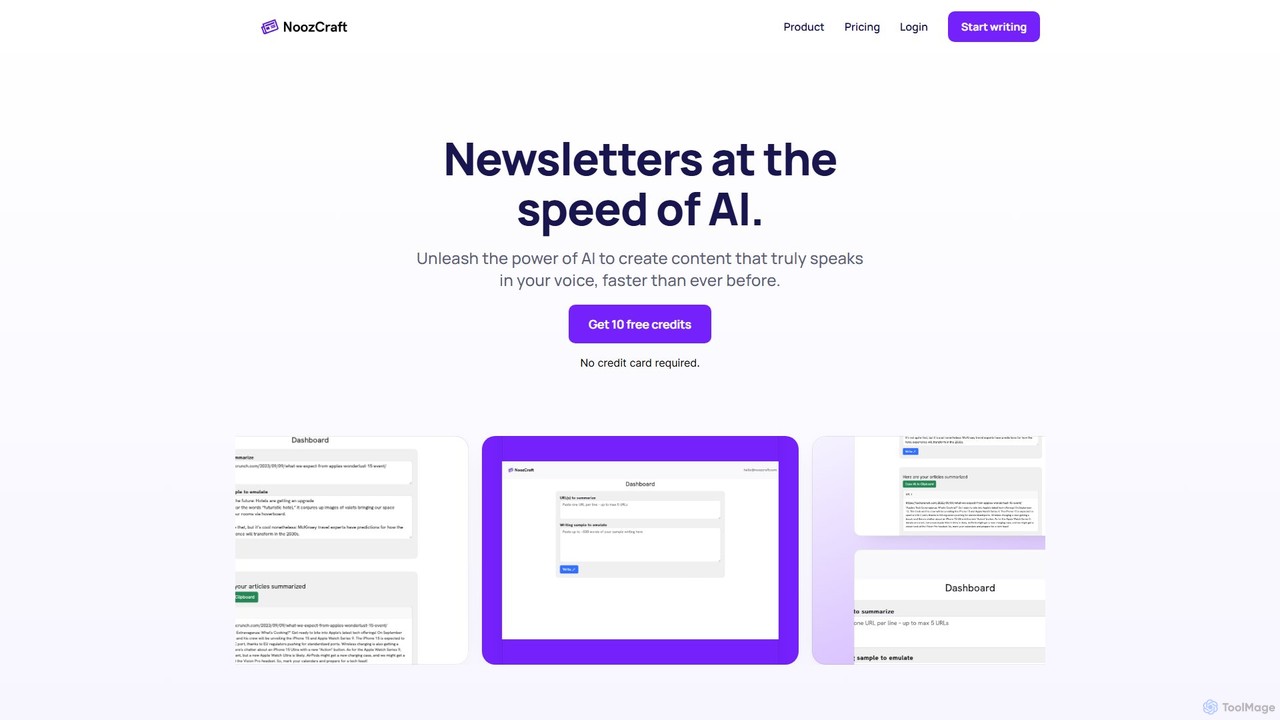
noozcraft
noozcraft is an AI-powered platform designed to create newsletters at high speed. It learns your unique writing style, voice, and tone to generate authentic content, helping you publish engaging newsletters over 75% faster.
Summarizer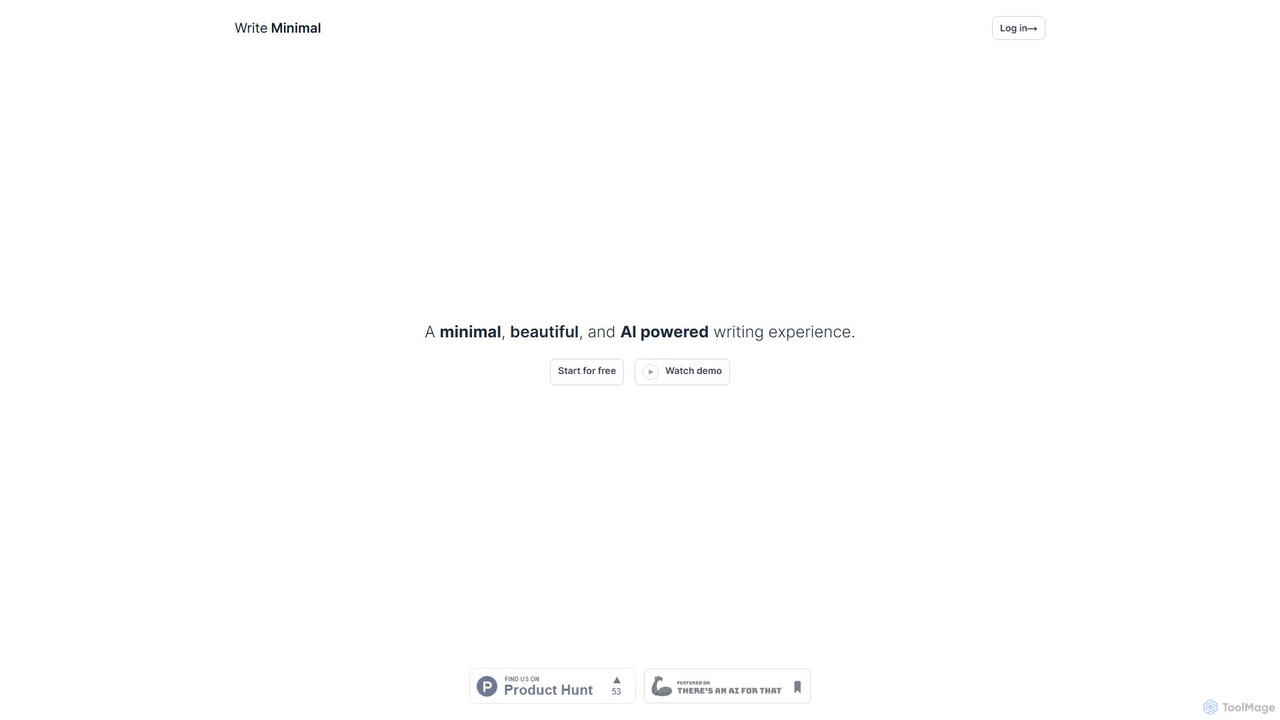
writeminimal
writeminimal is an AI-powered, minimalist writing editor designed for a distraction-free experience. It helps users focus on writing, while its AI assists with organizing, summarizing, and repurposing content into various formats like blog posts, tweets, or LinkedIn updates with a single click.
Note Taking
ReadPo
ReadPo is an AI-powered reading and writing assistant designed for knowledge creators. It accelerates your workflow by 10x, helping you collect and filter information from various sources, and then use it to create engaging new content like articles, newsletters, and blog posts. It combines content aggregation with advanced RAG-based AI writing for an end-to-end solution.
Summarizer
Plume AI
Plume AI is an advanced AI writing assistant designed for students and professionals. It helps you write, rephrase, review, and humanize text to enhance productivity and improve content quality. Create high-quality, natural-sounding documents 10x faster.
Academic WritingKerlig
Kerlig is a native AI writing assistant for macOS designed to streamline your communication. It integrates seamlessly into your workflow, allowing you to write emails, proofread text, chat with documents, and generate content using over 350 AI models. With custom actions and a focus on privacy, Kerlig saves you hours by bringing powerful AI to your fingertips, without ever leaving your current application.
Mac Apps
kwirk Comments (0)
Sign in to comment.
Sign inNo comments yet.