

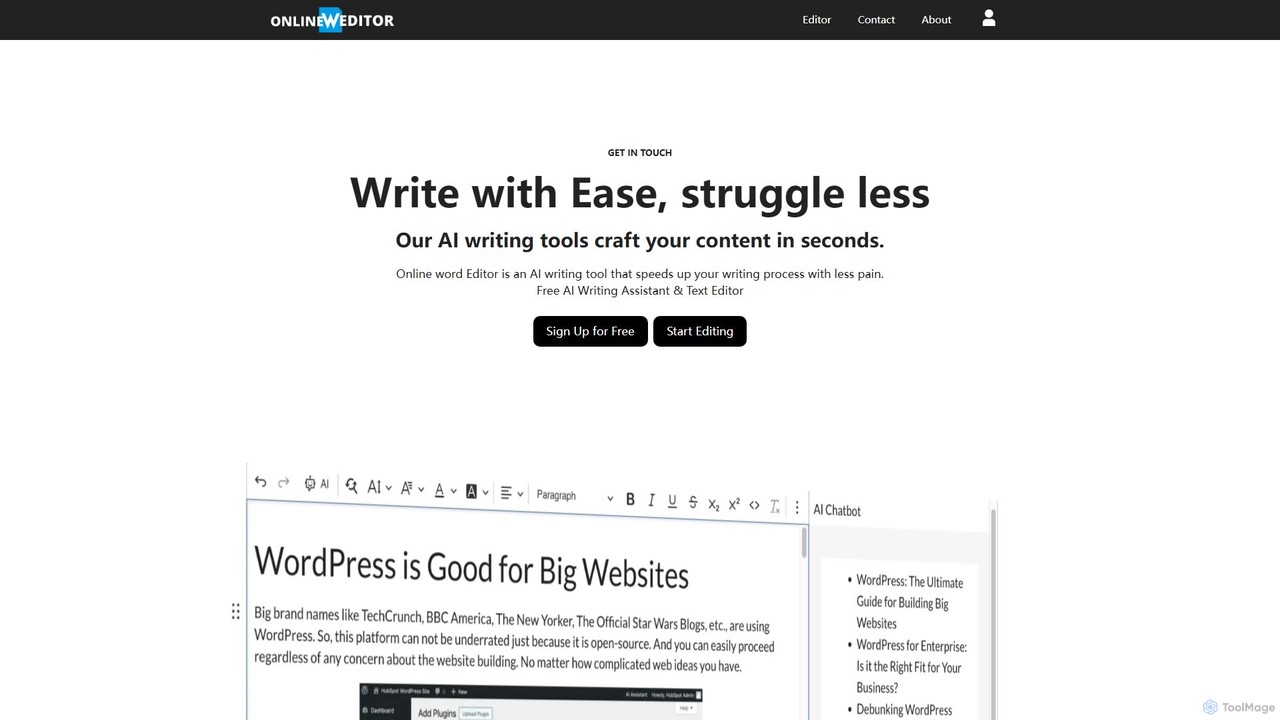
onlinewordeditor Overview
onlinewordeditor is a versatile and user-friendly online tool that combines the functionality of a traditional word processor with the power of an advanced AI writing assistant. Designed for speed and convenience, it operates directly in your browser without any need for installation or registration. This makes it an ideal solution for anyone needing to quickly write, edit, or format documents. The platform stands out by offering its robust features completely free of charge.
The core of the tool is a comprehensive WYSIWYG (What You See Is What You Get) editor, which provides an experience similar to desktop applications like Microsoft Word. Users can effortlessly format text, create headings, use bold and italic styles, and structure content with bulleted or numbered lists. Beyond text, the editor supports the insertion of images, videos, and tables, allowing for the creation of rich, visually appealing documents. A key feature is its commitment to user privacy; all work is automatically saved to the computer's local storage, meaning no data is ever sent to or stored on external servers, ensuring your information remains confidential.
How to use onlinewordeditor
Using onlinewordeditor is designed to be intuitive and straightforward. Here’s a simple guide to get started:
- Open the Editor: Simply navigate to the onlinewordeditor.com website. The editor loads instantly, ready for use without any login or setup.
- Start Writing or Import: You can begin typing directly onto the blank page. The interface includes a word and character count to track your progress.
- Format Your Document: Use the toolbar at the top to apply formatting. You can change fonts, adjust text size and color, apply styles like bold, italic, and underline, and align your text. You can also insert tables, images, links, and lists.
- Leverage AI Features: To use the AI assistant, input a topic or prompt, and the tool will generate content for you. For summarization, paste your text into the AI Summarizer, choose your desired format (bullet points or paragraph), and click 'Summarize' to get a condensed version. You can also use AI to rewrite, improve, or translate existing text.
- Edit and Refine: Polish the AI-generated or manually written content using the full suite of editing tools. Features like 'Find and Replace' and keyboard shortcuts (e.g., Ctrl+Z for undo) streamline the editing process.
- Export Your Work: Once your document is complete, you can easily export and download it in various formats, including Word (.doc), HTML, and plain text (.txt), with a single click.
Core Features of onlinewordeditor
- Full WYSIWYG Editor: A complete suite of formatting tools, including text styling, lists, tables, image and video embedding, and hyperlink creation.
- AI Writing Assistant: Generate original content, rewrite sentences, improve text quality, and repurpose articles directly within the editor.
- Advanced AI Summarizer: Condense long articles, research papers, emails, or reports into concise summaries, available in either bullet-point or paragraph format.
- Privacy by Design: All data is saved automatically to your browser's local storage, ensuring complete privacy and data security. No server-side storage.
- No Registration Required: Access all features instantly without the need to create an account or sign up.
- Multi-Format Export: Save and download your documents as Word, HTML, or text files for maximum compatibility.
- Real-time Collaboration (Mentioned): The platform includes capabilities for real-time collaboration, allowing multiple users to work on a document simultaneously.
- Built-in Templates: Use pre-designed templates to quickly create common document types like resumes and letters.
Use Cases for onlinewordeditor
onlinewordeditor is suitable for a wide range of users and tasks:
- Students: Quickly draft essays, summarize lengthy research papers for study notes, and format academic documents.
- Content Creators and Bloggers: Generate ideas for blog posts, create drafts, rewrite content for different platforms, and summarize articles for social media.
- Professionals: Write business reports, summarize meeting minutes, draft professional emails, and create resumes or cover letters without needing licensed software.
- General Users: A perfect tool for everyday writing tasks like composing letters, taking notes, or quickly formatting a text document for printing or sharing.
Advantages of onlinewordeditor
The primary advantage of onlinewordeditor is its unique combination of a full-featured word processor and a powerful AI assistant, offered for free. This all-in-one approach enhances productivity by eliminating the need to switch between different applications for writing, editing, and summarizing. Its browser-based nature makes it universally accessible on any device with an internet connection. The 'no registration' policy provides immediate, hassle-free access, while the local storage model offers a significant privacy advantage over cloud-based editors.
Pricing and Plans
onlinewordeditor is a completely free tool. All its features, including the online word processor, AI content generation, and the AI summarizer, are available to all users at no cost. There is no paid plan or subscription required to access the full functionality of the platform.
onlinewordeditor Alternatives

Wordtune
Wordtune is an AI-powered writing companion and paraphrasing tool that helps you rewrite, rephrase, and improve your text. It offers features like tone adjustment, text shortening/expansion, summarization, and translation into English, ensuring your writing is clear, compelling, and authentic across various platforms.
Email Assistant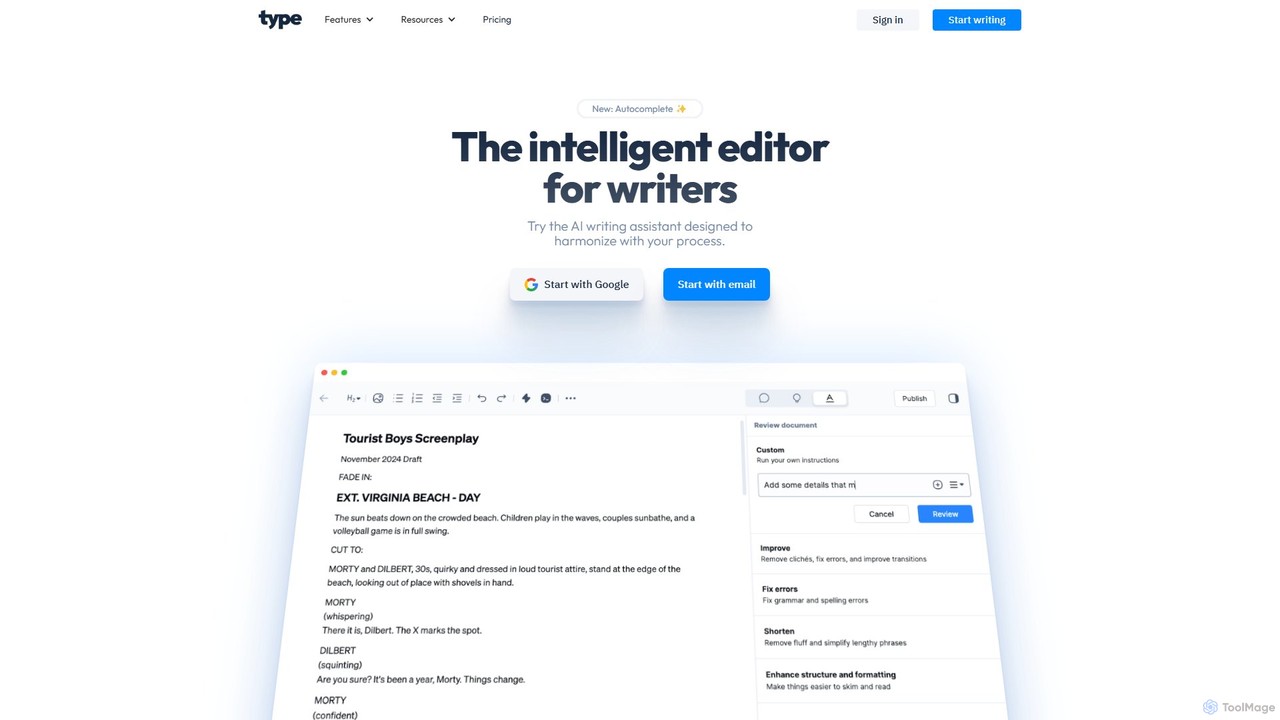
Type.ai
Type.ai is an all-in-one AI writing assistant powered by GPT-4o and Claude 3.7. It's designed to help marketers, writers, and professionals brainstorm, draft, edit, and format documents more efficiently. From generating ideas on a blank page to final proofreading, Type.ai streamlines the entire writing workflow, serving as a powerful alternative to tools like Grammarly.
Communication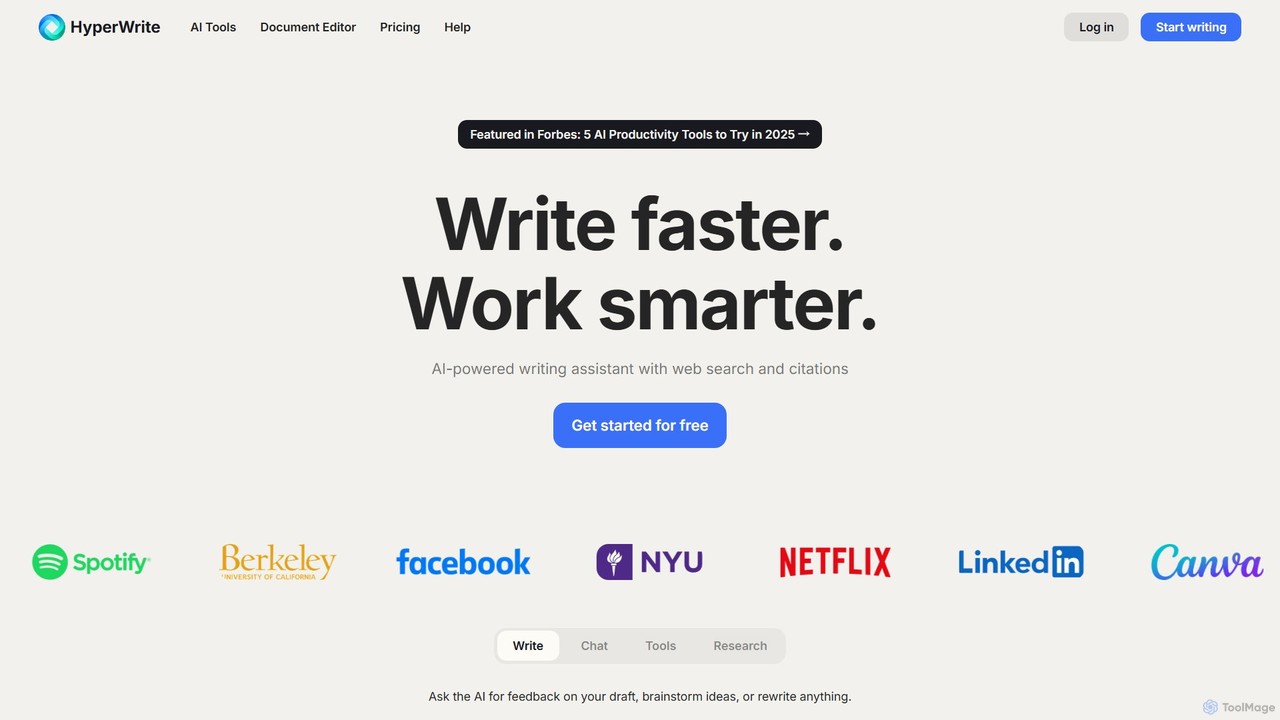
HyperWrite
HyperWrite is an advanced AI writing assistant designed to enhance productivity for students, marketers, and professionals. It offers hundreds of tools for writing, research, summarization, and content creation. Key features include real-time academic research with citations, customizable 'Personas' to match your writing style, and a seamless Chrome extension for workflow integration.
Research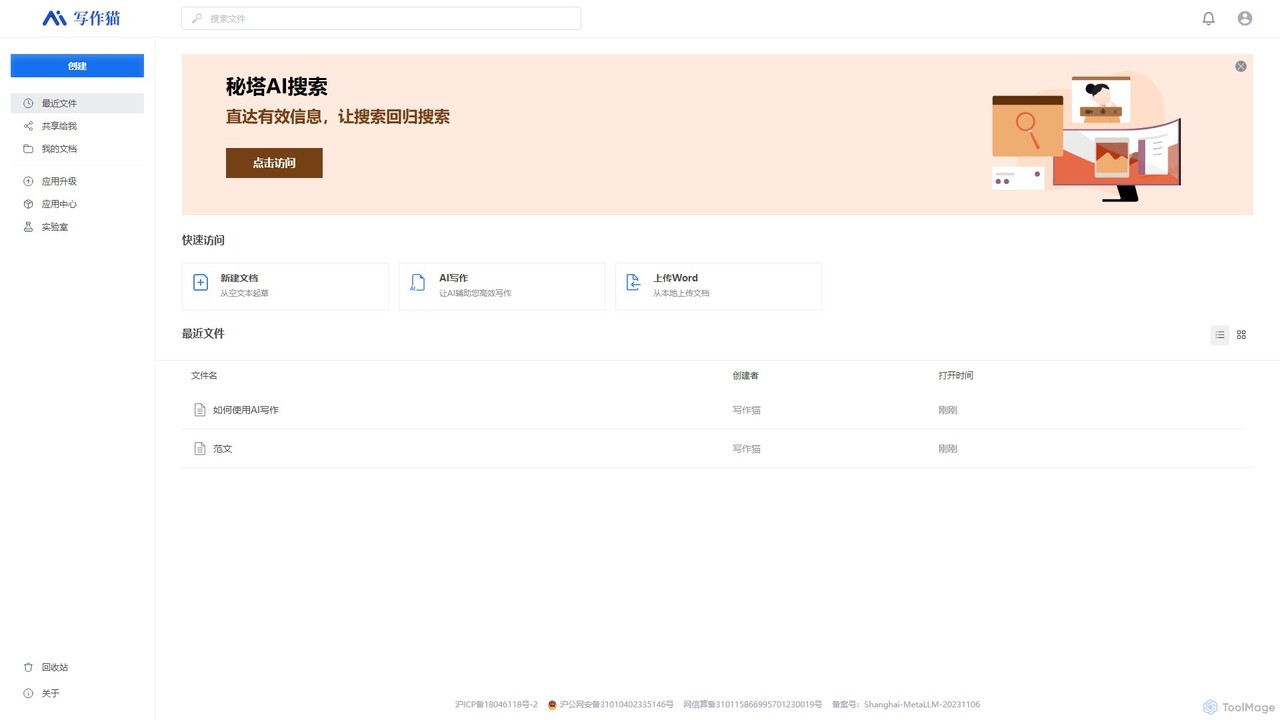
XiezuoCat
XiezuoCat (Mita Writing Cat) is an all-in-one AI writing assistant that combines a powerful document editor with an integrated AI search engine. It streamlines the entire content creation process, from research and outlining to drafting, editing, and proofreading, making it ideal for students, researchers, and content creators.
Research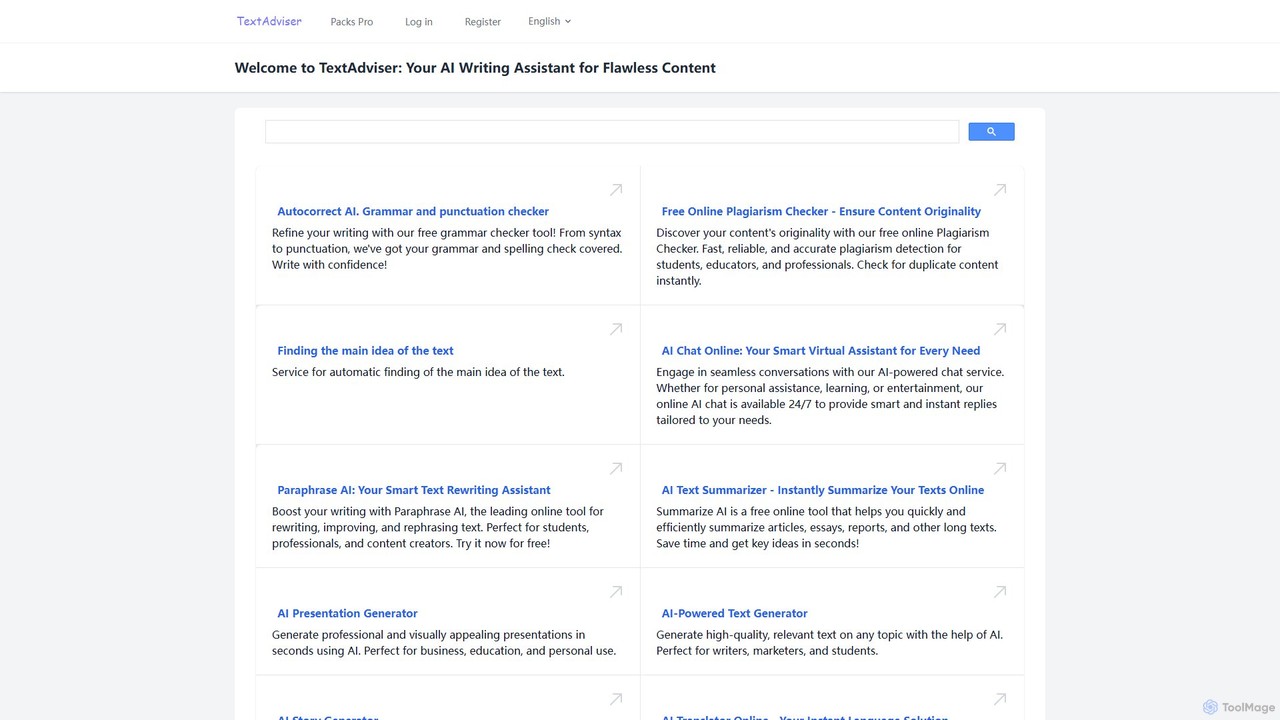
TextAdviser
TextAdviser is a comprehensive AI-powered platform offering a wide array of writing and content processing tools. It assists users with grammar and plagiarism checking, paraphrasing, summarizing, and generating various types of content, from articles and presentations to stories and poems. Designed for students, professionals, and creators, it aims to enhance writing productivity and quality through its intuitive web interface and mobile applications.
Researchonlinewordeditor Categories
onlinewordeditor Embed Widget
Copy this embed code to place the badge on your blog, article, or product site and send readers directly to this ToolMage detail page.

Related AI tools
kwirk
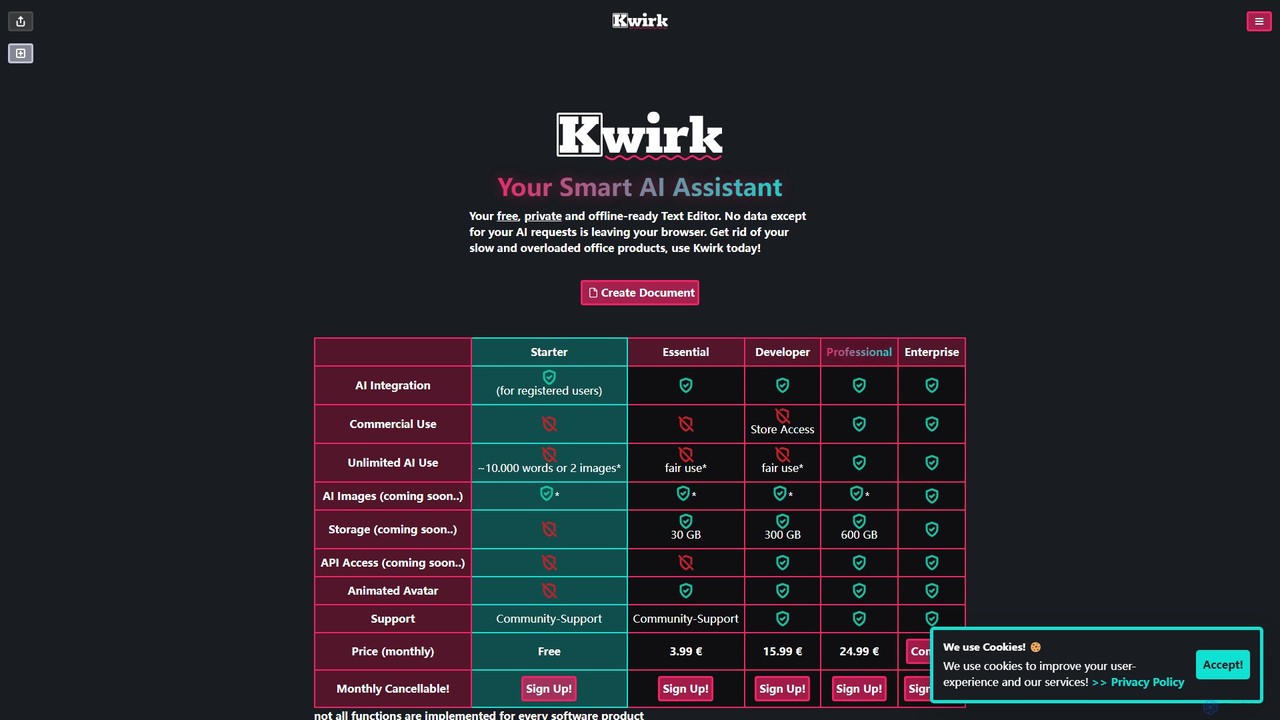
Kwirk is a privacy-focused, offline-ready text editor enhanced with a smart AI assistant. It offers a lightweight and fast alternative to traditional office suites, allowing users to write, edit, summarize, and generate content securely within their browser. It provides both free and paid plans for individuals, developers, and businesses.
SummarizerWordtune
Wordtune is an AI-powered writing companion and paraphrasing tool that helps you rewrite, rephrase, and improve your text. It offers features like tone adjustment, text shortening/expansion, summarization, and translation into English, ensuring your writing is clear, compelling, and authentic across various platforms.
Email AssistantType.ai
Type.ai is an all-in-one AI writing assistant powered by GPT-4o and Claude 3.7. It's designed to help marketers, writers, and professionals brainstorm, draft, edit, and format documents more efficiently. From generating ideas on a blank page to final proofreading, Type.ai streamlines the entire writing workflow, serving as a powerful alternative to tools like Grammarly.
CommunicationHyperWrite
HyperWrite is an advanced AI writing assistant designed to enhance productivity for students, marketers, and professionals. It offers hundreds of tools for writing, research, summarization, and content creation. Key features include real-time academic research with citations, customizable 'Personas' to match your writing style, and a seamless Chrome extension for workflow integration.
ResearchXiezuoCat
XiezuoCat (Mita Writing Cat) is an all-in-one AI writing assistant that combines a powerful document editor with an integrated AI search engine. It streamlines the entire content creation process, from research and outlining to drafting, editing, and proofreading, making it ideal for students, researchers, and content creators.
ResearchTextAdviser
TextAdviser is a comprehensive AI-powered platform offering a wide array of writing and content processing tools. It assists users with grammar and plagiarism checking, paraphrasing, summarizing, and generating various types of content, from articles and presentations to stories and poems. Designed for students, professionals, and creators, it aims to enhance writing productivity and quality through its intuitive web interface and mobile applications.
Research
ParagraphAI
ParagraphAI is a versatile AI writing assistant designed to enhance your writing across all platforms. It offers one-tap grammar correction, instant email replies, and content generation in your unique voice. With features like real-time editing, multi-language translation, and AI humanization, it helps you create flawless, natural-sounding text for professional reports, casual messages, and everything in between, saving you time and effort.
Email Assistant
Jyek
Jyek is an AI agent platform that understands objectives, creates execution plans, uses tools, and delivers verifiable results for complex, multi-step tasks.
Automation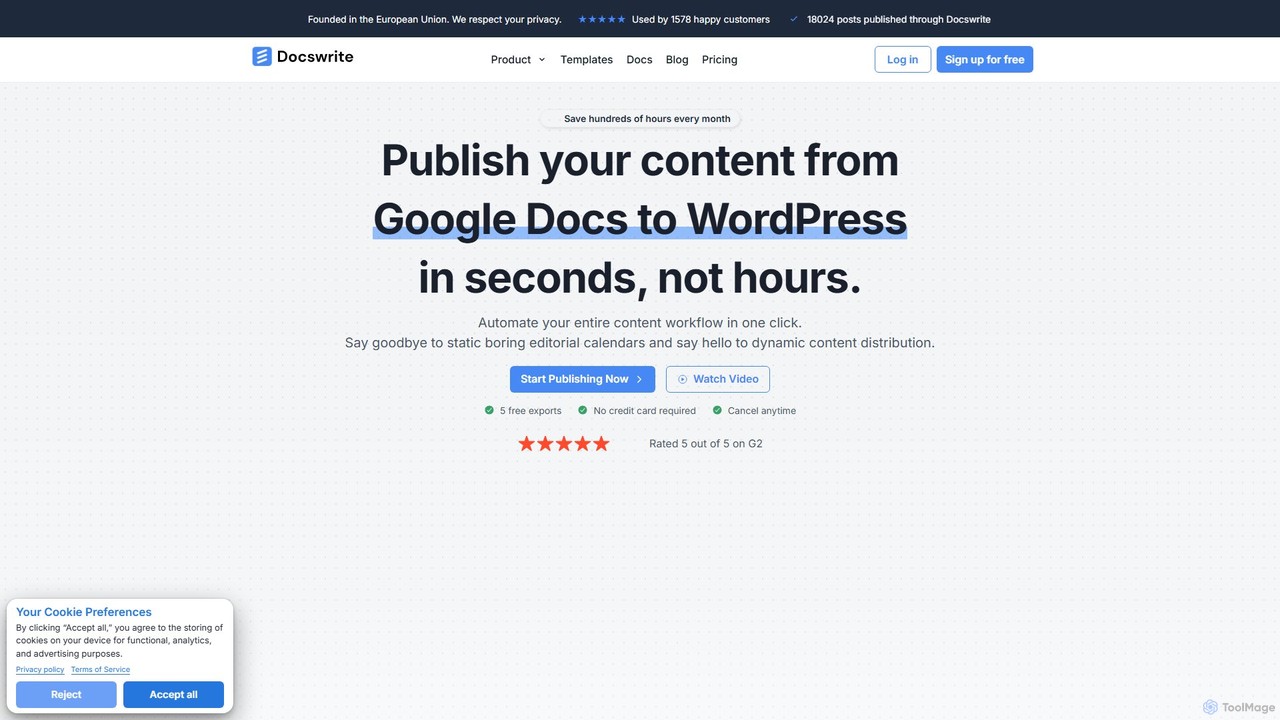
docswrite
docswrite is an AI-powered writing assistant designed to streamline the creation of high-quality documents. It helps users generate articles, reports, marketing copy, and more with advanced AI. Features include content generation, intelligent editing, and a vast library of templates to boost productivity and enhance writing quality.
Document Management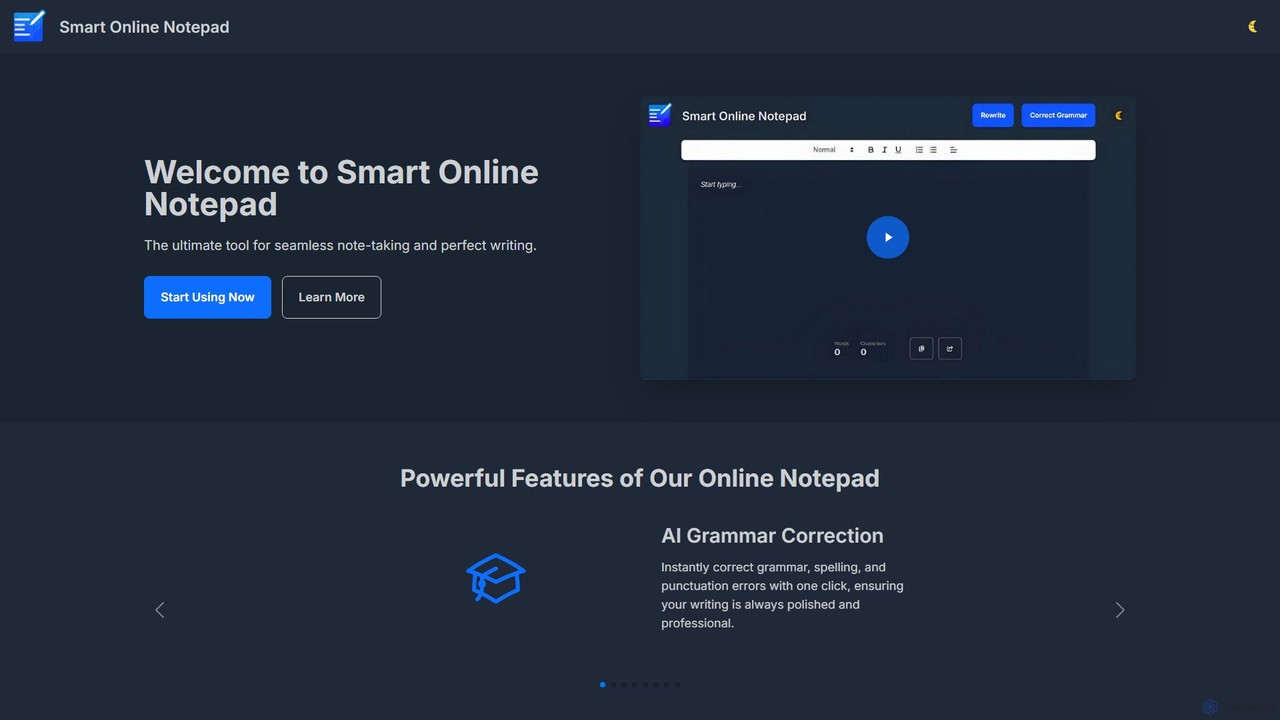
smartonlinenotepad
A free, AI-powered online notepad that offers instant grammar correction, text rewriting, and seamless note-sharing. No sign-up required, it supports multiple languages and features like word count and dark mode to enhance your writing productivity.
Note Taking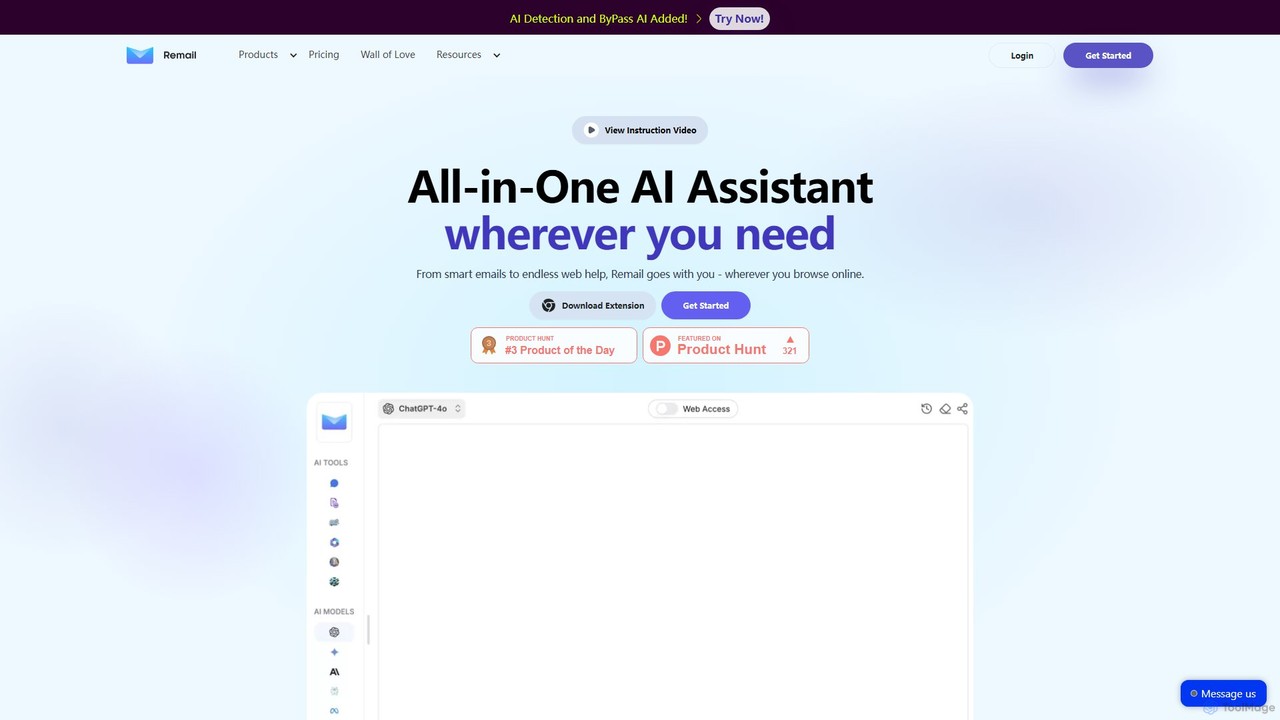
Remail
Remail is an all-in-one AI assistant and Chrome extension designed to boost productivity. It helps you write and reply to emails 10x faster, summarize web pages, chat with documents and YouTube videos, generate content, and much more, directly within your browser.
Chrome Extensions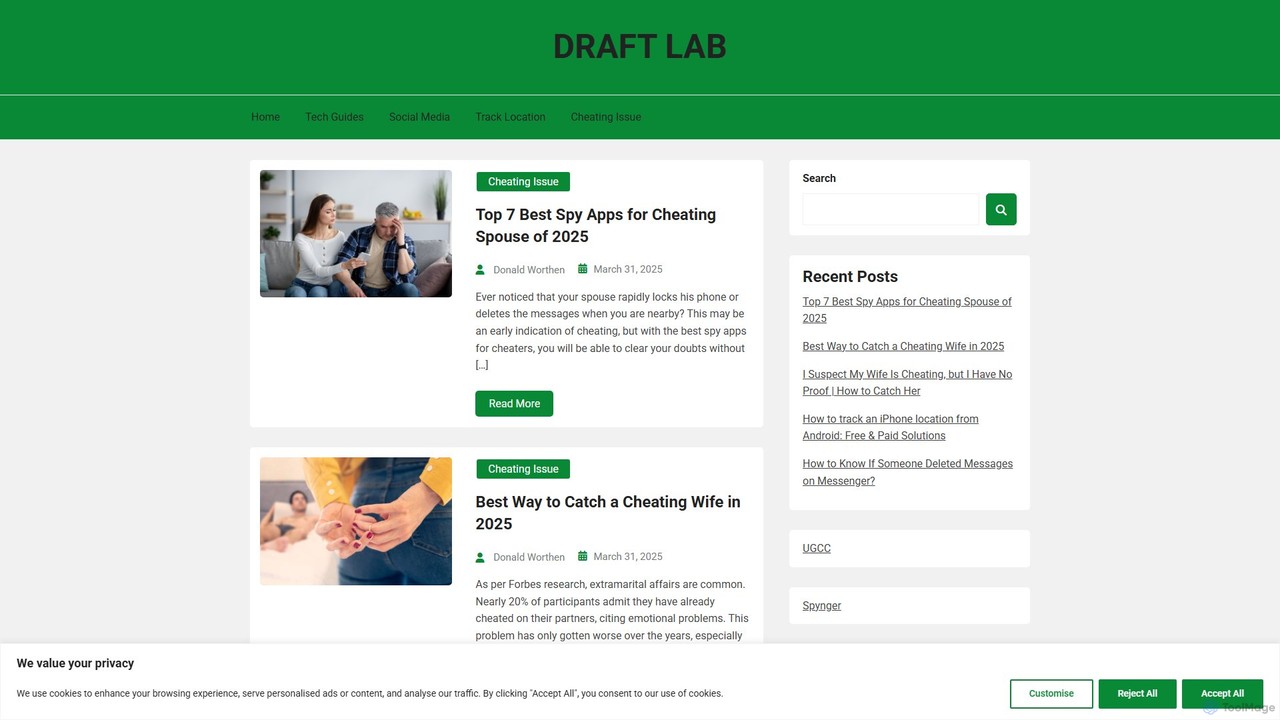
DraftLab
DraftLab is an AI-powered writing assistant designed to streamline your content creation process. It helps users generate high-quality articles, emails, and marketing copy, while also offering advanced tools for grammar correction, paraphrasing, and style enhancement to ensure your writing is clear, compelling, and error-free.
Research
writeminimal
writeminimal is an AI-powered, minimalist writing editor designed for a distraction-free experience. It helps users focus on writing, while its AI assists with organizing, summarizing, and repurposing content into various formats like blog posts, tweets, or LinkedIn updates with a single click.
Note Taking
tinyai.id
tinyai.id is a simple, all-in-one AI content creation platform designed for speed and ease of use. It offers a suite of tools for writing, social media management, text summarization, and more, making it ideal for marketers, bloggers, students, and small businesses looking to boost their productivity.
Assistant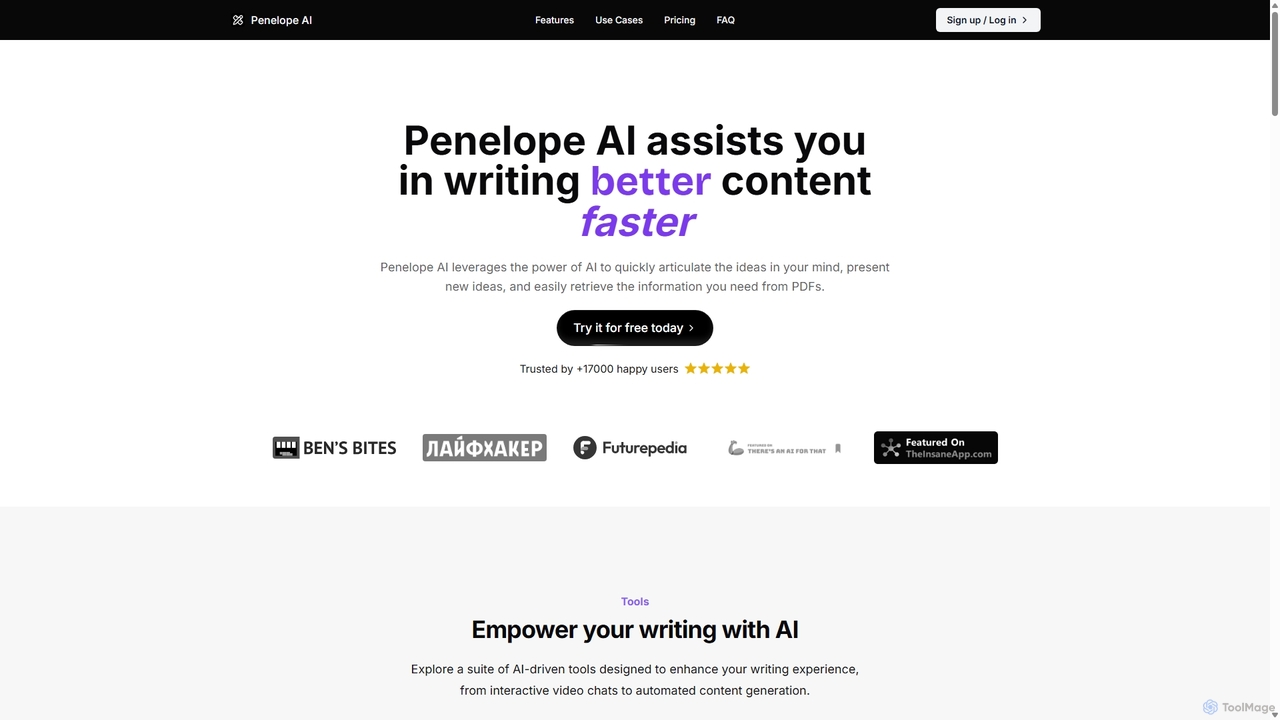
Penelope AI
Penelope AI is an advanced AI writing assistant designed to help you write better content faster. It features intelligent autocomplete, PDF interaction, paraphrasing, and summarizing tools to streamline your writing process for essays, blogs, research, and more.
Research
onlinewordeditor Comments (0)
Sign in to comment.
Sign inNo comments yet.