
smartonlinenotepad Overview
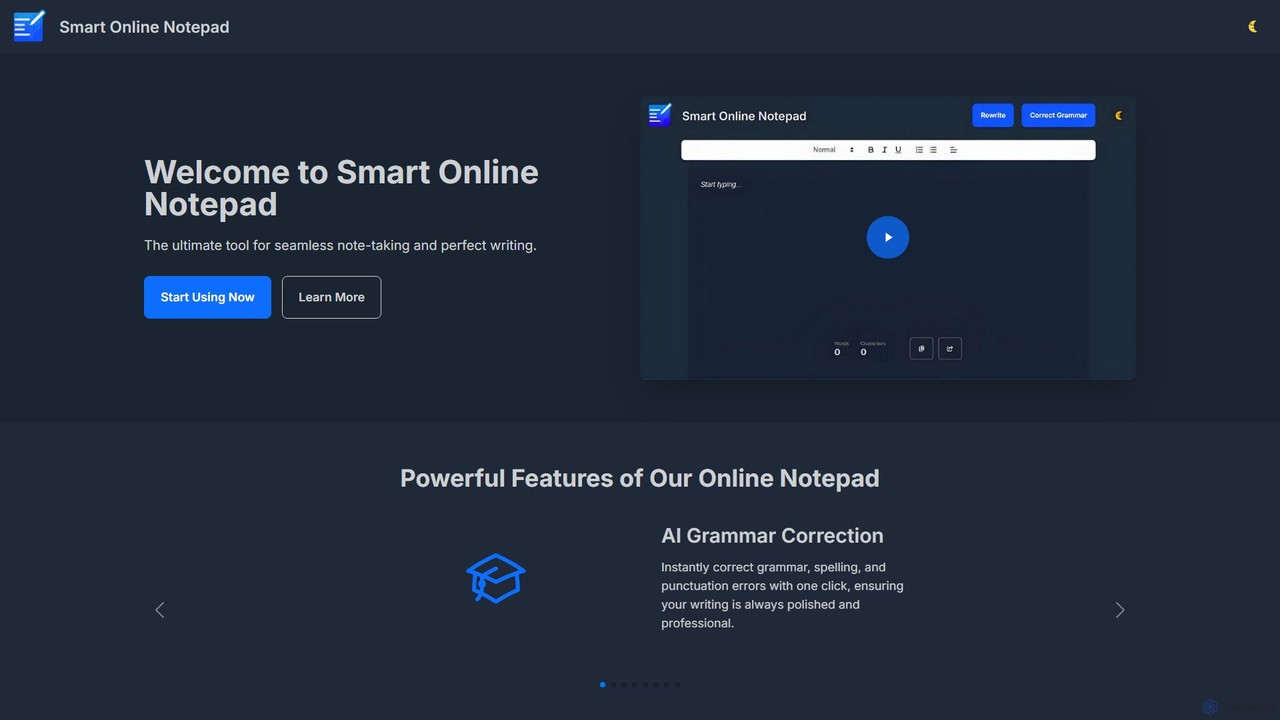
Smart Online Notepad is a versatile and user-friendly web-based writing tool designed to streamline the process of note-taking and content creation for students, professionals, and writers. It stands out by integrating powerful AI features directly into a simple notepad interface, offered completely free and without the need for any registration. The platform's core mission is to empower users to capture and polish their ideas effortlessly, ensuring that every piece of writing is clear, correct, and professional.
The tool provides a clean, distraction-free writing environment that is immediately accessible. Users can start typing right away and leverage a suite of AI-driven functionalities to improve their text. Whether you're drafting a quick email, taking detailed notes, or writing a long-form article, Smart Online Notepad provides the essential features to support your workflow and enhance the quality of your output.
How to use smartonlinenotepad
Using Smart Online Notepad is designed to be intuitive and straightforward, requiring no prior setup. Here’s a simple guide to get started:
- Open the Website: Navigate to the smartonlinenotepad.com homepage.
- Start Writing: The main screen features a large text area. Simply click and start typing or paste text from your clipboard.
- Use AI Features: Below the text area, you'll find buttons for AI functions. Highlight your text (or click the button to apply to all text) and select 'AI Grammar Correction' to fix spelling, punctuation, and grammar mistakes. Use 'Text Rewriting' to adjust the tone or rephrase sentences.
- Monitor Your Progress: Keep an eye on the real-time 'Word & Character Count' at the bottom, which is useful for meeting specific length requirements.
- Customize Your View: Switch between 'Dark/Light Mode' using the toggle to create a comfortable writing environment for any time of day.
- Share or Copy: Once your text is polished, use the 'Share' button to send it directly via email or messaging apps. Alternatively, use the 'Copy with One Click' button to save the text to your clipboard for pasting elsewhere.
Core Features of smartonlinenotepad
- AI Grammar Correction: Instantly identifies and corrects grammatical errors, spelling mistakes, and punctuation issues with a single click, ensuring your writing is polished and professional.
- Text Rewriting: AI-powered tool to rephrase sentences or entire paragraphs, allowing you to easily adjust the tone, style, or structure of your text.
- Seamless Note Sharing: Share your notes and polished text directly via email, WhatsApp, and other messaging applications without leaving the site.
- Word & Character Count: A real-time counter tracks the length of your document, helping you stay within specified limits for assignments, social media posts, or professional documents.
- Dark/Light Mode: A customizable interface that allows you to switch between a dark or light theme for optimal viewing comfort, day or night.
- Multi-Language Support: The tool is designed to work with multiple languages, including English, Hindi, and Hinglish, making it accessible to a global user base.
- No Sign-up Required: Jump straight into writing without the hassle of creating an account, downloading software, or providing personal information.
- One-Click Copy: Effortlessly copy your entire text to the clipboard with a single button, streamlining your workflow.
Use Cases for smartonlinenotepad
Smart Online Notepad is a valuable tool for a wide range of users:
- Students: Can use it to draft essays, take lecture notes, and proofread assignments to ensure they are grammatically correct before submission.
- Professionals: Ideal for composing professional emails, drafting reports, taking meeting minutes, and quickly creating error-free communications for clients or colleagues.
- Writers and Bloggers: A perfect environment for drafting articles, blog posts, and creative content. The AI tools help in refining language and the word counter helps in managing content length.
- Social Media Managers: Quickly write and polish captions and posts, ensuring they are clear and engaging before publishing on various platforms.
- Non-Native English Speakers: An excellent learning aid to improve writing skills by getting instant feedback on grammar and sentence structure.
Advantages of smartonlinenotepad
The primary advantage of Smart Online Notepad is its combination of simplicity, power, and accessibility. It eliminates barriers by being completely free and requiring no registration. The integration of advanced AI tools like grammar correction and text rewriting into a basic notepad interface provides significant value, turning a simple note-taking tool into a powerful writing assistant. Its user-centric design, featuring a clean UI, dark mode, and easy sharing, ensures a seamless and productive user experience.
Pricing and Plans
Smart Online Notepad is completely free to use. All features, including the AI-powered grammar correction and text rewriting, are available to every user without any cost, subscription, or hidden fees. There is no need to sign up or create an account, making it one of the most accessible and hassle-free writing tools available online.
Traffic
Latest traffic
Status
Monthly traffic trend
- 2025-9: 938
- 2026-1: 351
- 2026-2: 676
- 2026-3: 2.4K
- 2026-4: 671
- 2026-5: 1.5K
Geography
Top 5 countries / regions
- 🇮🇳India63.8%
- 🇦🇪United Arab Emirates36.2%
Top keywords
| Keyword | Cost per click |
|---|---|
| notepad online | $0.52 |
| notepad+ online | $0.97 |
| note writing] | $0.00 |
| online note pad | $1.12 |
| online notepad | $1.01 |
smartonlinenotepad Alternatives
ChatGPT Notepad
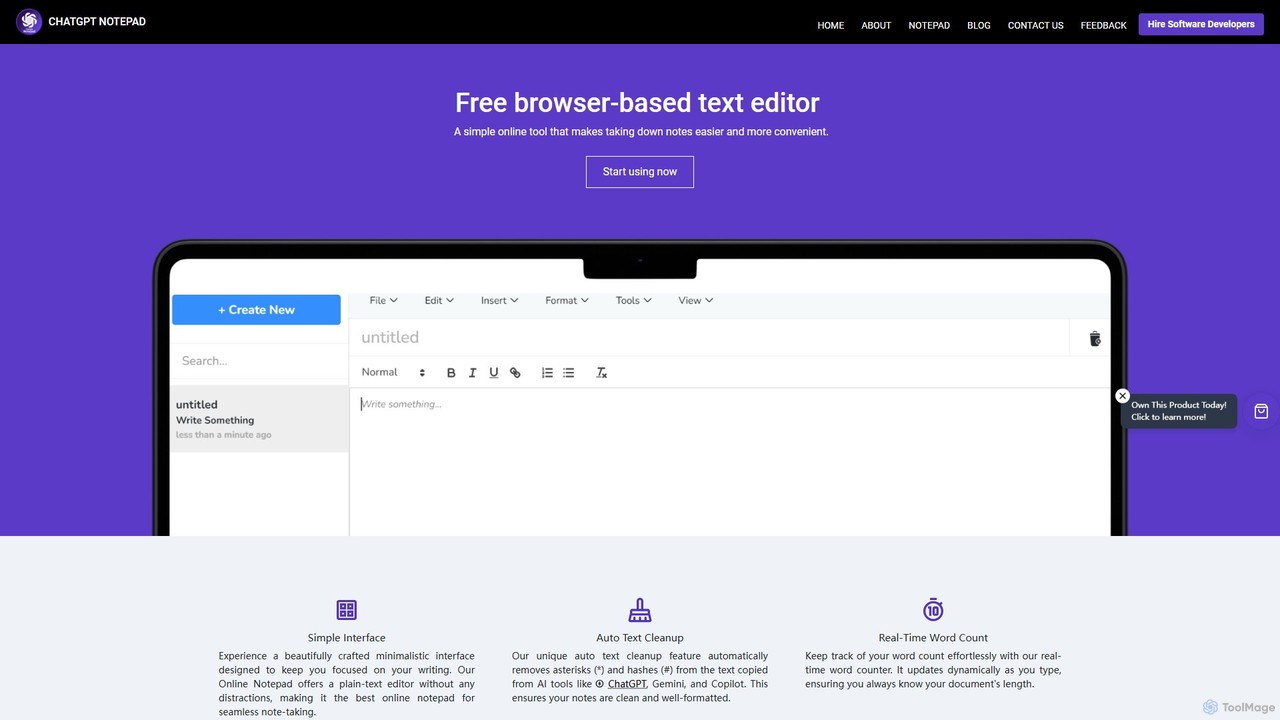
ChatGPT Notepad is a free, browser-based online text editor designed for seamless note-taking and text editing. It features a minimalist, distraction-free interface and a unique auto-cleanup tool that removes formatting artifacts from AI-generated text (e.g., from ChatGPT, Gemini). With real-time word count, find & replace, and direct save/print options, it's the perfect companion for writers, students, and developers.
Note Taking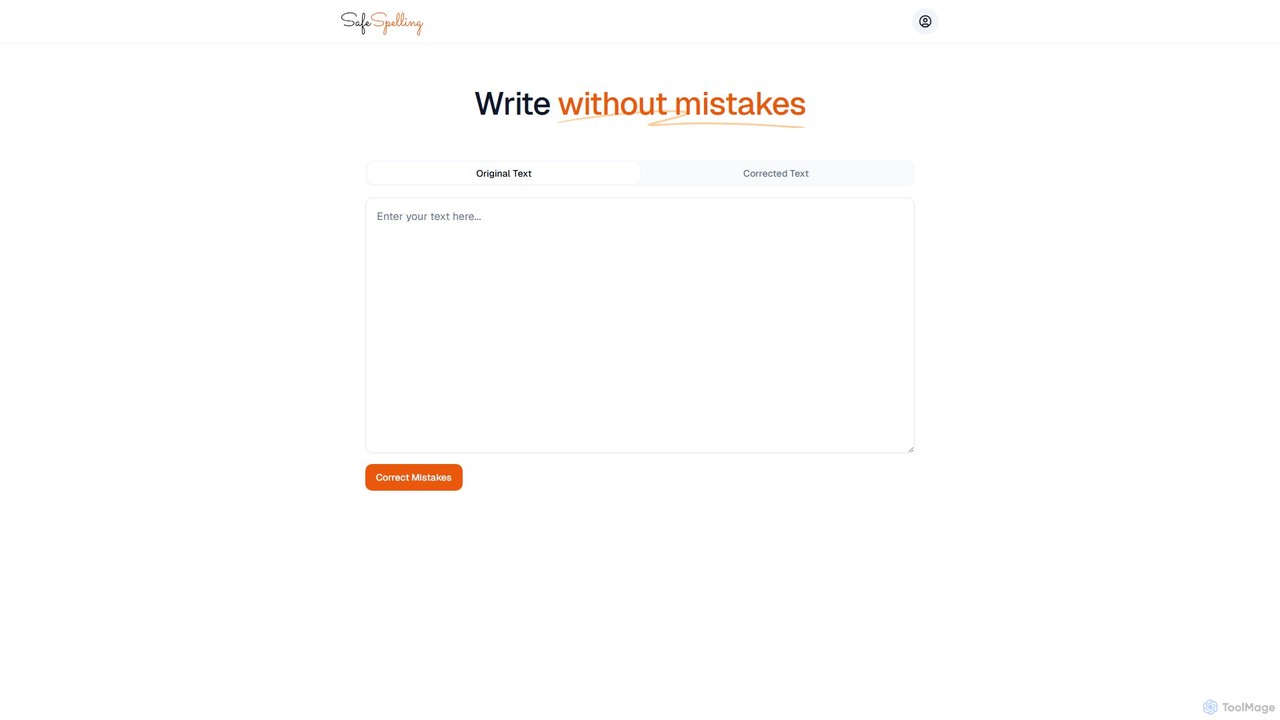
SafeSpelling
SafeSpelling is an AI-powered writing assistant designed to eliminate spelling, grammar, and punctuation errors. It helps users enhance their writing clarity, style, and professionalism. Ideal for students, professionals, and writers who want to produce flawless text with confidence.
Proofreading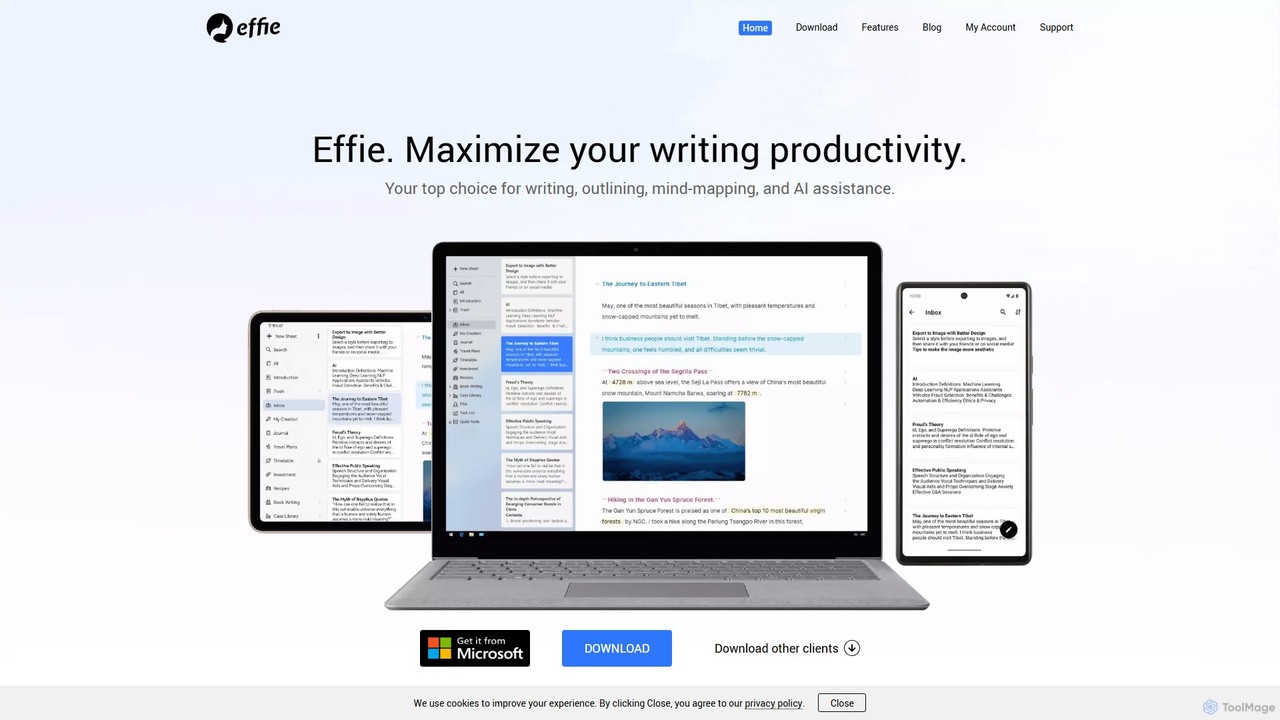
Effie
Effie is a minimalist, AI-powered workspace designed for writers, thinkers, and creators. It seamlessly integrates note-taking, outlining, mind mapping, and writing into a single, distraction-free environment. Available on all major platforms with cloud sync, Effie helps you capture, structure, and develop your ideas effortlessly.
Mind Mapping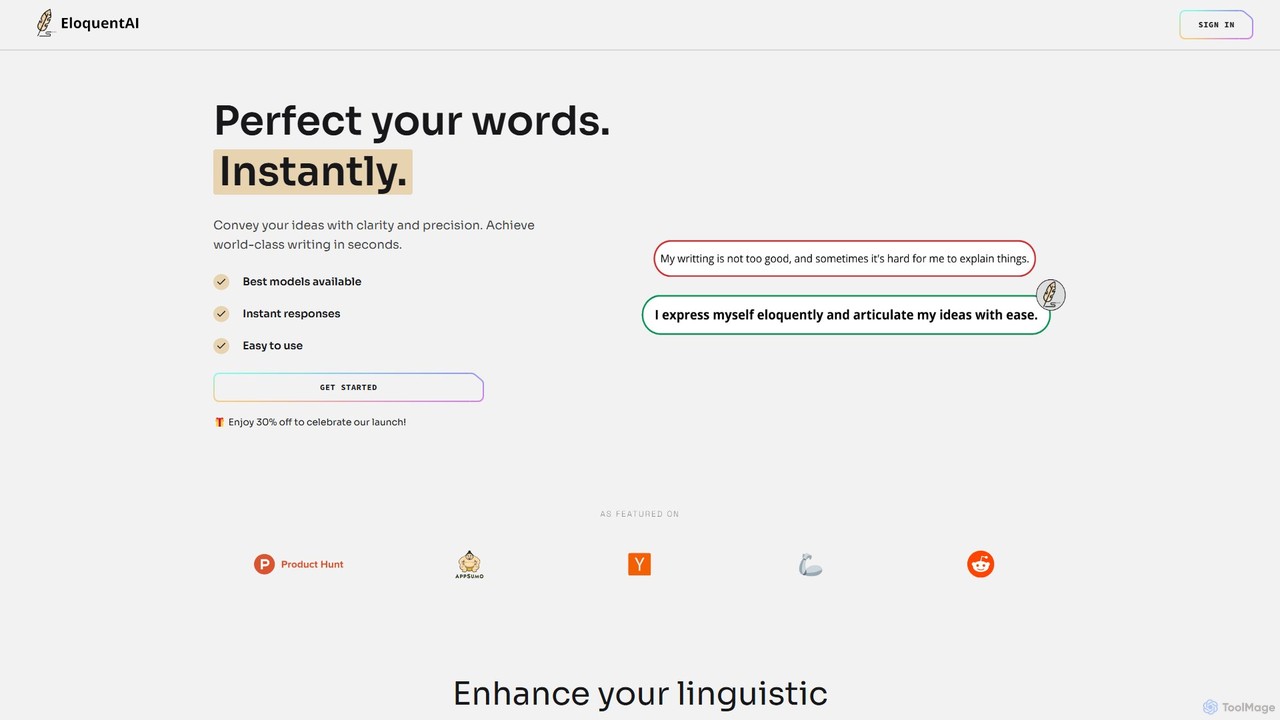
EloquentAI
EloquentAI is an AI-powered Chrome extension that instantly enhances your writing. It helps you convey ideas with clarity and precision by offering features like text enhancement, tone and length adjustment, summarization, translation, and custom prompts, all powered by leading models like GPT-4o and Llama 3.
Chrome Extensions
Wordtune
Wordtune is an AI-powered writing companion and paraphrasing tool that helps you rewrite, rephrase, and improve your text. It offers features like tone adjustment, text shortening/expansion, summarization, and translation into English, ensuring your writing is clear, compelling, and authentic across various platforms.
Email Assistantsmartonlinenotepad Categories
smartonlinenotepad Embed Widget
Copy this embed code to place the badge on your blog, article, or product site and send readers directly to this ToolMage detail page.

Related AI tools
Wordtune
Wordtune is an AI-powered writing companion and paraphrasing tool that helps you rewrite, rephrase, and improve your text. It offers features like tone adjustment, text shortening/expansion, summarization, and translation into English, ensuring your writing is clear, compelling, and authentic across various platforms.
Email Assistant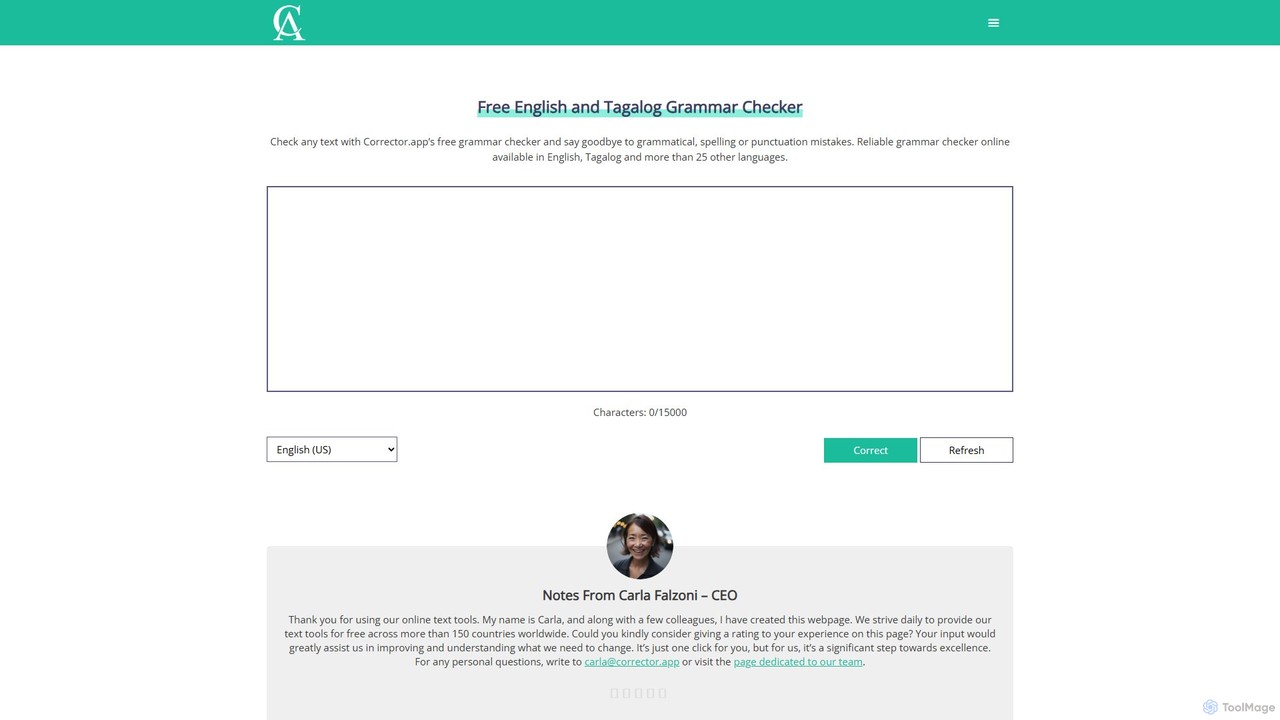
Corrector.app
Corrector.app is a powerful and completely free online grammar, spelling, and punctuation checker. It supports over 27 languages, including various English dialects, Spanish, French, and German. With no registration required, it provides instant, reliable text analysis to help students, professionals, and writers improve their written communication.
Proofreading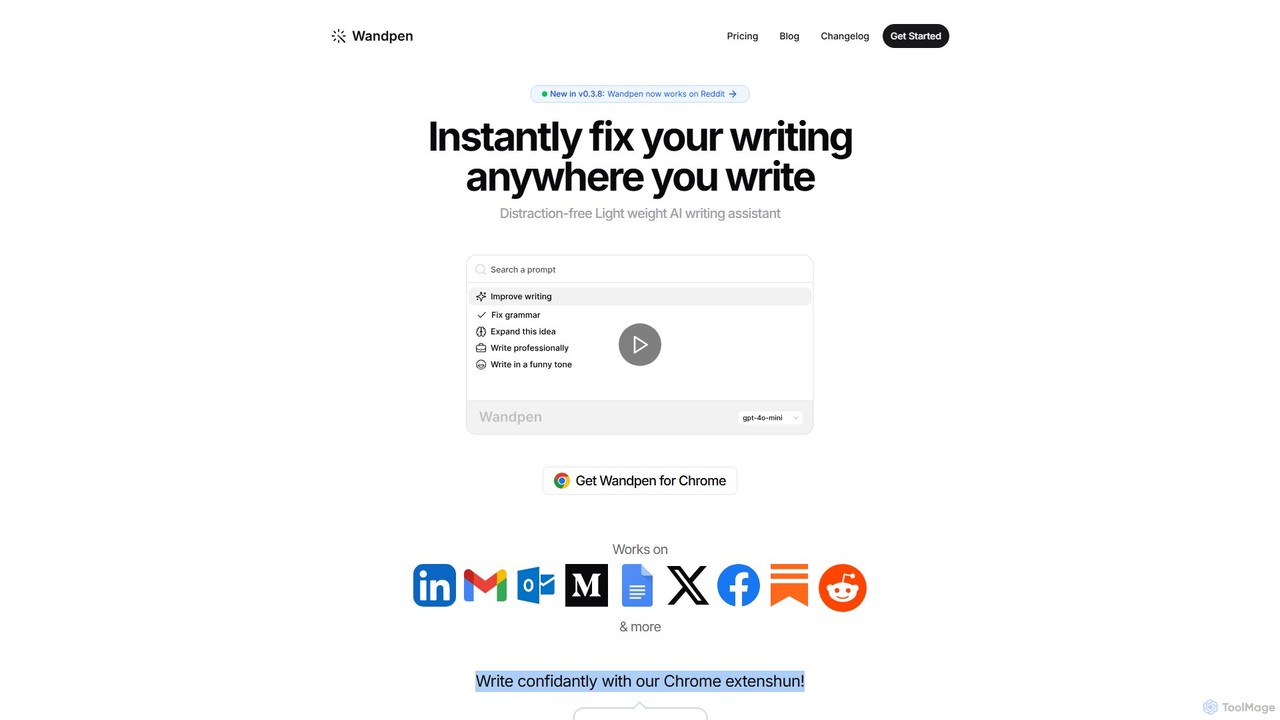
Wandpen
Wandpen is a lightweight AI writing assistant for Chrome that seamlessly integrates into your workflow. It allows you to instantly fix grammar, rewrite text, and brainstorm ideas directly on any website, including Google Docs, Reddit, and LinkedIn. By eliminating the need to switch tabs, Wandpen boosts your productivity and writing confidence using powerful AI models like GPT-4o, Claude 3.5, and Gemini.
Chrome Extensions
Writers-Copilot
Writers-Copilot is a free, intuitive AI-powered writing assistant that helps you improve your text. It offers interactive feedback, suggests enhancements, and refines your writing style without requiring any registration. Simply paste your text and use the chat interface to edit and perfect your content.
Study Tools
Editair
Editair is an AI-powered writing assistant designed to elevate your text. It goes beyond basic grammar checks, offering suggestions for style, tone, and clarity. Perfect for professionals, students, and content creators, Editair helps you craft clear, compelling, and error-free content effortlessly, making your writing process smoother and more efficient.
Study Tools
LingoEdit
LingoEdit is an AI-powered writing assistant designed to elevate your text. It offers advanced grammar, style, and tone suggestions, along with powerful paraphrasing and multi-language proofreading capabilities to help you write with clarity, confidence, and precision.
Language Learning
Effidit
Effidit is an AI-powered writing assistant from Tencent AI Lab, designed to enhance writing efficiency in both Chinese and English. It offers intelligent proofreading, text completion, rewriting, expansion, and specialized modes for general and academic writing, helping users create high-quality, error-free content.
Text Editor
Wonder AI
Wonder AI is a powerful Chrome extension that enhances your writing, editing, and reading. It integrates directly into your browser, offering one-click tools to rewrite text, check grammar, summarize articles, explain complex concepts, and translate content, boosting your daily productivity and communication skills.
Chrome ExtensionsChatGPT Notepad
ChatGPT Notepad is a free, browser-based online text editor designed for seamless note-taking and text editing. It features a minimalist, distraction-free interface and a unique auto-cleanup tool that removes formatting artifacts from AI-generated text (e.g., from ChatGPT, Gemini). With real-time word count, find & replace, and direct save/print options, it's the perfect companion for writers, students, and developers.
Note TakingSafeSpelling
SafeSpelling is an AI-powered writing assistant designed to eliminate spelling, grammar, and punctuation errors. It helps users enhance their writing clarity, style, and professionalism. Ideal for students, professionals, and writers who want to produce flawless text with confidence.
Proofreading
Grammarly
Grammarly is an AI-powered writing assistant that helps you communicate more effectively. It goes beyond basic grammar and spelling checks to offer suggestions on style, tone, and clarity. Trusted by millions, Grammarly integrates seamlessly into your workflow across various platforms, providing real-time feedback to enhance your emails, documents, and social media posts. Its generative AI features can also help you brainstorm, compose, and rewrite text instantly.
Communication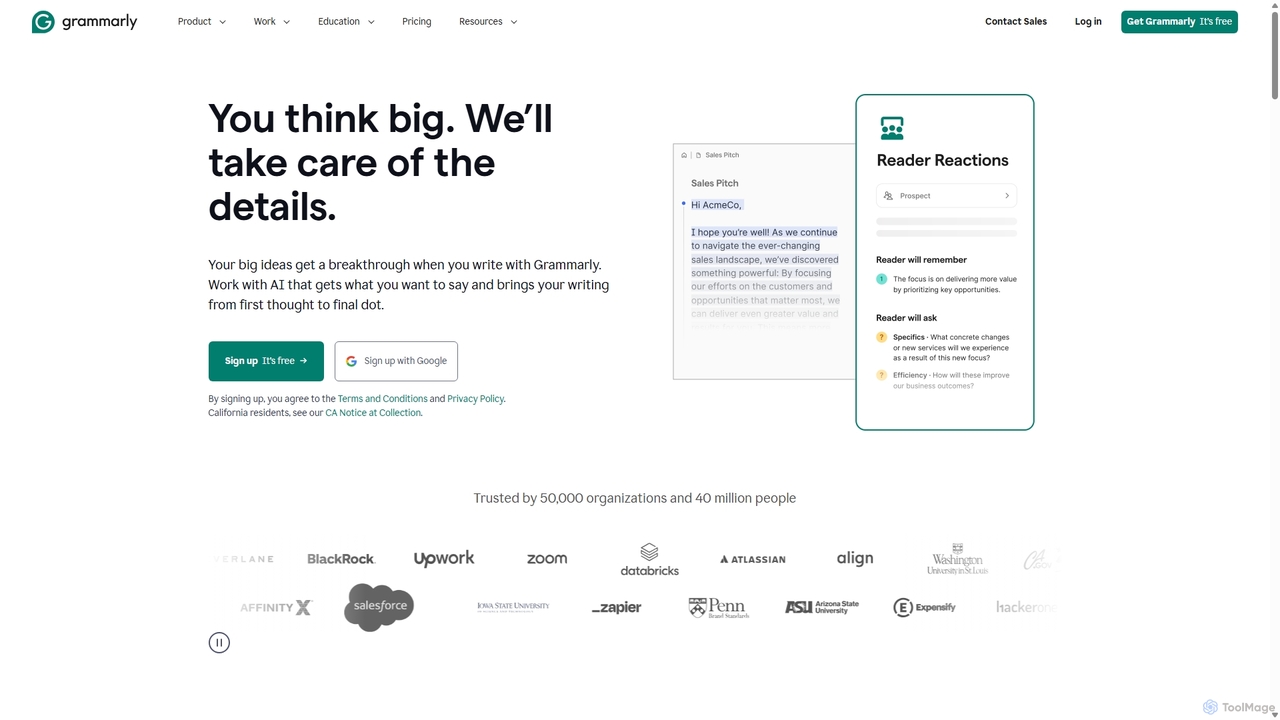
Grammarly
Grammarly is an AI-powered writing assistant that helps you communicate more effectively. It goes beyond basic grammar and spelling checks to offer real-time suggestions on clarity, conciseness, tone, and style. Trusted by millions, Grammarly integrates seamlessly across desktops, web browsers, and mobile devices to ensure your writing is always clear, confident, and mistake-free.
Learning
spelliy
Spelliy is an AI-powered writing assistant designed to elevate your writing. It provides advanced grammar, spelling, and punctuation checks, along with suggestions for improving style, tone, and clarity. Ideal for students, professionals, and writers.
Language Learning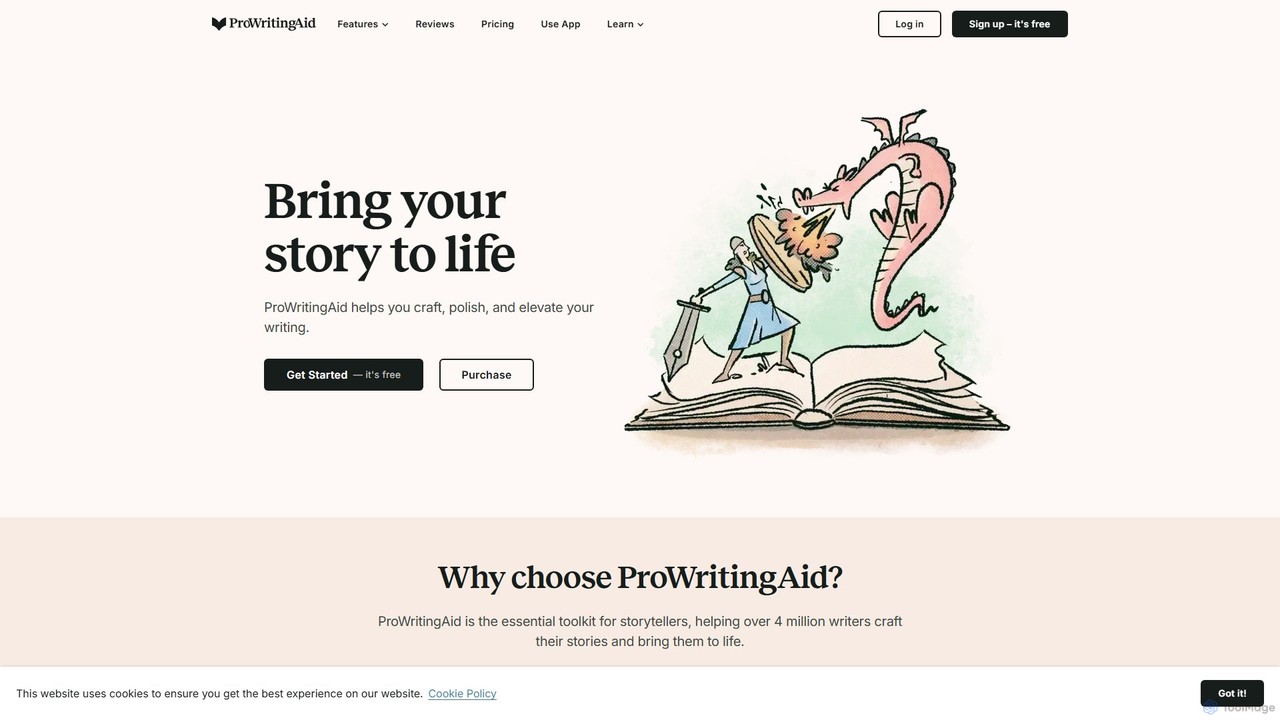
ProWritingAid
ProWritingAid is a comprehensive AI-powered writing assistant, style editor, and grammar checker. It's designed for authors, students, and professionals to improve writing clarity, strength, and style. With over 25 detailed reports, it goes beyond basic corrections, offering in-depth analysis on everything from pacing and dialogue to readability and sentence structure. It integrates seamlessly with popular writing platforms.
Learning
Hemingway App
Hemingway App is a writing and editing tool designed to make your writing bold and clear. It highlights common errors, complex sentences, and weak phrasing. The AI-powered 'Editor Plus' version offers advanced grammar checking, tone adjustment, and automated rewriting to enhance clarity and impact.
Learning
smartonlinenotepad Comments (0)
Sign in to comment.
Sign inNo comments yet.