
ChatGPT Notepad Overview
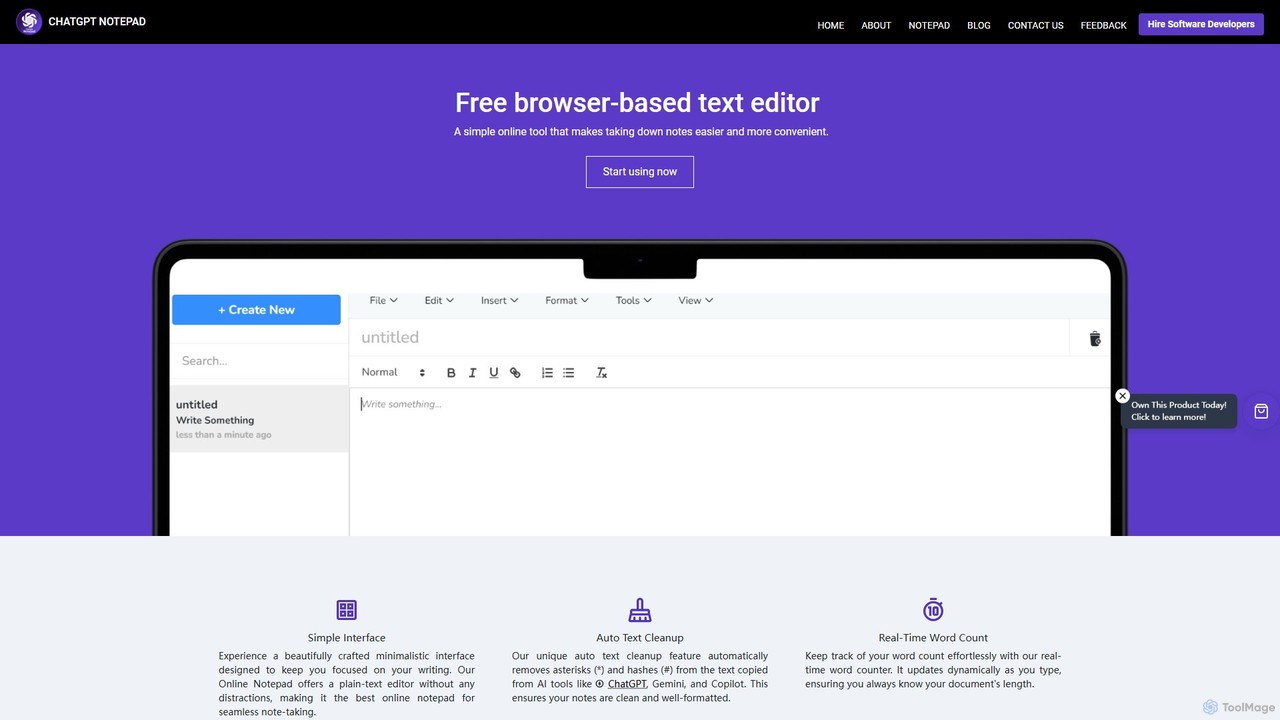
ChatGPT Notepad is a powerful yet simple free online text editor, specifically engineered to enhance the workflow of users who frequently interact with AI language models like ChatGPT, Gemini, and Copilot. It provides a clean, minimalist, and distraction-free writing environment directly in your web browser, eliminating the need for software installation or user registration. The platform's primary goal is to streamline the process of taking quick notes, drafting content, and cleaning up text for immediate use.
The standout feature of ChatGPT Notepad is its intelligent 'Auto Text Cleanup' function. When you paste text from AI chat interfaces, it often includes formatting artifacts such as asterisks for bullet points (*) or hashes for headings (#). This tool automatically detects and removes these characters, presenting you with clean, ready-to-use plain text. This saves considerable time and effort in manual reformatting. Coupled with a suite of essential editing tools, ChatGPT Notepad serves as an indispensable utility for a wide range of users.
How to use ChatGPT Notepad
Using ChatGPT Notepad is designed to be incredibly straightforward and intuitive. There's no setup or learning curve involved. Simply follow these steps:
- Open the Tool: Navigate to chatgptnotepad.com in any modern web browser. The editor is ready for use instantly.
- Write or Paste: You can start typing directly into the editor to jot down notes or ideas. Alternatively, copy text from any source, such as an AI chat, a webpage, or a document, and paste it into the notepad.
- Utilize Auto Cleanup: If you've pasted text from an AI tool, the 'Auto Text Cleanup' feature will automatically strip away unwanted formatting characters like '*' and '#'.
- Edit and Refine: Use the built-in tools to perfect your text. You can use 'Find & Replace' to make bulk changes, check your word count in real-time, correct spelling mistakes using the browser's native spell checker, and apply basic formatting.
- Save or Print: Once you are satisfied with your document, you can click the 'Save' button to download it as a .txt file to your computer or use the 'Print' function to get a physical copy.
Core Features of ChatGPT Notepad
- Auto Text Cleanup: Automatically removes asterisks (*) and hashes (#) from text copied from AI tools, ensuring clean and well-formatted notes.
- Simple & Minimalist Interface: A distraction-free, plain-text editor designed to keep you focused on your writing and content creation.
- Real-Time Word Count: A dynamic counter that updates as you type, helping you keep track of your document's length effortlessly.
- Find & Replace: Easily locate specific words or phrases and replace them throughout your document for quick and efficient editing.
- No Registration Required: Access and use all features instantly without the need for an account, login, or any personal information.
- Save and Print: Download your work as a standard .txt file compatible with any text editor, or print a hard copy directly from the browser.
- Browser Spellcheck Integration: Leverages your browser's built-in spell checker to help you identify and correct typos on the fly.
- Full Editing Suite: Includes essential functions like undo, redo, copy, cut, paste, font formatting, date and time insertion, an emoji list, and special characters.
- Cross-Browser Compatibility: Functions seamlessly across all modern web browsers, including Google Chrome, Mozilla Firefox, Safari, Opera, and Microsoft Edge.
Use Cases for ChatGPT Notepad
ChatGPT Notepad is a versatile tool suitable for various scenarios:
- Content Creators & Bloggers: Quickly draft articles, social media posts, or video scripts using AI-generated ideas, and instantly clean up the text before publishing it to a CMS like WordPress.
- Students & Researchers: Consolidate notes and summaries from AI research assistants. Clean up the formatting to easily integrate the information into essays, reports, or study guides.
- Developers & Programmers: Jot down code snippets, comments, or documentation generated by AI. The plain-text format is ideal for code, and the cleanup feature can remove unwanted list formatting.
- Marketers & Copywriters: Refine AI-generated ad copy, email newsletters, or product descriptions. The word counter helps in adhering to character limits for platforms like Google Ads or Twitter.
- General Daily Use: Perfect for anyone needing a quick, accessible place to write down a to-do list, draft an email, or save a piece of information without opening a heavy desktop application.
Advantages of ChatGPT Notepad
The primary advantage of ChatGPT Notepad is its focus on efficiency and simplicity. The auto-cleanup feature is a significant time-saver for anyone working with AI-generated content. Its zero-friction approach—no login, no installation, completely free—makes it highly accessible. The minimalist design promotes focus, while compatibility across all major browsers ensures a consistent experience on any device. By saving files locally, it also offers a greater sense of privacy compared to some cloud-based services.
Pricing and Plans
ChatGPT Notepad is completely free to use. There are no subscription fees, no hidden costs, and no premium features locked behind a paywall. The tool is supported by its creators with the mission to provide a simple, effective, and accessible note-taking solution for everyone.
Traffic
Latest traffic
Status
Monthly traffic trend
- 2025-9: 5.9K
- 2026-1: 4.8K
- 2026-2: 3.3K
- 2026-3: 3.3K
- 2026-4: 2.8K
- 2026-5: 5.3K
Geography
Top 5 countries / regions
- 🇺🇸United States75.3%
- 🇮🇩Indonesia13.8%
- 🇵🇰Pakistan6.5%
- 🇮🇳India4.4%
Top keywords
| Keyword | Cost per click |
|---|---|
| chat gpt cleaner | $0.00 |
| chatgpt cleaner | $2.14 |
| chatgpt notepad | $0.00 |
| notepad chatgpt | $0.00 |
| online notepad editor | $0.25 |
ChatGPT Notepad Alternatives
smartonlinenotepad
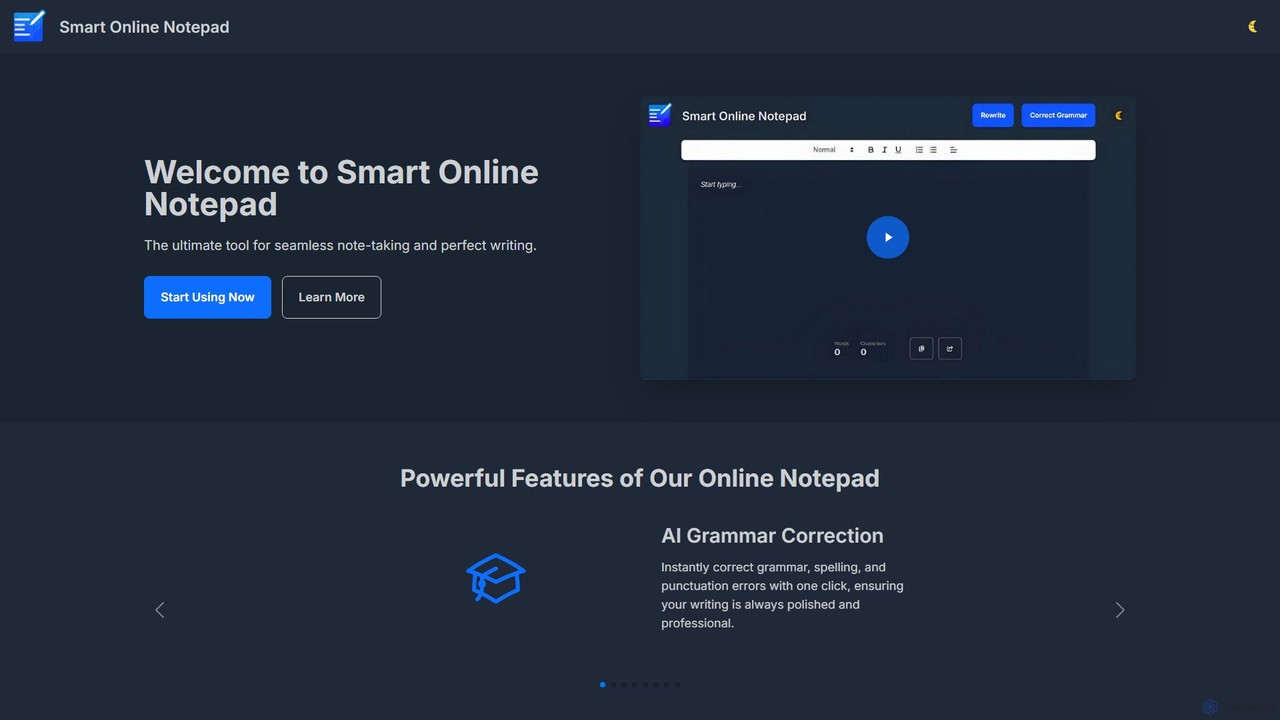
A free, AI-powered online notepad that offers instant grammar correction, text rewriting, and seamless note-sharing. No sign-up required, it supports multiple languages and features like word count and dark mode to enhance your writing productivity.
Note Taking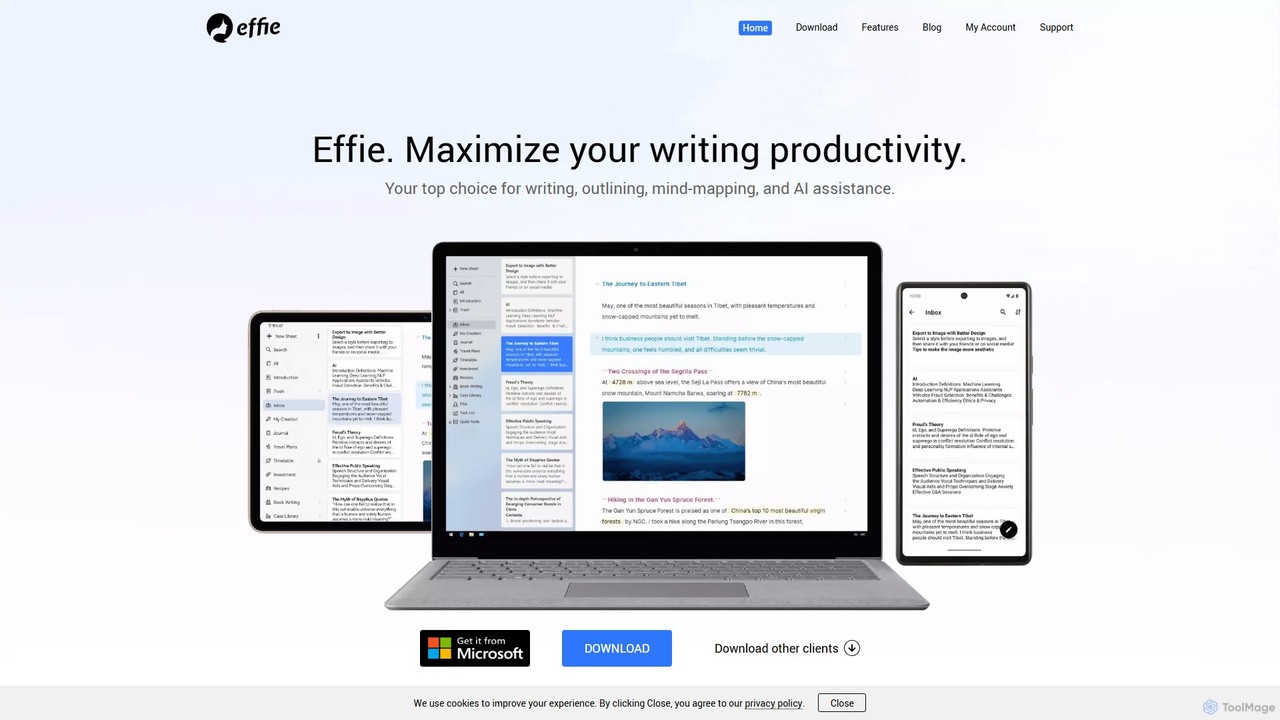
Effie
Effie is a minimalist, AI-powered workspace designed for writers, thinkers, and creators. It seamlessly integrates note-taking, outlining, mind mapping, and writing into a single, distraction-free environment. Available on all major platforms with cloud sync, Effie helps you capture, structure, and develop your ideas effortlessly.
Mind Mapping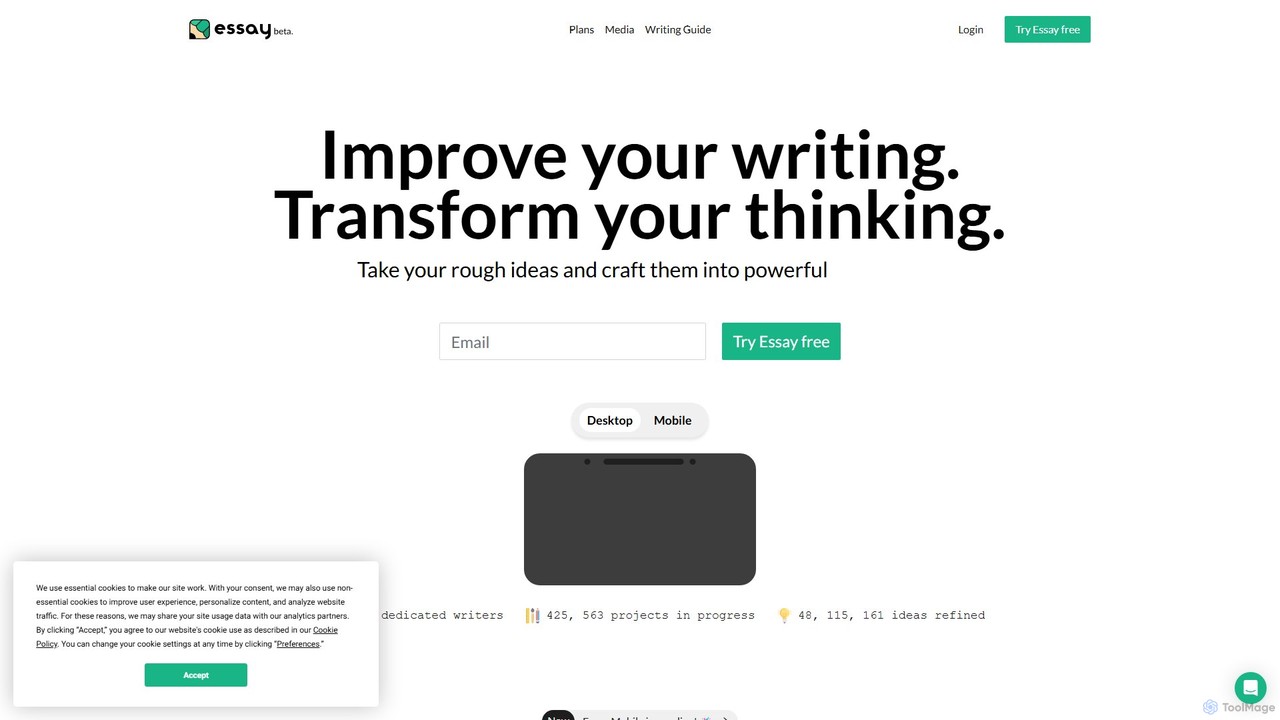
Essay
Essay is a comprehensive writing platform designed to improve your writing and transform your thinking. Backed by Dr. Jordan B. Peterson's methodology, it provides a structured environment with unique tools for brainstorming, outlining, drafting, and editing, helping writers of all levels craft powerful and clear arguments.
Learning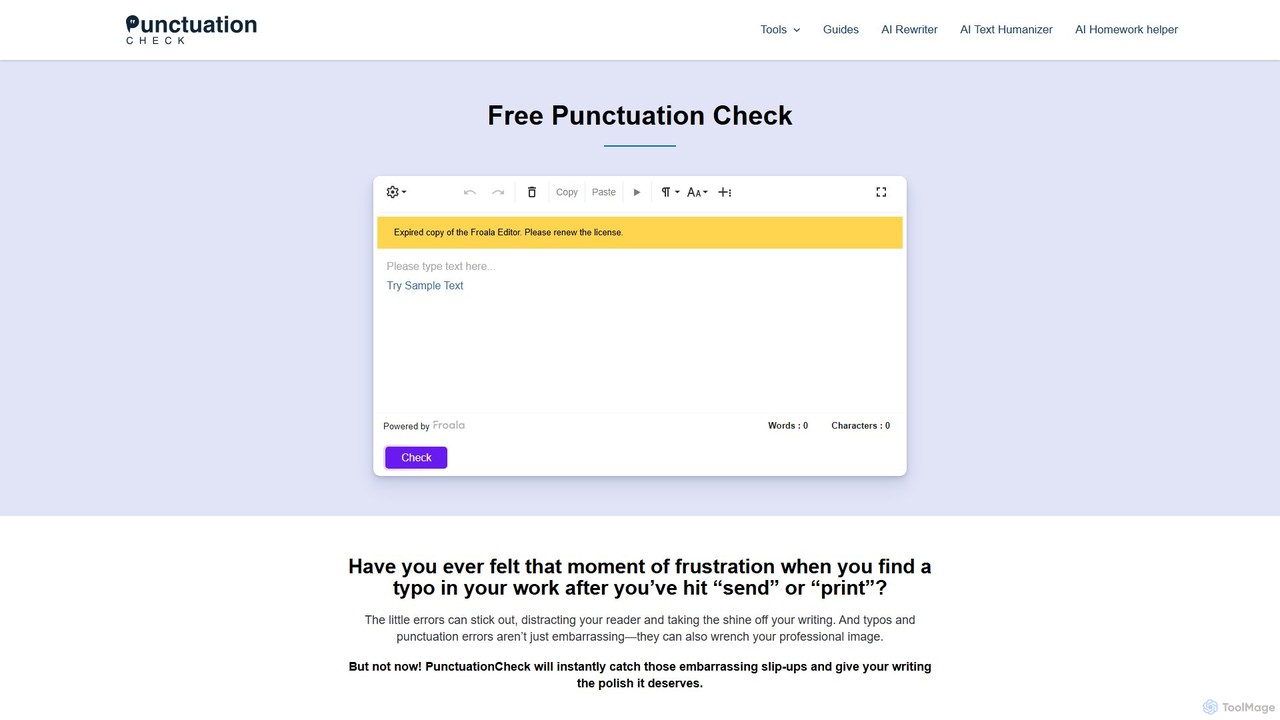
PunctuationCheck
PunctuationCheck is a free online tool designed to instantly correct punctuation, spelling, and grammar errors in your English writing. It supports multiple English dialects, offers one-click corrections, and features a user-friendly editor. Ideal for students, professionals, and writers looking to polish their text, enhance clarity, and maintain a professional image without any cost or sign-up.
Proofreading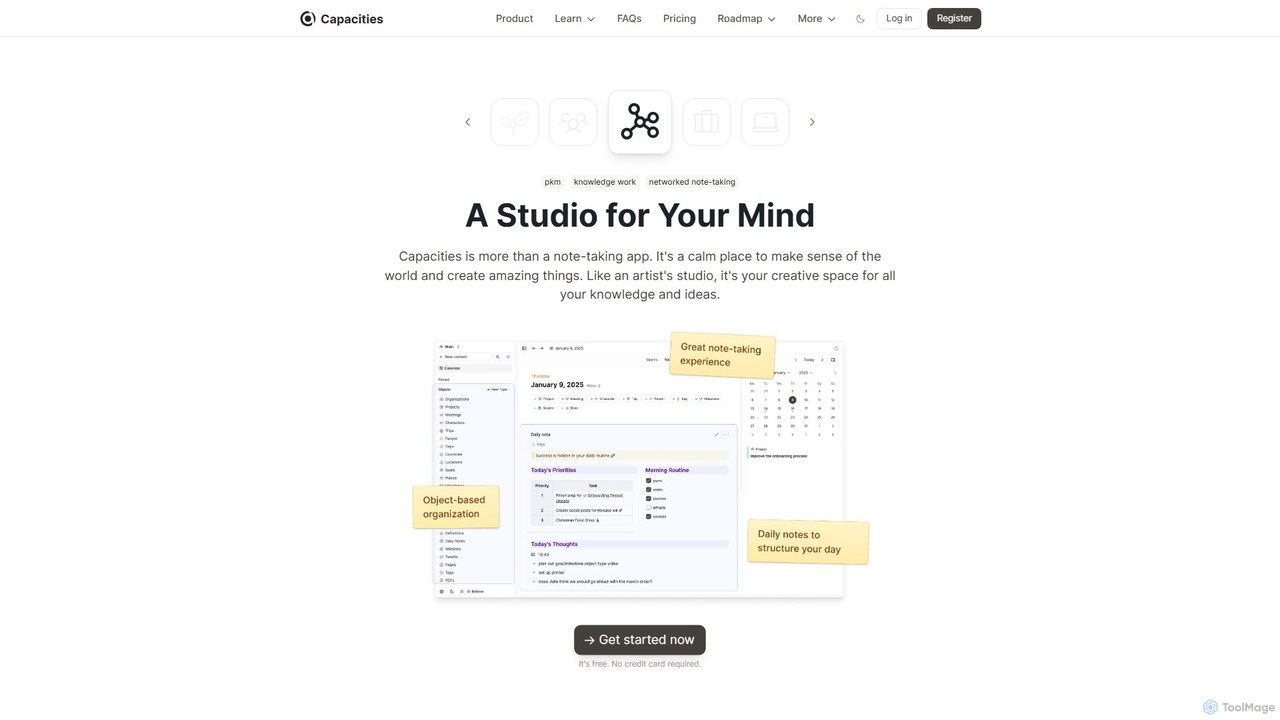
Capacities
Capacities is a next-generation note-taking and knowledge management tool designed as a "studio for your mind." It replaces traditional folders with a flexible, object-based network, allowing you to connect ideas naturally. Features include an integrated AI assistant, powerful linking, custom content types, and cross-platform availability, making it ideal for building a personal knowledge base or "second brain."
Second BrainChatGPT Notepad Categories
ChatGPT Notepad Embed Widget
Copy this embed code to place the badge on your blog, article, or product site and send readers directly to this ToolMage detail page.

Related AI tools
smartonlinenotepad
A free, AI-powered online notepad that offers instant grammar correction, text rewriting, and seamless note-sharing. No sign-up required, it supports multiple languages and features like word count and dark mode to enhance your writing productivity.
Note TakingCapacities
Capacities is a next-generation note-taking and knowledge management tool designed as a "studio for your mind." It replaces traditional folders with a flexible, object-based network, allowing you to connect ideas naturally. Features include an integrated AI assistant, powerful linking, custom content types, and cross-platform availability, making it ideal for building a personal knowledge base or "second brain."
Second Brain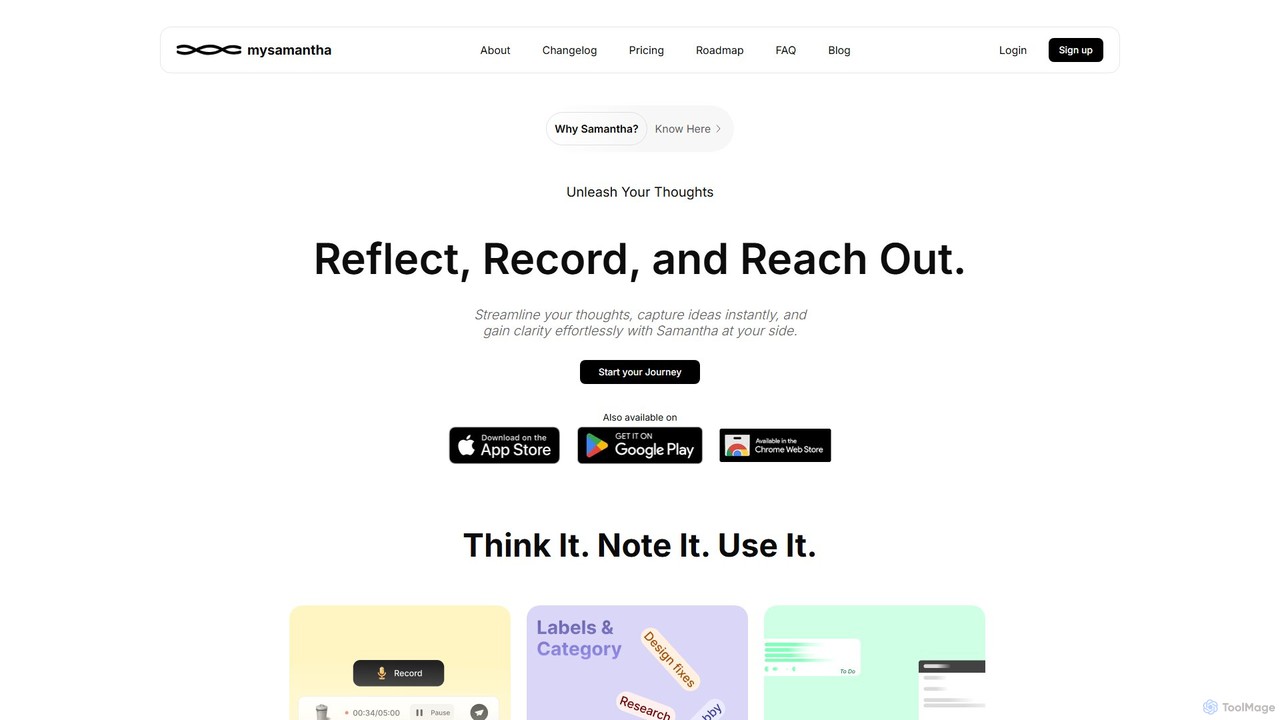
mysamantha
mysamantha is an AI-powered personal assistant designed to enhance productivity and mental well-being. It helps you capture thoughts via voice or text, organizes notes, manages tasks, and offers an empathetic journaling experience. With adaptive AI personas, it provides personalized support, acting as a coach, listener, or advisor to help you gain clarity, stay organized, and navigate life's challenges.
Mental Health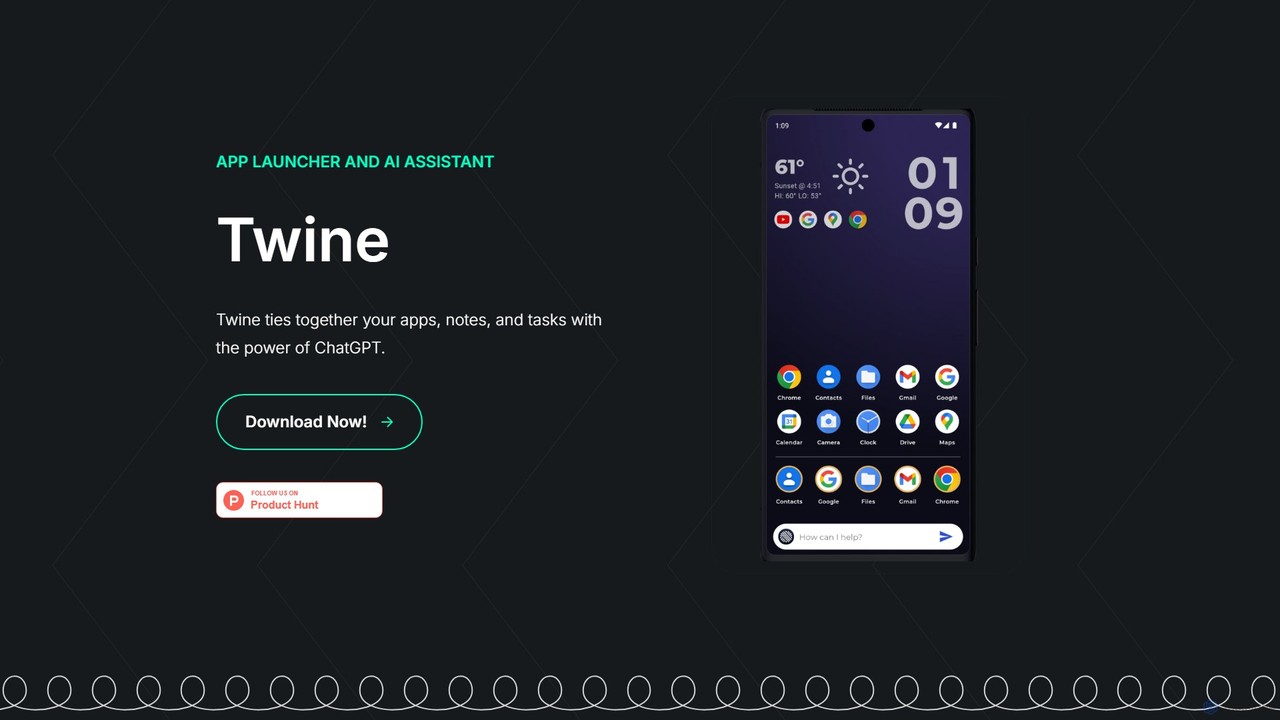
Twine Launcher
Twine Launcher is an intelligent Android app launcher and AI assistant powered by ChatGPT. It integrates your apps, notes, and tasks, allowing you to manage your digital life directly from your homescreen through natural language commands for enhanced productivity.
Launcher
NotesCmdr
NotesCmdr is a powerful macOS extension designed to supercharge the native Apple Notes app. It enhances your note-taking workflow by adding features like slash commands for rapid formatting, a dynamic template system, an inline calculator, and intuitive Markdown-style shortcuts. It's the perfect tool for students, professionals, and anyone looking to boost their productivity within the Apple ecosystem.
Note Taking
Dessix
Dessix is an AI-powered knowledge management and writing assistant that creates a shared contextual space for you and AI. It helps you collect information, organize your thoughts, and write with a context-aware AI that understands your focus, transforming scattered ideas into coherent insights and content.
Knowledge Management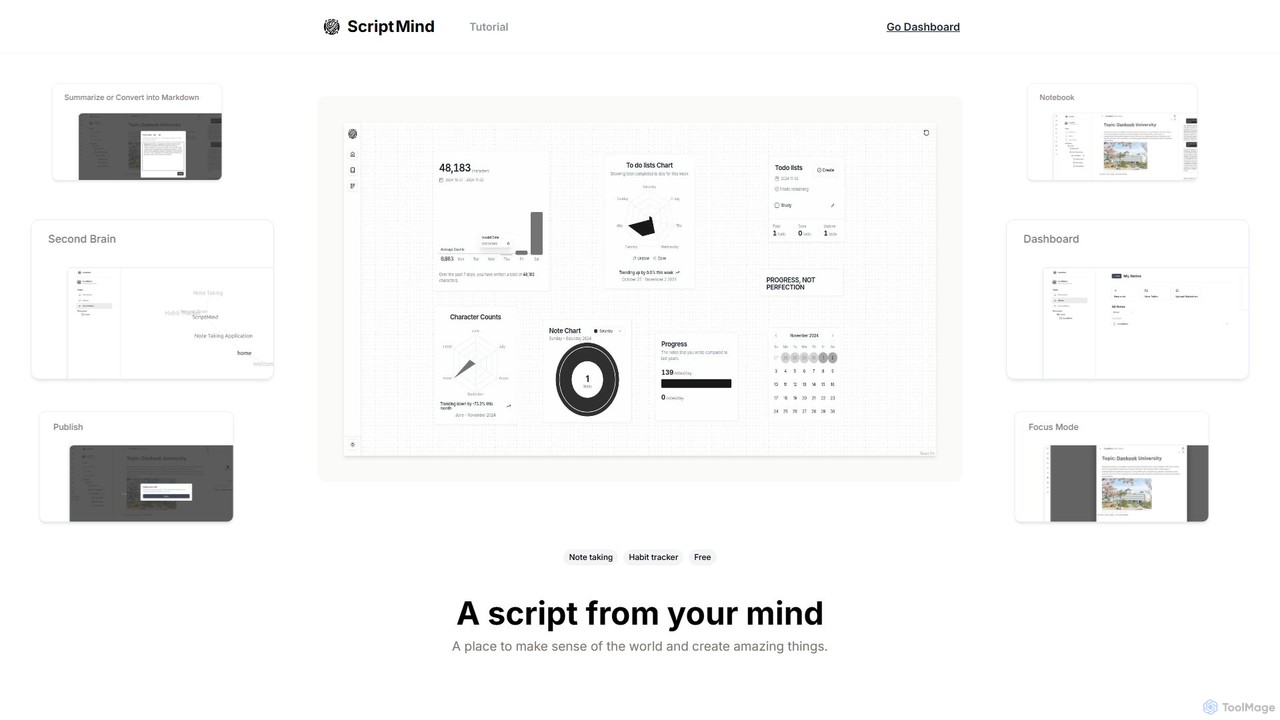
ScripMind
ScripMind is an AI-powered note-taking application designed as a 'Second Brain'. It helps users capture, connect, and create ideas with features like AI summarization, a knowledge graph, Markdown support, and notebook publishing. Ideal for thinkers, creators, and learners.
Knowledge Management
writeminimal
writeminimal is an AI-powered, minimalist writing editor designed for a distraction-free experience. It helps users focus on writing, while its AI assists with organizing, summarizing, and repurposing content into various formats like blog posts, tweets, or LinkedIn updates with a single click.
Note Taking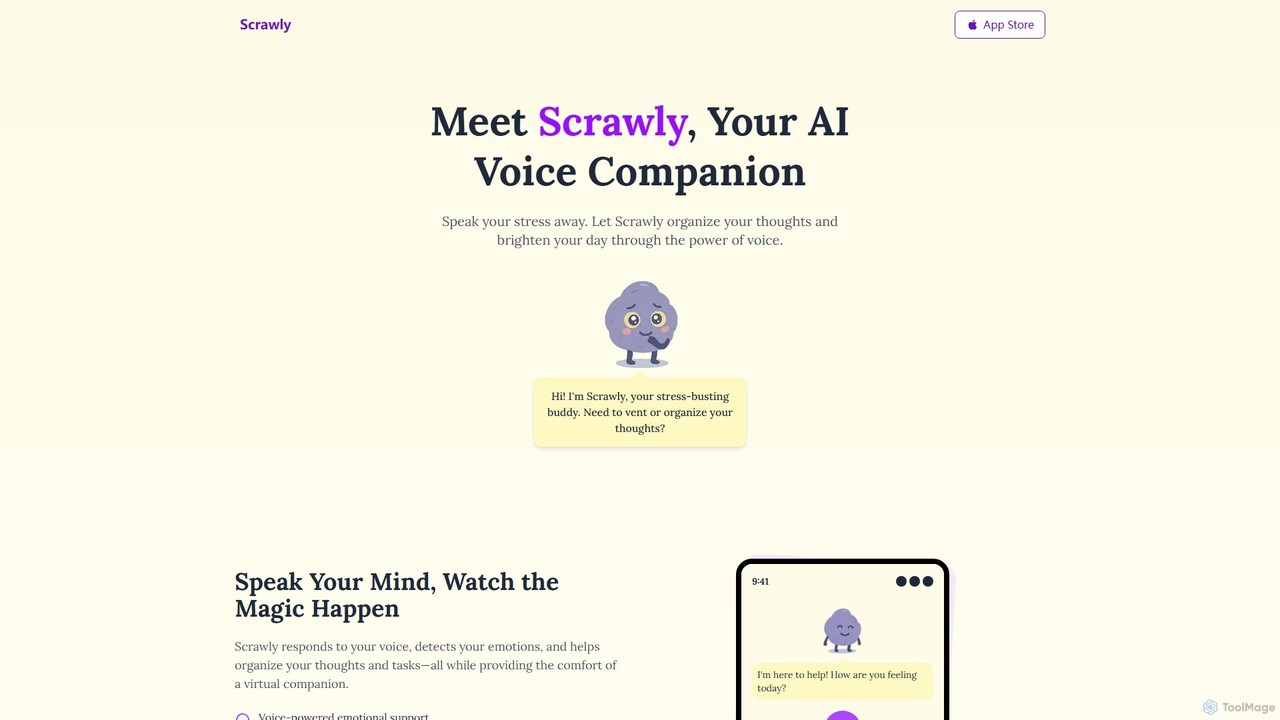
Scrawly
Scrawly is an AI voice companion designed to help you manage stress and organize your thoughts. By analyzing your voice, it detects your emotional state, offers calming exercises, and transforms your spoken words into structured notes and tasks, all while providing a friendly, evolving virtual companion.
Mental Wellness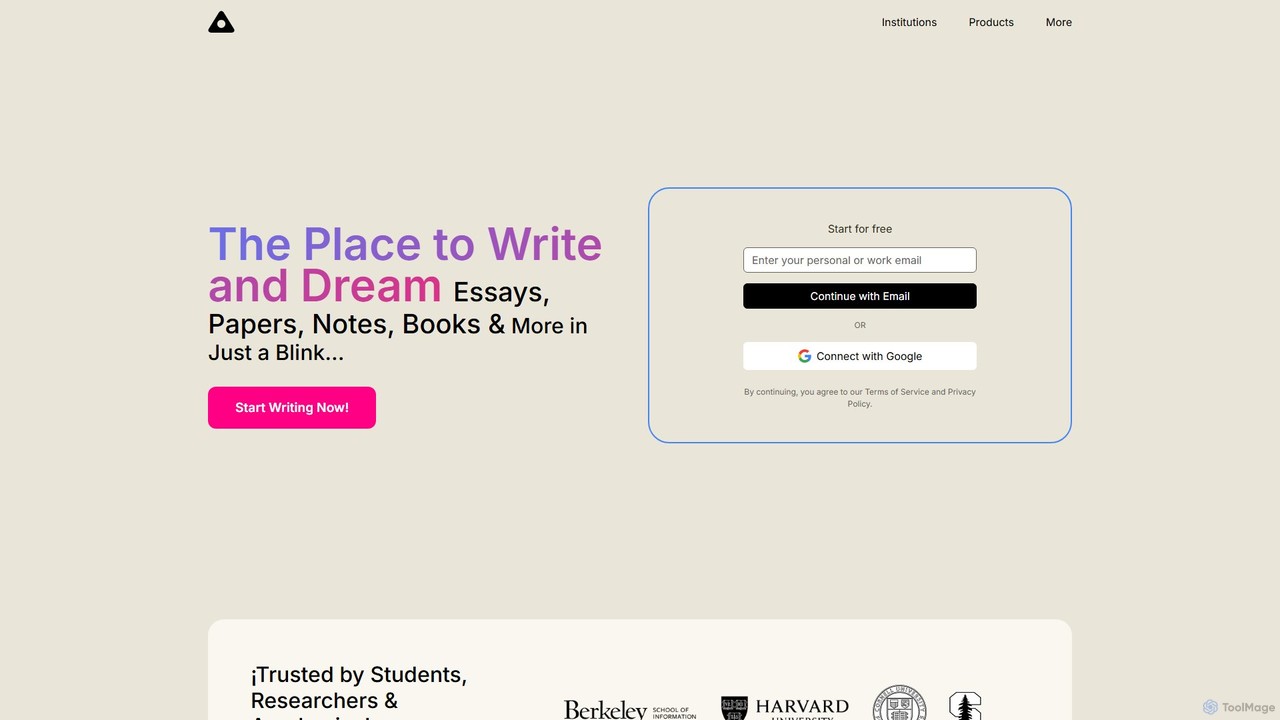
ag11lab
ag11lab is an AI-powered text editor designed to transform ideas into structured documents like essays, papers, and books effortlessly. It automates the writing process, helping students, researchers, and professionals save time and enhance the quality of their work with features like an LLM consensus mechanic and real-time data integration.
Academic Research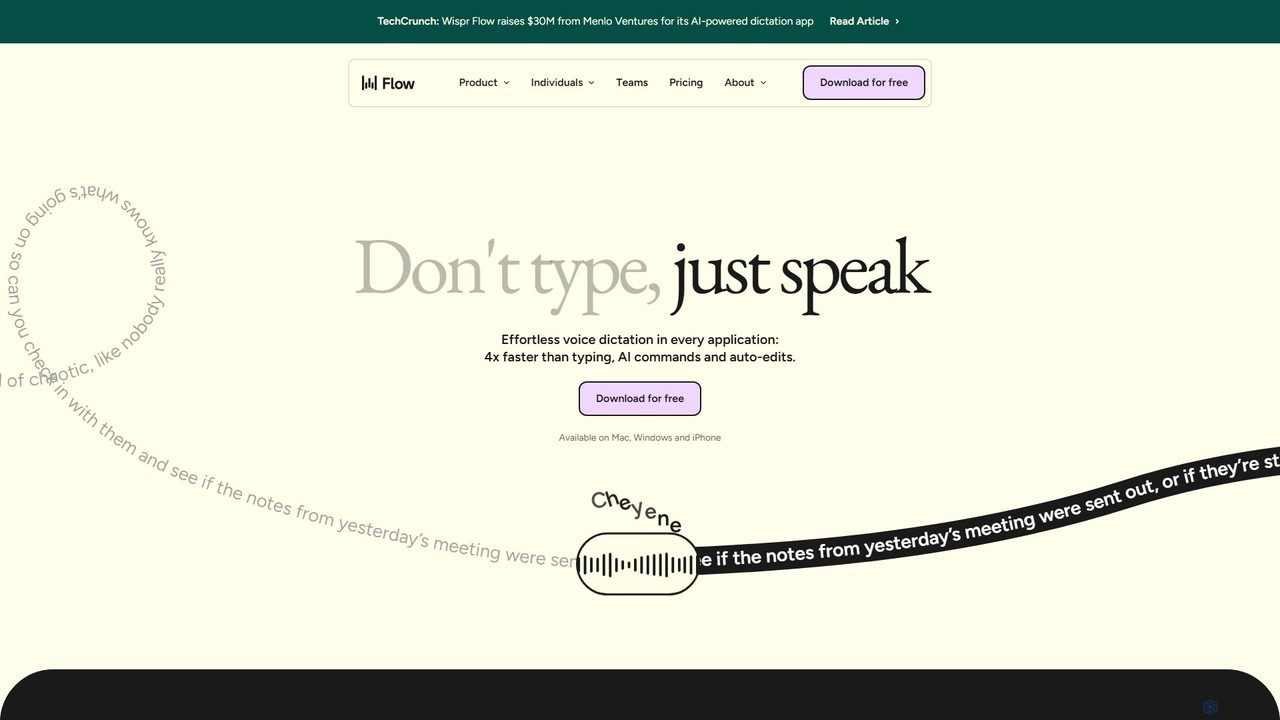
wisprflow
wisprflow is an AI-powered voice dictation application that transcribes speech into text 4x faster than typing. It works across Mac, Windows, and iPhone, featuring AI auto-edits, a personal dictionary, and support for over 100 languages. It's designed to boost productivity and provide accessibility for all users.
Assistive Technology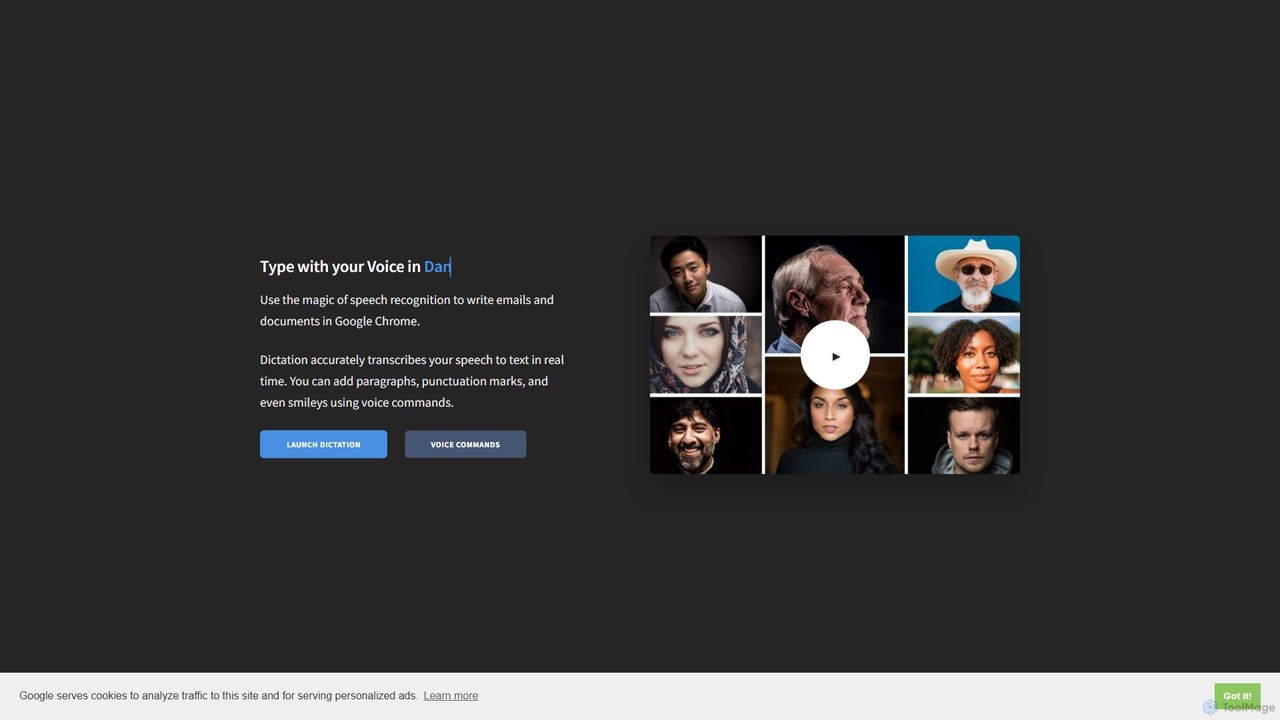
Dictation.io
Dictation.io is a free, web-based speech-to-text application that allows you to type with your voice in over 100 languages. It uses Google's speech recognition for fast, real-time transcription directly in your Chrome browser, with no data stored online, ensuring privacy.
Speech To Text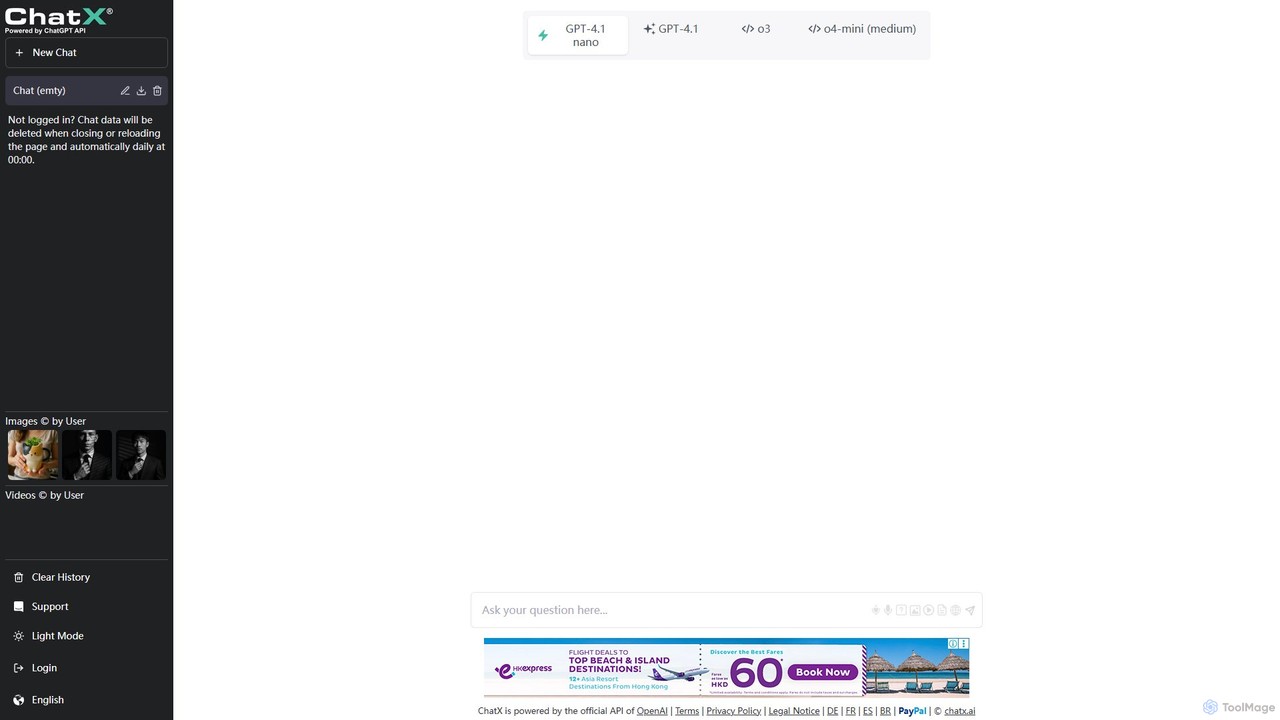
ChatX
ChatX offers a seamless, no-login, fullscreen experience for interacting with a powerful AI chatbot. It provides free access to advanced text generation, problem-solving, and creative writing. Additionally, ChatX integrates multi-modal capabilities, allowing users to generate and edit images using intuitive text prompts and brush tools, making it a versatile all-in-one AI assistant.
Image Editor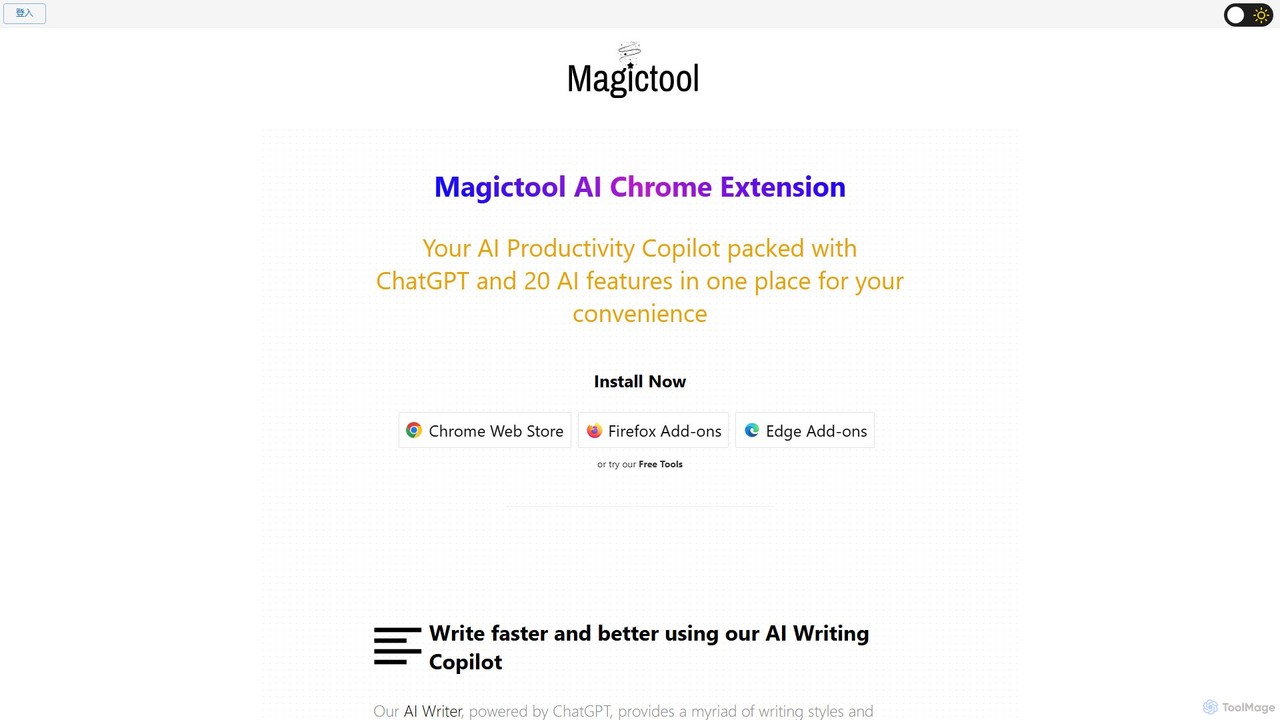
Magic Tool AI
Magic Tool AI is an all-in-one productivity browser extension that integrates ChatGPT and over 20 AI features. It acts as your personal copilot, helping you write better and faster, summarize YouTube videos and articles, chat with PDFs, scrape web data, generate images, and much more, all within your browser.
Browser Extension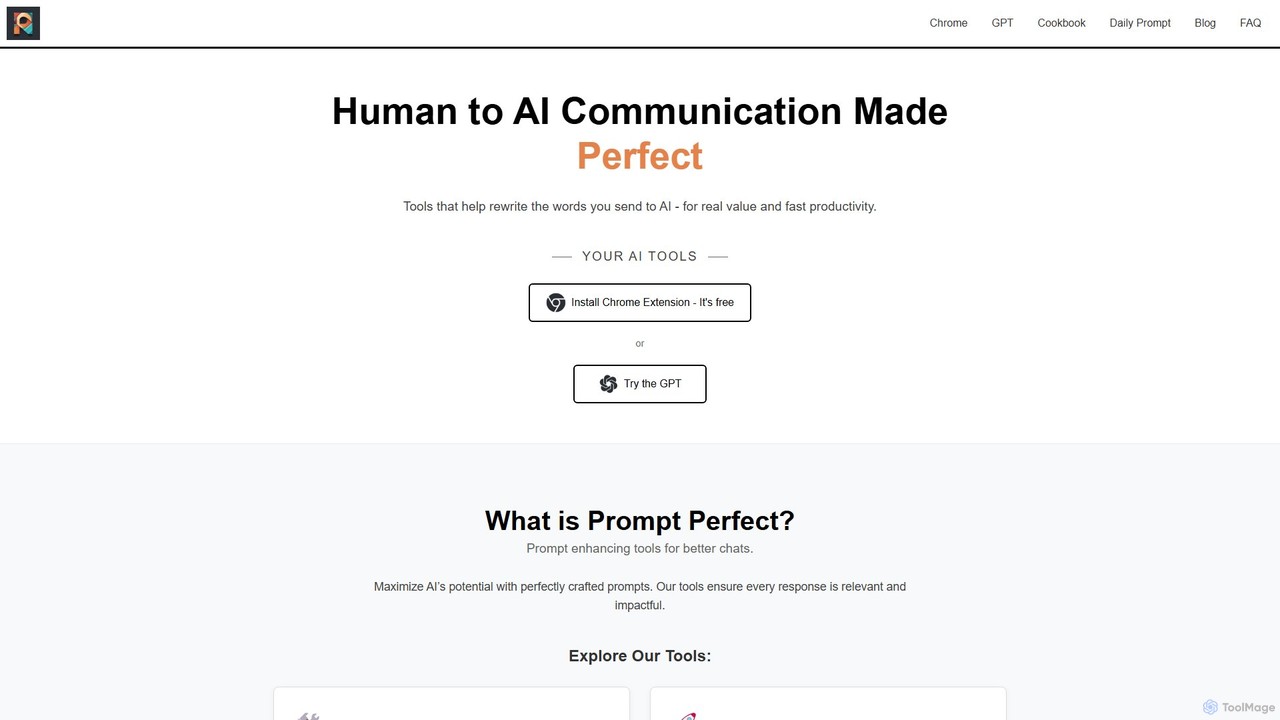
Prompt Perfect
Prompt Perfect is an AI-powered suite, featuring a Chrome Extension and a GPT, designed to optimize your prompts for superior results across major AI platforms like ChatGPT, Gemini, and Claude. It refines, enhances, and manages your prompts to unlock more precise, creative, and effective AI-generated content, boosting productivity for writers, researchers, and professionals.
Research
ChatGPT Notepad Comments (0)
Sign in to comment.
Sign inNo comments yet.