ChatGPT Notepad
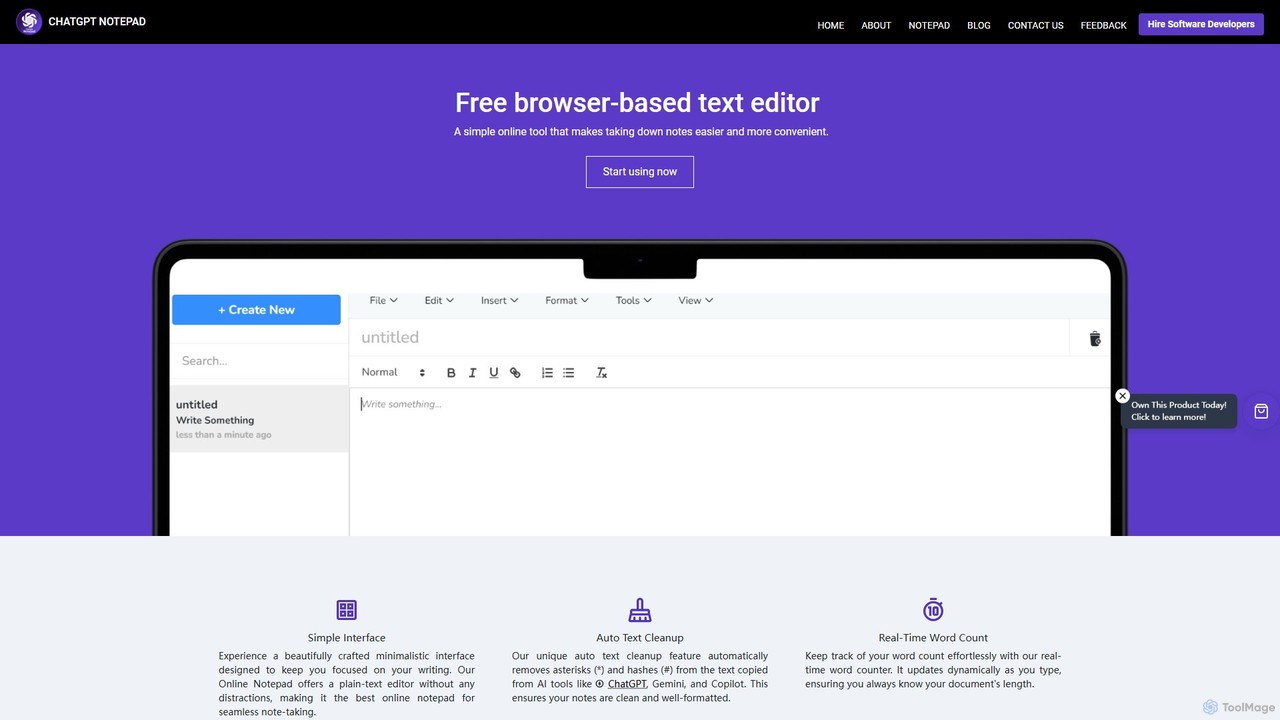
ChatGPT Notepad is a free, browser-based online text editor designed for seamless note-taking and text editing. It features …
ChatGPT Notepad is a free, browser-based online text editor designed for seamless note-taking and text editing. It features a minimalist, distraction-free interface and a unique auto-cleanup tool that removes formatting artifacts from AI-generated text (e.g., from ChatGPT, Gemini). With real-time word count, find & replace, and direct save/print options, it's the perfect companion for writers, students, and developers.
PunctuationCheck
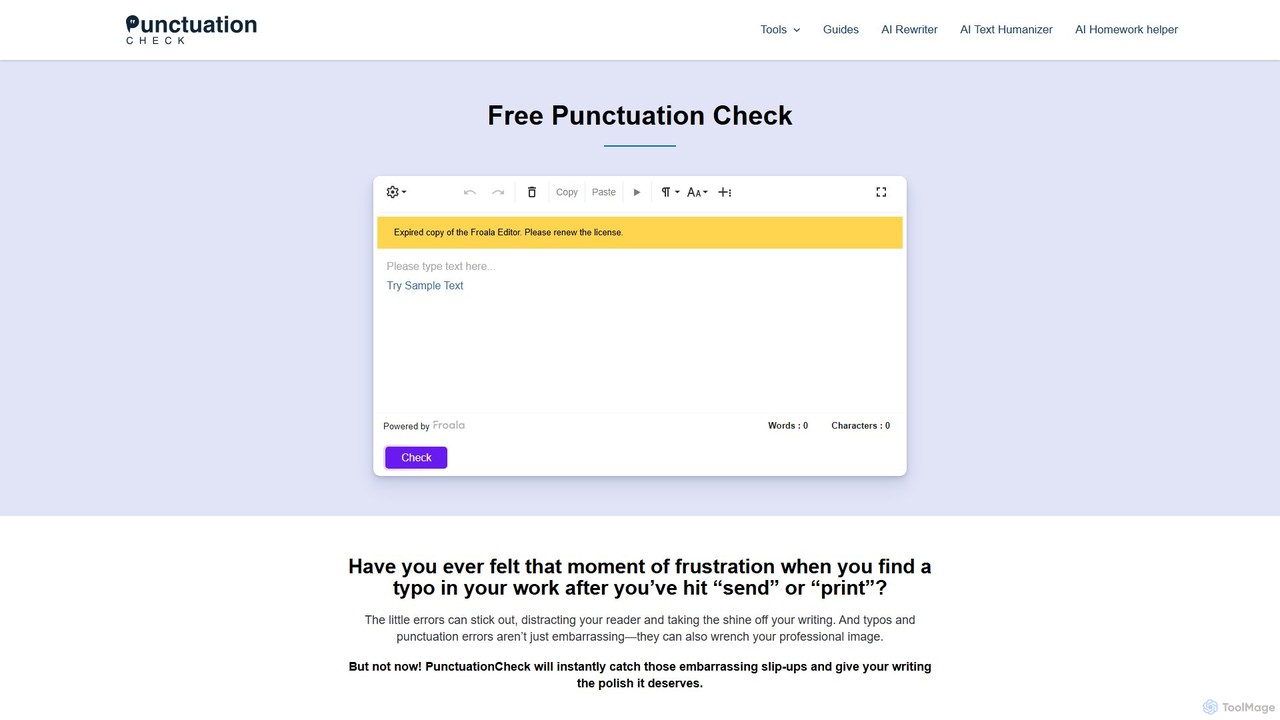
PunctuationCheck is a free online tool designed to instantly correct punctuation, spelling, and grammar errors in your English …
PunctuationCheck is a free online tool designed to instantly correct punctuation, spelling, and grammar errors in your English writing. It supports multiple English dialects, offers one-click corrections, and features a user-friendly editor. Ideal for students, professionals, and writers looking to polish their text, enhance clarity, and maintain a professional image without any cost or sign-up.
About Text Editor
AI Text Editors are advanced writing and coding environments that integrate artificial intelligence to augment the entire editing process. They leverage large language models to provide features like intelligent code completion, contextual grammar correction, and content generation directly within the editor. This transforms the traditional text editor from a passive tool into an active collaborator, significantly boosting productivity for developers, writers, and researchers. As a specialized utility, they focus on enhancing the core task of text manipulation with intelligent automation.
Core Features
- Intelligent Autocompletion: Suggests entire functions, code blocks, or paragraphs based on the current context, going far beyond single-word suggestions.
- Natural Language Commands: Allows users to generate, refactor, or debug code and text using plain language prompts.
- Real-time Writing Assistance: Provides sophisticated grammar, style, and tone suggestions to improve the clarity and impact of prose.
- Context-Aware Analysis: Understands the entire document to summarize complex sections, explain code, or identify inconsistencies.
Use Cases
These tools are primarily used by software developers to accelerate coding and debugging cycles. Content creators and technical writers use them to draft, refine, and repurpose articles with greater speed. Researchers and academics also find them valuable for organizing notes, analyzing text, and drafting papers.
How to Choose
When selecting an AI Text Editor, evaluate the specific AI capabilities (e.g., code generation vs. prose enhancement). Consider its integration with your existing toolchain, such as version control systems or project management software. Also, assess the supported programming and natural languages, and compare the pricing models (e.g., subscription vs. usage-based).
Text EditorUse Cases
Accelerating Software Development
A software developer working on a new feature can use an AI Text Editor to significantly speed up their workflow. By typing a comment describing a function, the AI can generate the complete code block in seconds. When encountering a bug, the developer can highlight the problematic code and ask the AI to explain the error and suggest a fix. This process reduces time spent on boilerplate coding and debugging, allowing the developer to focus on complex logic and architecture, potentially cutting development time for new features by 20-30%.
Drafting and Refining Technical Documentation
A technical writer is tasked with creating a user guide for a complex software product. They can paste raw developer notes into the AI Text Editor and ask it to structure them into a coherent draft. The writer then uses AI-powered commands to simplify technical jargon, ensure a consistent tone across all sections, and generate summaries for each chapter. This transforms the writing process from creation to curation, improving accuracy and reducing the time to produce a polished, user-friendly manual by up to 40%.
Streamlining Content Marketing Creation
A content marketer needs to produce a blog post, a tweet thread, and a LinkedIn update based on a recent case study. Inside an AI Text Editor, they can first ask the AI to summarize the case study into key bullet points. Then, they use these points to prompt the AI to generate a full blog post draft. Afterward, they can highlight the introduction and ask the AI to convert it into a compelling tweet thread, and then rephrase the conclusion for a professional LinkedIn audience. This consolidates the entire content repurposing workflow into a single application, ensuring message consistency and saving hours of manual work.
Academic Research and Note Synthesis
A university researcher is analyzing dozens of academic papers for a literature review. They can paste abstracts and key paragraphs from each paper into an AI Text Editor. Using natural language commands, they can ask the AI to identify common themes, find contradictory findings, and group related arguments together. The AI can then generate a structured outline for the literature review based on this synthesis. This approach helps the researcher quickly process a large volume of information and identify novel connections that might be missed during manual review.
Legal Document Review and Summarization
A paralegal needs to review a lengthy contract to identify key obligations and potential risks. By loading the document into an AI Text Editor, they can issue commands like "summarize the liability clause" or "list all payment deadlines". The AI quickly extracts and presents the relevant information, saving hours of manual reading. This allows the legal team to focus their expertise on interpreting the clauses rather than searching for them, improving efficiency and reducing the risk of human error in contract analysis.
Translating and Localizing User Interfaces
A localization manager is preparing a software application for a new market. They can paste all the UI text strings (e.g., button labels, menu items) into an AI Text Editor. The AI provides an initial translation, which the manager can then refine. They can ask the AI to suggest alternative phrasing that is more culturally appropriate or to ensure terminology is consistent with an existing glossary. This semi-automated workflow is significantly faster than manual translation and more accurate than simple machine translation, as it allows for human oversight and contextual refinement within a single tool.