
PunctuationCheck Overview
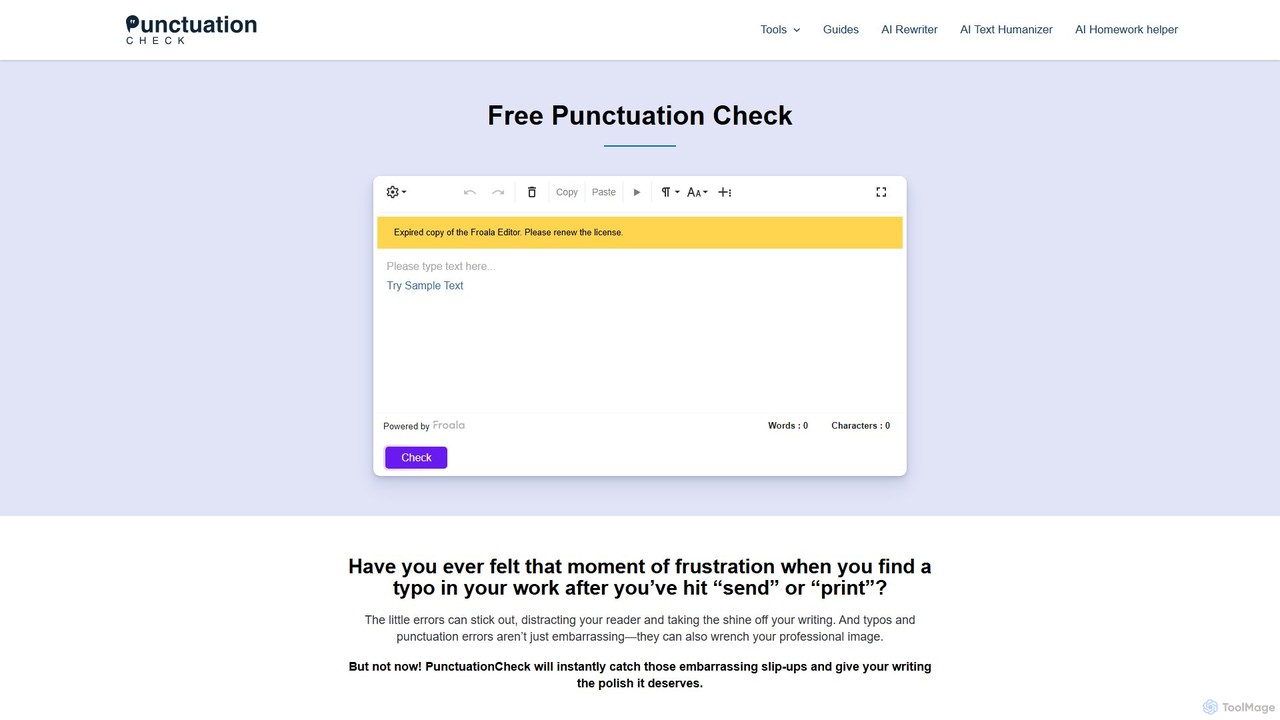
PunctuationCheck is a comprehensive, free-to-use online writing assistant designed to help users perfect their English texts. It goes beyond simple spell-checking to offer in-depth analysis and correction of punctuation, grammar, and style. Developed to be accessible for everyone, from students to seasoned professionals, the tool ensures that your writing is clear, credible, and error-free. With its intuitive interface and powerful features, PunctuationCheck acts as your personal proofreader, available anytime and anywhere directly from your browser.
The platform is built on the principle that correct punctuation is the cornerstone of effective communication. Small errors like a misplaced comma or a confused apostrophe can distract readers and undermine the writer's credibility. PunctuationCheck addresses this by meticulously scanning text for a wide range of issues, including the proper use of commas, periods, apostrophes (tackling the common 'it's' vs. 'its' confusion), hyphens, dashes, colons, semicolons, and quotation marks. It ensures that your sentences are well-structured and your message is conveyed with precision.
How to use PunctuationCheck
Using PunctuationCheck is designed to be a straightforward and efficient process, requiring no downloads or sign-ups. Follow these simple steps:
- Paste Your Text: Copy the text you want to check and paste it directly into the editor on the PunctuationCheck website.
- Select Language Dialect: Choose the specific dialect of English you are writing in (e.g., American, British, Australian, Canadian) to receive tailored corrections.
- Check for Errors: Click the "Check" button. The tool will instantly scan your text and highlight all detected punctuation, spelling, and grammar mistakes.
- Review and Correct: You can review each highlighted error individually. The tool provides suggestions for corrections. Alternatively, you can use the "Correct All" button to fix every mistake with a single click, saving valuable time.
- Format and Export: After correcting the text, you can use the built-in rich text editor to format your document with headings, bolding, lists, and more. You can then copy the polished text, print it directly, or save it as a PDF or OneNote file.
Core Features of PunctuationCheck
- Comprehensive Punctuation Correction: Detects and corrects a wide array of punctuation errors, including commas, periods, apostrophes, hyphens, dashes, colons, semicolons, and quotation marks.
- Grammar and Spell Checker: Identifies and fixes common grammatical mistakes and spelling typos, ensuring your writing is polished and professional.
- Multi-Dialect Support: Tailors corrections to various English dialects, including American, British, Australian, Canadian, New Zealand, and South African English.
- One-Click Correction: Features a "Correct All" button that allows users to apply all suggested corrections simultaneously, streamlining the editing process.
- Rich Text Editor: Provides a full-featured editor to format text with headings, font styles (bold, italic, underline), lists, and more, making it a versatile writing environment.
- Text-to-Speech: Includes a text-to-speech feature that reads the text aloud, helping users catch awkward phrasing and errors by hearing them.
- No Sign-Up Required: The tool is completely free and accessible without the need for registration or providing personal information.
- Document Handling: Allows users to easily copy, print, or save their corrected documents as PDF or OneNote files.
Use Cases for PunctuationCheck
PunctuationCheck is a valuable asset for a diverse range of users:
- Students: Perfect for proofreading essays, term papers, theses, and other academic assignments. It helps ensure arguments are presented clearly and avoids penalties for punctuation and grammar errors.
- Professionals: Essential for crafting error-free emails, reports, presentations, and other business communications. It helps maintain a professional image and ensures messages are understood correctly.
- Writers and Bloggers: An indispensable tool for polishing articles, blog posts, and creative writing before publication, enhancing readability and audience engagement.
- Non-Native English Speakers: A great learning aid to improve English writing skills, understand the nuances of punctuation rules, and gain confidence in their writing.
- Job Applicants: Helps create flawless resumes and cover letters, making a strong first impression on potential employers.
Advantages of PunctuationCheck
PunctuationCheck stands out with several key advantages:
- Completely Free: Offers premium-level proofreading capabilities at zero cost, making it accessible to everyone.
- User-Friendly Interface: The tool is incredibly intuitive and easy to navigate, requiring no technical expertise.
- Time-Saving: Automates the tedious task of manual proofreading, allowing users to focus more on the content and ideas of their writing.
- Enhances Credibility: By eliminating embarrassing errors, it helps users build and maintain credibility in academic, professional, and creative contexts.
- Accessibility: As a browser-based tool, it can be used on any device with an internet connection, without any software installation.
- Educational: By highlighting mistakes and providing correct alternatives, it serves as a practical tool for improving one's writing skills over time.
Pricing and Plans
PunctuationCheck is completely free to use. The founders have committed to keeping the tool free, ensuring that everyone has access to high-quality writing assistance without any fees, subscriptions, or hidden charges.
Traffic
Latest traffic
Status
Monthly traffic trend
- 2025-9: 8.7K
- 2026-1: 3.3K
- 2026-2: 2.0K
- 2026-3: 2.3K
- 2026-4: 2.0K
- 2026-5: 1.7K
Geography
Top 5 countries / regions
- 🇺🇸United States100.0%
Top keywords
| Keyword | Cost per click |
|---|---|
| comma checker | $0.41 |
| is this punctuation correct | $0.00 |
| punctuation checker | $0.43 |
| run on sentence checker | $0.67 |
| thesis checker | $2.20 |
PunctuationCheck Alternatives
SafeSpelling
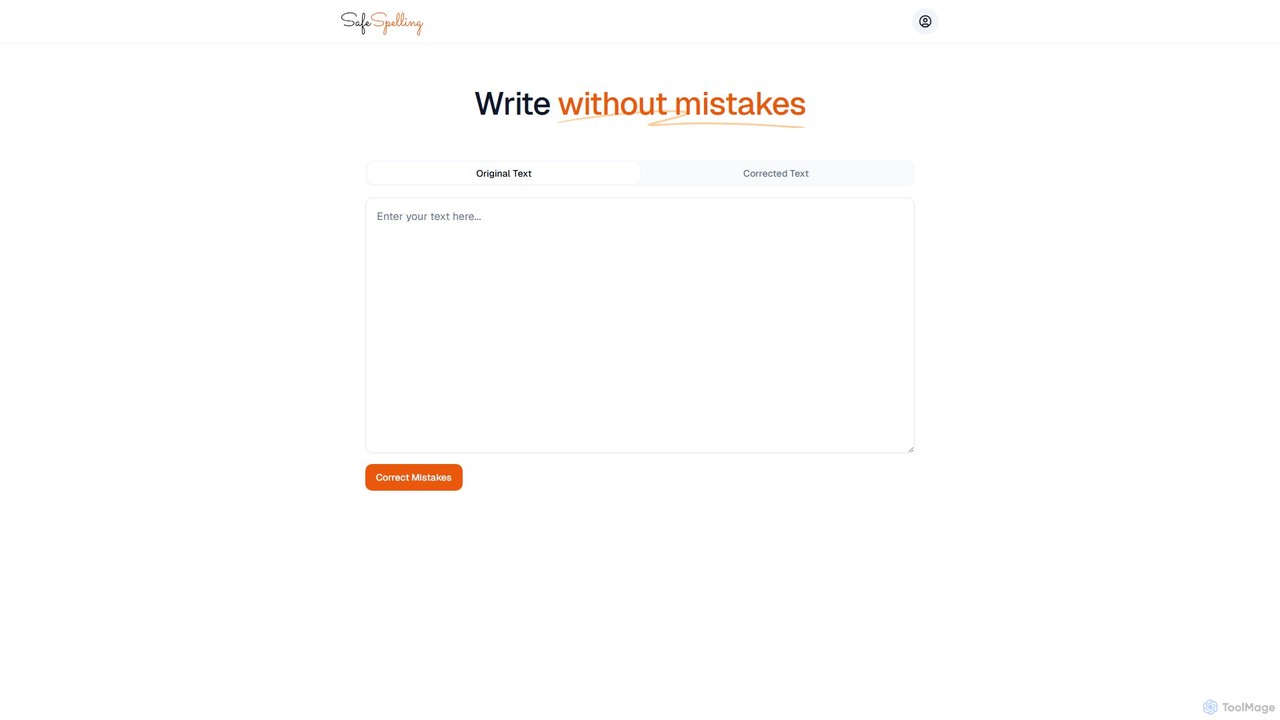
SafeSpelling is an AI-powered writing assistant designed to eliminate spelling, grammar, and punctuation errors. It helps users enhance their writing clarity, style, and professionalism. Ideal for students, professionals, and writers who want to produce flawless text with confidence.
Proofreading
scribowriter
scribowriter is an advanced AI writing assistant designed to enhance your writing. It offers a suite of tools including a paraphraser, summarizer, grammar checker, and more. Ideal for students, writers, and professionals to improve clarity, style, and accuracy in their texts.
Proofreading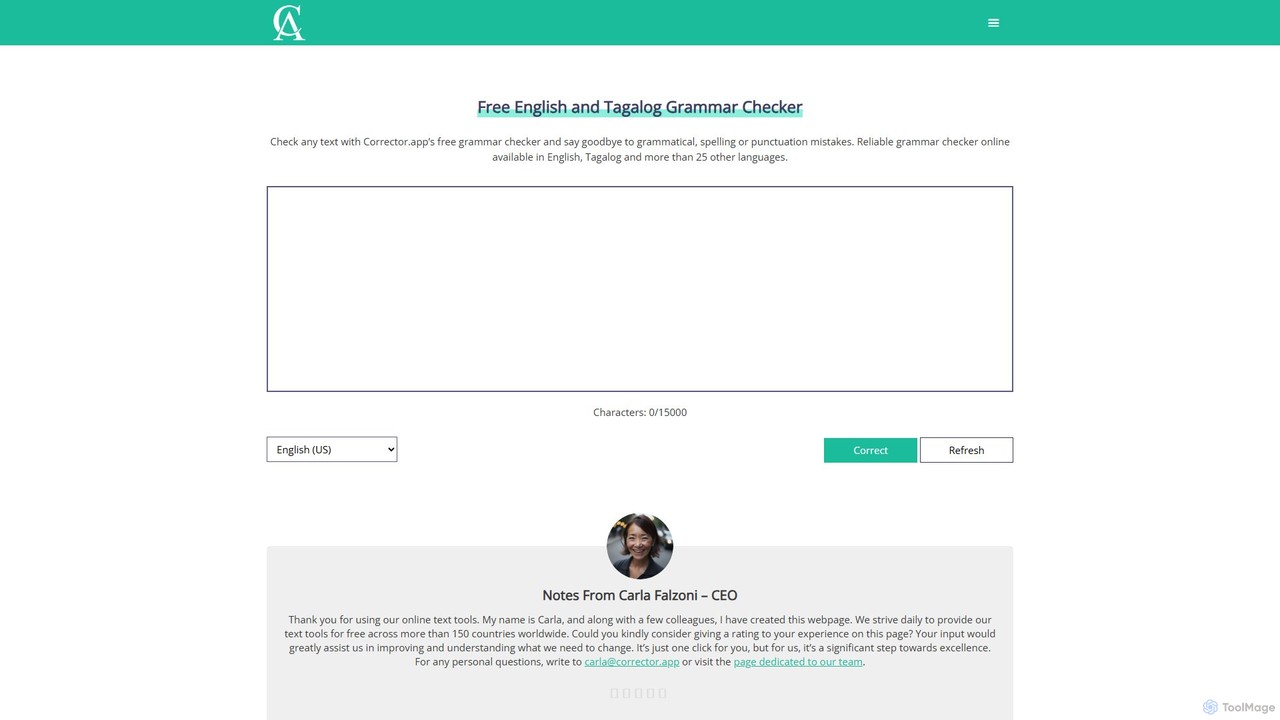
Corrector.app
Corrector.app is a powerful and completely free online grammar, spelling, and punctuation checker. It supports over 27 languages, including various English dialects, Spanish, French, and German. With no registration required, it provides instant, reliable text analysis to help students, professionals, and writers improve their written communication.
Proofreading
LanguageTool
LanguageTool is an AI-powered multilingual writing assistant that checks for grammar, spelling, and style errors. It offers advanced suggestions, a paraphrasing tool, and integrates seamlessly with browsers, office suites, and desktop apps to improve your writing everywhere.
Communication
Hemingway App
Hemingway App is a writing and editing tool designed to make your writing bold and clear. It highlights common errors, complex sentences, and weak phrasing. The AI-powered 'Editor Plus' version offers advanced grammar checking, tone adjustment, and automated rewriting to enhance clarity and impact.
LearningPunctuationCheck Categories
PunctuationCheck Embed Widget
Copy this embed code to place the badge on your blog, article, or product site and send readers directly to this ToolMage detail page.

Related AI tools
SafeSpelling
SafeSpelling is an AI-powered writing assistant designed to eliminate spelling, grammar, and punctuation errors. It helps users enhance their writing clarity, style, and professionalism. Ideal for students, professionals, and writers who want to produce flawless text with confidence.
ProofreadingCorrector.app
Corrector.app is a powerful and completely free online grammar, spelling, and punctuation checker. It supports over 27 languages, including various English dialects, Spanish, French, and German. With no registration required, it provides instant, reliable text analysis to help students, professionals, and writers improve their written communication.
Proofreading
Jyek
Jyek is an AI agent platform that understands objectives, creates execution plans, uses tools, and delivers verifiable results for complex, multi-step tasks.
Automationscribowriter
scribowriter is an advanced AI writing assistant designed to enhance your writing. It offers a suite of tools including a paraphraser, summarizer, grammar checker, and more. Ideal for students, writers, and professionals to improve clarity, style, and accuracy in their texts.
ProofreadingLanguageTool
LanguageTool is an AI-powered multilingual writing assistant that checks for grammar, spelling, and style errors. It offers advanced suggestions, a paraphrasing tool, and integrates seamlessly with browsers, office suites, and desktop apps to improve your writing everywhere.
CommunicationHemingway App
Hemingway App is a writing and editing tool designed to make your writing bold and clear. It highlights common errors, complex sentences, and weak phrasing. The AI-powered 'Editor Plus' version offers advanced grammar checking, tone adjustment, and automated rewriting to enhance clarity and impact.
Learning
Wordtune
Wordtune is an AI-powered writing companion and paraphrasing tool that helps you rewrite, rephrase, and improve your text. It offers features like tone adjustment, text shortening/expansion, summarization, and translation into English, ensuring your writing is clear, compelling, and authentic across various platforms.
Email Assistant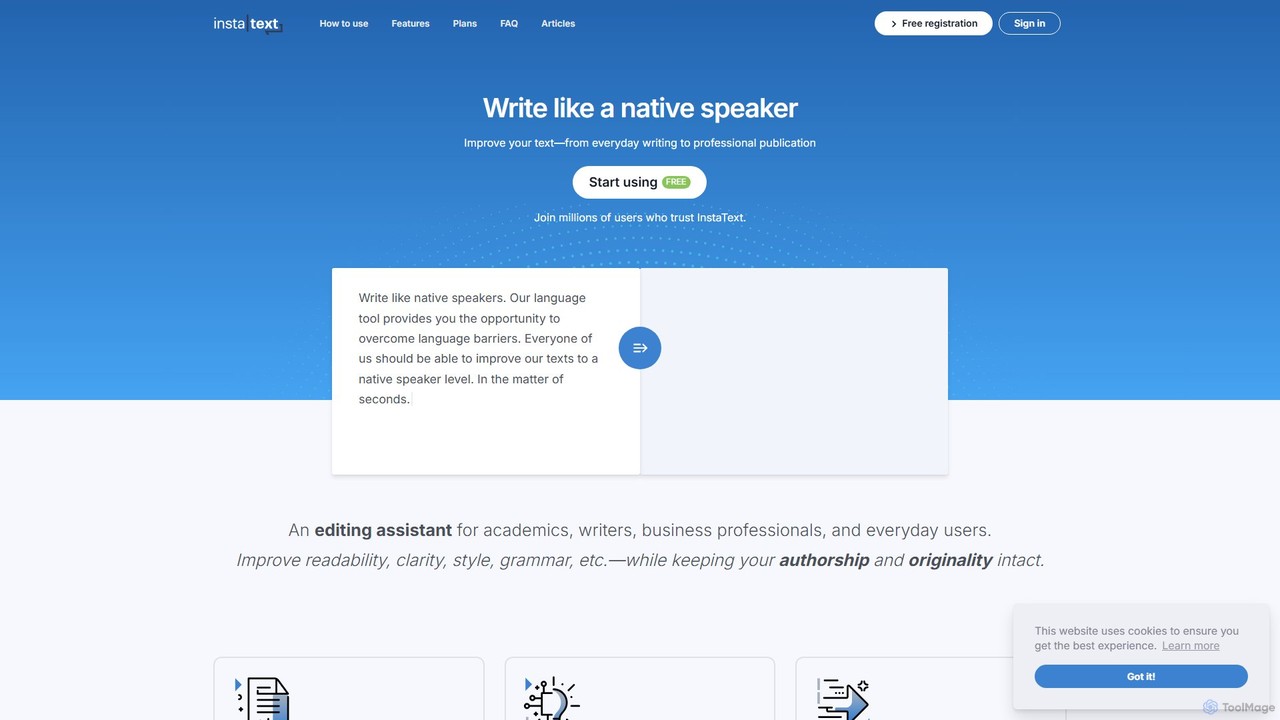
InstaText
InstaText is an AI-powered writing assistant that helps non-native and native speakers improve their English texts. It goes beyond basic grammar and spelling corrections by rewriting sentences for better clarity, style, and readability, ensuring your writing sounds natural and professional while preserving your unique voice.
Communication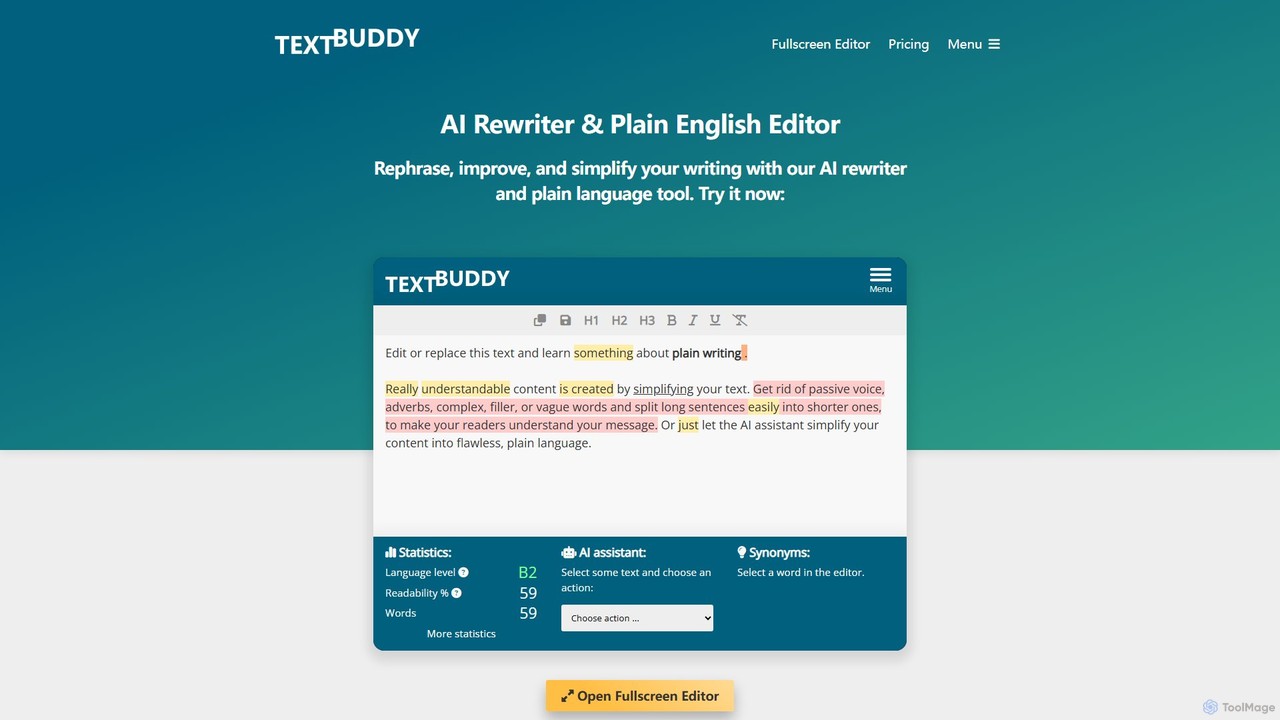
Textbuddy
Textbuddy is an AI-powered text editor and rewriter designed to improve writing clarity and conciseness. It uses plain language principles and GPT-4 technology to analyze text, identify flaws like complex sentences and passive voice, and offer suggestions for improvement. It supports over 50 languages and is accessible for free without requiring a login.
Learning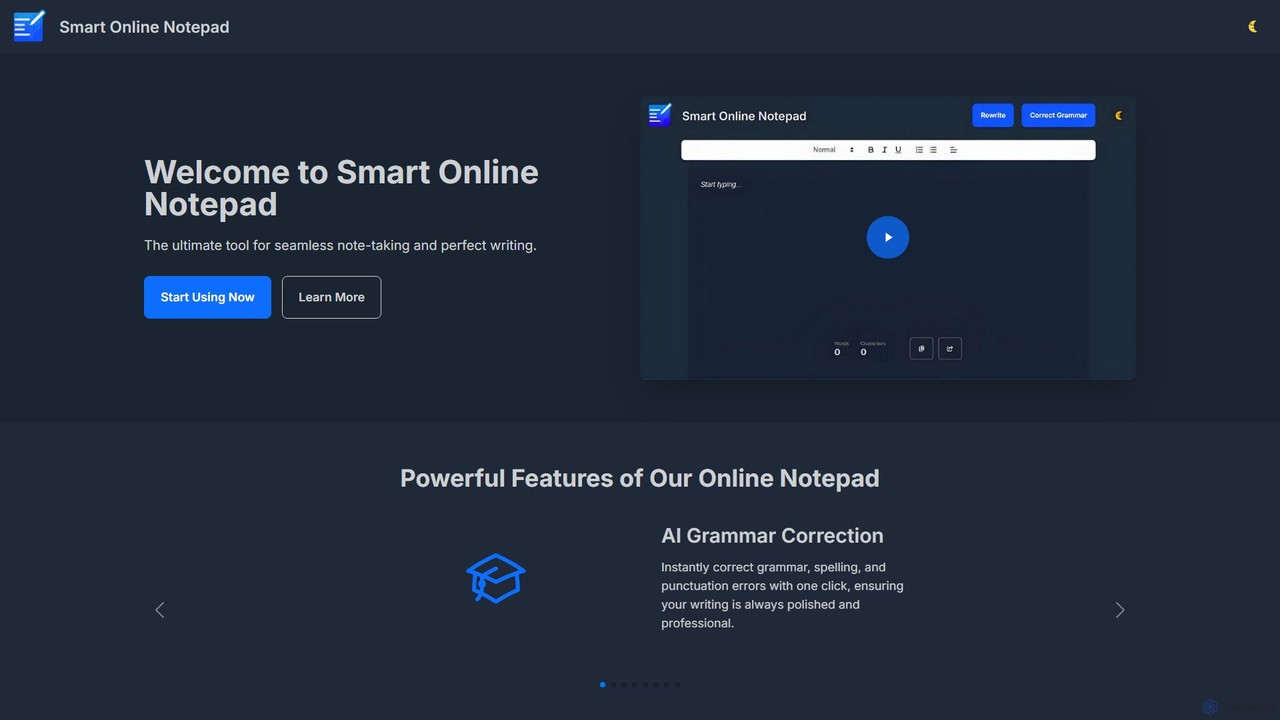
smartonlinenotepad
A free, AI-powered online notepad that offers instant grammar correction, text rewriting, and seamless note-sharing. No sign-up required, it supports multiple languages and features like word count and dark mode to enhance your writing productivity.
Note Taking
Writers-Copilot
Writers-Copilot is a free, intuitive AI-powered writing assistant that helps you improve your text. It offers interactive feedback, suggests enhancements, and refines your writing style without requiring any registration. Simply paste your text and use the chat interface to edit and perfect your content.
Study Tools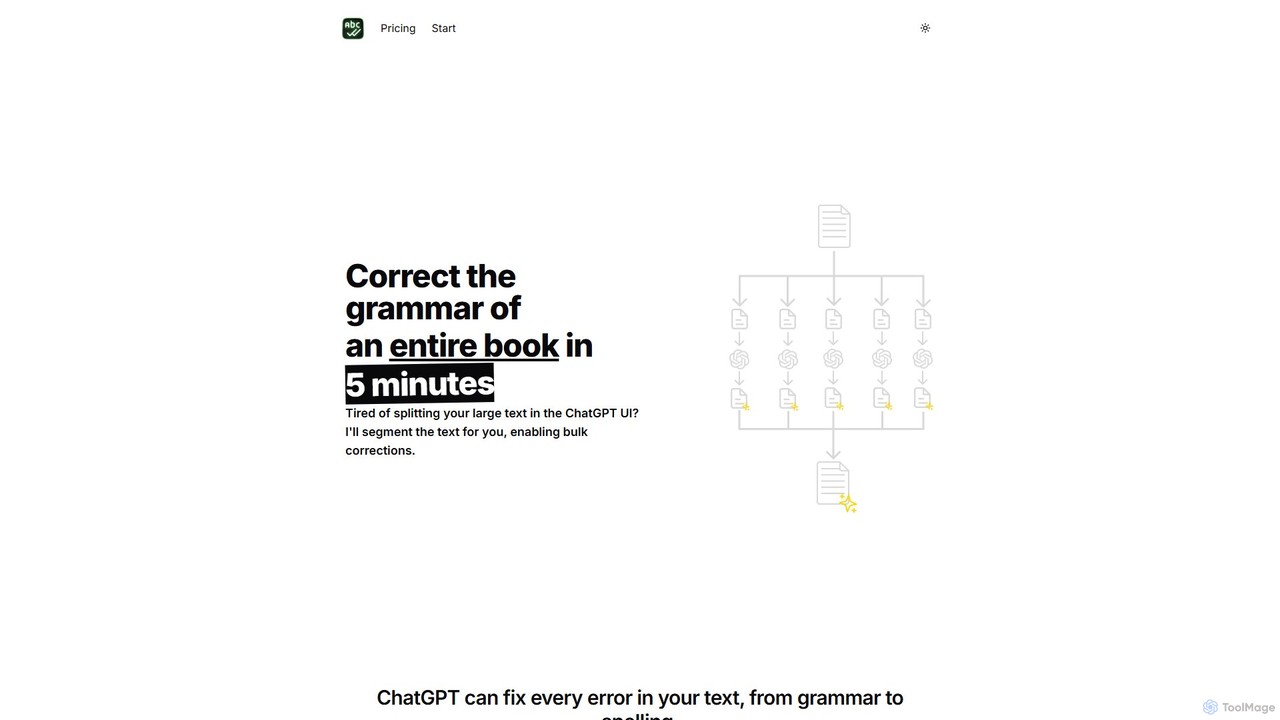
BulkCorrector
BulkCorrector is an AI-powered tool designed to overcome the input limits of models like ChatGPT. It allows users to correct grammar, check spelling, and translate entire large documents, such as books or long articles, in a single operation. By automatically segmenting text and processing it in chunks, it saves writers significant time and effort.
Automation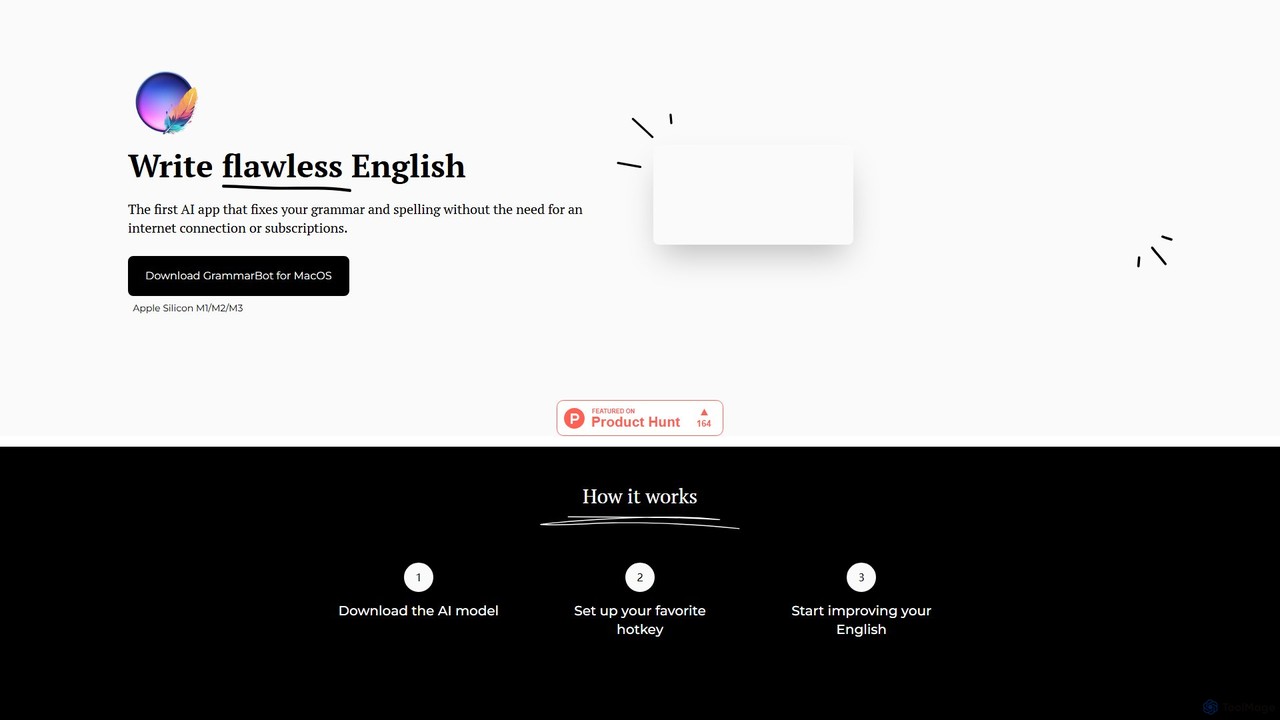
GrammarBot
GrammarBot is a privacy-focused AI grammar and spelling checker for macOS. It operates entirely offline using a local Large Language Model (LLM), ensuring your text never leaves your computer. With a simple hotkey integration, it works across all your applications. It's available for a one-time purchase, offering a lifetime license without any subscriptions.
Language Learning
prowriting
prowriting is an AI-powered writing assistant designed to enhance your writing. It provides real-time feedback on grammar, style, tone, and clarity. Ideal for students, professionals, and content creators, it helps you craft clear, compelling, and error-free text, boosting your communication effectiveness and confidence.
Learning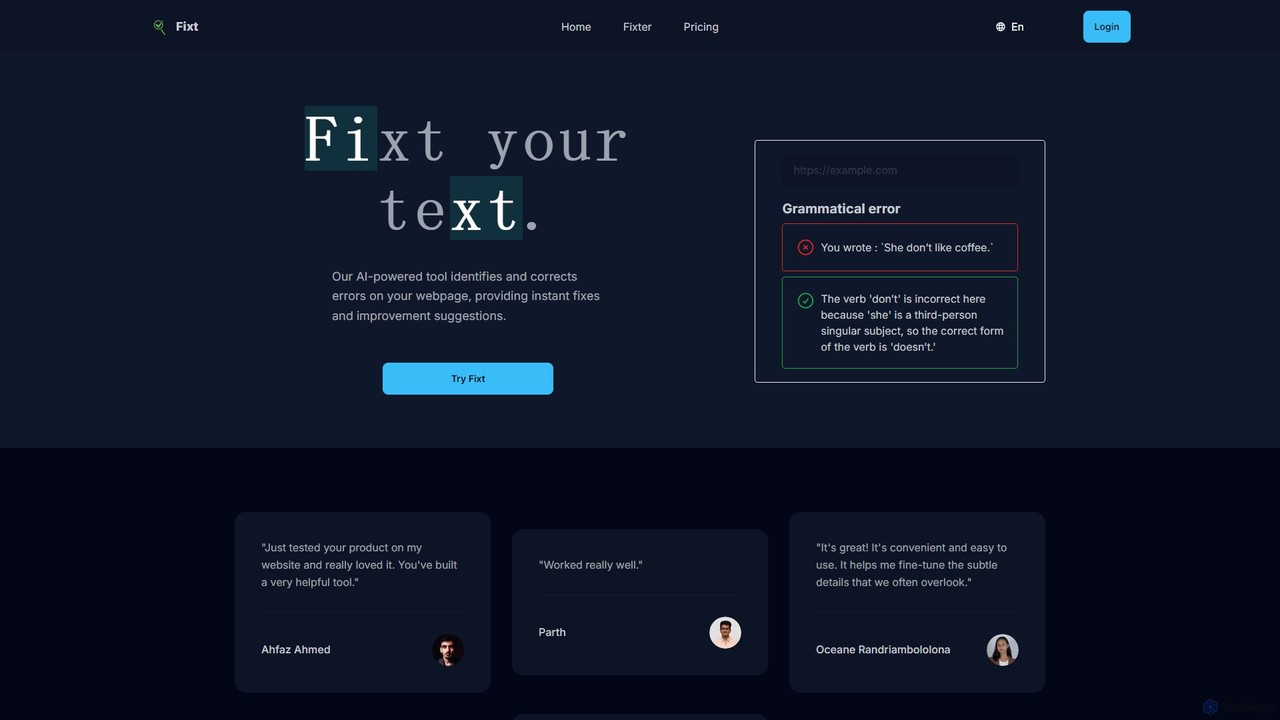
Fixt
Fixt is an AI-powered tool that automatically scans your website to identify and correct grammatical errors, typos, and style inconsistencies. Simply enter a URL to receive instant fixes and suggestions, ensuring your web content is professional, clear, and error-free.
Content Creation
PunctuationCheck Comments (0)
Sign in to comment.
Sign inNo comments yet.