


Hemingway App Overview
Hemingway App is a powerful editor that focuses on improving the clarity, conciseness, and readability of your writing. Inspired by Ernest Hemingway's direct and unadorned prose, the tool helps you cut the dead weight from your text. It operates on a simple, color-coded feedback system that instantly identifies areas for improvement. The platform is available as a free-to-use online editor, a one-time purchase classic desktop app for offline use, and an advanced AI-powered subscription service called Hemingway Editor Plus.
The core philosophy of the app is to make you a better writer by teaching you to spot and eliminate common pitfalls. It flags lengthy and complex sentences, excessive use of adverbs, passive voice, and words with simpler alternatives. By addressing these highlights, users can transform convoluted text into powerful, effective communication.
How to use Hemingway App
Using the Hemingway App is straightforward and intuitive. Simply follow these steps:
- Write or Paste Text: Open the editor and either start writing directly in the interface or paste your existing text from another document.
- Review Color-Coded Feedback: The app will instantly analyze your text and highlight potential issues with different colors:
- Yellow Sentences: These are hard to read. Try splitting them or shortening them.
- Red Sentences: These are very hard to read, dense, and complicated. You should edit these sentences until the red highlight disappears.
- Purple Words: These words have a simpler alternative. Hover over them to see suggestions.
- Blue Words: These are adverbs or weakening phrases. Consider removing them or using stronger verbs.
- Green Phrases (Editor Plus): These are grammatical errors identified by the advanced AI checker.
- Edit and Refine: Click on the highlighted sections to make edits. For users of Hemingway Editor Plus, you can use the AI tools to automatically fix grammar, rewrite sentences, adjust tone (e.g., make it more formal, persuasive, or friendly), and even get creative suggestions to overcome writer's block.
- Export or Publish: Once you are satisfied with your writing, you can export it in various formats like Text, PDF, Word (.docx), HTML, or Markdown. The desktop app also features one-click publishing to WordPress and Medium.
Core Features of Hemingway App
- Readability Grade: The app provides a readability score, helping you aim for a level that is appropriate for your target audience.
- Color-Coded Highlighting: Instantly identifies hard-to-read sentences, passive voice, adverbs, and complex words.
- Advanced AI Grammar Checker (Editor Plus): Goes beyond basic spell-checking to catch complex grammatical errors.
- AI-Powered Rewriting and Tone Adjustment (Editor Plus): Select text to change its tone, style, length, or formality. Includes tools like 'Creative Rephrase' and 'Polish' to refine phrasing.
- Offline Desktop App: The classic desktop version for Mac and PC allows you to work anywhere without an internet connection.
- File Import/Export: Supports importing from Word (.docx) and exporting to multiple formats, including PDF with highlights for collaboration.
- Direct Publishing: The desktop app integrates with WordPress and Medium for seamless publishing workflows.
- English Dialect Support (Editor Plus): Adapts to different English dialects, such as British English, to avoid incorrect flagging of regional spellings.
Use Cases for Hemingway App
Hemingway App is versatile and beneficial for a wide range of users:
- Bloggers and Content Creators: To create clear, engaging, and SEO-friendly articles that are easy for readers to digest.
- Students and Academics: To improve the clarity of essays, reports, and research papers, ensuring arguments are presented effectively.
- Business Professionals: For writing concise emails, reports, and presentations that communicate information clearly and professionally.
- Authors and Fiction Writers: To tighten up prose, eliminate wordiness, and develop a more powerful and direct writing style.
- Marketers: To craft compelling copy for websites, ads, and social media that grabs attention and drives action.
Advantages of Hemingway App
The primary advantage of the Hemingway App is its focus on clarity and boldness. It acts as a personal writing coach, helping you to not only fix errors but also understand how to avoid them in the future. The instant, visual feedback makes the editing process fast and efficient. The availability of both a simple offline app and a powerful AI-enhanced online version provides flexibility for different needs and workflows. The AI features in Editor Plus significantly speed up the revision process, offering intelligent suggestions that go far beyond traditional grammar checkers.
Pricing and Plans
Hemingway App offers several options to suit different users:
- Free Online Editor: The basic web version with color-coded highlights is available for free at hemingwayapp.com.
- Hemingway Editor 3 (Desktop App): A one-time purchase of $19.99 for Mac or Windows. This version works offline and includes all the classic highlighting features, formatting options, and publishing integrations. It does not include the new AI features.
- Hemingway Editor Plus: A subscription-based service with powerful AI features. It includes a free 2-week trial. Plans are available for solo users (with sentence limits like 10,000 per month) and for teams, allowing for collaborative work and centralized billing. Specific subscription pricing is available on their website.
Traffic
Latest traffic
Status
Monthly traffic trend
- 2025-9: 750.4K
- 2026-1: 737.9K
- 2026-2: 704.6K
- 2026-3: 718.6K
- 2026-4: 640.8K
- 2026-5: 614.4K
Geography
Top 5 countries / regions
- 🇺🇸United States61.4%
- 🇮🇳India13.9%
- 🇵🇰Pakistan10.7%
- 🇬🇧United Kingdom8.4%
- 🇦🇺Australia5.6%
Traffic sources
| Source type | Percentage |
|---|---|
Direct | 89.2% |
Referral | 9.6% |
Email | 1.2% |
Top keywords
| Keyword | Cost per click |
|---|---|
| . | $0.00 |
| hemingway | $0.50 |
| hemingway app | $3.00 |
| hemingway editor | $1.45 |
| readability checker | $2.34 |
Hemingway App Videos on YouTube

The Build

Jupitrr AI

Digital Brolly - Digital Marketing Course With AI
Hemingway App Alternatives
prowriting
prowriting is an AI-powered writing assistant designed to enhance your writing. It provides real-time feedback on grammar, style, tone, and clarity. Ideal for students, professionals, and content creators, it helps you craft clear, compelling, and error-free text, boosting your communication effectiveness and confidence.
Learning
Grammarly
Grammarly is an AI-powered writing assistant that helps you communicate more effectively. It goes beyond basic grammar and spelling checks to offer real-time suggestions on clarity, conciseness, tone, and style. Trusted by millions, Grammarly integrates seamlessly across desktops, web browsers, and mobile devices to ensure your writing is always clear, confident, and mistake-free.
Learning
ProWritingAid
ProWritingAid is a comprehensive AI-powered writing assistant, style editor, and grammar checker. It's designed for authors, students, and professionals to improve writing clarity, strength, and style. With over 25 detailed reports, it goes beyond basic corrections, offering in-depth analysis on everything from pacing and dialogue to readability and sentence structure. It integrates seamlessly with popular writing platforms.
Learning
InstaText
InstaText is an AI-powered writing assistant that helps non-native and native speakers improve their English texts. It goes beyond basic grammar and spelling corrections by rewriting sentences for better clarity, style, and readability, ensuring your writing sounds natural and professional while preserving your unique voice.
Communication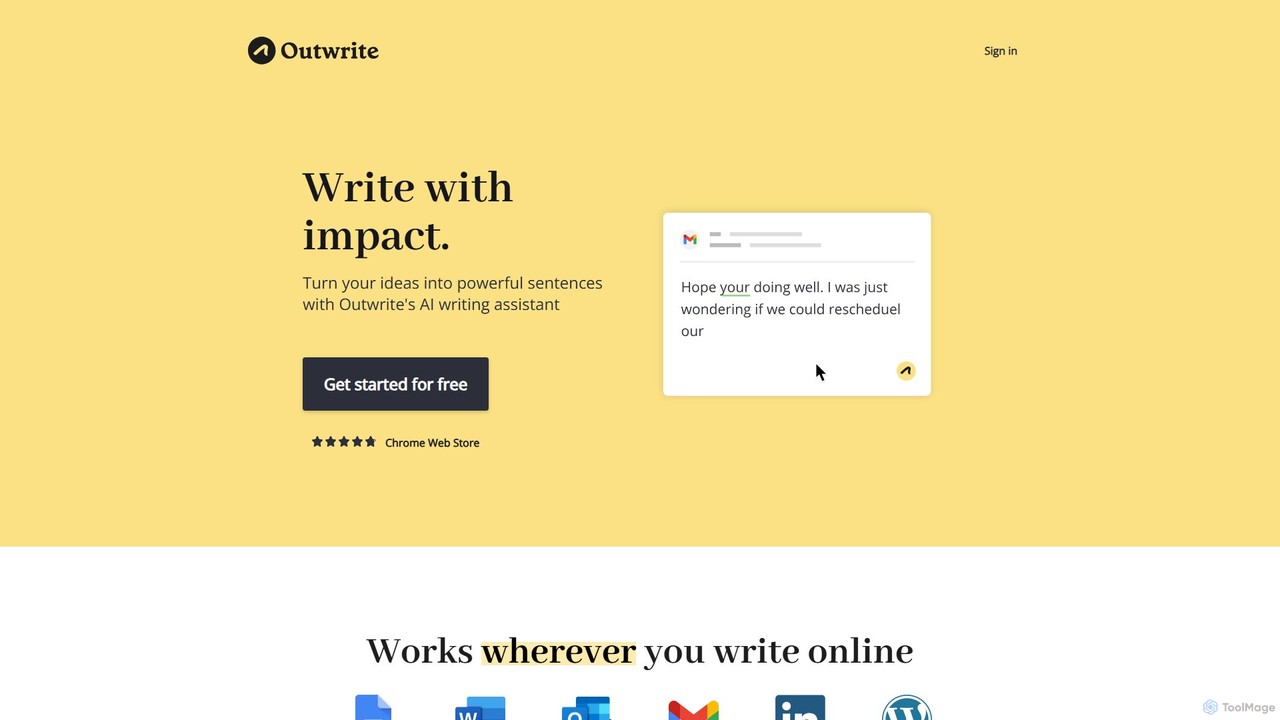
Outwrite
Outwrite is an AI-powered writing assistant that helps you write with impact. It corrects grammar, spelling, and punctuation, and offers advanced features like style suggestions, sentence paraphrasing, and structural improvements. It integrates seamlessly with Google Docs, MS Word, and various web platforms.
Language LearningHemingway App Categories
Hemingway App Embed Widget
Copy this embed code to place the badge on your blog, article, or product site and send readers directly to this ToolMage detail page.

Related AI tools
InstaText
InstaText is an AI-powered writing assistant that helps non-native and native speakers improve their English texts. It goes beyond basic grammar and spelling corrections by rewriting sentences for better clarity, style, and readability, ensuring your writing sounds natural and professional while preserving your unique voice.
CommunicationOutwrite
Outwrite is an AI-powered writing assistant that helps you write with impact. It corrects grammar, spelling, and punctuation, and offers advanced features like style suggestions, sentence paraphrasing, and structural improvements. It integrates seamlessly with Google Docs, MS Word, and various web platforms.
Language Learning
Editair
Editair is an AI-powered writing assistant designed to elevate your text. It goes beyond basic grammar checks, offering suggestions for style, tone, and clarity. Perfect for professionals, students, and content creators, Editair helps you craft clear, compelling, and error-free content effortlessly, making your writing process smoother and more efficient.
Study Toolsprowriting
prowriting is an AI-powered writing assistant designed to enhance your writing. It provides real-time feedback on grammar, style, tone, and clarity. Ideal for students, professionals, and content creators, it helps you craft clear, compelling, and error-free text, boosting your communication effectiveness and confidence.
Learning
Wordtune
Wordtune is an AI-powered writing companion and paraphrasing tool that helps you rewrite, rephrase, and improve your text. It offers features like tone adjustment, text shortening/expansion, summarization, and translation into English, ensuring your writing is clear, compelling, and authentic across various platforms.
Email Assistant
LingoEdit
LingoEdit is an AI-powered writing assistant designed to elevate your text. It offers advanced grammar, style, and tone suggestions, along with powerful paraphrasing and multi-language proofreading capabilities to help you write with clarity, confidence, and precision.
Language Learning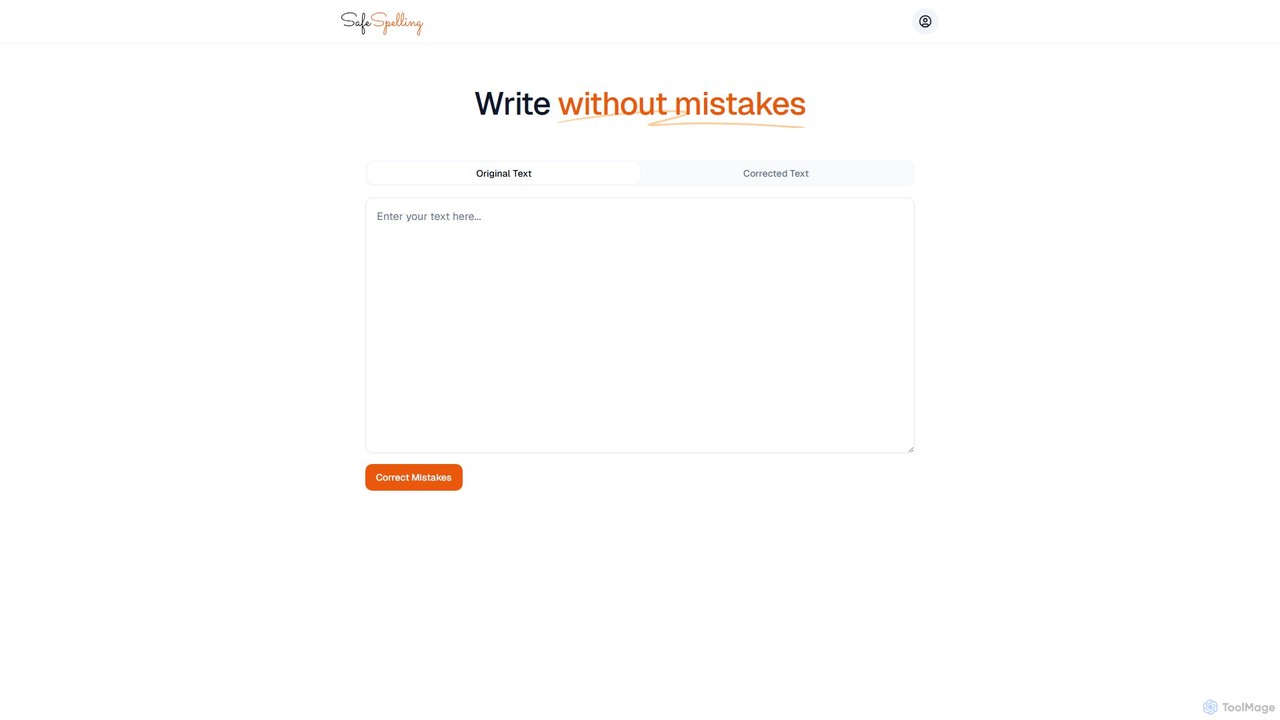
SafeSpelling
SafeSpelling is an AI-powered writing assistant designed to eliminate spelling, grammar, and punctuation errors. It helps users enhance their writing clarity, style, and professionalism. Ideal for students, professionals, and writers who want to produce flawless text with confidence.
ProofreadingGrammarly
Grammarly is an AI-powered writing assistant that helps you communicate more effectively. It goes beyond basic grammar and spelling checks to offer real-time suggestions on clarity, conciseness, tone, and style. Trusted by millions, Grammarly integrates seamlessly across desktops, web browsers, and mobile devices to ensure your writing is always clear, confident, and mistake-free.
LearningProWritingAid
ProWritingAid is a comprehensive AI-powered writing assistant, style editor, and grammar checker. It's designed for authors, students, and professionals to improve writing clarity, strength, and style. With over 25 detailed reports, it goes beyond basic corrections, offering in-depth analysis on everything from pacing and dialogue to readability and sentence structure. It integrates seamlessly with popular writing platforms.
Learning
Jyek
Jyek is an AI agent platform that understands objectives, creates execution plans, uses tools, and delivers verifiable results for complex, multi-step tasks.
Automation
SourcePilot
SourcePilot is an AI-powered desktop text editor designed to enhance writing speed, quality, and impact while ensuring complete user ownership and privacy. It offers smart AI suggestions, context-aware assistance, and local document management for various writing needs.
Blogging
Wonder AI
Wonder AI is a powerful Chrome extension that enhances your writing, editing, and reading. It integrates directly into your browser, offering one-click tools to rewrite text, check grammar, summarize articles, explain complex concepts, and translate content, boosting your daily productivity and communication skills.
Chrome Extensions
Grammarly
Grammarly is an AI-powered writing assistant that helps you communicate more effectively. It goes beyond basic grammar and spelling checks to offer suggestions on style, tone, and clarity. Trusted by millions, Grammarly integrates seamlessly into your workflow across various platforms, providing real-time feedback to enhance your emails, documents, and social media posts. Its generative AI features can also help you brainstorm, compose, and rewrite text instantly.
Communication
spelliy
Spelliy is an AI-powered writing assistant designed to elevate your writing. It provides advanced grammar, spelling, and punctuation checks, along with suggestions for improving style, tone, and clarity. Ideal for students, professionals, and writers.
Language Learning
Shy Editor
Shy Editor is a modern, AI-native writing environment designed for all types of writers. It seamlessly integrates an AI assistant, intelligent grammar checker, and robust organizational tools to enhance creativity and productivity. From novelists to academics, it provides a unified workspace for writing, research, and editing, empowering users to produce their best work.
Research
Hemingway App Comments (0)
Sign in to comment.
Sign inNo comments yet.