

SafeSpelling Overview
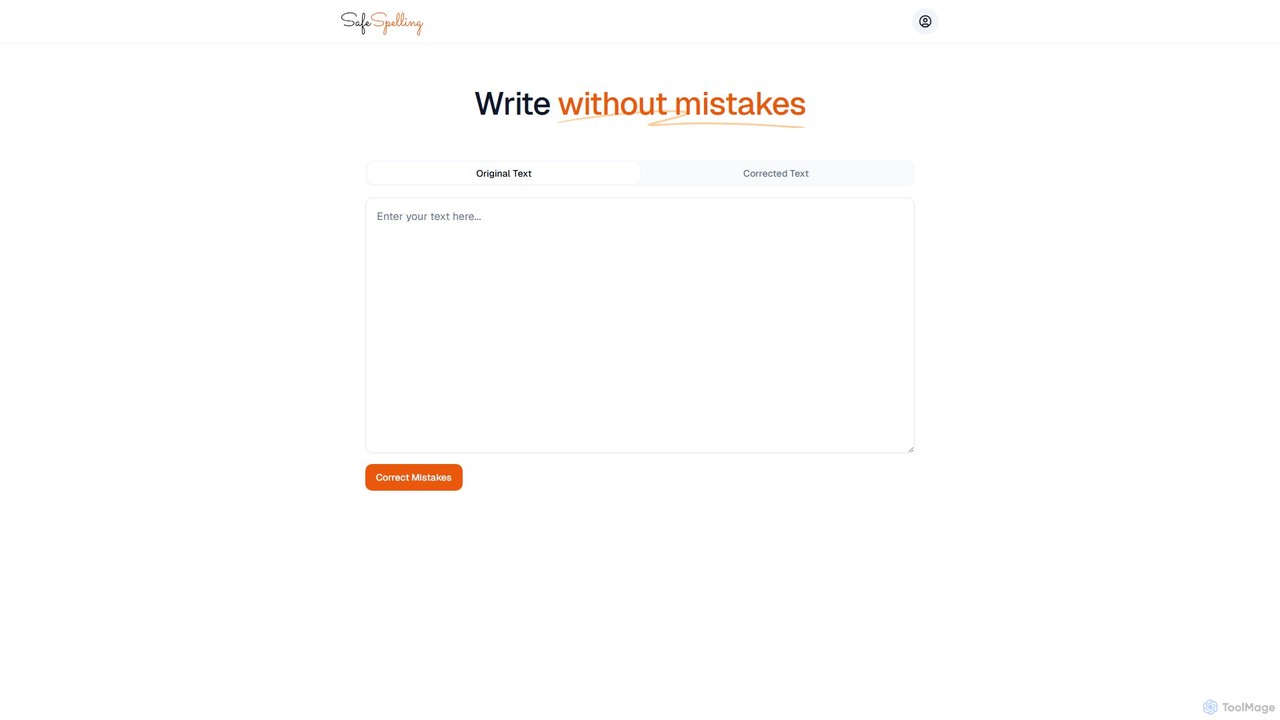
SafeSpelling is an advanced AI-driven tool dedicated to perfecting your writing. In today's digital world, clear and error-free communication is crucial for success, whether you are a student, a professional, or a content creator. SafeSpelling acts as your personal proofreader, meticulously scanning your text to identify and correct a wide range of errors, from simple typos to complex grammatical mistakes. Its intuitive interface allows you to instantly improve your writing, ensuring your message is conveyed with precision and professionalism.
The platform is designed for simplicity and efficiency. By simply pasting your text into the editor, you can get instant feedback and corrections. The tool goes beyond basic spell-checking, offering suggestions to improve sentence structure, word choice, and overall readability. This makes it an indispensable asset for anyone looking to elevate the quality of their written communication.
How to use SafeSpelling
Using SafeSpelling is a straightforward process designed for maximum user convenience:
- Paste Your Text: Navigate to the SafeSpelling website. Copy the text you want to check and paste it directly into the 'Original Text' field on the homepage.
- Initiate Correction: Click the 'Correct Mistakes' button. The AI engine will instantly analyze your text for spelling, grammar, punctuation, and style errors.
- Review and Use: The corrected text will appear in the 'Corrected Text' box. The tool will often highlight the changes made, allowing you to understand your mistakes and learn from them. You can then copy the polished text and use it in your documents, emails, or publications.
- Sign Up for More Features: For access to advanced features like style suggestions, tone analysis, and longer text processing, users can create an account and log in.
Core Features of SafeSpelling
- Advanced Grammar and Spelling Correction: Utilizes a sophisticated AI algorithm to detect and fix not just common spelling mistakes but also complex grammatical errors, including subject-verb agreement, tense consistency, and more.
- Punctuation Checker: Ensures correct usage of commas, periods, semicolons, and other punctuation marks, which is vital for clear and professional writing.
- Style and Tone Enhancement: Provides suggestions to improve the style of your writing. It can help you sound more confident, professional, or formal, depending on your audience and purpose.
- Clarity and Readability Analysis: Identifies convoluted sentences, jargon, and redundancies, offering simpler and more direct alternatives to make your writing easier to understand.
- Multi-Language Support: While its primary focus is English, the tool is equipped to handle and correct text in several other major languages, making it versatile for global users.
Use Cases for SafeSpelling
SafeSpelling is a versatile tool suitable for a wide range of users:
- Students: To proofread essays, research papers, and assignments, ensuring they are grammatically correct and well-written to achieve better grades.
- Professionals and Business Users: For drafting important emails, reports, presentations, and proposals. It helps maintain a professional image and ensures clear communication with clients and colleagues.
- Writers and Bloggers: To polish articles, blog posts, and manuscripts before publication, saving time on manual proofreading and improving the final quality of their work.
- Non-Native English Speakers: As a learning aid to improve their written English, understand common mistakes, and gain confidence in their writing skills.
- Job Seekers: To create error-free resumes and cover letters that make a strong first impression on potential employers.
Advantages of SafeSpelling
The key advantage of SafeSpelling is its ability to deliver accurate, instant, and comprehensive writing support. It enhances productivity by automating the tedious task of proofreading. The user-friendly, web-based interface requires no installation and is accessible from any device. By providing not just corrections but also explanations and suggestions, it serves as an educational tool, helping users become better writers over time. Its focus on 'safe' or error-free writing gives users the confidence that their work is polished and professional.
Pricing and Plans
SafeSpelling operates on a freemium model, making basic proofreading accessible to everyone while offering powerful features for serious users.
- Free Plan: Ideal for quick checks and casual use. Users can correct spelling and basic grammar for texts up to a certain word count. It's completely free and accessible directly from the website.
- Pro Plan (Subscription-based): Aimed at professionals, students, and writers. This plan unlocks all features, including advanced grammar and style suggestions, tone analysis, unlimited word count, and the ability to save and manage documents. The Pro plan is typically available as a monthly or annual subscription, with the annual plan offering a significant discount.
SafeSpelling Alternatives
PunctuationCheck
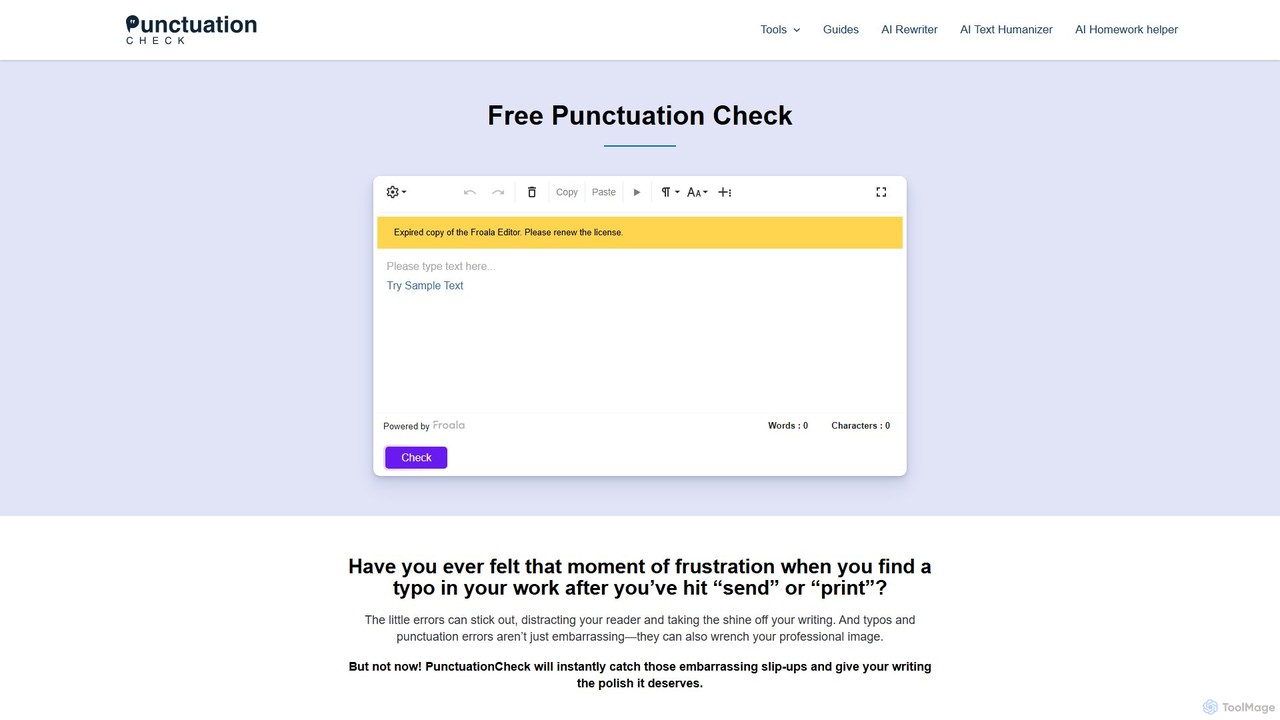
PunctuationCheck is a free online tool designed to instantly correct punctuation, spelling, and grammar errors in your English writing. It supports multiple English dialects, offers one-click corrections, and features a user-friendly editor. Ideal for students, professionals, and writers looking to polish their text, enhance clarity, and maintain a professional image without any cost or sign-up.
Proofreading
scribowriter
scribowriter is an advanced AI writing assistant designed to enhance your writing. It offers a suite of tools including a paraphraser, summarizer, grammar checker, and more. Ideal for students, writers, and professionals to improve clarity, style, and accuracy in their texts.
Proofreading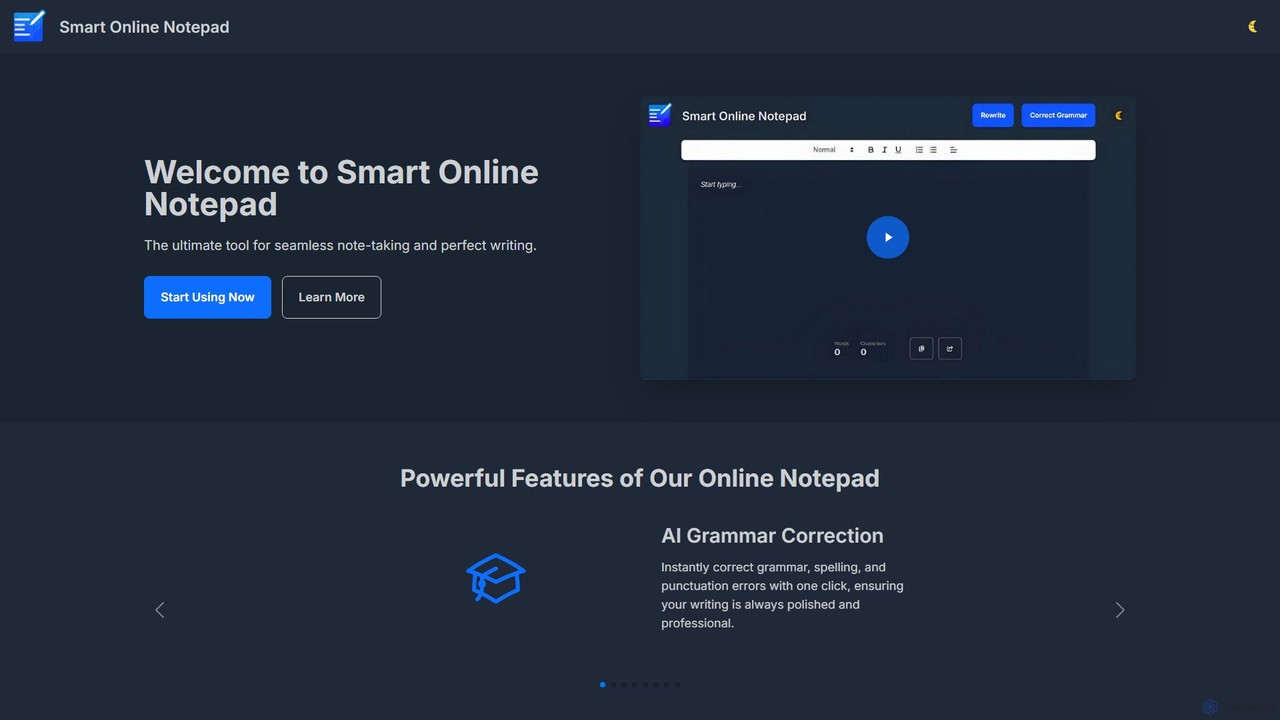
smartonlinenotepad
A free, AI-powered online notepad that offers instant grammar correction, text rewriting, and seamless note-sharing. No sign-up required, it supports multiple languages and features like word count and dark mode to enhance your writing productivity.
Note Taking
Hemingway App
Hemingway App is a writing and editing tool designed to make your writing bold and clear. It highlights common errors, complex sentences, and weak phrasing. The AI-powered 'Editor Plus' version offers advanced grammar checking, tone adjustment, and automated rewriting to enhance clarity and impact.
Learning
Wordtune
Wordtune is an AI-powered writing companion and paraphrasing tool that helps you rewrite, rephrase, and improve your text. It offers features like tone adjustment, text shortening/expansion, summarization, and translation into English, ensuring your writing is clear, compelling, and authentic across various platforms.
Email AssistantSafeSpelling Categories
SafeSpelling Embed Widget
Copy this embed code to place the badge on your blog, article, or product site and send readers directly to this ToolMage detail page.

Related AI tools
PunctuationCheck
PunctuationCheck is a free online tool designed to instantly correct punctuation, spelling, and grammar errors in your English writing. It supports multiple English dialects, offers one-click corrections, and features a user-friendly editor. Ideal for students, professionals, and writers looking to polish their text, enhance clarity, and maintain a professional image without any cost or sign-up.
ProofreadingHemingway App
Hemingway App is a writing and editing tool designed to make your writing bold and clear. It highlights common errors, complex sentences, and weak phrasing. The AI-powered 'Editor Plus' version offers advanced grammar checking, tone adjustment, and automated rewriting to enhance clarity and impact.
LearningWordtune
Wordtune is an AI-powered writing companion and paraphrasing tool that helps you rewrite, rephrase, and improve your text. It offers features like tone adjustment, text shortening/expansion, summarization, and translation into English, ensuring your writing is clear, compelling, and authentic across various platforms.
Email Assistant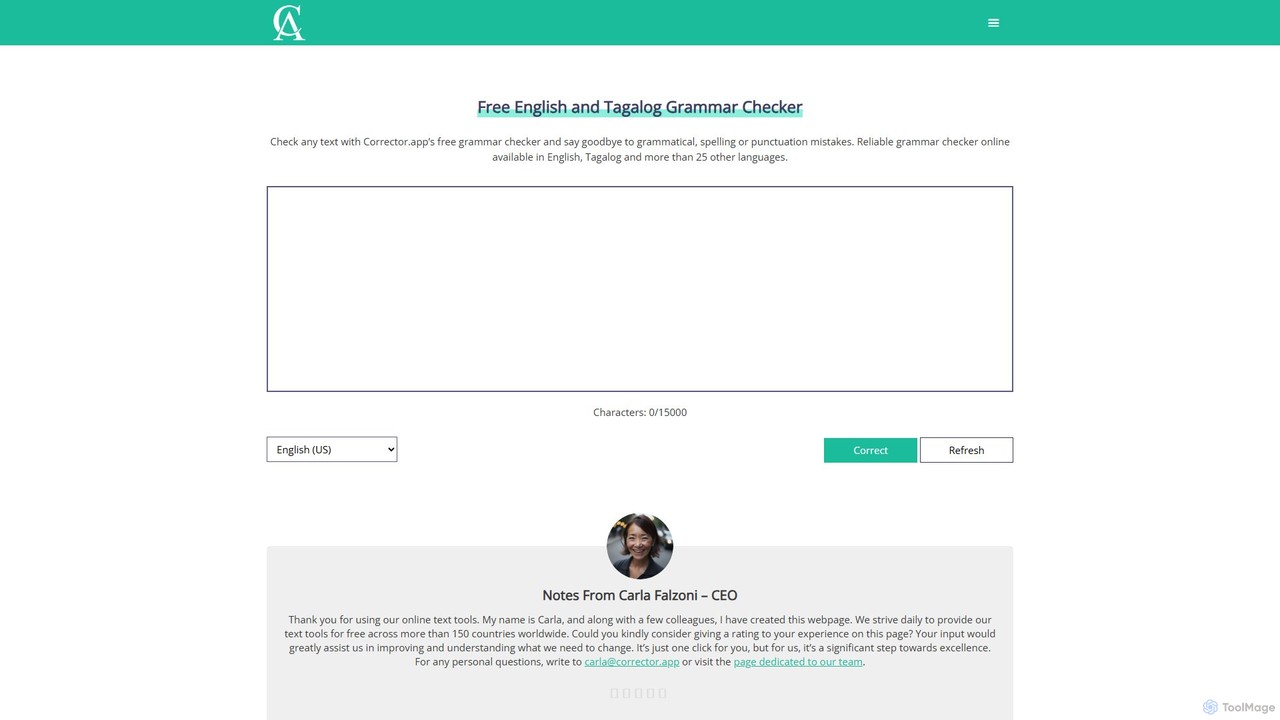
Corrector.app
Corrector.app is a powerful and completely free online grammar, spelling, and punctuation checker. It supports over 27 languages, including various English dialects, Spanish, French, and German. With no registration required, it provides instant, reliable text analysis to help students, professionals, and writers improve their written communication.
Proofreading
Editair
Editair is an AI-powered writing assistant designed to elevate your text. It goes beyond basic grammar checks, offering suggestions for style, tone, and clarity. Perfect for professionals, students, and content creators, Editair helps you craft clear, compelling, and error-free content effortlessly, making your writing process smoother and more efficient.
Study Tools
Nativish
Nativish is an AI-powered writing assistant designed to help users write like a native in any language. It's perfect for language learners, expats, and professionals who need to communicate fluently and confidently. Through its Chrome extension and web app, Nativish offers instant, context-aware corrections for grammar, spelling, and word choice, along with clear explanations to help users improve their skills. It adapts to various writing styles, from formal reports to casual social media posts, ensuring your text is always polished, clear, and professional.
Chrome Extensions
Wonder AI
Wonder AI is a powerful Chrome extension that enhances your writing, editing, and reading. It integrates directly into your browser, offering one-click tools to rewrite text, check grammar, summarize articles, explain complex concepts, and translate content, boosting your daily productivity and communication skills.
Chrome Extensionsscribowriter
scribowriter is an advanced AI writing assistant designed to enhance your writing. It offers a suite of tools including a paraphraser, summarizer, grammar checker, and more. Ideal for students, writers, and professionals to improve clarity, style, and accuracy in their texts.
Proofreadingsmartonlinenotepad
A free, AI-powered online notepad that offers instant grammar correction, text rewriting, and seamless note-sharing. No sign-up required, it supports multiple languages and features like word count and dark mode to enhance your writing productivity.
Note Taking
QuillBot
QuillBot is a comprehensive AI-powered writing platform designed to enhance writing quality and productivity. It offers a suite of tools including a state-of-the-art paraphraser, grammar checker, summarizer, plagiarism checker, and citation generator. Ideal for students, professionals, and content creators, QuillBot helps users articulate their ideas clearly, confidently, and efficiently, ensuring every piece of writing is polished and professional.
Academic
LanguageTool
LanguageTool is an AI-powered multilingual writing assistant that checks for grammar, spelling, and style errors. It offers advanced suggestions, a paraphrasing tool, and integrates seamlessly with browsers, office suites, and desktop apps to improve your writing everywhere.
Communication
InstaText
InstaText is an AI-powered writing assistant that helps non-native and native speakers improve their English texts. It goes beyond basic grammar and spelling corrections by rewriting sentences for better clarity, style, and readability, ensuring your writing sounds natural and professional while preserving your unique voice.
Communication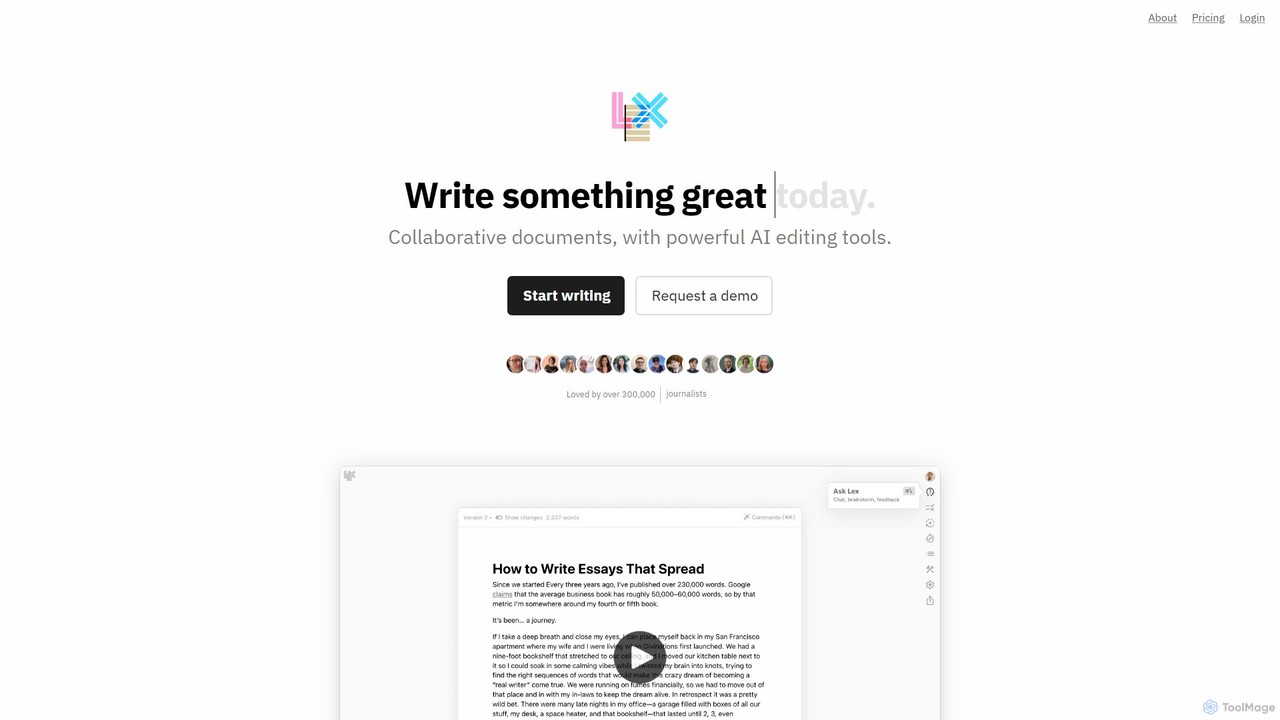
Lex
Lex is an intelligent, collaborative word processor designed to enhance the writing process. It combines a minimalist, distraction-free interface with powerful AI tools, serving as a superior alternative to Google Docs. Users can get instant feedback, brainstorm ideas, rewrite text, and collaborate in real-time, all while leveraging the best AI models like GPT-4 and Claude.
Copywriting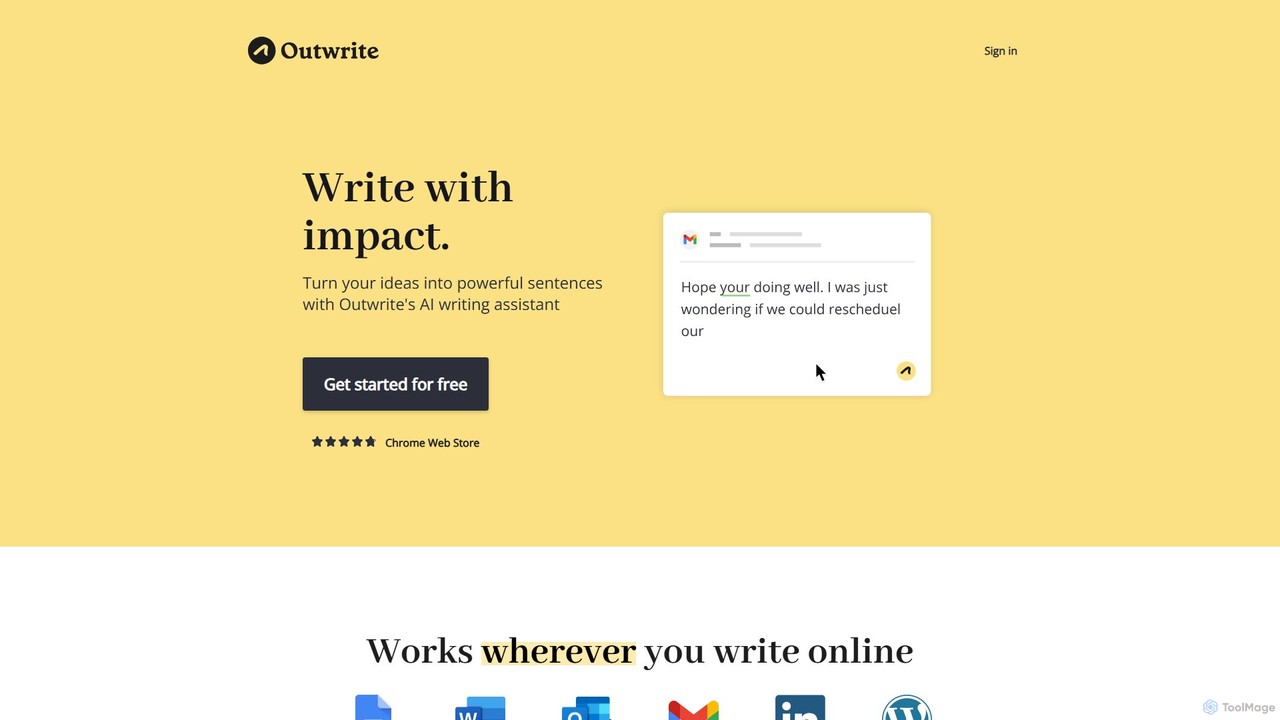
Outwrite
Outwrite is an AI-powered writing assistant that helps you write with impact. It corrects grammar, spelling, and punctuation, and offers advanced features like style suggestions, sentence paraphrasing, and structural improvements. It integrates seamlessly with Google Docs, MS Word, and various web platforms.
Language Learning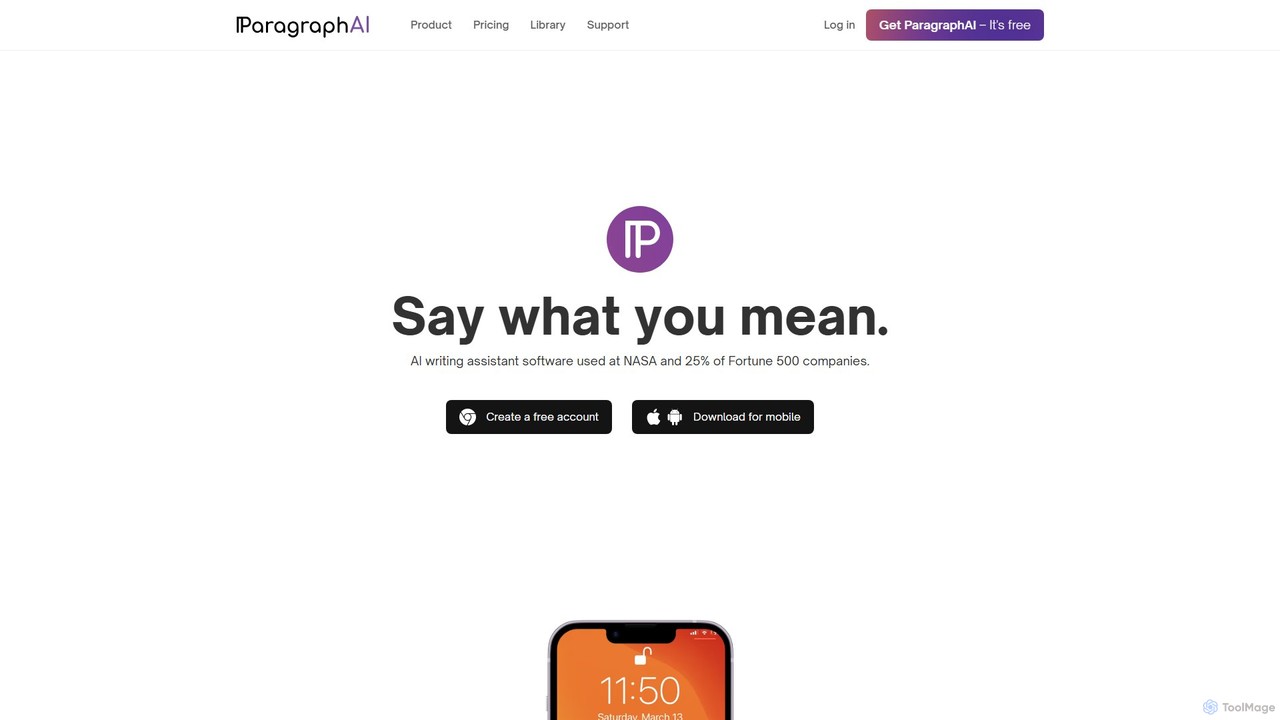
ParagraphAI
ParagraphAI is a versatile AI writing assistant designed to enhance your writing across all platforms. It offers one-tap grammar correction, instant email replies, and content generation in your unique voice. With features like real-time editing, multi-language translation, and AI humanization, it helps you create flawless, natural-sounding text for professional reports, casual messages, and everything in between, saving you time and effort.
Email Assistant
SafeSpelling Comments (0)
Sign in to comment.
Sign inNo comments yet.