Content Creation Best in category 1 results Proofreading AI Tool

Popular AI tools in the Proofreading field of Content Creation include Corrector.app, etc., helping you quickly improve efficiency.

Free
Corrector.app

Corrector.app

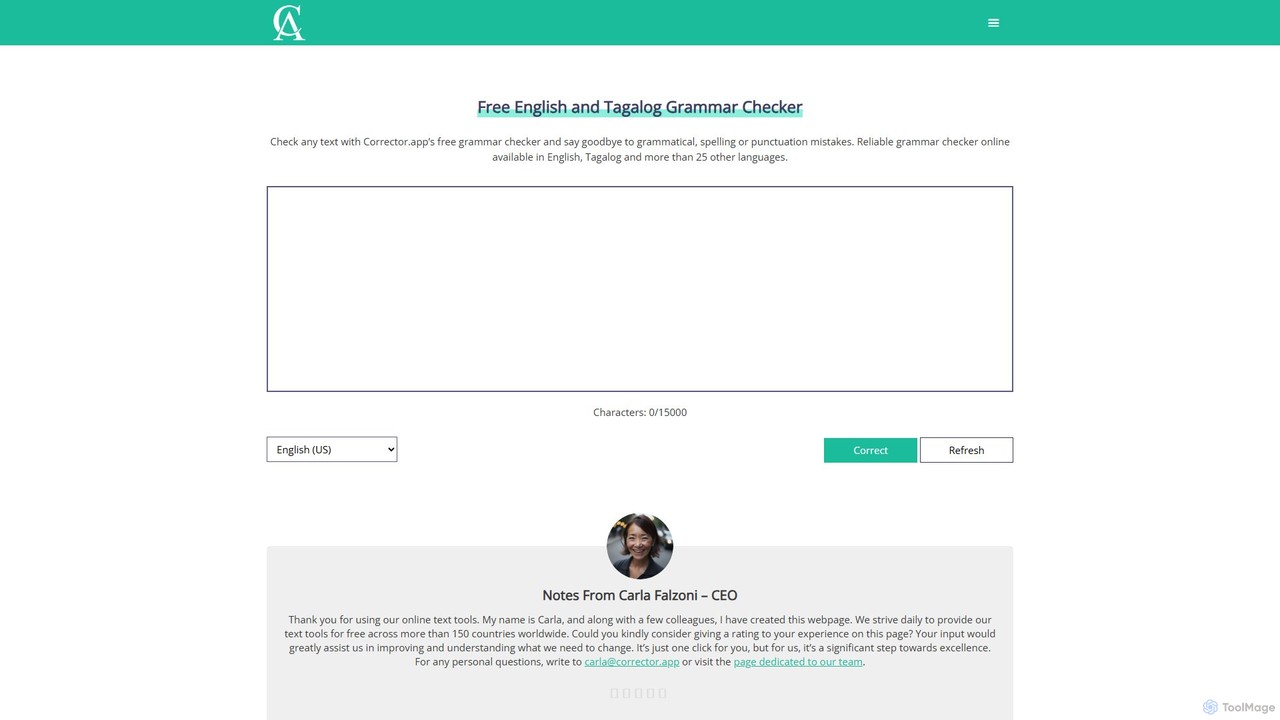
Corrector.app is a powerful and completely free online grammar, spelling, and punctuation checker. It supports over 27 languages, …

29.4K

About Proofreading

AI Proofreading tools are specialized software designed to automatically detect and correct grammatical errors, spelling mistakes, punctuation issues, and stylistic inconsistencies in written text. Leveraging advanced natural language processing (NLP) and machine learning, these tools enhance the clarity, accuracy, and overall quality of content. They serve as a crucial final check within the broader content creation workflow, ensuring polished and professional output before publication.

Core Features

  • Grammar and Syntax Correction: Identifies and suggests corrections for grammatical errors, sentence structure issues, and common syntax mistakes.
  • Spelling and Punctuation Check: Automatically detects and corrects typos, misspellings, and incorrect punctuation usage.
  • Style and Readability Enhancement: Provides suggestions to improve sentence flow, word choice, conciseness, and overall readability according to predefined style guides.
  • Tone and Voice Analysis: Analyzes the emotional tone and consistency of the writing, offering recommendations to align with desired brand voice or audience.
  • Consistency Checks: Ensures uniform formatting, capitalization, hyphenation, and terminology across a document.

Applicable Scenarios

Content creators, marketers, and writers use AI proofreading tools to refine blog posts, articles, and marketing copy, ensuring error-free and engaging content. Students and academics leverage them for essays, research papers, and theses to maintain high academic standards. Business professionals utilize these tools for reports, presentations, and emails, projecting a professional image through flawless communication.

How to Choose

When selecting an AI proofreading tool, consider its accuracy in detecting diverse error types, the breadth of its style and tone suggestions, and its language support. Evaluate integration capabilities with your existing writing platforms (e.g., MS Word, Google Docs) and check for customizable style guides. Finally, assess the pricing model and user interface for ease of use and value.

ProofreadingUse Cases

1

Ensuring Flawless Marketing Copy

A marketing specialist needs to publish a new campaign across multiple channels, including social media ads, email newsletters, and landing pages. Using an AI proofreading tool, they can quickly scan all copy for grammatical errors, typos, and inconsistent brand messaging. The tool highlights potential issues and suggests improvements for clarity and impact, ensuring every piece of content is polished and professional, saving hours of manual review and preventing costly mistakes that could damage brand reputation.

2

Refining Academic Papers and Theses

A university student is finalizing their thesis, a lengthy and complex document. They use an AI proofreading tool to perform a comprehensive check for subtle grammatical errors, punctuation mistakes, and academic style inconsistencies that might be overlooked during self-editing. The tool helps ensure the paper adheres to specific citation styles and maintains a formal, coherent tone, significantly improving the overall quality and increasing confidence before submission.

3

Polishing Professional Business Reports

A business analyst is preparing a critical report for senior management. Before distribution, they run the report through an AI proofreading tool. The tool identifies awkward phrasing, ensures consistent terminology, and corrects any remaining spelling or grammar errors. This guarantees the report is clear, concise, and professional, enhancing the analyst's credibility and ensuring the message is communicated effectively without distractions from errors.

4

Maintaining Brand Voice in Blog Content

A content team for a tech company produces daily blog posts. To ensure all writers maintain a consistent brand voice and style, they integrate an AI proofreading tool with custom style guide settings. The tool automatically flags deviations from preferred terminology, tone, and formatting, providing real-time suggestions. This helps the team publish high-quality, on-brand content efficiently, reducing the need for extensive editorial oversight.

5

Quickly Reviewing Email Communications

A sales professional sends numerous personalized emails daily to prospects and clients. To avoid embarrassing typos or grammatical errors that could undermine their professionalism, they use an AI proofreading tool integrated into their email client. The tool provides instant feedback on spelling, grammar, and even suggests more professional phrasing, allowing them to send clear, error-free communications quickly and confidently.

6

Standardizing Technical Documentation

A technical writer is responsible for creating user manuals and product documentation. They employ an AI proofreading tool to enforce strict adherence to technical terminology, formatting guidelines, and clarity standards. The tool helps identify inconsistencies in jargon, ensures correct punctuation in code examples, and suggests simpler language where appropriate, making complex information more accessible and reducing support queries.

ProofreadingFrequently Asked Questions