
BulkCorrector Overview
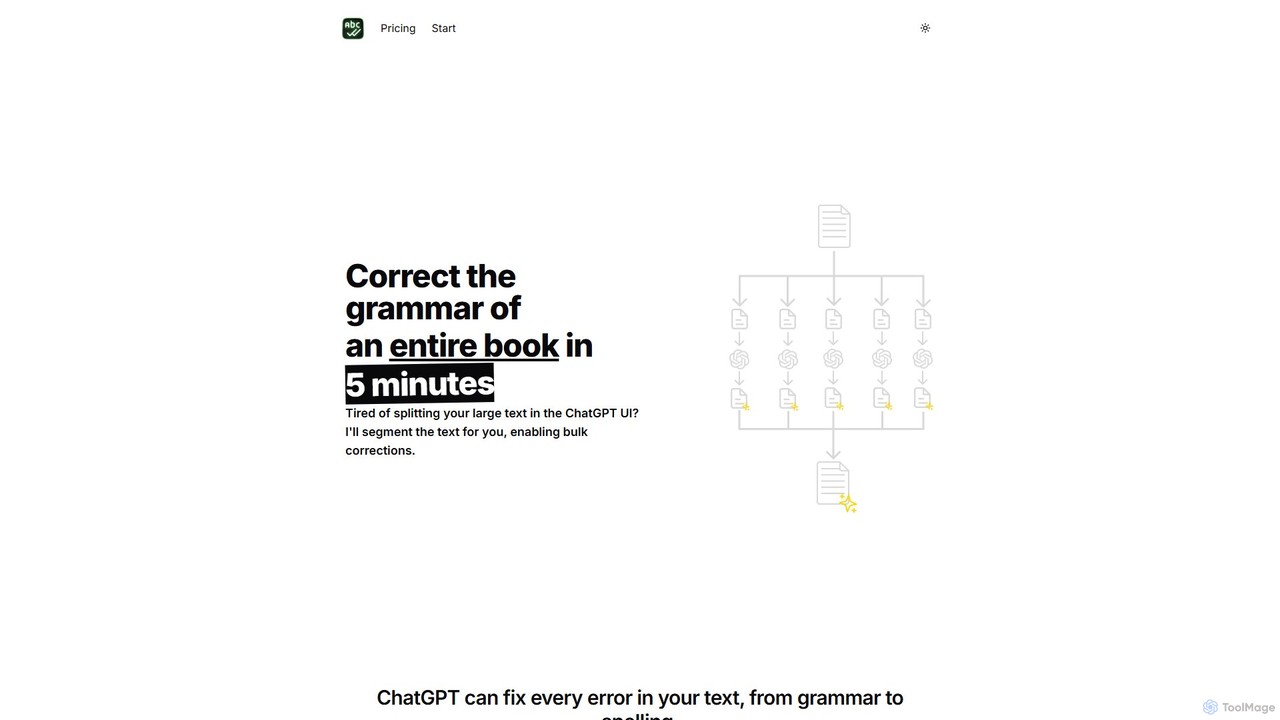
BulkCorrector is a specialized AI tool designed for writers, authors, and content creators who work with large volumes of text. It directly addresses a common frustration with powerful AI language models like ChatGPT: their restrictive input character limits. Manually splitting a book, a long blog post, or a detailed report into small chunks for proofreading or translation is a tedious and time-consuming process. BulkCorrector elegantly solves this problem by automating the entire workflow.
The tool functions as a smart interface for the OpenAI API. Users simply paste their entire text into BulkCorrector, choose a task, and the application automatically segments the content into manageable pieces that respect the API's token limits. It then sends each piece for processing, retrieves the corrected or translated output, and seamlessly stitches it back together into a single, complete document. This allows for the correction of an entire book's grammar or the translation of a lengthy manual in just a few minutes.
How to use BulkCorrector
Using BulkCorrector is a straightforward process designed for efficiency:
- Obtain an OpenAI API Key: The tool operates using your personal OpenAI API key. This ensures you have control over your usage and costs. You can get a key by creating an account on the OpenAI platform.
- Enter Your API Key: In the BulkCorrector application, there is a designated field to securely enter and save your OpenAI API key.
- Paste Your Text: Copy your entire document—be it a chapter, an article, or a full manuscript—and paste it into the main text area of the app.
- Select a Prompt: You can use pre-defined prompts for common tasks like "Correct grammar and spelling" or "Translate to [Language]". Premium users can create and save their own custom prompts for more specific tasks (e.g., "Change the tone to be more formal" or "Summarize this text").
- Process the Document: Click the process button. BulkCorrector will handle the segmentation, API calls, and reassembly in the background.
- Copy the Result: Once processing is complete, the final, polished text will appear in the output area, ready for you to copy and use.
Core Features of BulkCorrector
- Bulk Grammar & Spelling Correction: Proofread entire documents of any length in one go, catching everything from simple typos to complex grammatical errors.
- Bulk Translation: Translate long-form content into numerous languages without having to process it paragraph by paragraph.
- Custom Prompt Execution: Go beyond simple corrections. Use custom prompts to perform any text-based AI task, such as rephrasing, summarizing, changing style, or extracting information from the text.
- Automatic Text Segmentation: The core technology that intelligently breaks down large texts to work around API token limits, making bulk processing possible.
- Personal API Key Integration: A transparent model where you use your own OpenAI API key, giving you direct control over API costs without any markup.
- Prompt Library (Premium): Save and manage a library of your most-used custom prompts for consistent results and a faster workflow.
- Full History Access (Premium): Keep a complete record of all your past correction and translation jobs for easy reference.
Use Cases for BulkCorrector
BulkCorrector is ideal for anyone who needs to process large amounts of text efficiently:
- Authors and Novelists: Proofreading entire manuscripts for grammar and consistency before sending them to an editor.
- Bloggers and Content Marketers: Ensuring long-form articles and e-books are error-free and polished.
- Translators: Generating a high-quality first-pass translation of a large document to significantly speed up the final editing and localization process.
- Academics and Researchers: Correcting dissertations, theses, and research papers for clarity and grammatical accuracy.
- Businesses: Translating technical manuals, user guides, and extensive reports into multiple languages quickly and cost-effectively.
Advantages of BulkCorrector
The main advantage of BulkCorrector is its massive time-saving capability. It transforms a multi-hour task of manual copy-pasting into a simple, one-click operation. Its flexibility through custom prompts makes it a versatile writing assistant, not just a proofreader. The lifetime deal for the premium version offers exceptional value, providing unlimited access to powerful features for a one-time fee. Finally, its simple, focused interface makes it accessible to everyone, regardless of technical skill.
Pricing and Plans
BulkCorrector offers a clear and fair pricing structure:
- Free Plan: Ideal for small writers or occasional use. It includes a maximum document size of 32,000 characters, a 10-item history limit, and access to pre-defined prompts.
- Premium Plan (Lifetime Deal): A one-time payment of $29 (discounted from $49). This plan is designed for professional writers and heavy users. It offers an unlimited document size, the ability to create and save custom prompts, translation into all languages, a personal prompt library, and full access to your job history.
BulkCorrector Alternatives
FridayGPT
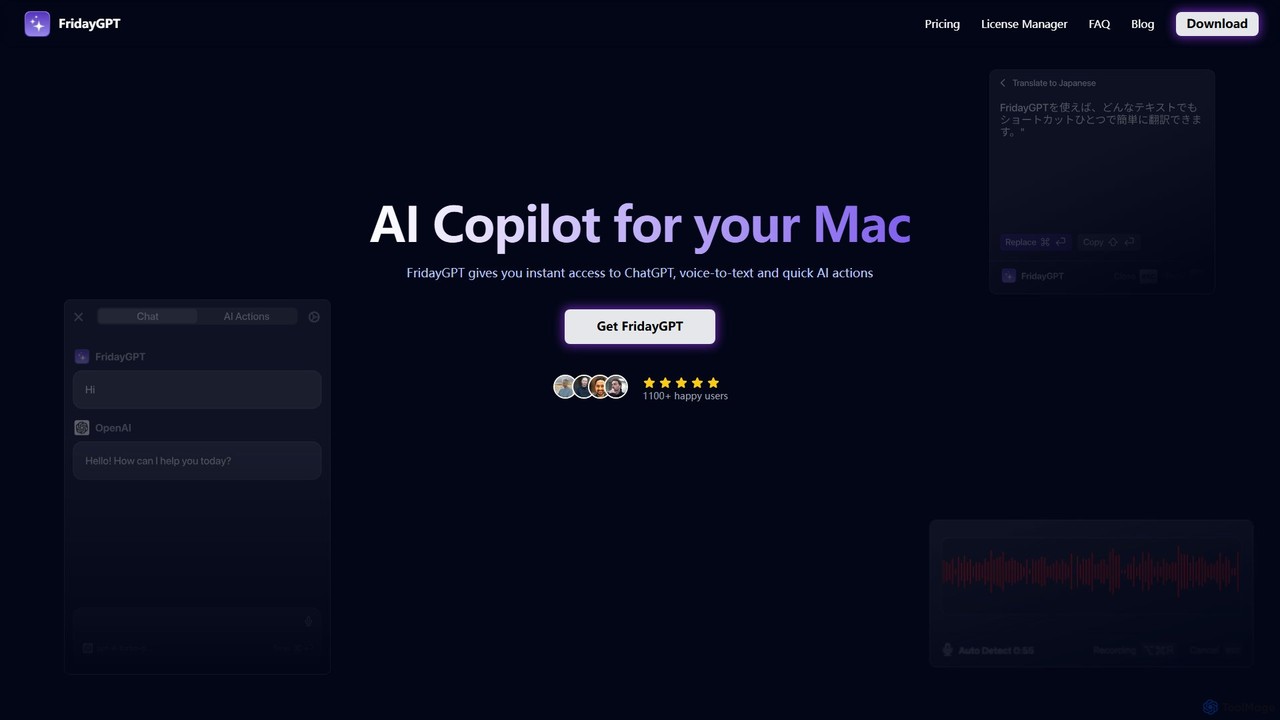
FridayGPT is an AI copilot for Mac that integrates ChatGPT, Claude, and local LLMs directly into your workflow. It offers instant access to AI, advanced voice-to-text transcription in over 100 languages, and one-click actions like grammar correction and text rewriting. Boost your productivity by using AI anywhere on your Mac without switching contexts.
Desktop Apps
Hemingway App
Hemingway App is a writing and editing tool designed to make your writing bold and clear. It highlights common errors, complex sentences, and weak phrasing. The AI-powered 'Editor Plus' version offers advanced grammar checking, tone adjustment, and automated rewriting to enhance clarity and impact.
Learning
Wordtune
Wordtune is an AI-powered writing companion and paraphrasing tool that helps you rewrite, rephrase, and improve your text. It offers features like tone adjustment, text shortening/expansion, summarization, and translation into English, ensuring your writing is clear, compelling, and authentic across various platforms.
Email Assistant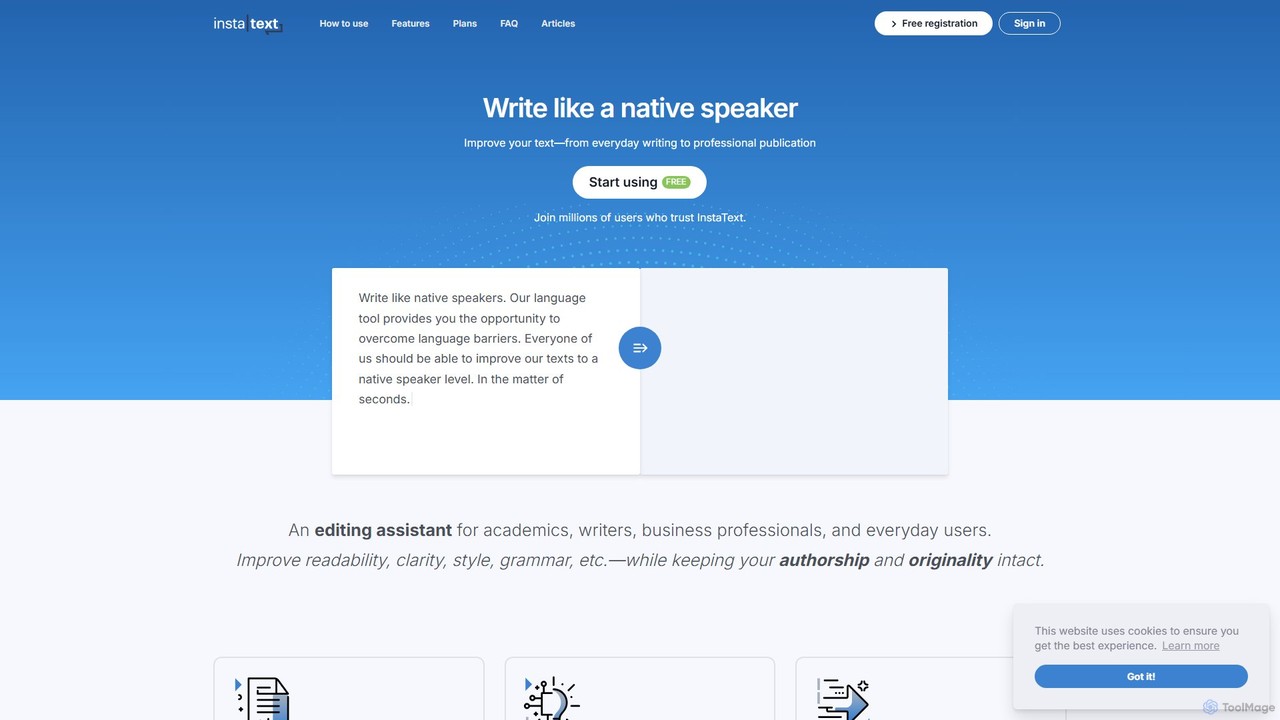
InstaText
InstaText is an AI-powered writing assistant that helps non-native and native speakers improve their English texts. It goes beyond basic grammar and spelling corrections by rewriting sentences for better clarity, style, and readability, ensuring your writing sounds natural and professional while preserving your unique voice.
Communication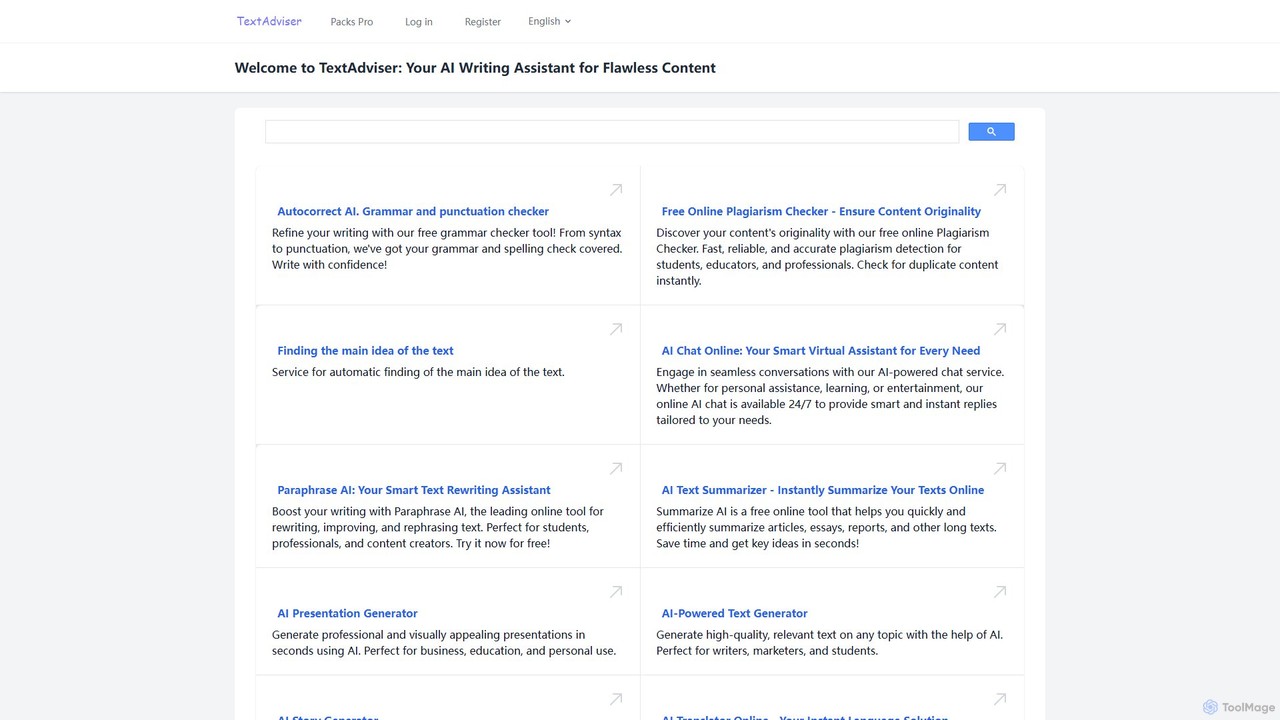
TextAdviser
TextAdviser is a comprehensive AI-powered platform offering a wide array of writing and content processing tools. It assists users with grammar and plagiarism checking, paraphrasing, summarizing, and generating various types of content, from articles and presentations to stories and poems. Designed for students, professionals, and creators, it aims to enhance writing productivity and quality through its intuitive web interface and mobile applications.
ResearchBulkCorrector Categories
BulkCorrector Embed Widget
Copy this embed code to place the badge on your blog, article, or product site and send readers directly to this ToolMage detail page.

Related AI tools
Hemingway App
Hemingway App is a writing and editing tool designed to make your writing bold and clear. It highlights common errors, complex sentences, and weak phrasing. The AI-powered 'Editor Plus' version offers advanced grammar checking, tone adjustment, and automated rewriting to enhance clarity and impact.
Learning
Jyek
Jyek is an AI agent platform that understands objectives, creates execution plans, uses tools, and delivers verifiable results for complex, multi-step tasks.
AutomationWordtune
Wordtune is an AI-powered writing companion and paraphrasing tool that helps you rewrite, rephrase, and improve your text. It offers features like tone adjustment, text shortening/expansion, summarization, and translation into English, ensuring your writing is clear, compelling, and authentic across various platforms.
Email AssistantInstaText
InstaText is an AI-powered writing assistant that helps non-native and native speakers improve their English texts. It goes beyond basic grammar and spelling corrections by rewriting sentences for better clarity, style, and readability, ensuring your writing sounds natural and professional while preserving your unique voice.
CommunicationTextAdviser
TextAdviser is a comprehensive AI-powered platform offering a wide array of writing and content processing tools. It assists users with grammar and plagiarism checking, paraphrasing, summarizing, and generating various types of content, from articles and presentations to stories and poems. Designed for students, professionals, and creators, it aims to enhance writing productivity and quality through its intuitive web interface and mobile applications.
Research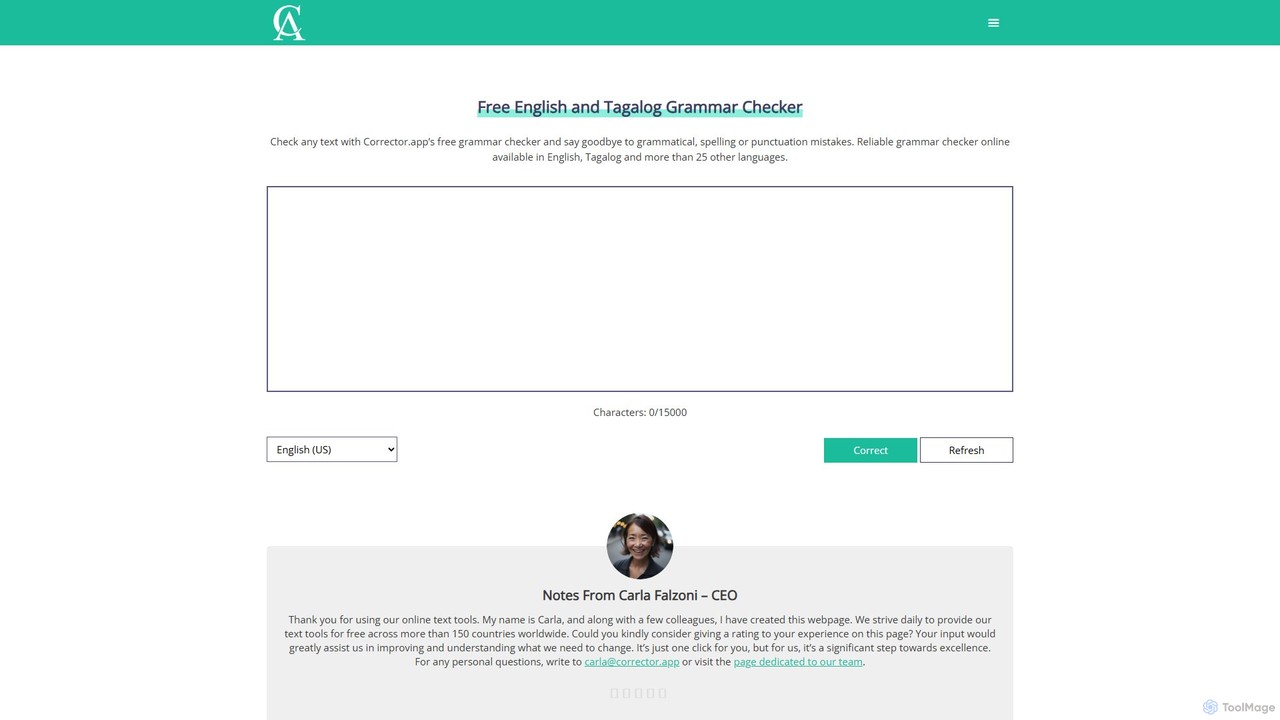
Corrector.app
Corrector.app is a powerful and completely free online grammar, spelling, and punctuation checker. It supports over 27 languages, including various English dialects, Spanish, French, and German. With no registration required, it provides instant, reliable text analysis to help students, professionals, and writers improve their written communication.
Proofreading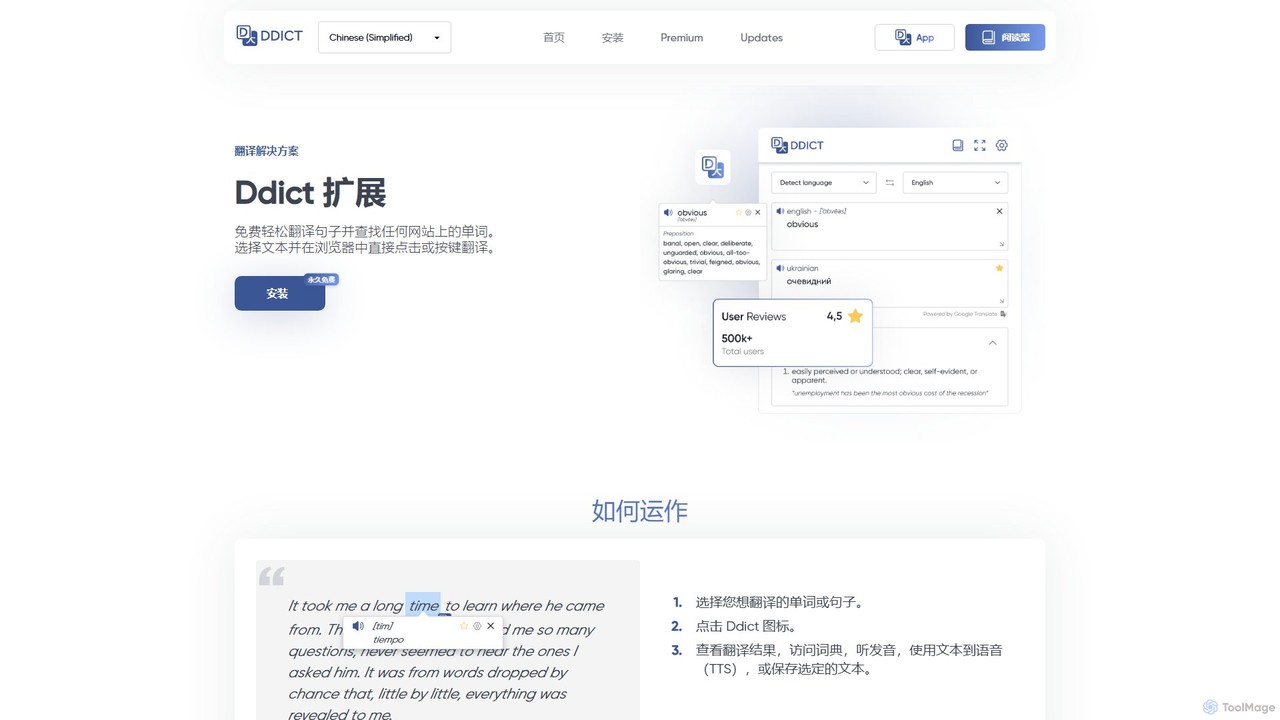
Ddict
Ddict is an AI-powered browser extension that provides instant translation, writing assistance, grammar checking, and text summarization. It helps users understand, learn, and write in any language directly on any website, breaking down language barriers with advanced AI.
Assistants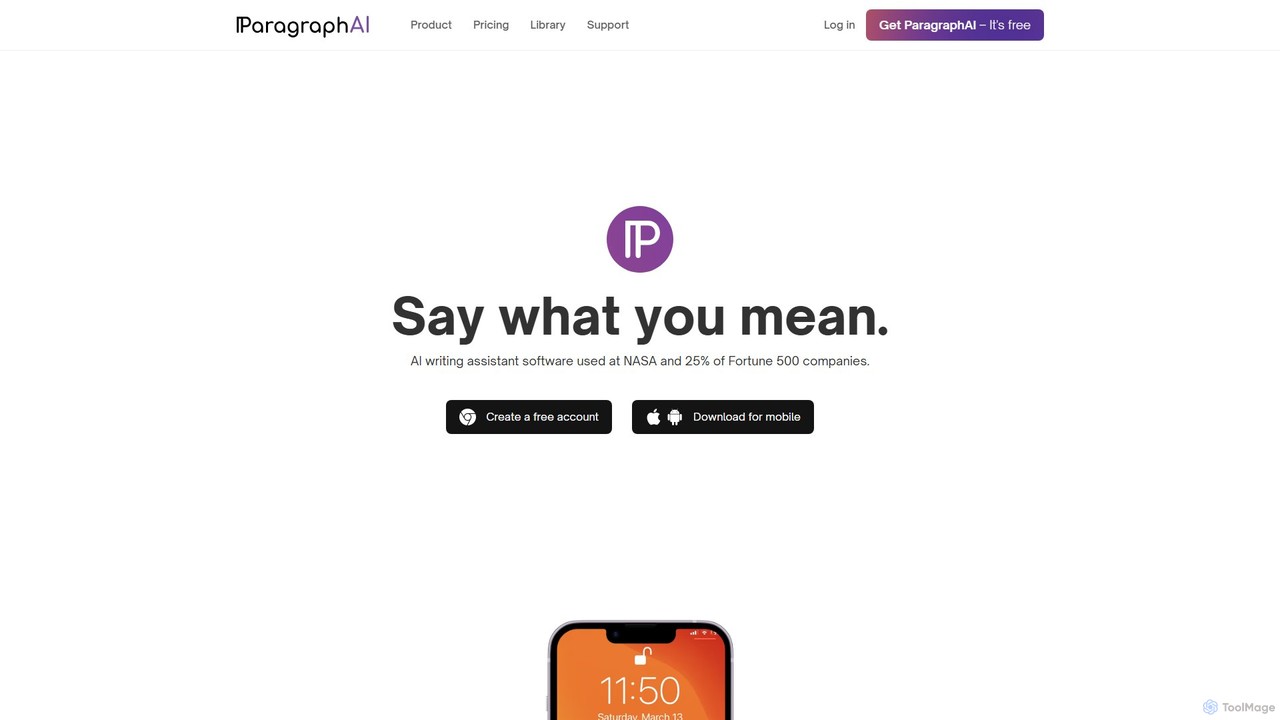
ParagraphAI
ParagraphAI is a versatile AI writing assistant designed to enhance your writing across all platforms. It offers one-tap grammar correction, instant email replies, and content generation in your unique voice. With features like real-time editing, multi-language translation, and AI humanization, it helps you create flawless, natural-sounding text for professional reports, casual messages, and everything in between, saving you time and effort.
Email Assistant
scribowriter
scribowriter is an advanced AI writing assistant designed to enhance your writing. It offers a suite of tools including a paraphraser, summarizer, grammar checker, and more. Ideal for students, writers, and professionals to improve clarity, style, and accuracy in their texts.
Proofreading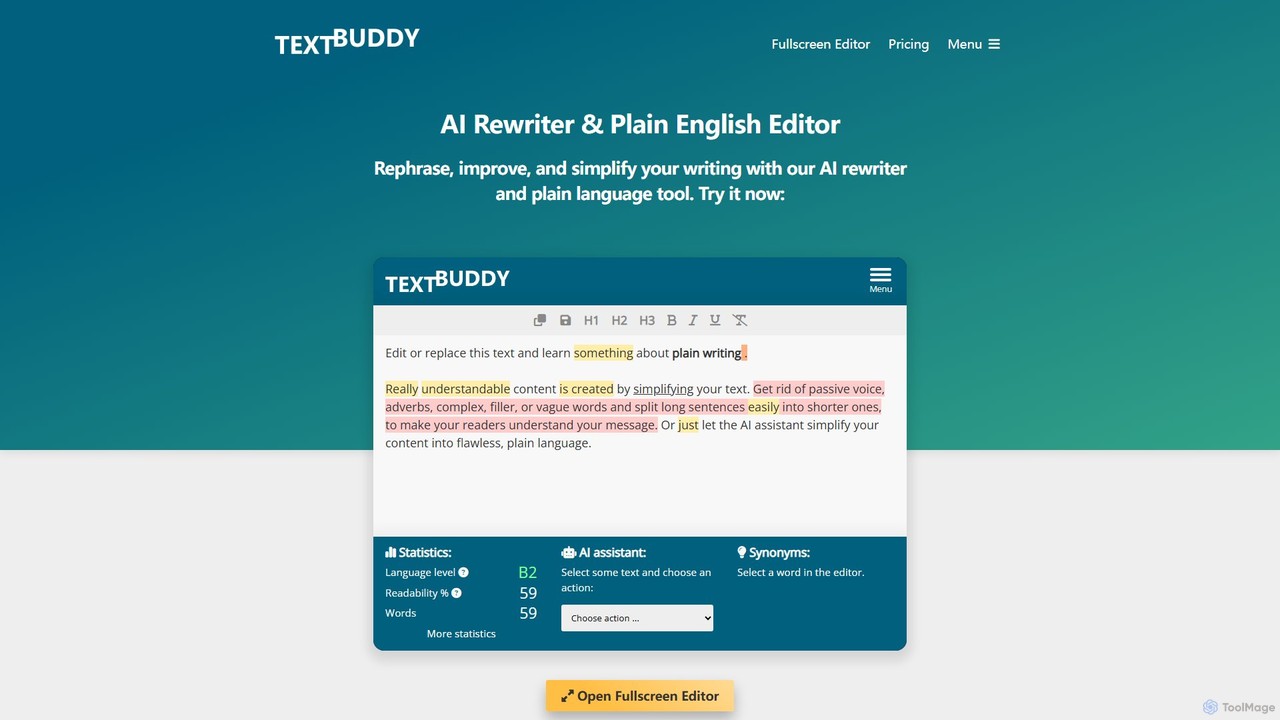
Textbuddy
Textbuddy is an AI-powered text editor and rewriter designed to improve writing clarity and conciseness. It uses plain language principles and GPT-4 technology to analyze text, identify flaws like complex sentences and passive voice, and offer suggestions for improvement. It supports over 50 languages and is accessible for free without requiring a login.
Learning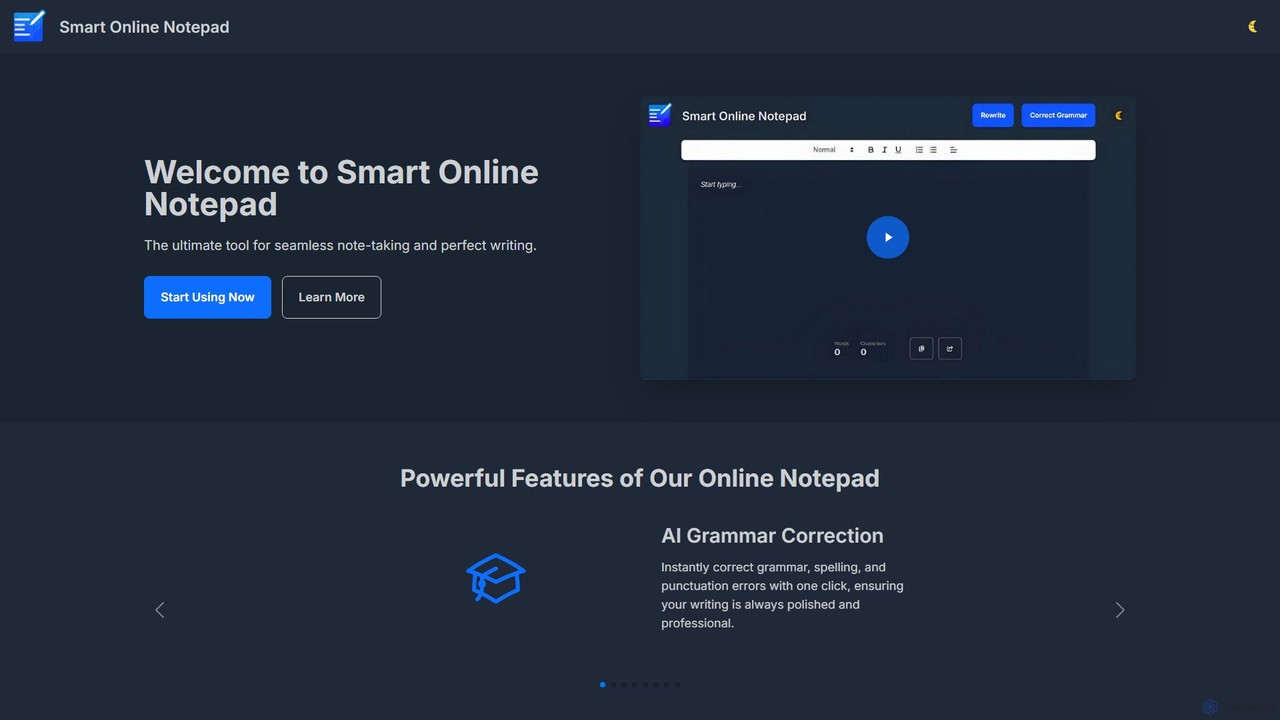
smartonlinenotepad
A free, AI-powered online notepad that offers instant grammar correction, text rewriting, and seamless note-sharing. No sign-up required, it supports multiple languages and features like word count and dark mode to enhance your writing productivity.
Note Taking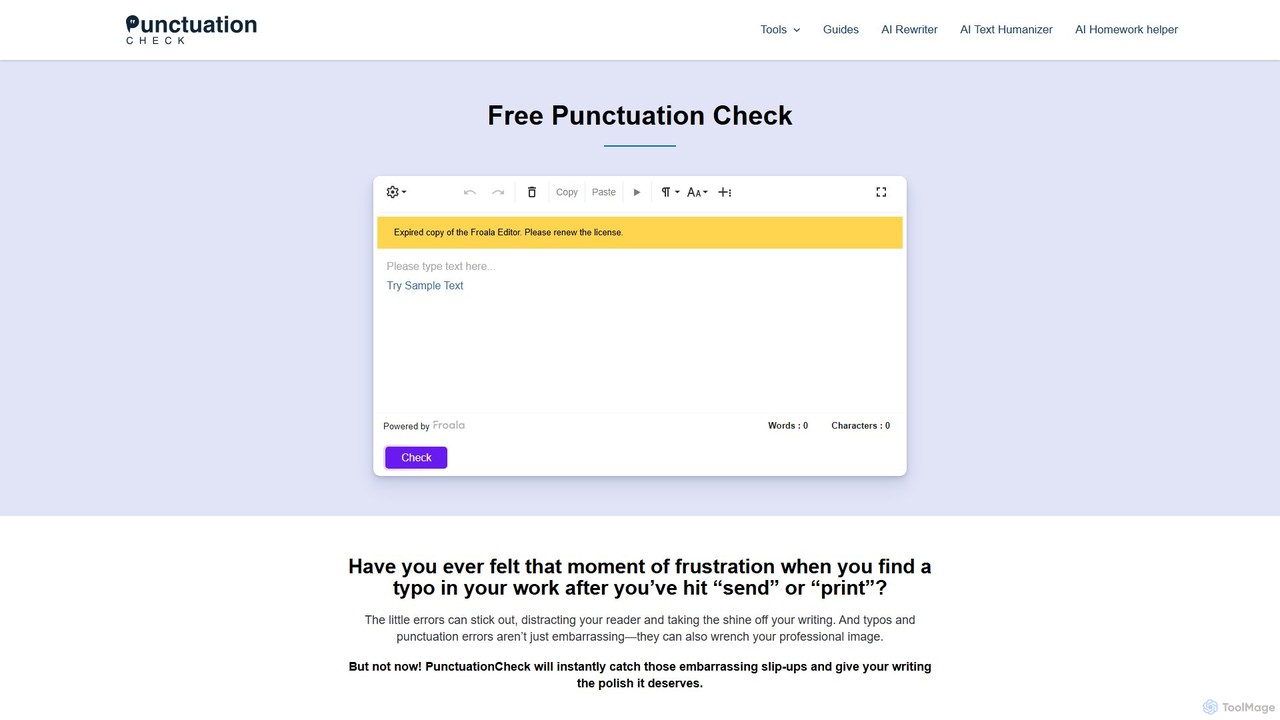
PunctuationCheck
PunctuationCheck is a free online tool designed to instantly correct punctuation, spelling, and grammar errors in your English writing. It supports multiple English dialects, offers one-click corrections, and features a user-friendly editor. Ideal for students, professionals, and writers looking to polish their text, enhance clarity, and maintain a professional image without any cost or sign-up.
Proofreading
Writers-Copilot
Writers-Copilot is a free, intuitive AI-powered writing assistant that helps you improve your text. It offers interactive feedback, suggests enhancements, and refines your writing style without requiring any registration. Simply paste your text and use the chat interface to edit and perfect your content.
Study Tools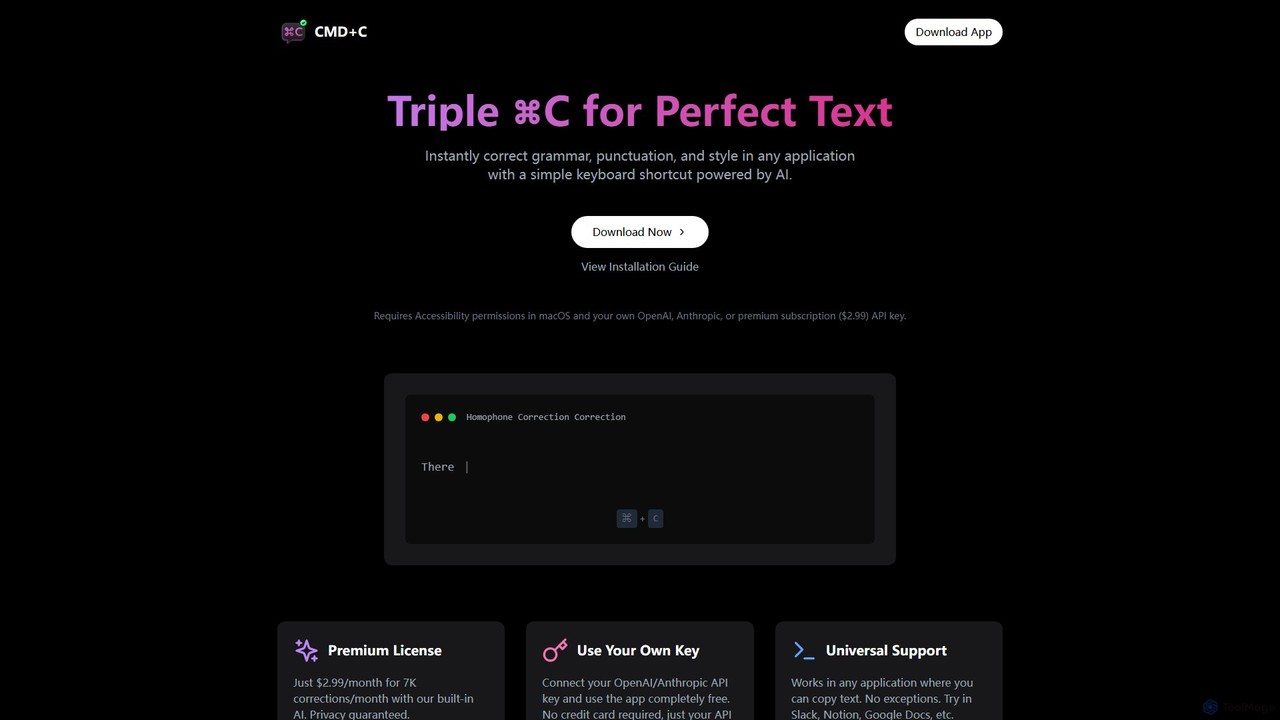
cmd_c
A native macOS app that provides instant, AI-powered text correction for grammar, punctuation, and style in any application. Simply select text and press Command+C three times to perfect your writing. It works universally and offers a free plan using your own API key or a premium subscription.
Proofreading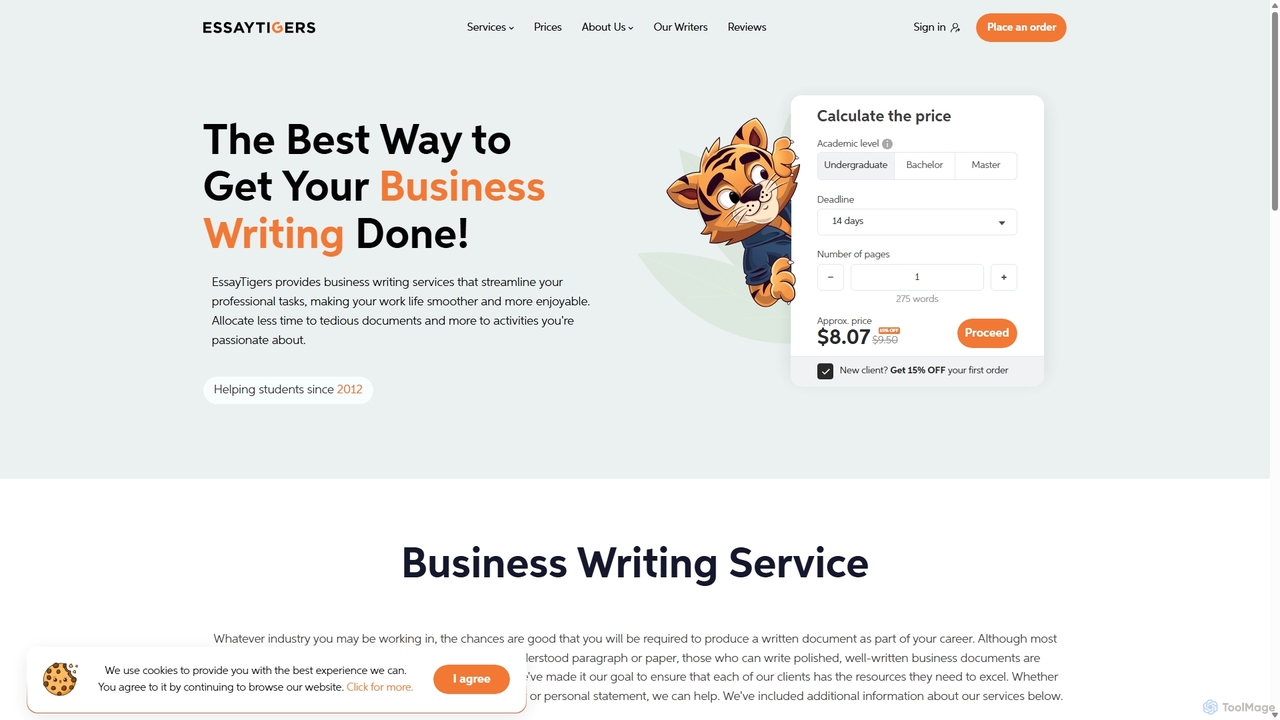
prowriting
prowriting is an AI-powered writing assistant designed to enhance your writing. It provides real-time feedback on grammar, style, tone, and clarity. Ideal for students, professionals, and content creators, it helps you craft clear, compelling, and error-free text, boosting your communication effectiveness and confidence.
Learning
BulkCorrector Comments (0)
Sign in to comment.
Sign inNo comments yet.