
cmd_c Overview
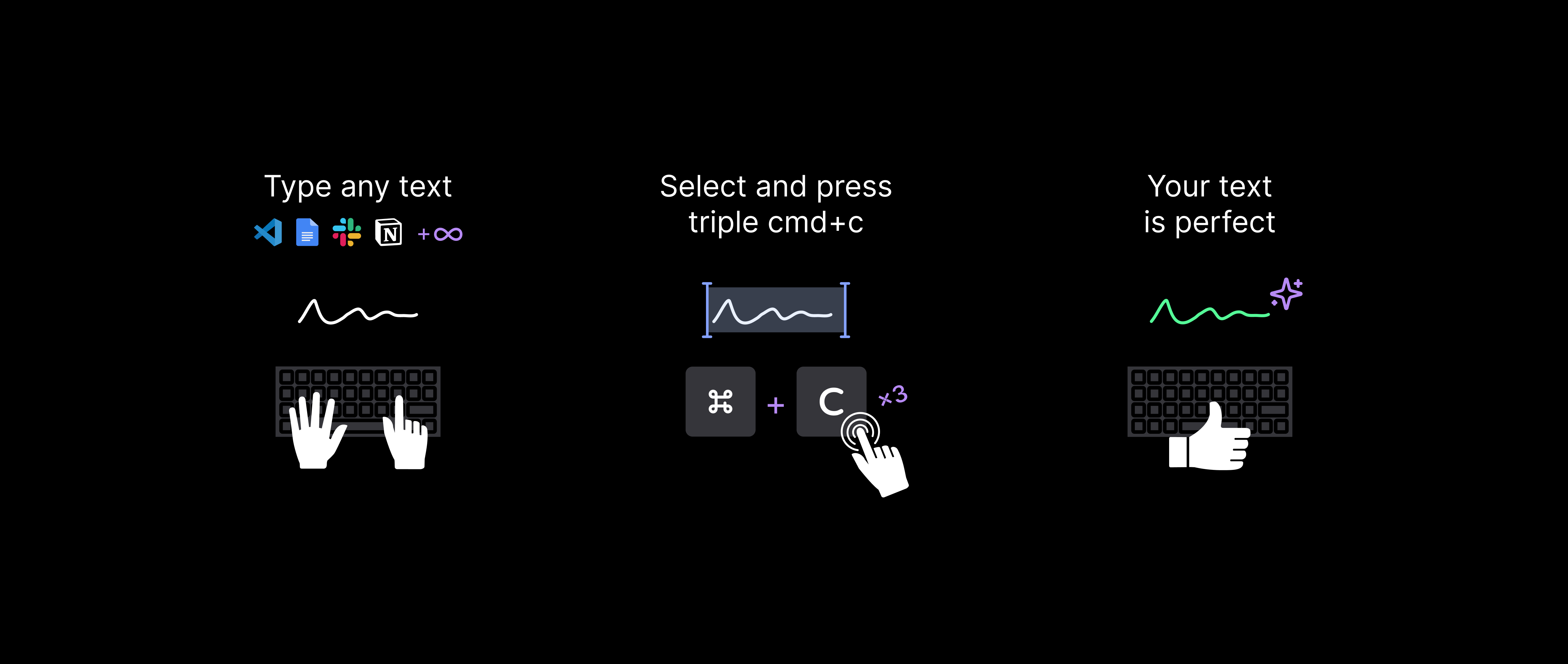
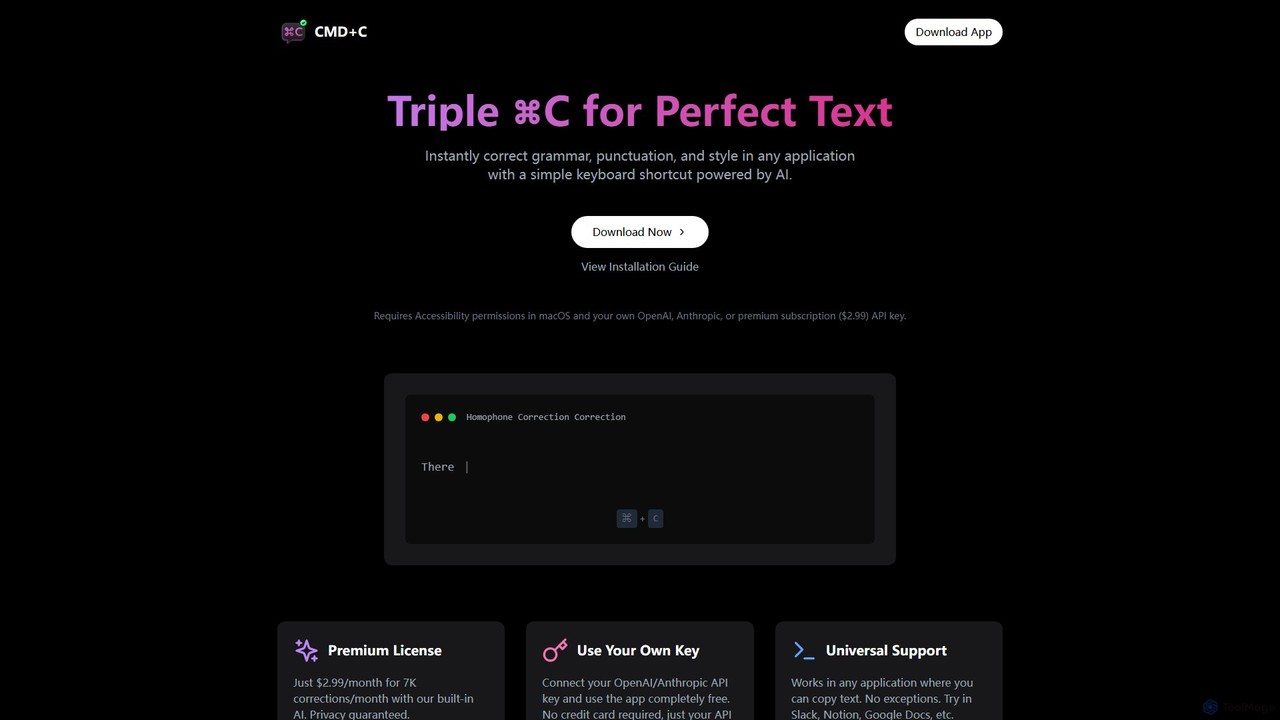
cmd_c is a powerful and seamless productivity tool designed for macOS users who want to elevate the quality of their writing effortlessly. It integrates directly into your workflow, allowing you to correct grammar, fix punctuation, and improve style in any application with a simple keyboard shortcut. By selecting a piece of text and pressing Command+C three times, you invoke a powerful AI model (from OpenAI or Anthropic) that instantly analyzes and refines your text, replacing the original with the perfected version.
This tool is built for universal compatibility, meaning it functions flawlessly across all your applications—whether you're drafting an email in Mail, collaborating in Google Docs, messaging in Slack, or taking notes in Notion. As long as you can copy text, cmd_c can enhance it. This eliminates the need to switch between apps or use cumbersome web-based editors, saving you time and maintaining your focus.
How to use cmd_c
Using cmd_c is designed to be incredibly intuitive and friction-free. Follow these simple steps to integrate it into your daily routine:
- Download and Install: Get the native macOS application from the official website. It supports macOS 13 and above, including both Intel and Apple Silicon Macs.
- Grant Permissions: The app requires Accessibility permissions in macOS to monitor keyboard shortcuts and paste corrected text.
- Configure AI Provider: You have two options. You can either subscribe to the premium plan for a built-in AI experience or connect your own OpenAI or Anthropic API key to use the app for free, giving you full control over usage and costs.
- Correct Your Text: In any application, select the text you want to correct. Press the Command (⌘) + C key combination three times in quick succession. The app will automatically process the text and replace it with the improved version.
Core Features of cmd_c
- Triple CMD-C Shortcut: An intuitive and fast keyboard shortcut that feels like a natural extension of the copy-paste workflow.
- Universal Application Support: Works seamlessly in any macOS application where you can select and copy text, including browsers, text editors, communication platforms, and more.
- High-Quality AI Corrections: Leverages state-of-the-art AI models from OpenAI and Anthropic to provide accurate and context-aware corrections for grammar, spelling, punctuation, and style.
- Correction History: Review all your past corrections with detailed, side-by-side comparisons (diffs) of the original and modified text. Each entry includes the AI's reasoning behind the changes, helping you learn and improve.
- Privacy First: The application is designed with privacy in mind. It does not store your corrected text or API keys. When using your own key, your data is handled directly between your device and the AI provider.
- Flexible Pricing Model: Choose between a simple monthly subscription with a generous correction limit or use the app completely free with your personal API key.
Use Cases for cmd_c
cmd_c is a versatile tool for a wide range of professionals and individuals:
- Software Engineers: Quickly proofread code comments, documentation, pull request descriptions, and team communications in Slack or Discord.
- Product Managers & Designers: Ensure clarity and professionalism in user stories, product specifications, presentations, and user-facing copy.
- Writers & Marketers: Edit articles, blog posts, social media updates, and marketing emails on the fly without breaking creative flow.
- Students & Academics: Correct essays, research papers, and emails to professors, ensuring polished and error-free submissions.
- General Use: Anyone who wants to improve their daily digital communication, from important emails to casual messages.
Advantages of cmd_c
The primary advantage of cmd_c is its seamless and unobtrusive integration into the user's existing workflow. Unlike browser extensions or dedicated writing apps, it doesn't require you to change your context. The triple-copy shortcut is a clever mechanism that is both easy to remember and fast to execute. The flexibility of using your own API key makes it accessible to everyone, while the premium subscription offers a convenient, all-in-one solution. Furthermore, its commitment to privacy is a significant benefit for users handling sensitive information.
Pricing and Plans
cmd_c offers a straightforward and flexible pricing structure:
- Use Your Own Key (Free): Download and use the app for free by connecting your own OpenAI or Anthropic API key. You only pay for what you use directly to the API provider. No credit card is required by cmd_c.
- Premium License ($2.99/month): This plan includes up to 7,000 corrections per month using the app's built-in AI. It's a hassle-free option for users who prefer not to manage their own API keys. A 7-day refund policy is available.
Traffic
Latest traffic
Status
Monthly traffic trend
- 2025-9: 387
- 2026-1: 130
- 2026-2: 49
- 2026-3: 261
- 2026-4: 969
- 2026-5: 379
Geography
Top 5 countries / regions
- 🇩🇪Germany100.0%
cmd_c Alternatives
GrammarBot
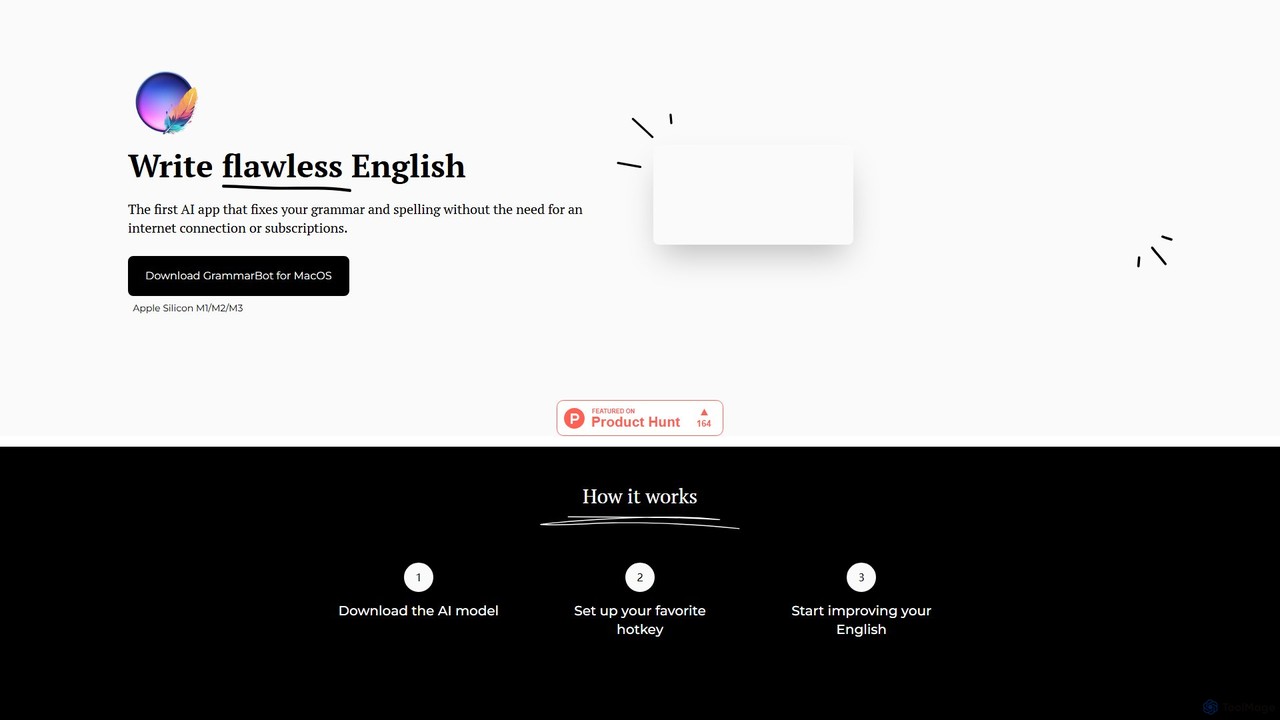
GrammarBot is a privacy-focused AI grammar and spelling checker for macOS. It operates entirely offline using a local Large Language Model (LLM), ensuring your text never leaves your computer. With a simple hotkey integration, it works across all your applications. It's available for a one-time purchase, offering a lifetime license without any subscriptions.
Language Learning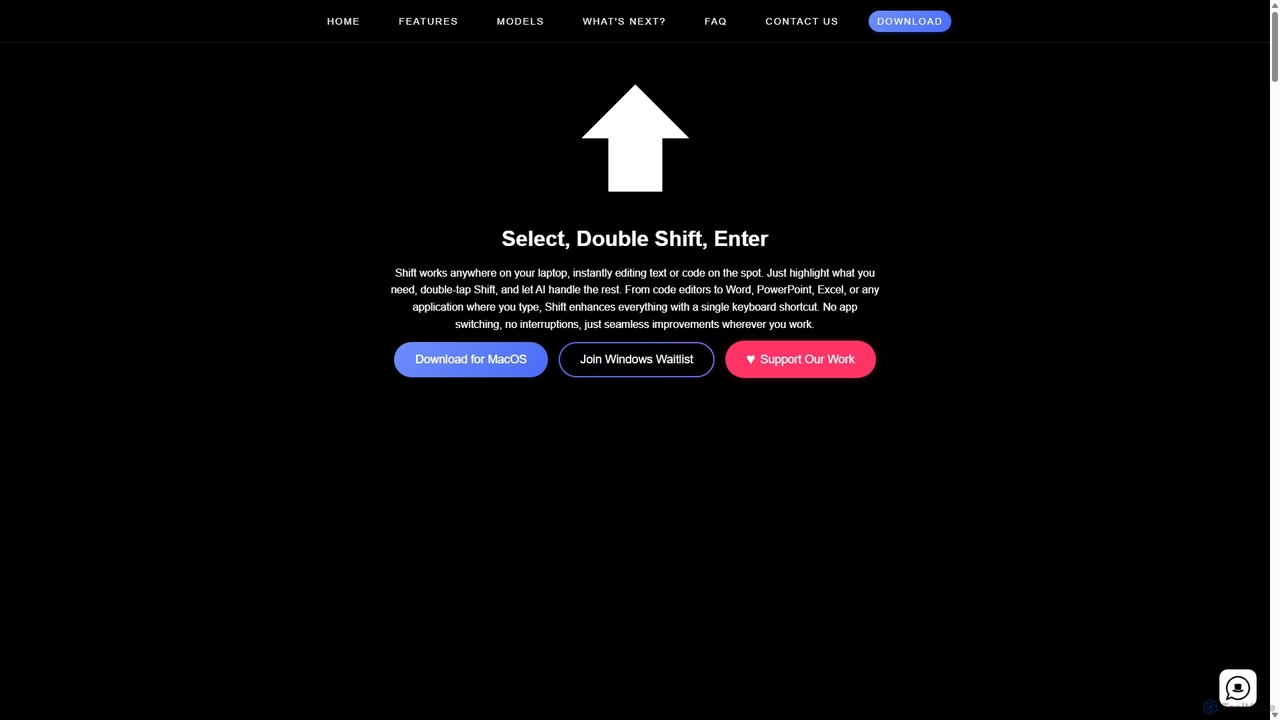
Shift
Shift is a system-wide AI assistant for macOS that enhances your workflow by allowing you to edit text and code anywhere with a simple keyboard shortcut. Just highlight text, double-tap Shift, and let the AI rewrite, debug, translate, or rephrase it instantly within any application.
Code Assistant
Grammarly
Grammarly is an AI-powered writing assistant that helps you communicate more effectively. It goes beyond basic grammar and spelling checks to offer suggestions on style, tone, and clarity. Trusted by millions, Grammarly integrates seamlessly into your workflow across various platforms, providing real-time feedback to enhance your emails, documents, and social media posts. Its generative AI features can also help you brainstorm, compose, and rewrite text instantly.
Communication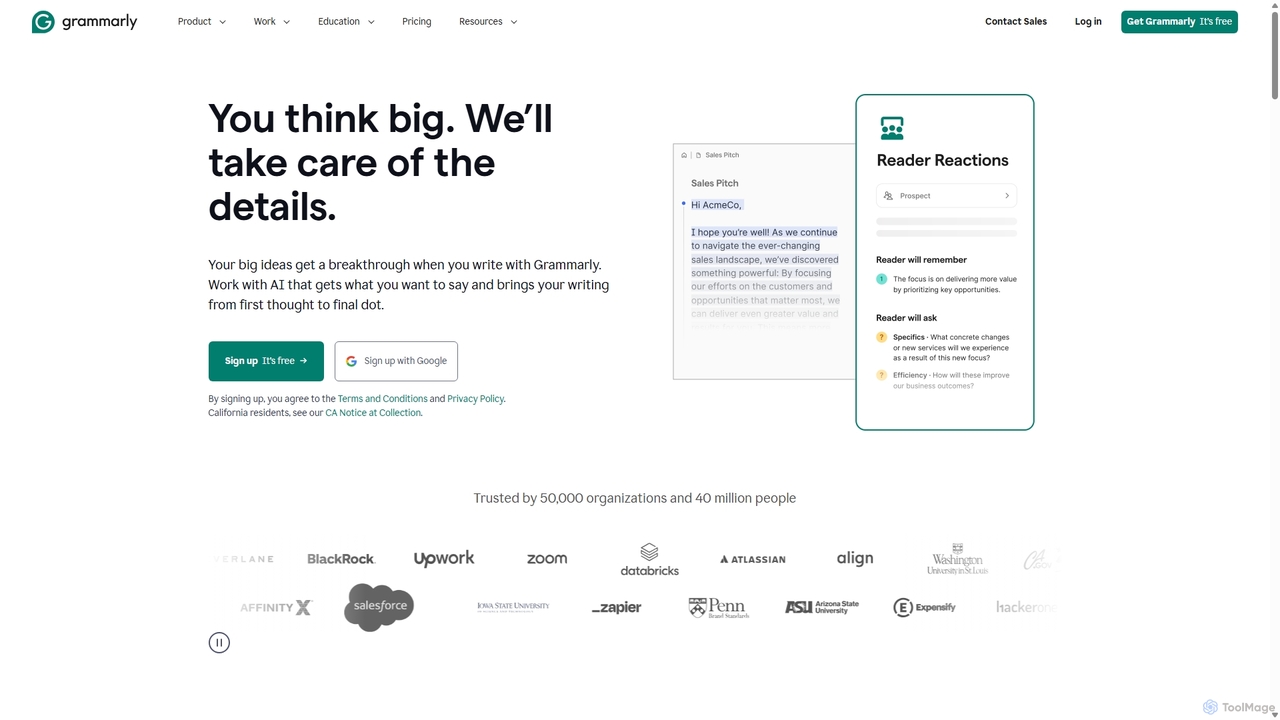
Grammarly
Grammarly is an AI-powered writing assistant that helps you communicate more effectively. It goes beyond basic grammar and spelling checks to offer real-time suggestions on clarity, conciseness, tone, and style. Trusted by millions, Grammarly integrates seamlessly across desktops, web browsers, and mobile devices to ensure your writing is always clear, confident, and mistake-free.
Learning
LanguageTool
LanguageTool is an AI-powered multilingual writing assistant that checks for grammar, spelling, and style errors. It offers advanced suggestions, a paraphrasing tool, and integrates seamlessly with browsers, office suites, and desktop apps to improve your writing everywhere.
Communicationcmd_c Categories
cmd_c Embed Widget
Copy this embed code to place the badge on your blog, article, or product site and send readers directly to this ToolMage detail page.

Related AI tools
Shift
Shift is a system-wide AI assistant for macOS that enhances your workflow by allowing you to edit text and code anywhere with a simple keyboard shortcut. Just highlight text, double-tap Shift, and let the AI rewrite, debug, translate, or rephrase it instantly within any application.
Code AssistantGrammarly
Grammarly is an AI-powered writing assistant that helps you communicate more effectively. It goes beyond basic grammar and spelling checks to offer suggestions on style, tone, and clarity. Trusted by millions, Grammarly integrates seamlessly into your workflow across various platforms, providing real-time feedback to enhance your emails, documents, and social media posts. Its generative AI features can also help you brainstorm, compose, and rewrite text instantly.
CommunicationGrammarly
Grammarly is an AI-powered writing assistant that helps you communicate more effectively. It goes beyond basic grammar and spelling checks to offer real-time suggestions on clarity, conciseness, tone, and style. Trusted by millions, Grammarly integrates seamlessly across desktops, web browsers, and mobile devices to ensure your writing is always clear, confident, and mistake-free.
LearningLanguageTool
LanguageTool is an AI-powered multilingual writing assistant that checks for grammar, spelling, and style errors. It offers advanced suggestions, a paraphrasing tool, and integrates seamlessly with browsers, office suites, and desktop apps to improve your writing everywhere.
Communication
Hemingway App
Hemingway App is a writing and editing tool designed to make your writing bold and clear. It highlights common errors, complex sentences, and weak phrasing. The AI-powered 'Editor Plus' version offers advanced grammar checking, tone adjustment, and automated rewriting to enhance clarity and impact.
Learning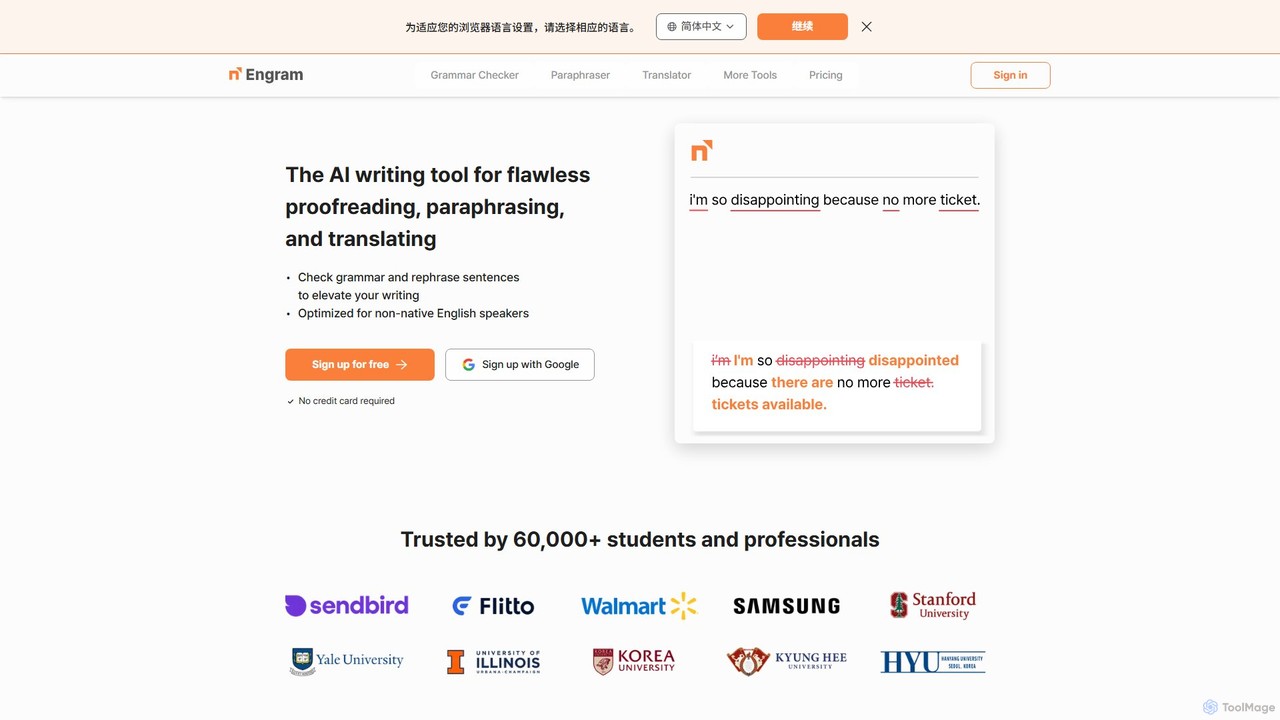
Engram
Engram is an AI-powered writing tool specifically designed for non-native English speakers. It offers flawless proofreading, contextual paraphrasing, and accurate translation to help users elevate their writing. Trusted by students and professionals, Engram corrects complex grammar errors and rephrases sentences to sound more natural, making English writing faster and stress-free.
Language Learning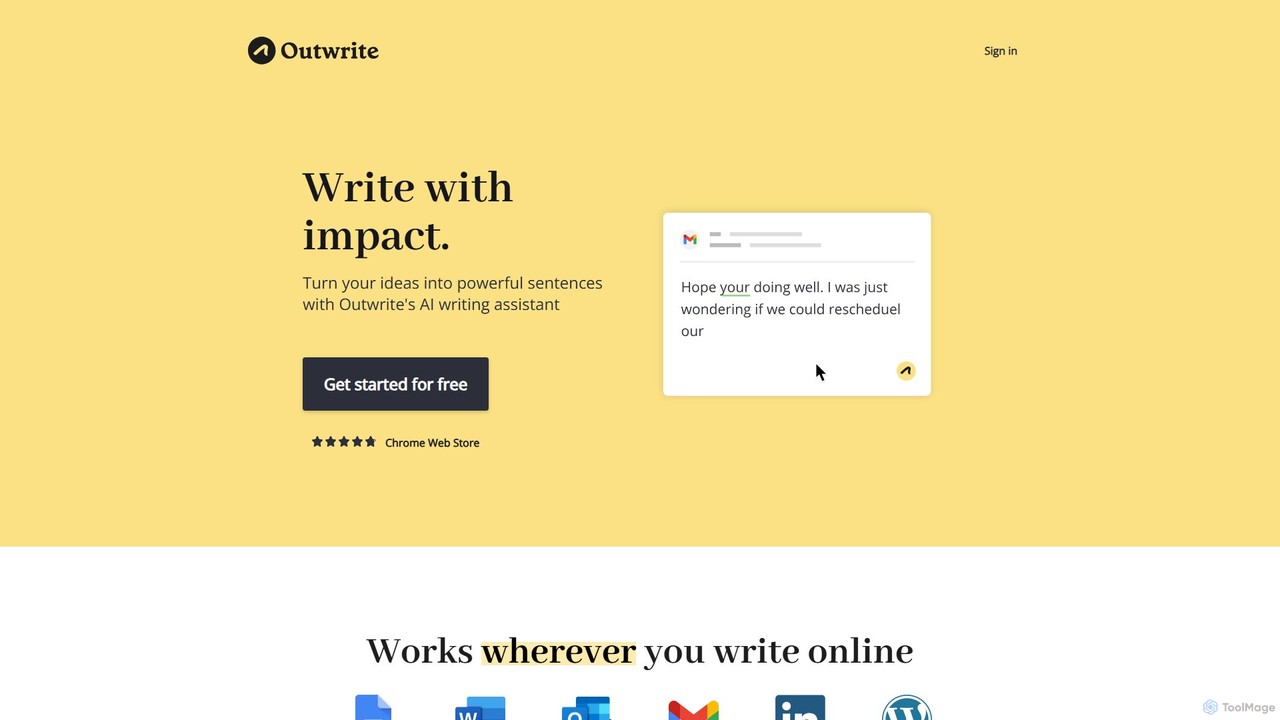
Outwrite
Outwrite is an AI-powered writing assistant that helps you write with impact. It corrects grammar, spelling, and punctuation, and offers advanced features like style suggestions, sentence paraphrasing, and structural improvements. It integrates seamlessly with Google Docs, MS Word, and various web platforms.
Language Learning
WebSpellChecker
An AI-powered suite of tools for multilingual spelling, grammar correction, and text rewriting. It offers solutions for developers, businesses, and individuals through APIs, SDKs for WYSIWYG editors, browser extensions, and on-premise deployment for enhanced security.
Document Management
Factful
Factful is an AI-powered integrated writing environment designed to ensure unmatched accuracy. It seamlessly combines real-time fact-checking, advanced grammar and spelling correction, and powerful productivity tools into a single, streamlined platform. Ideal for writers, students, and professionals who prioritize factual correctness and clarity.
Research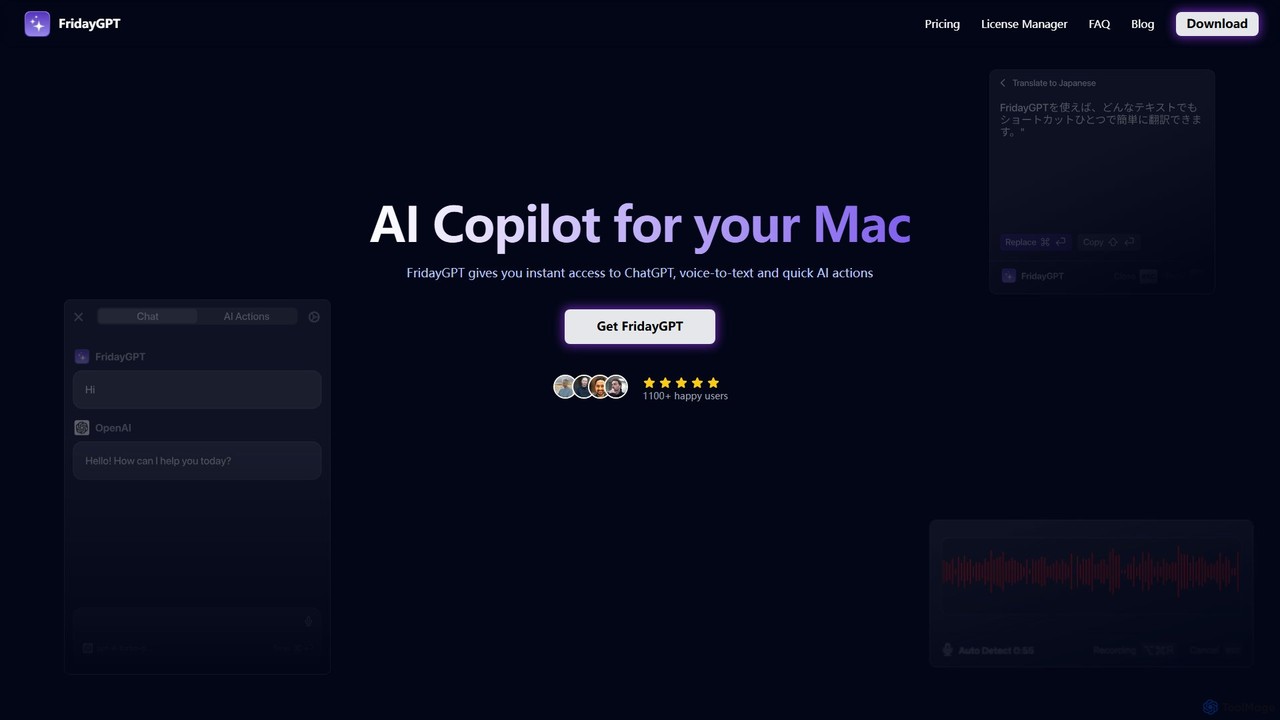
FridayGPT
FridayGPT is an AI copilot for Mac that integrates ChatGPT, Claude, and local LLMs directly into your workflow. It offers instant access to AI, advanced voice-to-text transcription in over 100 languages, and one-click actions like grammar correction and text rewriting. Boost your productivity by using AI anywhere on your Mac without switching contexts.
Desktop Apps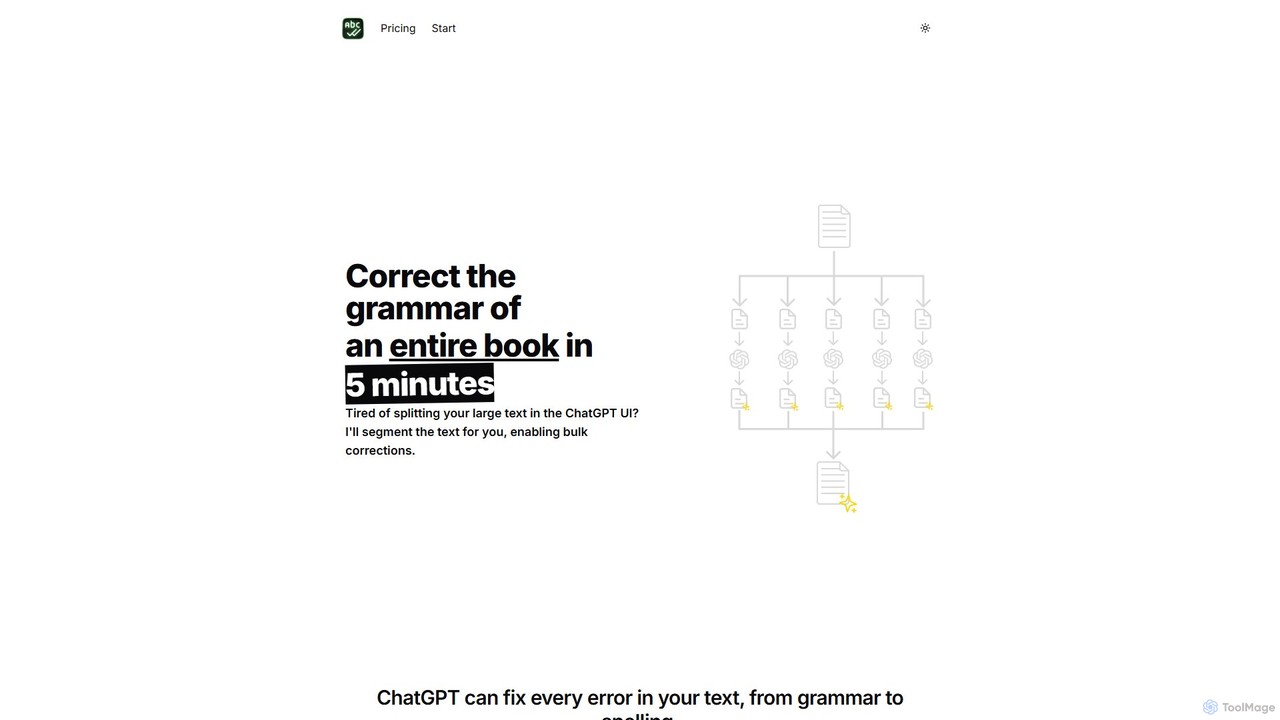
BulkCorrector
BulkCorrector is an AI-powered tool designed to overcome the input limits of models like ChatGPT. It allows users to correct grammar, check spelling, and translate entire large documents, such as books or long articles, in a single operation. By automatically segmenting text and processing it in chunks, it saves writers significant time and effort.
Automation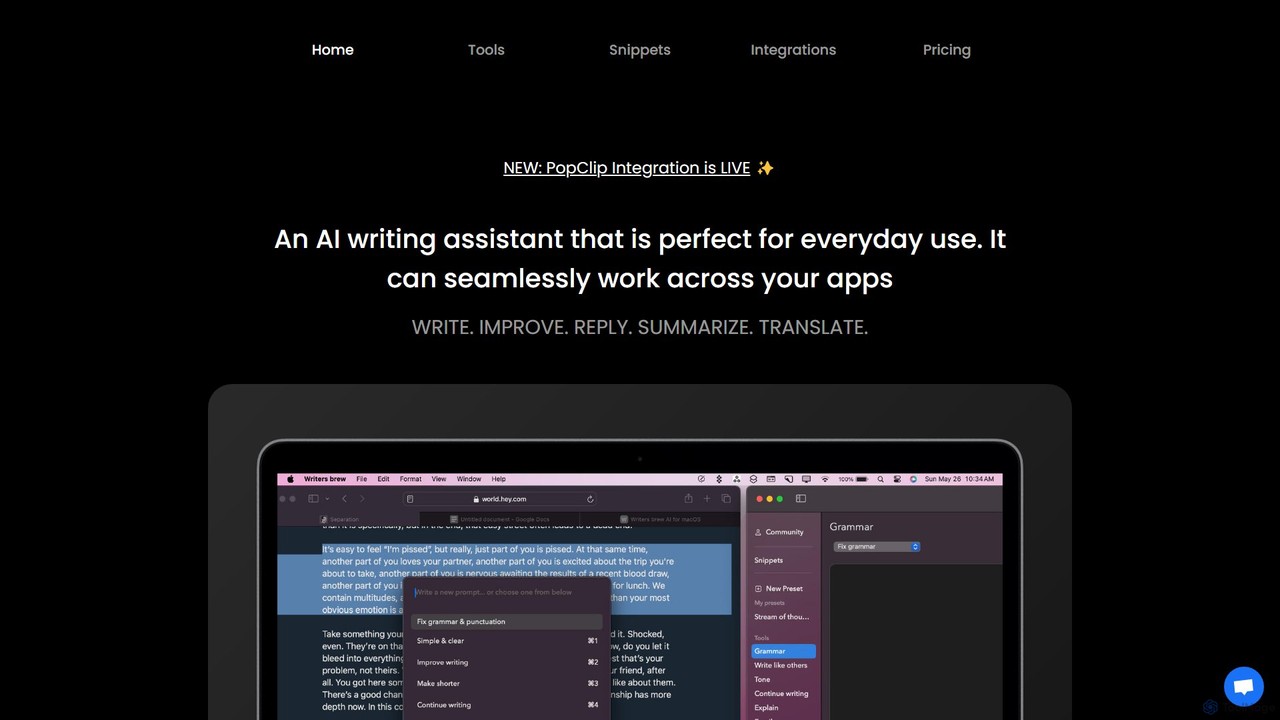
Writers brew
Writers brew is a native AI writing assistant for macOS that integrates seamlessly across all applications. It helps you write, improve, summarize, translate, and reply to text anywhere with a simple keyboard shortcut, also featuring text snippets, OCR, and other productivity utilities.
Macos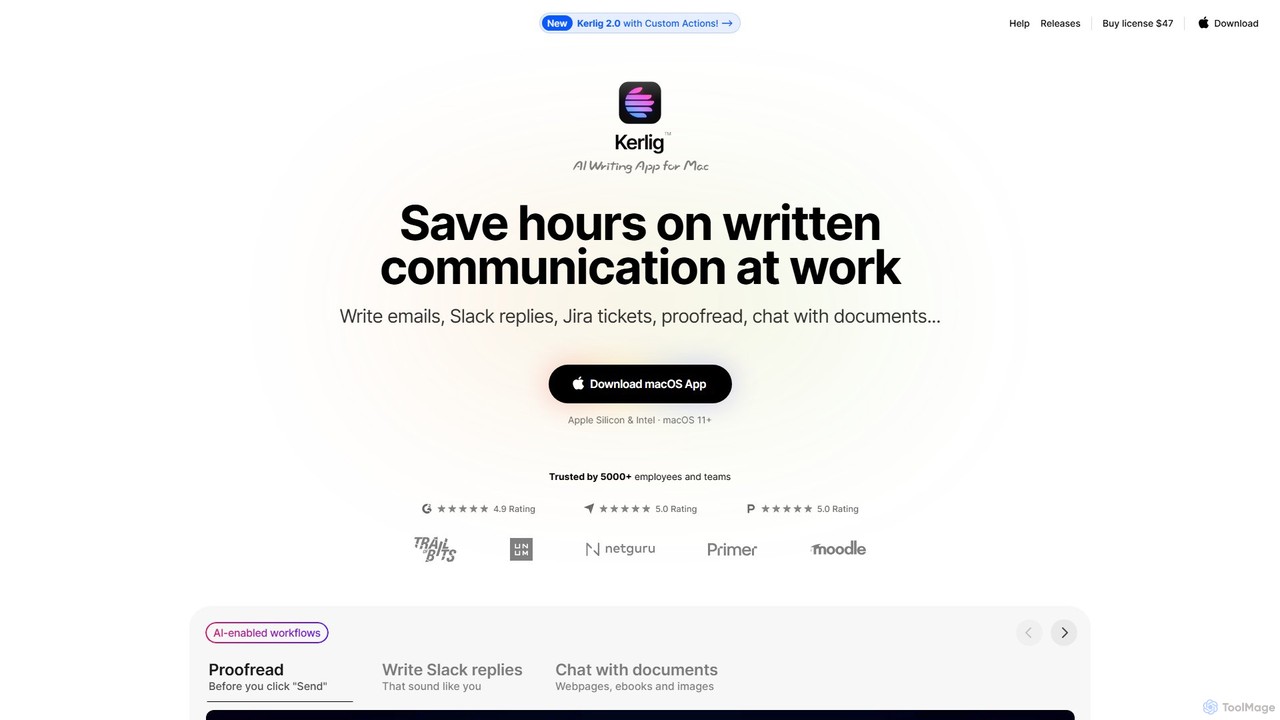
Kerlig
Kerlig is a native AI writing assistant for macOS designed to streamline your communication. It integrates seamlessly into your workflow, allowing you to write emails, proofread text, chat with documents, and generate content using over 350 AI models. With custom actions and a focus on privacy, Kerlig saves you hours by bringing powerful AI to your fingertips, without ever leaving your current application.
Mac Apps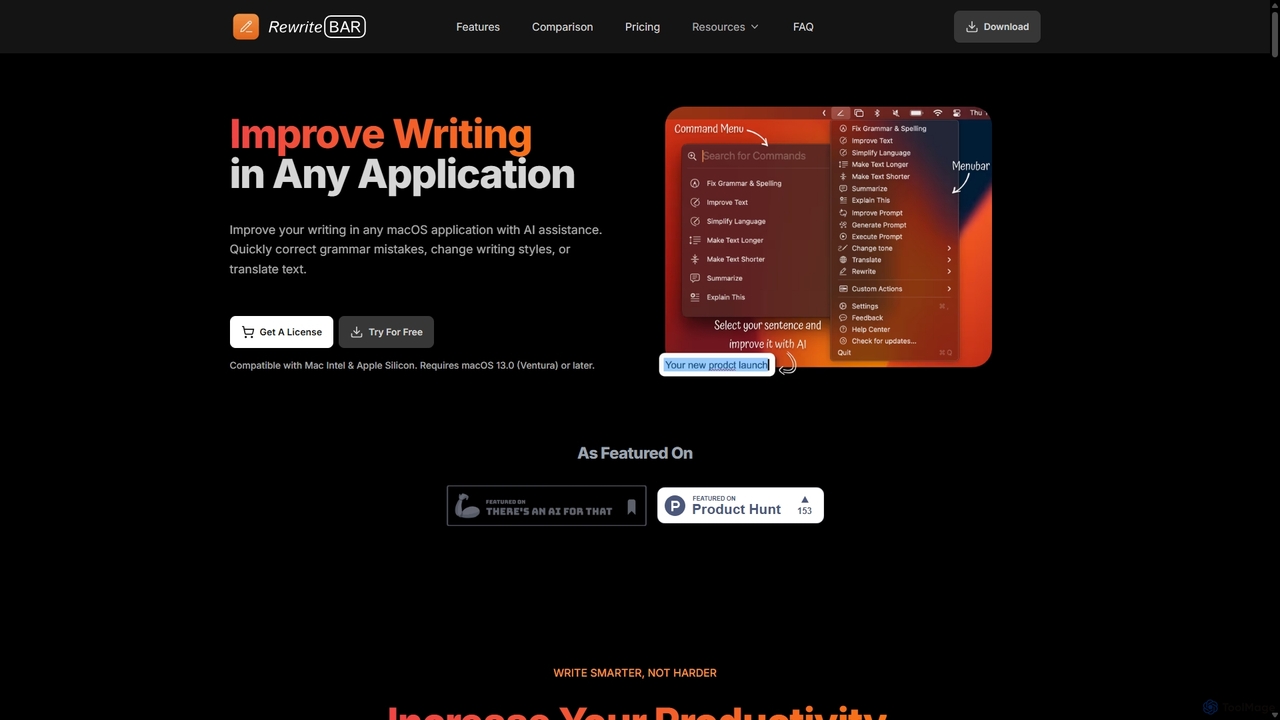
RewriteBar
RewriteBar is a native macOS menu bar app that acts as your personal AI writing assistant. It works seamlessly across all applications, allowing you to instantly correct grammar, change tone, translate text, summarize content, and more with a simple keyboard shortcut. It supports over 12 AI providers, including local models for ultimate privacy, offering a powerful and flexible writing enhancement experience.
Code Assistant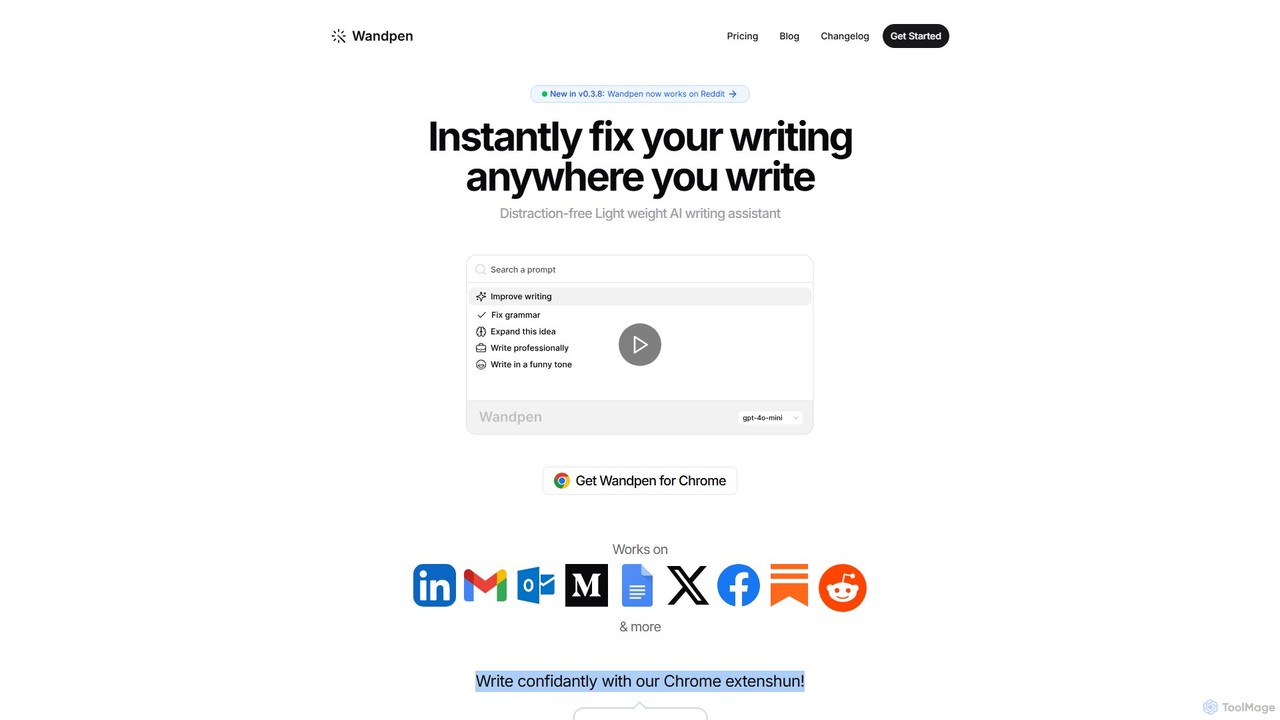
Wandpen
Wandpen is a lightweight AI writing assistant for Chrome that seamlessly integrates into your workflow. It allows you to instantly fix grammar, rewrite text, and brainstorm ideas directly on any website, including Google Docs, Reddit, and LinkedIn. By eliminating the need to switch tabs, Wandpen boosts your productivity and writing confidence using powerful AI models like GPT-4o, Claude 3.5, and Gemini.
Chrome Extensions
cmd_c Comments (0)
Sign in to comment.
Sign inNo comments yet.