ToolMage
Sign in

Best 4 Text Editing AI tools for Utilities

Popular Text Editing AI tools in Utilities include NotesCmdr, cmd_c, GrammarBot, and WizBoard, helping you work more efficiently.

WizBoard
Freemium

WizBoard

WizBoard is a revolutionary AI keyboard and chat app that integrates powerful text transformation tools, called 'Spells', directly into your mobile typing experience. Boost your productivity by writing emails, analyzing documents, translating text, and posting on social media without ever switching apps. Customize your own AI assistants and access a vast library of pre-built functions for any scenario.

Keyboard
Visits 10.3KFavorites 193Likes 191
NotesCmdr
Paid

NotesCmdr

NotesCmdr is a powerful macOS extension designed to supercharge the native Apple Notes app. It enhances your note-taking workflow by adding features like slash commands for rapid formatting, a dynamic template system, an inline calculator, and intuitive Markdown-style shortcuts. It's the perfect tool for students, professionals, and anyone looking to boost their productivity within the Apple ecosystem.

Note Taking
Visits 11.6KFavorites 173Likes 189
GrammarBot
Paid

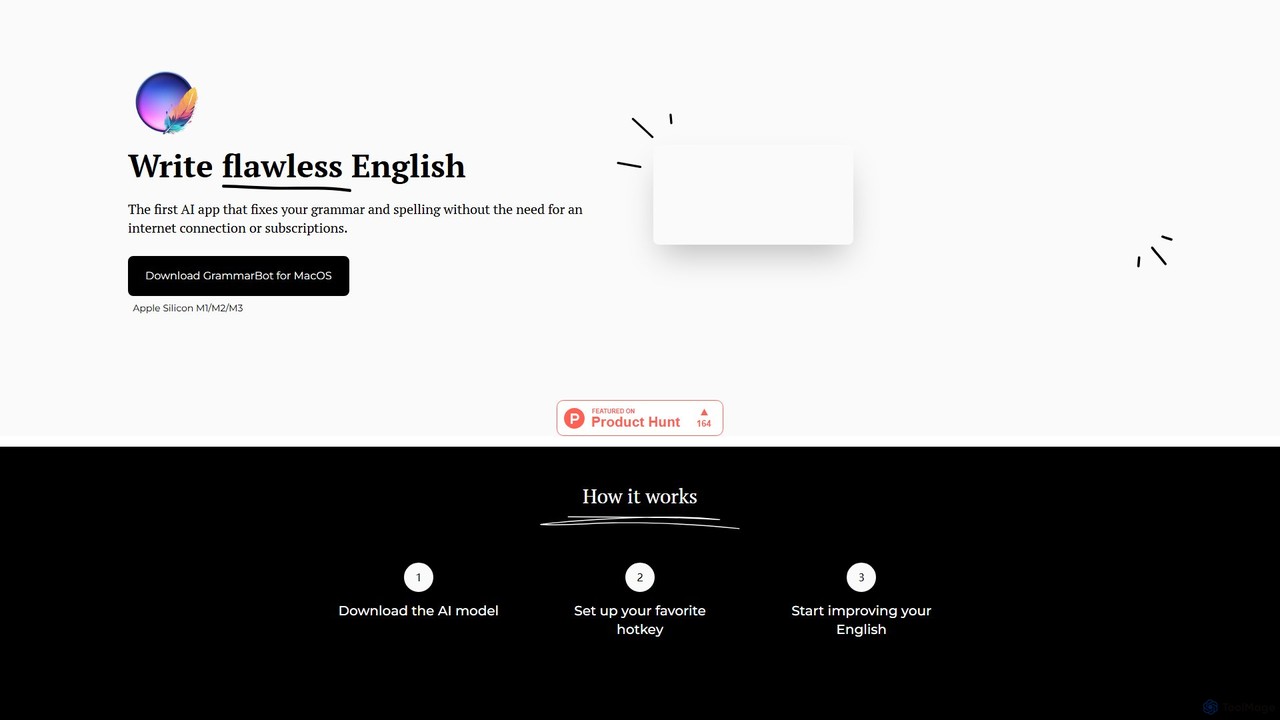
GrammarBot

GrammarBot is a privacy-focused AI grammar and spelling checker for macOS. It operates entirely offline using a local Large Language Model (LLM), ensuring your text never leaves your computer. With a simple hotkey integration, it works across all your applications. It's available for a one-time purchase, offering a lifetime license without any subscriptions.

Language Learning
Visits 10.6KFavorites 184Likes 198
cmd_c
Freemium

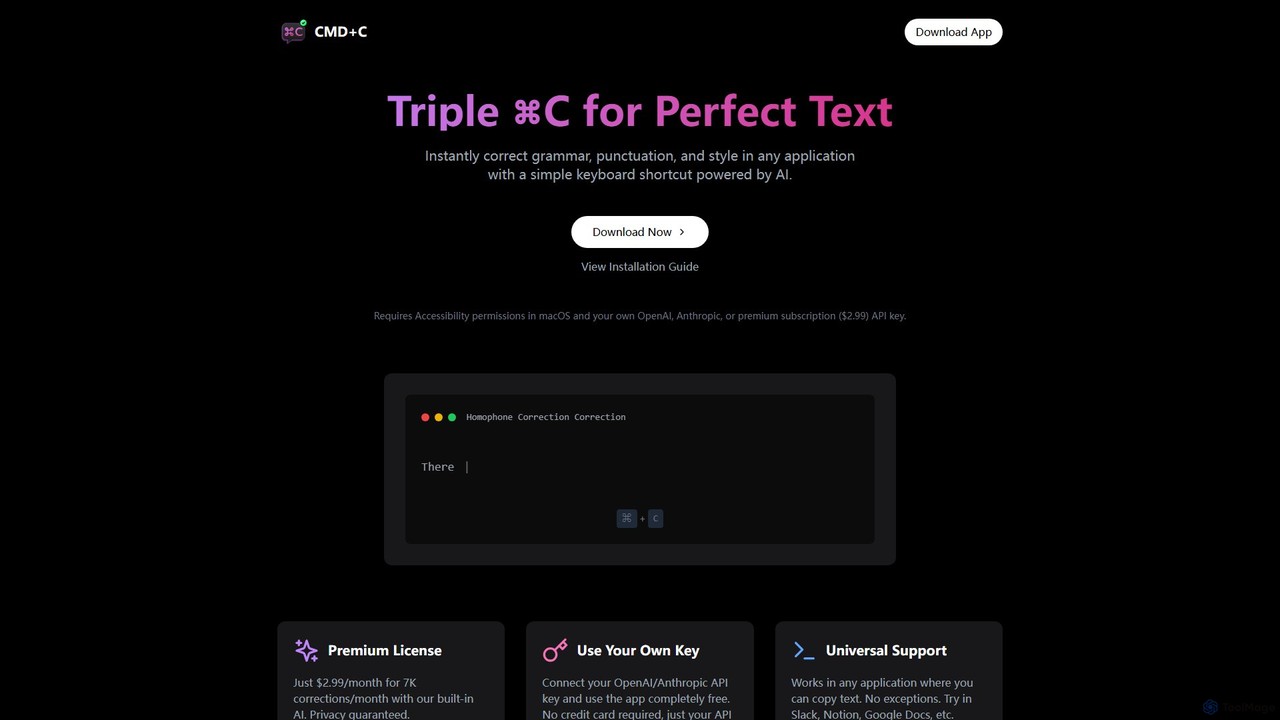
cmd_c

A native macOS app that provides instant, AI-powered text correction for grammar, punctuation, and style in any application. Simply select text and press Command+C three times to perfect your writing. It works universally and offers a free plan using your own API key or a premium subscription.

Proofreading
Visits 10.8KFavorites 163Likes 168

About Text Editing

Text Editing AI tools are specialized utilities that enhance and refine written content using artificial intelligence. These tools leverage advanced Natural Language Processing (NLP) models to analyze, correct, and optimize text for clarity, style, grammar, and tone. They empower writers, marketers, and professionals to produce high-quality, impactful communication efficiently, streamlining the revision process.

Core Features

  • Grammar and Spelling Correction: Automatically identifies and corrects grammatical errors, punctuation mistakes, and spelling inaccuracies.
  • Style and Readability Suggestions: Provides recommendations to improve sentence structure, word choice, conciseness, and overall readability.
  • Tone Adjustment: Modifies text to match a desired tone, such as formal, informal, persuasive, or empathetic.
  • Paraphrasing and Rewriting: Offers alternative phrasings for sentences or paragraphs to improve originality or clarity.
  • Summarization: Condenses long texts into concise summaries, extracting key information and main points.

Use Cases

Content creators refine blog posts, students polish academic papers, business professionals draft emails, or marketers optimize ad copy. These tools are invaluable for anyone seeking to elevate the quality and impact of their written communication across various platforms and purposes.

How to Choose

Consider the specific editing needs (grammar, style, tone, summarization), supported languages, integration with existing writing workflows (e.g., browser extensions, document editors), accuracy of suggestions, and pricing models. Evaluate the tool's ability to handle complex texts and provide actionable, context-aware feedback for optimal results.

Text Editing use cases

1

Refining Marketing Copy for Campaigns

Marketing specialists utilize AI text editing tools to optimize ad headlines, social media posts, and website copy for clarity, conciseness, and persuasive tone. By analyzing the text for engagement potential and suggesting improvements, these tools ensure marketing messages resonate with the target audience, leading to maximum engagement and conversion rates.

2

Polishing Academic Papers and Essays

Students and researchers leverage AI text editing tools to check grammar, improve sentence structure, and enhance the overall academic style of essays, theses, and research papers. These tools help ensure professional presentation, adherence to academic conventions, and clarity of complex ideas, significantly reducing the time spent on manual proofreading.

3

Drafting Professional Emails and Communications

Business professionals utilize AI text editors to ensure emails, reports, and internal communications are clear, grammatically correct, and convey the intended professional tone. By catching subtle errors and suggesting more impactful phrasing, these tools save time on manual proofreading and significantly improve the effectiveness and clarity of daily business interactions.

4

Enhancing Blog Post Readability and Engagement

Content writers employ AI tools to analyze blog posts for readability, suggest improvements in flow and structure, and ensure a consistent tone throughout the article. This process makes content more engaging and accessible to a wider audience, improving SEO performance and reader retention by delivering polished, easy-to-digest information.

5

Adapting Text for Different Audiences and Cultures

Global content teams and translators use AI text editing to adjust the tone and style of translated or localized content to better resonate with specific cultural nuances and target demographics. This ensures that messages are not only grammatically correct but also culturally appropriate and impactful, enhancing global communication effectiveness.

6

Summarizing Long Documents and Reports

Professionals in various fields use the summarization features of AI text editing tools to quickly grasp the main points of lengthy reports, articles, or meeting transcripts. This capability significantly improves information processing and decision-making speed, allowing users to extract core insights without reading every detail, thus boosting productivity.

Text Editing FAQ

What are AI Text Editing tools?

AI Text Editing tools are software applications that use artificial intelligence, particularly natural language processing (NLP), to assist users in improving written content. They go beyond basic spell-checkers by offering advanced grammar corrections, style suggestions, tone adjustments, and even content rephrasing to enhance clarity, impact, and overall quality of text.

How do AI Text Editing tools differ from general AI Writing Assistants?

While both use AI, Text Editing tools primarily focus on refining and optimizing *existing* text for grammar, style, and clarity. AI Writing Assistants, on the other hand, are designed to *generate* new content from prompts, outlines, or keywords. Text editing is about polishing and perfecting, while writing assistants are about creation and ideation.

What are the main benefits of using AI Text Editing tools?

The primary benefits include significantly improving the quality and professionalism of written communication, saving time on manual proofreading and editing, ensuring consistency in style and tone across documents, and helping users learn to write more effectively. They can catch subtle errors and suggest stylistic improvements that human eyes might miss, leading to more impactful and error-free content.

Who can benefit most from using AI Text Editing tools?

A wide range of users can benefit, including content creators, marketers, students, academics, business professionals, and anyone who regularly produces written content. They are particularly valuable for non-native speakers, those with dyslexia, or individuals looking to elevate their writing to a professional standard, ensuring clarity and impact in all their communications.

What should I consider when choosing an AI Text Editing tool?

Key considerations include the accuracy and comprehensiveness of its grammar and style checks, the range of features (e.g., tone adjustment, summarization, paraphrasing), supported languages, integration capabilities with your preferred writing platforms, user-friendliness, and pricing structure. Look for tools that offer context-aware suggestions rather than generic rules, and align with your specific workflow needs.

Can AI Text Editing tools help with creative writing?

While primarily focused on refinement, AI text editing tools can indirectly assist creative writers. They can help ensure grammatical correctness, suggest alternative phrasing for clarity or impact, and even adjust the tone to match a specific narrative voice. This allows creative writers to focus more on their ideas and less on technical errors, enhancing the overall quality of their storytelling.