

NotesCmdr Overview
NotesCmdr is a specialized productivity tool for macOS, developed by The Smallest Application Lab, designed to unlock the full potential of the native Apple Notes application. While Apple Notes is praised for its simplicity and seamless iCloud integration, power users often find themselves limited by its basic formatting options and lack of automation. NotesCmdr bridges this gap by introducing a suite of advanced features that integrate directly into your existing workflow, transforming Apple Notes into a more powerful and efficient environment for capturing and organizing information.
The core philosophy of NotesCmdr is to minimize friction and maximize speed. By bringing familiar concepts from modern code editors and productivity apps—like slash commands and Markdown support—to Apple Notes, it allows users to format text, insert complex elements, and manage recurring documents without ever taking their hands off the keyboard. This makes it an indispensable utility for anyone who relies on Apple Notes for professional work, academic research, or personal organization.
How to use NotesCmdr
Getting started with NotesCmdr is straightforward. After purchasing and downloading the application, you'll need to grant it Accessibility permissions in your macOS System Settings, which allows it to interact with the Apple Notes app. Once enabled, NotesCmdr runs quietly in the background, and you'll see its menu icon in the macOS menu bar whenever Apple Notes is the active window. From there, you can immediately start using its powerful features:
- Slash Commands: Simply type a forward slash (
/) in a note to bring up a command menu. You can type to filter commands like/h1(for a title),/todo(for a checklist), or/table. Pressing Enter or Tab will execute the selected command instantly. - Templates: To use templates, first create a new folder named "Templates" within your Apple Notes. Any note you save in this folder becomes a reusable template. In any other note, type
/templateand select the one you want to insert. NotesCmdr even supports dynamic keywords like/dateor/today, which are automatically replaced with the current date upon insertion. - Inline Calculator: For quick calculations, type out a mathematical expression (e.g.,
(19.99 * 3) + 7.50) and then type/calcimmediately after it. NotesCmdr will replace the expression with its calculated result. - Markdown Shortcuts: At the beginning of a new line, use common Markdown syntax for instant formatting. For example, typing
#followed by a space creates a title,##creates a header,[]creates a to-do item, and*or-creates a bulleted list.
Core Features of NotesCmdr
- Comprehensive Slash Commands: Access a wide array of formatting and insertion options with a single keystroke. Create titles, headers, subheadings, bold text, monospaced code blocks, various list types (bulleted, dashed, numbered), checklists, tables, and links without using the mouse.
- Dynamic Template System (Beta): Automate the creation of recurring documents. Perfect for meeting minutes, project briefs, daily journals, or any structured note. The system supports dynamic keywords for dates, making templates even more powerful.
- Integrated Inline Calculator: Perform basic arithmetic directly within your notes. Ideal for budgeting, expense tracking, technical calculations, or creating shopping lists without switching to a separate calculator app.
- Markdown-Style Text Formatting: Leverage the speed of Markdown for structuring your documents. Use familiar shortcuts for headings, checklists, and code blocks for a faster, keyboard-centric writing experience.
- Seamless macOS Integration: NotesCmdr is built exclusively for macOS and integrates perfectly with the Apple Notes app. It feels like a native feature, running efficiently in the background and activating only when you need it.
Use Cases for NotesCmdr
NotesCmdr is versatile and benefits a wide range of users:
- Students and Academics: Quickly structure lecture notes with headers and lists. Create templates for research papers, bibliographies, and study guides. Use the calculator for problem sets.
- Developers and Project Managers: Draft technical documentation using Markdown for code blocks. Use templates for meeting agendas, sprint planning notes, and bug reports. Manage action items with fast checklist creation.
- Writers and Content Creators: Outline articles and blog posts with structured headings. Create content templates to maintain a consistent format. Focus on writing without being distracted by formatting menus.
- Business Professionals: Prepare for meetings by quickly inserting a pre-defined agenda template. Capture action items as a checklist during calls. Calculate budget figures or sales commissions on the fly.
- Personal Productivity Enthusiasts: Manage daily to-do lists, create journal templates, plan trips with checklists, and track personal finances with the inline calculator.
Advantages of NotesCmdr
The primary advantage of NotesCmdr is the significant boost in efficiency it provides to Apple Notes users. It automates repetitive formatting tasks, saving time and reducing cognitive load. By enabling a keyboard-first workflow, it helps users stay in the flow of writing and thinking. The template feature promotes consistency and standardization for recurring tasks, while the calculator and Markdown support add layers of functionality that are sorely missing from the default Notes experience. It's a lightweight yet powerful tool that enhances an app you already use every day.
Pricing and Plans
NotesCmdr is offered as a one-time purchase. It is a paid application, and there is no free trial available. After purchasing, you will receive an email with a link to download the app. This model ensures you receive all future updates for the version you bought without recurring subscription fees.
Traffic
Latest traffic
Status
Monthly traffic trend
- 2025-9: 2.1K
- 2026-1: 1.4K
- 2026-2: 2.8K
- 2026-3: 3.3K
- 2026-4: 1.0K
- 2026-5: 1.4K
Geography
Top 5 countries / regions
- 🇺🇸United States100.0%
Top keywords
| Keyword | Cost per click |
|---|---|
| can i add a medical dictionary to mac notes app | $0.00 |
| does apple notes app have templates | $0.00 |
| iphone notes app template | $0.00 |
| notescmdr | $0.00 |
| notescmdr apple | $0.00 |
NotesCmdr Alternatives
Twos
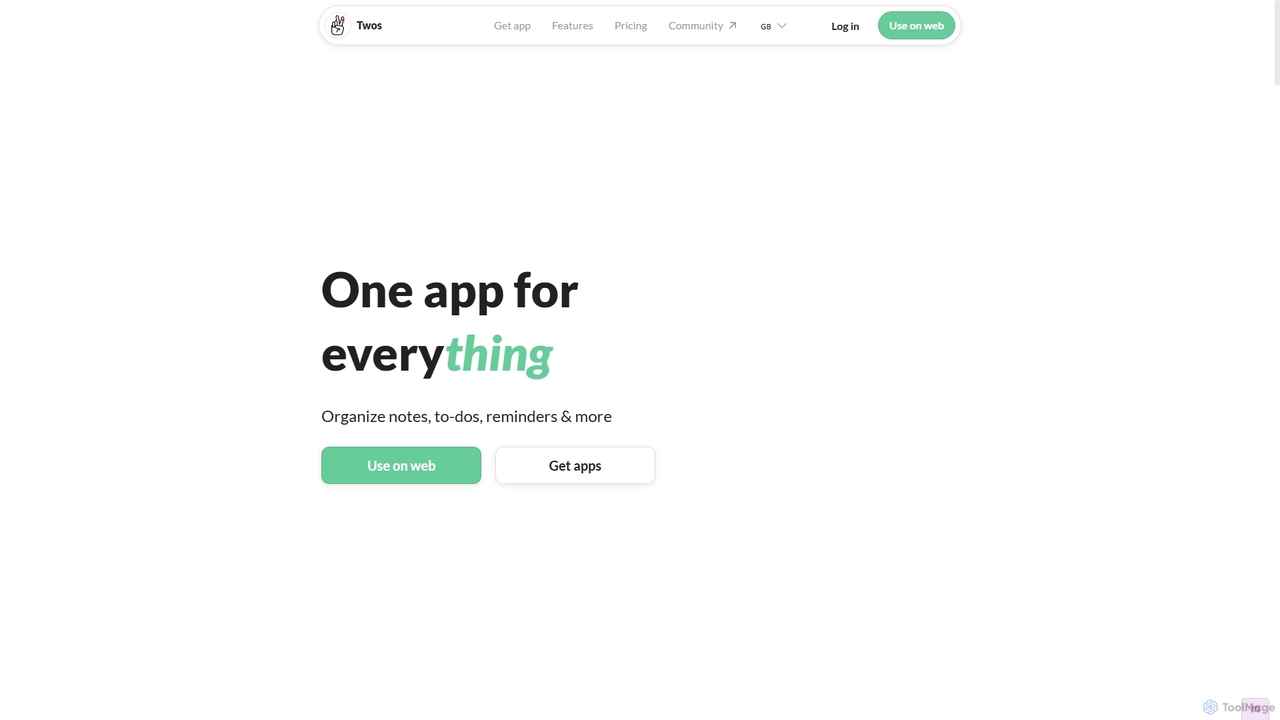
Twos is an all-in-one productivity app powered by AI that helps you organize notes, to-dos, reminders, lists, and calendar events in one simple place. Capture thoughts quickly as "things" and let the AI assistant, PALs, provide smart suggestions to help you stay organized and productive across all your devices.
Note Taking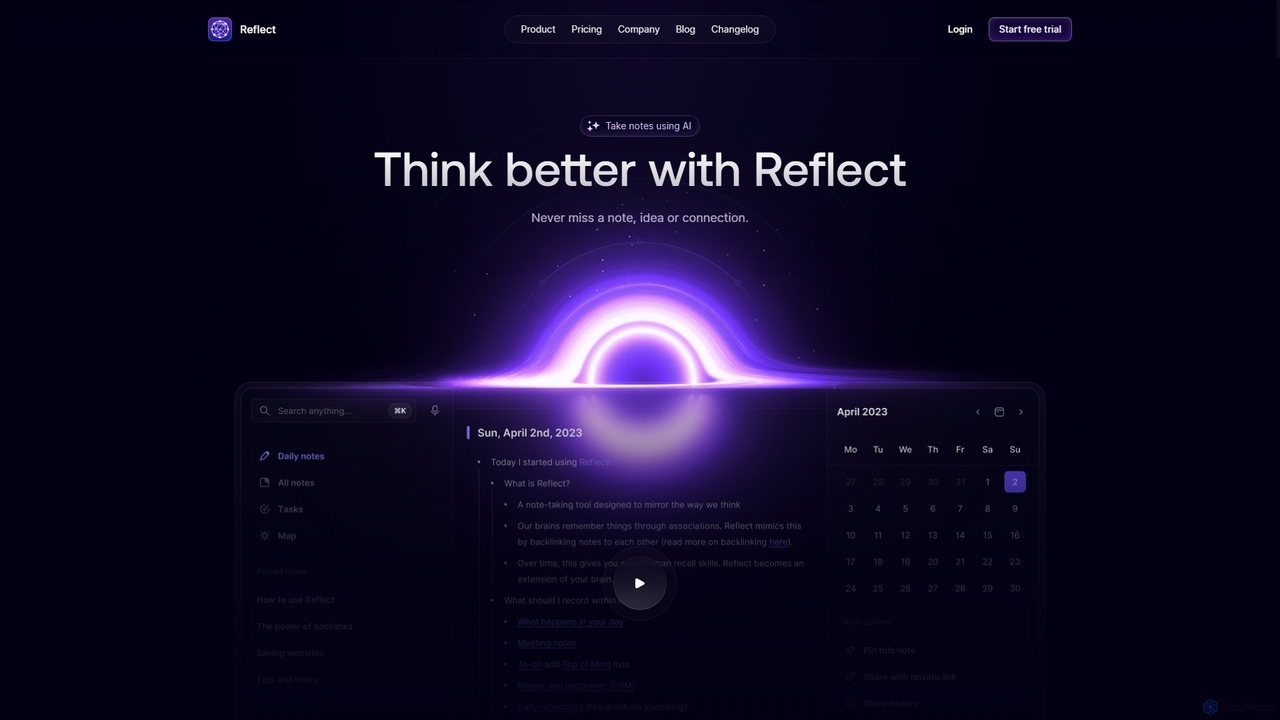
Reflect
Reflect is an AI-powered, networked note-taking app designed to help you think better. It acts as a 'second brain' by connecting your notes through backlinks, creating a graph of your ideas. With features like AI-driven transcription, summarization, end-to-end encryption, and seamless cross-device sync, it's built for speed, security, and frictionless thought capture.
Personal Assistant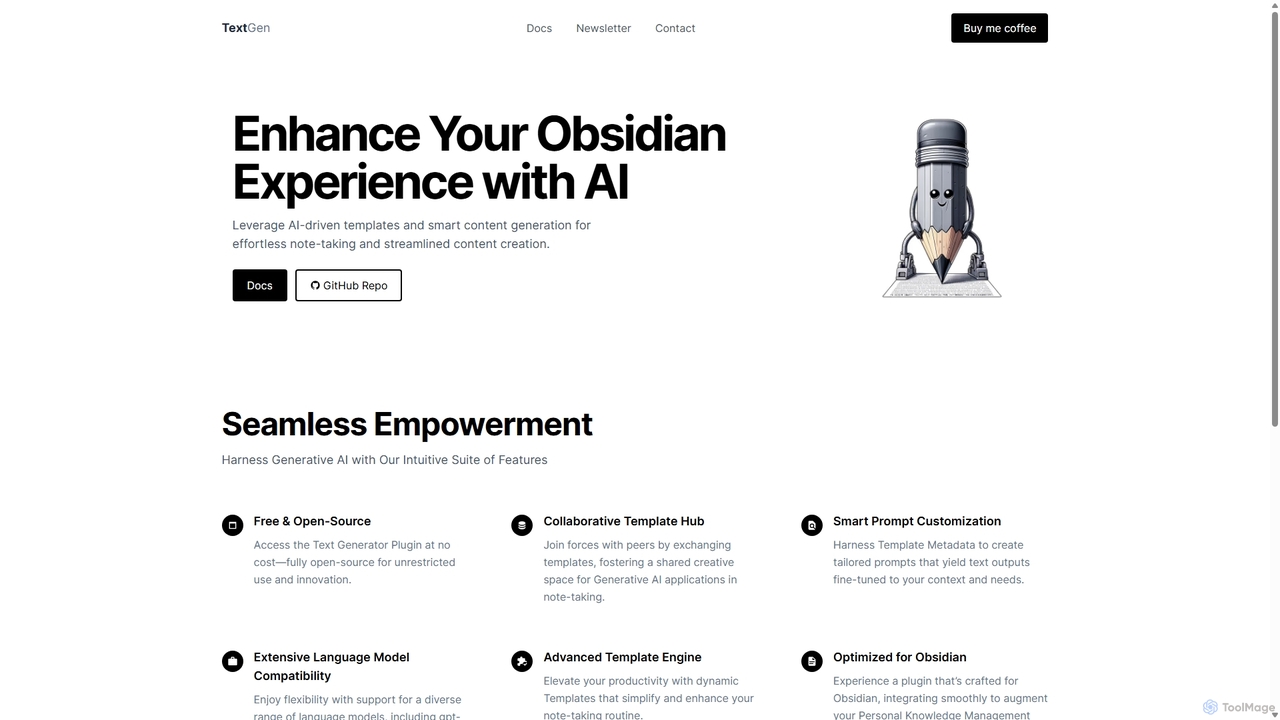
TextGen
TextGen is a free, open-source AI plugin for Obsidian that supercharges your note-taking and content creation. It integrates seamlessly with various large language models like GPT-4, Claude, and Llama, allowing you to generate, summarize, and transform text using customizable templates directly within your knowledge base.
Code Assistant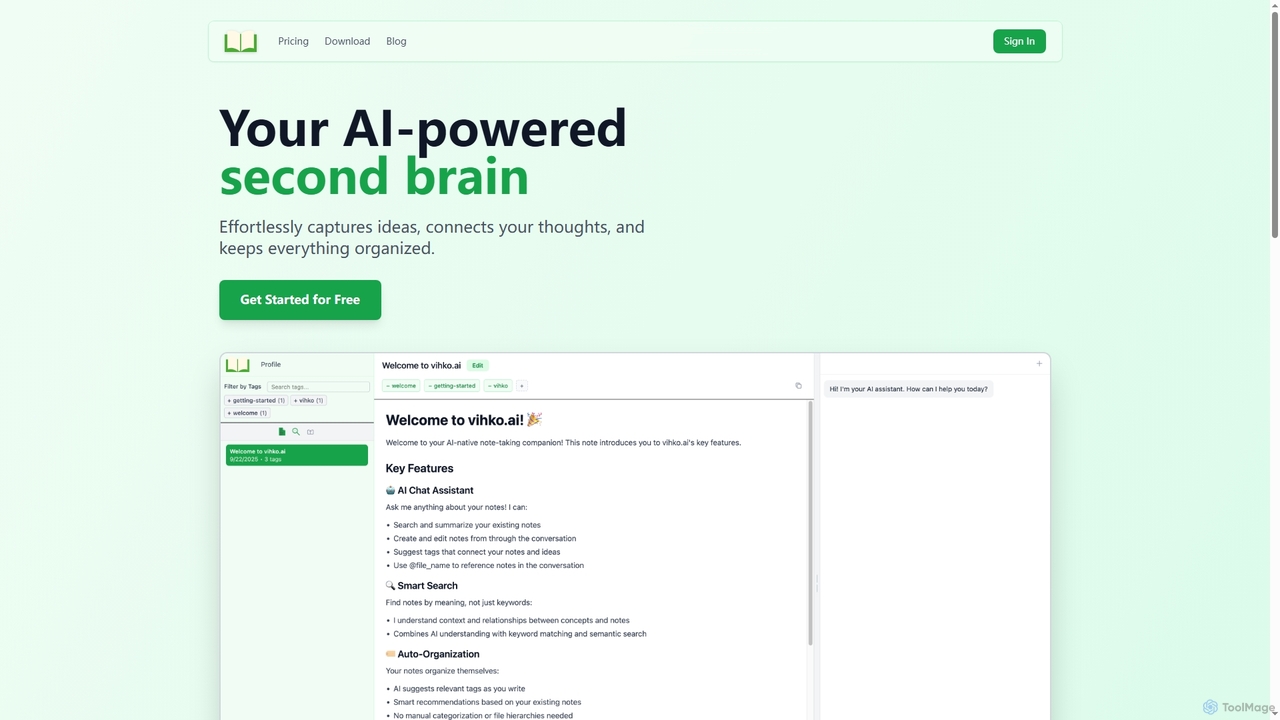
Vihko
Vihko is an AI-native note-taking application designed to function as your second brain. It seamlessly captures ideas, connects thoughts through intelligent tagging, and organizes your knowledge base with features like semantic search and an integrated AI assistant.
Prompt Engineering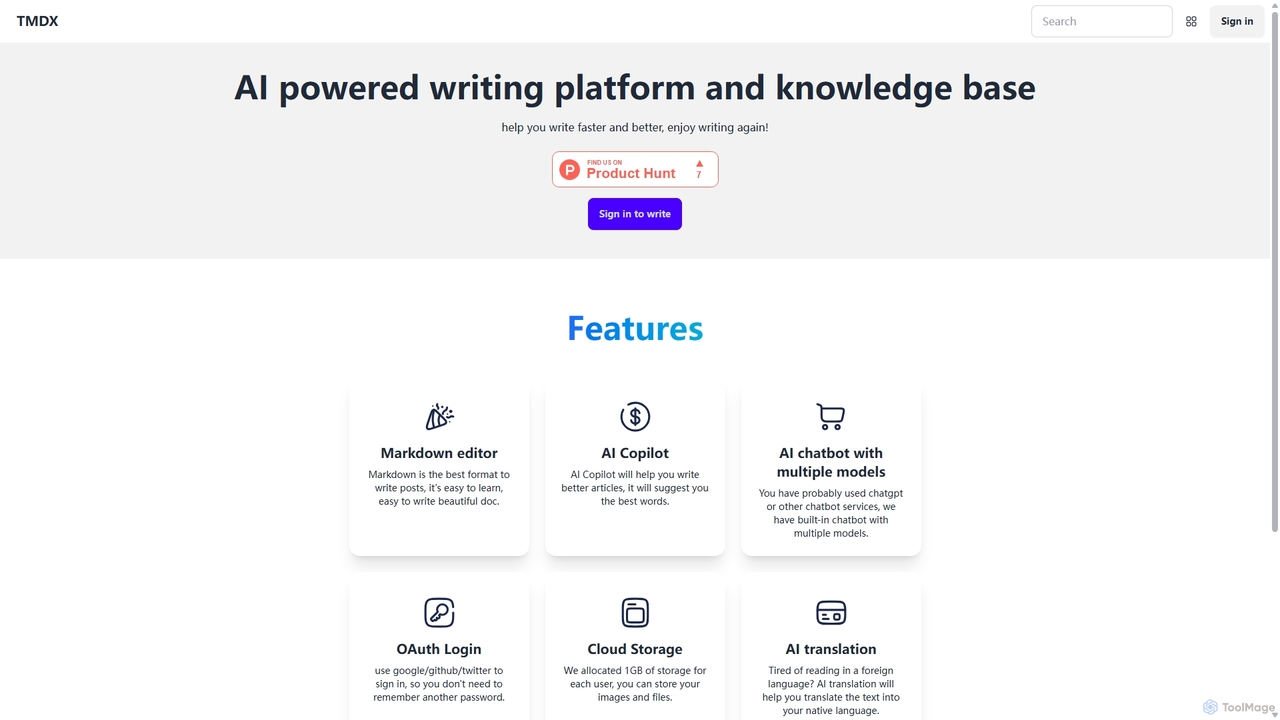
TMDX
TMDX is an AI-powered writing platform and personal knowledge base designed to enhance your writing process. It combines a clean Markdown editor with an AI Copilot for content generation, a multi-model AI chatbot for research, and built-in AI translation. With a focus on privacy, data ownership, and an ad-free experience, TMDX helps you write faster, better, and more enjoyably.
BloggingNotesCmdr Categories
NotesCmdr Jobs
NotesCmdr Embed Widget
Copy this embed code to place the badge on your blog, article, or product site and send readers directly to this ToolMage detail page.

Related AI tools
Twos
Twos is an all-in-one productivity app powered by AI that helps you organize notes, to-dos, reminders, lists, and calendar events in one simple place. Capture thoughts quickly as "things" and let the AI assistant, PALs, provide smart suggestions to help you stay organized and productive across all your devices.
Note TakingReflect
Reflect is an AI-powered, networked note-taking app designed to help you think better. It acts as a 'second brain' by connecting your notes through backlinks, creating a graph of your ideas. With features like AI-driven transcription, summarization, end-to-end encryption, and seamless cross-device sync, it's built for speed, security, and frictionless thought capture.
Personal AssistantTextGen
TextGen is a free, open-source AI plugin for Obsidian that supercharges your note-taking and content creation. It integrates seamlessly with various large language models like GPT-4, Claude, and Llama, allowing you to generate, summarize, and transform text using customizable templates directly within your knowledge base.
Code AssistantVihko
Vihko is an AI-native note-taking application designed to function as your second brain. It seamlessly captures ideas, connects thoughts through intelligent tagging, and organizes your knowledge base with features like semantic search and an integrated AI assistant.
Prompt EngineeringTMDX
TMDX is an AI-powered writing platform and personal knowledge base designed to enhance your writing process. It combines a clean Markdown editor with an AI Copilot for content generation, a multi-model AI chatbot for research, and built-in AI translation. With a focus on privacy, data ownership, and an ad-free experience, TMDX helps you write faster, better, and more enjoyably.
Blogging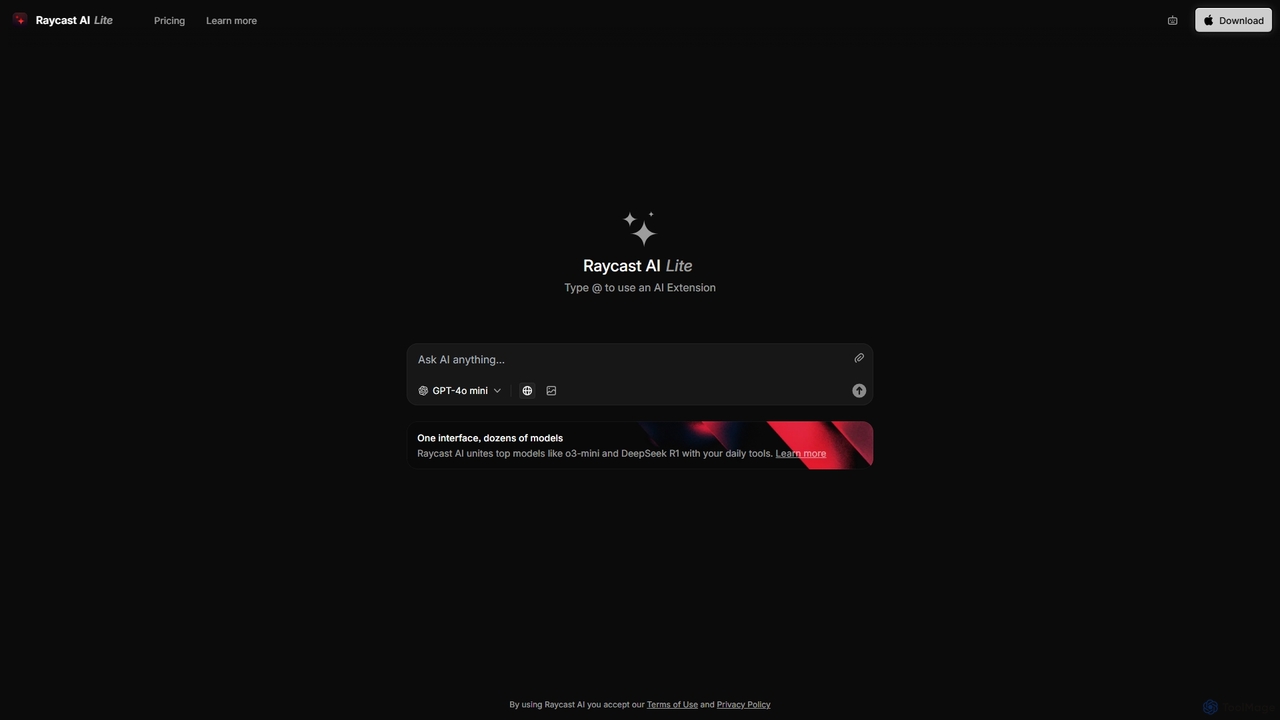
Raycast
Raycast is a blazingly fast, extensible launcher for macOS that supercharges your productivity. It acts as a central command bar to control your tools, with integrated AI, an extensive extension store, and powerful built-in features like window management and clipboard history. It's designed to reduce context switching and keep you in the flow.
Personal Assistant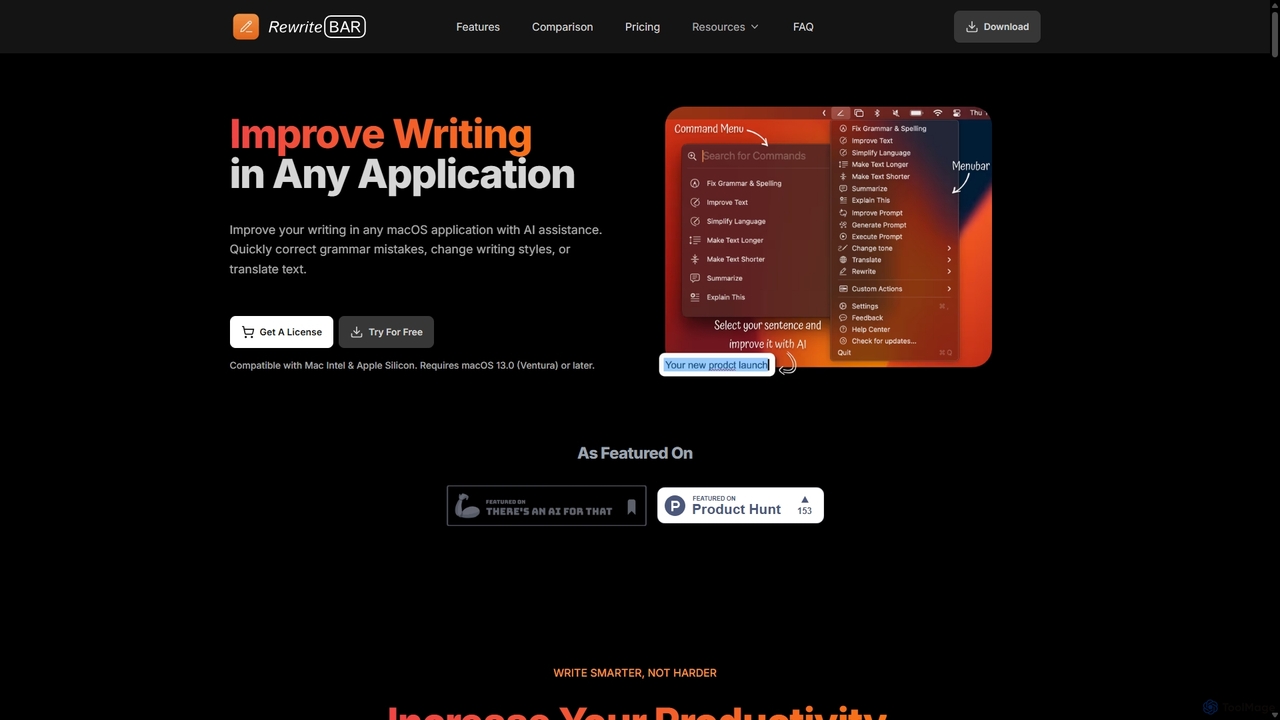
RewriteBar
RewriteBar is a native macOS menu bar app that acts as your personal AI writing assistant. It works seamlessly across all applications, allowing you to instantly correct grammar, change tone, translate text, summarize content, and more with a simple keyboard shortcut. It supports over 12 AI providers, including local models for ultimate privacy, offering a powerful and flexible writing enhancement experience.
Code Assistant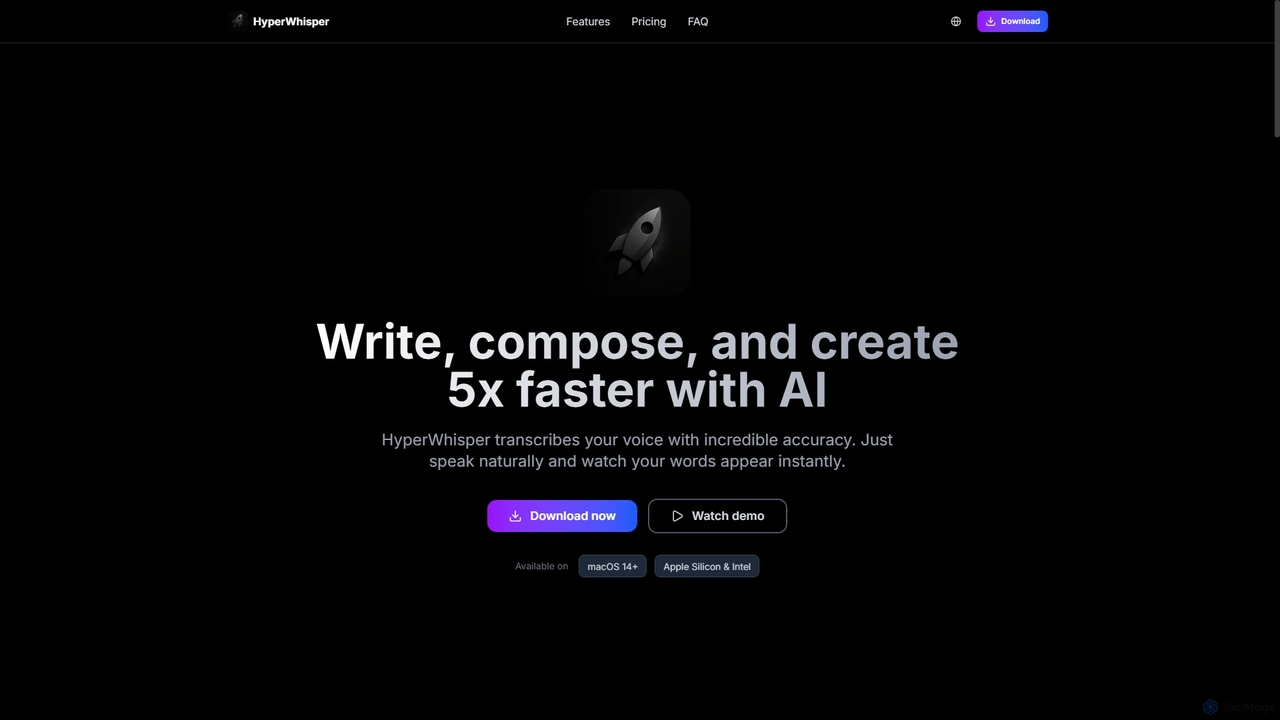
HyperWhisper
HyperWhisper is an AI-powered voice transcription application for macOS, designed to convert spoken words into text with exceptional accuracy and speed. It supports over 100 languages, offers robust offline capabilities, and prioritizes user privacy, making it ideal for professionals seeking efficient content creation and note-taking.
Coding Assistant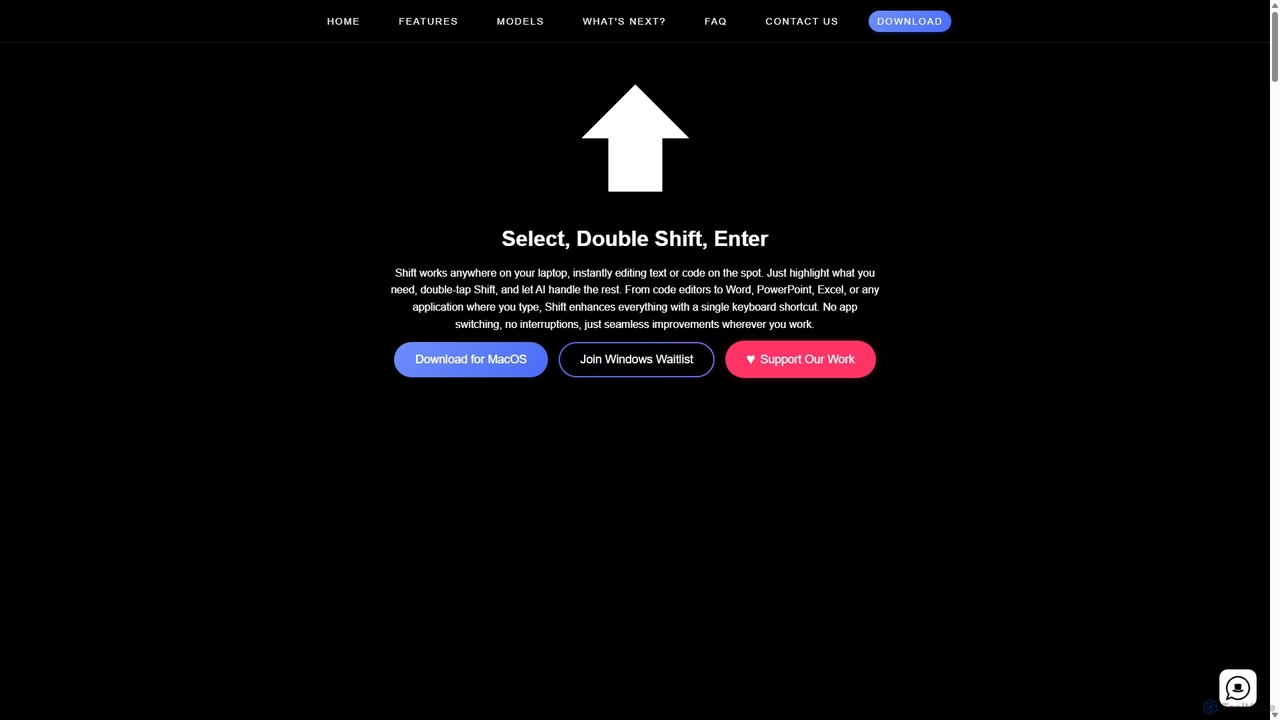
Shift
Shift is a system-wide AI assistant for macOS that enhances your workflow by allowing you to edit text and code anywhere with a simple keyboard shortcut. Just highlight text, double-tap Shift, and let the AI rewrite, debug, translate, or rephrase it instantly within any application.
Code Assistant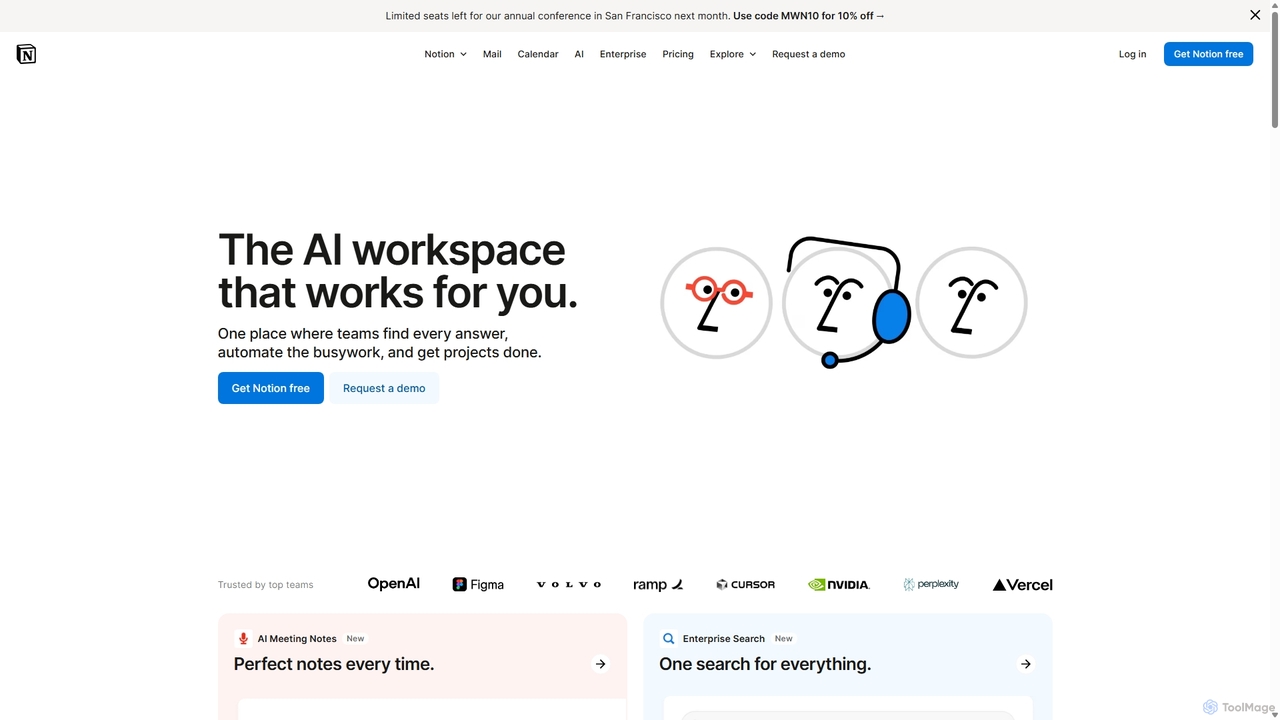
Notion
Notion is an all-in-one AI workspace that combines notes, docs, project management, and wikis into a single, highly customizable platform. It empowers teams and individuals to organize information, manage projects, and collaborate more effectively, all within a flexible, block-based editor enhanced with powerful AI capabilities.
Knowledge Management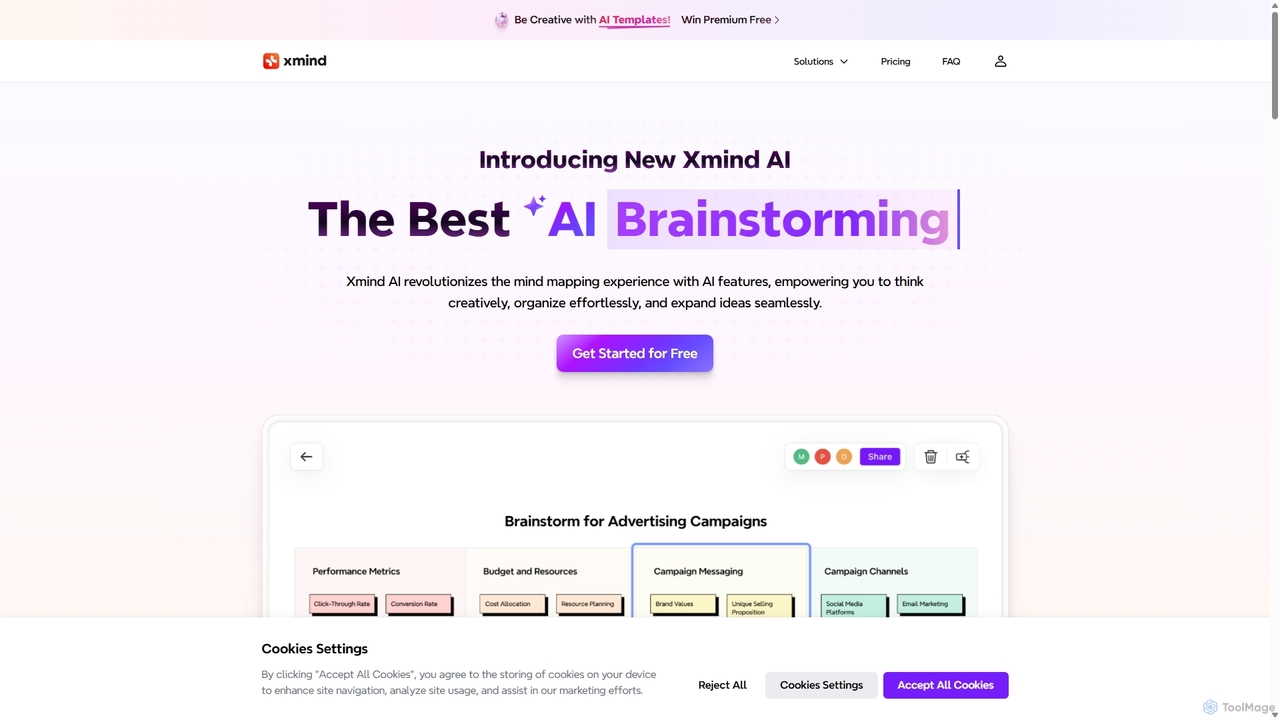
Xmind AI
Xmind AI is an advanced AI-powered mind mapping and brainstorming tool designed to enhance creativity and productivity. It helps users visualize thoughts, organize complex information, and collaborate with teams in real-time. With features like AI-driven idea generation, content summarization, and automated to-do lists, Xmind AI transforms abstract concepts into structured, actionable plans.
Teamwork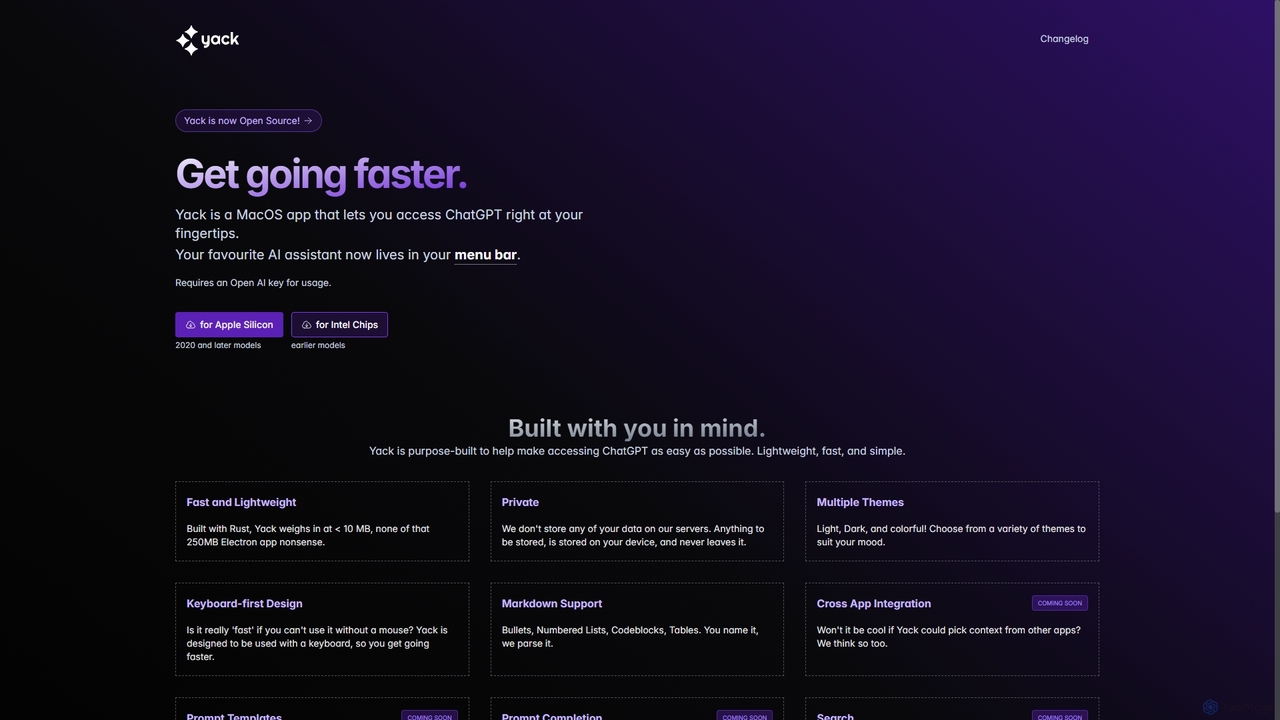
Yack
Yack is a lightweight, fast, and private open-source native macOS application that provides instant access to ChatGPT directly from your menu bar. Built with Rust, it's designed for efficiency with a keyboard-first approach, ensuring you can interact with AI without disrupting your workflow.
Api Client
Jyek
Jyek is an AI agent platform that understands objectives, creates execution plans, uses tools, and delivers verifiable results for complex, multi-step tasks.
Automation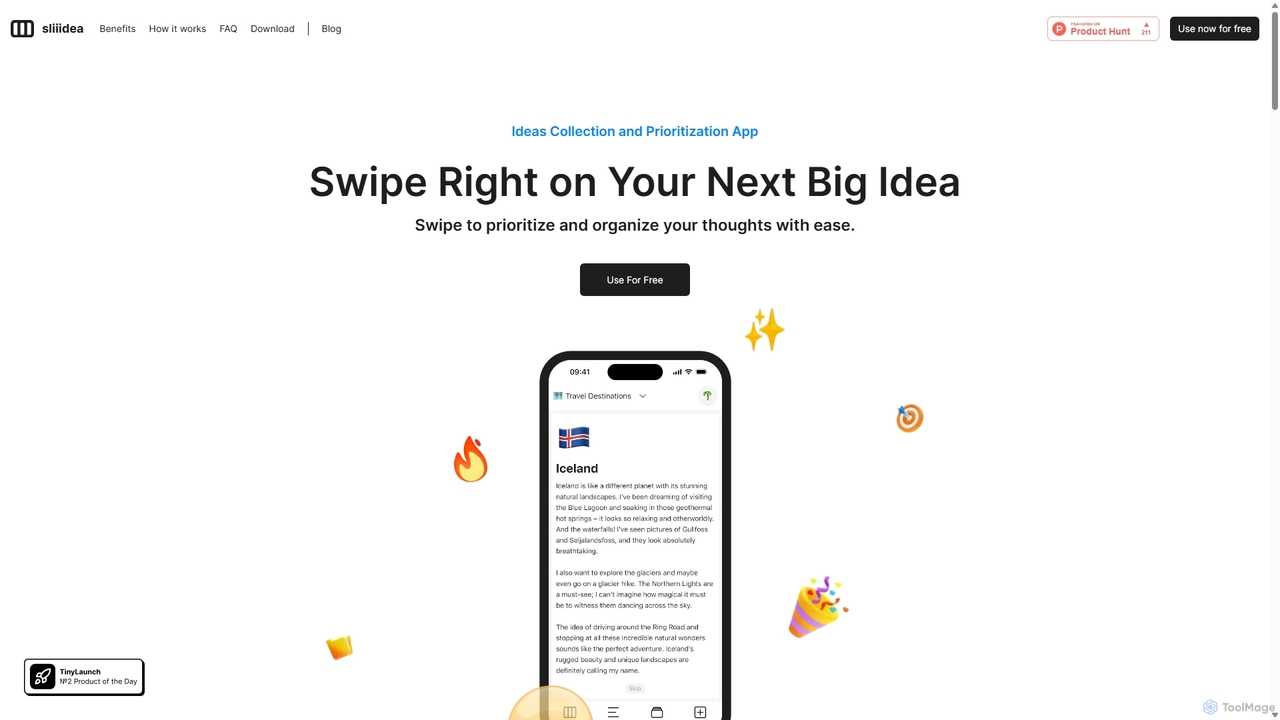
Sliiidea
Sliiidea is an innovative idea management and prioritization app designed to help you capture, evaluate, and cultivate your thoughts. Using an intuitive swipe-right/left interface, similar to dating apps, you can regularly review and rank your ideas, ensuring the best ones rise to the top. It focuses on simplicity and continuous reflection, making it easy to organize concepts, track their progress, and make better decisions. With upcoming AI features and collaboration tools, Sliiidea aims to be the ultimate hub for personal and team brainstorming.
Brainstorming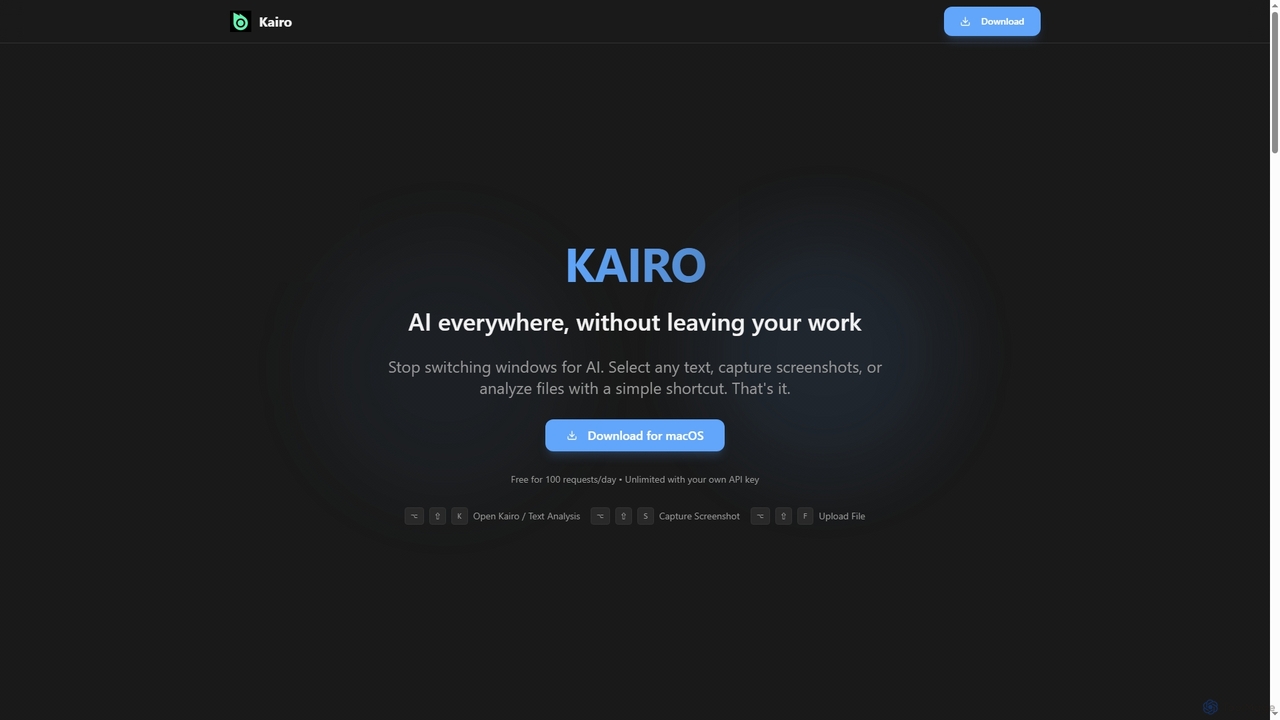
Kairo
Kairo is an AI-powered desktop assistant for macOS that integrates seamlessly into your workflow, eliminating the need to switch applications for AI tasks. It offers smart text transformation, visual analysis of screenshots, and deep analysis of files directly from any app using simple keyboard shortcuts.
Document Analysis
NotesCmdr Comments (0)
Sign in to comment.
Sign inNo comments yet.